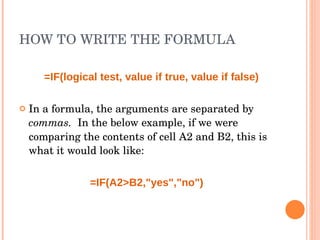
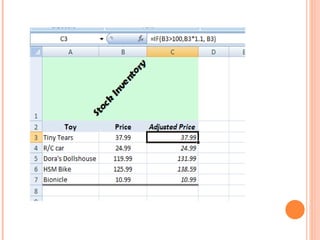
The document discusses using IF statements in Microsoft Excel to perform conditional logic and calculations. The IF function checks if a condition is true or false and returns one value if true and another if false. It has three arguments: the logical test, the value if true, and the value if false. An example shows using IF to return "yes" if cell A2 is greater than cell B2, and "no" if it is not. The document demonstrates using IF statements to perform calculations like adjusting inventory prices based on a value threshold.