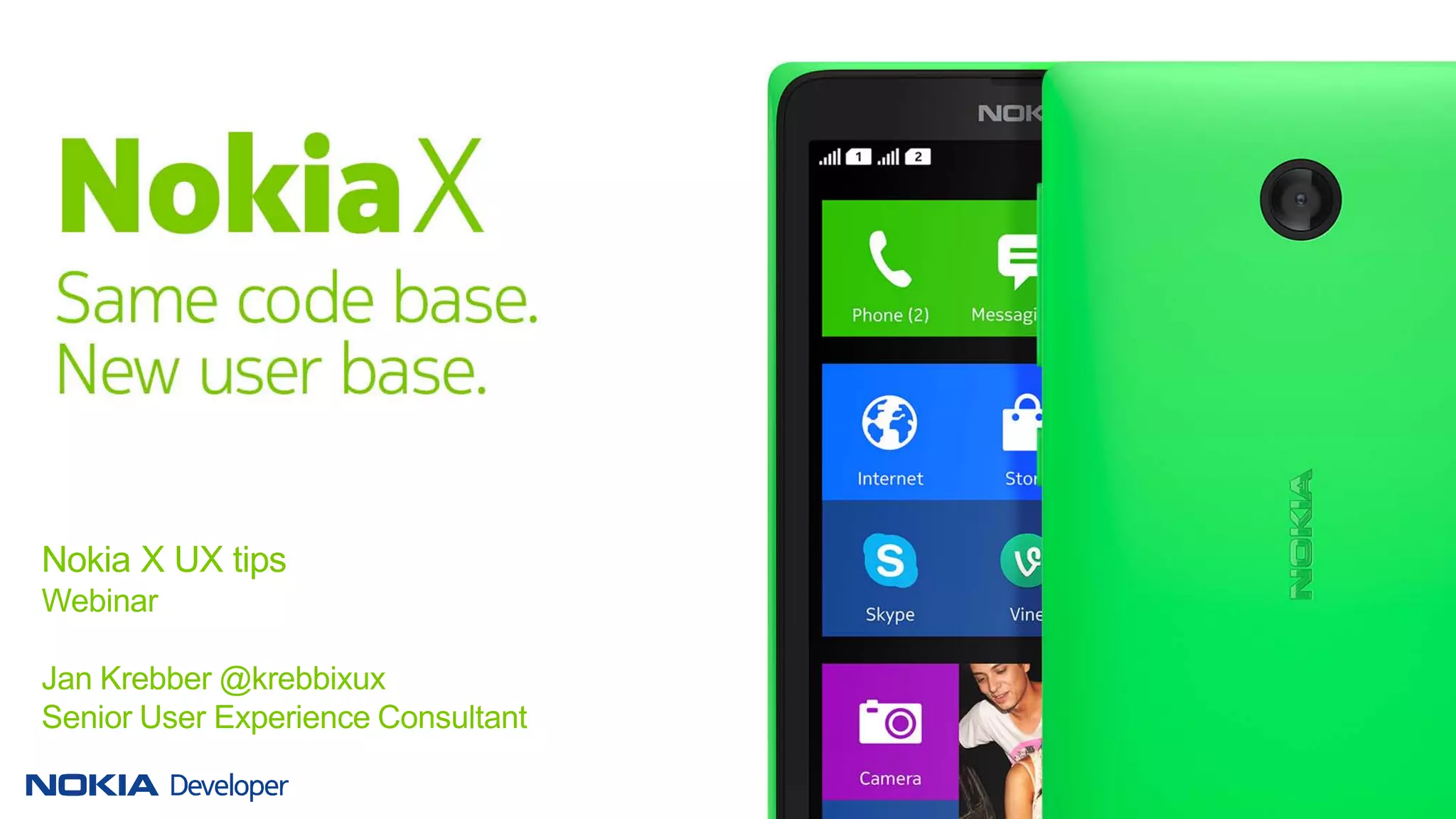
Nokia X UX tips
Webinar
Jan Krebber @krebbixux
Senior User Experience Consultant
Your app works without changes to the UI.
2 © Nokia 2014 nokia x ux porting webinar.pptx 2014-18-03 Jan Krebber @krebbixux
3 © Nokia 2014 nokia x ux porting webinar.pptx 2014-18-03 Jan Krebber @krebbixux
• UX tips
• UX offering
• Take home messages
Overview
UX tips
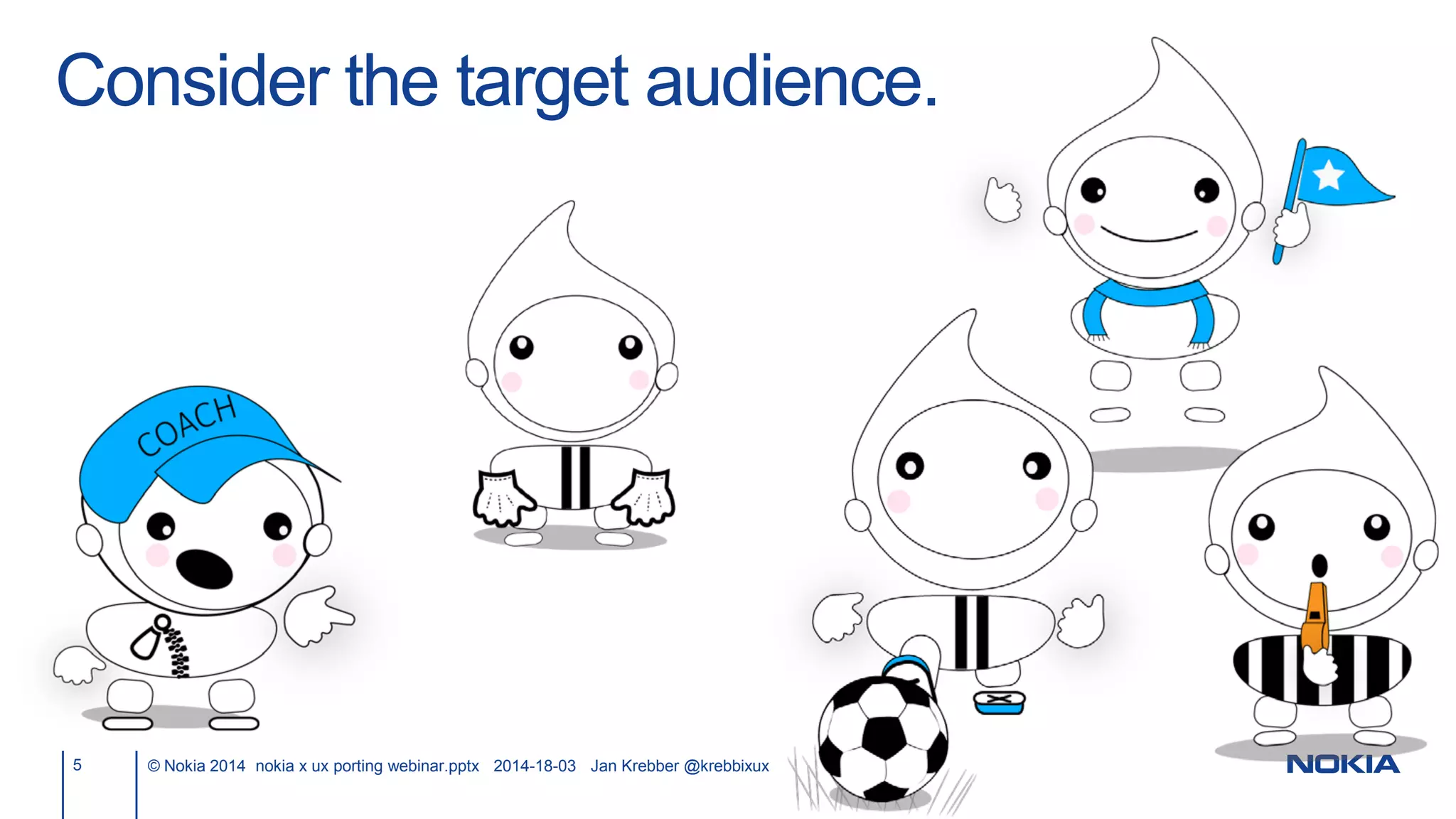
Consider the target audience.
5 © Nokia 2014 nokia x ux porting webinar.pptx 2014-18-03 Jan Krebber @krebbixux
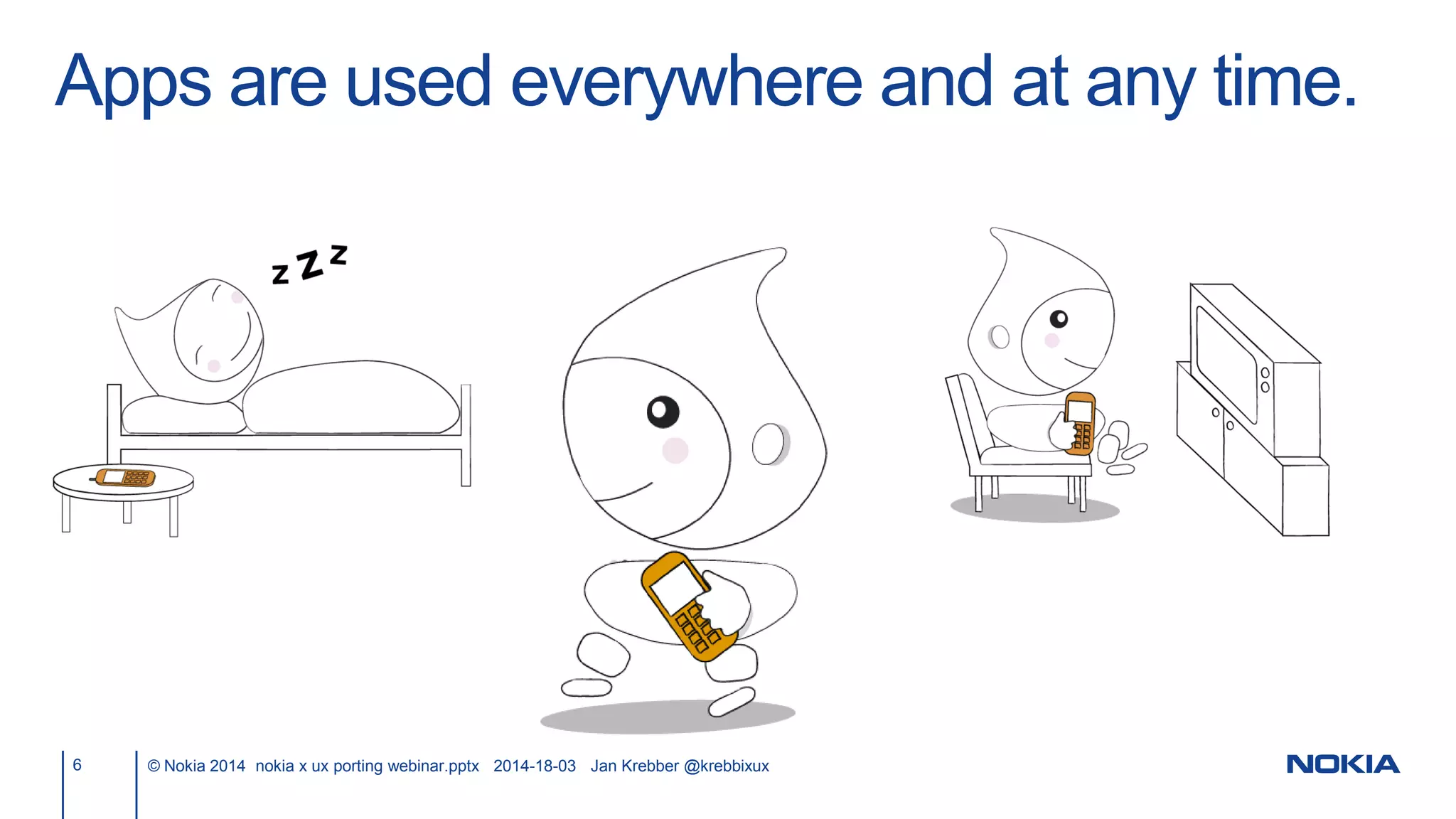
Apps are used everywhere and at any time.
6 © Nokia 2014 nokia x ux porting webinar.pptx 2014-18-03 Jan Krebber @krebbixux
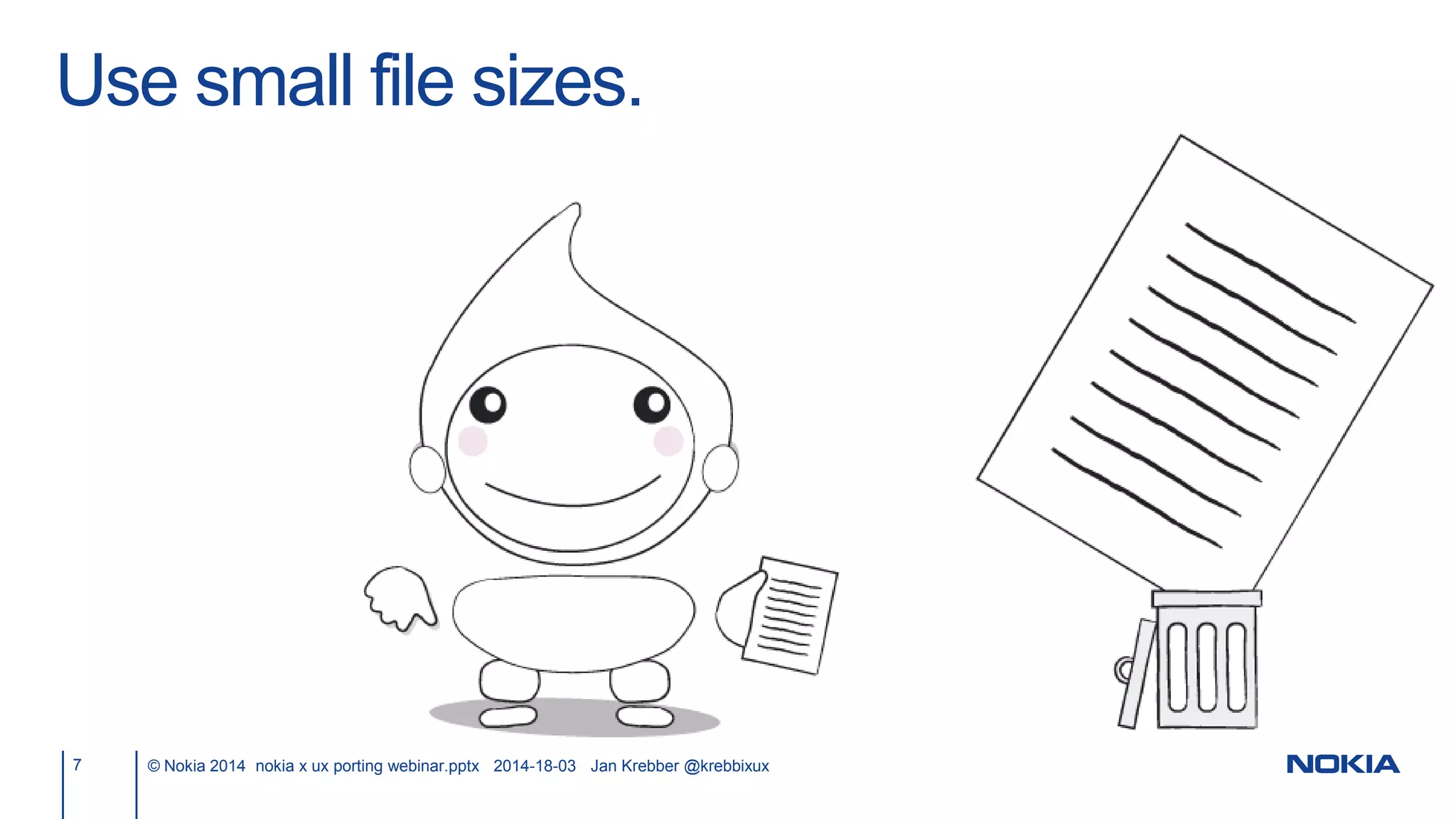
Use small file sizes.
7 © Nokia 2014 nokia x ux porting webinar.pptx 2014-18-03 Jan Krebber @krebbixux
8 © Nokia 2014 nokia x ux porting webinar.pptx 2014-18-03 Jan Krebber @krebbixux
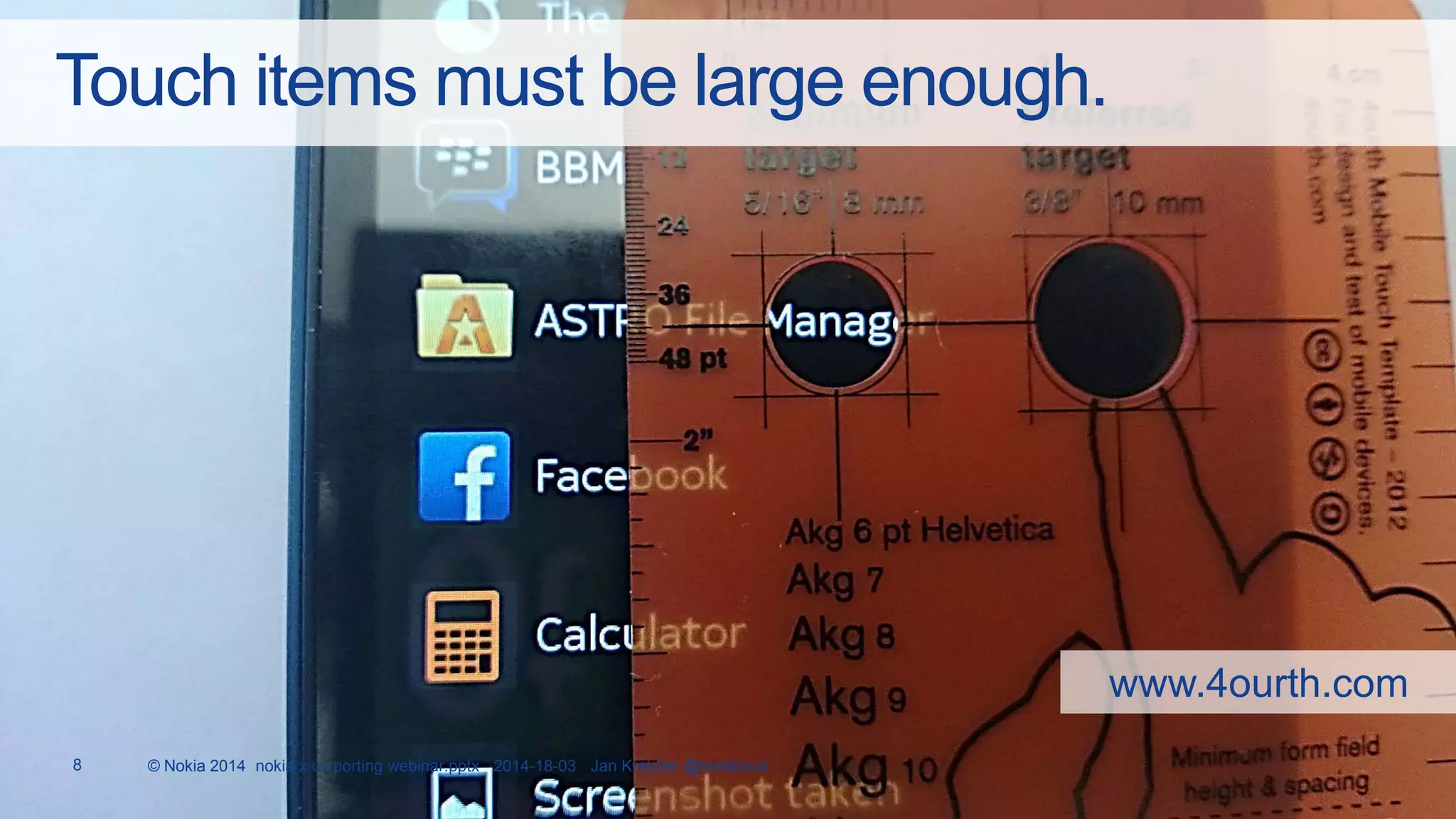
Touch items must be large enough.
www.4ourth.com
9 © Nokia 2014 nokia x ux porting webinar.pptx 2014-18-03 Jan Krebber @krebbixux
Maketextlargeenoughforreading–evenwithoutamagnifyingglass.
10 © Nokia 2014 nokia x ux porting webinar.pptx 2014-18-03 Jan Krebber @krebbixux
11 © Nokia 2014 nokia x ux porting webinar.pptx 2014-18-03 Jan Krebber @krebbixux
What did it say?
12 © Nokia 2014 nokia x ux porting webinar.pptx 2014-18-03 Jan Krebber @krebbixux
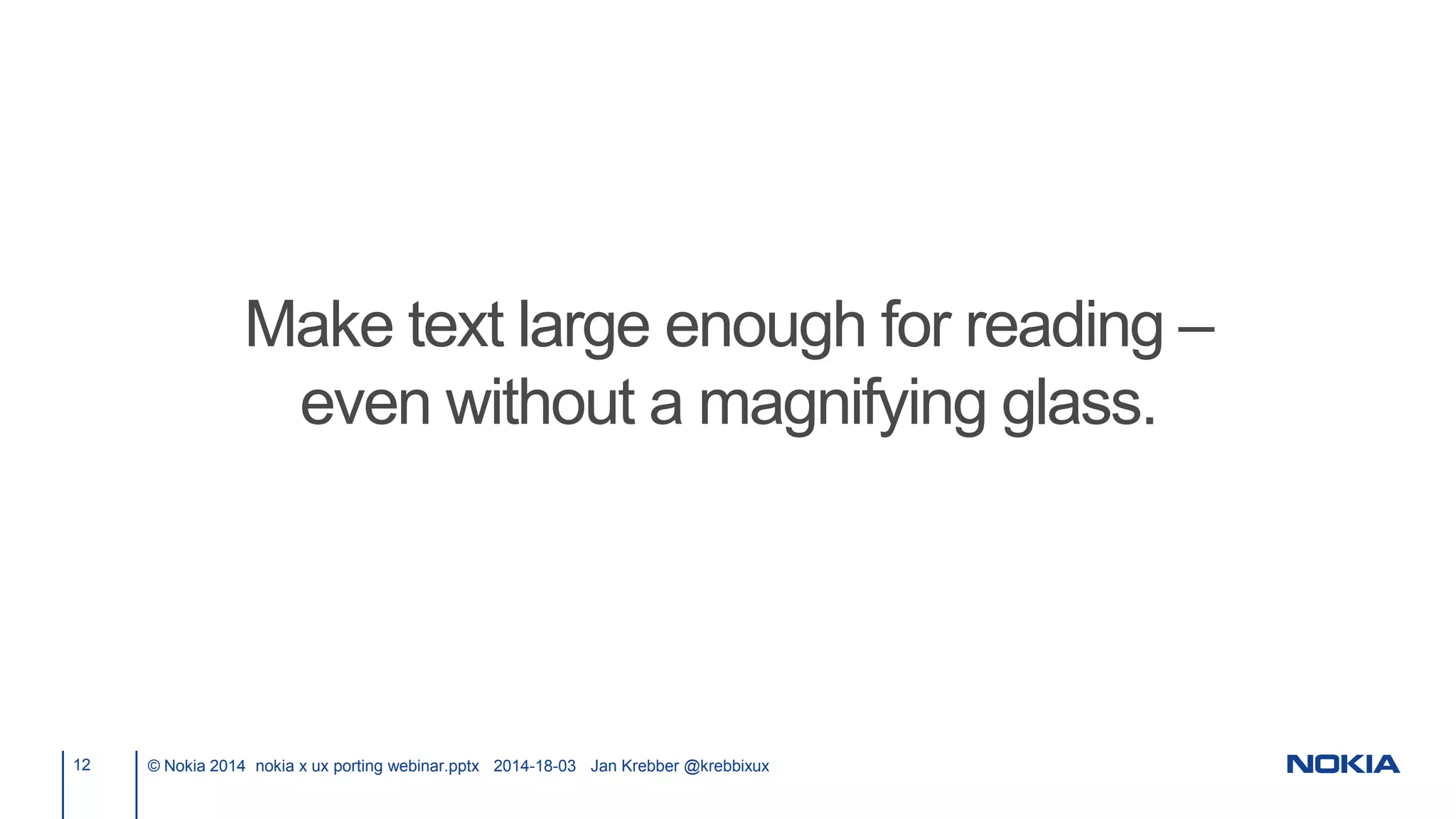
Make text large enough for reading –
even without a magnifying glass.
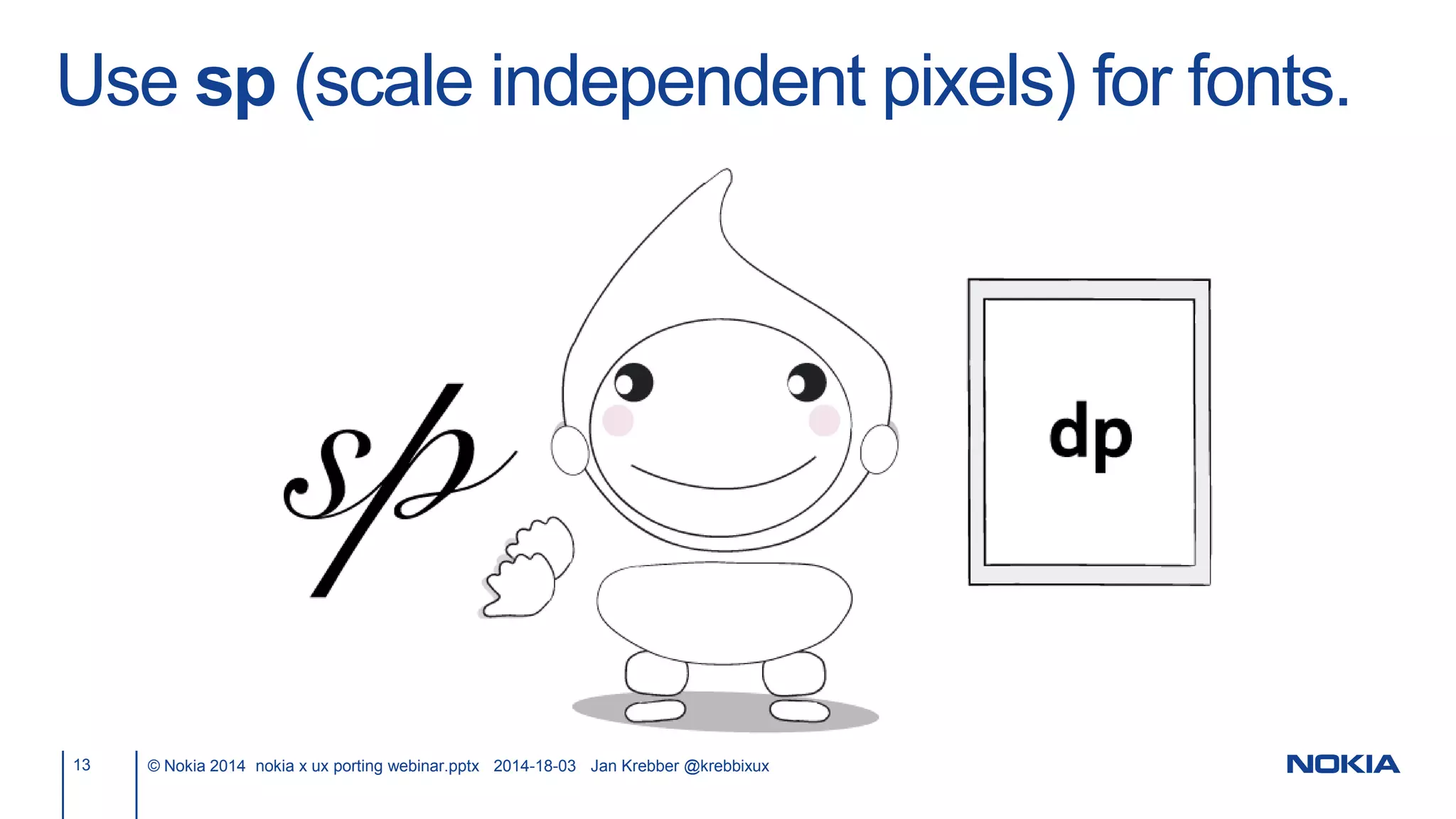
Use sp (scale independent pixels) for fonts.
13 © Nokia 2014 nokia x ux porting webinar.pptx 2014-18-03 Jan Krebber @krebbixux
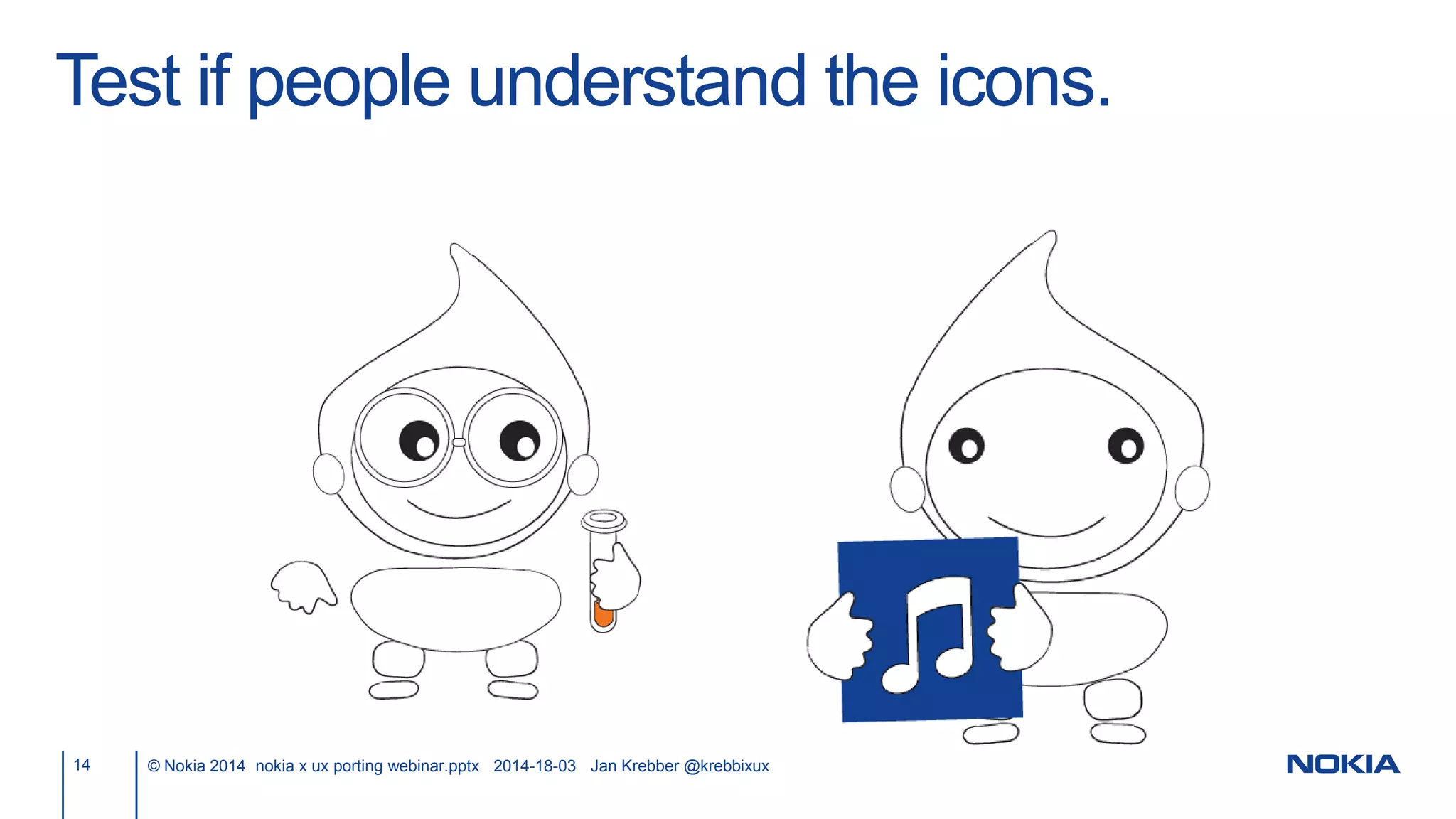
Test if people understand the icons.
14 © Nokia 2014 nokia x ux porting webinar.pptx 2014-18-03 Jan Krebber @krebbixux
Use a high contrast for fonts/icons and their
background.
15 © Nokia 2014 nokia x ux porting webinar.pptx 2014-18-03 Jan Krebber @krebbixux
Use a high contrast for fonts/icons and their
background.
16 © Nokia 2014 nokia x ux porting webinar.pptx 2014-18-03 Jan Krebber @krebbixux
Use a high contrast for fonts/icons and their
background.
17 © Nokia 2014 nokia x ux porting webinar.pptx 2014-18-03 Jan Krebber @krebbixux
http://snook.ca/technical/colour_contrast/colour.html
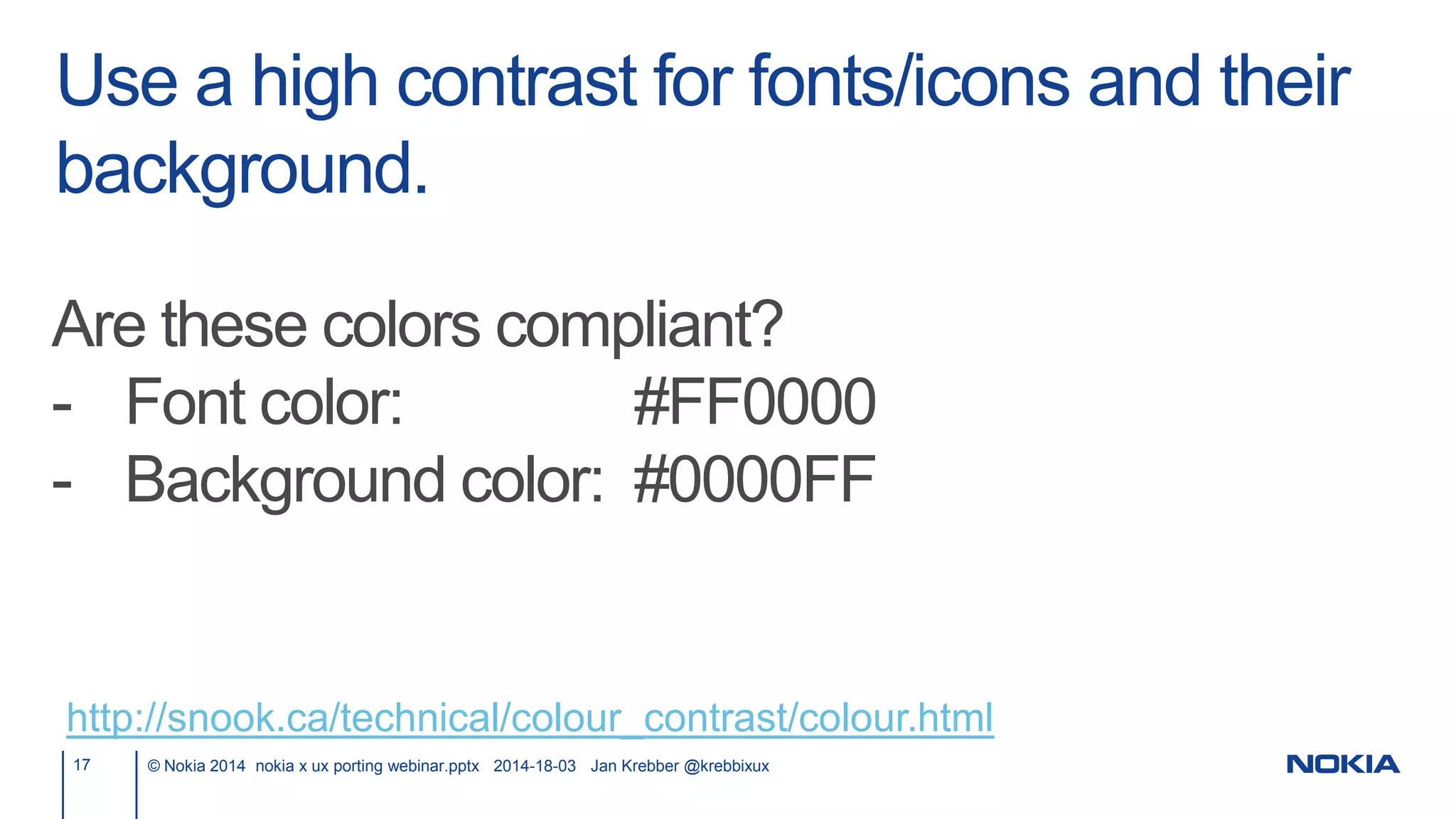
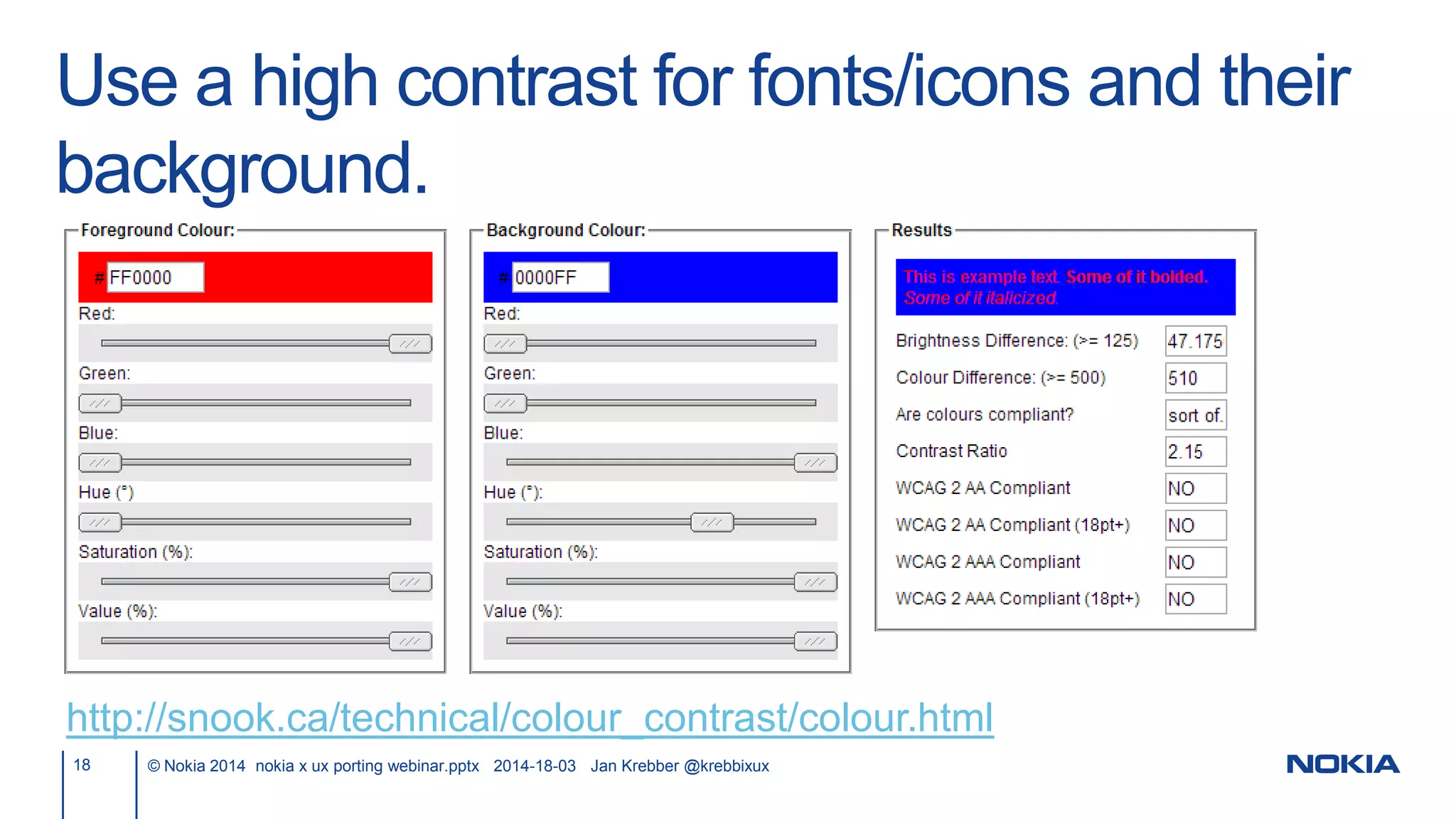
Are these colors compliant?
- Font color: #FF0000
- Background color: #0000FF
Use a high contrast for fonts/icons and their
background.
18 © Nokia 2014 nokia x ux porting webinar.pptx 2014-18-03 Jan Krebber @krebbixux
http://snook.ca/technical/colour_contrast/colour.html
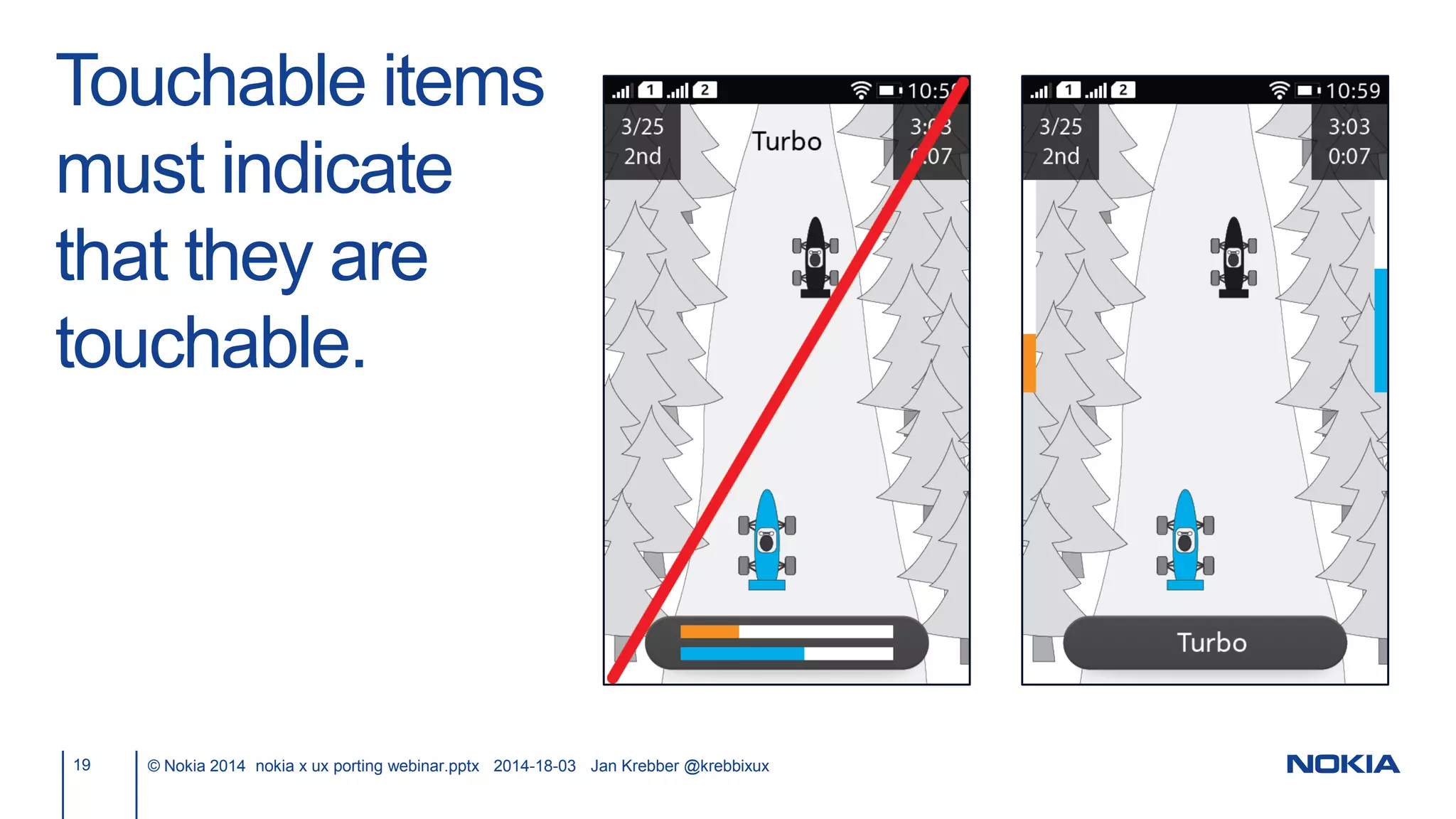
Touchable items
must indicate
that they are
touchable.
19 © Nokia 2014 nokia x ux porting webinar.pptx 2014-18-03 Jan Krebber @krebbixux
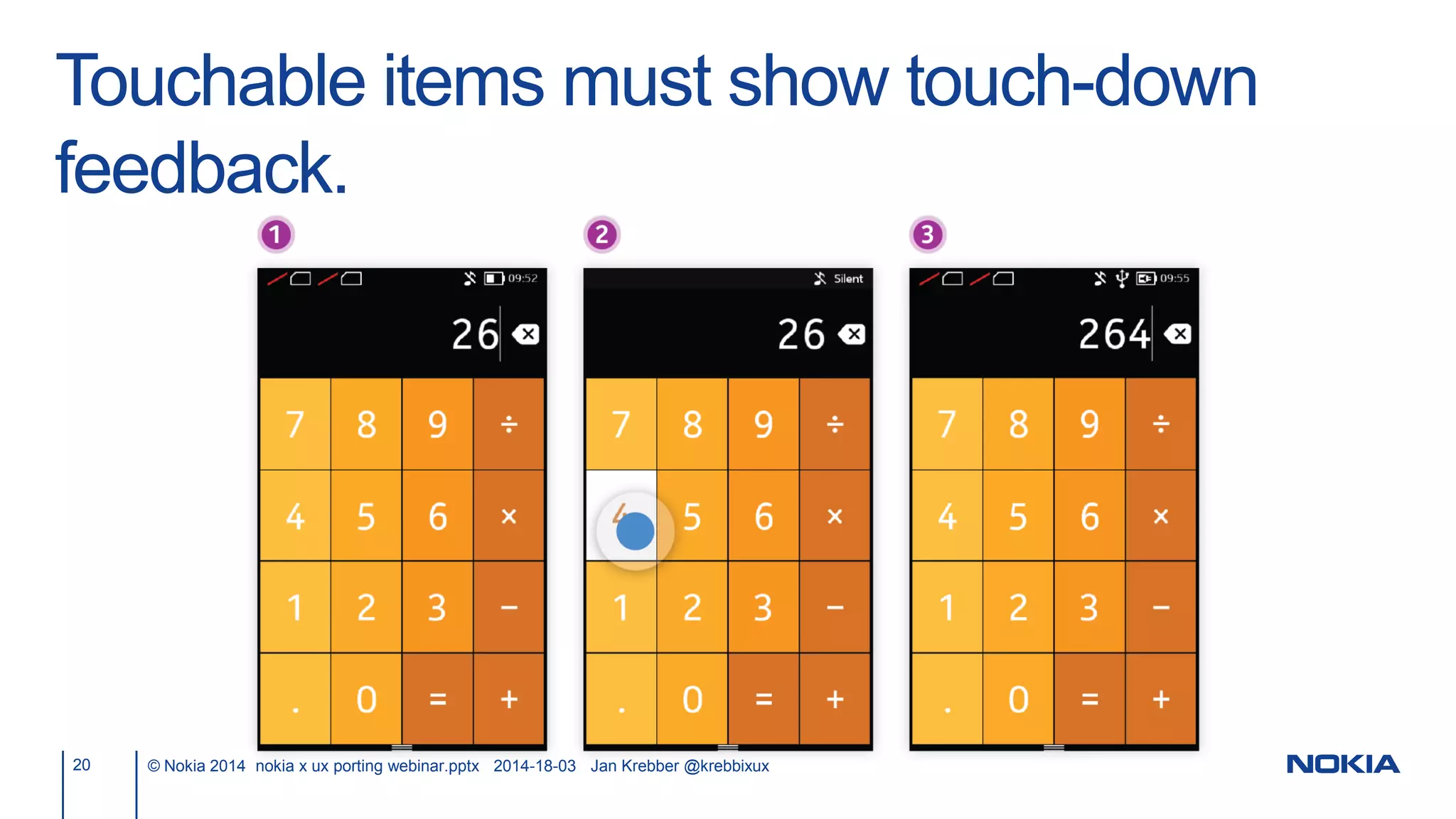
Touchable items must show touch-down
feedback.
20 © Nokia 2014 nokia x ux porting webinar.pptx 2014-18-03 Jan Krebber @krebbixux
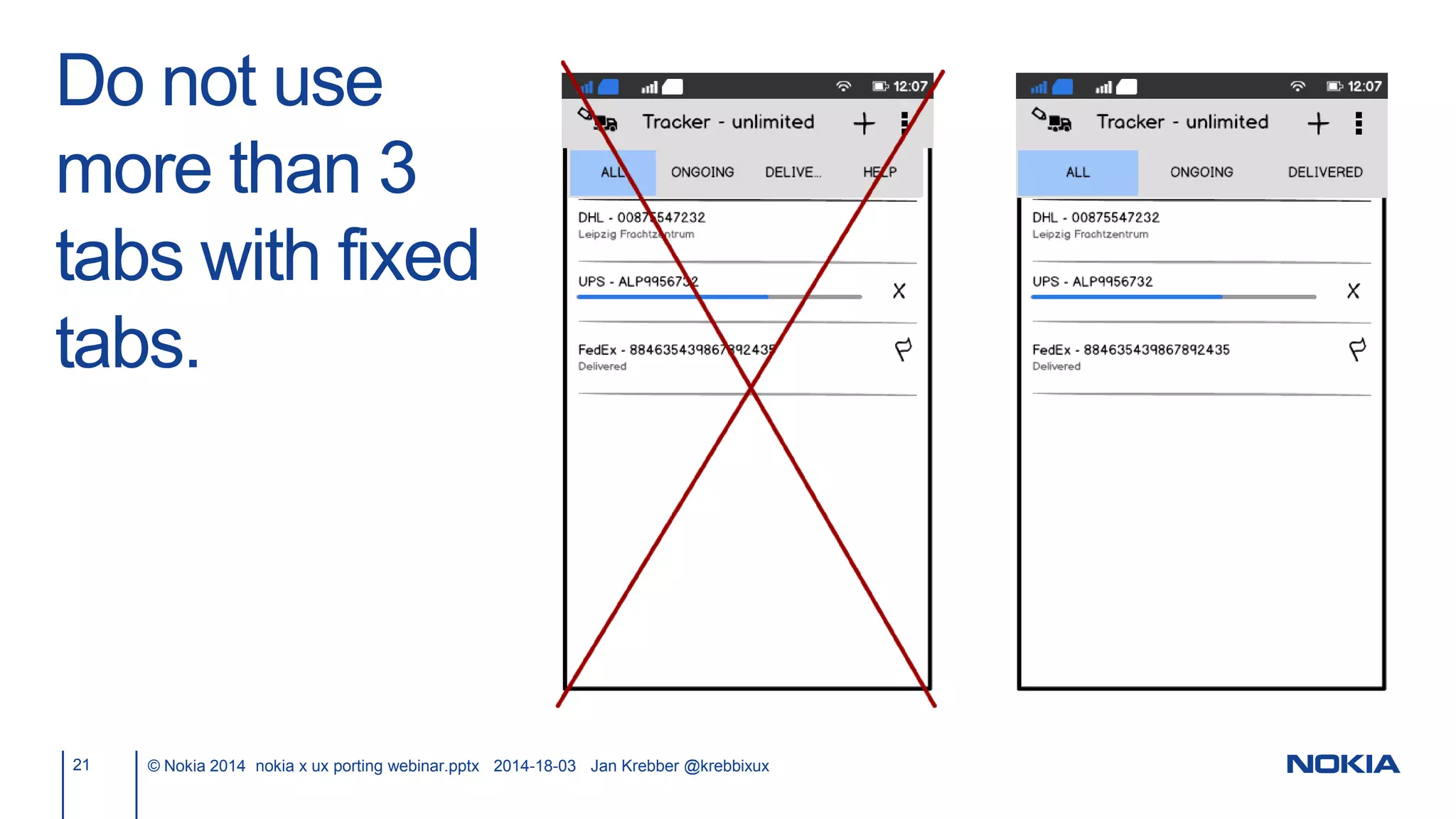
Do not use
more than 3
tabs with fixed
tabs.
21 © Nokia 2014 nokia x ux porting webinar.pptx 2014-18-03 Jan Krebber @krebbixux
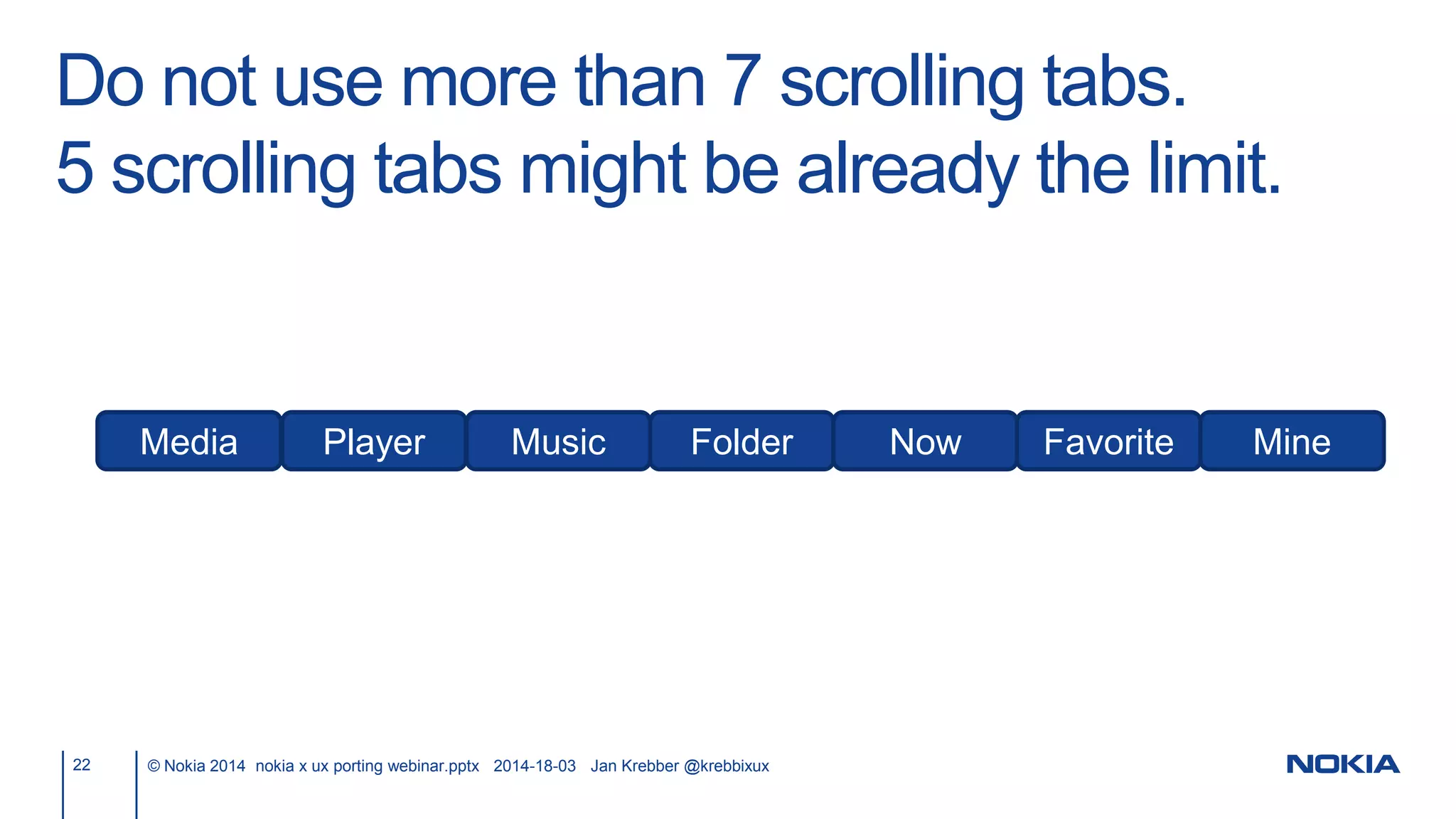
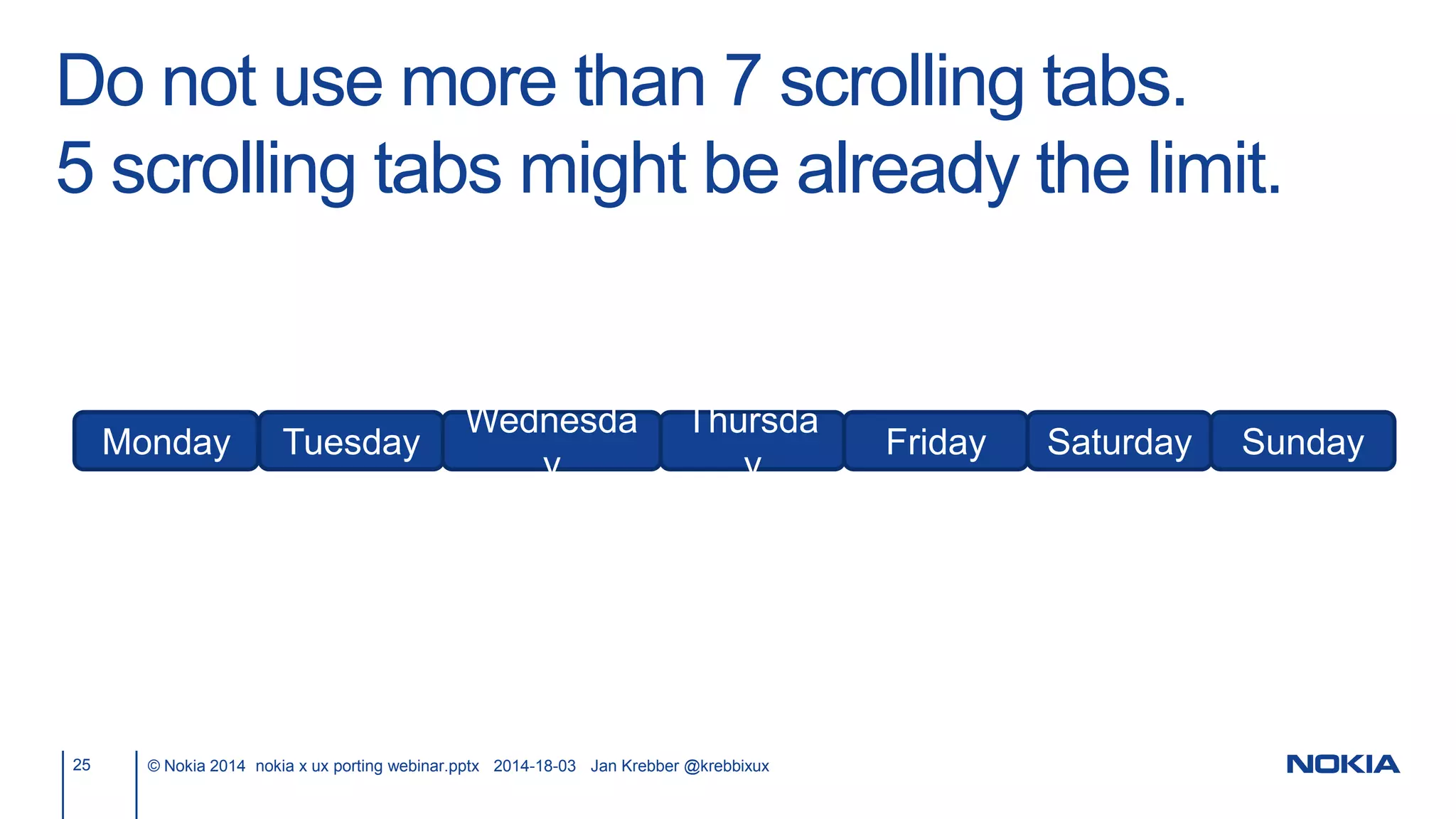
Do not use more than 7 scrolling tabs.
5 scrolling tabs might be already the limit.
22 © Nokia 2014 nokia x ux porting webinar.pptx 2014-18-03 Jan Krebber @krebbixux
Media Player Music Folder Now Favorite Mine
Do not use more than 7 scrolling tabs.
5 scrolling tabs might be already the limit.
23 © Nokia 2014 nokia x ux porting webinar.pptx 2014-18-03 Jan Krebber @krebbixux
What did it say in the 2nd and the 5th tab?
Do not use more than 7 scrolling tabs.
5 scrolling tabs might be already the limit.
24 © Nokia 2014 nokia x ux porting webinar.pptx 2014-18-03 Jan Krebber @krebbixux
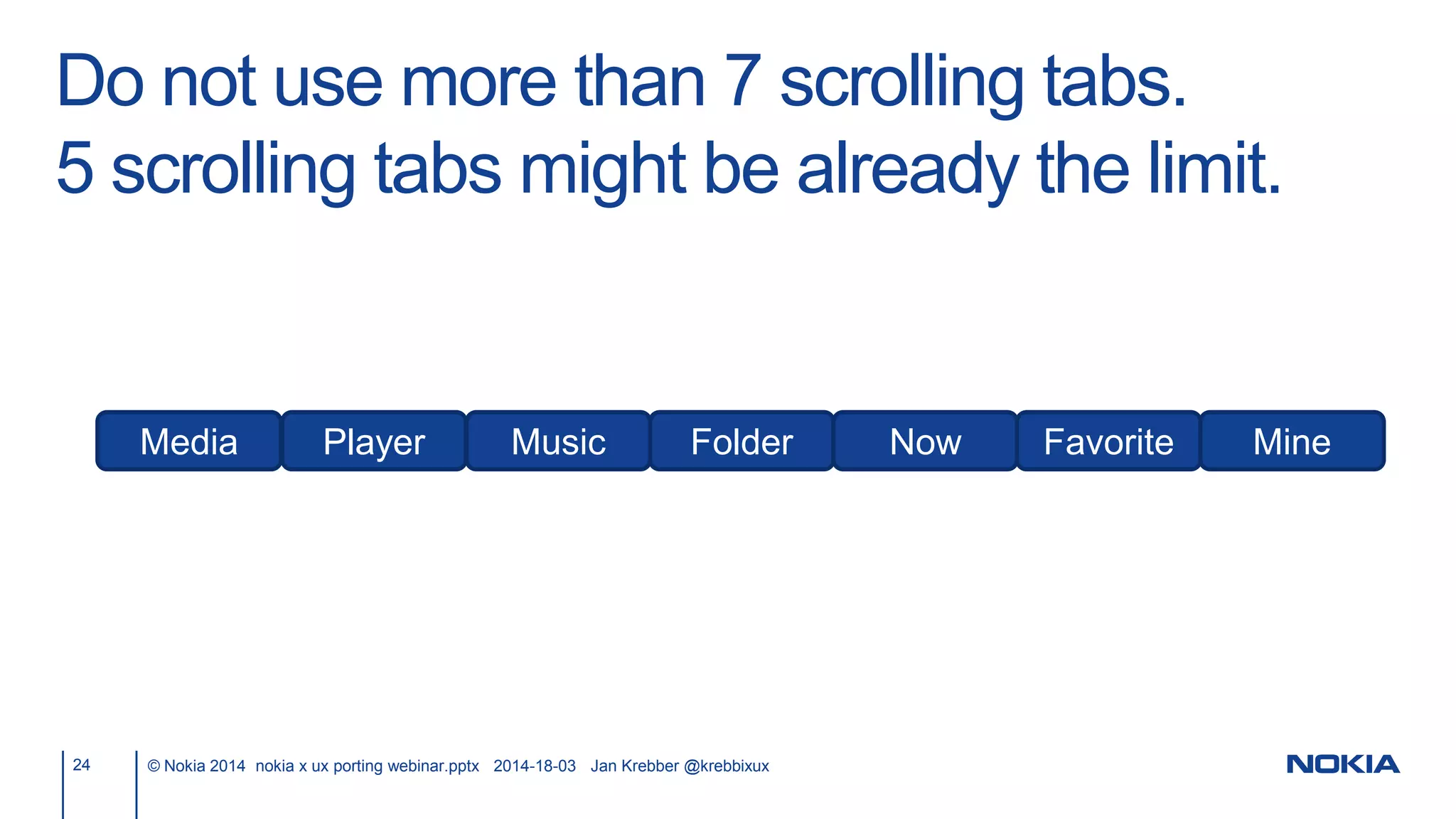
Media Player Music Folder Now Favorite Mine
Do not use more than 7 scrolling tabs.
5 scrolling tabs might be already the limit.
25 © Nokia 2014 nokia x ux porting webinar.pptx 2014-18-03 Jan Krebber @krebbixux
Monday Tuesday
Wednesda
y
Thursda
y
Friday Saturday Sunday
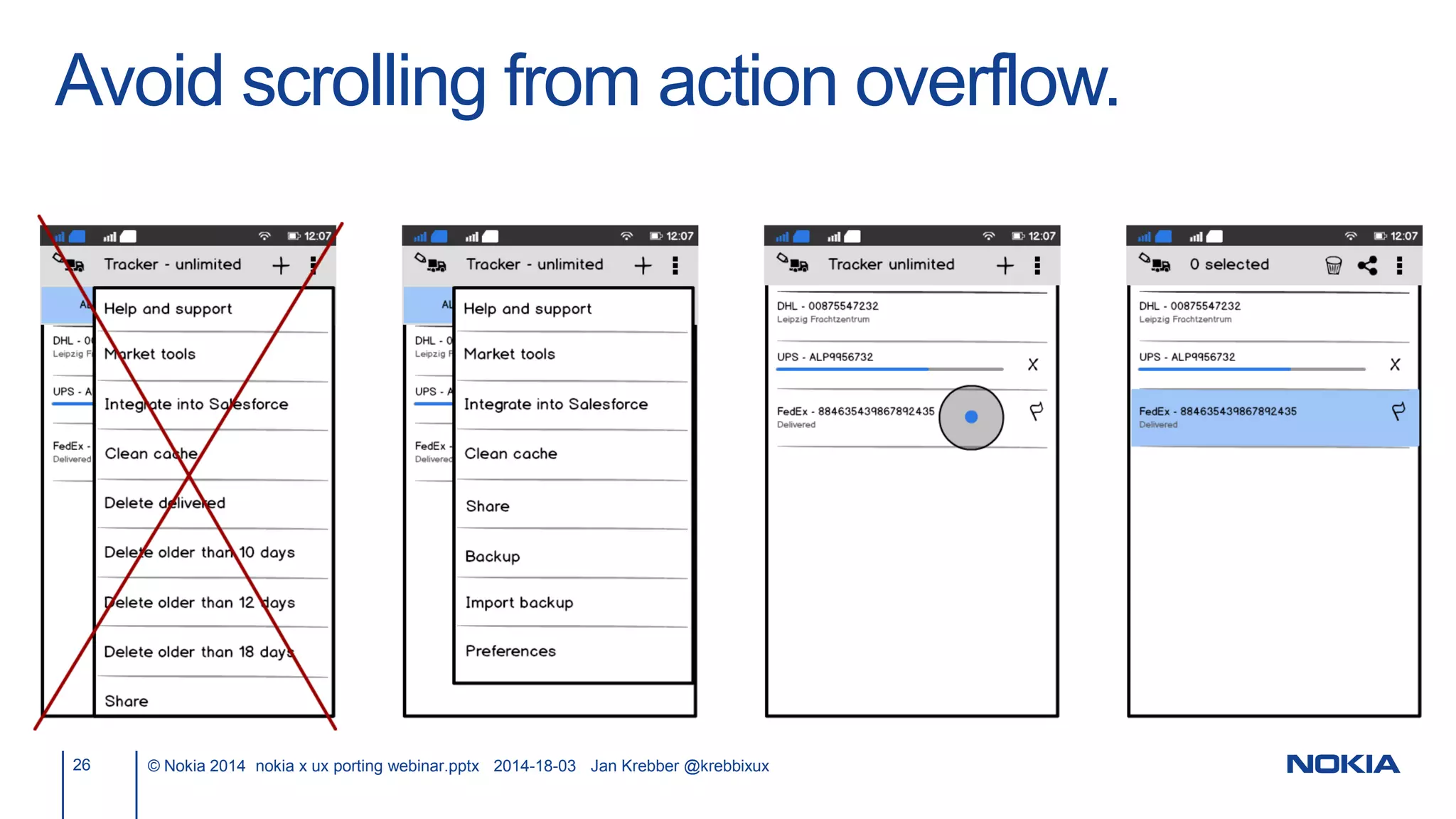
Avoid scrolling from action overflow.
26 © Nokia 2014 nokia x ux porting webinar.pptx 2014-18-03 Jan Krebber @krebbixux
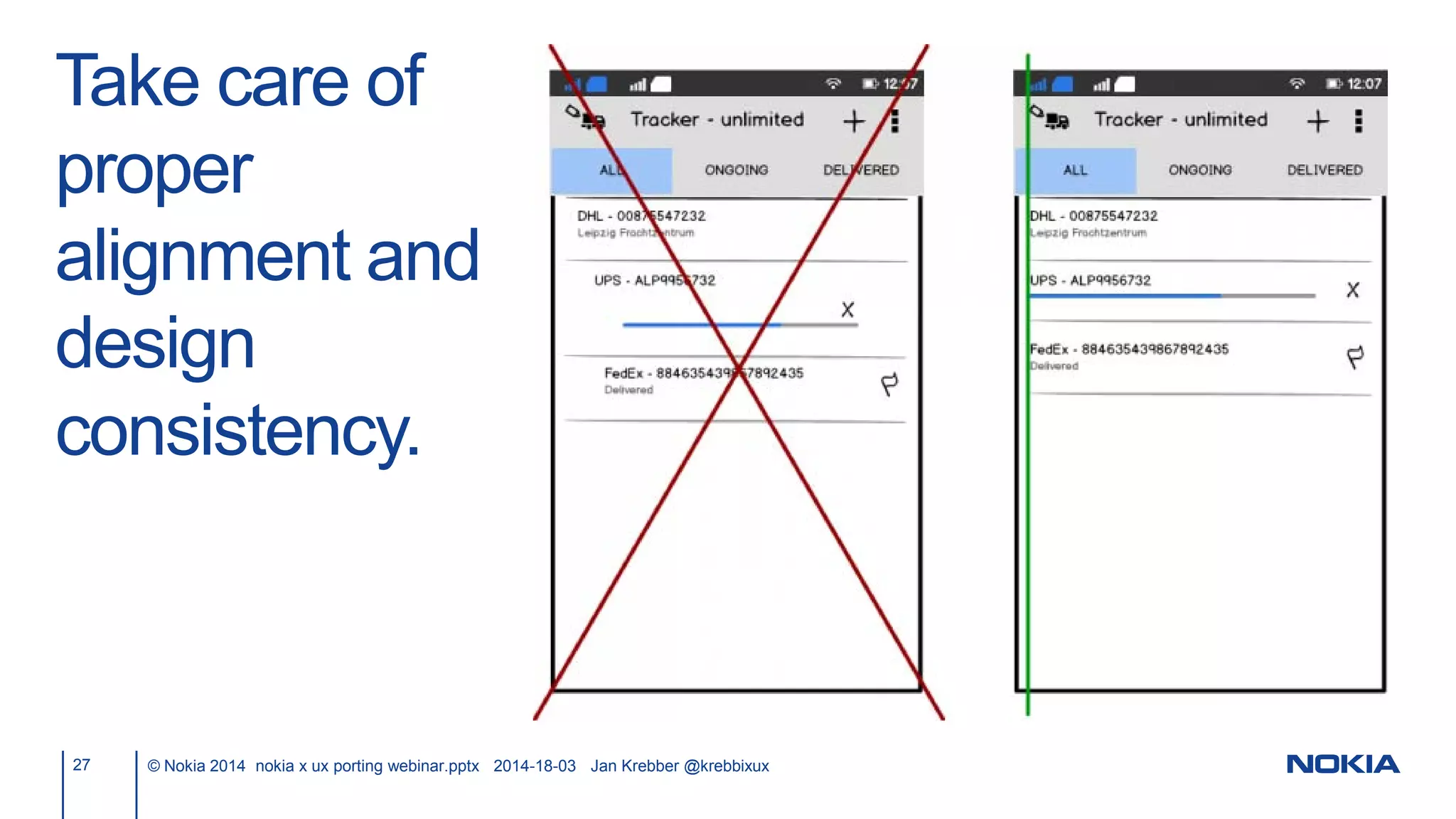
Take care of
proper
alignment and
design
consistency.
27 © Nokia 2014 nokia x ux porting webinar.pptx 2014-18-03 Jan Krebber @krebbixux
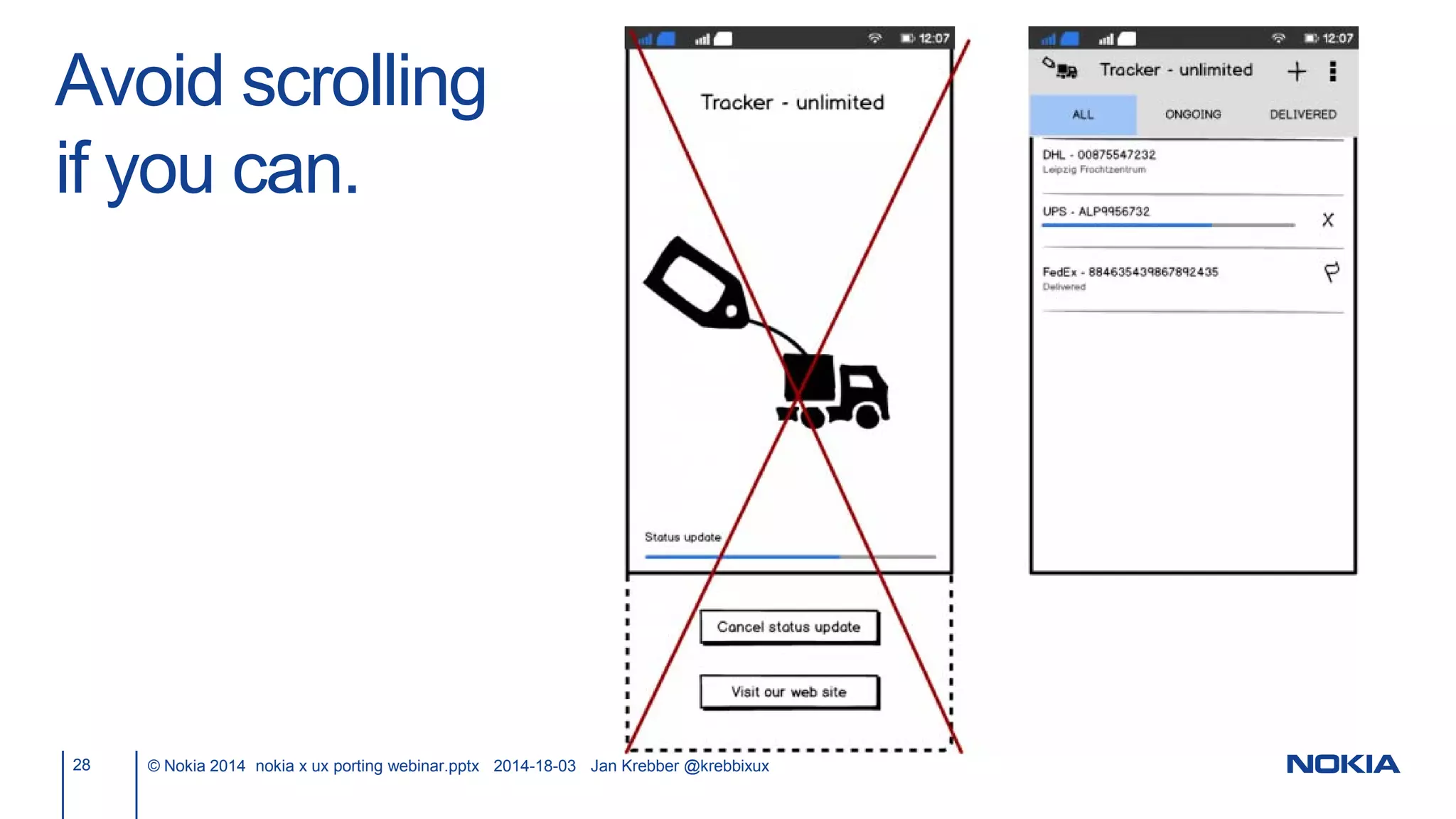
Avoid scrolling
if you can.
28 © Nokia 2014 nokia x ux porting webinar.pptx 2014-18-03 Jan Krebber @krebbixux
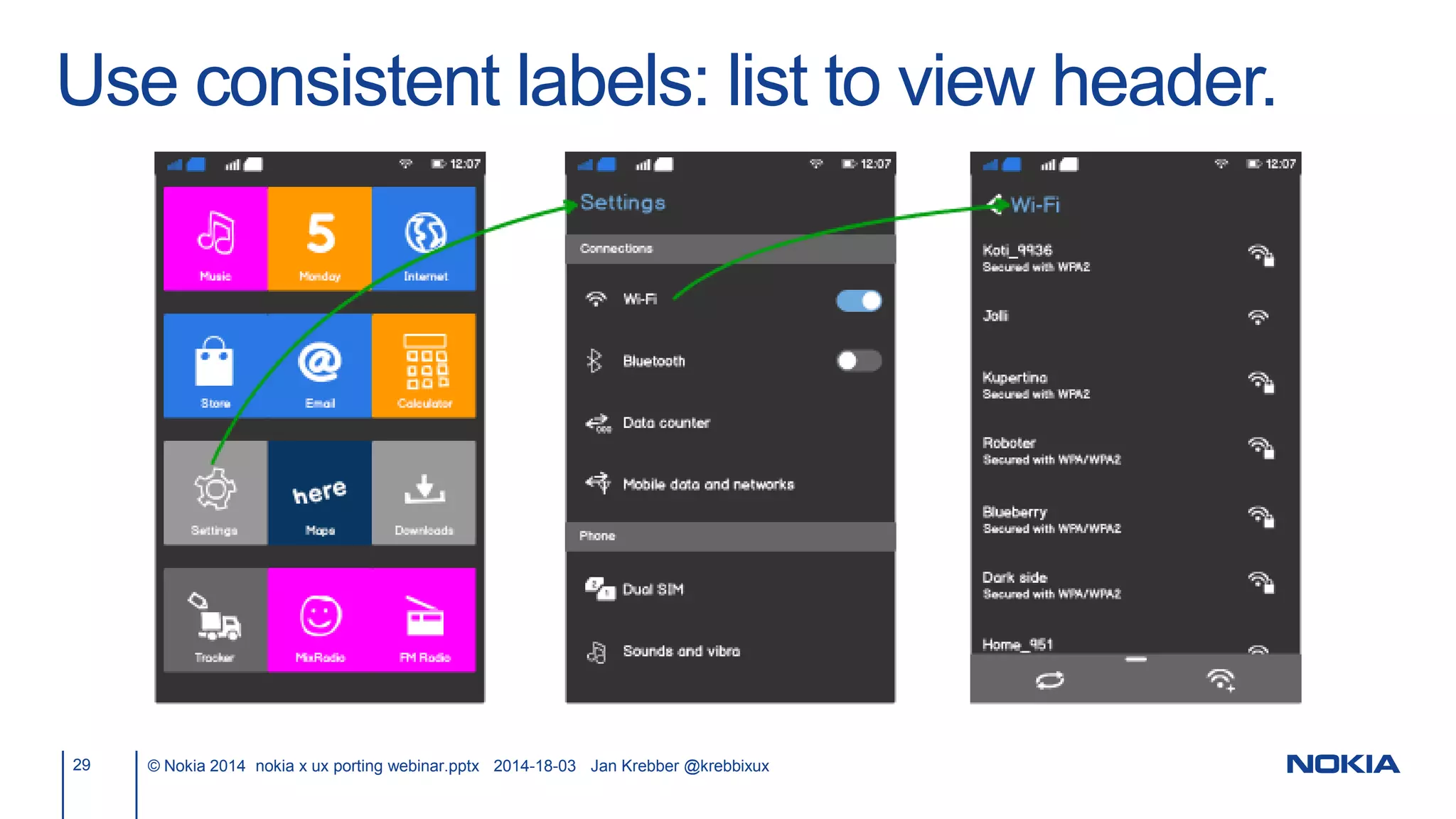
Use consistent labels: list to view header.
29 © Nokia 2014 nokia x ux porting webinar.pptx 2014-18-03 Jan Krebber @krebbixux
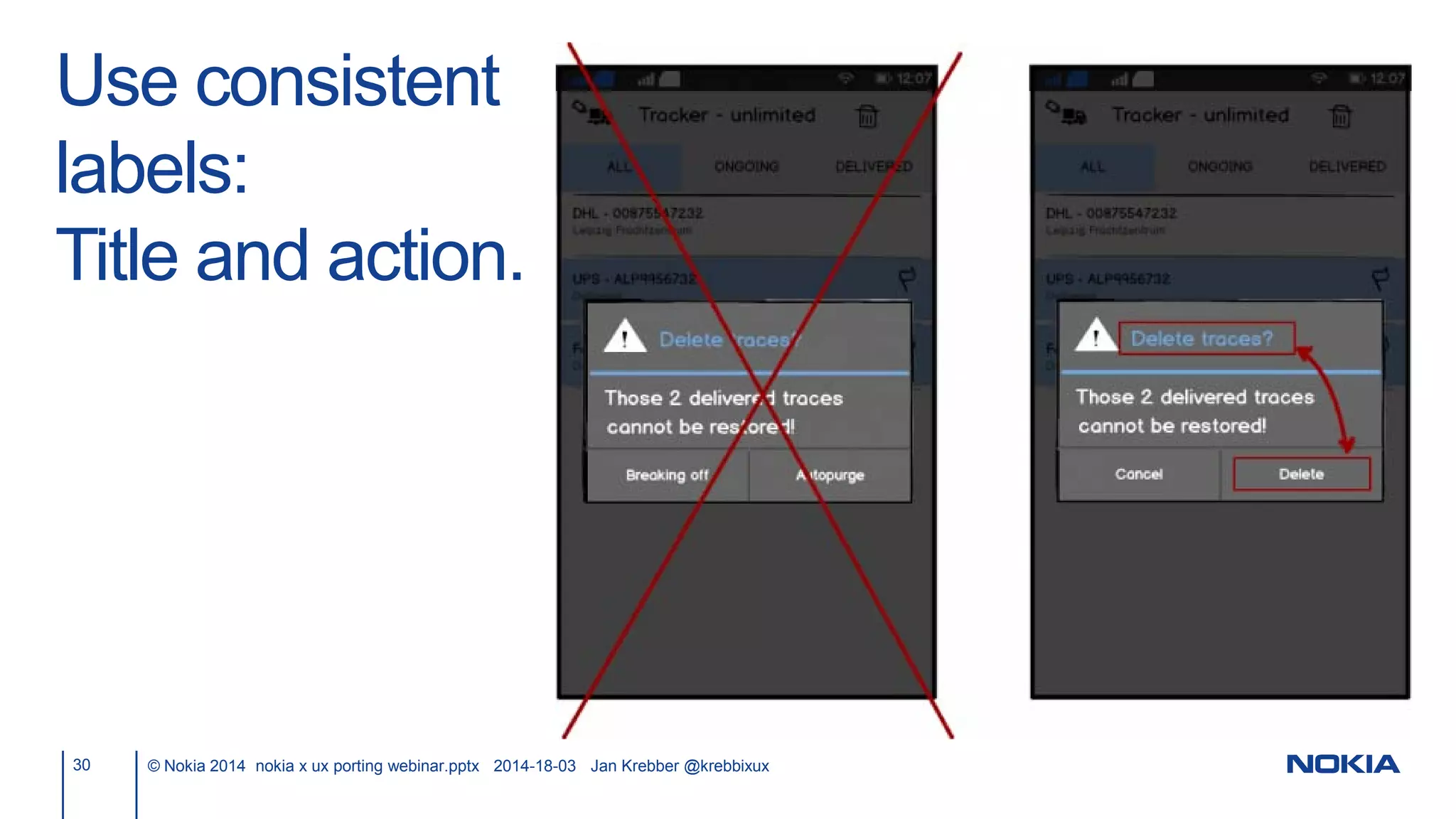
Use consistent
labels:
Title and action.
30 © Nokia 2014 nokia x ux porting webinar.pptx 2014-18-03 Jan Krebber @krebbixux
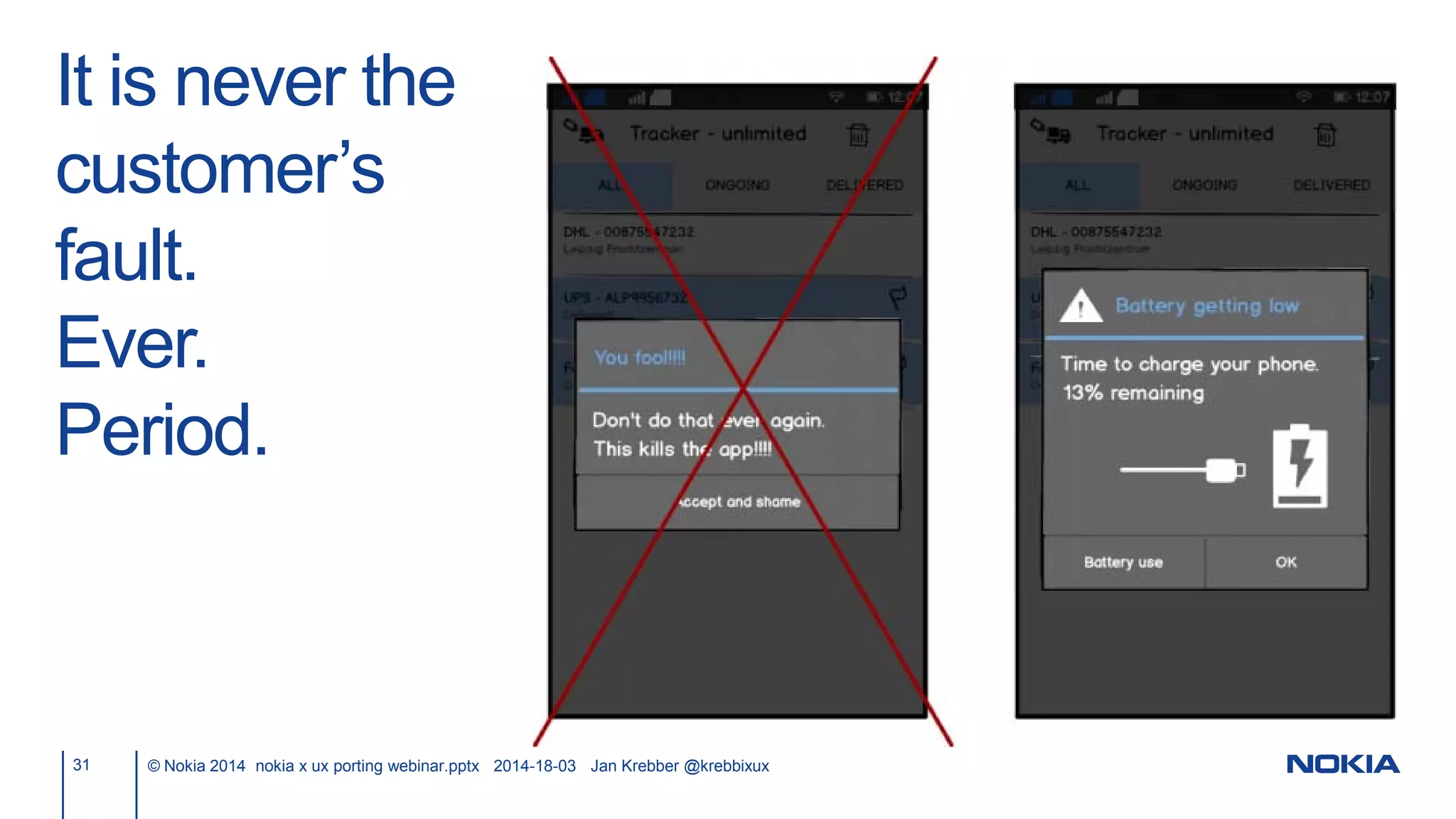
It is never the
customer’s
fault.
Ever.
Period.
31 © Nokia 2014 nokia x ux porting webinar.pptx 2014-18-03 Jan Krebber @krebbixux
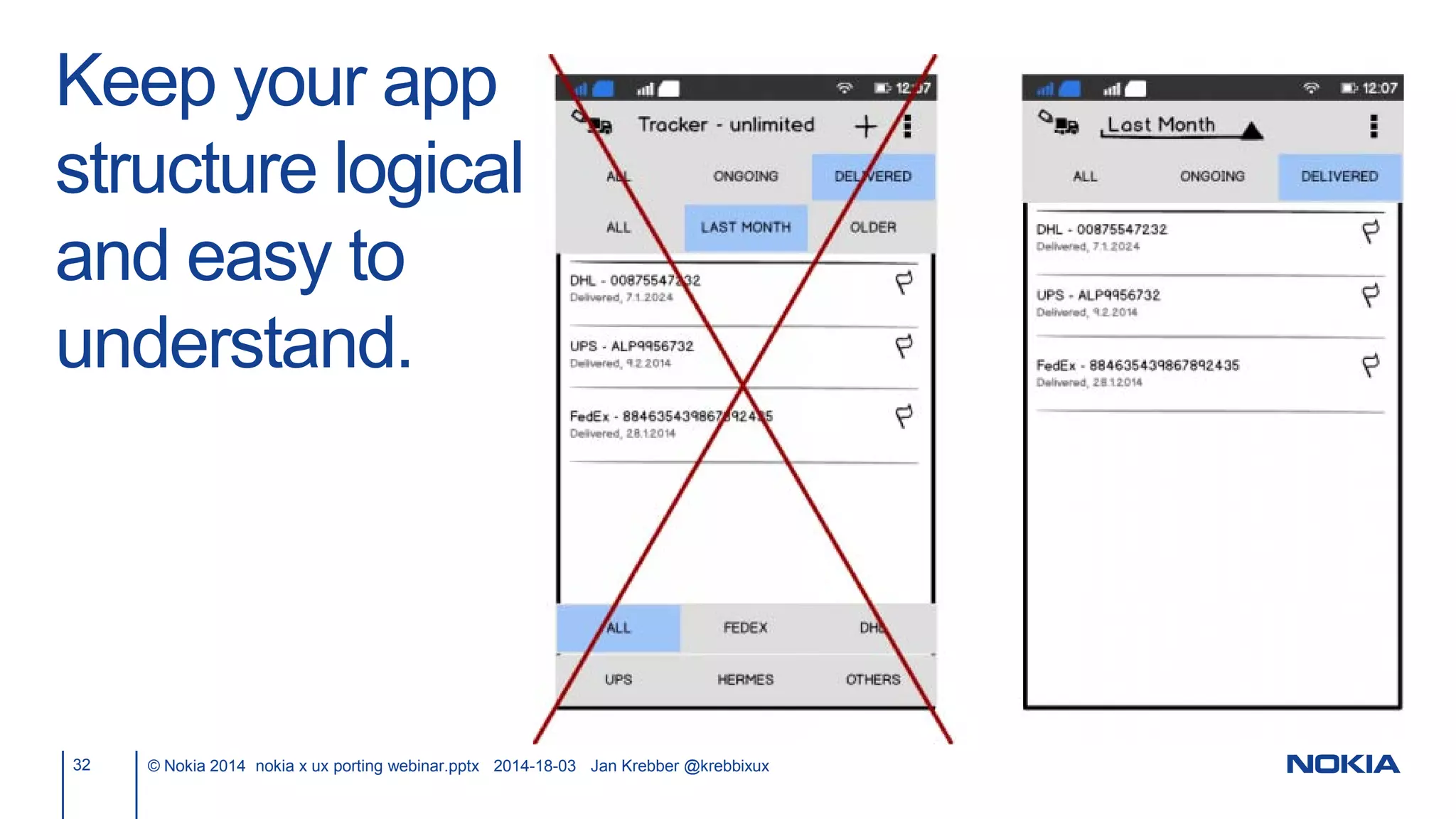
Keep your app
structure logical
and easy to
understand.
32 © Nokia 2014 nokia x ux porting webinar.pptx 2014-18-03 Jan Krebber @krebbixux
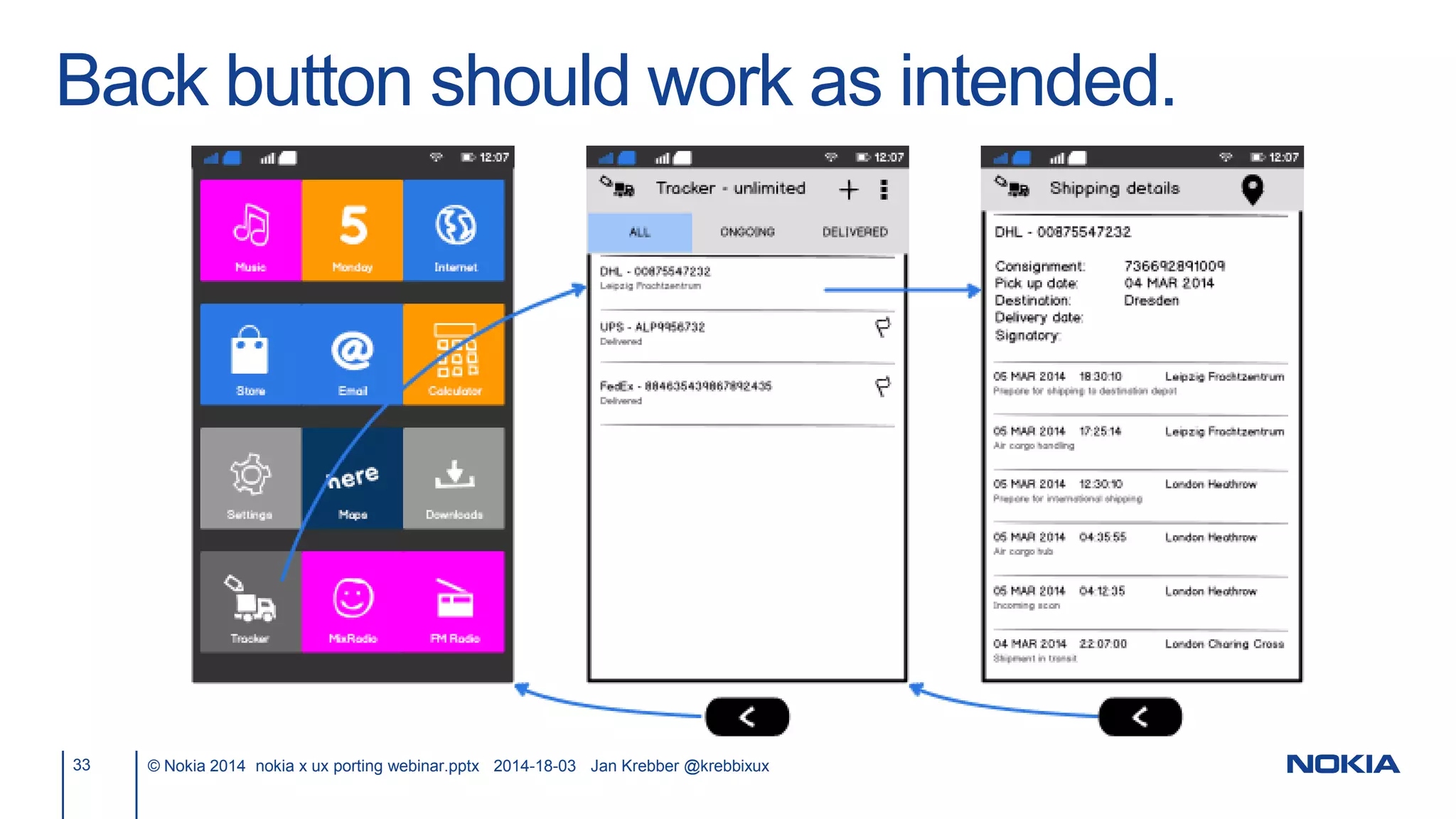
Back button should work as intended.
33 © Nokia 2014 nokia x ux porting webinar.pptx 2014-18-03 Jan Krebber @krebbixux
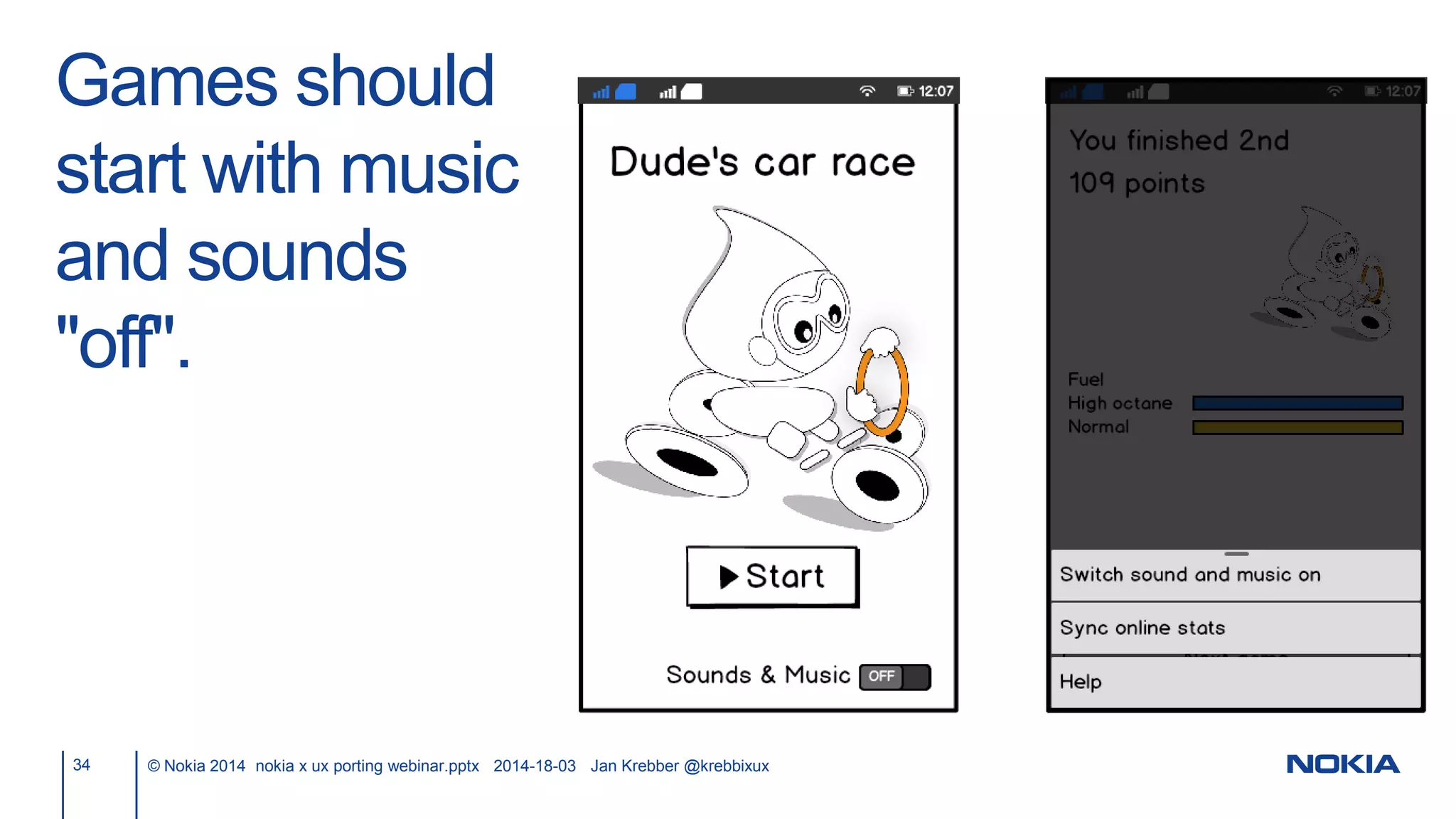
Games should
start with music
and sounds
"off".
34 © Nokia 2014 nokia x ux porting webinar.pptx 2014-18-03 Jan Krebber @krebbixux
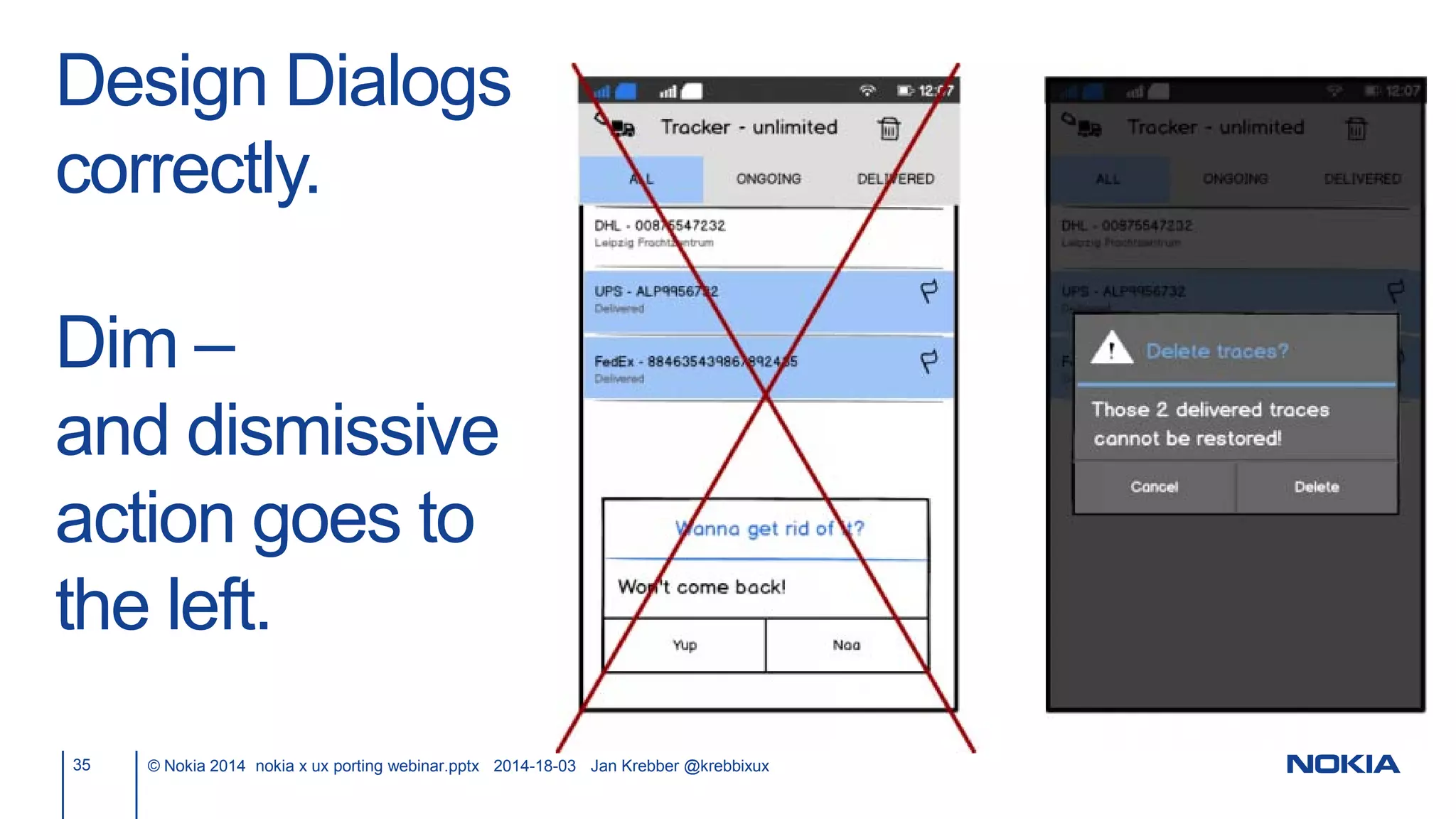
Design Dialogs
correctly.
Dim –
and dismissive
action goes to
the left.
35 © Nokia 2014 nokia x ux porting webinar.pptx 2014-18-03 Jan Krebber @krebbixux
UX offering
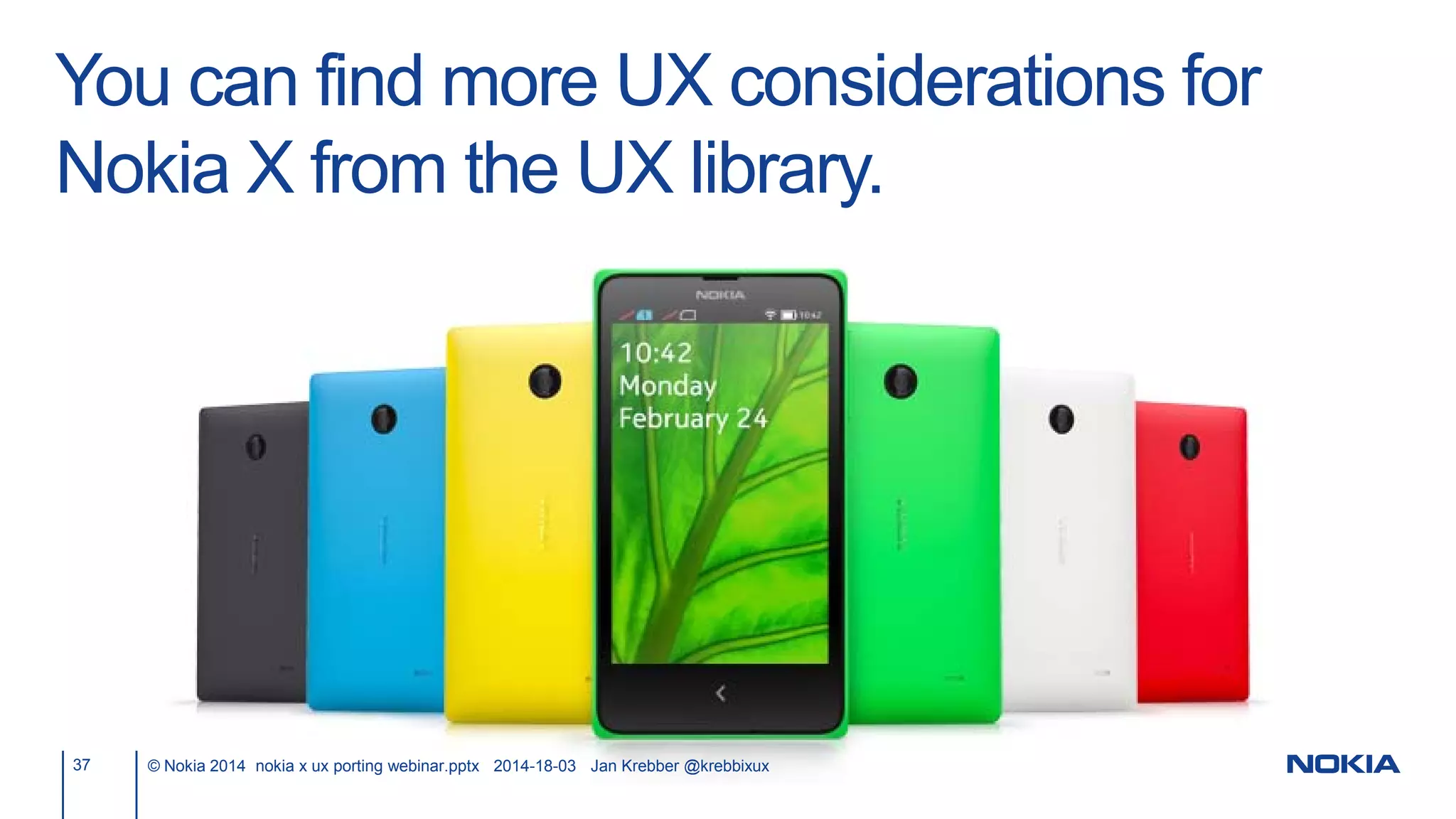
You can find more UX considerations for
Nokia X from the UX library.
37 © Nokia 2014 nokia x ux porting webinar.pptx 2014-18-03 Jan Krebber @krebbixux
38 © Nokia 2014 Kids apps and games.pptx 2014-18-03 Jan Krebber @krebbixux
Take home messages
Your app works without changes to the UI.
40 © Nokia 2014 nokia x ux porting webinar.pptx 2014-18-03 Jan Krebber @krebbixux
Literature and links.
41 © Nokia 2014 nokia x ux porting webinar.pptx 2014-18-03 Jan Krebber @krebbixux
• Nokia X UX considerations,
http://developer.nokia.com/resources/library/nokia-x-
ui/index.html
• Nokia X, http://developer.nokia.com/nokia-x
• DVLUP, http://www.dvlup.com
Thanks to:
- Maaike Beenen,
- Sanna Hiukka,
- Petri Kiukkonen.
Thanks. 
Jan Krebber
ext-jan.krebber@nokia.com
@krebbixux

Lessons learned from Nokia X UI reviews

  • 1.
    Nokia X UXtips Webinar Jan Krebber @krebbixux Senior User Experience Consultant
  • 2.
    Your app workswithout changes to the UI. 2 © Nokia 2014 nokia x ux porting webinar.pptx 2014-18-03 Jan Krebber @krebbixux
  • 3.
    3 © Nokia2014 nokia x ux porting webinar.pptx 2014-18-03 Jan Krebber @krebbixux • UX tips • UX offering • Take home messages Overview
  • 4.
  • 5.
    Consider the targetaudience. 5 © Nokia 2014 nokia x ux porting webinar.pptx 2014-18-03 Jan Krebber @krebbixux
  • 6.
    Apps are usedeverywhere and at any time. 6 © Nokia 2014 nokia x ux porting webinar.pptx 2014-18-03 Jan Krebber @krebbixux
  • 7.
    Use small filesizes. 7 © Nokia 2014 nokia x ux porting webinar.pptx 2014-18-03 Jan Krebber @krebbixux
  • 8.
    8 © Nokia2014 nokia x ux porting webinar.pptx 2014-18-03 Jan Krebber @krebbixux Touch items must be large enough. www.4ourth.com
  • 9.
    9 © Nokia2014 nokia x ux porting webinar.pptx 2014-18-03 Jan Krebber @krebbixux Maketextlargeenoughforreading–evenwithoutamagnifyingglass.
  • 10.
    10 © Nokia2014 nokia x ux porting webinar.pptx 2014-18-03 Jan Krebber @krebbixux
  • 11.
    11 © Nokia2014 nokia x ux porting webinar.pptx 2014-18-03 Jan Krebber @krebbixux What did it say?
  • 12.
    12 © Nokia2014 nokia x ux porting webinar.pptx 2014-18-03 Jan Krebber @krebbixux Make text large enough for reading – even without a magnifying glass.
  • 13.
    Use sp (scaleindependent pixels) for fonts. 13 © Nokia 2014 nokia x ux porting webinar.pptx 2014-18-03 Jan Krebber @krebbixux
  • 14.
    Test if peopleunderstand the icons. 14 © Nokia 2014 nokia x ux porting webinar.pptx 2014-18-03 Jan Krebber @krebbixux
  • 15.
    Use a highcontrast for fonts/icons and their background. 15 © Nokia 2014 nokia x ux porting webinar.pptx 2014-18-03 Jan Krebber @krebbixux
  • 16.
    Use a highcontrast for fonts/icons and their background. 16 © Nokia 2014 nokia x ux porting webinar.pptx 2014-18-03 Jan Krebber @krebbixux
  • 17.
    Use a highcontrast for fonts/icons and their background. 17 © Nokia 2014 nokia x ux porting webinar.pptx 2014-18-03 Jan Krebber @krebbixux http://snook.ca/technical/colour_contrast/colour.html Are these colors compliant? - Font color: #FF0000 - Background color: #0000FF
  • 18.
    Use a highcontrast for fonts/icons and their background. 18 © Nokia 2014 nokia x ux porting webinar.pptx 2014-18-03 Jan Krebber @krebbixux http://snook.ca/technical/colour_contrast/colour.html
  • 19.
    Touchable items must indicate thatthey are touchable. 19 © Nokia 2014 nokia x ux porting webinar.pptx 2014-18-03 Jan Krebber @krebbixux
  • 20.
    Touchable items mustshow touch-down feedback. 20 © Nokia 2014 nokia x ux porting webinar.pptx 2014-18-03 Jan Krebber @krebbixux
  • 21.
    Do not use morethan 3 tabs with fixed tabs. 21 © Nokia 2014 nokia x ux porting webinar.pptx 2014-18-03 Jan Krebber @krebbixux
  • 22.
    Do not usemore than 7 scrolling tabs. 5 scrolling tabs might be already the limit. 22 © Nokia 2014 nokia x ux porting webinar.pptx 2014-18-03 Jan Krebber @krebbixux Media Player Music Folder Now Favorite Mine
  • 23.
    Do not usemore than 7 scrolling tabs. 5 scrolling tabs might be already the limit. 23 © Nokia 2014 nokia x ux porting webinar.pptx 2014-18-03 Jan Krebber @krebbixux What did it say in the 2nd and the 5th tab?
  • 24.
    Do not usemore than 7 scrolling tabs. 5 scrolling tabs might be already the limit. 24 © Nokia 2014 nokia x ux porting webinar.pptx 2014-18-03 Jan Krebber @krebbixux Media Player Music Folder Now Favorite Mine
  • 25.
    Do not usemore than 7 scrolling tabs. 5 scrolling tabs might be already the limit. 25 © Nokia 2014 nokia x ux porting webinar.pptx 2014-18-03 Jan Krebber @krebbixux Monday Tuesday Wednesda y Thursda y Friday Saturday Sunday
  • 26.
    Avoid scrolling fromaction overflow. 26 © Nokia 2014 nokia x ux porting webinar.pptx 2014-18-03 Jan Krebber @krebbixux
  • 27.
    Take care of proper alignmentand design consistency. 27 © Nokia 2014 nokia x ux porting webinar.pptx 2014-18-03 Jan Krebber @krebbixux
  • 28.
    Avoid scrolling if youcan. 28 © Nokia 2014 nokia x ux porting webinar.pptx 2014-18-03 Jan Krebber @krebbixux
  • 29.
    Use consistent labels:list to view header. 29 © Nokia 2014 nokia x ux porting webinar.pptx 2014-18-03 Jan Krebber @krebbixux
  • 30.
    Use consistent labels: Title andaction. 30 © Nokia 2014 nokia x ux porting webinar.pptx 2014-18-03 Jan Krebber @krebbixux
  • 31.
    It is neverthe customer’s fault. Ever. Period. 31 © Nokia 2014 nokia x ux porting webinar.pptx 2014-18-03 Jan Krebber @krebbixux
  • 32.
    Keep your app structurelogical and easy to understand. 32 © Nokia 2014 nokia x ux porting webinar.pptx 2014-18-03 Jan Krebber @krebbixux
  • 33.
    Back button shouldwork as intended. 33 © Nokia 2014 nokia x ux porting webinar.pptx 2014-18-03 Jan Krebber @krebbixux
  • 34.
    Games should start withmusic and sounds "off". 34 © Nokia 2014 nokia x ux porting webinar.pptx 2014-18-03 Jan Krebber @krebbixux
  • 35.
    Design Dialogs correctly. Dim – anddismissive action goes to the left. 35 © Nokia 2014 nokia x ux porting webinar.pptx 2014-18-03 Jan Krebber @krebbixux
  • 36.
  • 37.
    You can findmore UX considerations for Nokia X from the UX library. 37 © Nokia 2014 nokia x ux porting webinar.pptx 2014-18-03 Jan Krebber @krebbixux
  • 38.
    38 © Nokia2014 Kids apps and games.pptx 2014-18-03 Jan Krebber @krebbixux
  • 39.
  • 40.
    Your app workswithout changes to the UI. 40 © Nokia 2014 nokia x ux porting webinar.pptx 2014-18-03 Jan Krebber @krebbixux
  • 41.
    Literature and links. 41© Nokia 2014 nokia x ux porting webinar.pptx 2014-18-03 Jan Krebber @krebbixux • Nokia X UX considerations, http://developer.nokia.com/resources/library/nokia-x- ui/index.html • Nokia X, http://developer.nokia.com/nokia-x • DVLUP, http://www.dvlup.com
  • 42.
    Thanks to: - MaaikeBeenen, - Sanna Hiukka, - Petri Kiukkonen.
  • 43.