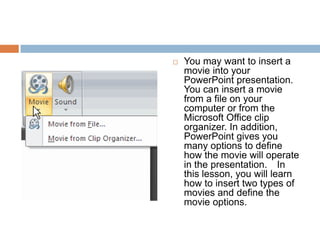
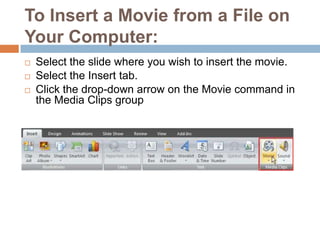
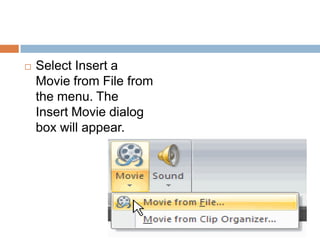
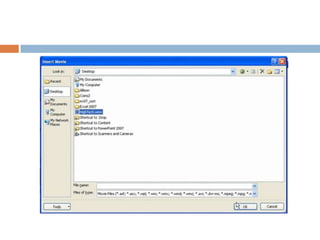
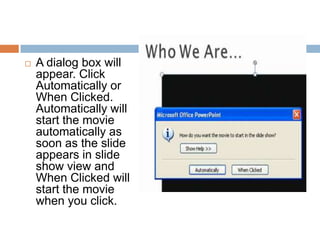
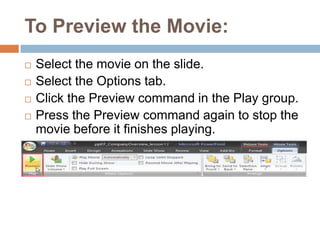
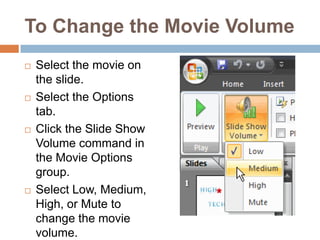
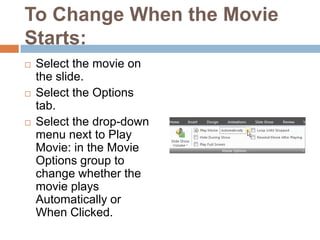
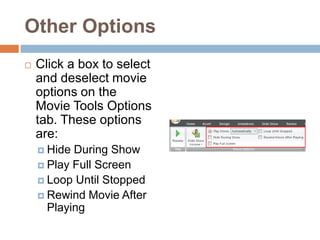
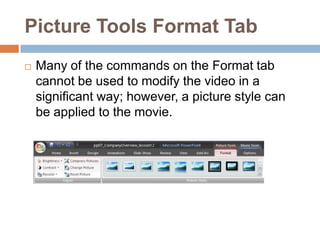
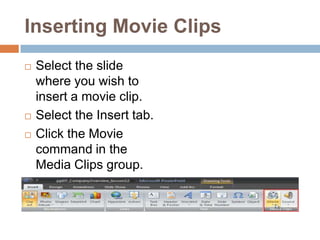
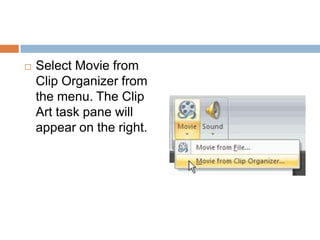
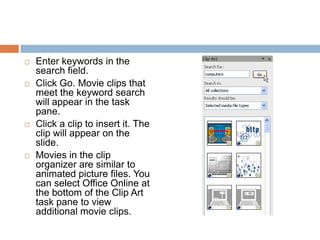
This document discusses how to insert movies into PowerPoint presentations from files or the clip organizer and customize movie playback options. You can insert movies by selecting the slide, clicking Insert, and choosing either "Insert a Movie from File" or "Movie from Clip Organizer." Various options allow you to control playback, volume, and more. The challenge is to practice inserting movies from files and clips and modifying options in a sample presentation.