More Related Content

PPT

PPT

PPT

PPT

PPT

PPT

PPT

PPTX
Chapter-1_c++_programming_course_PBM Solving.pptx Similar to Lecture 1-2_Programming fundamentals.pptx

PDF
Fundamentals of programming with C++ 
PPTX
SOW_C_CSO_Chapter_01_10e_a11y.pptx c++ chapter 1 
PPTX
Basic Programming concepts - Programming with C++ 
PPTX

PPTX
Chp 01-ntroduction to Computers and Programming.pptx 
PPTX
lecture Slides - Week 1.programming fundamentals 
PPT
CHTP5e_01.ppt bbbbbbbbb bbbb 
PDF
Chap 1 Introduction to Computers, the Internet and the WebFile.pdf 
PDF
An introduction to programming language in C 
PPT

PPT

PPT
C++ Programming : from problem analysis to program design 
PPT
C++ programming program design including data structures 
PPT

PDF
C++ Kasirul Rashtawi Institute.pdf 
PDF

PPTX
Whole c++ lectures ITM1 Th 
PPTX

PPT

PPTX
Begin with c++ Fekra Course #1 Recently uploaded

PDF
The Tale of Melon City poem ppt by Sahasra 
PPTX
How to Configure Push & Pull Rule in Odoo 18 Inventory 
PPTX
How to Manage Package Reservation in Odoo 18 Inventory 
PPTX
Repeat Orders_ Use Odoo Blanket Agreement 
PDF
Analyzing the data of your initial survey 
PDF
Micro Economics for class 12 and class 11 
PPTX
META-ANALYSIS INTERPRETATION, PUBLICATION BIAS AND GRADE ASSESSMENT.pptx 
PDF
DHA/HAAD/MOH/DOH OPTOMETRY MCQ PYQ. .pdf 
PDF
The voice of the rain poem class 11th.pdf 
PPTX
UNIT 1: COMMUNICATION SKILLS, BARRIERS TO COMMUNICATION, PERSPECTIVES IN COMM... 
PPTX
Accounting Skills Paper-II (Registers of PACs and Credit Co-operative Societies) 
PPTX
The Cell & Cell Cycle-detailed structure and function of organelles.pptx 
PPTX
4 G8_Q3_L4 (Evaluating opinion editorials for textual evidence and quality).pptx 
PPTX
Multiple Linear Regression - Least Square Method X₁ on X₂ and X₃ 
PDF
IMANI Africa files RTI request seeking full disclosure on 2026 SIM registrati... 
PDF
M.Sc. Nonchordates Complete Syllabus PPT | All Important Topics Covered 
PPTX
Partial Correlation of Coefficient - Values of r₁₂.₃, r₂₃.₁ & r₁₃.₂ 
PPTX
ATTENTION -PART 2.pptx Shilpa Hotakar for I semester BSc students 
PPTX
Semester 6 Unit 2 Club foot (talipes).pptx 
PPTX
REVISED DEFENSE MECHANISM / ADJUSTMENT MECHANISM-FINAL Lecture 1-2_Programming fundamentals.pptx
- 2.
Copyright © 2018Pearson Addison-Wesley. All rights reserved.
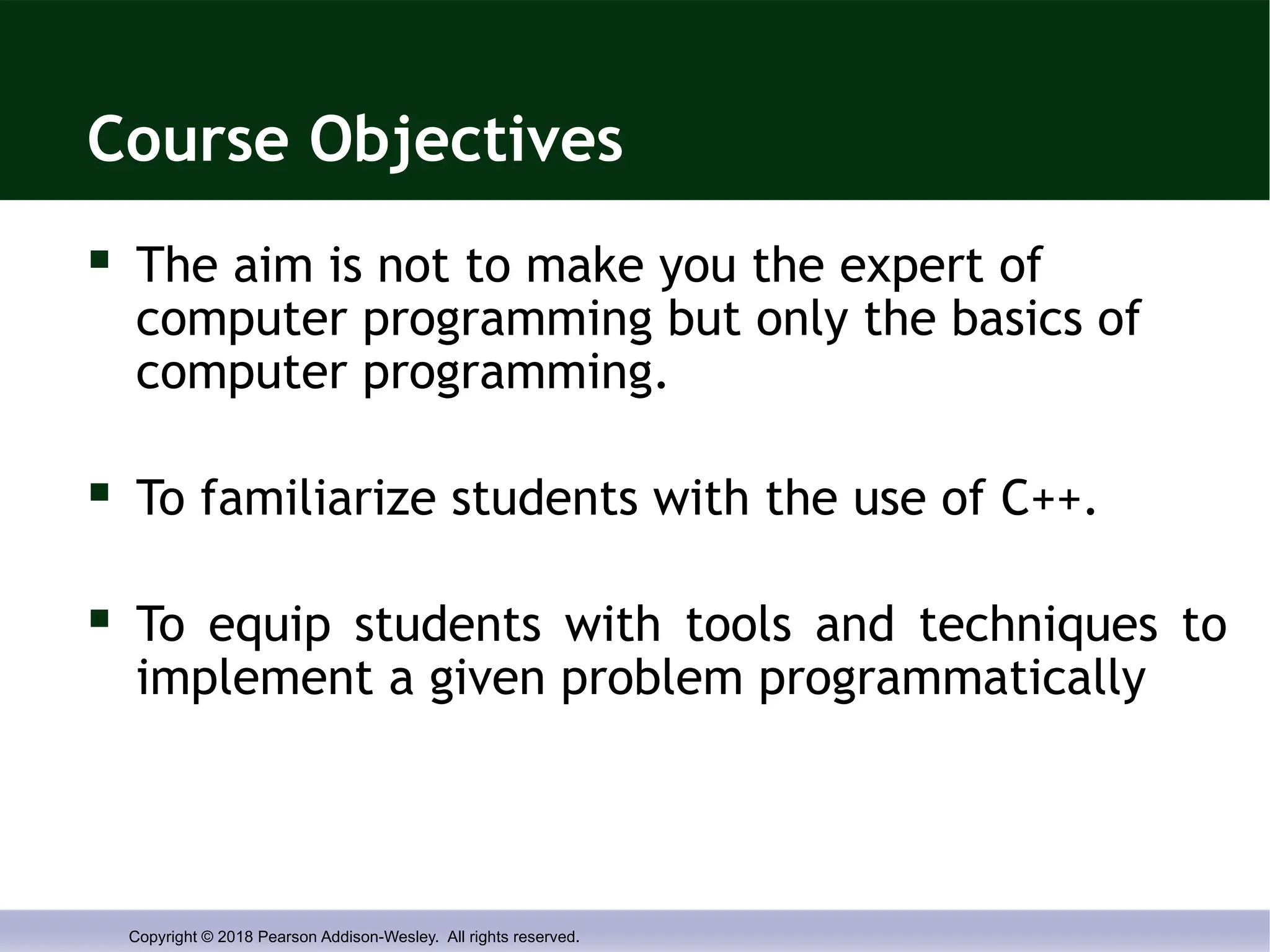
Course Objectives
The aim is not to make you the expert of
computer programming but only the basics of
computer programming.
To familiarize students with the use of C++.
To equip students with tools and techniques to
implement a given problem programmatically
- 3.
Copyright © 2018Pearson Addison-Wesley. All rights reserved.
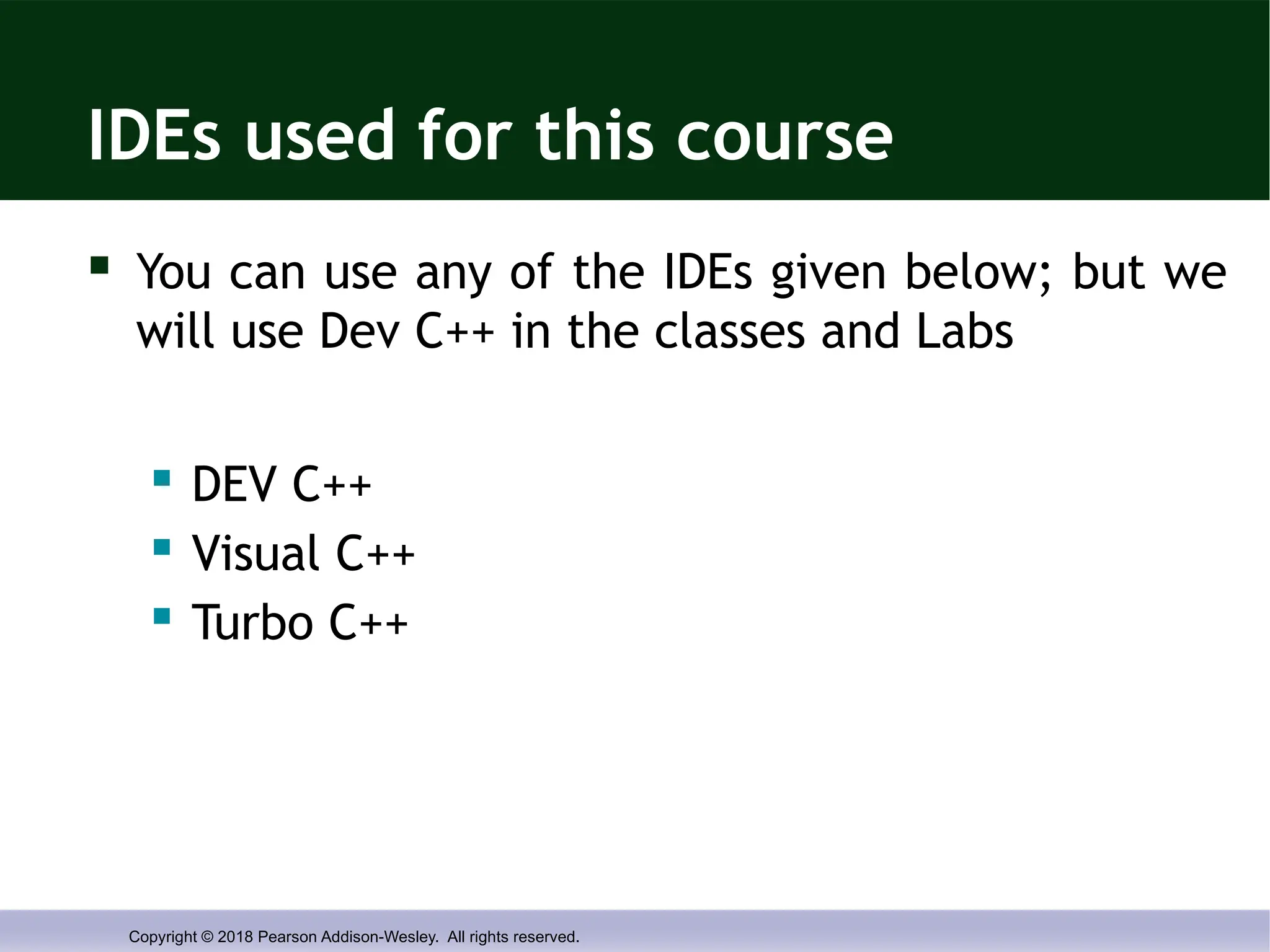
IDEs used for this course
You can use any of the IDEs given below; but we
will use Dev C++ in the classes and Labs
DEV C++
Visual C++
Turbo C++
- 4.
Copyright © 2018Pearson Addison-Wesley. All rights reserved.
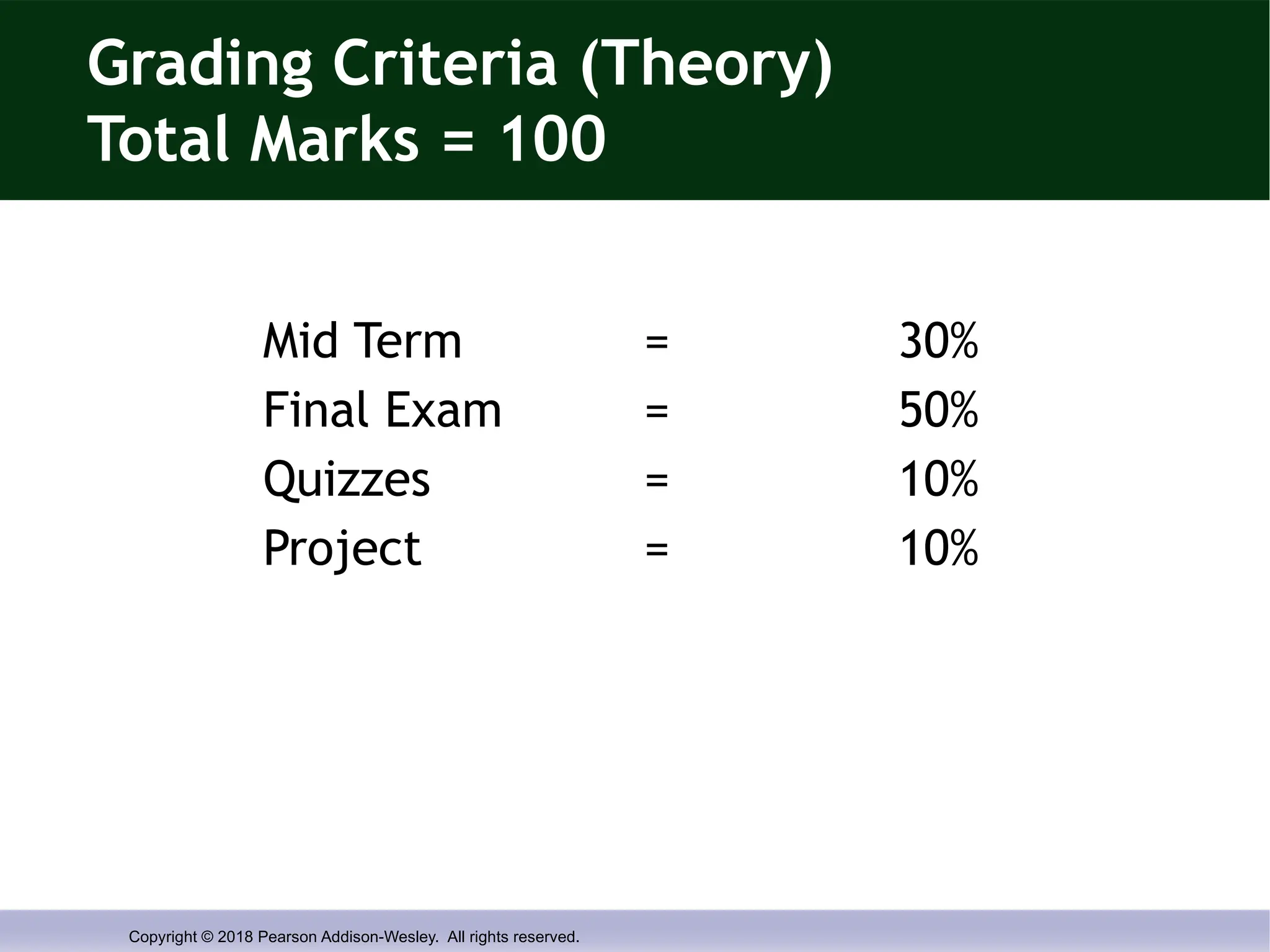
Grading Criteria (Theory)
Total Marks = 100
Mid Term = 30%
Final Exam = 50%
Quizzes = 10%
Project = 10%
- 5.
Copyright © 2018Pearson Addison-Wesley. All rights reserved.
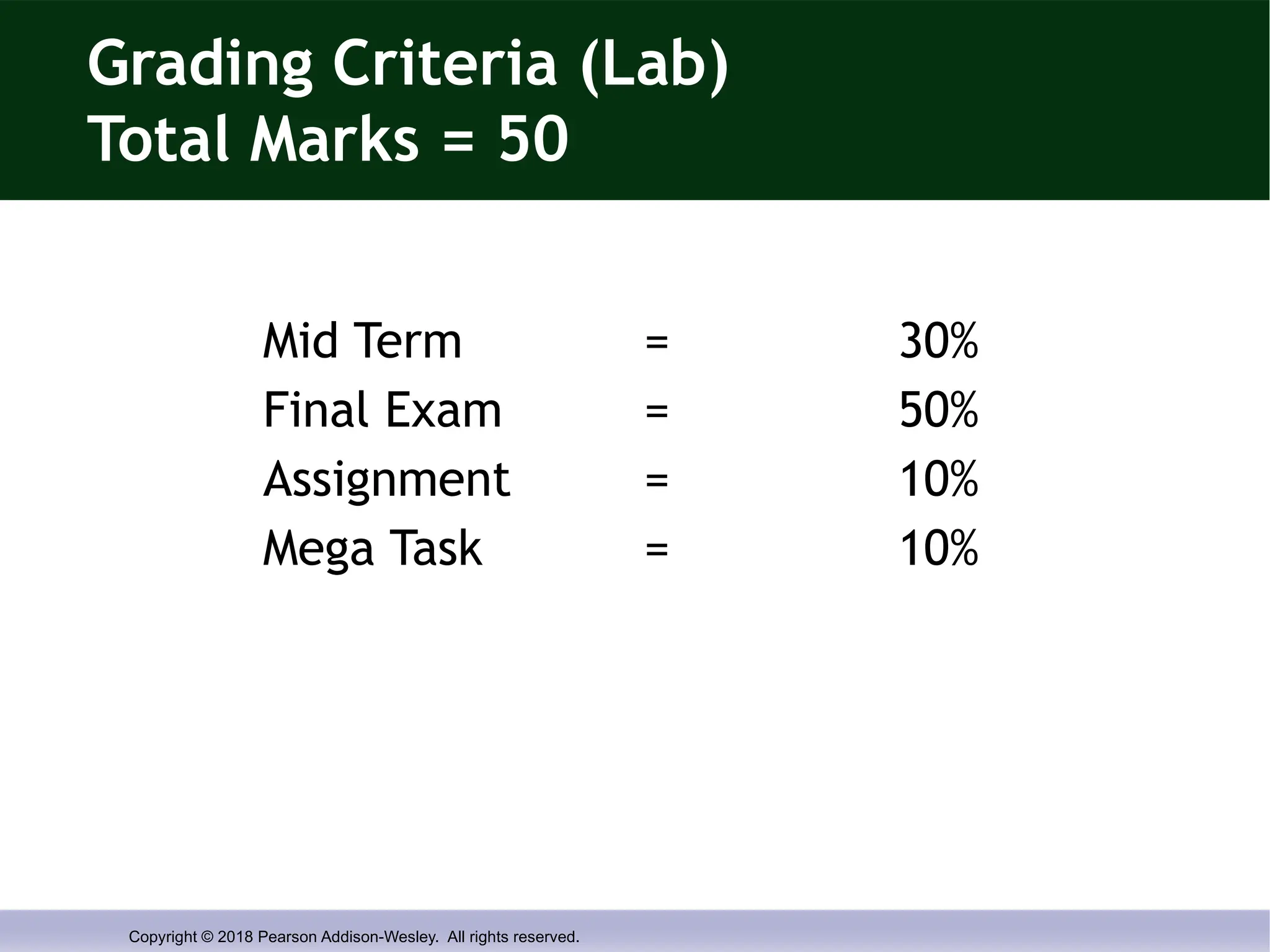
Grading Criteria (Lab)
Total Marks = 50
Mid Term = 30%
Final Exam = 50%
Assignment = 10%
Mega Task = 10%
- 6.
Copyright © 2018Pearson Addison-Wesley. All rights reserved.
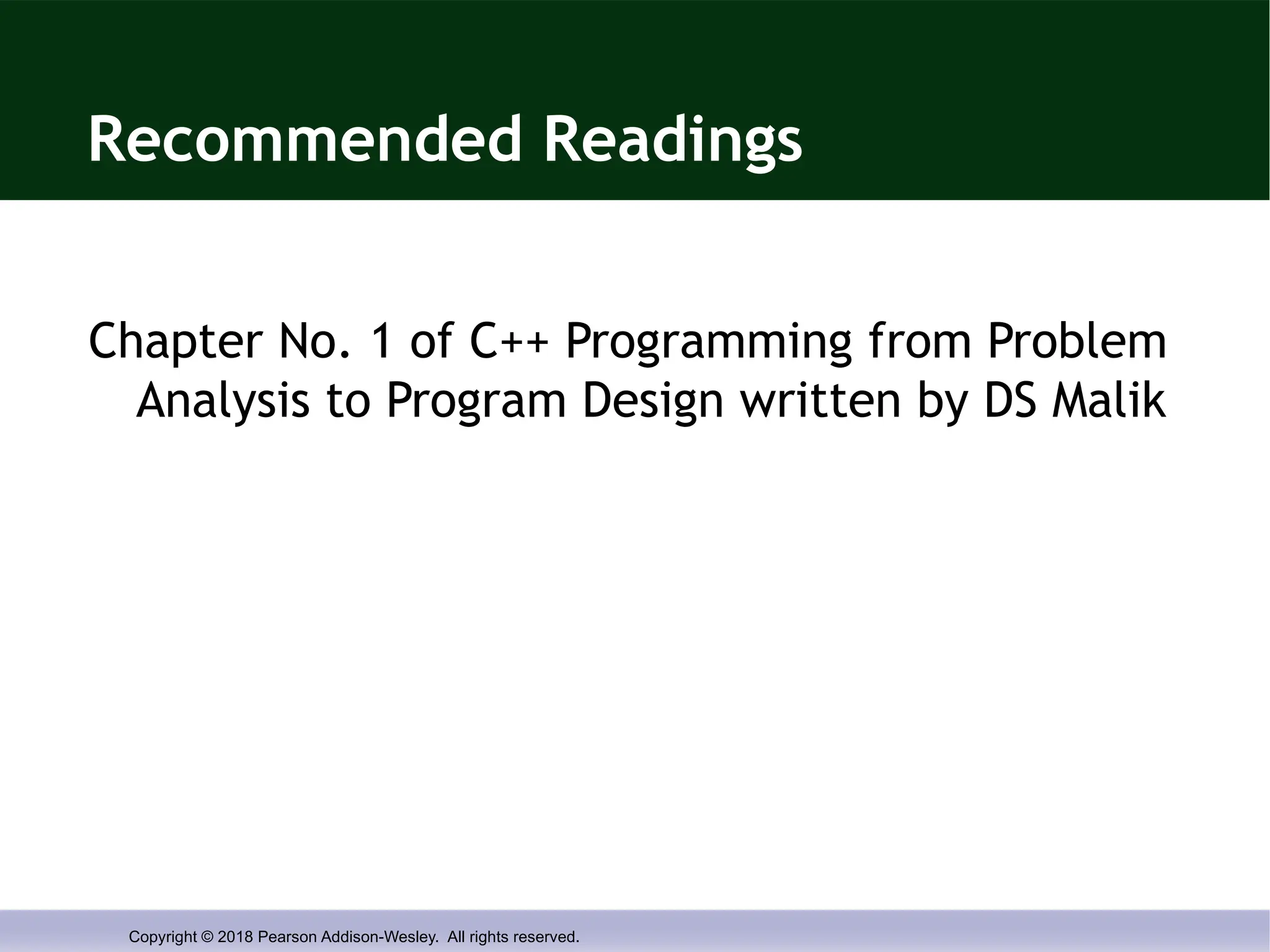
Recommended Readings
Chapter No. 1 of C++ Programming from Problem
Analysis to Program Design written by DS Malik
- 7.
Copyright © 2018Pearson Addison-Wesley. All rights reserved.
Chapter 1
Introduction to Computers and
C++ Programming
- 8.
Copyright © 2018Pearson Addison-Wesley. All rights reserved.
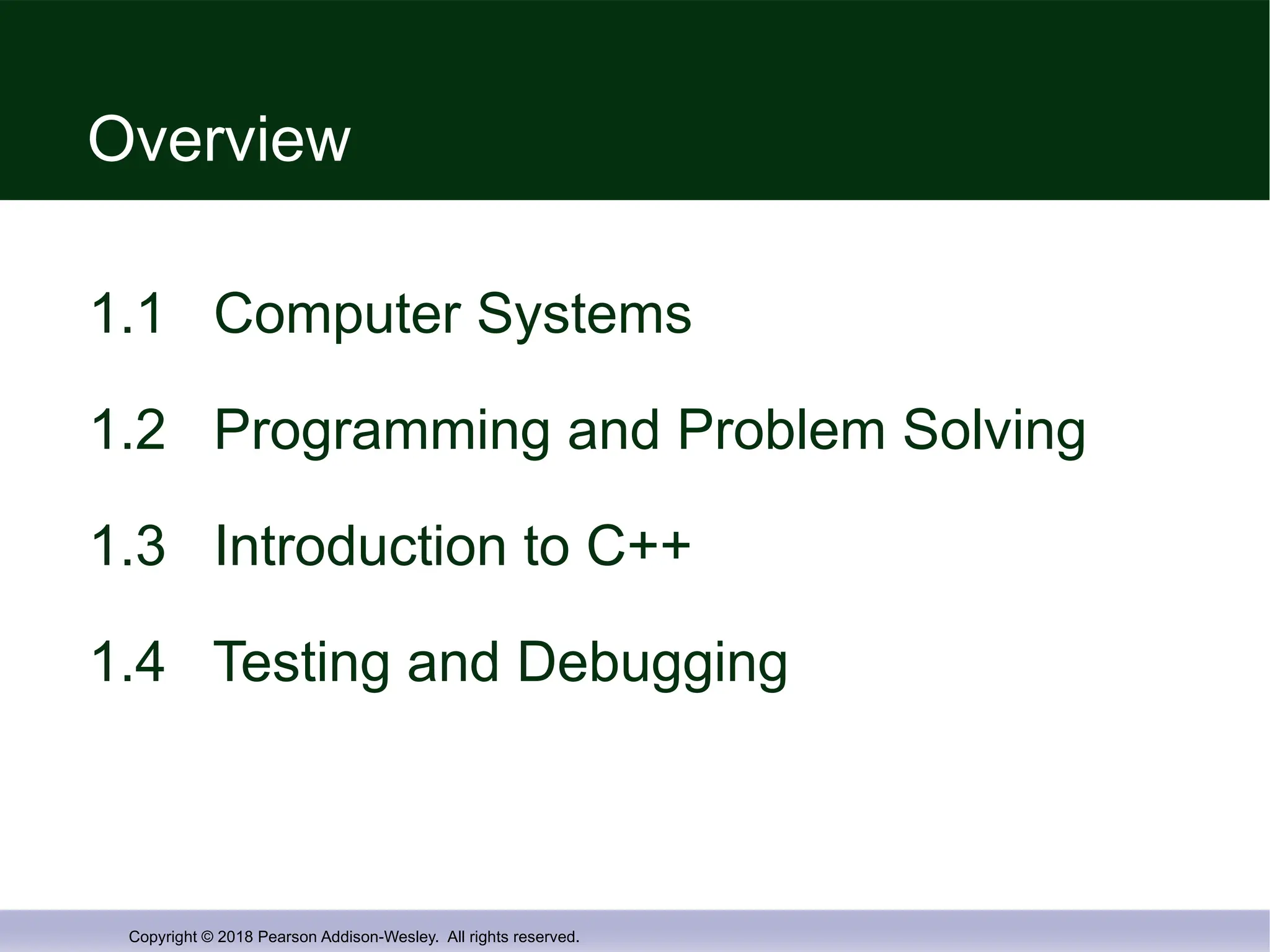
Overview
1.1 Computer Systems
1.2 Programming and Problem Solving
1.3 Introduction to C++
1.4 Testing and Debugging
- 9.
Copyright © 2018Pearson Addison-Wesley. All rights reserved.
1.1
Computer Systems
- 10.
Copyright © 2018Pearson Addison-Wesley. All rights reserved.
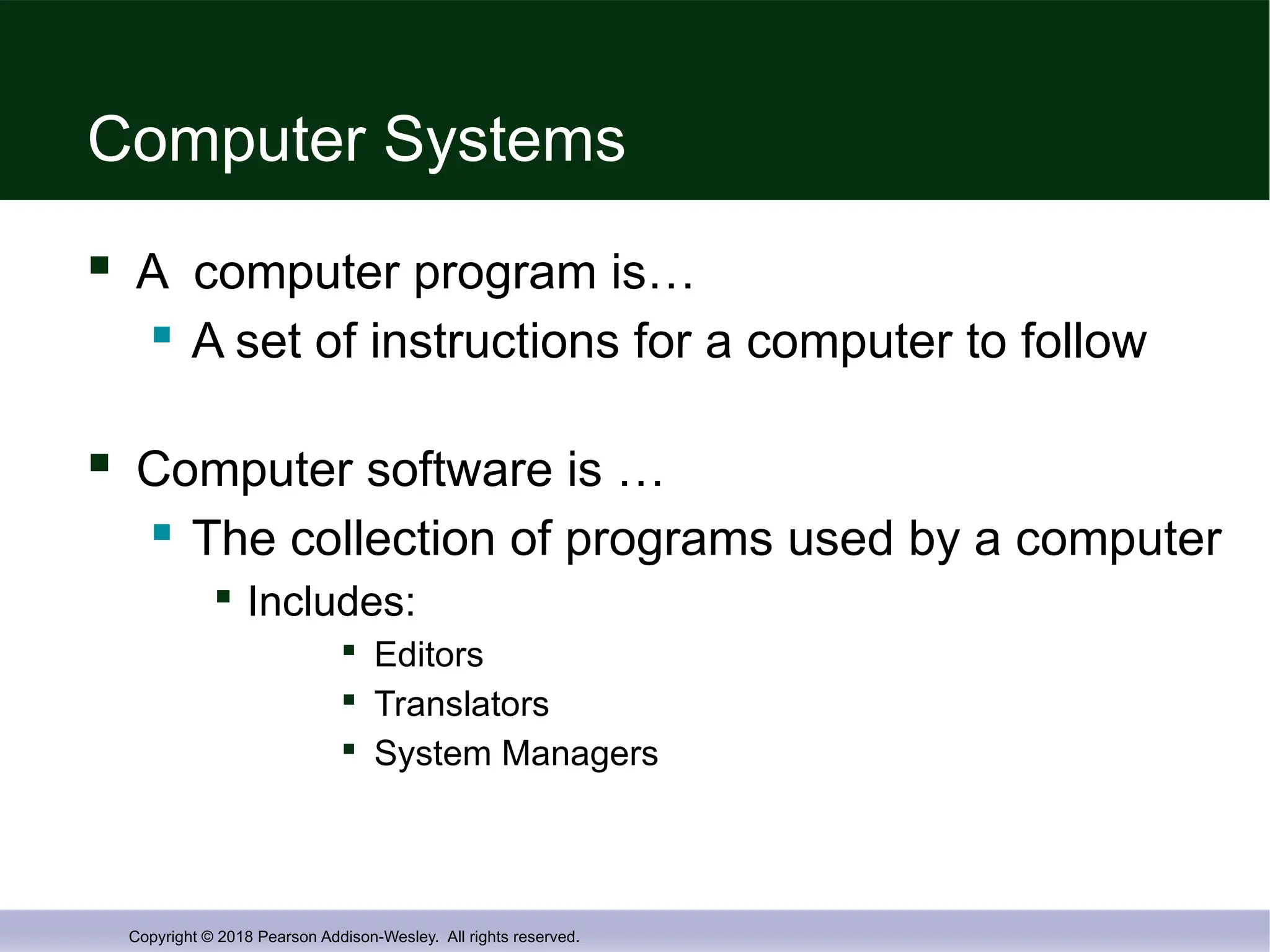
Computer Systems
A computer program is…
A set of instructions for a computer to follow
Computer software is …
The collection of programs used by a computer
Includes:
Editors
Translators
System Managers
- 11.
Copyright © 2018Pearson Addison-Wesley. All rights reserved.
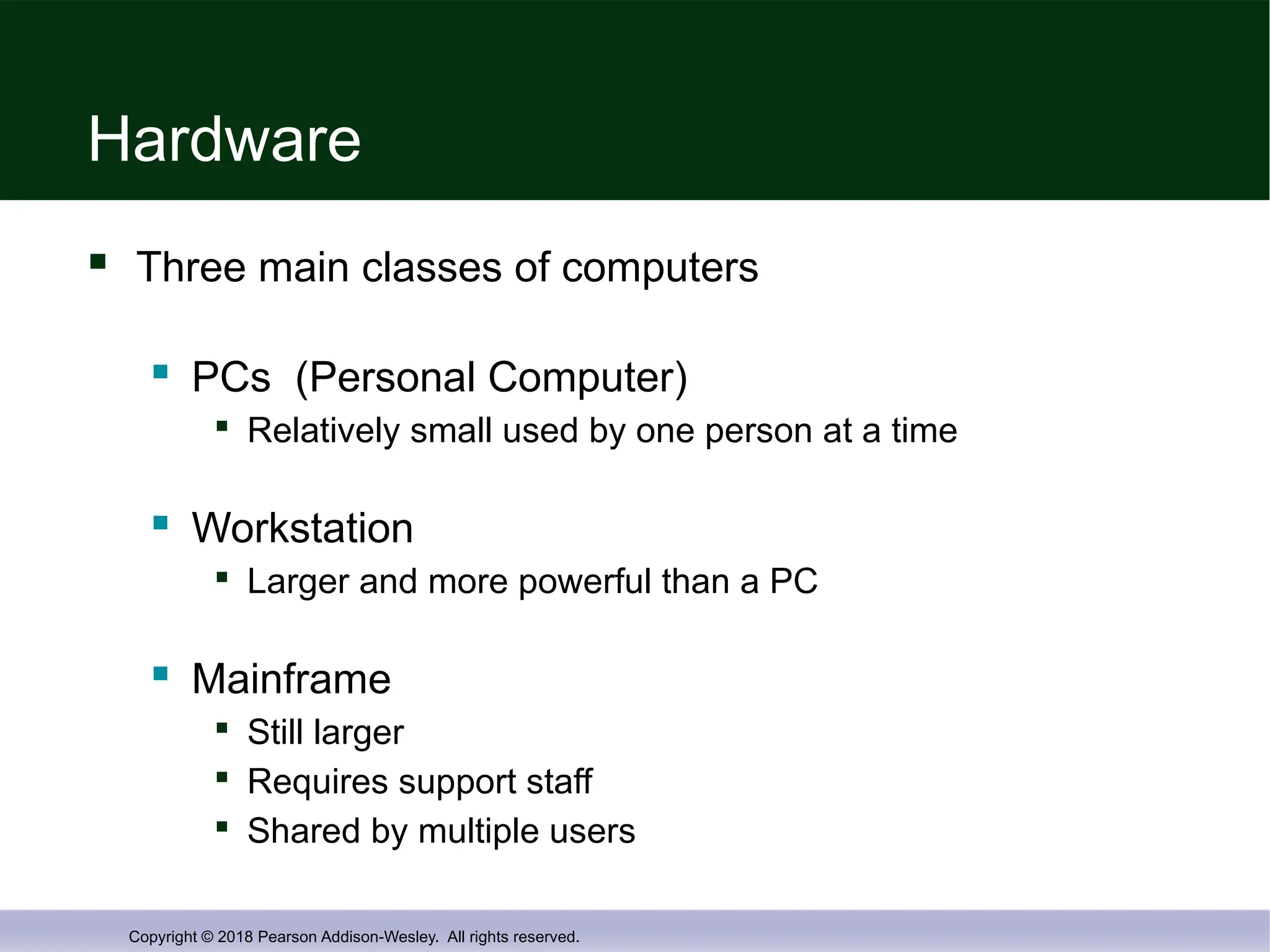
Hardware
Three main classes of computers
PCs (Personal Computer)
Relatively small used by one person at a time
Workstation
Larger and more powerful than a PC
Mainframe
Still larger
Requires support staff
Shared by multiple users
- 12.
Copyright © 2018Pearson Addison-Wesley. All rights reserved.
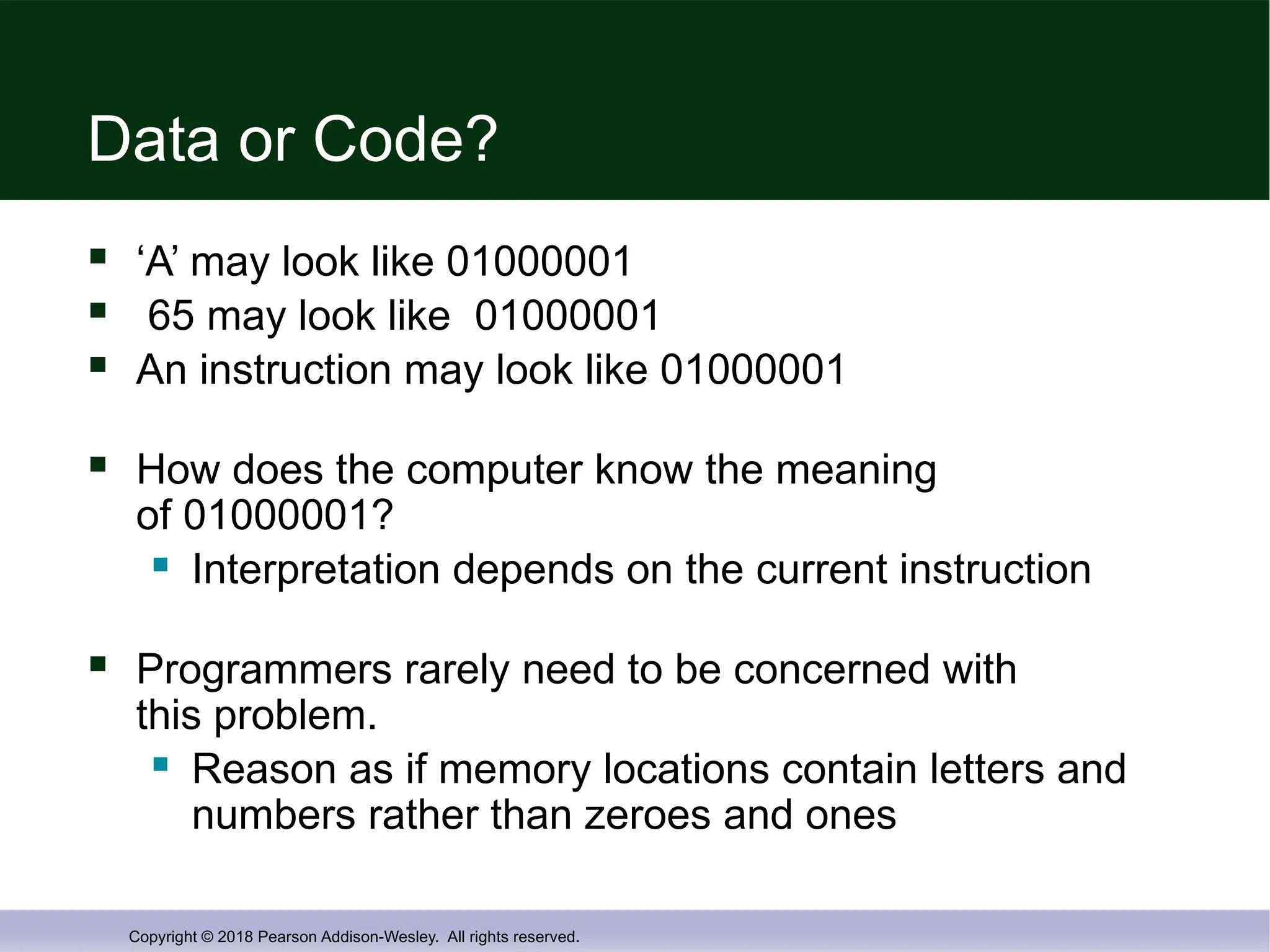
Data or Code?
‘A’ may look like 01000001
65 may look like 01000001
An instruction may look like 01000001
How does the computer know the meaning
of 01000001?
Interpretation depends on the current instruction
Programmers rarely need to be concerned with
this problem.
Reason as if memory locations contain letters and
numbers rather than zeroes and ones
- 13.
Copyright © 2018Pearson Addison-Wesley. All rights reserved.
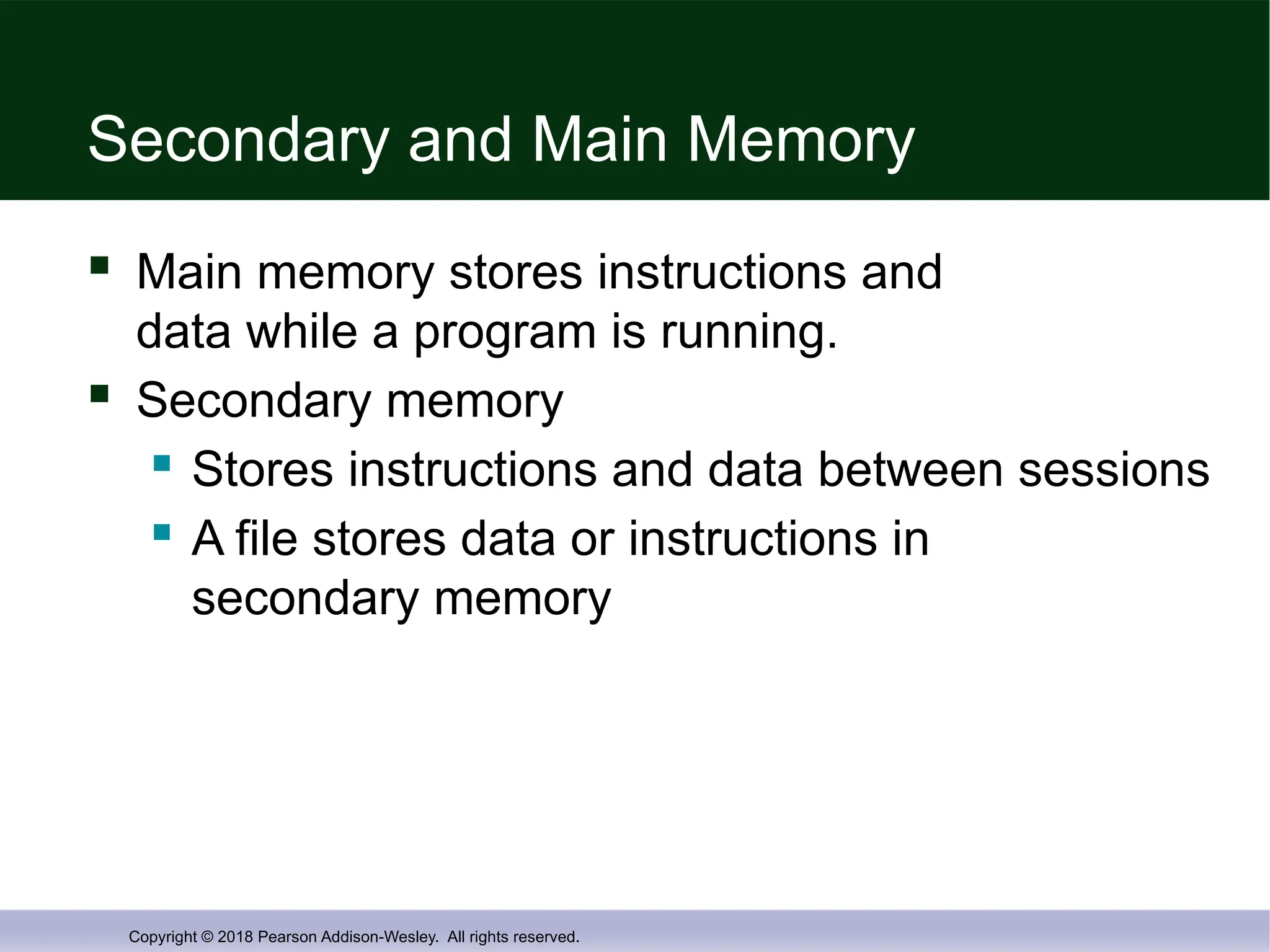
Secondary and Main Memory
Main memory stores instructions and
data while a program is running.
Secondary memory
Stores instructions and data between sessions
A file stores data or instructions in
secondary memory
- 14.
Copyright © 2018Pearson Addison-Wesley. All rights reserved.
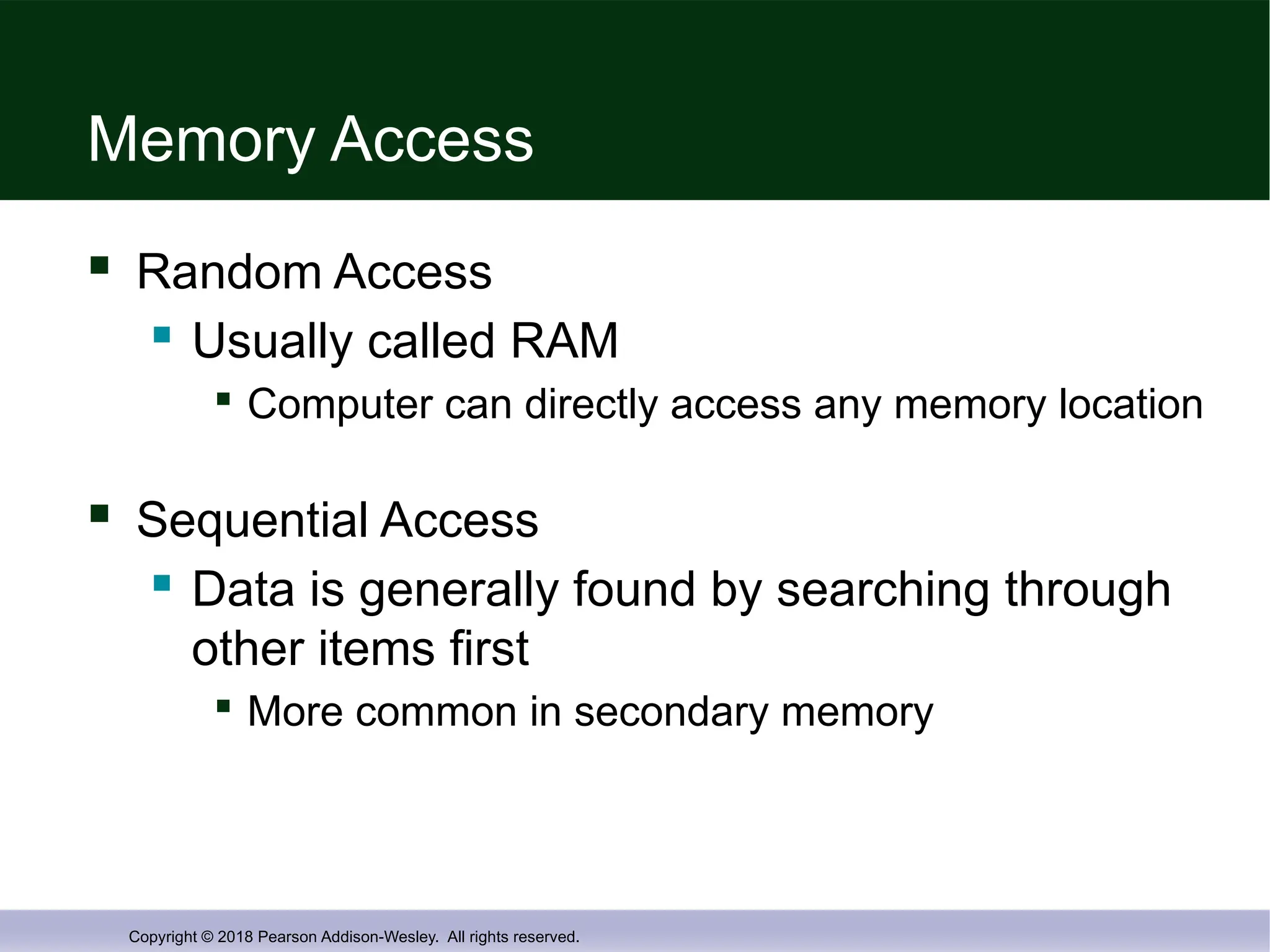
Memory Access
Random Access
Usually called RAM
Computer can directly access any memory location
Sequential Access
Data is generally found by searching through
other items first
More common in secondary memory
- 15.
Copyright © 2018Pearson Addison-Wesley. All rights reserved.
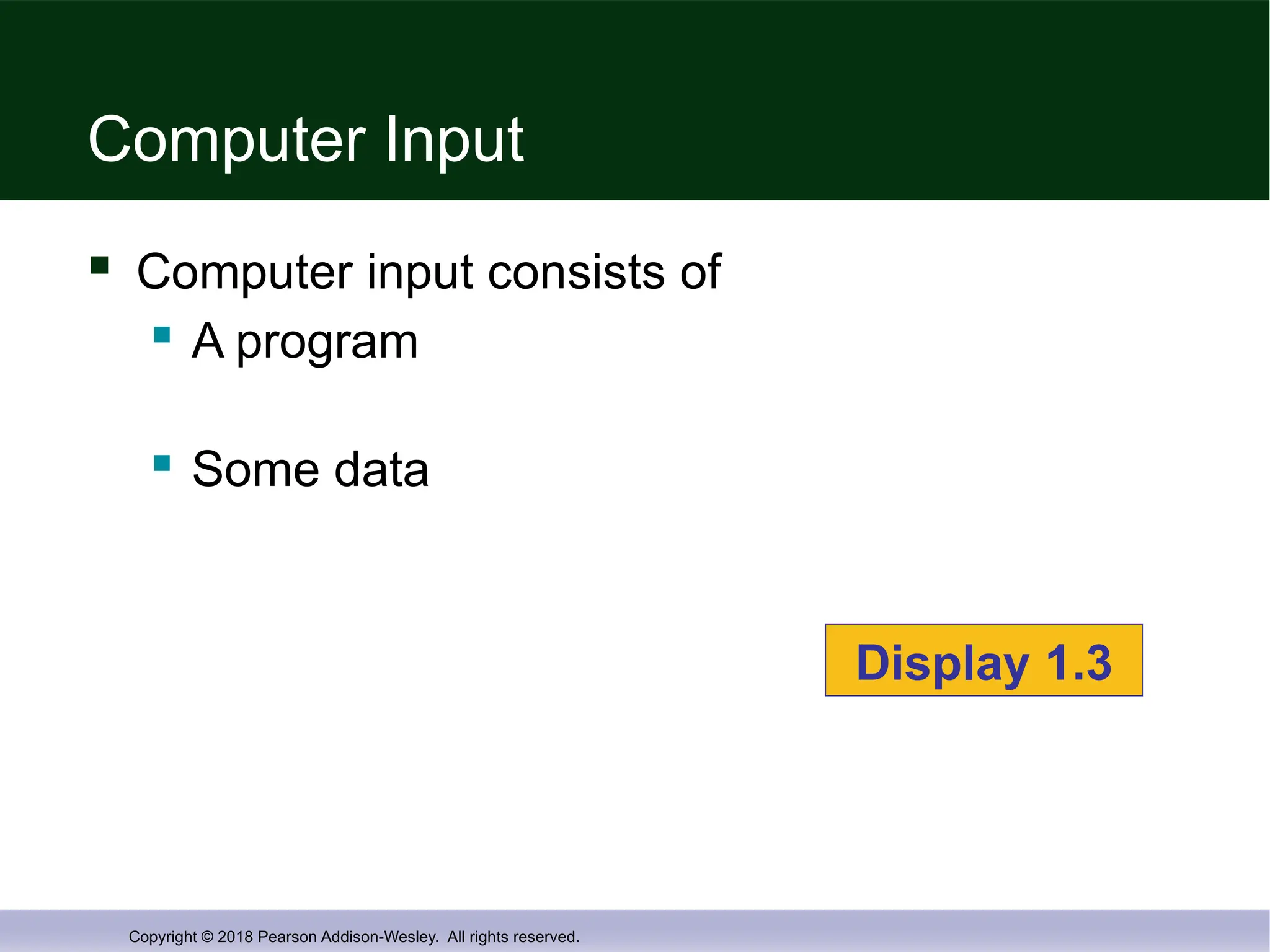
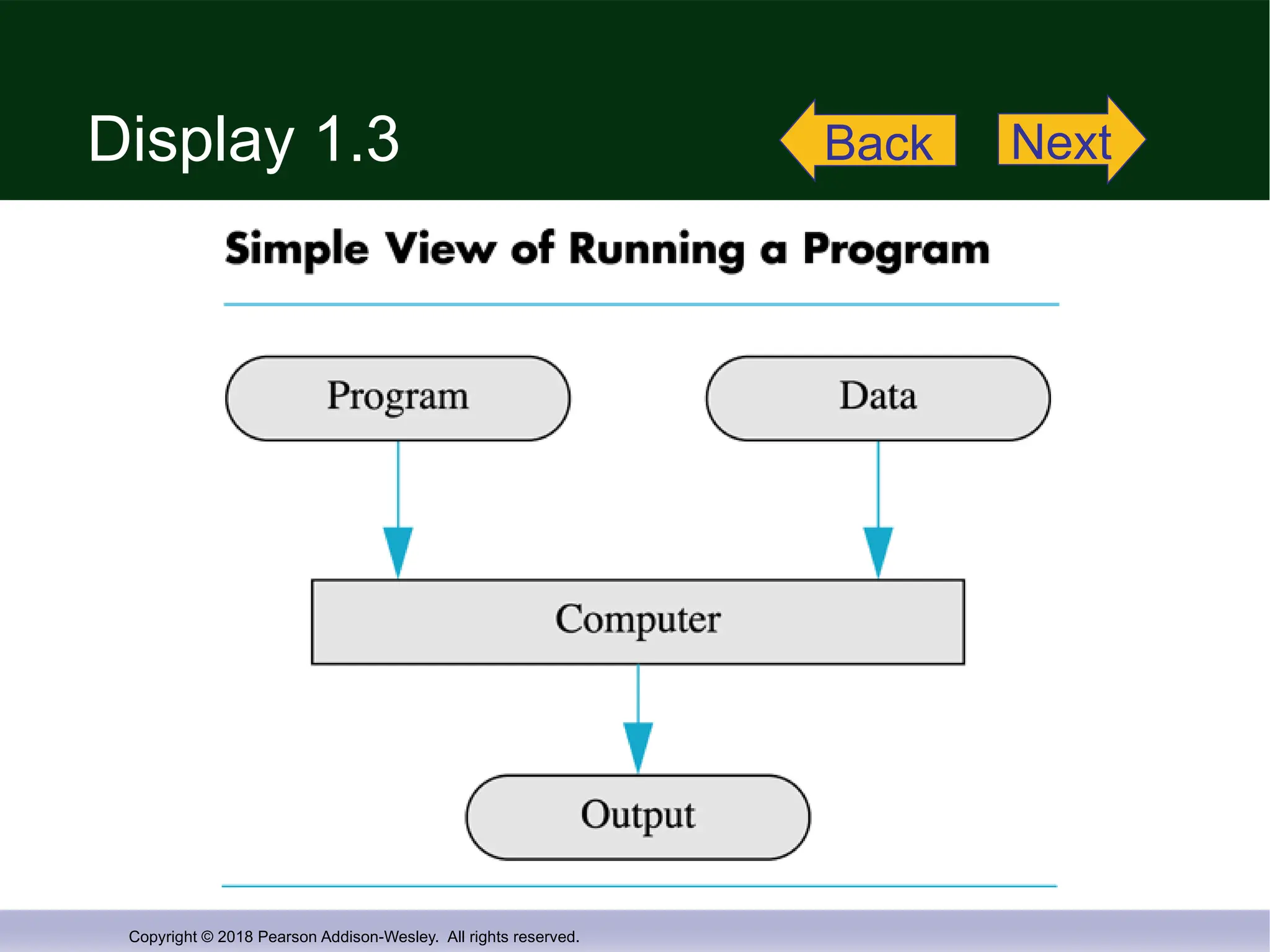
Computer Input
Computer input consists of
A program
Some data
Display 1.3
- 16.
Copyright © 2018Pearson Addison-Wesley. All rights reserved.
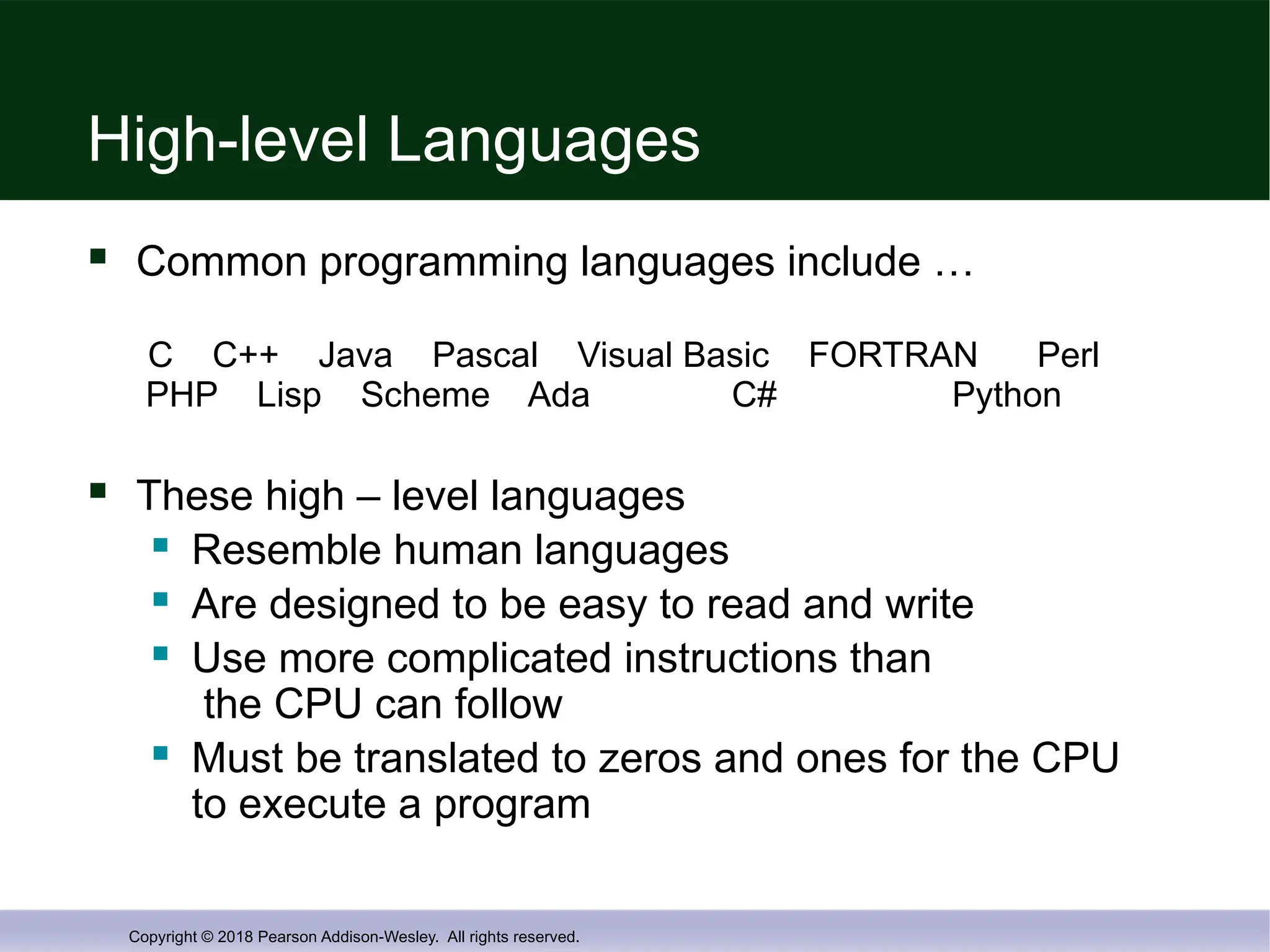
High-level Languages
Common programming languages include …
C C++ Java Pascal Visual Basic FORTRAN Perl
PHP Lisp Scheme Ada C# Python
These high – level languages
Resemble human languages
Are designed to be easy to read and write
Use more complicated instructions than
the CPU can follow
Must be translated to zeros and ones for the CPU
to execute a program
- 17.
Copyright © 2018Pearson Addison-Wesley. All rights reserved.
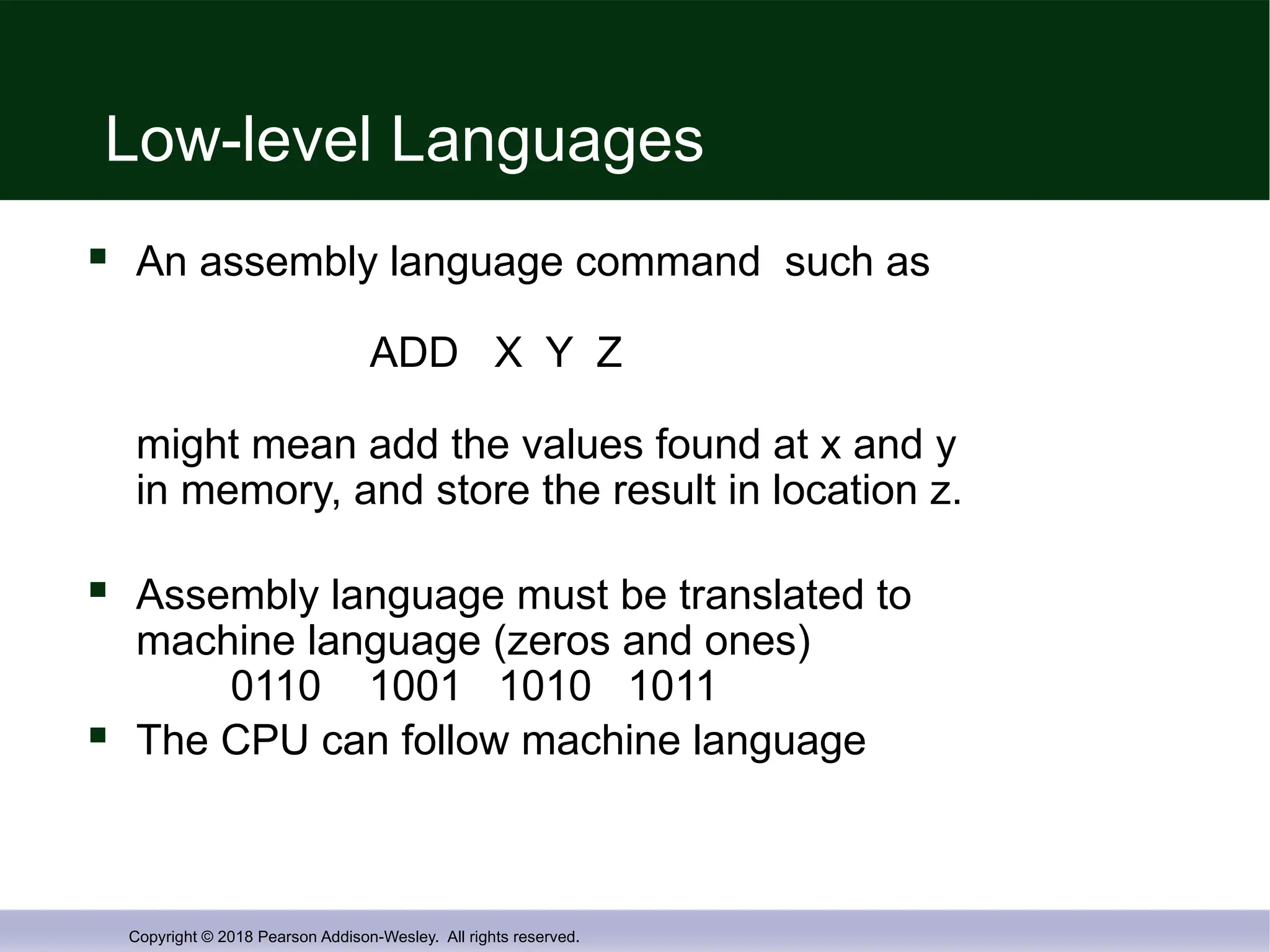
Low-level Languages
An assembly language command such as
ADD X Y Z
might mean add the values found at x and y
in memory, and store the result in location z.
Assembly language must be translated to
machine language (zeros and ones)
0110 1001 1010 1011
The CPU can follow machine language
- 18.
Copyright © 2018Pearson Addison-Wesley. All rights reserved.
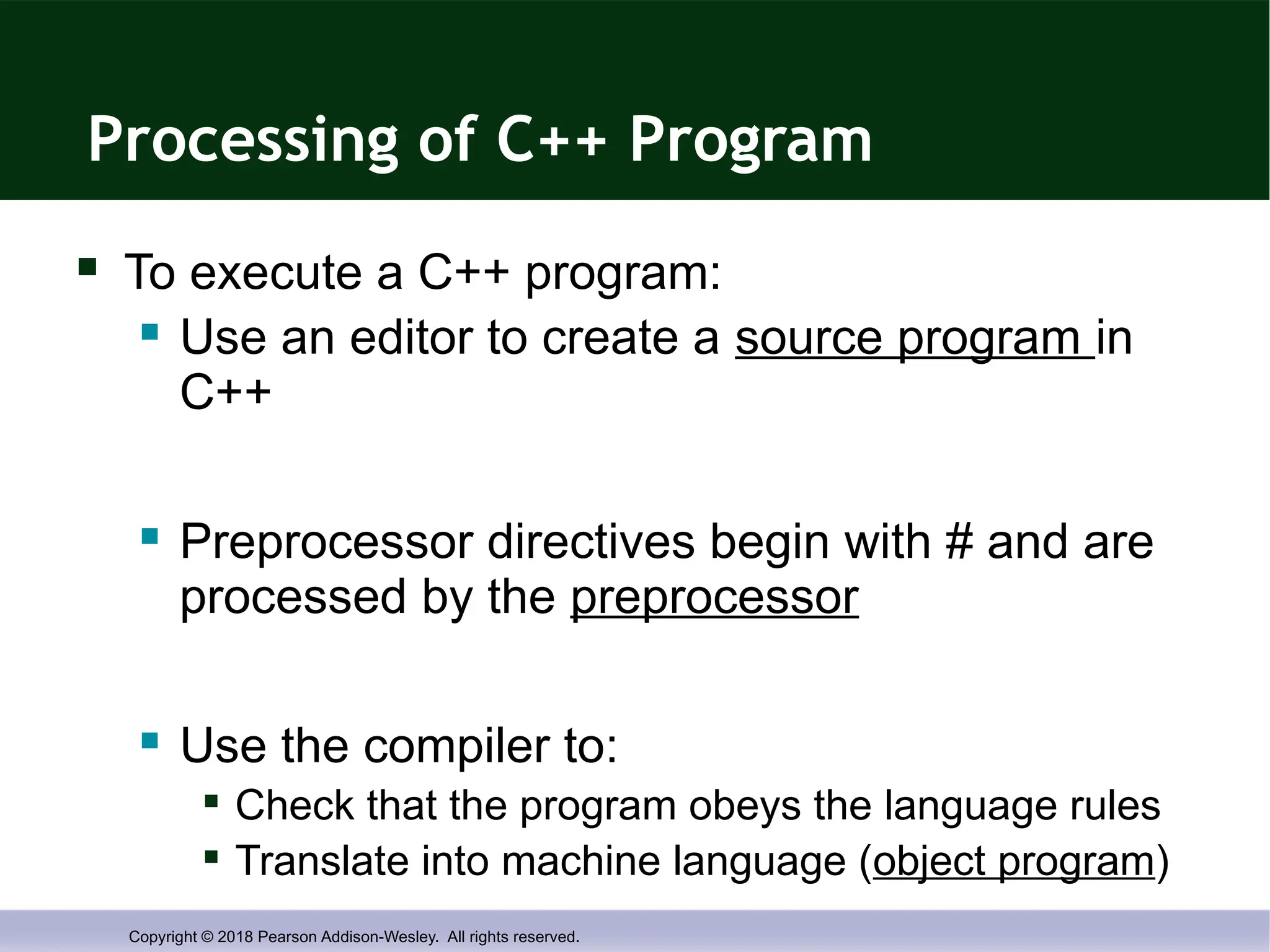
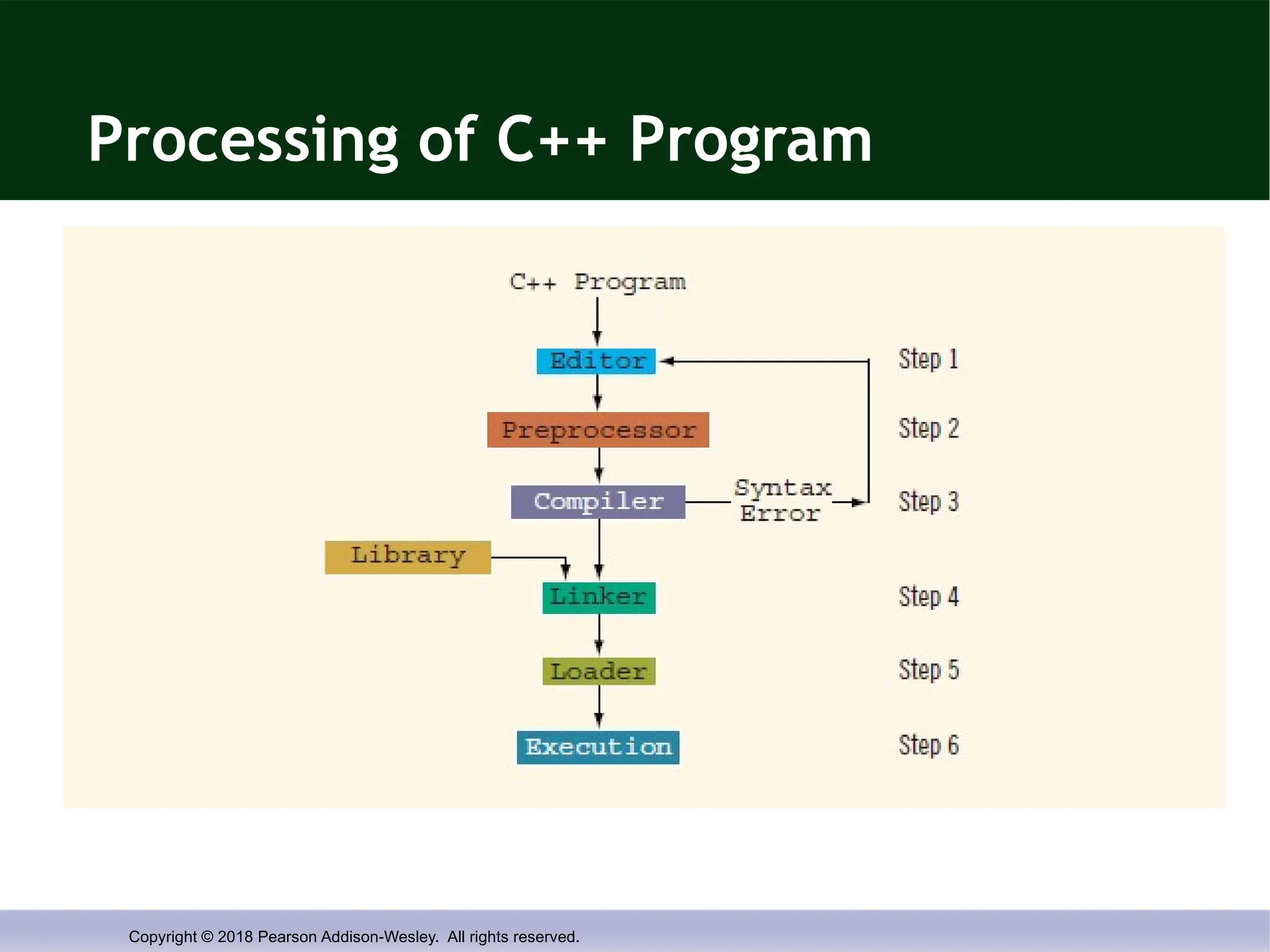
Processing of C++ Program
To execute a C++ program:
Use an editor to create a source program in
C++
Preprocessor directives begin with # and are
processed by the preprocessor
Use the compiler to:
Check that the program obeys the language rules
Translate into machine language (object program)
- 19.
Copyright © 2018Pearson Addison-Wesley. All rights reserved.
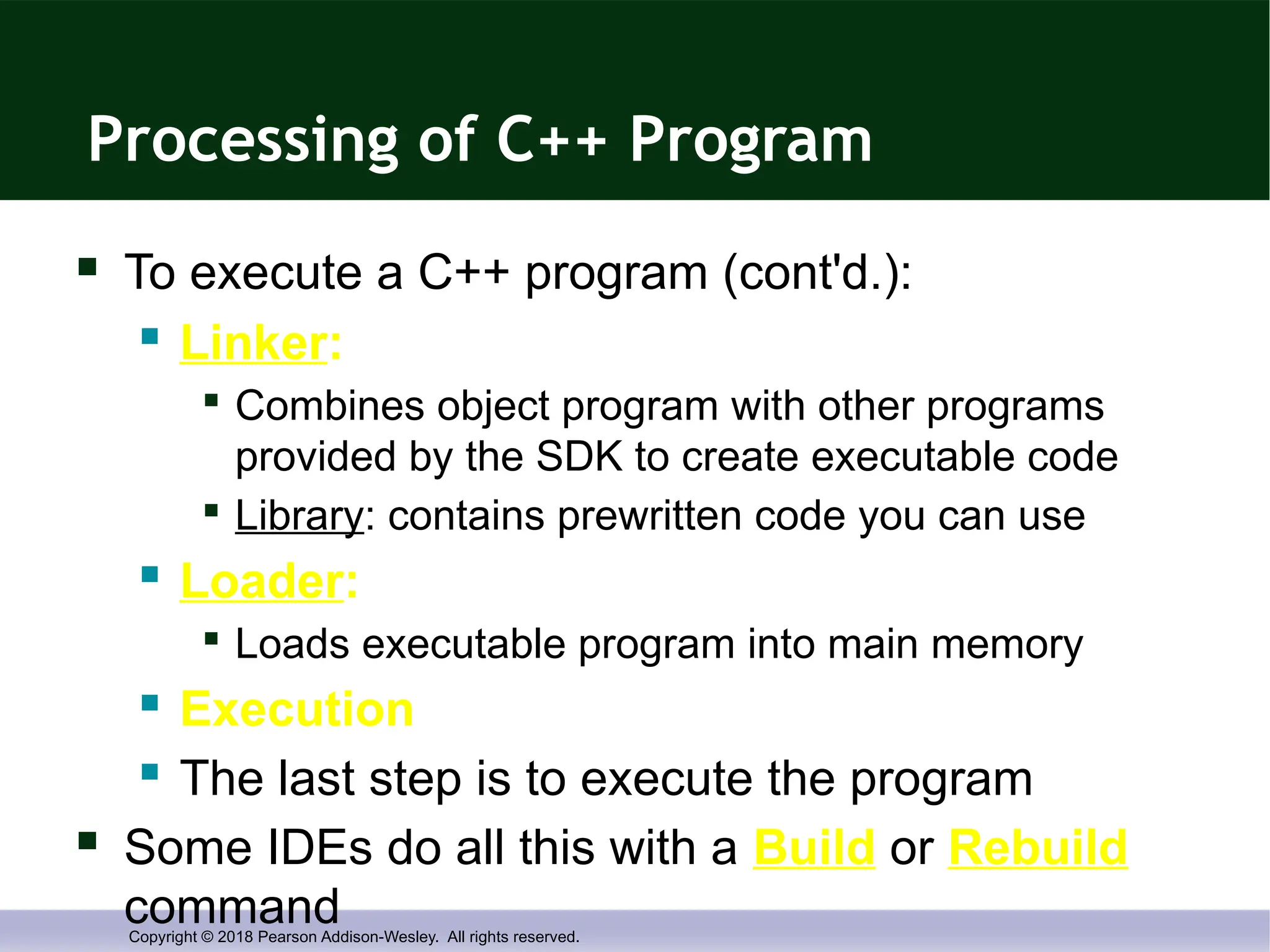
Processing of C++ Program
To execute a C++ program (cont'd.):
Linker:
Combines object program with other programs
provided by the SDK to create executable code
Library: contains prewritten code you can use
Loader:
Loads executable program into main memory
Execution
The last step is to execute the program
Some IDEs do all this with a Build or Rebuild
command
- 20.
Copyright © 2018Pearson Addison-Wesley. All rights reserved.
Processing of C++ Program
- 21.
Copyright © 2018Pearson Addison-Wesley. All rights reserved.
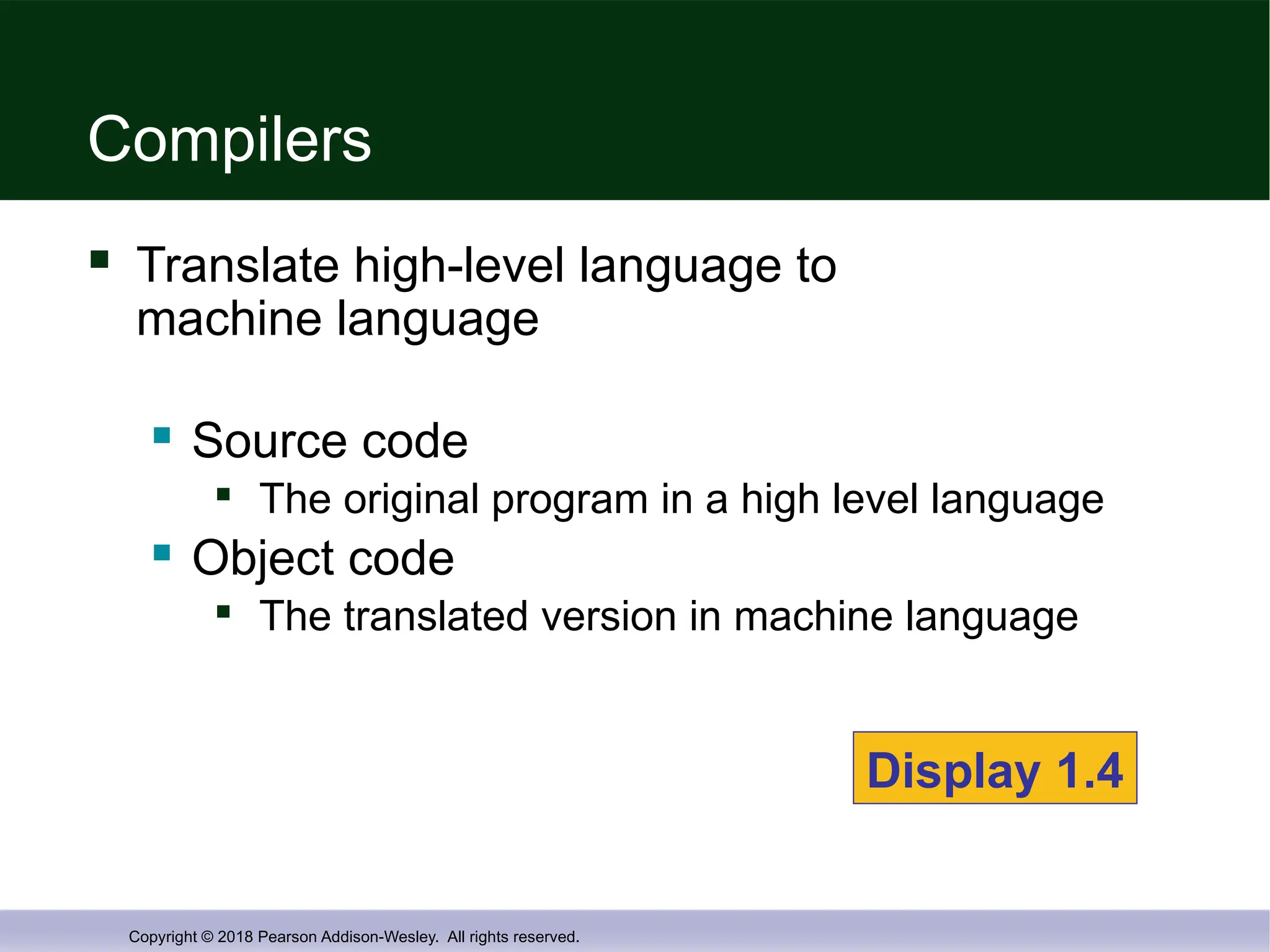
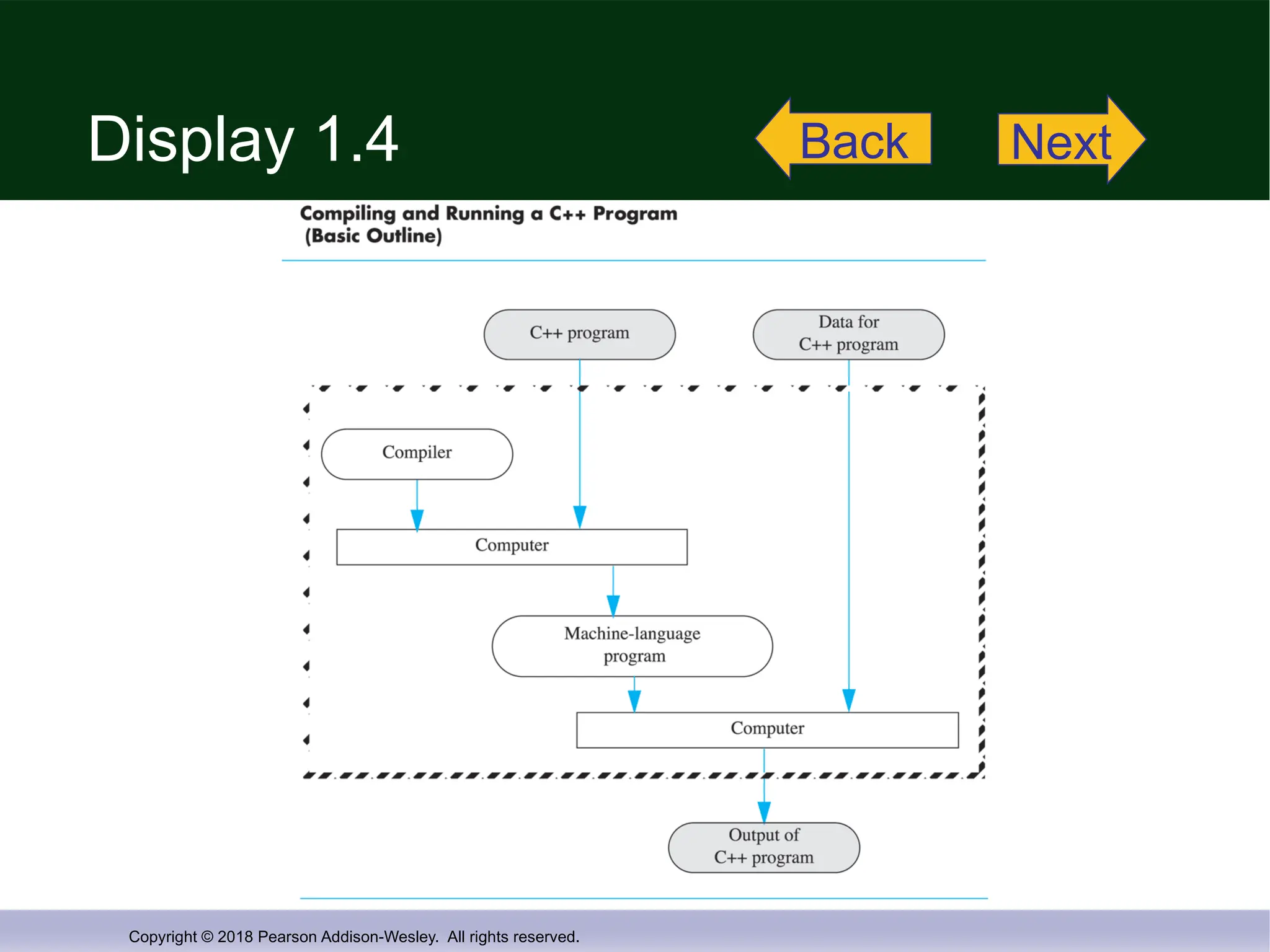
Compilers
Translate high-level language to
machine language
Source code
The original program in a high level language
Object code
The translated version in machine language
Display 1.4
- 22.
Copyright © 2018Pearson Addison-Wesley. All rights reserved.
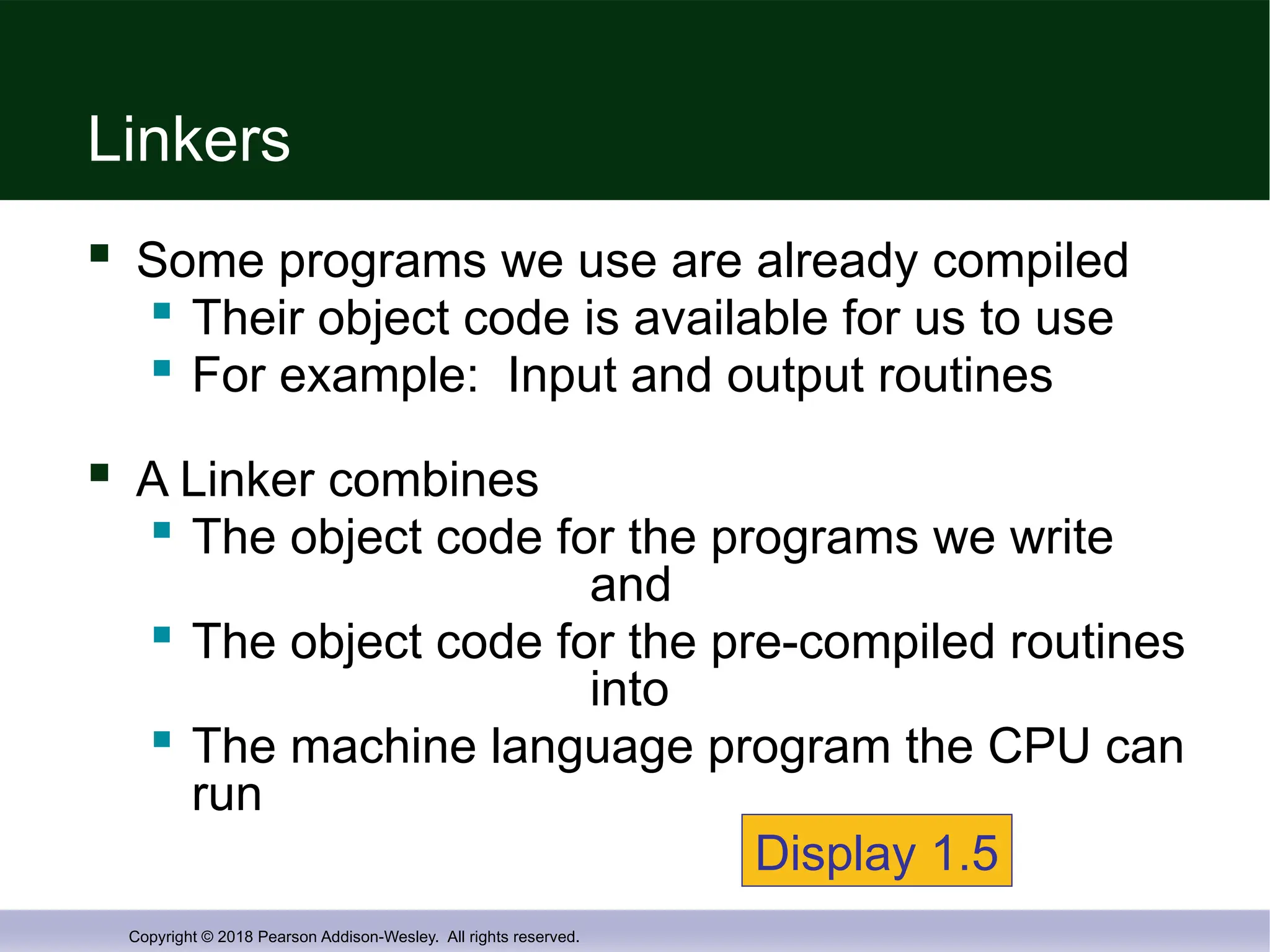
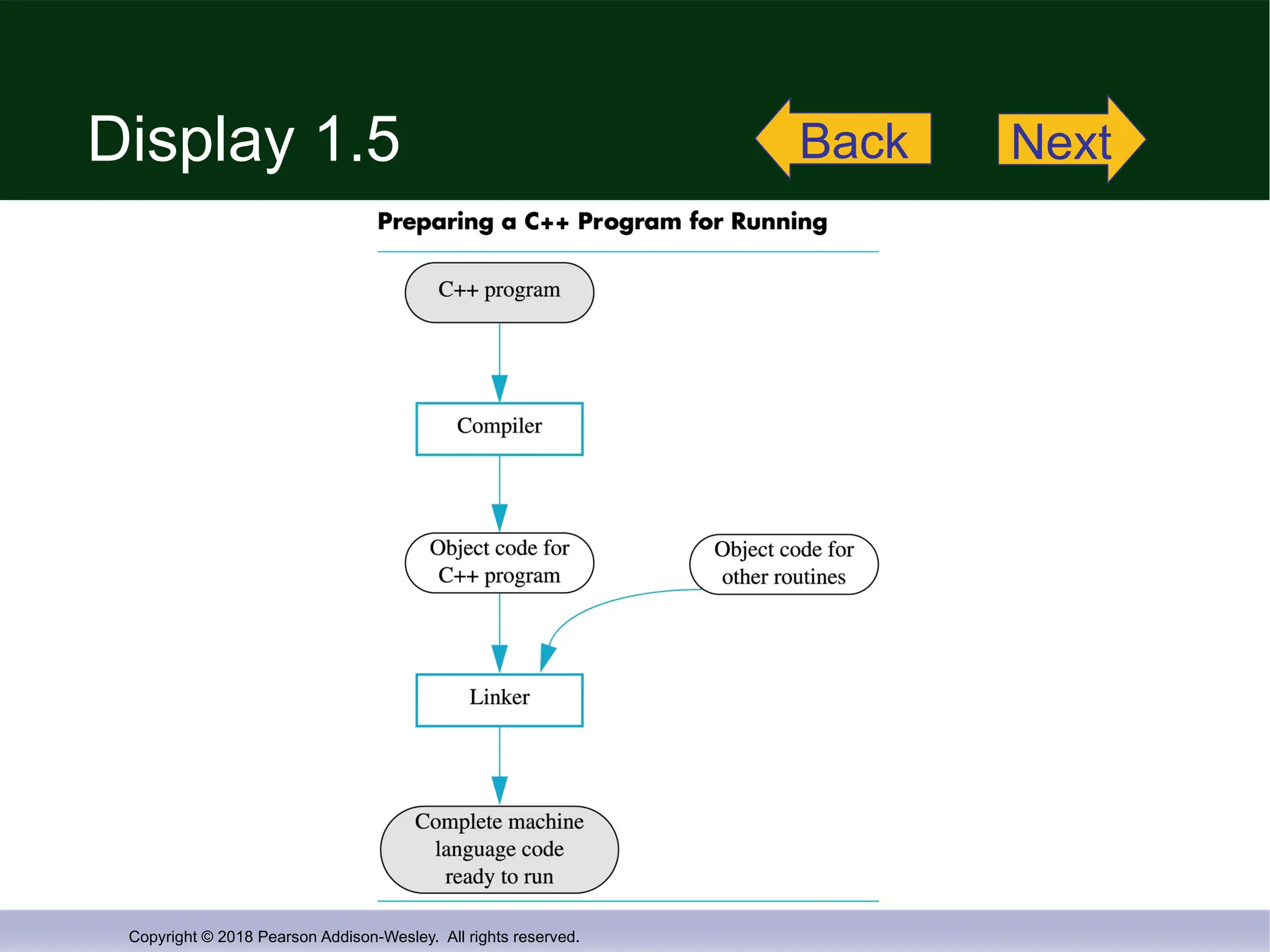
Linkers
Some programs we use are already compiled
Their object code is available for us to use
For example: Input and output routines
A Linker combines
The object code for the programs we write
and
The object code for the pre-compiled routines
into
The machine language program the CPU can
run
Display 1.5
- 23.
Copyright © 2018Pearson Addison-Wesley. All rights reserved.
1.2
Programming and Problem-
Solving
- 24.
Copyright © 2018Pearson Addison-Wesley. All rights reserved.
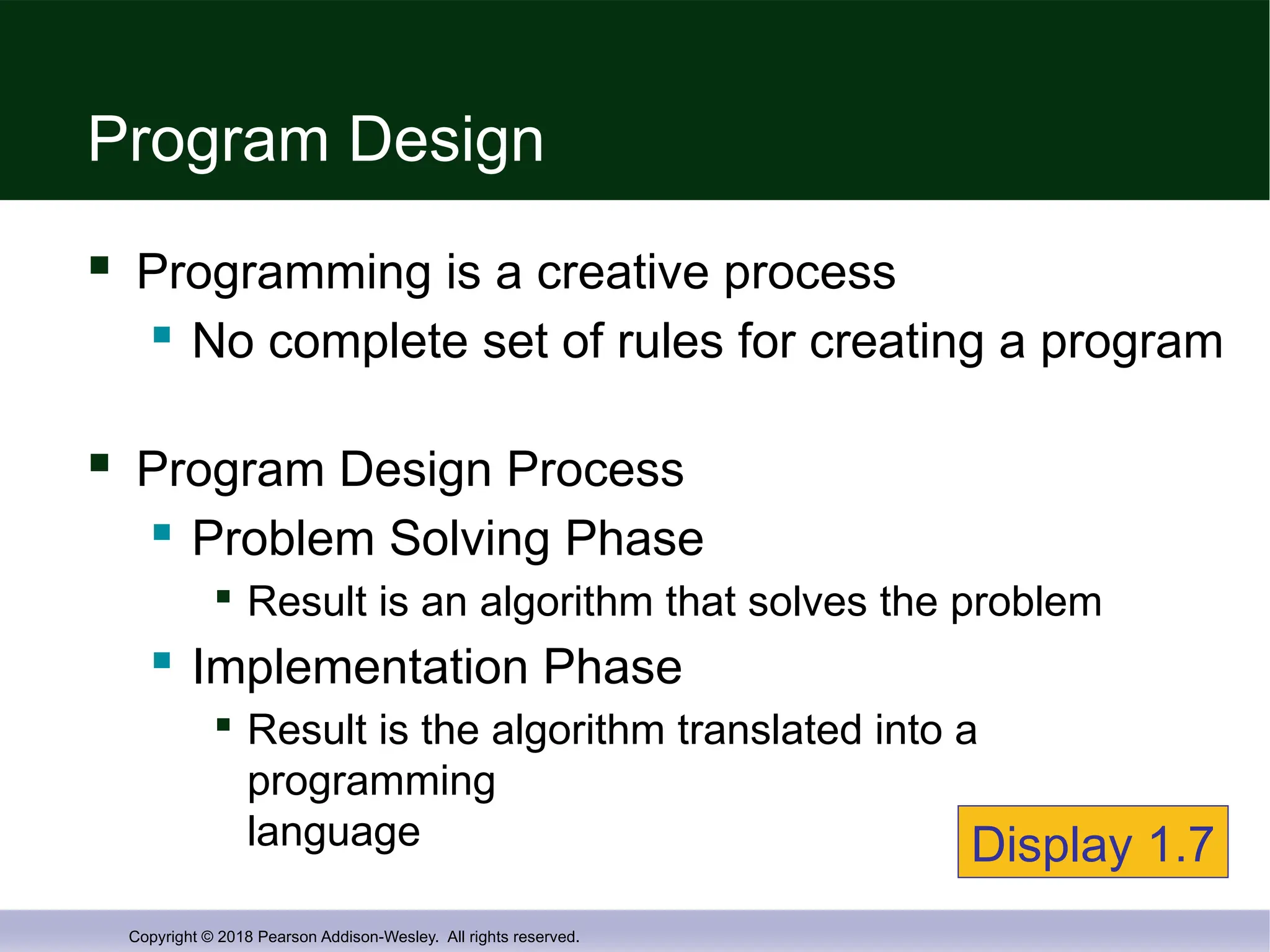
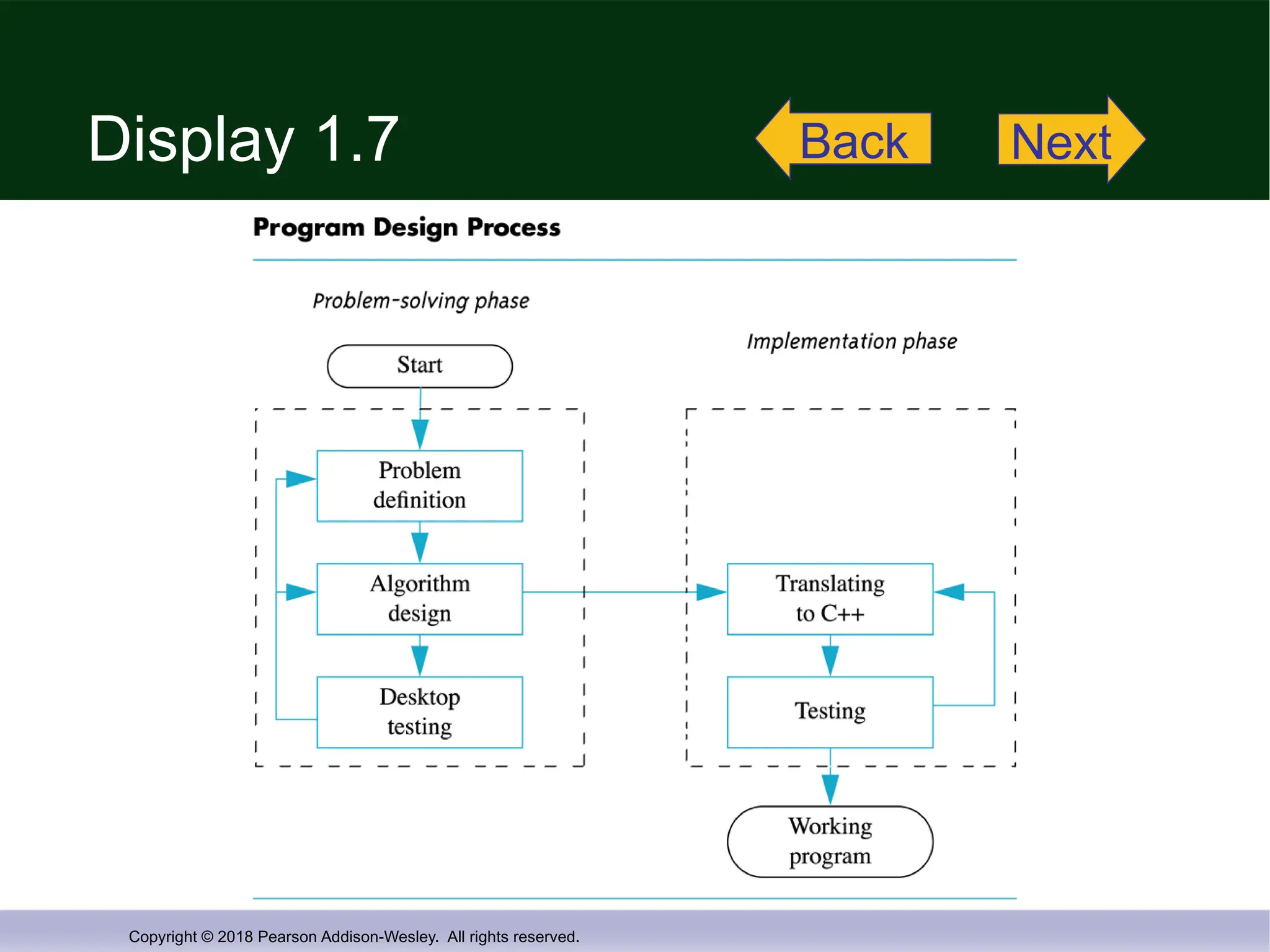
Program Design
Programming is a creative process
No complete set of rules for creating a program
Program Design Process
Problem Solving Phase
Result is an algorithm that solves the problem
Implementation Phase
Result is the algorithm translated into a
programming
language Display 1.7
- 25.
Copyright © 2018Pearson Addison-Wesley. All rights reserved.
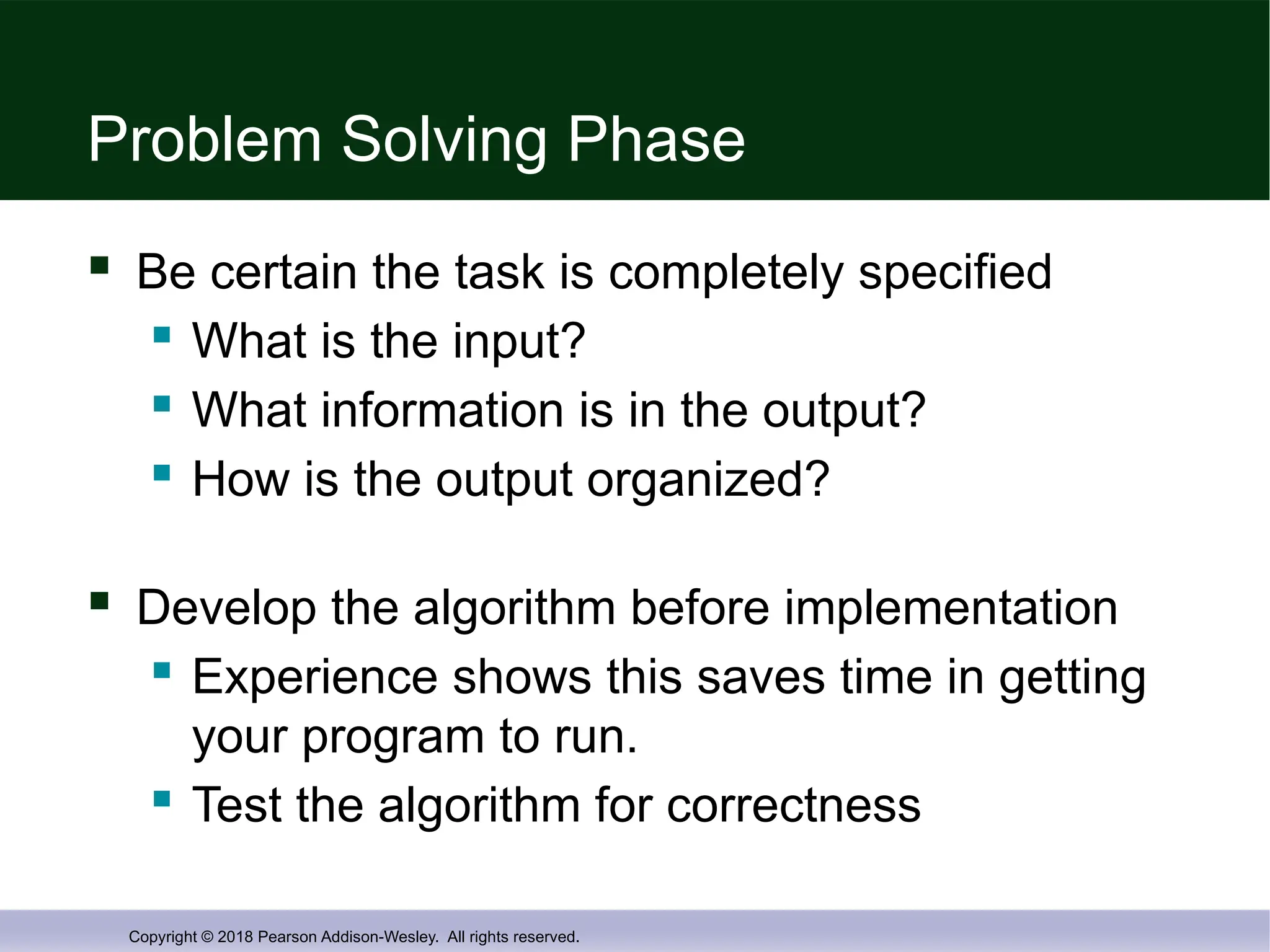
Problem Solving Phase
Be certain the task is completely specified
What is the input?
What information is in the output?
How is the output organized?
Develop the algorithm before implementation
Experience shows this saves time in getting
your program to run.
Test the algorithm for correctness
- 26.
Copyright © 2018Pearson Addison-Wesley. All rights reserved.
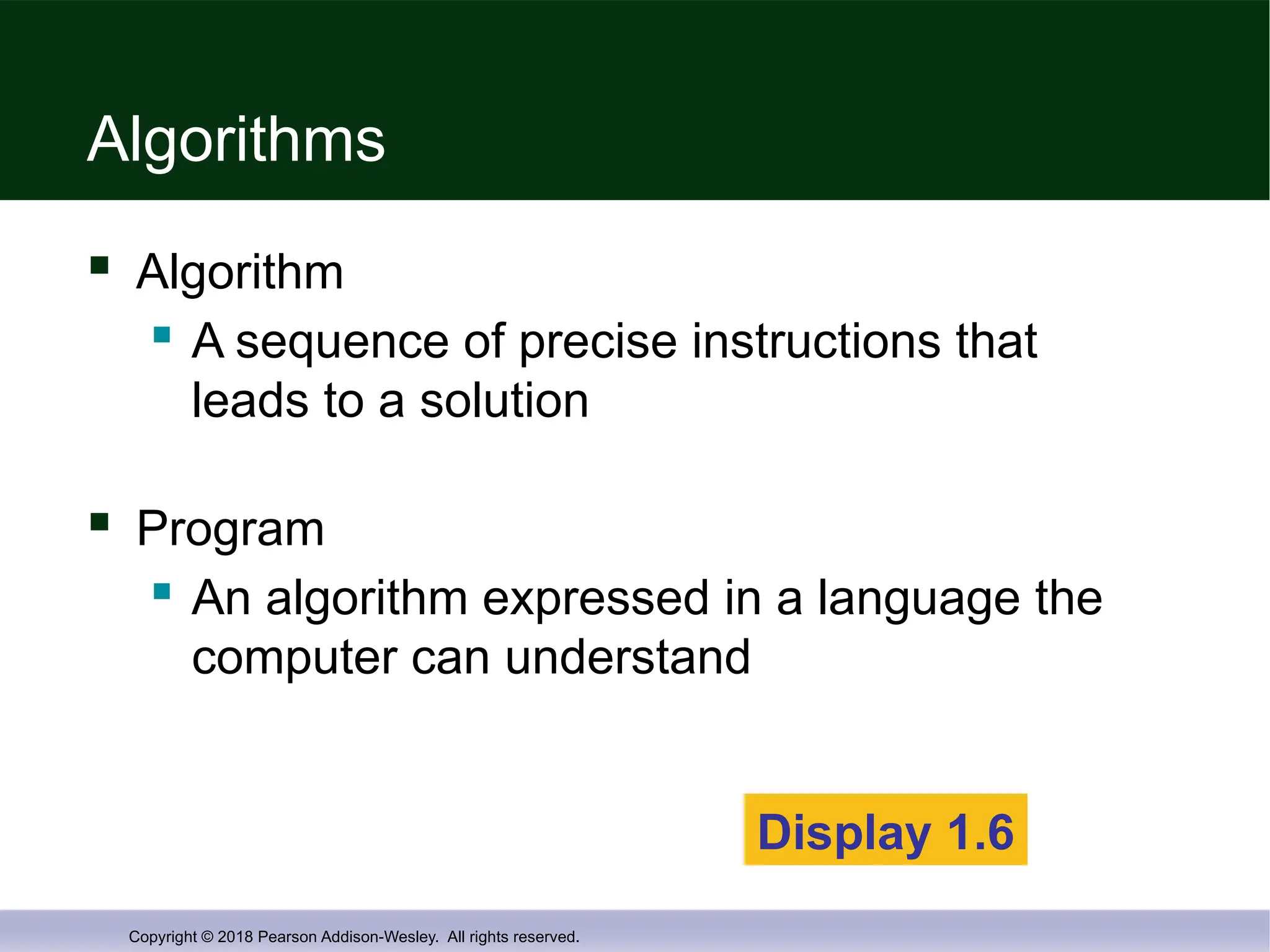
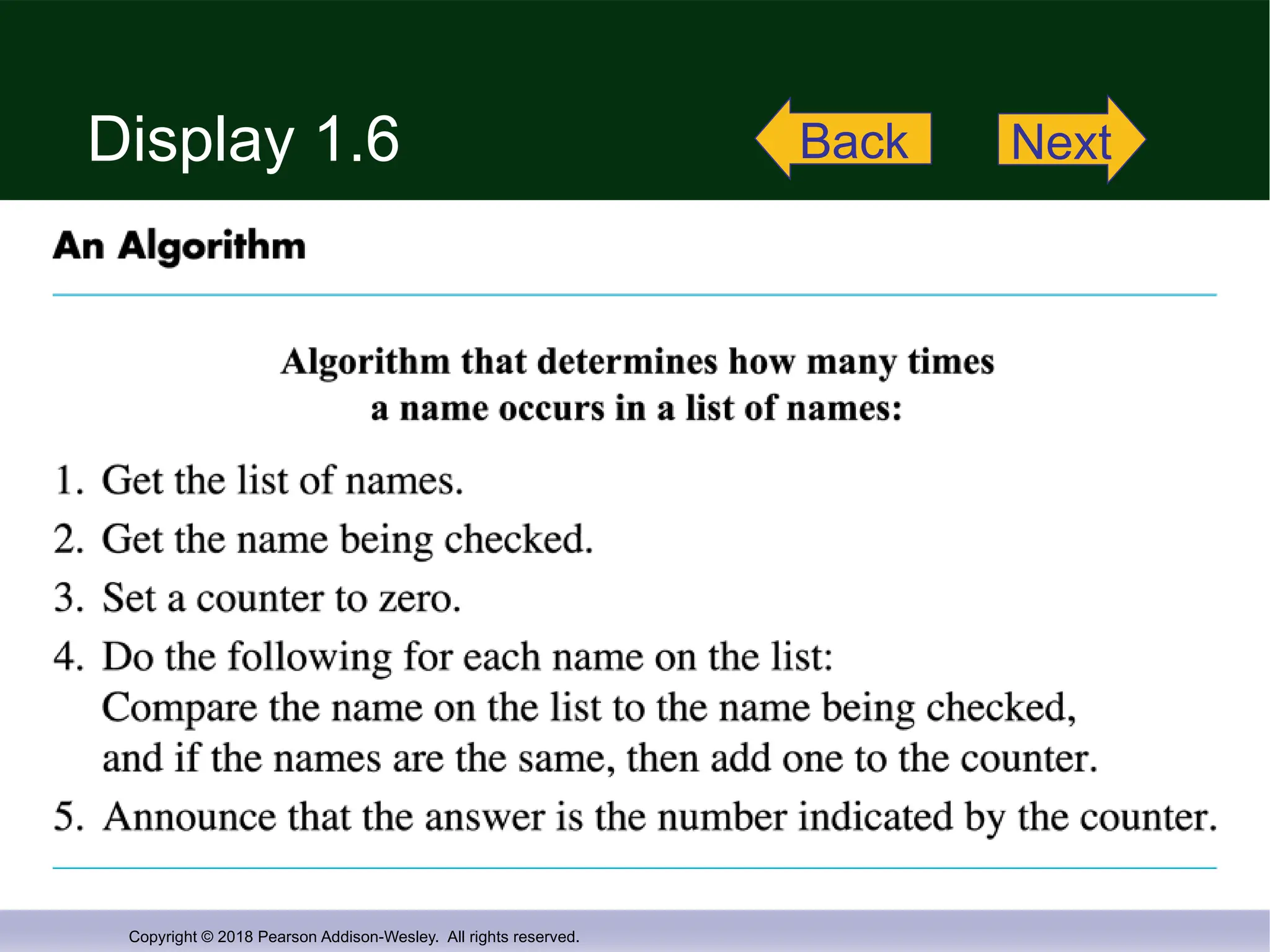
Algorithms
Algorithm
A sequence of precise instructions that
leads to a solution
Program
An algorithm expressed in a language the
computer can understand
Display 1.6
- 27.
Copyright © 2018Pearson Addison-Wesley. All rights reserved.
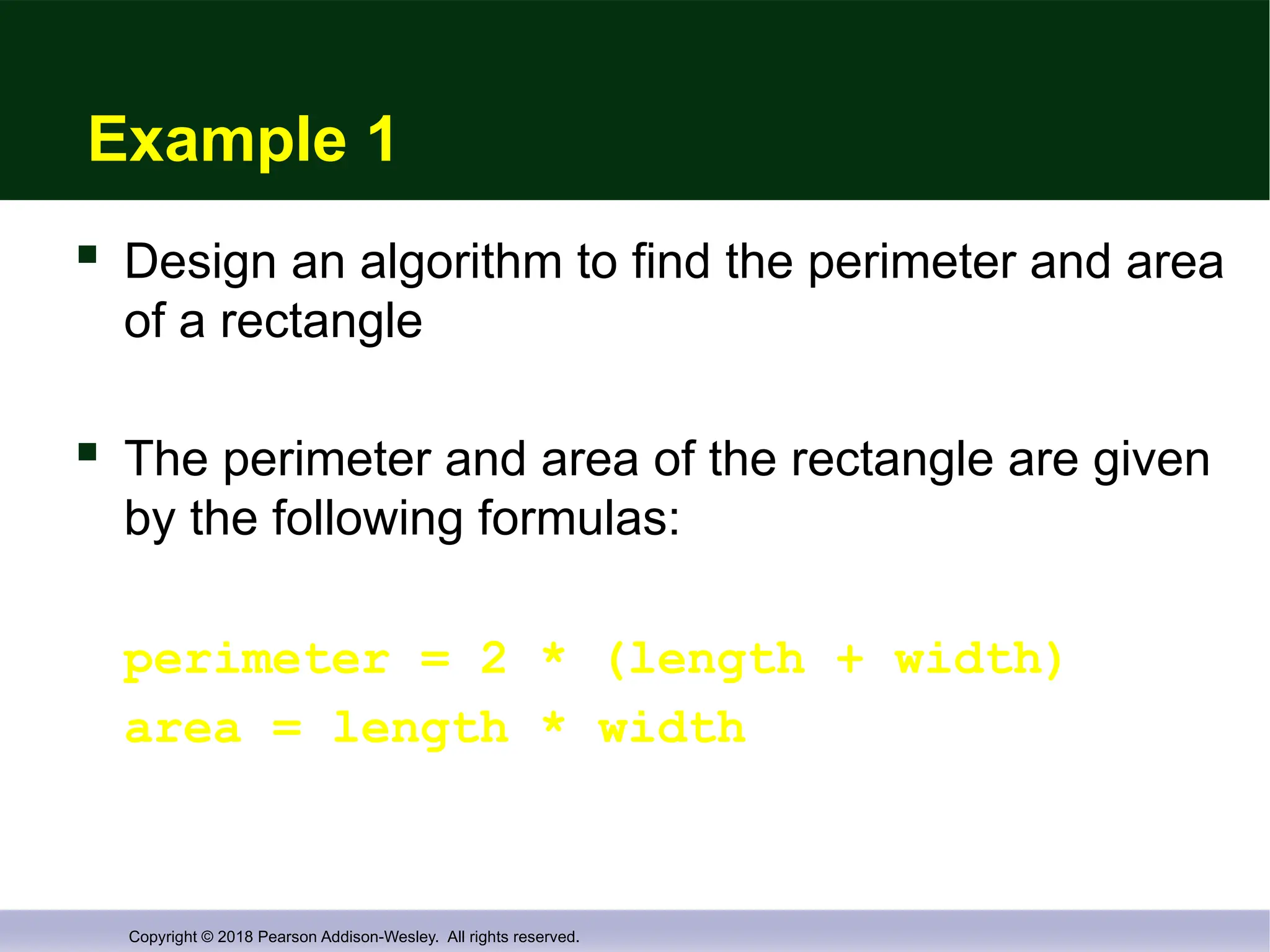
Example 1
Design an algorithm to find the perimeter and area
of a rectangle
The perimeter and area of the rectangle are given
by the following formulas:
perimeter = 2 * (length + width)
area = length * width
- 28.
Copyright © 2018Pearson Addison-Wesley. All rights reserved.
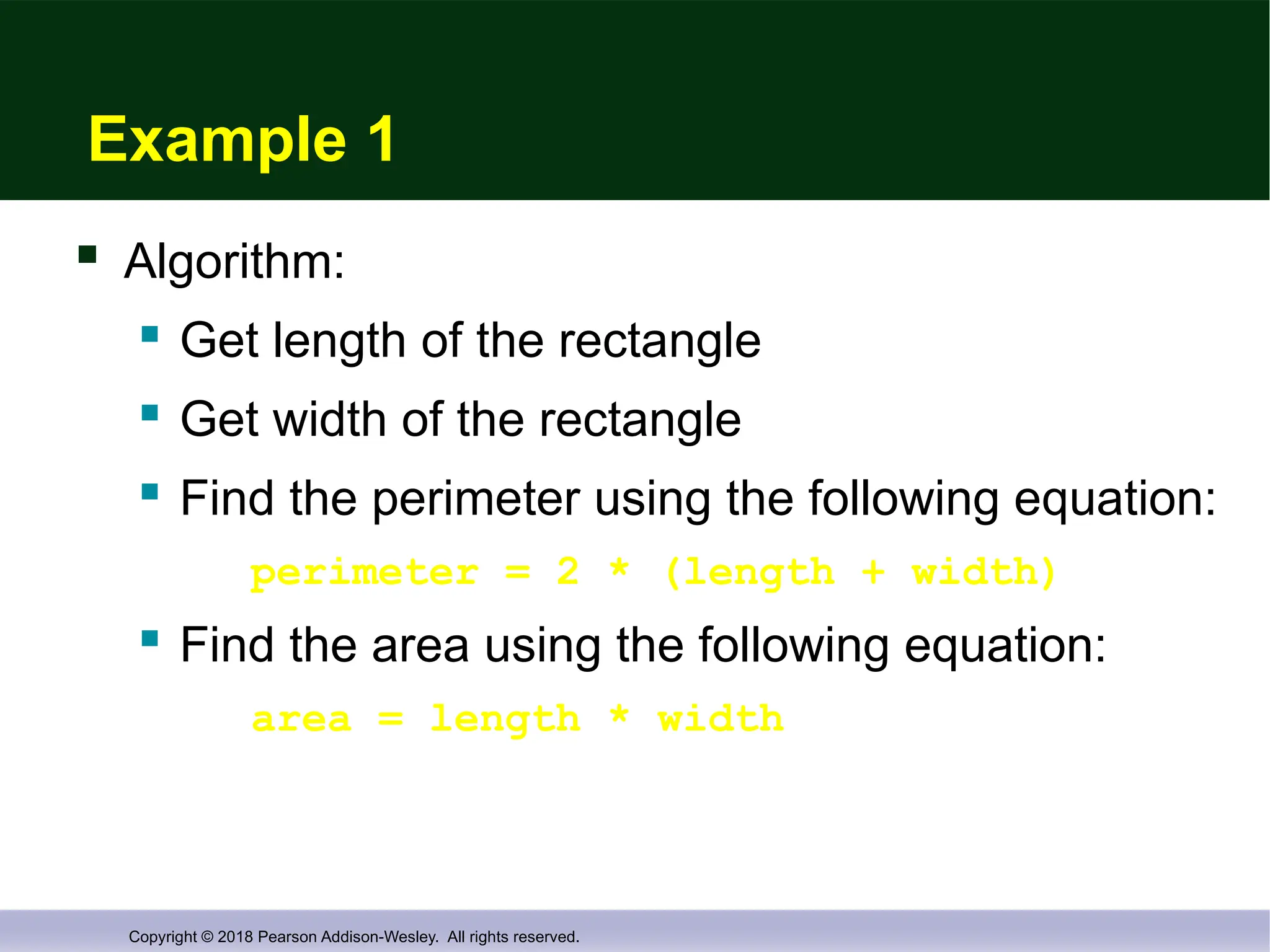
Example 1
Algorithm:
Get length of the rectangle
Get width of the rectangle
Find the perimeter using the following equation:
perimeter = 2 * (length + width)
Find the area using the following equation:
area = length * width
- 29.
Copyright © 2018Pearson Addison-Wesley. All rights reserved.
Implementation Phase
Translate the algorithm into a programming
language
Easier as you gain experience with the language
Compile the source code
Locates errors in using the programming language
Run the program on sample data
Verify correctness of results
Results may require modification of
the algorithm and program
- 30.
Copyright © 2018Pearson Addison-Wesley. All rights reserved.
Software Life Cycle
Analysis and specification of the task
(problem definition)
Design of the software
(object and algorithm design)
Implementation (coding)
Maintenance and evolution of the system
Obsolescence
- 31.
Copyright © 2018Pearson Addison-Wesley. All rights reserved.
Section 1.2 Conclusion
Can you…
Describe the first step to take when creating
a program?
List the two main phases of the program
design process?
Explain the importance of the problem-solving phase?
List the steps in the software life cycle?
- 32.
Copyright © 2018Pearson Addison-Wesley. All rights reserved.
1.3
Introduction to C++
- 33.
Copyright © 2018Pearson Addison-Wesley. All rights reserved.
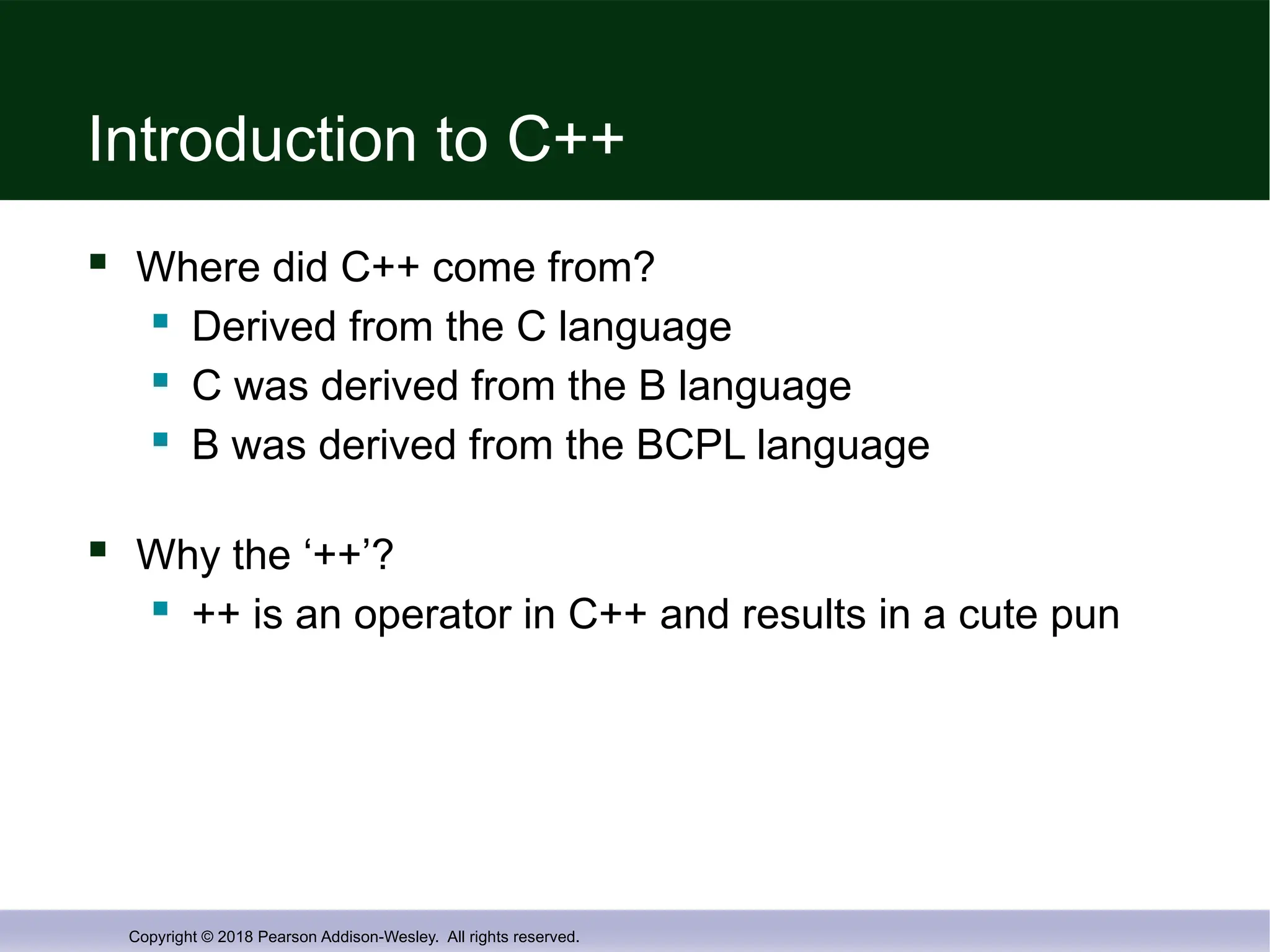
Introduction to C++
Where did C++ come from?
Derived from the C language
C was derived from the B language
B was derived from the BCPL language
Why the ‘++’?
++ is an operator in C++ and results in a cute pun
- 34.
Copyright © 2018Pearson Addison-Wesley. All rights reserved.
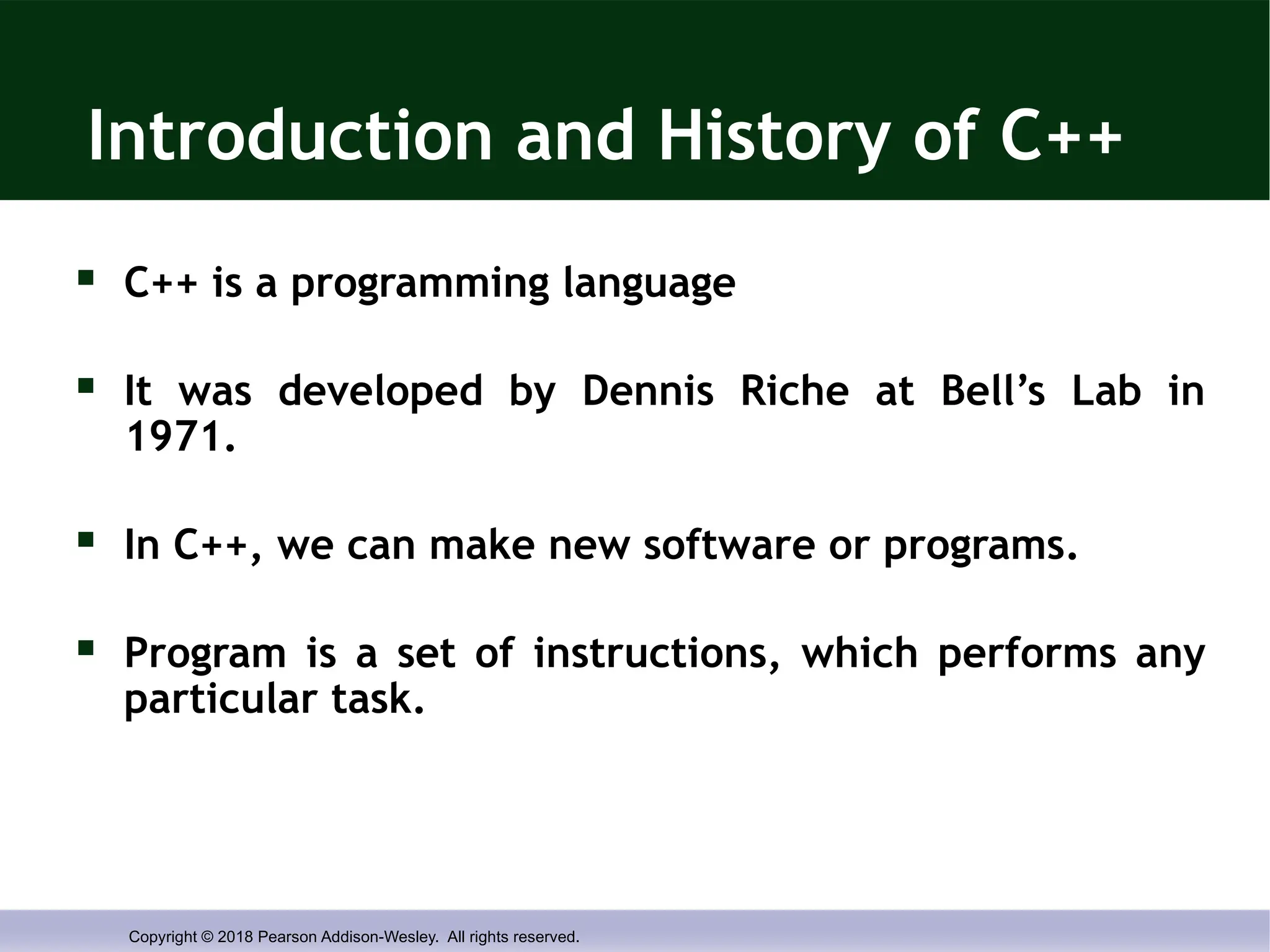
Introduction and History of C++
C++ is a programming language
It was developed by Dennis Riche at Bell’s Lab in
1971.
In C++, we can make new software or programs.
Program is a set of instructions, which performs any
particular task.
- 35.
Copyright © 2018Pearson Addison-Wesley. All rights reserved.
Introduction and History of C++
Before C++, there were so many languages
which were being used by the programmers
like GW Basic, Pascal, and Fortran etc. But
after the birth of C++, it becomes more
famous than all other languages. So many of
the programmers divorced the other languages
and happily married with C++.
- 36.
Copyright © 2018Pearson Addison-Wesley. All rights reserved.
Features of C Language
C++ is middle level language.
C++ is case sensitive language.
C++ has compiler as a language translator.
C++ is hybrid language (Combination of
structured as well as Object orientation
paradigm)
- 37.
Copyright © 2018Pearson Addison-Wesley. All rights reserved.
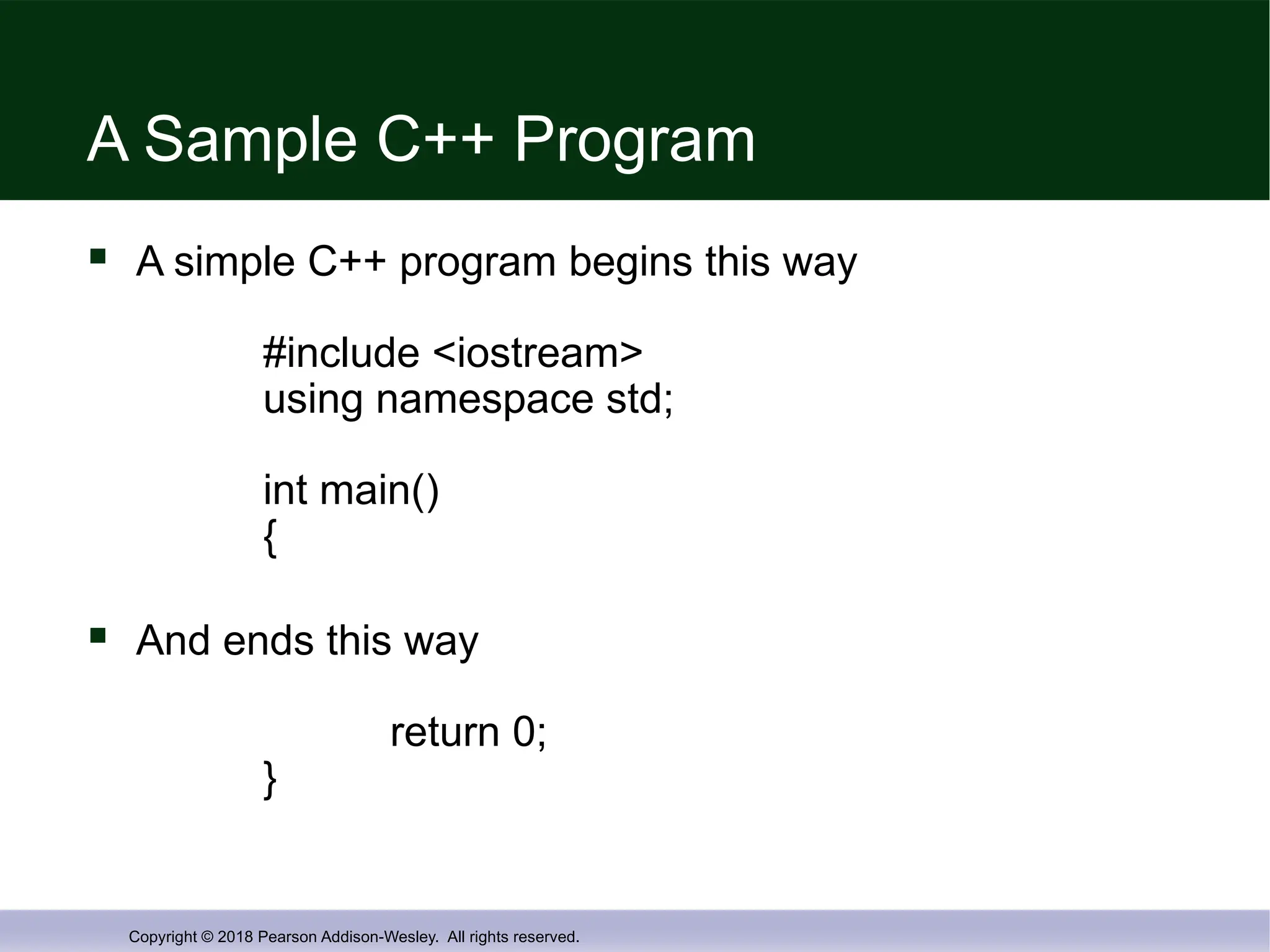
A Sample C++ Program
A simple C++ program begins this way
#include <iostream>
using namespace std;
int main()
{
And ends this way
return 0;
}
- 38.
Copyright © 2018Pearson Addison-Wesley. All rights reserved.
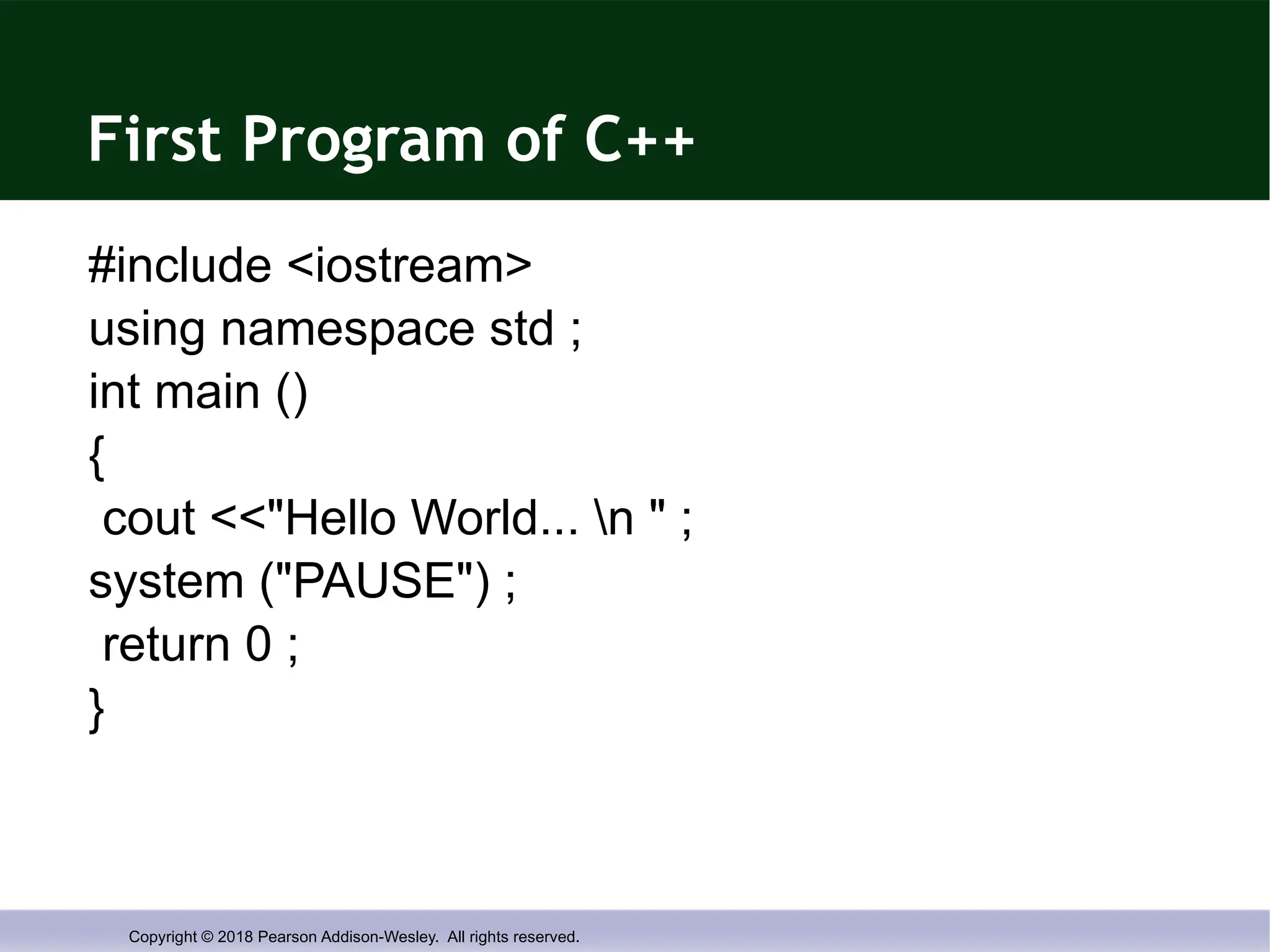
First Program of C++
#include <iostream>
using namespace std ;
int main ()
{
cout <<"Hello World... n " ;
system ("PAUSE") ;
return 0 ;
}
- 39.
Copyright © 2018Pearson Addison-Wesley. All rights reserved.
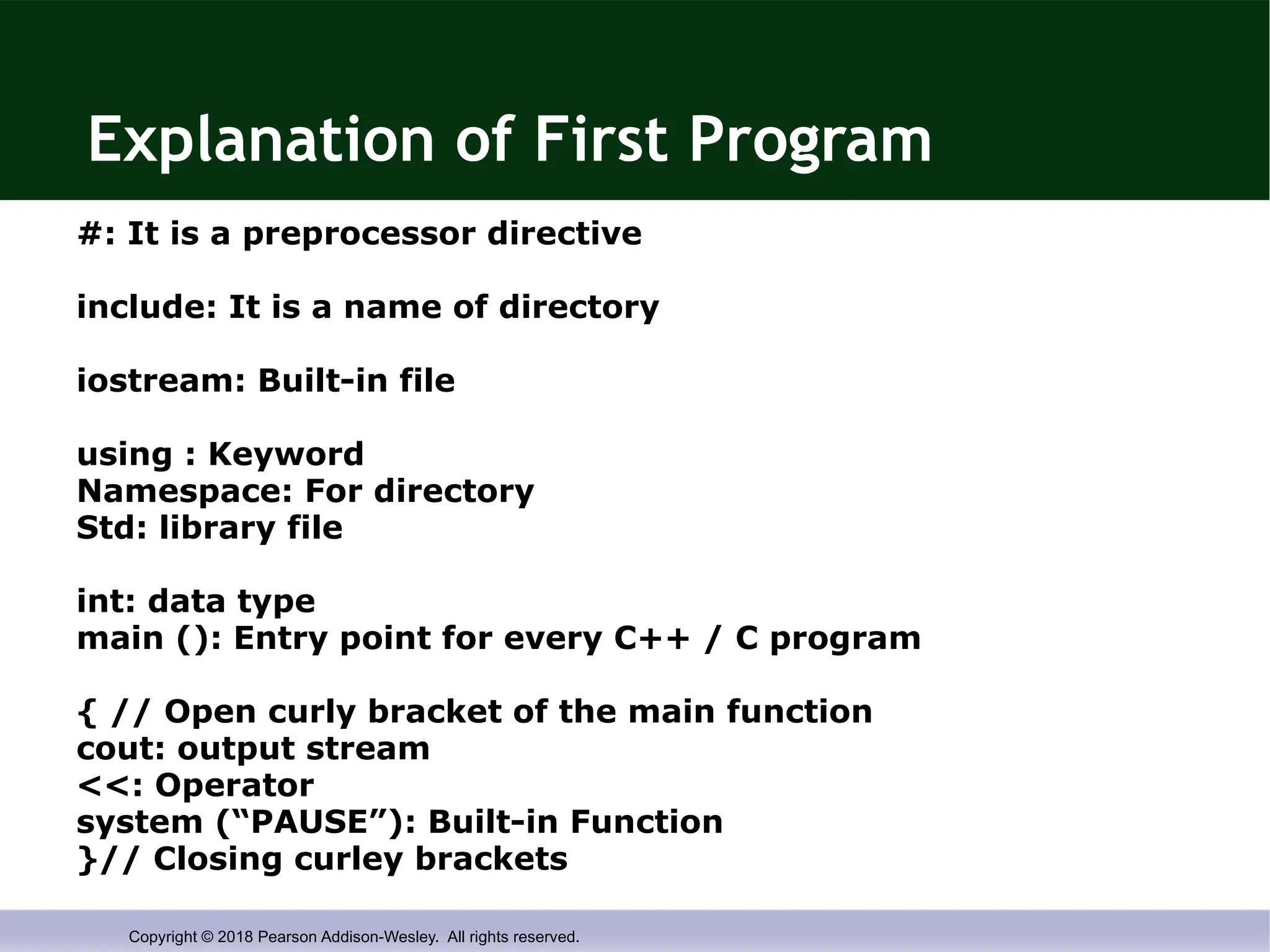
Explanation of First Program
#: It is a preprocessor directive
include: It is a name of directory
iostream: Built-in file
using : Keyword
Namespace: For directory
Std: library file
int: data type
main (): Entry point for every C++ / C program
{ // Open curly bracket of the main function
cout: output stream
<<: Operator
system (“PAUSE”): Built-in Function
}// Closing curley brackets
- 40.
Copyright © 2018Pearson Addison-Wesley. All rights reserved.
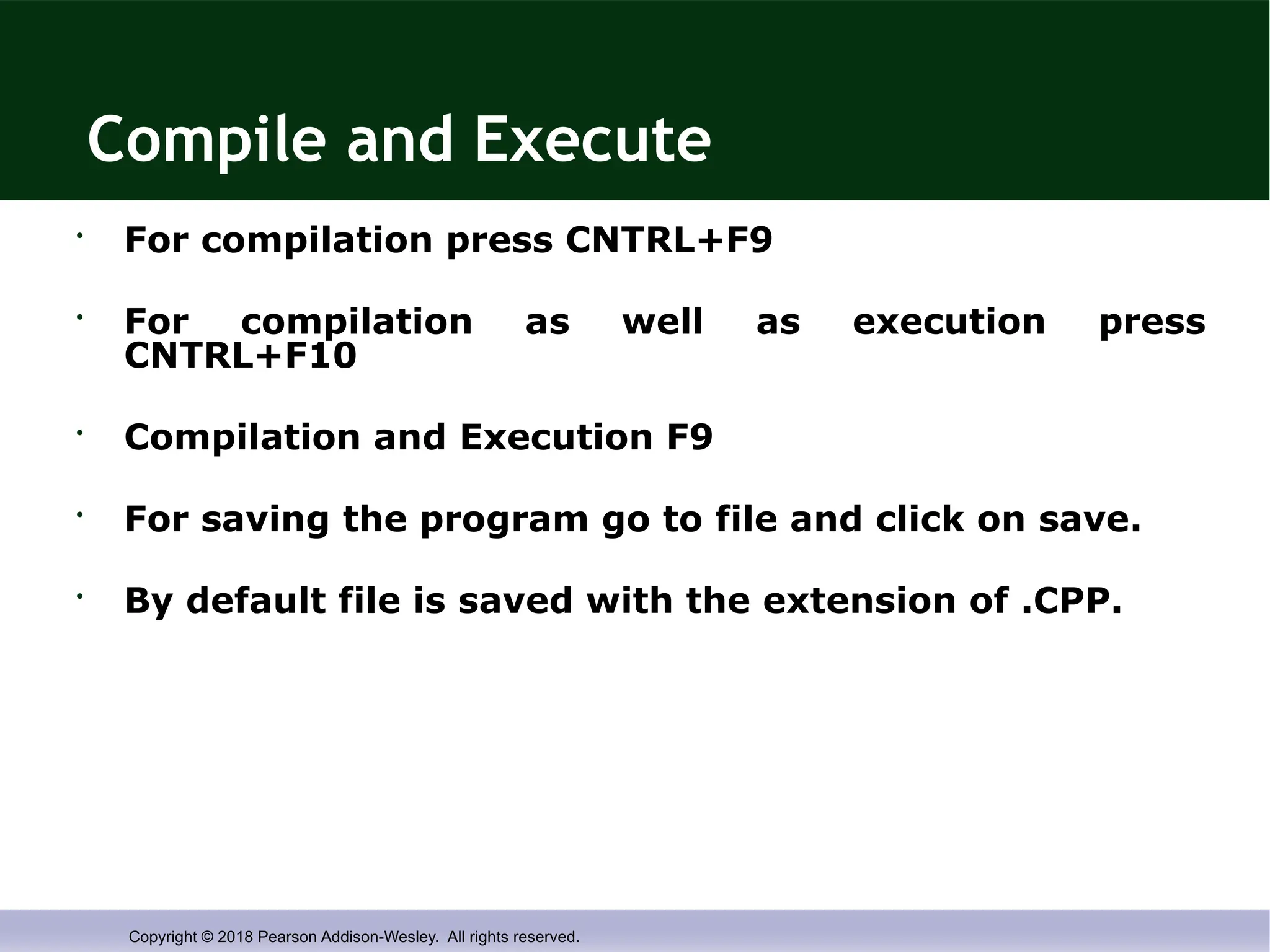
Compile and Execute
• For compilation press CNTRL+F9
• For compilation as well as execution press
CNTRL+F10
• Compilation and Execution F9
• For saving the program go to file and click on save.
• By default file is saved with the extension of .CPP.
- 41.
Copyright © 2018Pearson Addison-Wesley. All rights reserved.
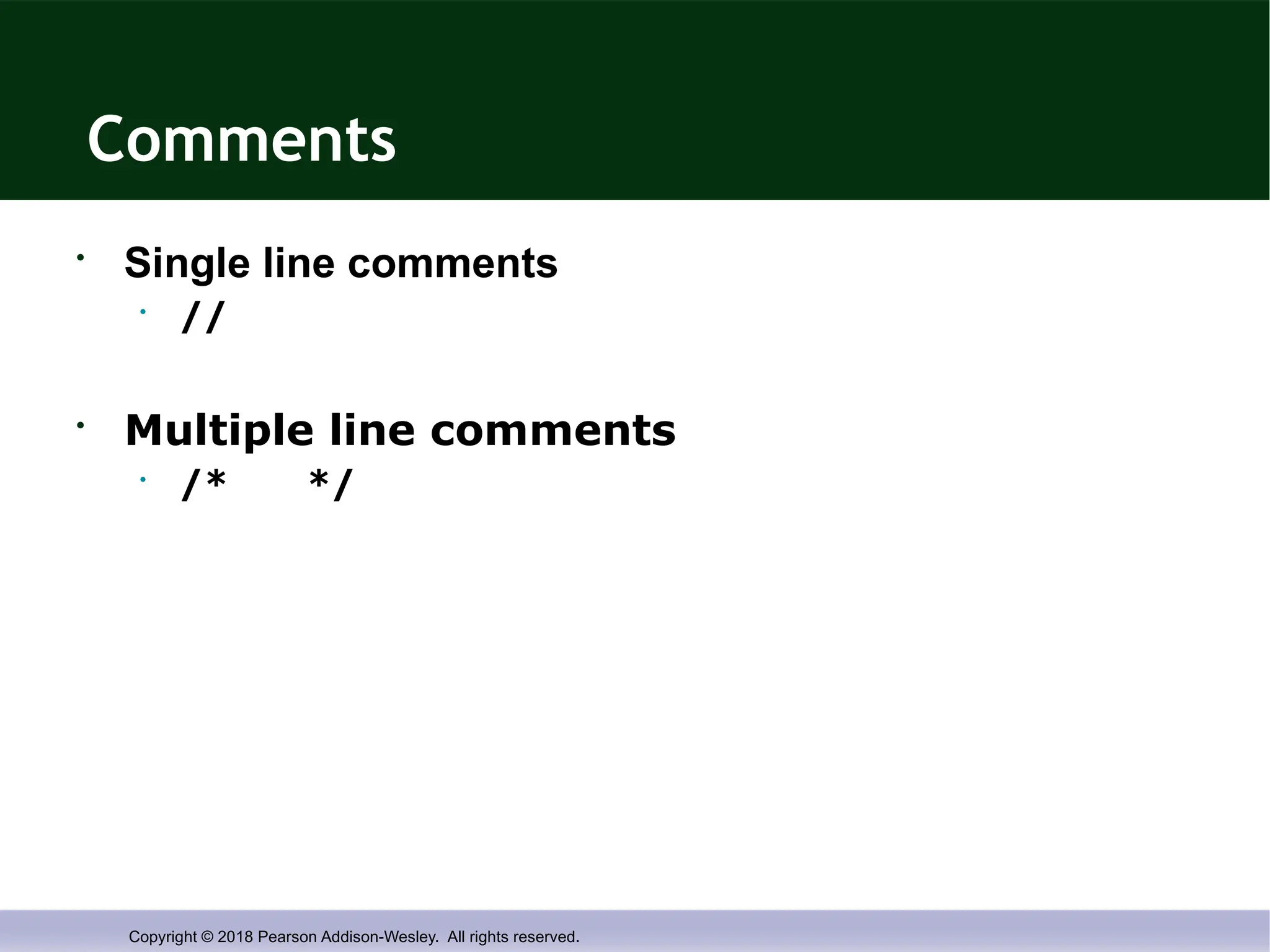
Comments
• Single line comments
• //
• Multiple line comments
• /* */
- 42.
Copyright © 2018Pearson Addison-Wesley. All rights reserved.
Running a C++ Program
C++ source code is written with a text
editor
The compiler on your system converts
source code to object code.
The linker combines all the object code
into an executable program.
- 43.
Copyright © 2018Pearson Addison-Wesley. All rights reserved.
1.4
Testing and Debugging
- 44.
Copyright © 2018Pearson Addison-Wesley. All rights reserved.
Testing and Debugging
Bug
A mistake in a program
Debugging
Eliminating mistakes in programs
Term used when a moth caused a failed relay
on the Harvard Mark 1 computer. Grace Hopper
and other programmers taped the moth in logbook
stating:
“First actual case of a bug being found.”
- 45.
Copyright © 2018Pearson Addison-Wesley. All rights reserved.
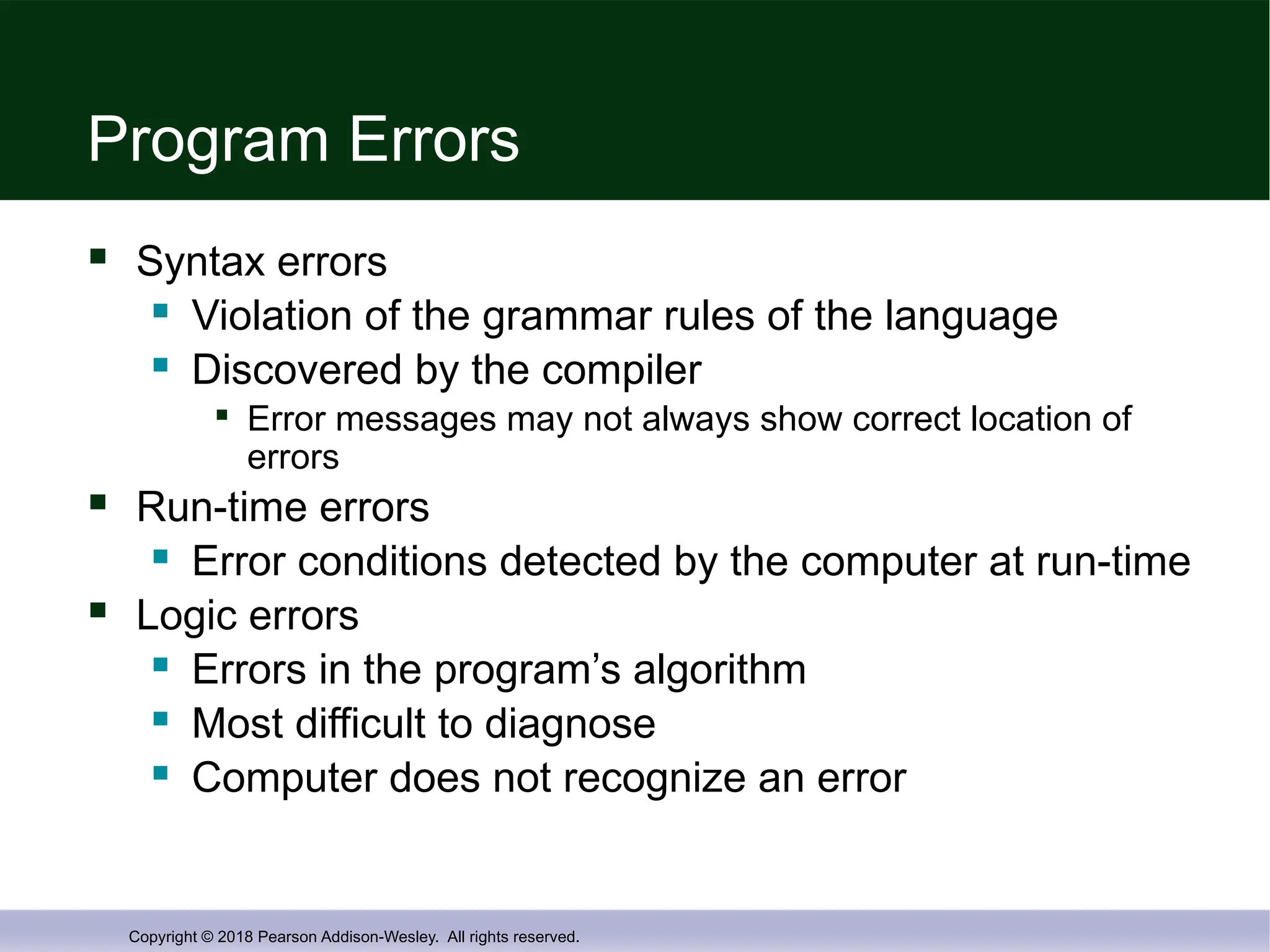
Program Errors
Syntax errors
Violation of the grammar rules of the language
Discovered by the compiler
Error messages may not always show correct location of
errors
Run-time errors
Error conditions detected by the computer at run-time
Logic errors
Errors in the program’s algorithm
Most difficult to diagnose
Computer does not recognize an error
- 46.
Copyright © 2018Pearson Addison-Wesley. All rights reserved.
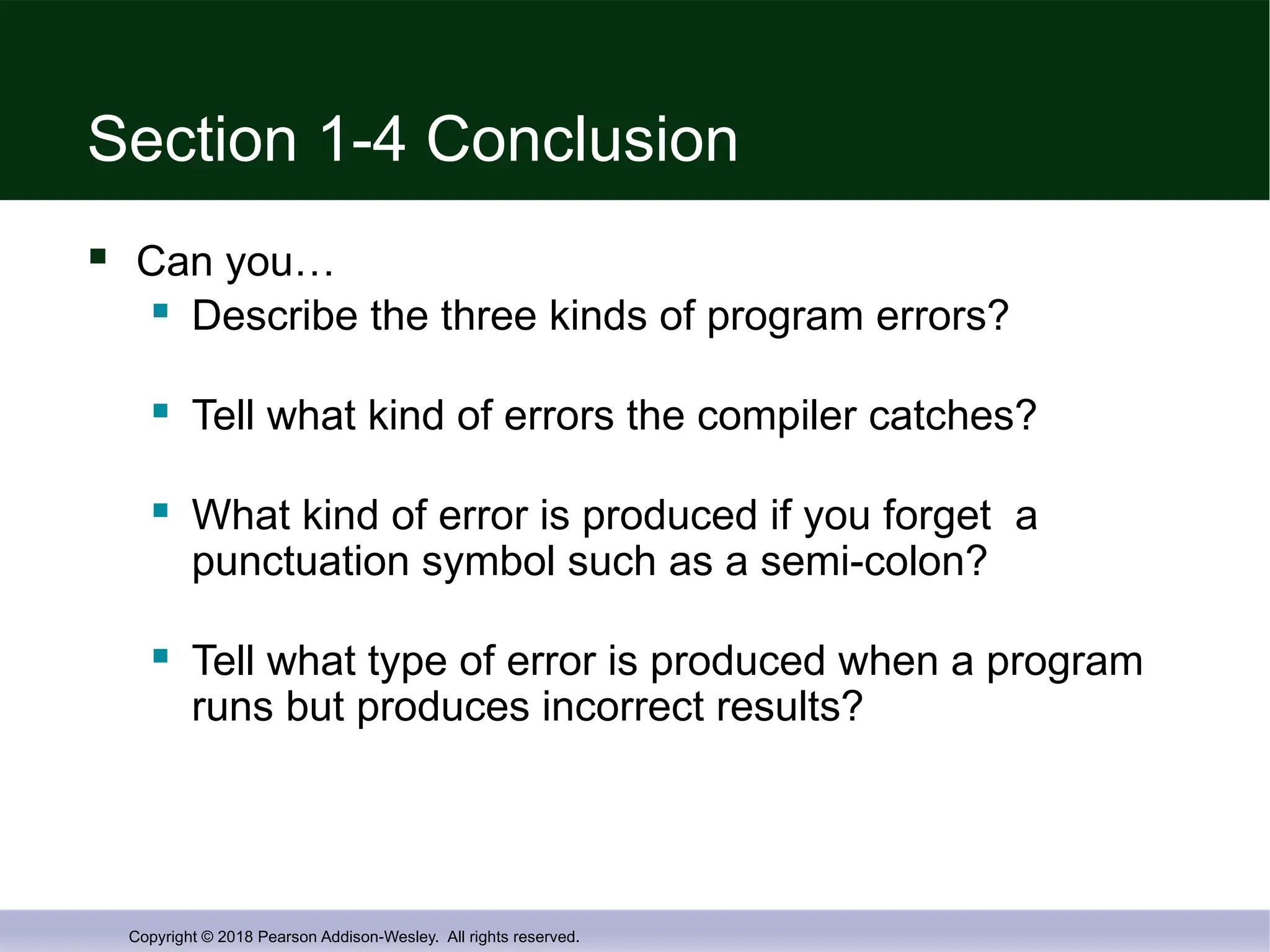
Section 1-4 Conclusion
Can you…
Describe the three kinds of program errors?
Tell what kind of errors the compiler catches?
What kind of error is produced if you forget a
punctuation symbol such as a semi-colon?
Tell what type of error is produced when a program
runs but produces incorrect results?
- 47.
- 48.
Copyright © 2018Pearson Addison-Wesley. All rights reserved.
Display 1.3 Back Next
- 49.
Copyright © 2018Pearson Addison-Wesley. All rights reserved.
Display 1.4 Back Next
- 50.
Copyright © 2018Pearson Addison-Wesley. All rights reserved.
Display 1.5 Back Next
- 51.
Copyright © 2018Pearson Addison-Wesley. All rights reserved.
Display 1.6 Back Next
- 52.
Copyright © 2018Pearson Addison-Wesley. All rights reserved.
Display 1.7 Back Next