Kojo Chicago Area Scala Enthusiasts April 15, 2010
What is Kojo? Kojo is a graphical learning environment for children (and curious adults). Teaches computer programming and geometry Built on the NetBeans platform Uses concepts from Logo and Processing Uses a Scala DSL as its teaching language!
Screenshot
Turtle Graphics Kojo uses the "turtle graphics" metaphor to explain programming and geometric concepts. The student enters commands in the script editor window, and the "turtle" follows the commands. Most commands relate to movement and drawing
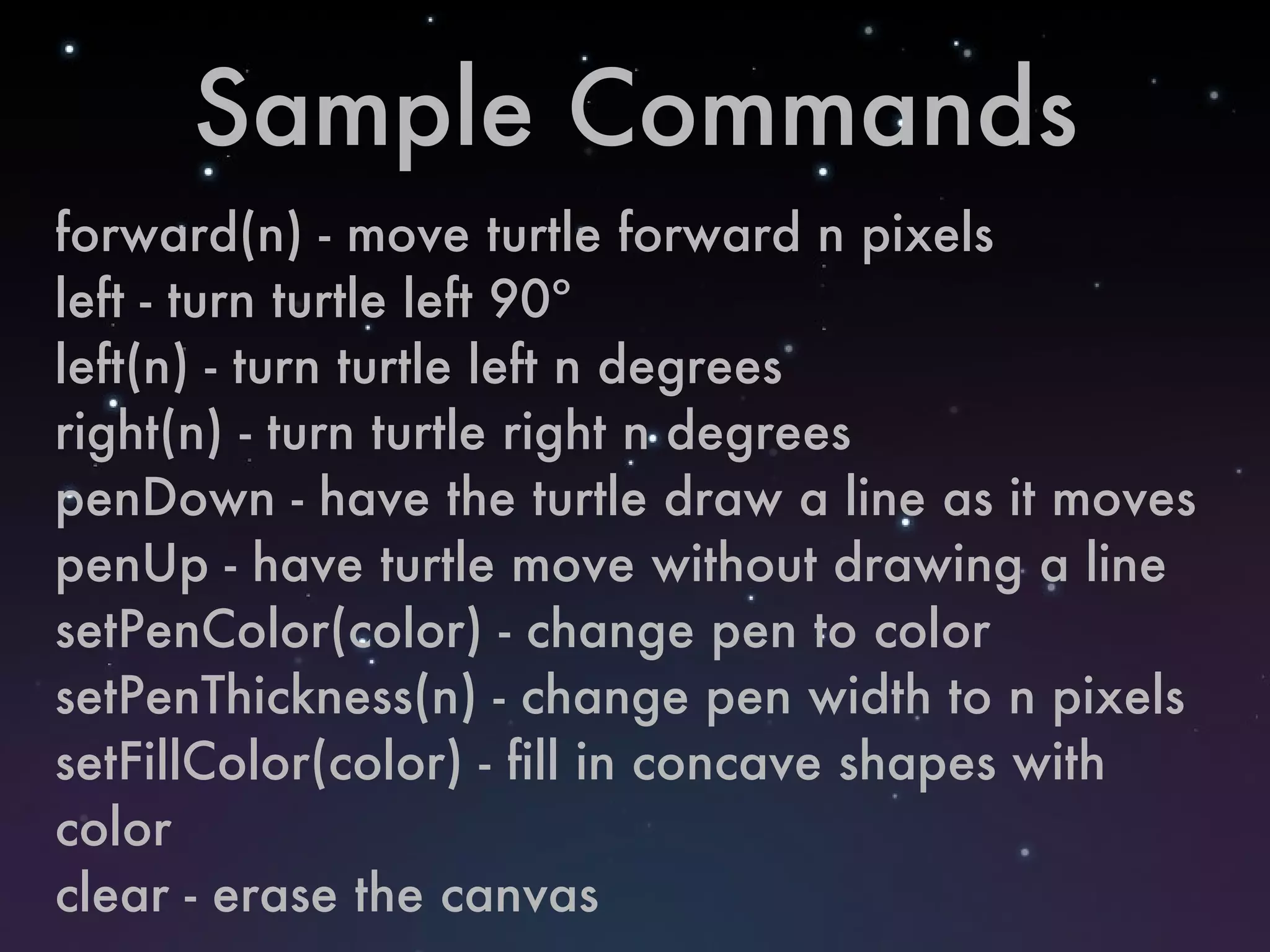
Sample Commands forward(n) - move turtle forward n pixels left - turn turtle left 90º left(n) - turn turtle left n degrees right(n) - turn turtle right n degrees penDown - have the turtle draw a line as it moves penUp - have turtle move without drawing a line setPenColor(color) - change pen to color setPenThickness(n) - change pen width to n pixels setFillColor(color) - fill in concave shapes with color clear - erase the canvas
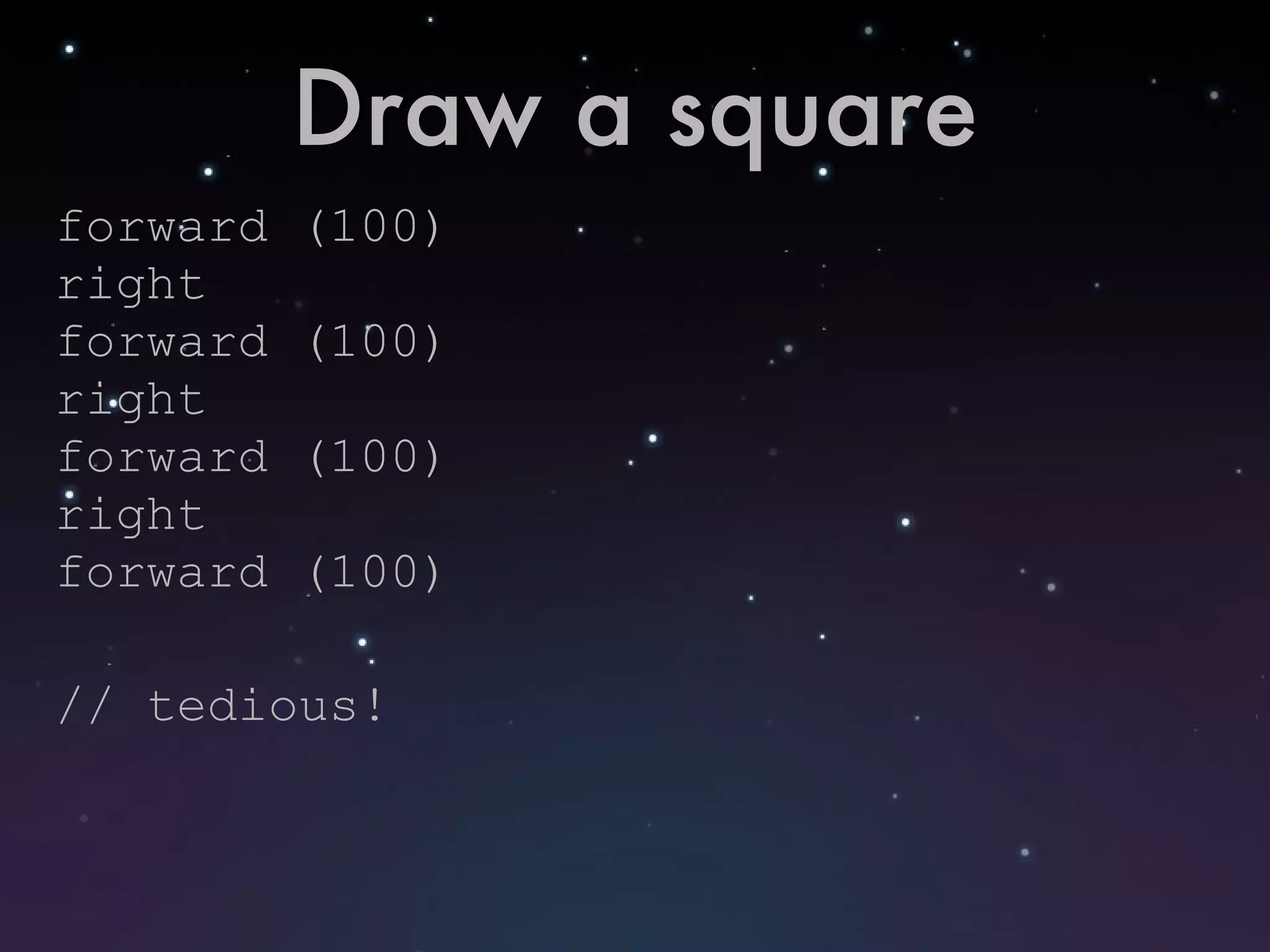
Draw a square forward (100) right forward (100) right forward (100) right forward (100) // tedious!
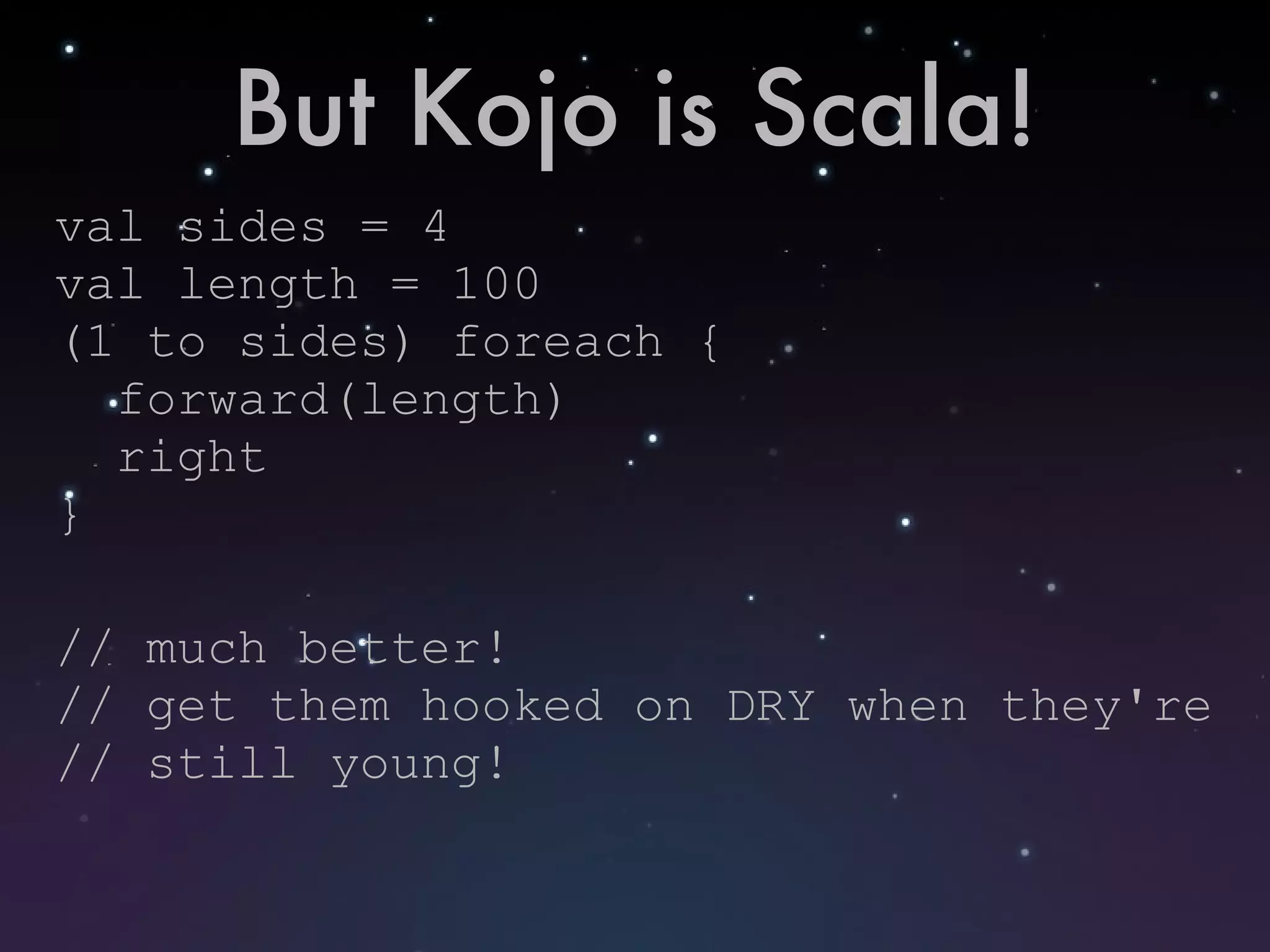
But Kojo is Scala! val sides = 4 val length = 100 (1 to sides) foreach { forward(length) right } // much better! // get them hooked on DRY when they're // still young!
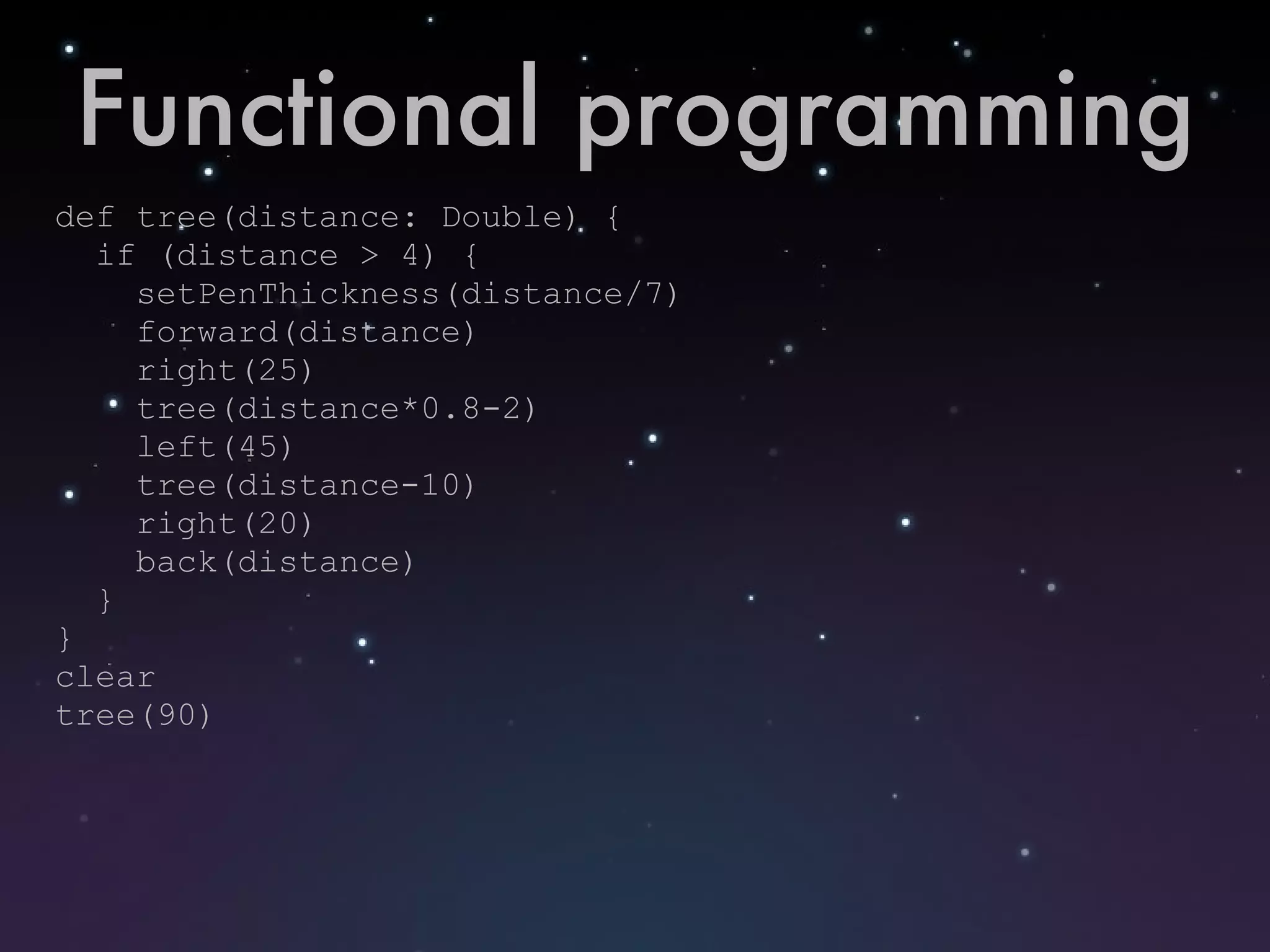
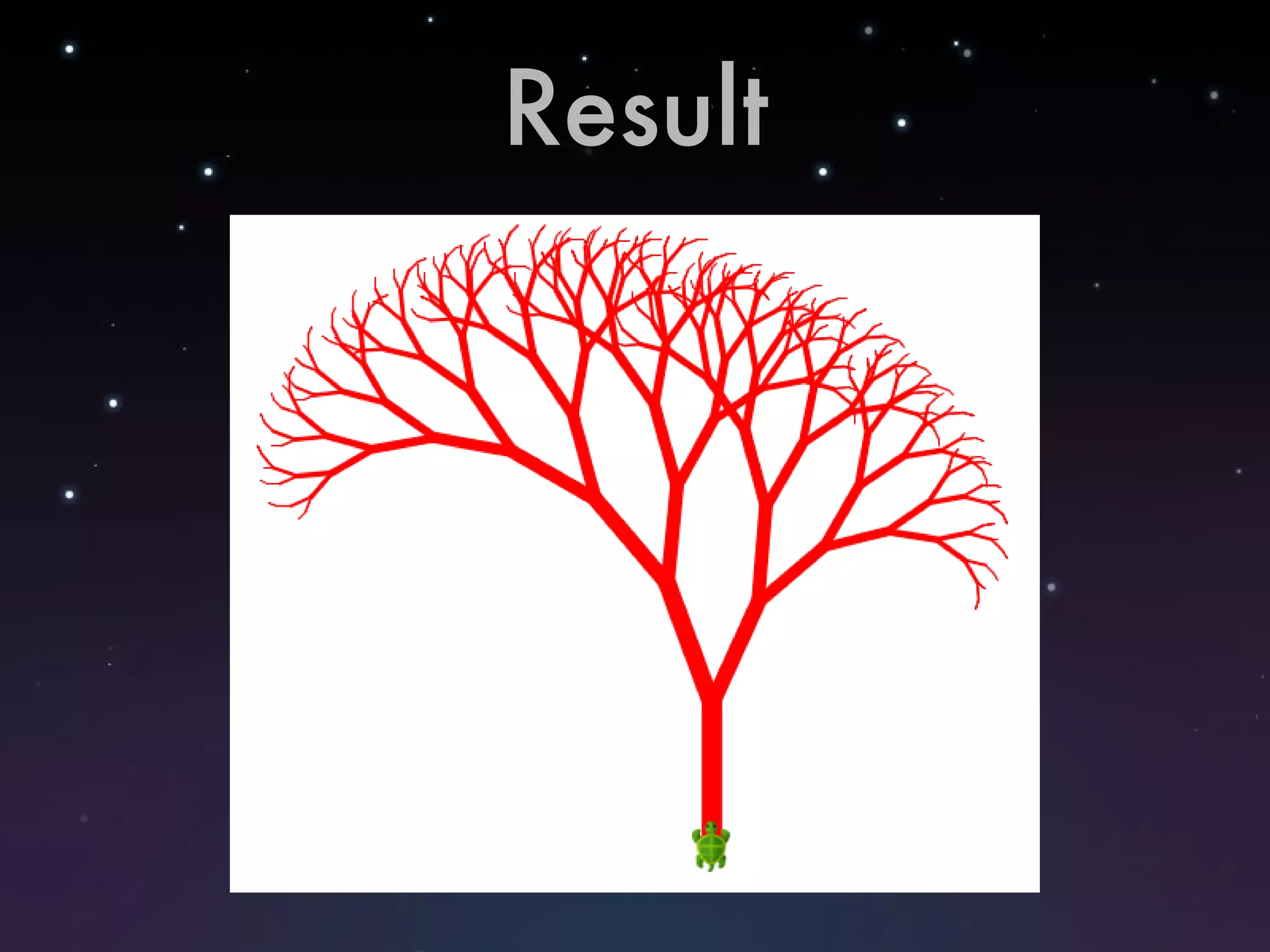
Functional programming def tree(distance: Double) { if (distance > 4) { setPenThickness(distance/7) forward(distance) right(25) tree(distance*0.8-2) left(45) tree(distance-10) right(20) back(distance) } } clear tree(90)
Result
Resources http://www.kogics.net/sf:kojo http://kojoenv.wordpress.com/
Interactivity

Kojo - CASE April 2010

  • 1.
    Kojo Chicago AreaScala Enthusiasts April 15, 2010
  • 2.
    What is Kojo?Kojo is a graphical learning environment for children (and curious adults). Teaches computer programming and geometry Built on the NetBeans platform Uses concepts from Logo and Processing Uses a Scala DSL as its teaching language!
  • 3.
  • 4.
    Turtle Graphics Kojouses the "turtle graphics" metaphor to explain programming and geometric concepts. The student enters commands in the script editor window, and the "turtle" follows the commands. Most commands relate to movement and drawing
  • 5.
    Sample Commands forward(n)- move turtle forward n pixels left - turn turtle left 90º left(n) - turn turtle left n degrees right(n) - turn turtle right n degrees penDown - have the turtle draw a line as it moves penUp - have turtle move without drawing a line setPenColor(color) - change pen to color setPenThickness(n) - change pen width to n pixels setFillColor(color) - fill in concave shapes with color clear - erase the canvas
  • 6.
    Draw a squareforward (100) right forward (100) right forward (100) right forward (100) // tedious!
  • 7.
    But Kojo isScala! val sides = 4 val length = 100 (1 to sides) foreach { forward(length) right } // much better! // get them hooked on DRY when they're // still young!
  • 8.
    Functional programming deftree(distance: Double) { if (distance > 4) { setPenThickness(distance/7) forward(distance) right(25) tree(distance*0.8-2) left(45) tree(distance-10) right(20) back(distance) } } clear tree(90)
  • 9.
  • 10.
  • 11.