
Portfóliobibliodigital


   FEED: RSS AND ATOM
Lesson Plan:

   Web Feed
   Aggregators
   RSS
   Atom
Objectives:

   Take the student to understand what is a feed
    and its usefulness.

   Students understand the usefulness of due
    aggregators.

   To demonstrate the differences between RSS
    and ATOM.
Web Feed
   Term from the English verb "food.“
   It is a data format used in ways to communicate
    with frequently updated content such as websites
    (web pages) news or blogs.
   Information distributors, bloggers or news
    channels provide a feed in which users can enroll
    in the format of a link.
   Other formats as possible to be communicated in
    feeds are audio files, podcasts and videos.
Aggregators
   Are the services that enable users to subscribe
    to different feeds.

   This is a program that gathers information from
    different feeds chosen by the user, and
    connects periodically or on user command to
    check for new updates.

   Several sites are now offering the same
    service, eliminating the installation of a
    program.
Subscribe to a feed


   Means including a link to the feed in your
    aggregator's subscription list.
Files Feed

 These are lists of updated content from a
particular site, with written specifications based
on XML.

Currently there are three main specifications
for creating feed file:
 RSS 1.0 - RDF Site Summary 1.0 (RSS-DEV).

 RSS 2.0 - Really Simple Syndication 2.0
  (Userland).
 Atom (IETF).
The versions RSS 1.0 and
RSS 2.0

   Are different organizations have separated
    working. This occurred because after the
    completion of the study group RSS Netscape
    organizations continued to develop separately
    from each of the formats, which resulted in two
    different versions.

   The Atom specification (RFC-4287) is
    published by a single normative body, if the
    IETF.
Feed Characteristics
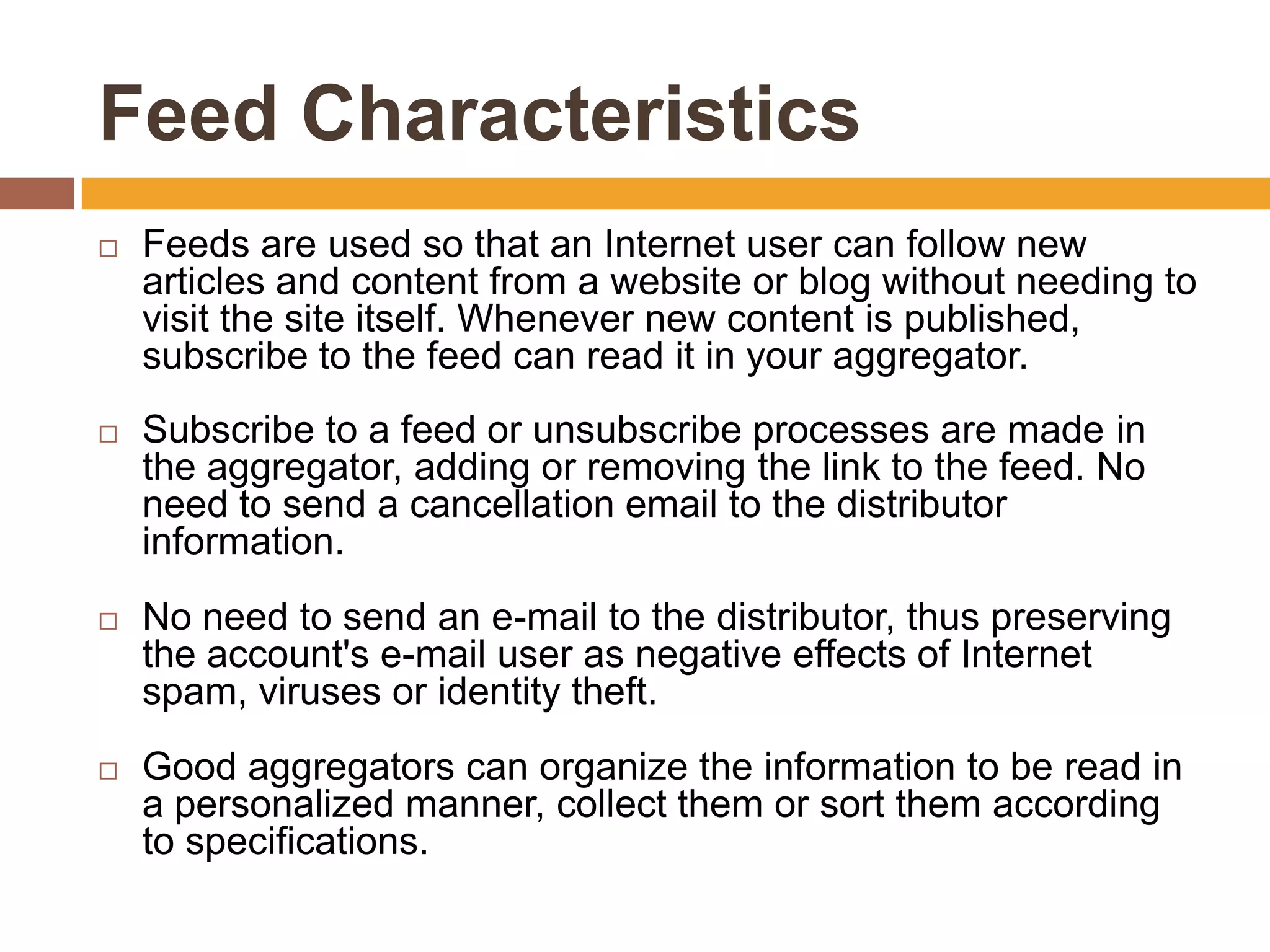
   Feeds are used so that an Internet user can follow new
    articles and content from a website or blog without needing to
    visit the site itself. Whenever new content is published,
    subscribe to the feed can read it in your aggregator.
   Subscribe to a feed or unsubscribe processes are made ​in
    the aggregator, adding or removing the link to the feed. No
    need to send a cancellation email to the distributor
    information.
   No need to send an e-mail to the distributor, thus preserving
    the account's e-mail user as negative effects of Internet
    spam, viruses or identity theft.
   Good aggregators can organize the information to be read in
    a personalized manner, collect them or sort them according
    to specifications.
Operation and Use
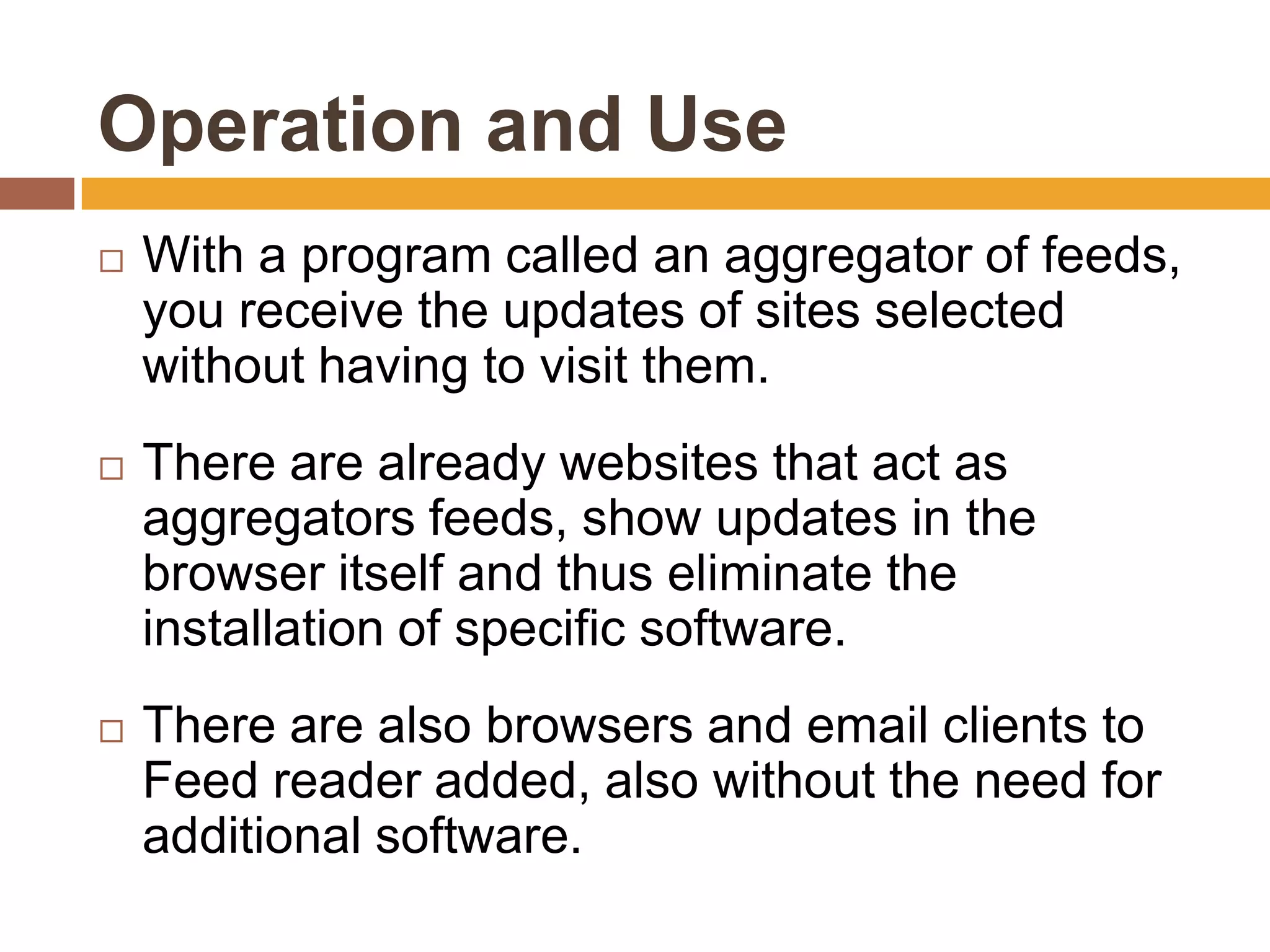
   With a program called an aggregator of feeds,
    you receive the updates of sites selected
    without having to visit them.
   There are already websites that act as
    aggregators feeds, show updates in the
    browser itself and thus eliminate the
    installation of specific software.
   There are also browsers and email clients to
    Feed reader added, also without the need for
    additional software.
Recognition of "Feeds" via web
browser

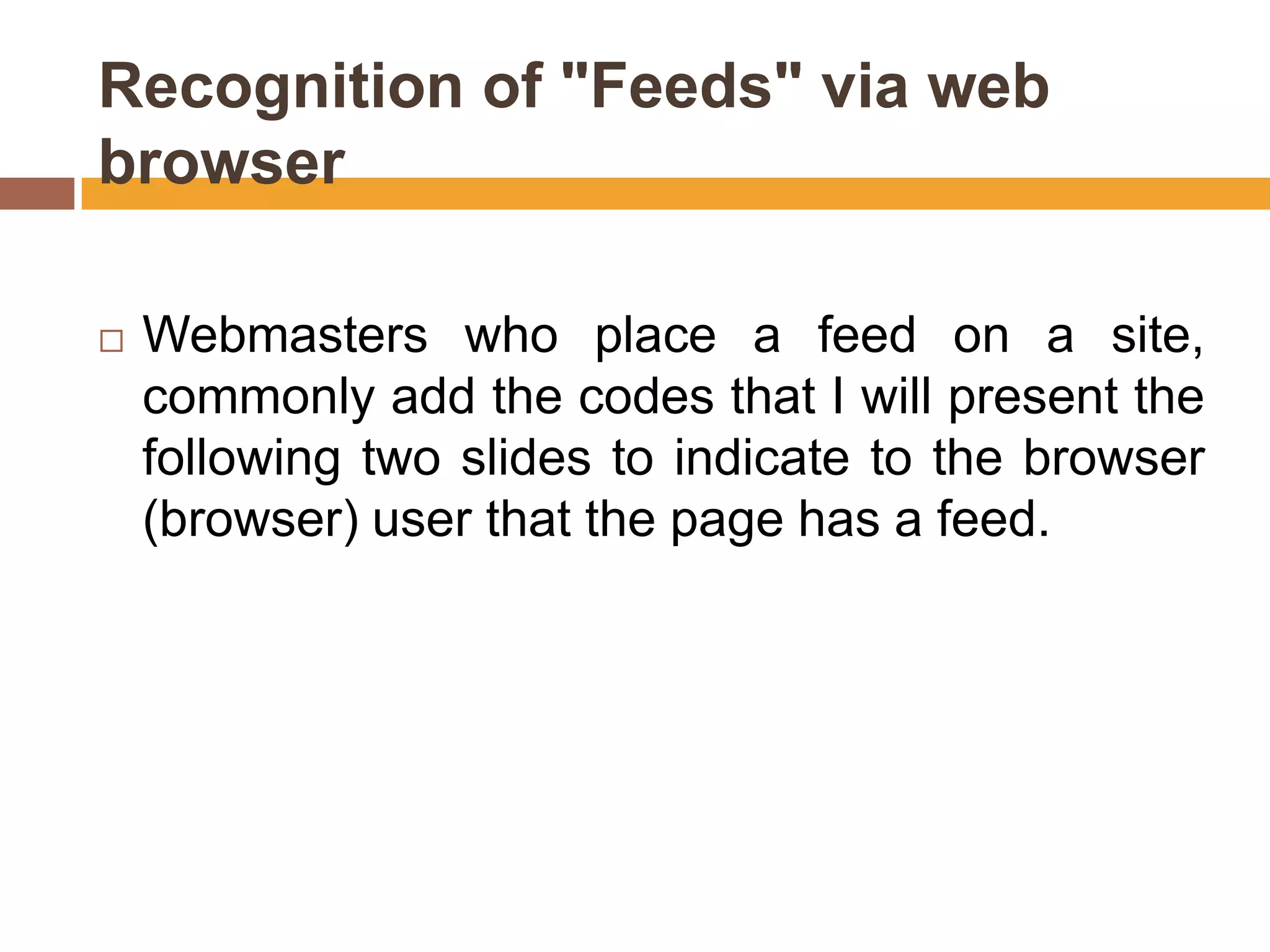
   Webmasters who place a feed on a site,
    commonly add the codes that I will present the
    following two slides to indicate to the browser
    (browser) user that the page has a feed.
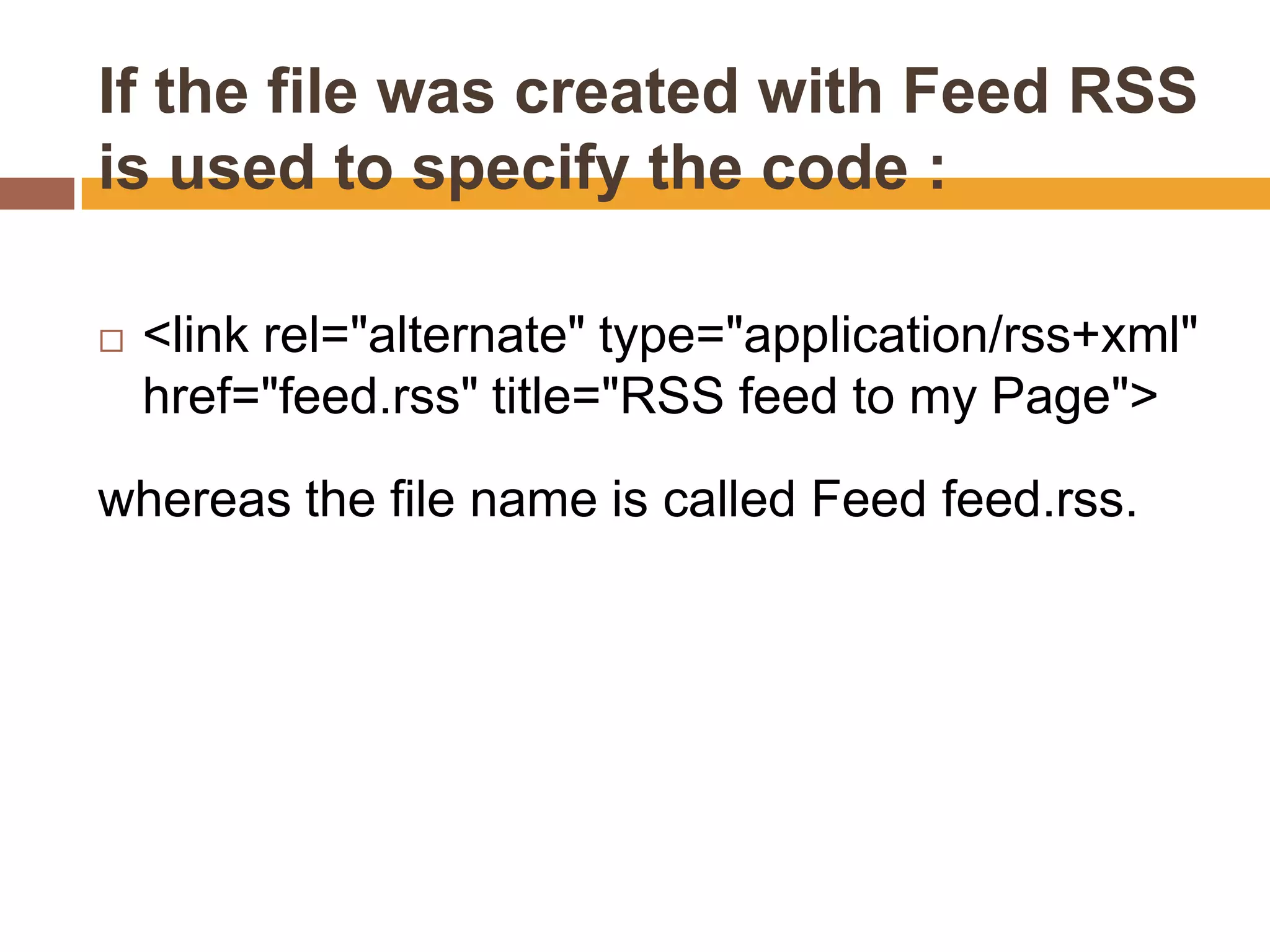
If the file was created with Feed RSS
is used to specify the code :

   <link rel="alternate" type="application/rss+xml"
    href="feed.rss" title="RSS feed to my Page">

whereas the file name is called Feed feed.rss.
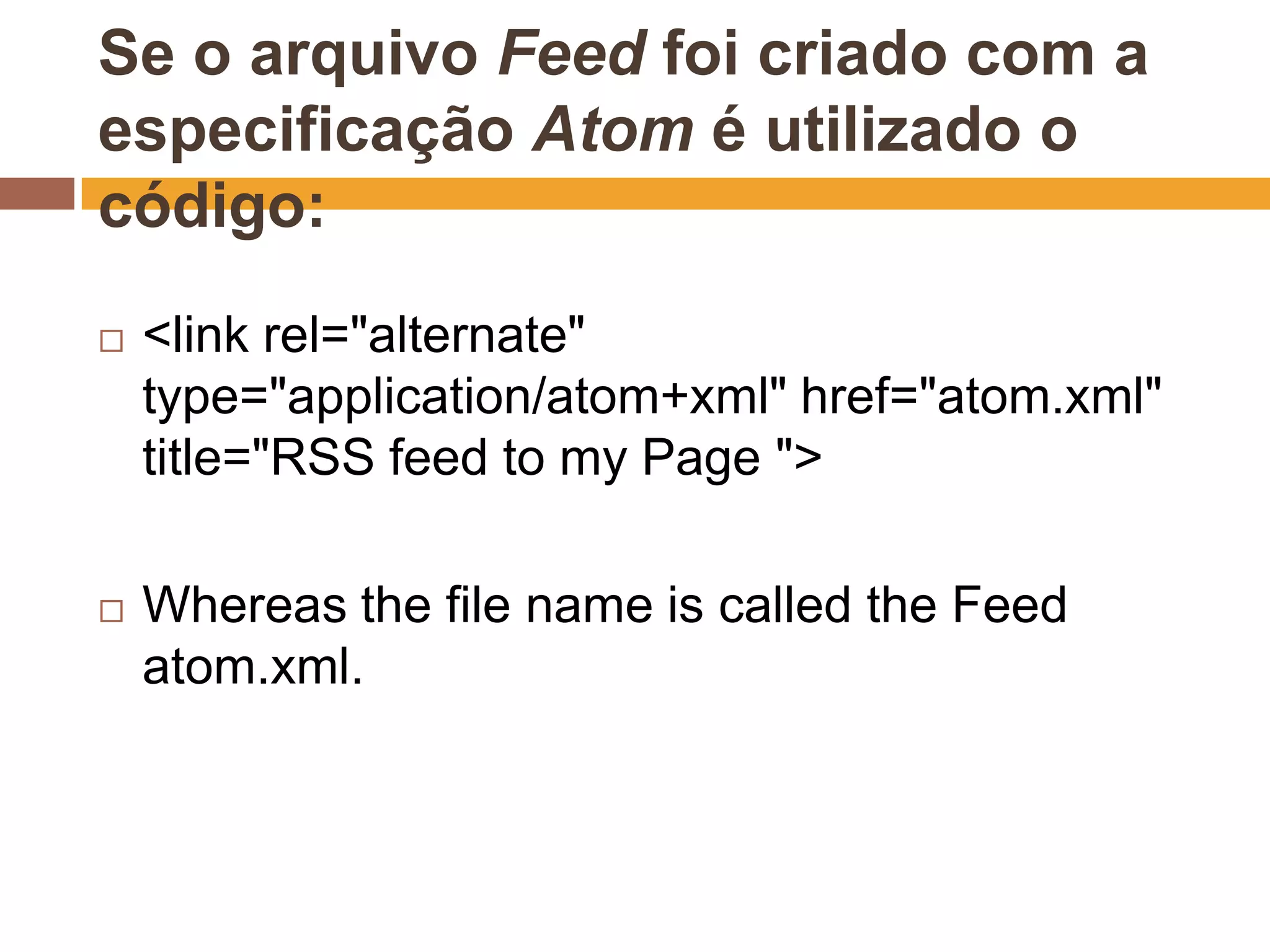
Se o arquivo Feed foi criado com a
especificação Atom é utilizado o
código:
   <link rel="alternate"
    type="application/atom+xml" href="atom.xml"
    title="RSS feed to my Page ">

   Whereas the file name is called the Feed
    atom.xml.
RSS

   It is a subset of "dialects" that serve to
    aggregate XML content or "web syndication",
    and can be accessed by programs or
    aggregator sites.

   It is mainly used on news sites and blogs.
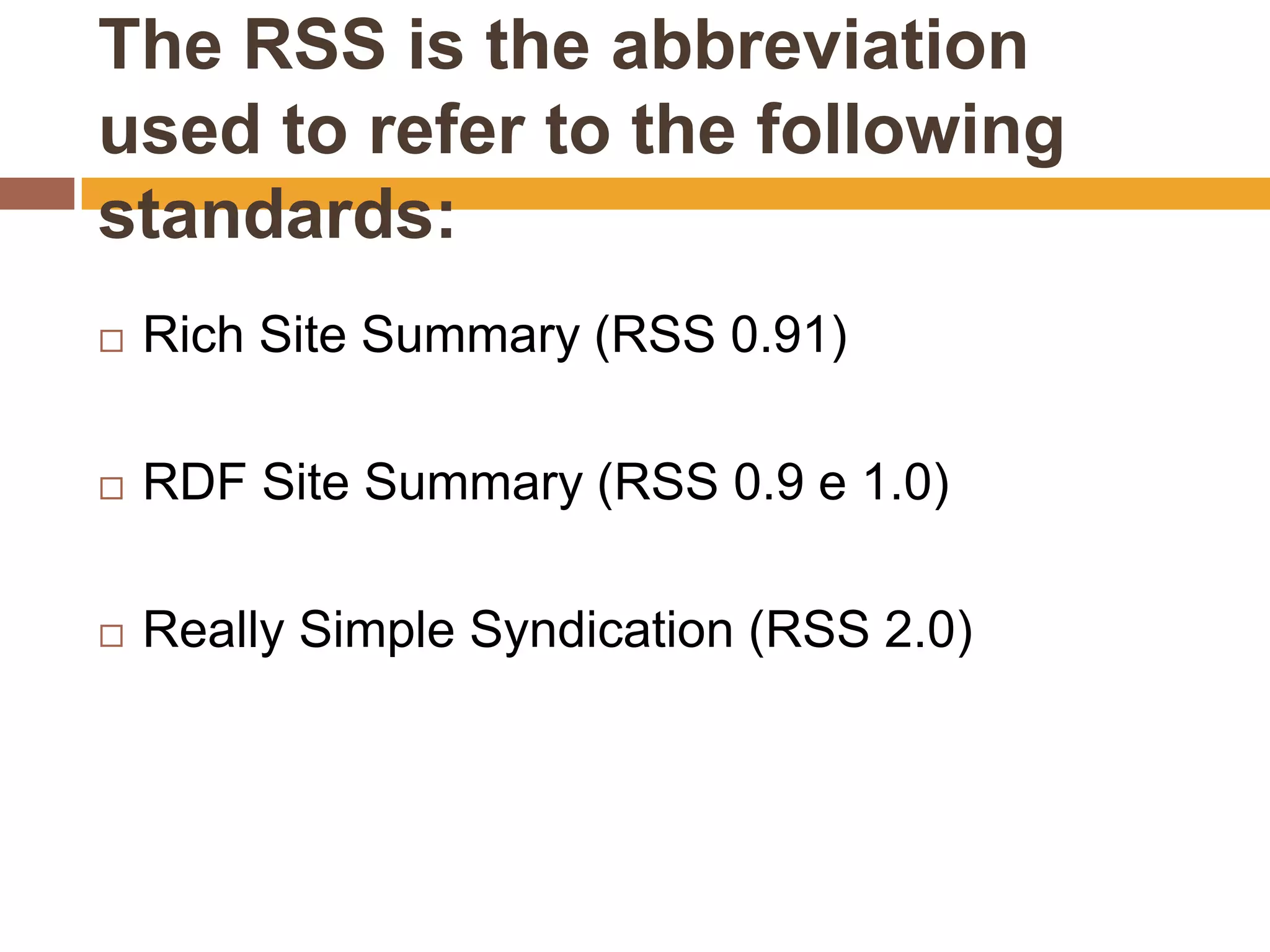
The RSS is the abbreviation
used to refer to the following
standards:
   Rich Site Summary (RSS 0.91)

   RDF Site Summary (RSS 0.9 e 1.0)

   Really Simple Syndication (RSS 2.0)
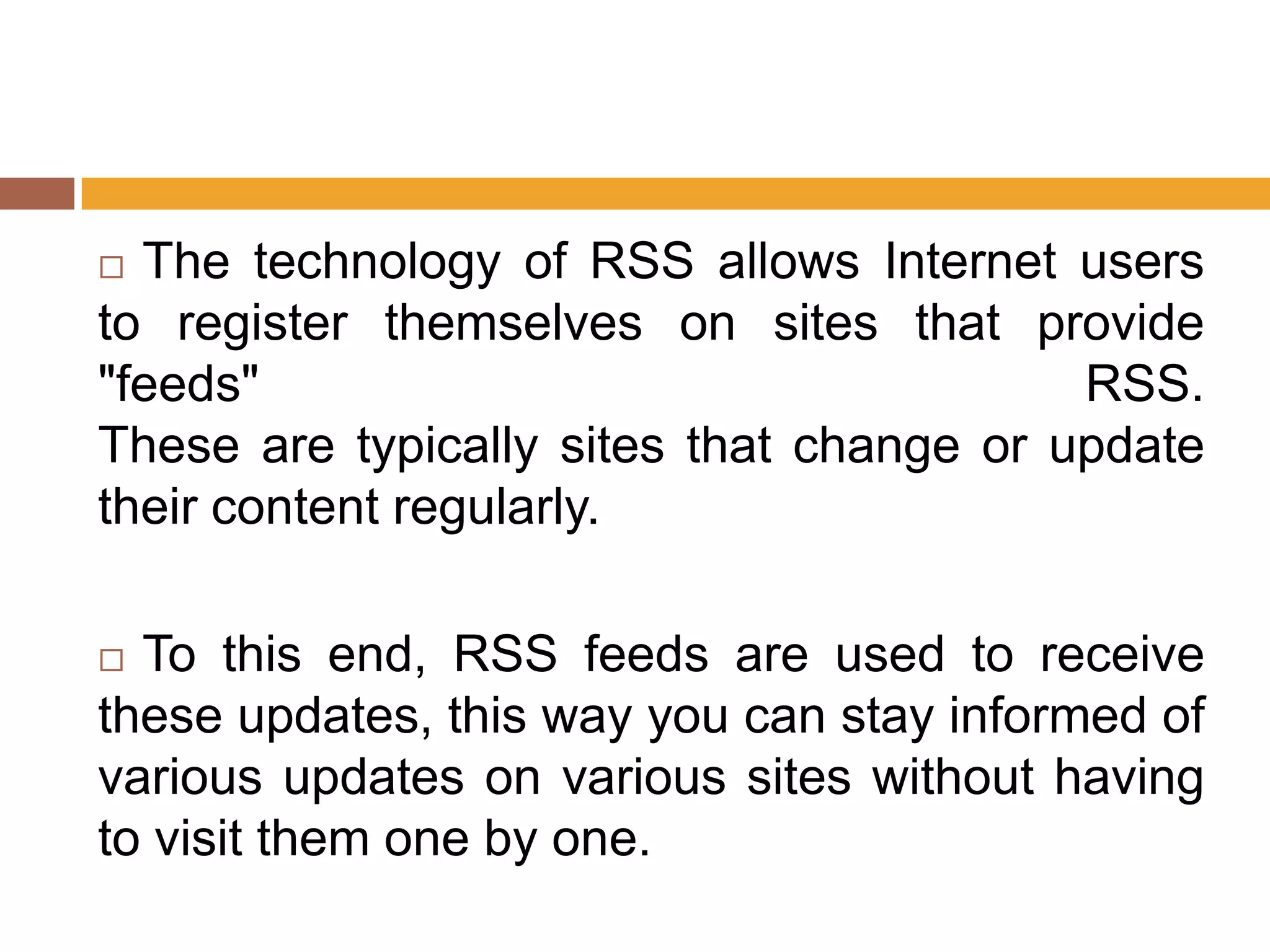
 The technology of RSS allows Internet users
to register themselves on sites that provide
"feeds"                                   RSS.
These are typically sites that change or update
their content regularly.

 To this end, RSS feeds are used to receive
these updates, this way you can stay informed of
various updates on various sites without having
to visit them one by one.
   The RSS feeds provide web content or
    summaries of content together with links to full
    versions of content and other metadata.

   This information is delivered as an XML file
    called "RSS feed", "webfeed", "Atom" or RSS
    channel.
   The beginning and even today in some sites the icon
    for the RSS format adopted is

   Along the XML code.

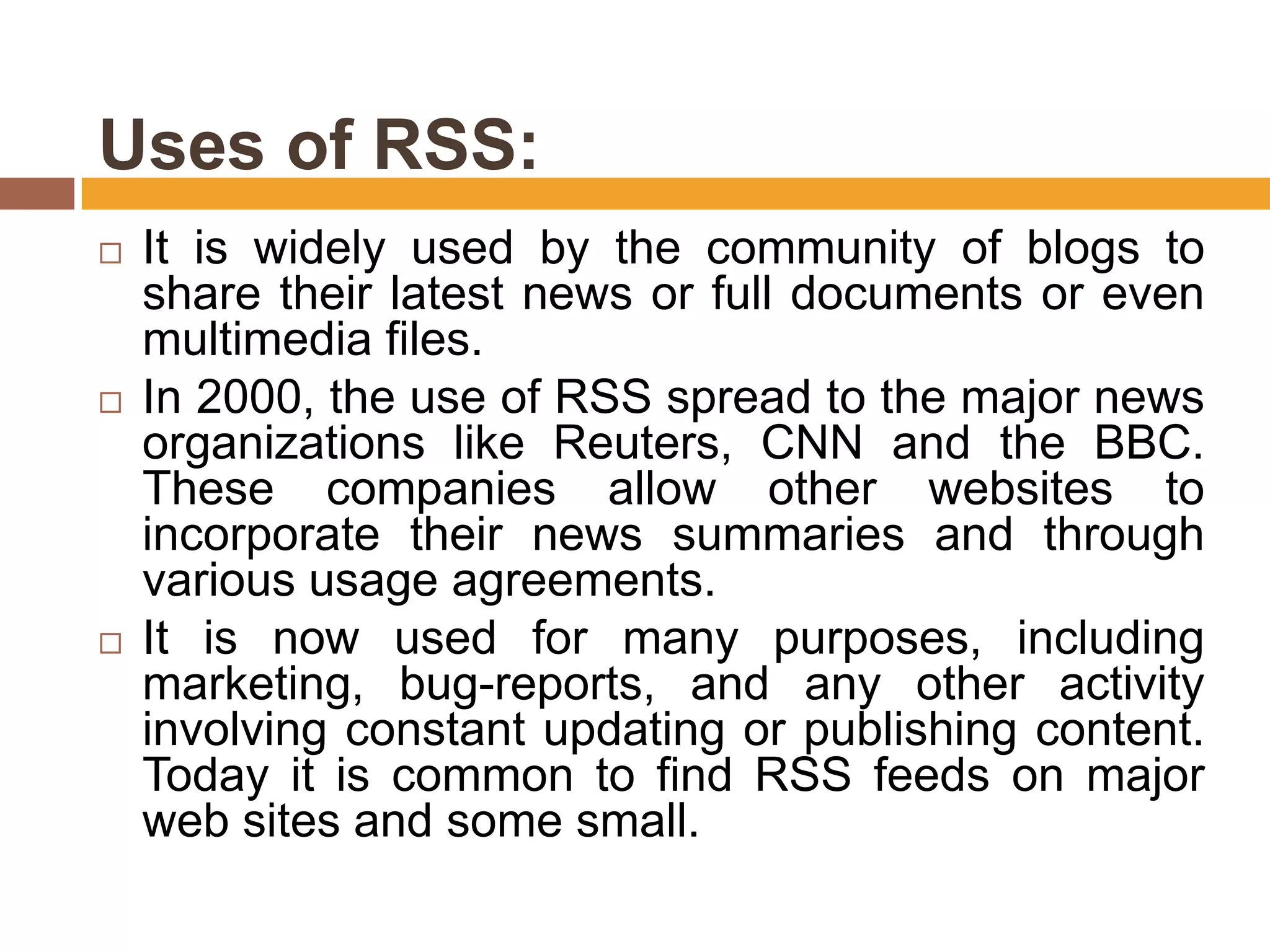
   But the most famous icon that represents the RSS
    was adopted by a partnership between the Mozilla
    Foundation (makers of Firefox, which has used the
    icon) with Microsoft for the latest version of its
    browser, Internet Explorer 7. Later Flock, browser
    based on Firefox still under development, also
    adopted the icon. Helping to promote to the RSS Feed
    Icons site users to freely distribute the icon in different
    formats for inclusion in websites.
Uses of RSS:
   It is widely used by the community of blogs to
    share their latest news or full documents or even
    multimedia files.
   In 2000, the use of RSS spread to the major news
    organizations like Reuters, CNN and the BBC.
    These companies allow other websites to
    incorporate their news summaries and through
    various usage agreements.
   It is now used for many purposes, including
    marketing, bug-reports, and any other activity
    involving constant updating or publishing content.
    Today it is common to find RSS feeds on major
    web sites and some small.
   One type of program known as "feed reader"
    or aggregator can check RSS-enabled pages
    for their users and report updates. These
    applications are typically constructed as
    standalone programs or extensions of Web
    browsers or email programs. These programs
    are available for various operating systems,
    including existing web versions of these
    programs.
   RSS Readers require no software and bring
    the feeds of users to any computer with web
    access is available.
   Some aggregators combine RSS feeds and
    other feeds. For example, adding several
    items relating to football feeds from various
    sports and then creating a new football feed.
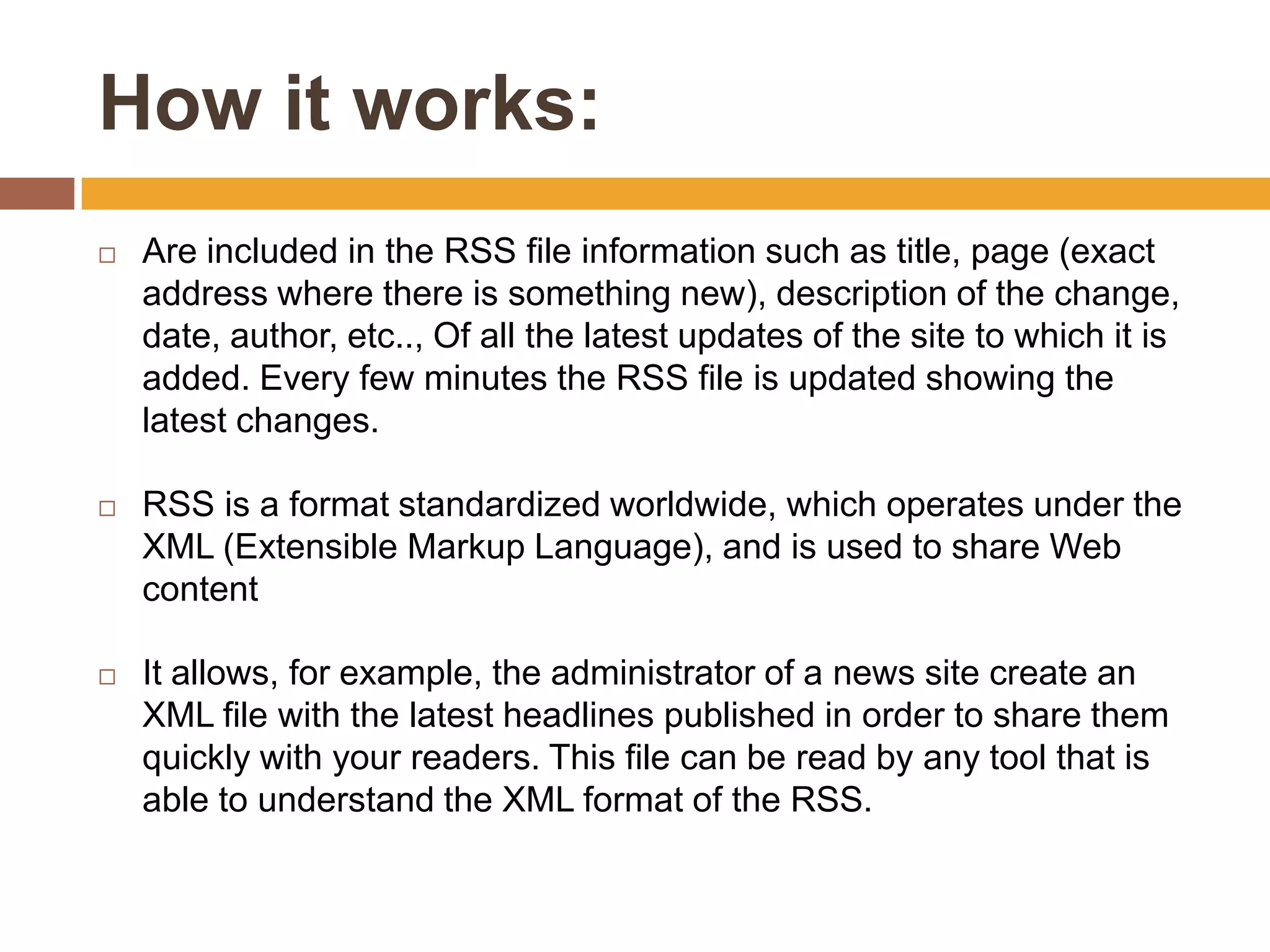
   On web pages RSS feeds are typically
    indicated by an orange rectangle with the
    letters XML or RSS.


   Written MIME: application / rss + xml
How it works:
   Are included in the RSS file information such as title, page (exact
    address where there is something new), description of the change,
    date, author, etc.., Of all the latest updates of the site to which it is
    added. Every few minutes the RSS file is updated showing the
    latest changes.

   RSS is a format standardized worldwide, which operates under the
    XML (Extensible Markup Language), and is used to share Web
    content

   It allows, for example, the administrator of a news site create an
    XML file with the latest headlines published in order to share them
    quickly with your readers. This file can be read by any tool that is
    able to understand the XML format of the RSS.
   RDF Site Summary, the first version of RSS was
    created by Dan Libby of Netscape in March 1999
    for use in the portal "My Netscape". This version
    became known as RSS 0.9. In July 1999, in
    response to comments and suggestions, Libby
    produced a prototype called RSS 0.91 (with RSS
    means Rich Site Summary), also simplifying the
    format.
   RSS (Really Simple Syndication) is a descendant
    of the RDF (Resource Description Framework)
    and follows the W3C definitions of RDF, which is a
    descendant of XML.
Operation and update
   In general, allows receiving fast or news
    information synchronized with its content
    providers, quickly, since the data format is
    limited to plain text.
   Serves to receive a list of updates of the sites
    chosen, when they occur. Widely used on
    news sites, sites for weather, traffic
    information, economic information, and blogs.
    Gmail (Google Mail Service) also uses RSS as
    a mechanism. RSS feeds can be found in
    directories such as www.rssfeeds.com.br
RSS Readers
   To make use of RSS, there are two
    schemes:
   1º to use a client program also called an
    aggregator. In it are included in the RSS that
    you want to track
   2º make a record on specific sites and include
    them you want to track RSS. They are
    aggregators via browser or browser. Add RSS
    remotely.
   Most browsers already has the ability to add
    RSS in the software itself. Usually do not have
    as many features as other aggregators
    available.
Atom
   Unlike the RSS, Atom is not an acronym, but it is also
    a format for reading and writing information on the
    Web
    Some say that this project is an initial proposal for
    unification of RSS 1.0 and RSS 2.0.
   It is also based on XML, but its development is seen
    as more sophisticated.
   The group that works on it even has the support of
    major corporations such as Google.
What is ATOM
   It is the name given to a style based on XML
    content and metadata, ie, is an application-
    level protocol for publishing and editing web
    sources that are updated regularly, such as
    Blogs.
   Feeds must be formed in XML format and are
    identified as application / atom + xml media
    type.
    The operation does not differ from their
    traditional Markup Languages​​, with headers,
    titles and body as in HTML 4.0.
THANK YOU
FOR YOUR ATTENTION

What is atom rss feed

  • 1.
    Portfóliobibliodigital FEED: RSS AND ATOM
  • 2.
    Lesson Plan:  Web Feed  Aggregators  RSS  Atom
  • 3.
    Objectives:  Take the student to understand what is a feed and its usefulness.  Students understand the usefulness of due aggregators.  To demonstrate the differences between RSS and ATOM.
  • 4.
    Web Feed  Term from the English verb "food.“  It is a data format used in ways to communicate with frequently updated content such as websites (web pages) news or blogs.  Information distributors, bloggers or news channels provide a feed in which users can enroll in the format of a link.  Other formats as possible to be communicated in feeds are audio files, podcasts and videos.
  • 5.
    Aggregators  Are the services that enable users to subscribe to different feeds.  This is a program that gathers information from different feeds chosen by the user, and connects periodically or on user command to check for new updates.  Several sites are now offering the same service, eliminating the installation of a program.
  • 6.
    Subscribe to afeed  Means including a link to the feed in your aggregator's subscription list.
  • 7.
    Files Feed  Theseare lists of updated content from a particular site, with written specifications based on XML. Currently there are three main specifications for creating feed file:  RSS 1.0 - RDF Site Summary 1.0 (RSS-DEV).  RSS 2.0 - Really Simple Syndication 2.0 (Userland).  Atom (IETF).
  • 8.
    The versions RSS1.0 and RSS 2.0  Are different organizations have separated working. This occurred because after the completion of the study group RSS Netscape organizations continued to develop separately from each of the formats, which resulted in two different versions.  The Atom specification (RFC-4287) is published by a single normative body, if the IETF.
  • 9.
    Feed Characteristics  Feeds are used so that an Internet user can follow new articles and content from a website or blog without needing to visit the site itself. Whenever new content is published, subscribe to the feed can read it in your aggregator.  Subscribe to a feed or unsubscribe processes are made ​in the aggregator, adding or removing the link to the feed. No need to send a cancellation email to the distributor information.  No need to send an e-mail to the distributor, thus preserving the account's e-mail user as negative effects of Internet spam, viruses or identity theft.  Good aggregators can organize the information to be read in a personalized manner, collect them or sort them according to specifications.
  • 10.
    Operation and Use  With a program called an aggregator of feeds, you receive the updates of sites selected without having to visit them.  There are already websites that act as aggregators feeds, show updates in the browser itself and thus eliminate the installation of specific software.  There are also browsers and email clients to Feed reader added, also without the need for additional software.
  • 11.
    Recognition of "Feeds"via web browser  Webmasters who place a feed on a site, commonly add the codes that I will present the following two slides to indicate to the browser (browser) user that the page has a feed.
  • 12.
    If the filewas created with Feed RSS is used to specify the code :  <link rel="alternate" type="application/rss+xml" href="feed.rss" title="RSS feed to my Page"> whereas the file name is called Feed feed.rss.
  • 13.
    Se o arquivoFeed foi criado com a especificação Atom é utilizado o código:  <link rel="alternate" type="application/atom+xml" href="atom.xml" title="RSS feed to my Page ">  Whereas the file name is called the Feed atom.xml.
  • 14.
    RSS  It is a subset of "dialects" that serve to aggregate XML content or "web syndication", and can be accessed by programs or aggregator sites.  It is mainly used on news sites and blogs.
  • 15.
    The RSS isthe abbreviation used to refer to the following standards:  Rich Site Summary (RSS 0.91)  RDF Site Summary (RSS 0.9 e 1.0)  Really Simple Syndication (RSS 2.0)
  • 16.
     The technologyof RSS allows Internet users to register themselves on sites that provide "feeds" RSS. These are typically sites that change or update their content regularly.  To this end, RSS feeds are used to receive these updates, this way you can stay informed of various updates on various sites without having to visit them one by one.
  • 17.
    The RSS feeds provide web content or summaries of content together with links to full versions of content and other metadata.  This information is delivered as an XML file called "RSS feed", "webfeed", "Atom" or RSS channel.
  • 18.
    The beginning and even today in some sites the icon for the RSS format adopted is  Along the XML code.  But the most famous icon that represents the RSS was adopted by a partnership between the Mozilla Foundation (makers of Firefox, which has used the icon) with Microsoft for the latest version of its browser, Internet Explorer 7. Later Flock, browser based on Firefox still under development, also adopted the icon. Helping to promote to the RSS Feed Icons site users to freely distribute the icon in different formats for inclusion in websites.
  • 19.
    Uses of RSS:  It is widely used by the community of blogs to share their latest news or full documents or even multimedia files.  In 2000, the use of RSS spread to the major news organizations like Reuters, CNN and the BBC. These companies allow other websites to incorporate their news summaries and through various usage agreements.  It is now used for many purposes, including marketing, bug-reports, and any other activity involving constant updating or publishing content. Today it is common to find RSS feeds on major web sites and some small.
  • 20.
    One type of program known as "feed reader" or aggregator can check RSS-enabled pages for their users and report updates. These applications are typically constructed as standalone programs or extensions of Web browsers or email programs. These programs are available for various operating systems, including existing web versions of these programs.
  • 21.
    RSS Readers require no software and bring the feeds of users to any computer with web access is available.  Some aggregators combine RSS feeds and other feeds. For example, adding several items relating to football feeds from various sports and then creating a new football feed.
  • 22.
    On web pages RSS feeds are typically indicated by an orange rectangle with the letters XML or RSS.  Written MIME: application / rss + xml
  • 23.
    How it works:  Are included in the RSS file information such as title, page (exact address where there is something new), description of the change, date, author, etc.., Of all the latest updates of the site to which it is added. Every few minutes the RSS file is updated showing the latest changes.  RSS is a format standardized worldwide, which operates under the XML (Extensible Markup Language), and is used to share Web content  It allows, for example, the administrator of a news site create an XML file with the latest headlines published in order to share them quickly with your readers. This file can be read by any tool that is able to understand the XML format of the RSS.
  • 24.
    RDF Site Summary, the first version of RSS was created by Dan Libby of Netscape in March 1999 for use in the portal "My Netscape". This version became known as RSS 0.9. In July 1999, in response to comments and suggestions, Libby produced a prototype called RSS 0.91 (with RSS means Rich Site Summary), also simplifying the format.  RSS (Really Simple Syndication) is a descendant of the RDF (Resource Description Framework) and follows the W3C definitions of RDF, which is a descendant of XML.
  • 25.
    Operation and update  In general, allows receiving fast or news information synchronized with its content providers, quickly, since the data format is limited to plain text.  Serves to receive a list of updates of the sites chosen, when they occur. Widely used on news sites, sites for weather, traffic information, economic information, and blogs. Gmail (Google Mail Service) also uses RSS as a mechanism. RSS feeds can be found in directories such as www.rssfeeds.com.br
  • 26.
    RSS Readers  To make use of RSS, there are two schemes:  1º to use a client program also called an aggregator. In it are included in the RSS that you want to track  2º make a record on specific sites and include them you want to track RSS. They are aggregators via browser or browser. Add RSS remotely.
  • 27.
    Most browsers already has the ability to add RSS in the software itself. Usually do not have as many features as other aggregators available.
  • 28.
    Atom  Unlike the RSS, Atom is not an acronym, but it is also a format for reading and writing information on the Web Some say that this project is an initial proposal for unification of RSS 1.0 and RSS 2.0.  It is also based on XML, but its development is seen as more sophisticated.  The group that works on it even has the support of major corporations such as Google.
  • 29.
    What is ATOM  It is the name given to a style based on XML content and metadata, ie, is an application- level protocol for publishing and editing web sources that are updated regularly, such as Blogs.  Feeds must be formed in XML format and are identified as application / atom + xml media type. The operation does not differ from their traditional Markup Languages​​, with headers, titles and body as in HTML 4.0.
  • 30.