Microsoft SQL Server
Performance Tuning
Kenichiro Nakamura
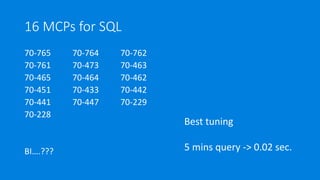
16 MCPs for SQL
70-765 70-764 70-762
70-761 70-473 70-463
70-465 70-464 70-462
70-451 70-433 70-442
70-441 70-447 70-229
70-228
BI….???
Best tuning
5 mins query -> 0.02 sec.

What you will learn today
No details of SQL architecture
No details of index tuning
No details of SQLOS
How to think about everything from performance
point of view.
Take away (1/2)
All performance issue has reasons. Understand where
the issue comes from. (CPU, Memory, Disk)
All performance features are:
• solve the bottle neck somehow
• workaround the bottle neck
It may generate another issue
Take away (2/2)
New features may:
Improve performance
and/or
Decrease performance
Goal
Let you feel you learn something
Demystify performance turning myth
And confuse you all 
What is performance?
• Latency
• Throughput
• Best vs Optimized performance
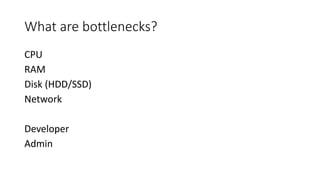
What are bottlenecks?
CPU
RAM
Disk (HDD/SSD)
Network
Developer
Admin
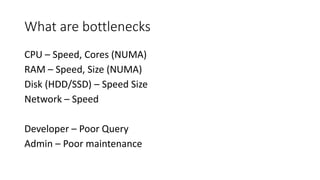
What are bottlenecks
CPU – Speed, Cores (NUMA)
RAM – Speed, Size (NUMA)
Disk (HDD/SSD) – Speed Size
Network – Speed
Developer – Poor Query
Admin – Poor maintenance
How SQL stores data
IO matters
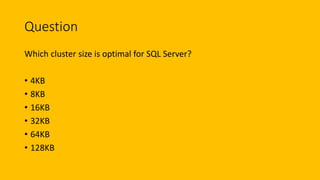
Question
Which cluster size is optimal for SQL Server?
• 4KB
• 8KB
• 16KB
• 32KB
• 64KB
• 128KB
Question
Fill factor should be:
• 0
• 50
• 70
• 100
Question
Which data can be stay together?
• Data, Log, TempDB all together
• Data, TempDB together
• Everything separate
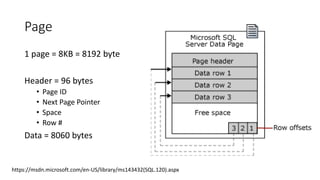
Page
1 page = 8KB = 8192 byte
Header = 96 bytes
• Page ID
• Next Page Pointer
• Space
• Row #
Data = 8060 bytes
https://msdn.microsoft.com/en-US/library/ms143432(SQL.120).aspx
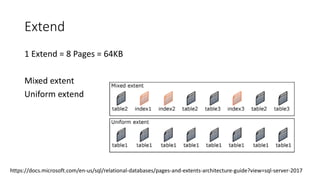
Extend
1 Extend = 8 Pages = 64KB
Mixed extent
Uniform extend
https://docs.microsoft.com/en-us/sql/relational-databases/pages-and-extents-architecture-guide?view=sql-server-2017
GAM, SGAM and PFS
GAM
Record what extents have been allocated.
SGAM
Record which extents are used as mixed extents and have unused page.
Each GAM/SGAM covers 64,000 extents, or almost 4 GB of data.
PFS (Page Free Space)
Record the allocation status of each page.
Check if its empty, 1 to 50 percent full, 51 to 80 percent full, 81 to 95 percent full, or 96 to 100
percent full.
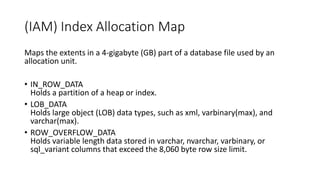
(IAM) Index Allocation Map
Maps the extents in a 4-gigabyte (GB) part of a database file used by an
allocation unit.
• IN_ROW_DATA
Holds a partition of a heap or index.
• LOB_DATA
Holds large object (LOB) data types, such as xml, varbinary(max), and
varchar(max).
• ROW_OVERFLOW_DATA
Holds variable length data stored in varchar, nvarchar, varbinary, or
sql_variant columns that exceed the 8,060 byte row size limit.
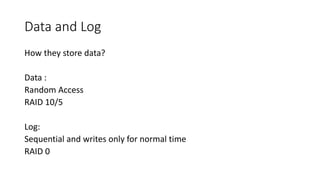
Data and Log
How they store data?
Data :
Random Access
RAID 10/5
Log:
Sequential and writes only for normal time
RAID 0
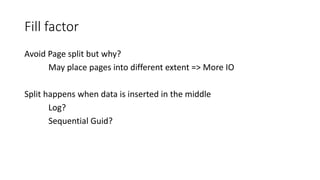
Fill factor
Avoid Page split but why?
May place pages into different extent => More IO
Split happens when data is inserted in the middle
Log?
Sequential Guid?
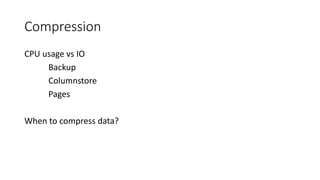
Compression
CPU usage vs IO
Backup
Columnstore
Pages
When to compress data?
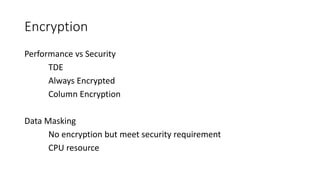
Encryption
Performance vs Security
TDE
Always Encrypted
Column Encryption
Data Masking
No encryption but meet security requirement
CPU resource
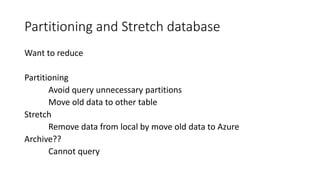
Partitioning and Stretch database
Want to reduce
Partitioning
Avoid query unnecessary partitions
Move old data to other table
Stretch
Remove data from local by move old data to Azure
Archive??
Cannot query
Question
What happens when data or log file out of space?
• SQL stops
• Auto grow the space
• Archive old data
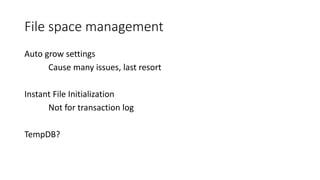
File space management
Auto grow settings
Cause many issues, last resort
Instant File Initialization
Not for transaction log
TempDB?
Memory management
Cache them all!
Question
SQL server never use memory more than “max server memory”
settings value.
• Yes
• No
Question
What kind of object cached in memory?
• You name it.
Question
When SQL server rereleases a cached object from its memory?
• When no one uses the cached data anymore
• It won’t release no matter what
• Only when needed under memory pressure
Question
SQL requires disk access for query execution.
• True
• False
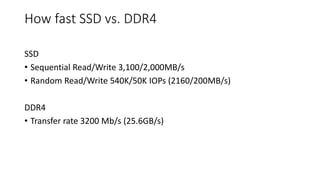
How fast SSD vs. DDR4
SSD
• Sequential Read/Write 3,100/2,000MB/s
• Random Read/Write 540K/50K IOPs (2160/200MB/s)
DDR4
• Transfer rate 3200 Mb/s (25.6GB/s)
Max and min server memory
1. Start from less then min.
2. Keep acquiring memory until it exceeds min.
3. Not exceed max.
4. When releases memory, it still keeps min memory.
https://docs.microsoft.com/en-us/sql/relational-databases/memory-management-architecture-guide?view=sql-server-
2017
Buffer Management
1 buffer = 8KB page.
NUMA support
DISK/IO
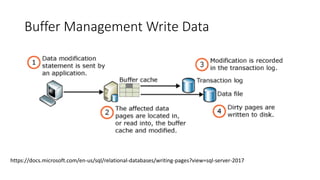
SQL reads and writes to buffer, not disk.
=> Read ahead to improve performance
=> Lazy writer writes data to disk (or checkpoint)
https://docs.microsoft.com/en-us/sql/relational-databases/memory-management-architecture-guide?view=sql-server-
2017#buffer-management
Buffer Management Read Data
Read ahead
Read 64 pages (512 KB) (SQL2016)
Read up to with dynamic algorithm 4 MB data (SQL2017)
sequential read-ahead
random prefetching read-ahead
https://www.sqlshack.com/sql-server-read-ahead-mechanism-concept-performance-gains/
Buffer Management Write Data
https://docs.microsoft.com/en-us/sql/relational-databases/writing-pages?view=sql-server-2017
Query Execution and
Performance
How to run query?
Question
Query Optimizer generates the best execution plan.
• Of course!
• Not really.
Question
Why optimizer can create plan before execute query?
• By gut
• By query records first
• By using stats
• It does optimize by last ran result
Question
Why optimizer generates query plan?
• Every time
• When query looks complex
• When no plan cached
Question
MDOP should be same as CPU core numbers?
• Yes
• Even more!
• 50% of cores
• 1
Question
SQL Server requires IO all the time regardless logical/physical
• Yes
• No
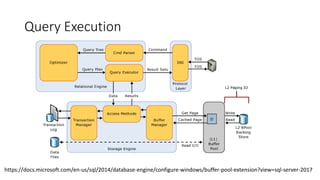
Query Execution
https://docs.microsoft.com/en-us/sql/2014/database-engine/configure-windows/buffer-pool-extension?view=sql-server-2017
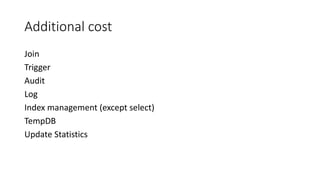
Additional cost
Join
Trigger
Audit
Log
Index management (except select)
TempDB
Update Statistics
Parallelism
Good for query latency
Not necessary good for throughput
How to decide?
Question
Index boost query performance
• Of course!
• Only select
• Only select and update
• It depends…
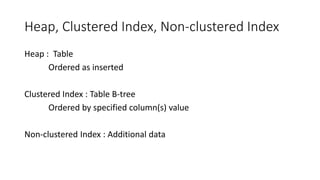
Heap, Clustered Index, Non-clustered Index
Heap : Table
Ordered as inserted
Clustered Index : Table B-tree
Ordered by specified column(s) value
Non-clustered Index : Additional data
More indexes
Unique Index
Filtered Index
Covering Index
Columnstore Index
Statistics
Auto (Default)
Manual
Used by Query Optimizer
Index fragmentation
For optimize IO and continuity
Fill factor
Reorganize
Rebuild
Online/Offline – What is offline?
Question
Why SQL Server is slow?
• Because it’s Microsoft product!
• Because it’s not Oracle nor MySQL no PostgreSQL!!
• Due to ACID
Question
How to archive ACID?
• By lock
• By latch
• By magic
Question
What kind of “wait” may happen during query execution?
• You name it.
Question
Snapshot should be on as there are no drawbacks! Even Azure SQL
does it.
• Yes
• No
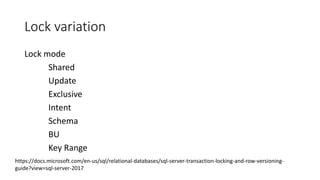
Lock variation
Lock mode
Shared
Update
Exclusive
Intent
Schema
BU
Key Range
https://docs.microsoft.com/en-us/sql/relational-databases/sql-server-transaction-locking-and-row-versioning-
guide?view=sql-server-2017
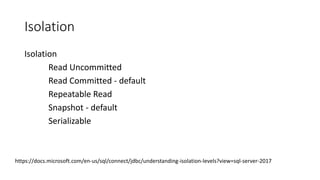
Isolation
Isolation
Read Uncommitted
Read Committed - default
Repeatable Read
Snapshot - default
Serializable
https://docs.microsoft.com/en-us/sql/connect/jdbc/understanding-isolation-levels?view=sql-server-2017
Temp db
Question
Temp DB is evil
• Yes
• Sure!!
• Absolutely!!!!
• Not really
Too much topics to cover.
SQL Server 2017
New Features
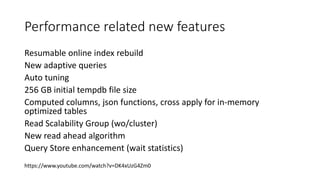
Performance related new features
Resumable online index rebuild
New adaptive queries
Auto tuning
256 GB initial tempdb file size
Computed columns, json functions, cross apply for in-memory
optimized tables
Read Scalability Group (wo/cluster)
New read ahead algorithm
Query Store enhancement (wait statistics)
https://www.youtube.com/watch?v=DK4xUzG4Zm0
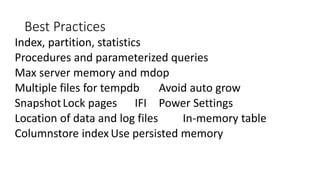
Best Practices
Index, partition, statistics
Procedures and parameterized queries
Max server memory and mdop
Multiple files for tempdb Avoid auto grow
SnapshotLock pages IFI Power Settings
Location of data and log files In-memory table
Columnstore index Use persisted memory
Best Practices
https://docs.microsoft.com/en-us/azure/virtual-
machines/windows/sql/virtual-machines-windows-sql-performance
Fin.

JSSUG: SQL Sever Performance Tuning