JSP
(JAVA SERVER PAGE)
• JSP technology is used to create web application
just like Servlet technology. It can be thought of as
an extension to Servlet because it provides more
functionality than servlet
• Java Server Pages are HTML pages embedded with
snippets of Java code.
• Four different elements are used in constructing
JSPs
– Scripting Elements
– Implicit Objects
– Directives
– Actions
Java Server Pages (JSP)
JSP Advantages Over a Servlet
• 1) Extension to Servlet
• -JSP technology is the extension to
Servlet technology. We can use all the
features of the Servlet in JSP. In addition
to, we can use implicit objects,
predefined tags, expression language
and Custom tags in JSP
JSP Advantages Over a Servlet…
• 2) Fast Development: No need to
recompile and redeploy
• -If JSP page is modified, we don't need
to recompile and redeploy the project.
The Servlet code needs to be updated
and recompiled if we have to change
the look and feel of the application.
JSP Advantages Over a Servlet…
• 3) Less code than Servlet
• -In JSP, we can use many tags such as
action tags, JSTL, custom tags, etc. that
reduces the code
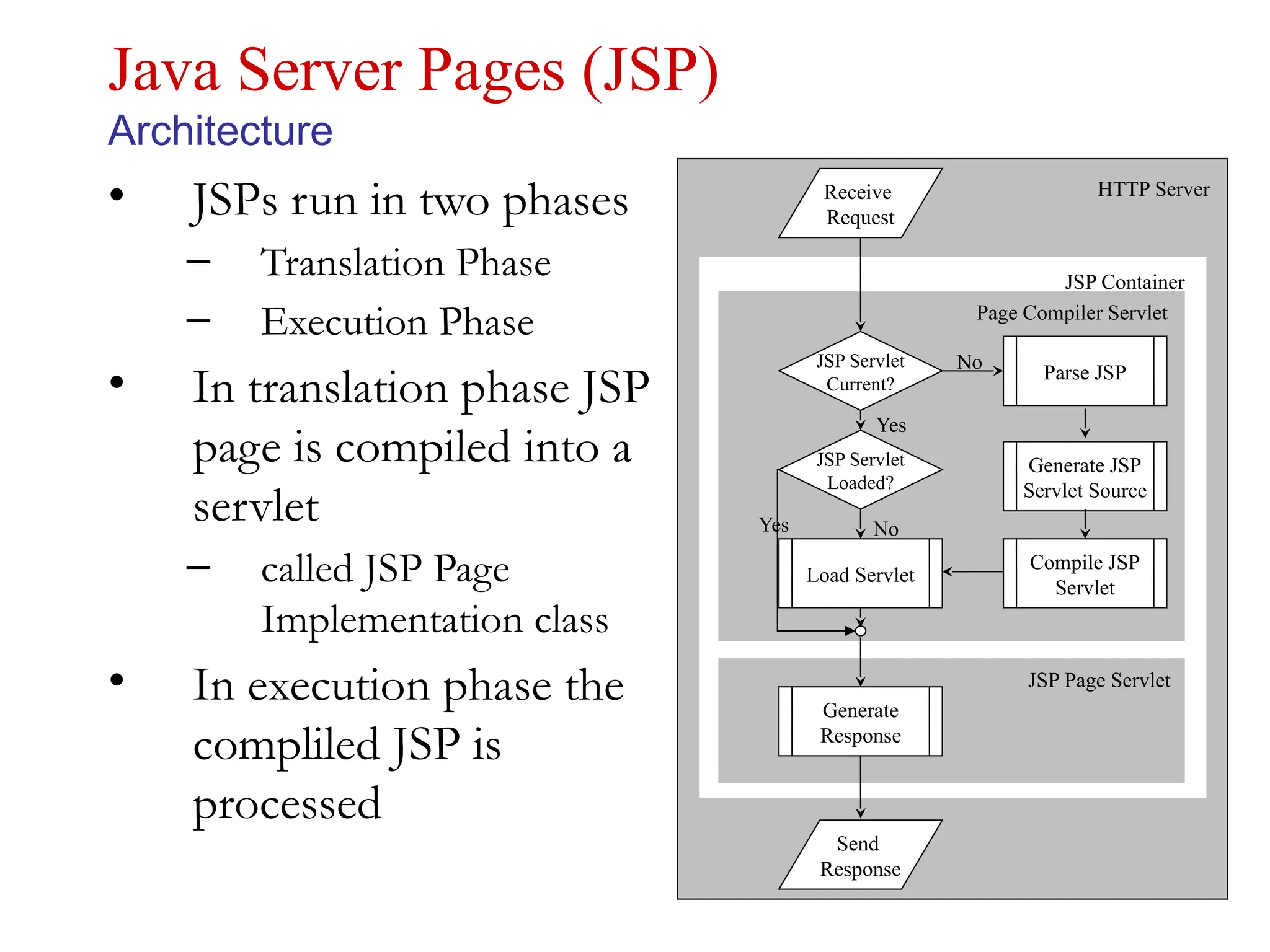
• JSPs run in two phases
– Translation Phase
– Execution Phase
• In translation phase JSP
page is compiled into a
servlet
– called JSP Page
Implementation class
• In execution phase the
compliled JSP is
processed
Java Server Pages (JSP)
Architecture
Send
Response
Receive
Request
Load Servlet
Compile JSP
Servlet
Generate JSP
Servlet Source
Parse JSP
JSP Servlet
Current?
JSP Servlet
Loaded?
Generate
Response
Yes
No
No
Yes
HTTP Server
JSP Container
Page Compiler Servlet
JSP Page Servlet
JSP Scriptlet tag (Scripting elements)
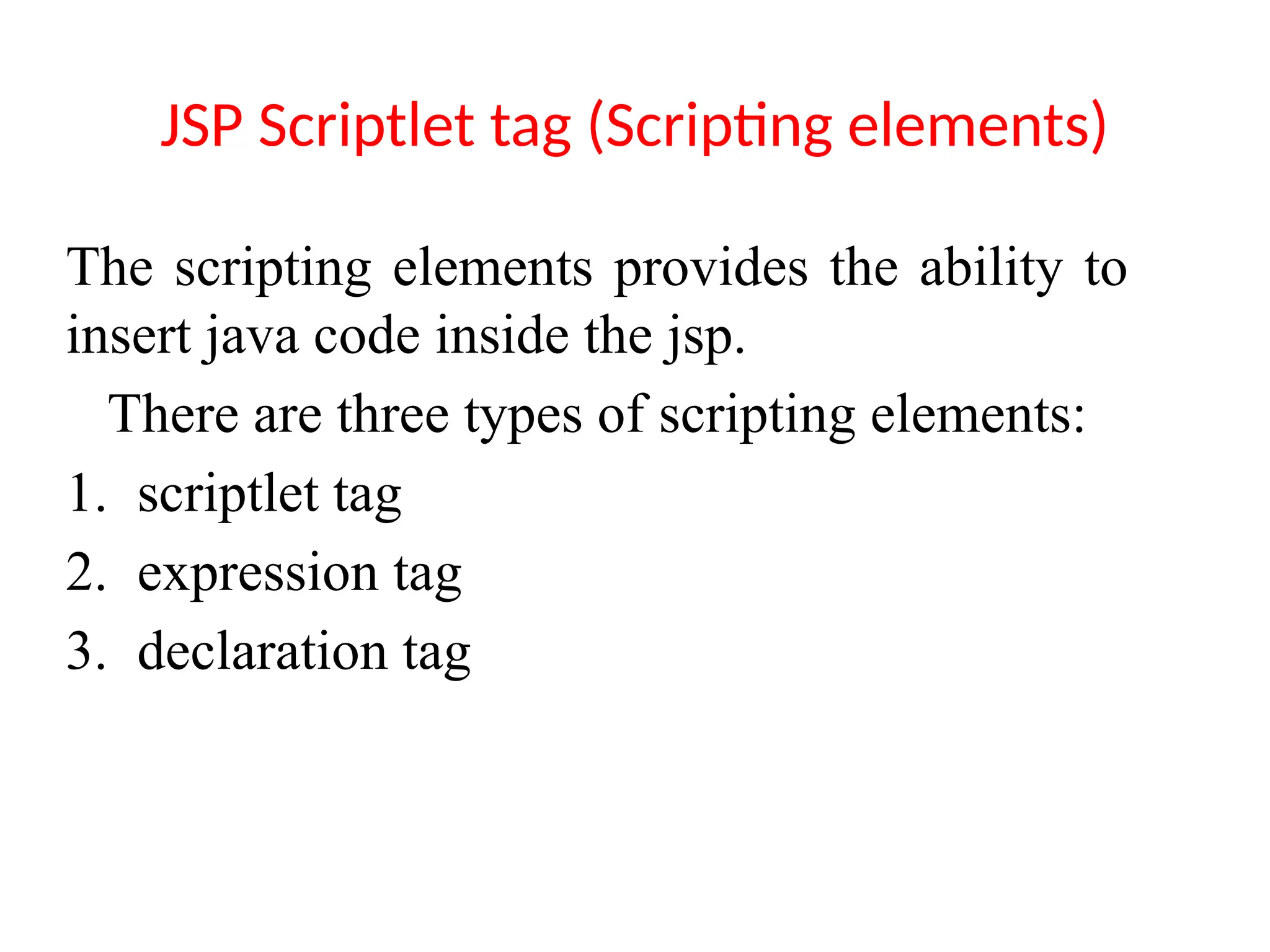
The scripting elements provides the ability to
insert java code inside the jsp.
There are three types of scripting elements:
1. scriptlet tag
2. expression tag
3. declaration tag
JSP scriptlet tag
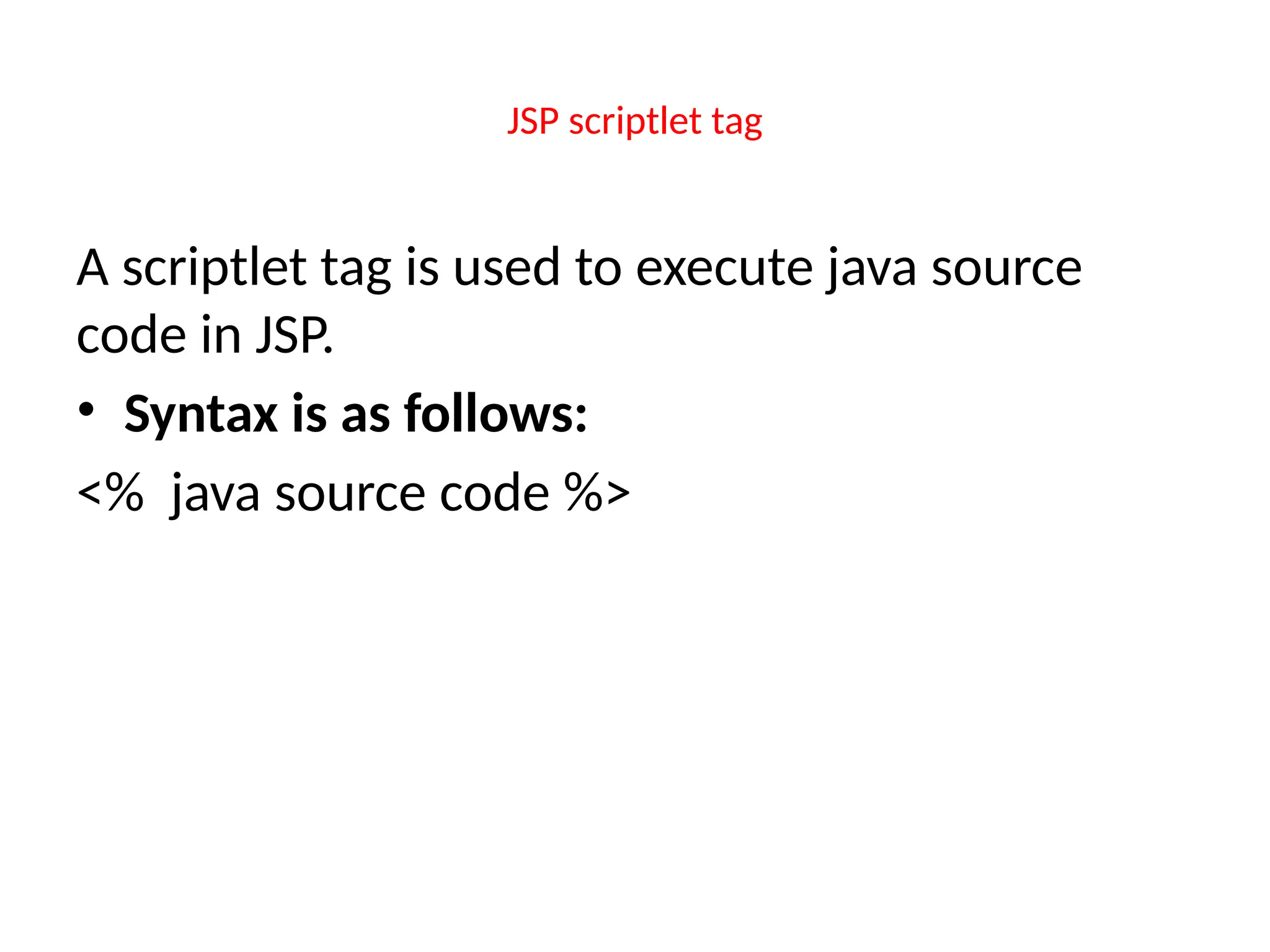
A scriptlet tag is used to execute java source
code in JSP.
• Syntax is as follows:
<% java source code %>
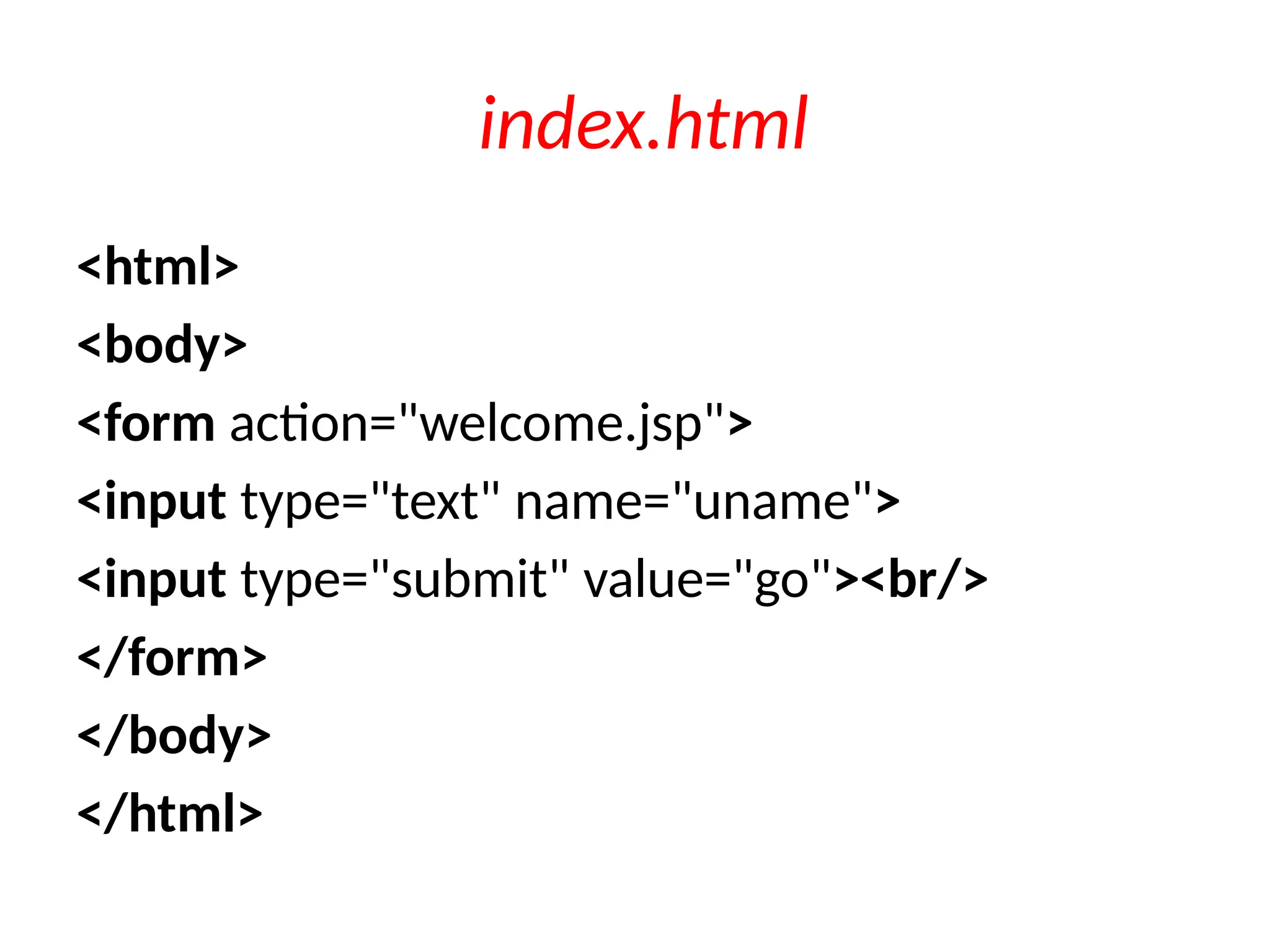
index.html
<html>
<body>
<form action="welcome.jsp">
<input type="text" name="uname">
<input type="submit" value="go"><br/>
</form>
</body>
</html>
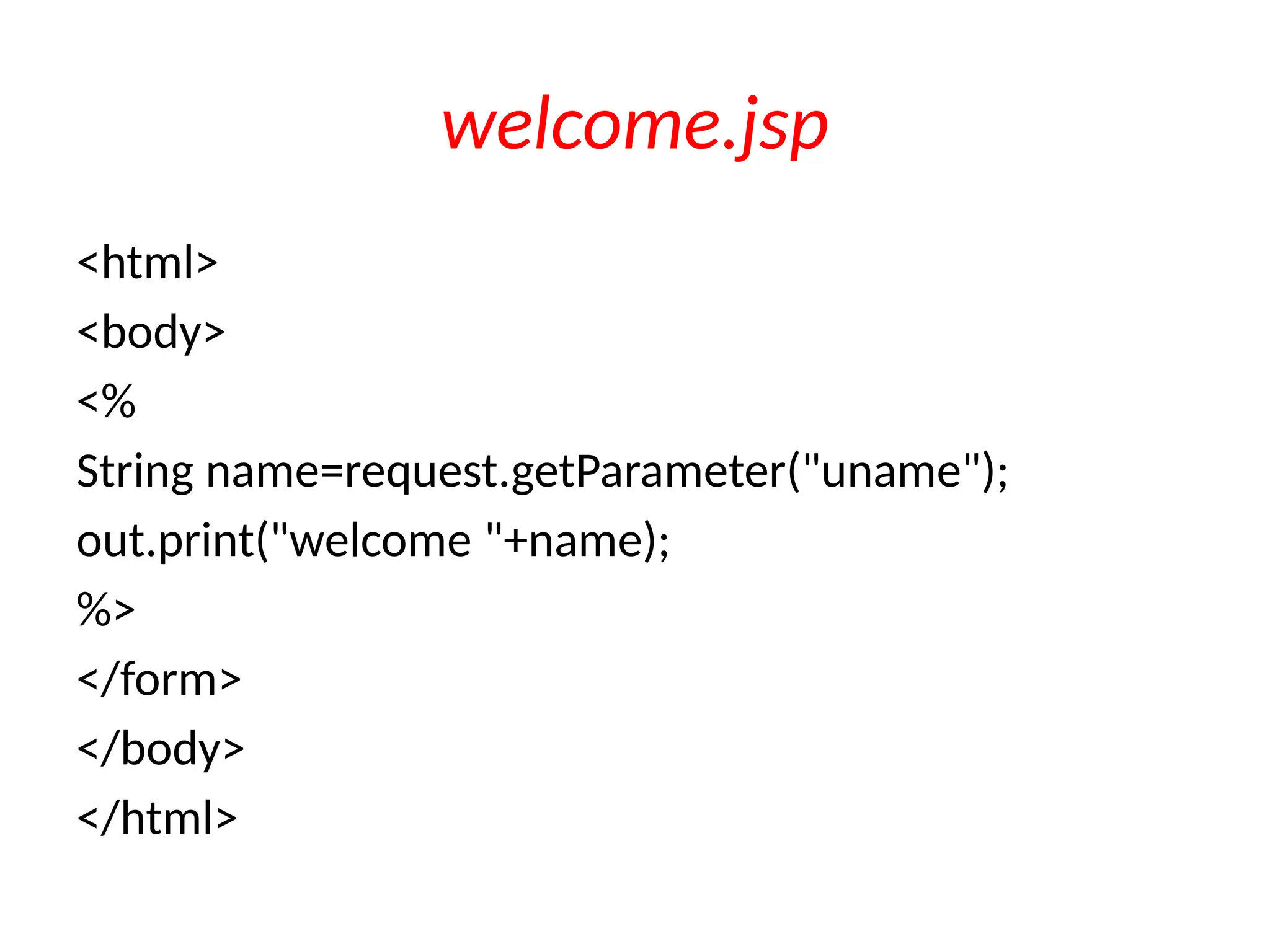
welcome.jsp
<html>
<body>
<%
String name=request.getParameter("uname");
out.print("welcome "+name);
%>
</form>
</body>
</html>
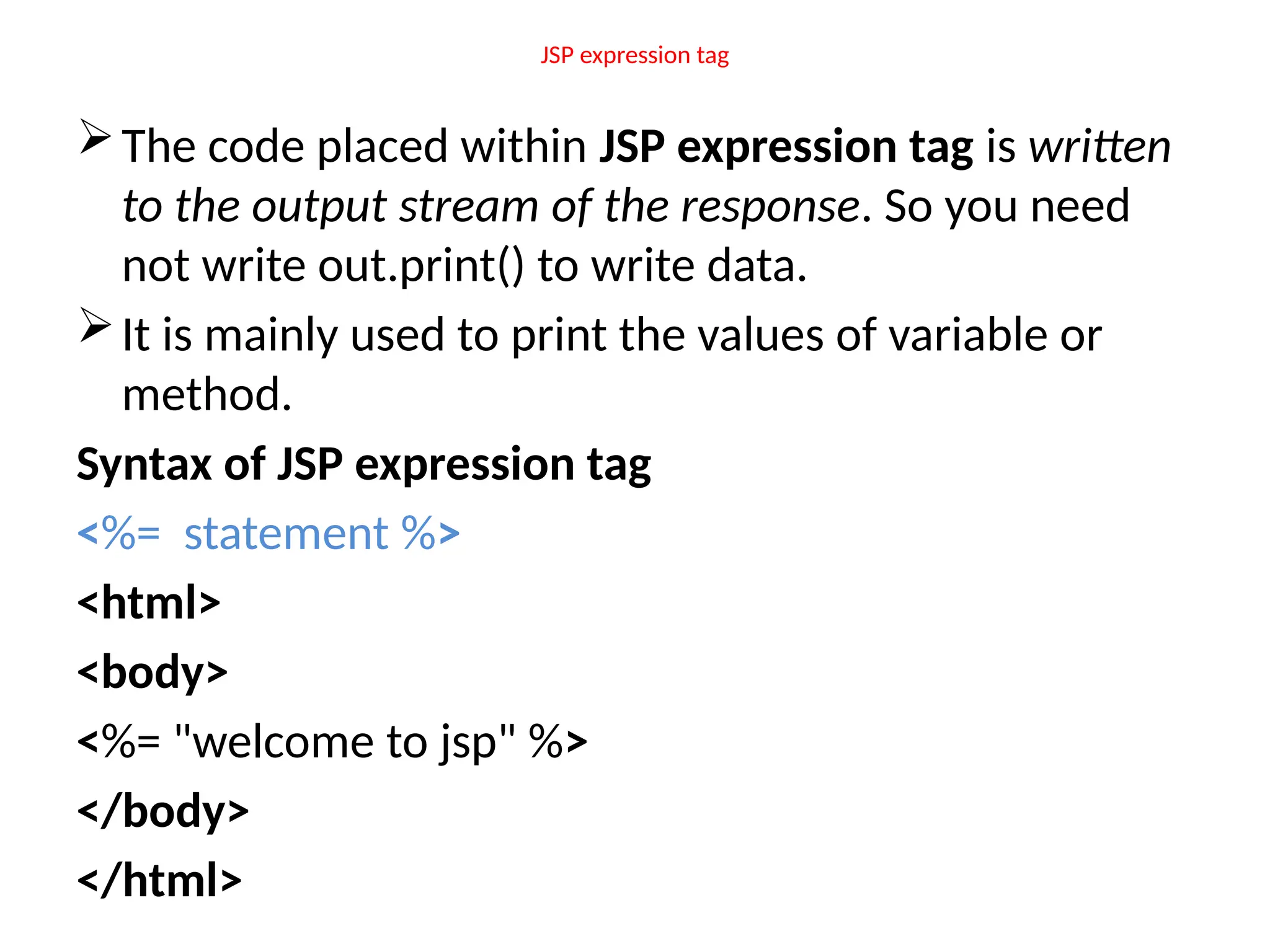
JSP expression tag
The code placed within JSP expression tag is written
to the output stream of the response. So you need
not write out.print() to write data.
It is mainly used to print the values of variable or
method.
Syntax of JSP expression tag
<%= statement %>
<html>
<body>
<%= "welcome to jsp" %>
</body>
</html>
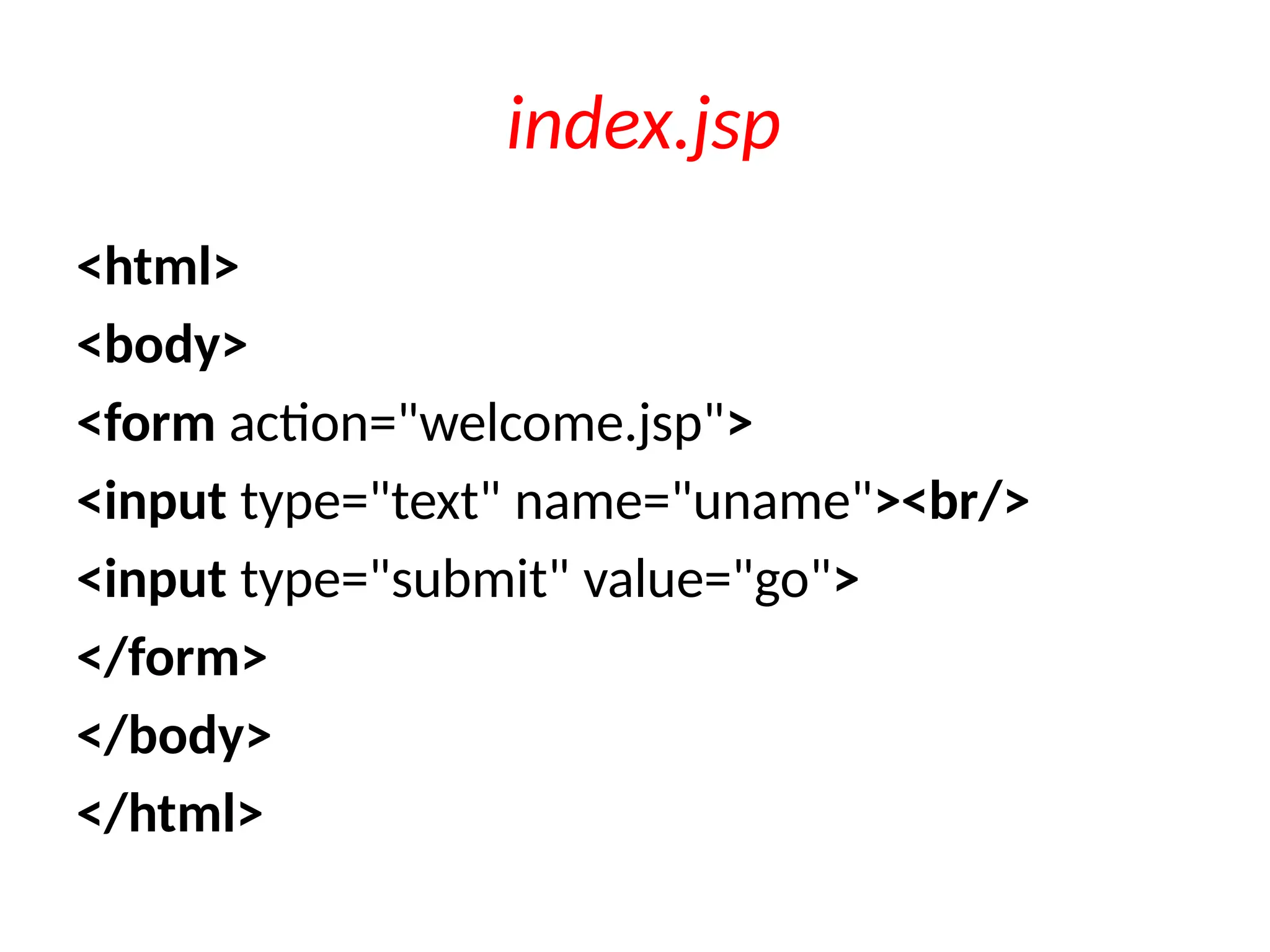
index.jsp
<html>
<body>
<form action="welcome.jsp">
<input type="text" name="uname"><br/>
<input type="submit" value="go">
</form>
</body>
</html>
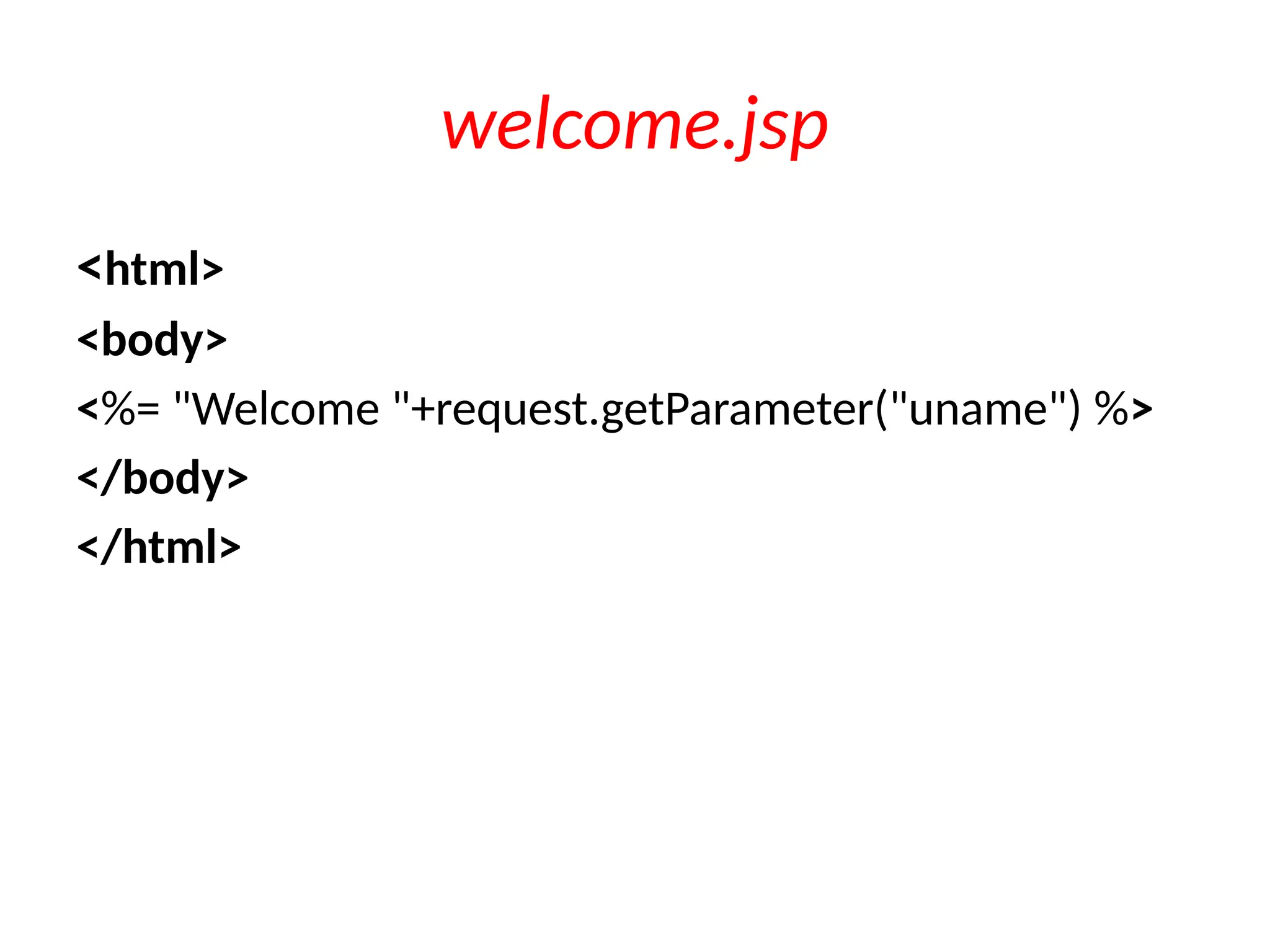
welcome.jsp
<html>
<body>
<%= "Welcome "+request.getParameter("uname") %>
</body>
</html>
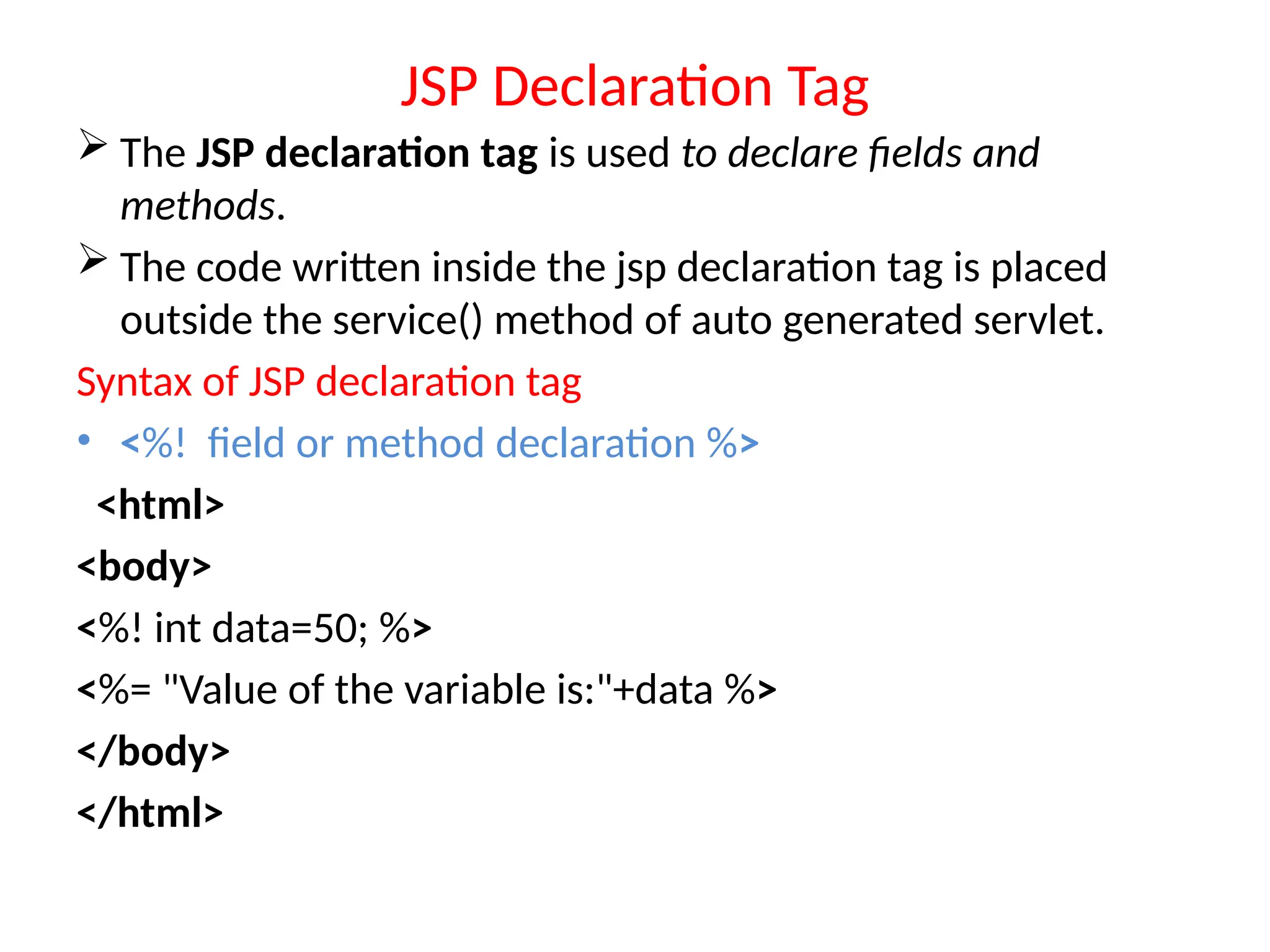
JSP Declaration Tag
 The JSP declaration tag is used to declare fields and
methods.
 The code written inside the jsp declaration tag is placed
outside the service() method of auto generated servlet.
Syntax of JSP declaration tag
• <%! field or method declaration %>
<html>
<body>
<%! int data=50; %>
<%= "Value of the variable is:"+data %>
</body>
</html>
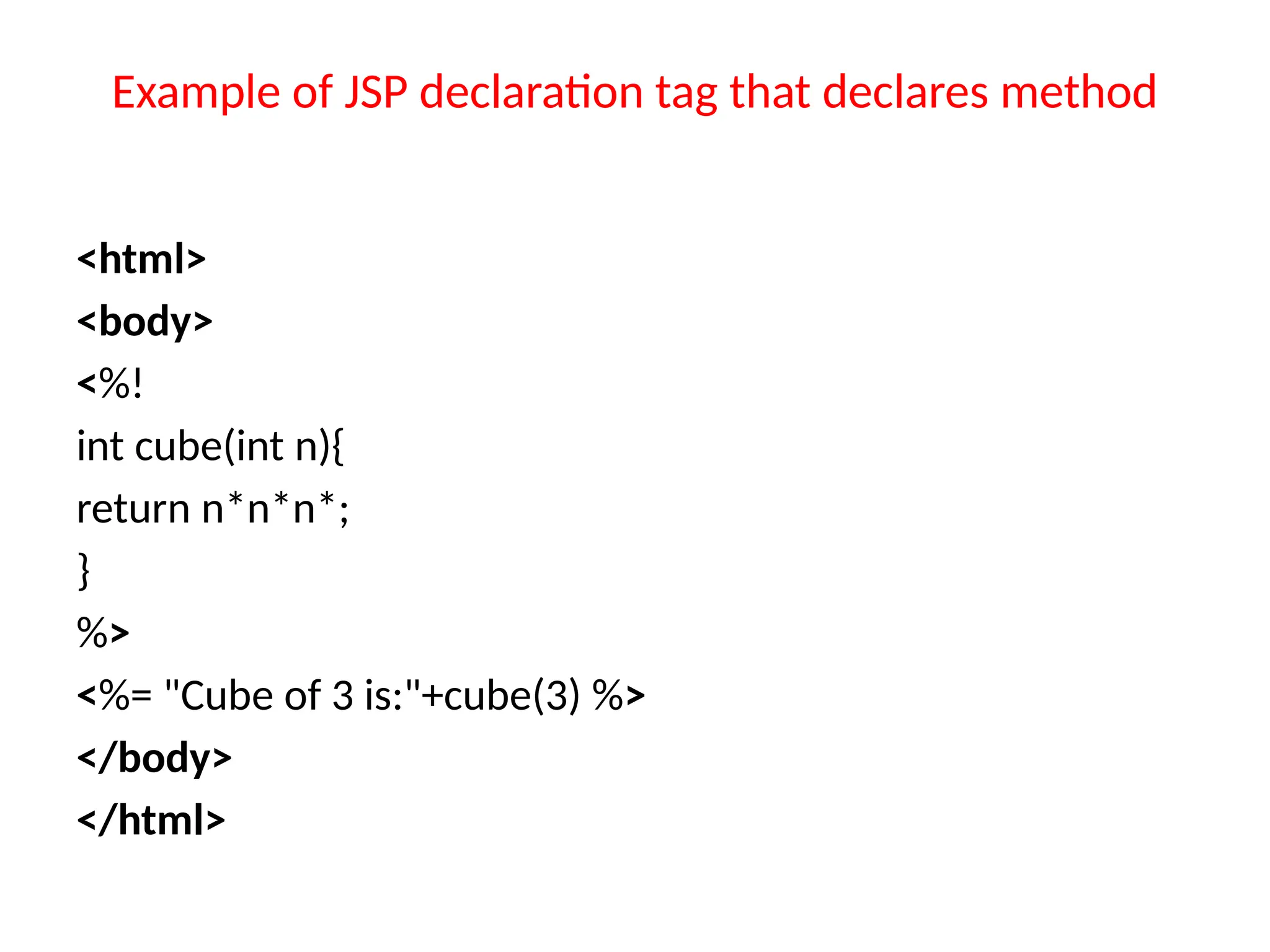
Example of JSP declaration tag that declares method
<html>
<body>
<%!
int cube(int n){
return n*n*n*;
}
%>
<%= "Cube of 3 is:"+cube(3) %>
</body>
</html>

jsp elements java server tag with jsp elements .pptx

  • 1.
  • 2.
    • JSP technologyis used to create web application just like Servlet technology. It can be thought of as an extension to Servlet because it provides more functionality than servlet • Java Server Pages are HTML pages embedded with snippets of Java code. • Four different elements are used in constructing JSPs – Scripting Elements – Implicit Objects – Directives – Actions Java Server Pages (JSP)
  • 3.
    JSP Advantages Overa Servlet • 1) Extension to Servlet • -JSP technology is the extension to Servlet technology. We can use all the features of the Servlet in JSP. In addition to, we can use implicit objects, predefined tags, expression language and Custom tags in JSP
  • 4.
    JSP Advantages Overa Servlet… • 2) Fast Development: No need to recompile and redeploy • -If JSP page is modified, we don't need to recompile and redeploy the project. The Servlet code needs to be updated and recompiled if we have to change the look and feel of the application.
  • 5.
    JSP Advantages Overa Servlet… • 3) Less code than Servlet • -In JSP, we can use many tags such as action tags, JSTL, custom tags, etc. that reduces the code
  • 6.
    • JSPs runin two phases – Translation Phase – Execution Phase • In translation phase JSP page is compiled into a servlet – called JSP Page Implementation class • In execution phase the compliled JSP is processed Java Server Pages (JSP) Architecture Send Response Receive Request Load Servlet Compile JSP Servlet Generate JSP Servlet Source Parse JSP JSP Servlet Current? JSP Servlet Loaded? Generate Response Yes No No Yes HTTP Server JSP Container Page Compiler Servlet JSP Page Servlet
  • 7.
    JSP Scriptlet tag(Scripting elements) The scripting elements provides the ability to insert java code inside the jsp. There are three types of scripting elements: 1. scriptlet tag 2. expression tag 3. declaration tag
  • 8.
    JSP scriptlet tag Ascriptlet tag is used to execute java source code in JSP. • Syntax is as follows: <% java source code %>
  • 9.
    index.html <html> <body> <form action="welcome.jsp"> <input type="text"name="uname"> <input type="submit" value="go"><br/> </form> </body> </html>
  • 10.
  • 11.
    JSP expression tag Thecode placed within JSP expression tag is written to the output stream of the response. So you need not write out.print() to write data. It is mainly used to print the values of variable or method. Syntax of JSP expression tag <%= statement %> <html> <body> <%= "welcome to jsp" %> </body> </html>
  • 12.
    index.jsp <html> <body> <form action="welcome.jsp"> <input type="text"name="uname"><br/> <input type="submit" value="go"> </form> </body> </html>
  • 13.
  • 14.
    JSP Declaration Tag The JSP declaration tag is used to declare fields and methods.  The code written inside the jsp declaration tag is placed outside the service() method of auto generated servlet. Syntax of JSP declaration tag • <%! field or method declaration %> <html> <body> <%! int data=50; %> <%= "Value of the variable is:"+data %> </body> </html>
  • 15.
    Example of JSPdeclaration tag that declares method <html> <body> <%! int cube(int n){ return n*n*n*; } %> <%= "Cube of 3 is:"+cube(3) %> </body> </html>

Editor's Notes

  • #2 Prevention: locks at doors, window bars, walls round the property Detection: stolen items are missing, burglar alarms, closed circuit TV Reaction: call the police, replace stolen items, make an insurance claim … Prevention: encrypt your orders, rely on the merchant to perform checks on the caller, don’t use the Internet (?) … Detection: an unauthorized transaction appears on your credit card statement Reaction: complain, ask for a new card number, etc.
  • #6 Prevention: locks at doors, window bars, walls round the property Detection: stolen items are missing, burglar alarms, closed circuit TV Reaction: call the police, replace stolen items, make an insurance claim … Prevention: encrypt your orders, rely on the merchant to perform checks on the caller, don’t use the Internet (?) … Detection: an unauthorized transaction appears on your credit card statement Reaction: complain, ask for a new card number, etc.