JAVA SWING
JCheckBox , JRadioButton, JComboBox
Check Boxes
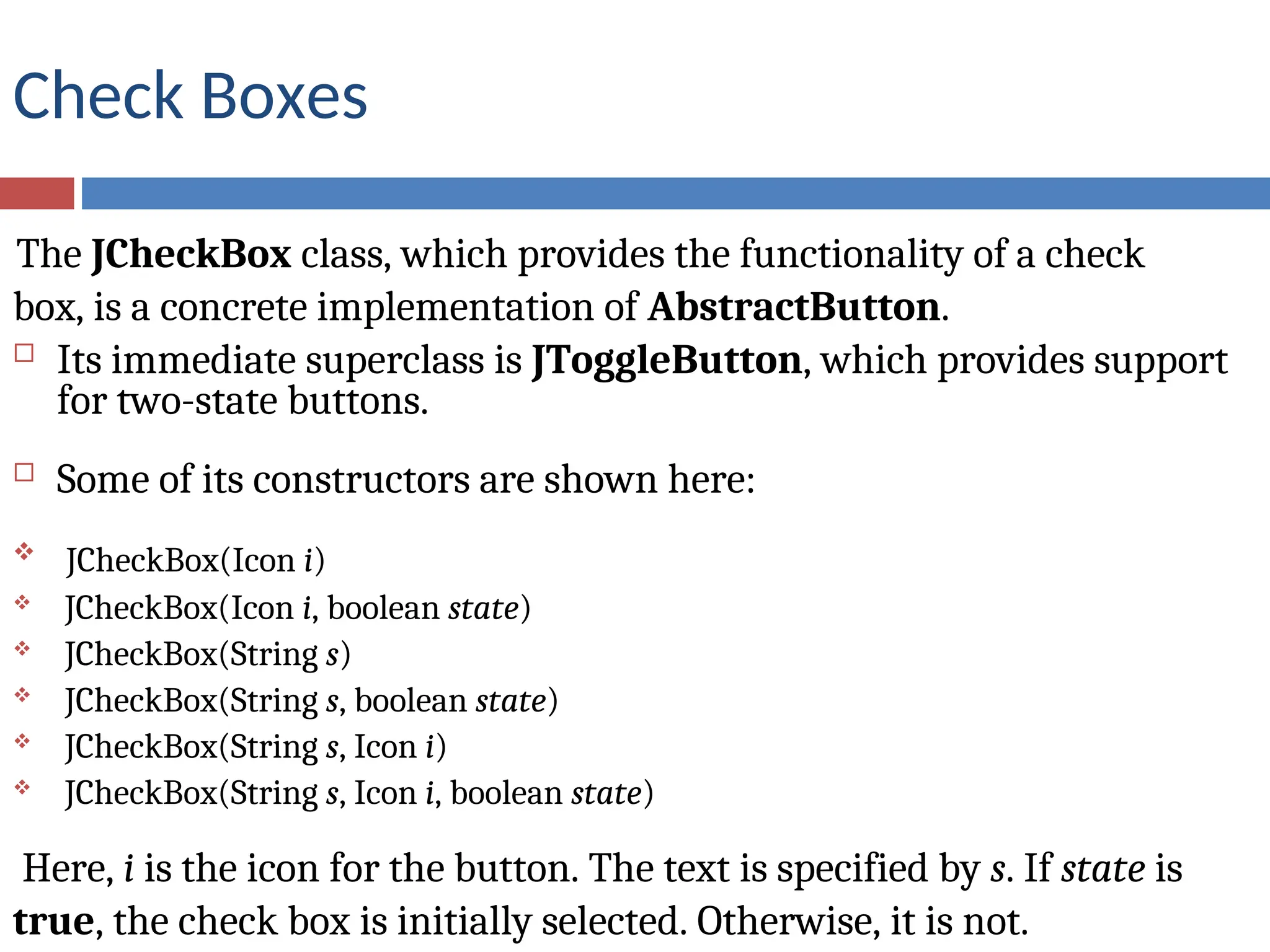
The JCheckBox class, which provides the functionality of a check
box, is a concrete implementation of AbstractButton.
 Its immediate superclass is JToggleButton, which provides support
for two-state buttons.
 Some of its constructors are shown here:
 JCheckBox(Icon i)
 JCheckBox(Icon i, boolean state)
 JCheckBox(String s)
 JCheckBox(String s, boolean state)
 JCheckBox(String s, Icon i)
 JCheckBox(String s, Icon i, boolean state)
Here, i is the icon for the button. The text is specified by s. If state is
true, the check box is initially selected. Otherwise, it is not.
METHOD FOR STATE OF THE CHECK BOX
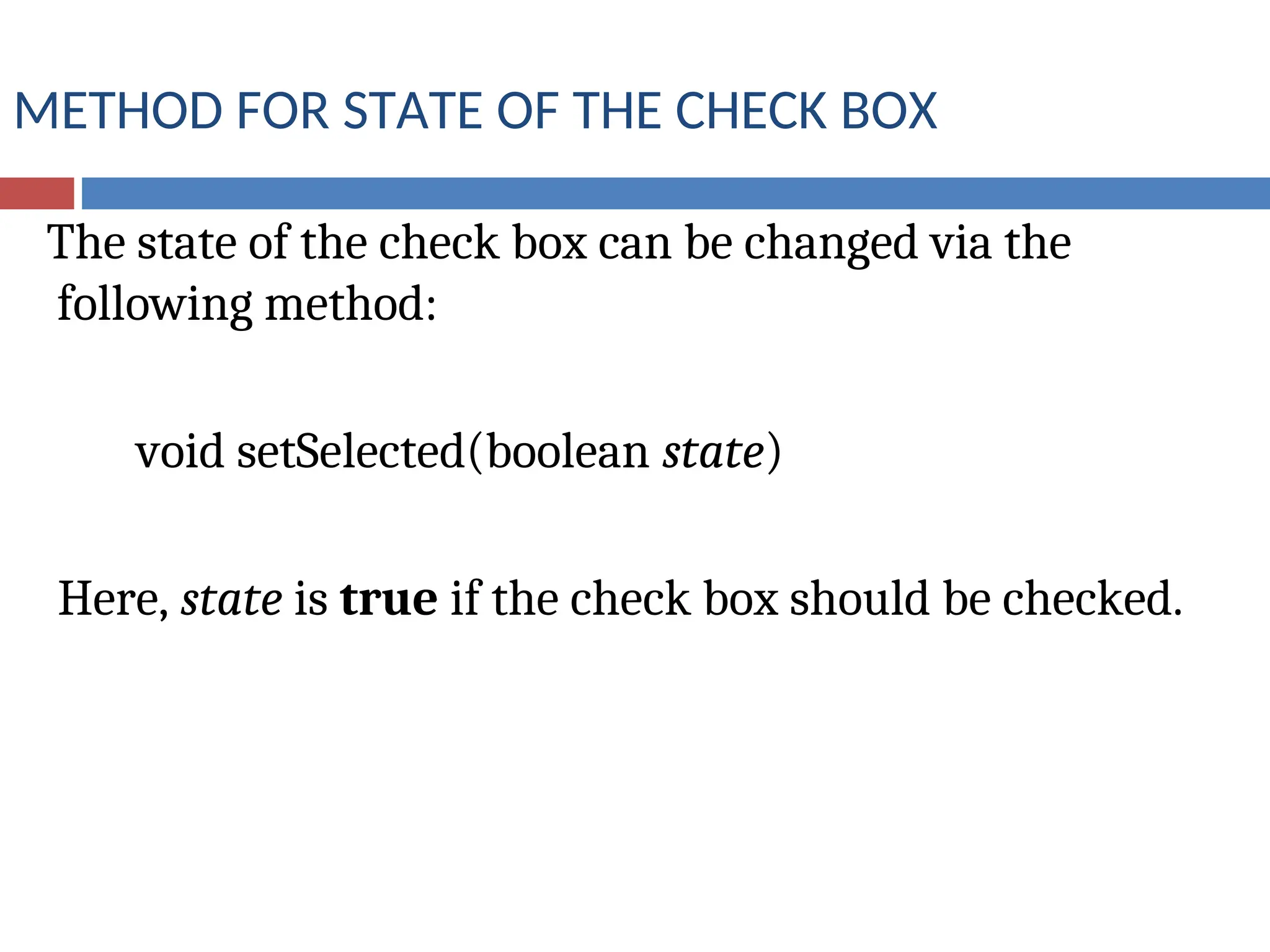
The state of the check box can be changed via the
following method:
void setSelected(boolean state)
Here, state is true if the check box should be checked.
Example Program for JCheckBox
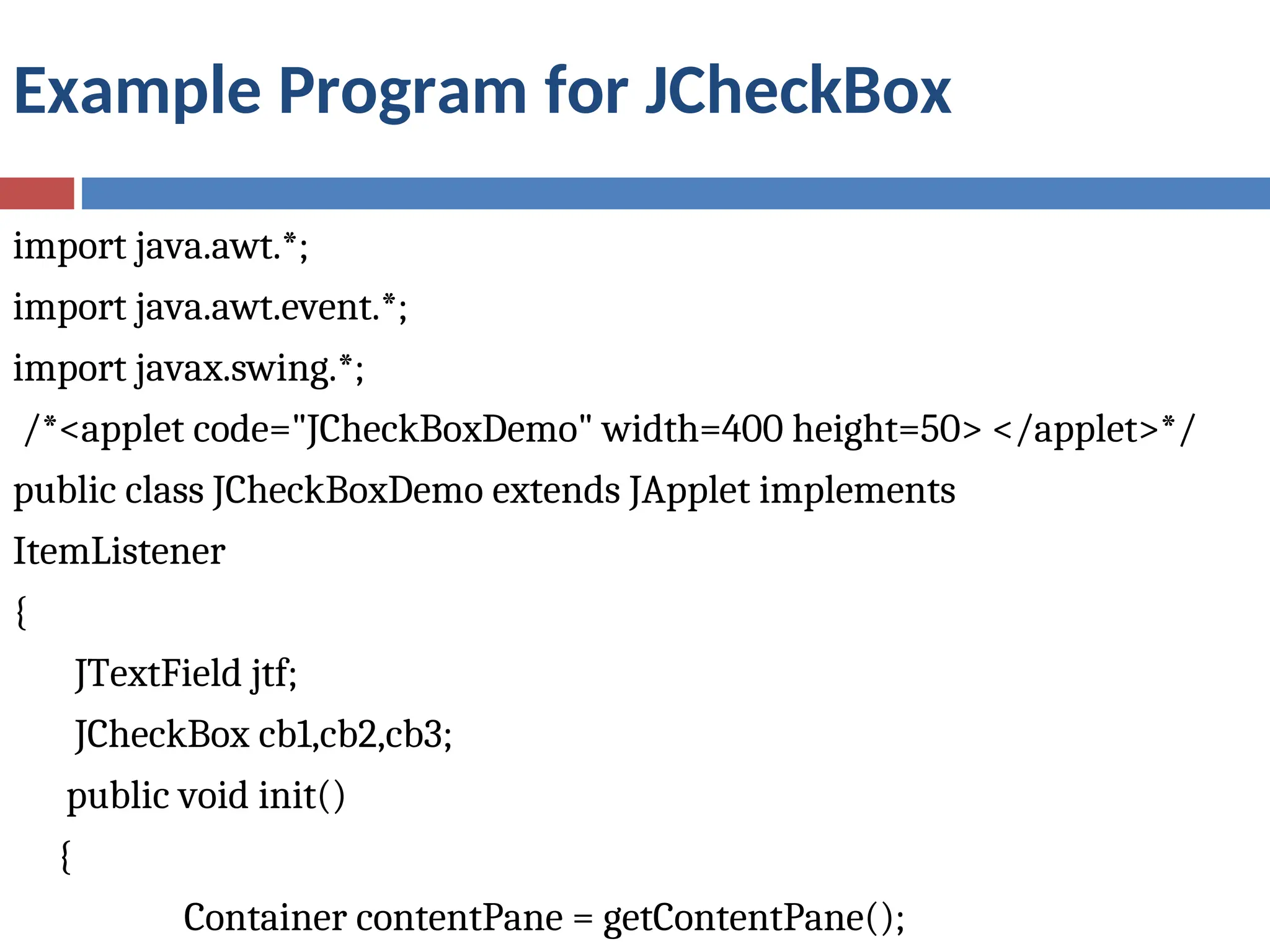
import java.awt.*;
import java.awt.event.*;
import javax.swing.*;
/*<applet code="JCheckBoxDemo" width=400 height=50> </applet>*/
public class JCheckBoxDemo extends JApplet implements
ItemListener
{
JTextField jtf;
JCheckBox cb1,cb2,cb3;
public void init()
{
Container contentPane = getContentPane();
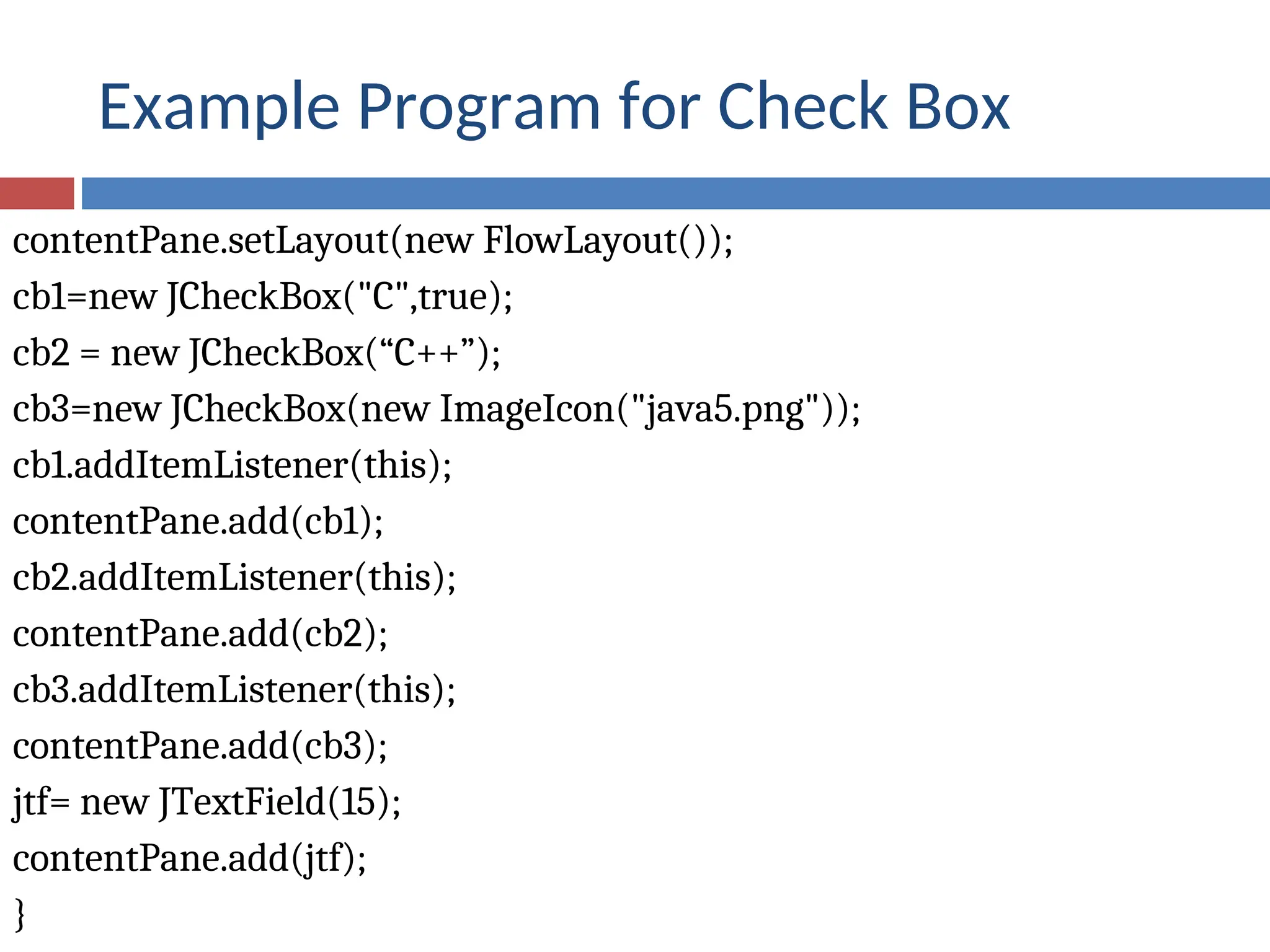
Example Program for Check Box
contentPane.setLayout(new FlowLayout());
cb1=new JCheckBox("C",true);
cb2 = new JCheckBox(“C++”);
cb3=new JCheckBox(new ImageIcon("java5.png"));
cb1.addItemListener(this);
contentPane.add(cb1);
cb2.addItemListener(this);
contentPane.add(cb2);
cb3.addItemListener(this);
contentPane.add(cb3);
jtf= new JTextField(15);
contentPane.add(jtf);
}
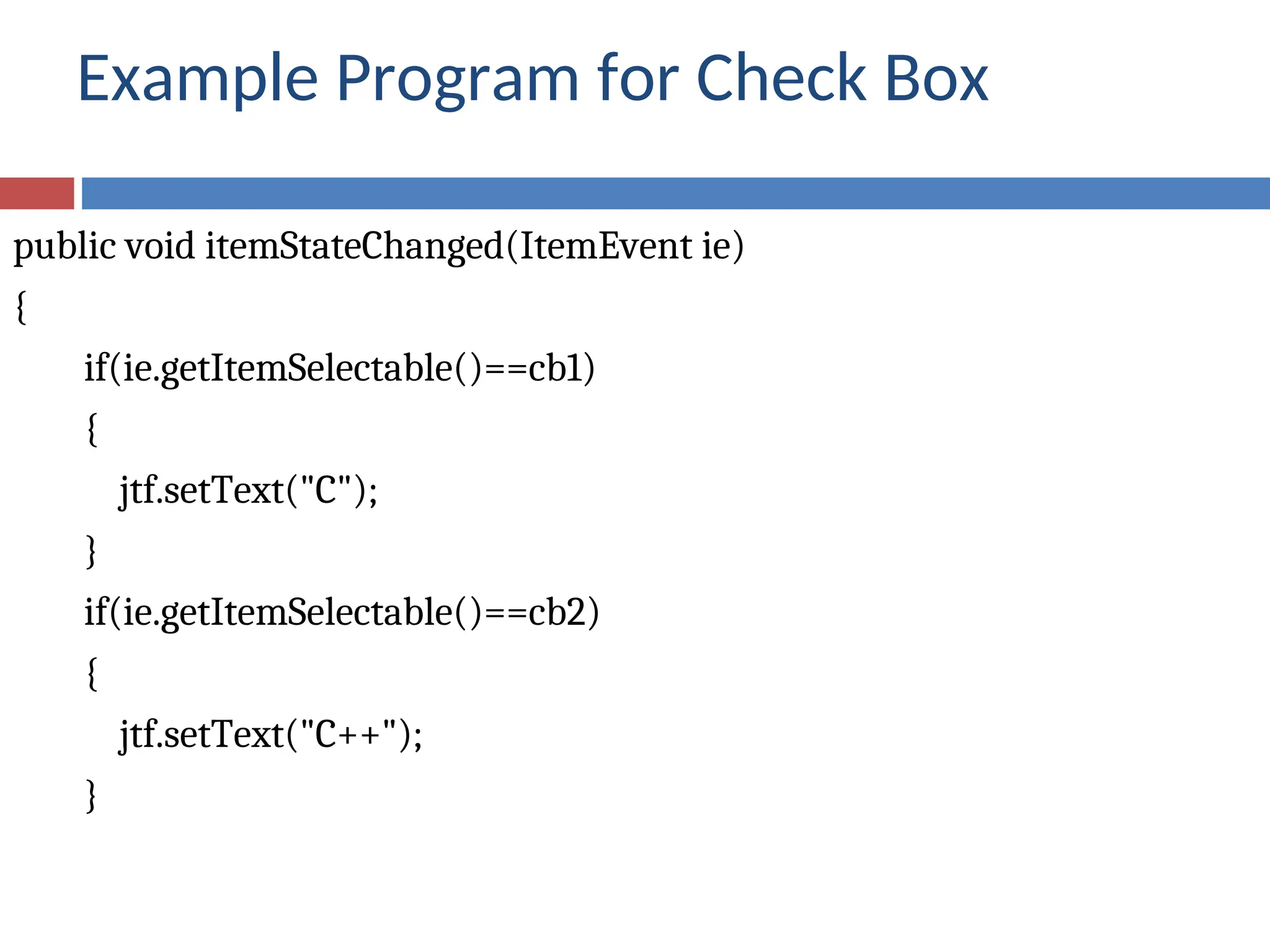
Example Program for Check Box
public void itemStateChanged(ItemEvent ie)
{
if(ie.getItemSelectable()==cb1)
{
jtf.setText("C");
}
if(ie.getItemSelectable()==cb2)
{
jtf.setText("C++");
}
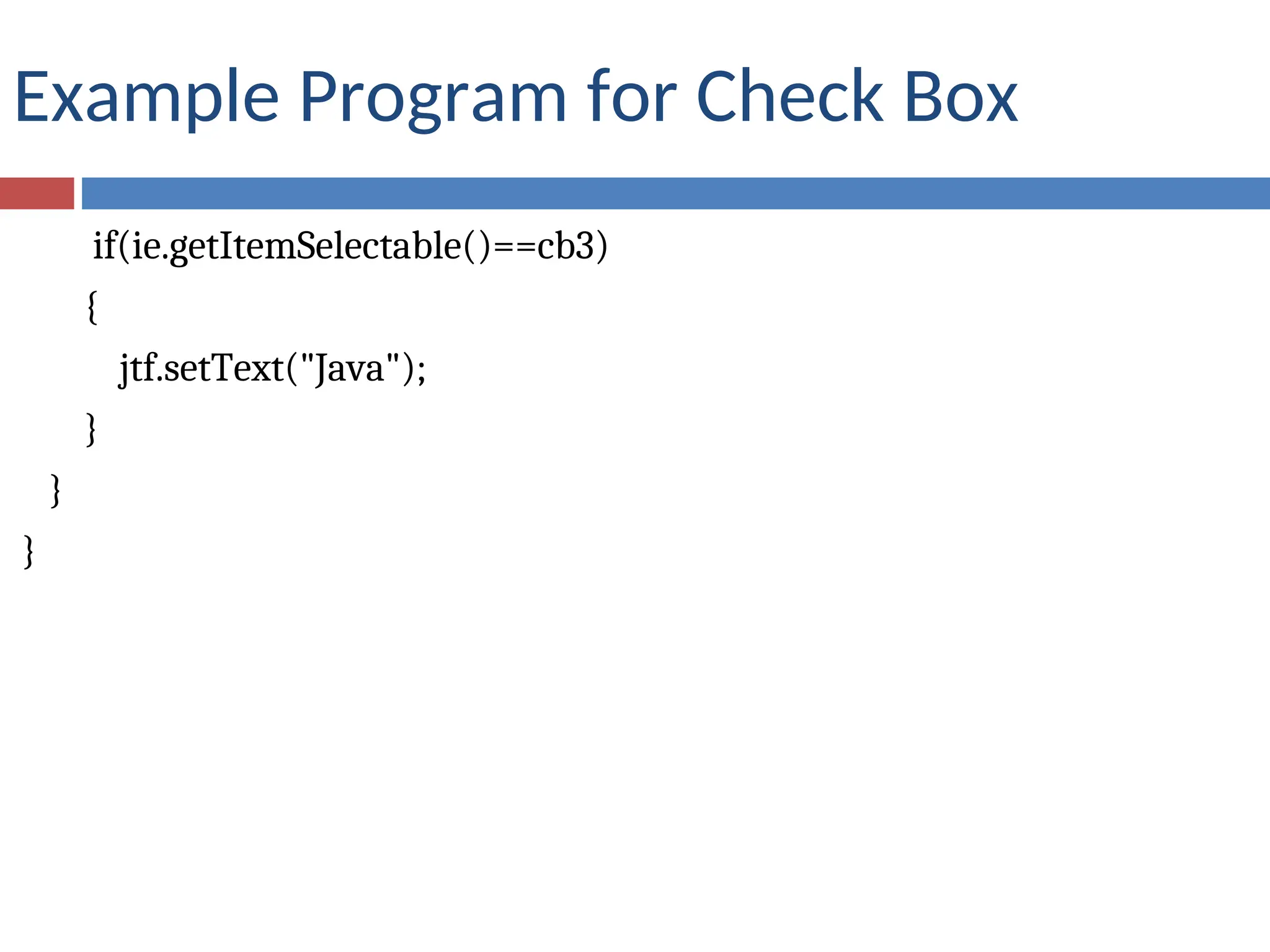
Example Program for Check Box
if(ie.getItemSelectable()==cb3)
{
jtf.setText("Java");
}
}
}
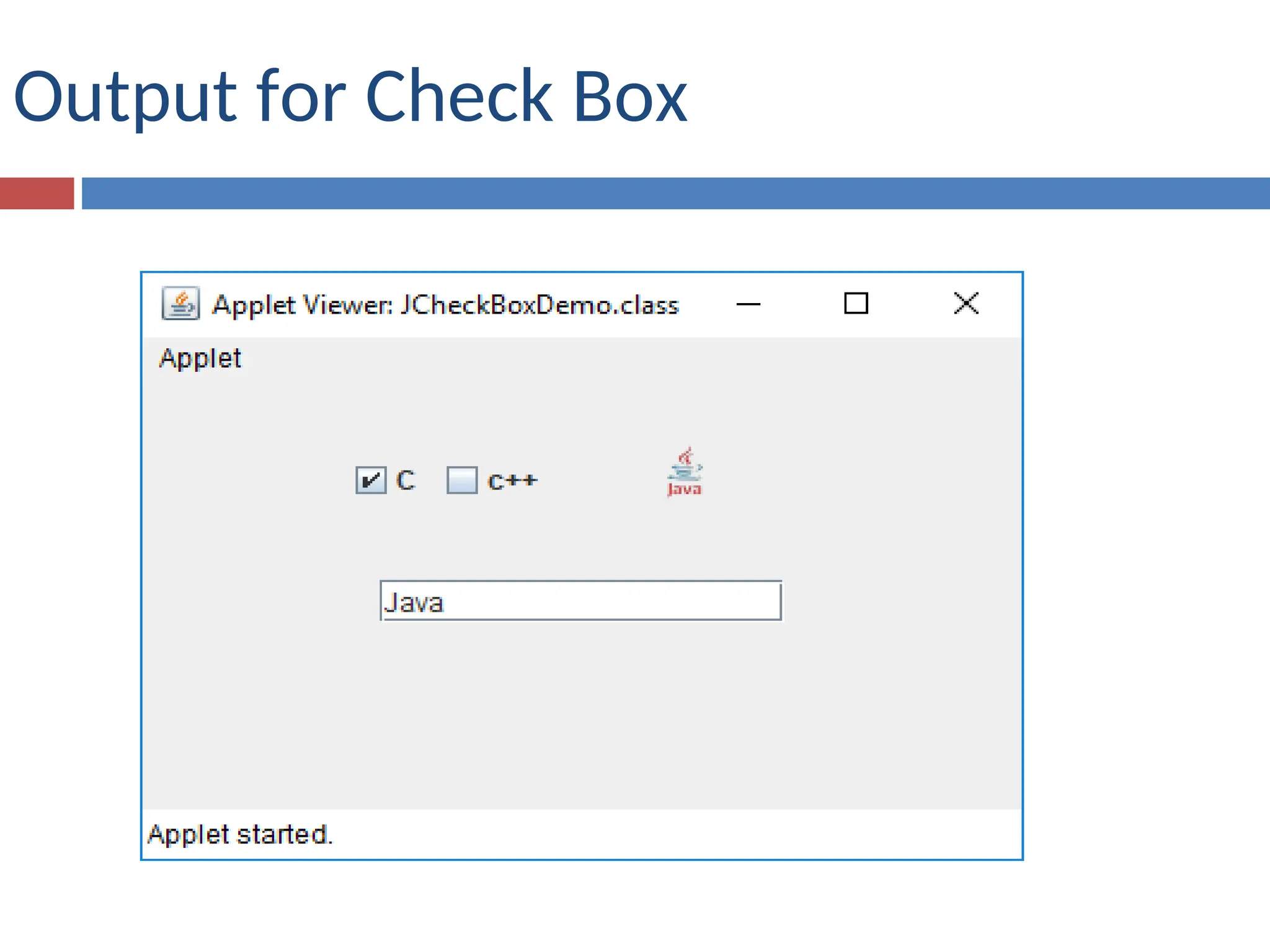
Output for Check Box

JCheckBox is a light weight component of java

  • 1.
    JAVA SWING JCheckBox ,JRadioButton, JComboBox
  • 2.
    Check Boxes The JCheckBoxclass, which provides the functionality of a check box, is a concrete implementation of AbstractButton.  Its immediate superclass is JToggleButton, which provides support for two-state buttons.  Some of its constructors are shown here:  JCheckBox(Icon i)  JCheckBox(Icon i, boolean state)  JCheckBox(String s)  JCheckBox(String s, boolean state)  JCheckBox(String s, Icon i)  JCheckBox(String s, Icon i, boolean state) Here, i is the icon for the button. The text is specified by s. If state is true, the check box is initially selected. Otherwise, it is not.
  • 3.
    METHOD FOR STATEOF THE CHECK BOX The state of the check box can be changed via the following method: void setSelected(boolean state) Here, state is true if the check box should be checked.
  • 4.
    Example Program forJCheckBox import java.awt.*; import java.awt.event.*; import javax.swing.*; /*<applet code="JCheckBoxDemo" width=400 height=50> </applet>*/ public class JCheckBoxDemo extends JApplet implements ItemListener { JTextField jtf; JCheckBox cb1,cb2,cb3; public void init() { Container contentPane = getContentPane();
  • 5.
    Example Program forCheck Box contentPane.setLayout(new FlowLayout()); cb1=new JCheckBox("C",true); cb2 = new JCheckBox(“C++”); cb3=new JCheckBox(new ImageIcon("java5.png")); cb1.addItemListener(this); contentPane.add(cb1); cb2.addItemListener(this); contentPane.add(cb2); cb3.addItemListener(this); contentPane.add(cb3); jtf= new JTextField(15); contentPane.add(jtf); }
  • 6.
    Example Program forCheck Box public void itemStateChanged(ItemEvent ie) { if(ie.getItemSelectable()==cb1) { jtf.setText("C"); } if(ie.getItemSelectable()==cb2) { jtf.setText("C++"); }
  • 7.
    Example Program forCheck Box if(ie.getItemSelectable()==cb3) { jtf.setText("Java"); } } }
  • 8.