Thanks for an Opportunity
NAME : GOVINDAN SAKKARABANI.,
.DEMO CLASS
Topic : Exception Handling in Java Program
Date : 21.11.2020
Time : 12.00 PM to 12.30 PM
Topics :
* Exception Handling Mechanism in Java
1. What is Exception.
2.Why Exception occurred in program.
3.How does Exception handling mechanism working in java.
4.Exception Types
5.Unchecked Exception
6.Checked Exception
7.Advantage of Exception
What is Exception
1. An exception in java is an abnormal condition or error that occurs at runtime execution and
interrupts (disrupts) the normal execution flow of the program.
2. An exception can be identified only at runtime, not at compile time.
3. If the exception object is not caught and handled properly, JVM will display an error message and will
terminate the rest of the program.
import java.util.*;
class Exception1{
public static void main (String[] args) {
int a = 10;
int b = 0;
int c = a/b; //number divisible by zero
System.out.println(c);
System.out.println("Welcome to Smart Training");
}
}
Example : Output :
Exception in thread "main"
java.lang.ArithmeticException: / by zero
at Exception1.main(Exception1.java:6):
Why Exception occurs in Program
1.Opening a non-existing file in your program.
2. Reading a file from a disk but the file does exist there.
3. Writing data to a disk but the disk is full or unformatted.
4. When the program asks for user input and the user enters invalid data.
5. When a user attempts to divide an integer value by zero, an exception occurs.
6. When a data stream is in an invalid format, etc.
Types of Exceptions
 Checked Exception
> Checked at Compile time.
> Must be either handled or specified using throws keyword.
 Unchecked Exception
> Not Checked at Compile time.
> Also called as a Runtime Exception.
 Errors
> Error is irrecoverable e.g. OutOfMemoryError, VirtualMachineError, AssertionError etc.
Exception Types :
How does Exception handling
mechanism work?
EXCEPTION HANDLING MECHANISM STEPS
1. Get the exception (Detects problem)
2. Throw exception (Inform that an error has occurred)
3. Catch the exception (Receive error information)
4. Handle exception (Take appropriate and corrective actions)
KEYWORDS
1. try
2. catch
3. finally
4. throw
5. throws
import java.util.*;
class Exception1{
public static void main (String[] args) {
try {
System.out.println("Before divide");
int a = 1/0;
System.out.println("After divide" +a);
}
catch(ArithmeticException e) {
System.out.println("A number cannot be divided by zero.");
}
System.out.println("Welcome to Smart Training");
}
}
Error handling code starts here
Exceptional case (Exception has occurred)
Exception handled, Here
User-friendly message
Runtime Exception Class (Unchecked Exception)
 ArithmeticException :
This exception is thrown when arithmetic problems, such as a number is divided by zero, is occurred. That is, it is caused by math's error.
 ClassCastException :
when we attempt to invalid typecasting in the program. That is, it is thrown when we cast an object to a subclass of which an object
is not an instance.
 NumberFormatException :
we try to convert a string into the numeric type and the process of illegal conversion fails. That is, It occurs due to the illegal
conversion of a string to a numeric format.
 ArrayIndexOutOfBoundsException :
ArrayIndexOutOfBoundsException exception is thrown when an array element is accessed out of the index.
 StringIndexOutOfBoundsException :
StringIndexOutOfBoundsException exception is thrown when a String or String Buffer element is accessed out of the index.
 NullPointerException :
when we attempt to use null instead of an object. That is, it is thrown when the reference is null.
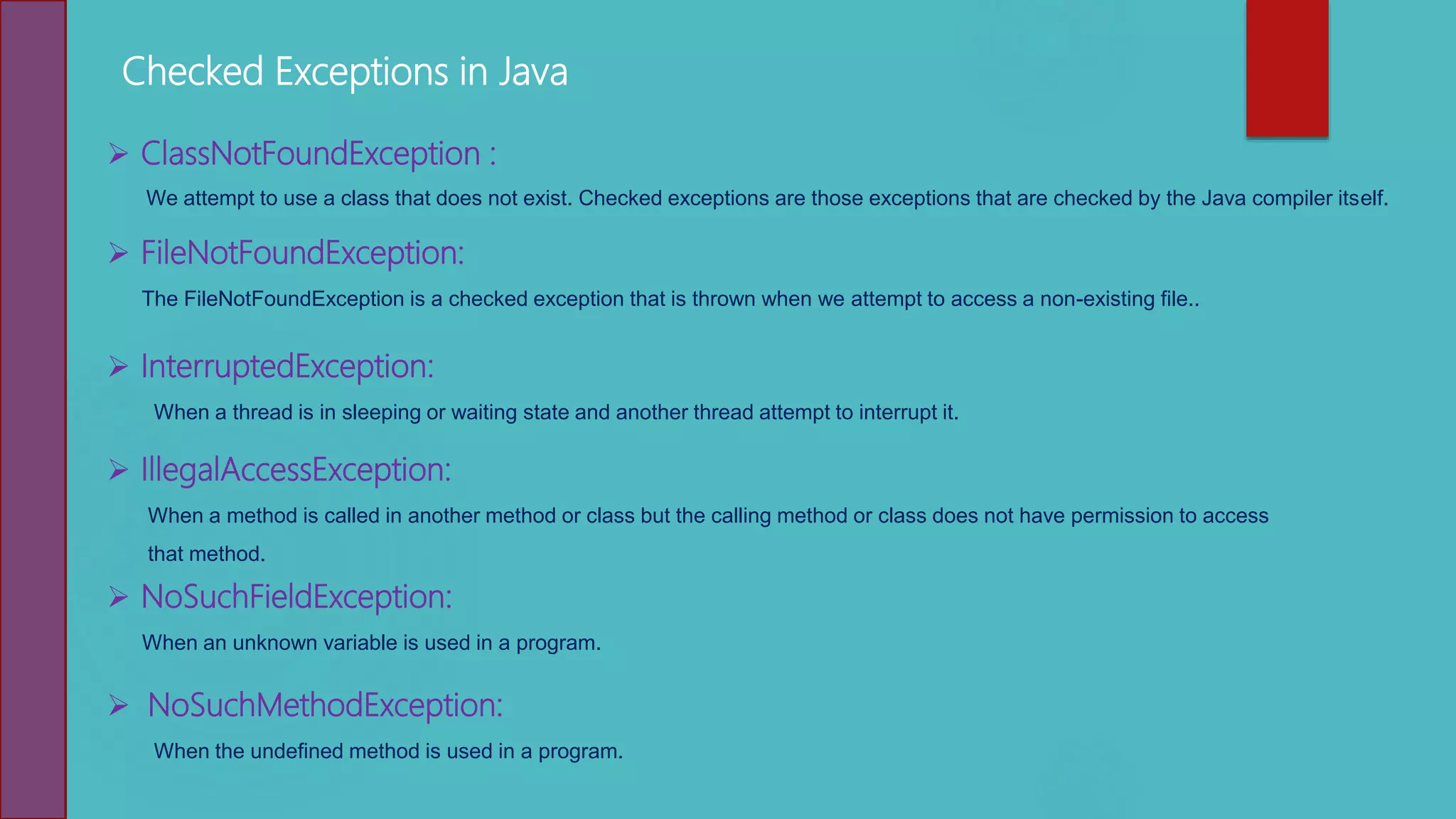
Checked Exceptions in Java
 ClassNotFoundException :
We attempt to use a class that does not exist. Checked exceptions are those exceptions that are checked by the Java compiler itself.
 FileNotFoundException:
The FileNotFoundException is a checked exception that is thrown when we attempt to access a non-existing file..
 InterruptedException:
When a thread is in sleeping or waiting state and another thread attempt to interrupt it.
 IllegalAccessException:
When a method is called in another method or class but the calling method or class does not have permission to access
that method.
 NoSuchFieldException:
When an unknown variable is used in a program.
 NoSuchMethodException:
When the undefined method is used in a program.
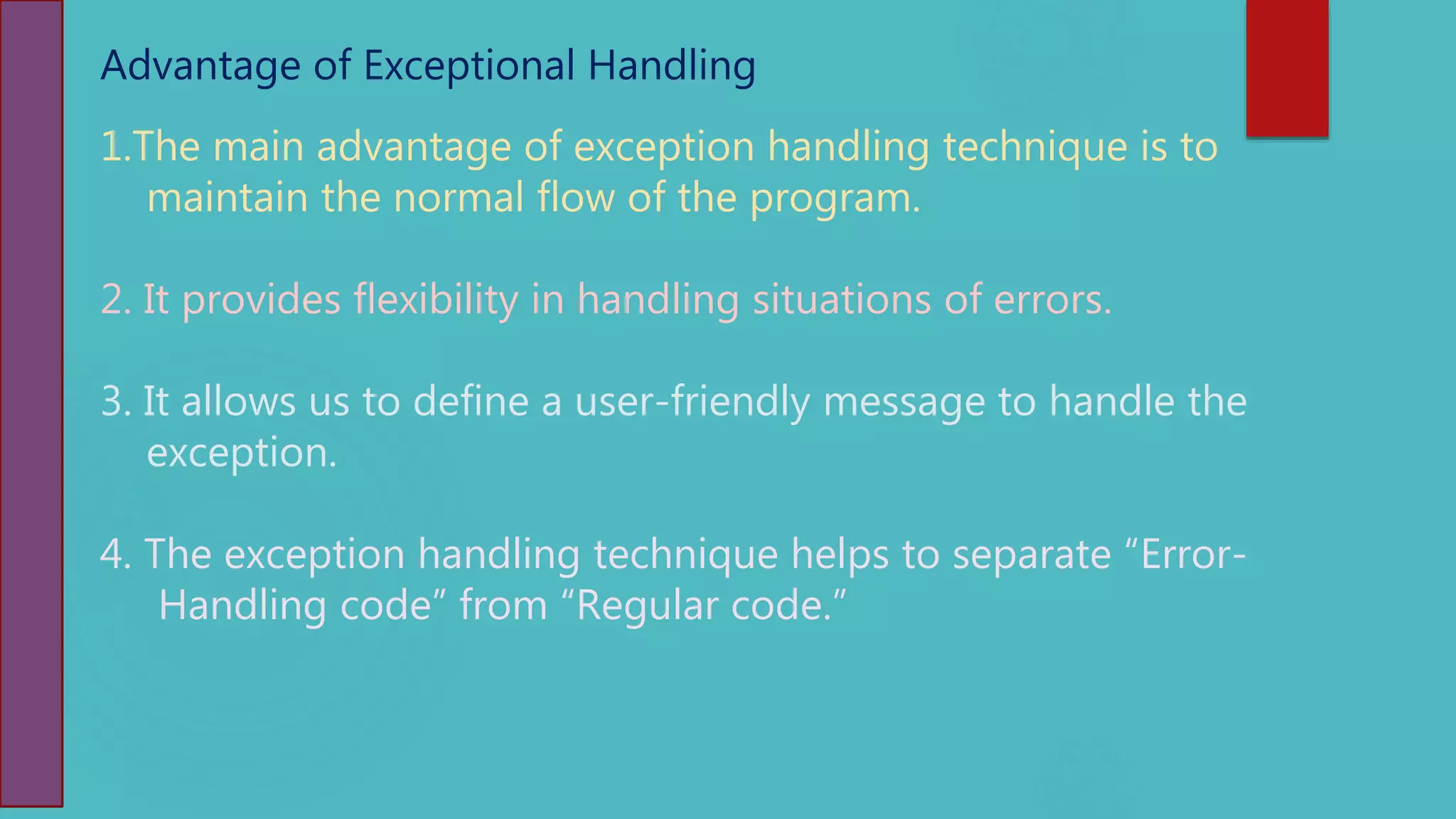
Advantage of Exceptional Handling
1.The main advantage of exception handling technique is to
maintain the normal flow of the program.
2. It provides flexibility in handling situations of errors.
3. It allows us to define a user-friendly message to handle the
exception.
4. The exception handling technique helps to separate “Error-
Handling code” from “Regular code.”
Thanking You…
public class CheckedExceptionEx
{
public static void main(String[] args)
{
Thread.sleep(1000);
}
}
public class UncheckedException
{
public static void main(String[] args)
{
int x[ ] = {1, 2, 3, 4};
System.out.println(x[6]);
}
}
public class HelloWorld{
public static void main(String []args){
String s = null;
System.out.println(s.length());
}
}
public class HelloWorld{
public static void main(String []args){
int a = 10/0;
System.out.println(a);
}
}
public class HelloWorld{
public static void main(String []args){
int a[] = {10,20,30,40};
System.out.println(a[6]);
}
}
public class HelloWorld{
public static void main(String []args){
int a[] = {10,20,30,40};
System.out.println(a[6]);
}
}
public class HelloWorld{
public static void main(String []args){
int a[] = {10,20,30,40};
System.out.println(a[6]);
}
}
public class HelloWorld{
public static void main(String []args){
int a[] = {10,20,30,40};
System.out.println(a[6]);
}
}

Java Exception Handling

  • 1.
    Thanks for anOpportunity NAME : GOVINDAN SAKKARABANI., .DEMO CLASS Topic : Exception Handling in Java Program Date : 21.11.2020 Time : 12.00 PM to 12.30 PM
  • 2.
    Topics : * ExceptionHandling Mechanism in Java 1. What is Exception. 2.Why Exception occurred in program. 3.How does Exception handling mechanism working in java. 4.Exception Types 5.Unchecked Exception 6.Checked Exception 7.Advantage of Exception
  • 3.
    What is Exception 1.An exception in java is an abnormal condition or error that occurs at runtime execution and interrupts (disrupts) the normal execution flow of the program. 2. An exception can be identified only at runtime, not at compile time. 3. If the exception object is not caught and handled properly, JVM will display an error message and will terminate the rest of the program. import java.util.*; class Exception1{ public static void main (String[] args) { int a = 10; int b = 0; int c = a/b; //number divisible by zero System.out.println(c); System.out.println("Welcome to Smart Training"); } } Example : Output : Exception in thread "main" java.lang.ArithmeticException: / by zero at Exception1.main(Exception1.java:6):
  • 4.
    Why Exception occursin Program 1.Opening a non-existing file in your program. 2. Reading a file from a disk but the file does exist there. 3. Writing data to a disk but the disk is full or unformatted. 4. When the program asks for user input and the user enters invalid data. 5. When a user attempts to divide an integer value by zero, an exception occurs. 6. When a data stream is in an invalid format, etc. Types of Exceptions  Checked Exception > Checked at Compile time. > Must be either handled or specified using throws keyword.  Unchecked Exception > Not Checked at Compile time. > Also called as a Runtime Exception.  Errors > Error is irrecoverable e.g. OutOfMemoryError, VirtualMachineError, AssertionError etc.
  • 5.
  • 6.
    How does Exceptionhandling mechanism work? EXCEPTION HANDLING MECHANISM STEPS 1. Get the exception (Detects problem) 2. Throw exception (Inform that an error has occurred) 3. Catch the exception (Receive error information) 4. Handle exception (Take appropriate and corrective actions) KEYWORDS 1. try 2. catch 3. finally 4. throw 5. throws import java.util.*; class Exception1{ public static void main (String[] args) { try { System.out.println("Before divide"); int a = 1/0; System.out.println("After divide" +a); } catch(ArithmeticException e) { System.out.println("A number cannot be divided by zero."); } System.out.println("Welcome to Smart Training"); } } Error handling code starts here Exceptional case (Exception has occurred) Exception handled, Here User-friendly message
  • 7.
    Runtime Exception Class(Unchecked Exception)  ArithmeticException : This exception is thrown when arithmetic problems, such as a number is divided by zero, is occurred. That is, it is caused by math's error.  ClassCastException : when we attempt to invalid typecasting in the program. That is, it is thrown when we cast an object to a subclass of which an object is not an instance.  NumberFormatException : we try to convert a string into the numeric type and the process of illegal conversion fails. That is, It occurs due to the illegal conversion of a string to a numeric format.  ArrayIndexOutOfBoundsException : ArrayIndexOutOfBoundsException exception is thrown when an array element is accessed out of the index.  StringIndexOutOfBoundsException : StringIndexOutOfBoundsException exception is thrown when a String or String Buffer element is accessed out of the index.  NullPointerException : when we attempt to use null instead of an object. That is, it is thrown when the reference is null.
  • 8.
    Checked Exceptions inJava  ClassNotFoundException : We attempt to use a class that does not exist. Checked exceptions are those exceptions that are checked by the Java compiler itself.  FileNotFoundException: The FileNotFoundException is a checked exception that is thrown when we attempt to access a non-existing file..  InterruptedException: When a thread is in sleeping or waiting state and another thread attempt to interrupt it.  IllegalAccessException: When a method is called in another method or class but the calling method or class does not have permission to access that method.  NoSuchFieldException: When an unknown variable is used in a program.  NoSuchMethodException: When the undefined method is used in a program.
  • 9.
    Advantage of ExceptionalHandling 1.The main advantage of exception handling technique is to maintain the normal flow of the program. 2. It provides flexibility in handling situations of errors. 3. It allows us to define a user-friendly message to handle the exception. 4. The exception handling technique helps to separate “Error- Handling code” from “Regular code.”
  • 10.
  • 11.
    public class CheckedExceptionEx { publicstatic void main(String[] args) { Thread.sleep(1000); } } public class UncheckedException { public static void main(String[] args) { int x[ ] = {1, 2, 3, 4}; System.out.println(x[6]); } } public class HelloWorld{ public static void main(String []args){ String s = null; System.out.println(s.length()); } } public class HelloWorld{ public static void main(String []args){ int a = 10/0; System.out.println(a); } } public class HelloWorld{ public static void main(String []args){ int a[] = {10,20,30,40}; System.out.println(a[6]); } } public class HelloWorld{ public static void main(String []args){ int a[] = {10,20,30,40}; System.out.println(a[6]); } } public class HelloWorld{ public static void main(String []args){ int a[] = {10,20,30,40}; System.out.println(a[6]); } } public class HelloWorld{ public static void main(String []args){ int a[] = {10,20,30,40}; System.out.println(a[6]); } }