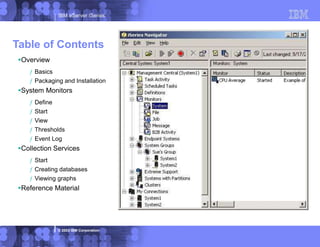
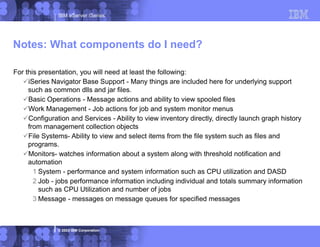
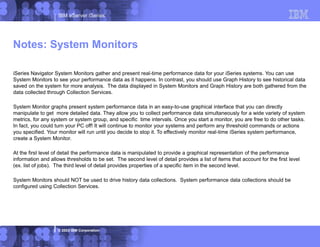
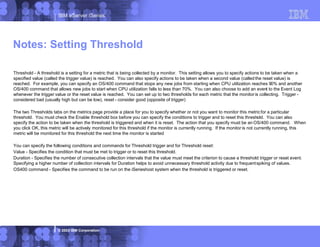
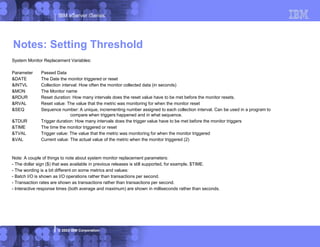
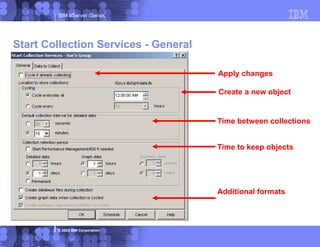
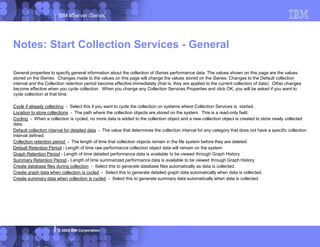
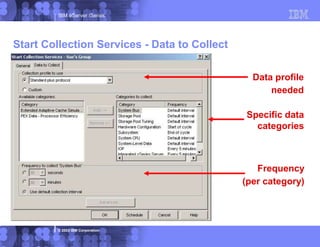
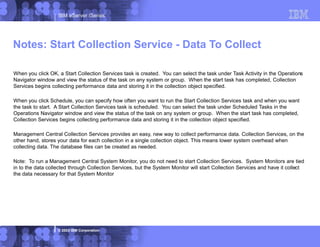
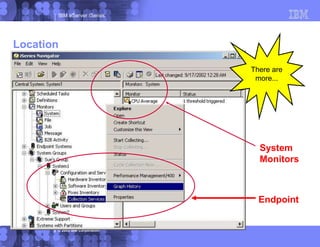
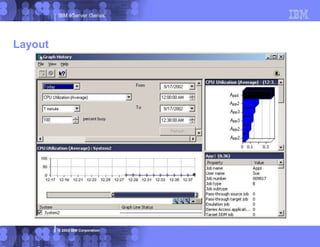
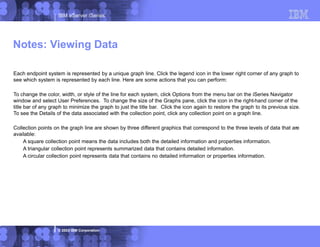
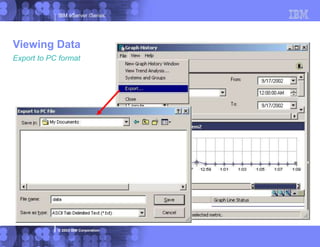
This document provides information about defining and using system monitors in IBM iSeries Navigator. System monitors gather real-time performance data from iSeries systems and display it graphically. Key points covered include:
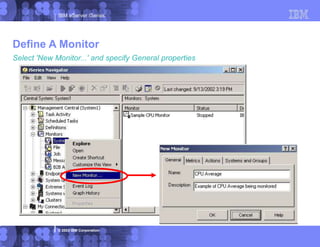
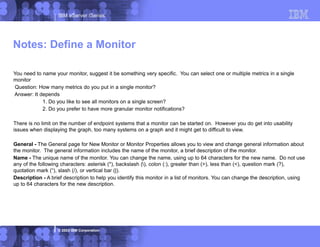
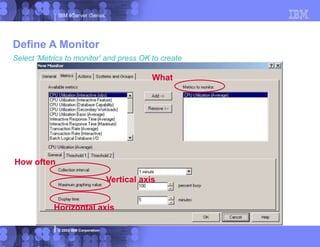
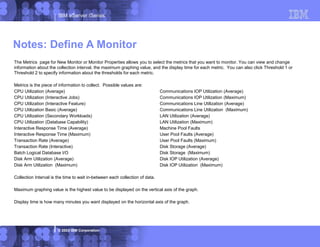
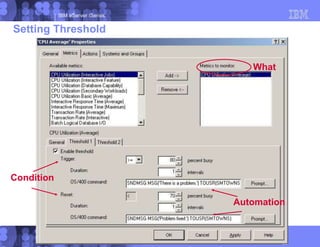
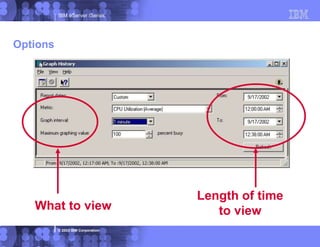
- How to define a new system monitor by specifying its name, metrics to monitor, and collection interval.
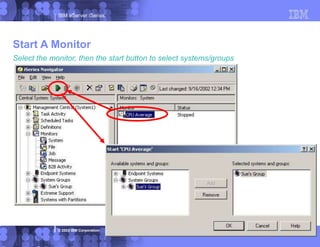
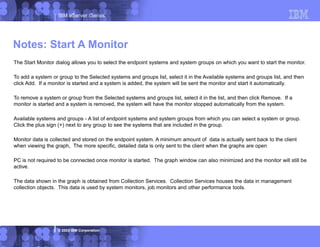
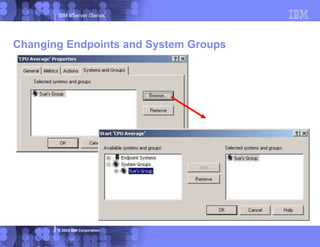
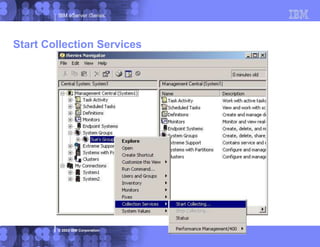
- How to start a monitor on specific systems or system groups. The monitor data is stored on the endpoint systems.
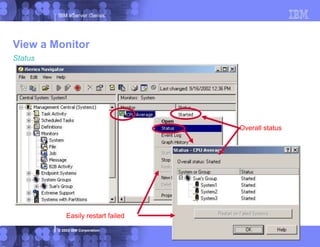
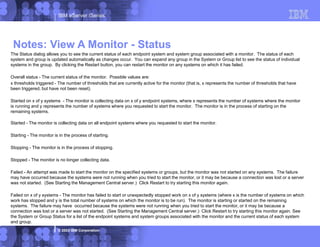
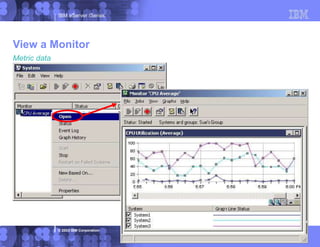
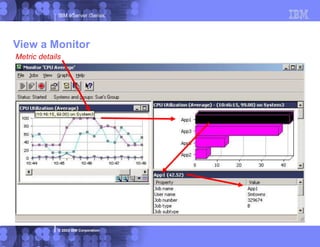
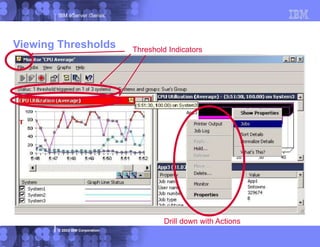
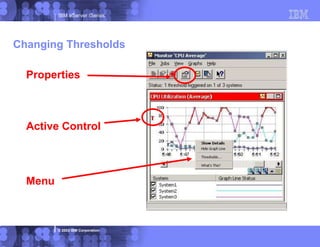
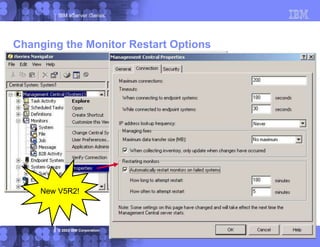
- How to view the status of a running monitor, see an overall status, and easily restart any monitors that have failed.






![[Uruguay] IBM Systems Director Navigator for i](https://cdn.slidesharecdn.com/ss_thumbnails/ibmsystemsdirectornavigator-111121141224-phpapp02-thumbnail.jpg?width=640&height=640&fit=bounds)


