IP ADDRESSES
What is an IP Address
• An IP (Internet Protocol) address is a unique identifier assigned to each
device connected to a network that uses the Internet Protocol for
communication.
• It serves two primary functions:
• Identifying the host or network interface
• Providing the location of the host in the network.
• Two versions of an IP Addresses
• IPV4 – 4,294,967296 (Total no. of addresses)
• IPV6
• IPv4:Format: xxx.xxx.xxx.xxx, where each xxx can range from 0 to
255.Example: 192.168.1.1
• IPv6 Format: 2001:0db8:85a3:0000:0000:8a2e:0370:7334
2
Management of an IP Addresses
• The management and assignment of IP addresses are handled by a
hierarchical system of organizations that operate at different levels, from
global to local. Here's how IP address management works:
• Internet Assigned Numbers Authority (IANA)
• Role:
• IANA is a department of the Internet Corporation for Assigned Names and Numbers
(ICANN), which is responsible for coordinating global IP address allocation, as well
as the management of the DNS root zone, and other critical aspects of the internet's
infrastructure.
• Responsibilities:
• Allocates large blocks of IP addresses to Regional Internet Registries (RIRs).
• Manages IP address space for both IPv4 and IPv6.
• Oversees the distribution of other internet numbers, such as Autonomous System
Numbers (ASNs).
3
Management of an IP Addresses
• Regional Internet Registries (RIRs)
• Role:
RIRs are organizations that manage the allocation and registration of IP addresses
within specific regions of the world. There are five RIRs, each serving a different
region.
• Responsibilities:
• Receive large blocks of IP addresses from IANA and allocate smaller blocks to ISPs,
data centers, and other organizations within their region.
• Maintain databases of IP address allocations and registrations, ensuring that IP
address assignments are properly documented.
• Provide services like WHOIS, which allows the public to look up who owns a
particular IP address.
4
Management of an IP Addresses
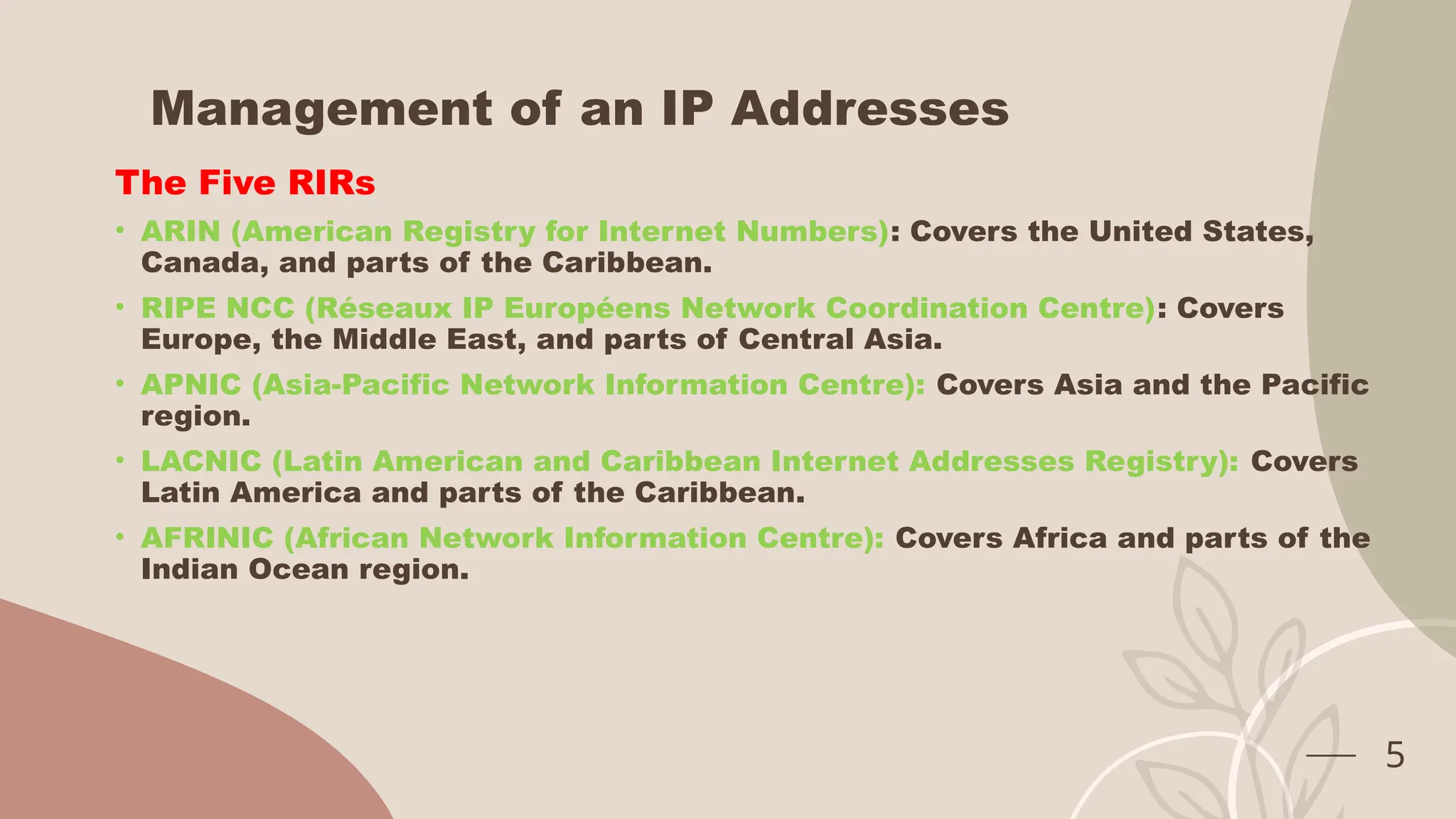
The Five RIRs
• ARIN (American Registry for Internet Numbers): Covers the United States,
Canada, and parts of the Caribbean.
• RIPE NCC (Réseaux IP Européens Network Coordination Centre): Covers
Europe, the Middle East, and parts of Central Asia.
• APNIC (Asia-Pacific Network Information Centre): Covers Asia and the Pacific
region.
• LACNIC (Latin American and Caribbean Internet Addresses Registry): Covers
Latin America and parts of the Caribbean.
• AFRINIC (African Network Information Centre): Covers Africa and parts of the
Indian Ocean region.
5
Management of an IP Addresses
Internet Service Providers (ISPs)
Role:
ISPs are companies that provide internet access to end-users (both
individuals and businesses). They are assigned blocks of IP addresses by
the RIRs.
Responsibilities:
• Allocate IP addresses to their customers, either dynamically (changing with
each connection) or statically (fixed for a particular customer).
• Manage the routing of IP traffic for their customers using the IP addresses
they've been assigned.
• Sometimes further subdivide their IP address blocks and assign smaller
subnets to organizations or large customers.
6
Management of an IP Addresses
End-User Organizations
Role:
These are businesses, institutions, or individuals who receive IP address
assignments from their ISPs or directly from the RIRs if they require large
blocks of IP addresses (e.g., large enterprises, data centers).
Responsibilities:
• Use the assigned IP addresses to manage their internal networks.
• Configure their network devices (e.g., routers, servers) to use the assigned IP
addresses.
• Ensure proper security and management of the IP addresses within their
network.
7
IP Address Classes
Reason for Dividing IP Addresses into Classes
• Simplification of Address Allocation Purpose:
• By categorizing IP addresses into different classes (A, B, C, D, and E), the system
allowed for the easy allocation of IP addresses based on the size of the network.
• Different classes were designed to accommodate networks of varying sizes, from
very large networks to small ones.
• Outcome: This made the process of assigning IP addresses more
straightforward for network administrators and allowed for consistent and
easy-to-understand routing protocols.
8
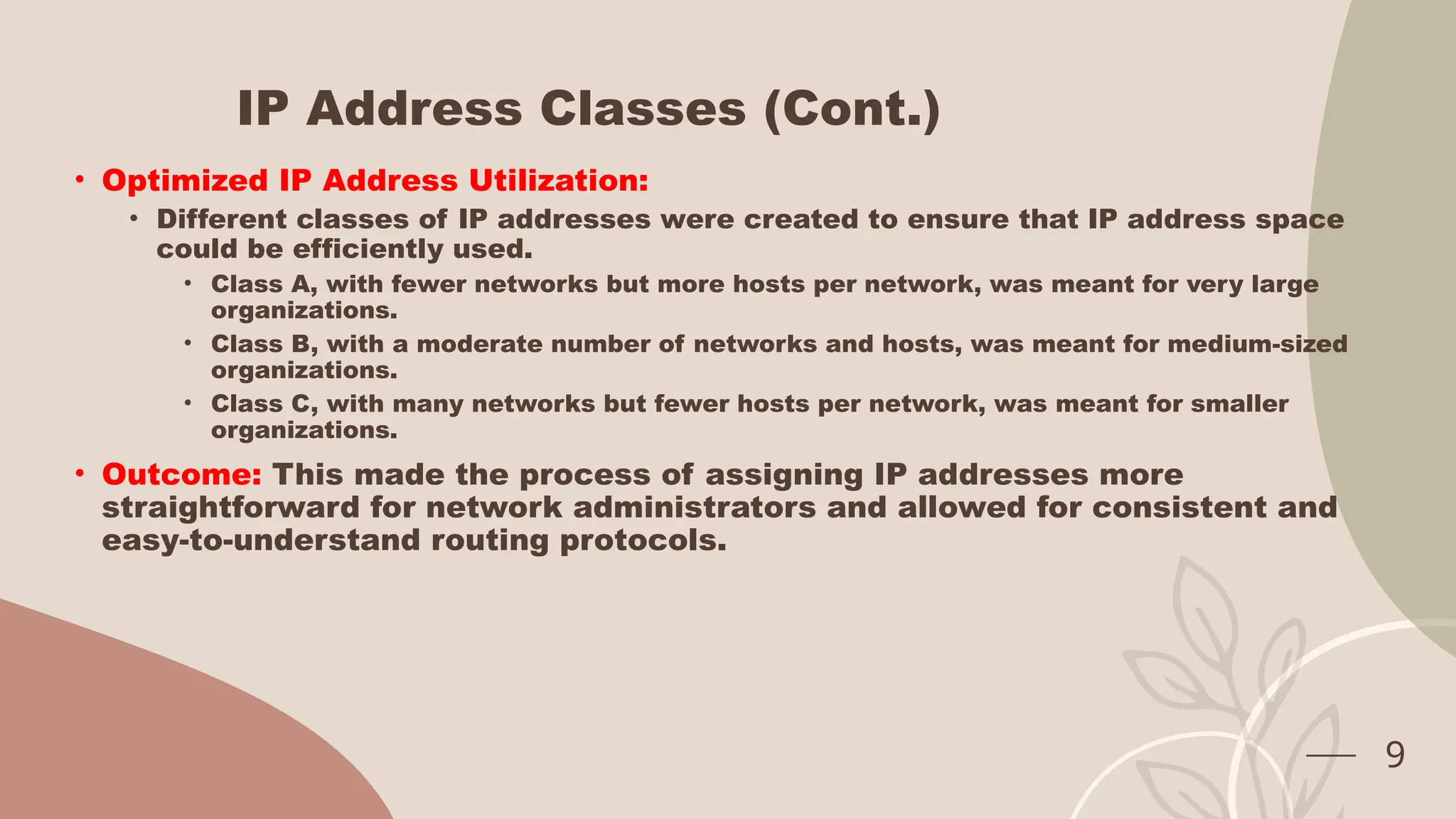
IP Address Classes (Cont.)
• Optimized IP Address Utilization:
• Different classes of IP addresses were created to ensure that IP address space
could be efficiently used.
• Class A, with fewer networks but more hosts per network, was meant for very large
organizations.
• Class B, with a moderate number of networks and hosts, was meant for medium-sized
organizations.
• Class C, with many networks but fewer hosts per network, was meant for smaller
organizations.
• Outcome: This made the process of assigning IP addresses more
straightforward for network administrators and allowed for consistent and
easy-to-understand routing protocols.
9
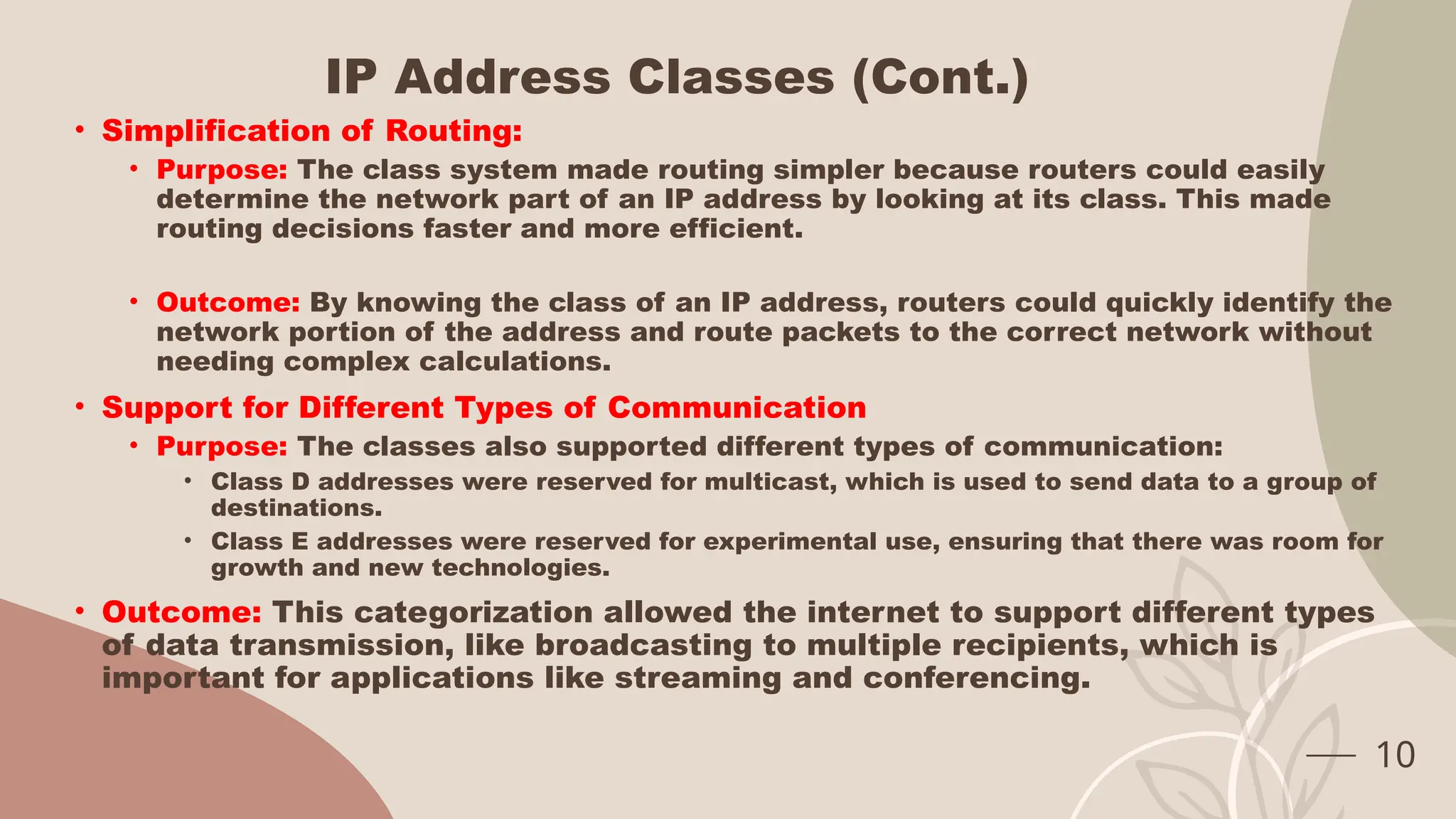
IP Address Classes (Cont.)
• Simplification of Routing:
• Purpose: The class system made routing simpler because routers could easily
determine the network part of an IP address by looking at its class. This made
routing decisions faster and more efficient.
• Outcome: By knowing the class of an IP address, routers could quickly identify the
network portion of the address and route packets to the correct network without
needing complex calculations.
• Support for Different Types of Communication
• Purpose: The classes also supported different types of communication:
• Class D addresses were reserved for multicast, which is used to send data to a group of
destinations.
• Class E addresses were reserved for experimental use, ensuring that there was room for
growth and new technologies.
• Outcome: This categorization allowed the internet to support different types
of data transmission, like broadcasting to multiple recipients, which is
important for applications like streaming and conferencing.
10
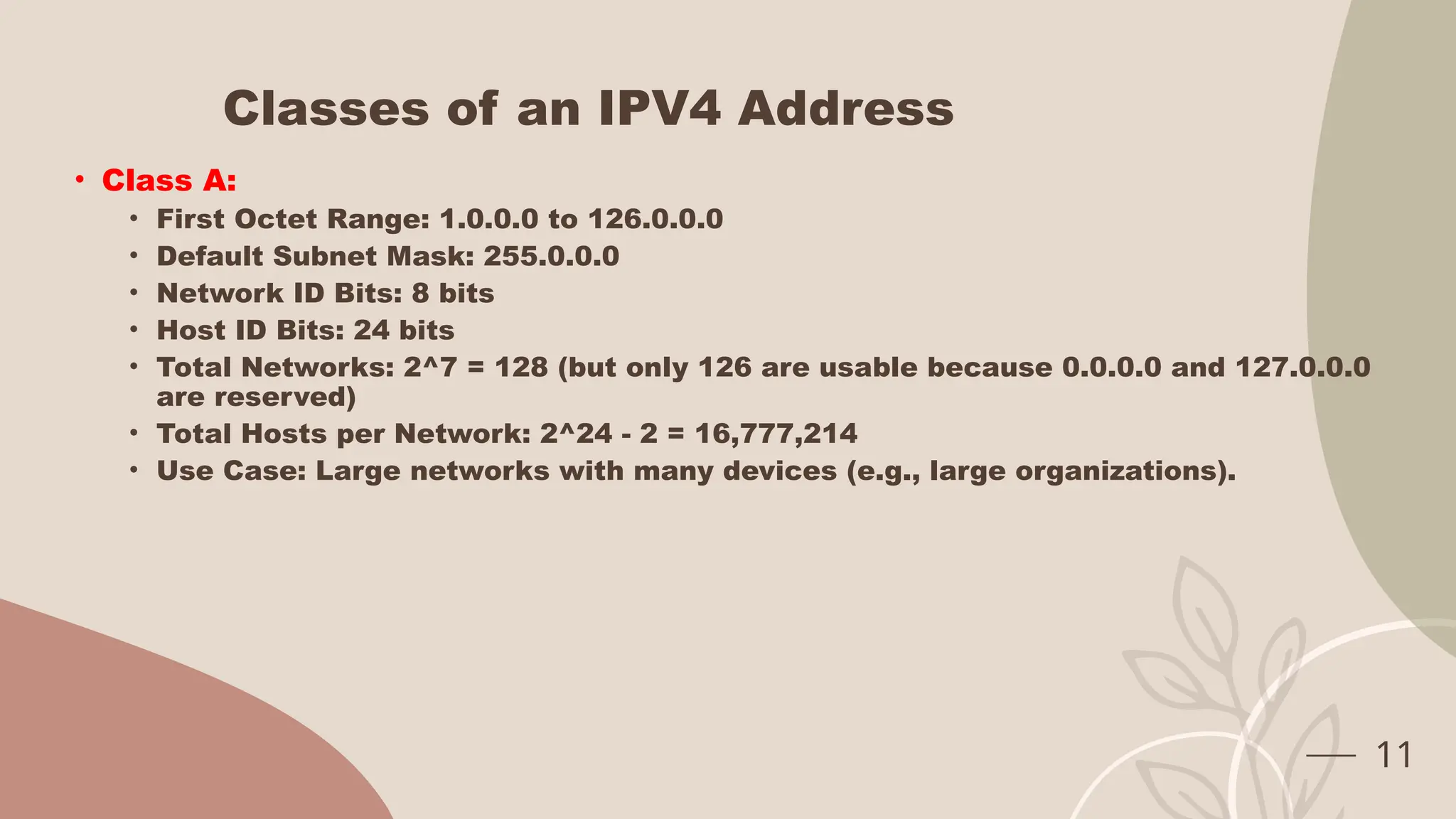
Classes of an IPV4 Address
• Class A:
• First Octet Range: 1.0.0.0 to 126.0.0.0
• Default Subnet Mask: 255.0.0.0
• Network ID Bits: 8 bits
• Host ID Bits: 24 bits
• Total Networks: 2^7 = 128 (but only 126 are usable because 0.0.0.0 and 127.0.0.0
are reserved)
• Total Hosts per Network: 2^24 - 2 = 16,777,214
• Use Case: Large networks with many devices (e.g., large organizations).
11
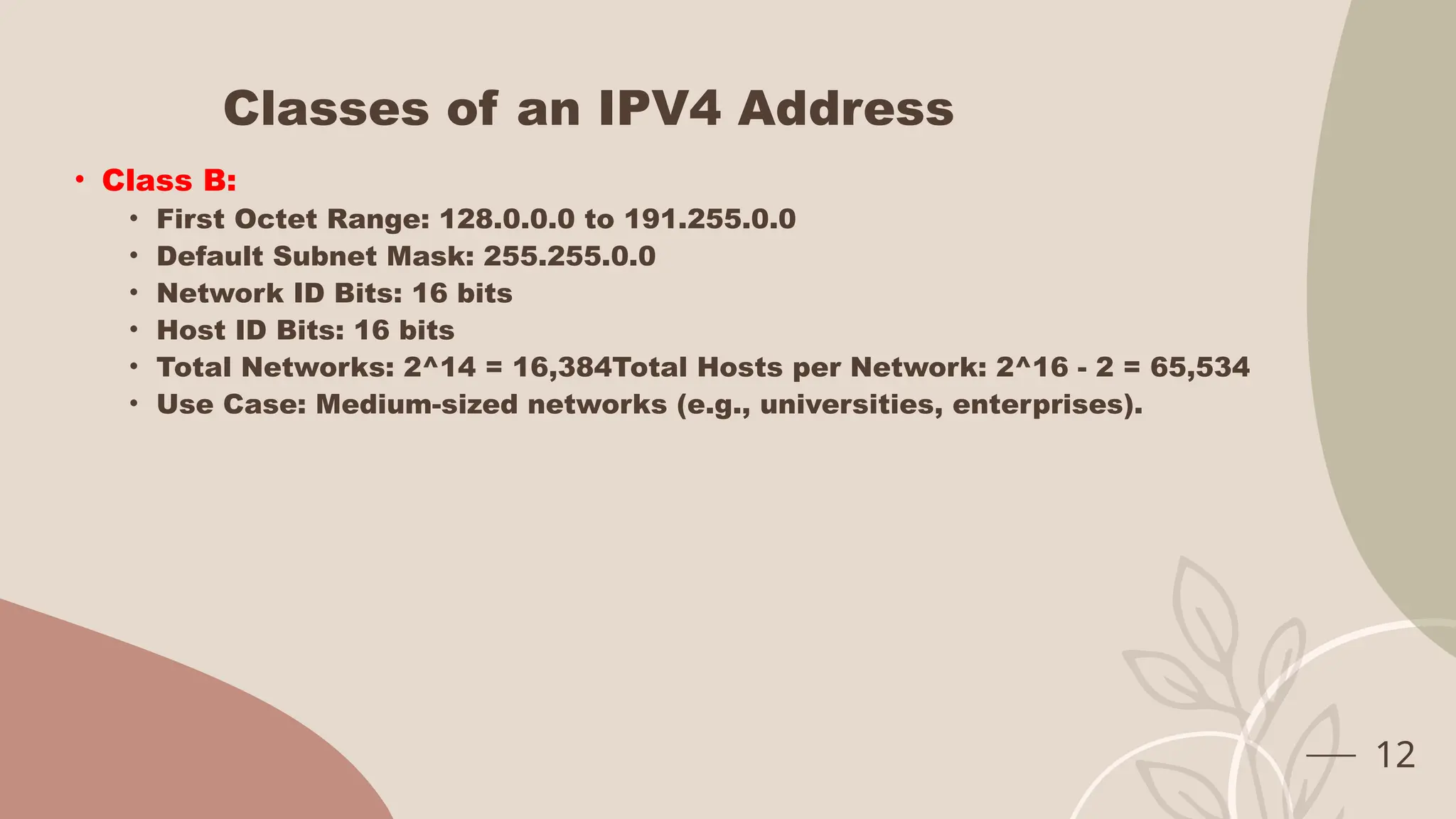
Classes of an IPV4 Address
• Class B:
• First Octet Range: 128.0.0.0 to 191.255.0.0
• Default Subnet Mask: 255.255.0.0
• Network ID Bits: 16 bits
• Host ID Bits: 16 bits
• Total Networks: 2^14 = 16,384Total Hosts per Network: 2^16 - 2 = 65,534
• Use Case: Medium-sized networks (e.g., universities, enterprises).
12
Classes of an IPV4 Address
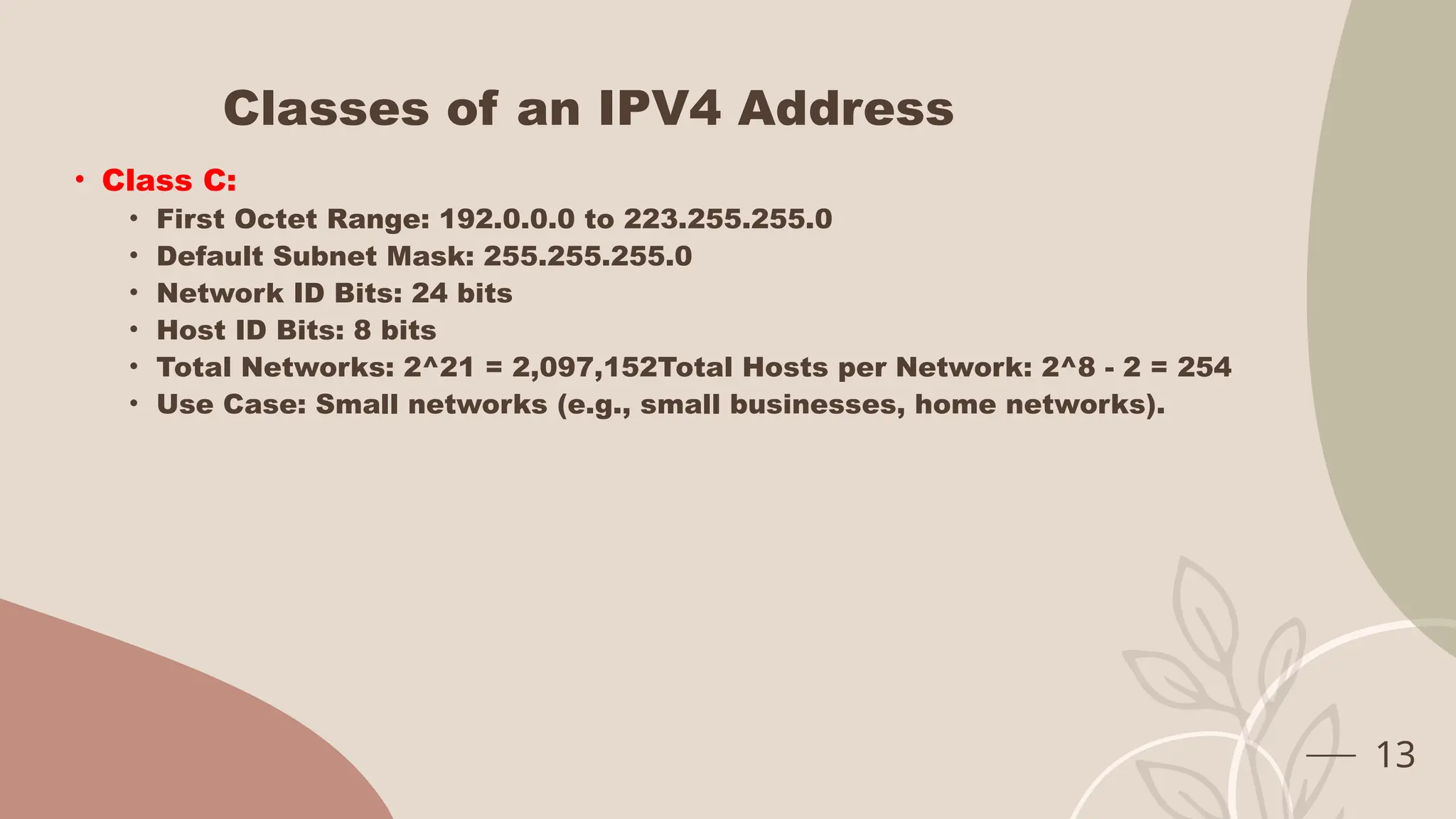
• Class C:
• First Octet Range: 192.0.0.0 to 223.255.255.0
• Default Subnet Mask: 255.255.255.0
• Network ID Bits: 24 bits
• Host ID Bits: 8 bits
• Total Networks: 2^21 = 2,097,152Total Hosts per Network: 2^8 - 2 = 254
• Use Case: Small networks (e.g., small businesses, home networks).
13
Classes of an IPV4 Address
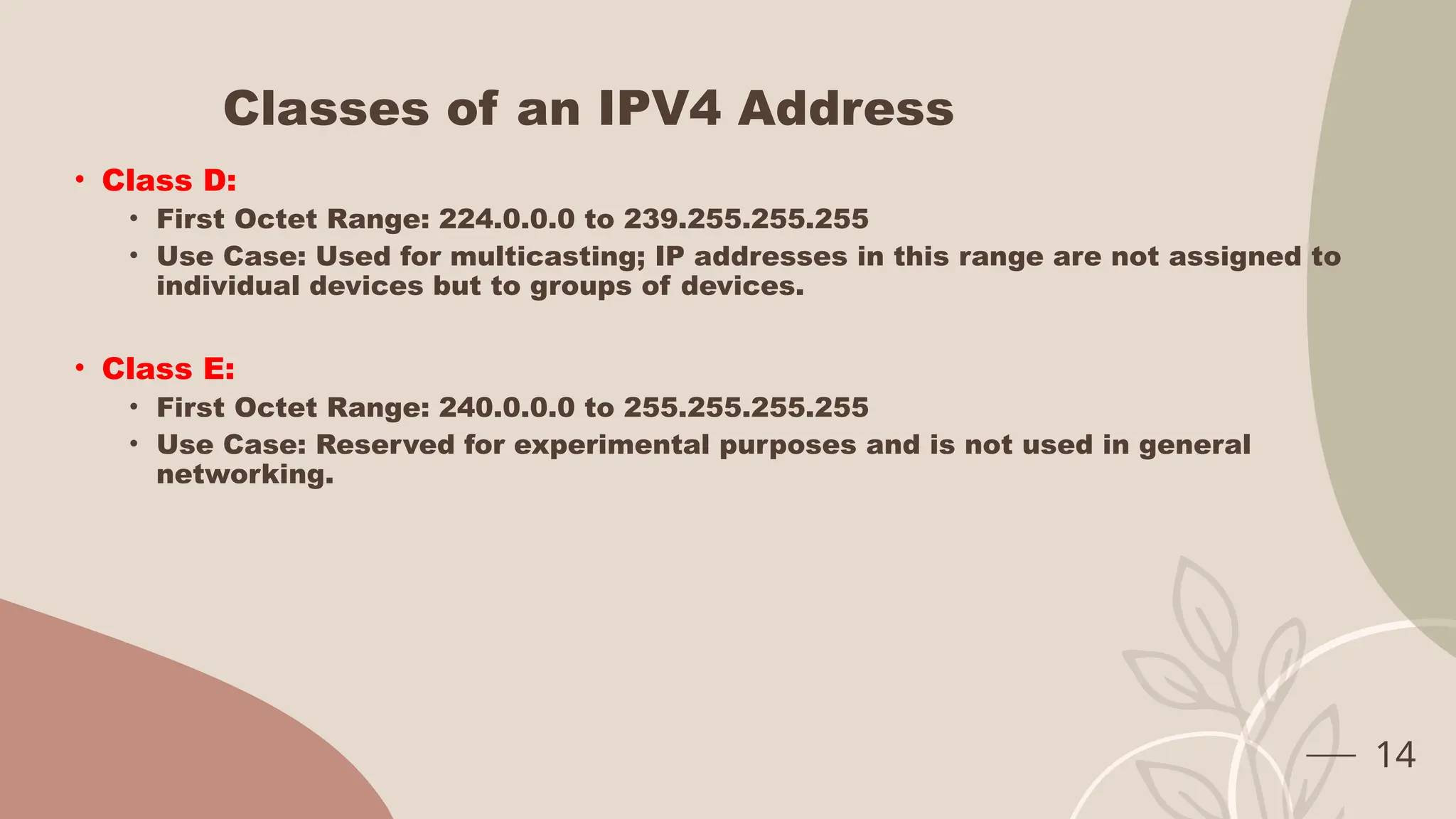
• Class D:
• First Octet Range: 224.0.0.0 to 239.255.255.255
• Use Case: Used for multicasting; IP addresses in this range are not assigned to
individual devices but to groups of devices.
• Class E:
• First Octet Range: 240.0.0.0 to 255.255.255.255
• Use Case: Reserved for experimental purposes and is not used in general
networking.
14
What is Subnet Mask
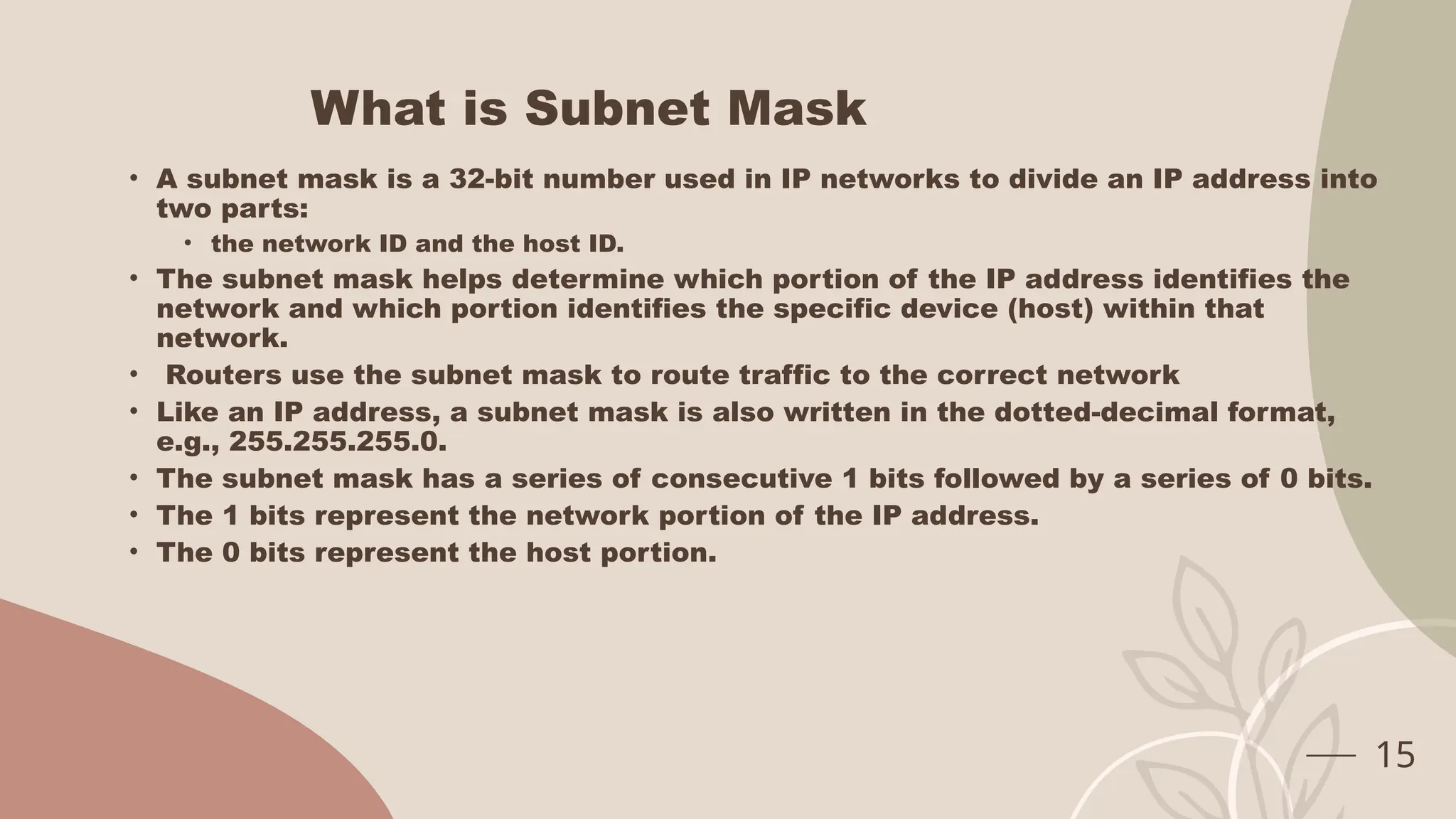
• A subnet mask is a 32-bit number used in IP networks to divide an IP address into
two parts:
• the network ID and the host ID.
• The subnet mask helps determine which portion of the IP address identifies the
network and which portion identifies the specific device (host) within that
network.
• Routers use the subnet mask to route traffic to the correct network
• Like an IP address, a subnet mask is also written in the dotted-decimal format,
e.g., 255.255.255.0.
• The subnet mask has a series of consecutive 1 bits followed by a series of 0 bits.
• The 1 bits represent the network portion of the IP address.
• The 0 bits represent the host portion.
15
Network ID Vs Host ID
• Network ID (Network Portion):
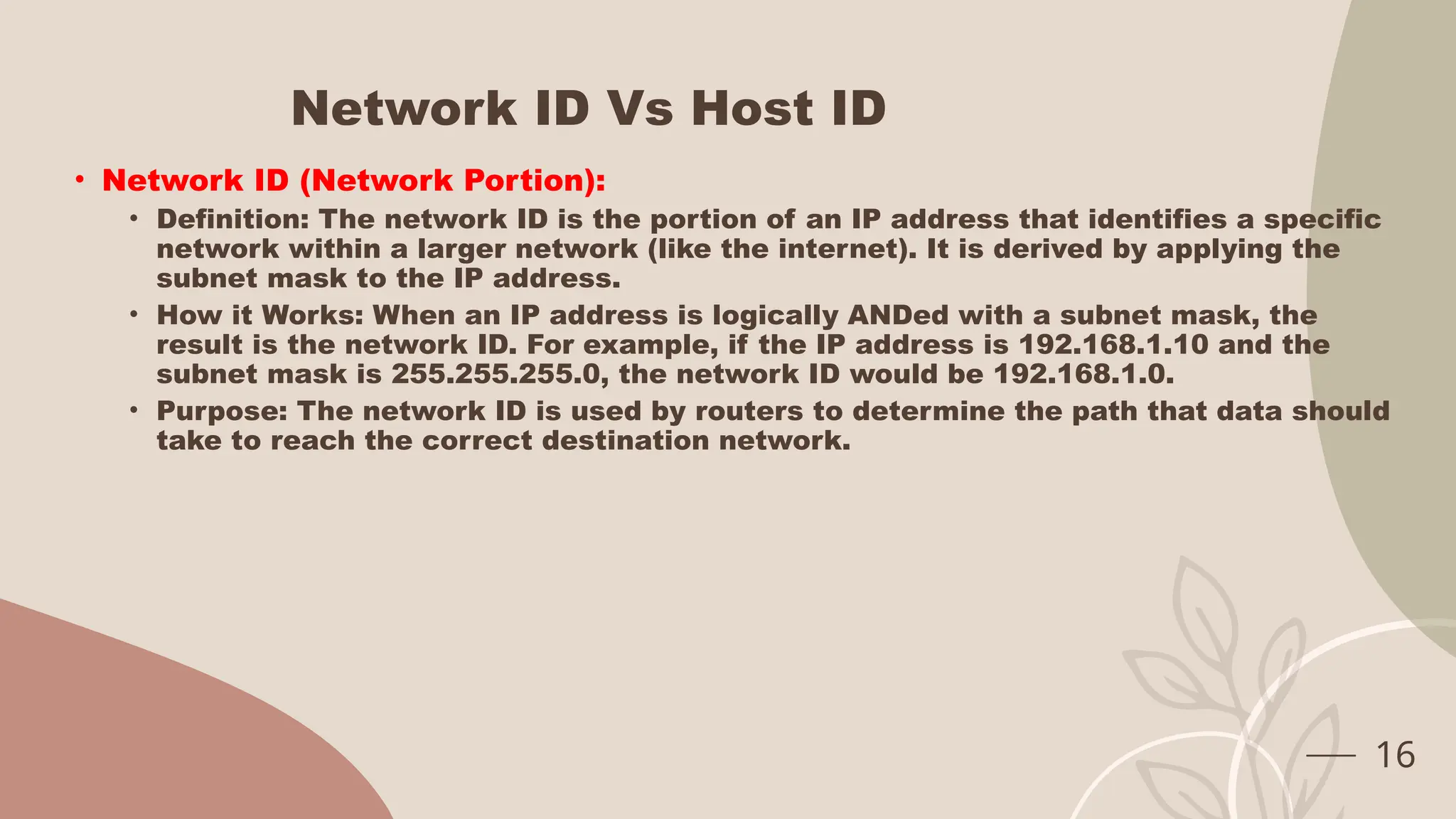
• Definition: The network ID is the portion of an IP address that identifies a specific
network within a larger network (like the internet). It is derived by applying the
subnet mask to the IP address.
• How it Works: When an IP address is logically ANDed with a subnet mask, the
result is the network ID. For example, if the IP address is 192.168.1.10 and the
subnet mask is 255.255.255.0, the network ID would be 192.168.1.0.
• Purpose: The network ID is used by routers to determine the path that data should
take to reach the correct destination network.
16
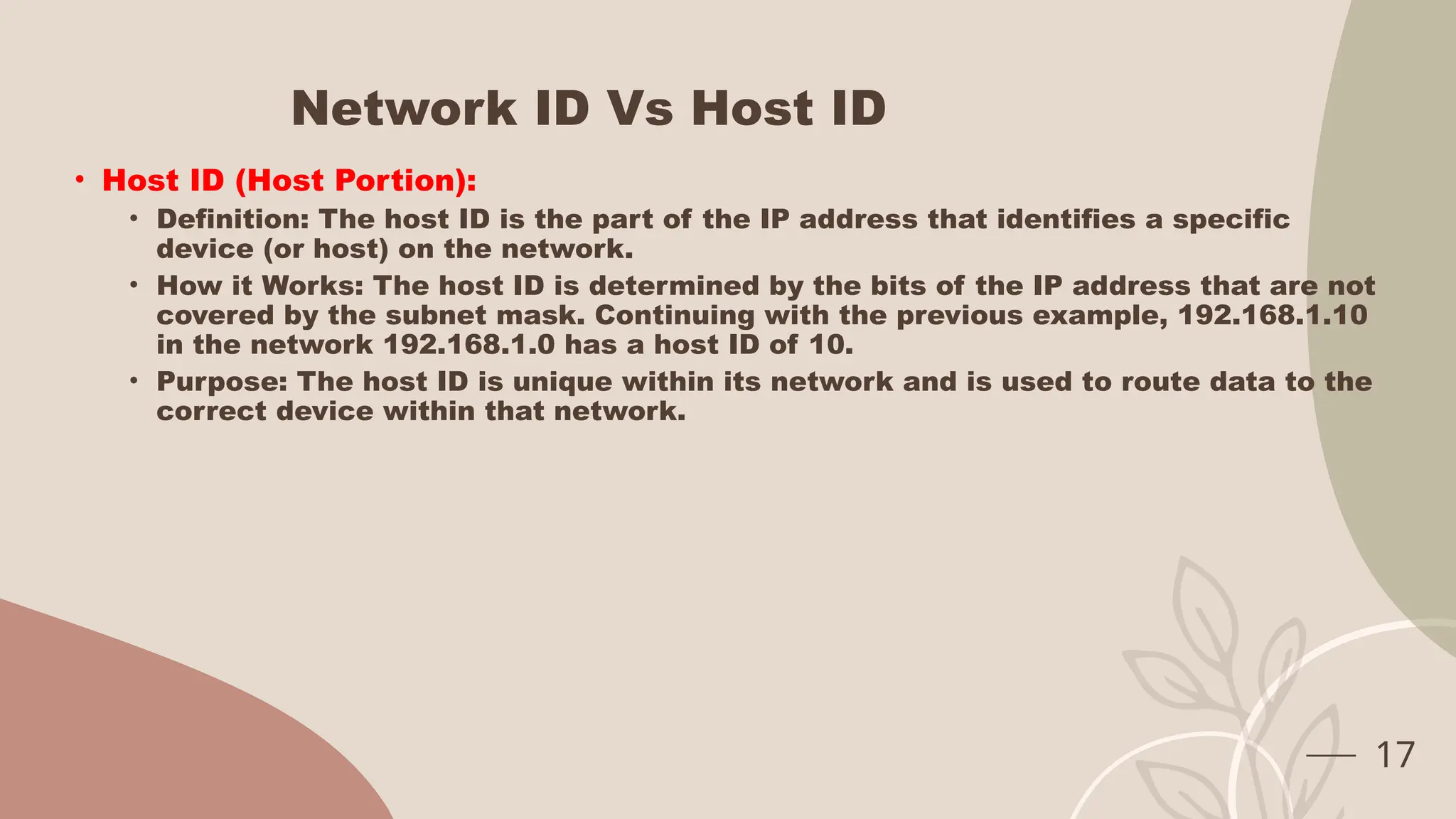
Network ID Vs Host ID
• Host ID (Host Portion):
• Definition: The host ID is the part of the IP address that identifies a specific
device (or host) on the network.
• How it Works: The host ID is determined by the bits of the IP address that are not
covered by the subnet mask. Continuing with the previous example, 192.168.1.10
in the network 192.168.1.0 has a host ID of 10.
• Purpose: The host ID is unique within its network and is used to route data to the
correct device within that network.
17
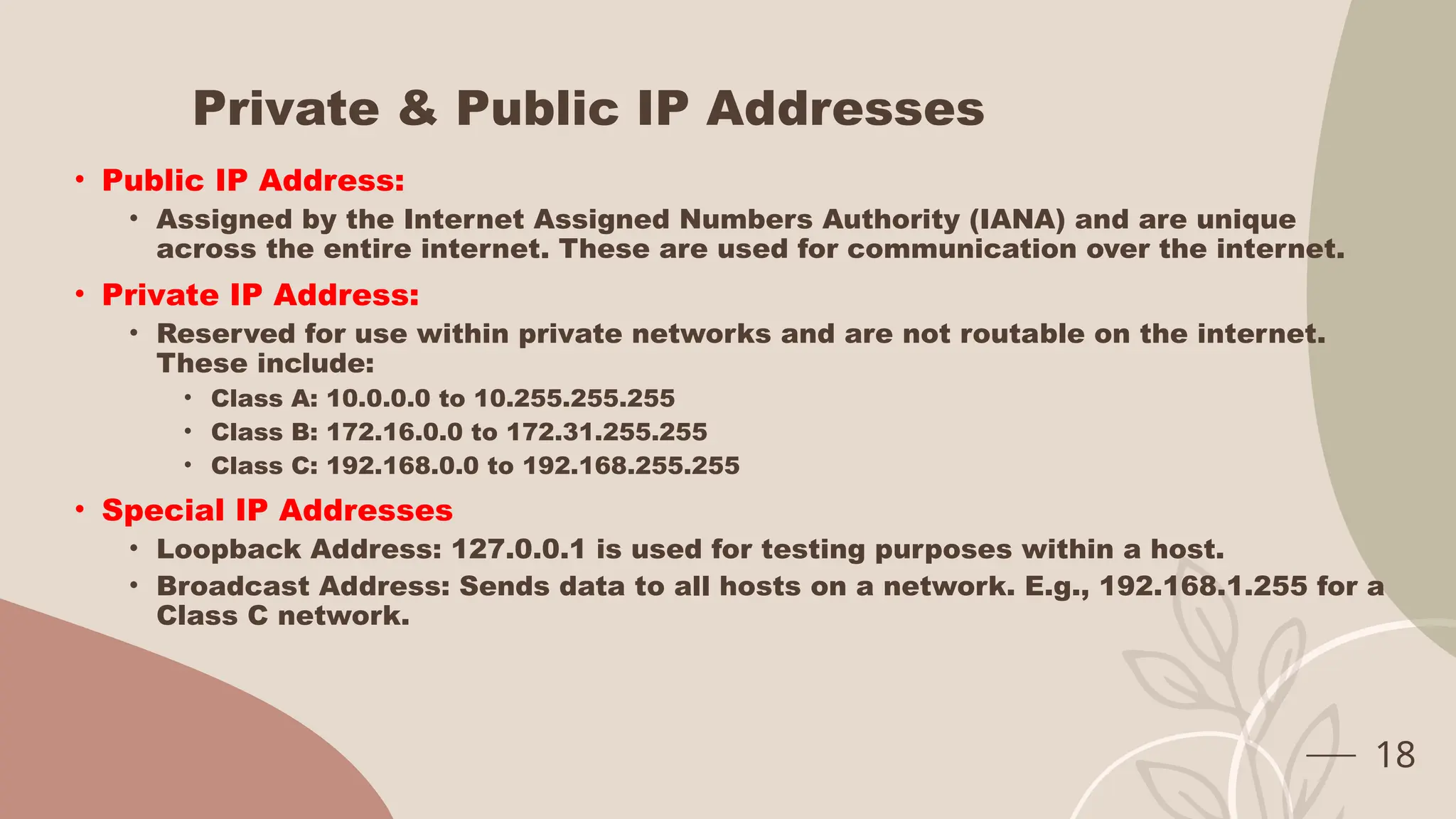
Private & Public IP Addresses
• Public IP Address:
• Assigned by the Internet Assigned Numbers Authority (IANA) and are unique
across the entire internet. These are used for communication over the internet.
• Private IP Address:
• Reserved for use within private networks and are not routable on the internet.
These include:
• Class A: 10.0.0.0 to 10.255.255.255
• Class B: 172.16.0.0 to 172.31.255.255
• Class C: 192.168.0.0 to 192.168.255.255
• Special IP Addresses
• Loopback Address: 127.0.0.1 is used for testing purposes within a host.
• Broadcast Address: Sends data to all hosts on a network. E.g., 192.168.1.255 for a
Class C network.
18
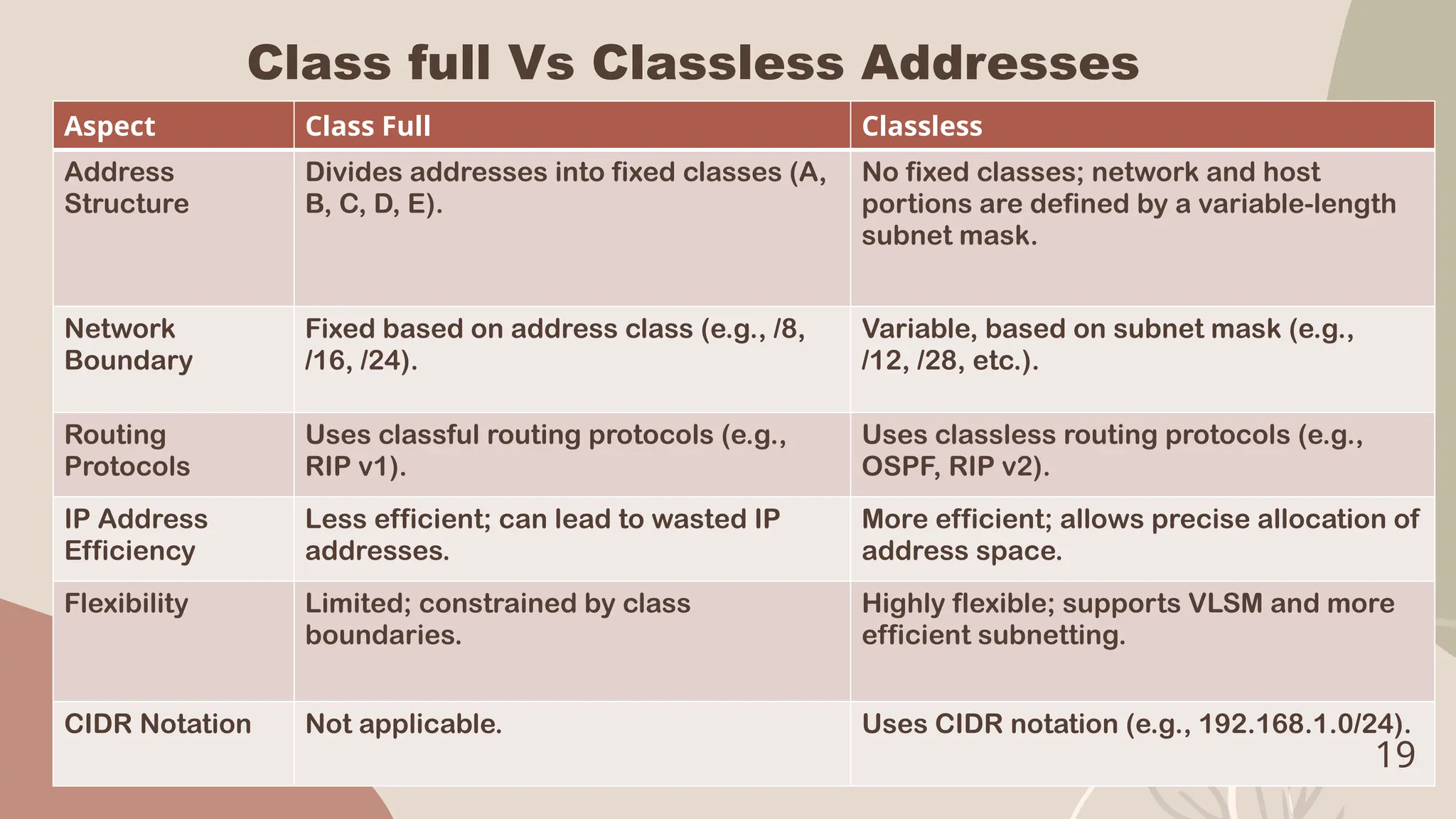
Class full Vs Classless Addresses
Aspect Class Full Classless
Address
Structure
Divides addresses into fixed classes (A,
B, C, D, E).
No fixed classes; network and host
portions are defined by a variable-length
subnet mask.
Network
Boundary
Fixed based on address class (e.g., /8,
/16, /24).
Variable, based on subnet mask (e.g.,
/12, /28, etc.).
Routing
Protocols
Uses classful routing protocols (e.g.,
RIP v1).
Uses classless routing protocols (e.g.,
OSPF, RIP v2).
IP Address
Efficiency
Less efficient; can lead to wasted IP
addresses.
More efficient; allows precise allocation of
address space.
Flexibility Limited; constrained by class
boundaries.
Highly flexible; supports VLSM and more
efficient subnetting.
CIDR Notation Not applicable. Uses CIDR notation (e.g., 192.168.1.0/24).
19
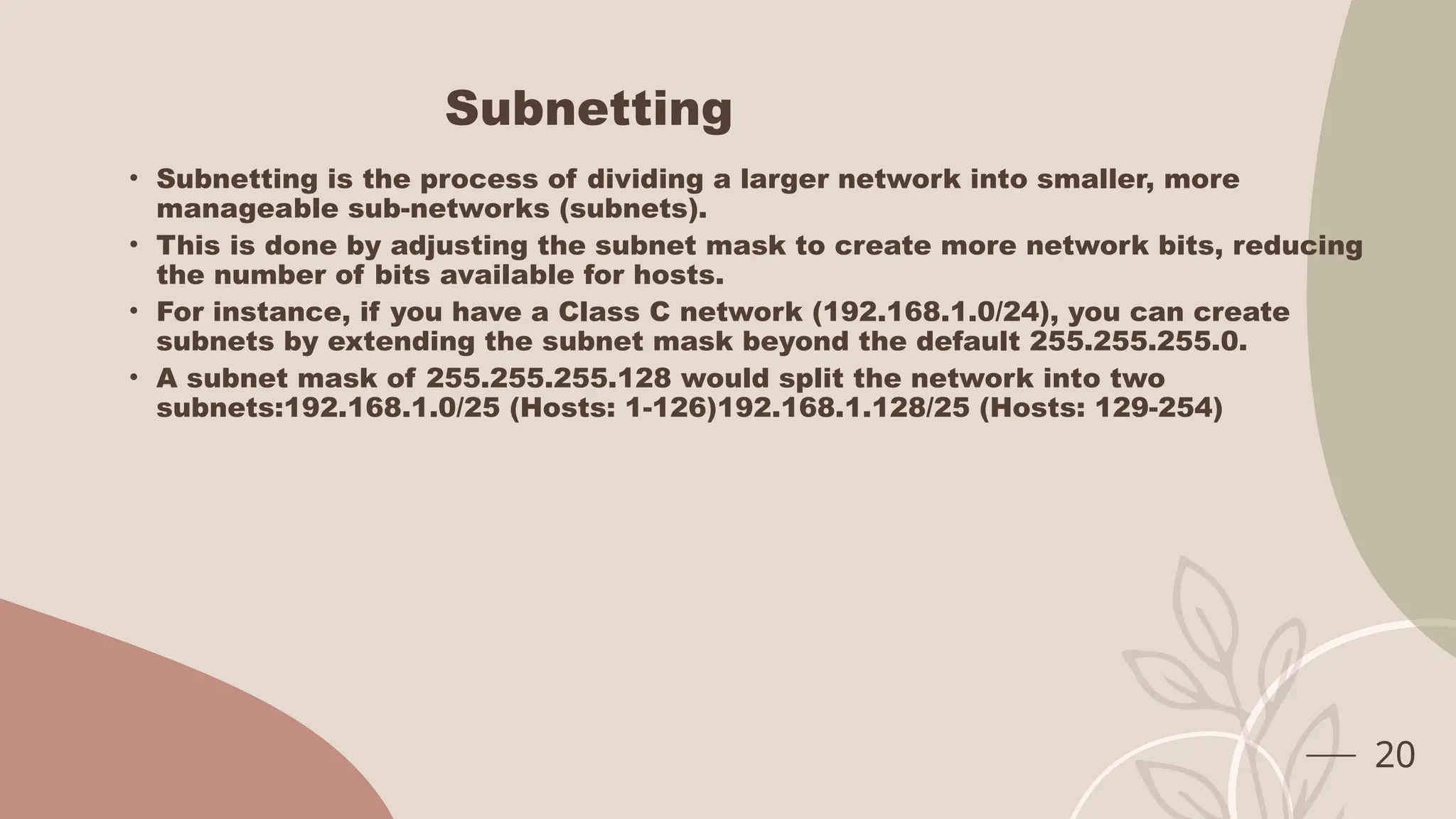
Subnetting
• Subnetting is the process of dividing a larger network into smaller, more
manageable sub-networks (subnets).
• This is done by adjusting the subnet mask to create more network bits, reducing
the number of bits available for hosts.
• For instance, if you have a Class C network (192.168.1.0/24), you can create
subnets by extending the subnet mask beyond the default 255.255.255.0.
• A subnet mask of 255.255.255.128 would split the network into two
subnets:192.168.1.0/25 (Hosts: 1-126)192.168.1.128/25 (Hosts: 129-254)
20
Why Subnetting??
• Efficient IP Address Management
• Avoiding Waste: Without subnetting, a single network might have more IP
addresses than needed, leading to wastage. For example, a Class A network
(10.0.0.0/8) has over 16 million IP addresses, far more than most organizations
need. Subnetting allows the network to be divided into smaller subnets, each with
a more appropriate number of IP addresses.
• Better Utilization: Subnetting enables the precise allocation of IP addresses to
different departments or locations within an organization, ensuring that no IP
addresses are left unused.
• Improved Network Performance
• Reduced Broadcast Traffic: In a network, broadcast traffic is sent to all devices
within that network. As the network grows, so does the broadcast traffic, which
can slow down the entire network. Subnetting reduces the size of each network
segment, thus limiting broadcast traffic to smaller areas and improving overall
network performance.
• Optimized Routing: Smaller subnets mean that routers can more efficiently
manage and route traffic. When a router receives a packet, it can quickly
determine the destination subnet and route the packet accordingly, reducing
latency and improving network speed.
21
Why Subnetting??
• Simplified Network Management
• Logical Grouping: Subnetting helps organize the network logically, grouping
devices based on departments, functions, or locations. This logical structure
simplifies network management, troubleshooting, and maintenance.
• Scalability: As an organization grows, subnetting allows for easier network
expansion. New subnets can be added without disrupting the existing network,
providing a flexible and scalable network infrastructure.
• Reduced Network Congestion
Smaller Collision Domains: In networks using technologies like Ethernet, subnetting
reduces the size of collision domains (areas where packet collisions can occur).
Smaller collision domains lead to fewer collisions, reducing network congestion and
improving data transmission efficiency.
22

IP Addresses in subject computer networks

  • 1.
  • 2.
    What is anIP Address • An IP (Internet Protocol) address is a unique identifier assigned to each device connected to a network that uses the Internet Protocol for communication. • It serves two primary functions: • Identifying the host or network interface • Providing the location of the host in the network. • Two versions of an IP Addresses • IPV4 – 4,294,967296 (Total no. of addresses) • IPV6 • IPv4:Format: xxx.xxx.xxx.xxx, where each xxx can range from 0 to 255.Example: 192.168.1.1 • IPv6 Format: 2001:0db8:85a3:0000:0000:8a2e:0370:7334 2
  • 3.
    Management of anIP Addresses • The management and assignment of IP addresses are handled by a hierarchical system of organizations that operate at different levels, from global to local. Here's how IP address management works: • Internet Assigned Numbers Authority (IANA) • Role: • IANA is a department of the Internet Corporation for Assigned Names and Numbers (ICANN), which is responsible for coordinating global IP address allocation, as well as the management of the DNS root zone, and other critical aspects of the internet's infrastructure. • Responsibilities: • Allocates large blocks of IP addresses to Regional Internet Registries (RIRs). • Manages IP address space for both IPv4 and IPv6. • Oversees the distribution of other internet numbers, such as Autonomous System Numbers (ASNs). 3
  • 4.
    Management of anIP Addresses • Regional Internet Registries (RIRs) • Role: RIRs are organizations that manage the allocation and registration of IP addresses within specific regions of the world. There are five RIRs, each serving a different region. • Responsibilities: • Receive large blocks of IP addresses from IANA and allocate smaller blocks to ISPs, data centers, and other organizations within their region. • Maintain databases of IP address allocations and registrations, ensuring that IP address assignments are properly documented. • Provide services like WHOIS, which allows the public to look up who owns a particular IP address. 4
  • 5.
    Management of anIP Addresses The Five RIRs • ARIN (American Registry for Internet Numbers): Covers the United States, Canada, and parts of the Caribbean. • RIPE NCC (Réseaux IP Européens Network Coordination Centre): Covers Europe, the Middle East, and parts of Central Asia. • APNIC (Asia-Pacific Network Information Centre): Covers Asia and the Pacific region. • LACNIC (Latin American and Caribbean Internet Addresses Registry): Covers Latin America and parts of the Caribbean. • AFRINIC (African Network Information Centre): Covers Africa and parts of the Indian Ocean region. 5
  • 6.
    Management of anIP Addresses Internet Service Providers (ISPs) Role: ISPs are companies that provide internet access to end-users (both individuals and businesses). They are assigned blocks of IP addresses by the RIRs. Responsibilities: • Allocate IP addresses to their customers, either dynamically (changing with each connection) or statically (fixed for a particular customer). • Manage the routing of IP traffic for their customers using the IP addresses they've been assigned. • Sometimes further subdivide their IP address blocks and assign smaller subnets to organizations or large customers. 6
  • 7.
    Management of anIP Addresses End-User Organizations Role: These are businesses, institutions, or individuals who receive IP address assignments from their ISPs or directly from the RIRs if they require large blocks of IP addresses (e.g., large enterprises, data centers). Responsibilities: • Use the assigned IP addresses to manage their internal networks. • Configure their network devices (e.g., routers, servers) to use the assigned IP addresses. • Ensure proper security and management of the IP addresses within their network. 7
  • 8.
    IP Address Classes Reasonfor Dividing IP Addresses into Classes • Simplification of Address Allocation Purpose: • By categorizing IP addresses into different classes (A, B, C, D, and E), the system allowed for the easy allocation of IP addresses based on the size of the network. • Different classes were designed to accommodate networks of varying sizes, from very large networks to small ones. • Outcome: This made the process of assigning IP addresses more straightforward for network administrators and allowed for consistent and easy-to-understand routing protocols. 8
  • 9.
    IP Address Classes(Cont.) • Optimized IP Address Utilization: • Different classes of IP addresses were created to ensure that IP address space could be efficiently used. • Class A, with fewer networks but more hosts per network, was meant for very large organizations. • Class B, with a moderate number of networks and hosts, was meant for medium-sized organizations. • Class C, with many networks but fewer hosts per network, was meant for smaller organizations. • Outcome: This made the process of assigning IP addresses more straightforward for network administrators and allowed for consistent and easy-to-understand routing protocols. 9
  • 10.
    IP Address Classes(Cont.) • Simplification of Routing: • Purpose: The class system made routing simpler because routers could easily determine the network part of an IP address by looking at its class. This made routing decisions faster and more efficient. • Outcome: By knowing the class of an IP address, routers could quickly identify the network portion of the address and route packets to the correct network without needing complex calculations. • Support for Different Types of Communication • Purpose: The classes also supported different types of communication: • Class D addresses were reserved for multicast, which is used to send data to a group of destinations. • Class E addresses were reserved for experimental use, ensuring that there was room for growth and new technologies. • Outcome: This categorization allowed the internet to support different types of data transmission, like broadcasting to multiple recipients, which is important for applications like streaming and conferencing. 10
  • 11.
    Classes of anIPV4 Address • Class A: • First Octet Range: 1.0.0.0 to 126.0.0.0 • Default Subnet Mask: 255.0.0.0 • Network ID Bits: 8 bits • Host ID Bits: 24 bits • Total Networks: 2^7 = 128 (but only 126 are usable because 0.0.0.0 and 127.0.0.0 are reserved) • Total Hosts per Network: 2^24 - 2 = 16,777,214 • Use Case: Large networks with many devices (e.g., large organizations). 11
  • 12.
    Classes of anIPV4 Address • Class B: • First Octet Range: 128.0.0.0 to 191.255.0.0 • Default Subnet Mask: 255.255.0.0 • Network ID Bits: 16 bits • Host ID Bits: 16 bits • Total Networks: 2^14 = 16,384Total Hosts per Network: 2^16 - 2 = 65,534 • Use Case: Medium-sized networks (e.g., universities, enterprises). 12
  • 13.
    Classes of anIPV4 Address • Class C: • First Octet Range: 192.0.0.0 to 223.255.255.0 • Default Subnet Mask: 255.255.255.0 • Network ID Bits: 24 bits • Host ID Bits: 8 bits • Total Networks: 2^21 = 2,097,152Total Hosts per Network: 2^8 - 2 = 254 • Use Case: Small networks (e.g., small businesses, home networks). 13
  • 14.
    Classes of anIPV4 Address • Class D: • First Octet Range: 224.0.0.0 to 239.255.255.255 • Use Case: Used for multicasting; IP addresses in this range are not assigned to individual devices but to groups of devices. • Class E: • First Octet Range: 240.0.0.0 to 255.255.255.255 • Use Case: Reserved for experimental purposes and is not used in general networking. 14
  • 15.
    What is SubnetMask • A subnet mask is a 32-bit number used in IP networks to divide an IP address into two parts: • the network ID and the host ID. • The subnet mask helps determine which portion of the IP address identifies the network and which portion identifies the specific device (host) within that network. • Routers use the subnet mask to route traffic to the correct network • Like an IP address, a subnet mask is also written in the dotted-decimal format, e.g., 255.255.255.0. • The subnet mask has a series of consecutive 1 bits followed by a series of 0 bits. • The 1 bits represent the network portion of the IP address. • The 0 bits represent the host portion. 15
  • 16.
    Network ID VsHost ID • Network ID (Network Portion): • Definition: The network ID is the portion of an IP address that identifies a specific network within a larger network (like the internet). It is derived by applying the subnet mask to the IP address. • How it Works: When an IP address is logically ANDed with a subnet mask, the result is the network ID. For example, if the IP address is 192.168.1.10 and the subnet mask is 255.255.255.0, the network ID would be 192.168.1.0. • Purpose: The network ID is used by routers to determine the path that data should take to reach the correct destination network. 16
  • 17.
    Network ID VsHost ID • Host ID (Host Portion): • Definition: The host ID is the part of the IP address that identifies a specific device (or host) on the network. • How it Works: The host ID is determined by the bits of the IP address that are not covered by the subnet mask. Continuing with the previous example, 192.168.1.10 in the network 192.168.1.0 has a host ID of 10. • Purpose: The host ID is unique within its network and is used to route data to the correct device within that network. 17
  • 18.
    Private & PublicIP Addresses • Public IP Address: • Assigned by the Internet Assigned Numbers Authority (IANA) and are unique across the entire internet. These are used for communication over the internet. • Private IP Address: • Reserved for use within private networks and are not routable on the internet. These include: • Class A: 10.0.0.0 to 10.255.255.255 • Class B: 172.16.0.0 to 172.31.255.255 • Class C: 192.168.0.0 to 192.168.255.255 • Special IP Addresses • Loopback Address: 127.0.0.1 is used for testing purposes within a host. • Broadcast Address: Sends data to all hosts on a network. E.g., 192.168.1.255 for a Class C network. 18
  • 19.
    Class full VsClassless Addresses Aspect Class Full Classless Address Structure Divides addresses into fixed classes (A, B, C, D, E). No fixed classes; network and host portions are defined by a variable-length subnet mask. Network Boundary Fixed based on address class (e.g., /8, /16, /24). Variable, based on subnet mask (e.g., /12, /28, etc.). Routing Protocols Uses classful routing protocols (e.g., RIP v1). Uses classless routing protocols (e.g., OSPF, RIP v2). IP Address Efficiency Less efficient; can lead to wasted IP addresses. More efficient; allows precise allocation of address space. Flexibility Limited; constrained by class boundaries. Highly flexible; supports VLSM and more efficient subnetting. CIDR Notation Not applicable. Uses CIDR notation (e.g., 192.168.1.0/24). 19
  • 20.
    Subnetting • Subnetting isthe process of dividing a larger network into smaller, more manageable sub-networks (subnets). • This is done by adjusting the subnet mask to create more network bits, reducing the number of bits available for hosts. • For instance, if you have a Class C network (192.168.1.0/24), you can create subnets by extending the subnet mask beyond the default 255.255.255.0. • A subnet mask of 255.255.255.128 would split the network into two subnets:192.168.1.0/25 (Hosts: 1-126)192.168.1.128/25 (Hosts: 129-254) 20
  • 21.
    Why Subnetting?? • EfficientIP Address Management • Avoiding Waste: Without subnetting, a single network might have more IP addresses than needed, leading to wastage. For example, a Class A network (10.0.0.0/8) has over 16 million IP addresses, far more than most organizations need. Subnetting allows the network to be divided into smaller subnets, each with a more appropriate number of IP addresses. • Better Utilization: Subnetting enables the precise allocation of IP addresses to different departments or locations within an organization, ensuring that no IP addresses are left unused. • Improved Network Performance • Reduced Broadcast Traffic: In a network, broadcast traffic is sent to all devices within that network. As the network grows, so does the broadcast traffic, which can slow down the entire network. Subnetting reduces the size of each network segment, thus limiting broadcast traffic to smaller areas and improving overall network performance. • Optimized Routing: Smaller subnets mean that routers can more efficiently manage and route traffic. When a router receives a packet, it can quickly determine the destination subnet and route the packet accordingly, reducing latency and improving network speed. 21
  • 22.
    Why Subnetting?? • SimplifiedNetwork Management • Logical Grouping: Subnetting helps organize the network logically, grouping devices based on departments, functions, or locations. This logical structure simplifies network management, troubleshooting, and maintenance. • Scalability: As an organization grows, subnetting allows for easier network expansion. New subnets can be added without disrupting the existing network, providing a flexible and scalable network infrastructure. • Reduced Network Congestion Smaller Collision Domains: In networks using technologies like Ethernet, subnetting reduces the size of collision domains (areas where packet collisions can occur). Smaller collision domains lead to fewer collisions, reducing network congestion and improving data transmission efficiency. 22