




Introduction to
TM1 TurboIntegrator Debugger
September 2017
Presenters
Robin Stevens
Principal Consultant
QueBIT
Yunhee Choi
Consultant
QueBIT
 Today’s webinar is part of a monthly advanced webinar series offered by
QueBIT. The next webinar is scheduled for October 26th where we will
demonstrate the benefits of CloudWORQ, QueBIT’s cloud-based reporting,
planning, and analytics solution. Register by accessing the events page on
our website at quebit.com/news-events
 This webinar is being recorded and attendees will receive the recording link
within 24 hours
 Miss a past webinar? No problem! Visit the Resources page on the
QueBIT website - //quebit.com/who-we-are/video-catalog/
 Please type all questions in the Questions Pane located on the GTW
toolbar. As time permits, the questions will be addressed and answered at
the end of the presentation.
 Follow-up sessions for questions and answers are available, if needed.
Housekeeping
About QueBIT
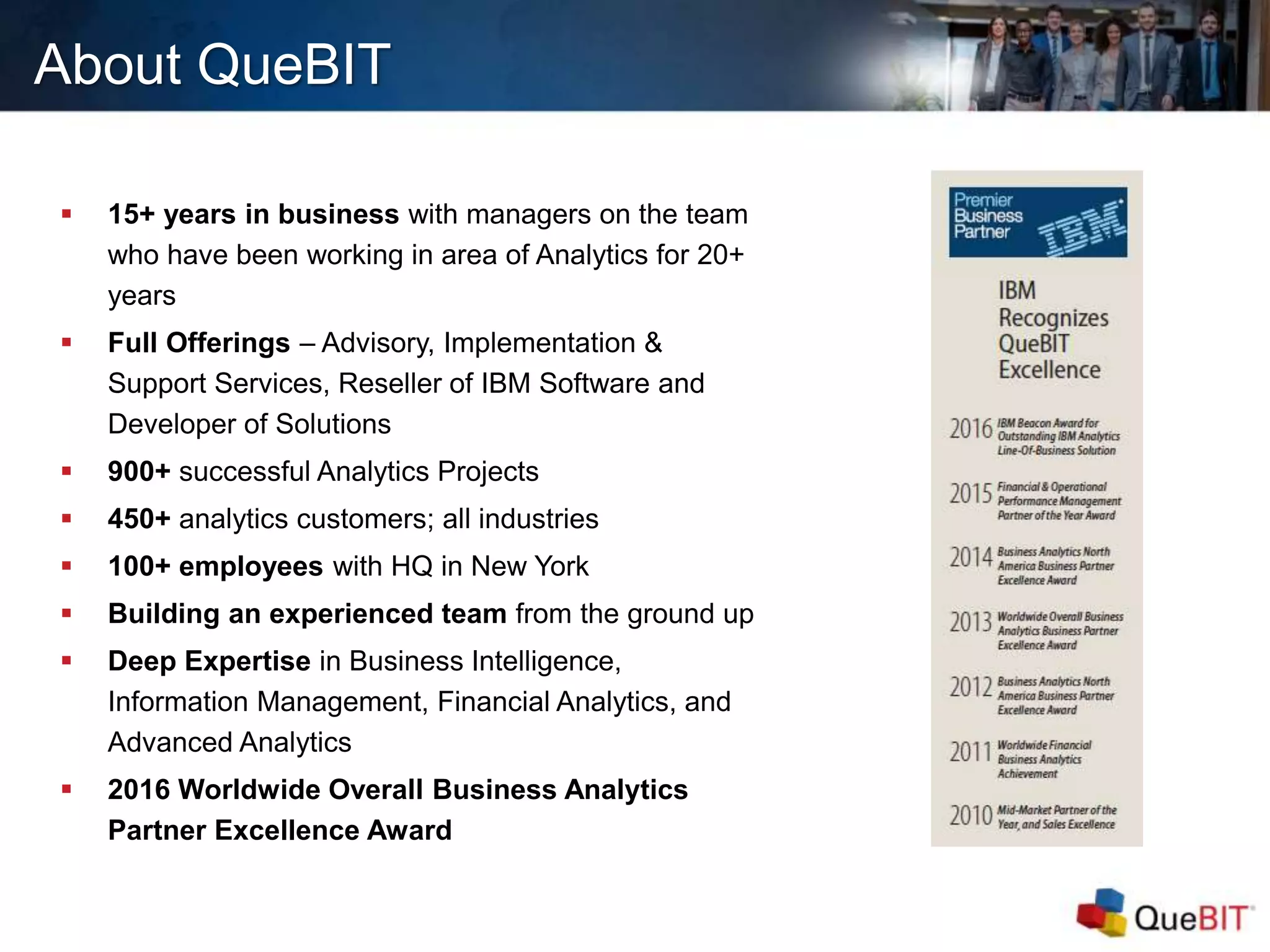
 15+ years in business with managers on the team
who have been working in area of Analytics for 20+
years
 Full Offerings – Advisory, Implementation &
Support Services, Reseller of IBM Software and
Developer of Solutions
 900+ successful Analytics Projects
 450+ analytics customers; all industries
 100+ employees with HQ in New York
 Building an experienced team from the ground up
 Deep Expertise in Business Intelligence,
Information Management, Financial Analytics, and
Advanced Analytics
 2016 Worldwide Overall Business Analytics
Partner Excellence Award
Agenda
 What is the TurboIntegrator Debugger?
 Main Features/Main Window Walkthrough
 How will the TI debugger help me?
 Limitations
 Installation and Configuration
 Q&A
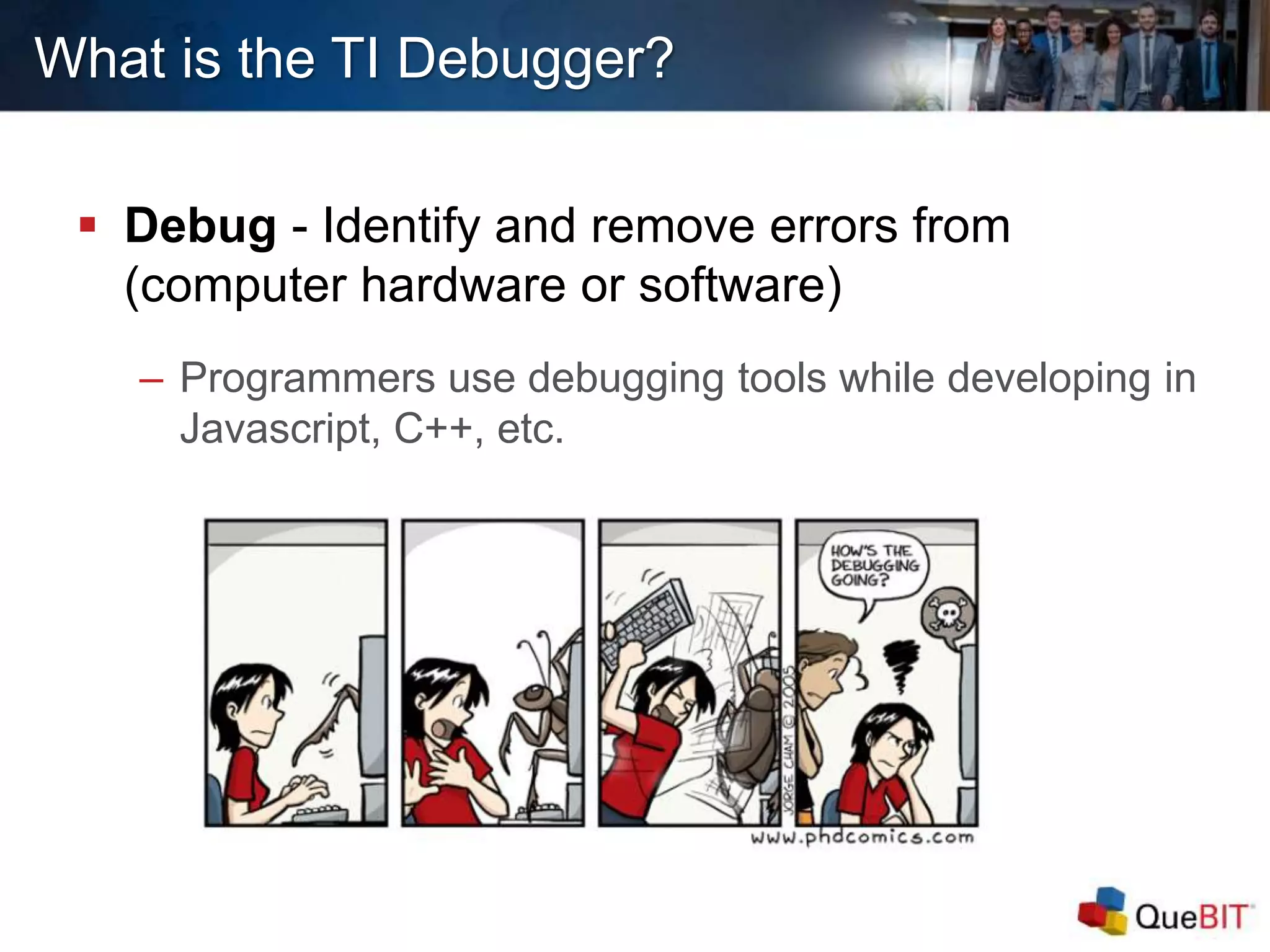
 Debug - Identify and remove errors from
(computer hardware or software)
– Programmers use debugging tools while developing in
Javascript, C++, etc.
What is the TI Debugger?
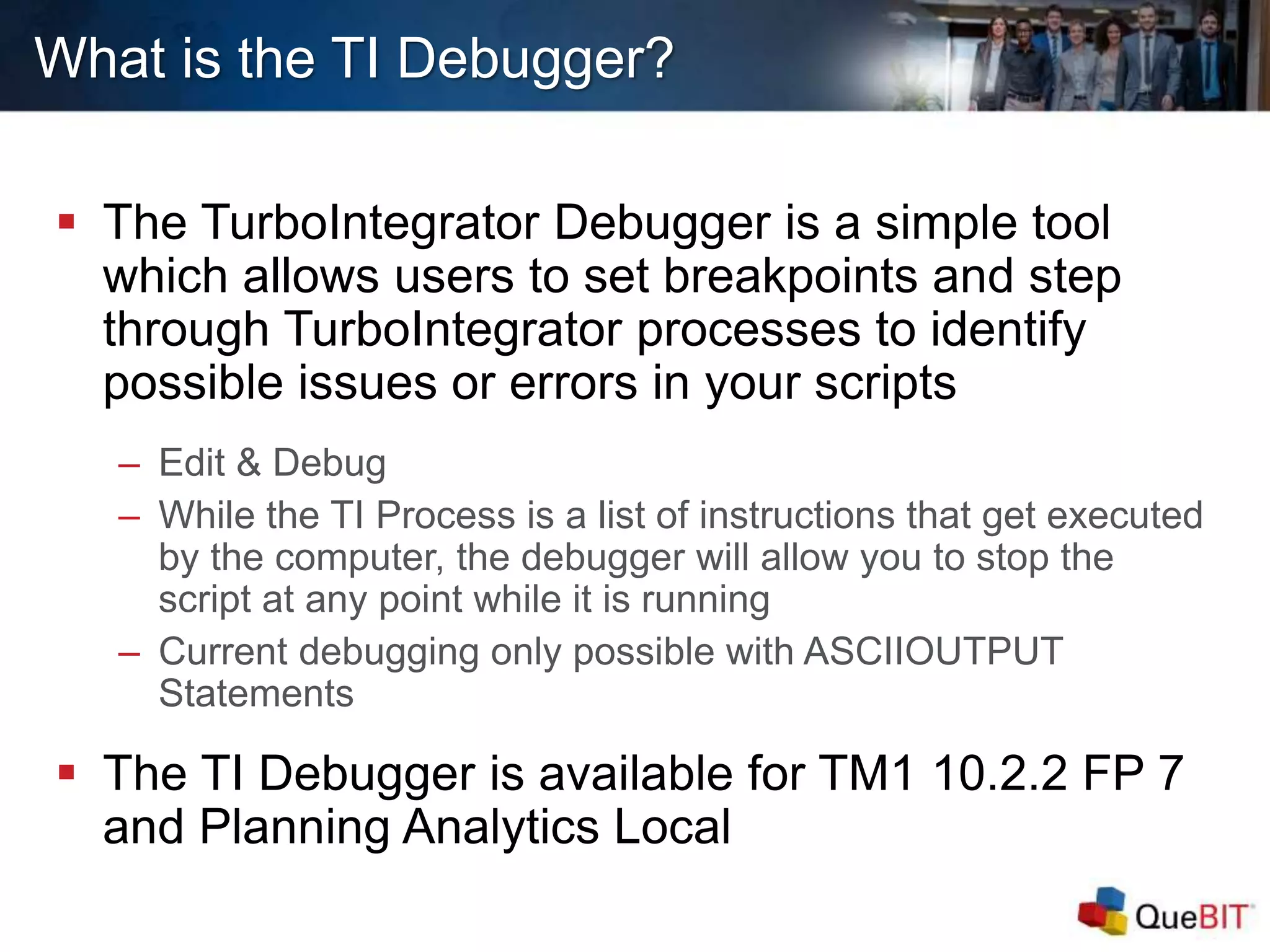
 The TurboIntegrator Debugger is a simple tool
which allows users to set breakpoints and step
through TurboIntegrator processes to identify
possible issues or errors in your scripts
– Edit & Debug
– While the TI Process is a list of instructions that get executed
by the computer, the debugger will allow you to stop the
script at any point while it is running
– Current debugging only possible with ASCIIOUTPUT
Statements
 The TI Debugger is available for TM1 10.2.2 FP 7
and Planning Analytics Local
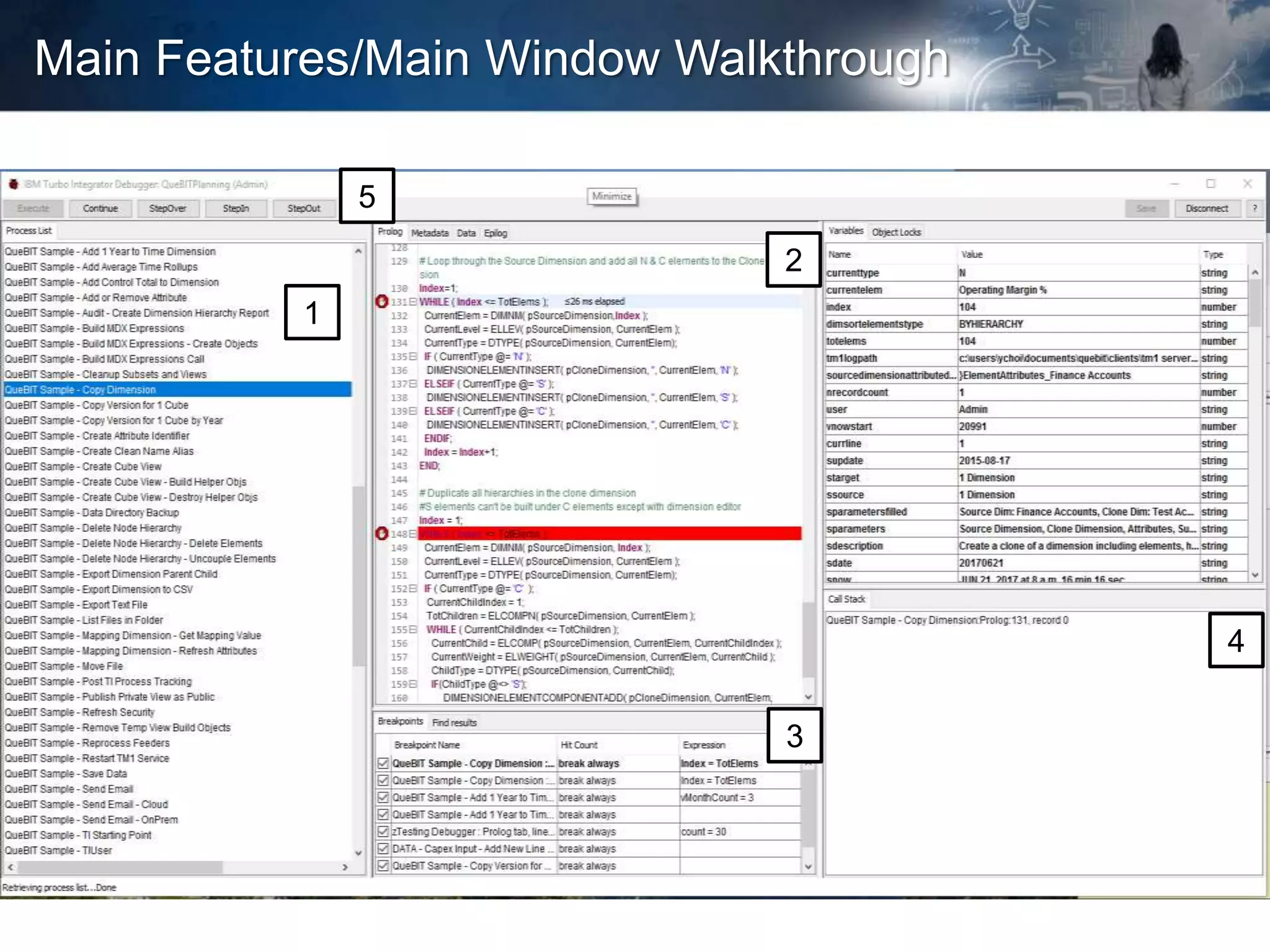
Main Features/Main Window Walkthrough
1
3
2
5
4
How will the TI
Debugger help me?
Easier to Read
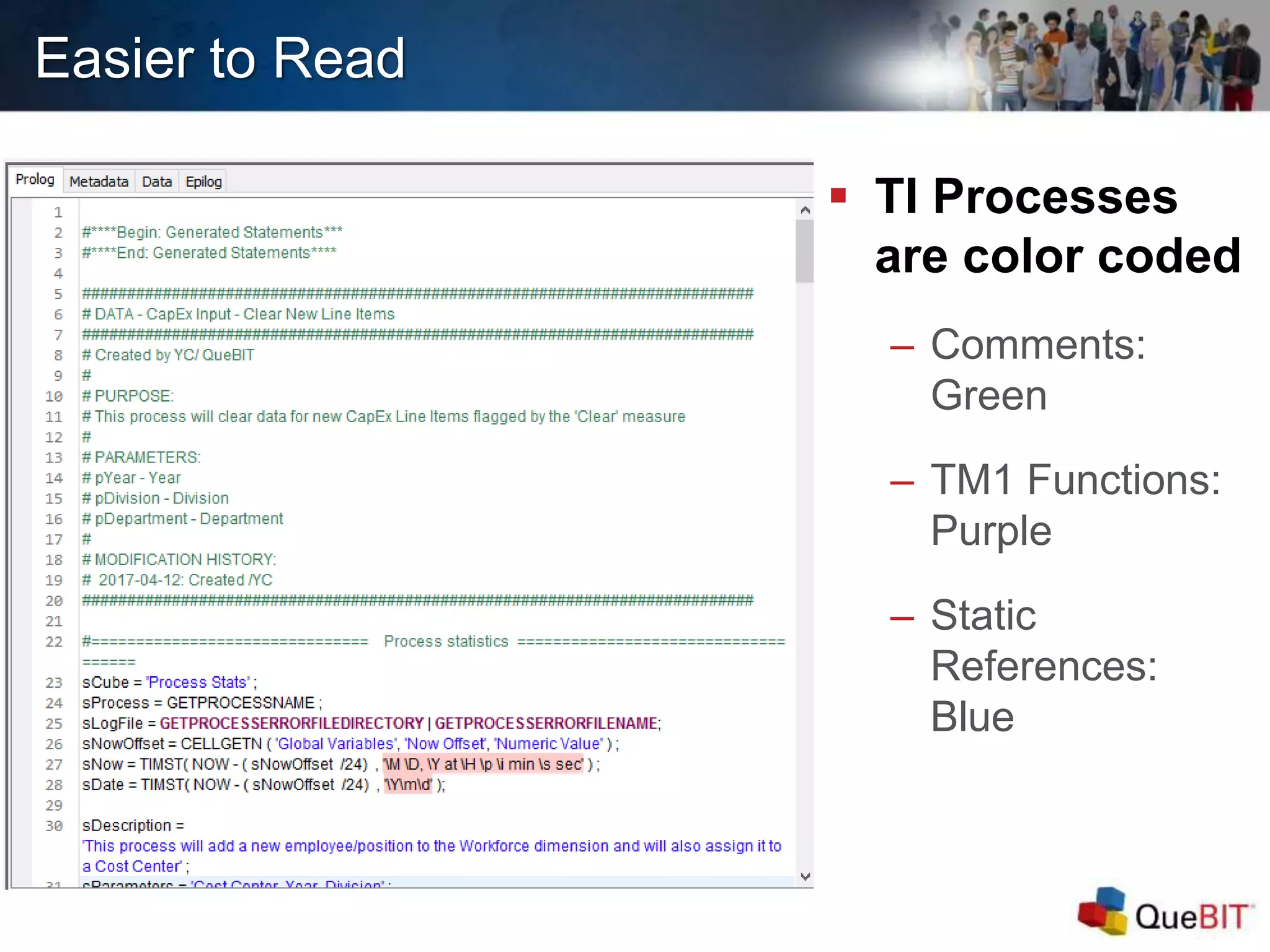
 TI Processes
are color coded
– Comments:
Green
– TM1 Functions:
Purple
– Static
References:
Blue
Easier to Read
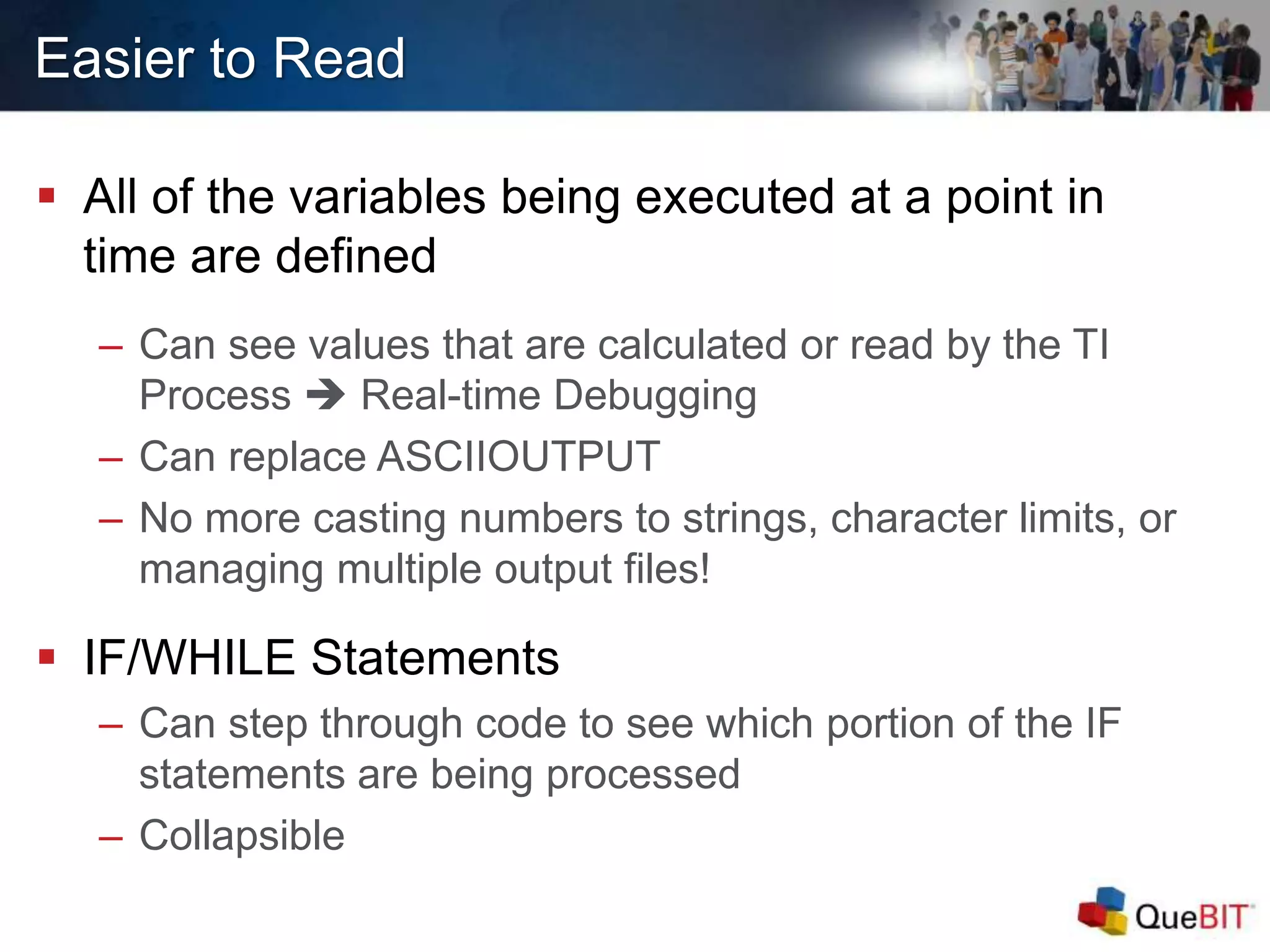
 All of the variables being executed at a point in
time are defined
– Can see values that are calculated or read by the TI
Process  Real-time Debugging
– Can replace ASCIIOUTPUT
– No more casting numbers to strings, character limits, or
managing multiple output files!
 IF/WHILE Statements
– Can step through code to see which portion of the IF
statements are being processed
– Collapsible
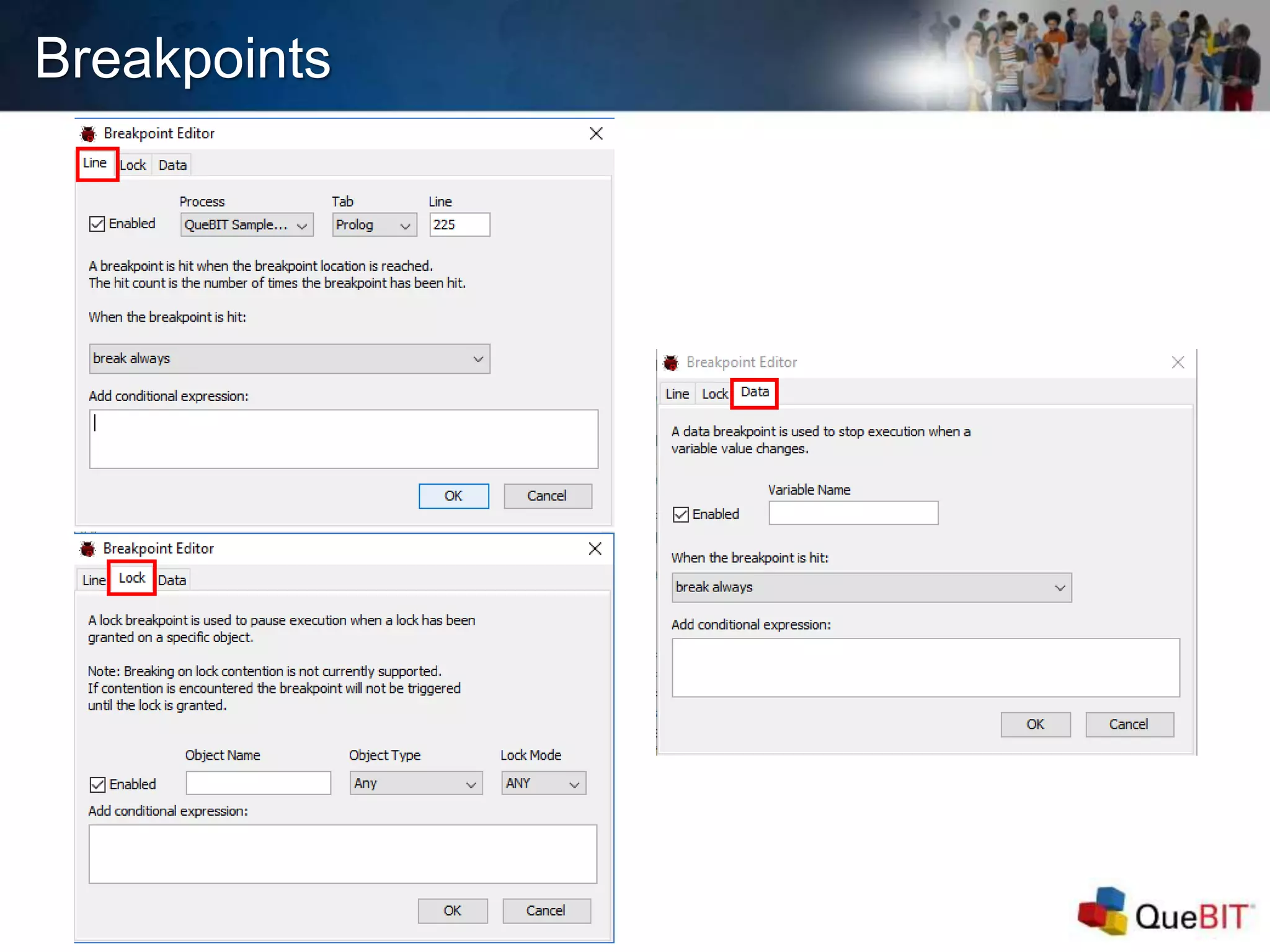
Breakpoints
 Used to “bookmark” a
problematic point in the
TI Process
 Can add conditional
expressions to
breakpoints using the
Breakpoint Editor
– Anything you can put in an
IF statement within a TI,
you can put here as a
conditional expression
Breakpoints
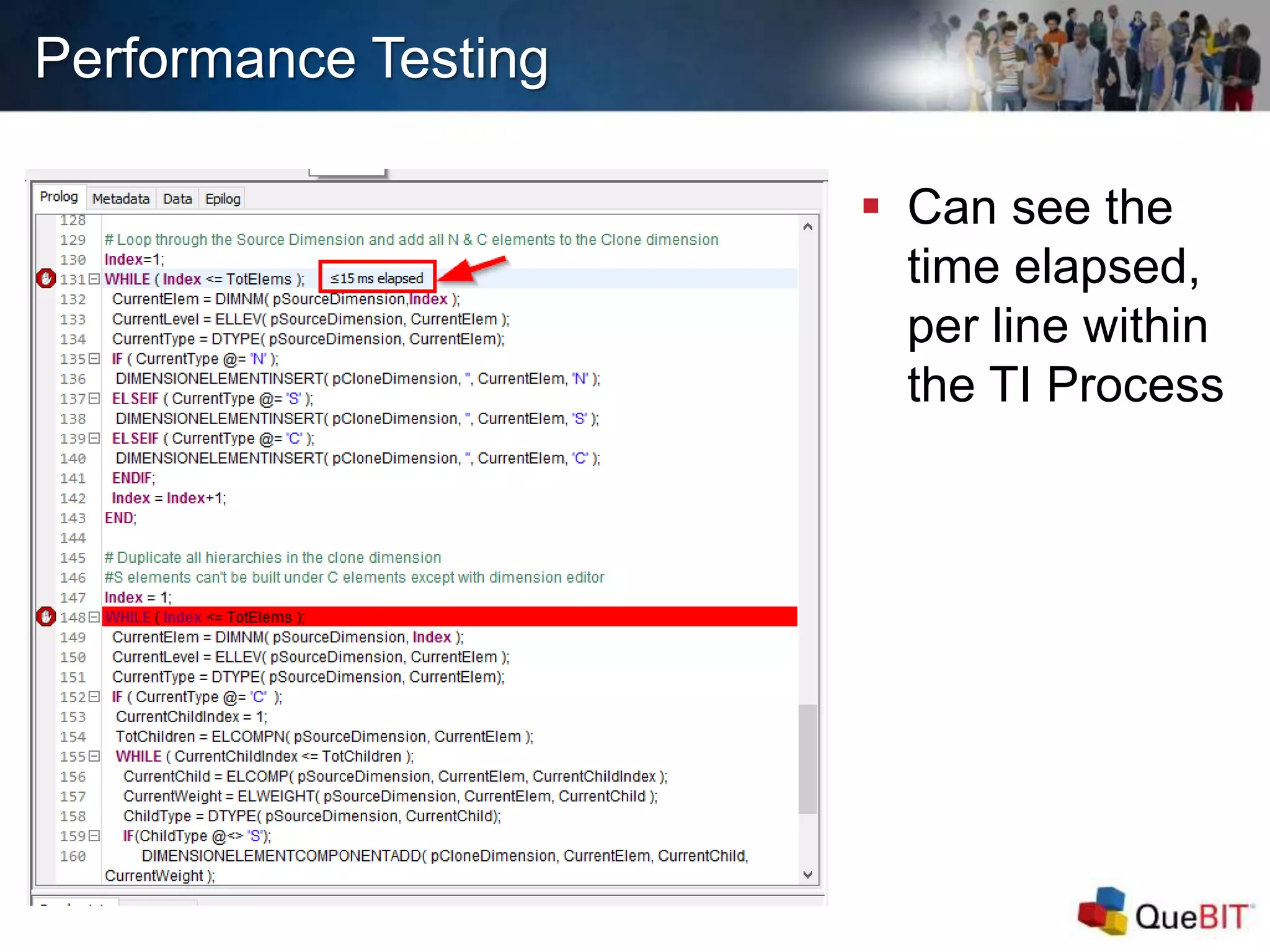
Performance Testing
 Can see the
time elapsed,
per line within
the TI Process
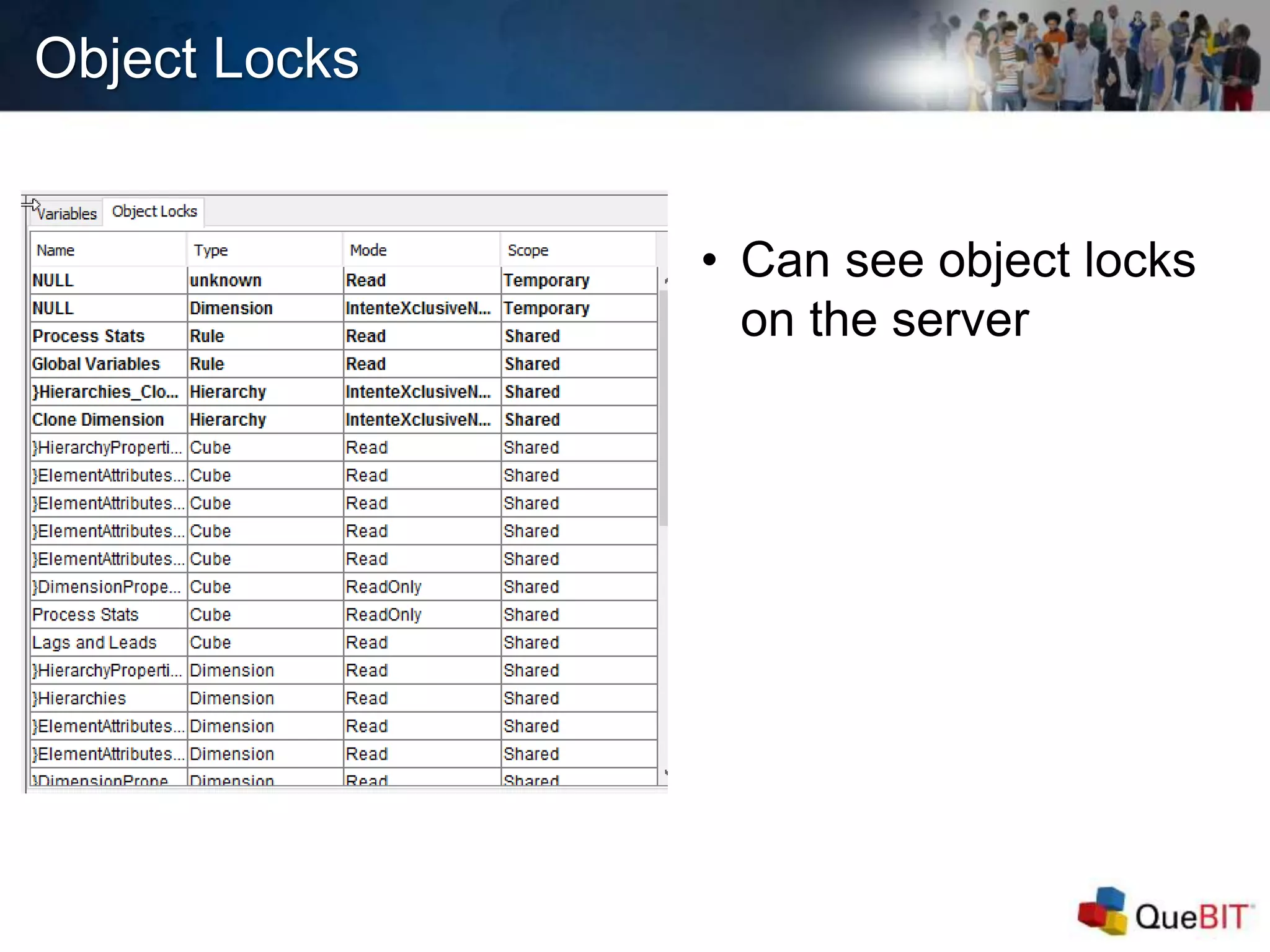
Object Locks
• Can see object locks
on the server
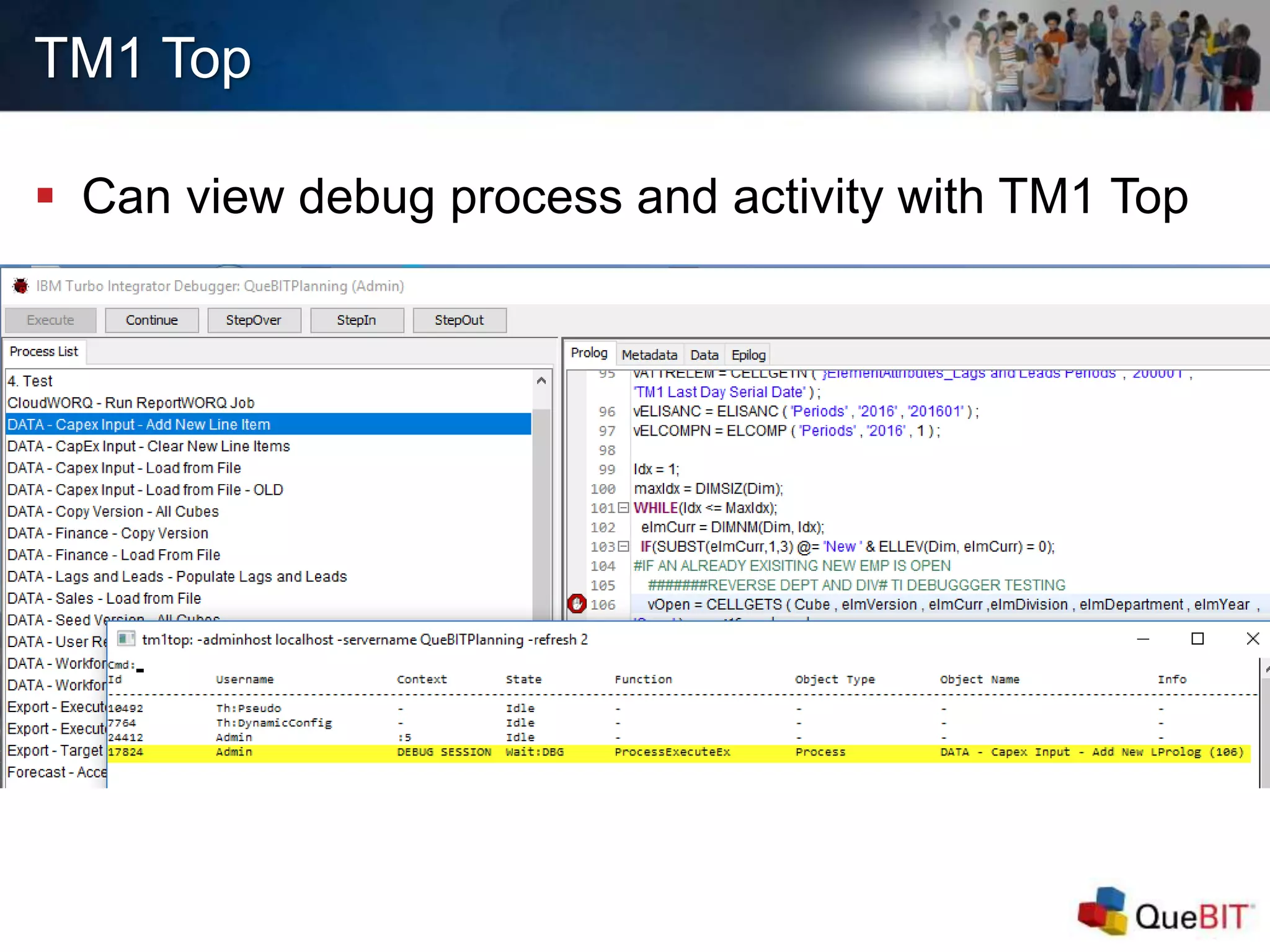
TM1 Top
 Can view debug process and activity with TM1 Top
DEMO
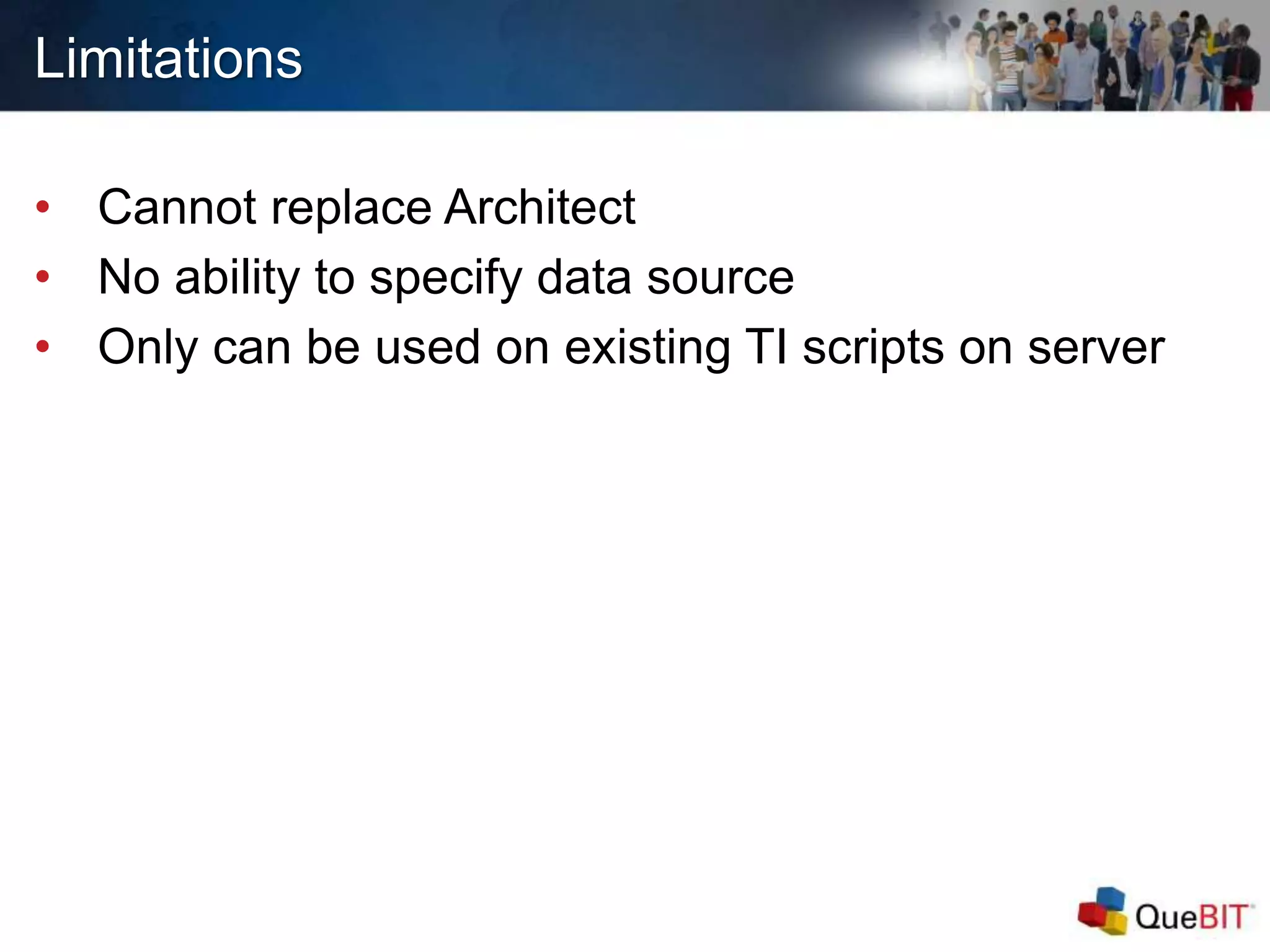
Limitations
• Cannot replace Architect
• No ability to specify data source
• Only can be used on existing TI scripts on server
Installation and Configuration
 Download zip file
– https://developer.ibm.com/recipes/tutorials/ibm-tm1-
turbointegrator-debugger/
 Configure TM1 Server
– Edit tm1s.cfg file
 Enable ODATA on the TM1 Server (i.e. HTTPPortNumber=8000)
 Enable TI Debugging (EnableTIDebugging=True)
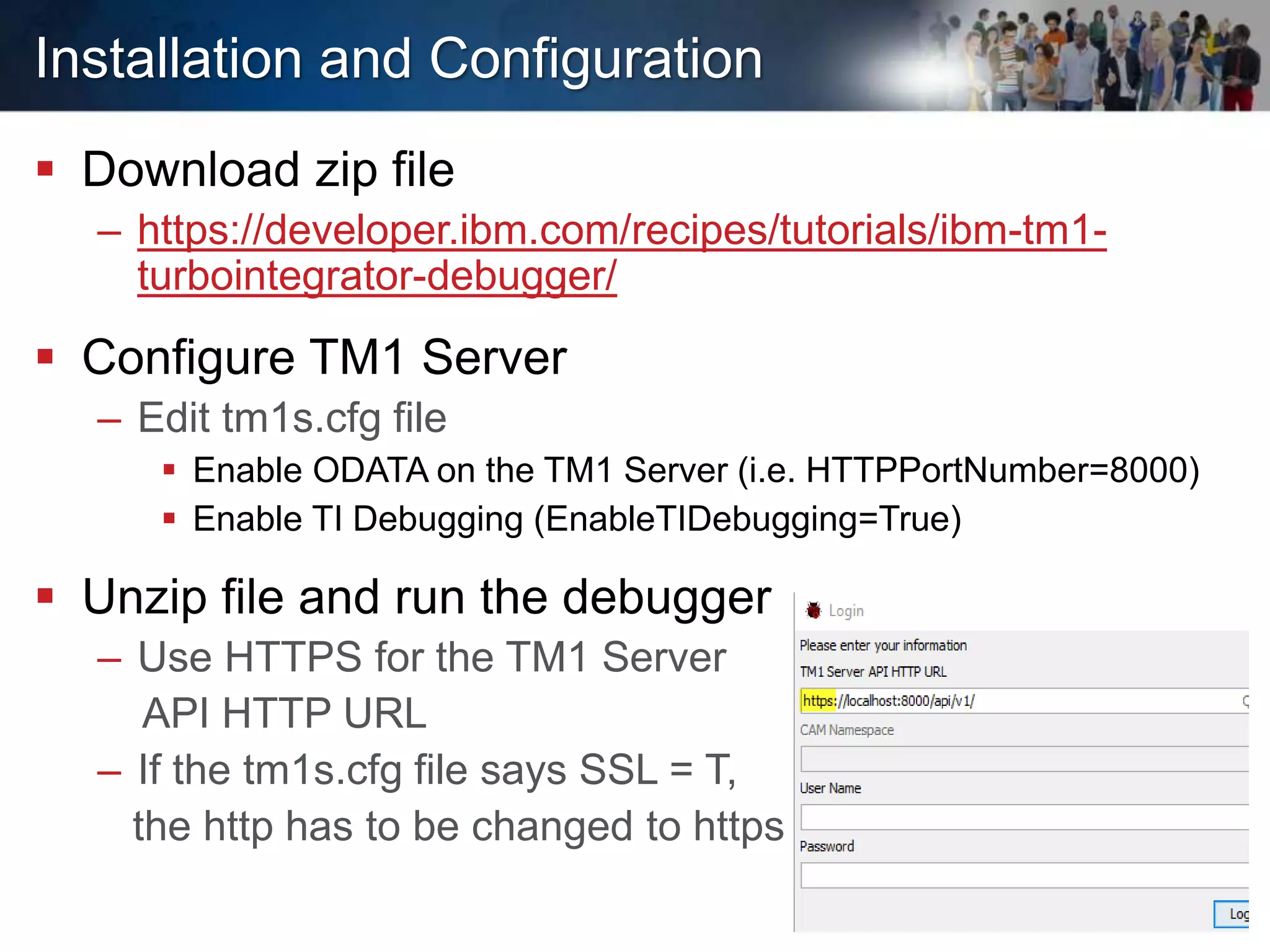
 Unzip file and run the debugger
– Use HTTPS for the TM1 Server
API HTTP URL
– If the tm1s.cfg file says SSL = T,
the http has to be changed to https
QUESTIONS?
Thank You!
Yunhee Choi
ychoi@quebit.com
347-556-7771
Robin Stevens
rstevens@quebit.com
510-681-6007
www.quebit.com

Introduction to TM1 TurboIntegrator Debugger Webinar - Quebit Consulting

  • 1.
    Introduction to TM1 TurboIntegratorDebugger September 2017
  • 2.
  • 3.
     Today’s webinaris part of a monthly advanced webinar series offered by QueBIT. The next webinar is scheduled for October 26th where we will demonstrate the benefits of CloudWORQ, QueBIT’s cloud-based reporting, planning, and analytics solution. Register by accessing the events page on our website at quebit.com/news-events  This webinar is being recorded and attendees will receive the recording link within 24 hours  Miss a past webinar? No problem! Visit the Resources page on the QueBIT website - //quebit.com/who-we-are/video-catalog/  Please type all questions in the Questions Pane located on the GTW toolbar. As time permits, the questions will be addressed and answered at the end of the presentation.  Follow-up sessions for questions and answers are available, if needed. Housekeeping
  • 4.
    About QueBIT  15+years in business with managers on the team who have been working in area of Analytics for 20+ years  Full Offerings – Advisory, Implementation & Support Services, Reseller of IBM Software and Developer of Solutions  900+ successful Analytics Projects  450+ analytics customers; all industries  100+ employees with HQ in New York  Building an experienced team from the ground up  Deep Expertise in Business Intelligence, Information Management, Financial Analytics, and Advanced Analytics  2016 Worldwide Overall Business Analytics Partner Excellence Award
  • 5.
    Agenda  What isthe TurboIntegrator Debugger?  Main Features/Main Window Walkthrough  How will the TI debugger help me?  Limitations  Installation and Configuration  Q&A
  • 6.
     Debug -Identify and remove errors from (computer hardware or software) – Programmers use debugging tools while developing in Javascript, C++, etc. What is the TI Debugger?
  • 7.
    What is theTI Debugger?  The TurboIntegrator Debugger is a simple tool which allows users to set breakpoints and step through TurboIntegrator processes to identify possible issues or errors in your scripts – Edit & Debug – While the TI Process is a list of instructions that get executed by the computer, the debugger will allow you to stop the script at any point while it is running – Current debugging only possible with ASCIIOUTPUT Statements  The TI Debugger is available for TM1 10.2.2 FP 7 and Planning Analytics Local
  • 8.
    Main Features/Main WindowWalkthrough 1 3 2 5 4
  • 9.
    How will theTI Debugger help me?
  • 10.
    Easier to Read TI Processes are color coded – Comments: Green – TM1 Functions: Purple – Static References: Blue
  • 11.
    Easier to Read All of the variables being executed at a point in time are defined – Can see values that are calculated or read by the TI Process  Real-time Debugging – Can replace ASCIIOUTPUT – No more casting numbers to strings, character limits, or managing multiple output files!  IF/WHILE Statements – Can step through code to see which portion of the IF statements are being processed – Collapsible
  • 12.
    Breakpoints  Used to“bookmark” a problematic point in the TI Process  Can add conditional expressions to breakpoints using the Breakpoint Editor – Anything you can put in an IF statement within a TI, you can put here as a conditional expression
  • 13.
  • 14.
    Performance Testing  Cansee the time elapsed, per line within the TI Process
  • 15.
    Object Locks • Cansee object locks on the server
  • 16.
    TM1 Top  Canview debug process and activity with TM1 Top
  • 17.
  • 18.
    Limitations • Cannot replaceArchitect • No ability to specify data source • Only can be used on existing TI scripts on server
  • 19.
    Installation and Configuration Download zip file – https://developer.ibm.com/recipes/tutorials/ibm-tm1- turbointegrator-debugger/  Configure TM1 Server – Edit tm1s.cfg file  Enable ODATA on the TM1 Server (i.e. HTTPPortNumber=8000)  Enable TI Debugging (EnableTIDebugging=True)  Unzip file and run the debugger – Use HTTPS for the TM1 Server API HTTP URL – If the tm1s.cfg file says SSL = T, the http has to be changed to https
  • 20.
  • 21.
    Thank You! Yunhee Choi ychoi@quebit.com 347-556-7771 RobinStevens rstevens@quebit.com 510-681-6007 www.quebit.com