LEARNING OBJECTIVES
1. Definebasic concepts on computer as such
computer, data and information.
2. Relate the development of computing and
computing devices.
3. Describe the development of computing devices,
their capabilities and limitations.
4. Explain the different components of computer
systems.
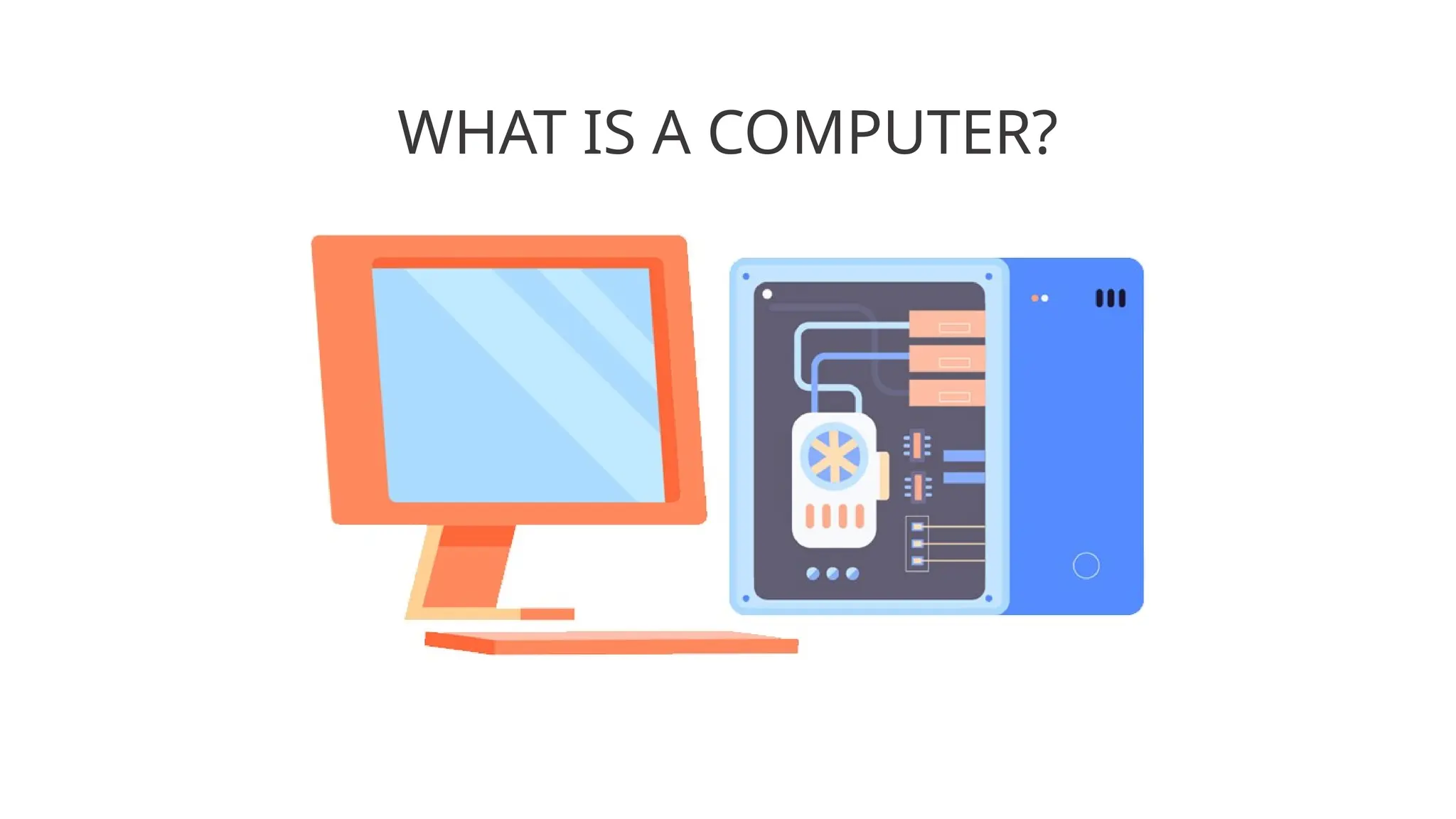
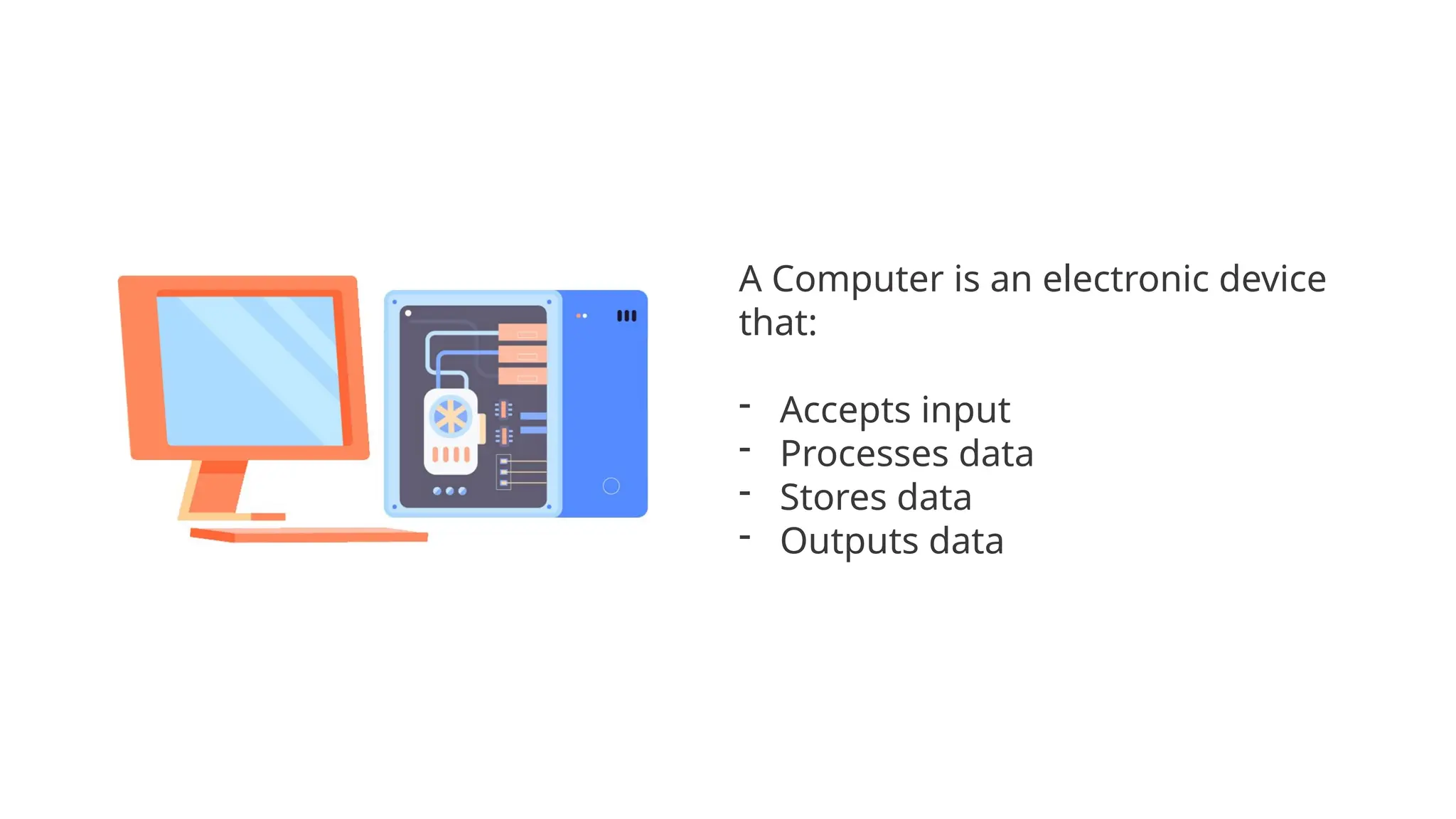
A Computer isan electronic device
that:
- Accepts input
- Processes data
- Stores data
- Outputs data
5.
Basic Elements ofA Computer
5
Electronic – means all computers are powered by electricity.
Programmable – computers follow set of instructions (called programs) in
order to operate.
Storage – computers are able to store huge amount of data for future use
(electronic cabinet).
Retrieve – computers are able to get back or return whatever it has stored.
Process – computers are able to transform or manipulate data it has stored
into useful information.
Basic Function ofa Computer
4
Input – the procedure of feeding or entering data into a computer.
Process – the operation of manipulating and transforming data into
something useful. This function is done through programs. Programs are
written instructions that tell the computer on how to manipulate and
transform the data it was given to it.
Output – the result of the processing function.
Storage – computers save data and outputs for later use.
Capabilities Of aComputer
• It can process data quickly.
• It can perform operations tirelessly.
• It can give accurate results depending on the instructions
and commands given.
• It can store, recall, and retrieve information.
• It can confirm and verify the accuracy of the information.
• It can perform multi-tasks.
11.
Limitations Of aComputer
• It needs human intervention.
• It has a short life span.
• It cannot formulate information on its own.
• The information or results generated are user dependent.
• It can never replace the capabilities of the human brain.
12.
COMPONENTS OF ACOMPUTER SYSTEM
HARDWARE
is the physical equipment associated with a computer system. This is the tangible
components of the computer system.
SOFTWARE
is the programs and data that a computer uses. The software provides the
commands that tell the hardware what task to perform, what to read and write,
how to send the end result (the output) to a monitor and/or printer.
PEOPLEWARE
are the users of the computer, they may be the system analysts, programmers,
Web Developer, students, administrators, encoders or just a common personnel
who in a way works with the computer.
13.
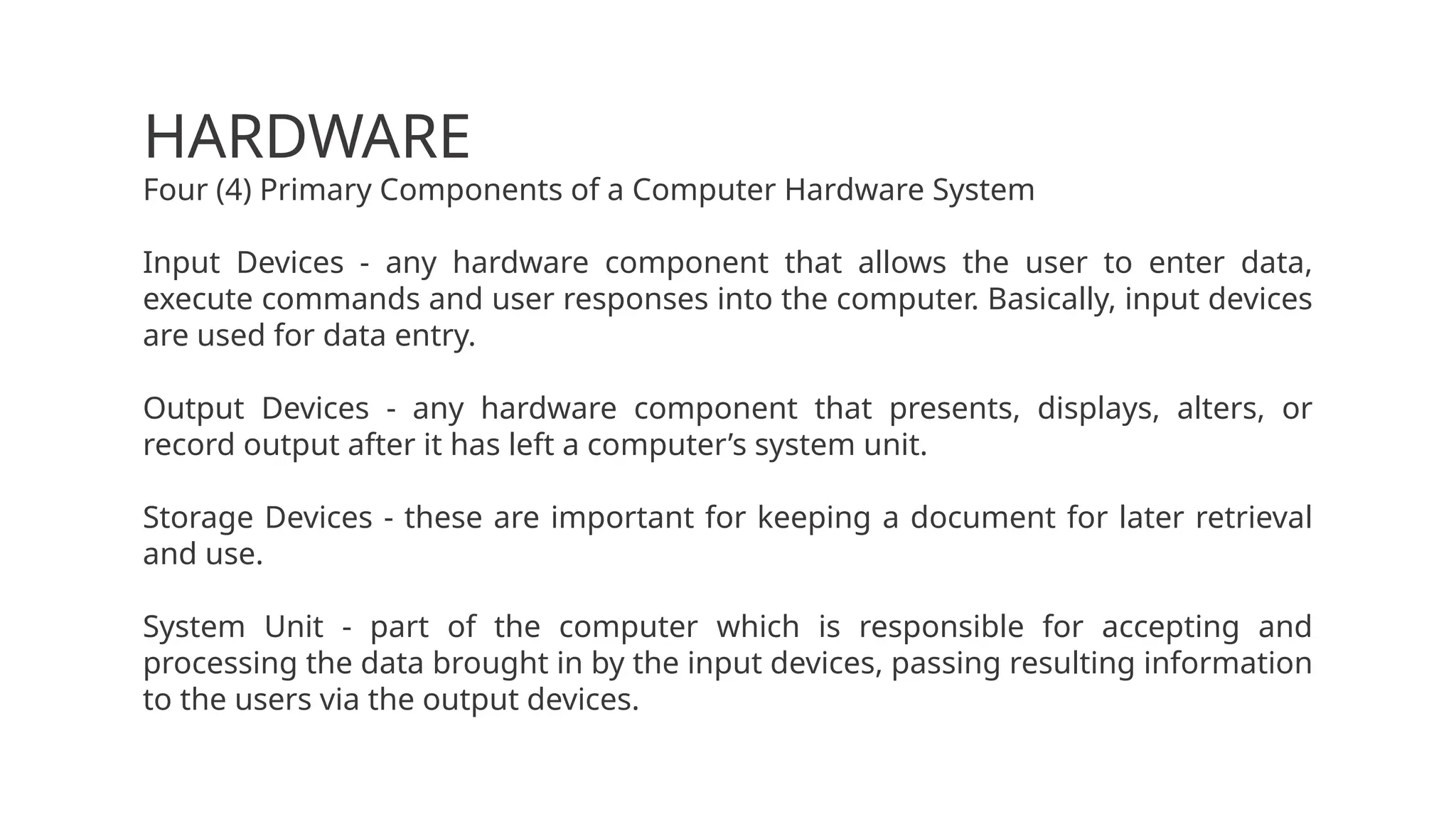
HARDWARE
Four (4) PrimaryComponents of a Computer Hardware System
Input Devices - any hardware component that allows the user to enter data,
execute commands and user responses into the computer. Basically, input devices
are used for data entry.
Output Devices - any hardware component that presents, displays, alters, or
record output after it has left a computer’s system unit.
Storage Devices - these are important for keeping a document for later retrieval
and use.
System Unit - part of the computer which is responsible for accepting and
processing the data brought in by the input devices, passing resulting information
to the users via the output devices.
14.
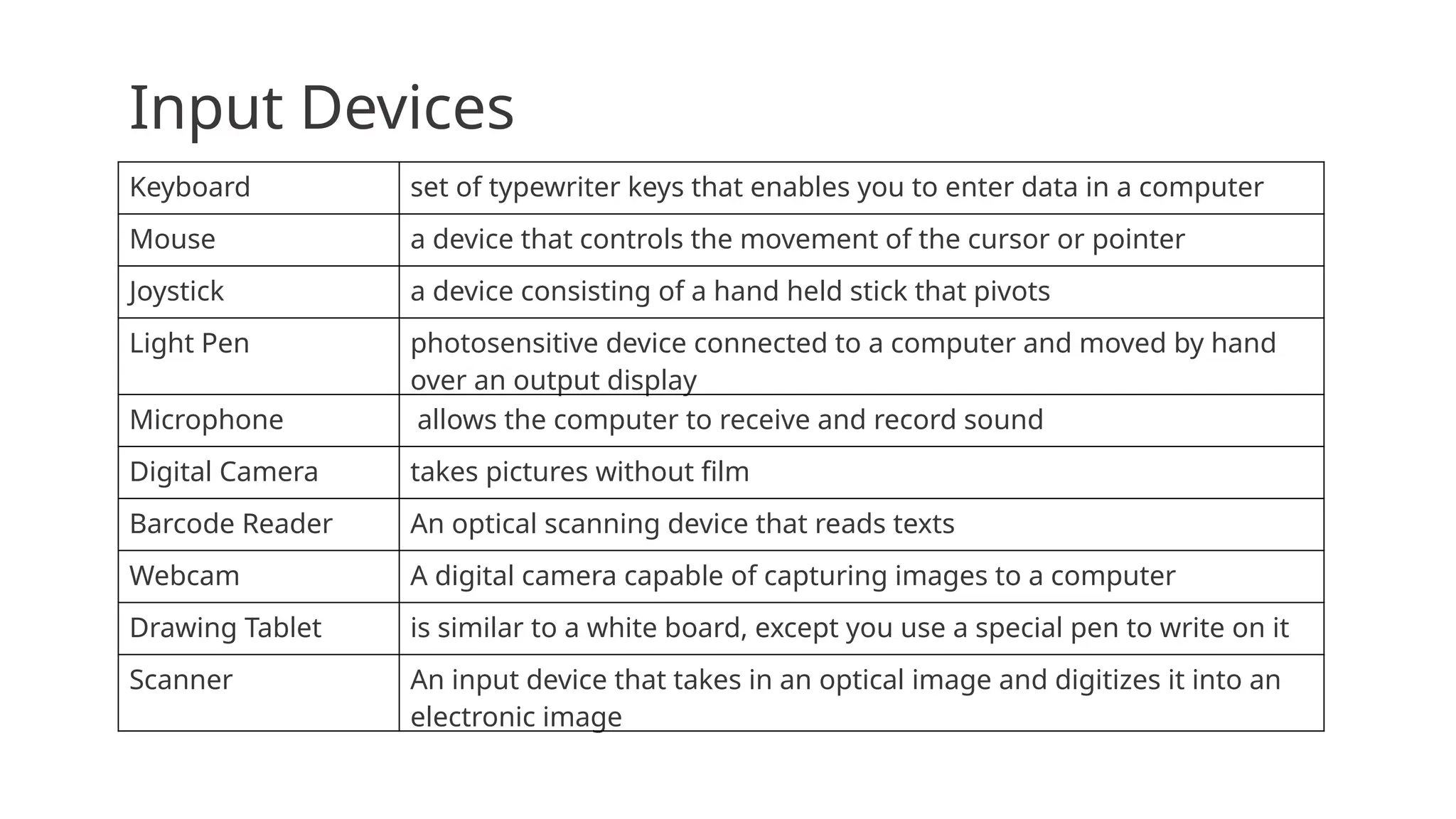
Input Devices
Keyboard setof typewriter keys that enables you to enter data in a computer
Mouse a device that controls the movement of the cursor or pointer
Joystick a device consisting of a hand held stick that pivots
Light Pen photosensitive device connected to a computer and moved by hand
over an output display
Microphone allows the computer to receive and record sound
Digital Camera takes pictures without film
Barcode Reader An optical scanning device that reads texts
Webcam A digital camera capable of capturing images to a computer
Drawing Tablet is similar to a white board, except you use a special pen to write on it
Scanner An input device that takes in an optical image and digitizes it into an
electronic image
15.
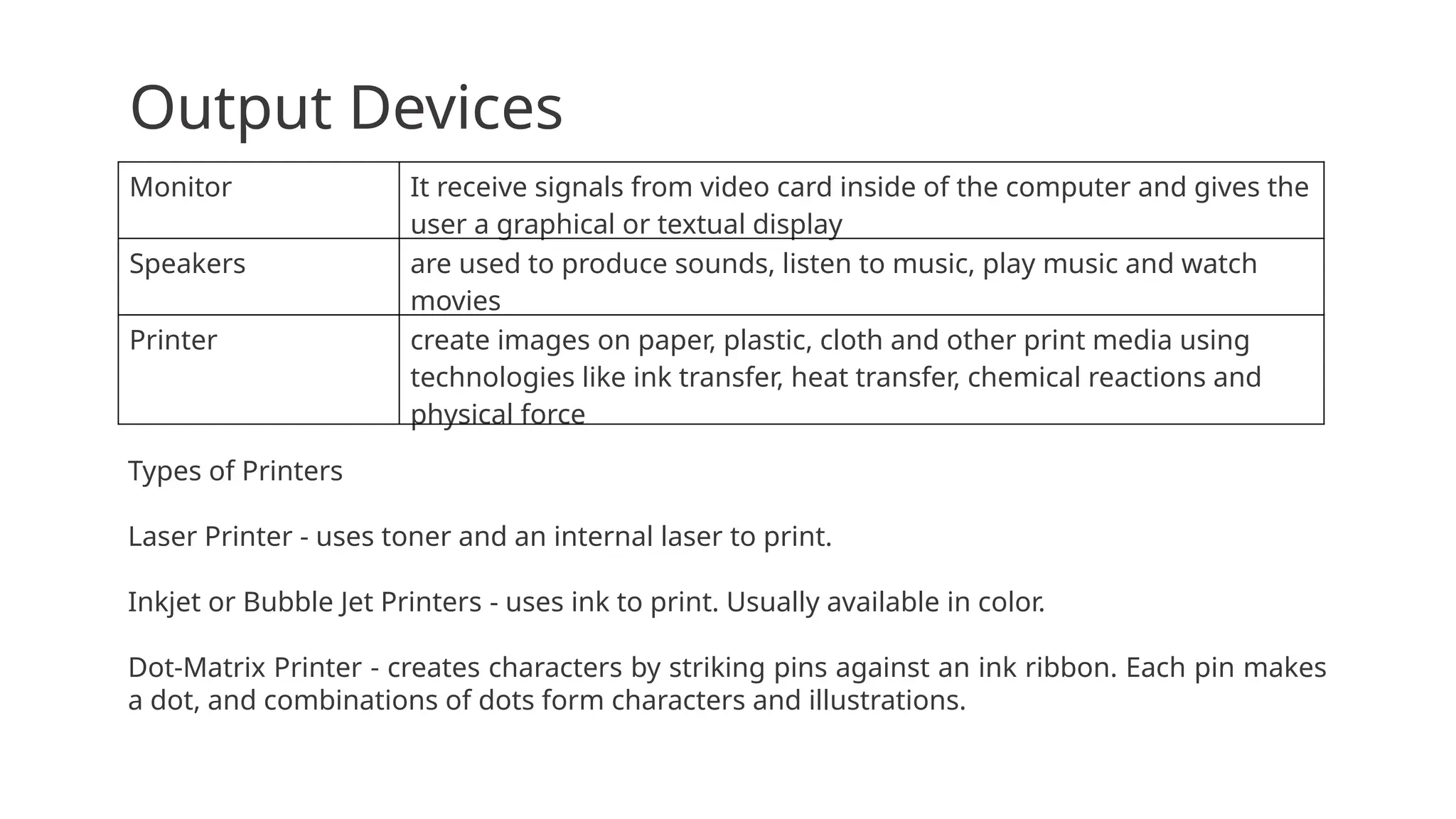
Output Devices
Monitor Itreceive signals from video card inside of the computer and gives the
user a graphical or textual display
Speakers are used to produce sounds, listen to music, play music and watch
movies
Printer create images on paper, plastic, cloth and other print media using
technologies like ink transfer, heat transfer, chemical reactions and
physical force
Types of Printers
Laser Printer - uses toner and an internal laser to print.
Inkjet or Bubble Jet Printers - uses ink to print. Usually available in color.
Dot-Matrix Printer - creates characters by striking pins against an ink ribbon. Each pin makes
a dot, and combinations of dots form characters and illustrations.
16.
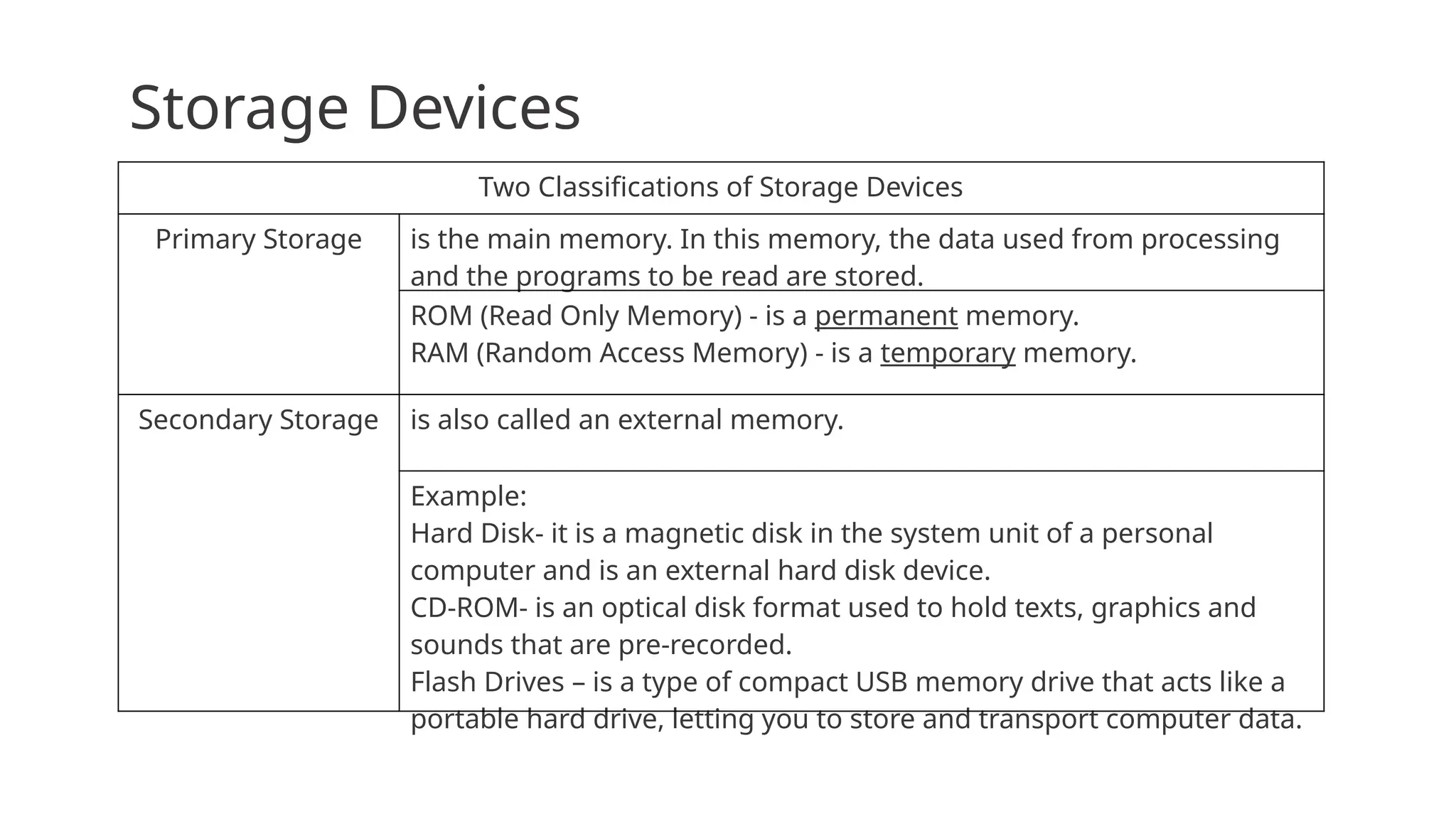
Storage Devices
Two Classificationsof Storage Devices
Primary Storage is the main memory. In this memory, the data used from processing
and the programs to be read are stored.
ROM (Read Only Memory) - is a permanent memory.
RAM (Random Access Memory) - is a temporary memory.
Secondary Storage is also called an external memory.
Example:
Hard Disk- it is a magnetic disk in the system unit of a personal
computer and is an external hard disk device.
CD-ROM- is an optical disk format used to hold texts, graphics and
sounds that are pre-recorded.
Flash Drives – is a type of compact USB memory drive that acts like a
portable hard drive, letting you to store and transport computer data.
17.
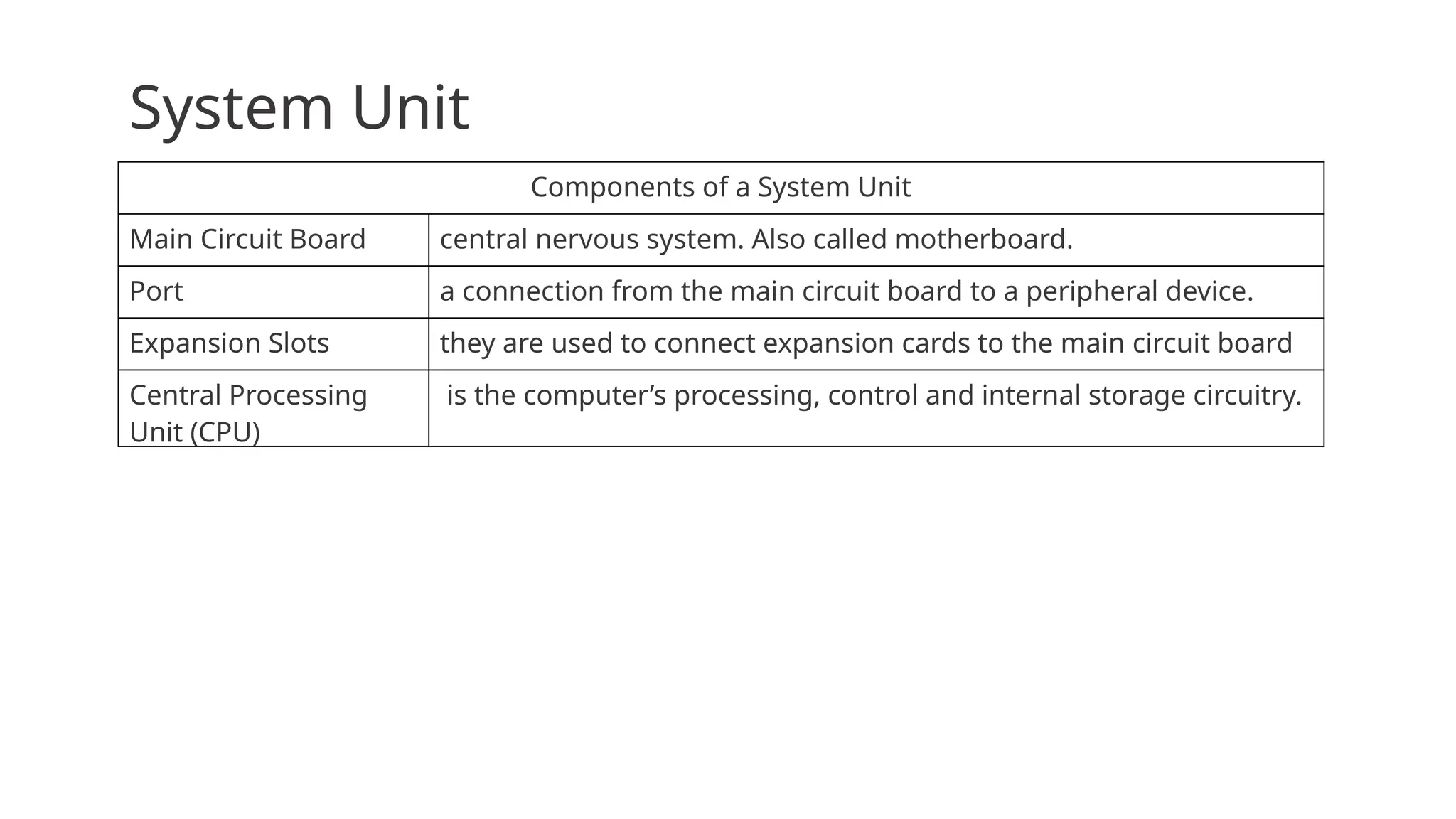
System Unit
Components ofa System Unit
Main Circuit Board central nervous system. Also called motherboard.
Port a connection from the main circuit board to a peripheral device.
Expansion Slots they are used to connect expansion cards to the main circuit board
Central Processing
Unit (CPU)
is the computer’s processing, control and internal storage circuitry.
18.
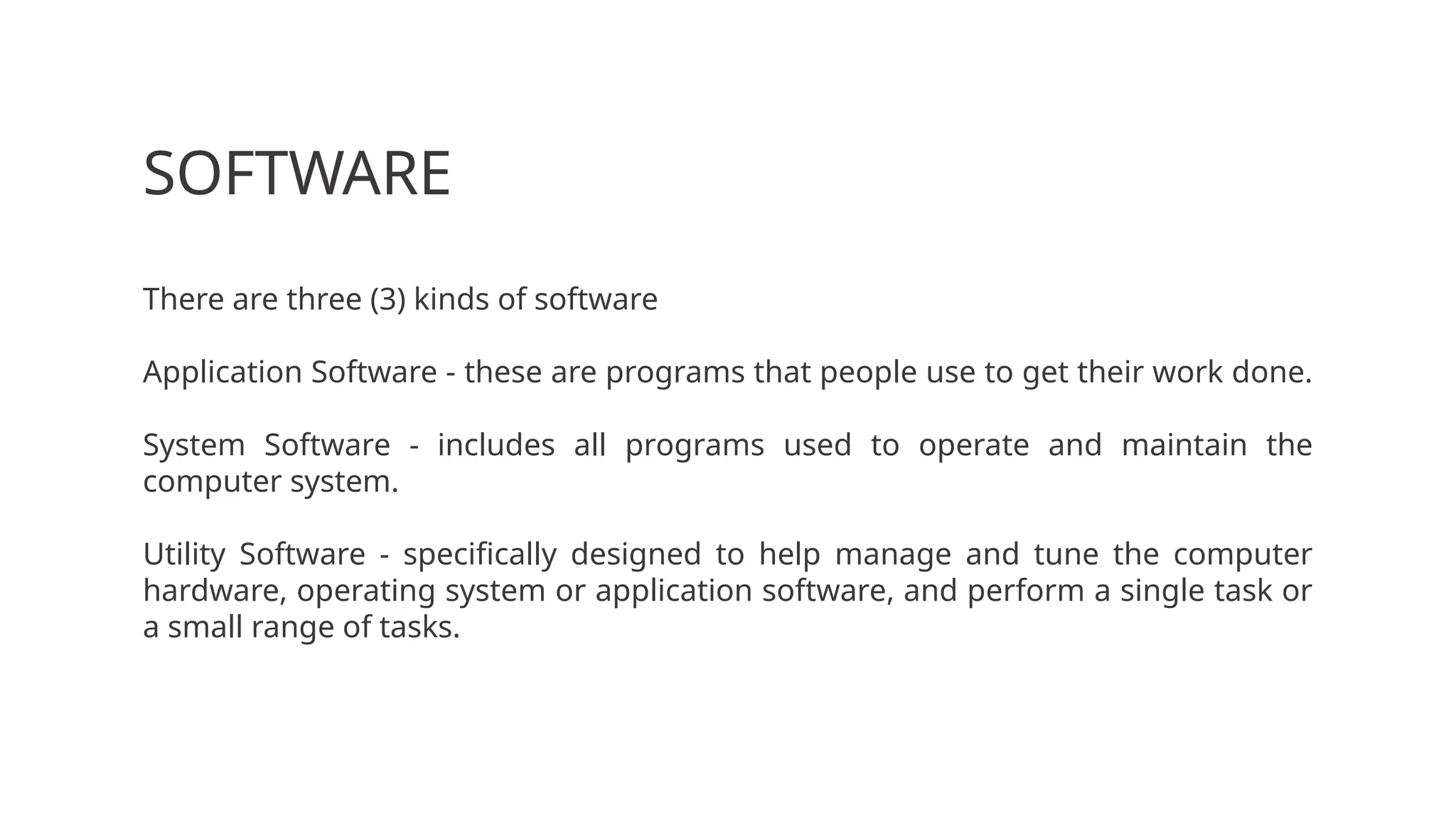
SOFTWARE
There are three(3) kinds of software
Application Software - these are programs that people use to get their work done.
System Software - includes all programs used to operate and maintain the
computer system.
Utility Software - specifically designed to help manage and tune the computer
hardware, operating system or application software, and perform a single task or
a small range of tasks.
19.
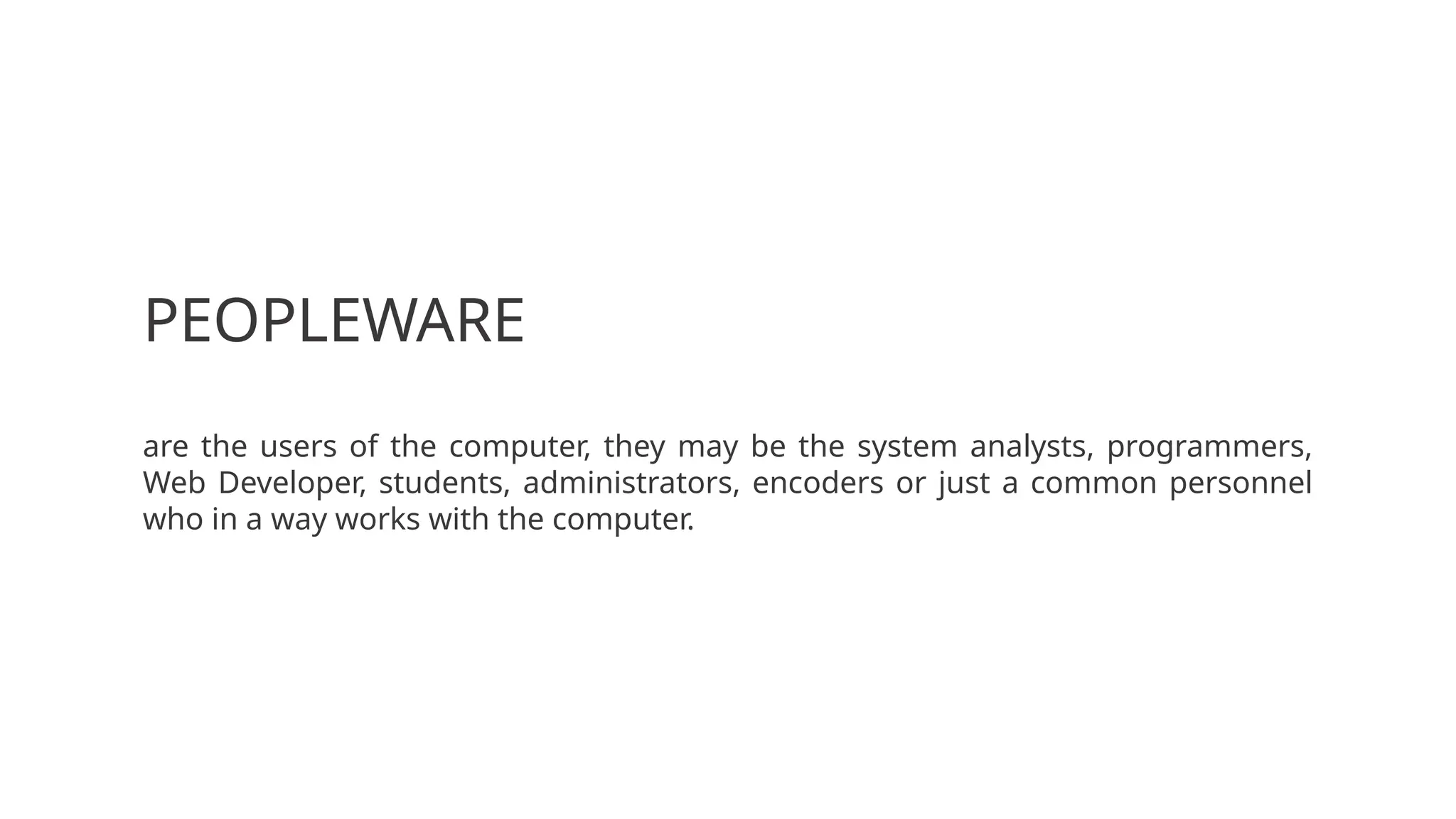
PEOPLEWARE
are the usersof the computer, they may be the system analysts, programmers,
Web Developer, students, administrators, encoders or just a common personnel
who in a way works with the computer.