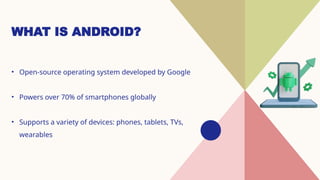
WHAT IS ANDROID?
•Open-source operating system developed by Google
• Powers over 70% of smartphones globally
• Supports a variety of devices: phones, tablets, TVs,
wearables
3.
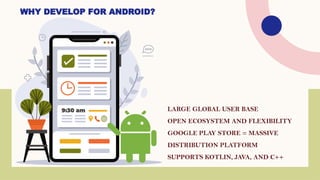
LARGE GLOBAL USERBASE
OPEN ECOSYSTEM AND FLEXIBILITY
GOOGLE PLAY STORE = MASSIVE
DISTRIBUTION PLATFORM
SUPPORTS KOTLIN, JAVA, AND C++
WHY DEVELOP FOR ANDROID?
DEVELOPMENT TOOLS
• AndroidStudio – Official IDE
• Emulator – Test devices virtually
• SDK Tools – APIs, build tools, platform tools
• Firebase – Backend services (Analytics, Auth, Database)
6.
PROGRAMMING
LANGUAGES
• Kotlin –Official language
recommended by Google
• Java – Legacy support, still
widely used
• Others: C++ (via NDK), Dart
(for Flutter apps)
7.
APP COMPONENTS
• Activities– UI screens
• Services – Background processes
• Broadcast Receivers – Respond to system-wide
events
• Content Providers – Data sharing between apps
8.
BUILDING A SIMPLEAPP
1. Create project in Android Studio
2. Design UI (XML or Jetpack Compose)
3. Write logic in Kotlin/Java
4. Run on emulator/device
5. Debug and optimize
9.
PUBLISHING YOUR APP
Createa signed APK/AAB
Set up a Play Console account
Follow guidelines and policies
Publish to the Google Play Store
10.
BEST PRACTICES
• FollowMaterial Design guidelines
• Optimize for performance and battery
• Handle permissions gracefully
• Test on different screen sizes and Android
versions
11.
TRENDS IN ANDROIDDEVELOPMENT
(2025)
• Jetpack Compose for UI
• Kotlin Multiplatform
• AI/ML integration
• Foldables and wearable device support




![What is Android App Development? [Pros and Cons]](https://cdn.slidesharecdn.com/ss_thumbnails/what-is-android-app-development-pros-and-cons-250904072233-508c4290-thumbnail.jpg?width=640&height=640&fit=bounds)


