Computer Hardware:
An Overview
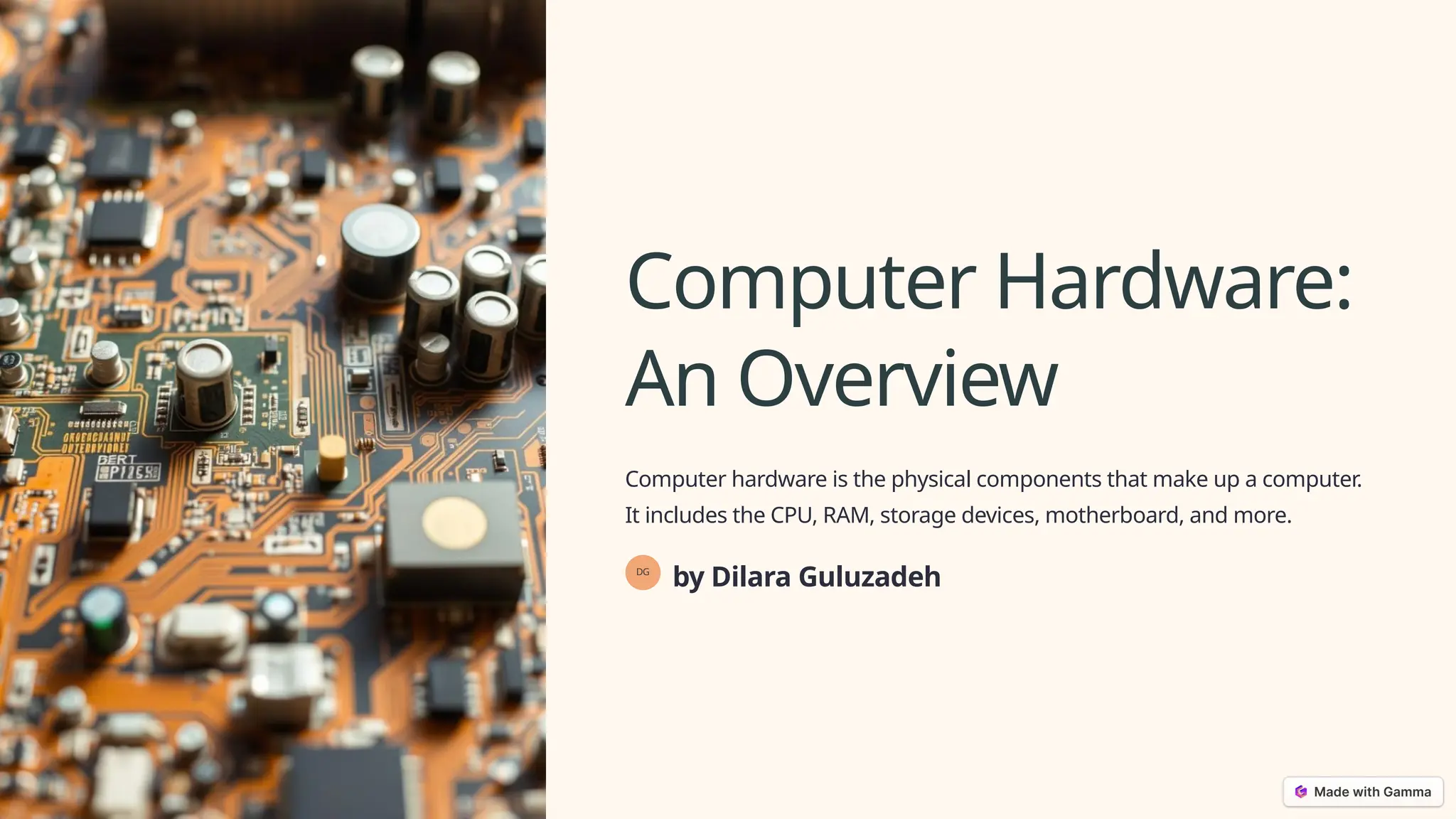
Computer hardware is the physical components that make up a computer.
It includes the CPU, RAM, storage devices, motherboard, and more.
DG
by Dilara Guluzadeh
CPU (Central Processing Unit)
1 The Brain
The CPU is the brain of the
computer, responsible for
processing information.
2 Processing Power
It handles instructions,
calculations, and tasks,
impacting system speed.
3 Multi-Core
Modern CPUs have multiple
cores to handle multiple
tasks concurrently.
4 Clock Speed
Clock speed measures how
fast the CPU processes
instructions.
RAM (Random Access Memory)
Short-Term Memory
RAM acts as short-term memory,
holding data that the CPU needs to
access quickly.
Speed and Capacity
RAM speed and capacity affect how
quickly a computer can load and run
programs.
Volatile Memory
RAM is volatile, meaning data is lost
when the computer is turned off.
Storage Devices
Hard Disk Drive (HDD)
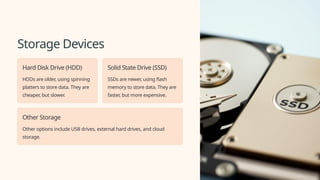
HDDs are older, using spinning
platters to store data. They are
cheaper, but slower.
Solid State Drive (SSD)
SSDs are newer, using flash
memory to store data. They are
faster, but more expensive.
Other Storage
Other options include USB drives, external hard drives, and cloud
storage.
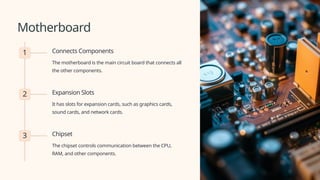
Motherboard
1 Connects Components
The motherboard is the main circuit board that connects all
the other components.
2 Expansion Slots
It has slots for expansion cards, such as graphics cards,
sound cards, and network cards.
3 Chipset
The chipset controls communication between the CPU,
RAM, and other components.
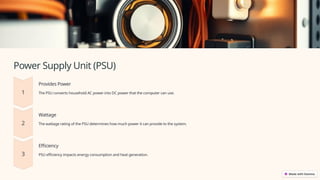
Power Supply Unit (PSU)
Provides Power
The PSU converts household AC power into DC power that the computer can use.
Wattage
The wattage rating of the PSU determines how much power it can provide to the system.
Efficiency
PSU efficiency impacts energy consumption and heat generation.
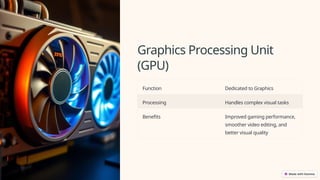
Graphics Processing Unit
(GPU)
Function Dedicated to Graphics
Processing Handles complex visual tasks
Benefits Improved gaming performance,
smoother video editing, and
better visual quality
Input Devices
Keyboard
Allows users to enter text,
commands, and data into the
computer.
Mouse
Used for navigation, selecting
items, and controlling the
cursor on the screen.
Microphone
Captures audio input for
voice commands, recordings,
and communication.
Scanner
Converts physical documents
into digital images.
Computer Hardware
Computer hardware refers to the physical components of a computer system.
These components work together to perform tasks, process information, and provide users with an interactive experience.
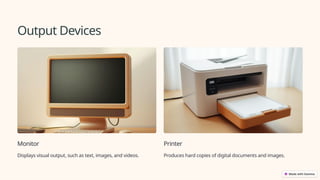
Output Devices
Monitor
Displays visual output, such as text, images, and videos.
Printer
Produces hard copies of digital documents and images.
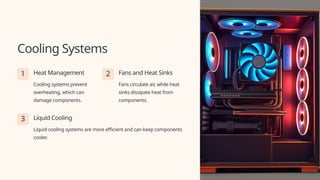
Cooling Systems
1 Heat Management
Cooling systems prevent
overheating, which can
damage components.
2 Fans and Heat Sinks
Fans circulate air, while heat
sinks dissipate heat from
components.
3 Liquid Cooling
Liquid cooling systems are more efficient and can keep components
cooler.
Introduction Computer-Hardware-An-Overview.pptx

Introduction Computer-Hardware-An-Overview.pptx

  • 1.
    Computer Hardware: An Overview Computerhardware is the physical components that make up a computer. It includes the CPU, RAM, storage devices, motherboard, and more. DG by Dilara Guluzadeh
  • 2.
    CPU (Central ProcessingUnit) 1 The Brain The CPU is the brain of the computer, responsible for processing information. 2 Processing Power It handles instructions, calculations, and tasks, impacting system speed. 3 Multi-Core Modern CPUs have multiple cores to handle multiple tasks concurrently. 4 Clock Speed Clock speed measures how fast the CPU processes instructions.
  • 3.
    RAM (Random AccessMemory) Short-Term Memory RAM acts as short-term memory, holding data that the CPU needs to access quickly. Speed and Capacity RAM speed and capacity affect how quickly a computer can load and run programs. Volatile Memory RAM is volatile, meaning data is lost when the computer is turned off.
  • 4.
    Storage Devices Hard DiskDrive (HDD) HDDs are older, using spinning platters to store data. They are cheaper, but slower. Solid State Drive (SSD) SSDs are newer, using flash memory to store data. They are faster, but more expensive. Other Storage Other options include USB drives, external hard drives, and cloud storage.
  • 5.
    Motherboard 1 Connects Components Themotherboard is the main circuit board that connects all the other components. 2 Expansion Slots It has slots for expansion cards, such as graphics cards, sound cards, and network cards. 3 Chipset The chipset controls communication between the CPU, RAM, and other components.
  • 6.
    Power Supply Unit(PSU) Provides Power The PSU converts household AC power into DC power that the computer can use. Wattage The wattage rating of the PSU determines how much power it can provide to the system. Efficiency PSU efficiency impacts energy consumption and heat generation.
  • 7.
    Graphics Processing Unit (GPU) FunctionDedicated to Graphics Processing Handles complex visual tasks Benefits Improved gaming performance, smoother video editing, and better visual quality
  • 8.
    Input Devices Keyboard Allows usersto enter text, commands, and data into the computer. Mouse Used for navigation, selecting items, and controlling the cursor on the screen. Microphone Captures audio input for voice commands, recordings, and communication. Scanner Converts physical documents into digital images.
  • 9.
    Computer Hardware Computer hardwarerefers to the physical components of a computer system. These components work together to perform tasks, process information, and provide users with an interactive experience.
  • 10.
    Output Devices Monitor Displays visualoutput, such as text, images, and videos. Printer Produces hard copies of digital documents and images.
  • 11.
    Cooling Systems 1 HeatManagement Cooling systems prevent overheating, which can damage components. 2 Fans and Heat Sinks Fans circulate air, while heat sinks dissipate heat from components. 3 Liquid Cooling Liquid cooling systems are more efficient and can keep components cooler.