Introduction to PHP 19 June 2010 Kathy Reid @KathyReid |  [email_address]
What are we going to cover? What PHP is, what it can do and how it differs from HTML How web servers work and the HTTP request-response lifecycle Basic statements in PHP and an introduction to procedural programming and forms and databases overview An overview to common PHP tools How to get more help with PHP
What is PHP? PHP: Hypertext preprocessor Server-side  scripting language (has to be run on a server, not in your browser like Javascript – that's a client-side language) Open source  and free to download (this means that the code behind PHP is freely available - this often means PHP hosting is cheaper than other platforms, such as ASP) Particularly suitable for web applications, but doesn't have to be used for this purpose
What can PHP do? PHP is a general purpose scripting language. This means it can do lots of programming tasks. It is particularly suited to; Adding  dynamic  content to websites Processing HTML  forms Connecting to  databases  and storing, searching and retrieving information from databases Personalising  and  customising  websites
Why should I learn PHP? To grow an evil army of programmers to take over the world MWHAHAHAHAHAHA … but seriously there are some good reasons Easy to learn (difficult to master) Used widely in third party tools – WordPress, Drupal, CiviCRM, Facebook applications etc Becoming much more mature and adopted as an enterprise-level programming language
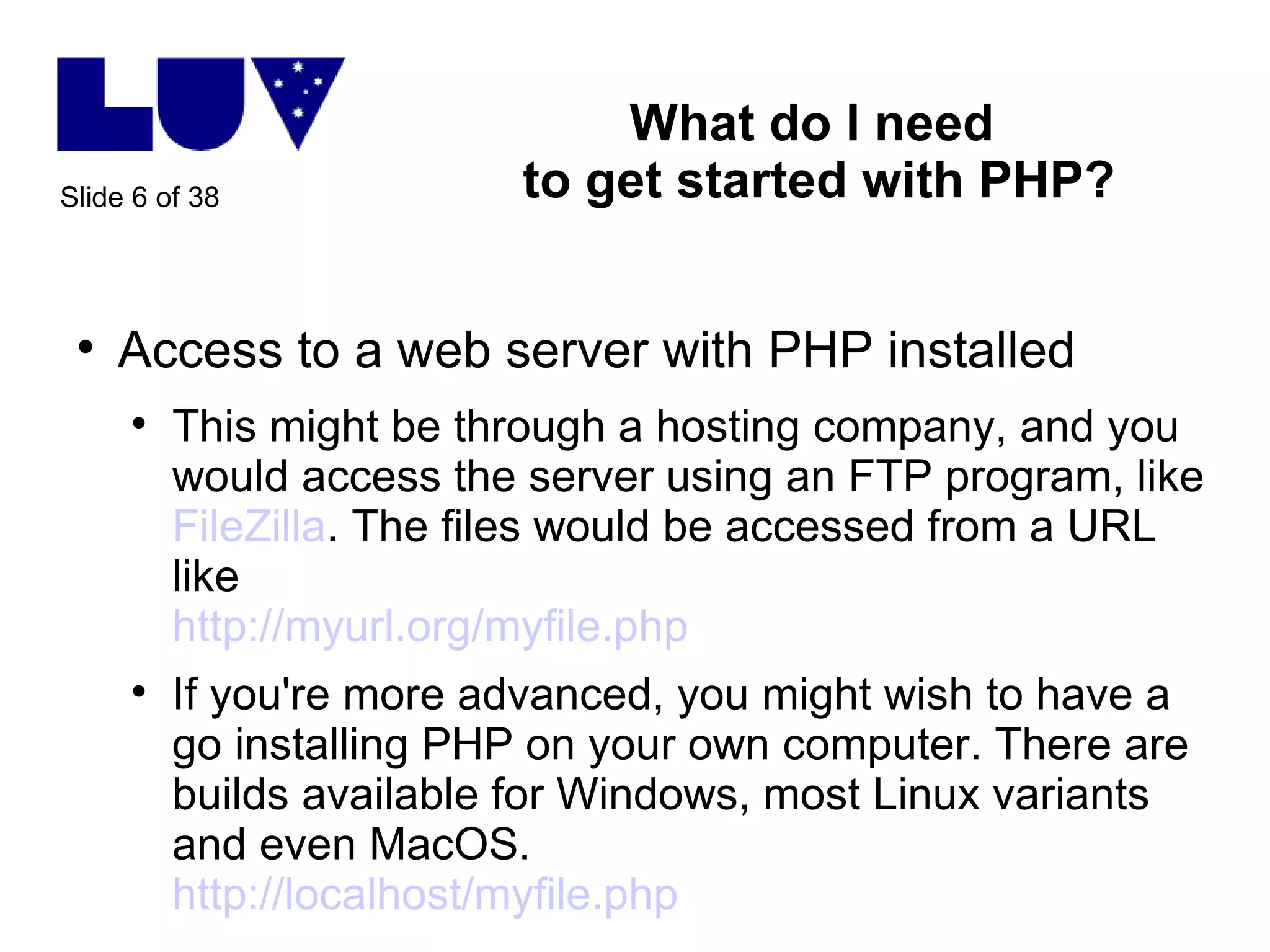
What do I need  to get started with PHP? Access to a web server with PHP installed This might be through a hosting company, and you would access the server using an FTP program, like  FileZilla . The files would be accessed from a URL like http://myurl.org/myfile.php   If you're more advanced, you might wish to have a go installing PHP on your own computer. There are builds available for Windows, most Linux variants and even MacOS.  http://localhost/myfile.php
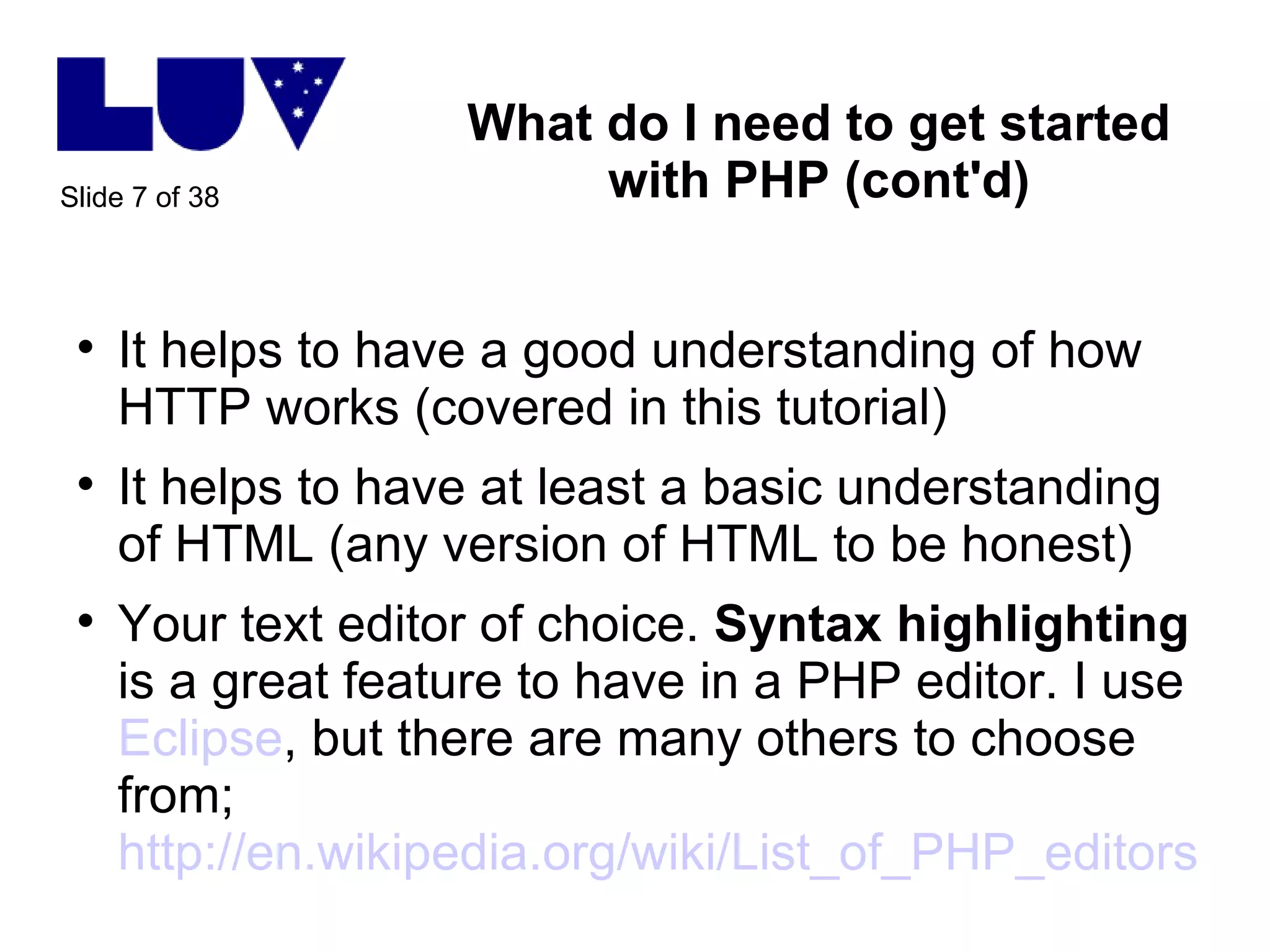
What do I need to get started with PHP (cont'd) It helps to have a good understanding of how HTTP works (covered in this tutorial) It helps to have at least a basic understanding of HTML (any version of HTML to be honest) Your text editor of choice.  Syntax highlighting  is a great feature to have in a PHP editor. I use  Eclipse , but there are many others to choose from; http://en.wikipedia.org/wiki/List_of_PHP_editors
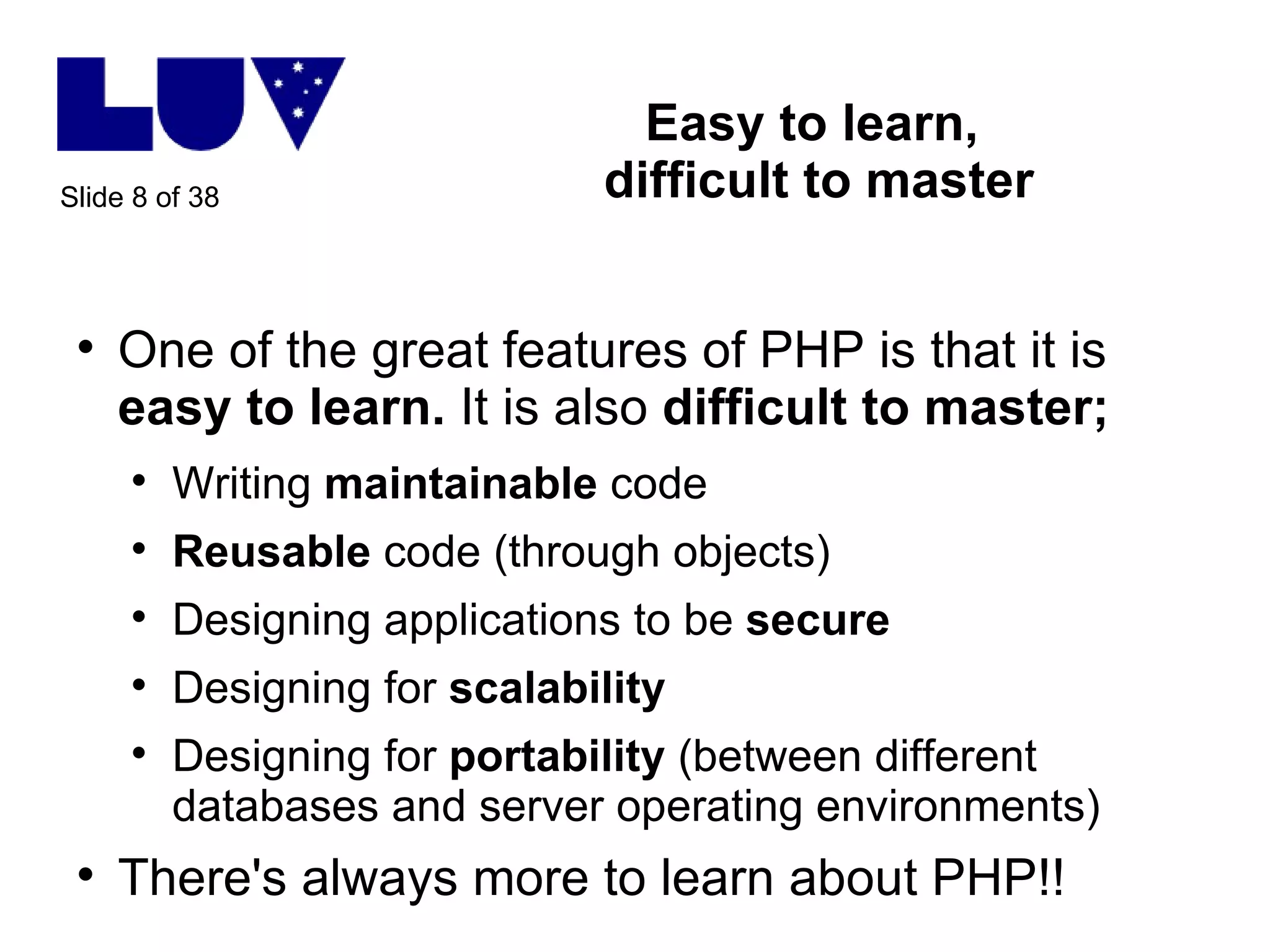
Easy to learn,  difficult to master One of the great features of PHP is that it is  easy to learn.  It is also  difficult to master; Writing  maintainable  code Reusable  code (through objects) Designing applications to be  secure Designing for  scalability Designing for  portability  (between different databases and server operating environments) There's always more to learn about PHP!!
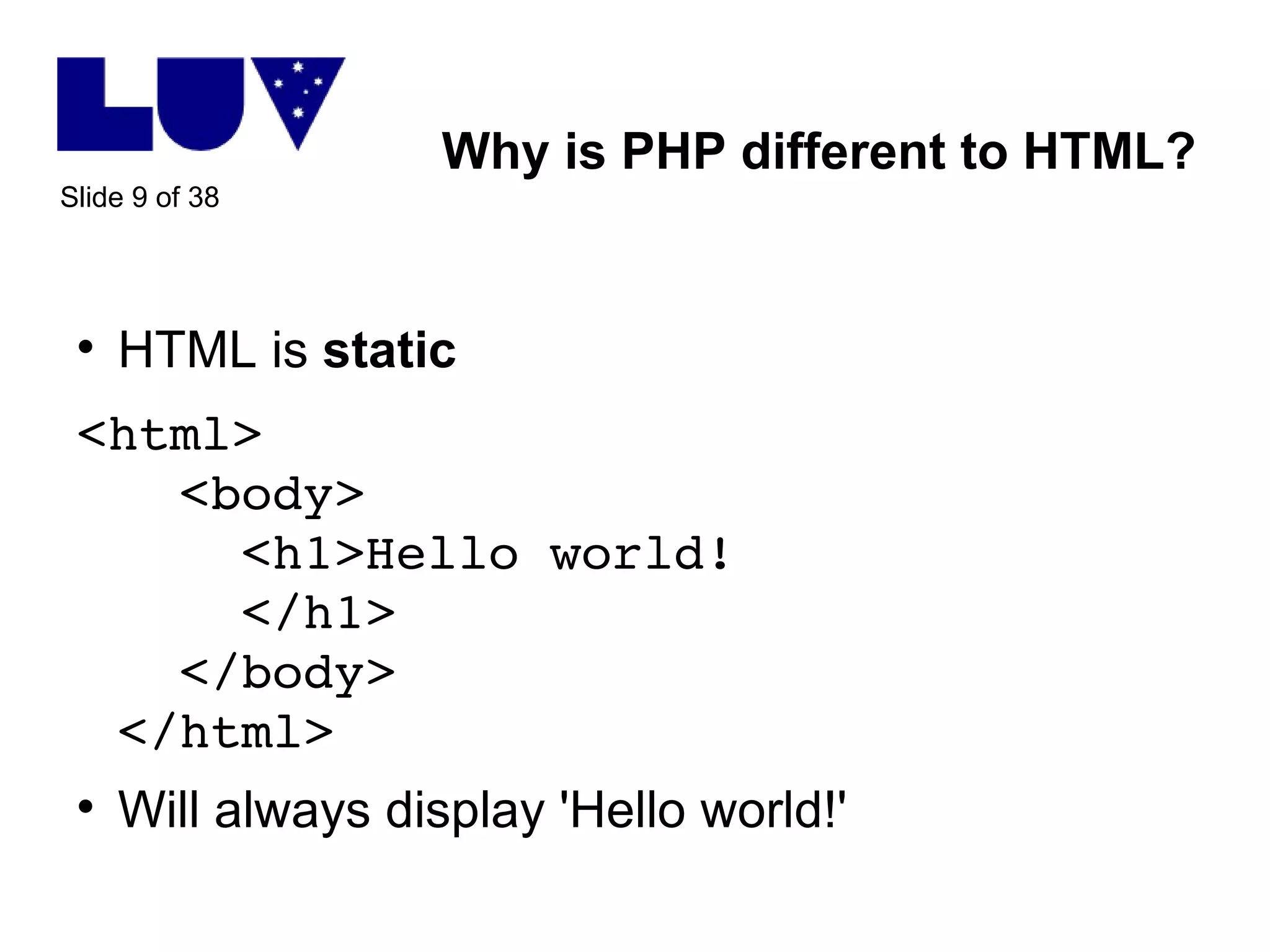
Why is PHP different to HTML? HTML is  static <html>   <body>   <h1>Hello world!   </h1>   </body> </html> Will always display 'Hello world!'
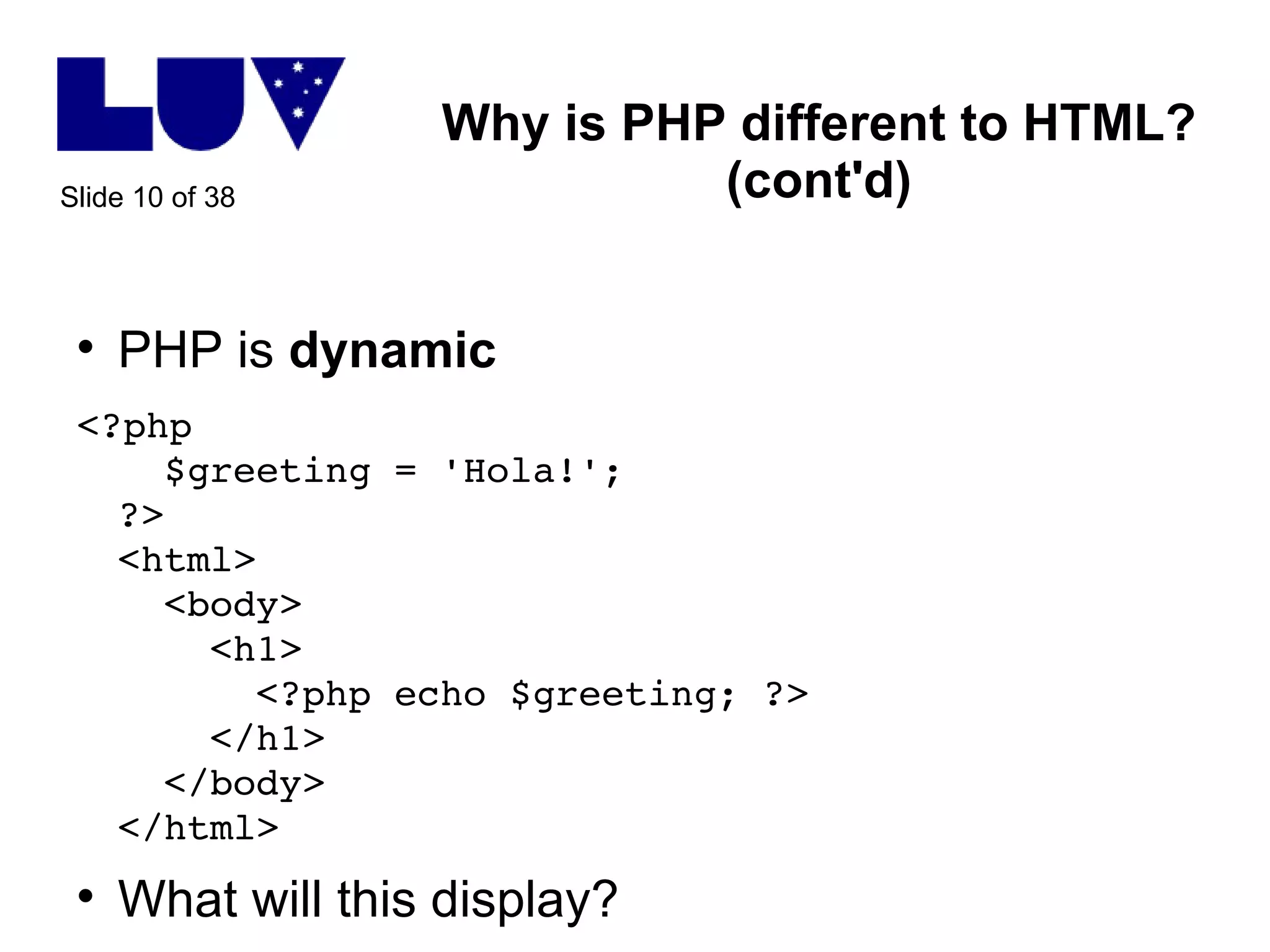
Why is PHP different to HTML? (cont'd) PHP is  dynamic <?php    $greeting = 'Hola!'; ?> <html>   <body>   <h1>   <?php echo $greeting; ?>   </h1>   </body> </html> What will this display?
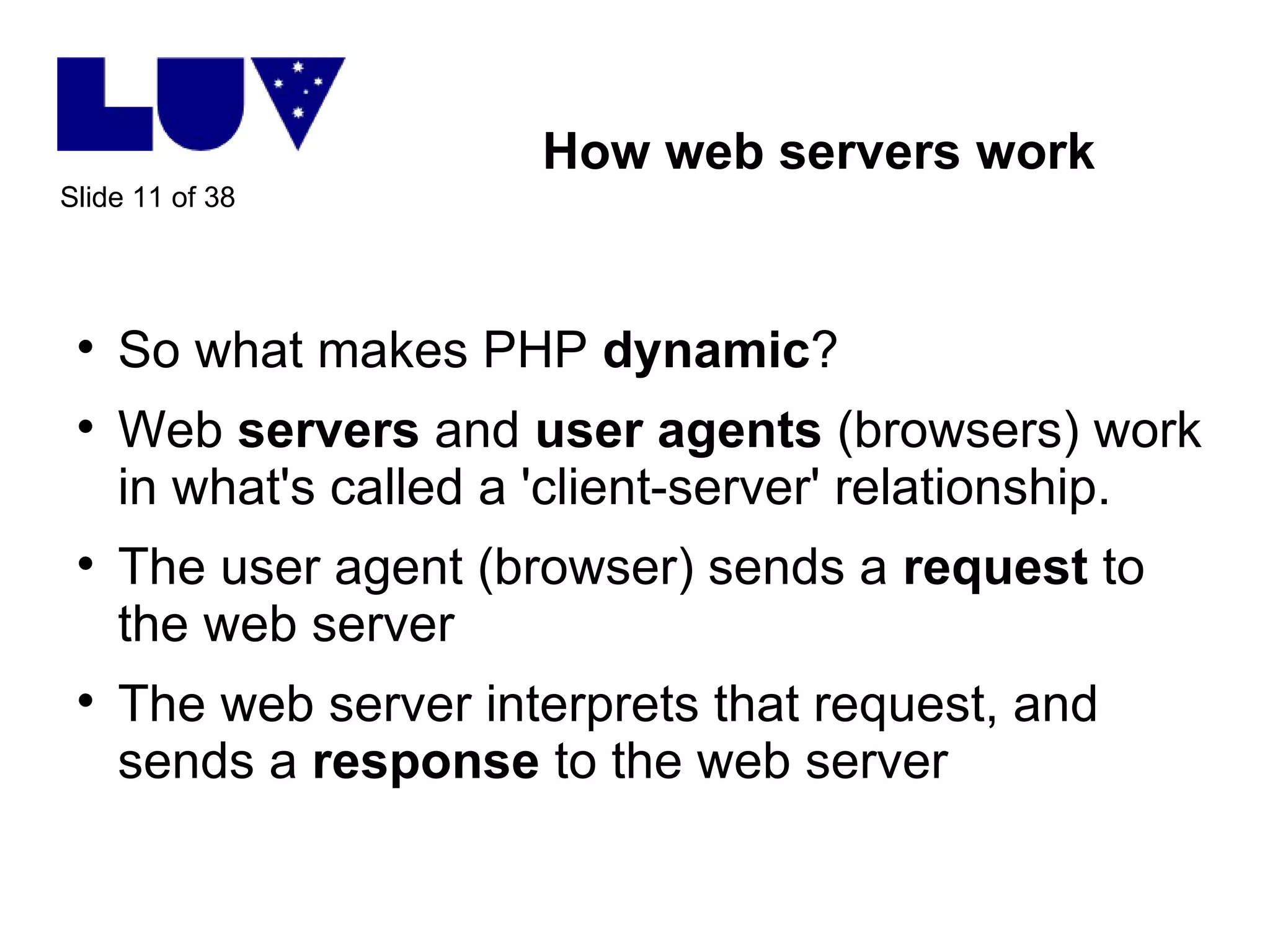
How web servers work So what makes PHP  dynamic ? Web  servers  and  user agents  (browsers) work in what's called a 'client-server' relationship.  The user agent (browser) sends a  request  to the web server The web server interprets that request, and sends a  response  to the web server
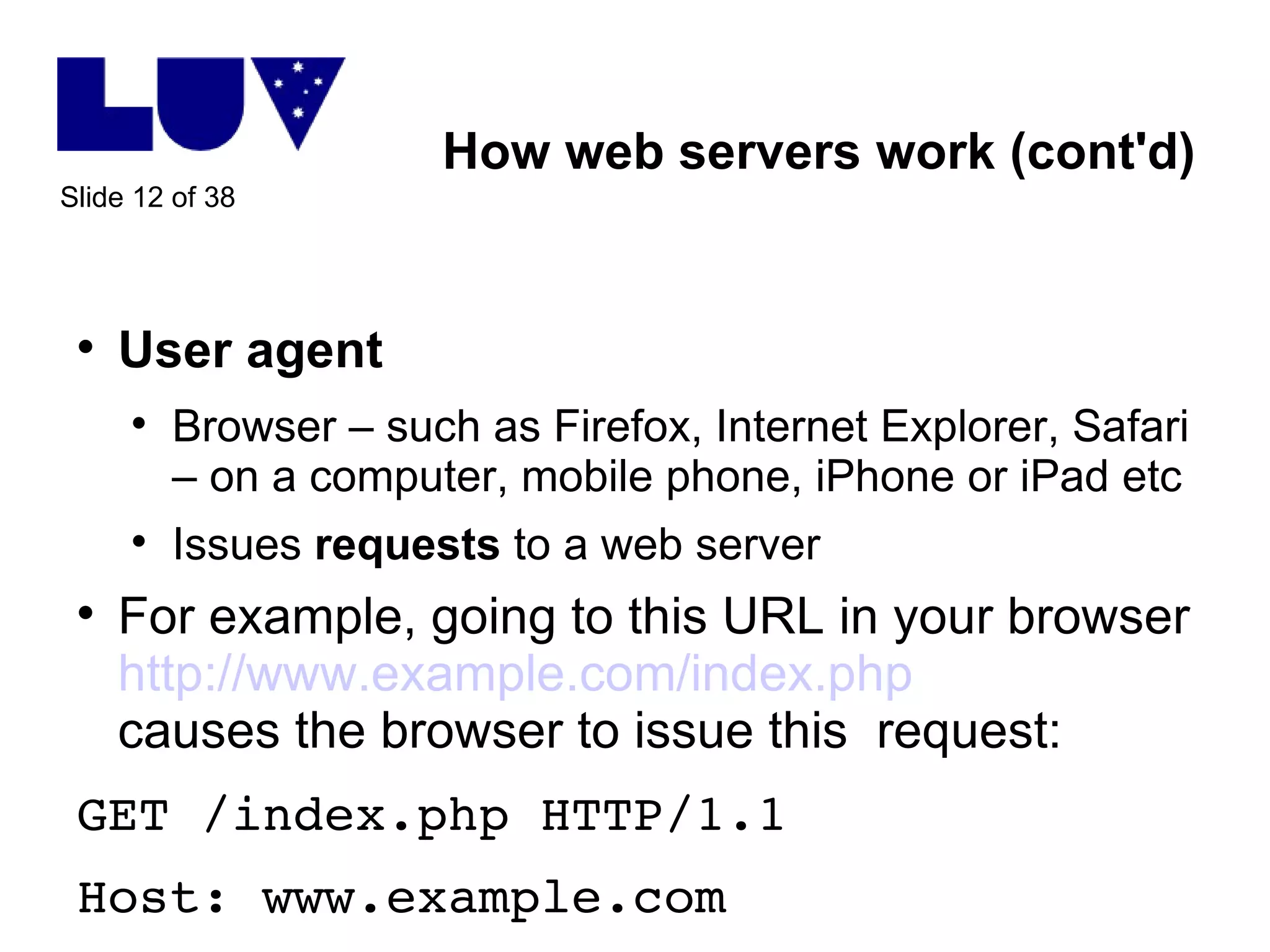
How web servers work (cont'd) User agent Browser – such as Firefox, Internet Explorer, Safari – on a computer, mobile phone, iPhone or iPad etc Issues  requests  to a web server For example, going to this URL in your browser http://www.example.com/index.php causes the browser to issue this  request: GET /index.php HTTP/1.1 Host: www.example.com
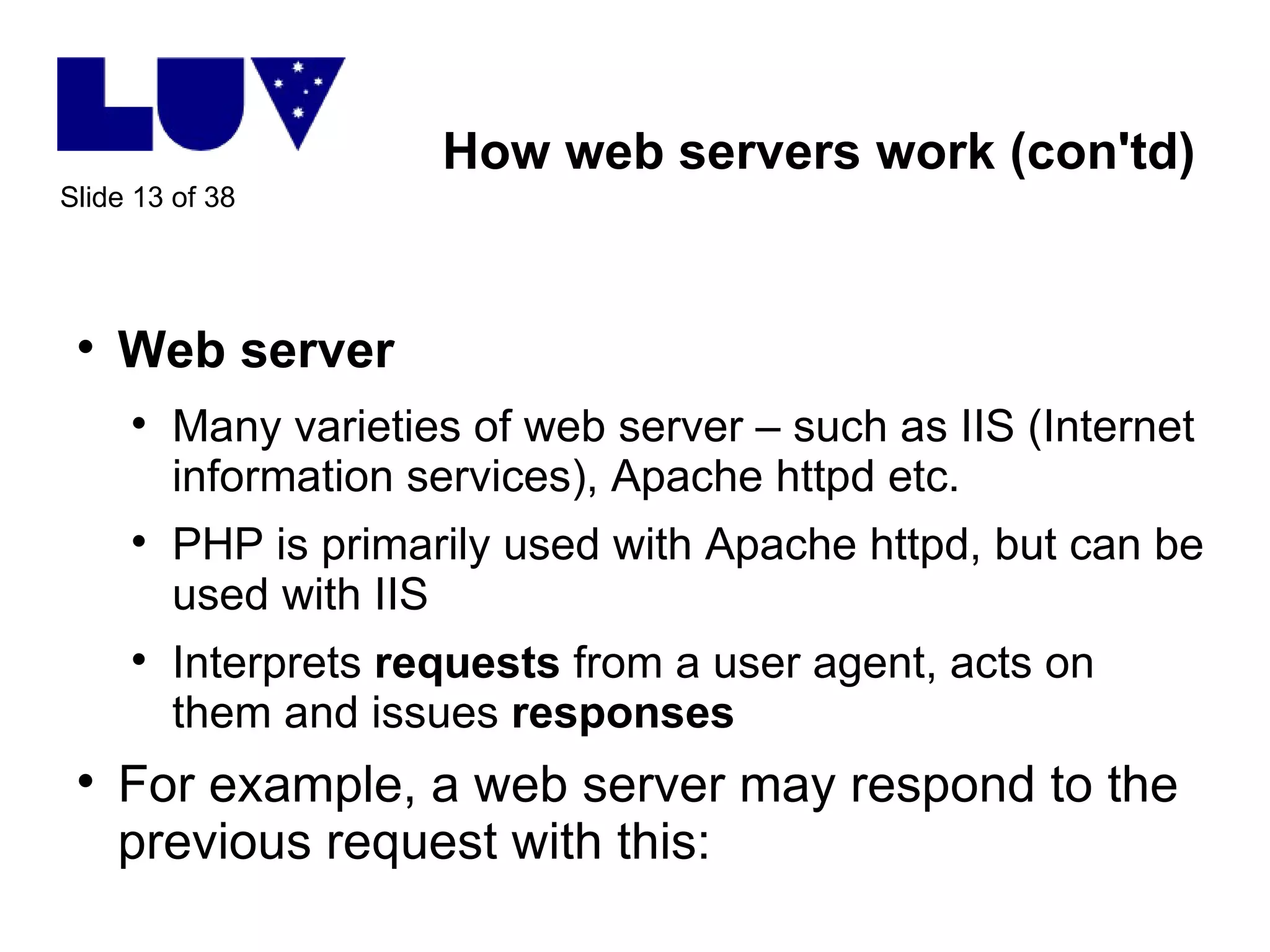
How web servers work (con'td) Web server Many varieties of web server – such as IIS (Internet information services), Apache httpd etc.  PHP is primarily used with Apache httpd, but can be used with IIS Interprets  requests  from a user agent, acts on them and issues  responses For example, a web server may respond to the previous request with this:
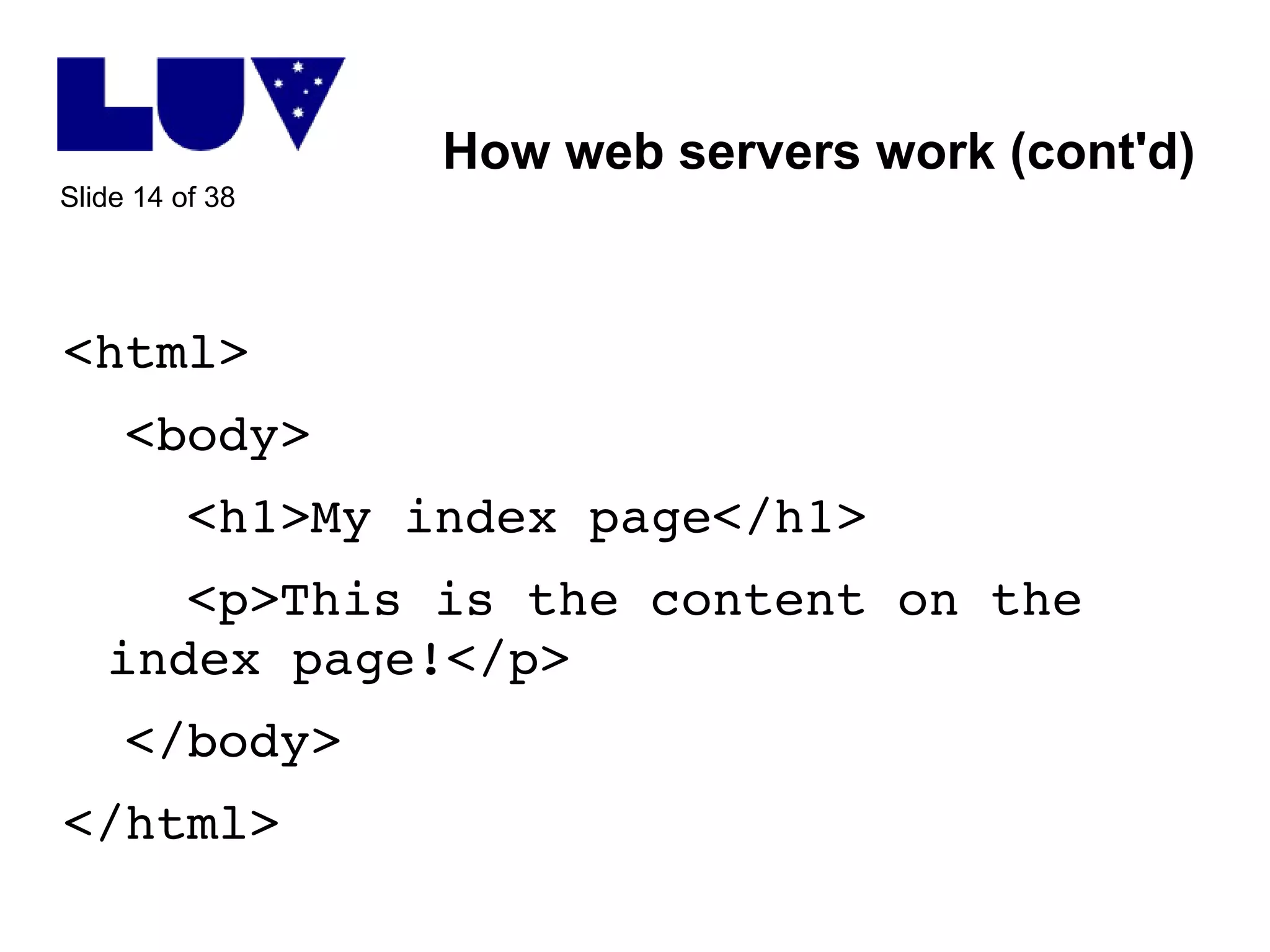
How web servers work (cont'd) <html> <body> <h1>My index page</h1> <p>This is the content on the index page!</p> </body> </html>
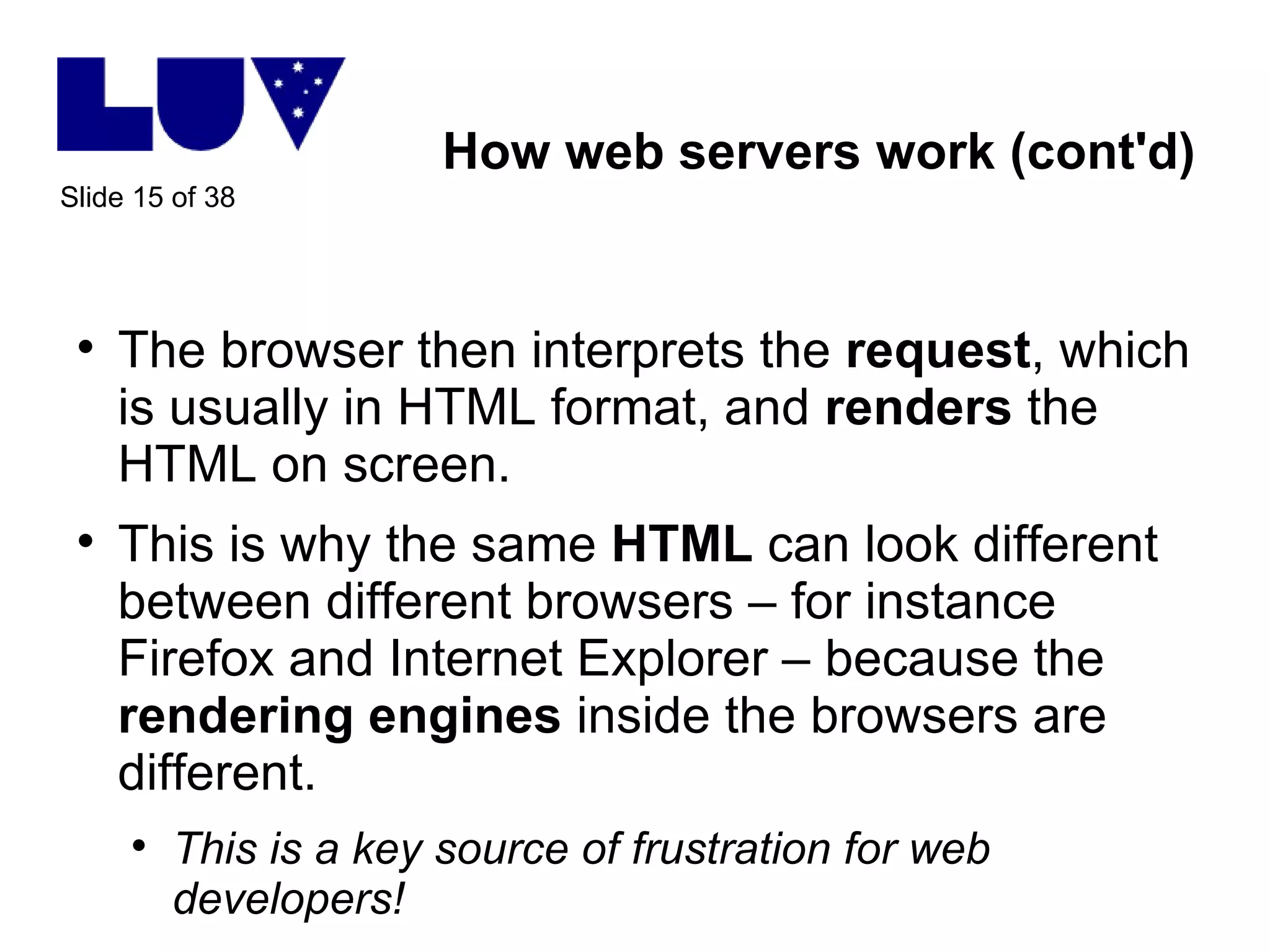
How web servers work (cont'd) The browser then interprets the  request , which is usually in HTML format, and  renders  the HTML on screen. This is why the same  HTML  can look different between different browsers – for instance Firefox and Internet Explorer – because the  rendering   engines  inside the browsers are different. This is a key source of frustration for web developers!
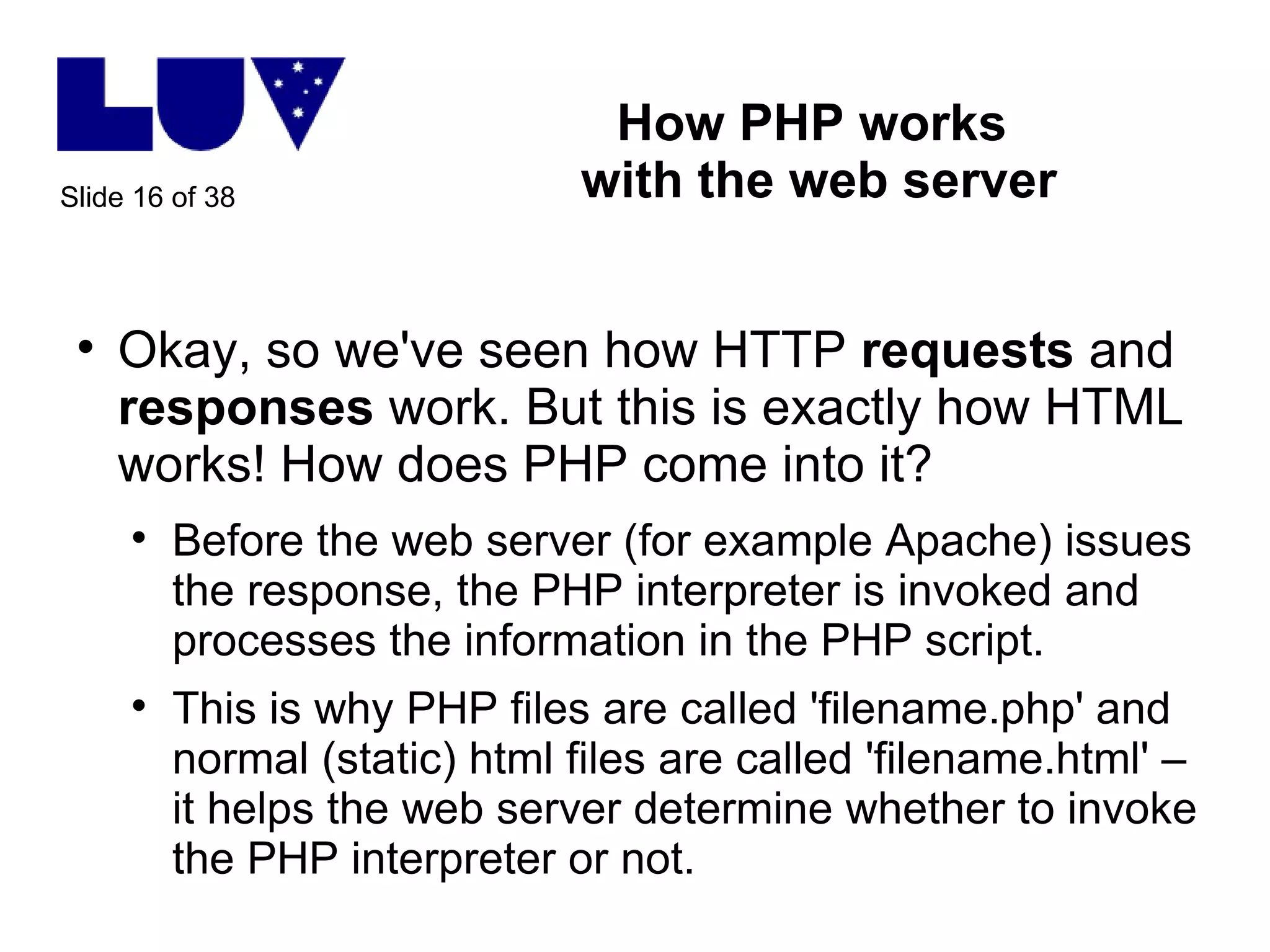
How PHP works  with the web server Okay, so we've seen how HTTP  requests  and  responses  work. But this is exactly how HTML works! How does PHP come into it? Before the web server (for example Apache) issues the response, the PHP interpreter is invoked and processes the information in the PHP script. This is why PHP files are called 'filename.php' and normal (static) html files are called 'filename.html' – it helps the web server determine whether to invoke the PHP interpreter or not.
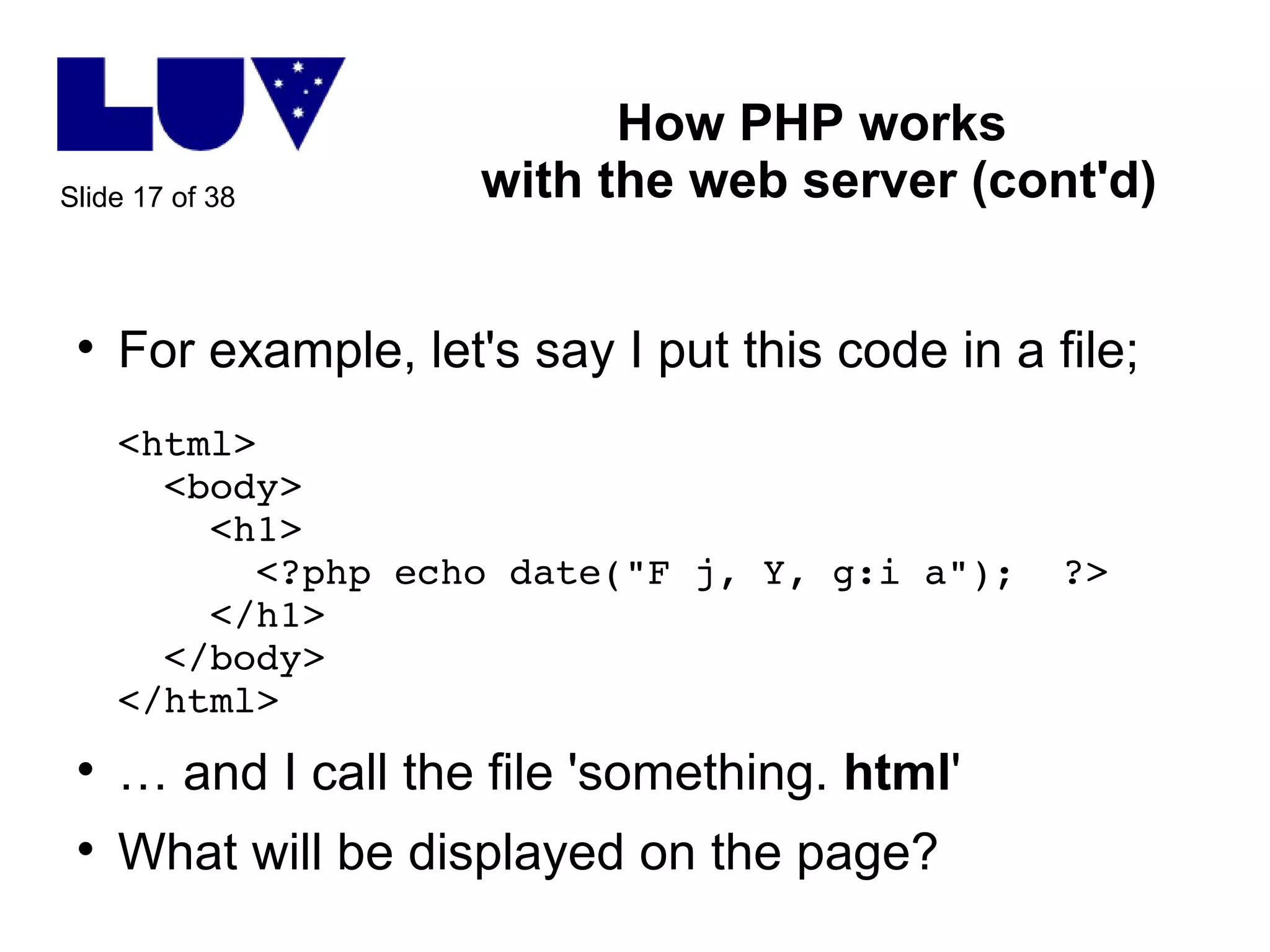
How PHP works  with the web server (cont'd) For example, let's say I put this code in a file; <html>   <body>   <h1>   <?php echo date(&quot;F j, Y, g:i a&quot;);  ?>   </h1>   </body> </html> …  and I call the file 'something.  html ' What will be displayed on the page?
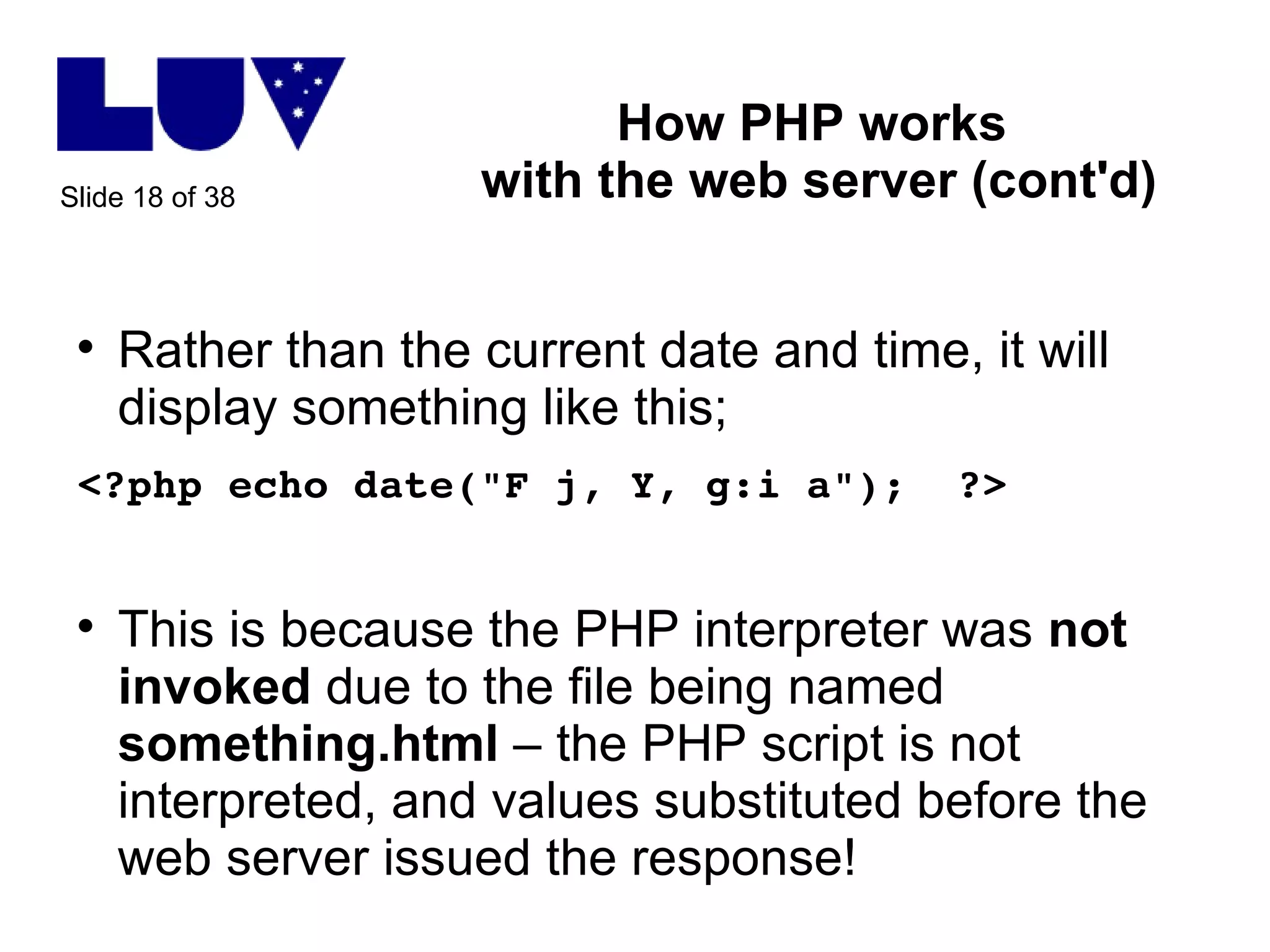
How PHP works  with the web server (cont'd) Rather than the current date and time, it will display something like this; <?php echo date(&quot;F j, Y, g:i a&quot;);  ?> This is because the PHP interpreter was  not   invoked  due to the file being named  something.html  – the PHP script is not interpreted, and values substituted before the web server issued the response!
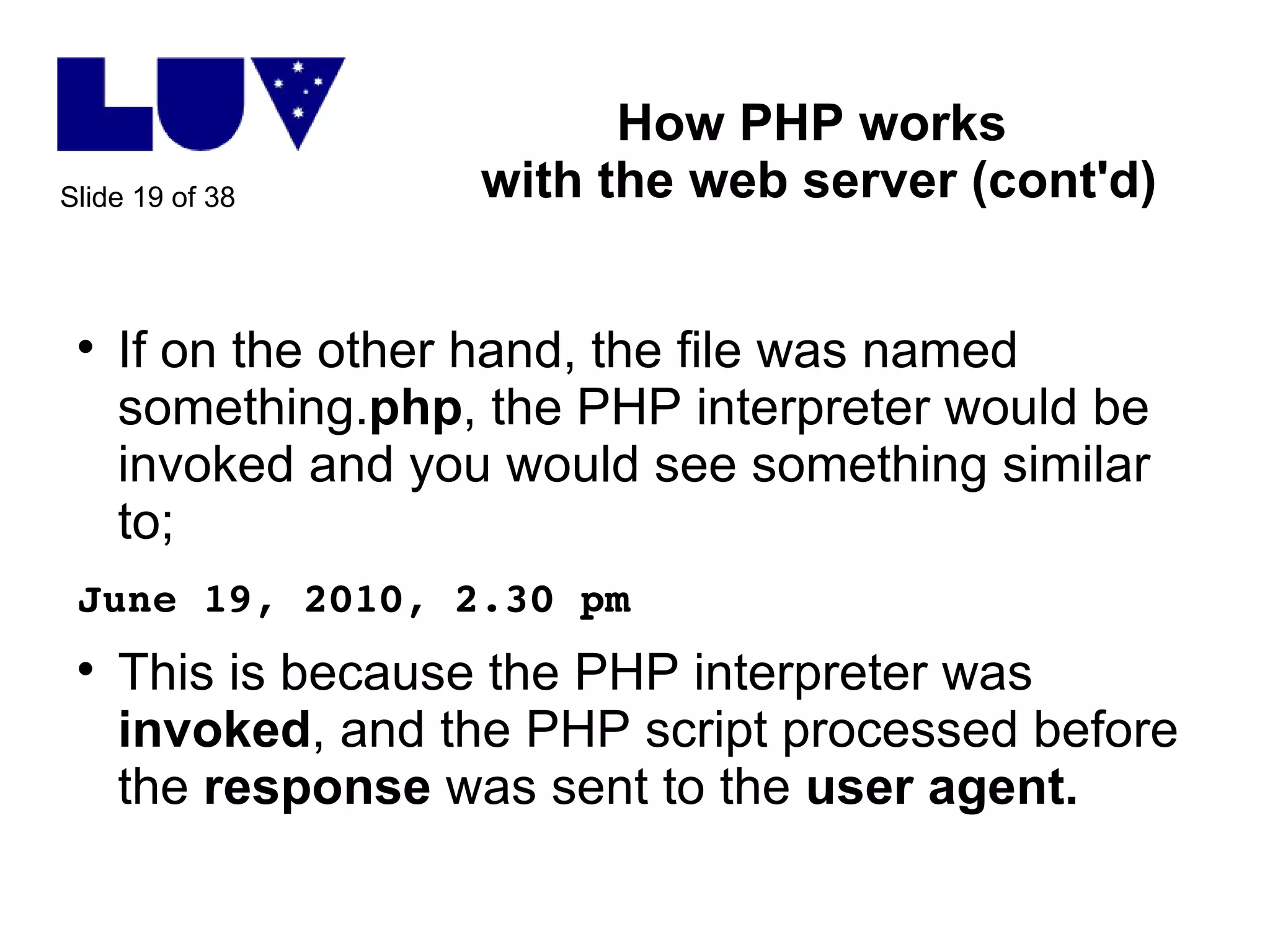
How PHP works  with the web server (cont'd) If on the other hand, the file was named something. php , the PHP interpreter would be invoked and you would see something similar to; June 19, 2010, 2.30 pm This is because the PHP interpreter was  invoked , and the PHP script processed before the  response  was sent to the  user agent.
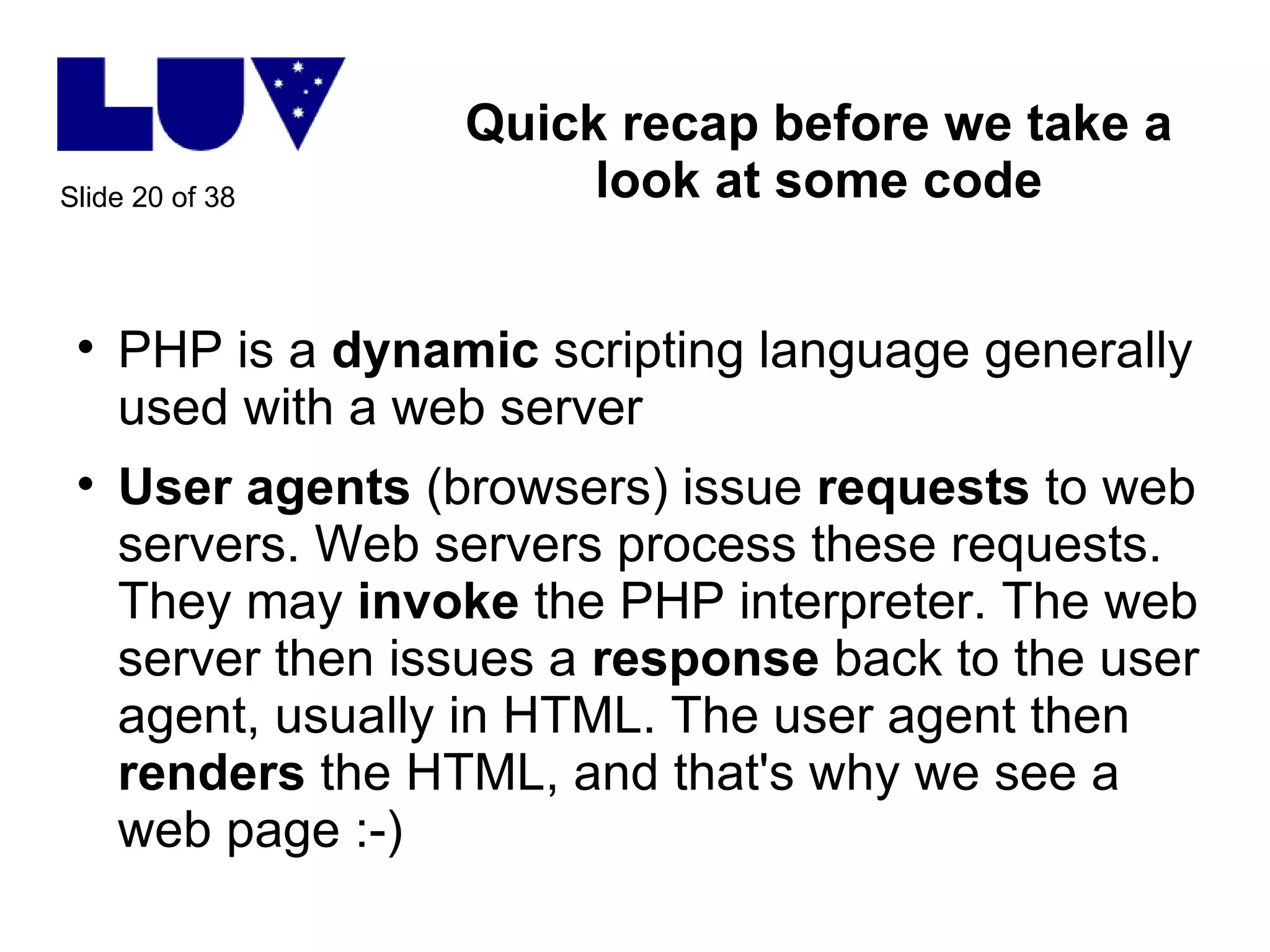
Quick recap before we take a look at some code PHP is a  dynamic  scripting language generally used with a web server User agents  (browsers) issue  requests  to web servers. Web servers process these requests. They may  invoke  the PHP interpreter. The web server then issues a  response  back to the user agent, usually in HTML. The user agent then  renders  the HTML, and that's why we see a web page :-)
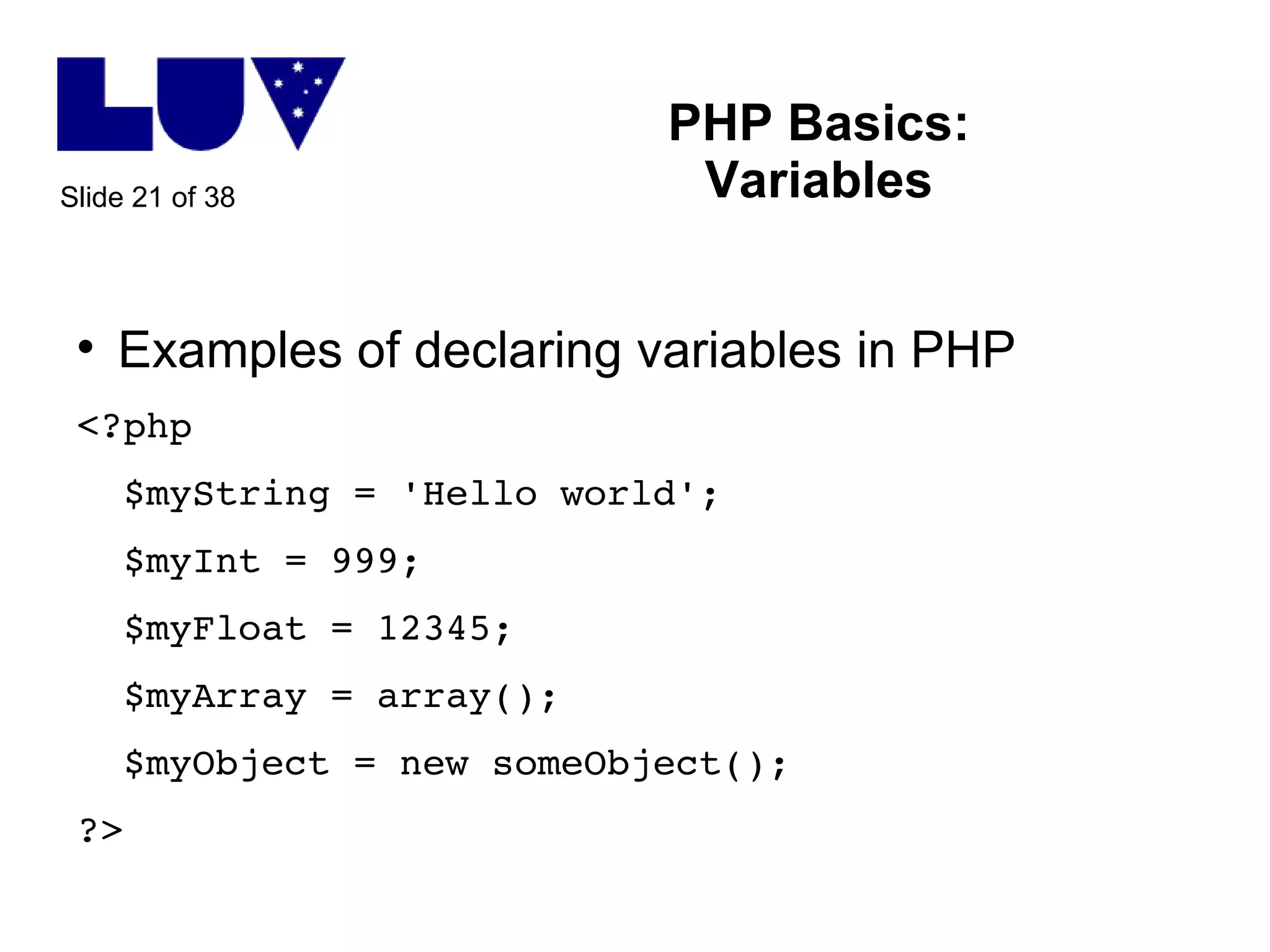
PHP Basics: Variables Examples of declaring variables in PHP <?php $myString = 'Hello world'; $myInt = 999; $myFloat = 12345; $myArray = array(); $myObject = new someObject(); ?>
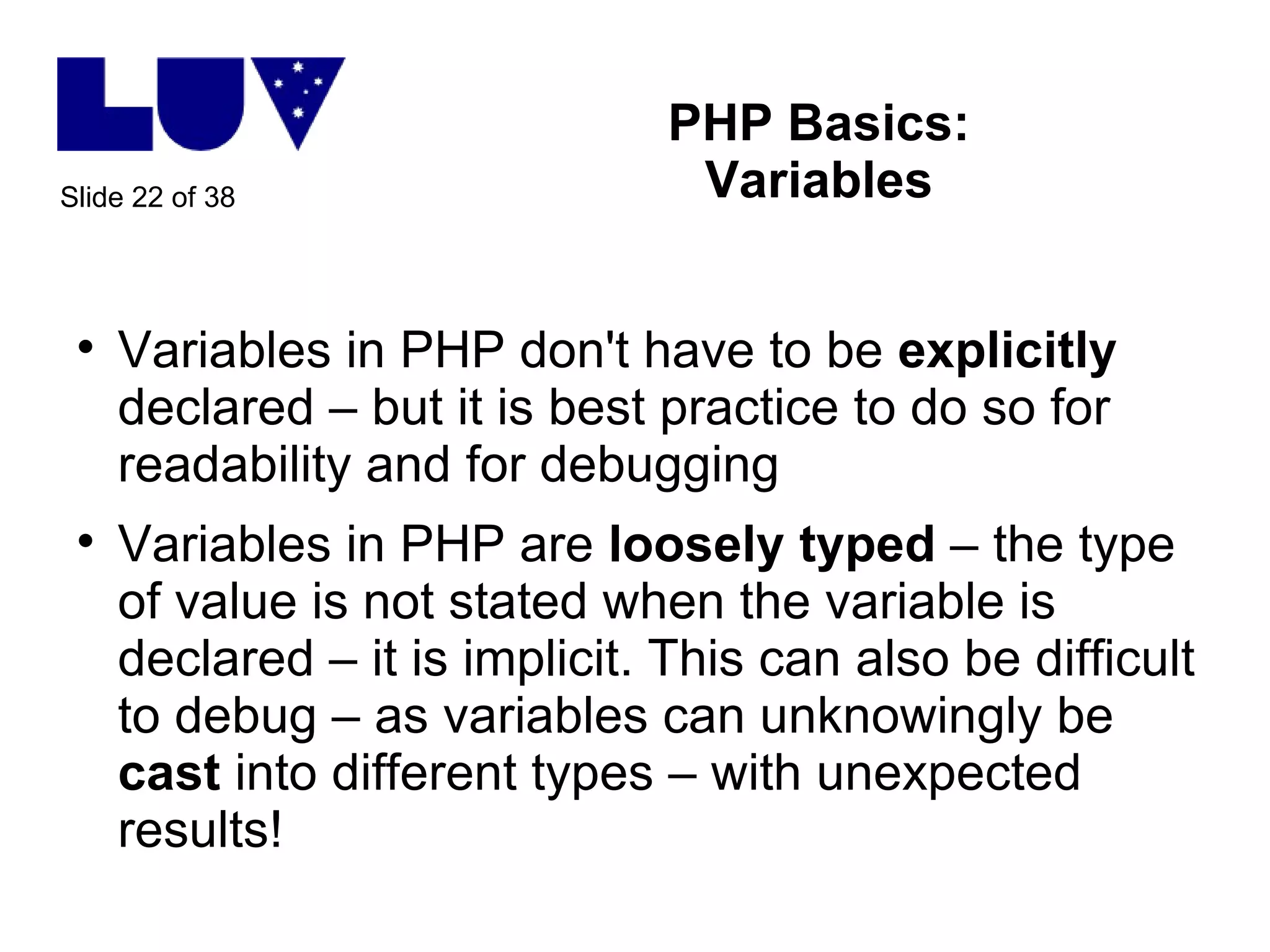
PHP Basics: Variables Variables in PHP don't have to be  explicitly  declared – but it is best practice to do so for readability and for debugging Variables in PHP are  loosely   typed  – the type of value is not stated when the variable is declared – it is implicit. This can also be difficult to debug – as variables can unknowingly be  cast  into different types – with unexpected results!
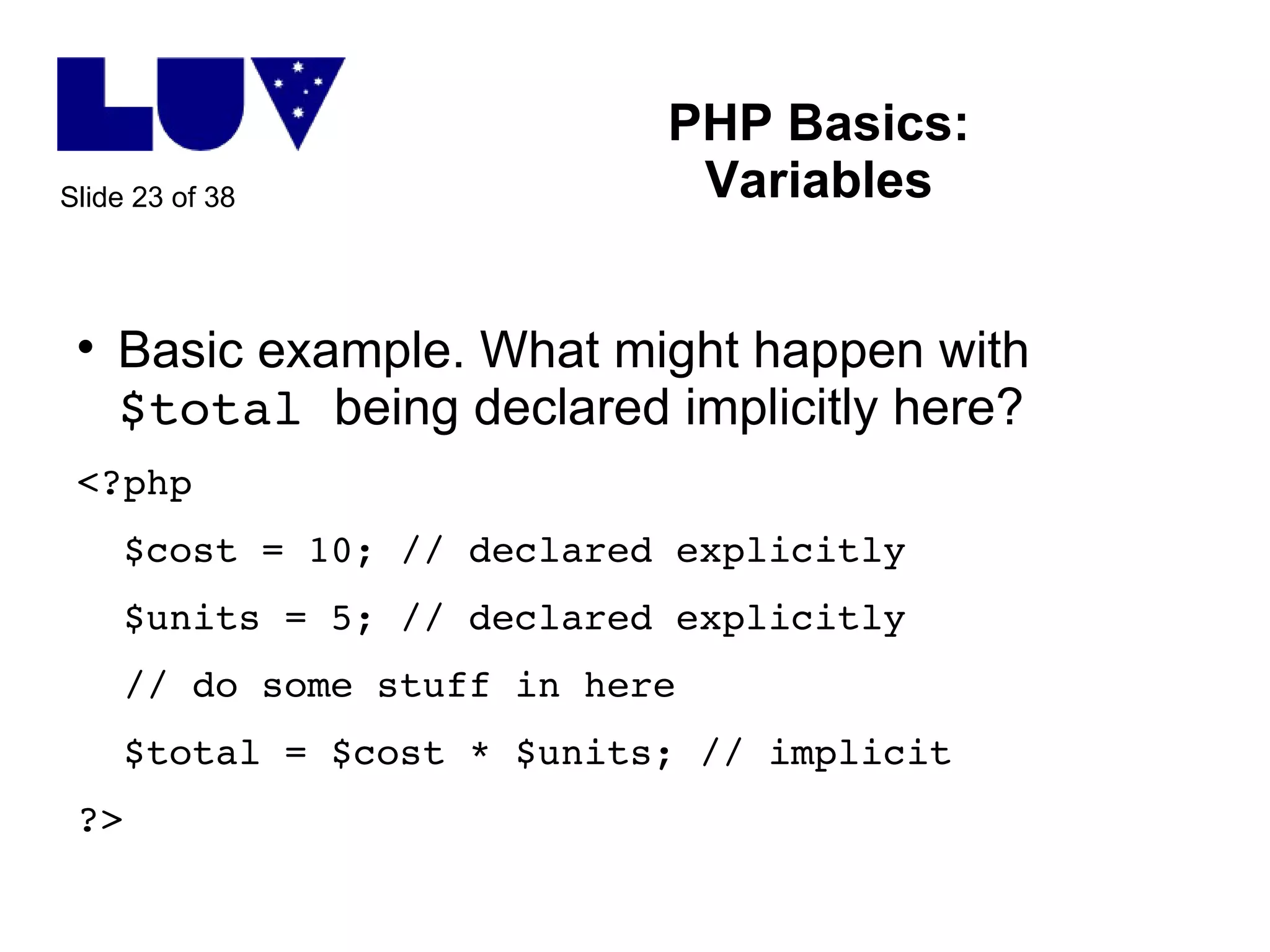
PHP Basics: Variables Basic example. What might happen with  $total  being declared implicitly here? <?php $cost = 10; // declared explicitly $units = 5; // declared explicitly // do some stuff in here $total = $cost * $units; // implicit ?>
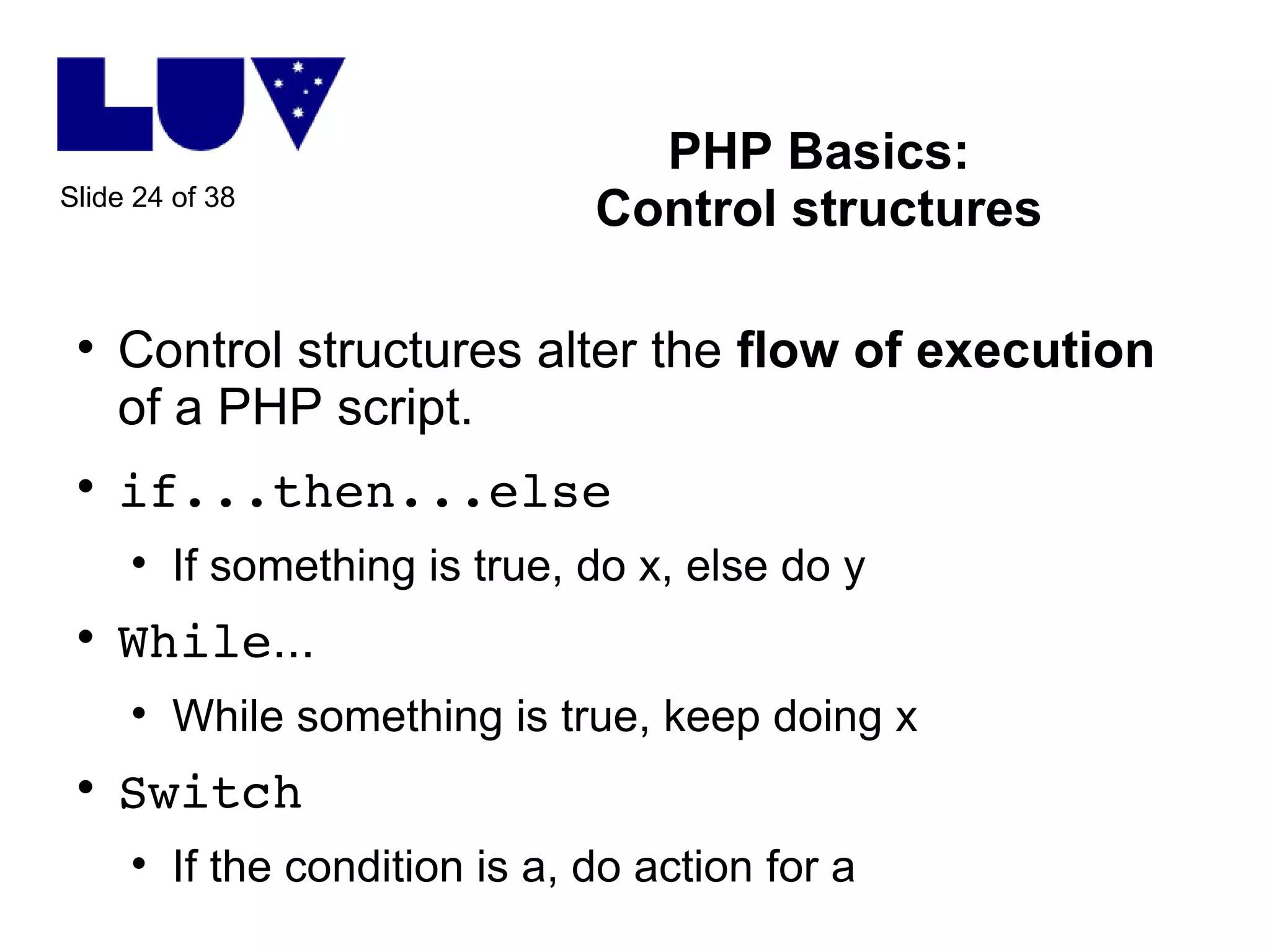
PHP Basics: Control structures Control structures alter the  flow of execution  of a PHP script.  if...then...else If something is true, do x, else do y While ... While something is true, keep doing x Switch If the condition is a, do action for a
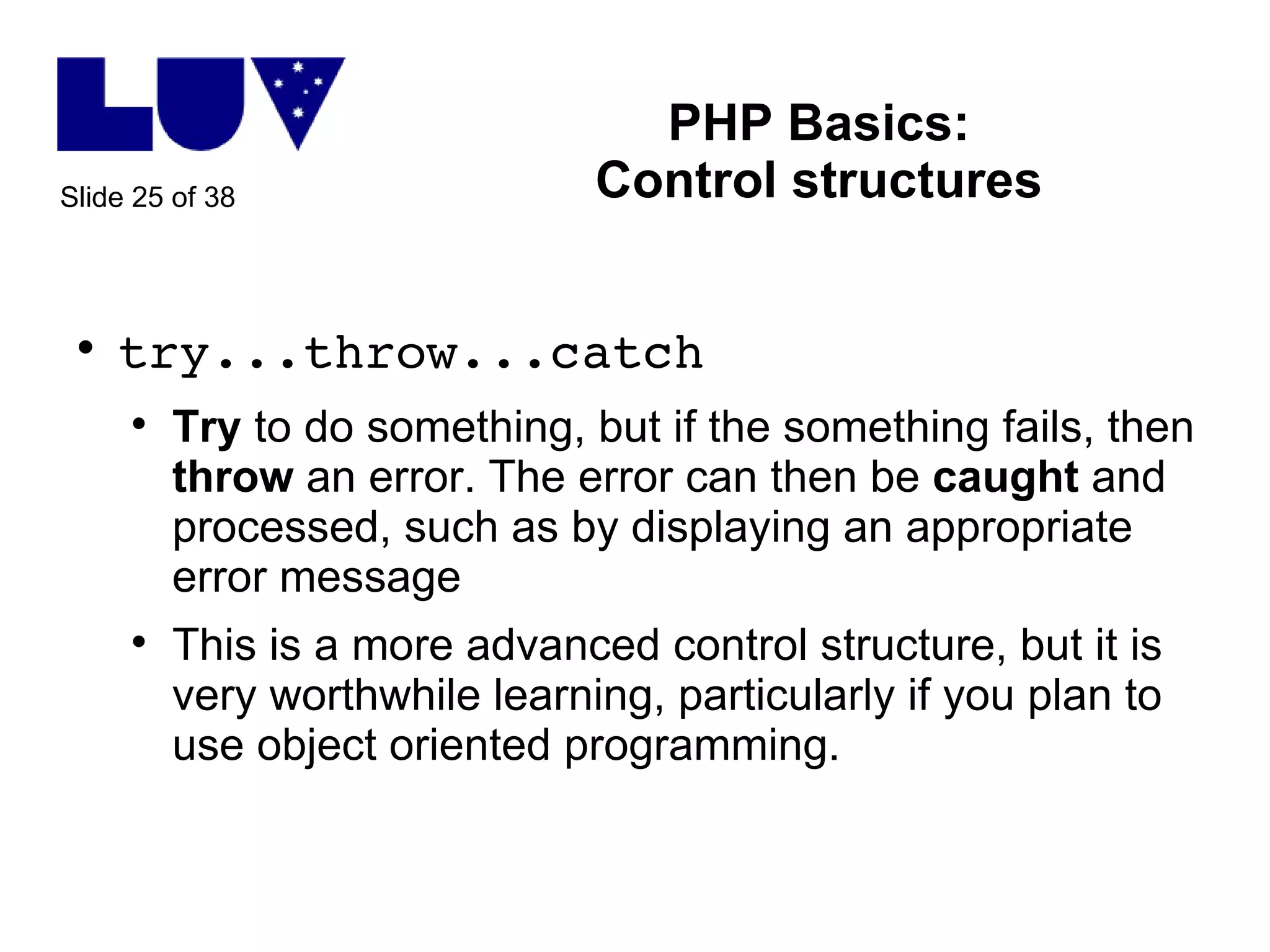
PHP Basics: Control structures try...throw...catch Try  to do something, but if the something fails, then  throw  an error. The error can then be  caught  and processed, such as by displaying an appropriate error message This is a more advanced control structure, but it is very worthwhile learning, particularly if you plan to use object oriented programming.
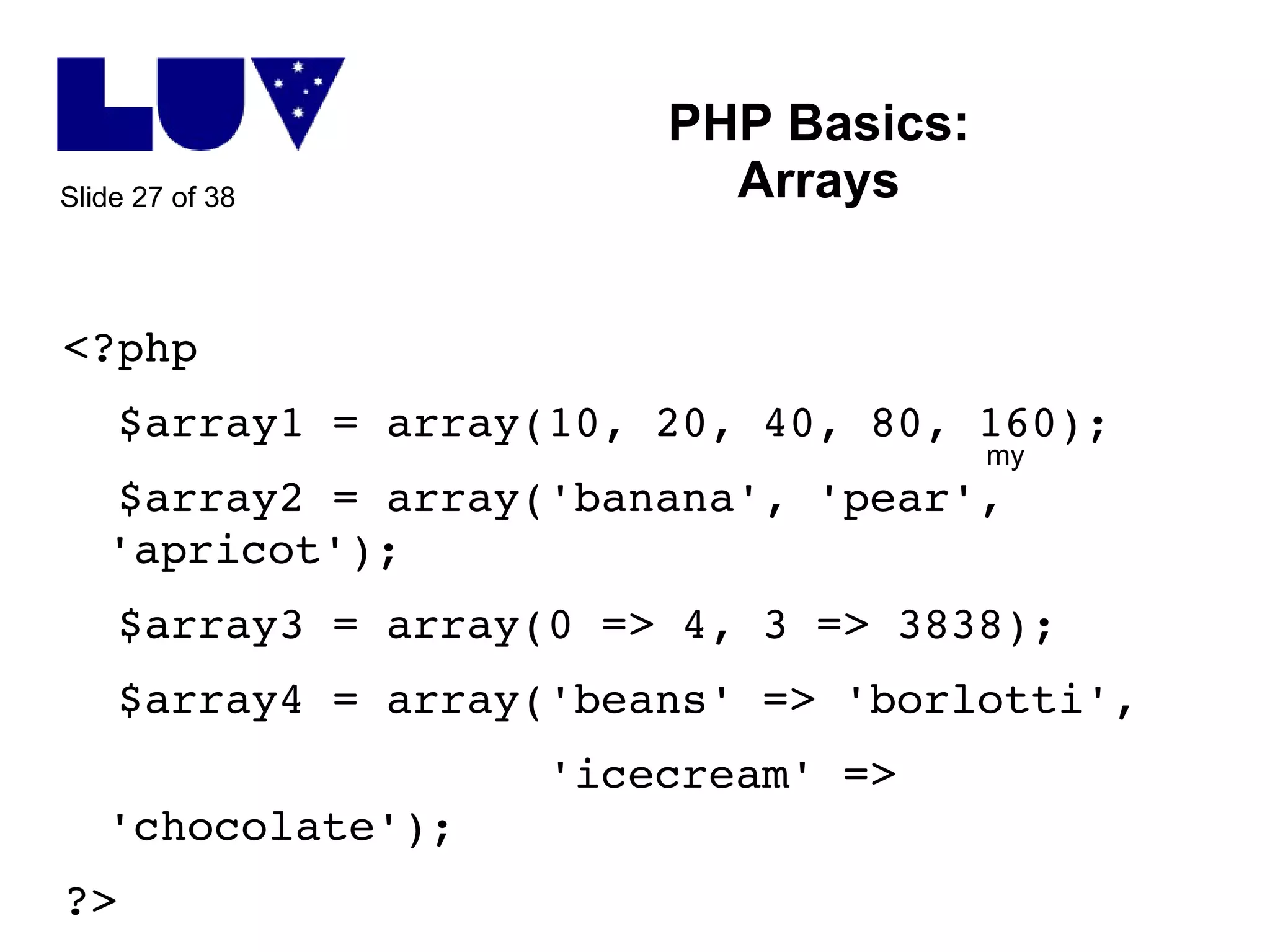
PHP Basics: Arrays Arrays in PHP are incredibly powerful. There are a large number of array functions available to choose from. Arrays in PHP are essentially collections of  key-value pairs . In some programming languages, the key is always a number. In PHP, the key can be a string or a number. This is referred to as an  associative array .
PHP Basics: Arrays <?php $array1 = array(10, 20, 40, 80, 160); $array2 = array('banana', 'pear', 'apricot'); $array3 = array(0 => 4, 3 => 3838); $array4 = array('beans' => 'borlotti', 'icecream' => 'chocolate'); ?> my
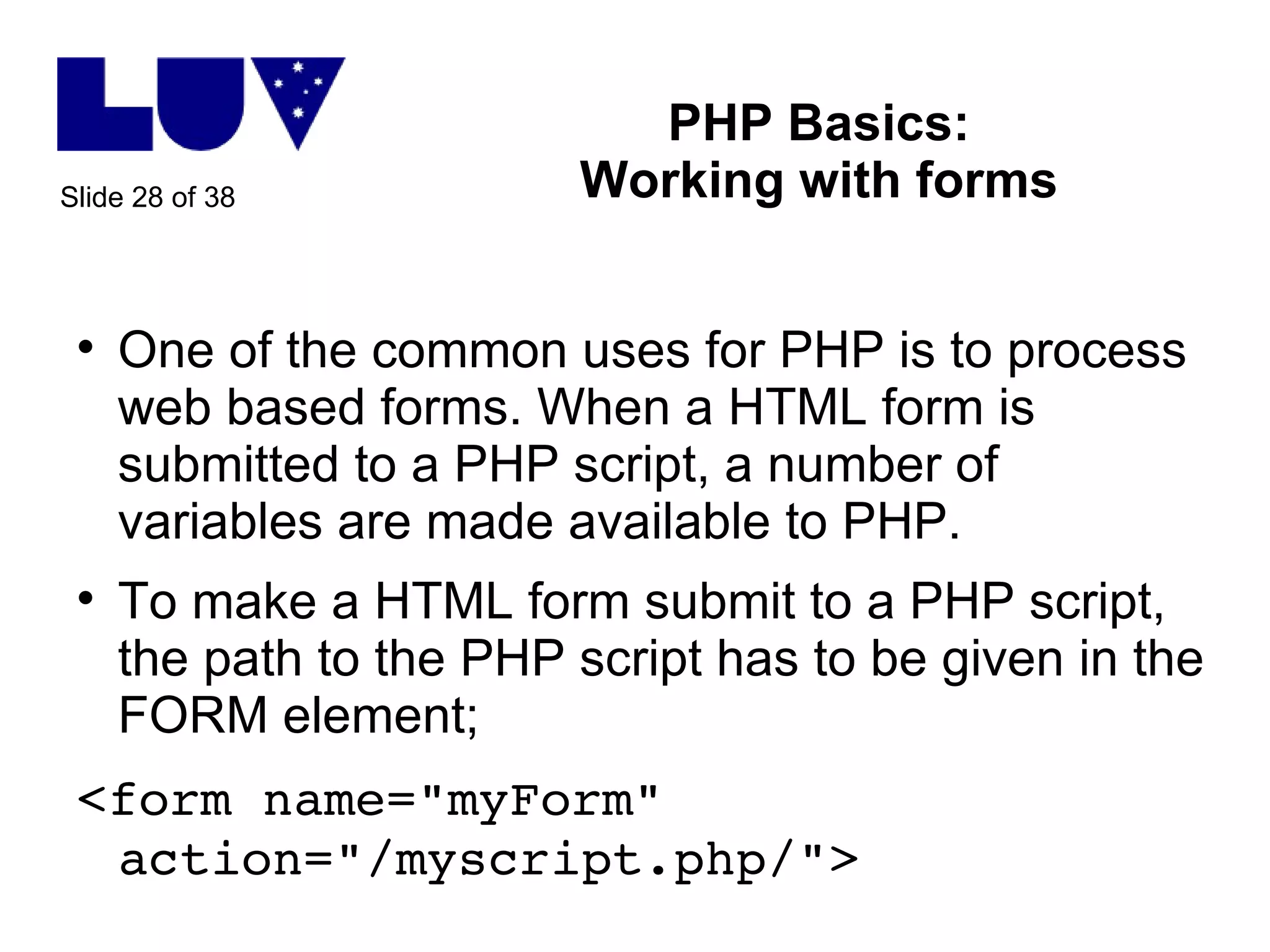
PHP Basics: Working with forms One of the common uses for PHP is to process web based forms. When a HTML form is submitted to a PHP script, a number of variables are made available to PHP. To make a HTML form submit to a PHP script, the path to the PHP script has to be given in the FORM element; <form name=&quot;myForm&quot; action=&quot;/myscript.php/&quot;>
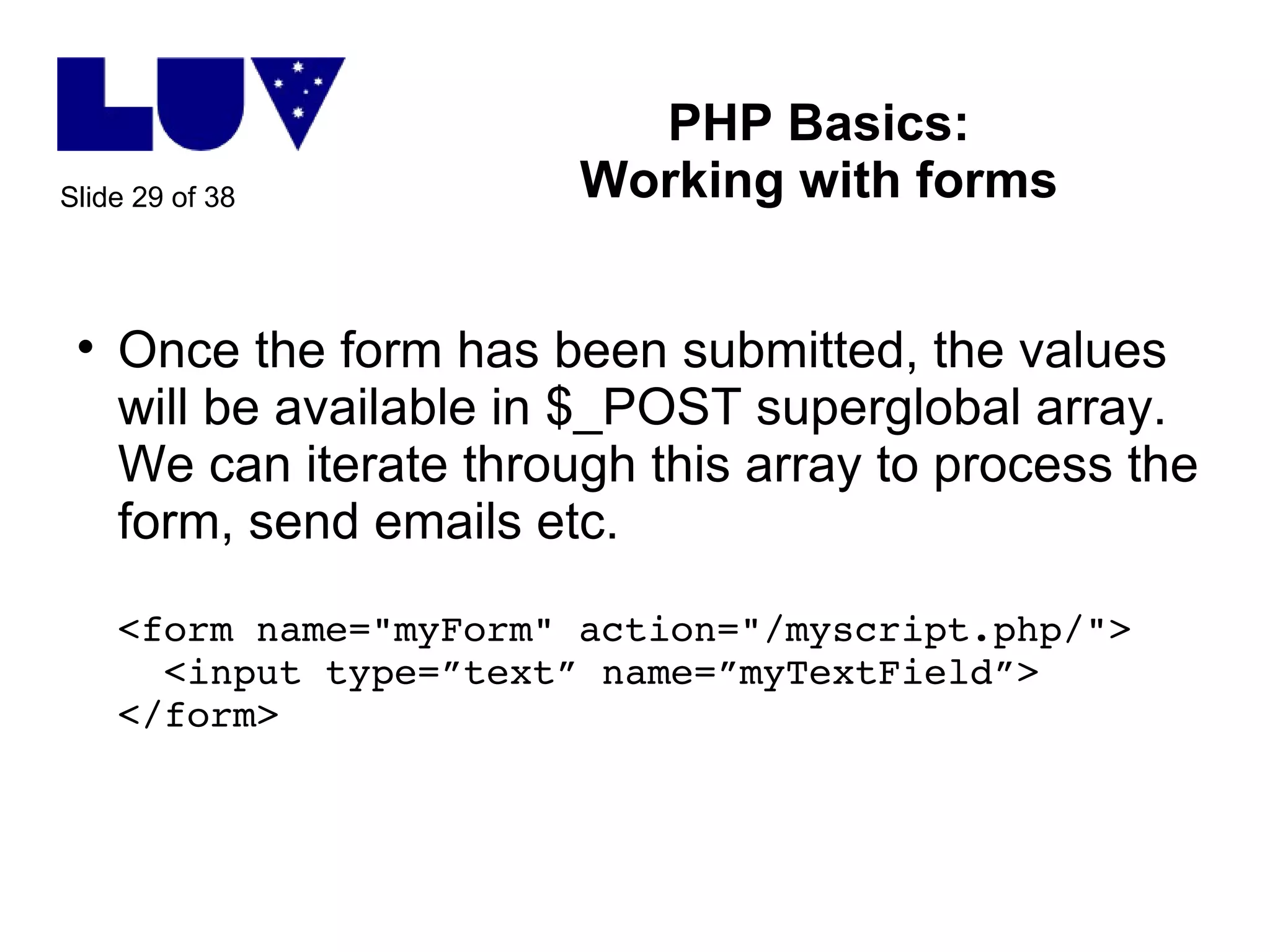
PHP Basics: Working with forms Once the form has been submitted, the values will be available in $_POST superglobal array. We can iterate through this array to process the form, send emails etc. <form name=&quot;myForm&quot; action=&quot;/myscript.php/&quot;>   <input type=”text” name=”myTextField”> </form>
PHP Basics: Working with forms The data from this input field will be available in the variable; $_POST['myTextField'] This data can then be used for instance to put into an email, insert into a database etc.
PHP Basics: Working with databases PHP can connect to a database using functions specific to the database For example MySQL Database connection usually requires username, password and database name Not enough time here to cover all database concepts, but can cover a brief introduction to database theory if you'd like?
Commonly used  free and open source software which utilises PHP Wordpress – blogging and content management software http://www.wordpress.org Drupal – content management software http://www.drupal.org PHPMyAdmin – provides an easy to use web interface to MySQL databases  http://www.phpmyadmin.net
Commonly used  free and open source software which utilises PHP (cont'd) Zen Cart – online shopping cart http://www.zen-cart.com   Moodle – Learning Management Software http://www.moodle.org   Mahara – e-Portfolios  http://www.mahara.org Media Wiki – wiki software http://www.mediawiki.org
PHP frameworks A  framework  is basically a collection of components that make development easier by abstracting commonly used functions. The developer can then focus on the 'core features' of the application they are creating, rather than worrying about formatting, database connections etc http://en.wikipedia.org/wiki/Comparison_of_web_application_frameworks#PHP_2 Examples include Zend, Symfony
More information and resources What is PHP? http://au.php.net/manual/en/intro-whatis.php   What can PHP do? http://au.php.net/manual/en/intro-whatcando.php Introductory tutorial (from PHP.net) http://au.php.net/manual/en/tutorial.php
More information and resources (cont'd) Other good introductory tutorials (mostly from Slideshare) http://www.slideshare.net/cwarren/introduction-to-php-for-wit2009 http://www.slideshare.net/alexjones89/an-introduction-to-php http://www.slideshare.net/binnyva/php-the-easiest-language-to-learn-presentation
User groups PHP Melbourne http://phpmelb.org/ irc://freenode/phpmelb PHPWomen  (XY welcome, we exist to be inclusive and help support women in learning and mastering PHP) http://www.phpwomen.org irc://freenode/phpmelb @PHPWomen on Twitter
Related user groups and developer communities Melbourne WordPress group http://groups.google.com/group/wpubmelb Melbourne Drupal group http://groups.drupal.org/australia Melbourne MySQL user group http://lists.mysql.com/ug-melbourne?sub=1

Intro to-php-19 jun10

  • 1.
    Introduction to PHP19 June 2010 Kathy Reid @KathyReid | [email_address]
  • 2.
    What are wegoing to cover? What PHP is, what it can do and how it differs from HTML How web servers work and the HTTP request-response lifecycle Basic statements in PHP and an introduction to procedural programming and forms and databases overview An overview to common PHP tools How to get more help with PHP
  • 3.
    What is PHP?PHP: Hypertext preprocessor Server-side scripting language (has to be run on a server, not in your browser like Javascript – that's a client-side language) Open source and free to download (this means that the code behind PHP is freely available - this often means PHP hosting is cheaper than other platforms, such as ASP) Particularly suitable for web applications, but doesn't have to be used for this purpose
  • 4.
    What can PHPdo? PHP is a general purpose scripting language. This means it can do lots of programming tasks. It is particularly suited to; Adding dynamic content to websites Processing HTML forms Connecting to databases and storing, searching and retrieving information from databases Personalising and customising websites
  • 5.
    Why should Ilearn PHP? To grow an evil army of programmers to take over the world MWHAHAHAHAHAHA … but seriously there are some good reasons Easy to learn (difficult to master) Used widely in third party tools – WordPress, Drupal, CiviCRM, Facebook applications etc Becoming much more mature and adopted as an enterprise-level programming language
  • 6.
    What do Ineed to get started with PHP? Access to a web server with PHP installed This might be through a hosting company, and you would access the server using an FTP program, like FileZilla . The files would be accessed from a URL like http://myurl.org/myfile.php If you're more advanced, you might wish to have a go installing PHP on your own computer. There are builds available for Windows, most Linux variants and even MacOS. http://localhost/myfile.php
  • 7.
    What do Ineed to get started with PHP (cont'd) It helps to have a good understanding of how HTTP works (covered in this tutorial) It helps to have at least a basic understanding of HTML (any version of HTML to be honest) Your text editor of choice. Syntax highlighting is a great feature to have in a PHP editor. I use Eclipse , but there are many others to choose from; http://en.wikipedia.org/wiki/List_of_PHP_editors
  • 8.
    Easy to learn, difficult to master One of the great features of PHP is that it is easy to learn. It is also difficult to master; Writing maintainable code Reusable code (through objects) Designing applications to be secure Designing for scalability Designing for portability (between different databases and server operating environments) There's always more to learn about PHP!!
  • 9.
    Why is PHPdifferent to HTML? HTML is static <html> <body> <h1>Hello world! </h1> </body> </html> Will always display 'Hello world!'
  • 10.
    Why is PHPdifferent to HTML? (cont'd) PHP is dynamic <?php $greeting = 'Hola!'; ?> <html> <body> <h1> <?php echo $greeting; ?> </h1> </body> </html> What will this display?
  • 11.
    How web serverswork So what makes PHP dynamic ? Web servers and user agents (browsers) work in what's called a 'client-server' relationship. The user agent (browser) sends a request to the web server The web server interprets that request, and sends a response to the web server
  • 12.
    How web serverswork (cont'd) User agent Browser – such as Firefox, Internet Explorer, Safari – on a computer, mobile phone, iPhone or iPad etc Issues requests to a web server For example, going to this URL in your browser http://www.example.com/index.php causes the browser to issue this request: GET /index.php HTTP/1.1 Host: www.example.com
  • 13.
    How web serverswork (con'td) Web server Many varieties of web server – such as IIS (Internet information services), Apache httpd etc. PHP is primarily used with Apache httpd, but can be used with IIS Interprets requests from a user agent, acts on them and issues responses For example, a web server may respond to the previous request with this:
  • 14.
    How web serverswork (cont'd) <html> <body> <h1>My index page</h1> <p>This is the content on the index page!</p> </body> </html>
  • 15.
    How web serverswork (cont'd) The browser then interprets the request , which is usually in HTML format, and renders the HTML on screen. This is why the same HTML can look different between different browsers – for instance Firefox and Internet Explorer – because the rendering engines inside the browsers are different. This is a key source of frustration for web developers!
  • 16.
    How PHP works with the web server Okay, so we've seen how HTTP requests and responses work. But this is exactly how HTML works! How does PHP come into it? Before the web server (for example Apache) issues the response, the PHP interpreter is invoked and processes the information in the PHP script. This is why PHP files are called 'filename.php' and normal (static) html files are called 'filename.html' – it helps the web server determine whether to invoke the PHP interpreter or not.
  • 17.
    How PHP works with the web server (cont'd) For example, let's say I put this code in a file; <html> <body> <h1> <?php echo date(&quot;F j, Y, g:i a&quot;); ?> </h1> </body> </html> … and I call the file 'something. html ' What will be displayed on the page?
  • 18.
    How PHP works with the web server (cont'd) Rather than the current date and time, it will display something like this; <?php echo date(&quot;F j, Y, g:i a&quot;); ?> This is because the PHP interpreter was not invoked due to the file being named something.html – the PHP script is not interpreted, and values substituted before the web server issued the response!
  • 19.
    How PHP works with the web server (cont'd) If on the other hand, the file was named something. php , the PHP interpreter would be invoked and you would see something similar to; June 19, 2010, 2.30 pm This is because the PHP interpreter was invoked , and the PHP script processed before the response was sent to the user agent.
  • 20.
    Quick recap beforewe take a look at some code PHP is a dynamic scripting language generally used with a web server User agents (browsers) issue requests to web servers. Web servers process these requests. They may invoke the PHP interpreter. The web server then issues a response back to the user agent, usually in HTML. The user agent then renders the HTML, and that's why we see a web page :-)
  • 21.
    PHP Basics: VariablesExamples of declaring variables in PHP <?php $myString = 'Hello world'; $myInt = 999; $myFloat = 12345; $myArray = array(); $myObject = new someObject(); ?>
  • 22.
    PHP Basics: VariablesVariables in PHP don't have to be explicitly declared – but it is best practice to do so for readability and for debugging Variables in PHP are loosely typed – the type of value is not stated when the variable is declared – it is implicit. This can also be difficult to debug – as variables can unknowingly be cast into different types – with unexpected results!
  • 23.
    PHP Basics: VariablesBasic example. What might happen with $total being declared implicitly here? <?php $cost = 10; // declared explicitly $units = 5; // declared explicitly // do some stuff in here $total = $cost * $units; // implicit ?>
  • 24.
    PHP Basics: Controlstructures Control structures alter the flow of execution of a PHP script. if...then...else If something is true, do x, else do y While ... While something is true, keep doing x Switch If the condition is a, do action for a
  • 25.
    PHP Basics: Controlstructures try...throw...catch Try to do something, but if the something fails, then throw an error. The error can then be caught and processed, such as by displaying an appropriate error message This is a more advanced control structure, but it is very worthwhile learning, particularly if you plan to use object oriented programming.
  • 26.
    PHP Basics: ArraysArrays in PHP are incredibly powerful. There are a large number of array functions available to choose from. Arrays in PHP are essentially collections of key-value pairs . In some programming languages, the key is always a number. In PHP, the key can be a string or a number. This is referred to as an associative array .
  • 27.
    PHP Basics: Arrays<?php $array1 = array(10, 20, 40, 80, 160); $array2 = array('banana', 'pear', 'apricot'); $array3 = array(0 => 4, 3 => 3838); $array4 = array('beans' => 'borlotti', 'icecream' => 'chocolate'); ?> my
  • 28.
    PHP Basics: Workingwith forms One of the common uses for PHP is to process web based forms. When a HTML form is submitted to a PHP script, a number of variables are made available to PHP. To make a HTML form submit to a PHP script, the path to the PHP script has to be given in the FORM element; <form name=&quot;myForm&quot; action=&quot;/myscript.php/&quot;>
  • 29.
    PHP Basics: Workingwith forms Once the form has been submitted, the values will be available in $_POST superglobal array. We can iterate through this array to process the form, send emails etc. <form name=&quot;myForm&quot; action=&quot;/myscript.php/&quot;> <input type=”text” name=”myTextField”> </form>
  • 30.
    PHP Basics: Workingwith forms The data from this input field will be available in the variable; $_POST['myTextField'] This data can then be used for instance to put into an email, insert into a database etc.
  • 31.
    PHP Basics: Workingwith databases PHP can connect to a database using functions specific to the database For example MySQL Database connection usually requires username, password and database name Not enough time here to cover all database concepts, but can cover a brief introduction to database theory if you'd like?
  • 32.
    Commonly used free and open source software which utilises PHP Wordpress – blogging and content management software http://www.wordpress.org Drupal – content management software http://www.drupal.org PHPMyAdmin – provides an easy to use web interface to MySQL databases http://www.phpmyadmin.net
  • 33.
    Commonly used free and open source software which utilises PHP (cont'd) Zen Cart – online shopping cart http://www.zen-cart.com Moodle – Learning Management Software http://www.moodle.org Mahara – e-Portfolios http://www.mahara.org Media Wiki – wiki software http://www.mediawiki.org
  • 34.
    PHP frameworks A framework is basically a collection of components that make development easier by abstracting commonly used functions. The developer can then focus on the 'core features' of the application they are creating, rather than worrying about formatting, database connections etc http://en.wikipedia.org/wiki/Comparison_of_web_application_frameworks#PHP_2 Examples include Zend, Symfony
  • 35.
    More information andresources What is PHP? http://au.php.net/manual/en/intro-whatis.php What can PHP do? http://au.php.net/manual/en/intro-whatcando.php Introductory tutorial (from PHP.net) http://au.php.net/manual/en/tutorial.php
  • 36.
    More information andresources (cont'd) Other good introductory tutorials (mostly from Slideshare) http://www.slideshare.net/cwarren/introduction-to-php-for-wit2009 http://www.slideshare.net/alexjones89/an-introduction-to-php http://www.slideshare.net/binnyva/php-the-easiest-language-to-learn-presentation
  • 37.
    User groups PHPMelbourne http://phpmelb.org/ irc://freenode/phpmelb PHPWomen (XY welcome, we exist to be inclusive and help support women in learning and mastering PHP) http://www.phpwomen.org irc://freenode/phpmelb @PHPWomen on Twitter
  • 38.
    Related user groupsand developer communities Melbourne WordPress group http://groups.google.com/group/wpubmelb Melbourne Drupal group http://groups.drupal.org/australia Melbourne MySQL user group http://lists.mysql.com/ug-melbourne?sub=1