ALL ABOUT
YOU NEED TO KNOW.
CONTENTS
• > INTRODUCTION
• > ORIGINS AND USES OF PHP
• > OVERVIEW OF PHP
• > WHAT CAN PHP DO
• > HOW PHP WORK
• > WHAT WILL YOU NEED
• > PHP INSTALLATION
• > PHP SYNTAX
• > BASIC CODE SYNTAX
• > VARIABLES
• > STRING VARIABLE IN PHP
• > PHP VARIABLES
• > VARIABLES NAME
• > OUTPUTS
• > CONTROL STATEMENT
• > PHP EXAMPLES
INTRODUCTION
• * PHP stands for PHP: Hypertext Preprocessor
• * PHP is a server-side scripting language, like ASP
• * PHP scripts are executed on the server
• * PHP supports many databases (MySQL, Informix,
Oracle, Sybase, Solid etc.
• * PHP is an open source software (OSS).
ORIGINS AND USES OF PHP
• > Origins
• - Rasmus Lerdorf – 1994.
• - Developed to allow him to track visitors to his Web
site.
> PHP is an open-source product.
• > PHP is an acronym for Personal Home Page, or PHP
: Hypertext Preprocessing, and database access.
OVERVIEW OF PHP
• •> PHP is a server-side scripting language , like ASP
• •> PHP scripts are executed on the server
• •> PHP supports many databases (MySQL, Informix, Oracle, Sybase, etc.
• •> PHP is an open-source software (OSS)
• •> What is a PHP File?
• - PHP files may contain text, HTML tags and scripts
• - PHP files are returned to the browser as plain HTML
• - PHP files have a file extension of “.php” ,”php3” , or “.Phtml”
WHAT CAN PHP DO?
• > Query a database
• > Allow users to upload files
• > Create/read files on the server (for example, the files
that you users upload)
• > Have a “members area” (i.e via a login page)
• > Have a shopping cart
HOW PHP WORK?
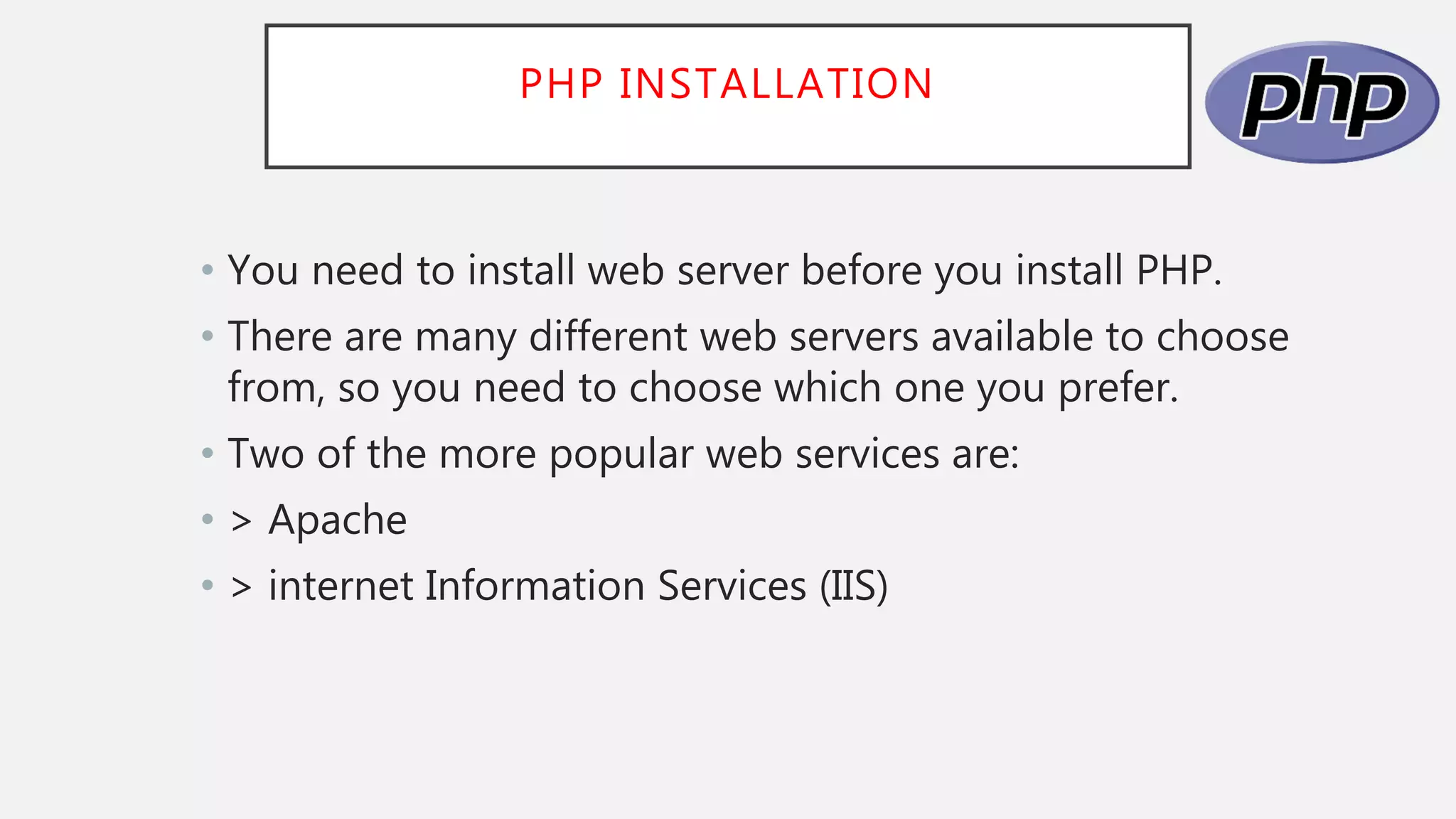
• PHP is a server-side language that means the code
written in php resides on a host computer called a
server. The server sends Web pages to the requesting
visitors (you , the client ,with your web browser)
WHAT WILL YOU NEED?
• •> A web server application (Apache, Xitami , or
IIS)
• •> PHP
• •> My SQL
• •> Web Browser
• •> Text editor, PHP-capable WYSIWYG application
(Adobe Dreamweaver / Kompozer / Amaya) or IDE
(integrated development environment)
• •> FTP application if using a remote server
PHP INSTALLATION
• You need to install web server before you install PHP.
• There are many different web servers available to choose
from, so you need to choose which one you prefer.
• Two of the more popular web services are:
• > Apache
• > internet Information Services (IIS)
PHP SYNTAX
• The PHP syntax on C , Java, and peral , creating a PHP
file is similar to creating an HTML file. In fact, most
PHP files are a mixture of PHP code and HTML.
To create a PHP file , simply do the following:
1. Create a new file in your favorite editor
2. Type some PHP code
3. Save the file with a .php extension
BASIC CODE SYNTAX
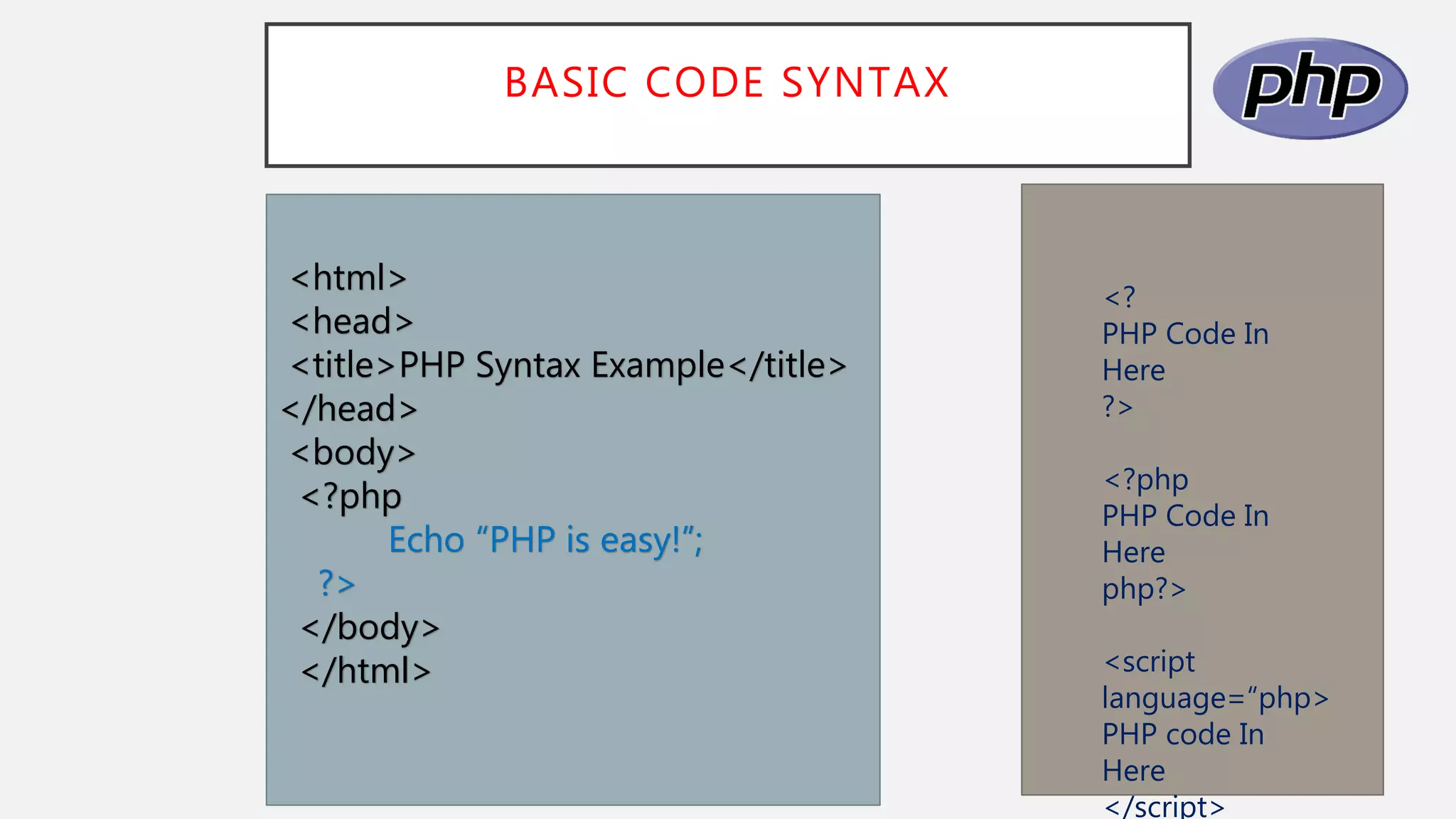
<?
PHP Code In
Here
?>
<?php
PHP Code In
Here
php?>
<script
language=“php>
PHP code In
Here
</script>
<html>
<head>
<title>PHP Syntax Example</title>
</head>
<body>
<?php
Echo “PHP is easy!”;
?>
</body>
</html>
VARIABLES
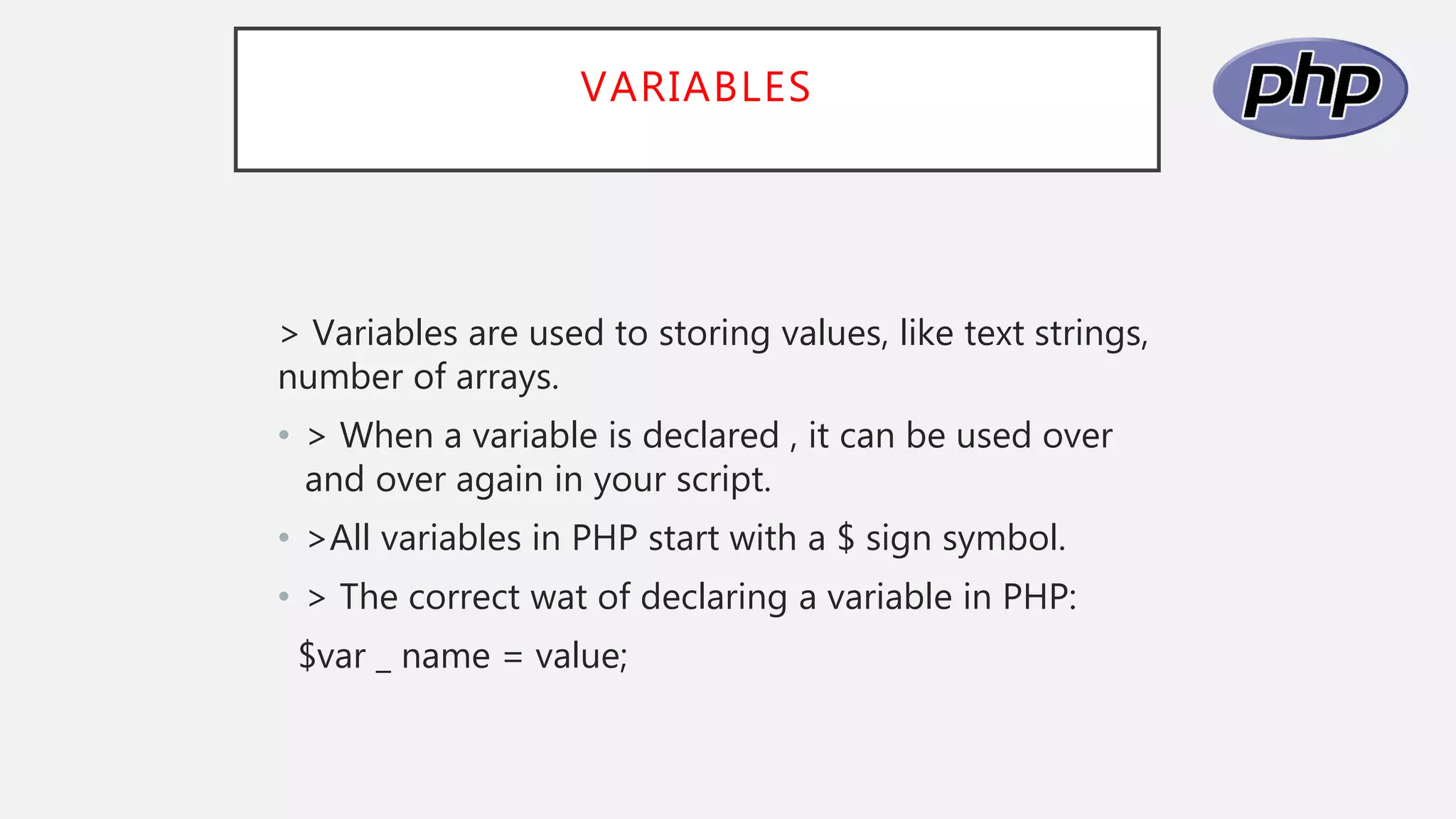
> Variables are used to storing values, like text strings,
number of arrays.
• > When a variable is declared , it can be used over
and over again in your script.
• >All variables in PHP start with a $ sign symbol.
• > The correct wat of declaring a variable in PHP:
$var _ name = value;
STRING VARIABLES IN PHP
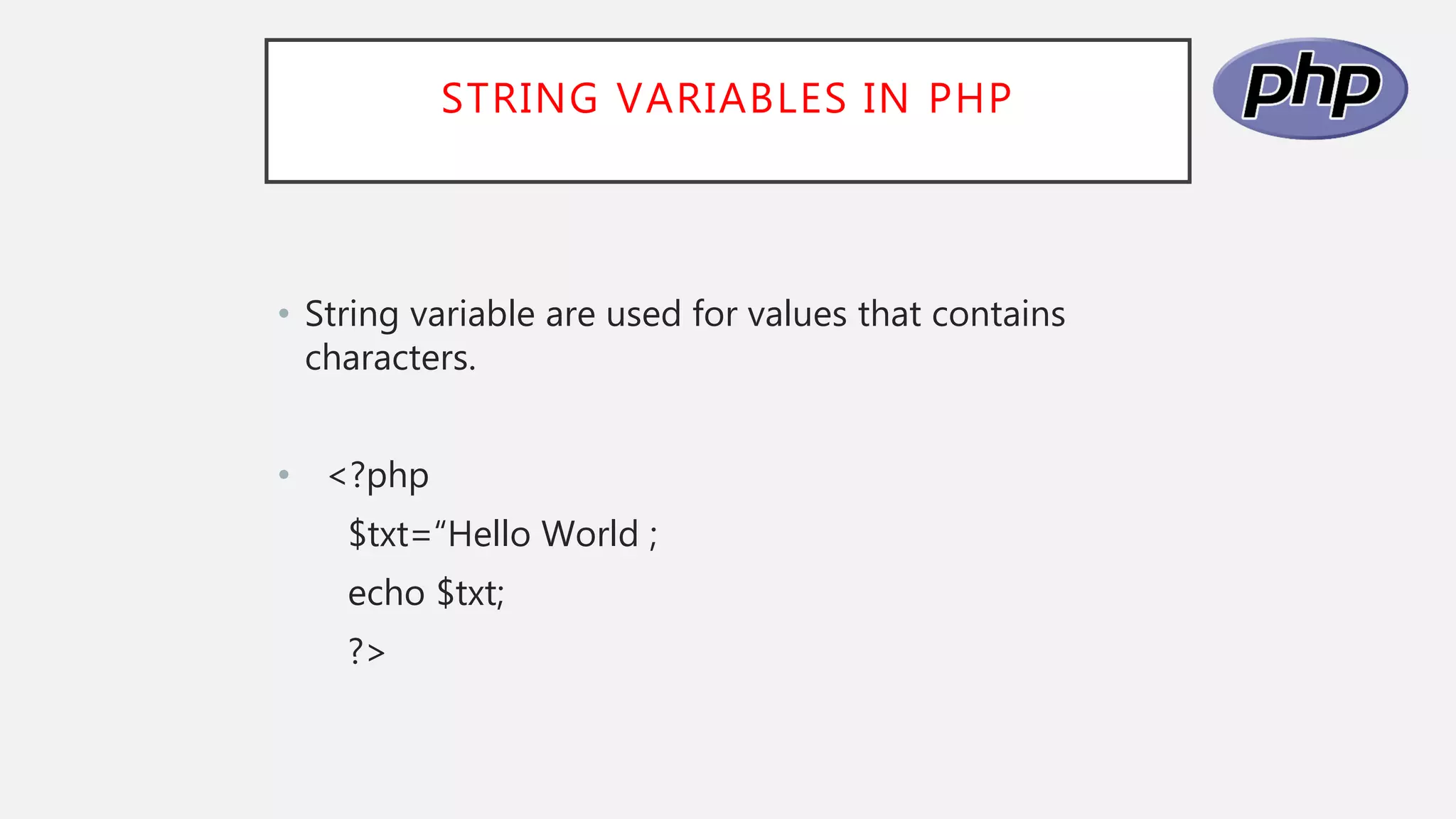
• String variable are used for values that contains
characters.
• <?php
$txt=“Hello World ;
echo $txt;
?>
PHP VARIABLES
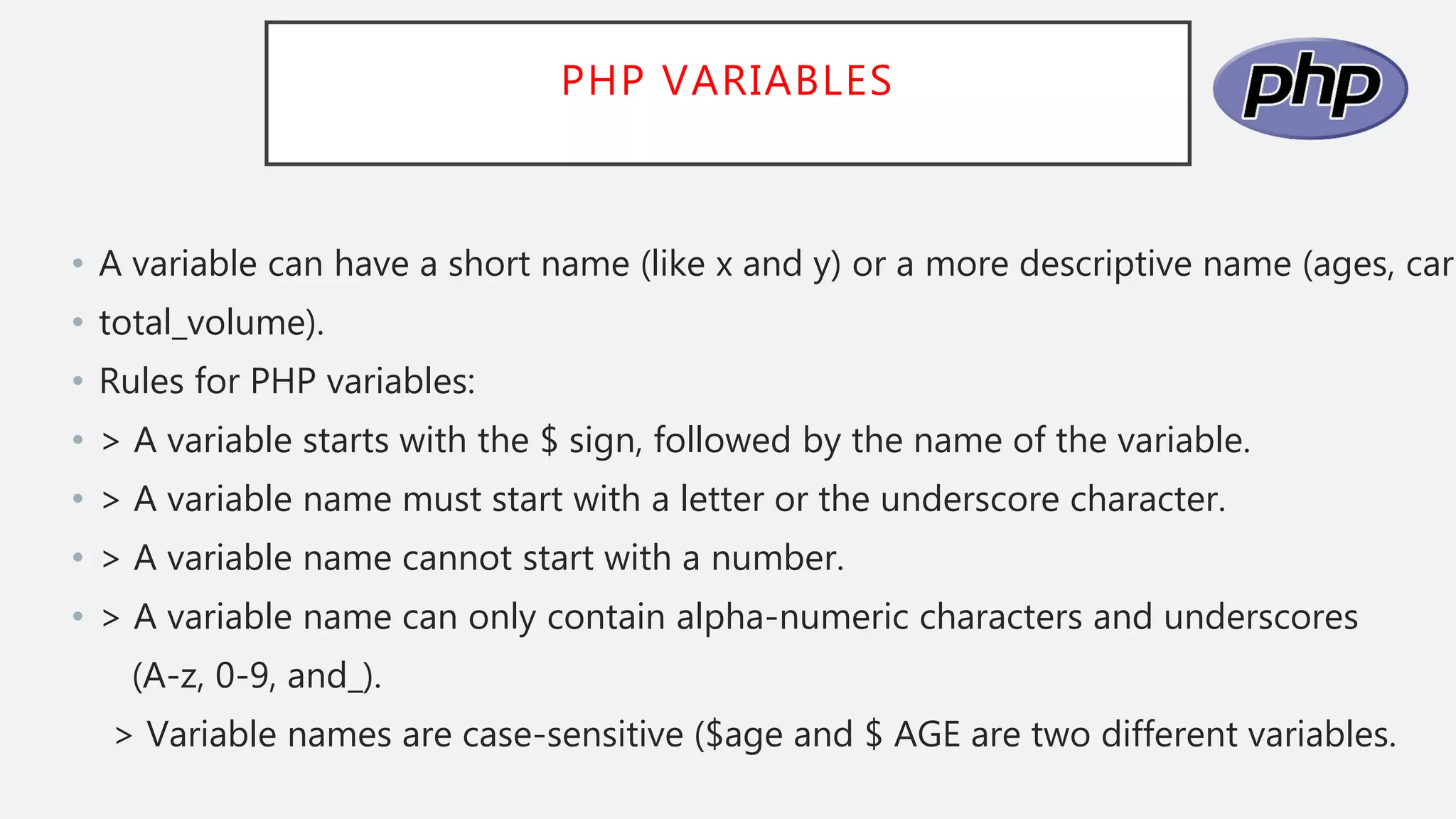
• A variable can have a short name (like x and y) or a more descriptive name (ages, carn
• total_volume).
• Rules for PHP variables:
• > A variable starts with the $ sign, followed by the name of the variable.
• > A variable name must start with a letter or the underscore character.
• > A variable name cannot start with a number.
• > A variable name can only contain alpha-numeric characters and underscores
(A-z, 0-9, and_).
> Variable names are case-sensitive ($age and $ AGE are two different variables.
PHP VARIABLES
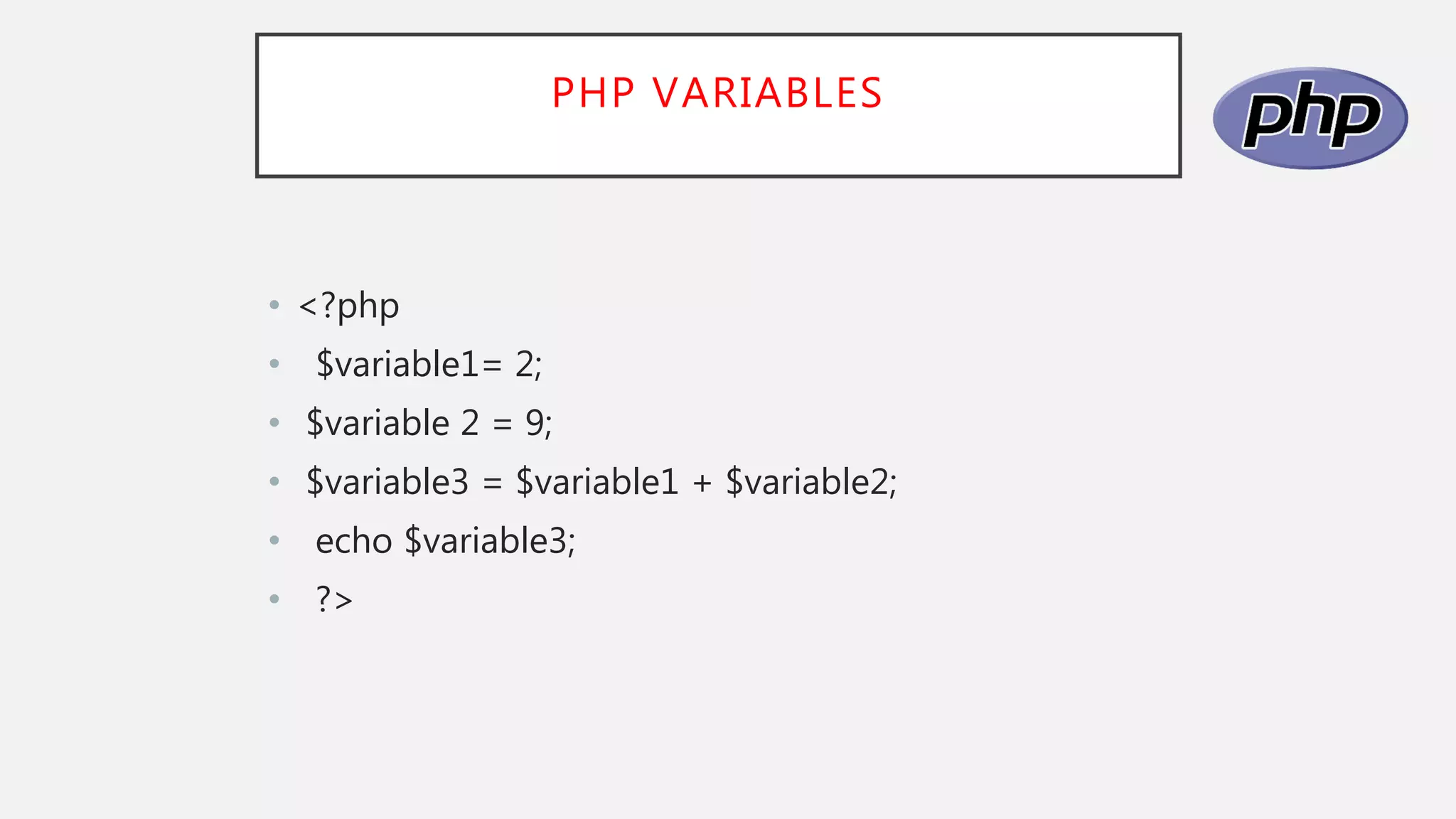
• <?php
• $variable1= 2;
• $variable 2 = 9;
• $variable3 = $variable1 + $variable2;
• echo $variable3;
• ?>
VARIABLES NAME
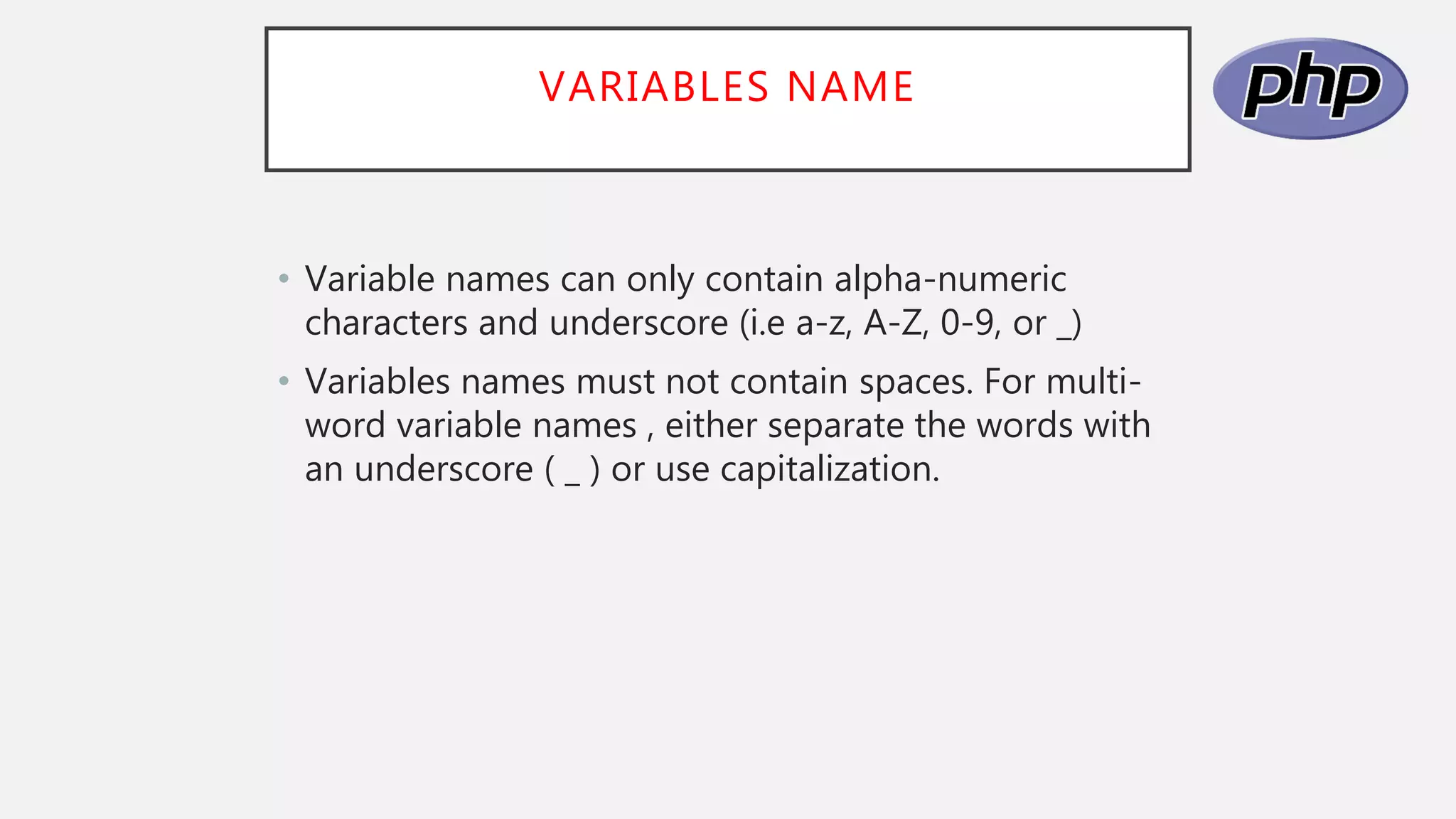
• Variable names can only contain alpha-numeric
characters and underscore (i.e a-z, A-Z, 0-9, or _)
• Variables names must not contain spaces. For multi-
word variable names , either separate the words with
an underscore ( _ ) or use capitalization.
OUTPUTS
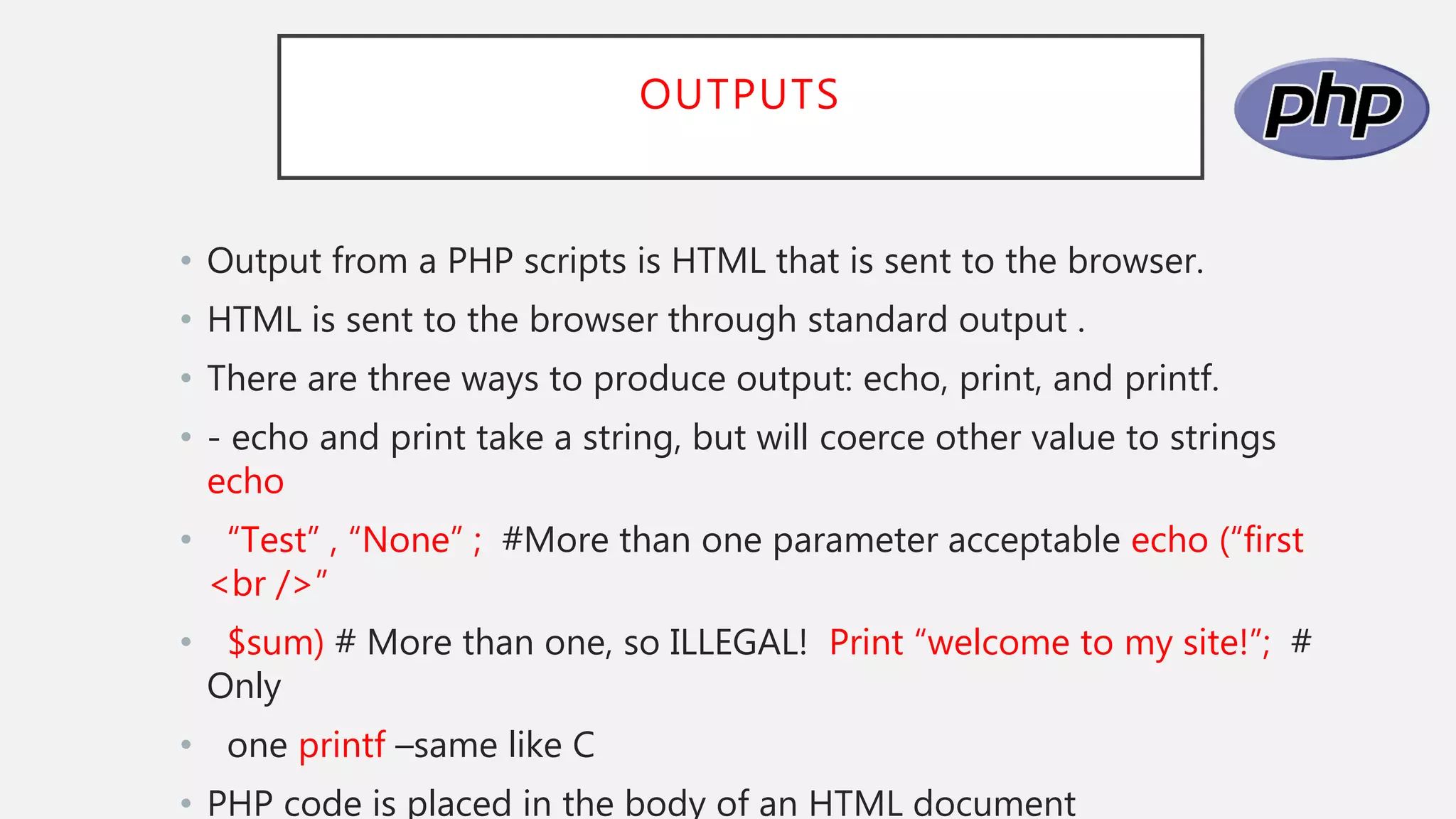
• Output from a PHP scripts is HTML that is sent to the browser.
• HTML is sent to the browser through standard output .
• There are three ways to produce output: echo, print, and printf.
• - echo and print take a string, but will coerce other value to strings
echo
• “Test” , “None” ; #More than one parameter acceptable echo (“first
<br />”
• $sum) # More than one, so ILLEGAL! Print “welcome to my site!”; #
Only
• one printf –same like C
• PHP code is placed in the body of an HTML document
OUTPUTS
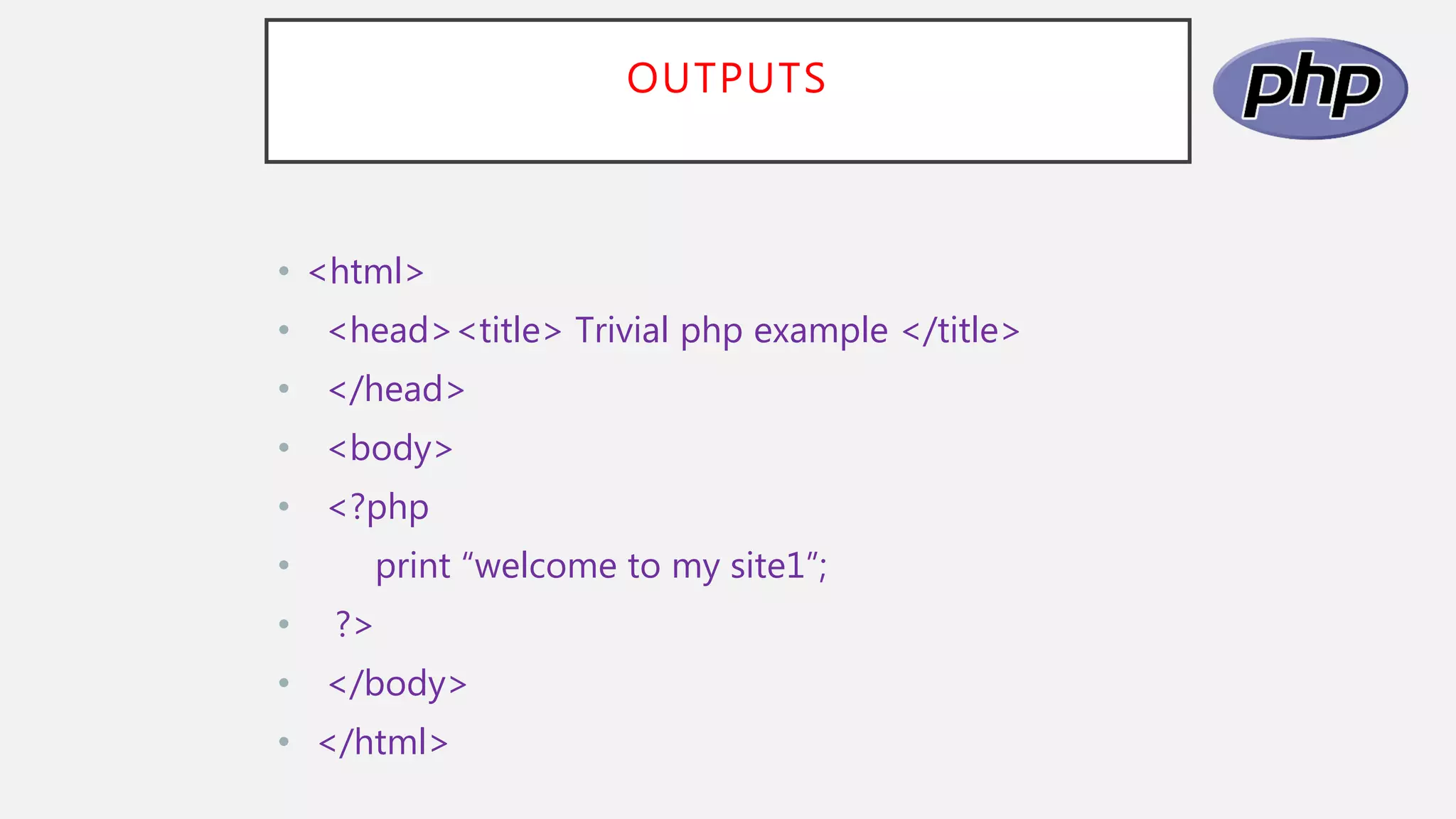
• <html>
• <head><title> Trivial php example </title>
• </head>
• <body>
• <?php
• print “welcome to my site1”;
• ?>
• </body>
• </html>
CONTROL STATEMENT
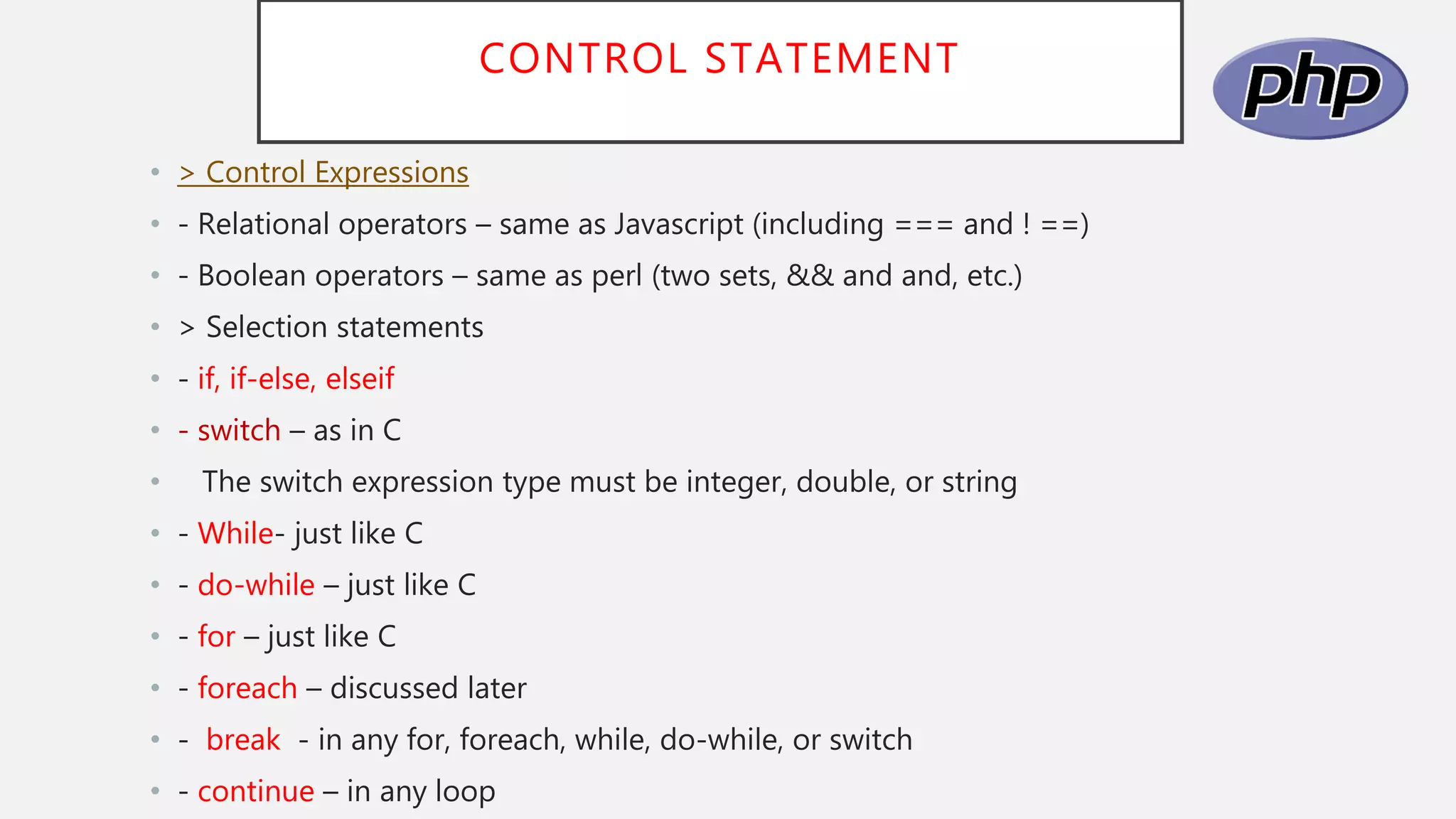
• > Control Expressions
• - Relational operators – same as Javascript (including === and ! ==)
• - Boolean operators – same as perl (two sets, && and and, etc.)
• > Selection statements
• - if, if-else, elseif
• - switch – as in C
• The switch expression type must be integer, double, or string
• - While- just like C
• - do-while – just like C
• - for – just like C
• - foreach – discussed later
• - break - in any for, foreach, while, do-while, or switch
• - continue – in any loop
CONTROL STATEMENTS
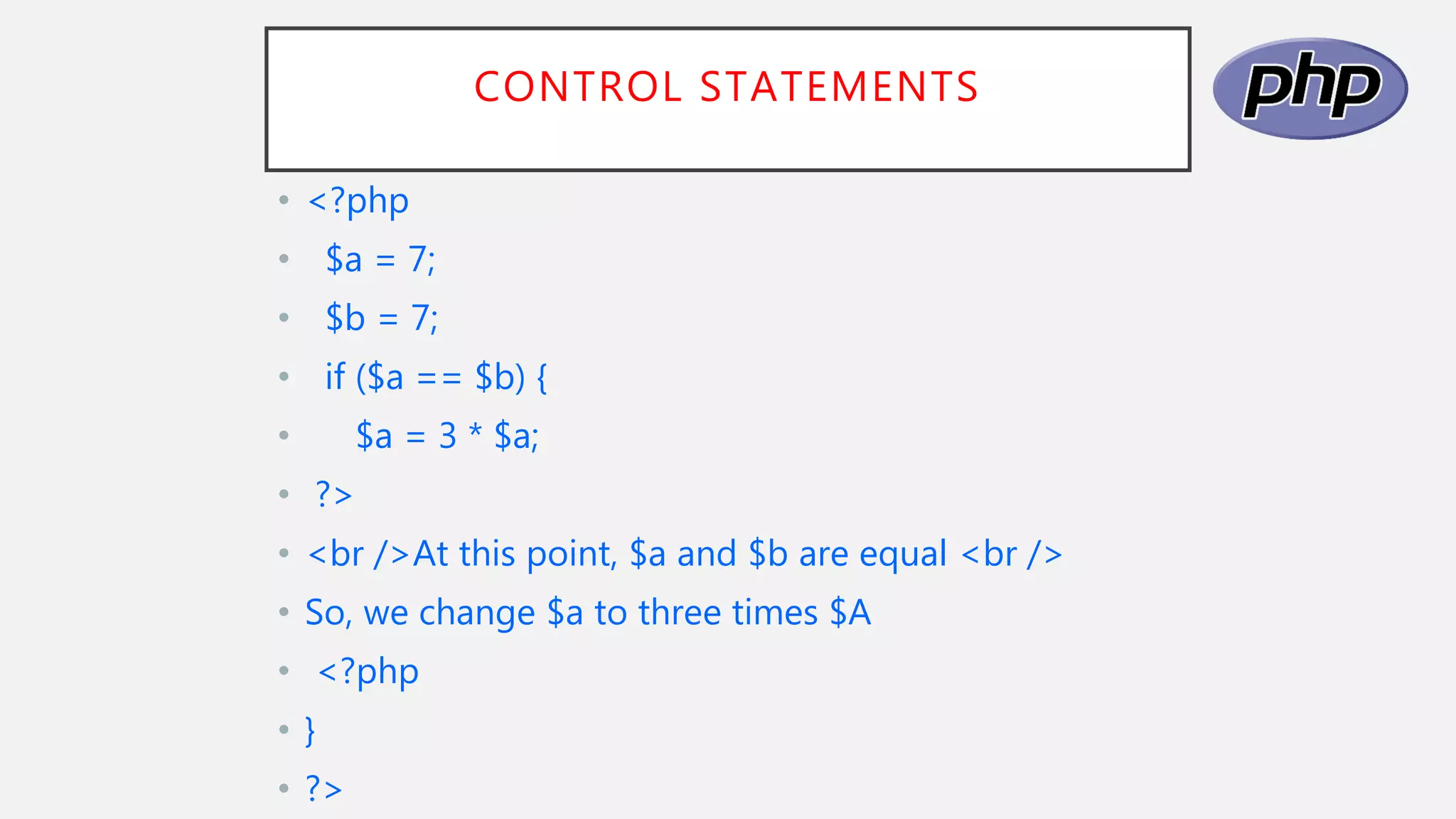
• <?php
• $a = 7;
• $b = 7;
• if ($a == $b) {
• $a = 3 * $a;
• ?>
• <br />At this point, $a and $b are equal <br />
• So, we change $a to three times $A
• <?php
• }
• ?>
PHP EXAMPLES
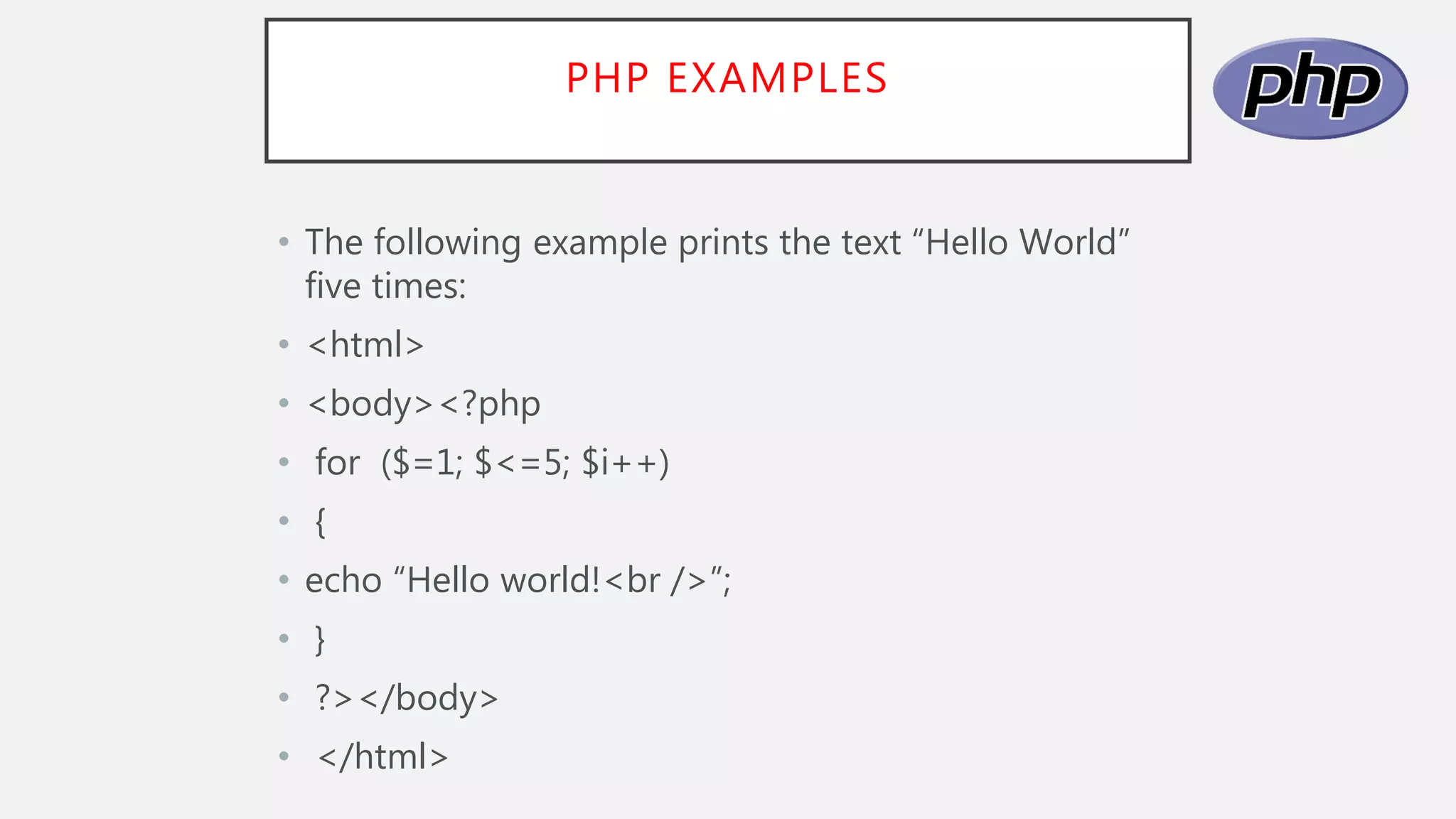
• The following example prints the text “Hello World”
five times:
• <html>
• <body><?php
• for ($=1; $<=5; $i++)
• {
• echo “Hello world!<br />”;
• }
• ?></body>
• </html>
PHP EXAMPLES
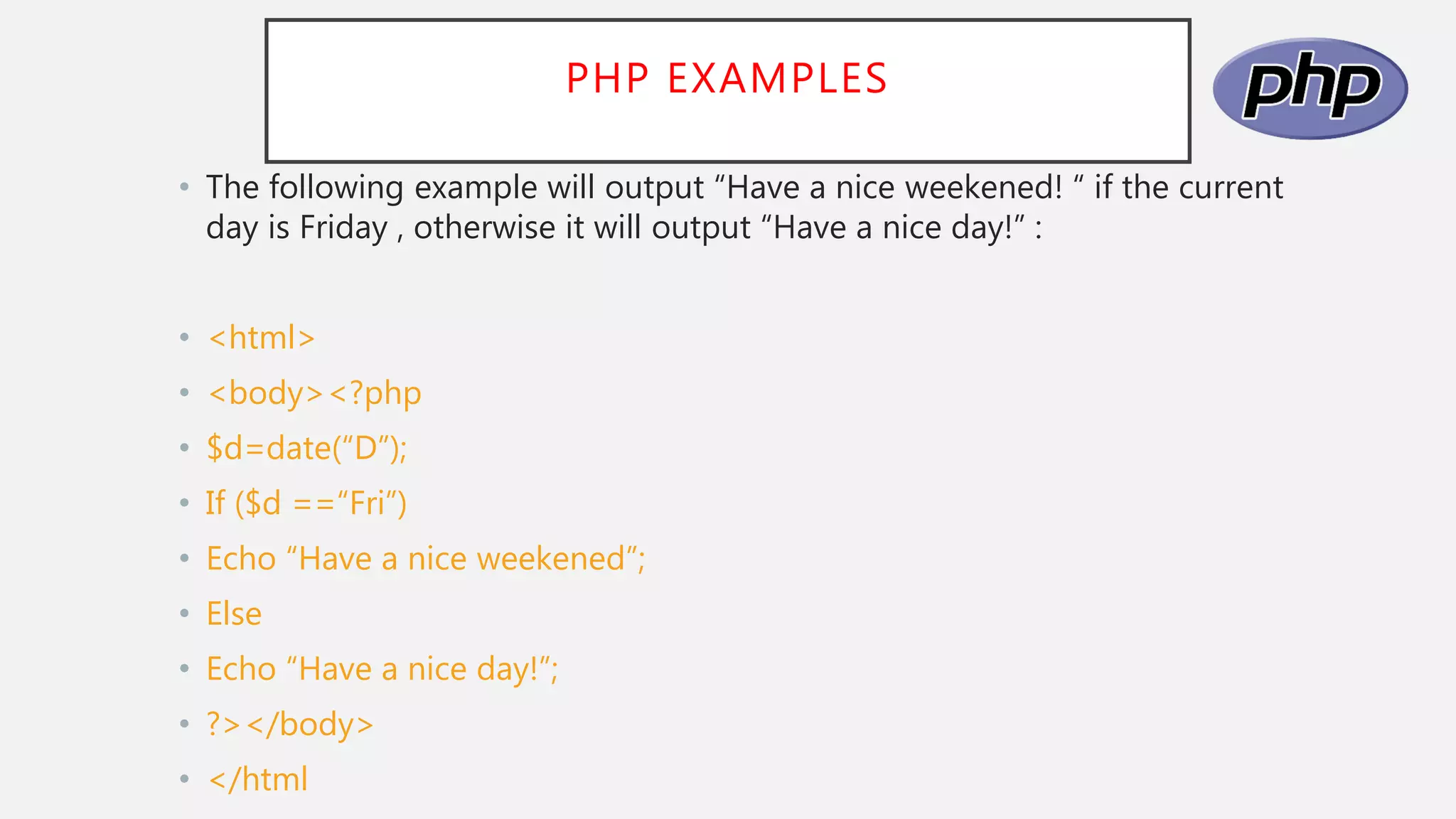
• The following example will output “Have a nice weekened! “ if the current
day is Friday , otherwise it will output “Have a nice day!” :
• <html>
• <body><?php
• $d=date(“D”);
• If ($d ==“Fri”)
• Echo “Have a nice weekened”;
• Else
• Echo “Have a nice day!”;
• ?></body>
• </html
INTRODUCTION to php.pptx

INTRODUCTION to php.pptx

  • 1.
  • 2.
    CONTENTS • > INTRODUCTION •> ORIGINS AND USES OF PHP • > OVERVIEW OF PHP • > WHAT CAN PHP DO • > HOW PHP WORK • > WHAT WILL YOU NEED • > PHP INSTALLATION • > PHP SYNTAX • > BASIC CODE SYNTAX • > VARIABLES • > STRING VARIABLE IN PHP • > PHP VARIABLES • > VARIABLES NAME • > OUTPUTS • > CONTROL STATEMENT • > PHP EXAMPLES
  • 3.
    INTRODUCTION • * PHPstands for PHP: Hypertext Preprocessor • * PHP is a server-side scripting language, like ASP • * PHP scripts are executed on the server • * PHP supports many databases (MySQL, Informix, Oracle, Sybase, Solid etc. • * PHP is an open source software (OSS).
  • 4.
    ORIGINS AND USESOF PHP • > Origins • - Rasmus Lerdorf – 1994. • - Developed to allow him to track visitors to his Web site. > PHP is an open-source product. • > PHP is an acronym for Personal Home Page, or PHP : Hypertext Preprocessing, and database access.
  • 5.
    OVERVIEW OF PHP ••> PHP is a server-side scripting language , like ASP • •> PHP scripts are executed on the server • •> PHP supports many databases (MySQL, Informix, Oracle, Sybase, etc. • •> PHP is an open-source software (OSS) • •> What is a PHP File? • - PHP files may contain text, HTML tags and scripts • - PHP files are returned to the browser as plain HTML • - PHP files have a file extension of “.php” ,”php3” , or “.Phtml”
  • 6.
    WHAT CAN PHPDO? • > Query a database • > Allow users to upload files • > Create/read files on the server (for example, the files that you users upload) • > Have a “members area” (i.e via a login page) • > Have a shopping cart
  • 7.
    HOW PHP WORK? •PHP is a server-side language that means the code written in php resides on a host computer called a server. The server sends Web pages to the requesting visitors (you , the client ,with your web browser)
  • 8.
    WHAT WILL YOUNEED? • •> A web server application (Apache, Xitami , or IIS) • •> PHP • •> My SQL • •> Web Browser • •> Text editor, PHP-capable WYSIWYG application (Adobe Dreamweaver / Kompozer / Amaya) or IDE (integrated development environment) • •> FTP application if using a remote server
  • 9.
    PHP INSTALLATION • Youneed to install web server before you install PHP. • There are many different web servers available to choose from, so you need to choose which one you prefer. • Two of the more popular web services are: • > Apache • > internet Information Services (IIS)
  • 10.
    PHP SYNTAX • ThePHP syntax on C , Java, and peral , creating a PHP file is similar to creating an HTML file. In fact, most PHP files are a mixture of PHP code and HTML. To create a PHP file , simply do the following: 1. Create a new file in your favorite editor 2. Type some PHP code 3. Save the file with a .php extension
  • 11.
    BASIC CODE SYNTAX <? PHPCode In Here ?> <?php PHP Code In Here php?> <script language=“php> PHP code In Here </script> <html> <head> <title>PHP Syntax Example</title> </head> <body> <?php Echo “PHP is easy!”; ?> </body> </html>
  • 12.
    VARIABLES > Variables areused to storing values, like text strings, number of arrays. • > When a variable is declared , it can be used over and over again in your script. • >All variables in PHP start with a $ sign symbol. • > The correct wat of declaring a variable in PHP: $var _ name = value;
  • 13.
    STRING VARIABLES INPHP • String variable are used for values that contains characters. • <?php $txt=“Hello World ; echo $txt; ?>
  • 14.
    PHP VARIABLES • Avariable can have a short name (like x and y) or a more descriptive name (ages, carn • total_volume). • Rules for PHP variables: • > A variable starts with the $ sign, followed by the name of the variable. • > A variable name must start with a letter or the underscore character. • > A variable name cannot start with a number. • > A variable name can only contain alpha-numeric characters and underscores (A-z, 0-9, and_). > Variable names are case-sensitive ($age and $ AGE are two different variables.
  • 15.
    PHP VARIABLES • <?php •$variable1= 2; • $variable 2 = 9; • $variable3 = $variable1 + $variable2; • echo $variable3; • ?>
  • 16.
    VARIABLES NAME • Variablenames can only contain alpha-numeric characters and underscore (i.e a-z, A-Z, 0-9, or _) • Variables names must not contain spaces. For multi- word variable names , either separate the words with an underscore ( _ ) or use capitalization.
  • 17.
    OUTPUTS • Output froma PHP scripts is HTML that is sent to the browser. • HTML is sent to the browser through standard output . • There are three ways to produce output: echo, print, and printf. • - echo and print take a string, but will coerce other value to strings echo • “Test” , “None” ; #More than one parameter acceptable echo (“first <br />” • $sum) # More than one, so ILLEGAL! Print “welcome to my site!”; # Only • one printf –same like C • PHP code is placed in the body of an HTML document
  • 18.
    OUTPUTS • <html> • <head><title>Trivial php example </title> • </head> • <body> • <?php • print “welcome to my site1”; • ?> • </body> • </html>
  • 19.
    CONTROL STATEMENT • >Control Expressions • - Relational operators – same as Javascript (including === and ! ==) • - Boolean operators – same as perl (two sets, && and and, etc.) • > Selection statements • - if, if-else, elseif • - switch – as in C • The switch expression type must be integer, double, or string • - While- just like C • - do-while – just like C • - for – just like C • - foreach – discussed later • - break - in any for, foreach, while, do-while, or switch • - continue – in any loop
  • 20.
    CONTROL STATEMENTS • <?php •$a = 7; • $b = 7; • if ($a == $b) { • $a = 3 * $a; • ?> • <br />At this point, $a and $b are equal <br /> • So, we change $a to three times $A • <?php • } • ?>
  • 21.
    PHP EXAMPLES • Thefollowing example prints the text “Hello World” five times: • <html> • <body><?php • for ($=1; $<=5; $i++) • { • echo “Hello world!<br />”; • } • ?></body> • </html>
  • 22.
    PHP EXAMPLES • Thefollowing example will output “Have a nice weekened! “ if the current day is Friday , otherwise it will output “Have a nice day!” : • <html> • <body><?php • $d=date(“D”); • If ($d ==“Fri”) • Echo “Have a nice weekened”; • Else • Echo “Have a nice day!”; • ?></body> • </html