IMAGE FORMATS
WHEN and WHY to use them on the web.
Illustrator CC for Web Design: Image Optimization @justinseeley
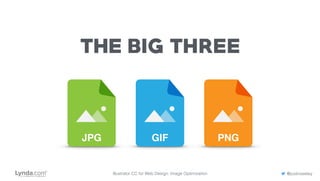
JPG GIF PNG
THE BIG THREE
Illustrator CC for Web Design: Image Optimization @justinseeley
JPG
JPGJoint Photographic Experts Group
Illustrator CC for Web Design: Image Optimization @justinseeley
JPG
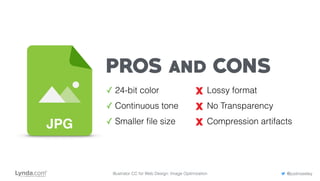
PROS and CONS
✓ 24-bit color
✓ Continuous tone
✓ Smaller file size
Lossy format
No Transparency
Compression artifacts
Illustrator CC for Web Design: Image Optimization @justinseeley
JPG
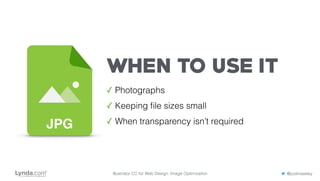
WHEN TO USE IT
✓ Photographs
✓ Keeping file sizes small
✓ When transparency isn’t required
Illustrator CC for Web Design: Image Optimization @justinseeley
GIFGraphics Interchange Format
GIF
Illustrator CC for Web Design: Image Optimization @justinseeley
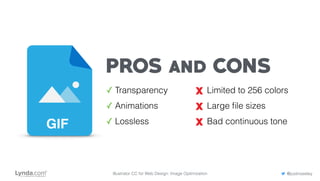
PROS and CONS
✓ Transparency
✓ Animations
✓ Lossless
Limited to 256 colors
Large file sizes
Bad continuous toneGIF
Illustrator CC for Web Design: Image Optimization @justinseeley
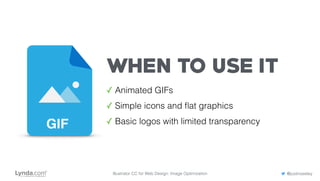
WHEN TO USE IT
✓ Animated GIFs
✓ Simple icons and flat graphics
✓ Basic logos with limited transparencyGIF
Illustrator CC for Web Design: Image Optimization @justinseeley
PNGPortable Network Graphics
PNG
Illustrator CC for Web Design: Image Optimization @justinseeley
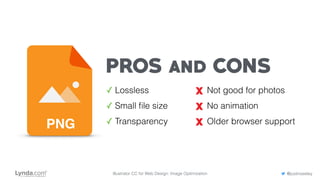
PROS and CONS
✓ Lossless
✓ Small file size
✓ Transparency
Not good for photos
No animation
Older browser supportPNG
Illustrator CC for Web Design: Image Optimization @justinseeley
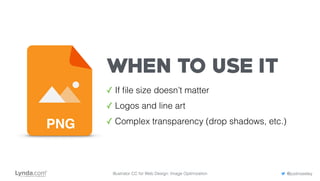
WHEN TO USE IT
✓ If file size doesn’t matter
✓ Logos and line art
✓ Complex transparency (drop shadows, etc.)PNG
Illustrator CC for Web Design: Image Optimization @justinseeley
THE CHOICE IS YOURS
Illustrator CC for Web Design: Image Optimization @justinseeley
There is no right or wrong, but choose wisely.
Illustrator CC for Web Design: Image Optimization @justinseeley
TRUST YOUR EYES
Look for problems in color, clarity, and file size before exporting.
Illustrator CC for Web Design: Image Optimization @justinseeley
KEEP MOBILE IN MIND
Images need to load fast and look great on mobile. Adjust accordingly.

Image File Formats for Web Designers

  • 1.
    IMAGE FORMATS WHEN andWHY to use them on the web. Illustrator CC for Web Design: Image Optimization @justinseeley
  • 2.
    JPG GIF PNG THEBIG THREE Illustrator CC for Web Design: Image Optimization @justinseeley
  • 3.
    JPG JPGJoint Photographic ExpertsGroup Illustrator CC for Web Design: Image Optimization @justinseeley
  • 4.
    JPG PROS and CONS ✓24-bit color ✓ Continuous tone ✓ Smaller file size Lossy format No Transparency Compression artifacts Illustrator CC for Web Design: Image Optimization @justinseeley
  • 5.
    JPG WHEN TO USEIT ✓ Photographs ✓ Keeping file sizes small ✓ When transparency isn’t required Illustrator CC for Web Design: Image Optimization @justinseeley
  • 6.
    GIFGraphics Interchange Format GIF IllustratorCC for Web Design: Image Optimization @justinseeley
  • 7.
    PROS and CONS ✓Transparency ✓ Animations ✓ Lossless Limited to 256 colors Large file sizes Bad continuous toneGIF Illustrator CC for Web Design: Image Optimization @justinseeley
  • 8.
    WHEN TO USEIT ✓ Animated GIFs ✓ Simple icons and flat graphics ✓ Basic logos with limited transparencyGIF Illustrator CC for Web Design: Image Optimization @justinseeley
  • 9.
    PNGPortable Network Graphics PNG IllustratorCC for Web Design: Image Optimization @justinseeley
  • 10.
    PROS and CONS ✓Lossless ✓ Small file size ✓ Transparency Not good for photos No animation Older browser supportPNG Illustrator CC for Web Design: Image Optimization @justinseeley
  • 11.
    WHEN TO USEIT ✓ If file size doesn’t matter ✓ Logos and line art ✓ Complex transparency (drop shadows, etc.)PNG Illustrator CC for Web Design: Image Optimization @justinseeley
  • 12.
    THE CHOICE ISYOURS Illustrator CC for Web Design: Image Optimization @justinseeley There is no right or wrong, but choose wisely.
  • 13.
    Illustrator CC forWeb Design: Image Optimization @justinseeley TRUST YOUR EYES Look for problems in color, clarity, and file size before exporting.
  • 14.
    Illustrator CC forWeb Design: Image Optimization @justinseeley KEEP MOBILE IN MIND Images need to load fast and look great on mobile. Adjust accordingly.