Download to read offline

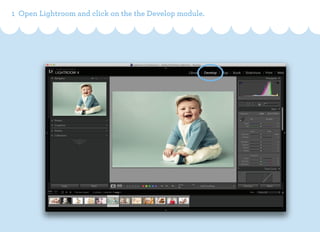


This document provides step-by-step instructions for installing Lightroom presets. It covers creating a new preset folder, importing unarchived preset files into Lightroom, and concludes with a friendly note. The website www.babiesprests.com is mentioned as a resource.


