Downloaded 46 times


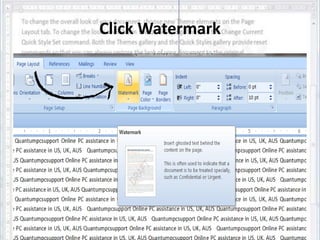
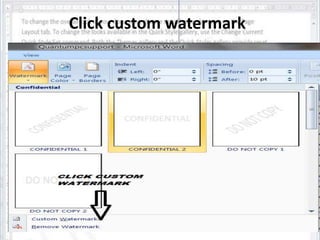
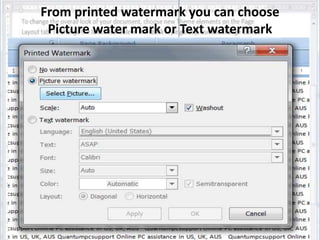


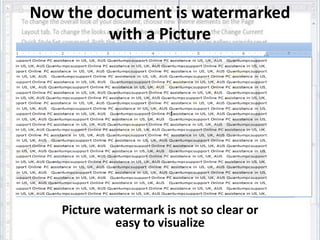

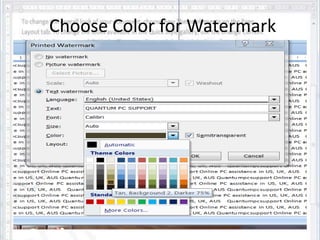
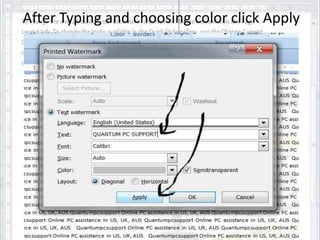



The document provides a step-by-step guide on how to add a watermark to a Microsoft Word document in Office 2007. Users can choose between a picture or text watermark, with instructions for both options including selecting and applying the desired format. It concludes with a note of thanks from an online PC help service.


