Developed by
The webinar will begin shortly.
WEBINAR
How to Use Innoslate for Advanced
UsersA discussion on complex systems engineering methods using Innoslate
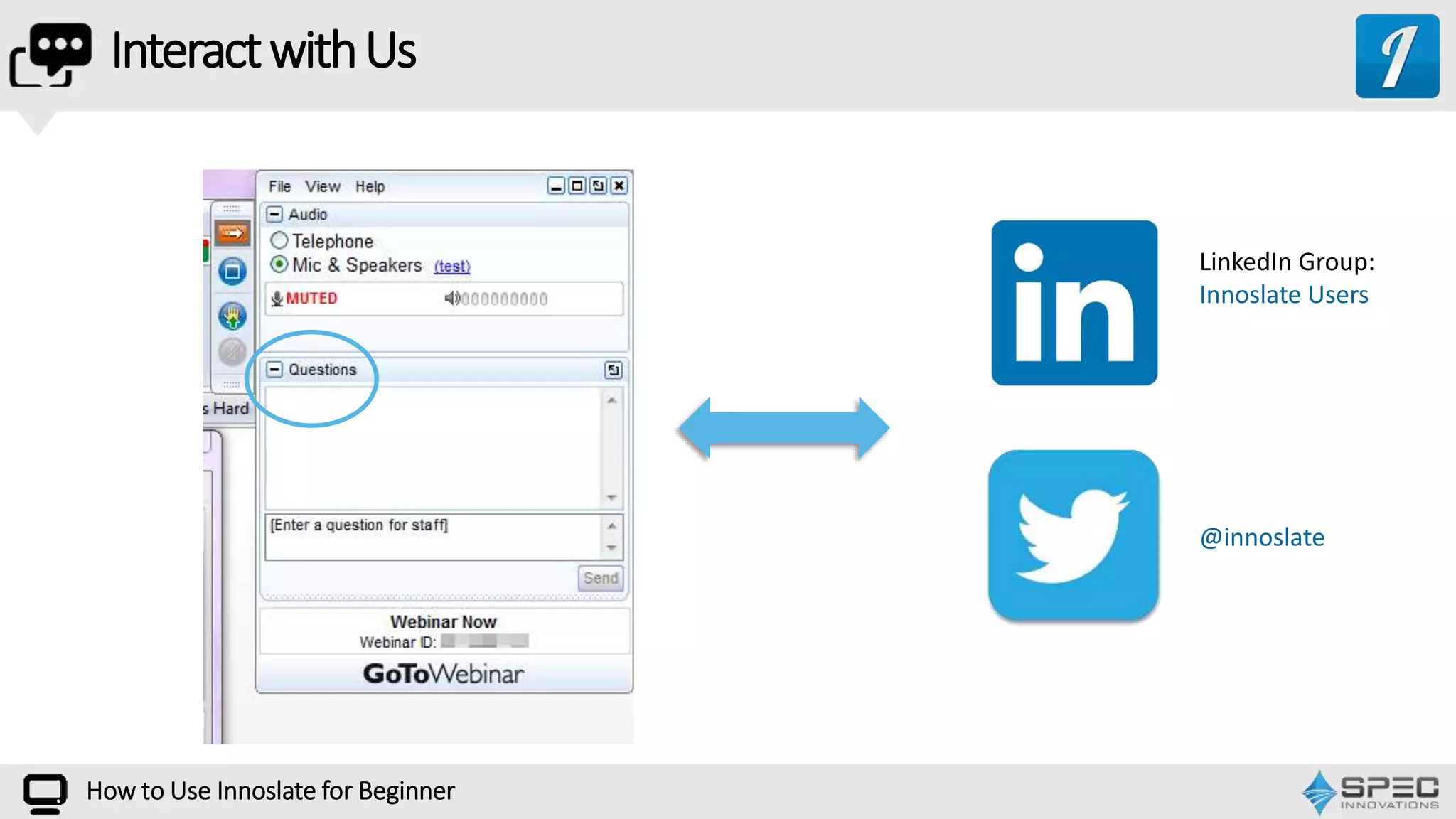
InteractwithUs
How to Use Innoslate for Beginner
LinkedIn Group:
Innoslate Users
@innoslate
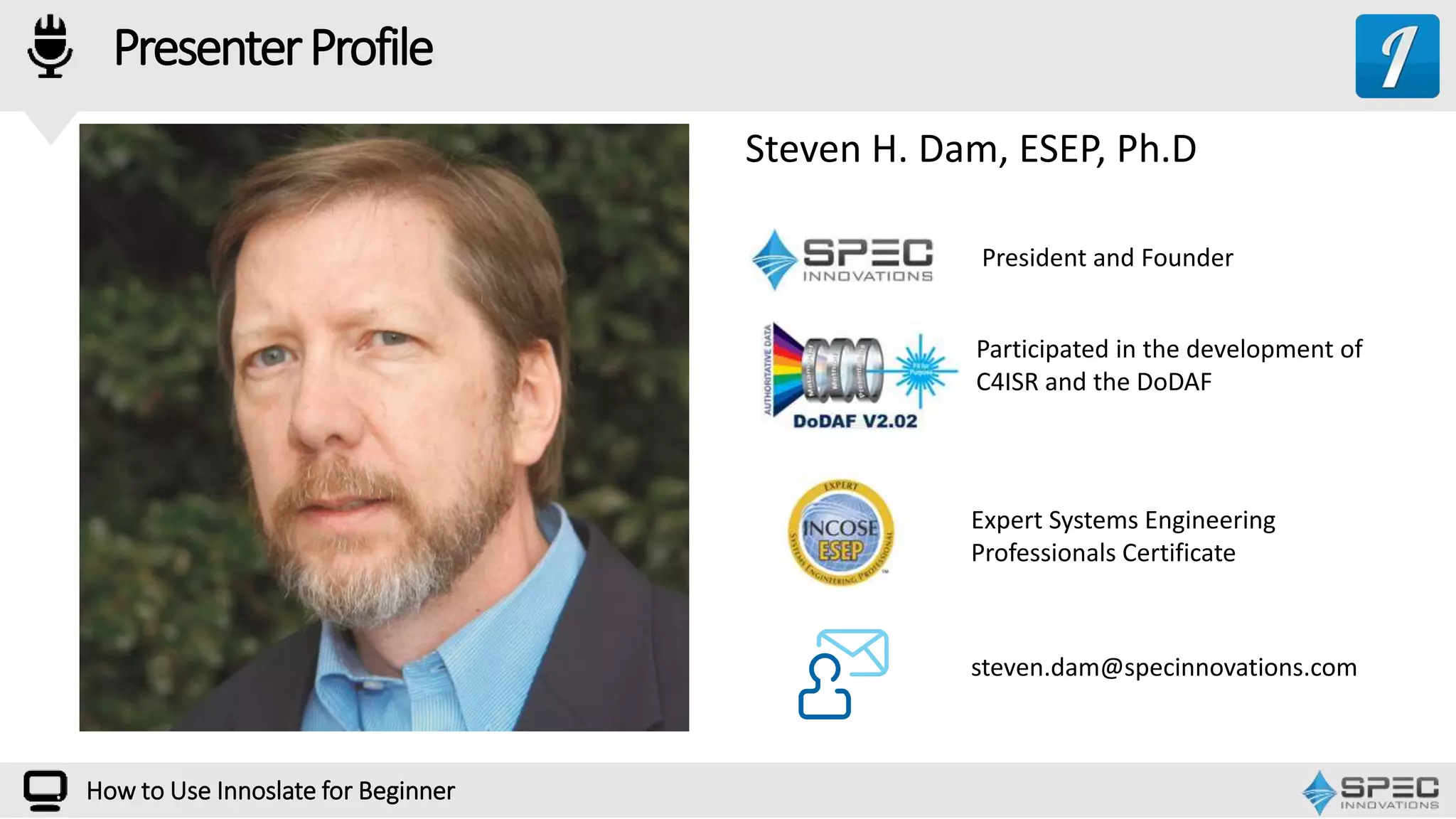
PresenterProfile
How to Use Innoslate for Beginner
President and Founder
steven.dam@specinnovations.com
Steven H. Dam, ESEP, Ph.D
Expert Systems Engineering
Professionals Certificate
Participated in the development of
C4ISR and the DoDAF
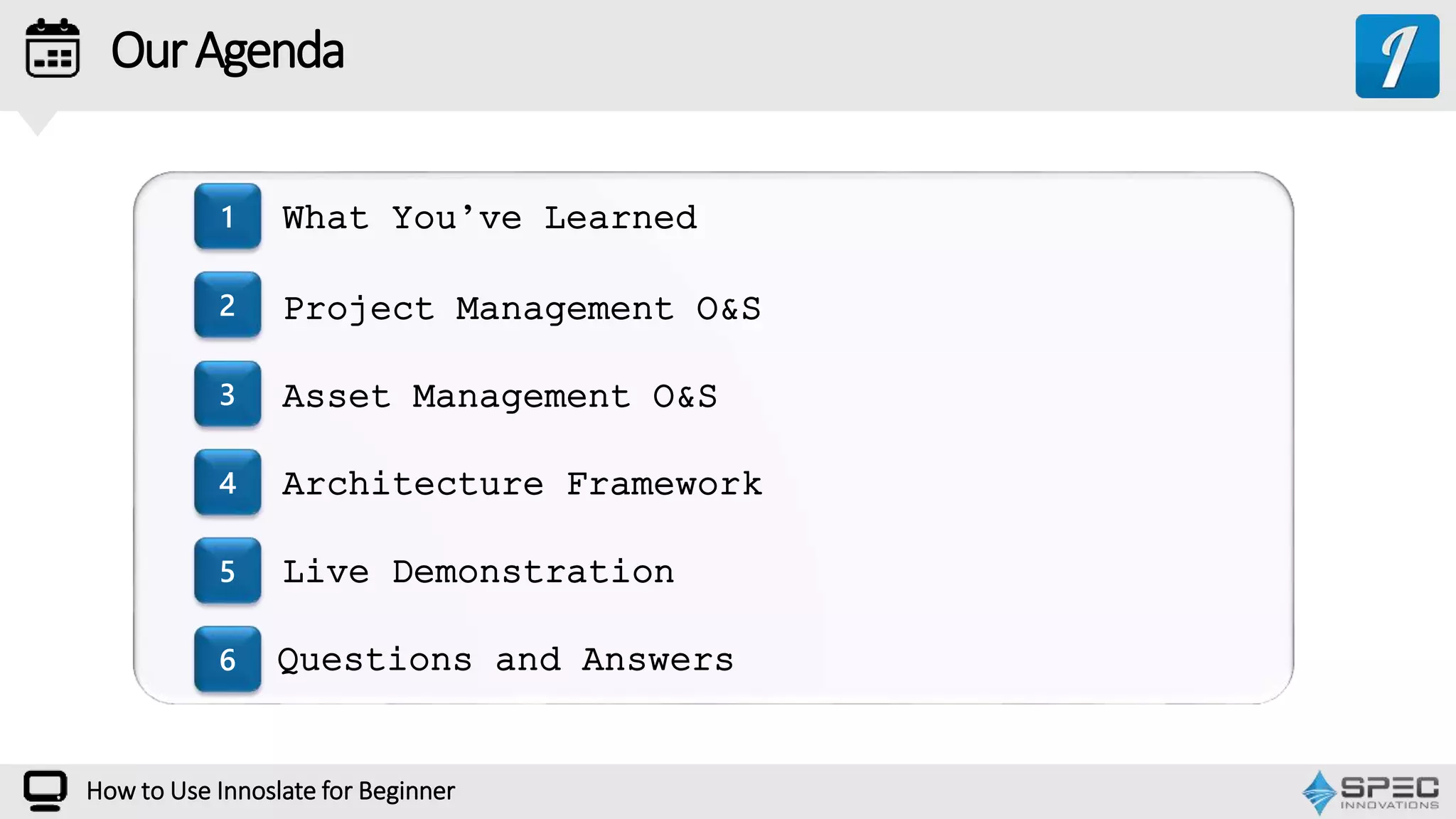
OurAgenda
1
2
3
4
5
6
How to Use Innoslate for Beginner
What You’ve Learned
Project Management O&S
Asset Management O&S
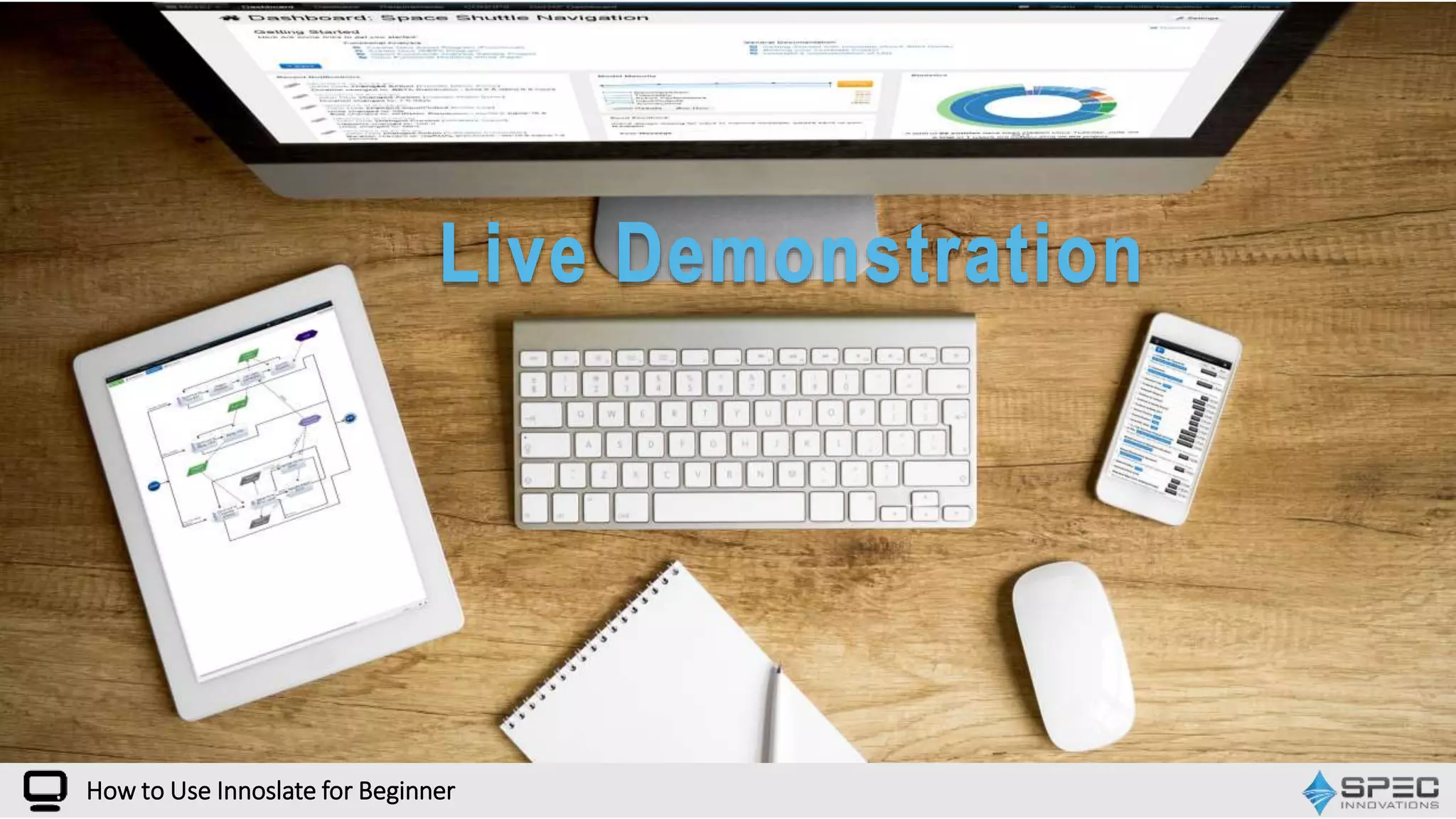
Live Demonstration
Questions and Answers
Architecture Framework
How many of you have used Innoslate for a
project?
How to Use Innoslate for Beginner
POLL
WEBINAR
Project Management in Innoslate
How to Use Innoslate for Beginner
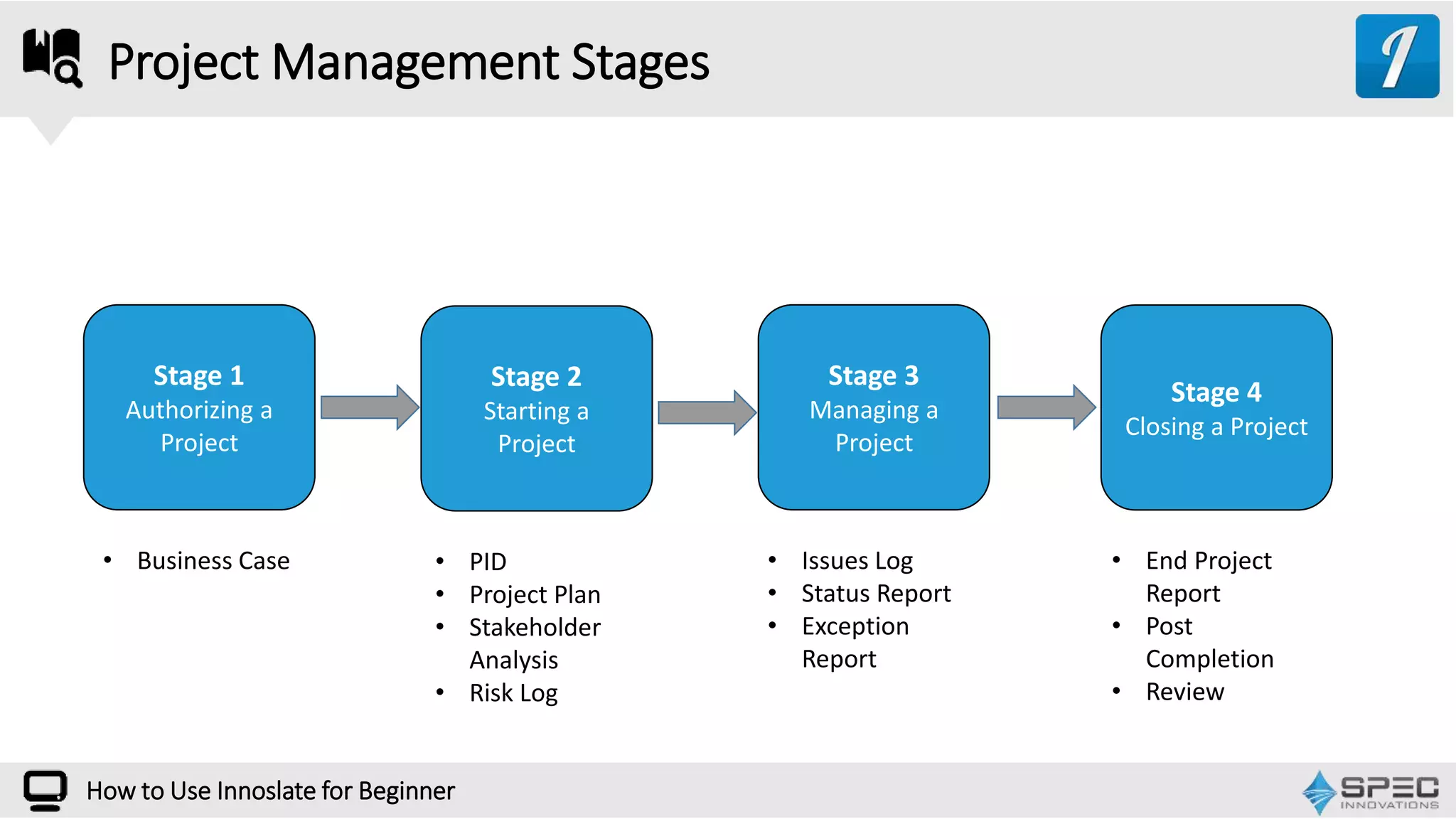
Project Management Stages
Stage 1
Authorizing a
Project
Stage 2
Starting a
Project
Stage 3
Managing a
Project
Stage 4
Closing a Project
• Business Case • End Project
Report
• Post
Completion
• Review
• Issues Log
• Status Report
• Exception
Report
• PID
• Project Plan
• Stakeholder
Analysis
• Risk Log
How to Use Innoslate for Beginner
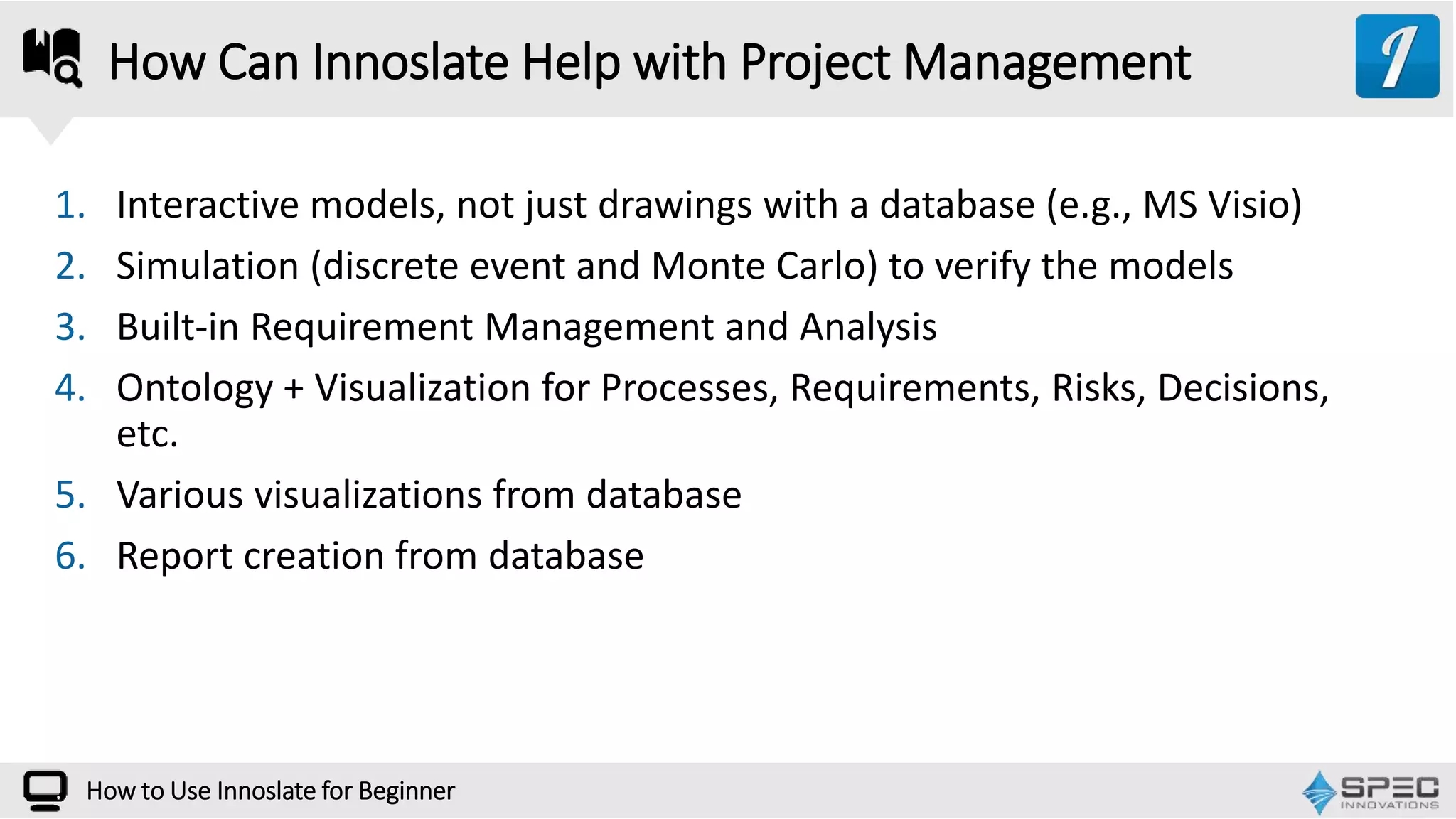
1. Interactive models, not just drawings with a database (e.g., MS Visio)
2. Simulation (discrete event and Monte Carlo) to verify the models
3. Built-in Requirement Management and Analysis
4. Ontology + Visualization for Processes, Requirements, Risks, Decisions,
etc.
5. Various visualizations from database
6. Report creation from database
How Can Innoslate Help with Project Management
How to Use Innoslate for Beginner
Reliability, Availability, Maintainability
How to Use Innoslate for Beginner
Cost Analysis
How to Use Innoslate for Beginner
Asset Managemetn
How to Use Innoslate for Beginner
WEBINAR
How Can Innoslate Help with Architecture
Framework
How to Use Innoslate for Beginner
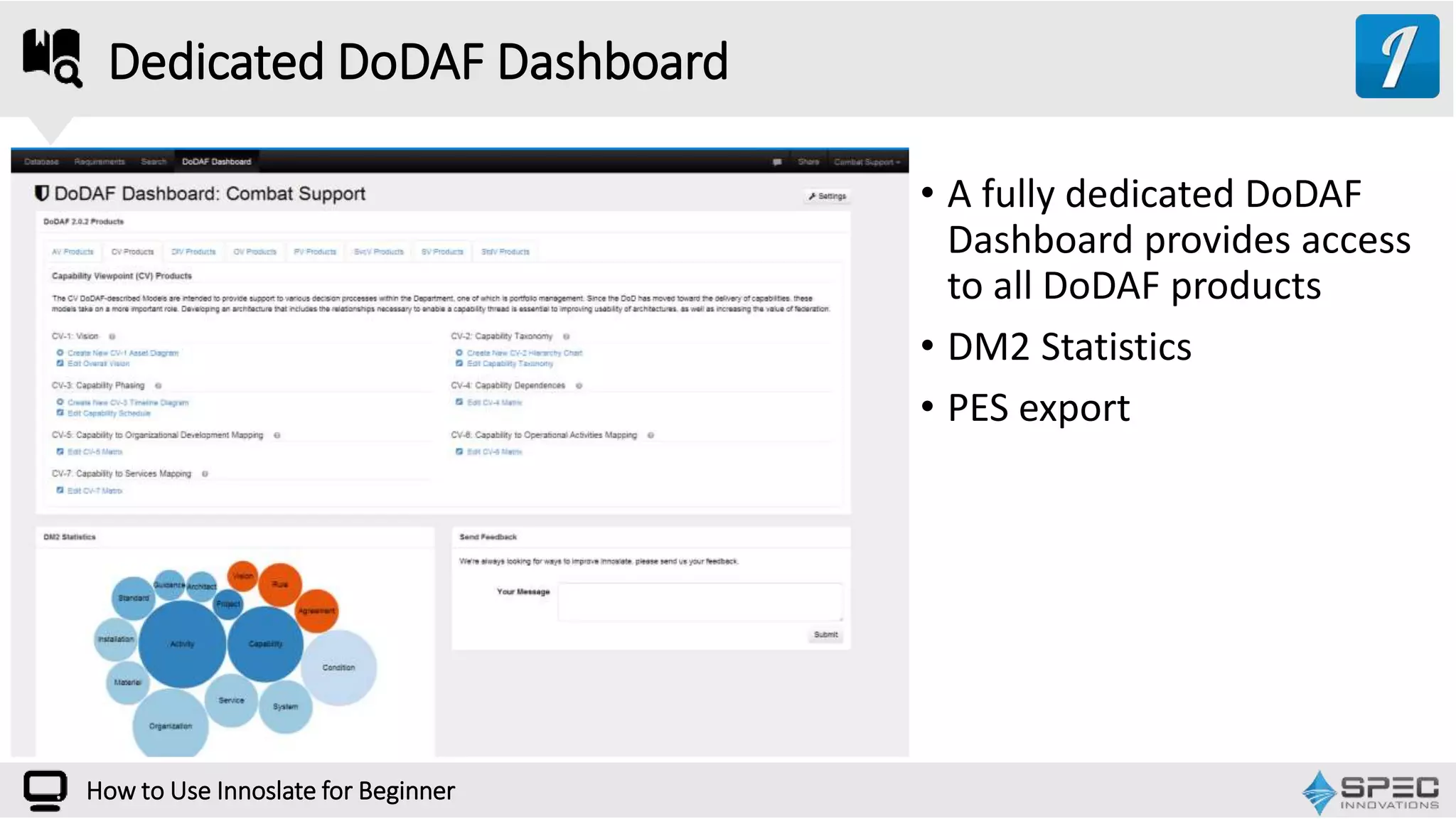
Dedicated DoDAF Dashboard
• A fully dedicated DoDAF
Dashboard provides access
to all DoDAF products
• DM2 Statistics
• PES export
How to Use Innoslate for Beginner
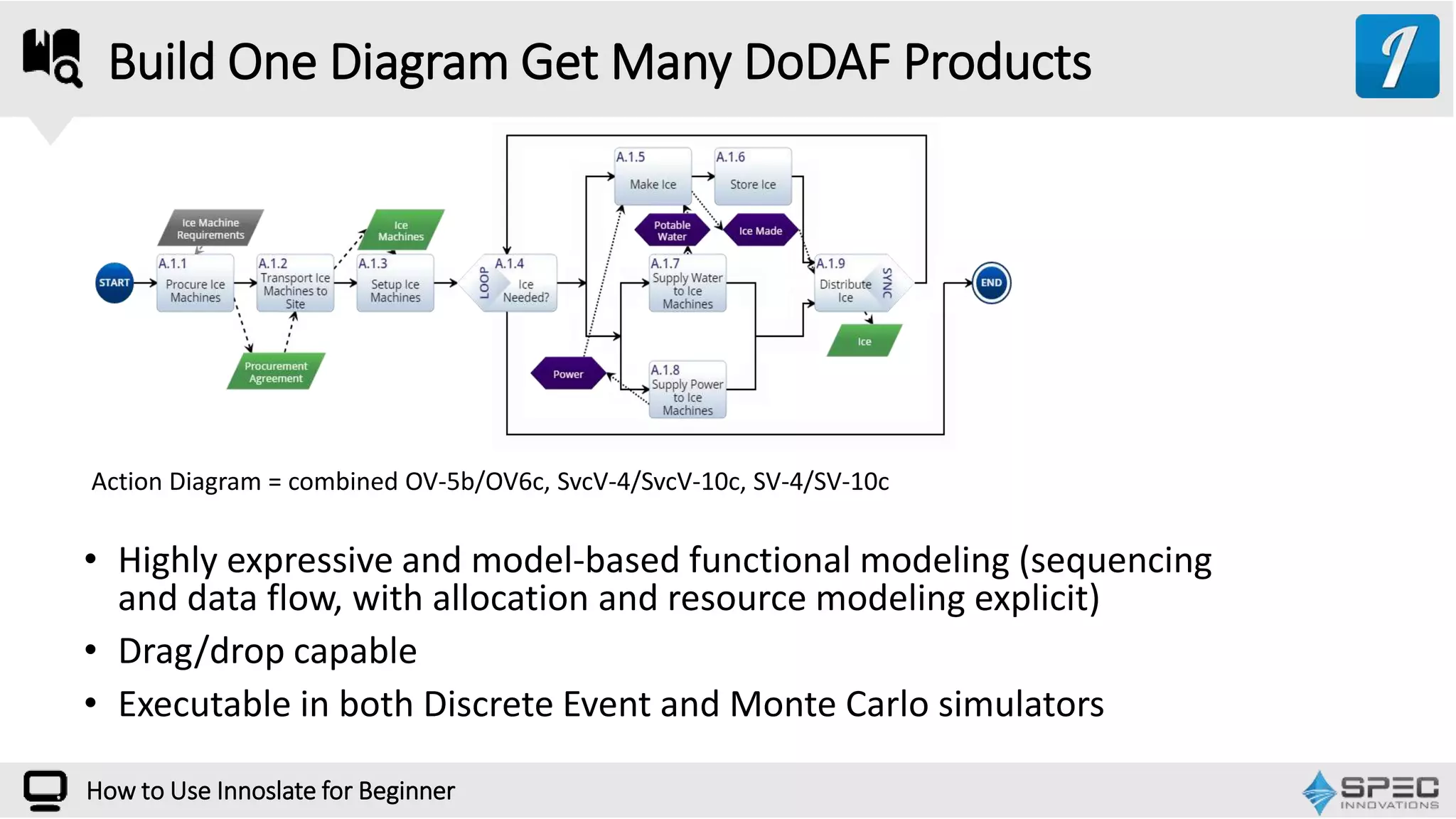
Build One Diagram Get Many DoDAF Products
• Highly expressive and model-based functional modeling (sequencing
and data flow, with allocation and resource modeling explicit)
• Drag/drop capable
• Executable in both Discrete Event and Monte Carlo simulators
Action Diagram = combined OV-5b/OV6c, SvcV-4/SvcV-10c, SV-4/SV-10c
How to Use Innoslate for Beginner
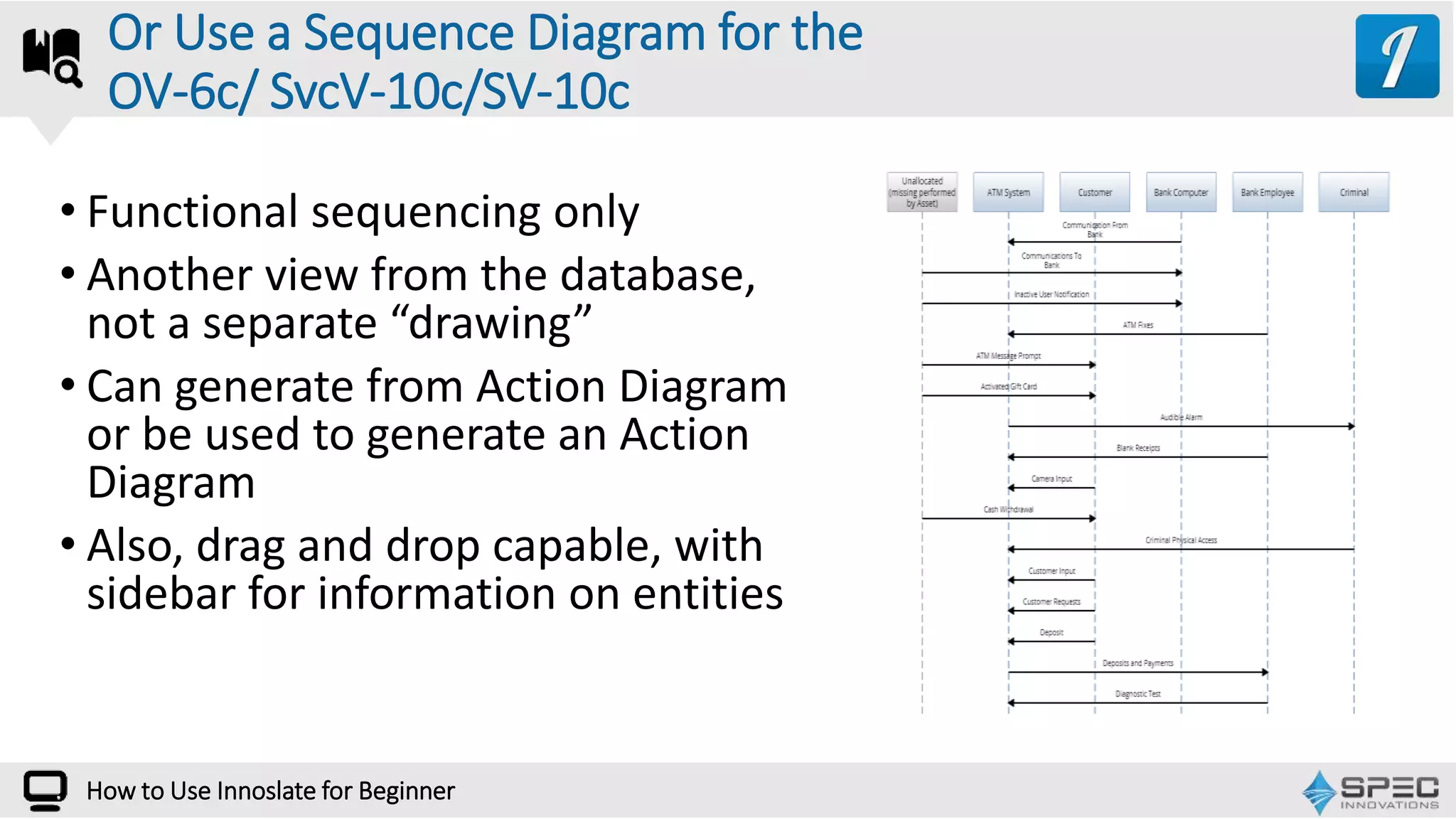
• Functional sequencing only
• Another view from the database,
not a separate “drawing”
• Can generate from Action Diagram
or be used to generate an Action
Diagram
• Also, drag and drop capable, with
sidebar for information on entities
Or Use a Sequence Diagram for the
OV-6c/ SvcV-10c/SV-10c
How to Use Innoslate for Beginner
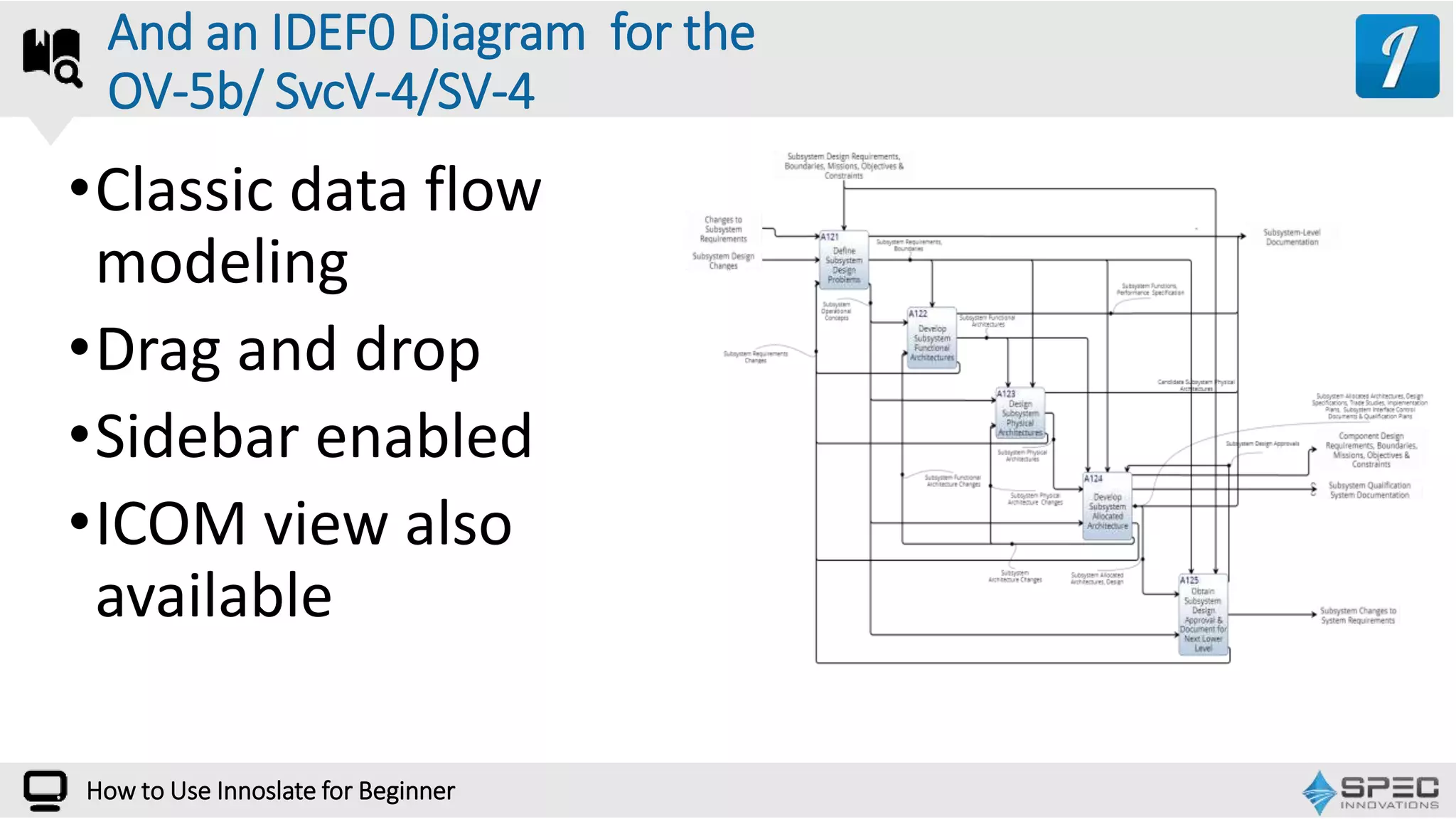
•Classic data flow
modeling
•Drag and drop
•Sidebar enabled
•ICOM view also
available
And an IDEF0 Diagram for the
OV-5b/ SvcV-4/SV-4
How to Use Innoslate for Beginner
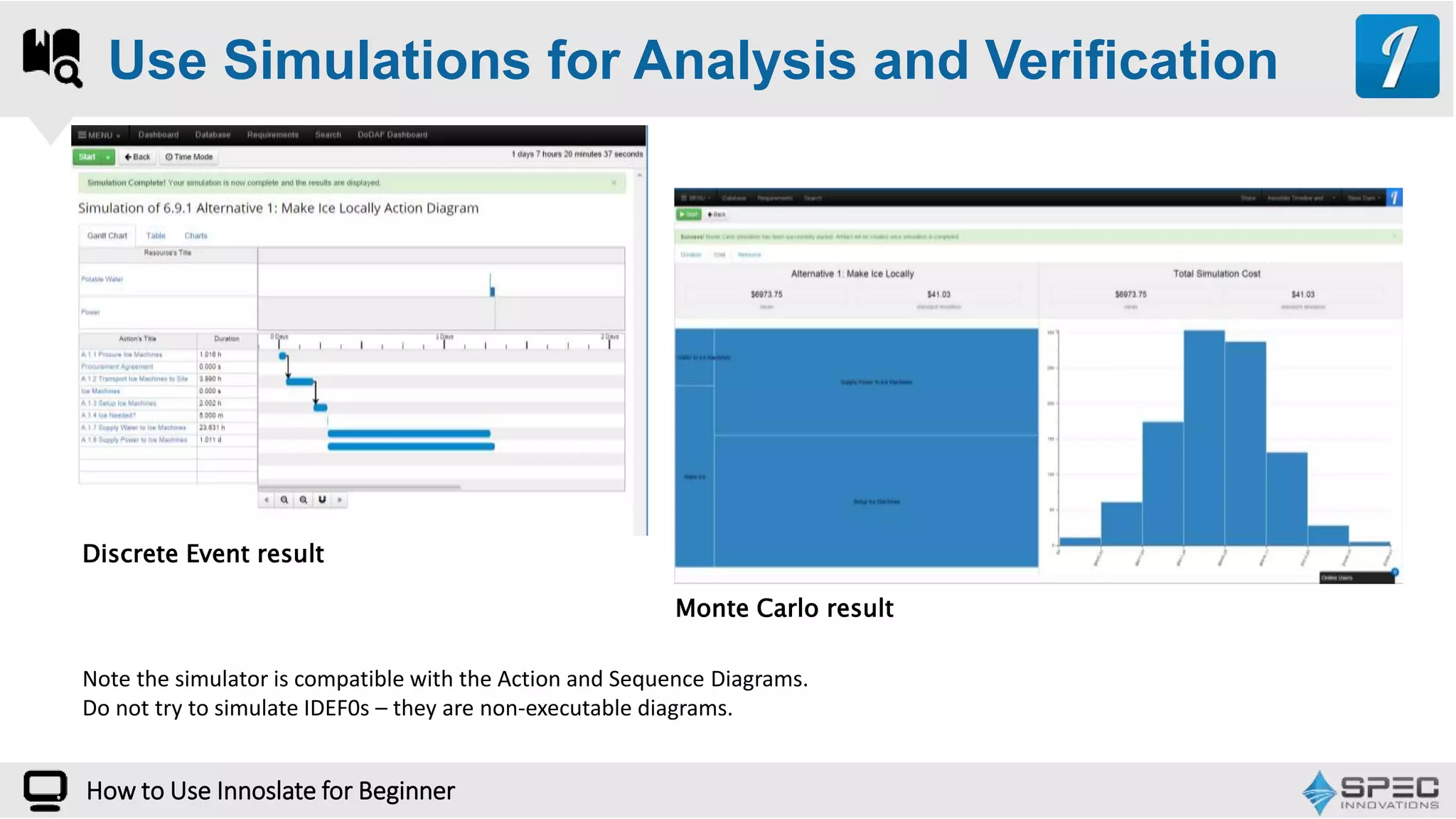
Use Simulations for Analysis and Verification
Monte Carlo result
Discrete Event result
Note the simulator is compatible with the Action and Sequence Diagrams.
Do not try to simulate IDEF0s – they are non-executable diagrams.
How to Use Innoslate for Beginner
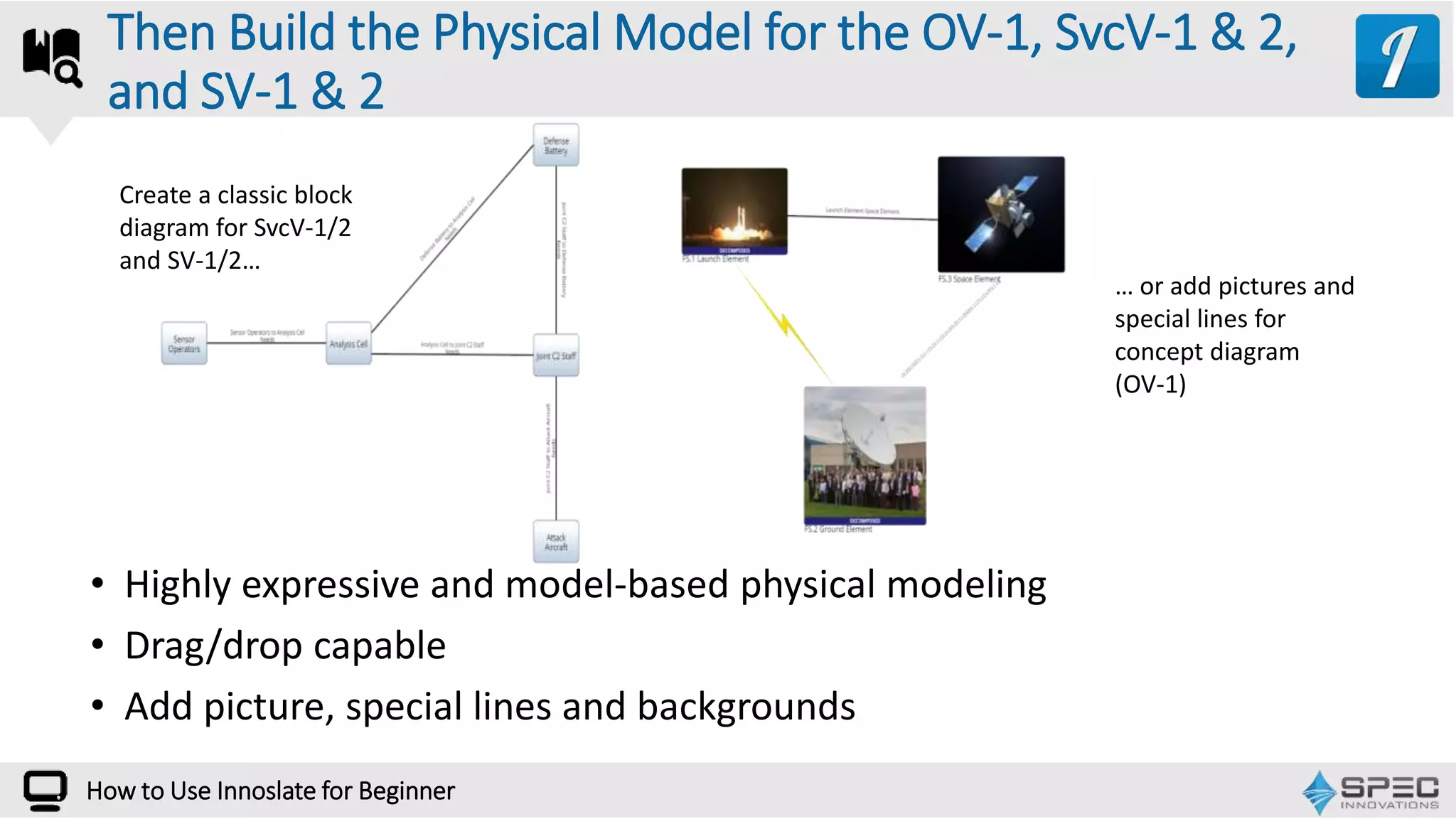
• Highly expressive and model-based physical modeling
• Drag/drop capable
• Add picture, special lines and backgrounds
Then Build the Physical Model for the OV-1, SvcV-1 & 2,
and SV-1 & 2
Create a classic block
diagram for SvcV-1/2
and SV-1/2…
… or add pictures and
special lines for
concept diagram
(OV-1)
How to Use Innoslate for Beginner
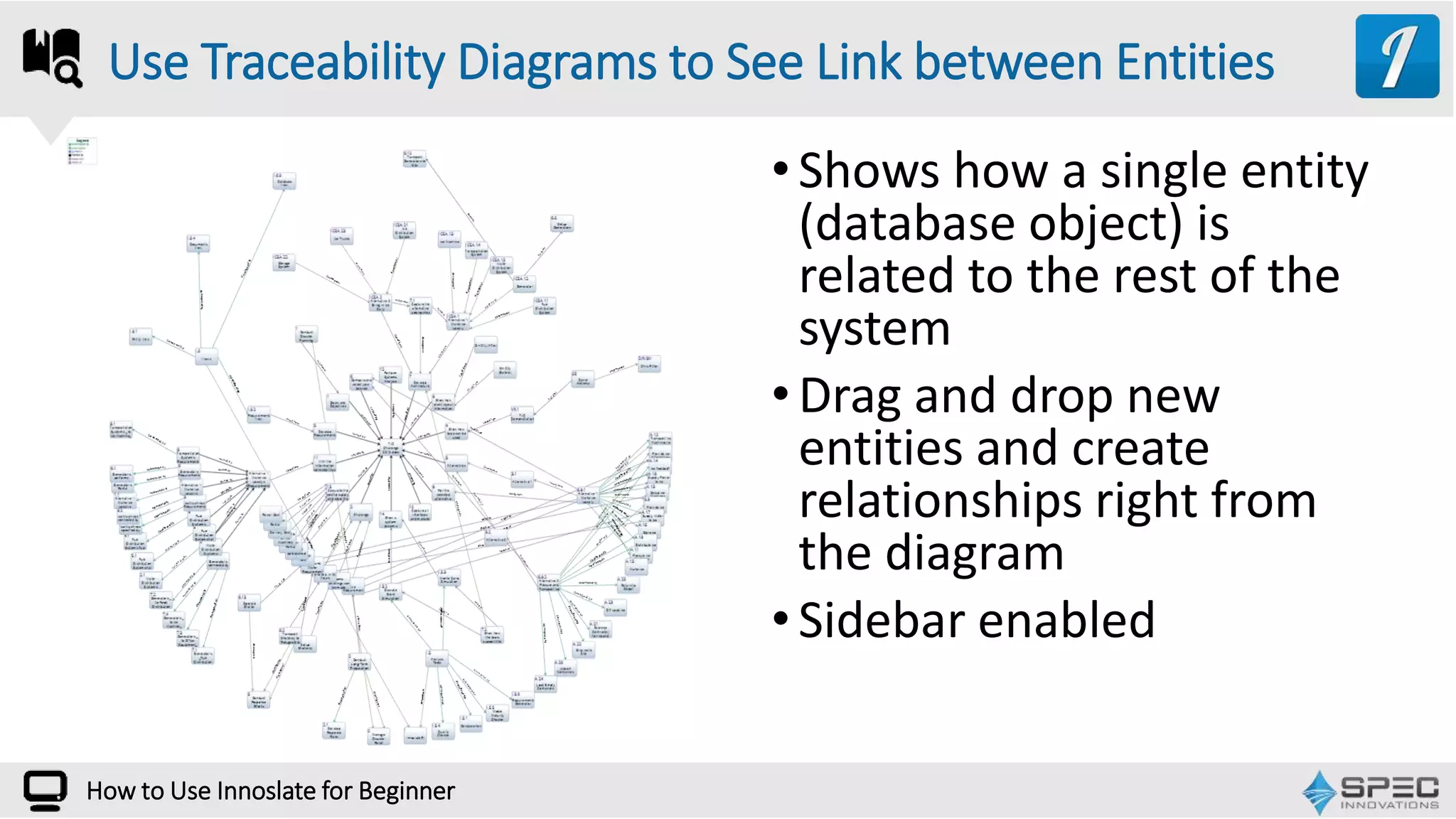
•Shows how a single entity
(database object) is
related to the rest of the
system
•Drag and drop new
entities and create
relationships right from
the diagram
•Sidebar enabled
Use Traceability Diagrams to See Link between Entities
How to Use Innoslate for Beginner
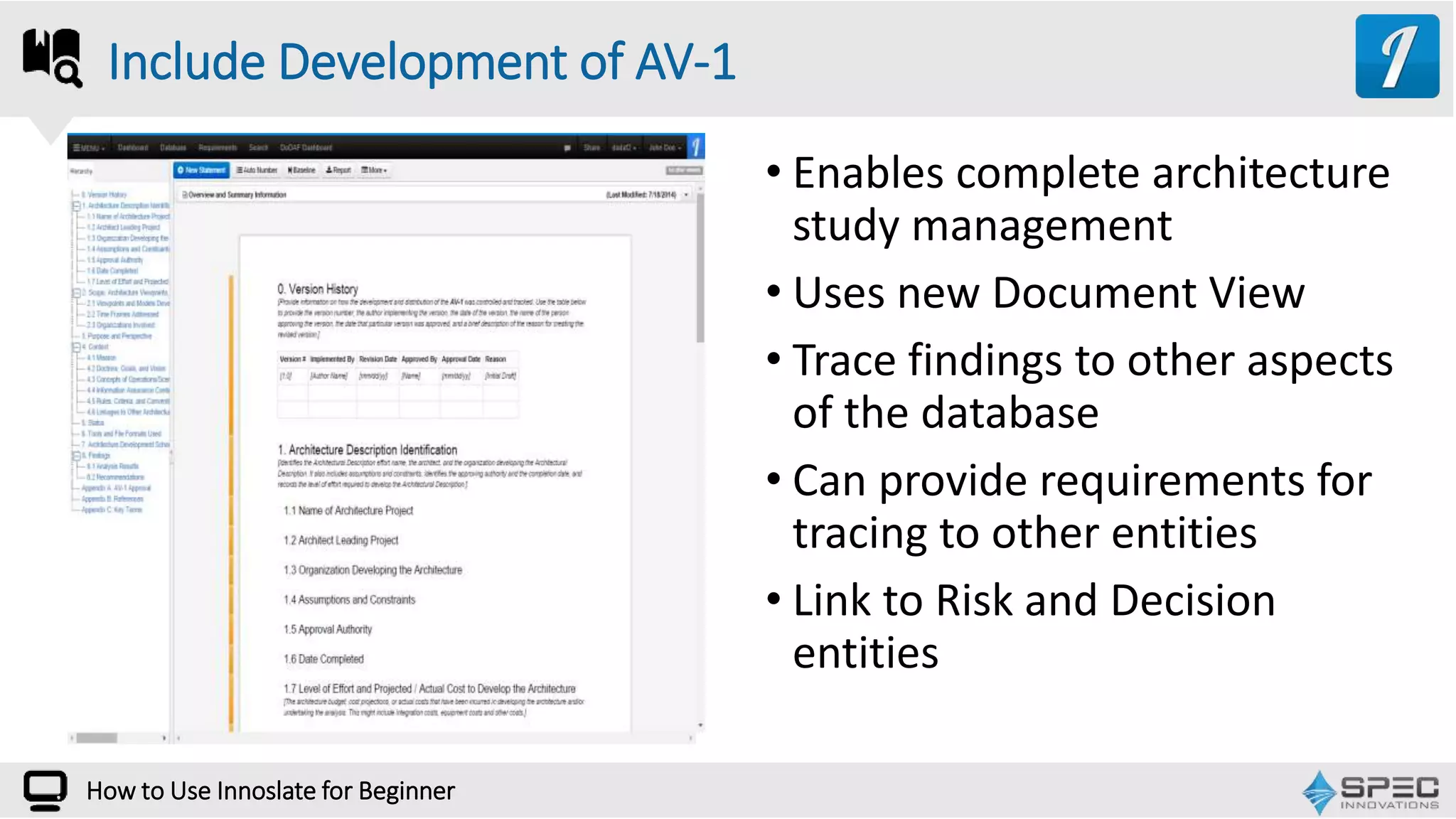
• Enables complete architecture
study management
• Uses new Document View
• Trace findings to other aspects
of the database
• Can provide requirements for
tracing to other entities
• Link to Risk and Decision
entities
Include Development of AV-1
How to Use Innoslate for Beginner
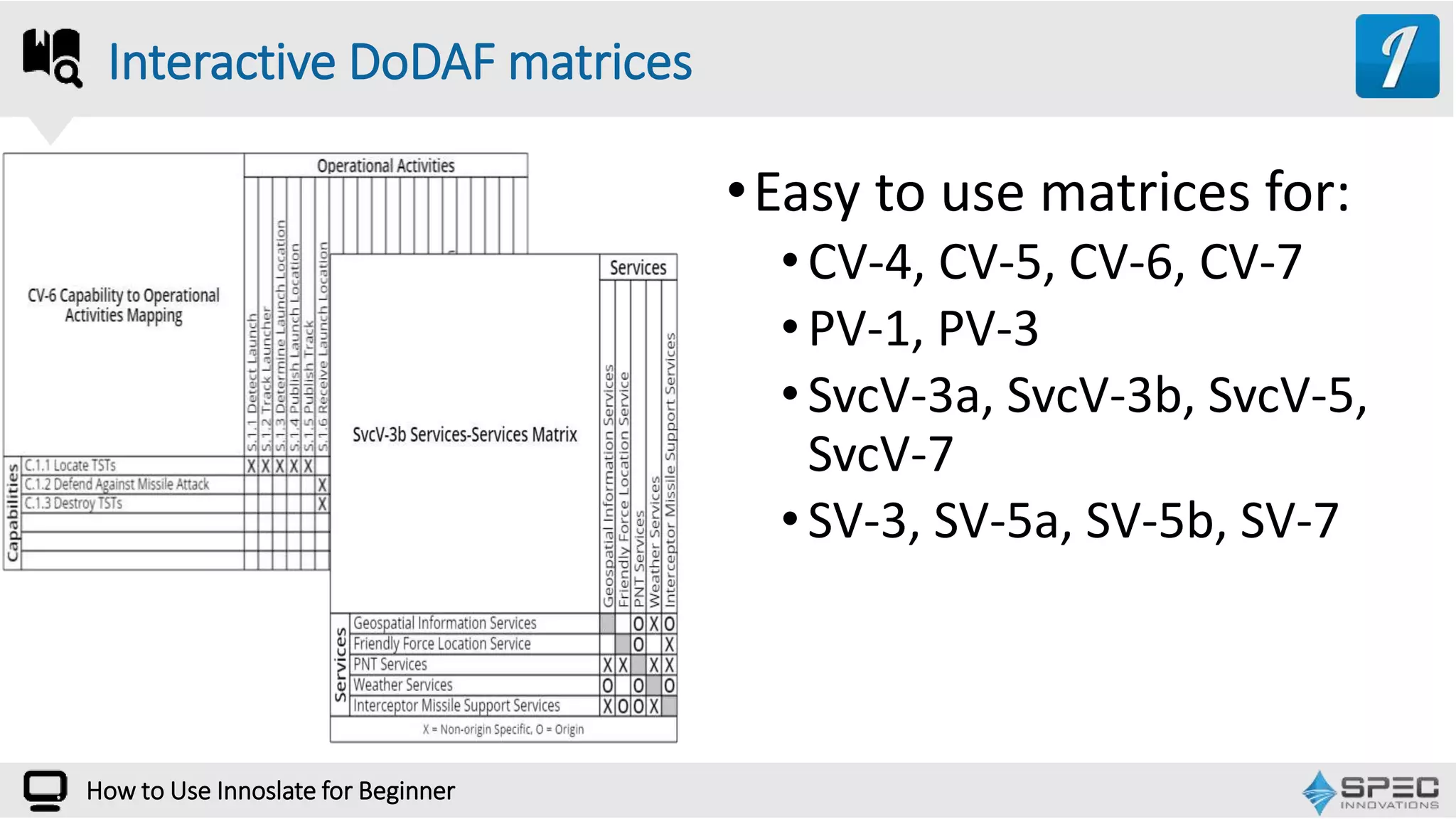
•Easy to use matrices for:
•CV-4, CV-5, CV-6, CV-7
•PV-1, PV-3
•SvcV-3a, SvcV-3b, SvcV-5,
SvcV-7
•SV-3, SV-5a, SV-5b, SV-7
Interactive DoDAF matrices
How to Use Innoslate for Beginner
Questions and Answers:
Enter Your Question in the GoToWebinar Control Panel
How to Use Innoslate for Beginner
WEBINAR
Overview
of
Model-Based Systems Engineering
October 6th
Call, Email, Tweet, Chat, or Post we’ll answer your questions
10440 Balls Ford Road
Manassas,VA 20109
Specinnovations.com/blog
Innoslate.com/blog
info@Innoslate.com
support@innoslate.com
571-485-7800
LinkedIn: Innoslate User Group
Twitter: @innoslate
innoslate.com
specinnovations.com
Connect with Us!
How to Use Innoslate for Beginner

How to Use Innoslate for Advanced Users

  • 1.
    Developed by The webinarwill begin shortly. WEBINAR How to Use Innoslate for Advanced UsersA discussion on complex systems engineering methods using Innoslate
  • 2.
    InteractwithUs How to UseInnoslate for Beginner LinkedIn Group: Innoslate Users @innoslate
  • 3.
    PresenterProfile How to UseInnoslate for Beginner President and Founder steven.dam@specinnovations.com Steven H. Dam, ESEP, Ph.D Expert Systems Engineering Professionals Certificate Participated in the development of C4ISR and the DoDAF
  • 4.
    OurAgenda 1 2 3 4 5 6 How to UseInnoslate for Beginner What You’ve Learned Project Management O&S Asset Management O&S Live Demonstration Questions and Answers Architecture Framework
  • 5.
    How many ofyou have used Innoslate for a project? How to Use Innoslate for Beginner POLL
  • 6.
  • 7.
    How to UseInnoslate for Beginner Project Management Stages Stage 1 Authorizing a Project Stage 2 Starting a Project Stage 3 Managing a Project Stage 4 Closing a Project • Business Case • End Project Report • Post Completion • Review • Issues Log • Status Report • Exception Report • PID • Project Plan • Stakeholder Analysis • Risk Log
  • 8.
    How to UseInnoslate for Beginner 1. Interactive models, not just drawings with a database (e.g., MS Visio) 2. Simulation (discrete event and Monte Carlo) to verify the models 3. Built-in Requirement Management and Analysis 4. Ontology + Visualization for Processes, Requirements, Risks, Decisions, etc. 5. Various visualizations from database 6. Report creation from database How Can Innoslate Help with Project Management
  • 9.
    How to UseInnoslate for Beginner Reliability, Availability, Maintainability
  • 10.
    How to UseInnoslate for Beginner Cost Analysis
  • 11.
    How to UseInnoslate for Beginner
  • 12.
    How to UseInnoslate for Beginner Asset Managemetn
  • 13.
    How to UseInnoslate for Beginner
  • 14.
    WEBINAR How Can InnoslateHelp with Architecture Framework
  • 15.
    How to UseInnoslate for Beginner Dedicated DoDAF Dashboard • A fully dedicated DoDAF Dashboard provides access to all DoDAF products • DM2 Statistics • PES export
  • 16.
    How to UseInnoslate for Beginner Build One Diagram Get Many DoDAF Products • Highly expressive and model-based functional modeling (sequencing and data flow, with allocation and resource modeling explicit) • Drag/drop capable • Executable in both Discrete Event and Monte Carlo simulators Action Diagram = combined OV-5b/OV6c, SvcV-4/SvcV-10c, SV-4/SV-10c
  • 17.
    How to UseInnoslate for Beginner • Functional sequencing only • Another view from the database, not a separate “drawing” • Can generate from Action Diagram or be used to generate an Action Diagram • Also, drag and drop capable, with sidebar for information on entities Or Use a Sequence Diagram for the OV-6c/ SvcV-10c/SV-10c
  • 18.
    How to UseInnoslate for Beginner •Classic data flow modeling •Drag and drop •Sidebar enabled •ICOM view also available And an IDEF0 Diagram for the OV-5b/ SvcV-4/SV-4
  • 19.
    How to UseInnoslate for Beginner Use Simulations for Analysis and Verification Monte Carlo result Discrete Event result Note the simulator is compatible with the Action and Sequence Diagrams. Do not try to simulate IDEF0s – they are non-executable diagrams.
  • 20.
    How to UseInnoslate for Beginner • Highly expressive and model-based physical modeling • Drag/drop capable • Add picture, special lines and backgrounds Then Build the Physical Model for the OV-1, SvcV-1 & 2, and SV-1 & 2 Create a classic block diagram for SvcV-1/2 and SV-1/2… … or add pictures and special lines for concept diagram (OV-1)
  • 21.
    How to UseInnoslate for Beginner •Shows how a single entity (database object) is related to the rest of the system •Drag and drop new entities and create relationships right from the diagram •Sidebar enabled Use Traceability Diagrams to See Link between Entities
  • 22.
    How to UseInnoslate for Beginner • Enables complete architecture study management • Uses new Document View • Trace findings to other aspects of the database • Can provide requirements for tracing to other entities • Link to Risk and Decision entities Include Development of AV-1
  • 23.
    How to UseInnoslate for Beginner •Easy to use matrices for: •CV-4, CV-5, CV-6, CV-7 •PV-1, PV-3 •SvcV-3a, SvcV-3b, SvcV-5, SvcV-7 •SV-3, SV-5a, SV-5b, SV-7 Interactive DoDAF matrices
  • 24.
    How to UseInnoslate for Beginner
  • 25.
    Questions and Answers: EnterYour Question in the GoToWebinar Control Panel How to Use Innoslate for Beginner
  • 26.
  • 27.
    Call, Email, Tweet,Chat, or Post we’ll answer your questions 10440 Balls Ford Road Manassas,VA 20109 Specinnovations.com/blog Innoslate.com/blog info@Innoslate.com support@innoslate.com 571-485-7800 LinkedIn: Innoslate User Group Twitter: @innoslate innoslate.com specinnovations.com Connect with Us! How to Use Innoslate for Beginner

Editor's Notes

  • #5 20 minutes 1-3, 30 minutes 4, and 10 minutes 5