What is IFTTT?
-automation
that connects
2 services
-daily life
„hacks‟
-saves you
TIME
-simplifies
your life
-increases
your
productivity
???
All it takes is a cleverly
concocted „recipe‟
How does it work?
“Channel”
• Service such as…
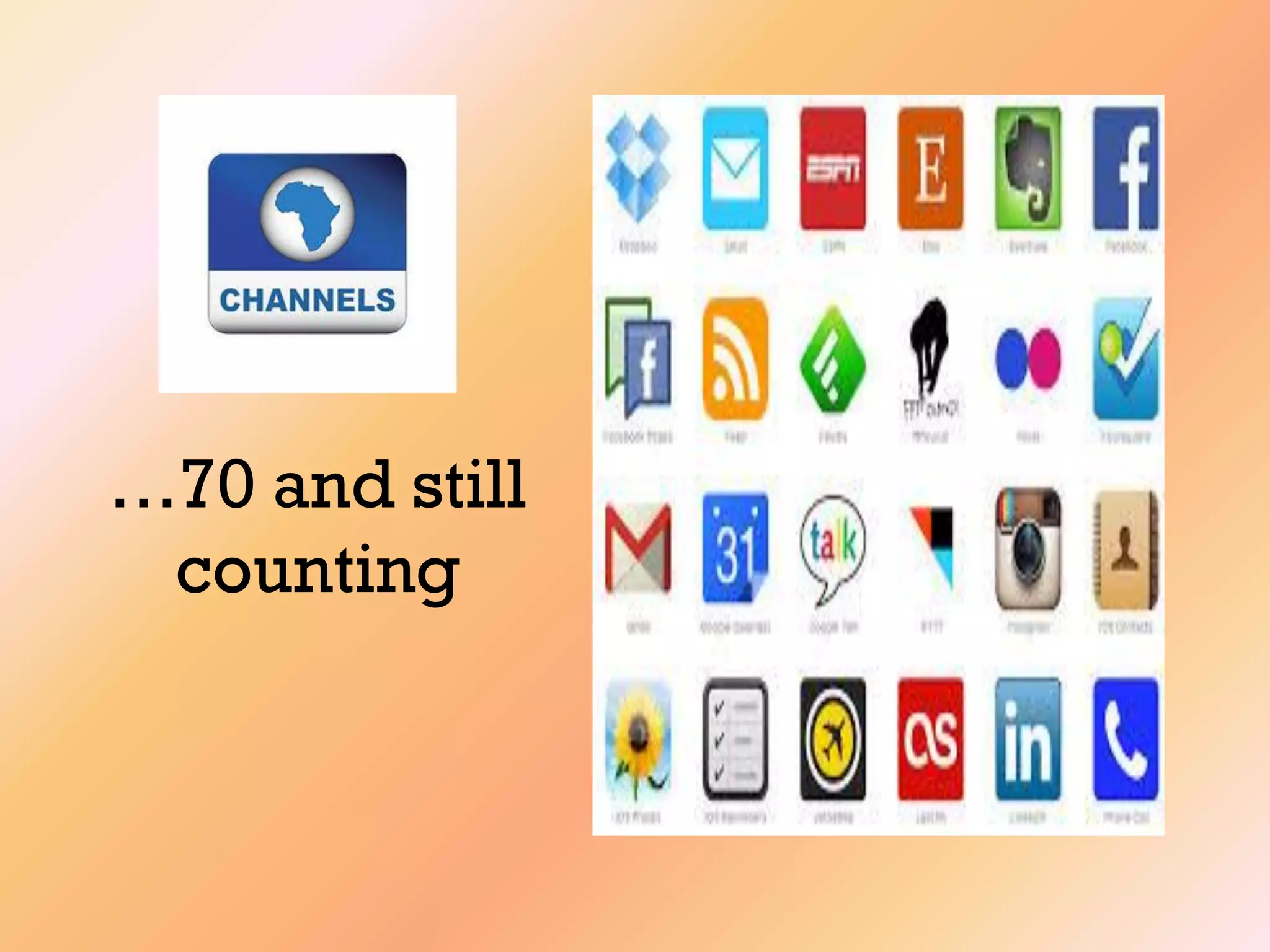
..there are 70 of them „channels‟
…70 and still
counting
“Recipe”
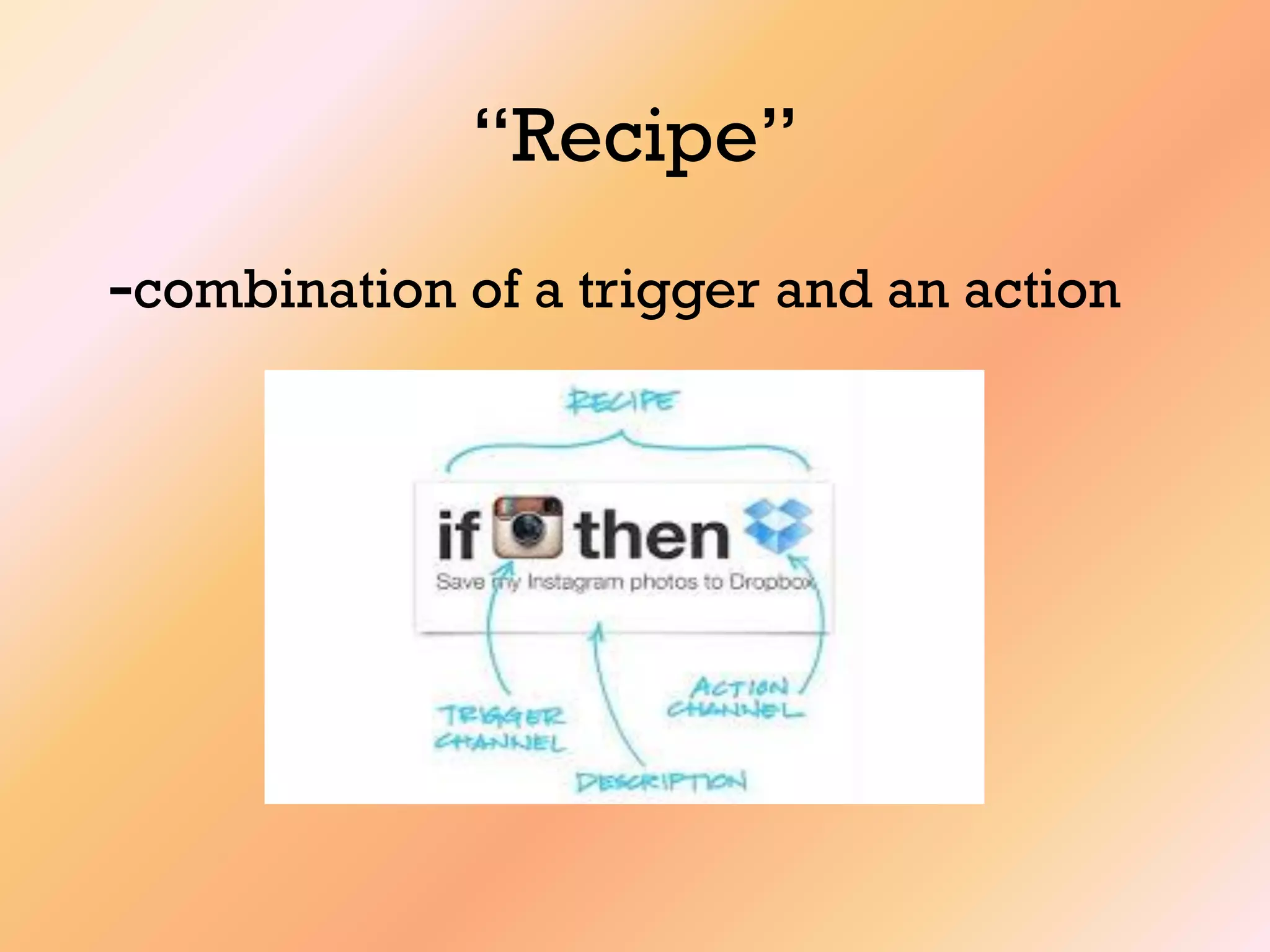
-combination of a trigger and an action
IFTT Hands On
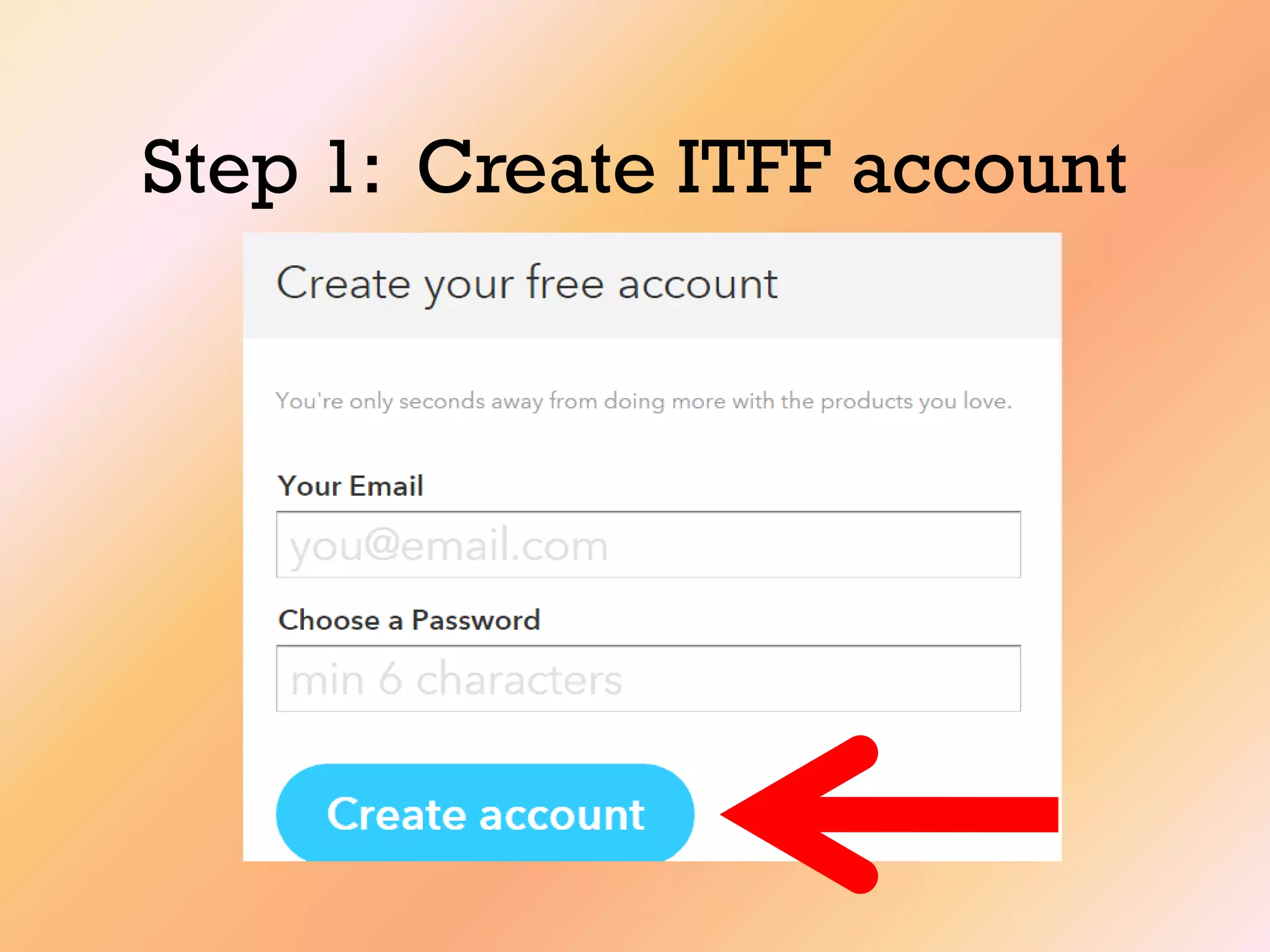
Step 1: Create ITFF account
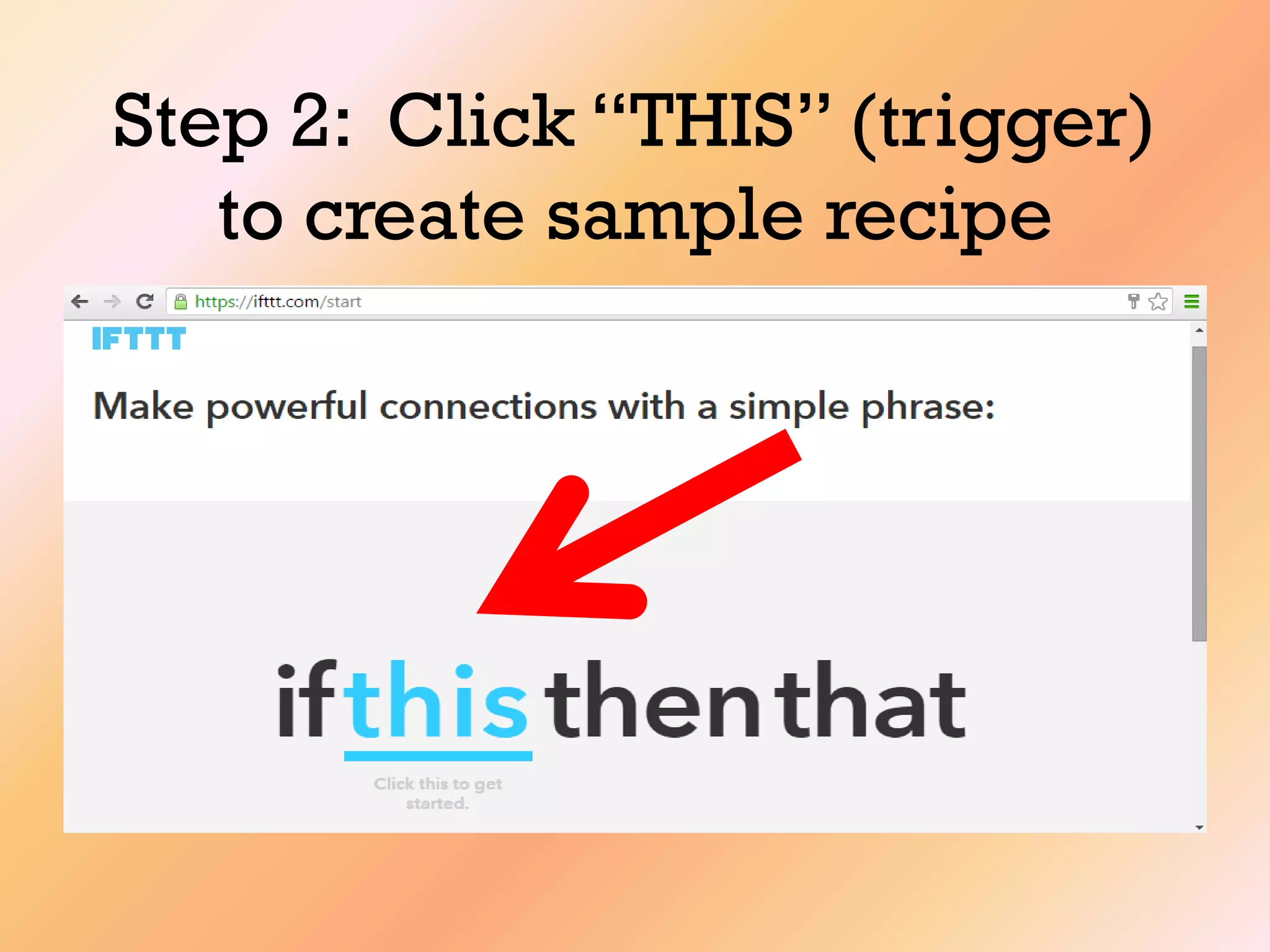
Step 2: Click “THIS” (trigger)
to create sample recipe
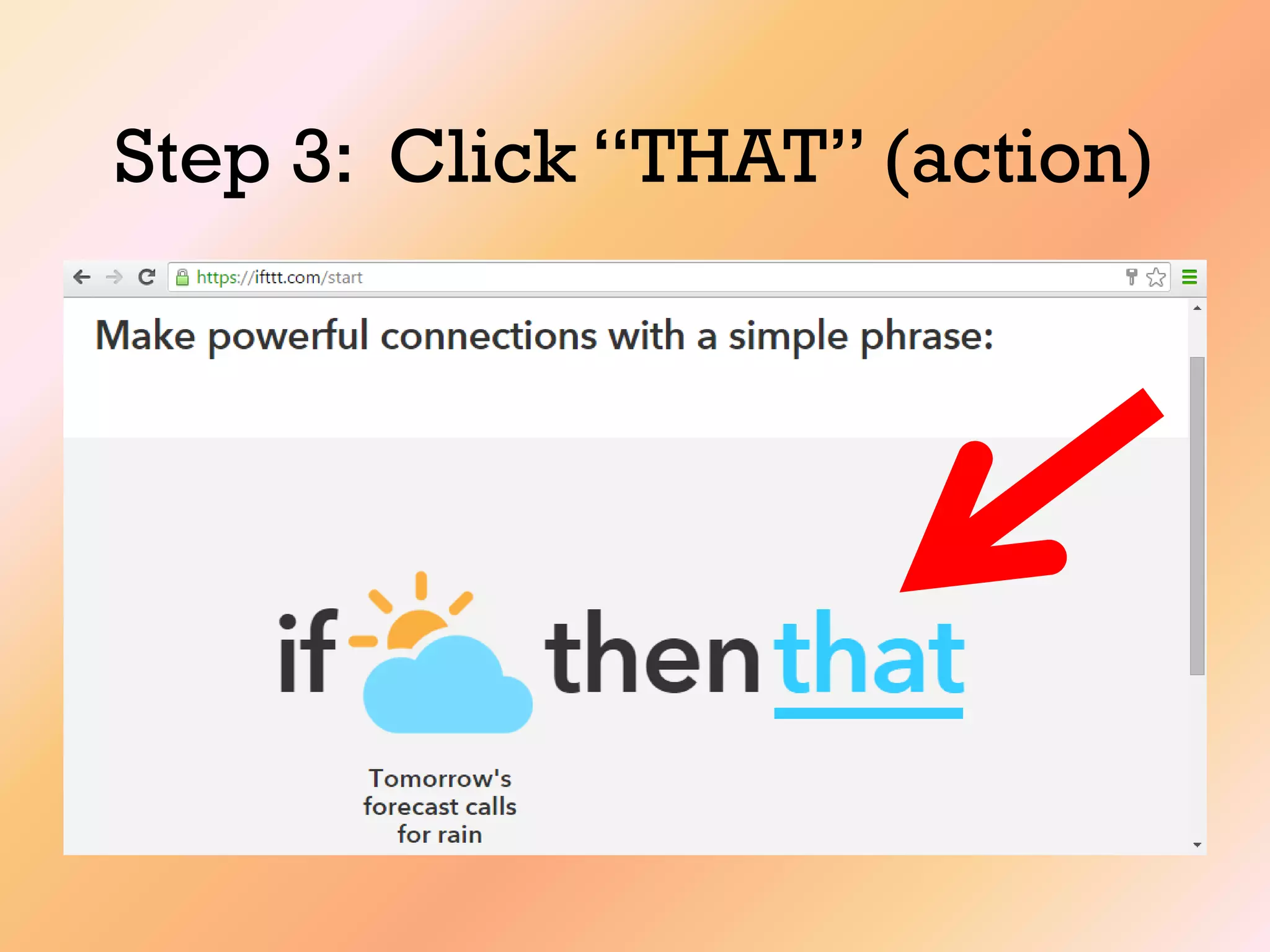
Step 3: Click “THAT” (action)
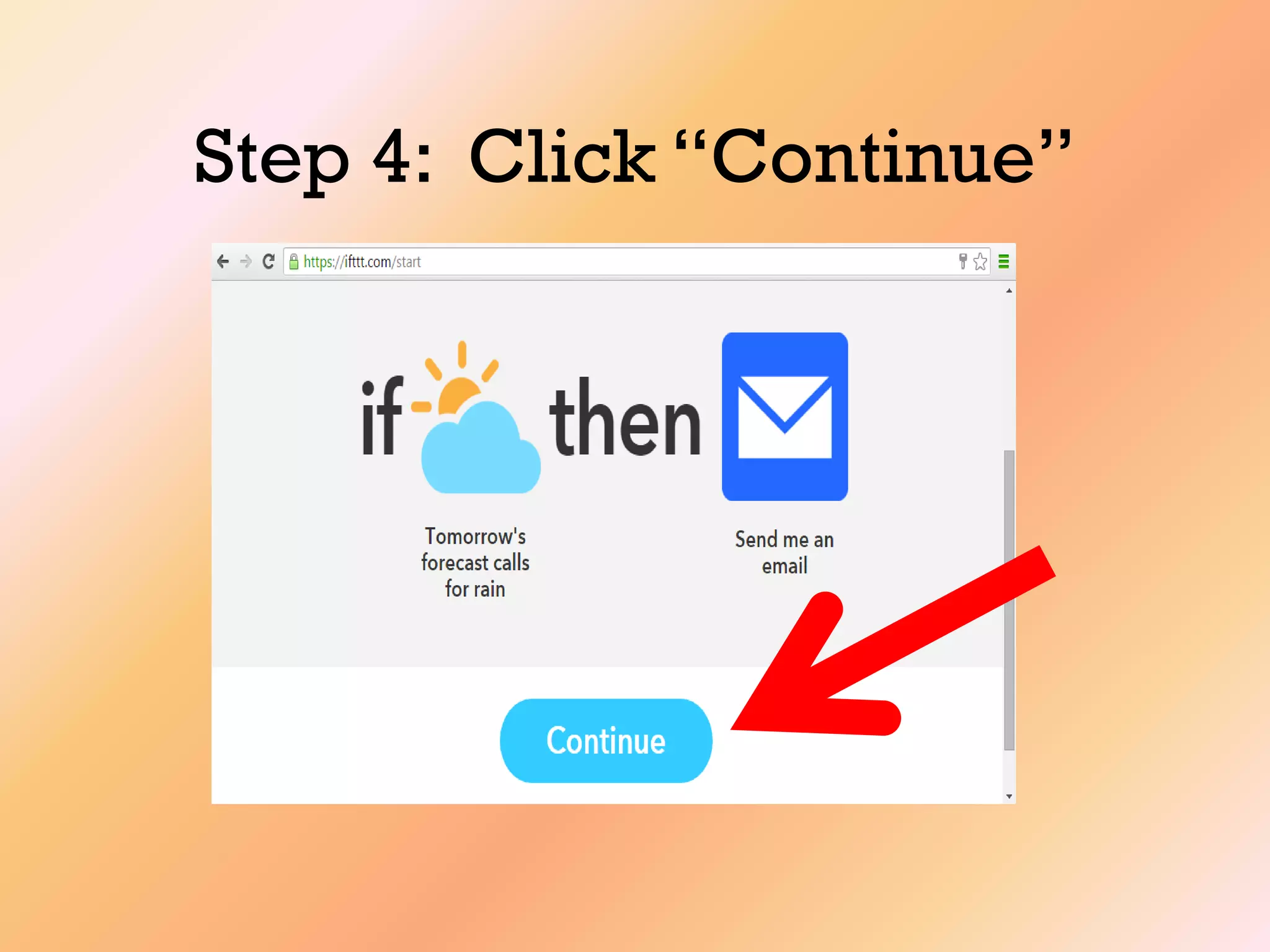
Step 4: Click “Continue”
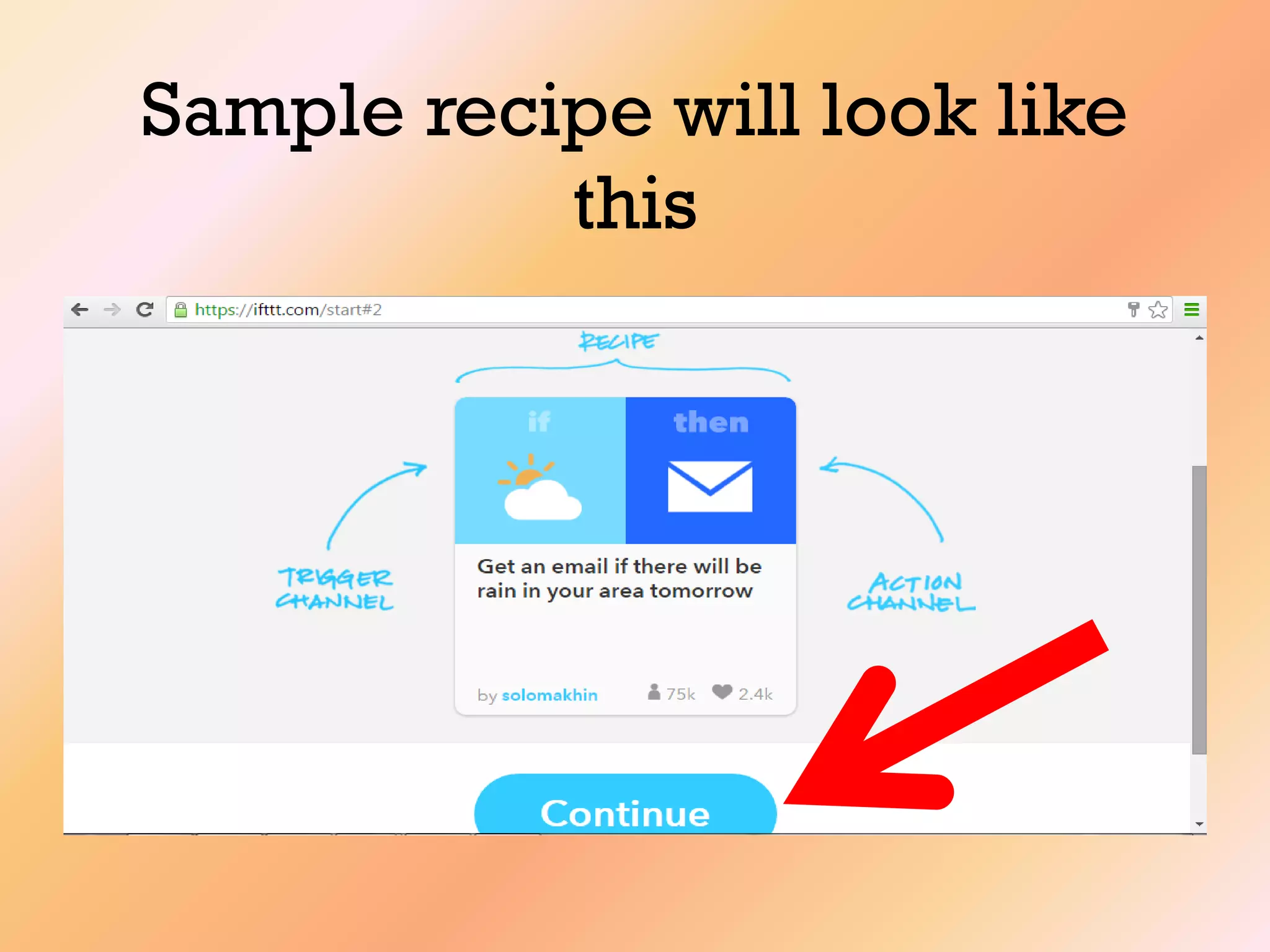
Sample recipe will look like
this
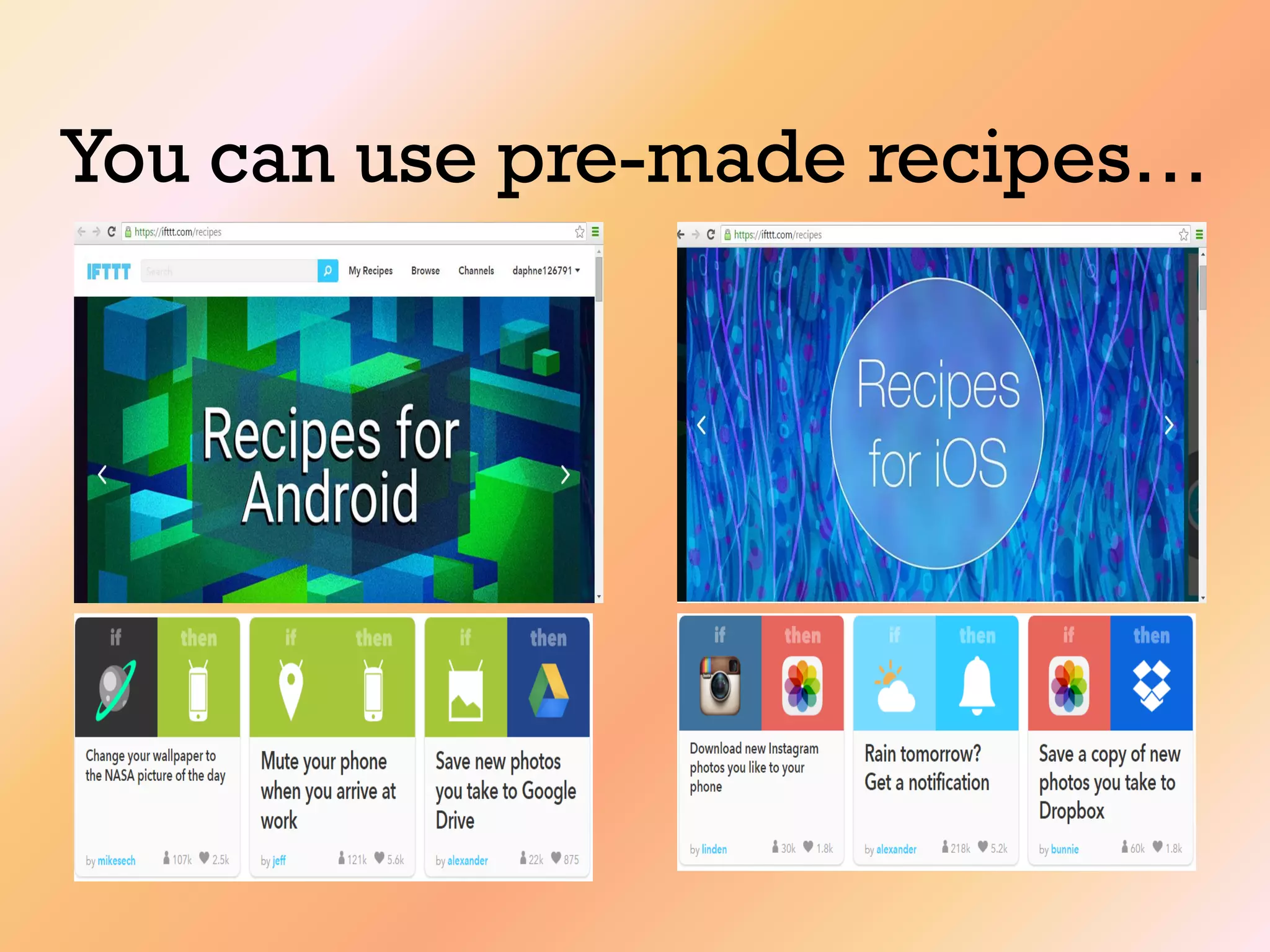
You can use pre-made recipes…
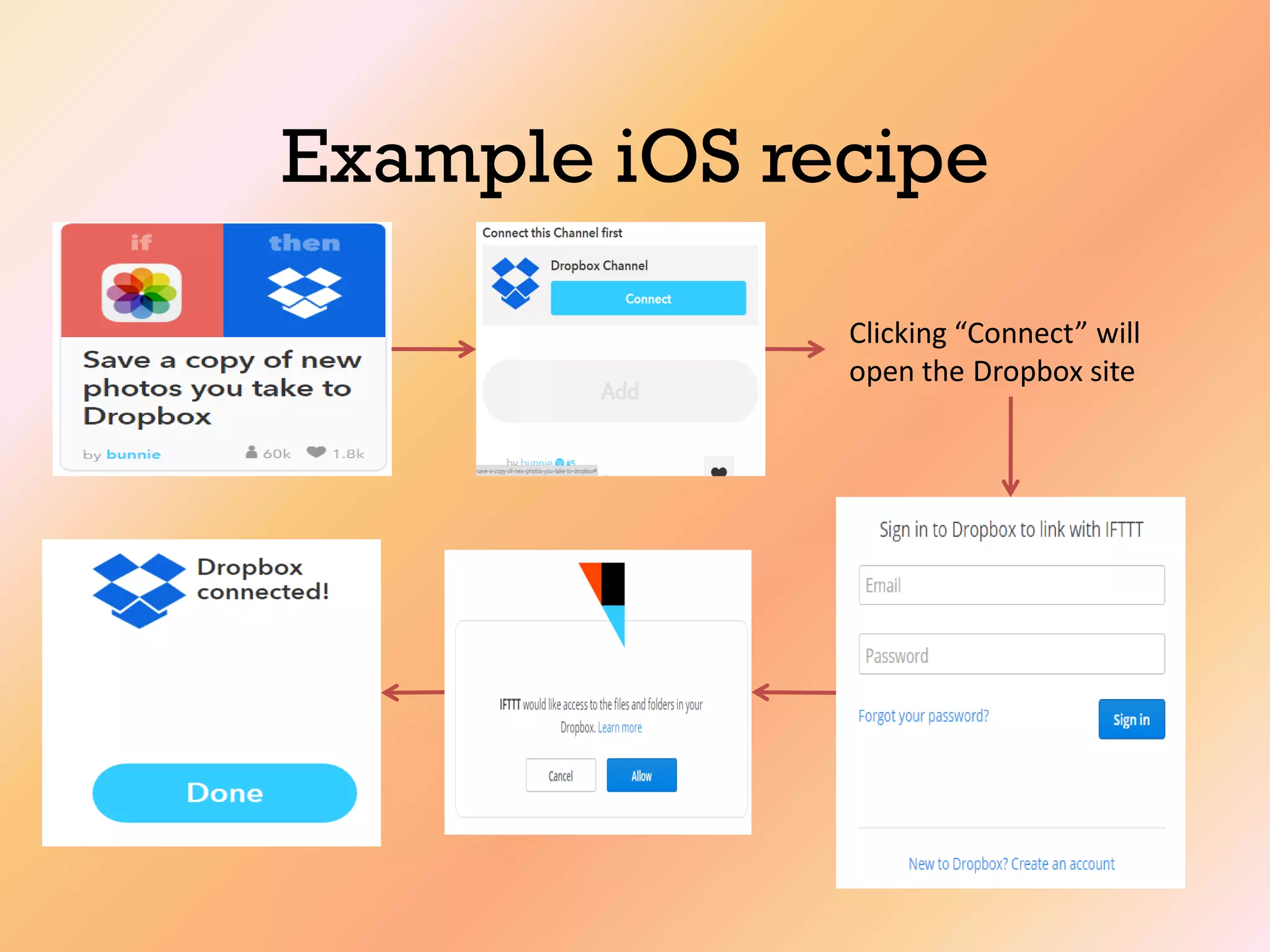
Example iOS recipe
Clicking “Connect” will
open the Dropbox site
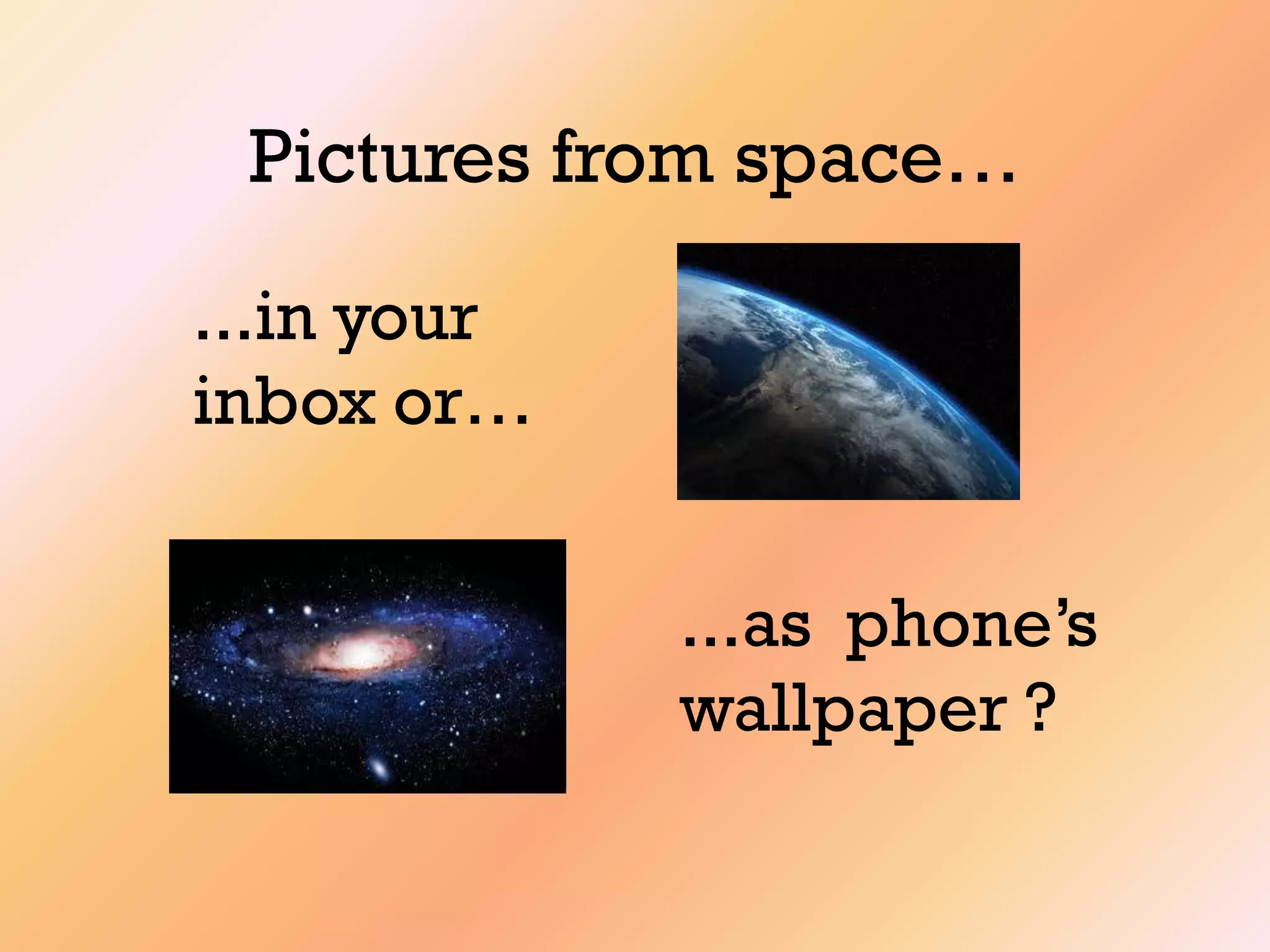
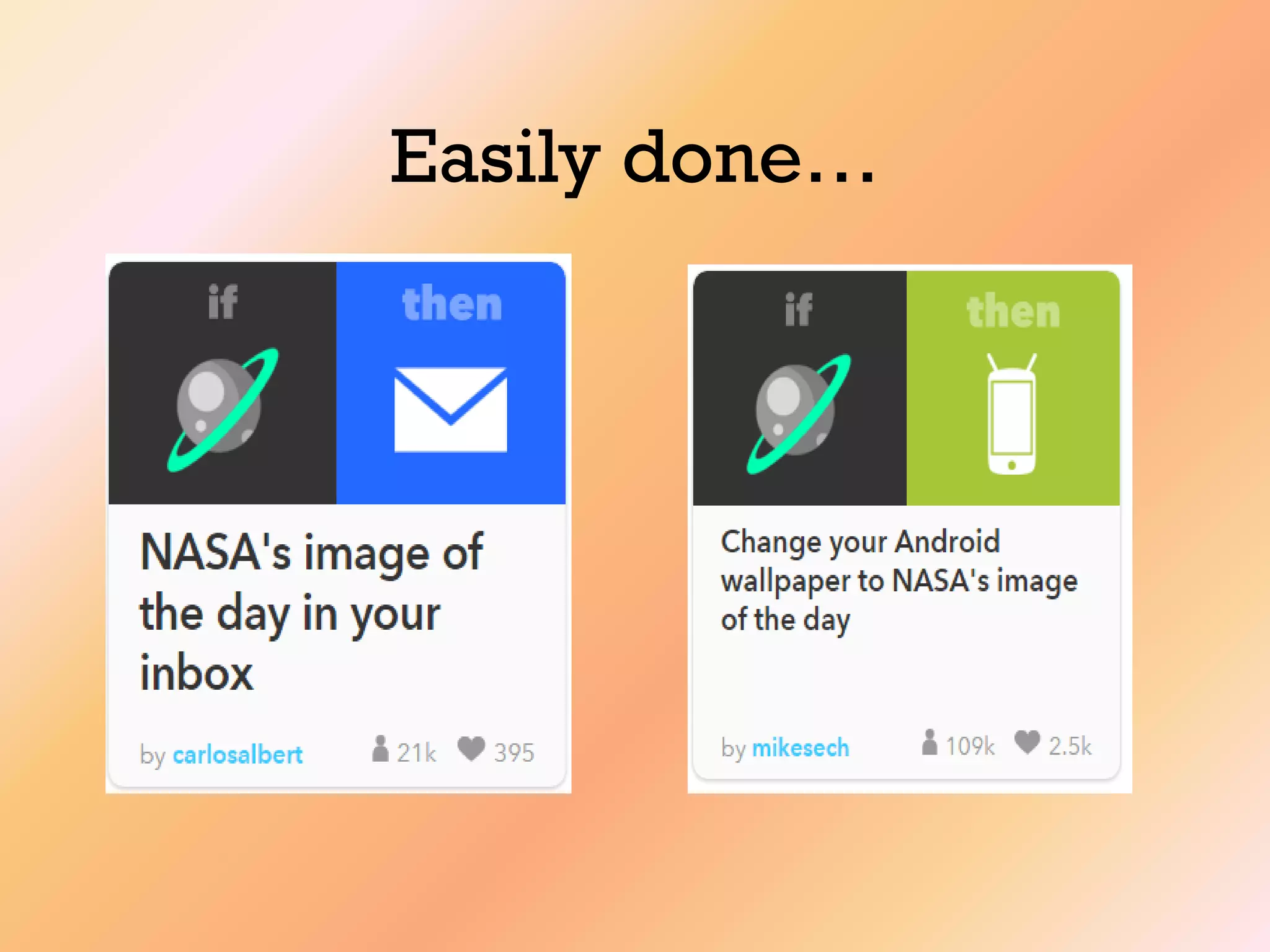
Pictures from space…
...in your
inbox or…
...as phone‟s
wallpaper ?
Easily done…
…or you can make your own
recipe…
To illustrate,let us make
an IF recipe..
…to remind a loved one
to take his pills…
…using Gmail (trigger)
and Android SMS
(action)
As this is an experiment,
success is not
guaranteed…
…but this will help us
get the hang of it
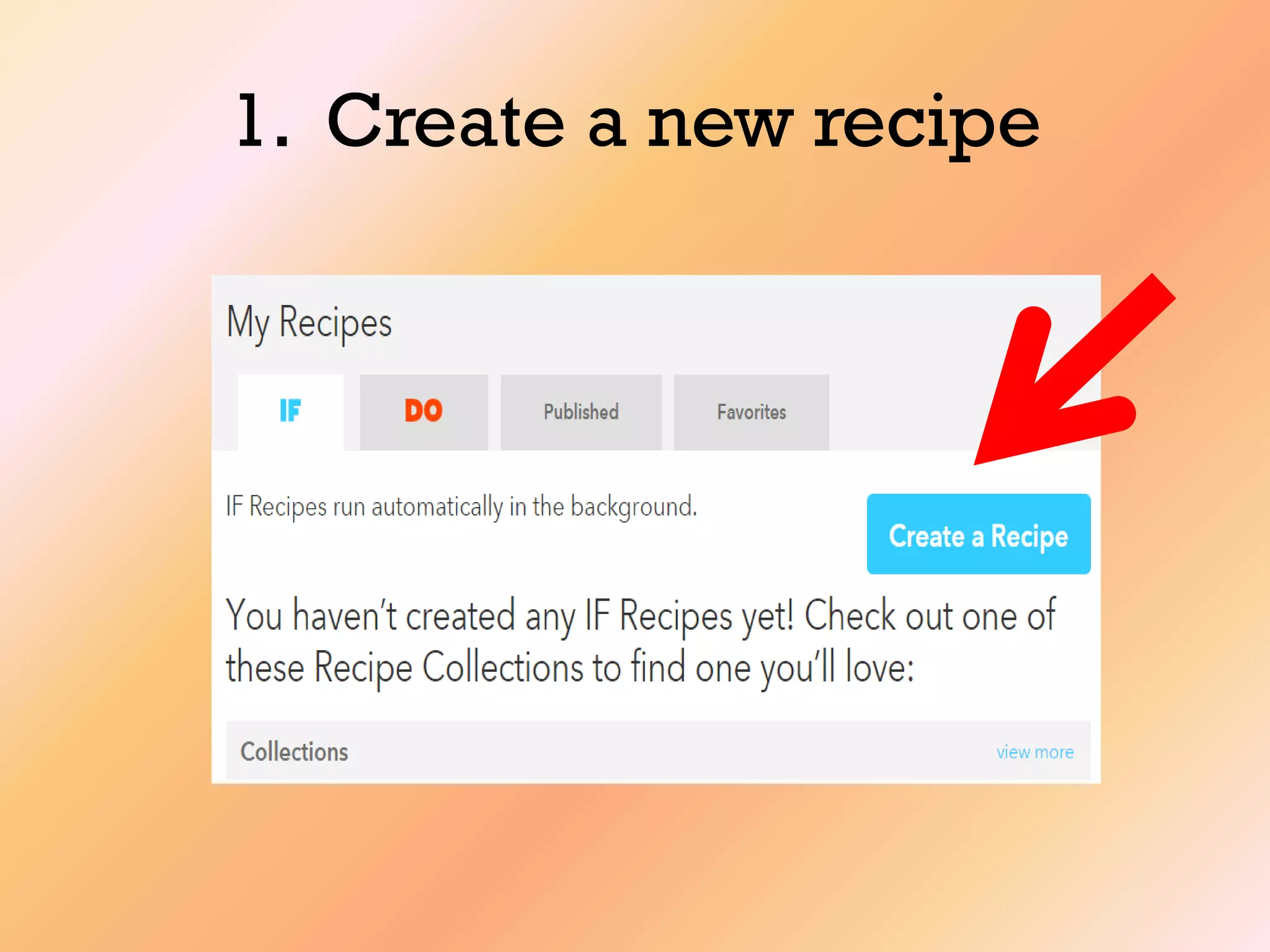
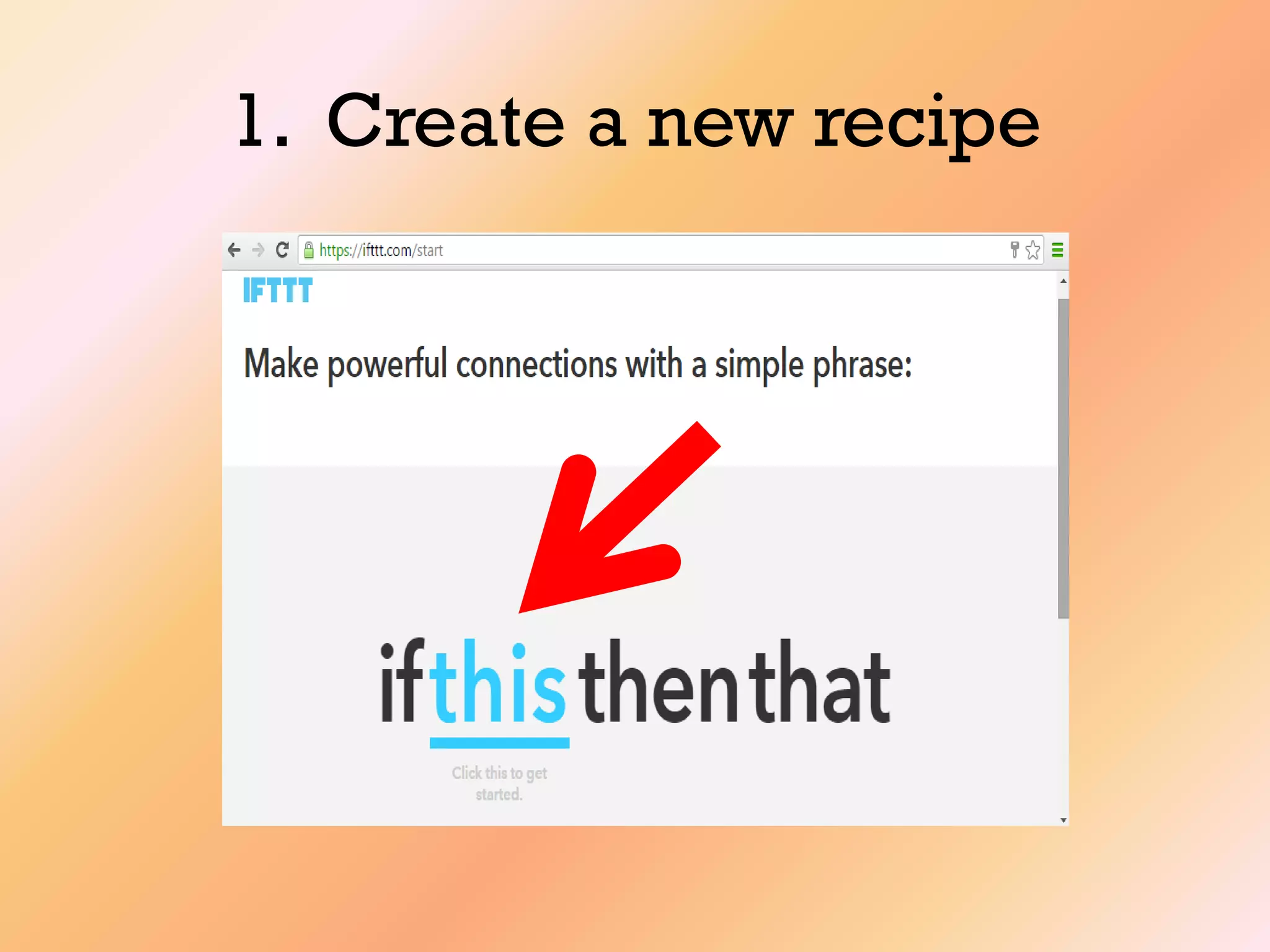
1. Create a new recipe
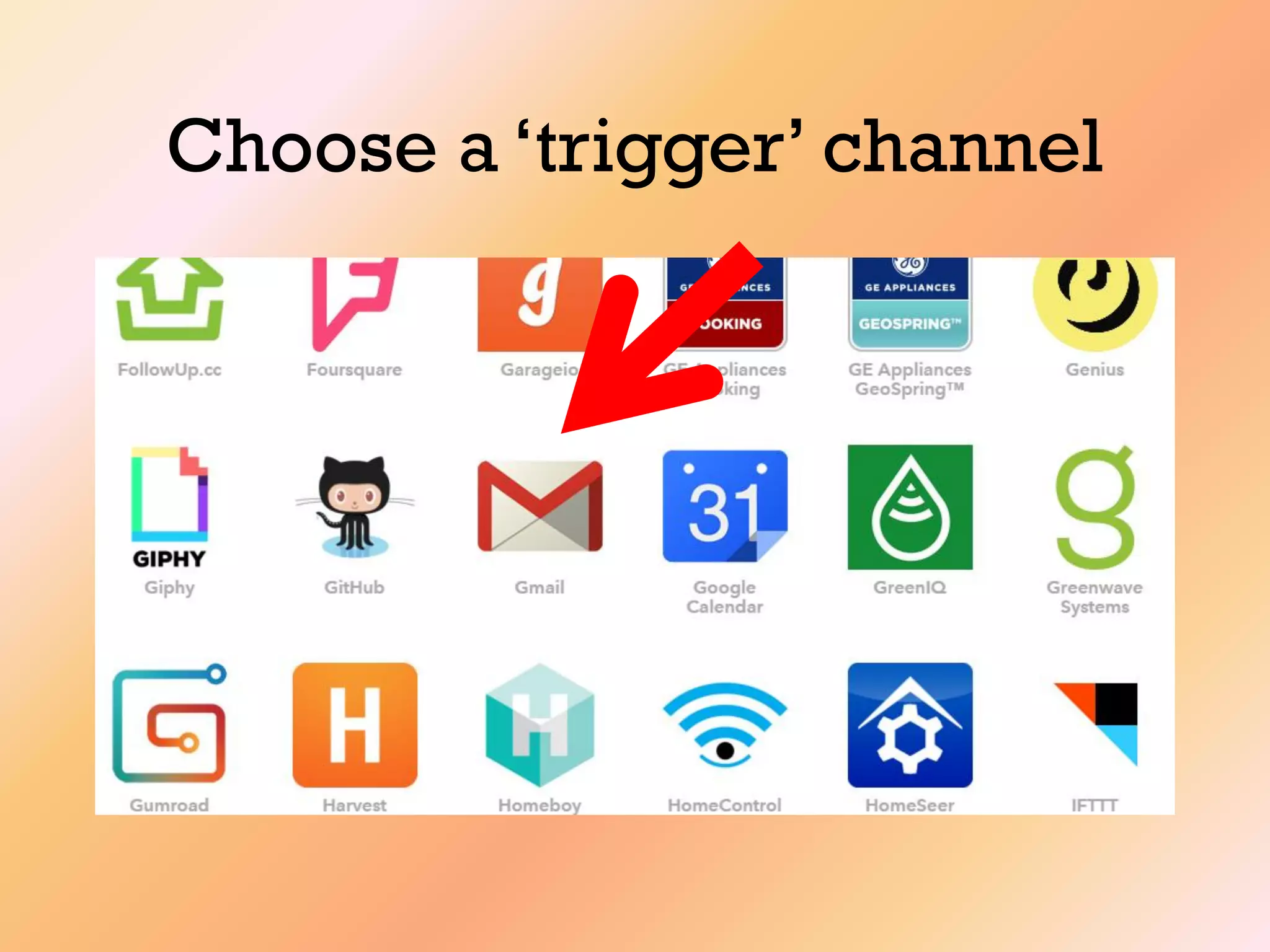
Choose a „trigger‟ channel
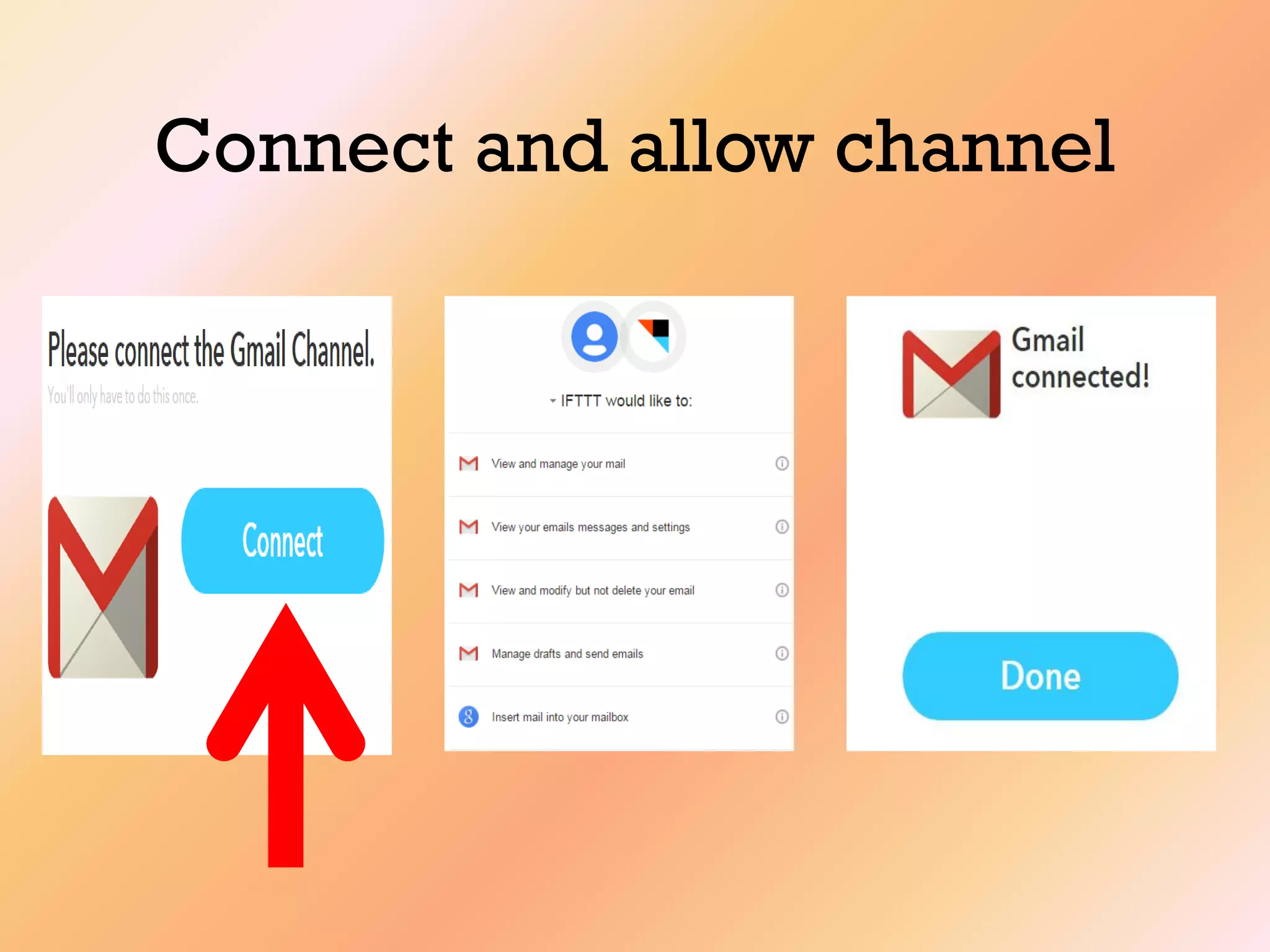
Connect and allow channel
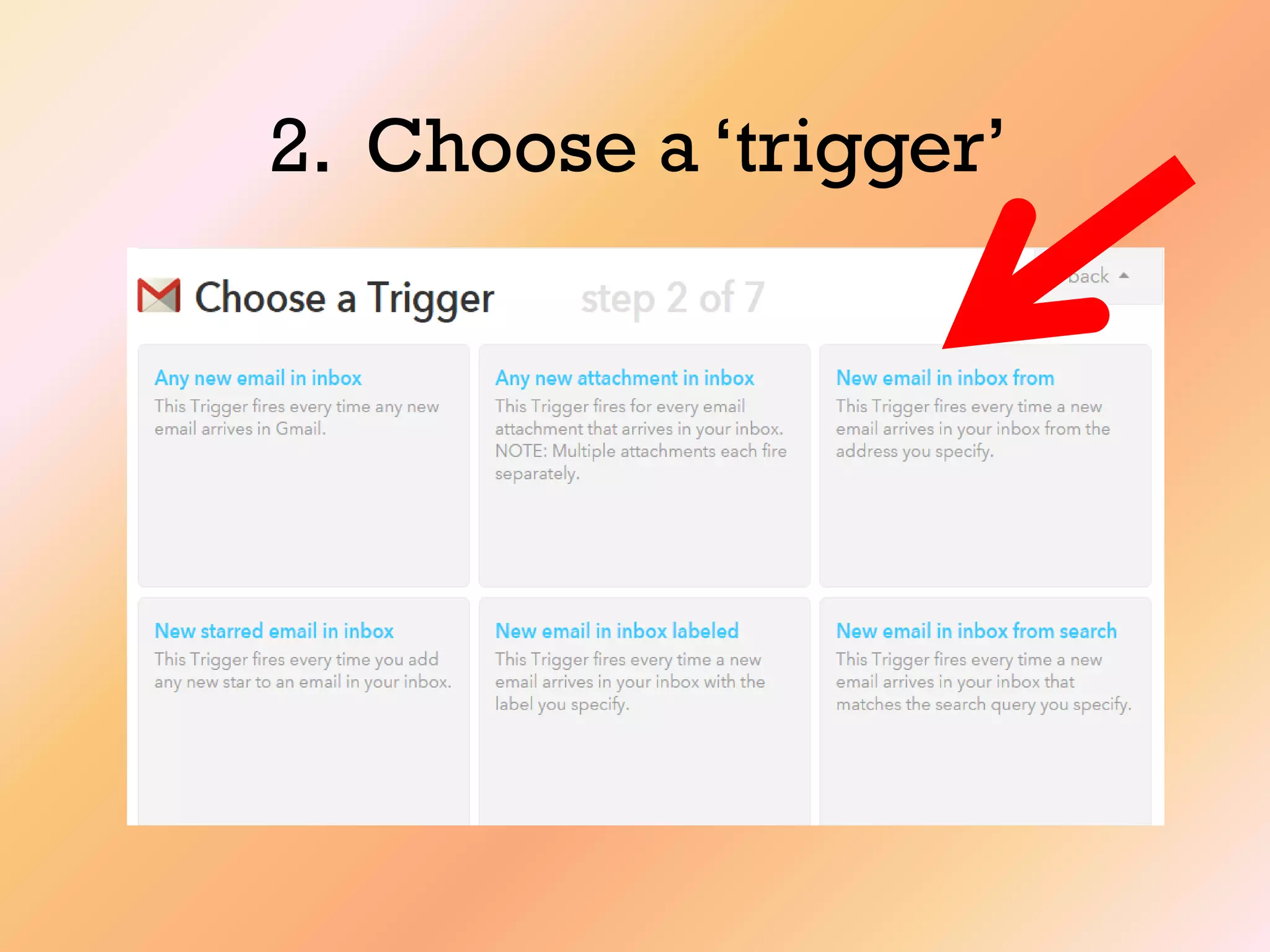
2. Choose a „trigger‟
For this recipe, Gmail’s
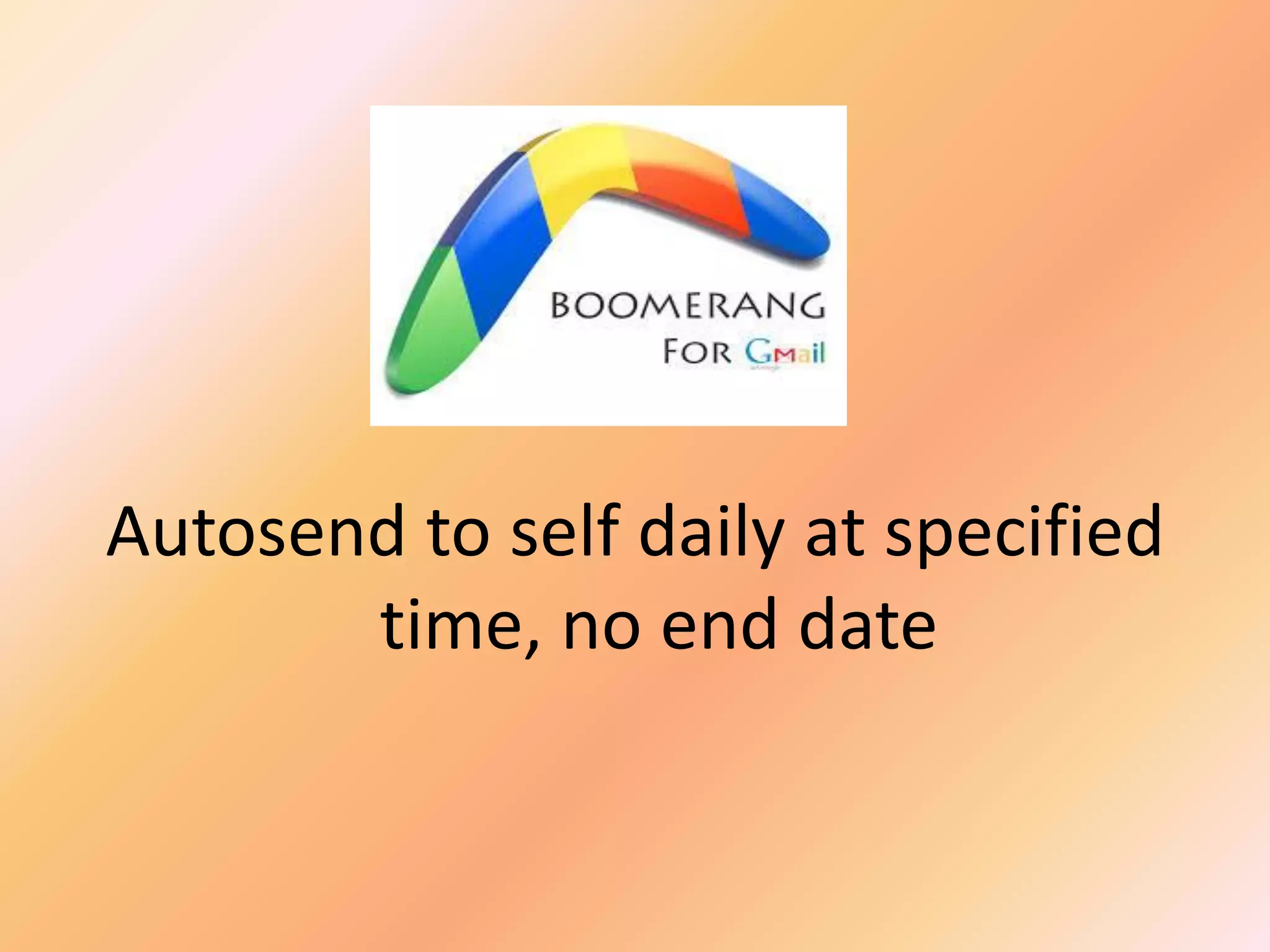
‘Boomerang’ feature was used
Autosend to self daily at specified
time, no end date
Discover your style
It is up to you how to set up a
“Prompt”(trigger)…
…as long as you get your
desired end results
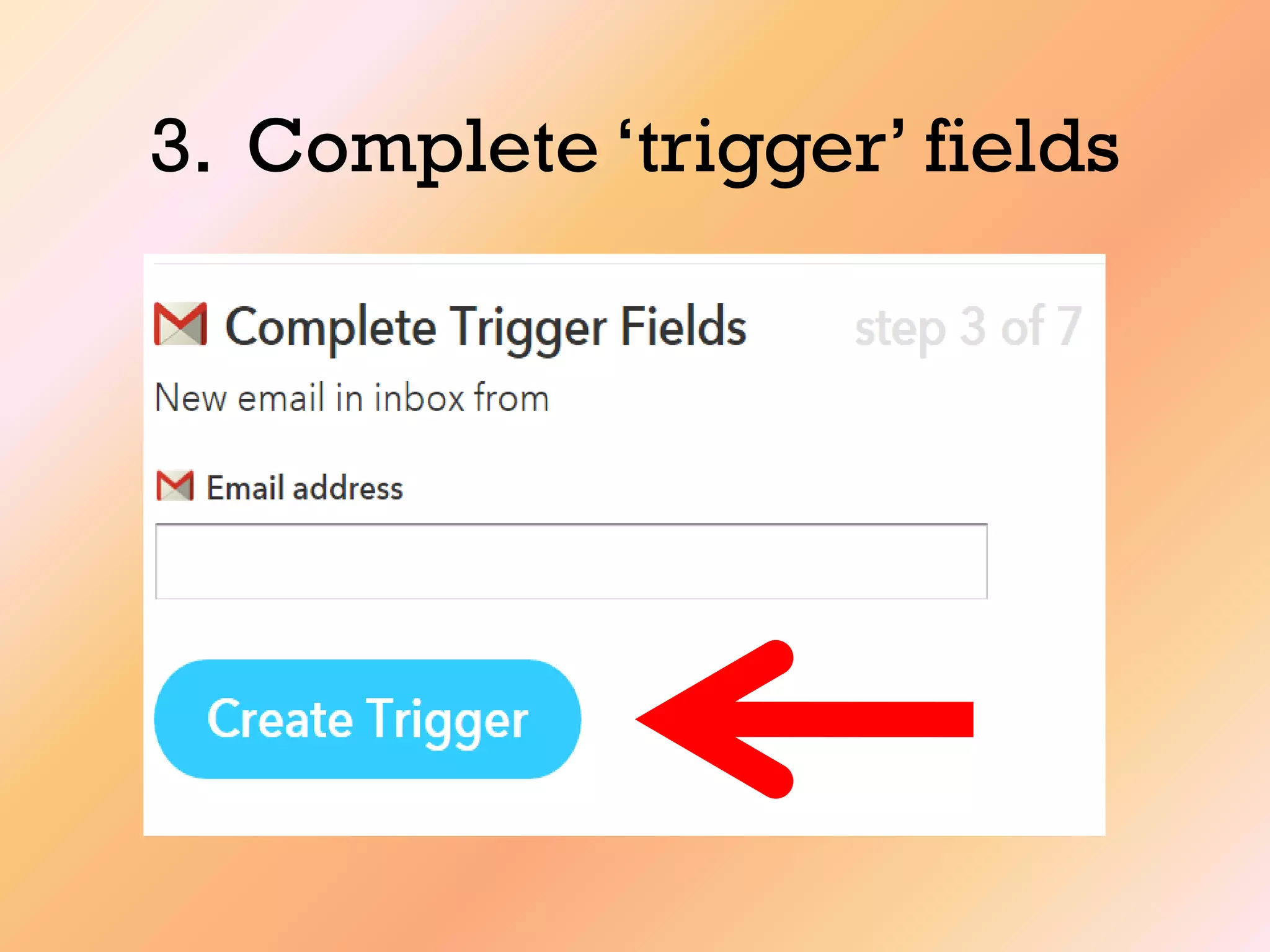
3. Complete „trigger‟ fields
Email from the address entered
will „trigger‟ the „action.
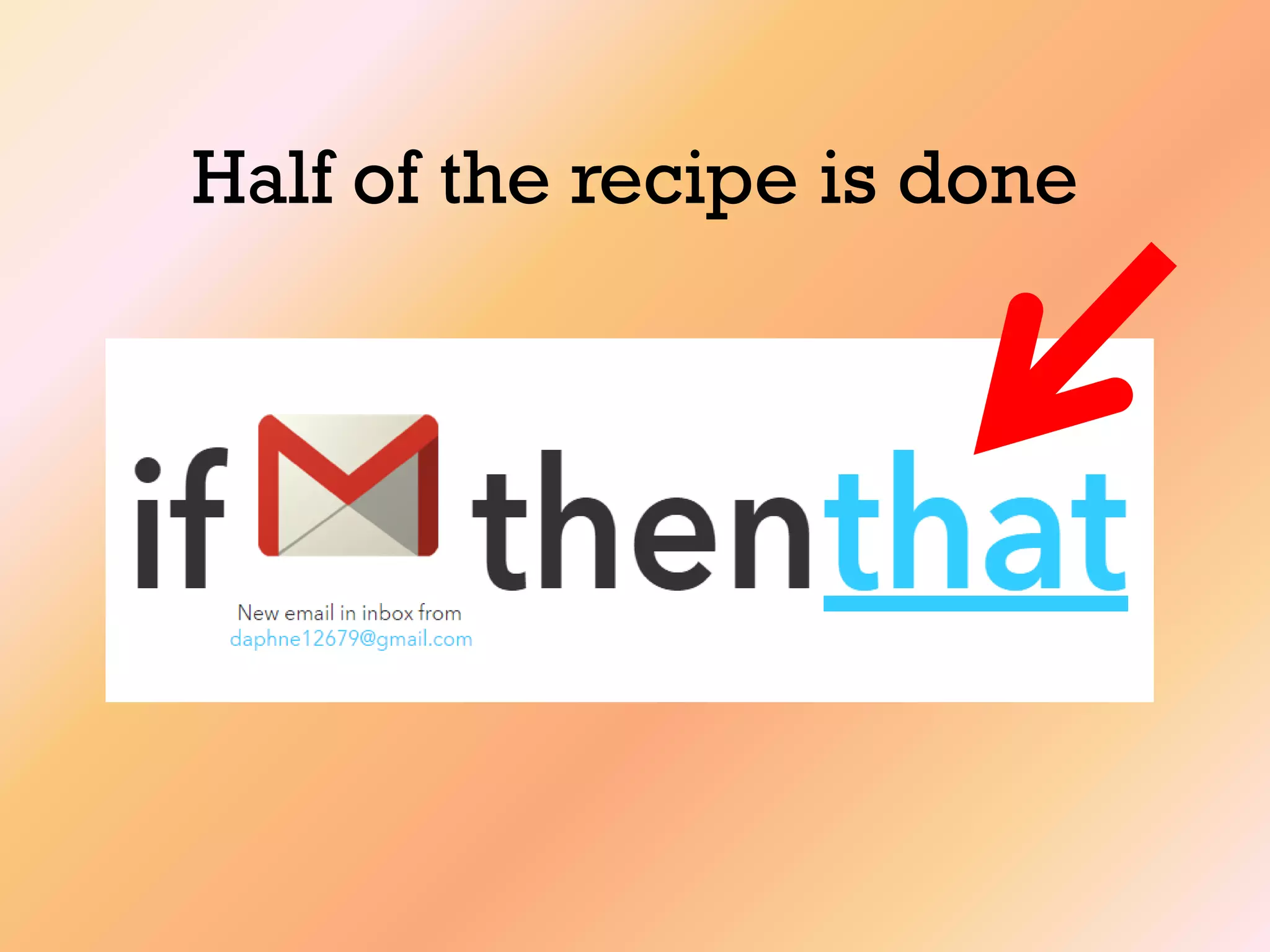
Half of the recipe is done
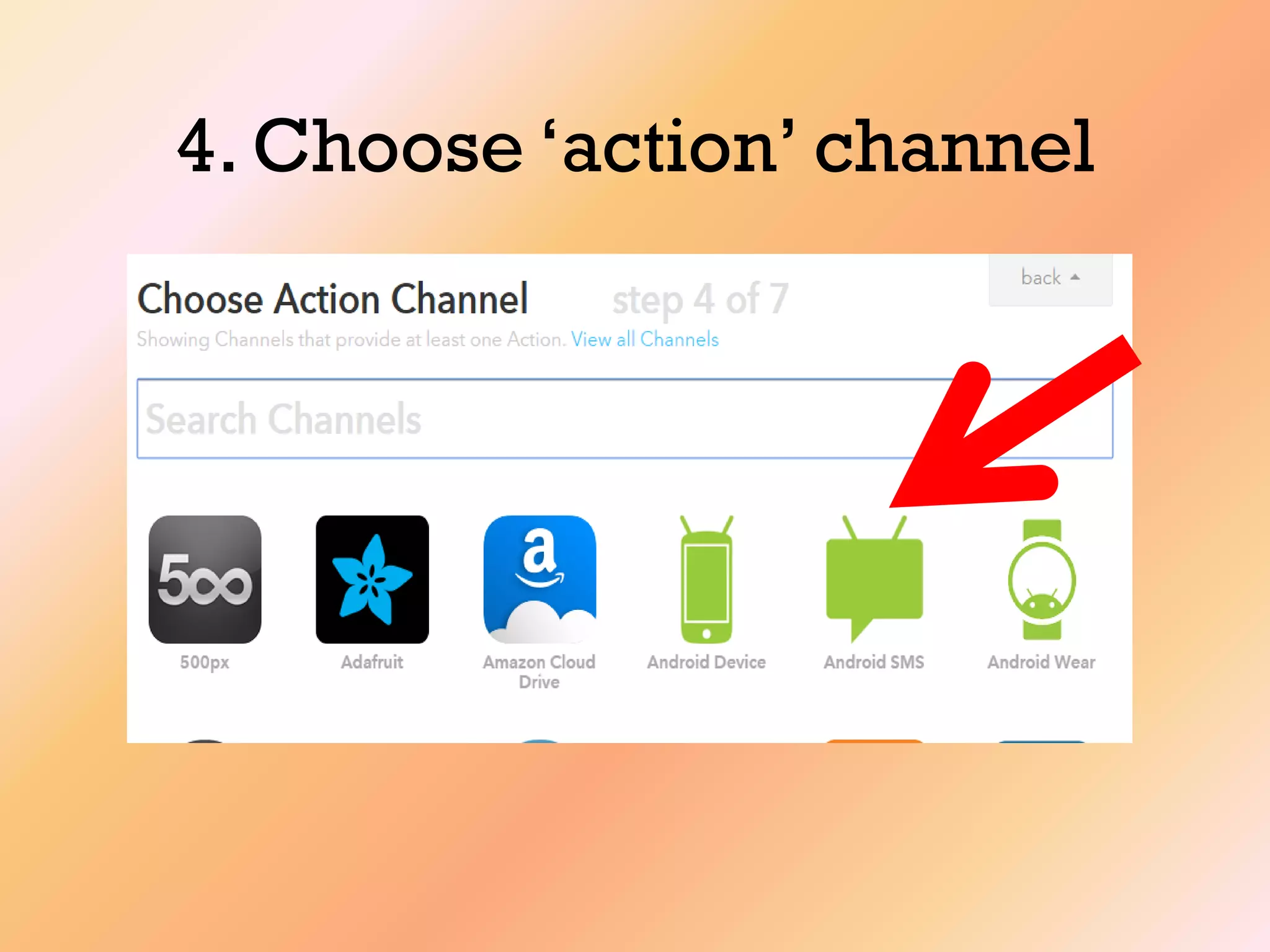
4. Choose „action‟ channel
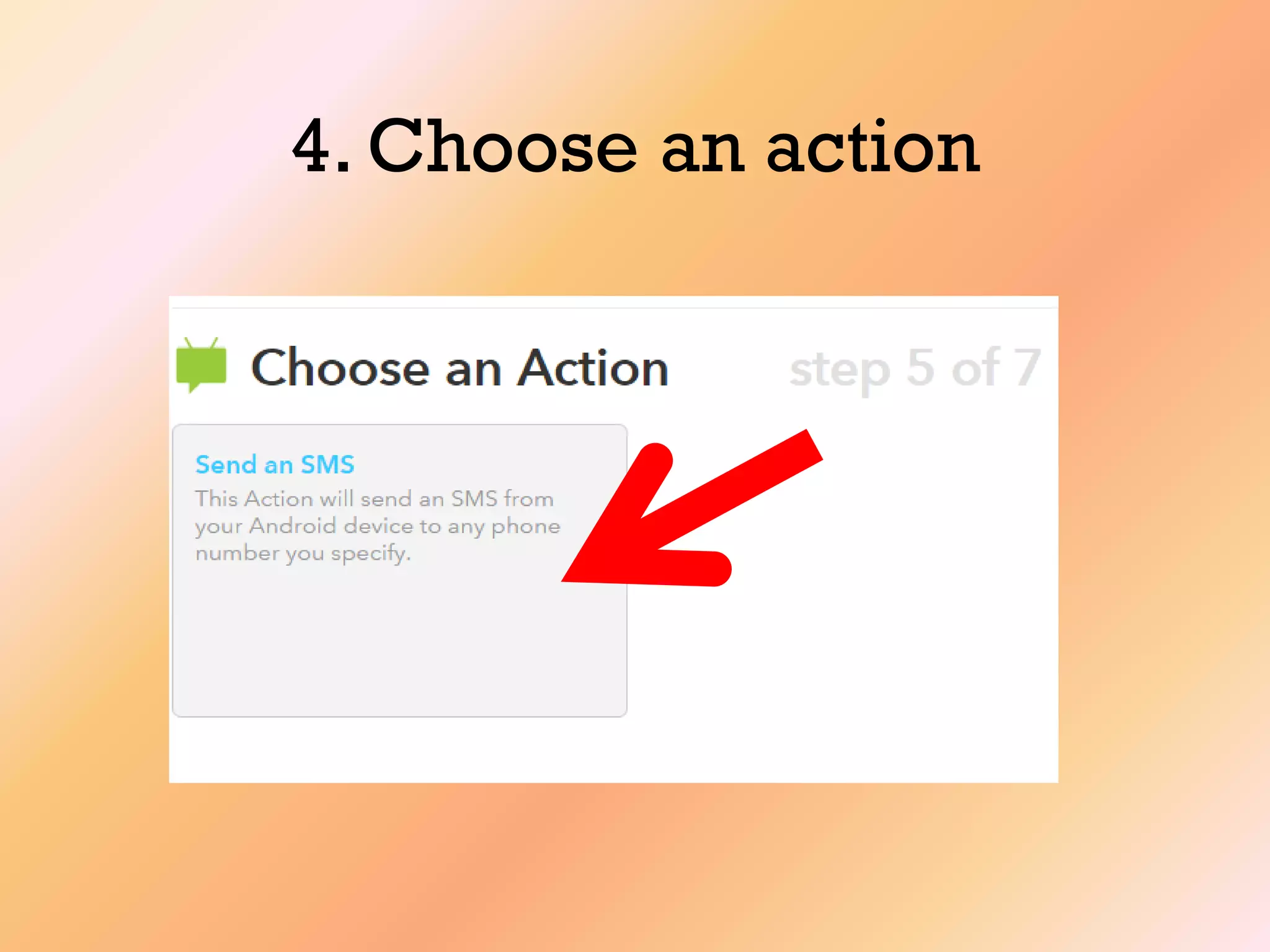
4. Choose an action
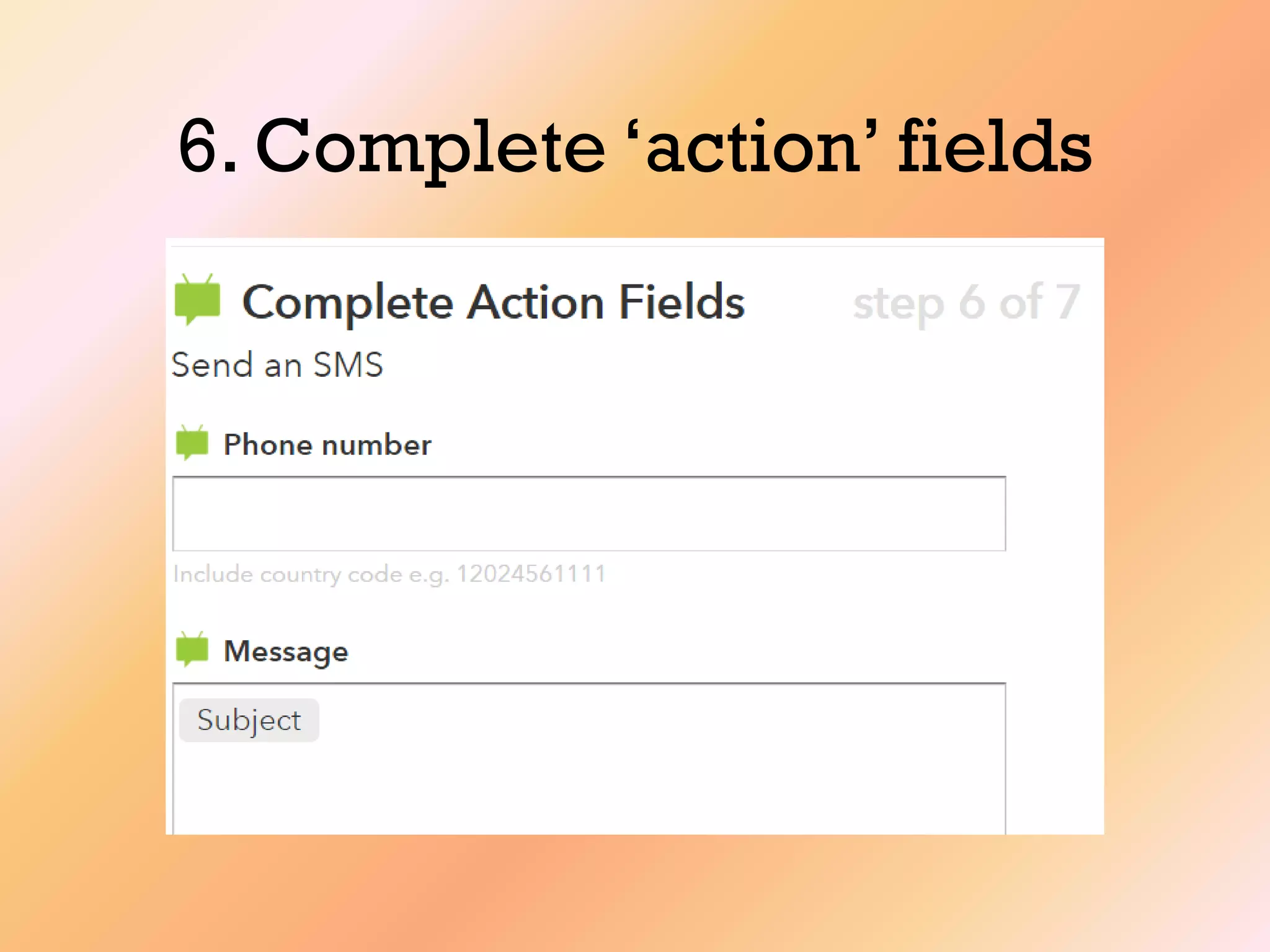
6. Complete „action‟ fields
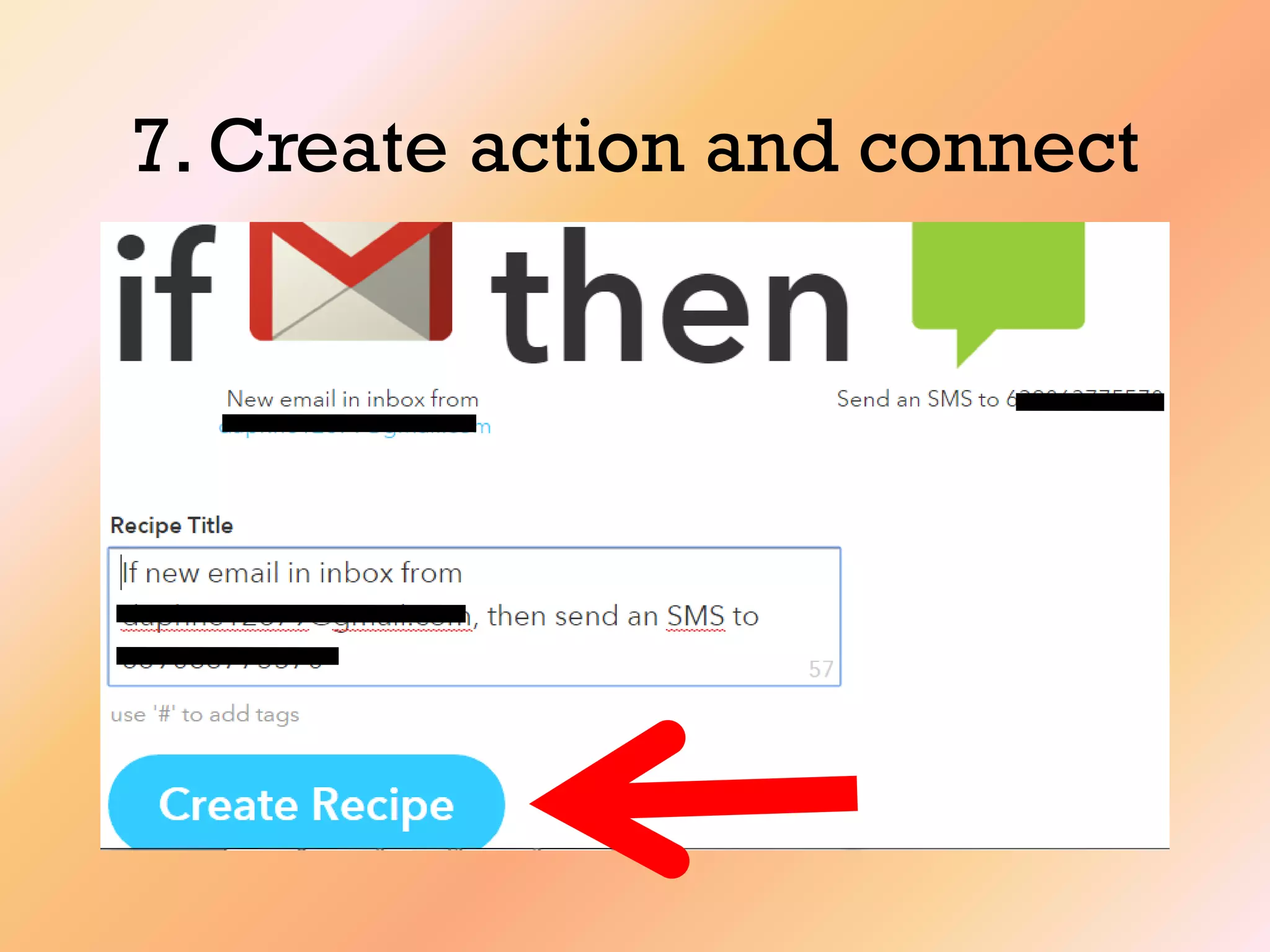
7. Create action and connect
You‟re done!!!
A new recipe will be assigned a
number
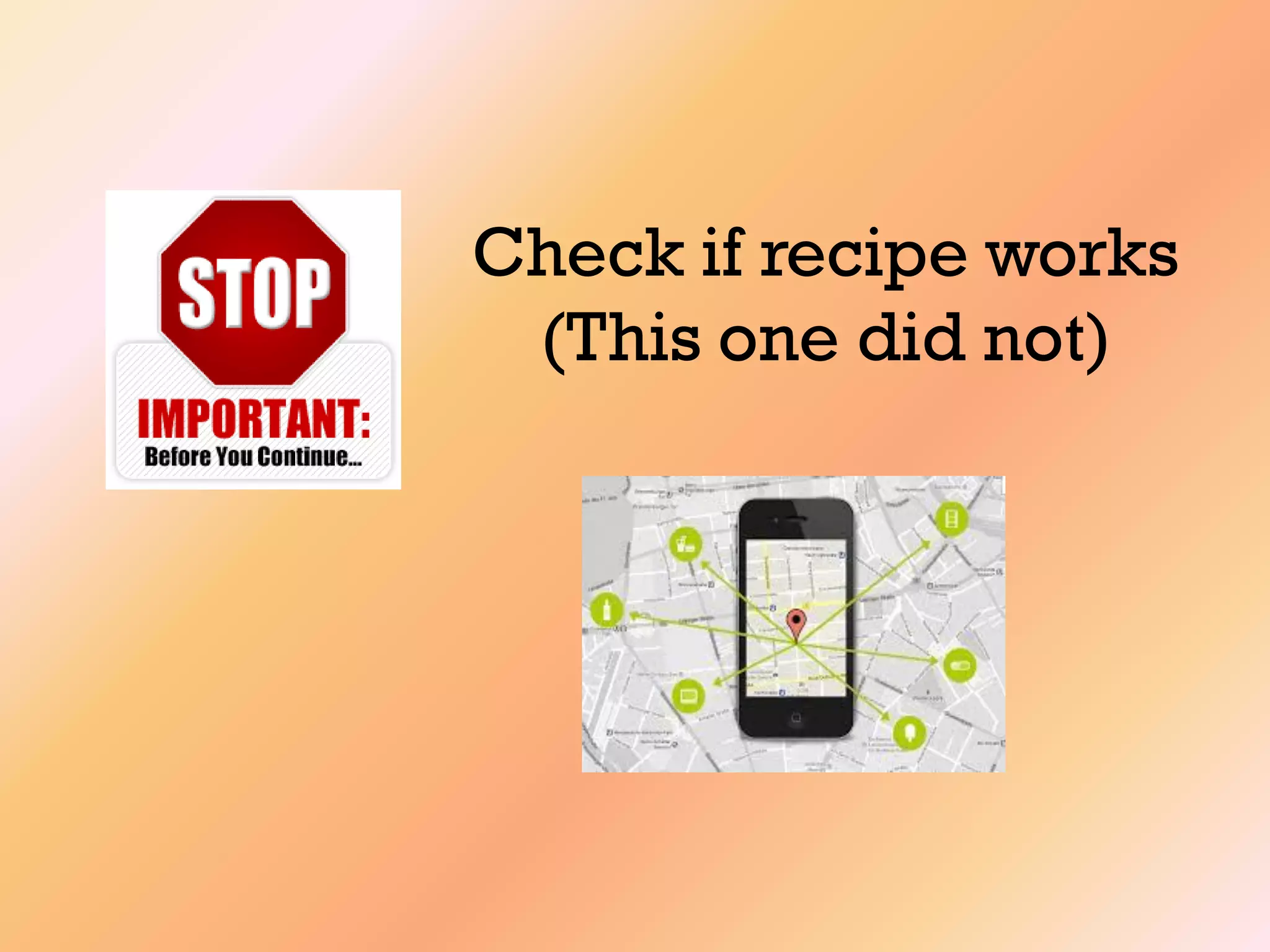
Check if recipe works
(This one did not)
Share your masterpiece!
Practice by creating recipes
Research and adopt recipes that
are…
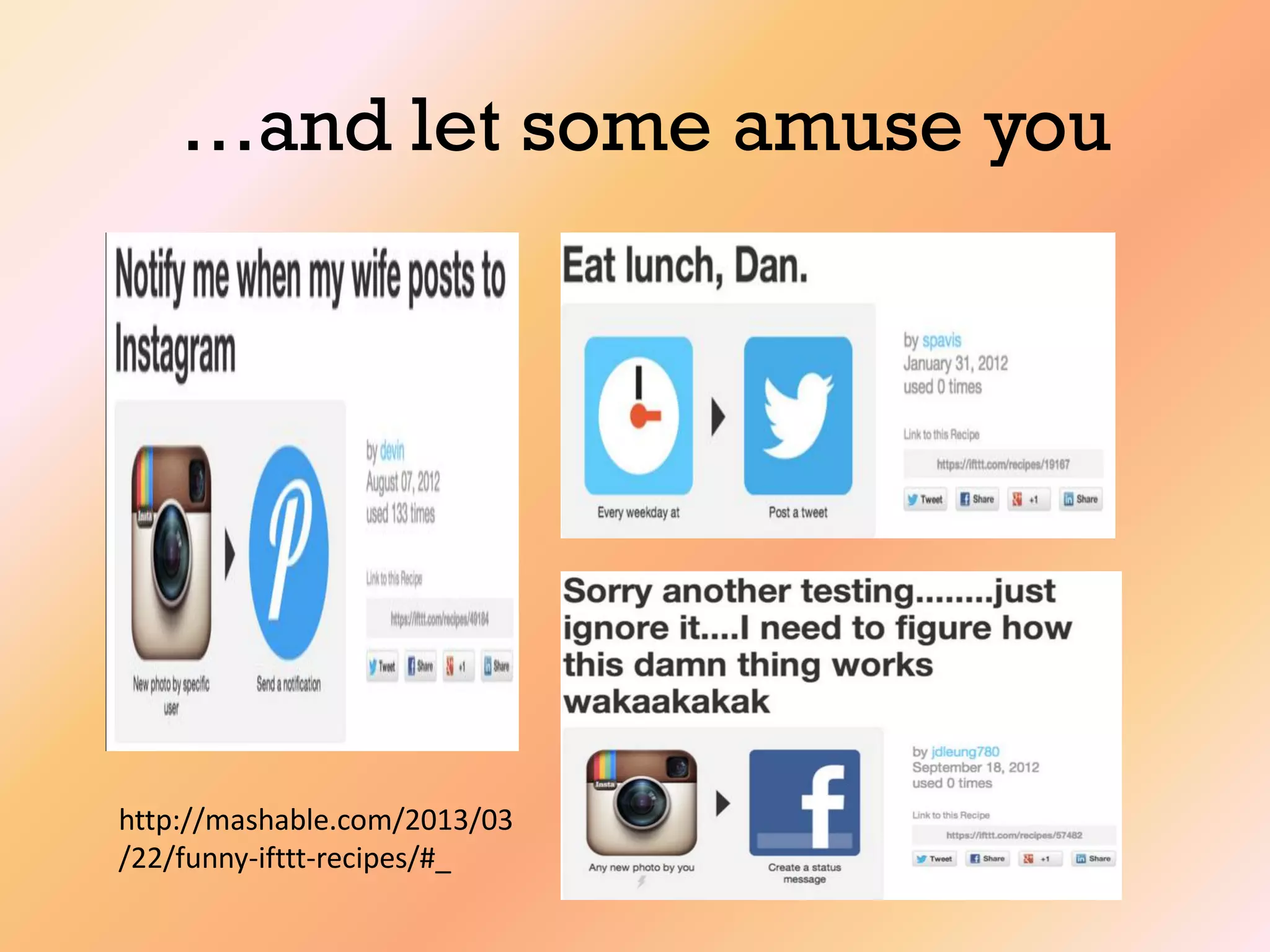
…and let some amuse you
http://mashable.com/2013/03
/22/funny-ifttt-recipes/#_
The Gift of IFTTT
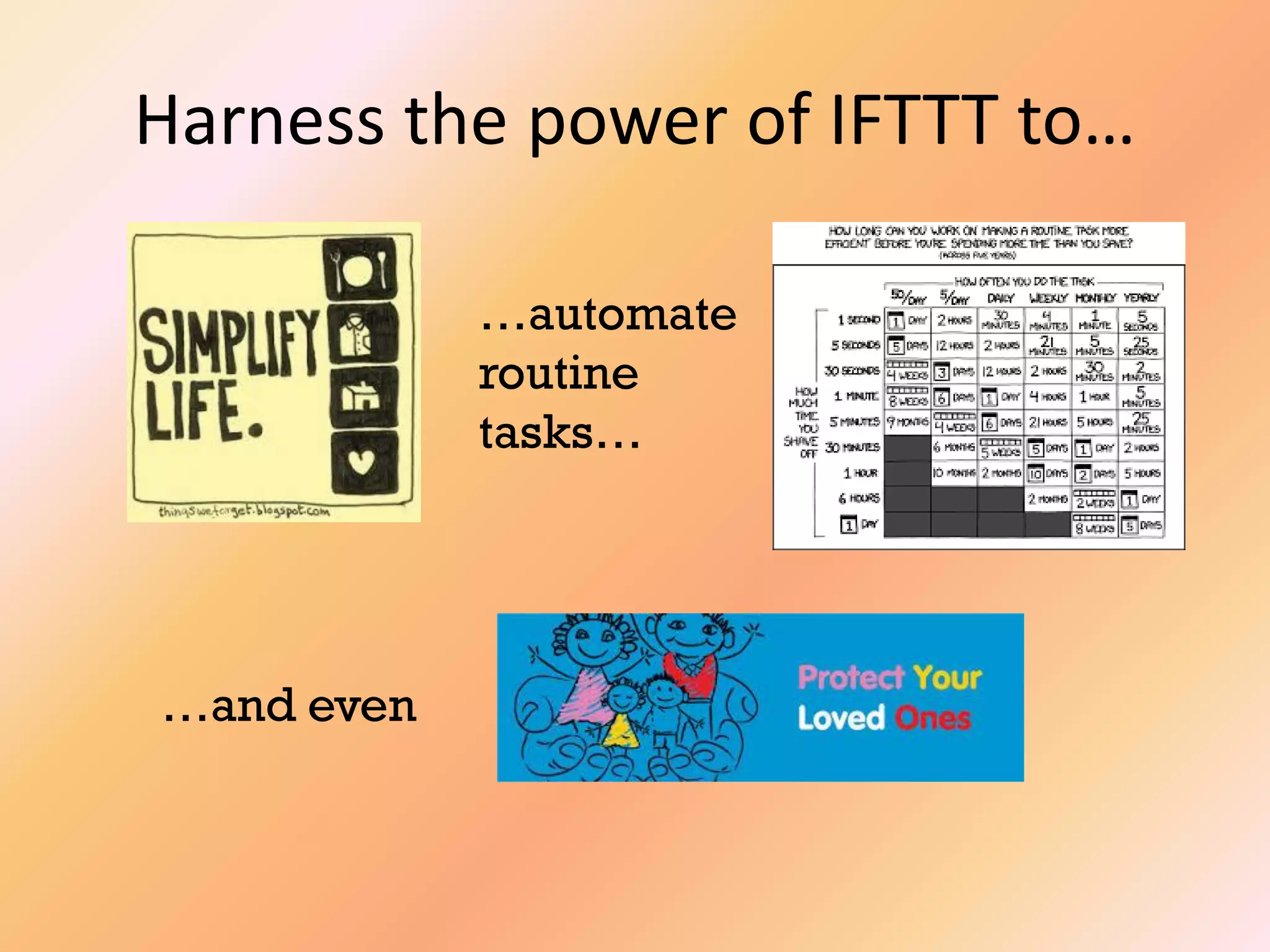
Harness the power of IFTTT to…
…automate
routine
tasks…
…and even
Know more about it!

How to Use IFTTT