How to TDD your MVP
Testing Android (mobile) apps
Michał Bujalski
Android Developer at TSH
Plan
- Why to test your apps
- Model-View-Presenter
- Unit Testing Android apps
- Test-Driven-Development
- Demo
Tests
Tests == Unit Tests
Do you test your apps?
Do you test your app?
Why u not test your code?
- testing takes a lot of time
Why u not test your code?
- testing takes a lot of time
Why u not test your code?
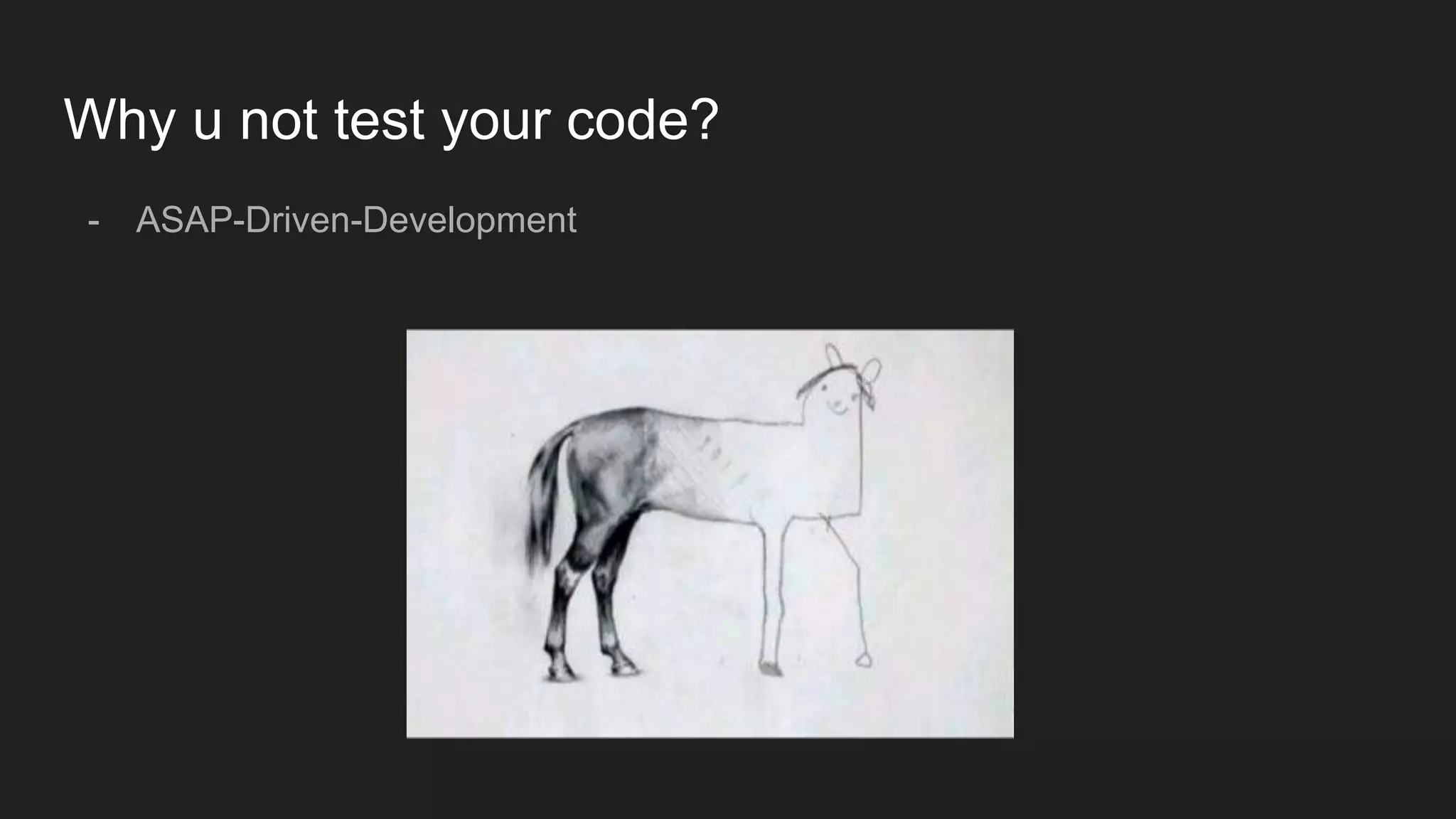
- ASAP-Driven-Development
Why u not test your code?
- ASAP-Driven-Development
Why u not test your code?
- our code is not testable so we don’t write tests
- we don’t write tests because our code is not testable
Why you should test your apps?
- give you confidence
- tests save time
- make easier to add new features
- make easier refactor
- testable, clean code
Testing mobile apps - problems
- big blocks of code
- deeply coupled with OS components
- MVC - View layer blends into Controller
MVP vs MVC
- MVC not always suitable for systems heavily tied with UI
- View and Controller often blend with each other
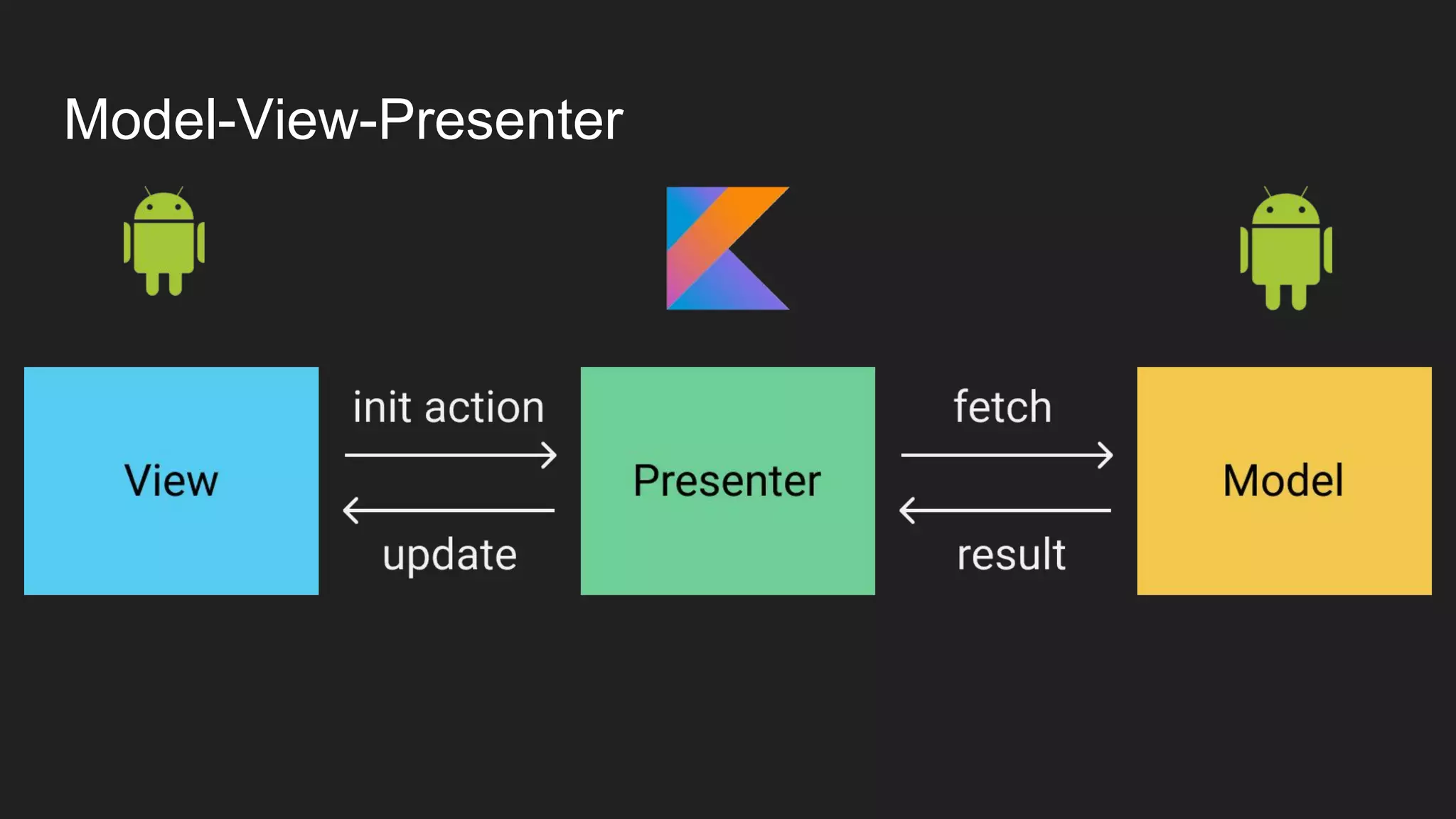
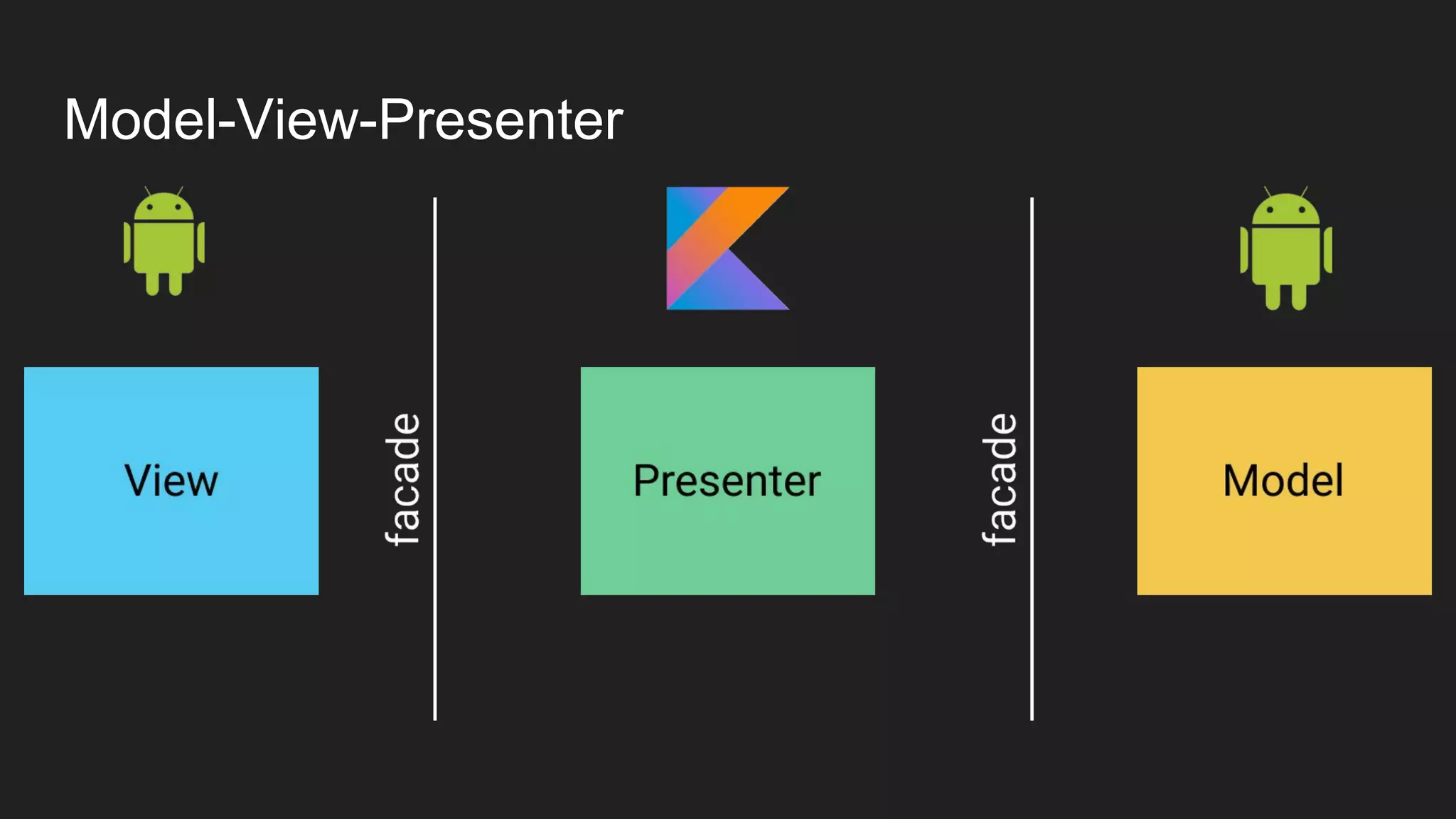
Model-View-Presenter
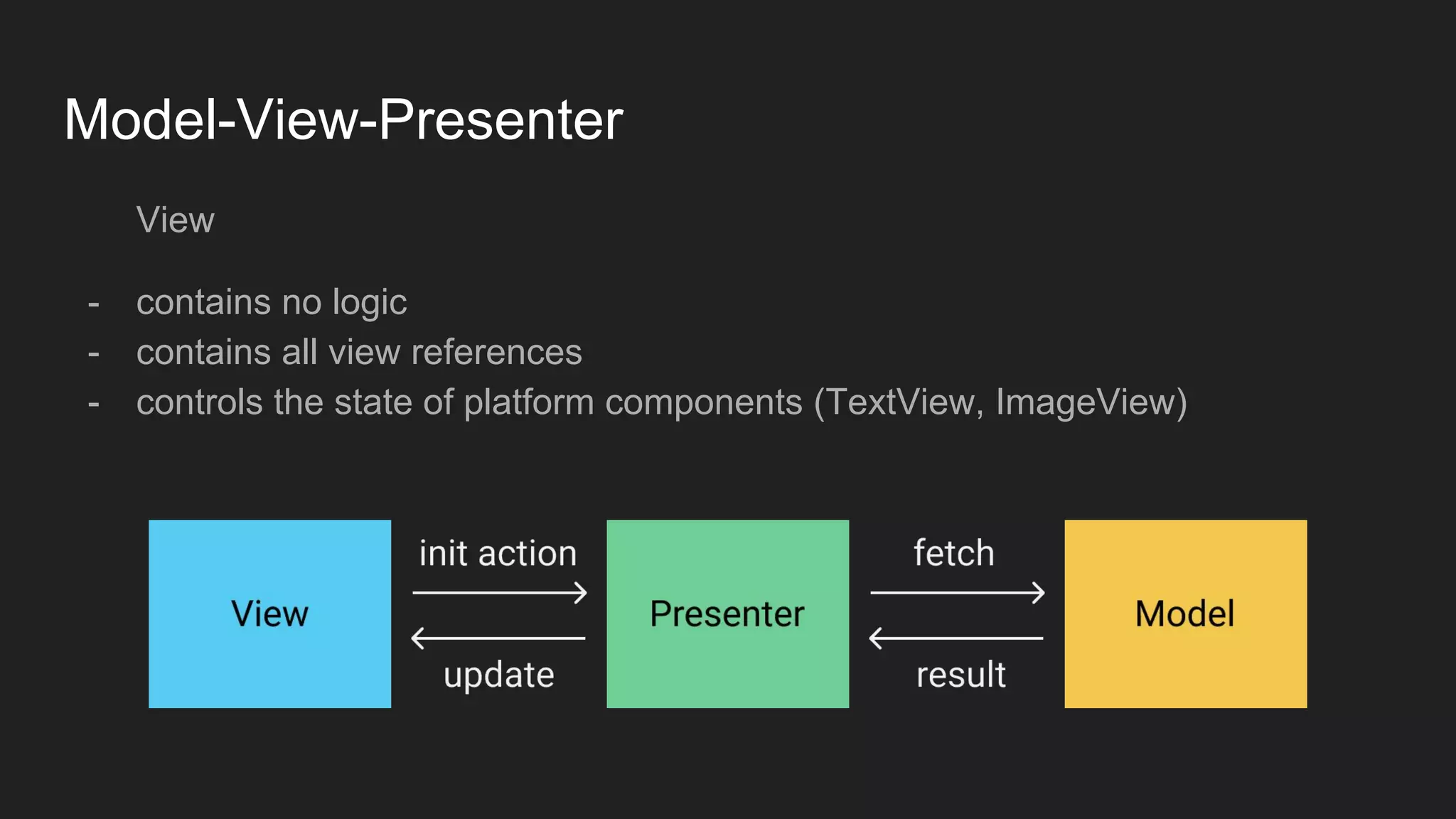
View
- contains no logic
- contains all view references
- controls the state of platform components (TextView, ImageView)
Model-View-Presenter
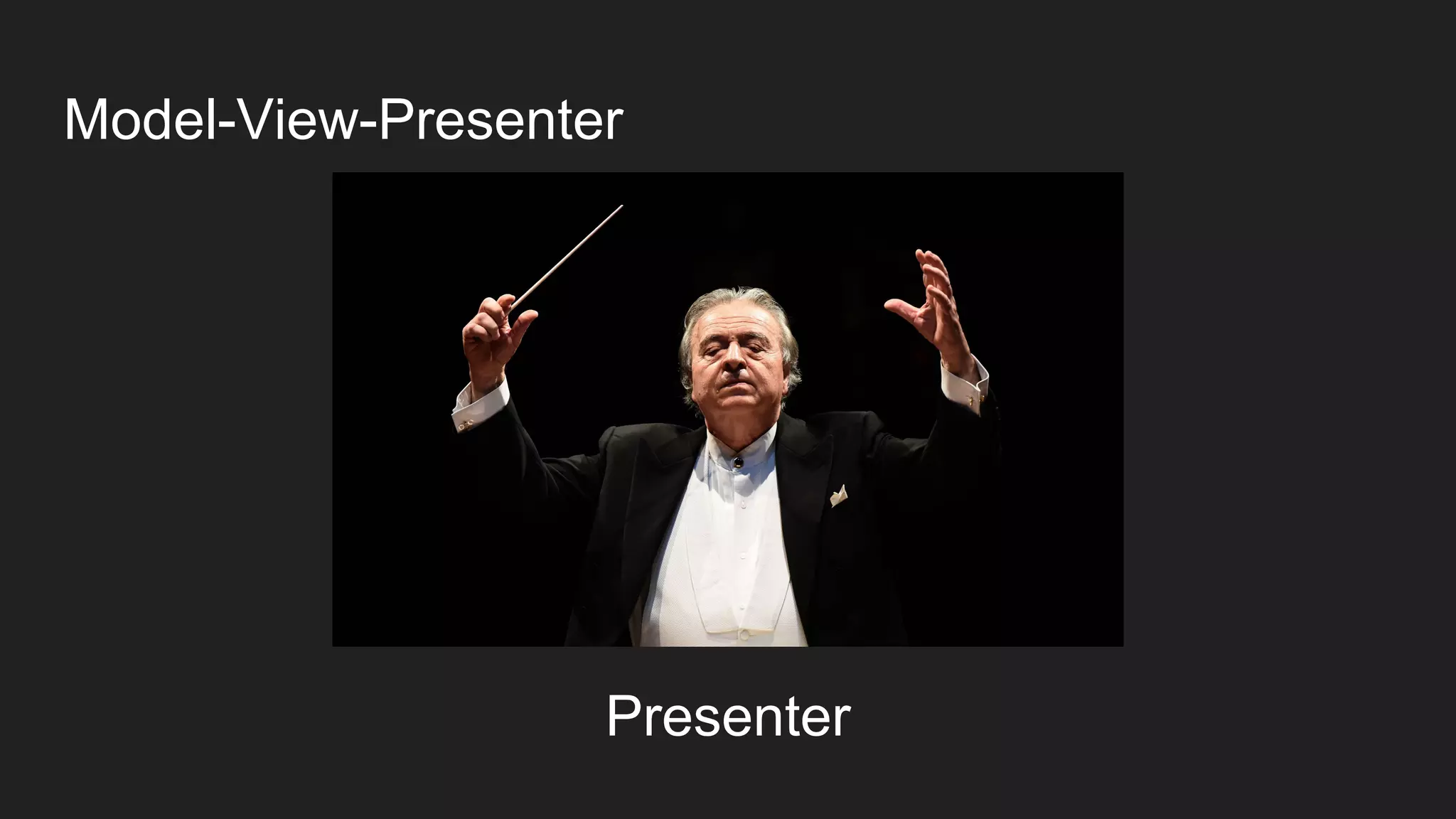
Presenter
Model-View-Presenter
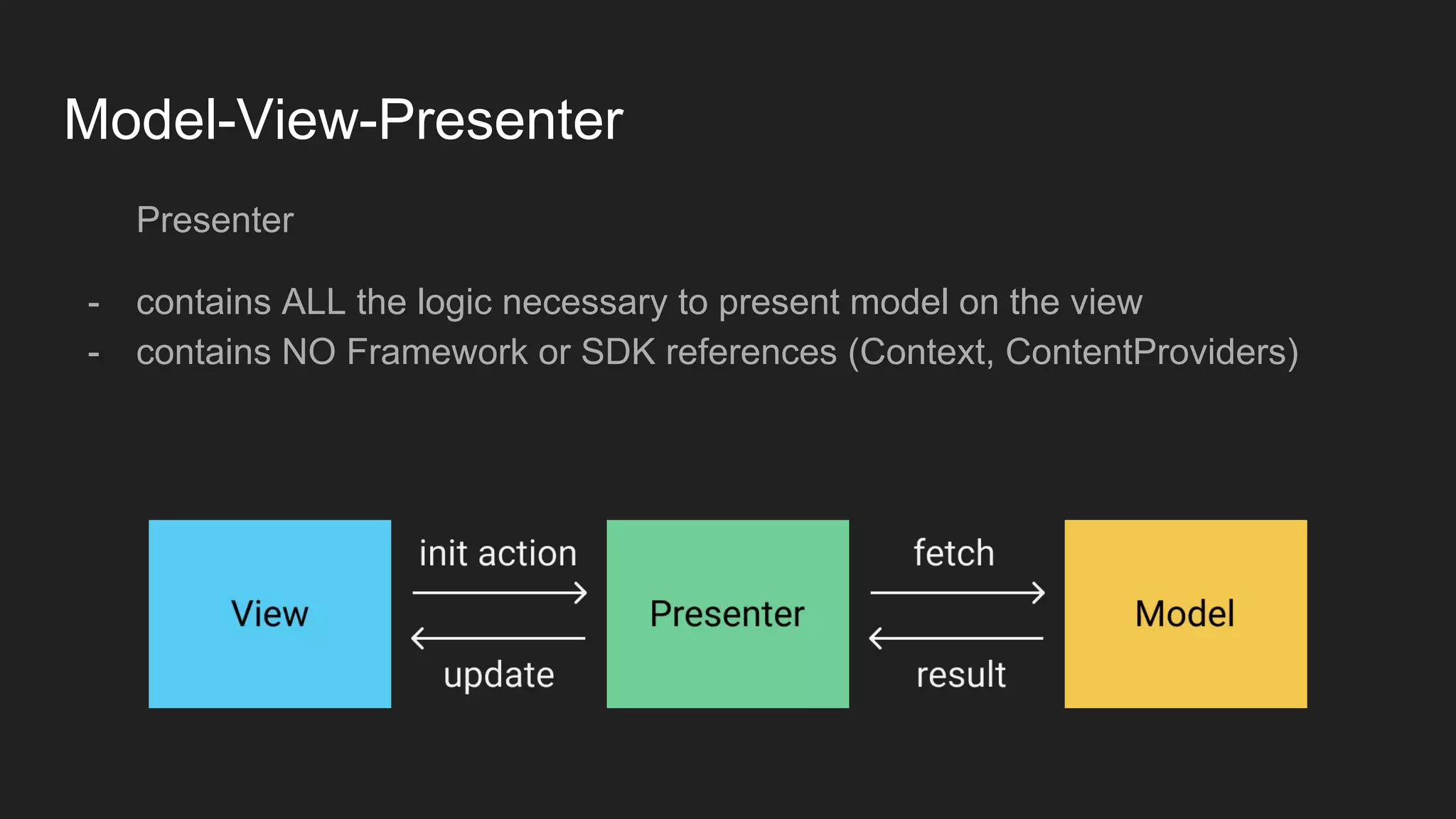
Presenter
- contains ALL the logic necessary to present model on the view
- contains NO Framework or SDK references (Context, ContentProviders)
Model-View-Presenter
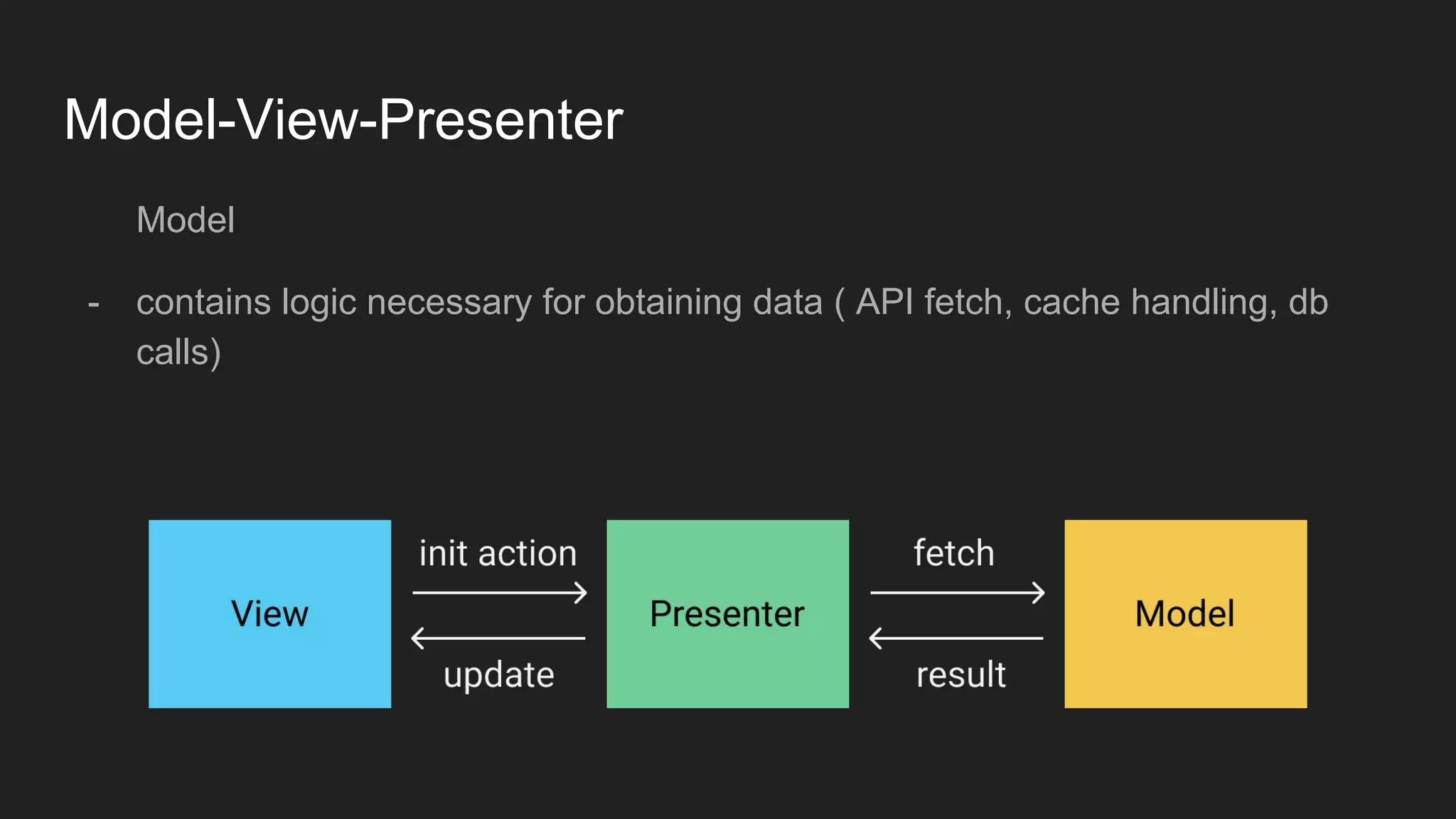
Model
- contains logic necessary for obtaining data ( API fetch, cache handling, db
calls)
Model-View-Presenter
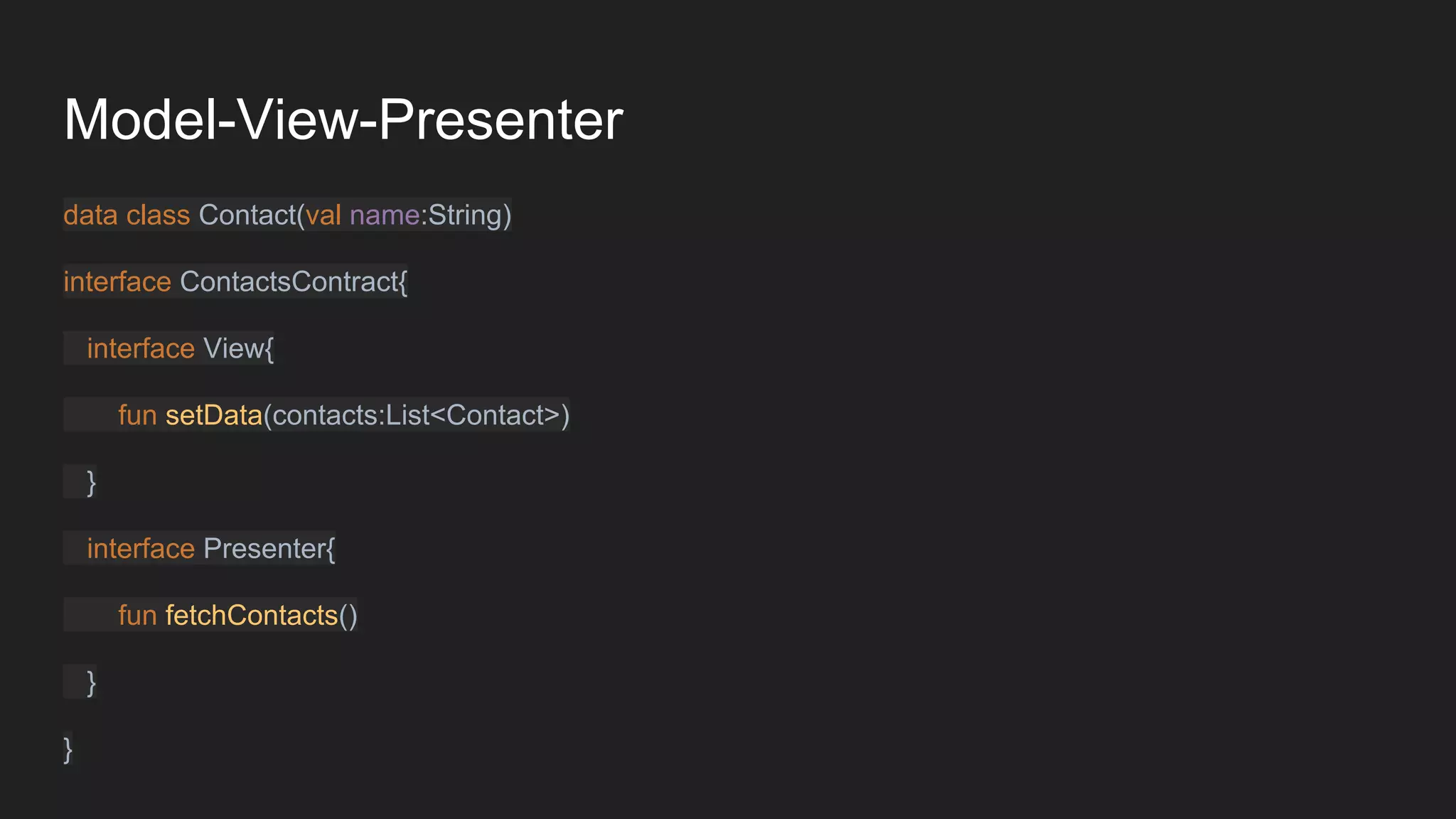
data class Contact(val name:String)
interface ContactsContract{
interface View{
fun setData(contacts:List<Contact>)
}
interface Presenter{
fun fetchContacts()
}
}
Model-View-Presenter
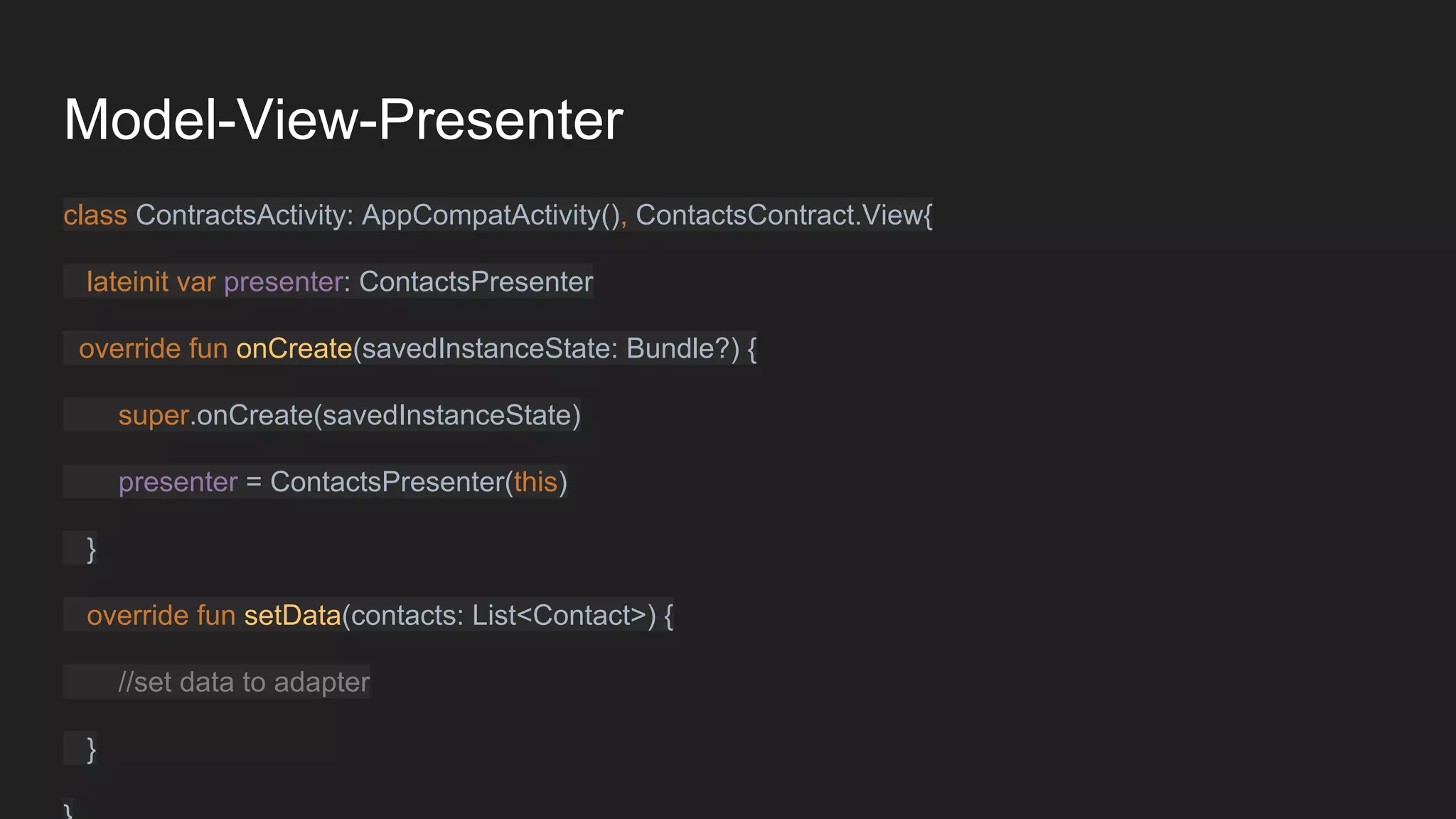
class ContractsActivity: AppCompatActivity(), ContactsContract.View{
lateinit var presenter: ContactsPresenter
override fun onCreate(savedInstanceState: Bundle?) {
super.onCreate(savedInstanceState)
presenter = ContactsPresenter(this)
}
override fun setData(contacts: List<Contact>) {
//set data to adapter
}
Model-View-Presenter
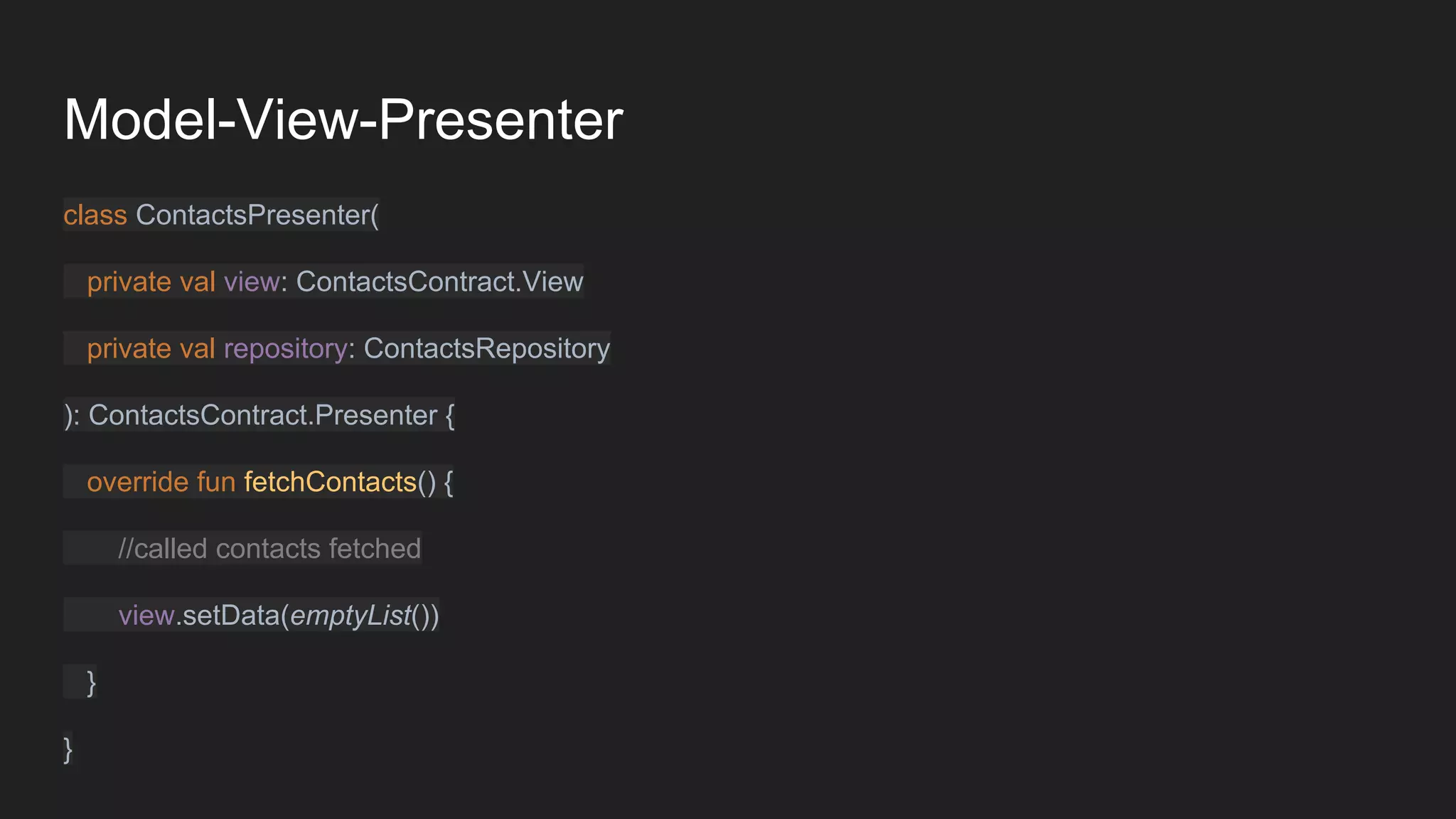
class ContactsPresenter(
private val view: ContactsContract.View
private val repository: ContactsRepository
): ContactsContract.Presenter {
override fun fetchContacts() {
//called contacts fetched
view.setData(emptyList())
}
}
Model-View-Presenter
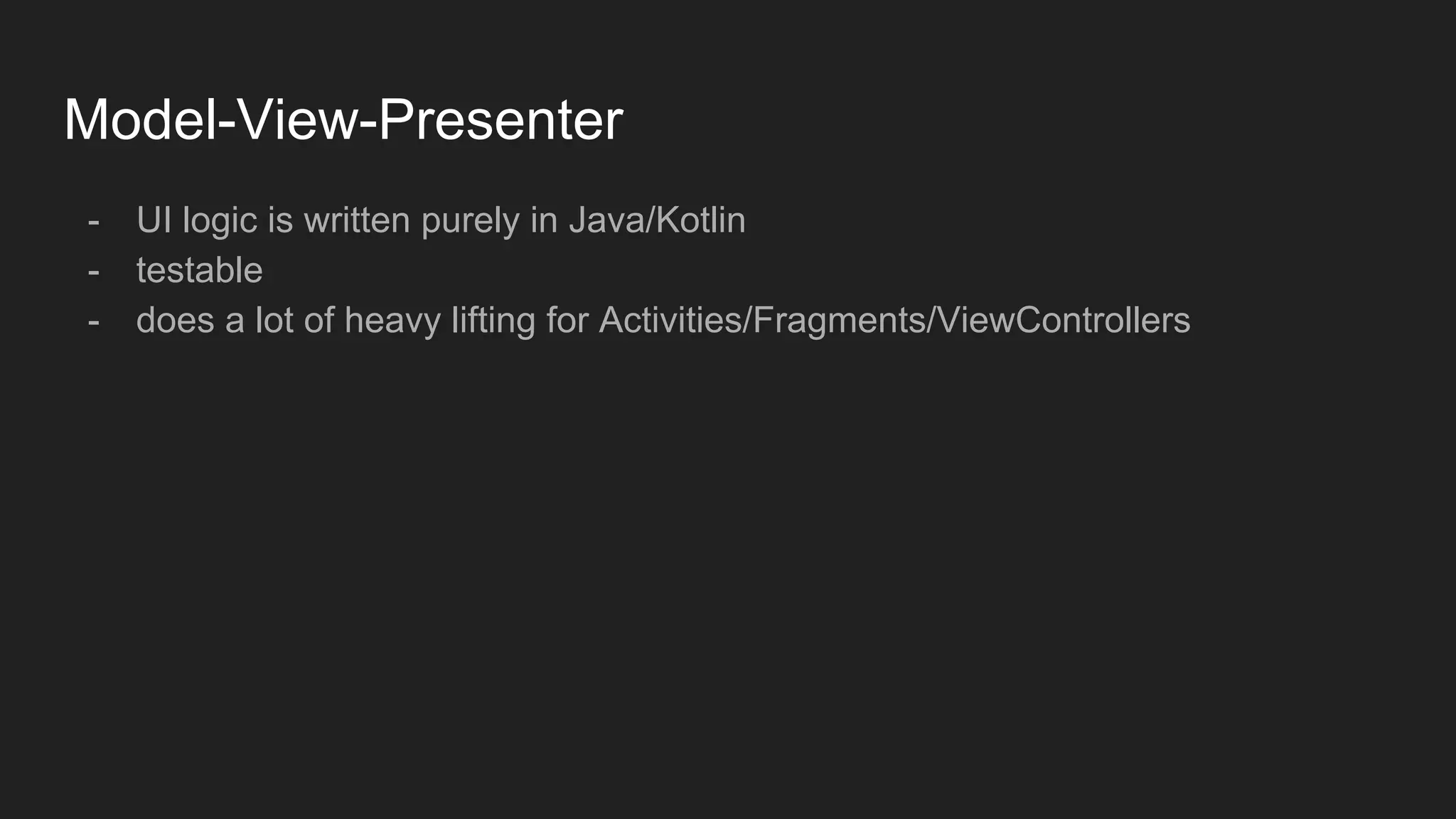
- UI logic is written purely in Java/Kotlin
- testable
- does a lot of heavy lifting for Activities/Fragments/ViewControllers
Unit Testing in Android
- Junit
- Mockito
- Robolectric
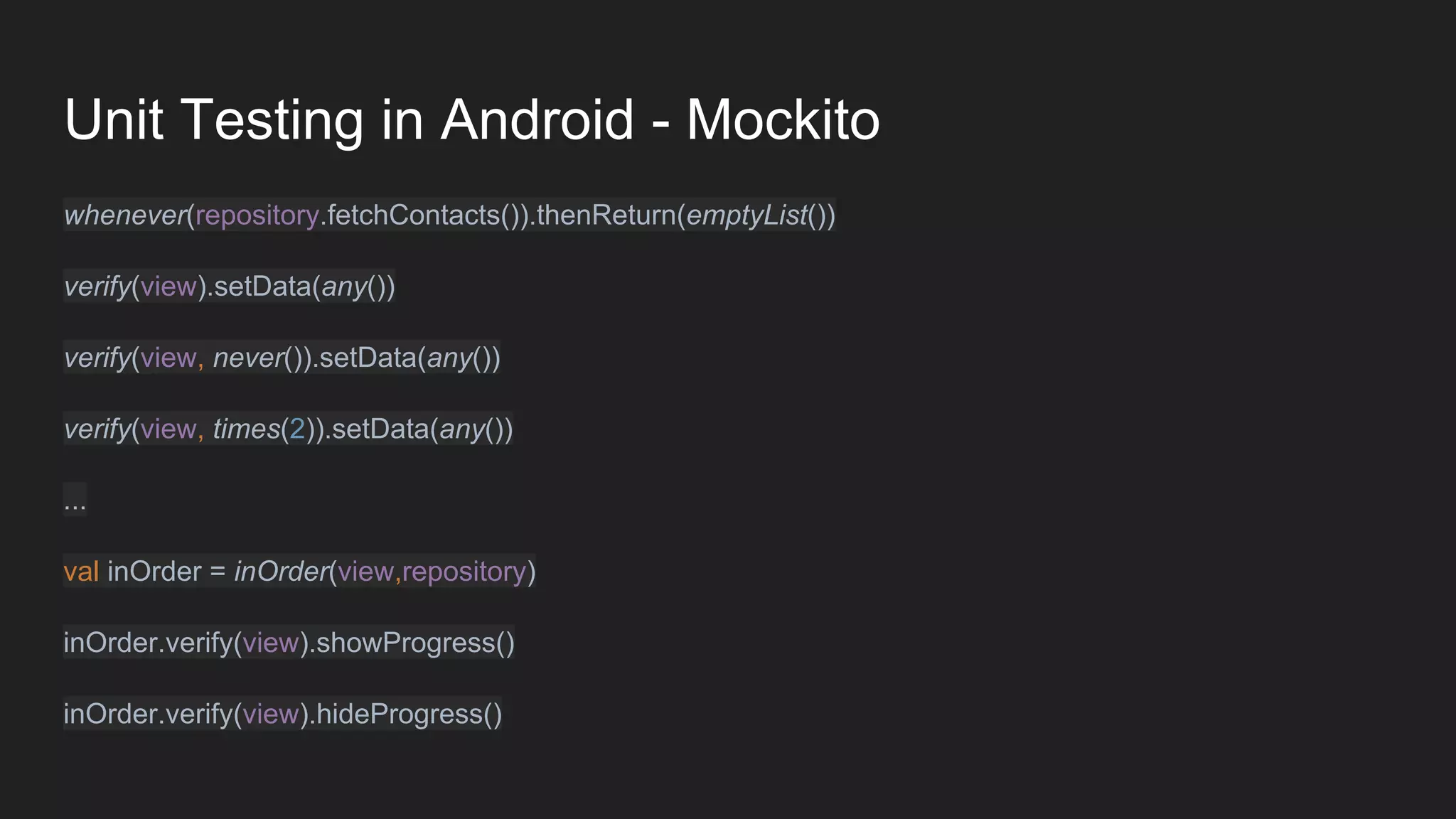
Unit Testing in Android - Mockito
whenever(repository.fetchContacts()).thenReturn(emptyList())
verify(view).setData(any())
verify(view, never()).setData(any())
verify(view, times(2)).setData(any())
...
val inOrder = inOrder(view,repository)
inOrder.verify(view).showProgress()
inOrder.verify(view).hideProgress()
Unit Testing in Android - Robolectric
You don’t need Robolectric
Unit Testing in Android - Robolectric
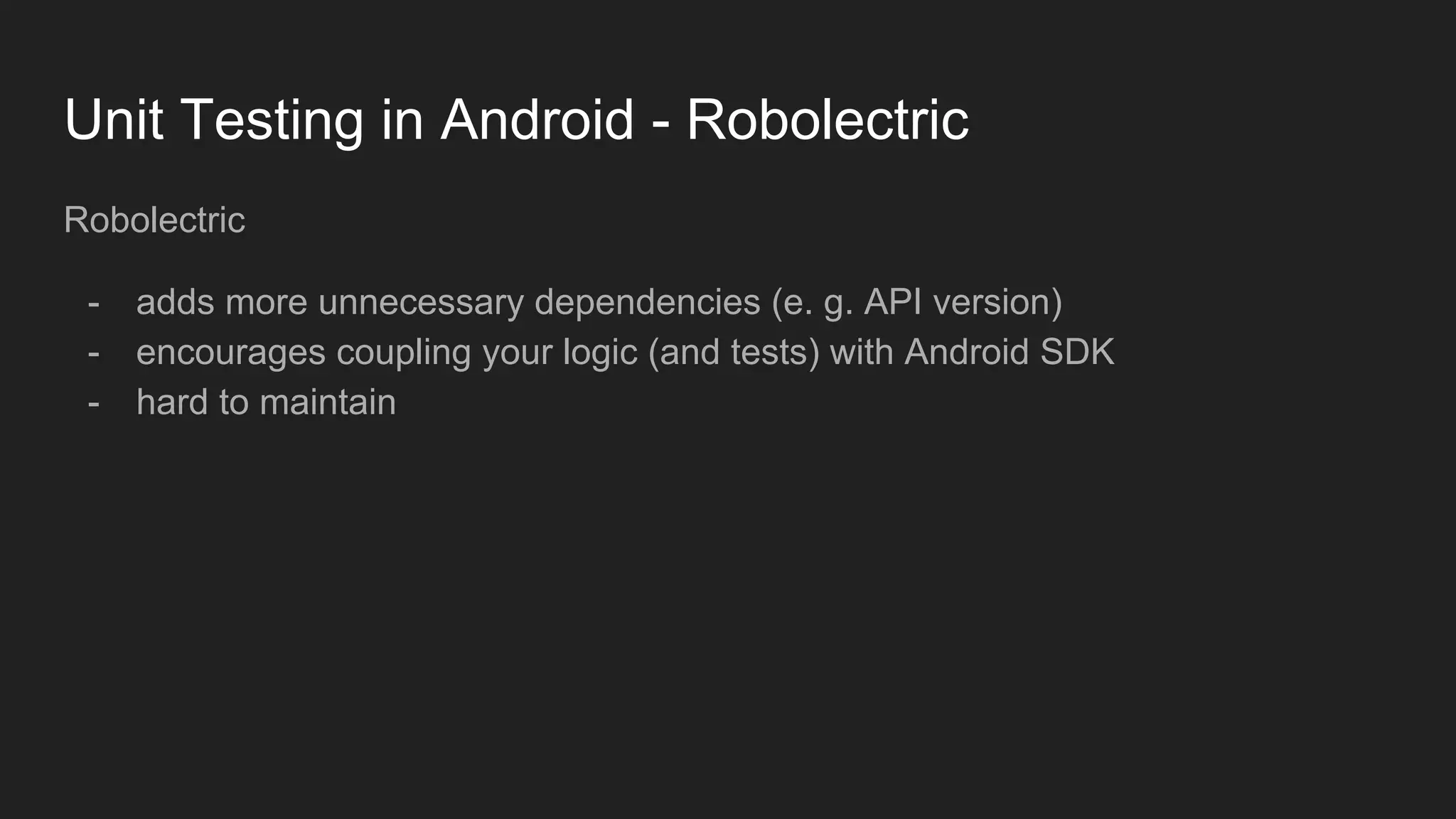
Robolectric
- adds more unnecessary dependencies (e. g. API version)
- encourages coupling your logic (and tests) with Android SDK
- hard to maintain
Unit Testing in Android
If you need SDK components in your unit tests
- you are doing something wrong
Andrzej Sz.
Unit Testing in Android - Robolectric
Test-Driven-Development
Write tests before you start implementing feature
Test-Driven-Development
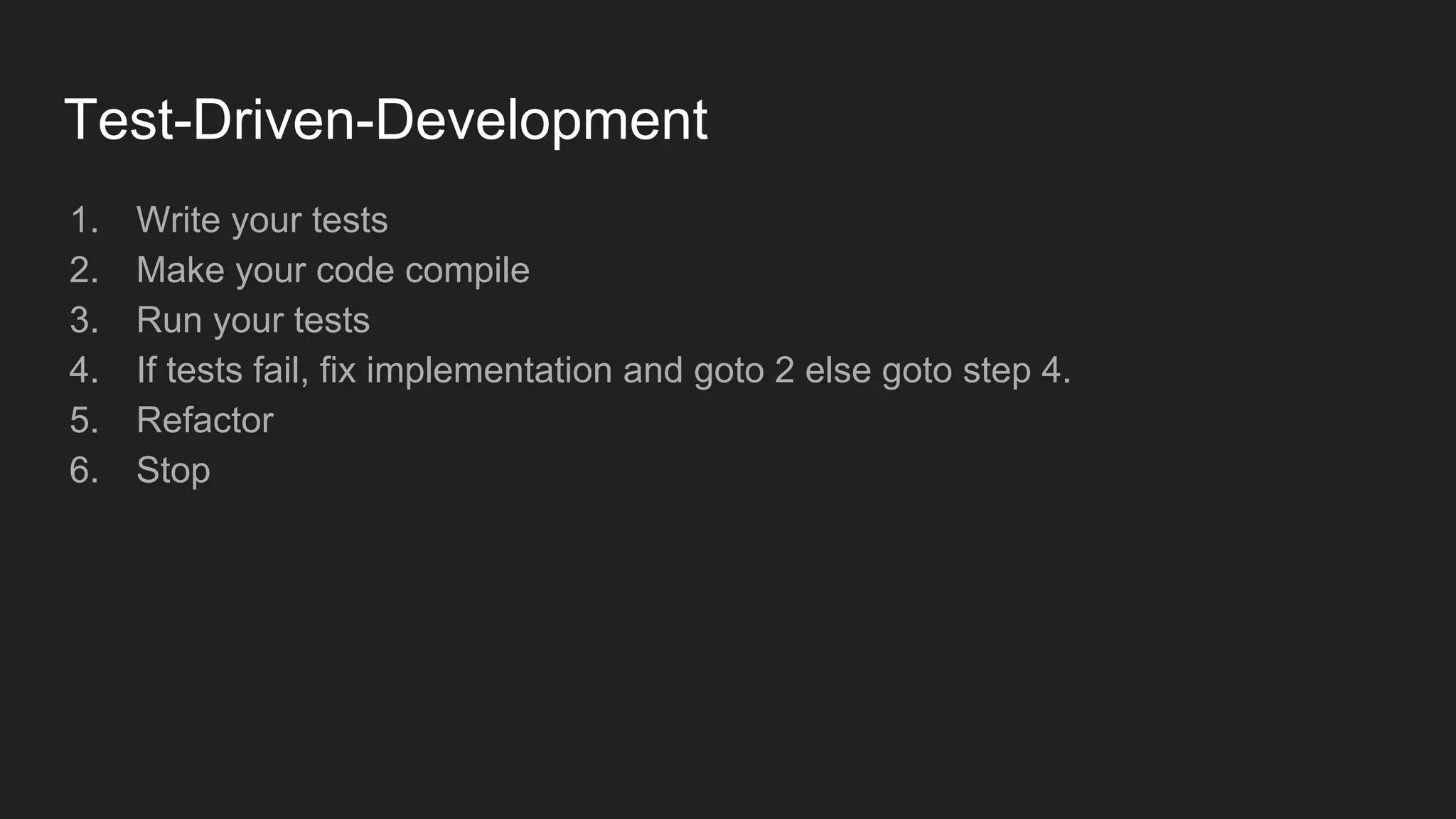
1. Write your tests
2. Make your code compile
3. Run your tests
4. If tests fail, fix implementation and goto 2 else goto step 4.
5. Refactor
6. Stop
Test-Driven-Development
- tests are part of development process
- concentrate on what the code should look not on how should it be
implemented
- test are actually code documentation
- test coverage for free
Test-Driven-Development - writing test scenarios
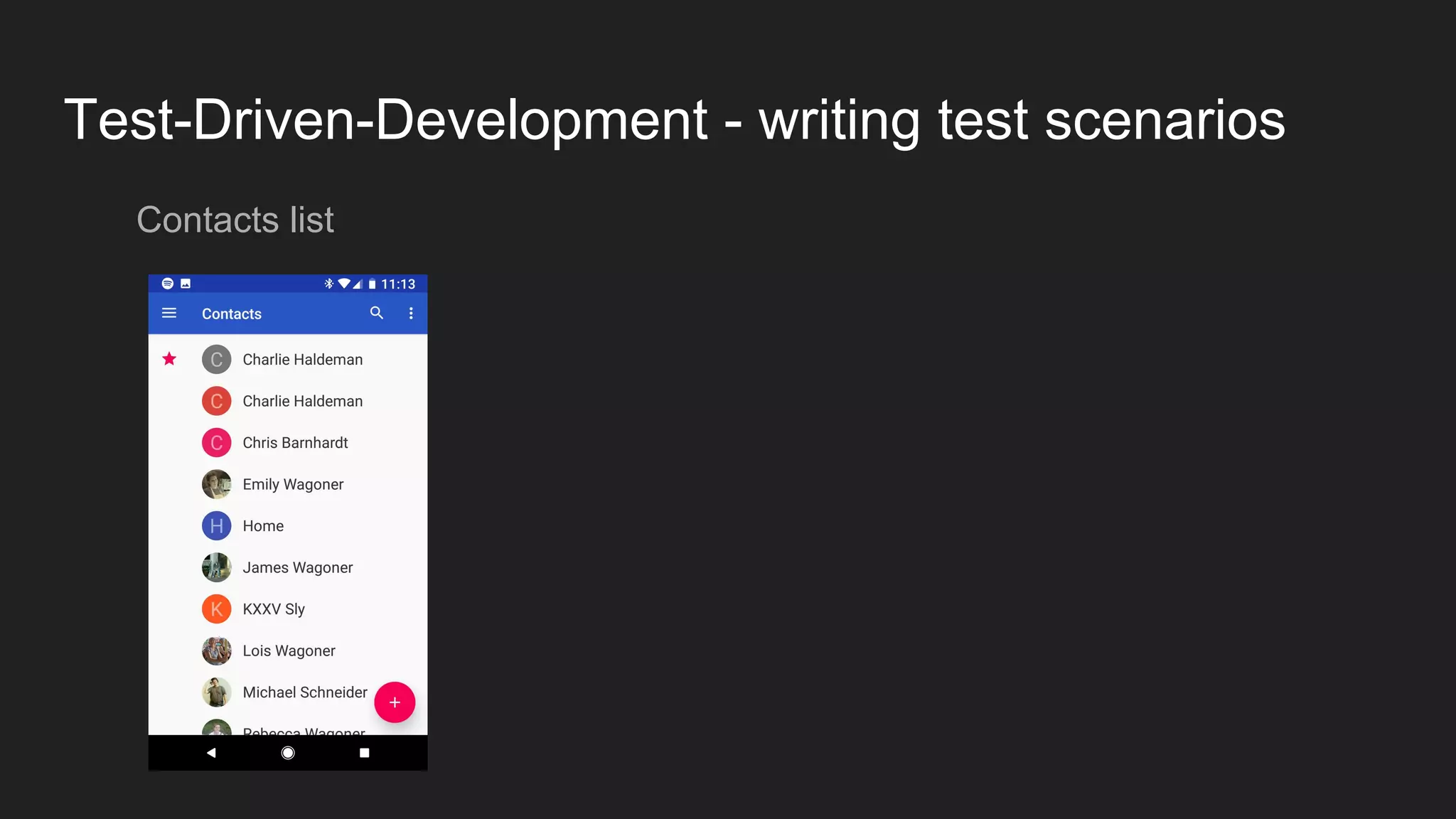
Contacts list
Test-Driven-Development - writing test scenarios
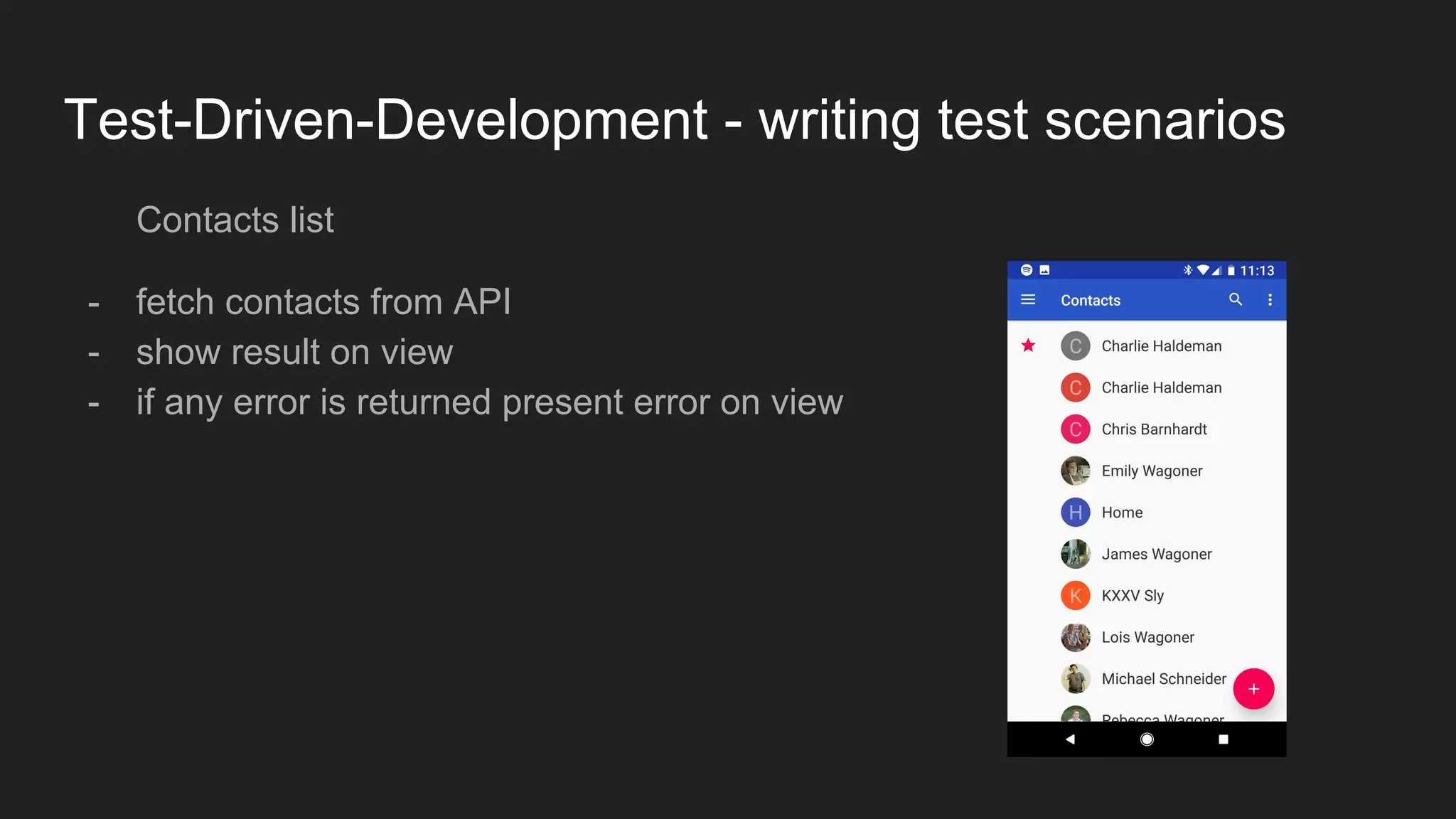
Contacts list
- fetch contacts from API
- show result on view
- if any error is returned present error on view
Test-Driven-Development - writing test scenarios
Contacts list
Given
api returns valid data
When
List update is called
Then
View should receive update
Test-Driven-Development - writing test scenarios
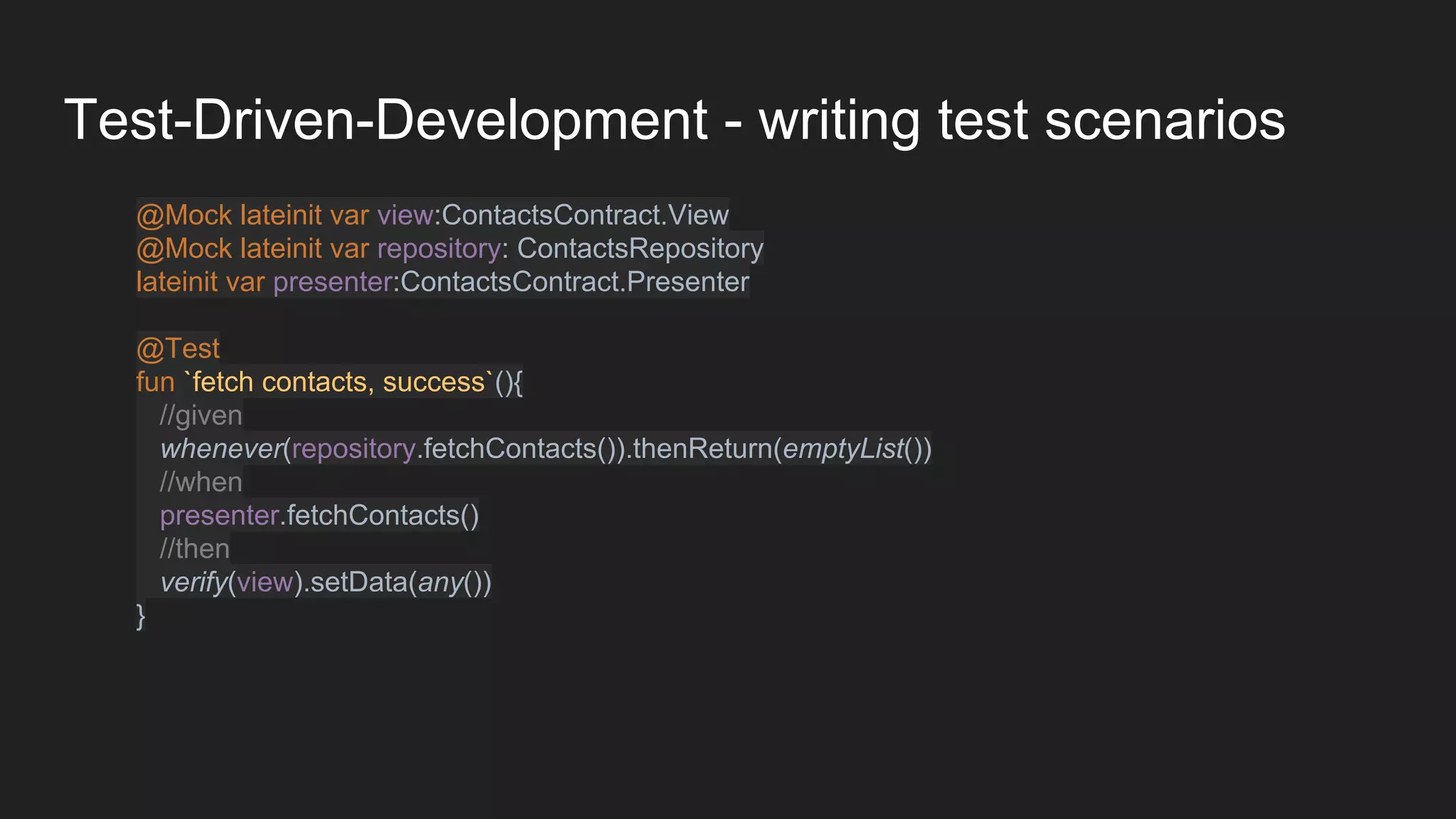
@Mock lateinit var view:ContactsContract.View
@Mock lateinit var repository: ContactsRepository
lateinit var presenter:ContactsContract.Presenter
@Test
fun `fetch contacts, success`(){
//given
whenever(repository.fetchContacts()).thenReturn(emptyList())
//when
presenter.fetchContacts()
//then
verify(view).setData(any())
}
Test-Driven-Development - writing test scenarios
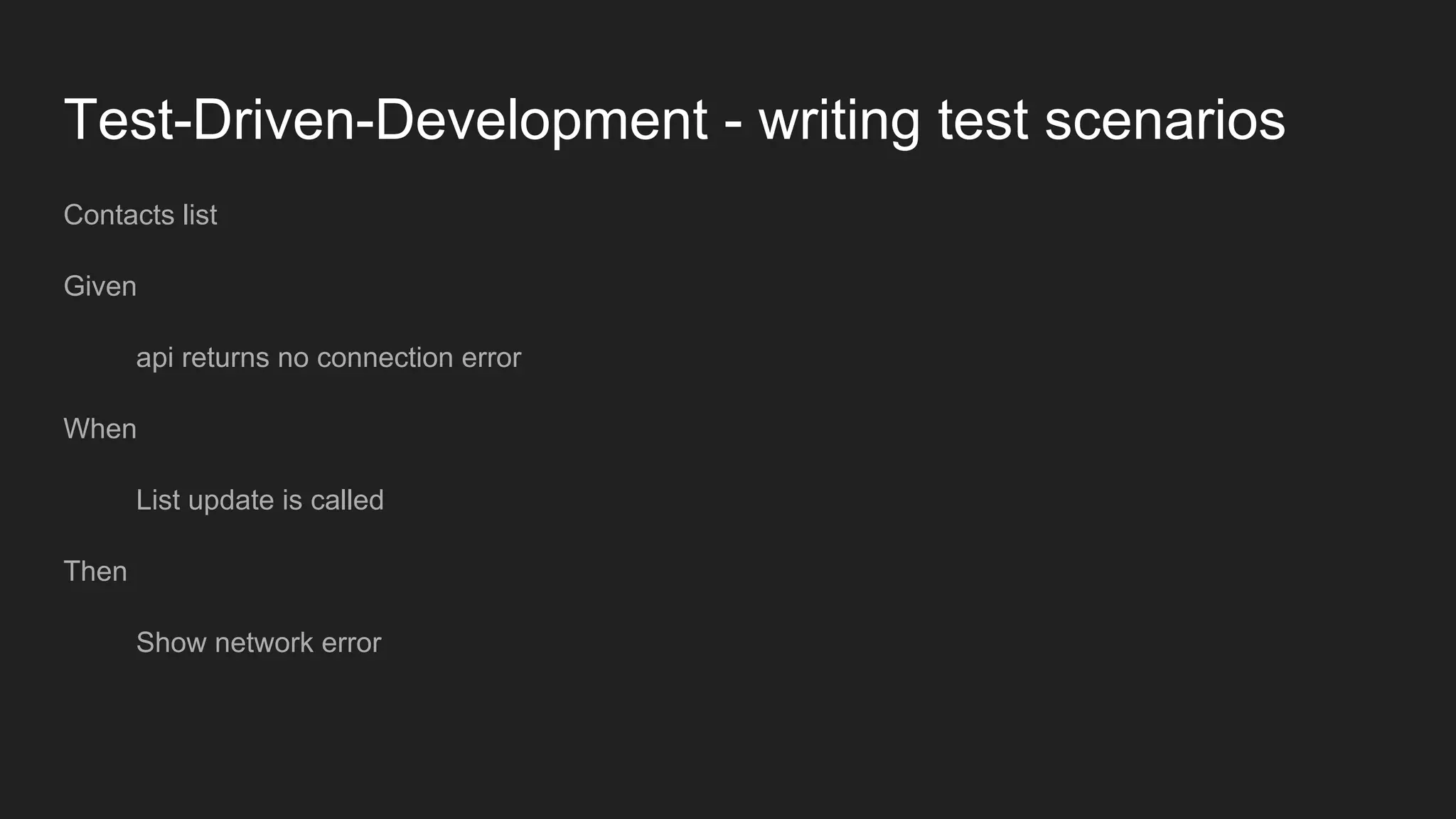
Contacts list
Given
api returns no connection error
When
List update is called
Then
Show network error
Test-Driven-Development - writing test scenarios
@Mock lateinit var view:ContactsContract.View
@Mock lateinit var repository: ContactsRepository
lateinit var presenter:ContactsContract.Presenter
@Test
fun `fetch contacts, network error`(){
//given
whenever(repository.fetchContacts()).thenThrow(NetworkError())
//when
presenter.fetchContacts()
//then
verify(view).showNetworkError()
}
Test-Driven-Development - writing test scenarios
- simple
- test one story at time
- test small part of functionality
Test-Driven-Development - Demo
- Kotlin
- RxJava
- Mockito
- Mockito-Kotlin
- RxKotlin
- RxAndroid
Test-Driven-Development - Demo
- https://github.com/michalbujalski/TDDExample
Summary
TDD your MVP
- unit testing is every developer’s responsibility
- tests SAVE time
- don’t mock what you don’t own, don’t test the framework
- make writing tests part of your development process NOT the result
TDD your MVP
Thank you

How to tdd your mvp

  • 1.
    How to TDDyour MVP Testing Android (mobile) apps Michał Bujalski Android Developer at TSH
  • 2.
    Plan - Why totest your apps - Model-View-Presenter - Unit Testing Android apps - Test-Driven-Development - Demo
  • 3.
  • 4.
    Do you testyour apps?
  • 5.
    Do you testyour app?
  • 6.
    Why u nottest your code? - testing takes a lot of time
  • 7.
    Why u nottest your code? - testing takes a lot of time
  • 8.
    Why u nottest your code? - ASAP-Driven-Development
  • 9.
    Why u nottest your code? - ASAP-Driven-Development
  • 10.
    Why u nottest your code? - our code is not testable so we don’t write tests - we don’t write tests because our code is not testable
  • 11.
    Why you shouldtest your apps? - give you confidence - tests save time - make easier to add new features - make easier refactor - testable, clean code
  • 12.
    Testing mobile apps- problems - big blocks of code - deeply coupled with OS components - MVC - View layer blends into Controller
  • 13.
    MVP vs MVC -MVC not always suitable for systems heavily tied with UI - View and Controller often blend with each other
  • 14.
  • 15.
  • 16.
    Model-View-Presenter View - contains nologic - contains all view references - controls the state of platform components (TextView, ImageView)
  • 17.
  • 18.
    Model-View-Presenter Presenter - contains ALLthe logic necessary to present model on the view - contains NO Framework or SDK references (Context, ContentProviders)
  • 19.
    Model-View-Presenter Model - contains logicnecessary for obtaining data ( API fetch, cache handling, db calls)
  • 20.
    Model-View-Presenter data class Contact(valname:String) interface ContactsContract{ interface View{ fun setData(contacts:List<Contact>) } interface Presenter{ fun fetchContacts() } }
  • 21.
    Model-View-Presenter class ContractsActivity: AppCompatActivity(),ContactsContract.View{ lateinit var presenter: ContactsPresenter override fun onCreate(savedInstanceState: Bundle?) { super.onCreate(savedInstanceState) presenter = ContactsPresenter(this) } override fun setData(contacts: List<Contact>) { //set data to adapter }
  • 22.
    Model-View-Presenter class ContactsPresenter( private valview: ContactsContract.View private val repository: ContactsRepository ): ContactsContract.Presenter { override fun fetchContacts() { //called contacts fetched view.setData(emptyList()) } }
  • 23.
    Model-View-Presenter - UI logicis written purely in Java/Kotlin - testable - does a lot of heavy lifting for Activities/Fragments/ViewControllers
  • 24.
    Unit Testing inAndroid - Junit - Mockito - Robolectric
  • 25.
    Unit Testing inAndroid - Mockito whenever(repository.fetchContacts()).thenReturn(emptyList()) verify(view).setData(any()) verify(view, never()).setData(any()) verify(view, times(2)).setData(any()) ... val inOrder = inOrder(view,repository) inOrder.verify(view).showProgress() inOrder.verify(view).hideProgress()
  • 26.
    Unit Testing inAndroid - Robolectric
  • 27.
    Unit Testing inAndroid - Robolectric You don’t need Robolectric
  • 28.
    Unit Testing inAndroid - Robolectric Robolectric - adds more unnecessary dependencies (e. g. API version) - encourages coupling your logic (and tests) with Android SDK - hard to maintain
  • 29.
    Unit Testing inAndroid If you need SDK components in your unit tests - you are doing something wrong Andrzej Sz.
  • 30.
    Unit Testing inAndroid - Robolectric
  • 31.
    Test-Driven-Development Write tests beforeyou start implementing feature
  • 32.
    Test-Driven-Development 1. Write yourtests 2. Make your code compile 3. Run your tests 4. If tests fail, fix implementation and goto 2 else goto step 4. 5. Refactor 6. Stop
  • 33.
    Test-Driven-Development - tests arepart of development process - concentrate on what the code should look not on how should it be implemented - test are actually code documentation - test coverage for free
  • 34.
    Test-Driven-Development - writingtest scenarios Contacts list
  • 35.
    Test-Driven-Development - writingtest scenarios Contacts list - fetch contacts from API - show result on view - if any error is returned present error on view
  • 36.
    Test-Driven-Development - writingtest scenarios Contacts list Given api returns valid data When List update is called Then View should receive update
  • 37.
    Test-Driven-Development - writingtest scenarios @Mock lateinit var view:ContactsContract.View @Mock lateinit var repository: ContactsRepository lateinit var presenter:ContactsContract.Presenter @Test fun `fetch contacts, success`(){ //given whenever(repository.fetchContacts()).thenReturn(emptyList()) //when presenter.fetchContacts() //then verify(view).setData(any()) }
  • 38.
    Test-Driven-Development - writingtest scenarios Contacts list Given api returns no connection error When List update is called Then Show network error
  • 39.
    Test-Driven-Development - writingtest scenarios @Mock lateinit var view:ContactsContract.View @Mock lateinit var repository: ContactsRepository lateinit var presenter:ContactsContract.Presenter @Test fun `fetch contacts, network error`(){ //given whenever(repository.fetchContacts()).thenThrow(NetworkError()) //when presenter.fetchContacts() //then verify(view).showNetworkError() }
  • 40.
    Test-Driven-Development - writingtest scenarios - simple - test one story at time - test small part of functionality
  • 41.
    Test-Driven-Development - Demo -Kotlin - RxJava - Mockito - Mockito-Kotlin - RxKotlin - RxAndroid
  • 42.
    Test-Driven-Development - Demo -https://github.com/michalbujalski/TDDExample
  • 43.
  • 44.
    TDD your MVP -unit testing is every developer’s responsibility - tests SAVE time - don’t mock what you don’t own, don’t test the framework - make writing tests part of your development process NOT the result
  • 45.
  • 46.