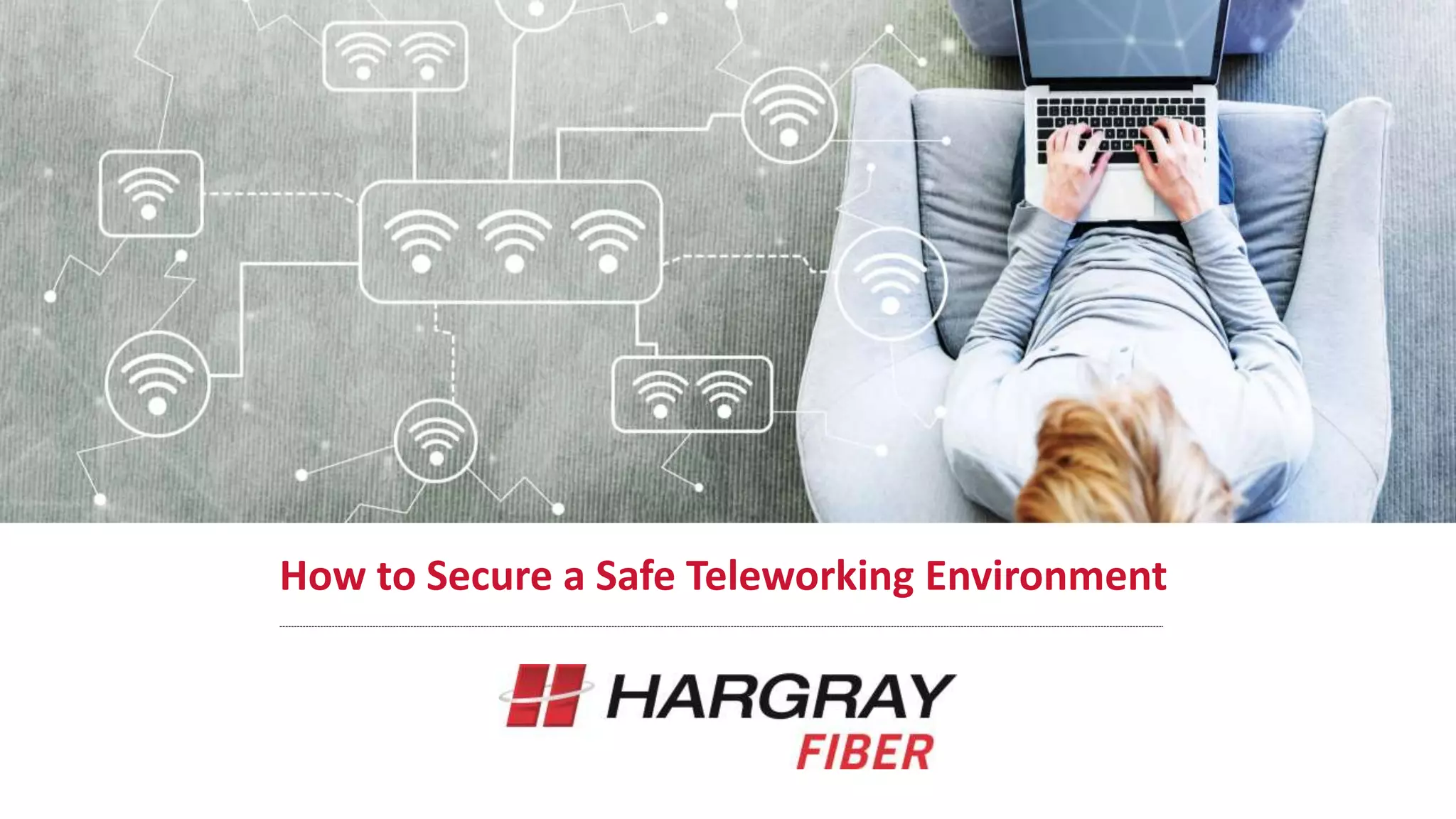
How to Secure a Safe Teleworking Environment
John Robertson, Market Executive
https://www.hargray.com/savannah-ga
Outline
o Managing Security
Responsibilities
o Updates, Patches and Scans
o Enforcing Password Protection
o Phishing Attacks
o WiFi, Routers & Connections
o Where the “Work” Should Reside
o Hargray Smart Office
o Additional Best Practices
Managing Security Responsibilities
• Create a brief telework-related security policy
that clearly sets expectations and parameters
for working at home
• This policy relinquishes confusion regarding
responsibilities and do’s
and don’ts
For example:
• What devices should the work be
conducted on?
• How should emails be handled?
• Should work be done through VPN, cloud or
other methods?
Updates, Patches and Scans
Perform Regular Device Scans and Updates
• Remote and Teleworking Employees connect to
the business network
• Possibly compromising documents/network
integrity via malware, phishing attacks or
exposure to unsecured public WIFI
• Occasional device scans make sure laptops
and phones aren’t carrying any
hidden viruses
• Keep security software up-to-date
• Keep your Office365 and other apps up to date
and set them to automatically update (so
security patches are not missed)
Enforce Password Protection
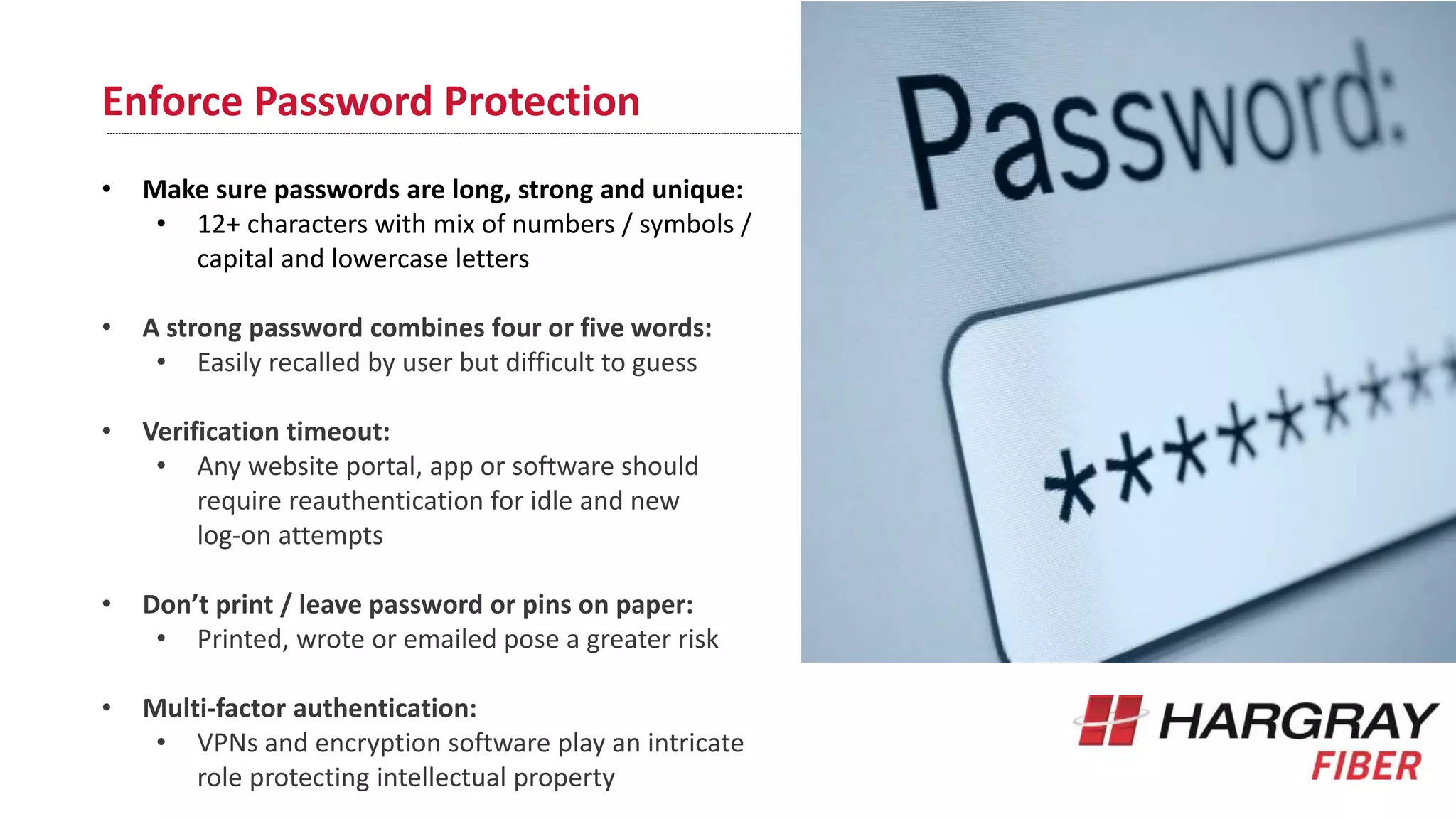
• Make sure passwords are long, strong and unique:
• 12+ characters with mix of numbers / symbols /
capital and lowercase letters
• A strong password combines four or five words:
• Easily recalled by user but difficult to guess
• Verification timeout:
• Any website portal, app or software should
require reauthentication for idle and new
log-on attempts
• Don’t print / leave password or pins on paper:
• Printed, wrote or emailed pose a greater risk
• Multi-factor authentication:
• VPNs and encryption software play an intricate
role protecting intellectual property
Phishing, Smishing & Vishing
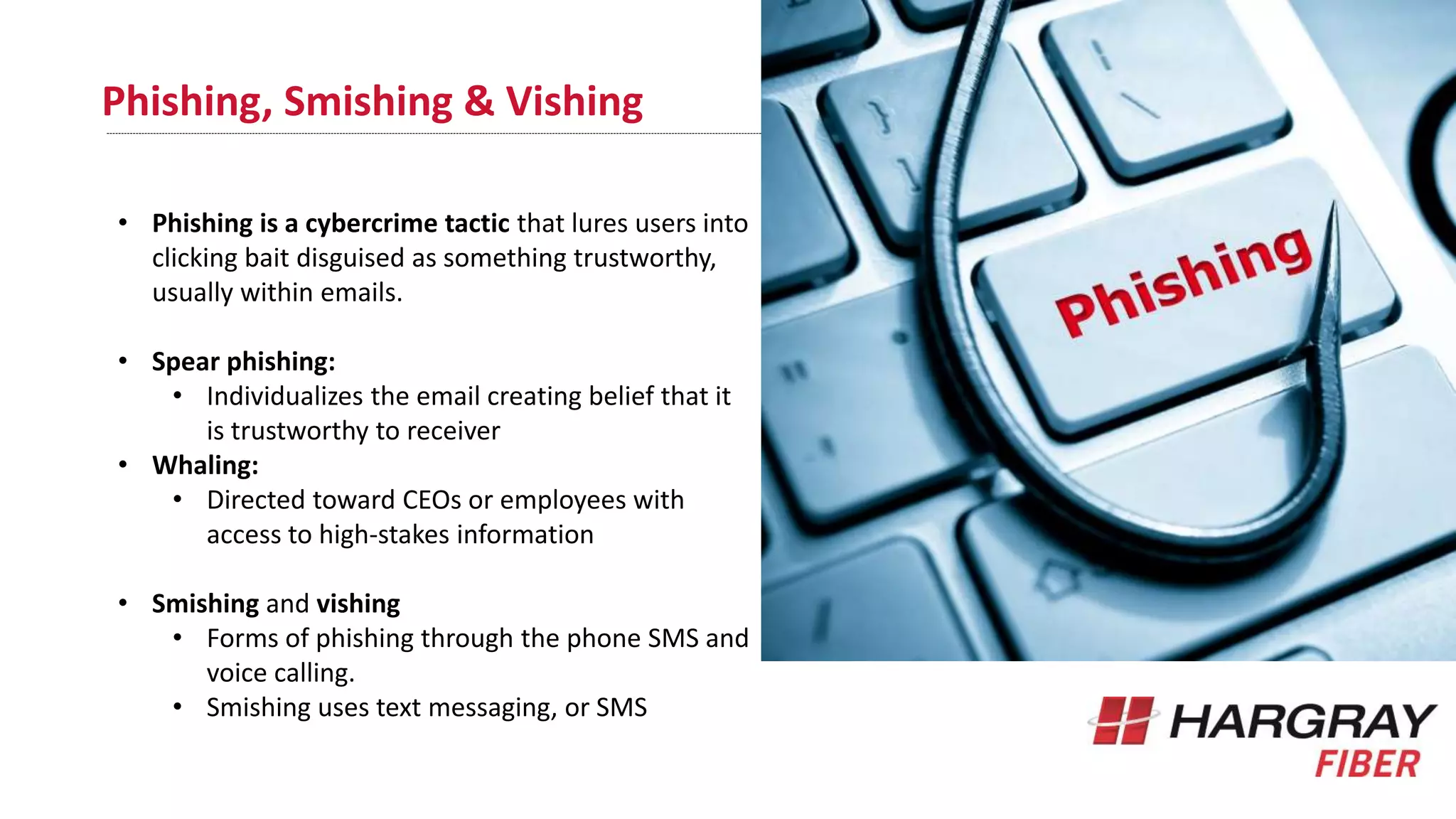
• Phishing is a cybercrime tactic that lures users into
clicking bait disguised as something trustworthy,
usually within emails.
• Spear phishing:
• Individualizes the email creating belief that it
is trustworthy to receiver
• Whaling:
• Directed toward CEOs or employees with
access to high-stakes information
• Smishing and vishing
• Forms of phishing through the phone SMS and
voice calling.
• Smishing uses text messaging, or SMS
WiFi, Routers & Connections
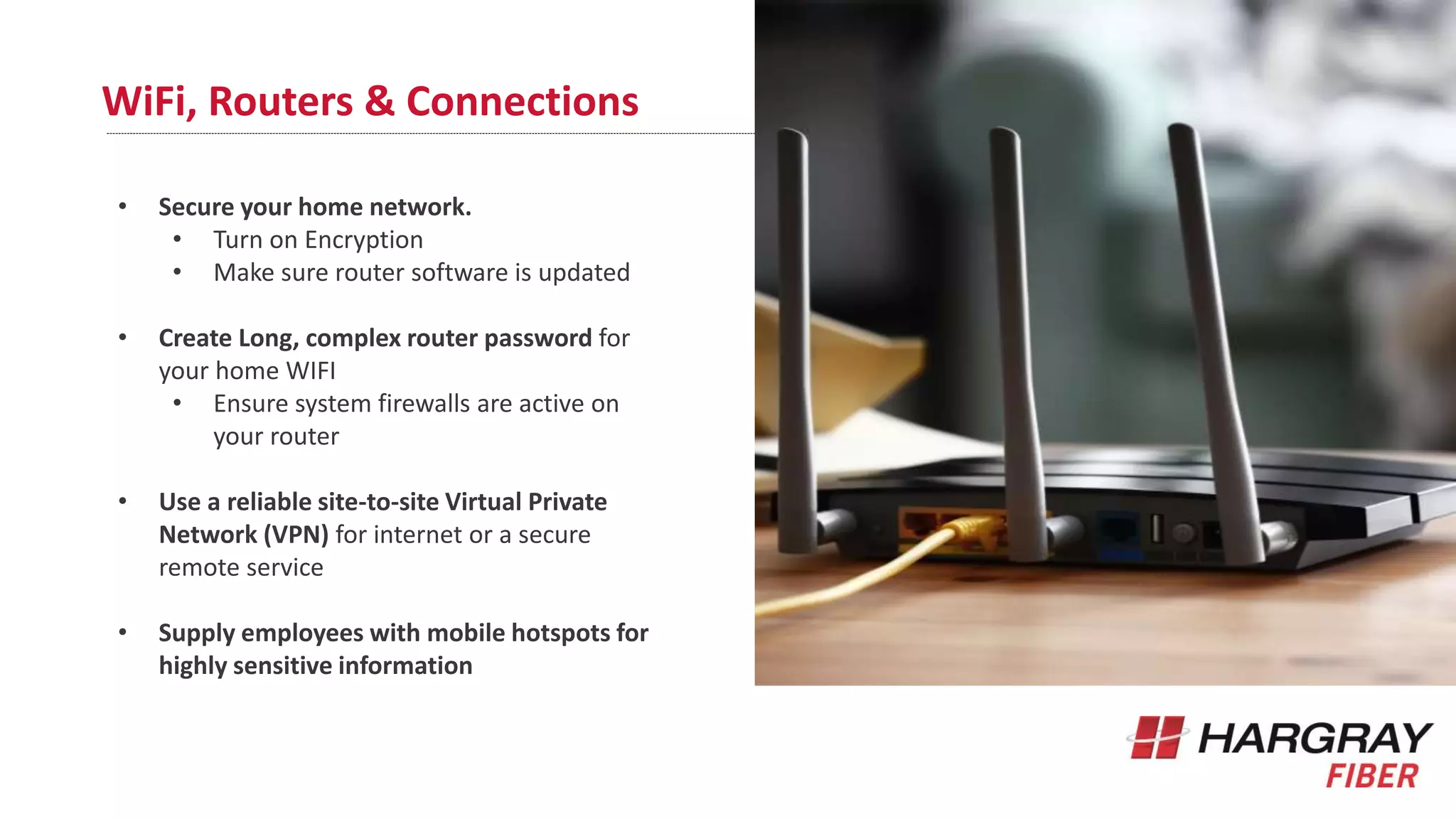
• Secure your home network.
• Turn on Encryption
• Make sure router software is updated
• Create Long, complex router password for
your home WIFI
• Ensure system firewalls are active on
your router
• Use a reliable site-to-site Virtual Private
Network (VPN) for internet or a secure
remote service
• Supply employees with mobile hotspots for
highly sensitive information
Where the “work” should reside
• Keep it in the cloud:
• Clouds provide a centralized location
where documents can live in perpetuity
• Add additional security authentication layers
to company data on mobile devices –
certainly if your company data is sensitive.
• Set up restrictions to keep unknown/
unnecessary browser extensions from being
installed to company laptops
• Consider providing company-owned devices
for employees to use
• Maintained and secured more
effectively
Smart Office
• Enjoy the benefits of collaboration
• Employees can connect seamlessly from
anywhere with an internet connection
• Spend as you go
• Requires no capital expenditures and is
simply billed by the month
• Costs are predictable and flexible
• No hidden fees or strings attached
• Simplify Business Operations
• Outsource your communications to Hargray
• Receive a 24/7 help desk
• Old Technology vs. New
• Never "outgrow" your phone system
• Add as many employees as you need along
with the latest technology enhancements
with no additional cost
• Protect Your Business
• Web-enabled and can be securely accessed
from anywhere with an internet connection
to keep your business going
Some additional best practices
• Turn off networking capabilities (Bluetooth)
• When not necessary for work
• Don’t click on links from external / suspicious
email accounts
• Hover over the link first
• Verify the source of every URL:
• Ensure the programs or apps originate from
a trusted source
• Use multi-factor authentication:
• Multi-layer protection
• Use extreme caution with unknown USBs
• USB devices can house harmful malware
• Digital viruses spread much like physical ones:
• your mistake(s) impact the broader Hargray
community
How to Secure a Safe Teleworking Environment

How to secure a safe teleworking environment

  • 1.
    How to Securea Safe Teleworking Environment John Robertson, Market Executive https://www.hargray.com/savannah-ga
  • 2.
    Outline o Managing Security Responsibilities oUpdates, Patches and Scans o Enforcing Password Protection o Phishing Attacks o WiFi, Routers & Connections o Where the “Work” Should Reside o Hargray Smart Office o Additional Best Practices
  • 3.
    Managing Security Responsibilities •Create a brief telework-related security policy that clearly sets expectations and parameters for working at home • This policy relinquishes confusion regarding responsibilities and do’s and don’ts For example: • What devices should the work be conducted on? • How should emails be handled? • Should work be done through VPN, cloud or other methods?
  • 4.
    Updates, Patches andScans Perform Regular Device Scans and Updates • Remote and Teleworking Employees connect to the business network • Possibly compromising documents/network integrity via malware, phishing attacks or exposure to unsecured public WIFI • Occasional device scans make sure laptops and phones aren’t carrying any hidden viruses • Keep security software up-to-date • Keep your Office365 and other apps up to date and set them to automatically update (so security patches are not missed)
  • 5.
    Enforce Password Protection •Make sure passwords are long, strong and unique: • 12+ characters with mix of numbers / symbols / capital and lowercase letters • A strong password combines four or five words: • Easily recalled by user but difficult to guess • Verification timeout: • Any website portal, app or software should require reauthentication for idle and new log-on attempts • Don’t print / leave password or pins on paper: • Printed, wrote or emailed pose a greater risk • Multi-factor authentication: • VPNs and encryption software play an intricate role protecting intellectual property
  • 6.
    Phishing, Smishing &Vishing • Phishing is a cybercrime tactic that lures users into clicking bait disguised as something trustworthy, usually within emails. • Spear phishing: • Individualizes the email creating belief that it is trustworthy to receiver • Whaling: • Directed toward CEOs or employees with access to high-stakes information • Smishing and vishing • Forms of phishing through the phone SMS and voice calling. • Smishing uses text messaging, or SMS
  • 7.
    WiFi, Routers &Connections • Secure your home network. • Turn on Encryption • Make sure router software is updated • Create Long, complex router password for your home WIFI • Ensure system firewalls are active on your router • Use a reliable site-to-site Virtual Private Network (VPN) for internet or a secure remote service • Supply employees with mobile hotspots for highly sensitive information
  • 8.
    Where the “work”should reside • Keep it in the cloud: • Clouds provide a centralized location where documents can live in perpetuity • Add additional security authentication layers to company data on mobile devices – certainly if your company data is sensitive. • Set up restrictions to keep unknown/ unnecessary browser extensions from being installed to company laptops • Consider providing company-owned devices for employees to use • Maintained and secured more effectively
  • 9.
    Smart Office • Enjoythe benefits of collaboration • Employees can connect seamlessly from anywhere with an internet connection • Spend as you go • Requires no capital expenditures and is simply billed by the month • Costs are predictable and flexible • No hidden fees or strings attached • Simplify Business Operations • Outsource your communications to Hargray • Receive a 24/7 help desk • Old Technology vs. New • Never "outgrow" your phone system • Add as many employees as you need along with the latest technology enhancements with no additional cost • Protect Your Business • Web-enabled and can be securely accessed from anywhere with an internet connection to keep your business going
  • 10.
    Some additional bestpractices • Turn off networking capabilities (Bluetooth) • When not necessary for work • Don’t click on links from external / suspicious email accounts • Hover over the link first • Verify the source of every URL: • Ensure the programs or apps originate from a trusted source • Use multi-factor authentication: • Multi-layer protection • Use extreme caution with unknown USBs • USB devices can house harmful malware • Digital viruses spread much like physical ones: • your mistake(s) impact the broader Hargray community
  • 11.
    How to Securea Safe Teleworking Environment

Editor's Notes

  • #4 The telework-related security policy is meant to set expectations and parameters for working at home and to be sensitive to individual rights to personal privacy, but at the same time protect company information. Security measures in a telework environment should cover information systems and technology, and all other aspects of the information systems used by the employee, including paper files, other media, storage devices, and telecommunications equipment (e.g., laptops, PDAs, and cell phones). It is important to remember that just because employees are working from home or another approved alternate location, it is their responsibility to protect and manage the records and other sensitive company information stored on telework devices and transmitted across external networks. Employees who telework from home need to keep company property and information safe, secure, and separated from their personal property and information. (adopted from https://www.telework.gov/guidance-legislation/telework-guidance/security-it/ )
  • #5 Security patches, updates not only to operating systems (like Windows 10 and iOS), but to desktop apps like Office365 and other software will be one part of a strong system of protection against only hacks and cyber attack. There is a hacker attack every 39 seconds that affects one in three Americans every year (https://www.securitymagazine.com/articles/87787-hackers-attack-every-39-seconds) 43% of cyber attacks target small business (https://www.fundera.com/resources/small-business-cyber-security-statistics) Remember during this time of heightened dependency on digital infrastructure raises the cost of failure even on the smallest level
  • #6 Some of the above is sourced from https://www.appliedi.net/blog/13-security-requirements-for-telecommuting-and-remote-employees/ Also sourced https://pages.nist.gov/800-63-3/sp800-63b.html#appA from The National Institute of Standards and Technology (NIST) password managers such as LastPass or Dashlane can keep track of those complex passwords far more securely than writing them down.
  • #7 Phishing is a cybercrime tactic that lures users into clicking bait disguised as something trustworthy, usually within emails. The result often causes the computer to download malware from unprotected or fake websites. Spear phishing is more focused than phishing. It uses individualized ruses, so the target feels the email is unique to them and thus is more inclined to act immediately. Spear phishing typically uses information found on social media, stolen in a data breach, or from a previous phishing attempt to illustrate a connection or known entity—anything that takes a user’s guard down by feigning legitimacy. Whaling is more focused yet, and generally directed toward CEOs or employees with access to high-stakes information or accounts. Before the whaling email arrives, criminals perform profile research on the CEO so the email can target them specifically—and more convincingly. A whaling attack may disguise itself as a frequent billing partner, perhaps requesting that a payment be sent to a different bank account than normal. Smishing and vishing are both forms of phishing, but instead of email, they’re delivered through phone services such as SMS and voice calling. Smishing uses text messaging, or SMS, and the user receives a text message asking them for private information or to click a link.  Cybercriminals exploit human weakness to penetrate systemic defenses. In a crisis situation, particularly if prolonged, people tend to make mistakes they would not have made otherwise. Online, making a mistake in terms of which link you click on or who you trust with your data can cost you dearly. The vast majority of cyberattacks - by some estimates, 98% - deploy social engineering methods. Cybercriminals are extremely creative in devising new ways to exploit users and technology to access passwords, networks and data, often capitalizing on popular topics and trends to tempt users into unsafe online behavior. (source: https://www.weforum.org/agenda/2020/03/coronavirus-pandemic-cybersecurity/) Phishing is a cybercrime tactic that lures users into clicking bait disguised as something trustworthy, usually within emails. The result often causes the computer to download malware from unprotected or fake websites.  Source: https://andersontech.com/learn/what-is-phishing/
  • #9 One of the best ways to keep your company data secure from local-network attacks is to keep your files and services on the cloud. A DMS (cloud file storage) ensures that your employees never download an infected file directly. And cloud-based collaboration platforms make telecommuting easy for your remote team members. As long as you work with secure reputable cloud providers, cloud work also makes backups, restorations, and integration easier. (sourced: https://www.appliedi.net/blog/13-securityy-requirements-for-telecommuting-and-remote-employees/) Set up restrictions to keep unknown or unnecessary browser extensions from being installed to company laptops. Many have tracking codes the user doesn’t know about, while others are used to spread malware. Stick with trusted and needed browser extensions only. (Source: https://andersontech.com/taking-work-home-secure/)
  • #10 Source: https://www.weforum.org/agenda/2020/03/coronavirus-pandemic-cybersecurity/ Keeping your company safe and providing remote work opportunities is an interesting balance of connectivity and tight security. By providing devices, training, and regular malware screening you can help remote employees and ensure company-wide data security.  (https://www.appliedi.net/blog/13-security-requirements-for-telecommuting-and-remote-employees/)
  • #11 Source: https://www.weforum.org/agenda/2020/03/coronavirus-pandemic-cybersecurity/ Keeping your company safe and providing remote work opportunities is an interesting balance of connectivity and tight security. By providing devices, training, and regular malware screening you can help remote employees and ensure company-wide data security.  (https://www.appliedi.net/blog/13-security-requirements-for-telecommuting-and-remote-employees/)