Download as PDF, PPTX

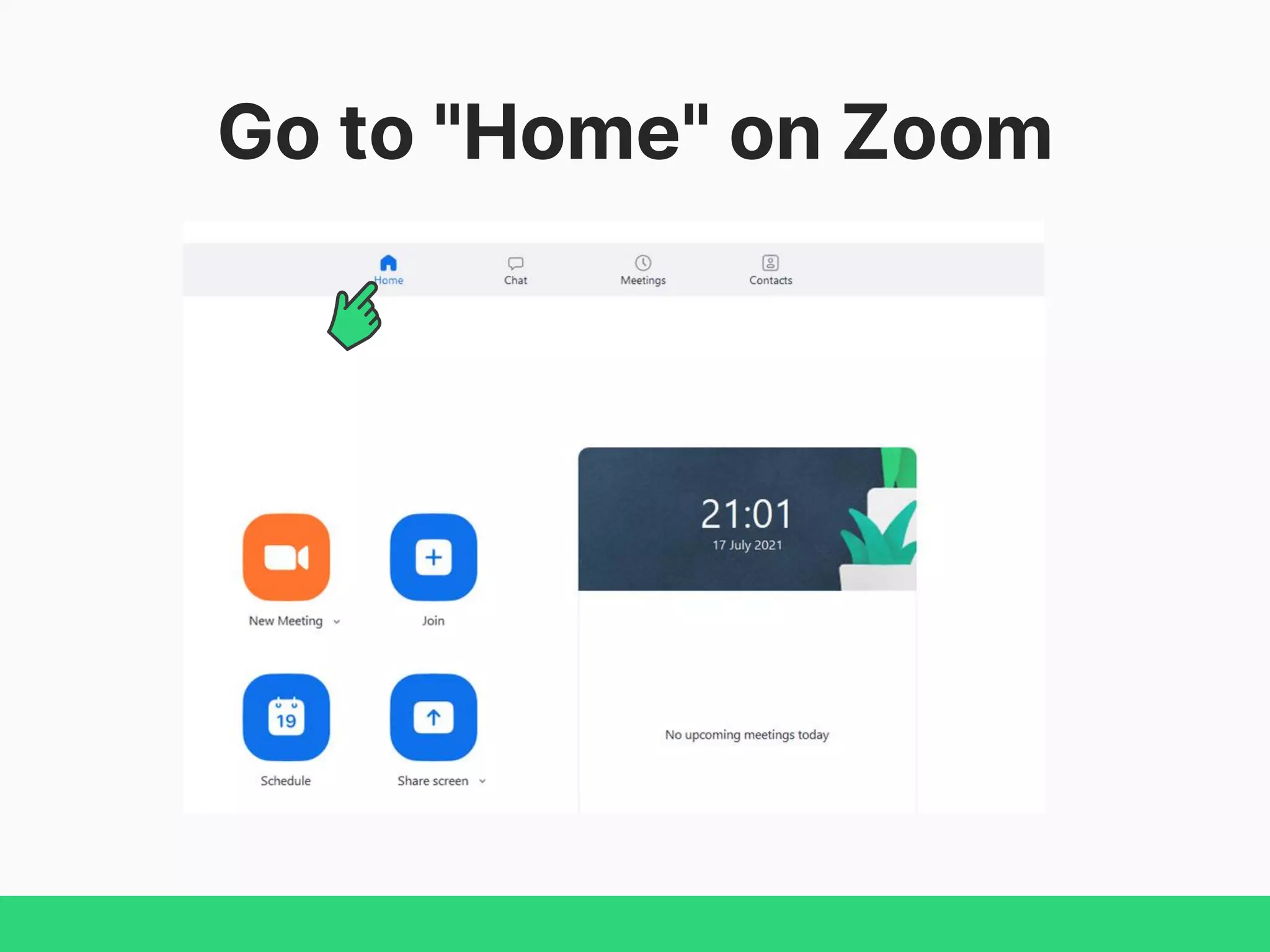
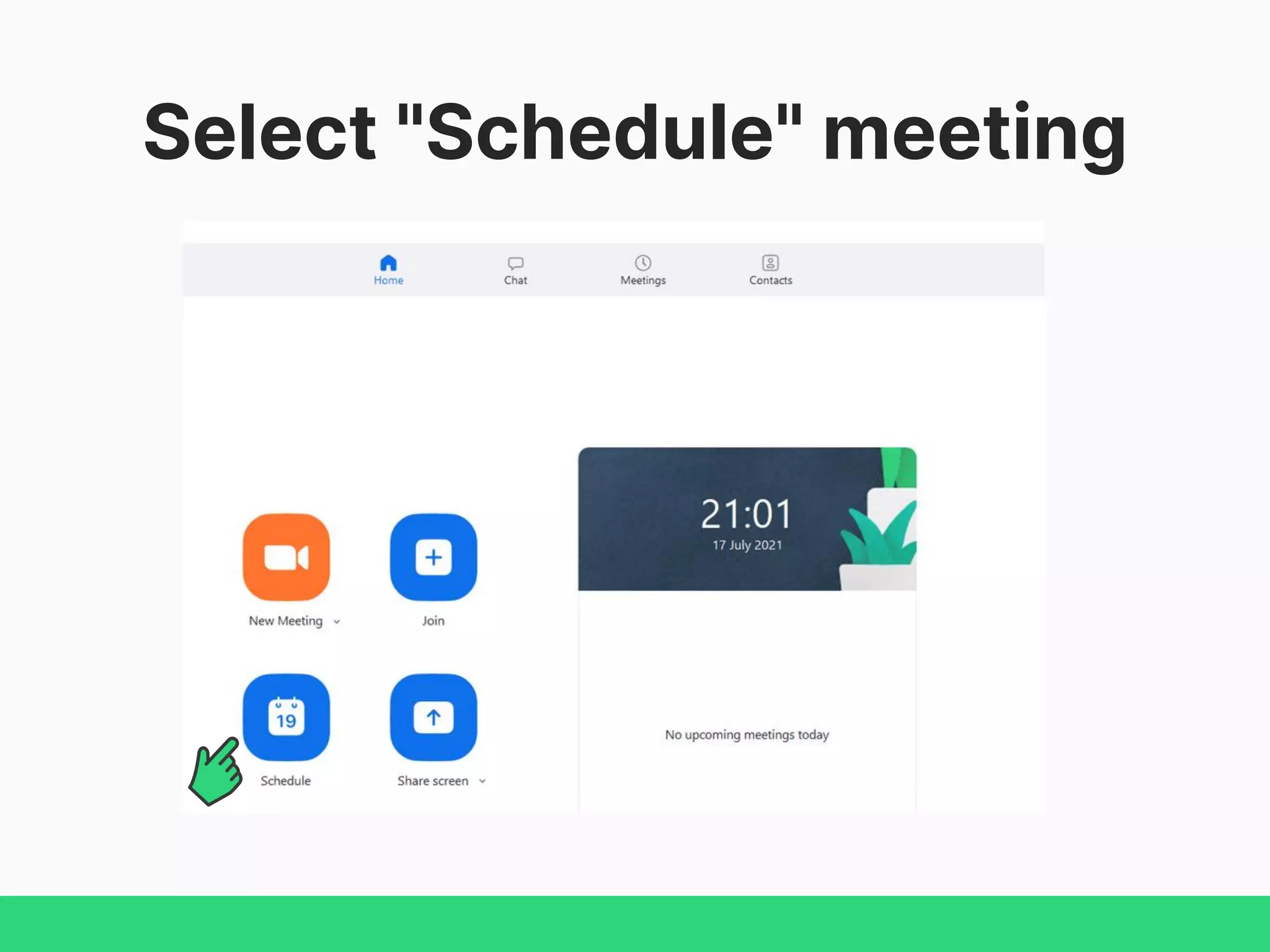
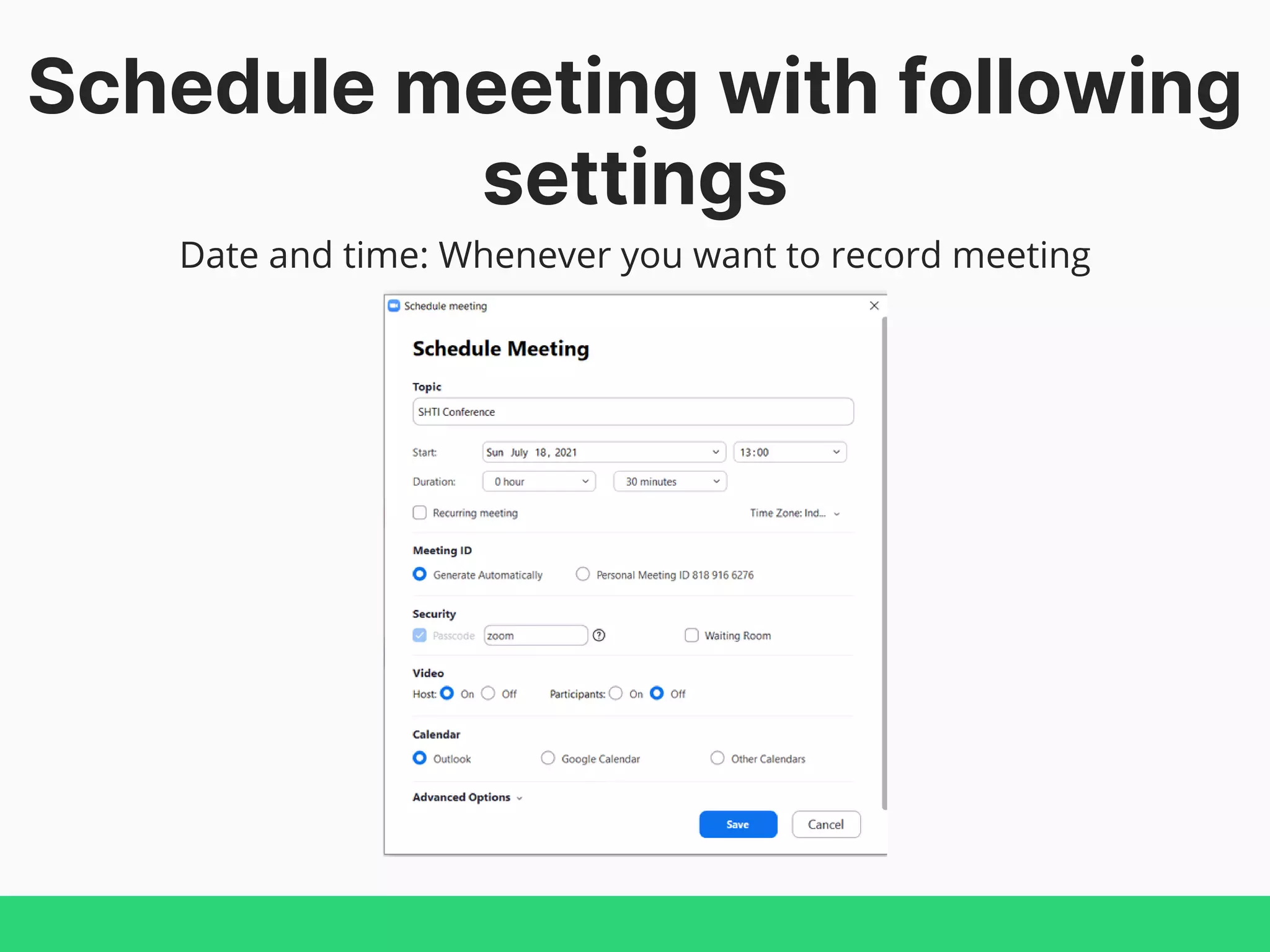
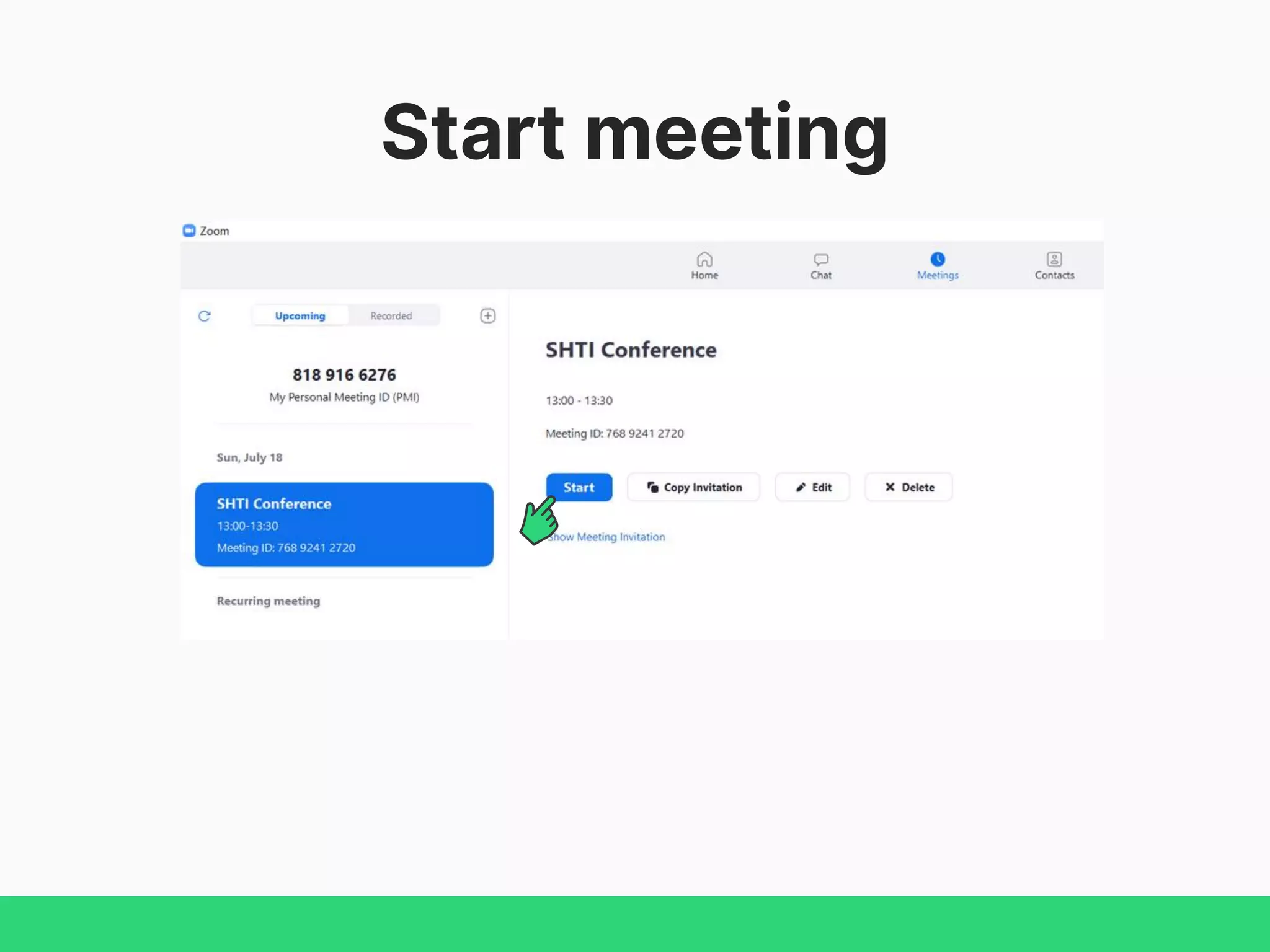

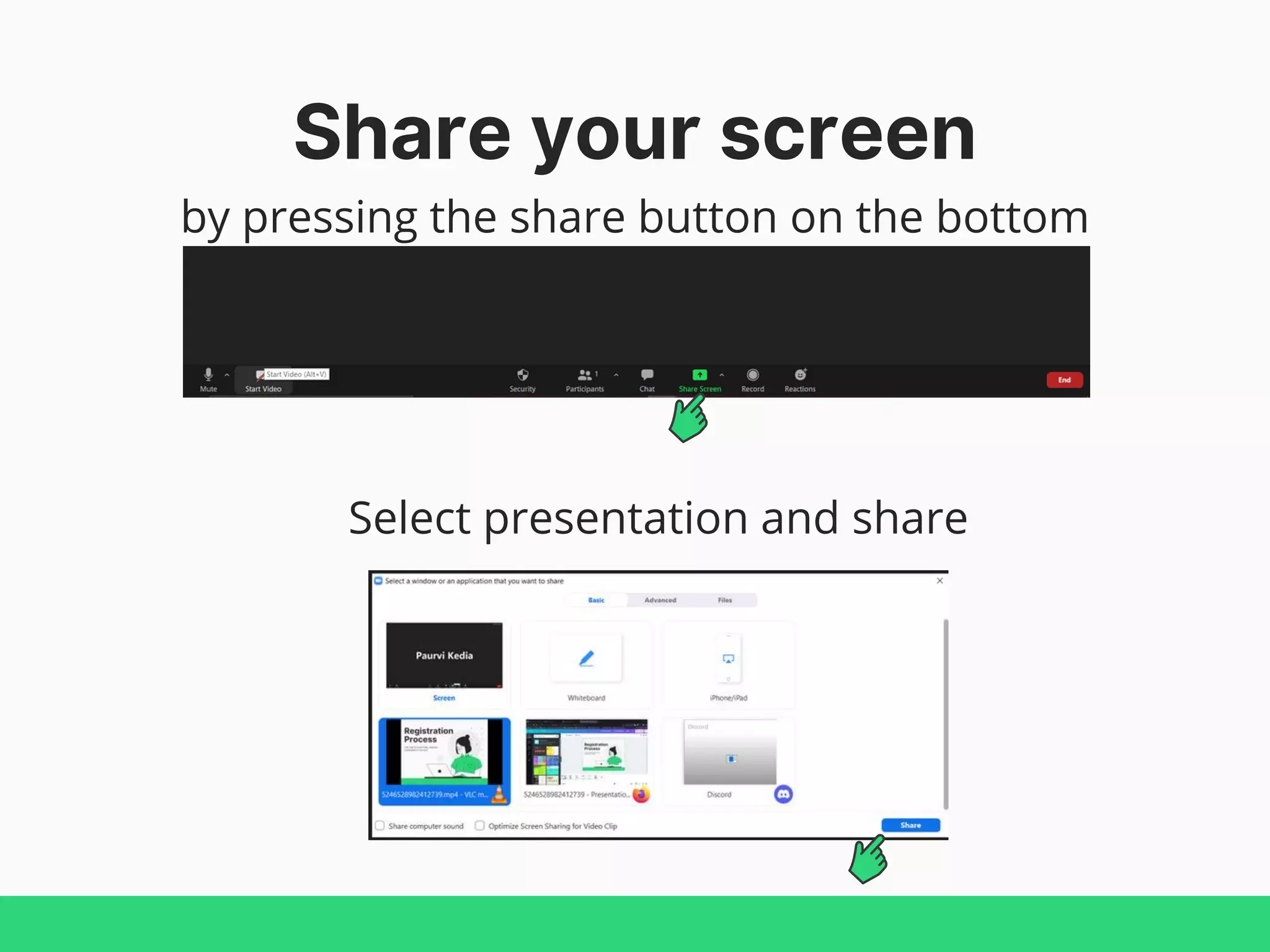
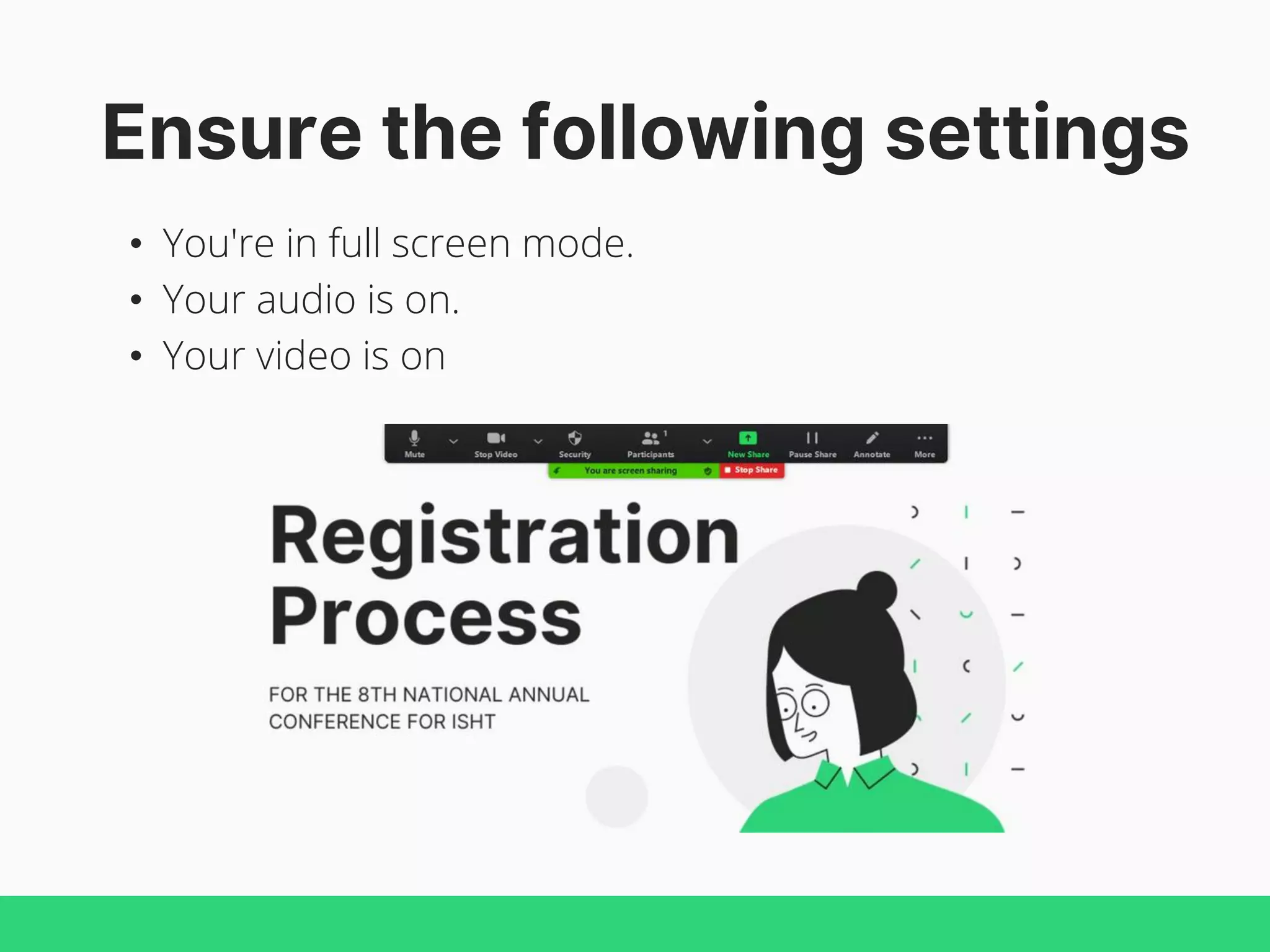

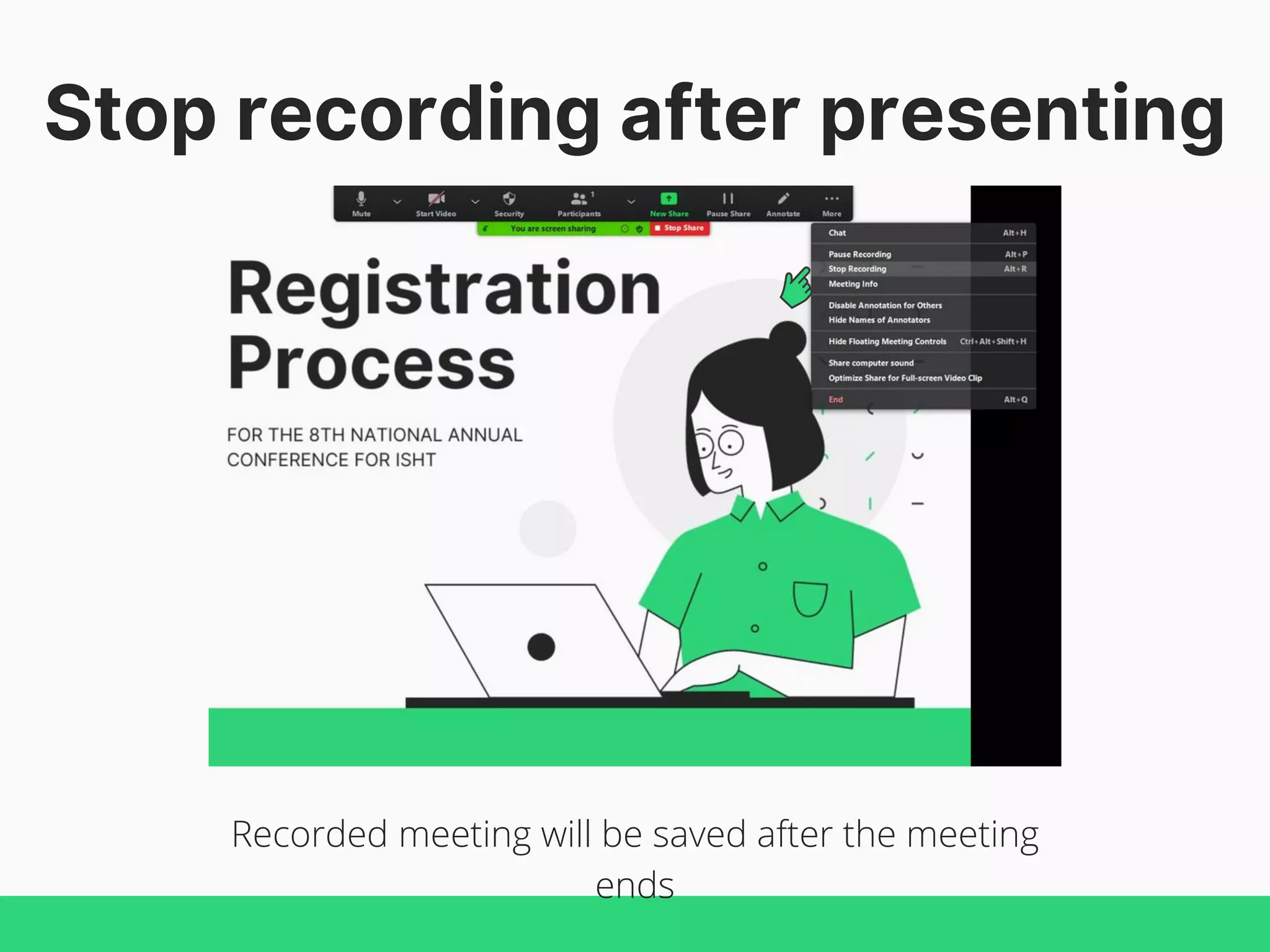

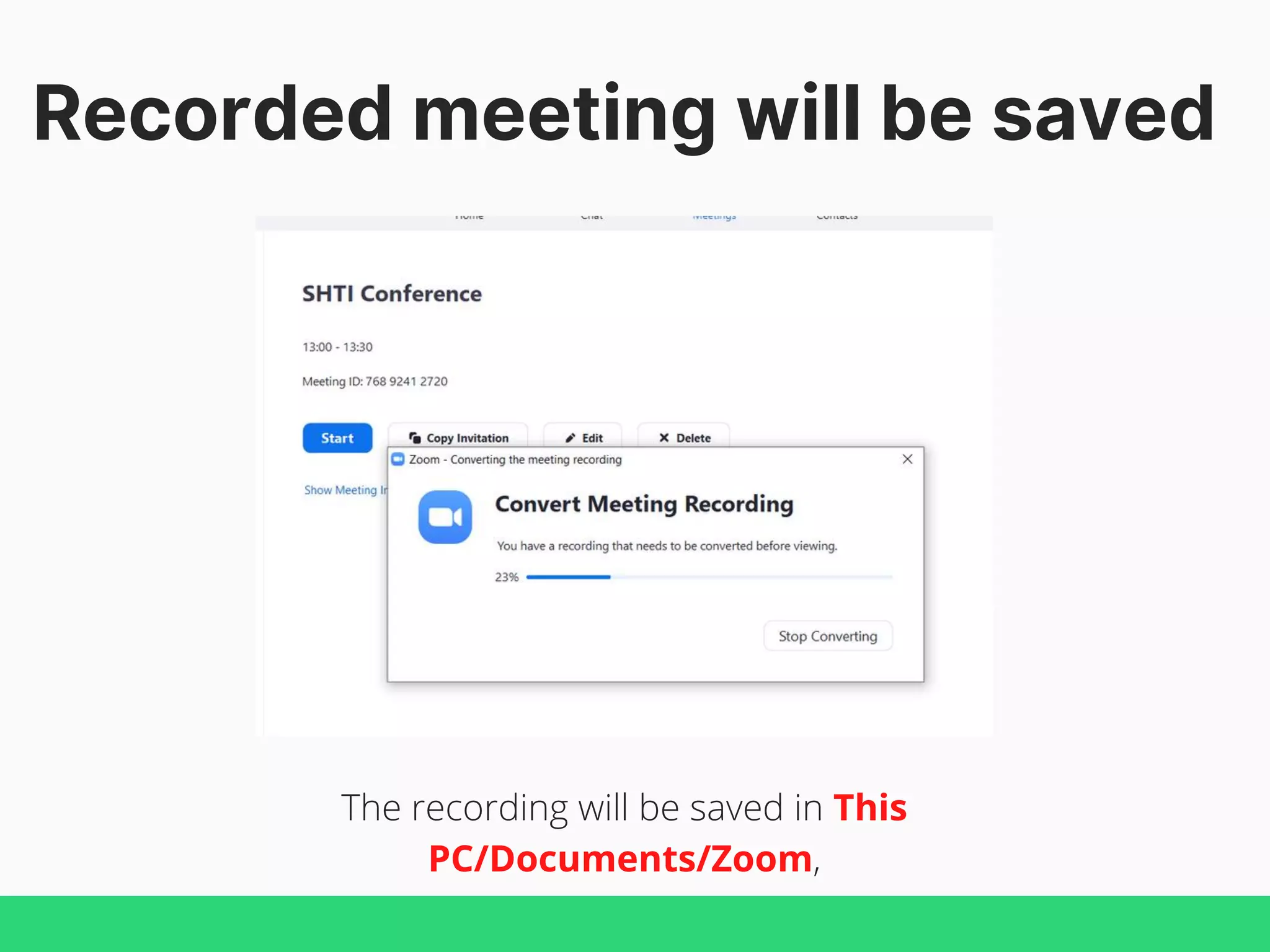
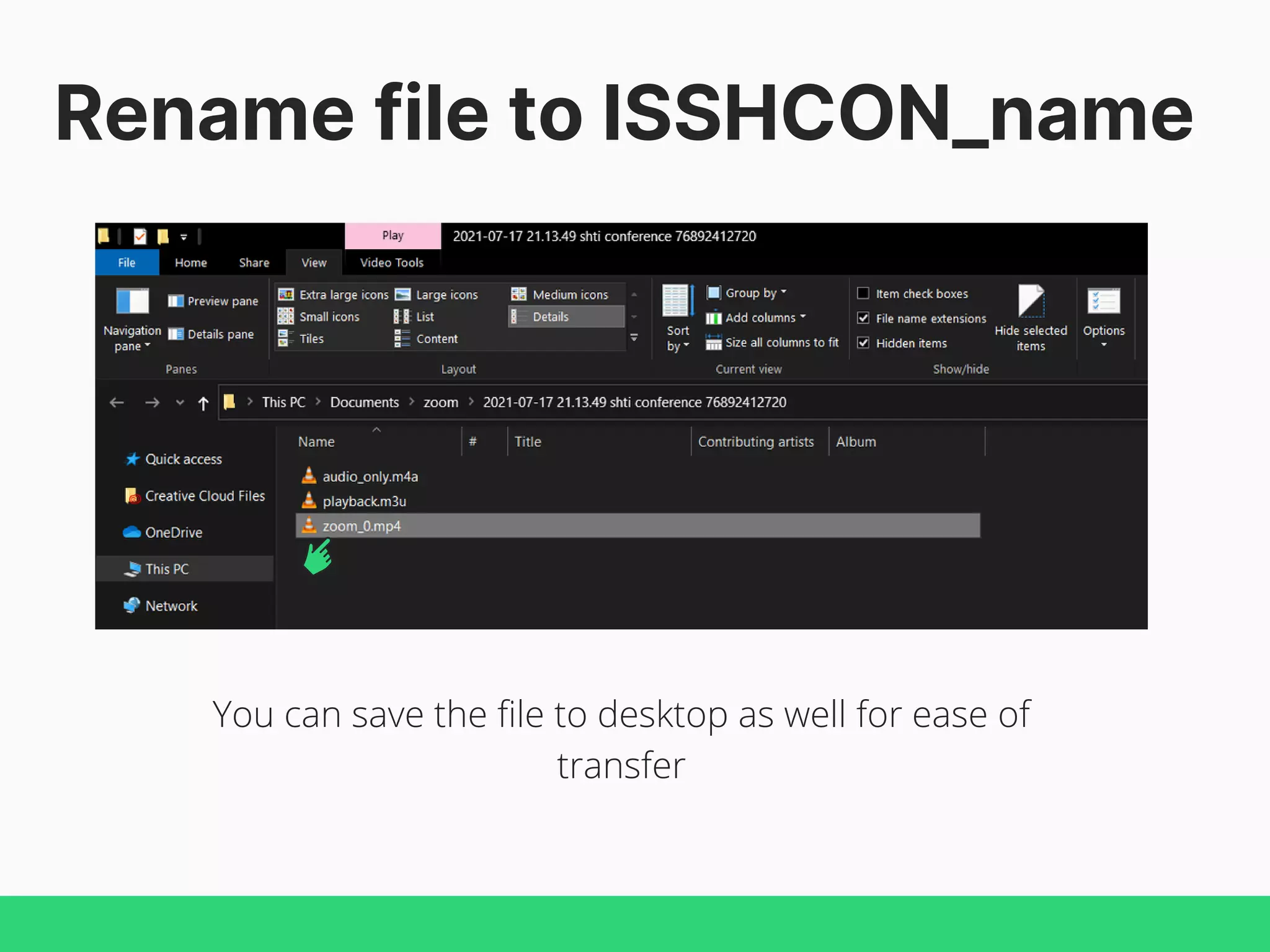

This document provides a step-by-step guide on how to record a Zoom meeting for the 8th National Annual Conference for ISHT. It outlines the necessary settings to schedule and start the meeting, including screen sharing and ensuring audio and video are active. The recorded meeting will be saved in a specified location on the user's computer, and instructions for renaming the file are included.


![Understanding Parkinson’s Disease: Causes, Symptoms, and Treatment [2025]](https://cdn.slidesharecdn.com/ss_thumbnails/understandingparkinson-251208102525-80ba3223-thumbnail.jpg?width=640&height=640&fit=bounds)


