

How to make an Exploding Image using Flash Create in Flash then export movie into the site directory.
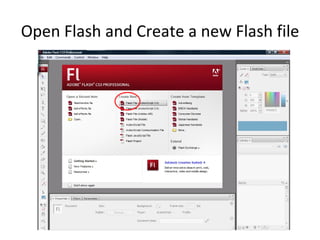
Open Flash and Create a new Flash file
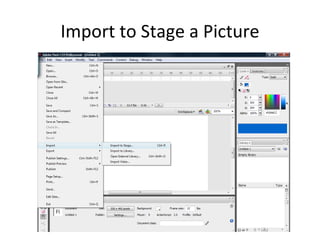
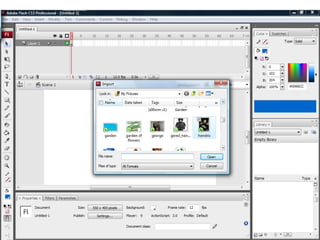
Import to Stage a Picture
 
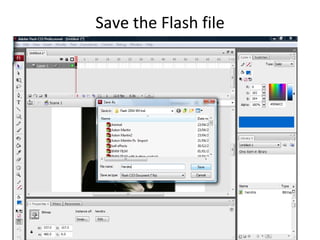
Save the Flash file
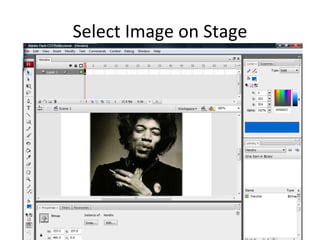
Select Image on Stage
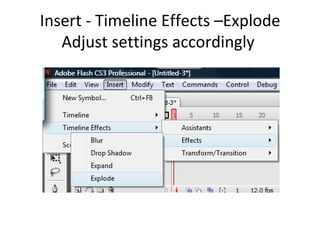
Insert - Timeline Effects –Explode Adjust settings accordingly
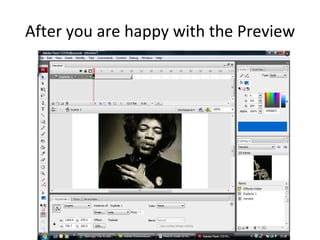
After you are happy with the Preview
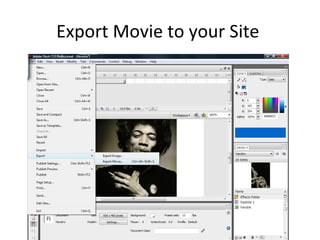
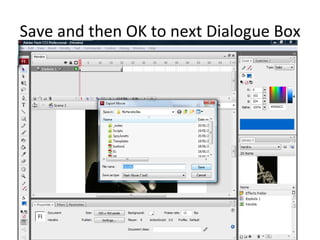
Export Movie to your Site
Save and then OK to next Dialogue Box
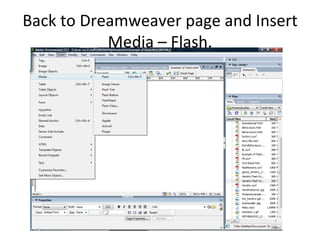
Back to Dreamweaver page and Insert Media – Flash.
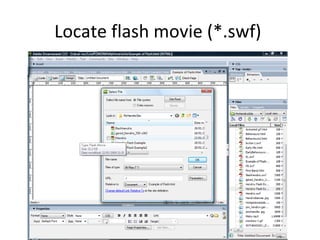
Locate flash movie (*.swf)
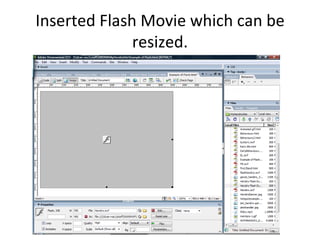
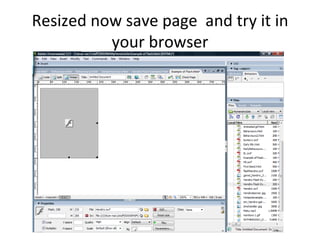
Inserted Flash Movie which can be resized.
Resized now save page  and try it in your browser
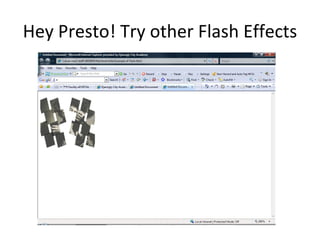
Hey Presto! Try other Flash Effects
For more on Flash. Try the following links http://www.teach-ict.net/software/flash/flash.htm http://www.flashperfection.com/categories/Flash-Tutorials-Flash-Basics-Tutorials.html

How To Make An Exploding Image Using Flash