How to find a book in the
         library!
Step One
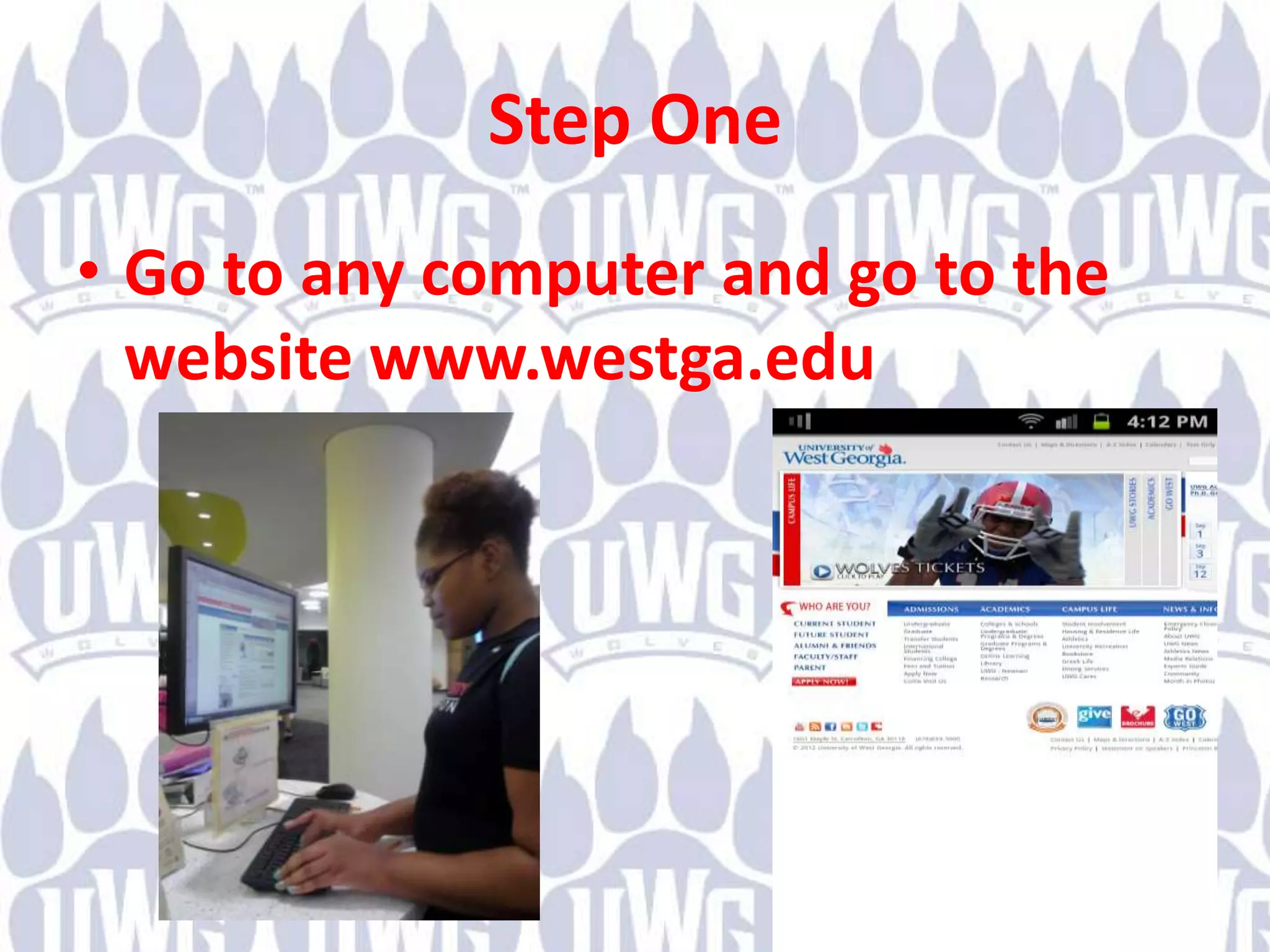
• Go to any computer and go to the
  website www.westga.edu
Step Two
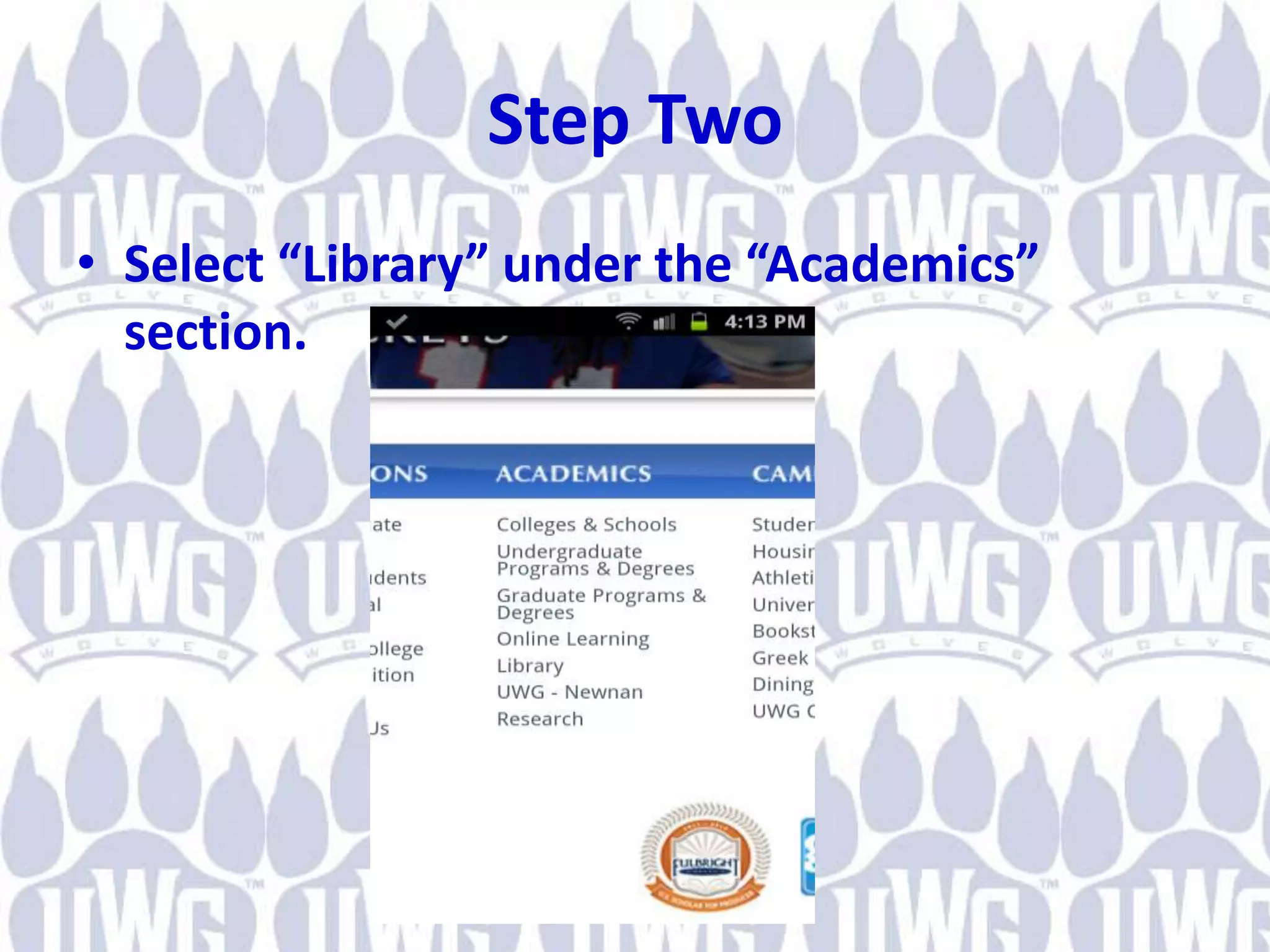
• Select “Library” under the “Academics”
  section.
Step Three
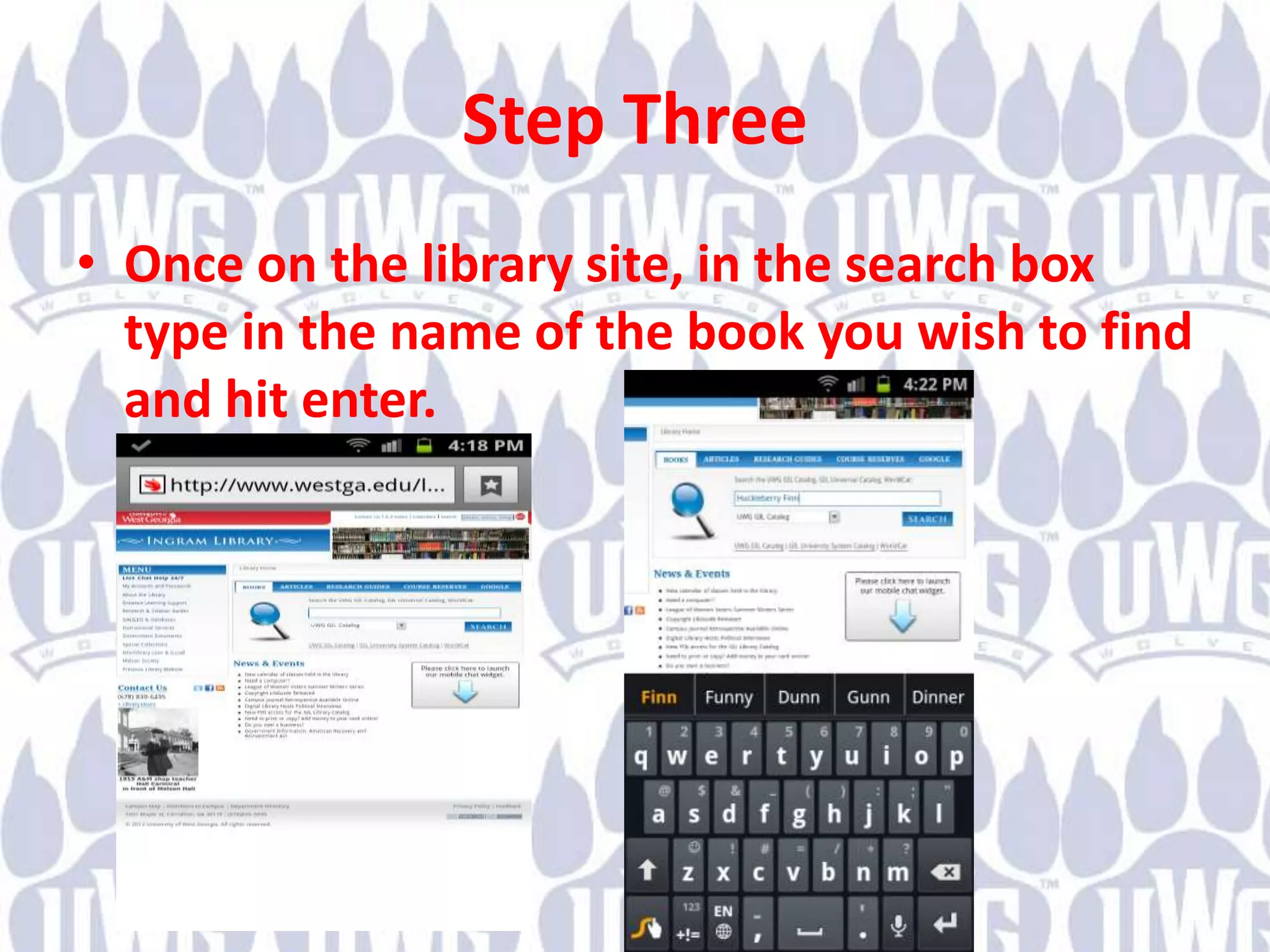
• Once on the library site, in the search box
  type in the name of the book you wish to find
  and hit enter.
Step Four
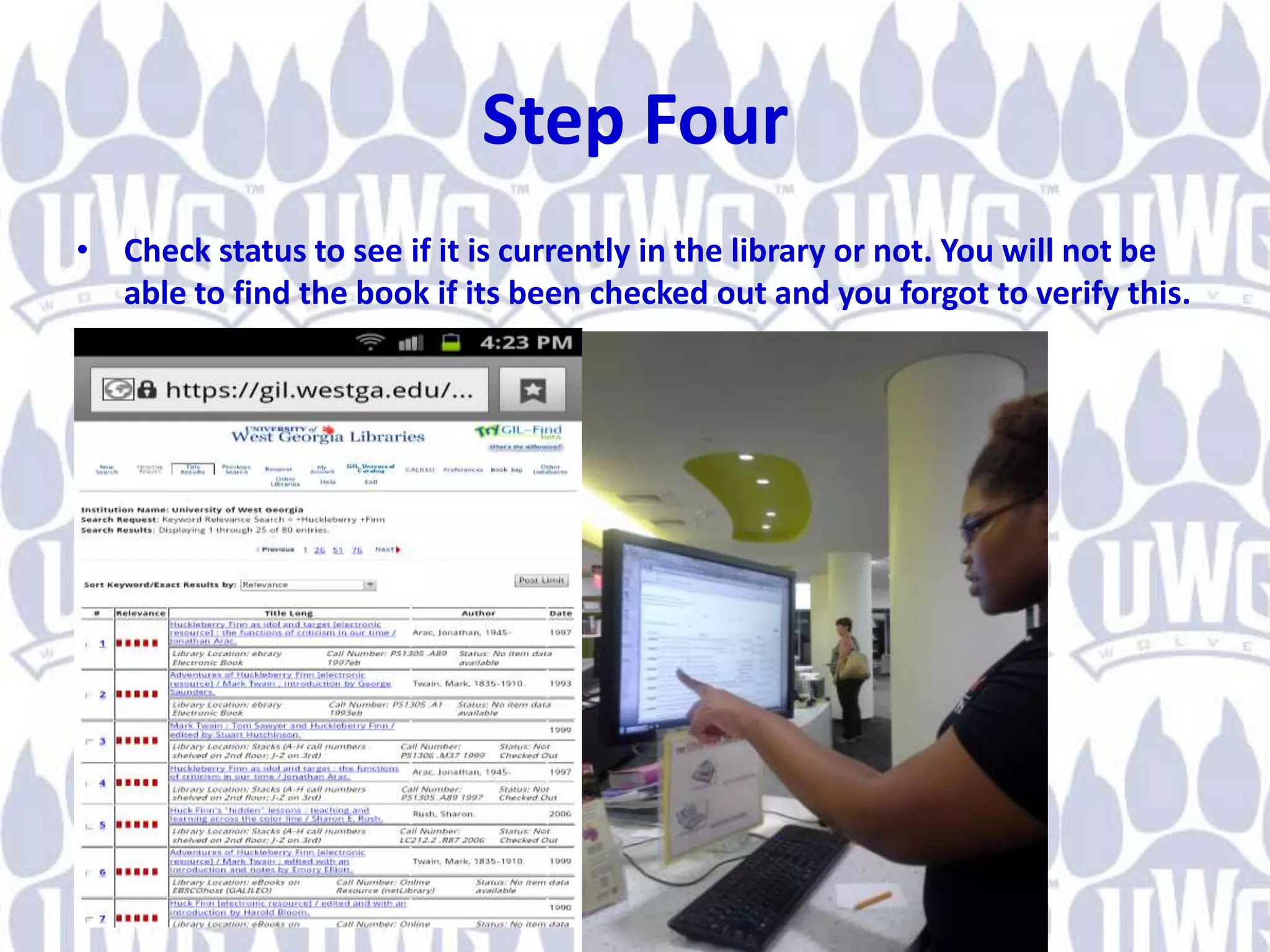
• Check status to see if it is currently in the library or not. You will not be
  able to find the book if its been checked out and you forgot to verify this.
Step Five
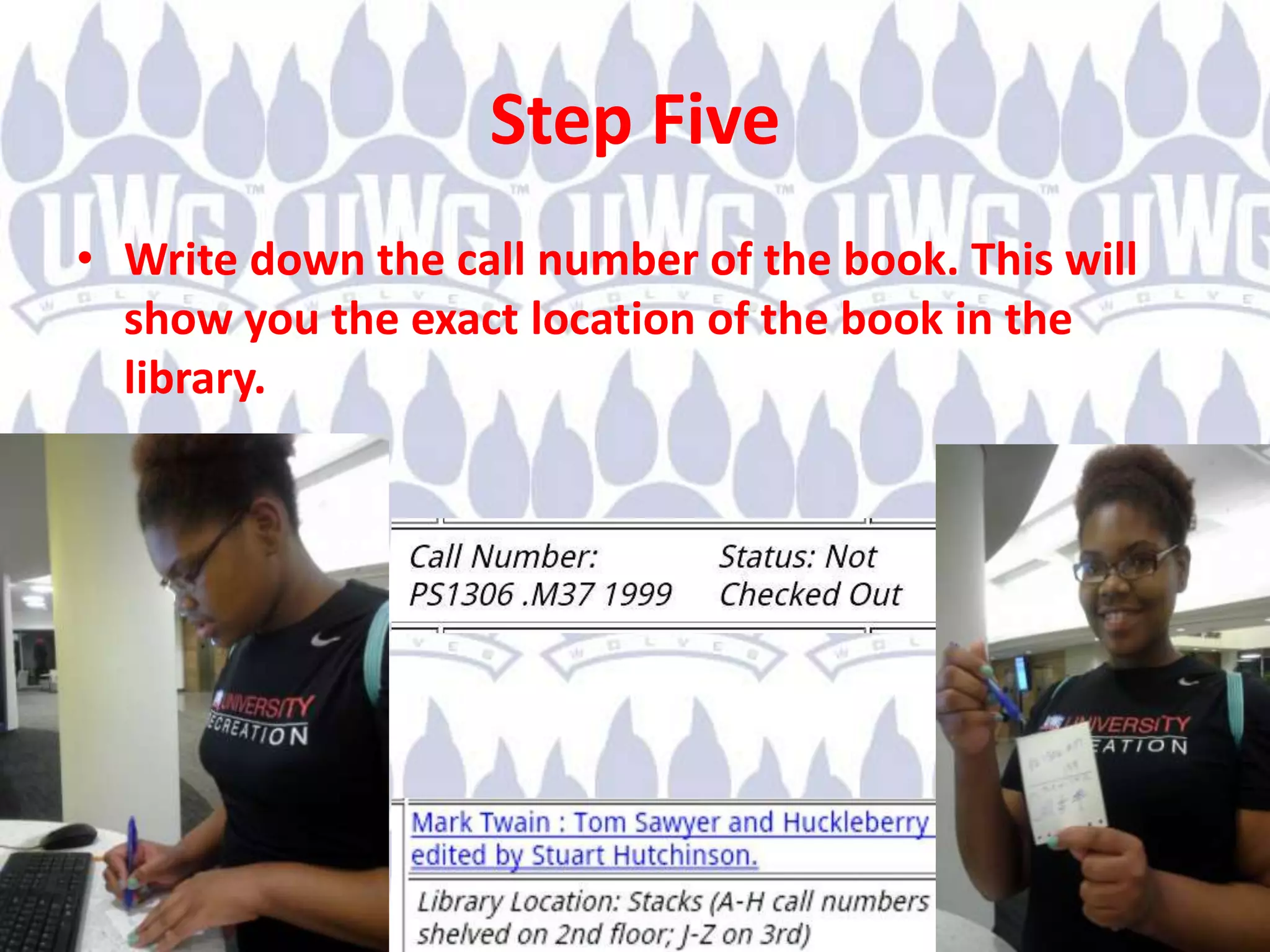
• Write down the call number of the book. This will
  show you the exact location of the book in the
  library.
Step Six
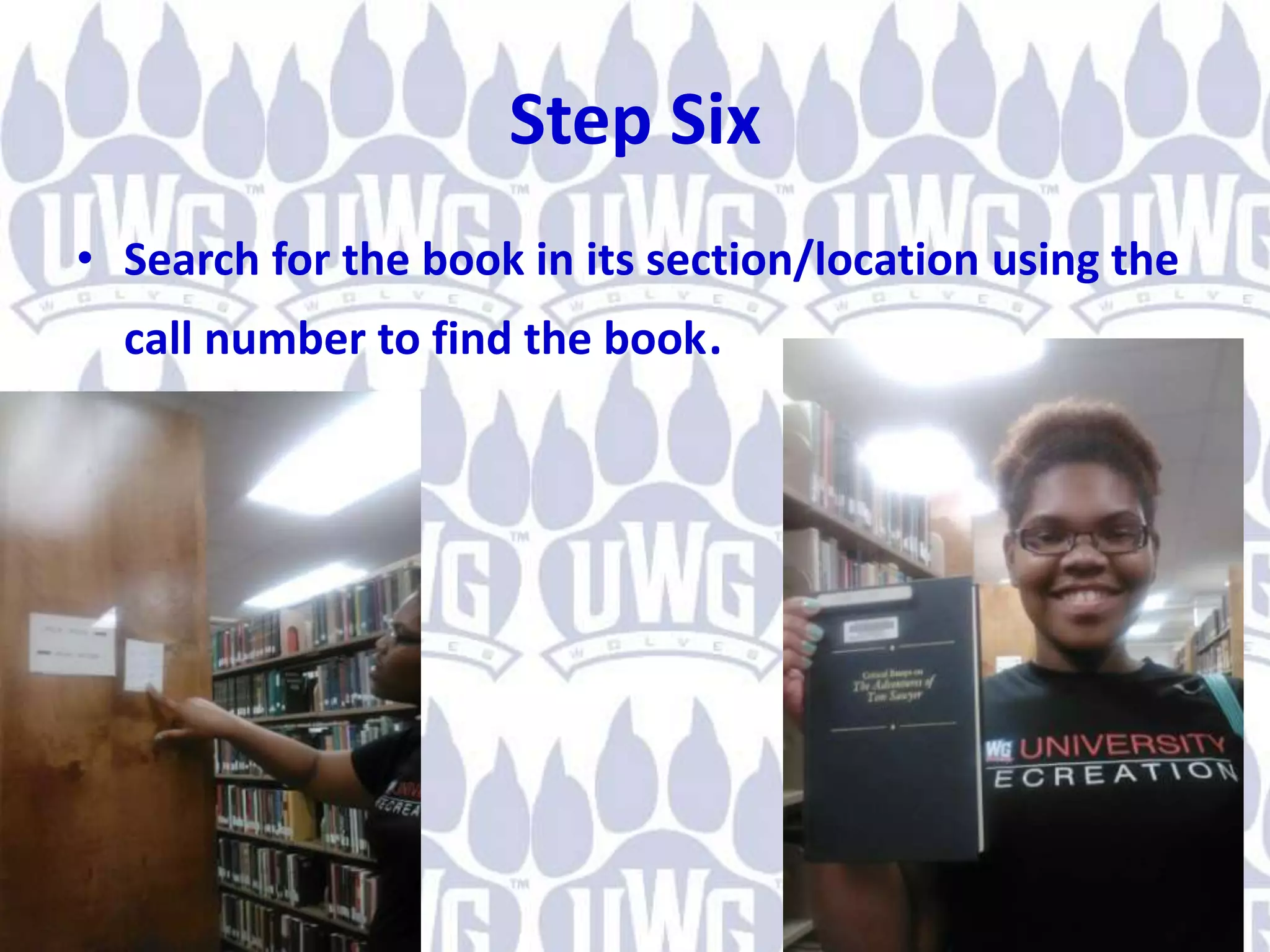
• Search for the book in its section/location using the
  call number to find the book.

How to find a book

  • 1.
    How to finda book in the library!
  • 2.
    Step One • Goto any computer and go to the website www.westga.edu
  • 3.
    Step Two • Select“Library” under the “Academics” section.
  • 4.
    Step Three • Onceon the library site, in the search box type in the name of the book you wish to find and hit enter.
  • 5.
    Step Four • Checkstatus to see if it is currently in the library or not. You will not be able to find the book if its been checked out and you forgot to verify this.
  • 6.
    Step Five • Writedown the call number of the book. This will show you the exact location of the book in the library.
  • 7.
    Step Six • Searchfor the book in its section/location using the call number to find the book.