OBSERVATION AND INTERVIEW 
CHECKING OUT A BOOK 
BY: KELSEY WRIGHT
STEP ONE 
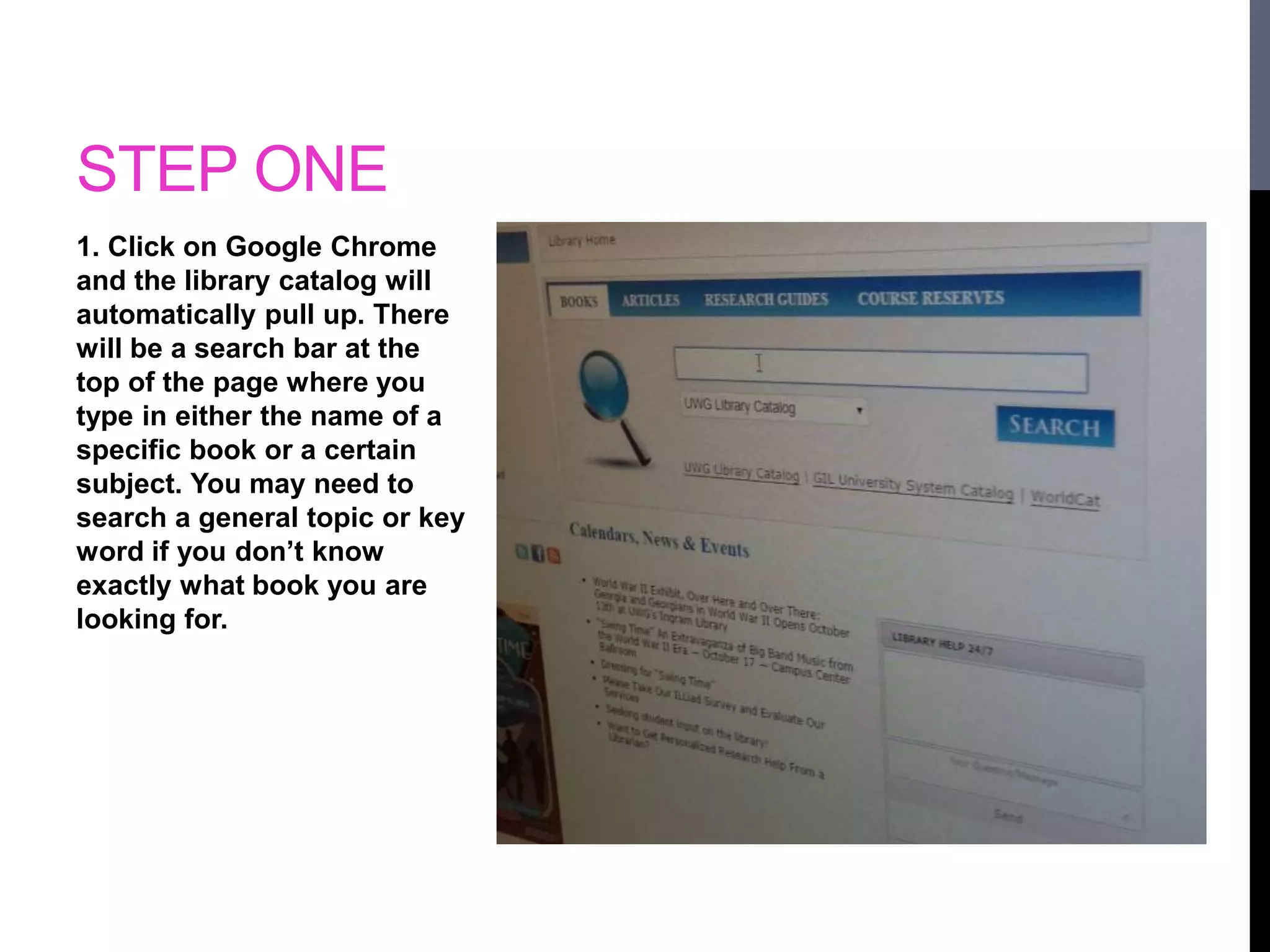
1. Click on Google Chrome 
and the library catalog will 
automatically pull up. There 
will be a search bar at the 
top of the page where you 
type in either the name of a 
specific book or a certain 
subject. You may need to 
search a general topic or key 
word if you don’t know 
exactly what book you are 
looking for.
STEP TWO 
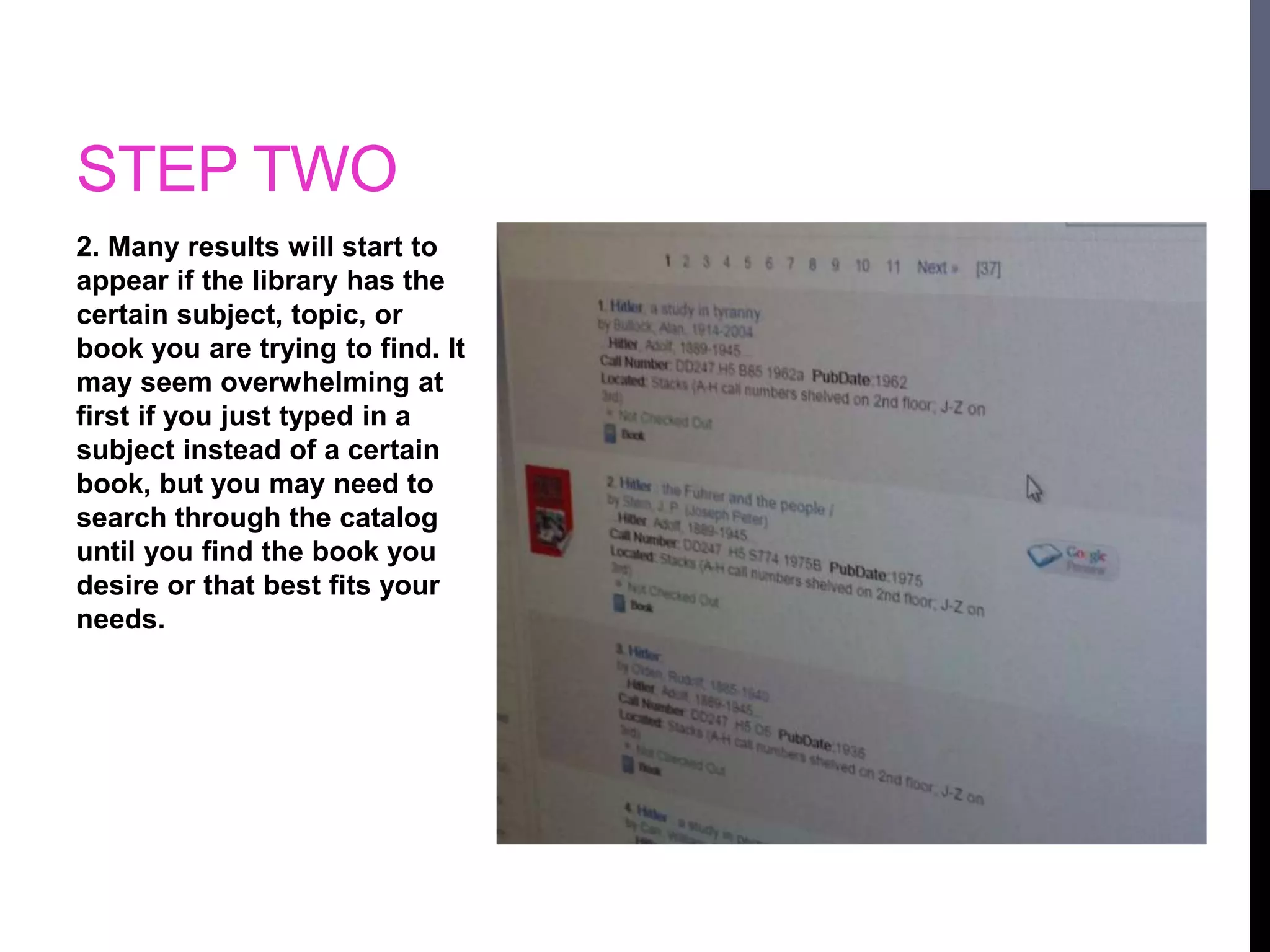
2. Many results will start to 
appear if the library has the 
certain subject, topic, or 
book you are trying to find. It 
may seem overwhelming at 
first if you just typed in a 
subject instead of a certain 
book, but you may need to 
search through the catalog 
until you find the book you 
desire or that best fits your 
needs.
STEP THREE 
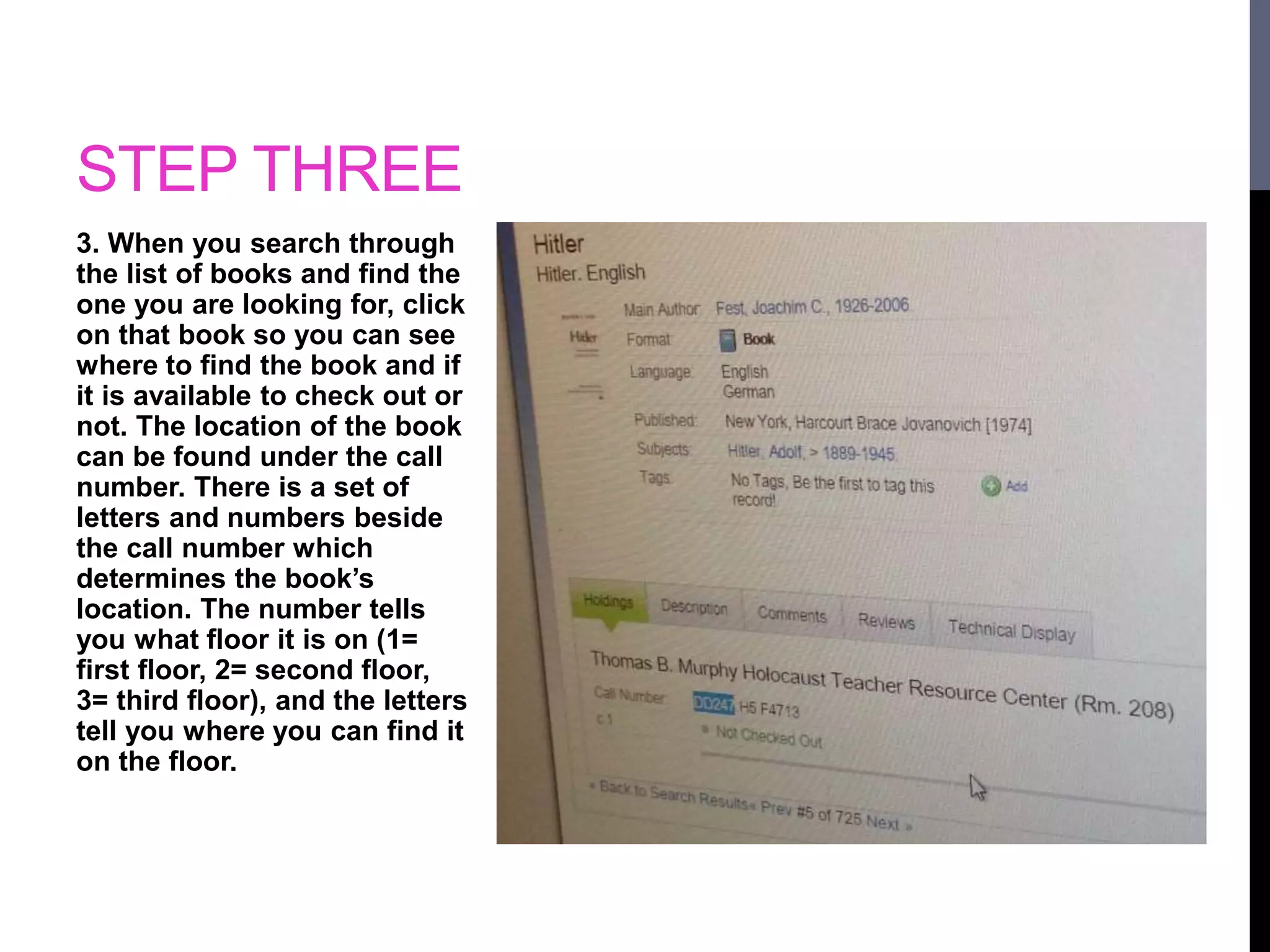
3. When you search through 
the list of books and find the 
one you are looking for, click 
on that book so you can see 
where to find the book and if 
it is available to check out or 
not. The location of the book 
can be found under the call 
number. There is a set of 
letters and numbers beside 
the call number which 
determines the book’s 
location. The number tells 
you what floor it is on (1= 
first floor, 2= second floor, 
3= third floor), and the letters 
tell you where you can find it 
on the floor.
STEP FOUR 
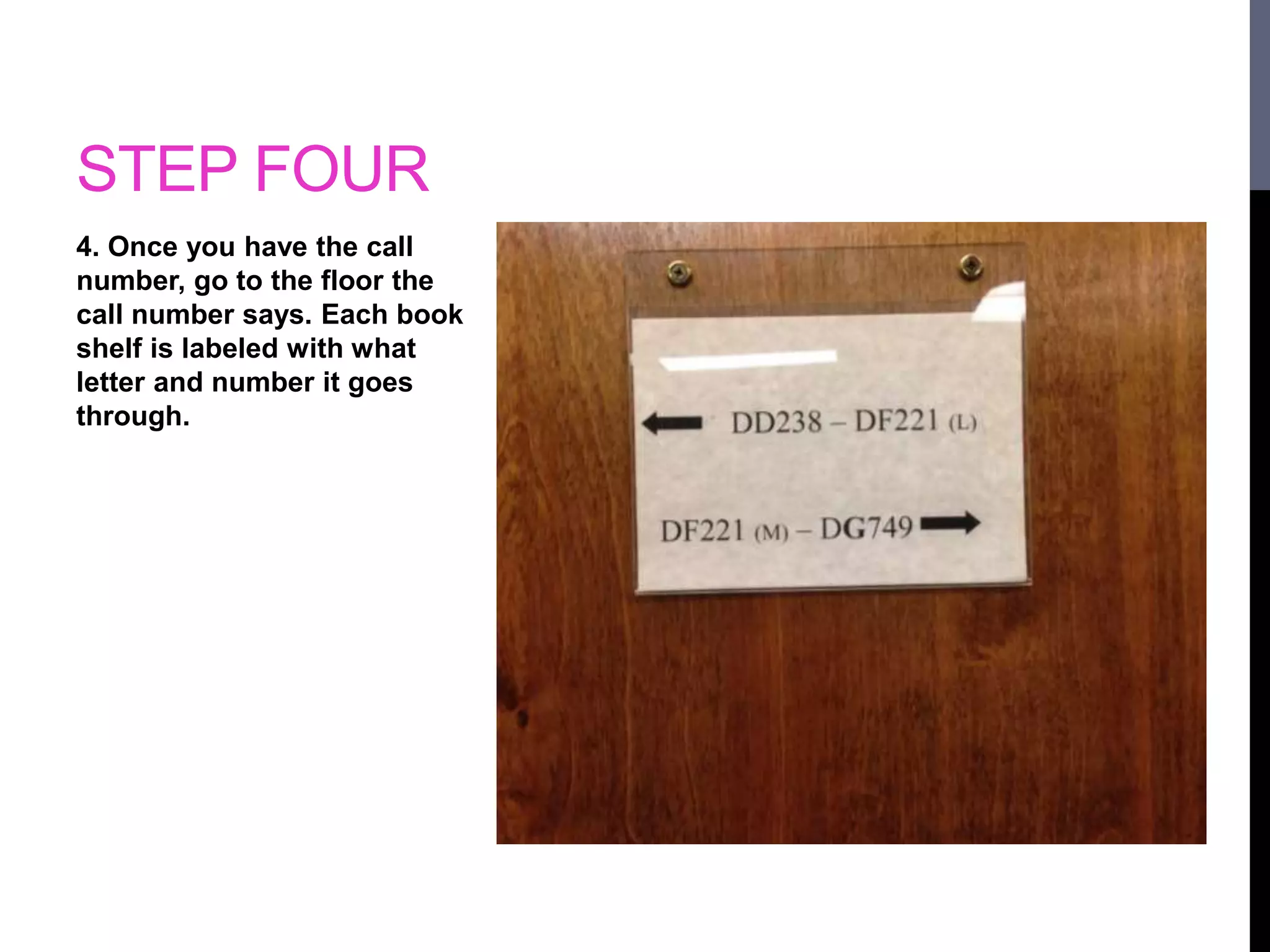
4. Once you have the call 
number, go to the floor the 
call number says. Each book 
shelf is labeled with what 
letter and number it goes 
through.
STEP FIVE 
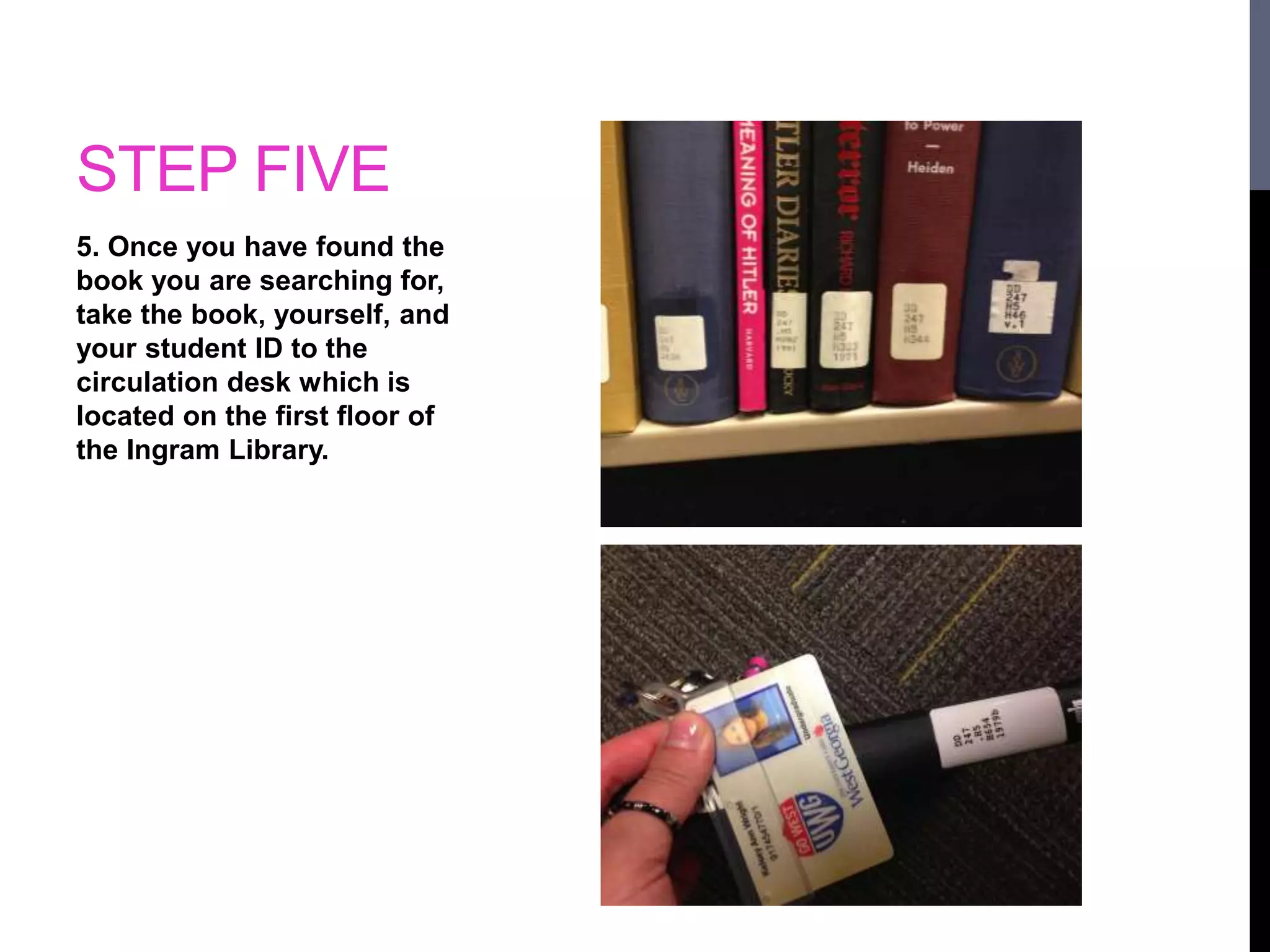
5. Once you have found the 
book you are searching for, 
take the book, yourself, and 
your student ID to the 
circulation desk which is 
located on the first floor of 
the Ingram Library.
STEP SIX 
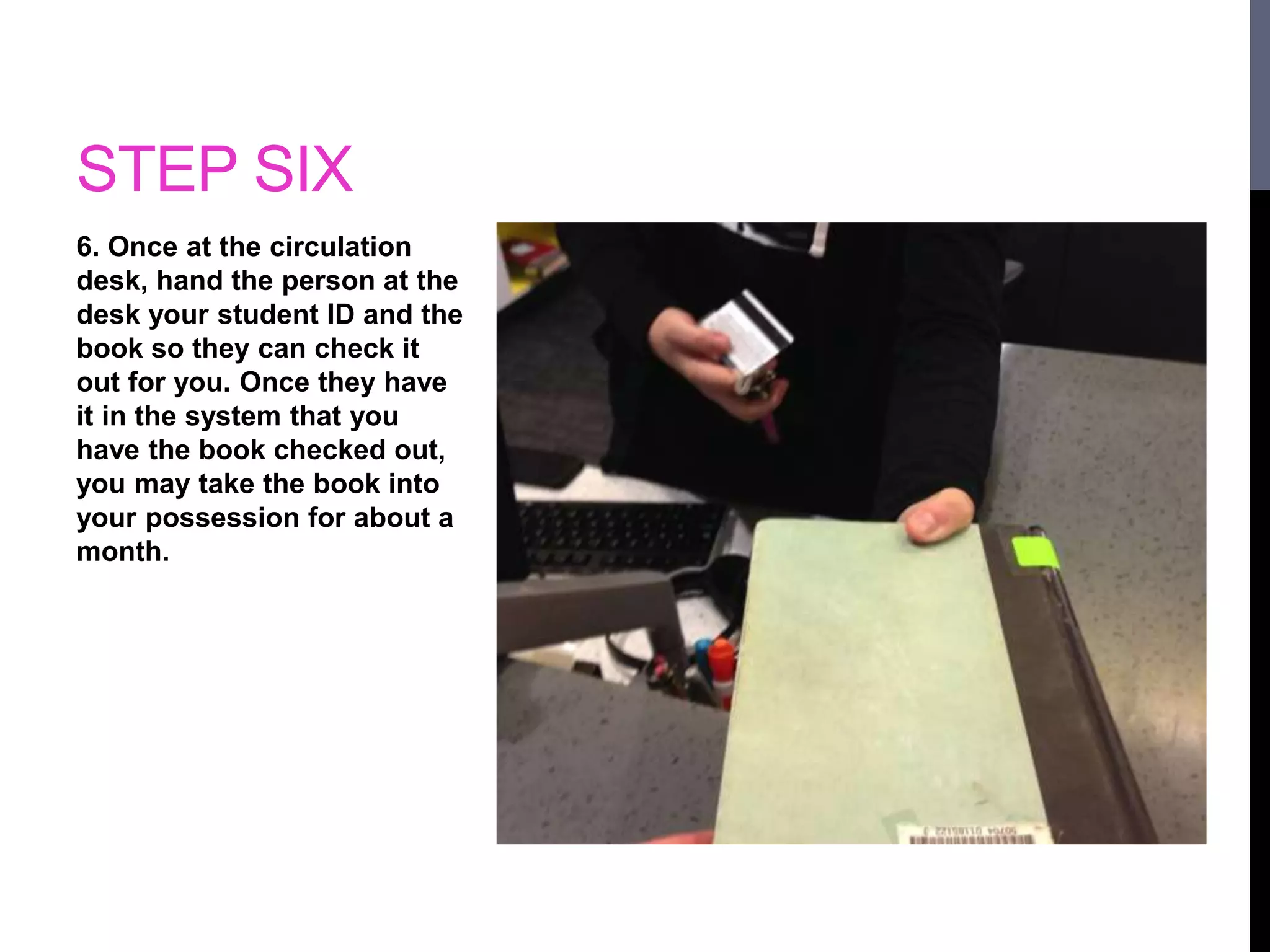
6. Once at the circulation 
desk, hand the person at the 
desk your student ID and the 
book so they can check it 
out for you. Once they have 
it in the system that you 
have the book checked out, 
you may take the book into 
your possession for about a 
month.

Check outabook

  • 1.
    OBSERVATION AND INTERVIEW CHECKING OUT A BOOK BY: KELSEY WRIGHT
  • 2.
    STEP ONE 1.Click on Google Chrome and the library catalog will automatically pull up. There will be a search bar at the top of the page where you type in either the name of a specific book or a certain subject. You may need to search a general topic or key word if you don’t know exactly what book you are looking for.
  • 3.
    STEP TWO 2.Many results will start to appear if the library has the certain subject, topic, or book you are trying to find. It may seem overwhelming at first if you just typed in a subject instead of a certain book, but you may need to search through the catalog until you find the book you desire or that best fits your needs.
  • 4.
    STEP THREE 3.When you search through the list of books and find the one you are looking for, click on that book so you can see where to find the book and if it is available to check out or not. The location of the book can be found under the call number. There is a set of letters and numbers beside the call number which determines the book’s location. The number tells you what floor it is on (1= first floor, 2= second floor, 3= third floor), and the letters tell you where you can find it on the floor.
  • 5.
    STEP FOUR 4.Once you have the call number, go to the floor the call number says. Each book shelf is labeled with what letter and number it goes through.
  • 6.
    STEP FIVE 5.Once you have found the book you are searching for, take the book, yourself, and your student ID to the circulation desk which is located on the first floor of the Ingram Library.
  • 7.
    STEP SIX 6.Once at the circulation desk, hand the person at the desk your student ID and the book so they can check it out for you. Once they have it in the system that you have the book checked out, you may take the book into your possession for about a month.