Hayden Dubock
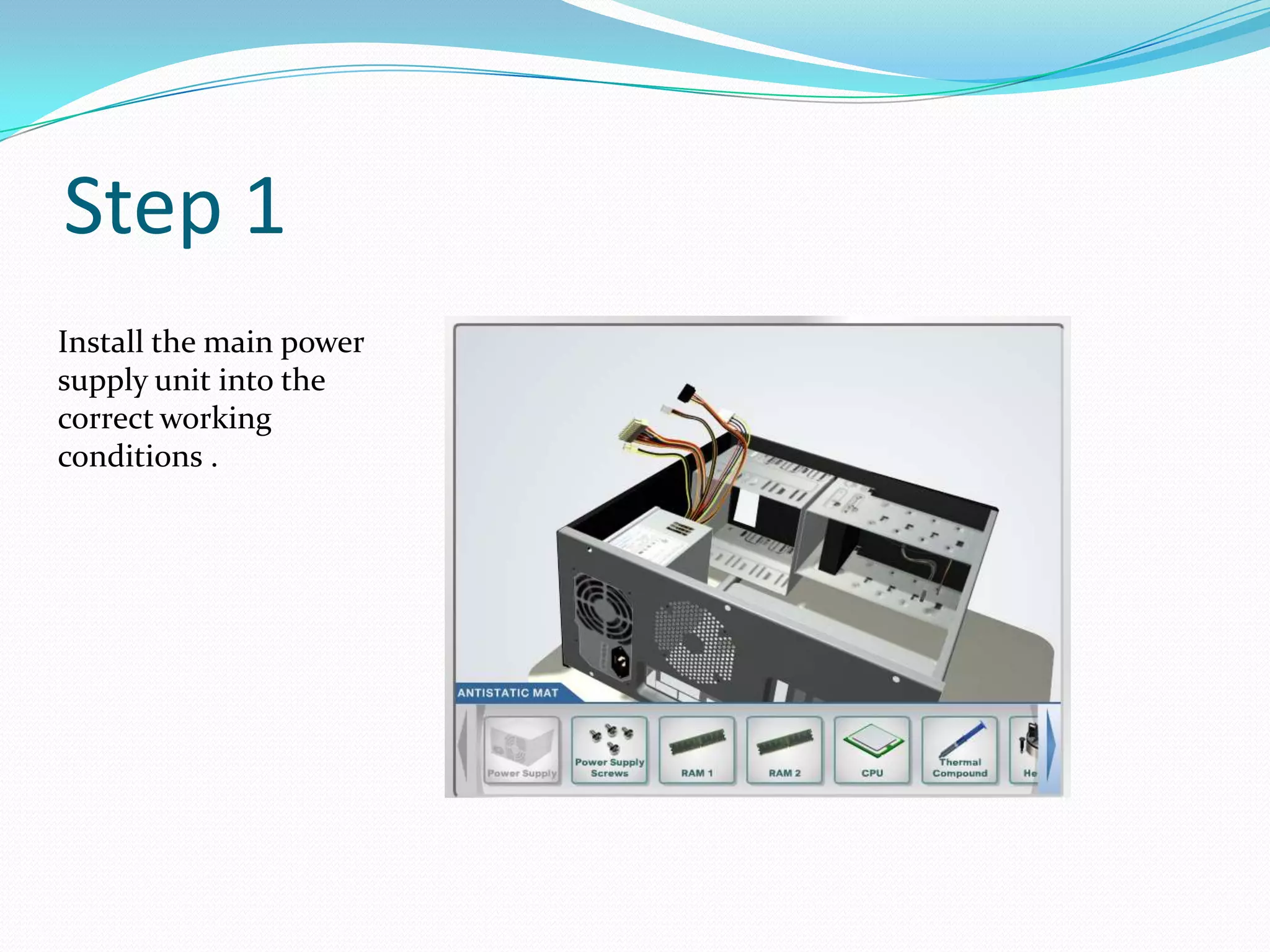
Step 1
Install the main power
supply unit into the
correct working
conditions .
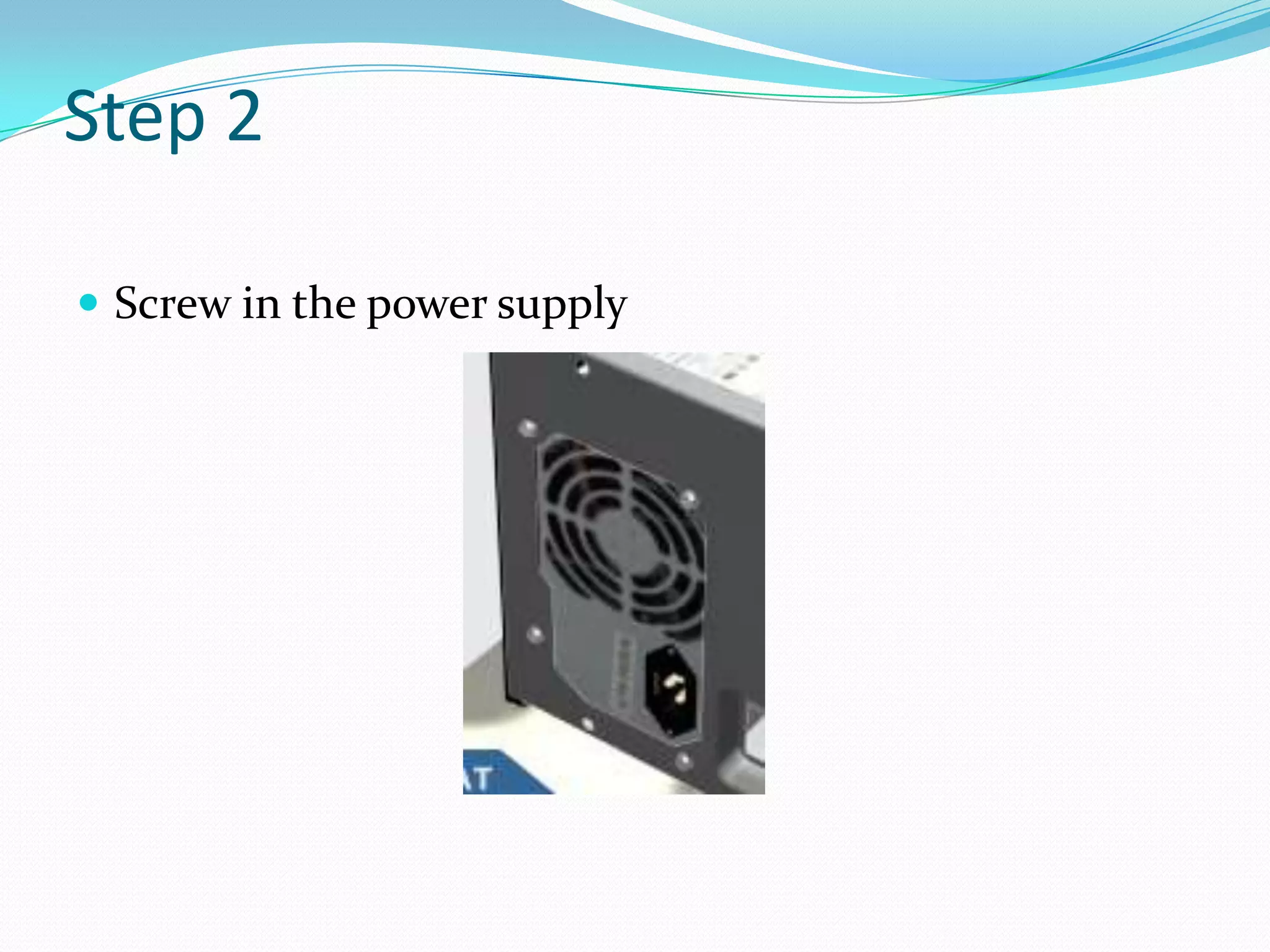
Step 2
 Screw in the power supply
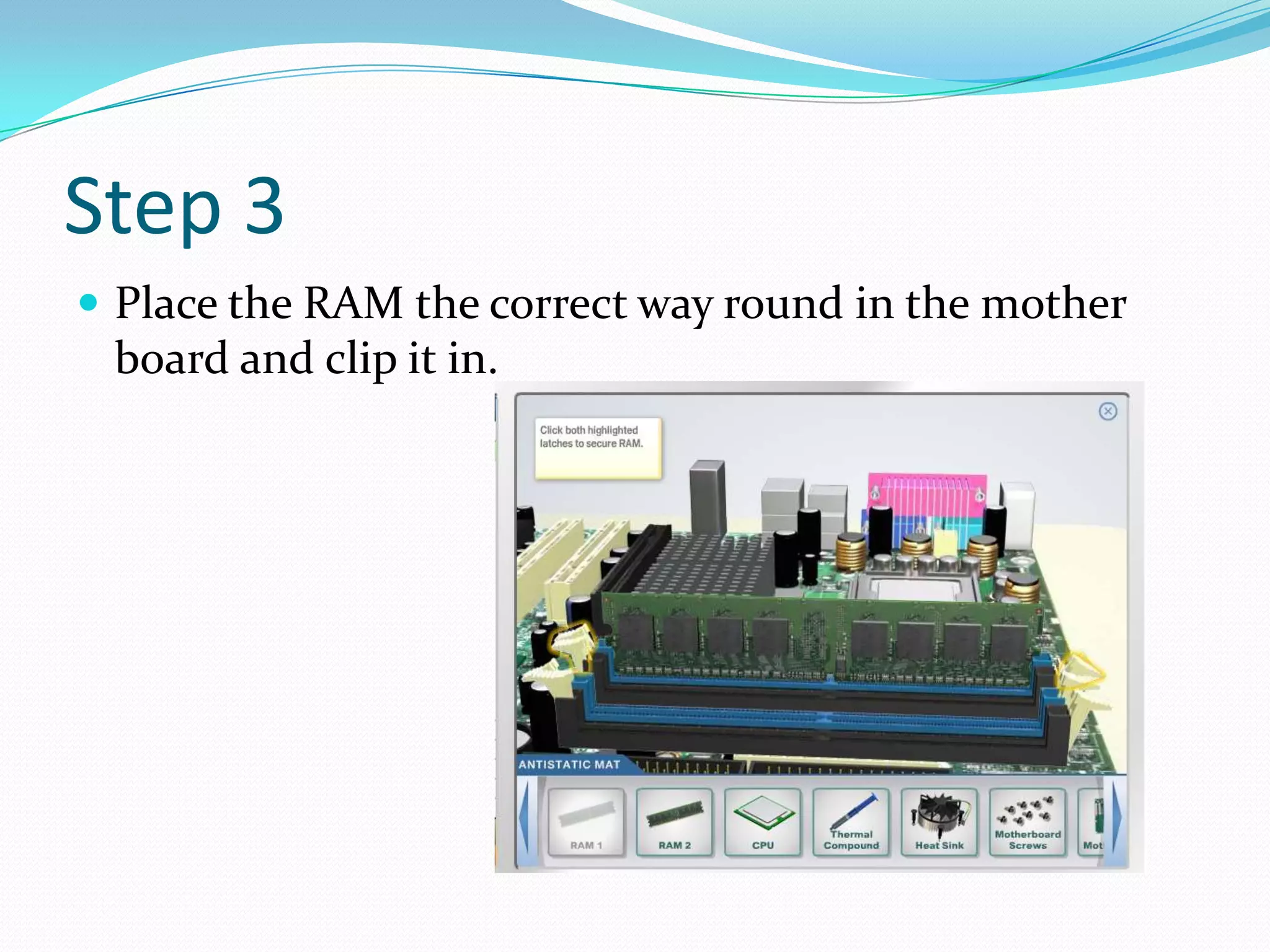
Step 3
 Place the RAM the correct way round in the mother
board and clip it in.
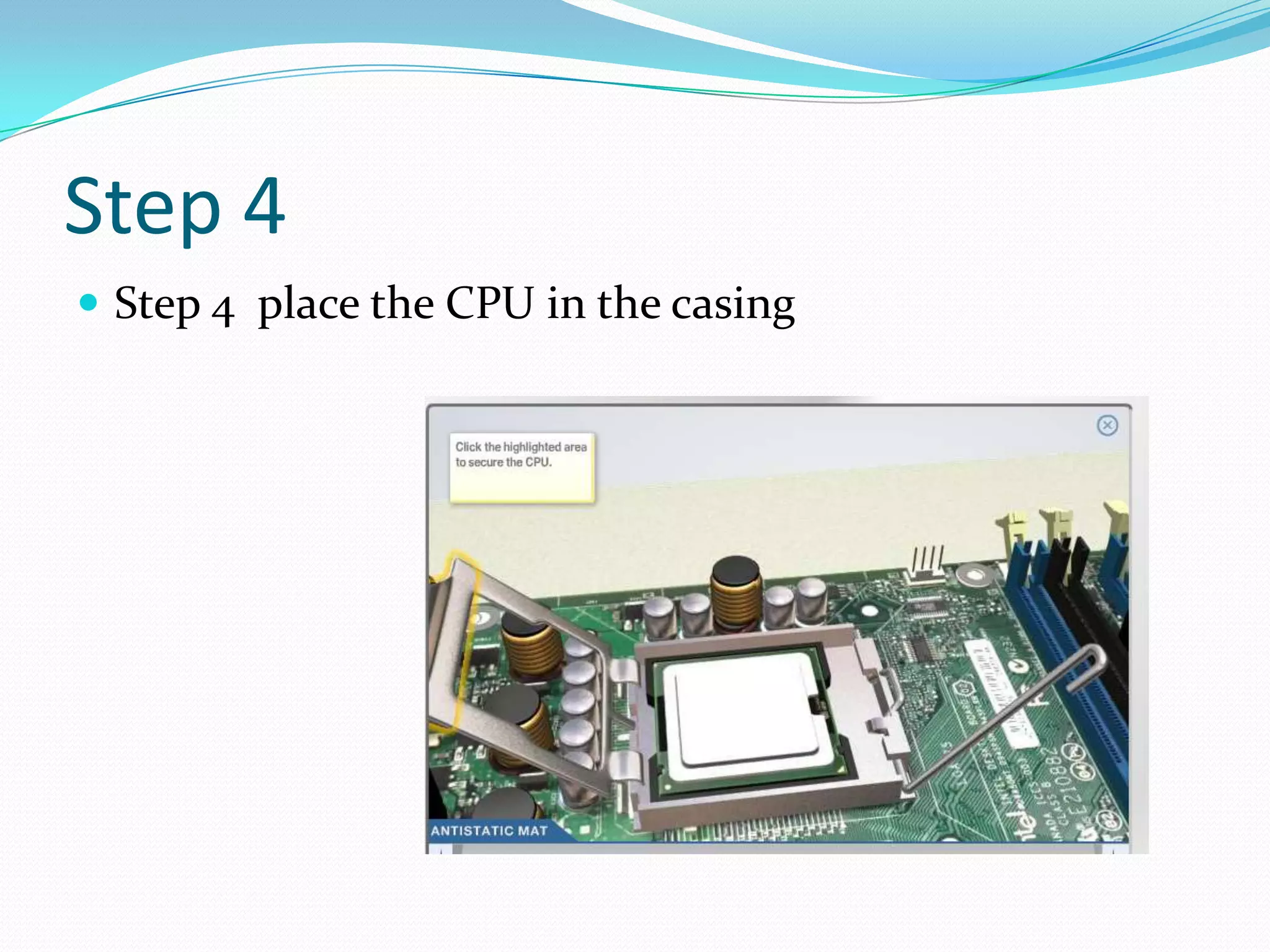
Step 4
 Step 4 place the CPU in the casing
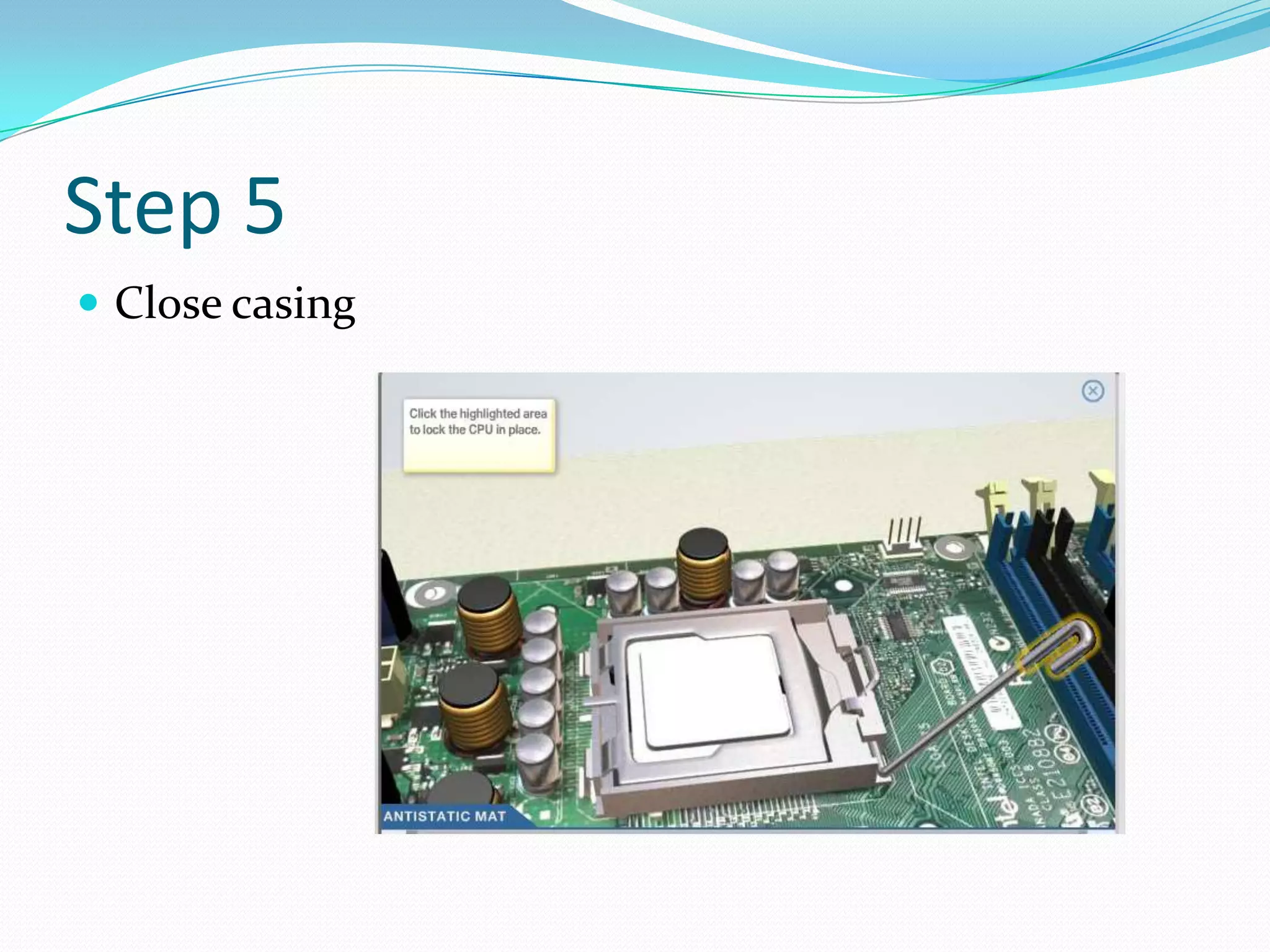
Step 5
 Close casing
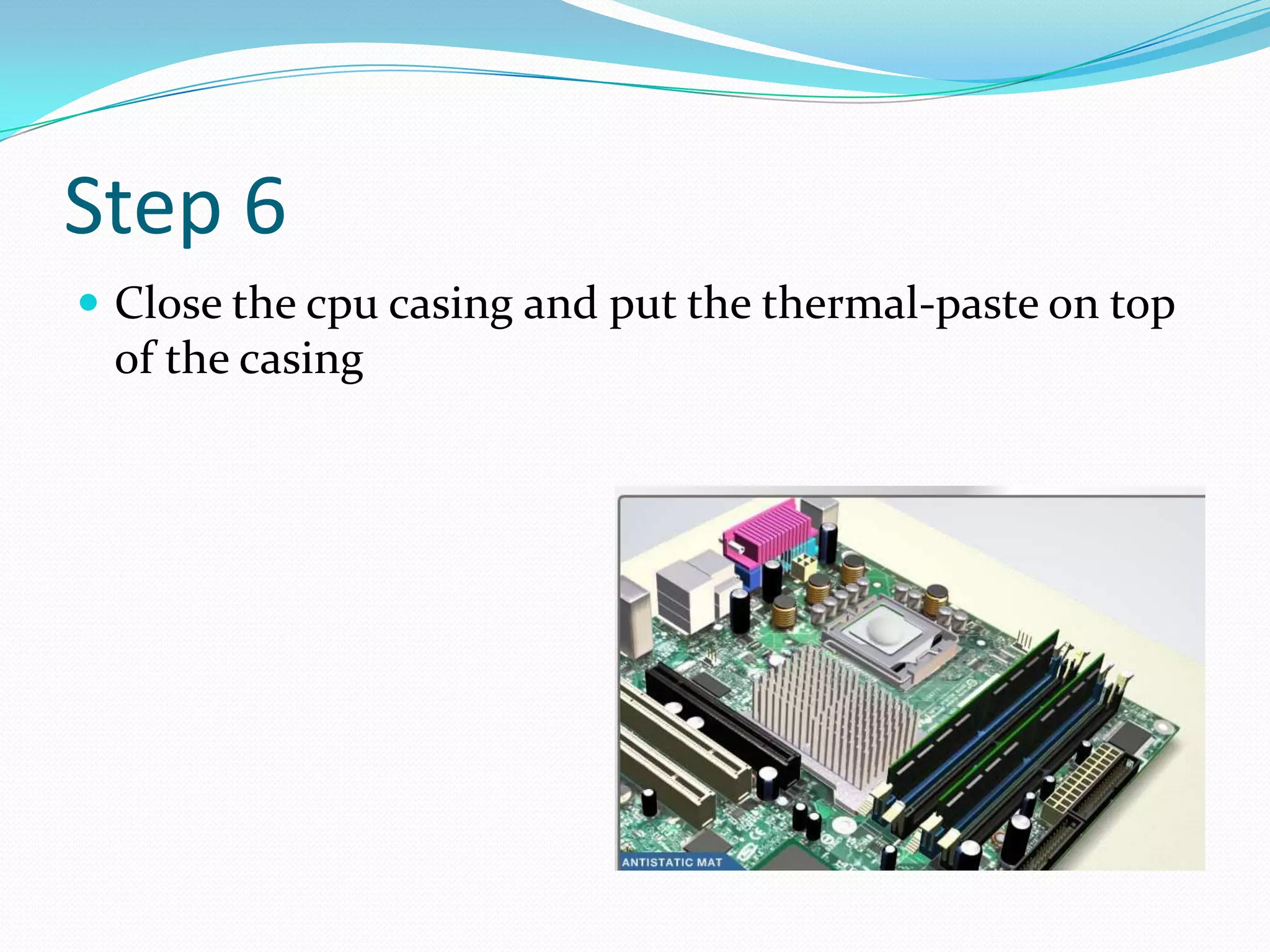
Step 6
 Close the cpu casing and put the thermal-paste on top
of the casing
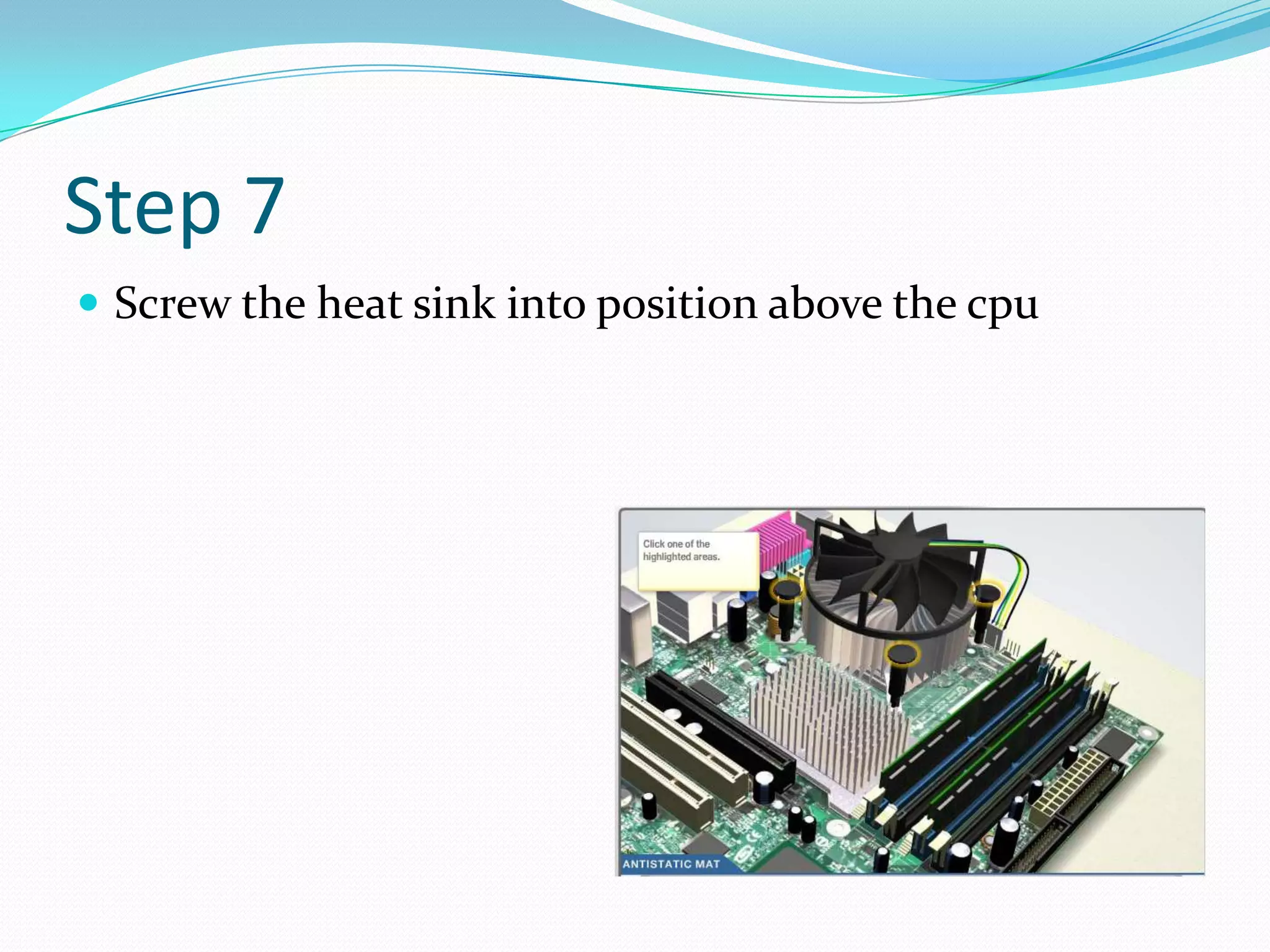
Step 7
 Screw the heat sink into position above the cpu
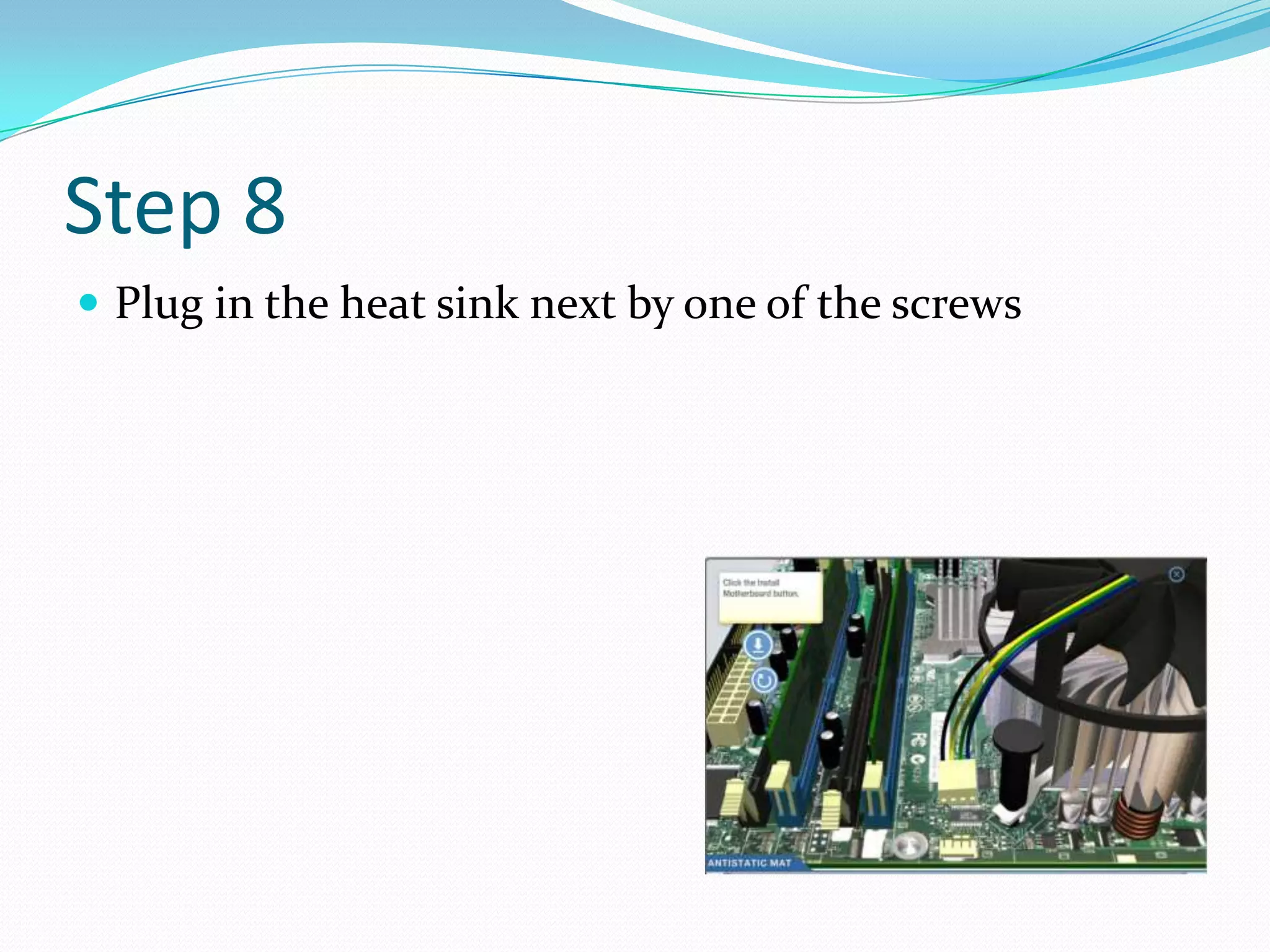
Step 8
 Plug in the heat sink next by one of the screws
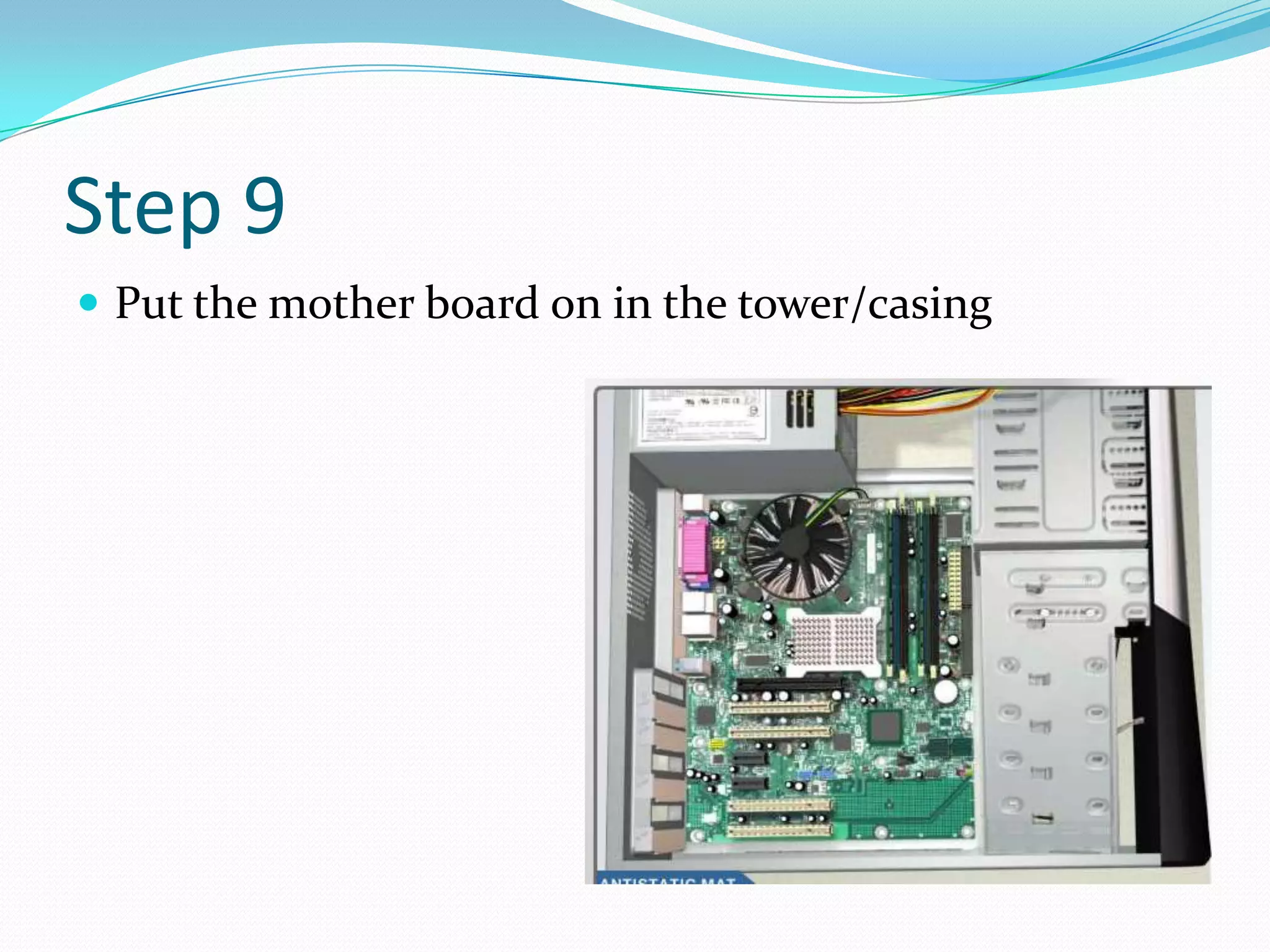
Step 9
 Put the mother board on in the tower/casing
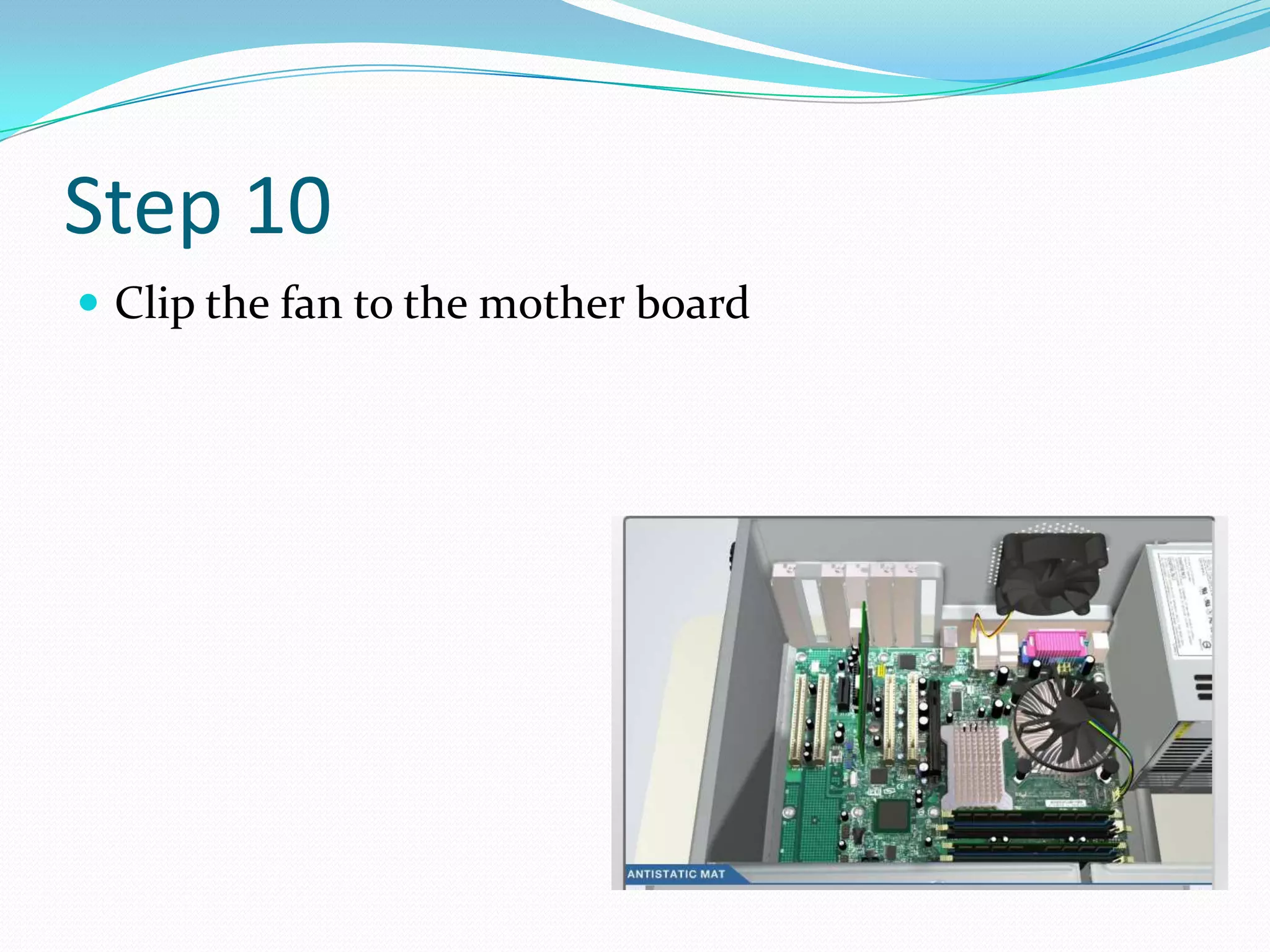
Step 10
 Clip the fan to the mother board
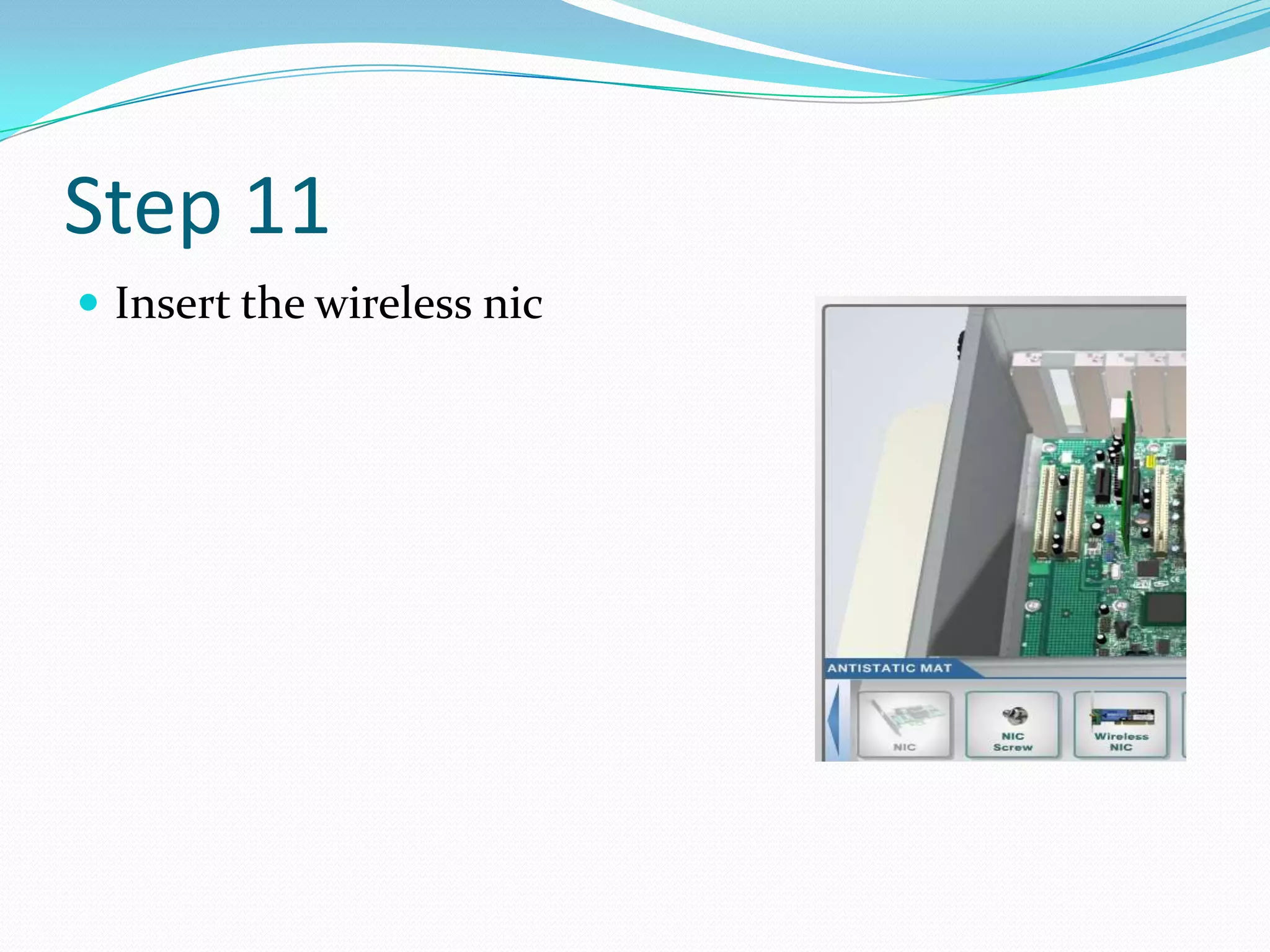
Step 11
 Insert the wireless nic
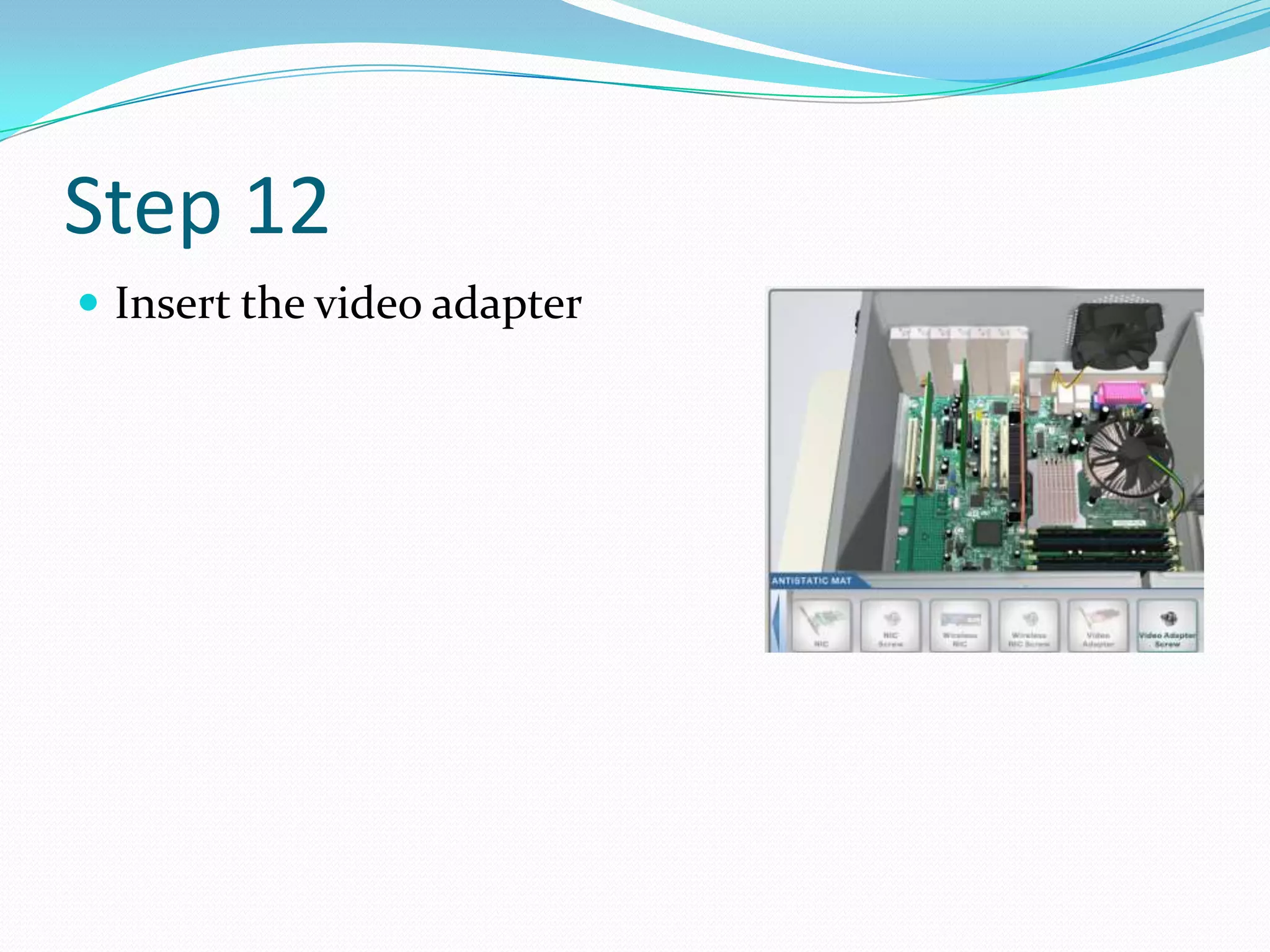
Step 12
 Insert the video adapter
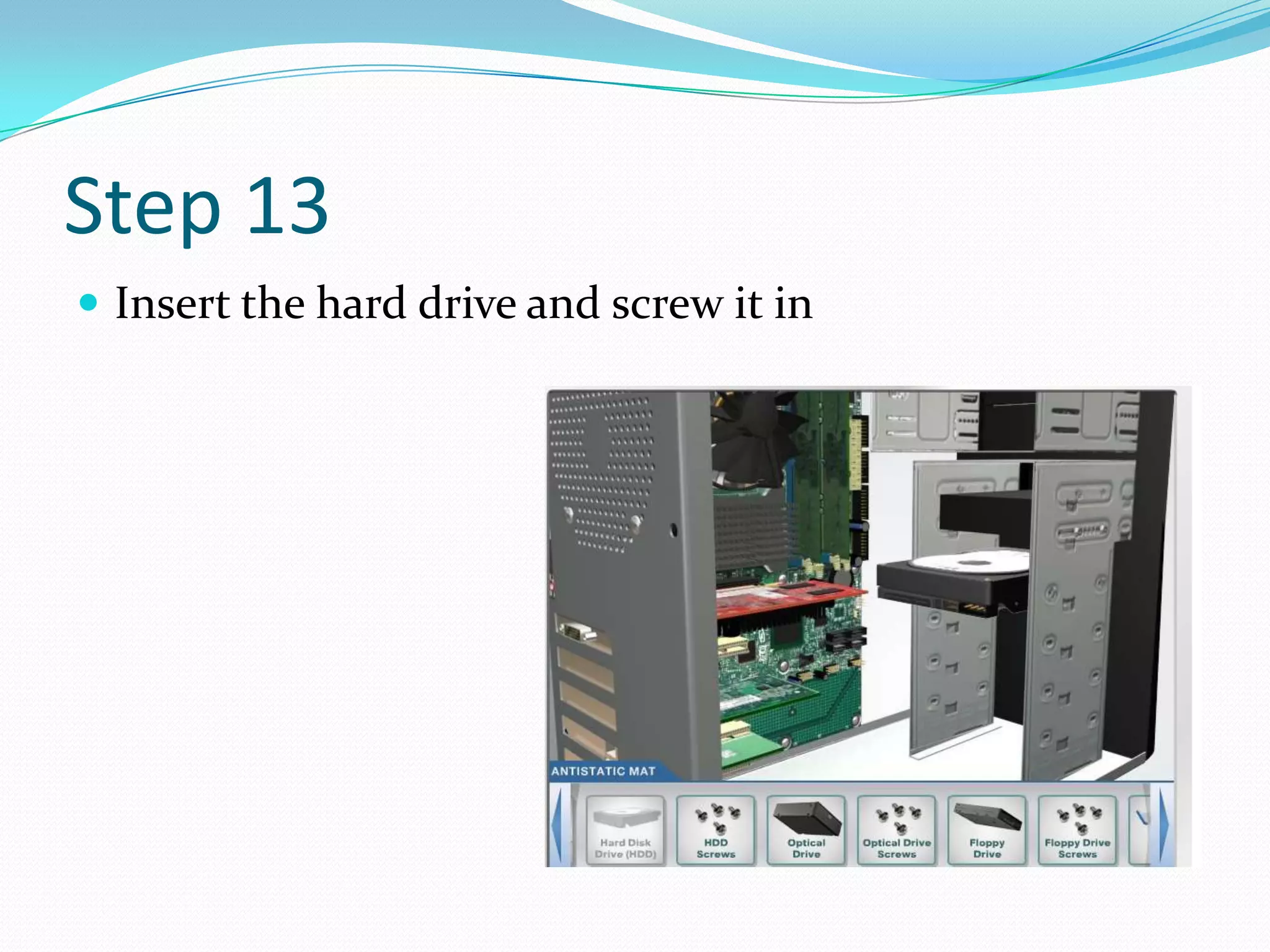
Step 13
 Insert the hard drive and screw it in
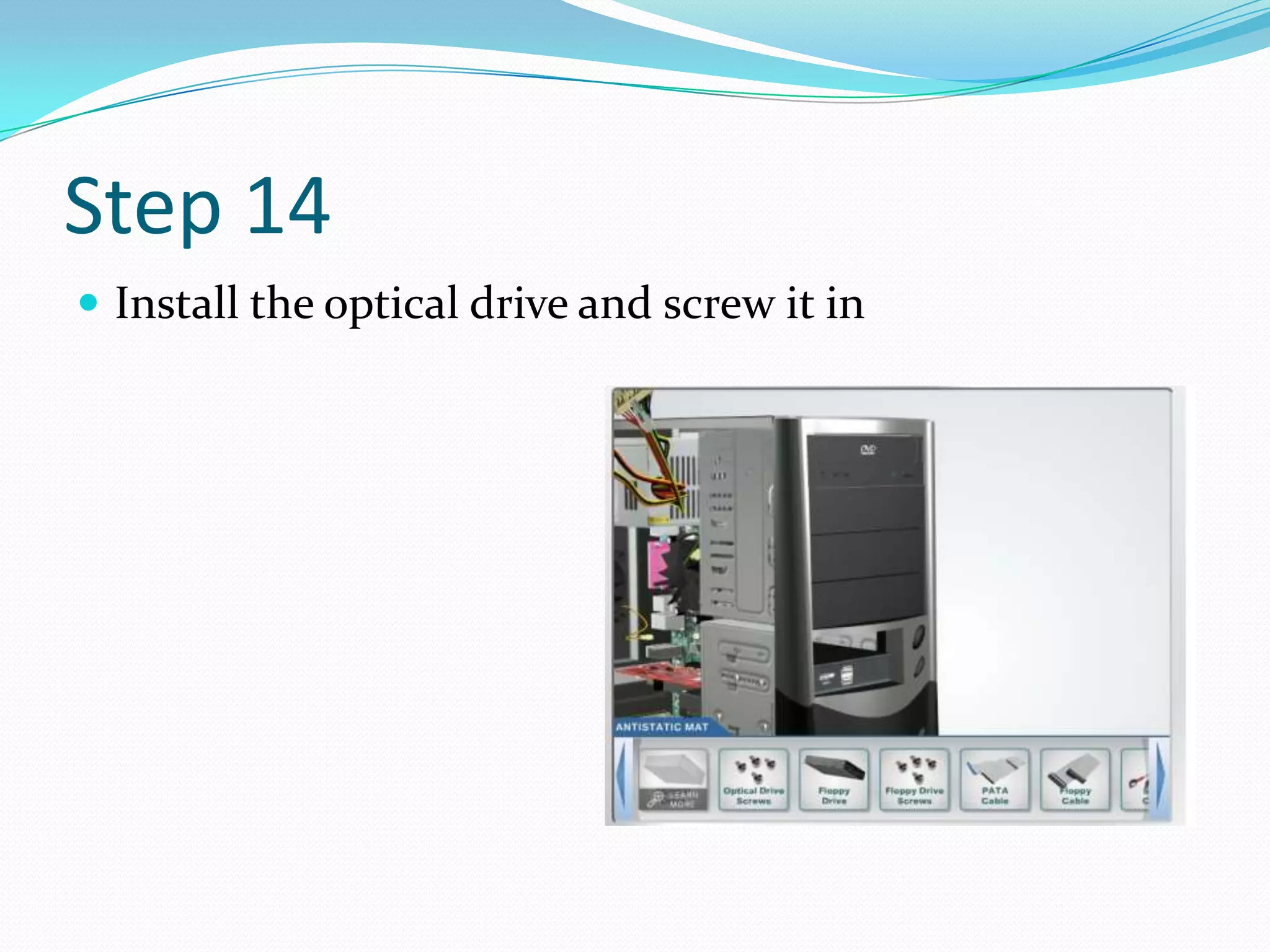
Step 14
 Install the optical drive and screw it in
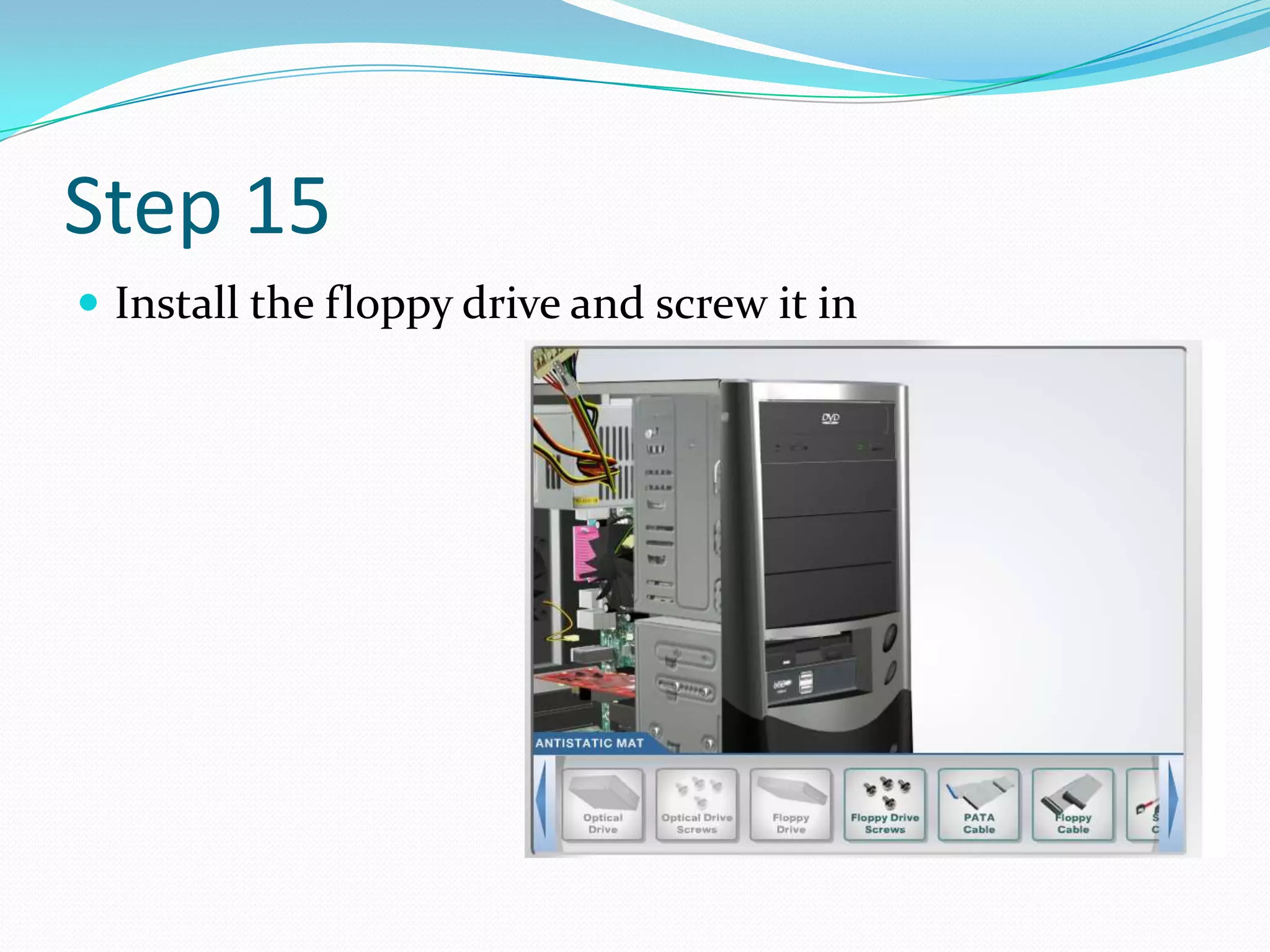
Step 15
 Install the floppy drive and screw it in
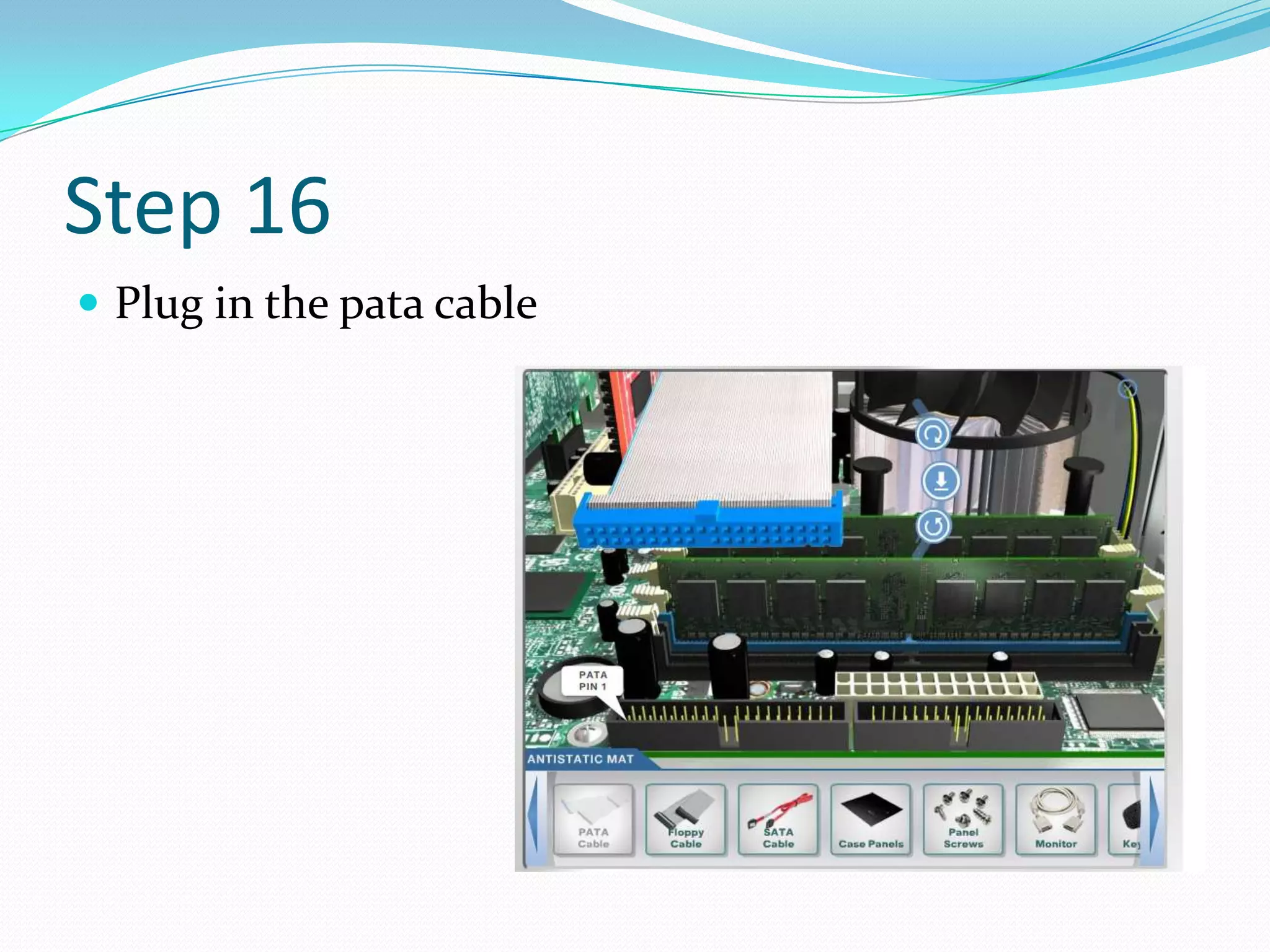
Step 16
 Plug in the pata cable
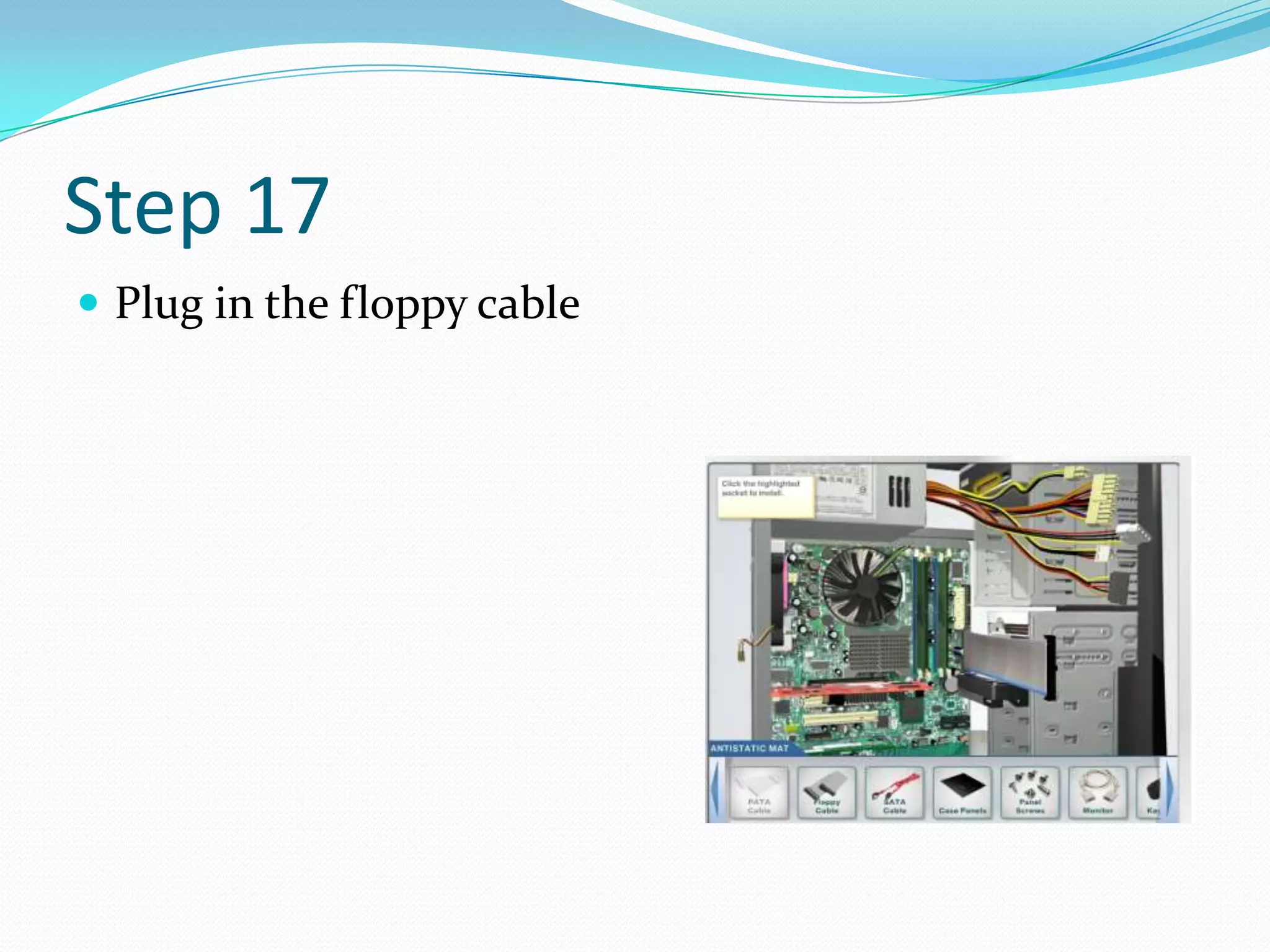
Step 17
 Plug in the floppy cable
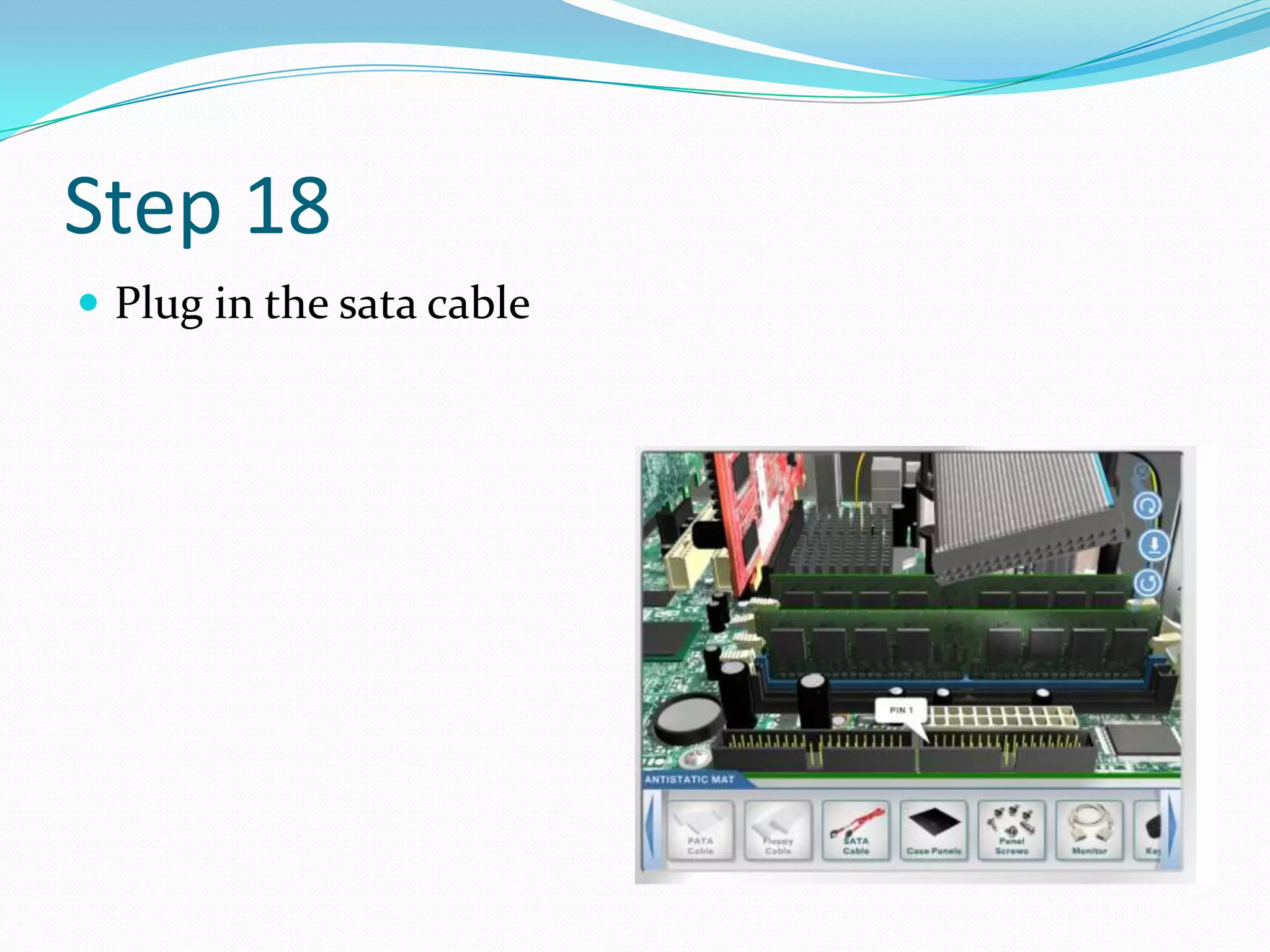
Step 18
 Plug in the sata cable
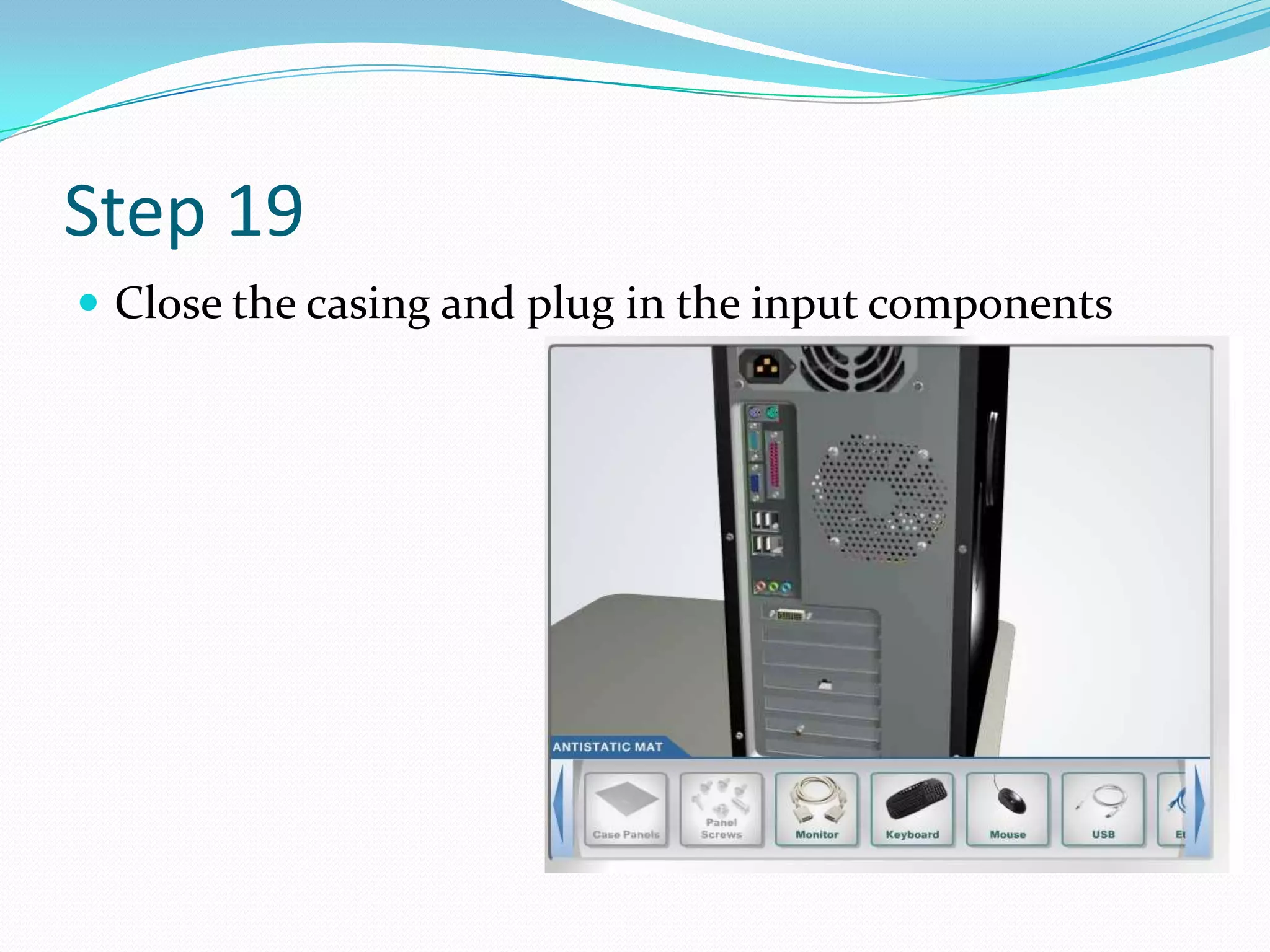
Step 19
 Close the casing and plug in the input components
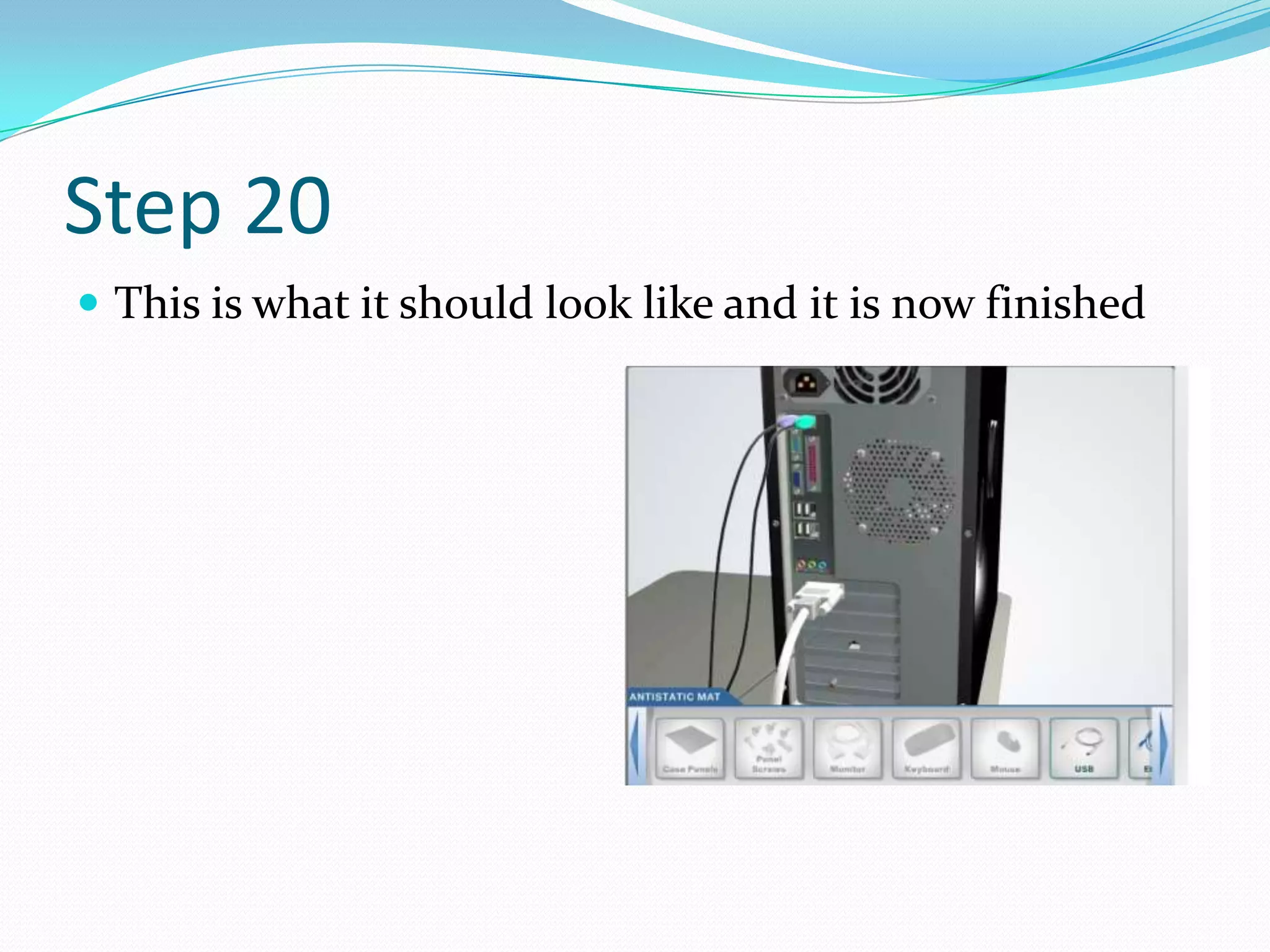
Step 20
 This is what it should look like and it is now finished

How to build the inside of a pc