WHAT IS
HCI?
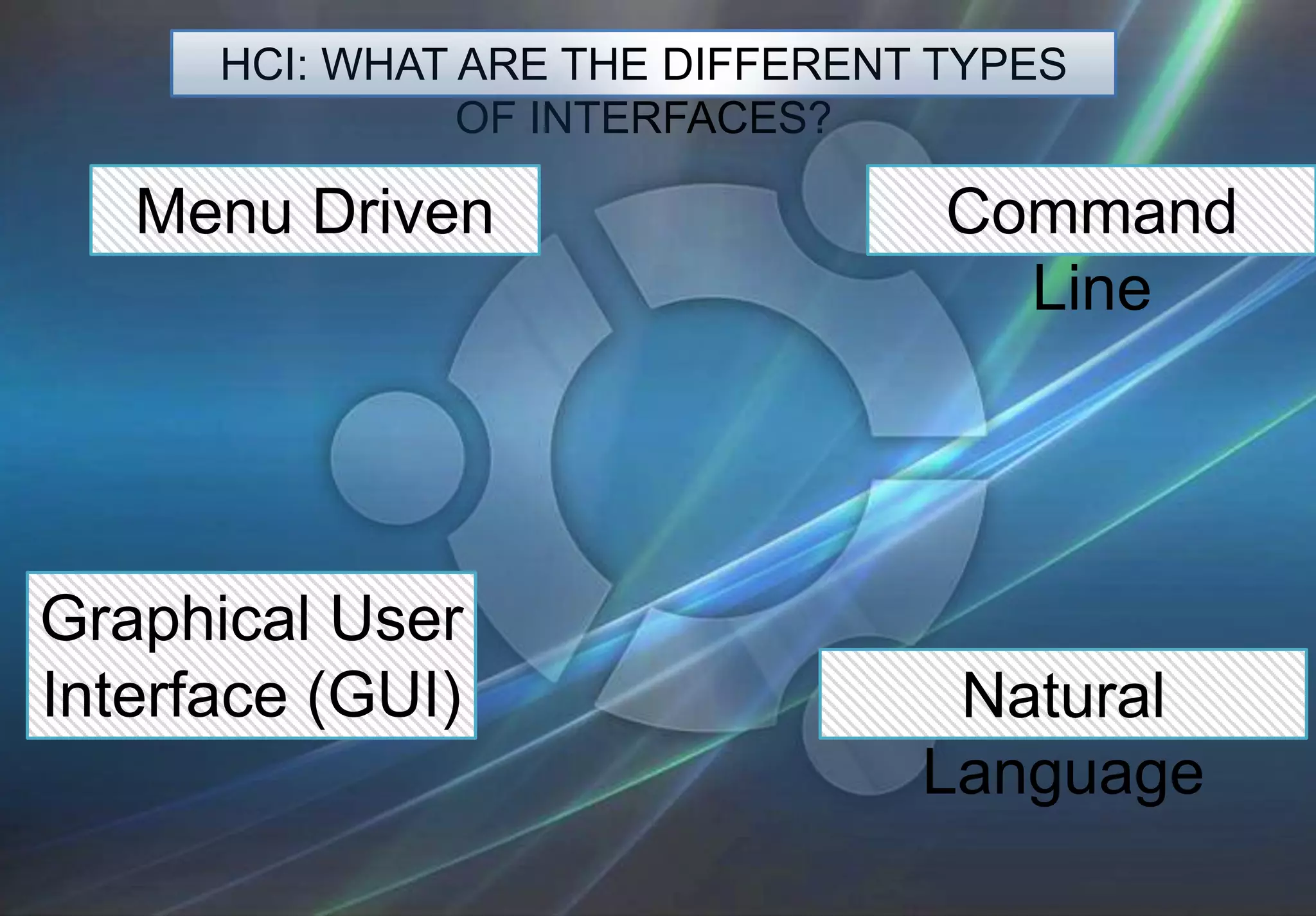
HCI: WHAT ARE THE DIFFERENT TYPES
                OF INTERFACES?

   Menu Driven                    Command
                                    Line


Graphical User
Interface (GUI)                   Natural
                                 Language
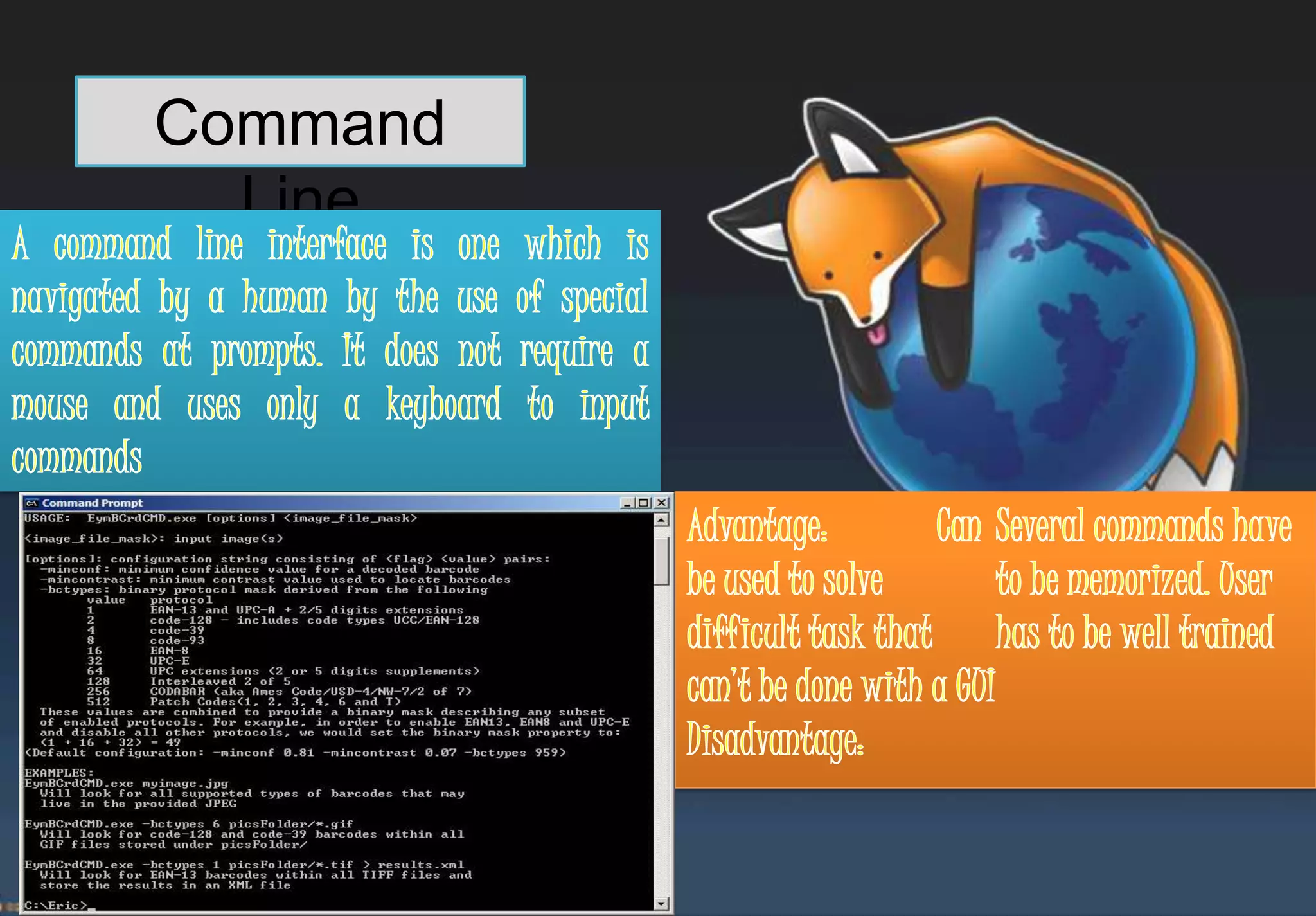
Command
  Line
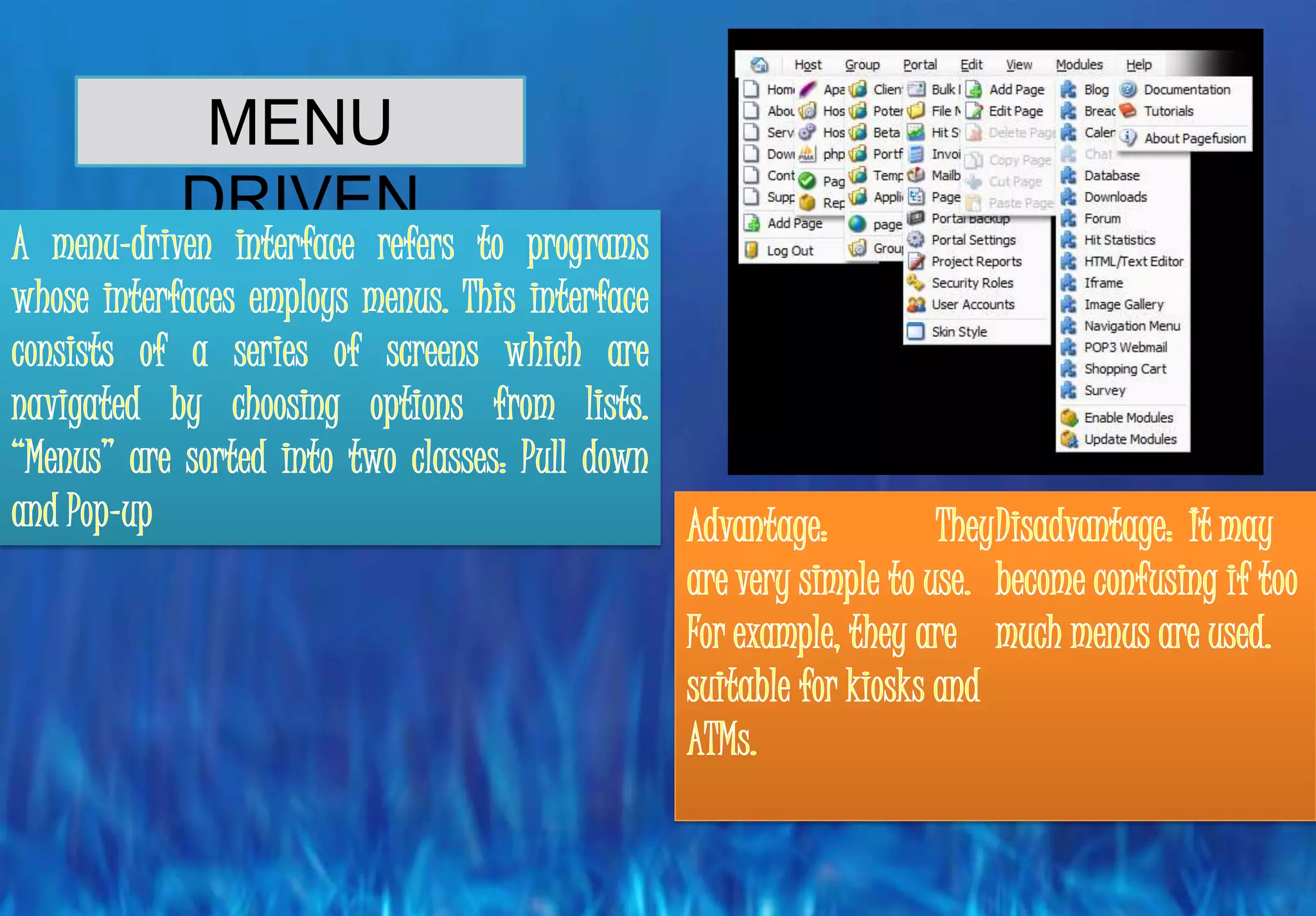
MENU
DRIVEN
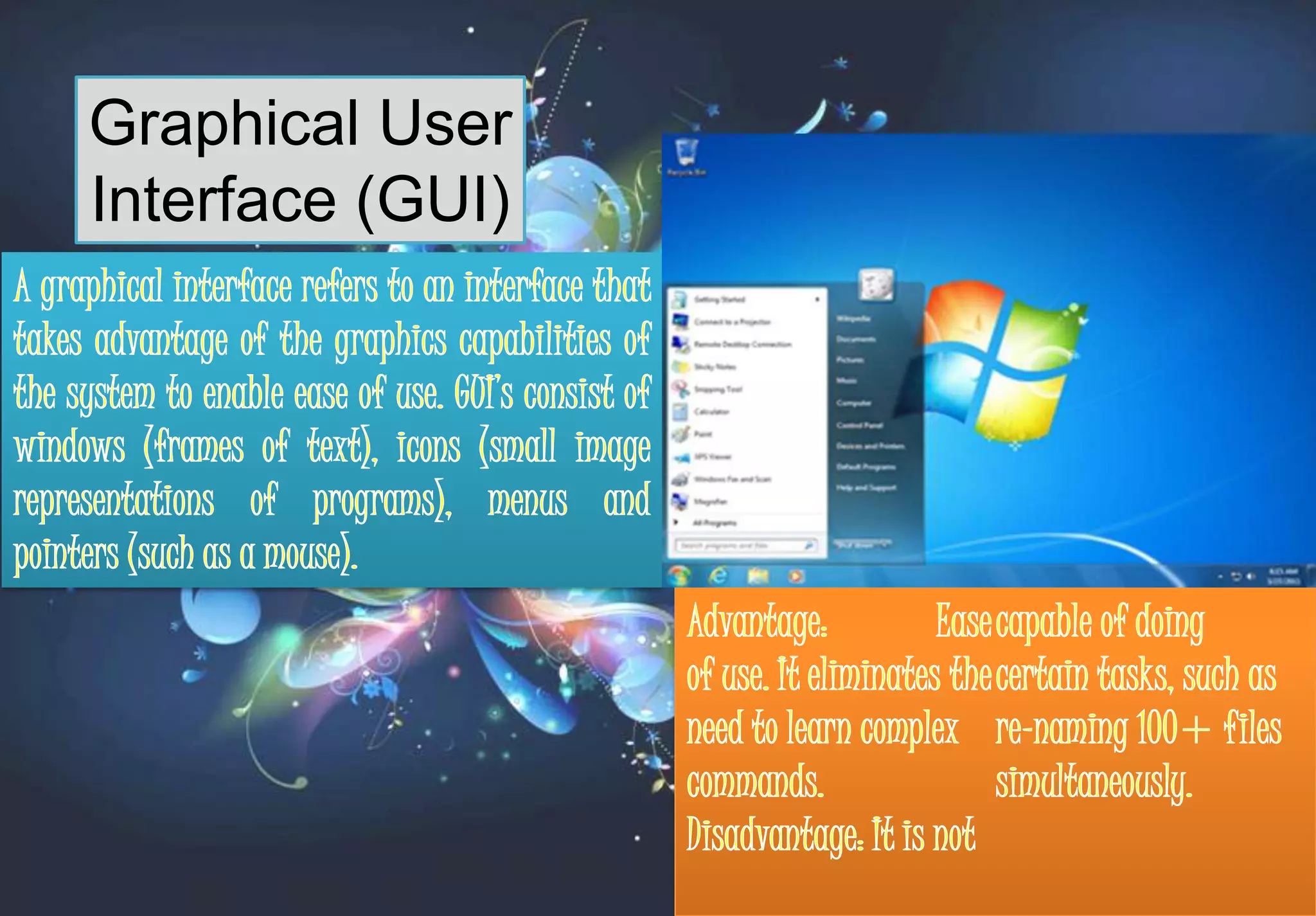
Graphical User
Interface (GUI)
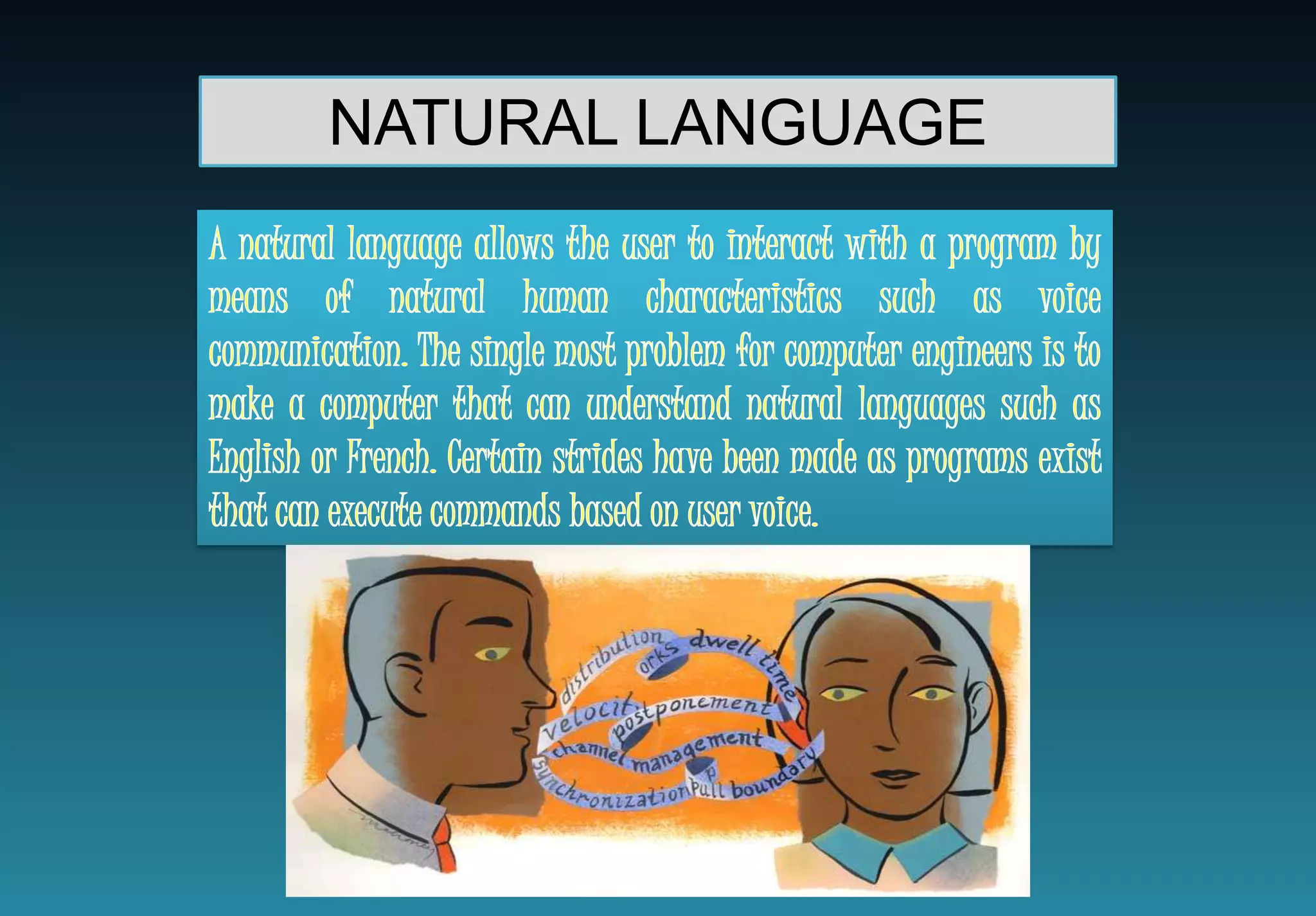
NATURAL LANGUAGE
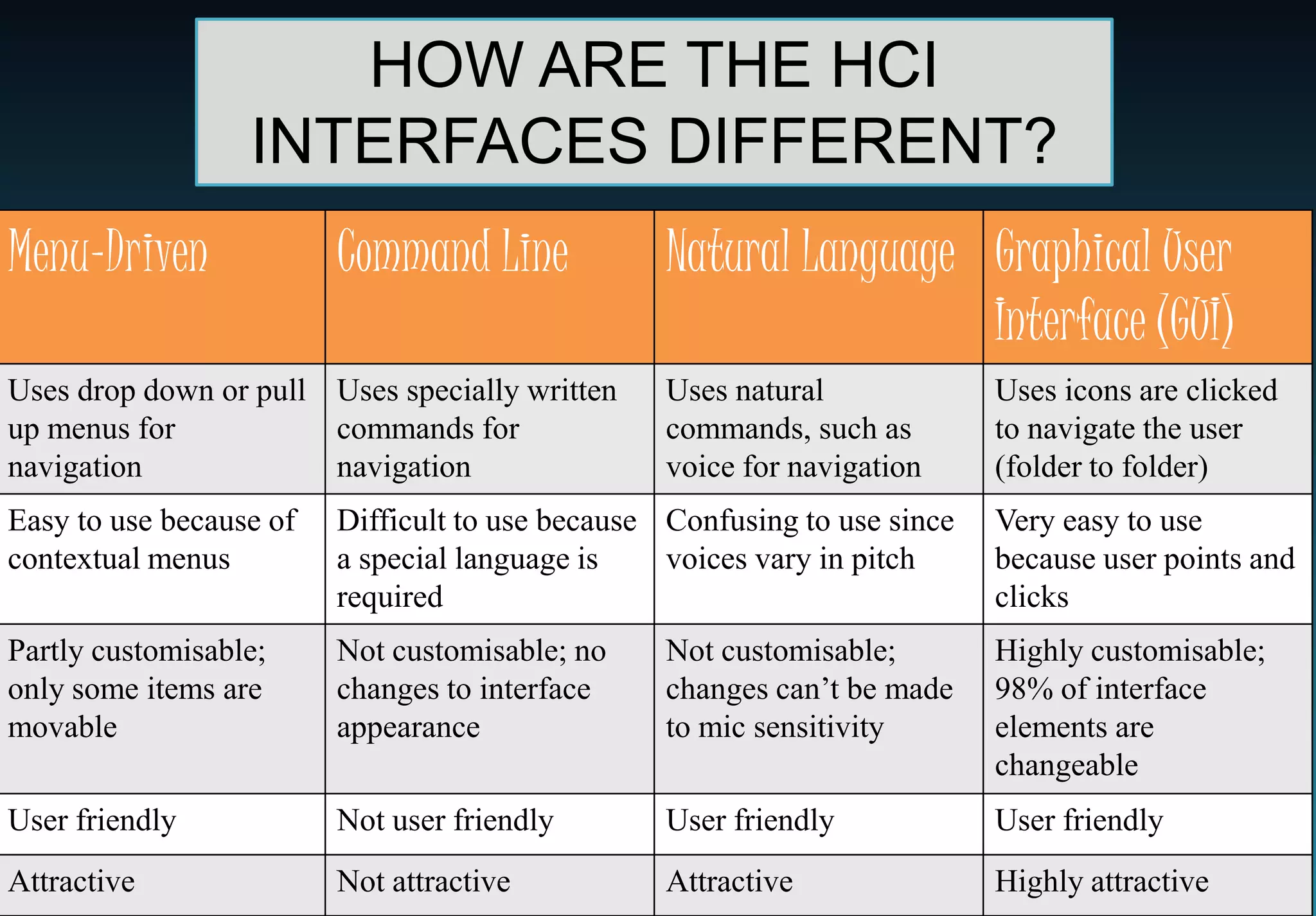
HOW ARE THE HCI
                  INTERFACES DIFFERENT?
Menu-Driven              Command Line             Natural Language Graphical User
                                                                   Interface (GUI)
Uses drop down or pull Uses specially written     Uses natural             Uses icons are clicked
up menus for           commands for               commands, such as        to navigate the user
navigation             navigation                 voice for navigation     (folder to folder)
Easy to use because of   Difficult to use because Confusing to use since   Very easy to use
contextual menus         a special language is    voices vary in pitch     because user points and
                         required                                          clicks
Partly customisable;     Not customisable; no     Not customisable;        Highly customisable;
only some items are      changes to interface     changes can’t be made    98% of interface
movable                  appearance               to mic sensitivity       elements are
                                                                           changeable
User friendly            Not user friendly        User friendly            User friendly
Attractive               Not attractive           Attractive               Highly attractive
HCI INTERFACE
ADAPTATIONS FOR HUMANS
   WITH DIFFEERING:
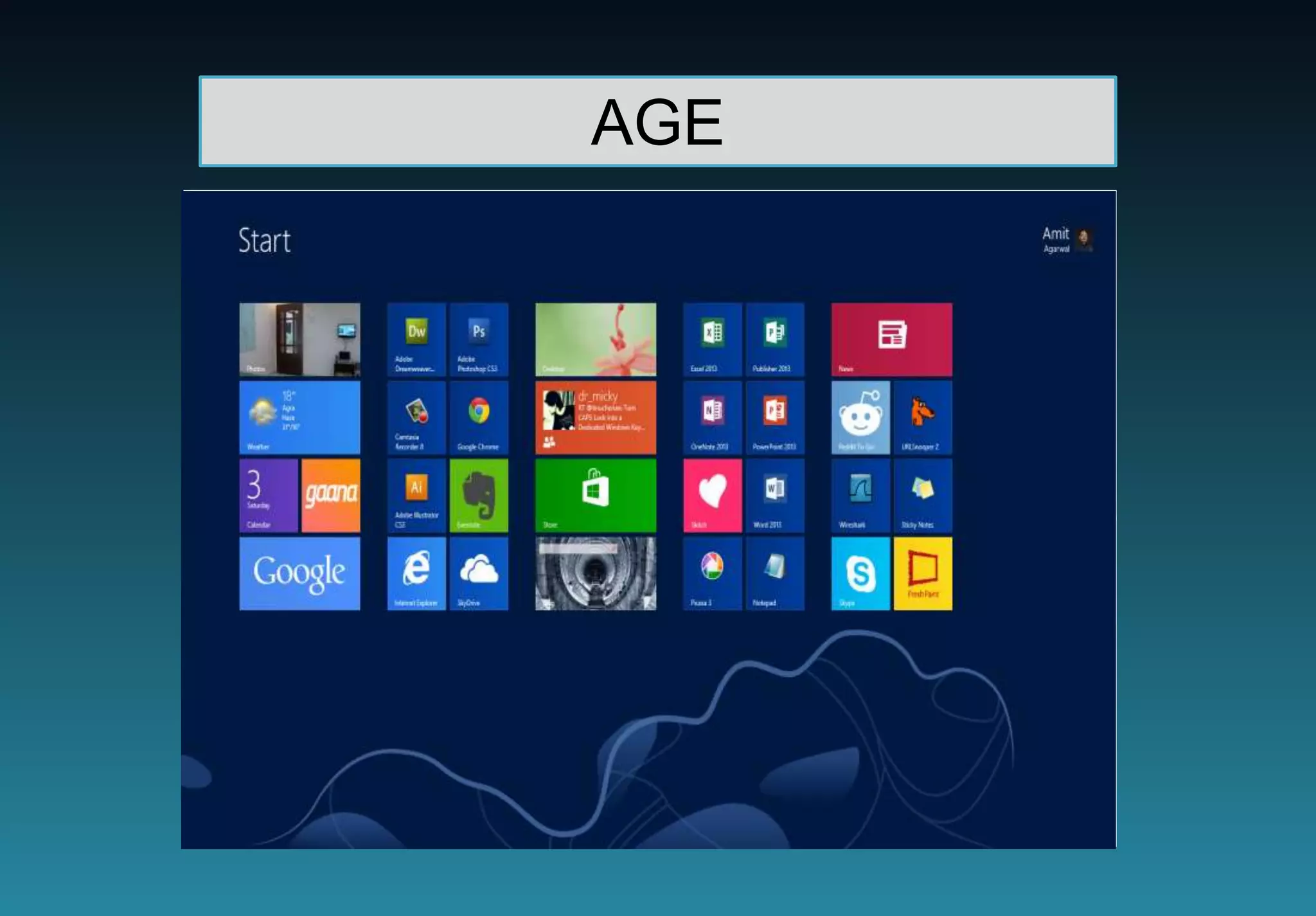
AGE
       ADULT (YOUNG & ADAPTED INTERFACE
                CHILD ELDERLY) ADAPTED INTERFACE



   Icons areare bright people with poor vision) of high contrast
     Colours large (for and blend various degrees
    colours
    Colours have to have a matching scheme

   Menusare easily placed too childish
     Icons should not appear

   Interface shouldas simple as possible
     Menus are kept be designed to facilitate customisation
    Big buttons are used for most options
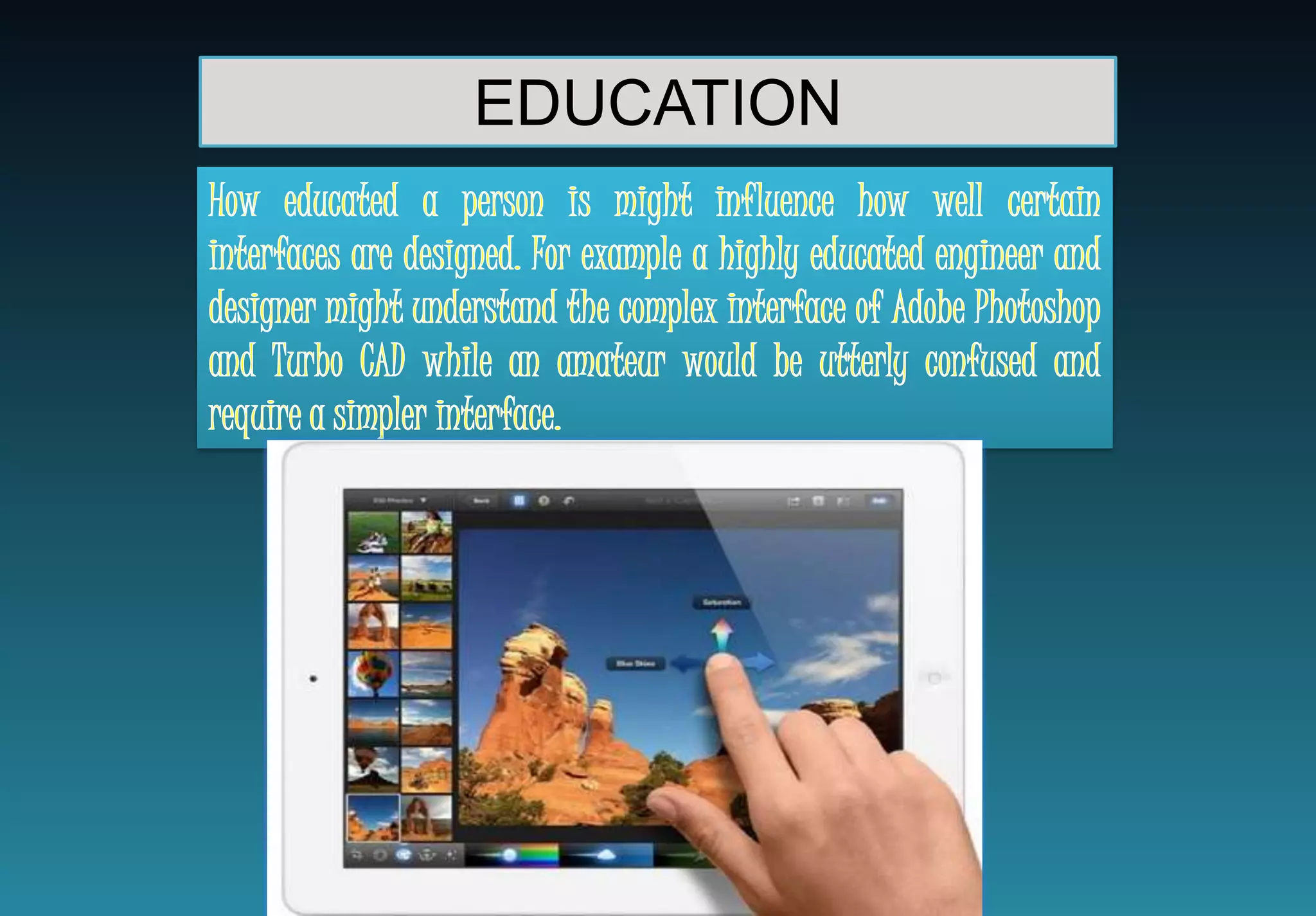
EDUCATION
DISABILITIES
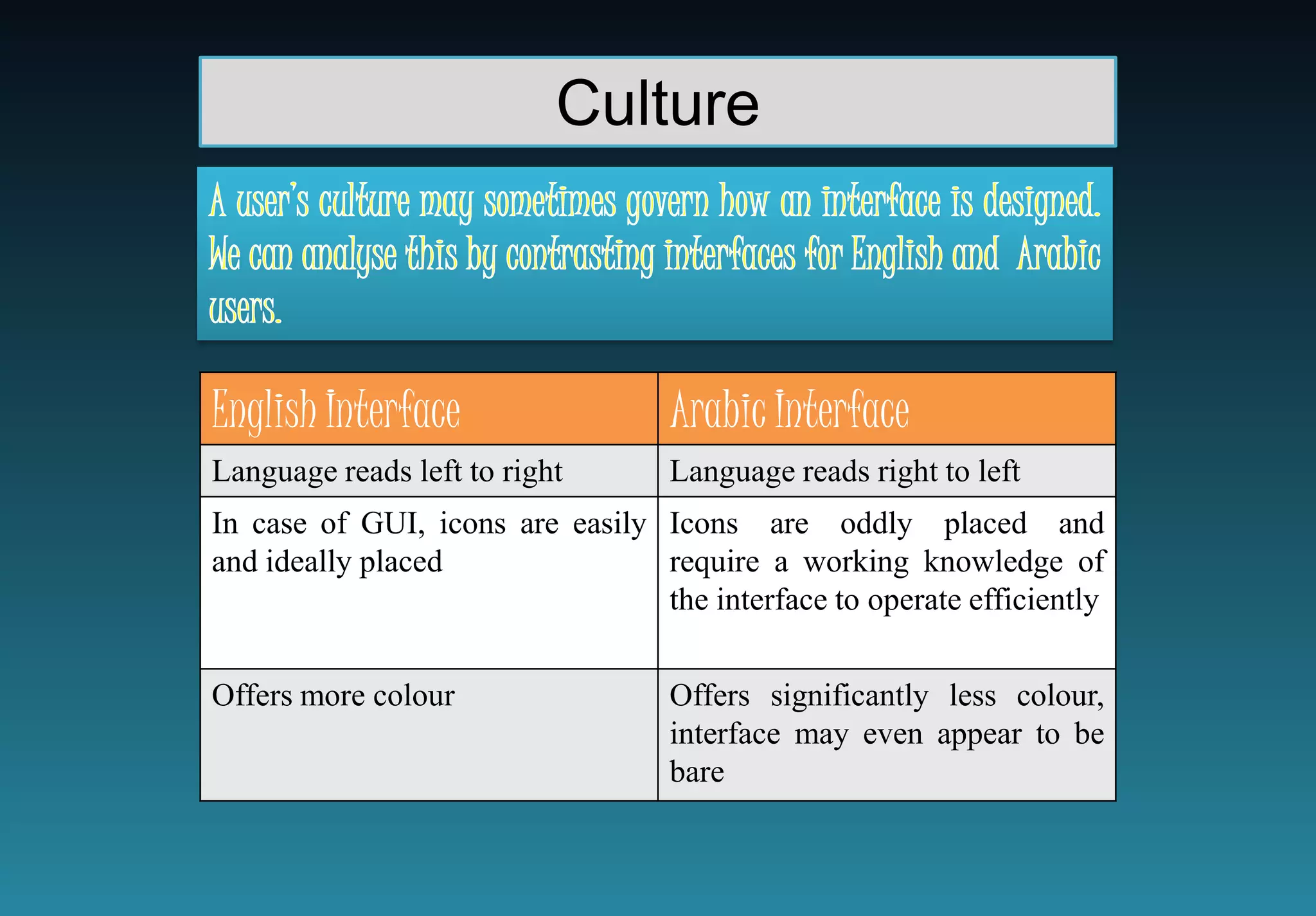
Culture


English Interface                  Arabic Interface
Language reads left to right       Language reads right to left
In case of GUI, icons are easily Icons are oddly placed and
and ideally placed               require a working knowledge of
                                 the interface to operate efficiently


Offers more colour                 Offers significantly less colour,
                                   interface may even appear to be
                                   bare
ACCESSIBILITY
HCI

HCI

  • 2.
  • 3.
    HCI: WHAT ARETHE DIFFERENT TYPES OF INTERFACES? Menu Driven Command Line Graphical User Interface (GUI) Natural Language
  • 4.
  • 5.
  • 6.
  • 7.
  • 8.
    HOW ARE THEHCI INTERFACES DIFFERENT? Menu-Driven Command Line Natural Language Graphical User Interface (GUI) Uses drop down or pull Uses specially written Uses natural Uses icons are clicked up menus for commands for commands, such as to navigate the user navigation navigation voice for navigation (folder to folder) Easy to use because of Difficult to use because Confusing to use since Very easy to use contextual menus a special language is voices vary in pitch because user points and required clicks Partly customisable; Not customisable; no Not customisable; Highly customisable; only some items are changes to interface changes can’t be made 98% of interface movable appearance to mic sensitivity elements are changeable User friendly Not user friendly User friendly User friendly Attractive Not attractive Attractive Highly attractive
  • 9.
    HCI INTERFACE ADAPTATIONS FORHUMANS WITH DIFFEERING:
  • 10.
    AGE ADULT (YOUNG & ADAPTED INTERFACE CHILD ELDERLY) ADAPTED INTERFACE   Icons areare bright people with poor vision) of high contrast Colours large (for and blend various degrees  colours Colours have to have a matching scheme   Menusare easily placed too childish Icons should not appear   Interface shouldas simple as possible Menus are kept be designed to facilitate customisation  Big buttons are used for most options
  • 11.
  • 12.
  • 13.
    Culture English Interface Arabic Interface Language reads left to right Language reads right to left In case of GUI, icons are easily Icons are oddly placed and and ideally placed require a working knowledge of the interface to operate efficiently Offers more colour Offers significantly less colour, interface may even appear to be bare
  • 14.