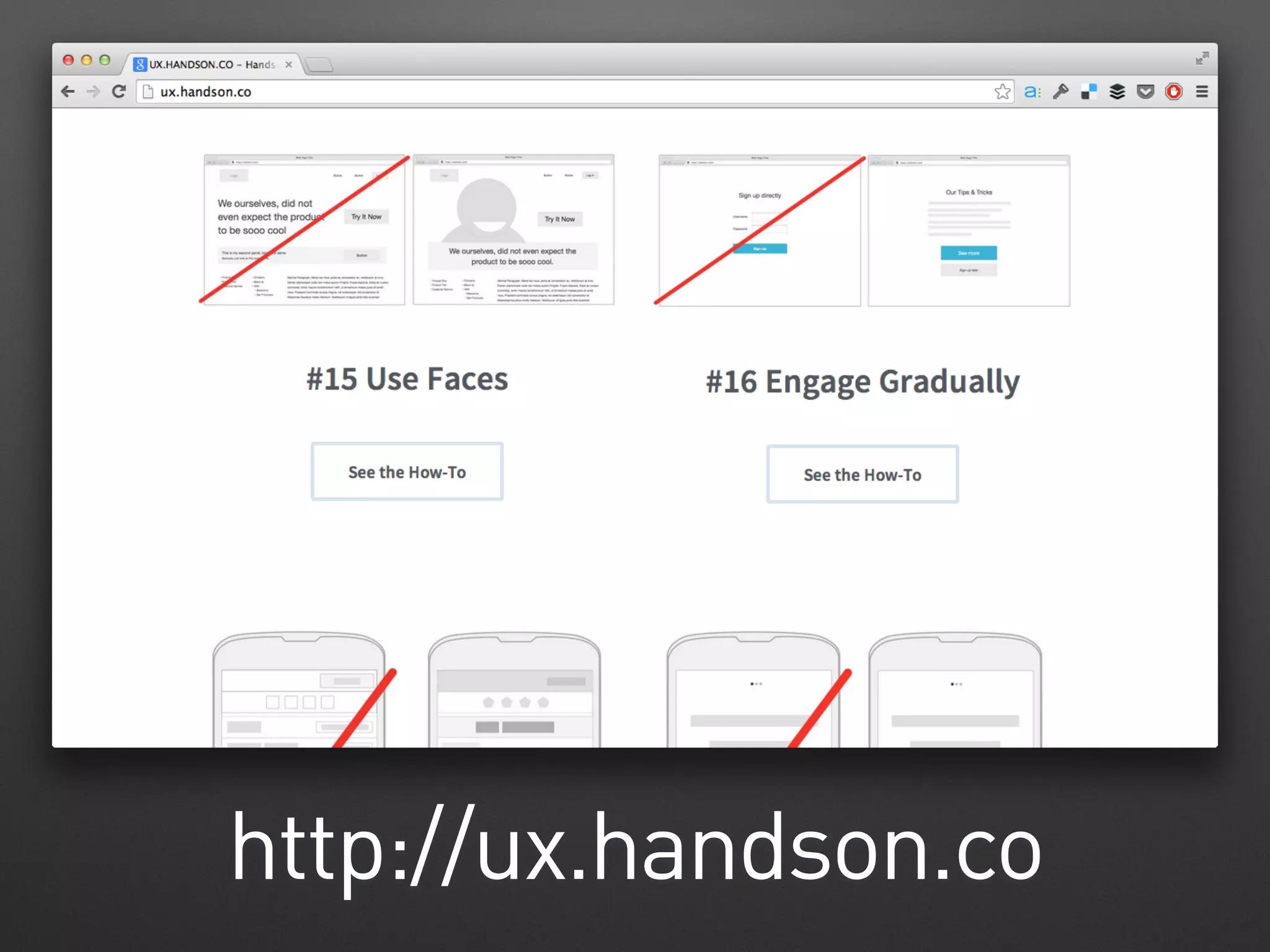




http://ux.handson.co
Hands-on
Prototyping
Without Code
@andreehuk
@andreehuk
Rookie Mistake #1
No white space
@andreehuk
@andreehuk
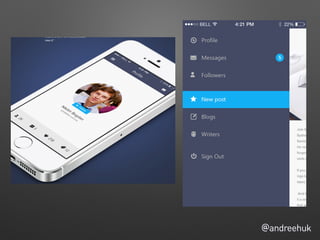
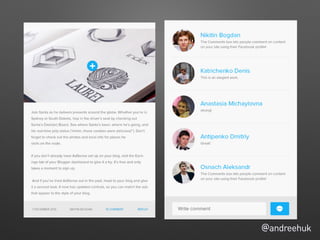
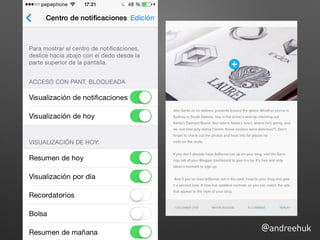
Rookie Mistake #2
Huge monitors
@andreehuk
@andreehuk
@andreehuk
@andreehuk
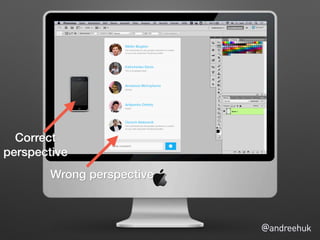
Wrong perspective
Correct
perspective
@andreehuk
Expert Heuristic
When it looks toooo big,
it’s about right
@andreehuk
Getting our
hands dirty
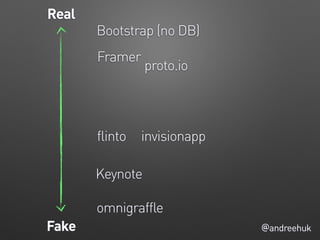
@andreehukFake
Real
Keynote
Bootstrap (no DB)
proto.io
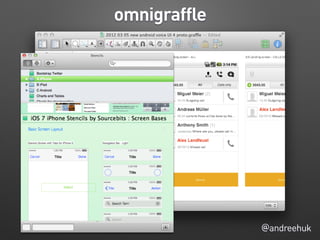
omnigraffle
flinto invisionapp
Framer
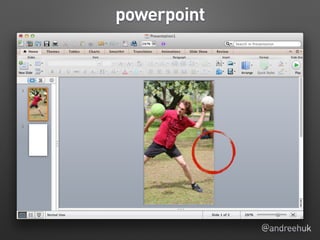
powerpoint
@andreehuk
@andreehuk
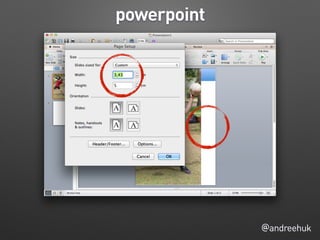
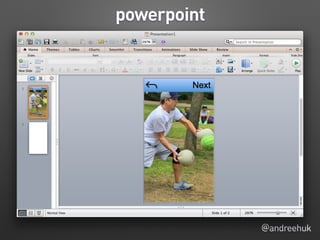
powerpoint
powerpoint
@andreehuk
@andreehuk
powerpoint
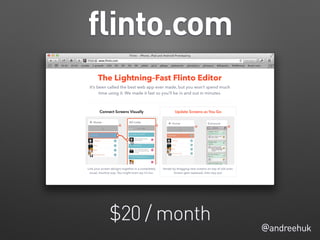
flinto.com
@andreehuk
$20 / month
@andreehuk
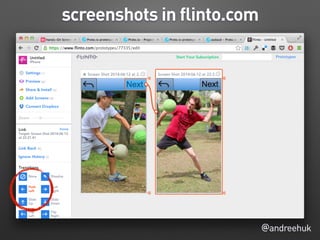
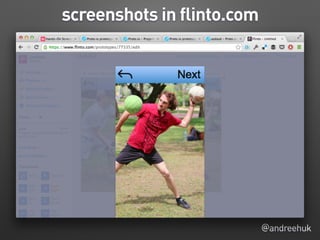
screenshots in flinto.com
@andreehuk
screenshots in flinto.com
Flinto
@andreehuk
• Good for real interactions
• Very simple and fluid
• Web connection needed for
testing
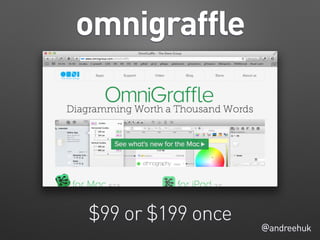
omnigraffle
@andreehuk
$99 or $199 once
@andreehuk
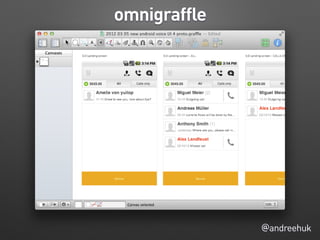
omnigraffle
@andreehuk
omnigraffle
@andreehuk
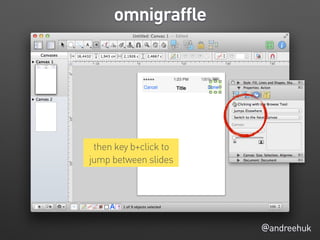
omnigraffle
then key b+click to
jump between slides
@andreehuk
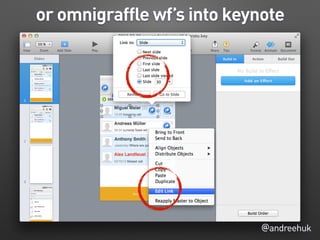
or omnigraffle wf’s into keynote
@andreehuk
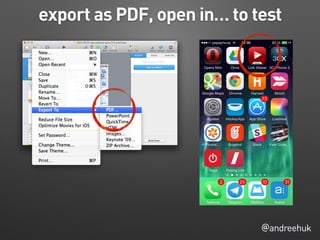
export as PDF, open in… to test
omnigraffle
@andreehuk
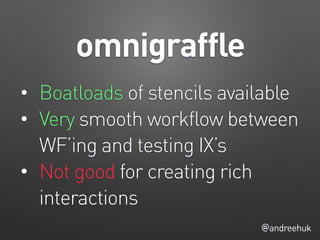
• Boatloads of stencils available
• Very smooth workflow between
WF’ing and testing IX’s
• Not good for creating rich
interactions
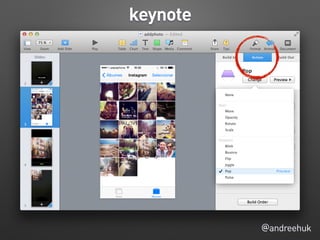
keynote
@andreehuk
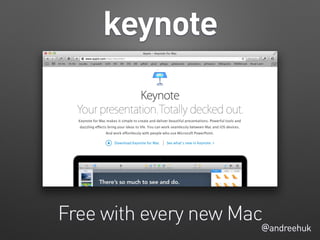
Free with every new Mac
@andreehuk
keynote
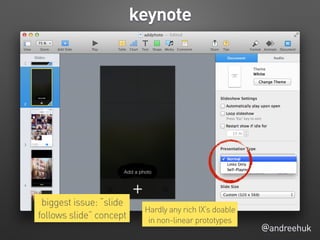
biggest issue: “slide
follows slide” concept
Hardly any rich IX’s doable
in non-linear prototypes
@andreehuk
keynote
@andreehuk
keynote
@andreehuk
keynote
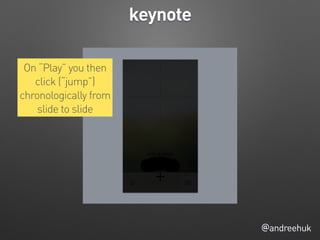
On “Play” you then
click (“jump”)
chronologically from
slide to slide
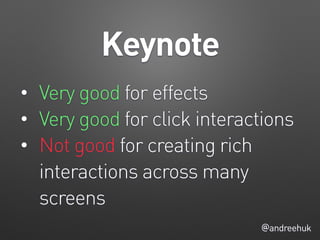
Keynote
@andreehuk
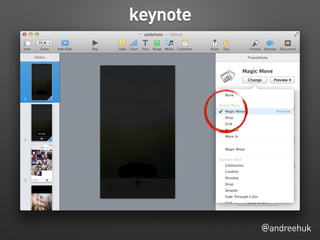
• Very good for effects
• Very good for click interactions
• Not good for creating rich
interactions across many
screens
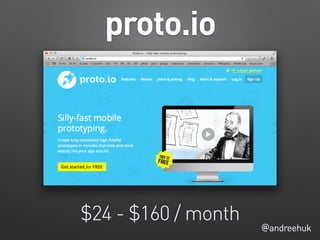
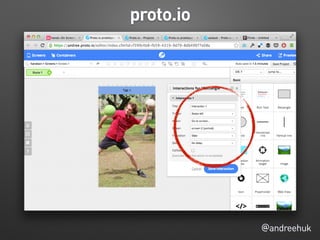
proto.io
@andreehuk
$24 - $160 / month
@andreehuk
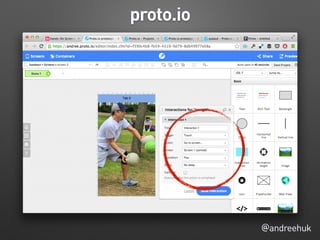
proto.io
@andreehuk
proto.io
@andreehuk
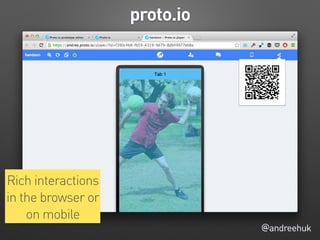
proto.io
Rich interactions
in the browser or
on mobile
proto.io
@andreehuk
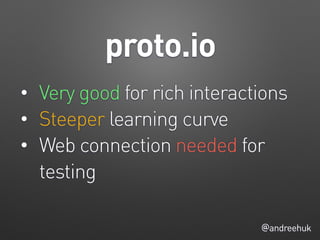
• Very good for rich interactions
• Steeper learning curve
• Web connection needed for
testing
Get in touch
andree+vcard@incuba.de

Hands-On Prototyping Without Code