Google Search/Research Tools for TeachersAUGUST 19, 2011Glenda Morris				Teacher Librarian				OLMC Heidelberg
ConsiderMany tools, need to choose the right tool to best suit the purposeEffective searching is an essential 21st Century skillAs educators, it is OUR responsibility to teach students HOW to search efficiently and effectivelyWe MUST help students to organise, access & leverage the information to meet their information needs
Today’s sessionMany know how to search with Google ... but we can always do it better, thus save timeCan’t cover all aspects on how to search with Google – too hugeOpportunity to explore a range of tools that can reduce the millions of results to be more focussed & links with specifically with your search
Google’s MissionTo organise the world’s information & make it universally accessible & useful
Google Search ToolsRelatedSearchesReadingLevelFilterTimelineLimitresults by Time
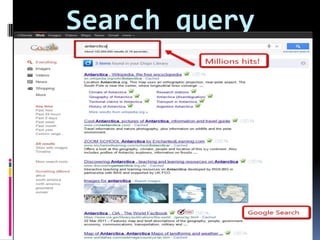
Search query
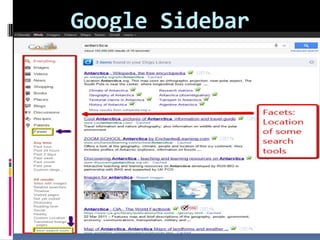
Google Sidebar
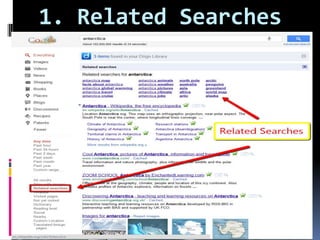
1. Related Searches
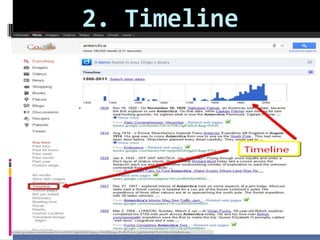
2. Timeline
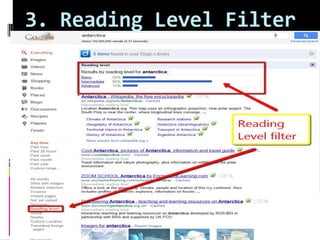
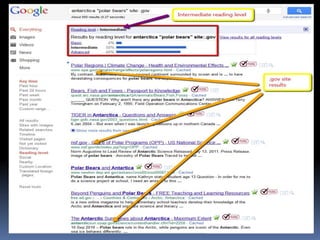
3. Reading Level Filter
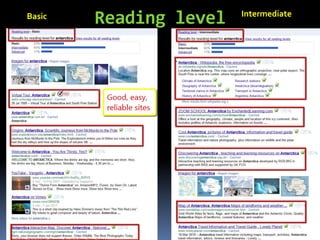
Reading level  Intermediate    Basic
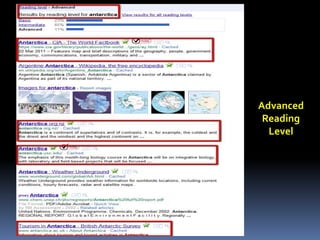
Advanced Reading Level
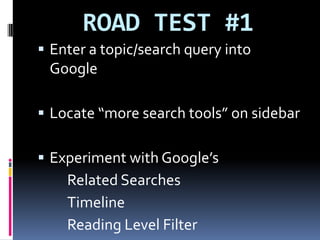
ROAD TEST #1Enter a topic/search query into GoogleLocate “more search tools” on sidebarExperiment with Google’s		Related Searches		Timeline 		Reading Level Filter
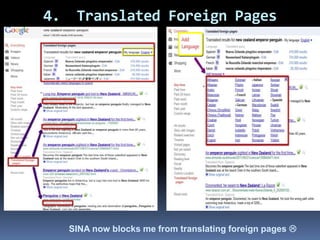
4.  Translated Foreign PagesSINA now blocks me from translating foreign pages 
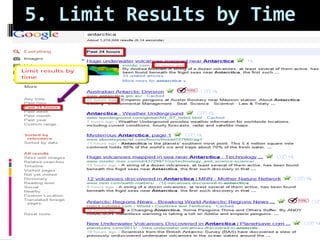
5. Limit Results by Time
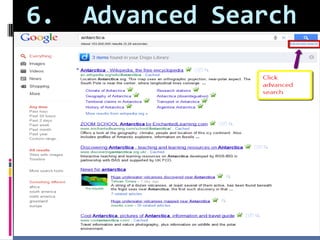
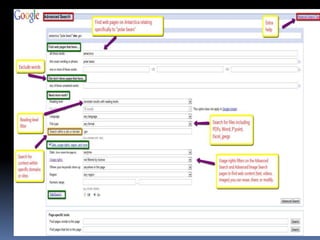
6.  Advanced Search
ROAD TEST #2Enter a topic/search query into GoogleLocate “more search tools” on sidebarExperiment with Google’s		Translated Foreign Pages		Limit Results by ...		Advanced Search
Google Multimedia Search
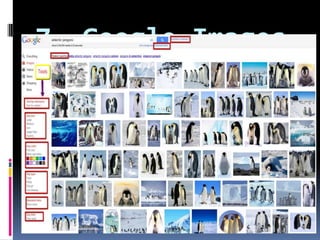
7. Google Images
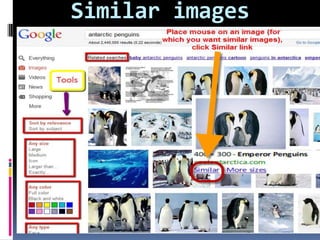
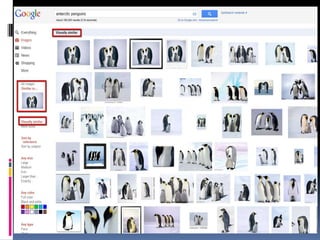
Similar images
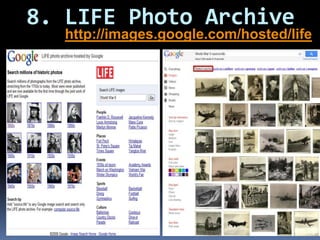
8. LIFE Photo Archivehttp://images.google.com/hosted/life
ROAD TEST #3Enter a topic/search query into Google ImagesExperiment with Google’s		Similar ImagesEnter topic/search query into LIFE Photo Archive
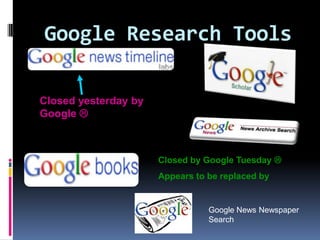
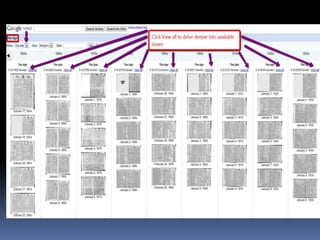
Google Research ToolsClosed yesterday by Google Closed by Google Tuesday Appears to be replaced byGoogle News Newspaper Search
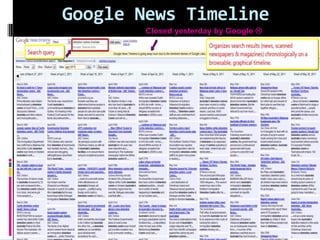
 Google News TimelineClosed yesterday by Google 
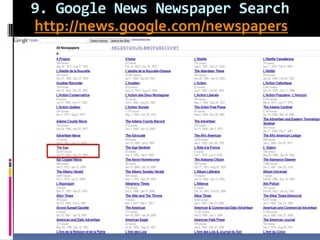
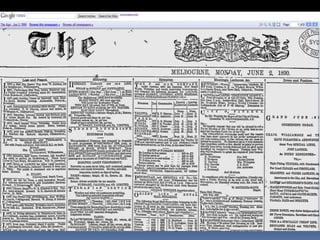
9. Google News Newspaper Searchhttp://news.google.com/newspapers
10. Google Books Find books for students/yourself to read or to assist with research – especially SENIOR studentsProvides access to 1000s of books that would otherwise be difficult/impossible to findSearch to find pages according to your search queryCreate booklists/bookshelves related to curriculum areas saving in My Library
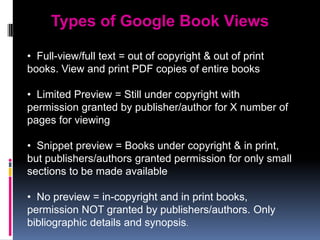
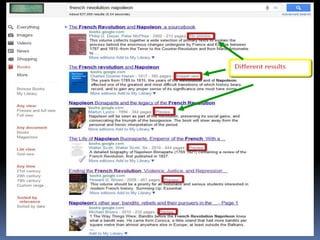
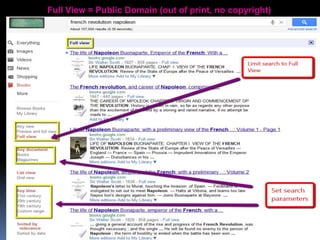
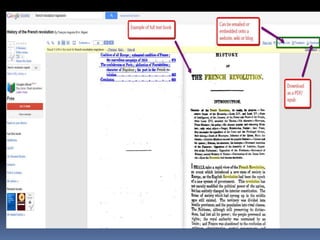
Types of Google Book Views  Full-view/full text = out of copyright & out of print books. View and print PDF copies of entire books
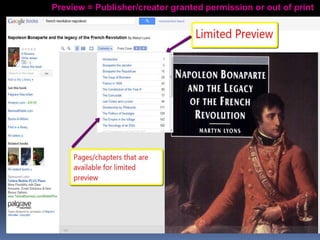
  Limited Preview = Still under copyright with permission granted by publisher/author for X number of pages for viewing
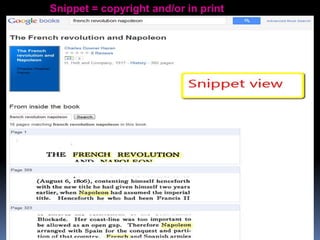
  Snippet preview = Books under copyright & in print, but publishers/authors granted permission for only small sections to be made available
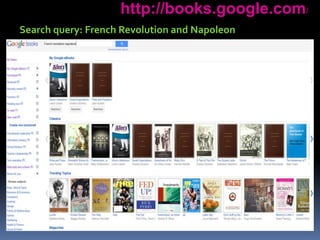
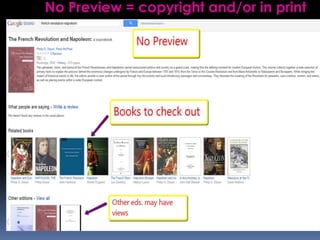
  No preview = in-copyright and in print books, permission NOT granted by publishers/authors. Only bibliographic details and synopsis.http://books.google.com/Search query: French Revolution and Napoleon
No Preview = copyright and/or in print
Snippet = copyright and/or in print
Preview = Publisher/creator granted permission or out of print
Full View = Public Domain (out of print, no copyright)
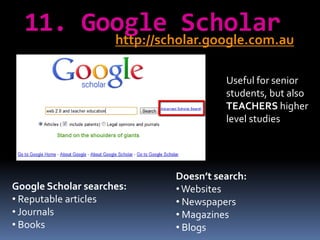
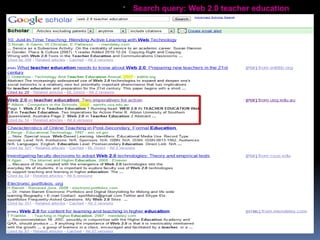
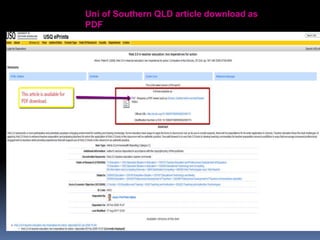
11. Google Scholarhttp://scholar.google.com.auUseful for senior students, but also TEACHERS higher level studiesDoesn’t search: Websites
 Newspapers

Google Search & Research Tools for the Classroom

Editor's Notes

  • #10 Helps students to narrow the search to specific time period & encourages them to think about WHEN they want to know aboutHas a clear visual linear structure
  • #25 Search millions of photographs and etchings that have been digitised from the LIFE photo archive, stretching from the 1750s to today. Most photos were never published but are available from the combined efforts of LIFE and Google.negatives, slides, glass plates, etchings, and prints. 
  • #29 Digitized/scanned historically valuable newspaper archive. Browse newspapers