Git for Humans
Istanbul Coders - October 12th, 2017
Hamza
@ham_ism
ismnoiet@gmail.com
/ismnoiet
• Git and some history
Table of Content
• Integrate Git
• Save changes or ignore files
• Branches
• Push changes & resolve conflicts
• Tools i use
• Example
• Revert changes
• Submit & test PRs
• Resources
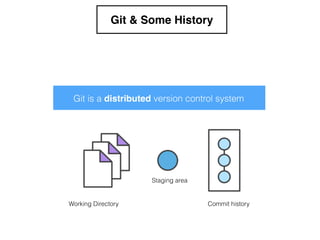
Git & Some History
Working Directory
Staging area
Commit history
Git is a distributed version control system
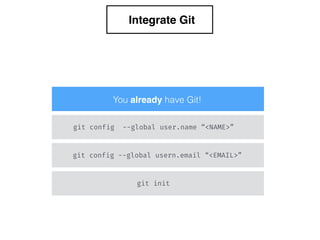
Integrate Git
git config --global usern.email “<EMAIL>”
git config --global user.name “<NAME>”
git init
You already have Git!
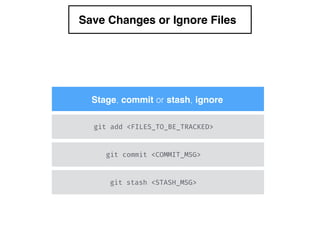
Save Changes or Ignore Files
git add <FILES_TO_BE_TRACKED>
git commit <COMMIT_MSG>
Stage, commit or stash, ignore
git stash <STASH_MSG>
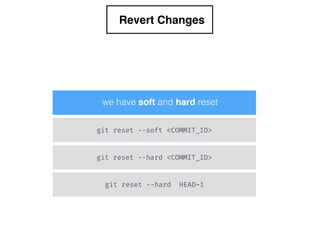
Revert Changes
we have soft and hard reset
git reset --soft <COMMIT_ID>
git reset --hard <COMMIT_ID>
git reset --hard HEAD~1
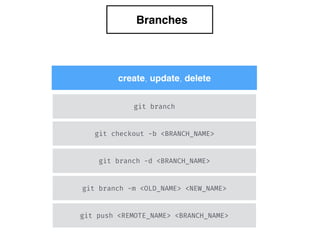
Branches
git branch -d <BRANCH_NAME>
git branch -m <OLD_NAME> <NEW_NAME>
git push <REMOTE_NAME> <BRANCH_NAME>
git checkout -b <BRANCH_NAME>
git branch
create, update, delete
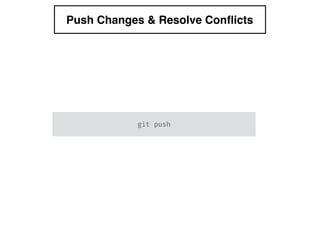
Push Changes & Resolve Conflicts
git push
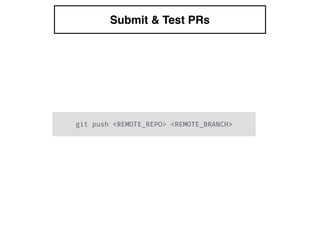
Submit & Test PRs
git push <REMOTE_REPO> <REMOTE_BRANCH>
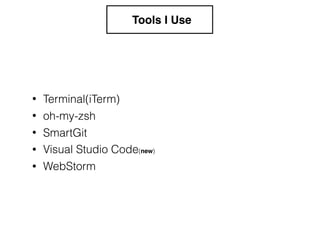
Tools I Use
• oh-my-zsh
• SmartGit
• Visual Studio Code(new)
• WebStorm
• Terminal(iTerm)
Example
Let’s write a Node module
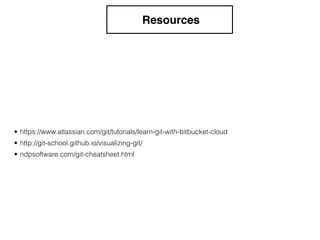
Resources
• ndpsoftware.com/git-cheatsheet.html
• https://www.atlassian.com/git/tutorials/learn-git-with-bitbucket-cloud
• http://git-school.github.io/visualizing-git/
Questions
?
Thanks for your time
@ham_ism
ismnoiet@gmail.com
/ismnoiet

Git for human