Git Branch Practice


                Xinguard Training
                 Date:2012.10.28
            Speaker: Tiffany Wang
今天不會講…


● 為什麼要用git
● git 使用手冊
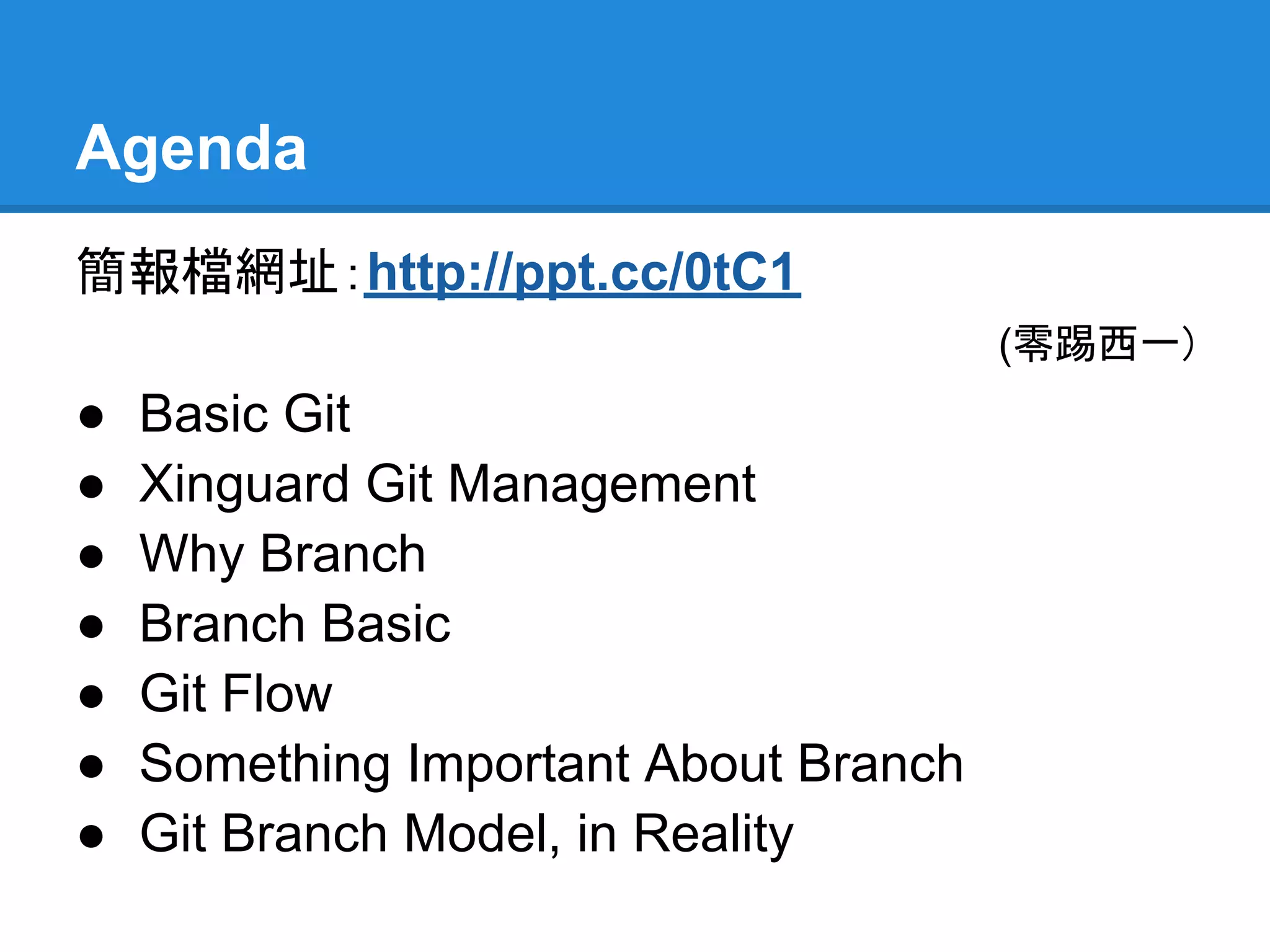
Agenda
簡報檔網址:http://ppt.cc/0tC1
                                       (零踢西一)
●   Basic Git
●   Xinguard Git Management
●   Why Branch
●   Branch Basic
●   Git Flow
●   Something Important About Branch
●   Git Branch Model, in Reality
「一流公司想事情透徹(think through),一
次就做對事情;而二流公司大家都很忙很
忙,但只是救火。」
            施崇棠,華碩電腦CEO
Git Basic
git四大基本招
● git clone
● git commit
● git push
● git pull

git小白不知道怎麼辦,就一直 "git commit -a"就對了!!


[note] pull=fetch+merge
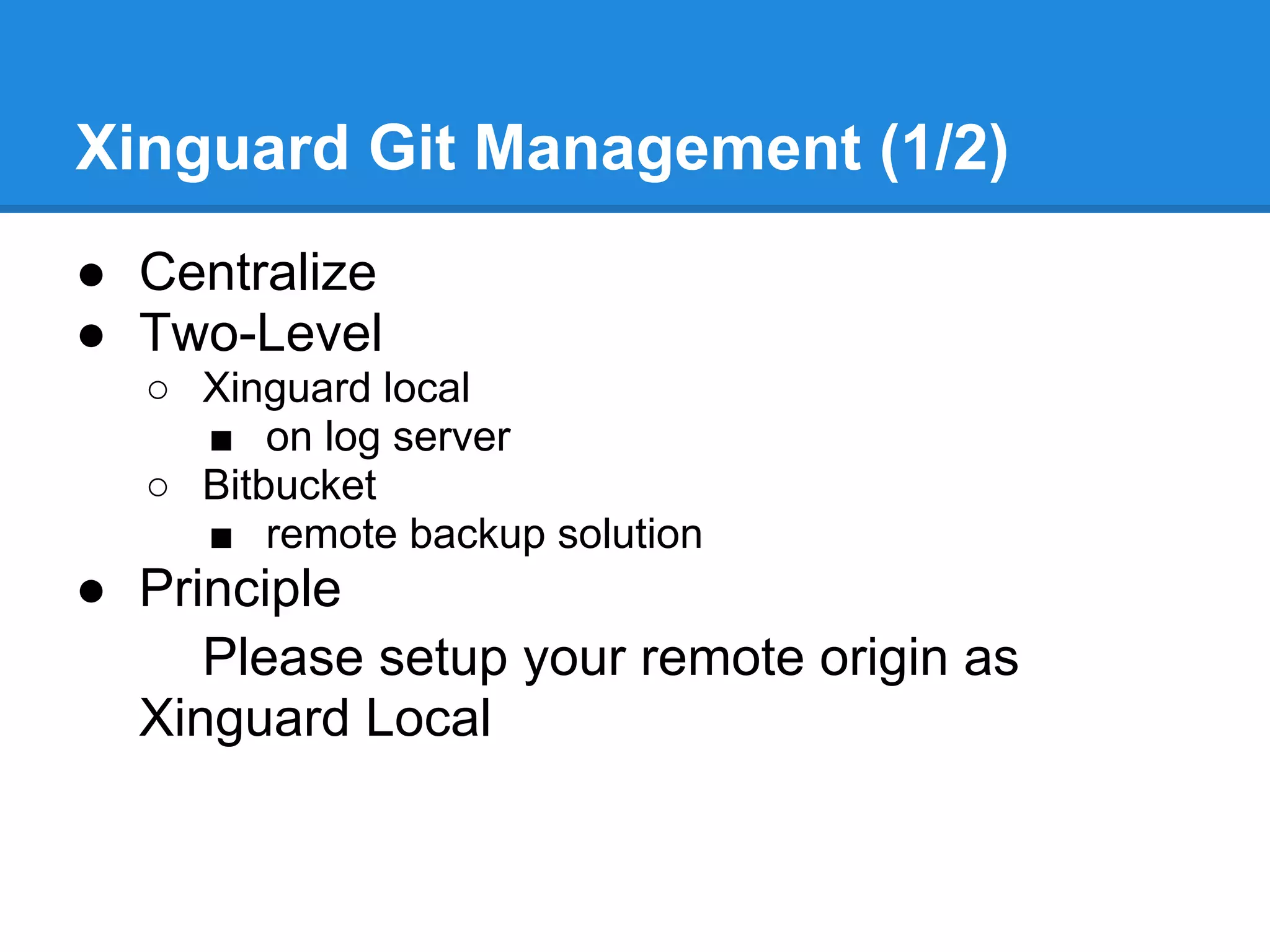
Xinguard Git Management (1/2)
● Centralize
● Two-Level
  ○ Xinguard local
    ■ on log server
  ○ Bitbucket
    ■ remote backup solution
● Principle
     Please setup your remote origin as
  Xinguard Local
https://github.com/git/hello-world.
githttps://github.com/git/hello-world.
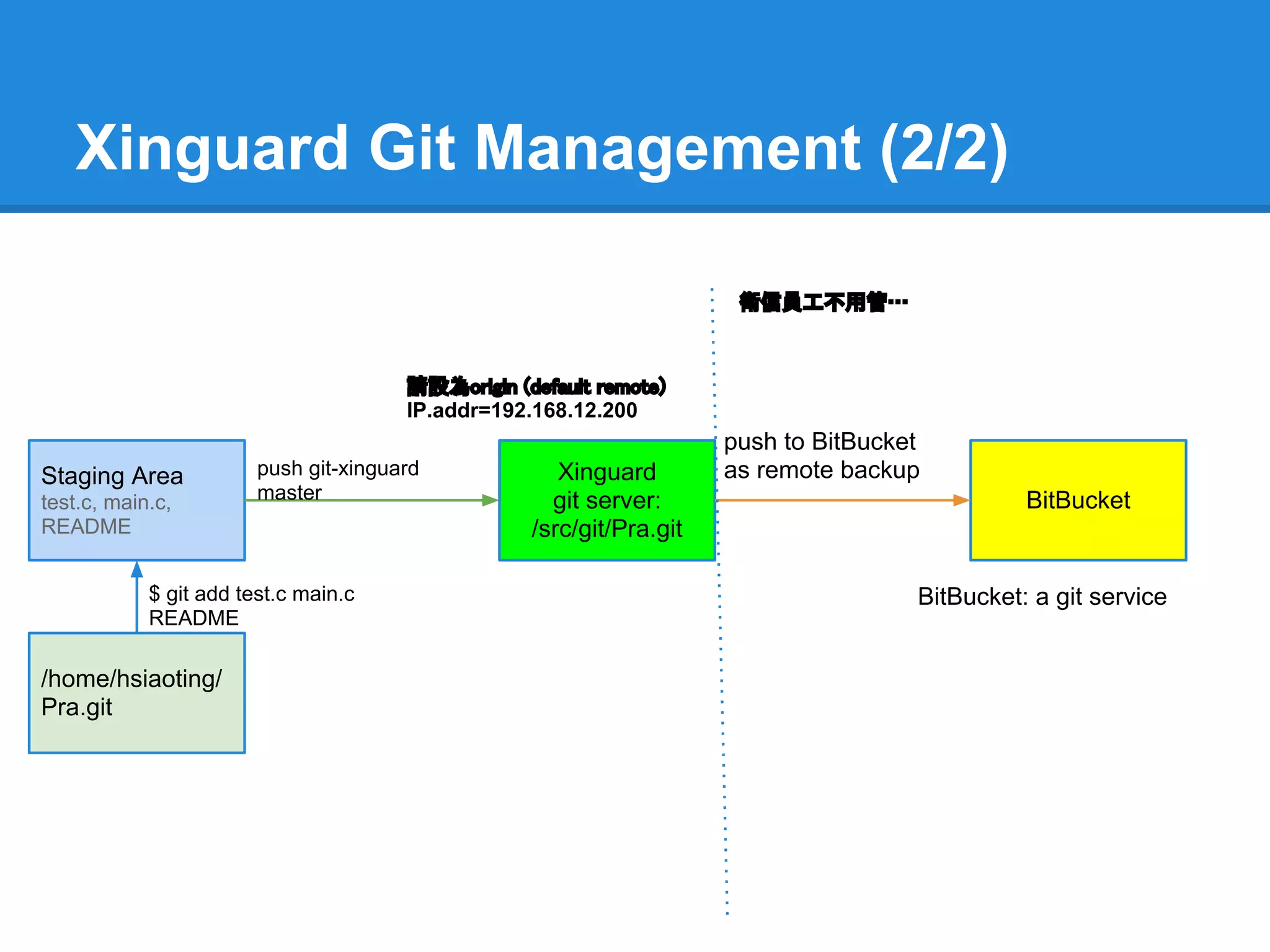
Xinguard Git Management (2/2)

                                                                      衛信員工不用管…


                                       請設為origin (default remote)
                                       IP.addr=192.168.12.200
                                                                     push to BitBucket
Staging Area            push git-xinguard            Xinguard        as remote backup
test.c, main.c,         master                      git server:                                BitBucket
README                                            /src/git/Pra.git

            $ git add test.c main.c                                                  BitBucket: a git service
            README

/home/hsiaoting/
Pra.git
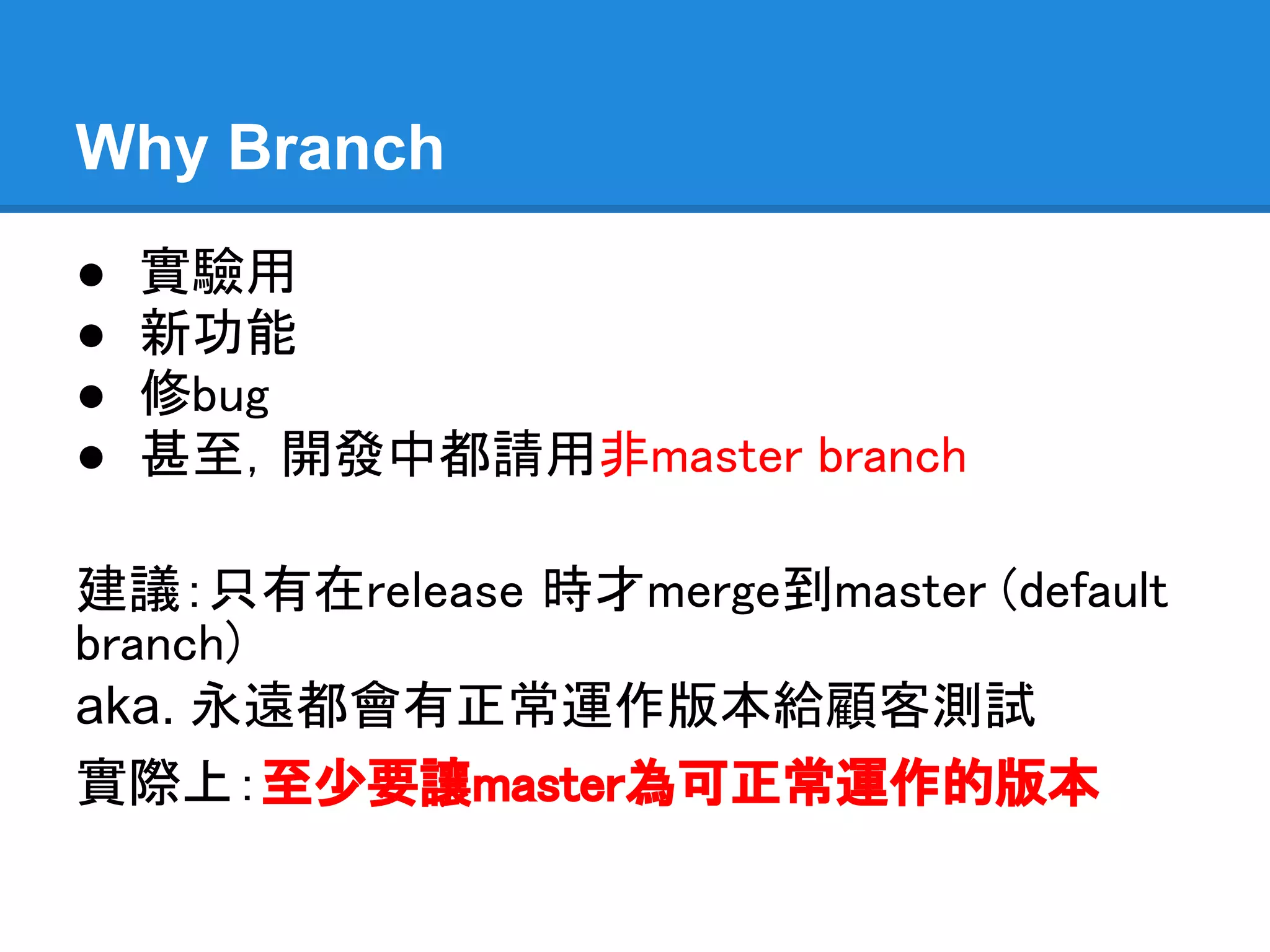
Why Branch
●   實驗用
●   新功能
●   修bug
●   甚至,開發中都請用非master branch

建議:只有在release 時才merge到master
(default branch)
aka. 永遠都會有正常運作版本給顧客測試
實際上:至少要讓master為可正常運作的版本
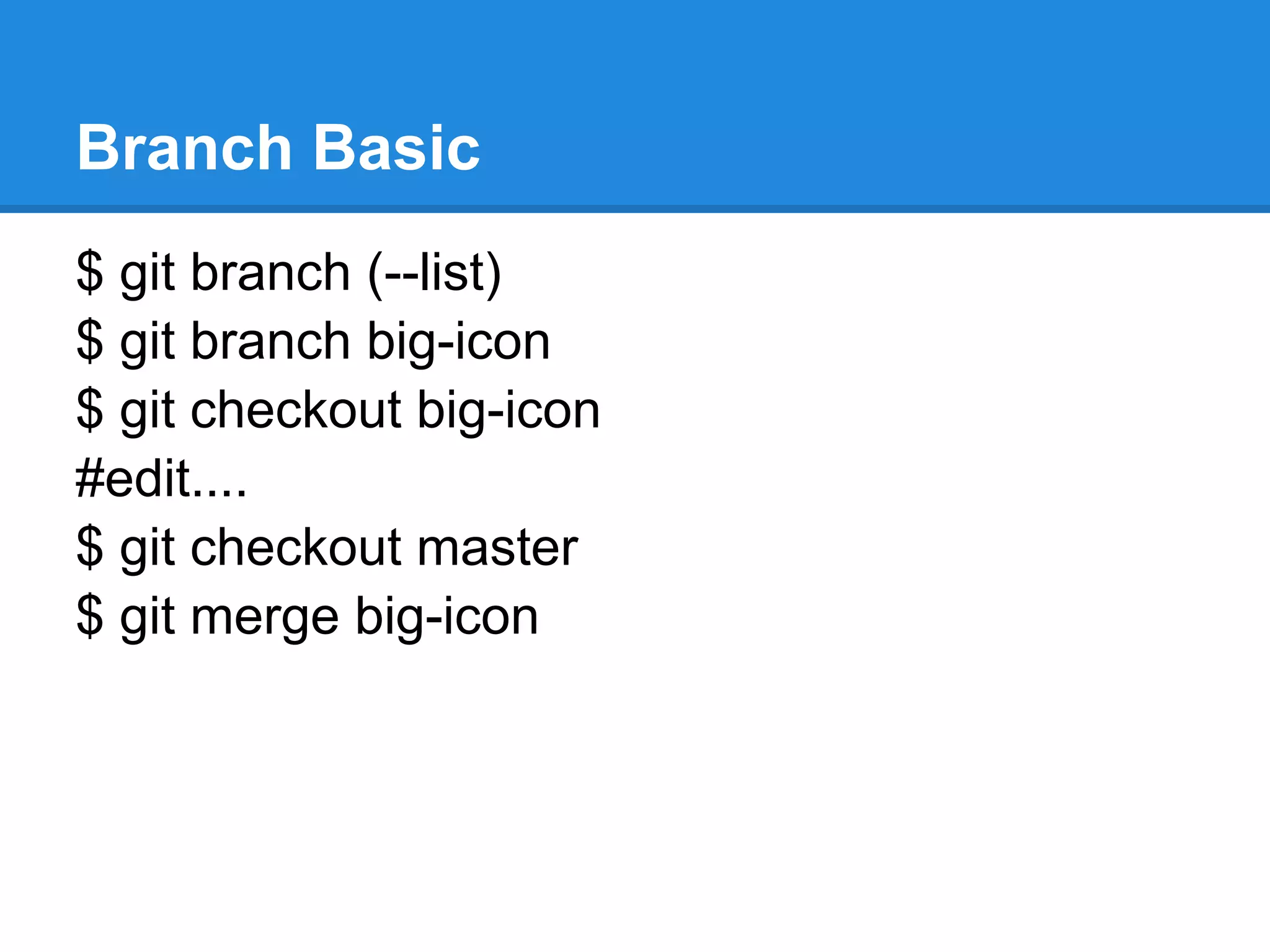
Branch Basic
$ git branch (–list)
$ git branch big-icon
$ git checkout big-icon
(edit…. )
$ git commit
$ git push origin big-icon #remember to replace your
remote repository name.
(When you want to merge big-icon branch with master
branch… )
$ git checkout master
$ git merge big-icon
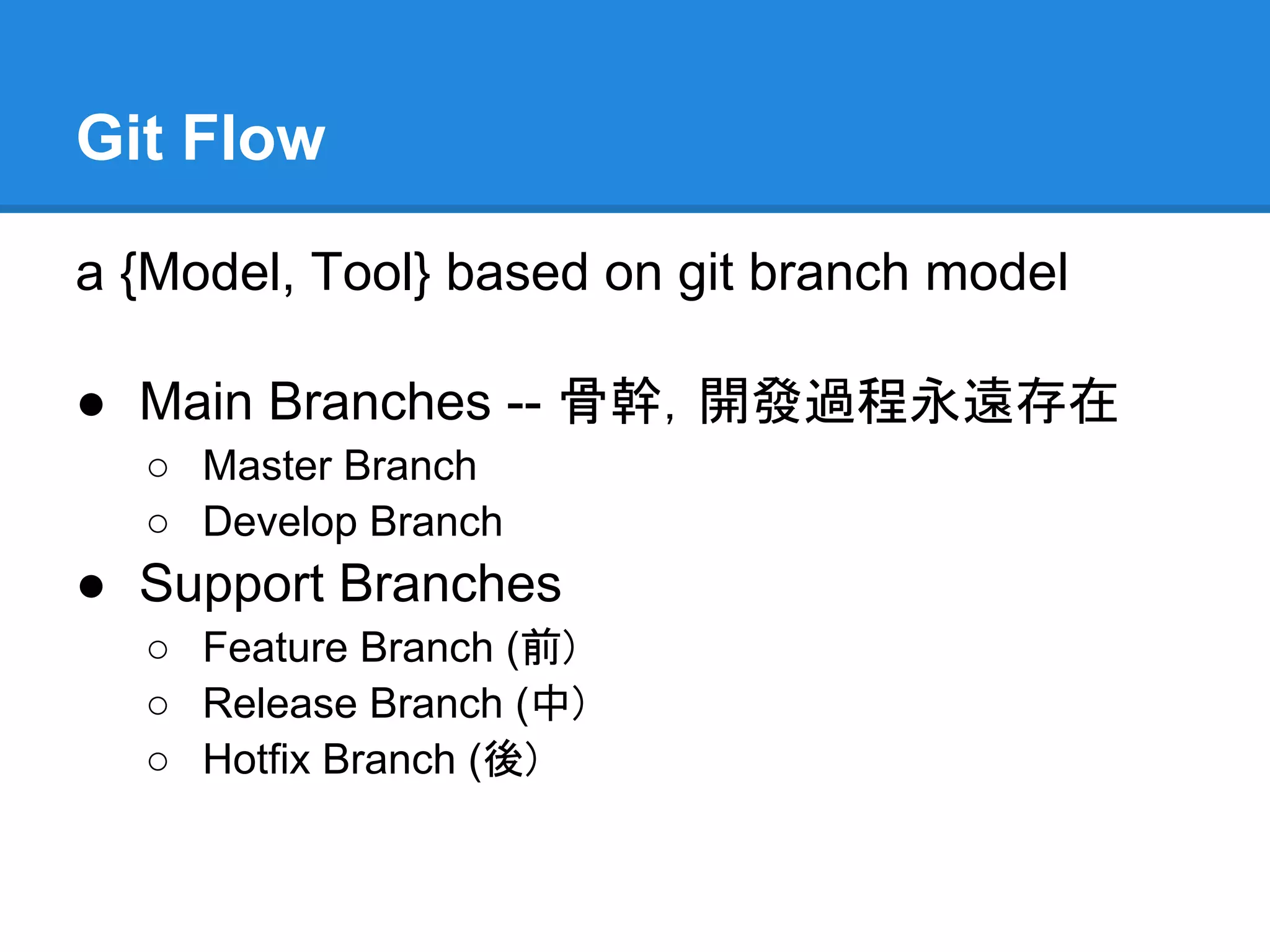
Git Flow

a {Model, Tool} based on git branch model

● Main Branches -- 骨幹,開發過程永遠存在
  ○ Master Branch
  ○ Develop Branch
● Support Branches
  ○ Feature Branch (前)
  ○ Release Branch (中)
  ○ Hotfix Branch (後)
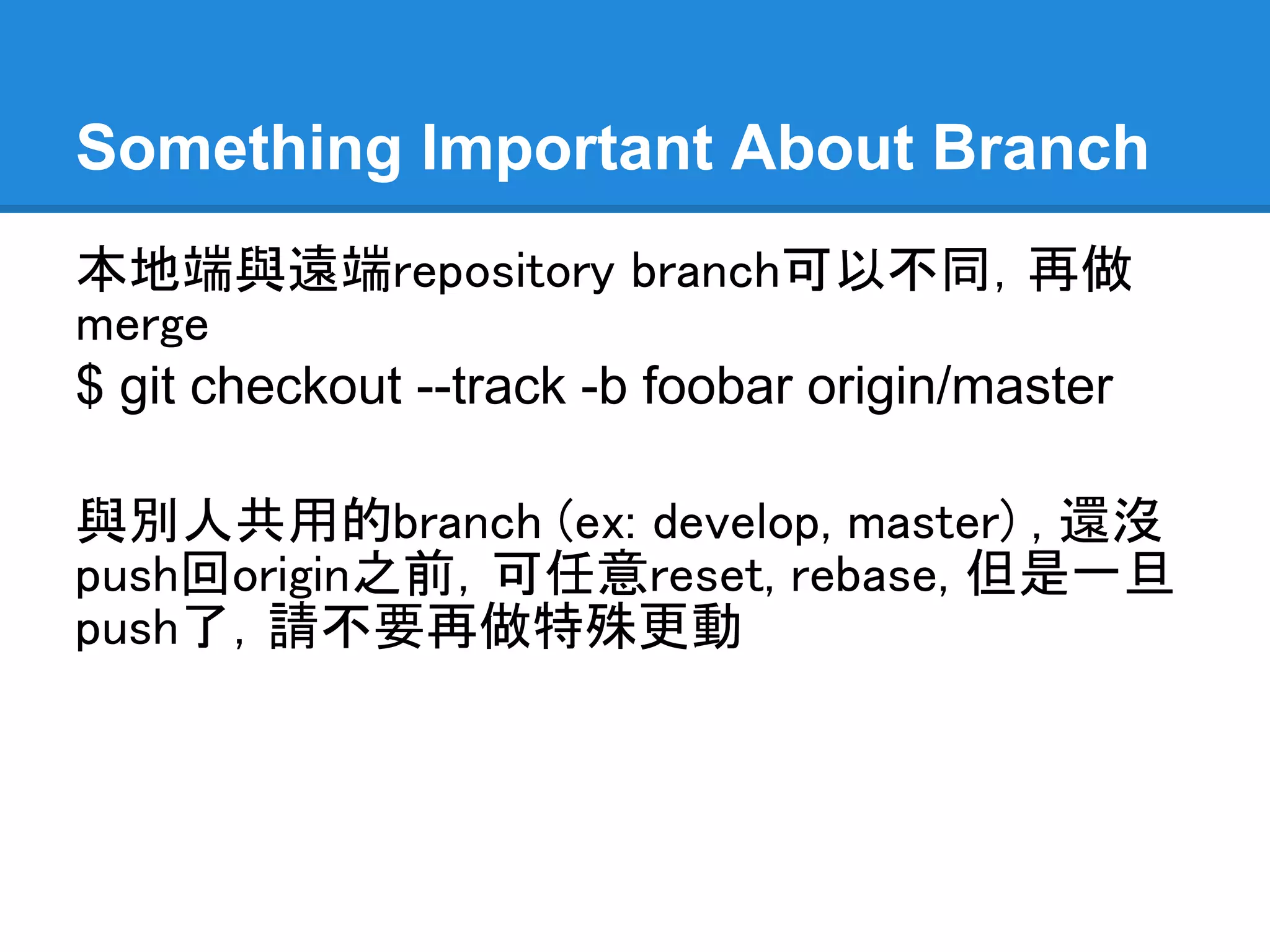
Something Important About Branch
本地端與遠端 repository branch 可以不同,再依
個別需求做merge (ex: 本地端的master merge
到遠端的dev, 這情形很常發生…)
$ git checkout --track -b foobar origin/master

與別人共用的branch (ex: develop, master) , 或
是還沒push回 origin repository 之前,可任意
reset 或 rebase, 但是一旦push了,請不要再做
特殊更動,容易有錯誤發生
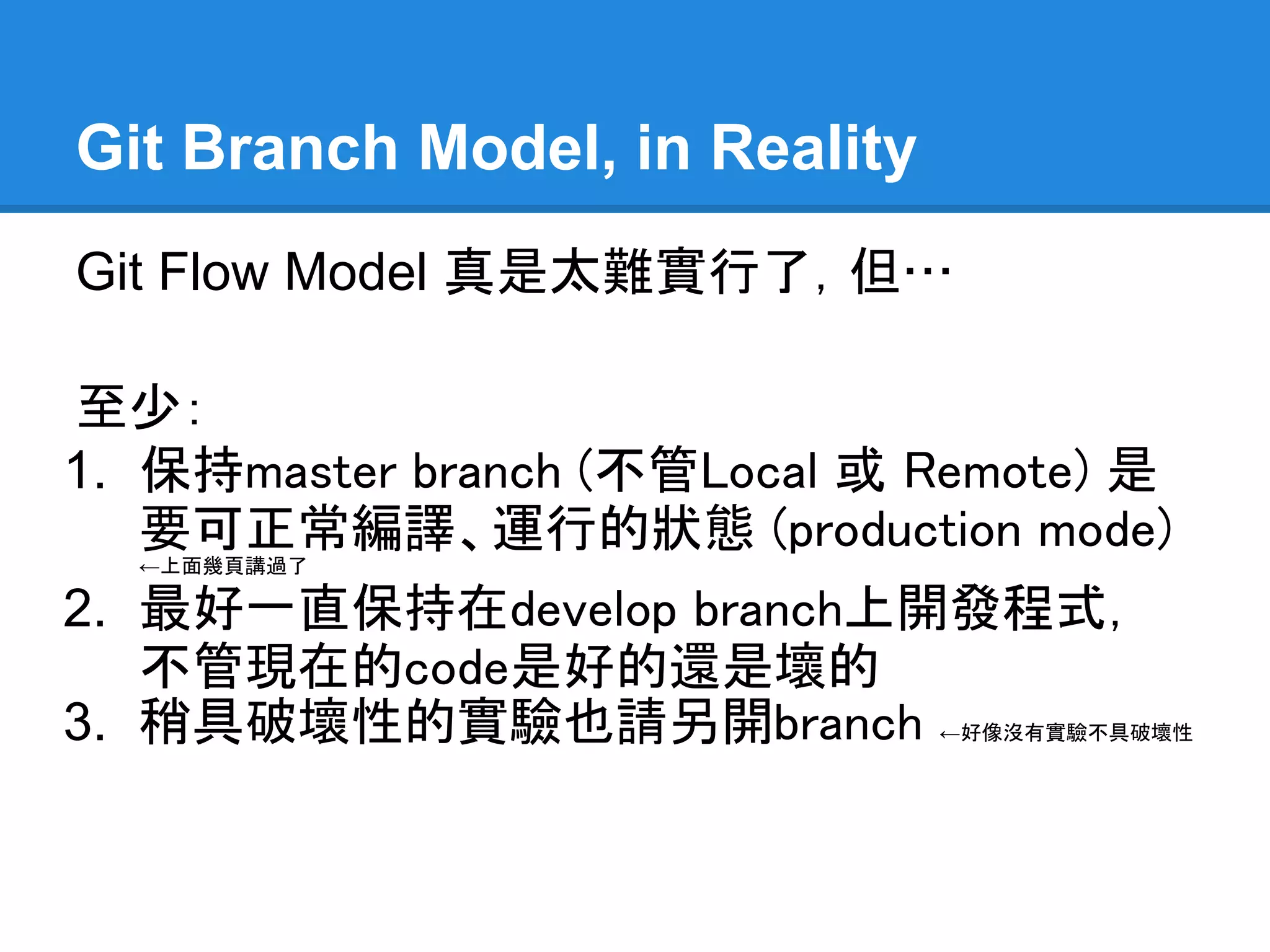
Git Branch Model, in Reality
Git Flow Model 真是太難實行了,但…

至少:
1. 保持master branch (不管Local 或 Remote)
   是要可正常編譯、運行的狀態 (production
   mode)←上面幾頁講過了

2. 最好一直保持在develop branch上開發程式,
   不管現在的code是好的還是壞的
3. 稍具破壞性的實驗也請另開branch          ←好像沒有實驗不具破壞
  性
Reference
● 網管人:Git版本控制系統 輕鬆保留檔案

● 寫給大家的Git教學
Lab 實習

$ git clone  https://github.com/git/hello-world.git
(會下載很多種語言的hello-world程式的寫法)

建立本地分支、加入檔案、修改、commit、push回
Xinguard local (記得在Xinguard local需先建立
資料夾)

當然,自己寫的小程式也可以直接在BitBucket上
頭開專案,然後再push上BitBucket

Git Branch Practice

  • 1.
    Git Branch Practice Xinguard Training Date:2012.10.28 Speaker: Tiffany Wang
  • 2.
  • 3.
    Agenda 簡報檔網址:http://ppt.cc/0tC1 (零踢西一) ● Basic Git ● Xinguard Git Management ● Why Branch ● Branch Basic ● Git Flow ● Something Important About Branch ● Git Branch Model, in Reality
  • 4.
  • 5.
    Git Basic git四大基本招 ● gitclone ● git commit ● git push ● git pull git小白不知道怎麼辦,就一直 "git commit -a"就對了!! [note] pull=fetch+merge
  • 6.
    Xinguard Git Management(1/2) ● Centralize ● Two-Level ○ Xinguard local ■ on log server ○ Bitbucket ■ remote backup solution ● Principle Please setup your remote origin as Xinguard Local https://github.com/git/hello-world. githttps://github.com/git/hello-world.
  • 7.
    Xinguard Git Management(2/2) 衛信員工不用管… 請設為origin (default remote) IP.addr=192.168.12.200 push to BitBucket Staging Area push git-xinguard Xinguard as remote backup test.c, main.c, master git server: BitBucket README /src/git/Pra.git $ git add test.c main.c BitBucket: a git service README /home/hsiaoting/ Pra.git
  • 8.
    Why Branch ● 實驗用 ● 新功能 ● 修bug ● 甚至,開發中都請用非master branch 建議:只有在release 時才merge到master (default branch) aka. 永遠都會有正常運作版本給顧客測試 實際上:至少要讓master為可正常運作的版本
  • 9.
    Branch Basic $ gitbranch (–list) $ git branch big-icon $ git checkout big-icon (edit…. ) $ git commit $ git push origin big-icon #remember to replace your remote repository name. (When you want to merge big-icon branch with master branch… ) $ git checkout master $ git merge big-icon
  • 10.
    Git Flow a {Model,Tool} based on git branch model ● Main Branches -- 骨幹,開發過程永遠存在 ○ Master Branch ○ Develop Branch ● Support Branches ○ Feature Branch (前) ○ Release Branch (中) ○ Hotfix Branch (後)
  • 11.
    Something Important AboutBranch 本地端與遠端 repository branch 可以不同,再依 個別需求做merge (ex: 本地端的master merge 到遠端的dev, 這情形很常發生…) $ git checkout --track -b foobar origin/master 與別人共用的branch (ex: develop, master) , 或 是還沒push回 origin repository 之前,可任意 reset 或 rebase, 但是一旦push了,請不要再做 特殊更動,容易有錯誤發生
  • 12.
    Git Branch Model,in Reality Git Flow Model 真是太難實行了,但… 至少: 1. 保持master branch (不管Local 或 Remote) 是要可正常編譯、運行的狀態 (production mode)←上面幾頁講過了 2. 最好一直保持在develop branch上開發程式, 不管現在的code是好的還是壞的 3. 稍具破壞性的實驗也請另開branch ←好像沒有實驗不具破壞 性
  • 13.
  • 14.
    Lab 實習 $ gitclone https://github.com/git/hello-world.git (會下載很多種語言的hello-world程式的寫法) 建立本地分支、加入檔案、修改、commit、push回 Xinguard local (記得在Xinguard local需先建立 資料夾) 當然,自己寫的小程式也可以直接在BitBucket上 頭開專案,然後再push上BitBucket