CONFIDENTIAL


Getting your data into Salesforce.com
  A focus on migrating data from various sources
  into Salesforce.com
Getting your data into Salesforce.com

• What is the process?
       –    Understanding and exporting data from source systems
       –    Consolidating data
       –    Cleaning and organizing the data
       –    Importing
       –    Check and validate data


Getting your data into Salesforce.com   CONFIDENTIAL               2
Profiling/Exporting Data from Source Systems

• Pain points
       – Data in various systems
       – Can involve multiple people/departments
       – Process can be time consuming


• Key Questions
       –    What are the sources of data?
       –    Who is going to use the data?
       –    What data is relevant moving forward?
       –    Will any custom fields need to be added?


Getting your data into Salesforce.com    CONFIDENTIAL            3
Profiling/Exporting Data from Source Systems

• Solutions
       – Plan and prepare
       – Communicate to others what you are planning to do with the
         information
       – Build templates for others to use
       – Conduct as few exports as possible
       – Understand the business needs and processes


Getting your data into Salesforce.com   CONFIDENTIAL                  4
Consolidating Data

• Pain points
       –    Multiple files
       –    Many different file formats/layouts
       –    Possible variations in field names
       –    Data formats could vary from file to file


• Key Questions
       – Has all the data been gathered?
       – Are field formats consistent?
       – Does each file contain all the required information/data points?


Getting your data into Salesforce.com      CONFIDENTIAL                     5
Consolidating Data

• Solutions
       –    Have teams return files rather than individuals
       –    Enforce the use of templates
       –    Communicate the importance of the process
       –    Get management on board
       –    Remove any irrelevant fields


Getting your data into Salesforce.com     CONFIDENTIAL        6
Clean the Data

• Pain points
       –    Not an easy process
       –    Can be time consuming
       –    Maintaining consistency across record types
       –    Determining which information is correct


• Key Questions
       –    Have all the duplicates been removed?
       –    Are naming conventions consistent?
       –    Is the data complete?
       –    What defines a winning record in the case of duplication?
       –    Has the owner for each record been identified?


Getting your data into Salesforce.com    CONFIDENTIAL                   7
Clean the Data

• Solutions
       – Use a data management tool if available
       – Develop and agree on rules that determine what stays and what
         goes
       – Work with the people that are closest to the data
       – Conduct data quality analysis
       – Check for missing data and fill in where possible


Getting your data into Salesforce.com   CONFIDENTIAL                     8
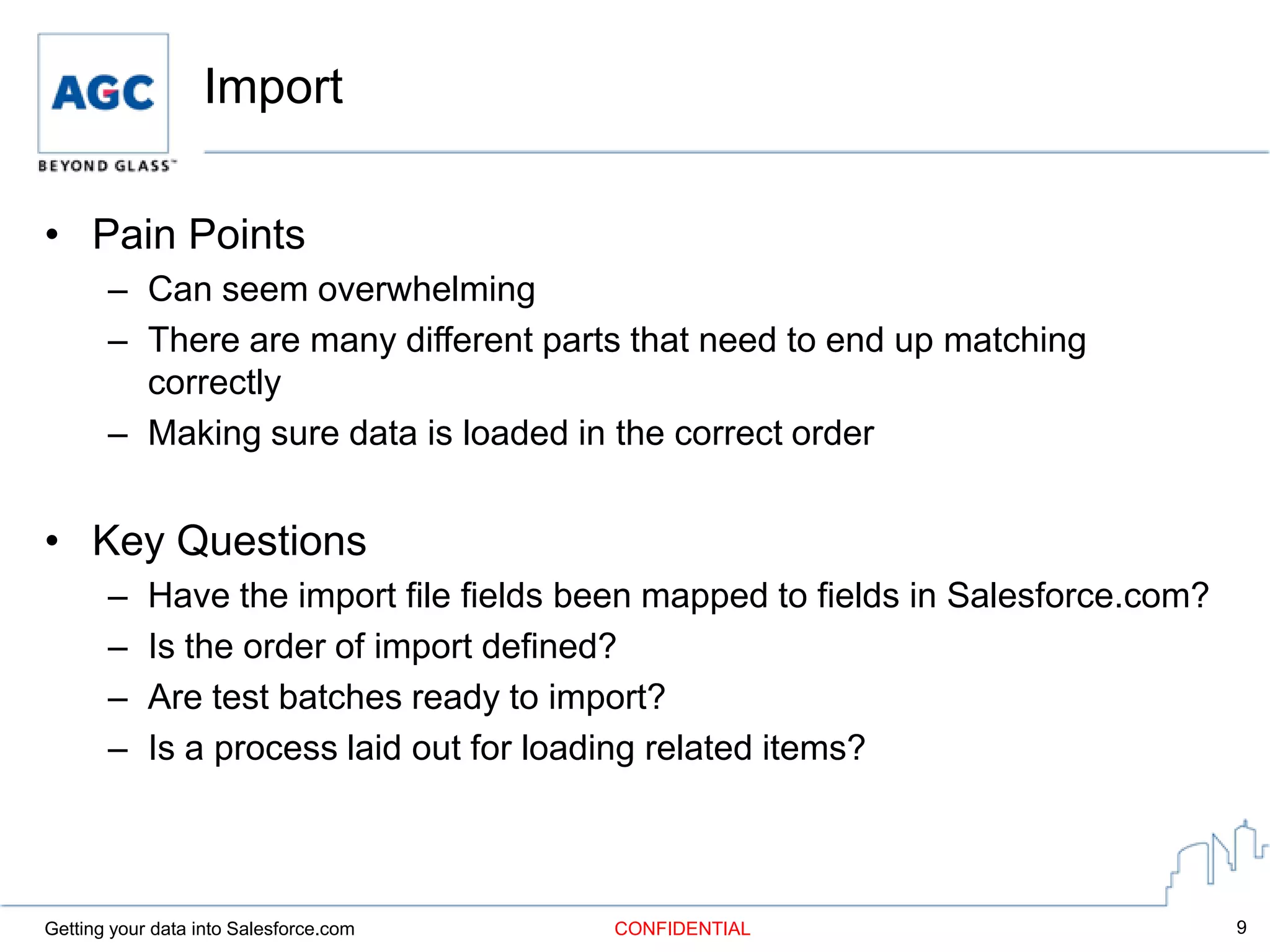
Import

• Pain Points
       – Can seem overwhelming
       – There are many different parts that need to end up matching
         correctly
       – Making sure data is loaded in the correct order


• Key Questions
       –    Have the import file fields been mapped to fields in Salesforce.com?
       –    Is the order of import defined?
       –    Are test batches ready to import?
       –    Is a process laid out for loading related items?


Getting your data into Salesforce.com    CONFIDENTIAL                              9
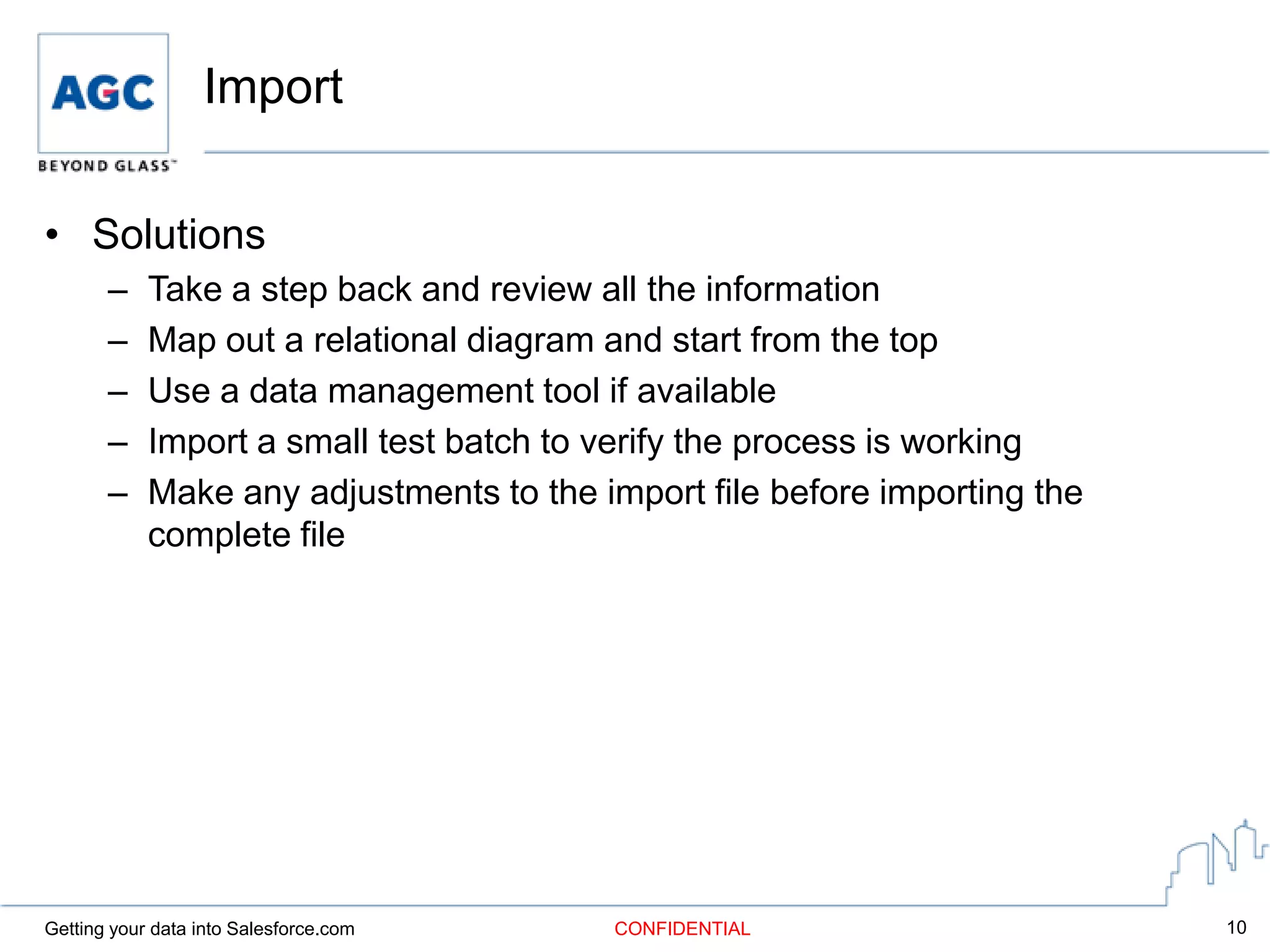
Import

• Solutions
       –    Take a step back and review all the information
       –    Map out a relational diagram and start from the top
       –    Use a data management tool if available
       –    Import a small test batch to verify the process is working
       –    Make any adjustments to the import file before importing the
            complete file


Getting your data into Salesforce.com    CONFIDENTIAL                      10
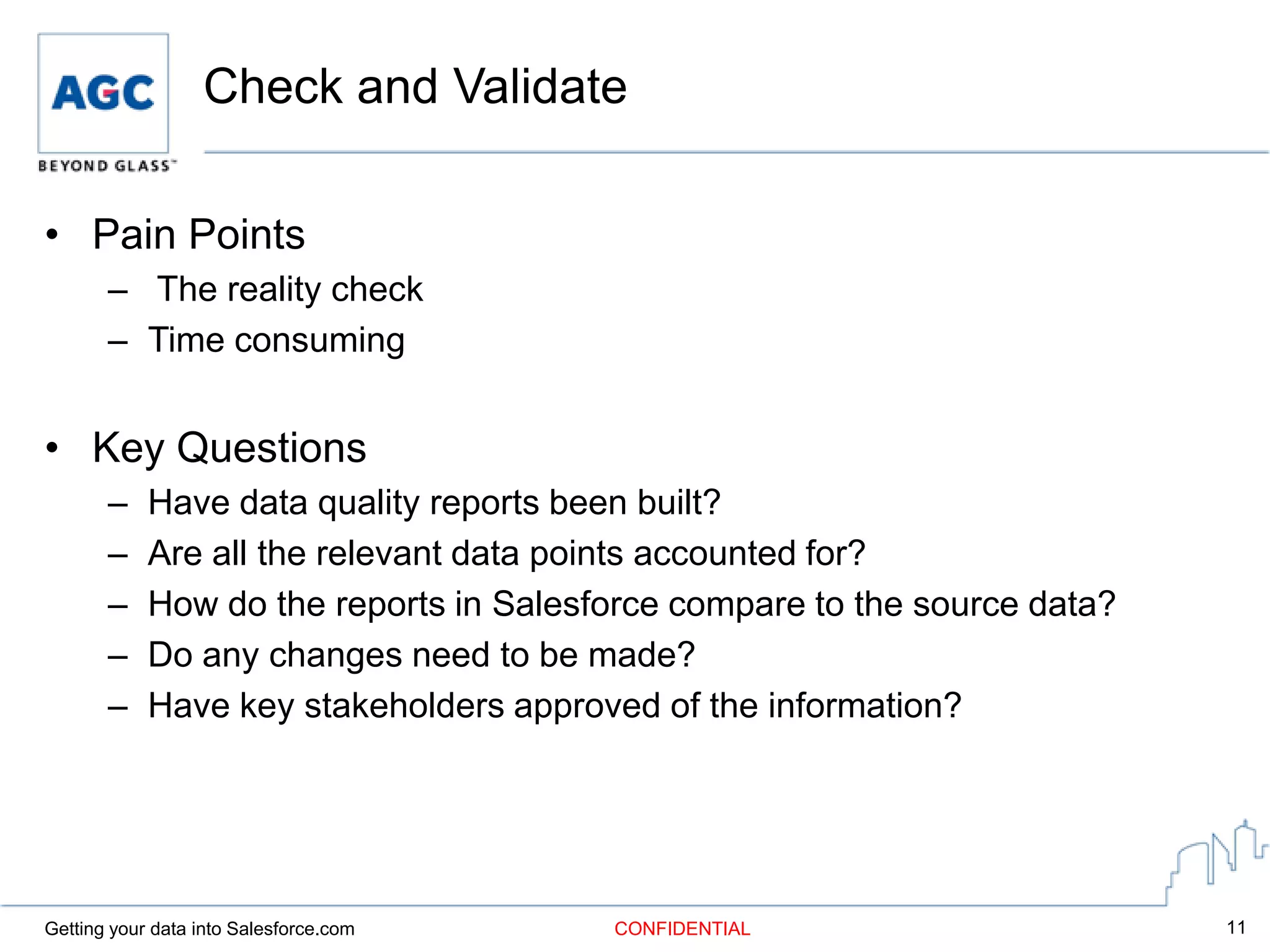
Check and Validate

• Pain Points
       – The reality check
       – Time consuming


• Key Questions
       –    Have data quality reports been built?
       –    Are all the relevant data points accounted for?
       –    How do the reports in Salesforce compare to the source data?
       –    Do any changes need to be made?
       –    Have key stakeholders approved of the information?


Getting your data into Salesforce.com   CONFIDENTIAL                       11
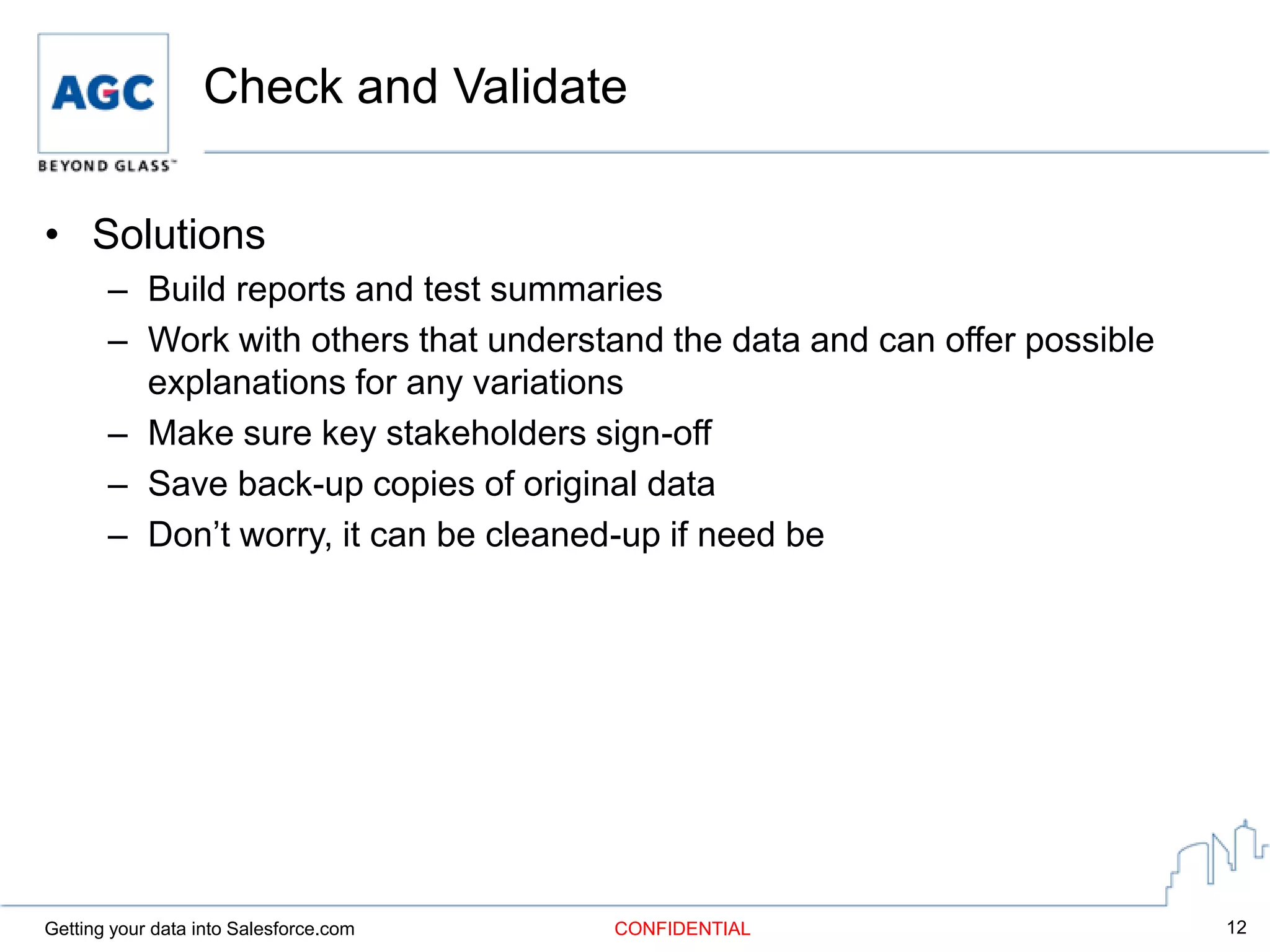
Check and Validate

• Solutions
       – Build reports and test summaries
       – Work with others that understand the data and can offer possible
         explanations for any variations
       – Make sure key stakeholders sign-off
       – Save back-up copies of original data
       – Don’t worry, it can be cleaned-up if need be


Getting your data into Salesforce.com   CONFIDENTIAL                        12
Lessons Learned

• Do your research ahead of time
• Gain a deep understanding of the data and how everything
  is related
• Communicate the process with both users and management
• Set firm dates and schedule (build in some flexibility)
• Ask for help if you need it
• Remember that everything can be corrected


Getting your data into Salesforce.com   CONFIDENTIAL         13
Resources

• Salesforce.com Learning Center
       –    5 steps to getting your data into Salesforce CRM
       –    Salesforce CRM Getting Started Guide
       –    5 steps to a successful implementation
       –    Apex Data Loader user guide


• Our Salesforce.com user group


Getting your data into Salesforce.com   CONFIDENTIAL           14
Questions

John T. Boney
770-712-4750
John.Boney@us.agc.com

404-483-9701
johnboney@yahoo.com


Getting your data into Salesforce.com   CONFIDENTIAL   15

Getting your data into salesforce 5 30-2012

  • 1.
    CONFIDENTIAL Getting your datainto Salesforce.com A focus on migrating data from various sources into Salesforce.com
  • 2.
    Getting your datainto Salesforce.com • What is the process? – Understanding and exporting data from source systems – Consolidating data – Cleaning and organizing the data – Importing – Check and validate data Getting your data into Salesforce.com CONFIDENTIAL 2
  • 3.
    Profiling/Exporting Data fromSource Systems • Pain points – Data in various systems – Can involve multiple people/departments – Process can be time consuming • Key Questions – What are the sources of data? – Who is going to use the data? – What data is relevant moving forward? – Will any custom fields need to be added? Getting your data into Salesforce.com CONFIDENTIAL 3
  • 4.
    Profiling/Exporting Data fromSource Systems • Solutions – Plan and prepare – Communicate to others what you are planning to do with the information – Build templates for others to use – Conduct as few exports as possible – Understand the business needs and processes Getting your data into Salesforce.com CONFIDENTIAL 4
  • 5.
    Consolidating Data • Painpoints – Multiple files – Many different file formats/layouts – Possible variations in field names – Data formats could vary from file to file • Key Questions – Has all the data been gathered? – Are field formats consistent? – Does each file contain all the required information/data points? Getting your data into Salesforce.com CONFIDENTIAL 5
  • 6.
    Consolidating Data • Solutions – Have teams return files rather than individuals – Enforce the use of templates – Communicate the importance of the process – Get management on board – Remove any irrelevant fields Getting your data into Salesforce.com CONFIDENTIAL 6
  • 7.
    Clean the Data •Pain points – Not an easy process – Can be time consuming – Maintaining consistency across record types – Determining which information is correct • Key Questions – Have all the duplicates been removed? – Are naming conventions consistent? – Is the data complete? – What defines a winning record in the case of duplication? – Has the owner for each record been identified? Getting your data into Salesforce.com CONFIDENTIAL 7
  • 8.
    Clean the Data •Solutions – Use a data management tool if available – Develop and agree on rules that determine what stays and what goes – Work with the people that are closest to the data – Conduct data quality analysis – Check for missing data and fill in where possible Getting your data into Salesforce.com CONFIDENTIAL 8
  • 9.
    Import • Pain Points – Can seem overwhelming – There are many different parts that need to end up matching correctly – Making sure data is loaded in the correct order • Key Questions – Have the import file fields been mapped to fields in Salesforce.com? – Is the order of import defined? – Are test batches ready to import? – Is a process laid out for loading related items? Getting your data into Salesforce.com CONFIDENTIAL 9
  • 10.
    Import • Solutions – Take a step back and review all the information – Map out a relational diagram and start from the top – Use a data management tool if available – Import a small test batch to verify the process is working – Make any adjustments to the import file before importing the complete file Getting your data into Salesforce.com CONFIDENTIAL 10
  • 11.
    Check and Validate •Pain Points – The reality check – Time consuming • Key Questions – Have data quality reports been built? – Are all the relevant data points accounted for? – How do the reports in Salesforce compare to the source data? – Do any changes need to be made? – Have key stakeholders approved of the information? Getting your data into Salesforce.com CONFIDENTIAL 11
  • 12.
    Check and Validate •Solutions – Build reports and test summaries – Work with others that understand the data and can offer possible explanations for any variations – Make sure key stakeholders sign-off – Save back-up copies of original data – Don’t worry, it can be cleaned-up if need be Getting your data into Salesforce.com CONFIDENTIAL 12
  • 13.
    Lessons Learned • Doyour research ahead of time • Gain a deep understanding of the data and how everything is related • Communicate the process with both users and management • Set firm dates and schedule (build in some flexibility) • Ask for help if you need it • Remember that everything can be corrected Getting your data into Salesforce.com CONFIDENTIAL 13
  • 14.
    Resources • Salesforce.com LearningCenter – 5 steps to getting your data into Salesforce CRM – Salesforce CRM Getting Started Guide – 5 steps to a successful implementation – Apex Data Loader user guide • Our Salesforce.com user group Getting your data into Salesforce.com CONFIDENTIAL 14
  • 15.