Download to read offline
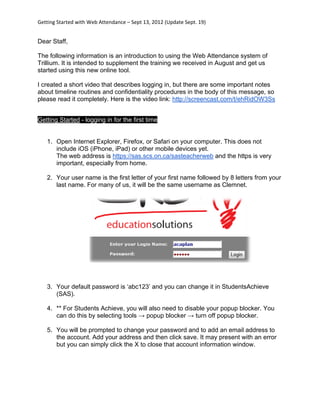

The document provides instructions for staff on getting started with the new Web Attendance system at Trillium. It includes a link to a video demonstrating how to log in. Key steps are to open an internet browser and go to the https URL provided, where your username is the first initial of your first name plus 8 letters of your last name. The default password is "abc123" and can be changed in the StudentsAchieve system after disabling any popup blockers. Contact information is also added during initial login.


