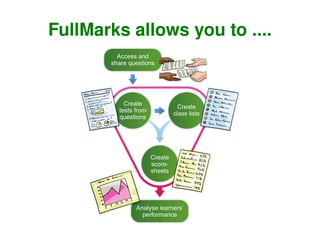
FullMarks allows you to ....
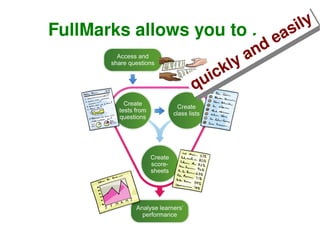
FullMarks allows you to .... quickly and easily
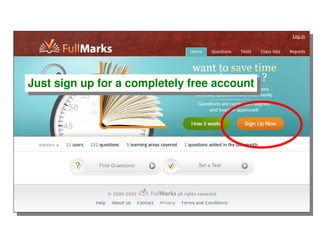
Just sign up for a completely free account
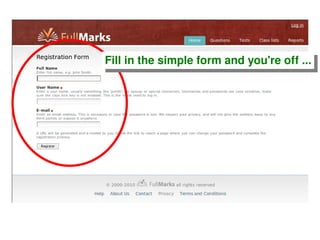
Fill in the simple form and you're off ...
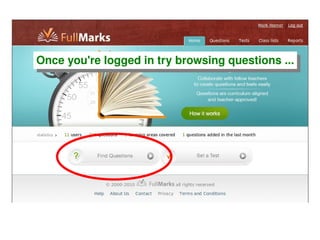
Once you're logged in try browsing questions ...
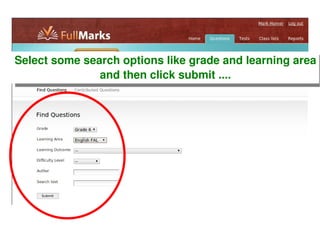
Select some search options like grade and learning area and then click submit ....
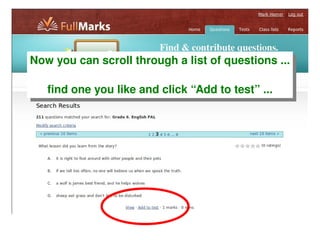
Now you can scroll through a list of questions ... find one you like and click “Add to test” ...
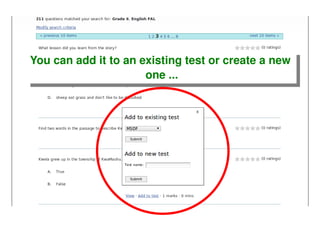
You can add it to an existing test or create a new  one ...
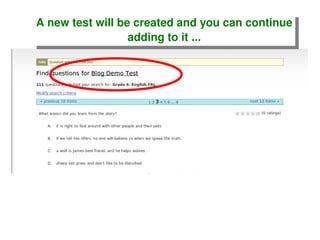
A new test will be created and you can continue adding to it ...
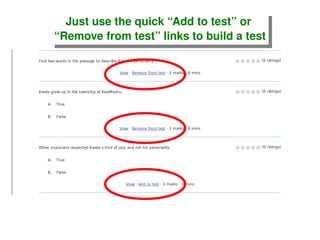
Just use the quick “Add to test” or  “ Remove from test” links to build a test
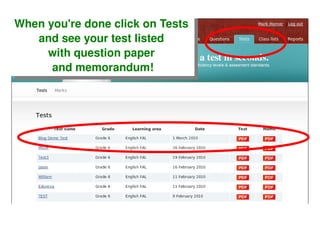
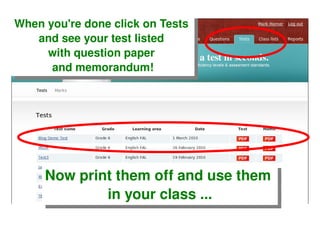
When you're done click on Tests  and see your test listed  with question paper  and memorandum!
When you're done click on Tests  and see your test listed  with question paper  and memorandum! Now print them off and use them  in your class ...
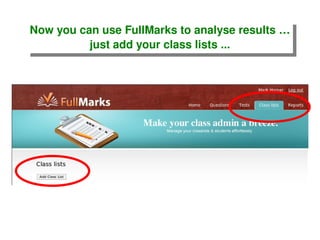
Now you can use FullMarks to analyse results … just add your class lists ...
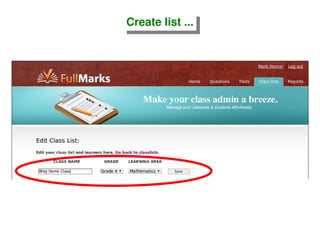
Create list ...
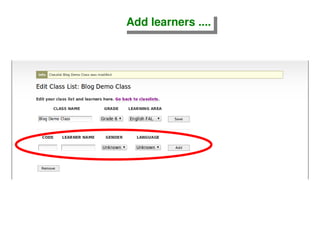
Add learners ....
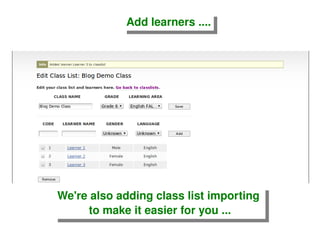
Add learners .... We're also adding class list importing  to make it easier for you ...
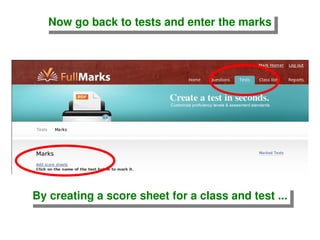
Now go back to tests and enter the marks By creating a score sheet for a class and test ...
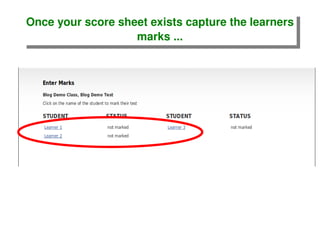
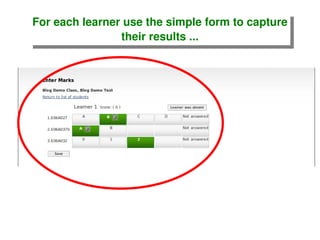
Once your score sheet exists capture the learners marks ...
For each learner use the simple form to capture their results ...
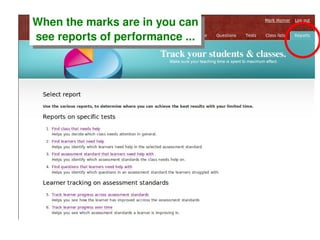
When the marks are in you can see reports of performance ...
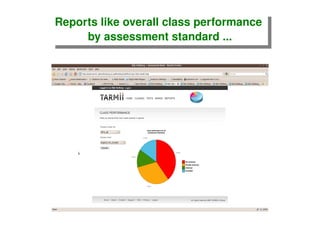
Reports like overall class performance  by assessment standard ...
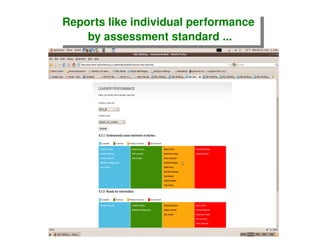
Reports like individual performance  by assessment standard ...
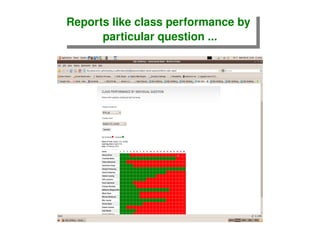
Reports like class performance by  particular question ...
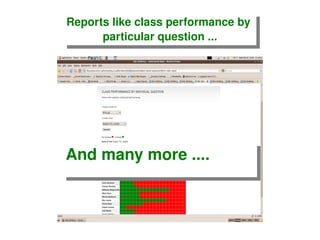
Reports like class performance by  particular question ... And many more ....
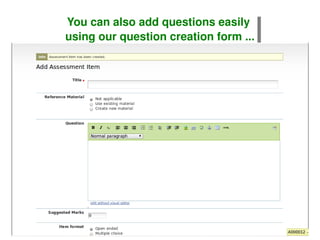
You can also add questions easily  using our question creation form ...
And you can … Import questions from OpenOffice format

Full Marks Demo