Download to read offline



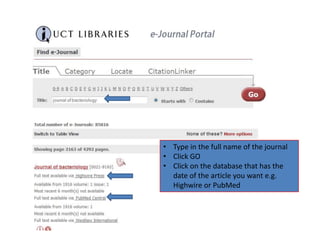
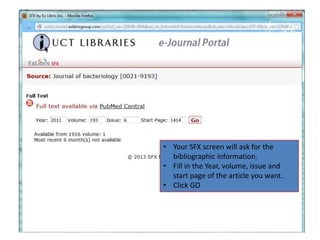
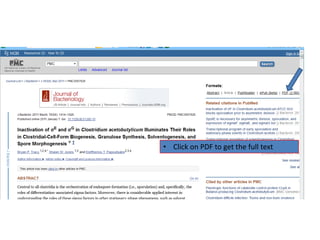


To find an electronic journal article at UCT Libraries: 1. Go to the library homepage and mouse over "Search & Find" and click on "e-Journals". 2. Type in the full journal name, click "GO" and select the database with the date of the desired article, such as Highwire or PubMed. 3. Fill in the bibliographic information including year, volume, issue and start page when prompted, then click "GO" to retrieve the full text PDF.


