SIMPLE JAVA I/O Serialization
SERIALIZATION
You can also read and write objects to files
Object I/O goes by the name of serialization
Serialization in other languages can be very difficult,
because objects may contain references to other objects
Java makes serialization (almost) easy
CONDITIONS FOR
SERIALIZABILITY
If an object is to be serialized:
 The class must be declared as public
 The class must implement Serializable
 The class must have a no-argument constructor
 All fields of the class must be serializable: either primitive types or
serializable objects
IMPLEMENTING THE
SERIALIZABLE INTERFACE
To “implement” an interface means to
define all the methods declared by that
interface, but...
The Serializable interface does not define
any methods!
 Question: What possible use is there for an
interface that does not declare any methods?
 Answer: Serializable is used as flag to tell Java
it needs to do extra work with this class
OBJECT SERIALIZATION
To read an entire object from or write an entire object to a file, Java
provides object serialization.
A serialized object is represented as a sequence of bytes that
includes the object’s data and its type information.
After a serialized object has been written into a file, it can be read
from the file and deserialized to recreate the object in memory.
OBJECT SERIALIZATION (CONT.)
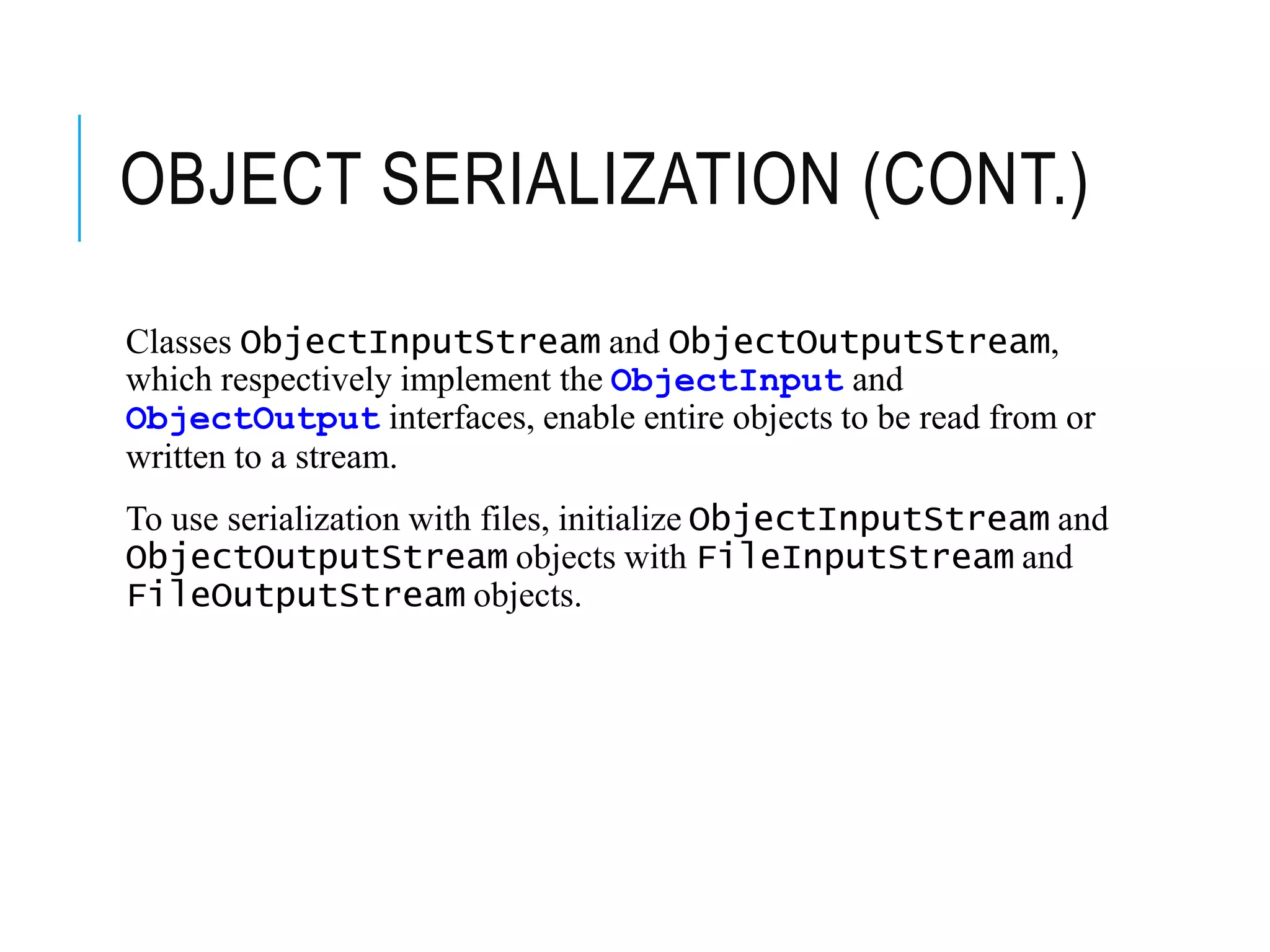
Classes ObjectInputStream and ObjectOutputStream,
which respectively implement the ObjectInput and
ObjectOutput interfaces, enable entire objects to be read from or
written to a stream.
To use serialization with files, initialize ObjectInputStream and
ObjectOutputStream objects with FileInputStream and
FileOutputStream objects.
OBJECT SERIALIZATION (CONT.)
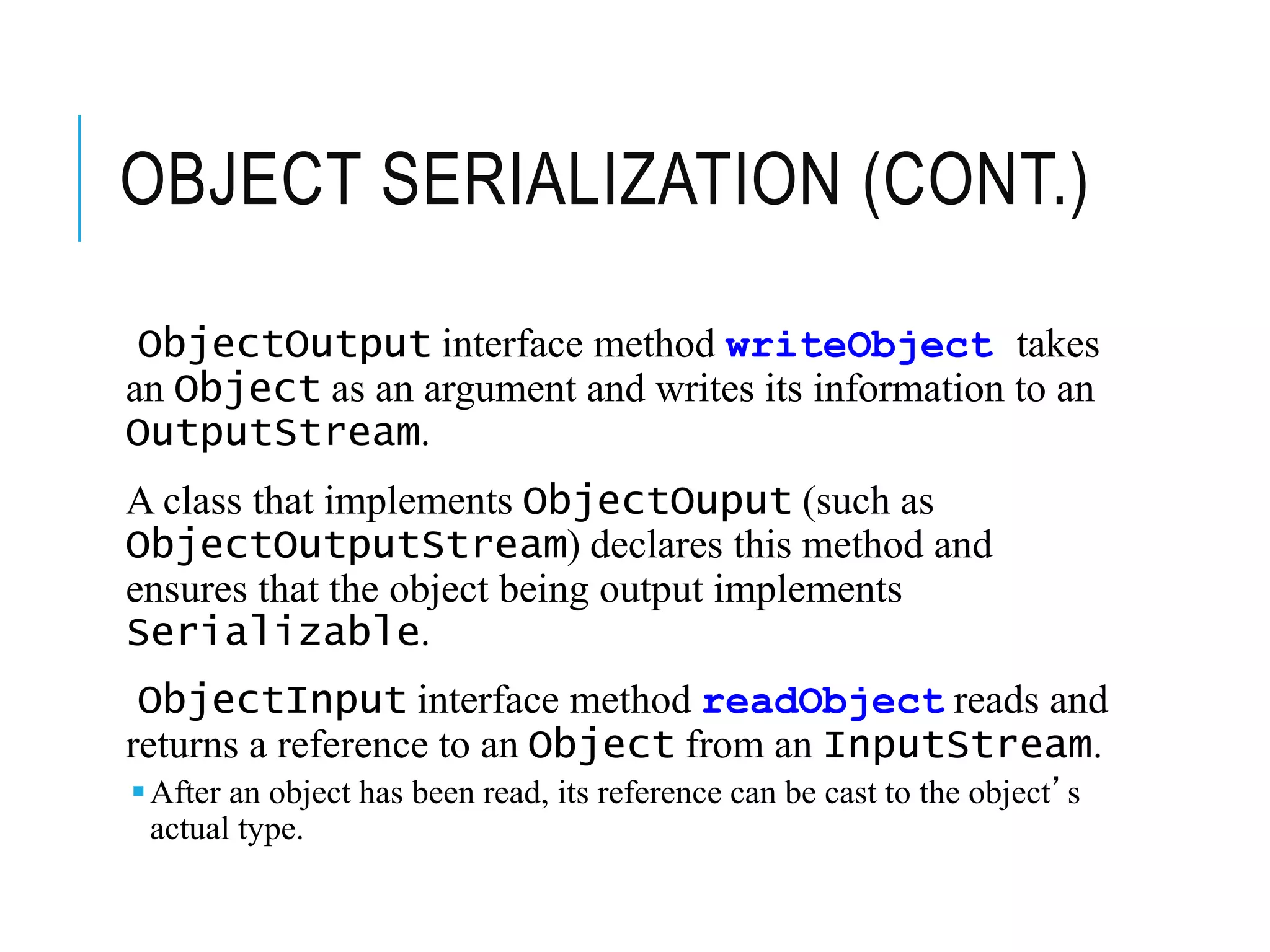
ObjectOutput interface method writeObject takes
an Object as an argument and writes its information to an
OutputStream.
A class that implements ObjectOuput (such as
ObjectOutputStream) declares this method and
ensures that the object being output implements
Serializable.
ObjectInput interface method readObject reads and
returns a reference to an Object from an InputStream.
After an object has been read, its reference can be cast to the object’s
actual type.
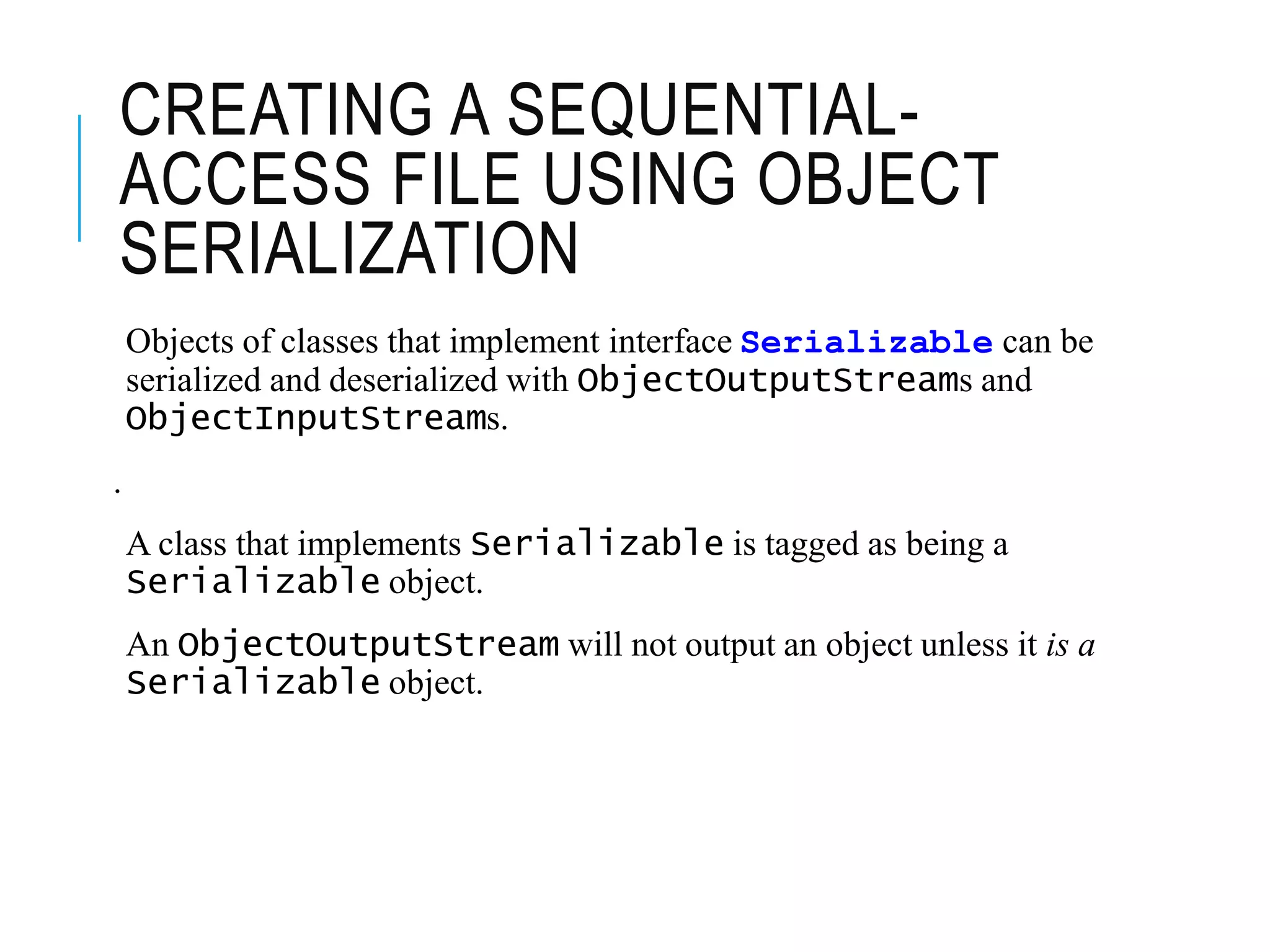
CREATING A SEQUENTIAL-
ACCESS FILE USING OBJECT
SERIALIZATION
Objects of classes that implement interface Serializable can be
serialized and deserialized with ObjectOutputStreams and
ObjectInputStreams.
.
A class that implements Serializable is tagged as being a
Serializable object.
An ObjectOutputStream will not output an object unless it is a
Serializable object.
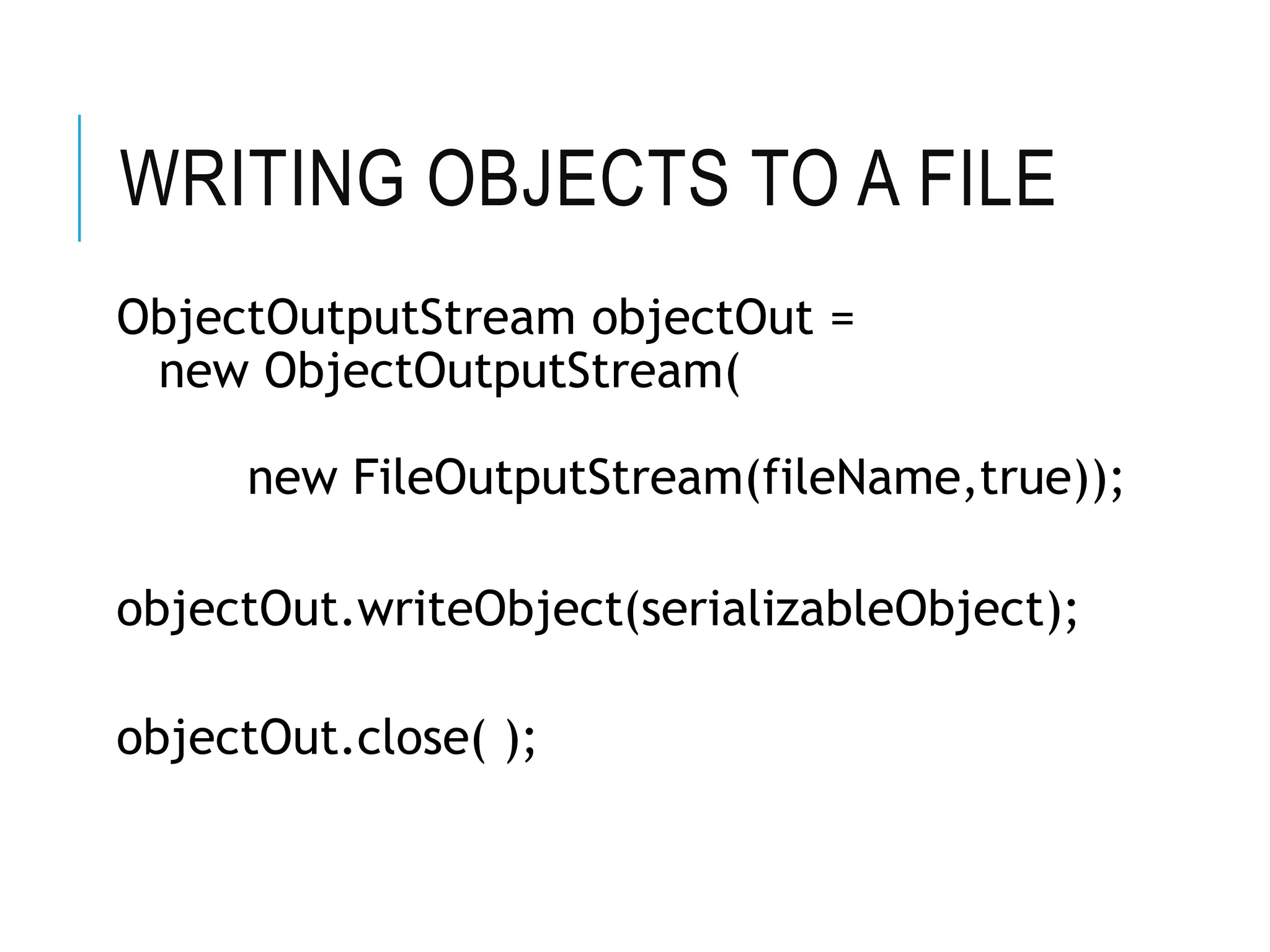
WRITING OBJECTS TO A FILE
ObjectOutputStream objectOut =
new ObjectOutputStream(
new FileOutputStream(fileName,true));
objectOut.writeObject(serializableObject);
objectOut.close( );
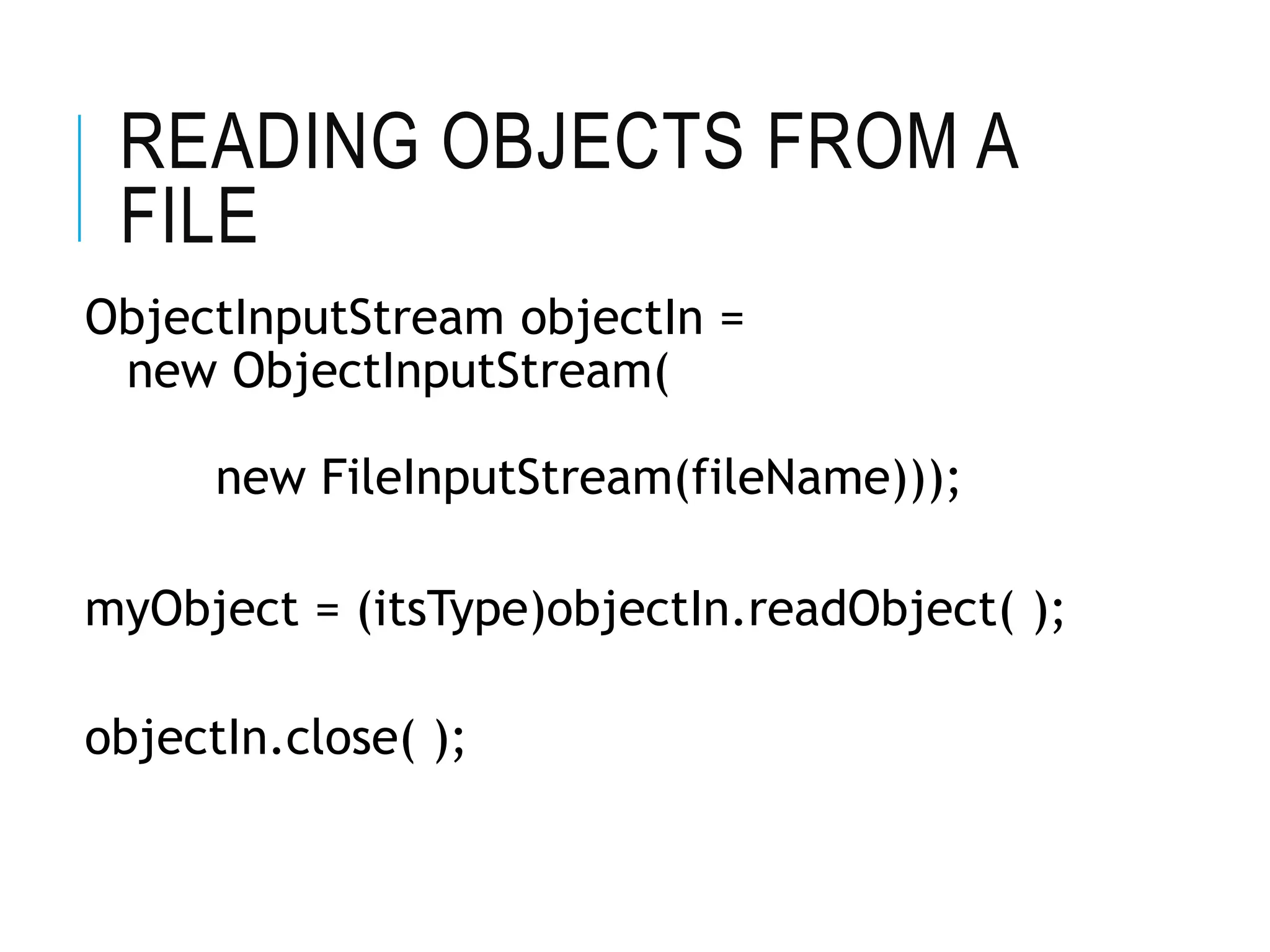
READING OBJECTS FROM A
FILE
ObjectInputStream objectIn =
new ObjectInputStream(
new FileInputStream(fileName)));
myObject = (itsType)objectIn.readObject( );
objectIn.close( );
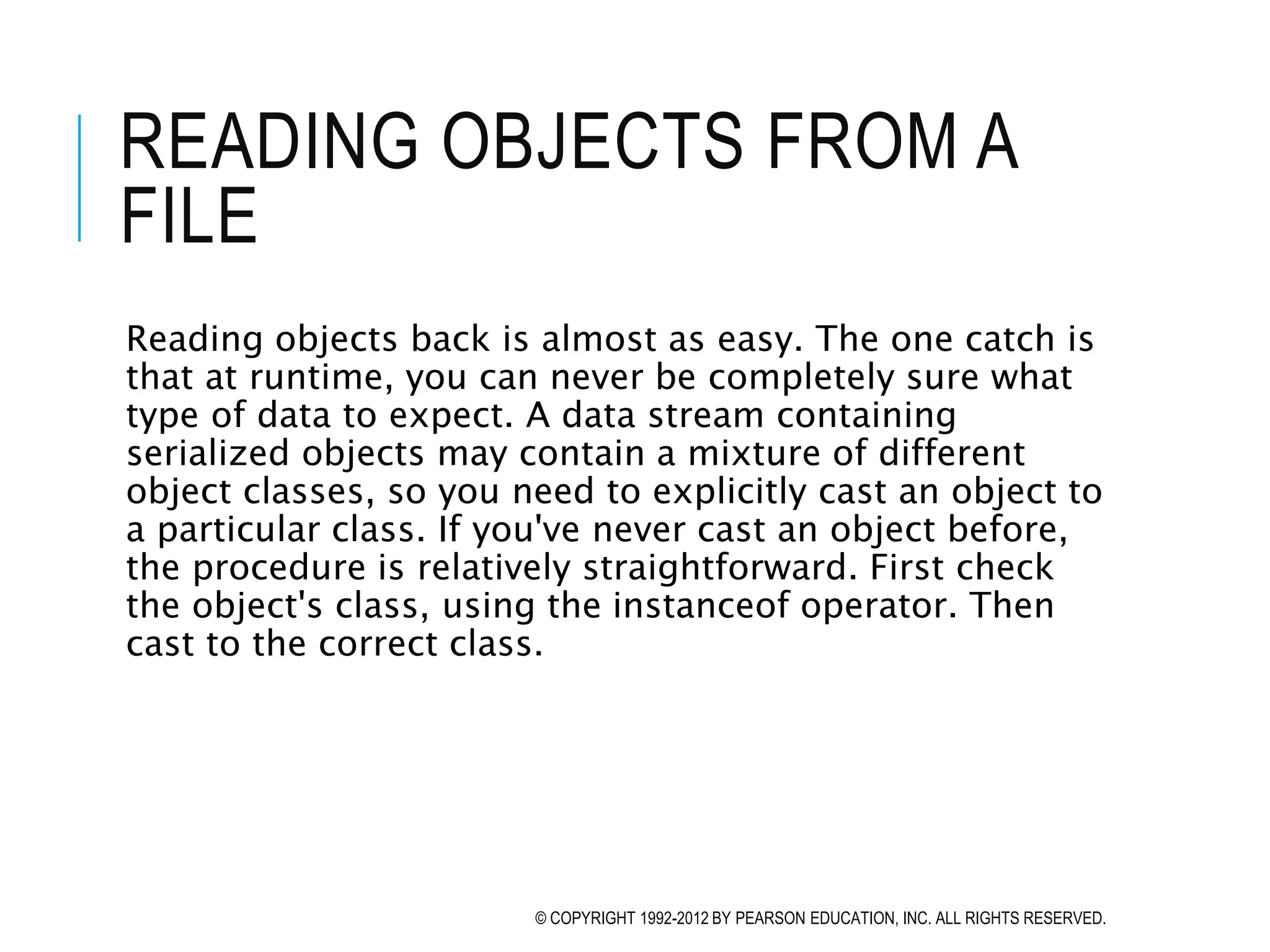
READING OBJECTS FROM A
FILE
Reading objects back is almost as easy. The one catch is
that at runtime, you can never be completely sure what
type of data to expect. A data stream containing
serialized objects may contain a mixture of different
object classes, so you need to explicitly cast an object to
a particular class. If you've never cast an object before,
the procedure is relatively straightforward. First check
the object's class, using the instanceof operator. Then
cast to the correct class.
© COPYRIGHT 1992-2012 BY PEARSON EDUCATION, INC. ALL RIGHTS RESERVED.
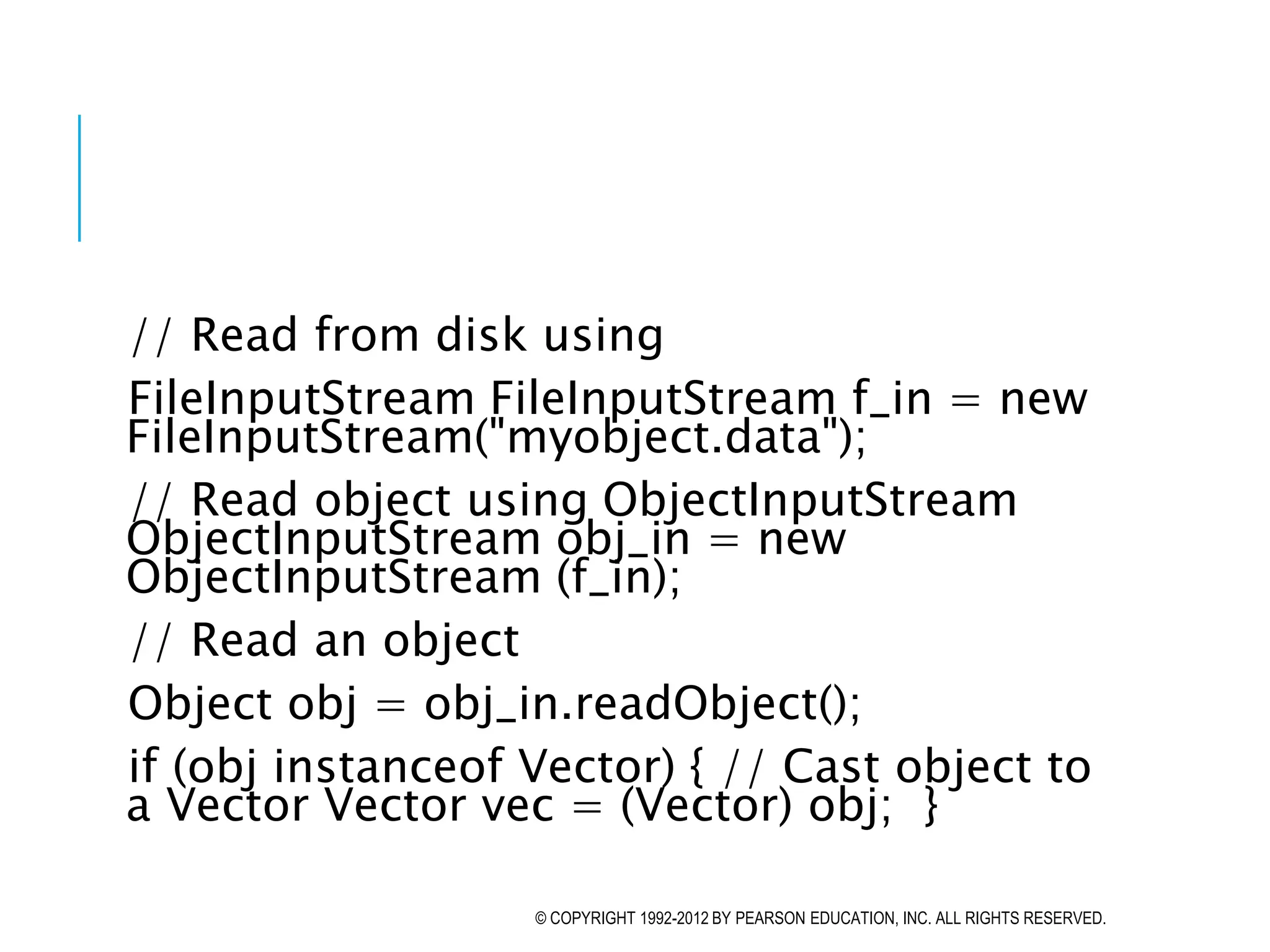
// Read from disk using
FileInputStream FileInputStream f_in = new
FileInputStream("myobject.data");
// Read object using ObjectInputStream
ObjectInputStream obj_in = new
ObjectInputStream (f_in);
// Read an object
Object obj = obj_in.readObject();
if (obj instanceof Vector) { // Cast object to
a Vector Vector vec = (Vector) obj; }
© COPYRIGHT 1992-2012 BY PEARSON EDUCATION, INC. ALL RIGHTS RESERVED.
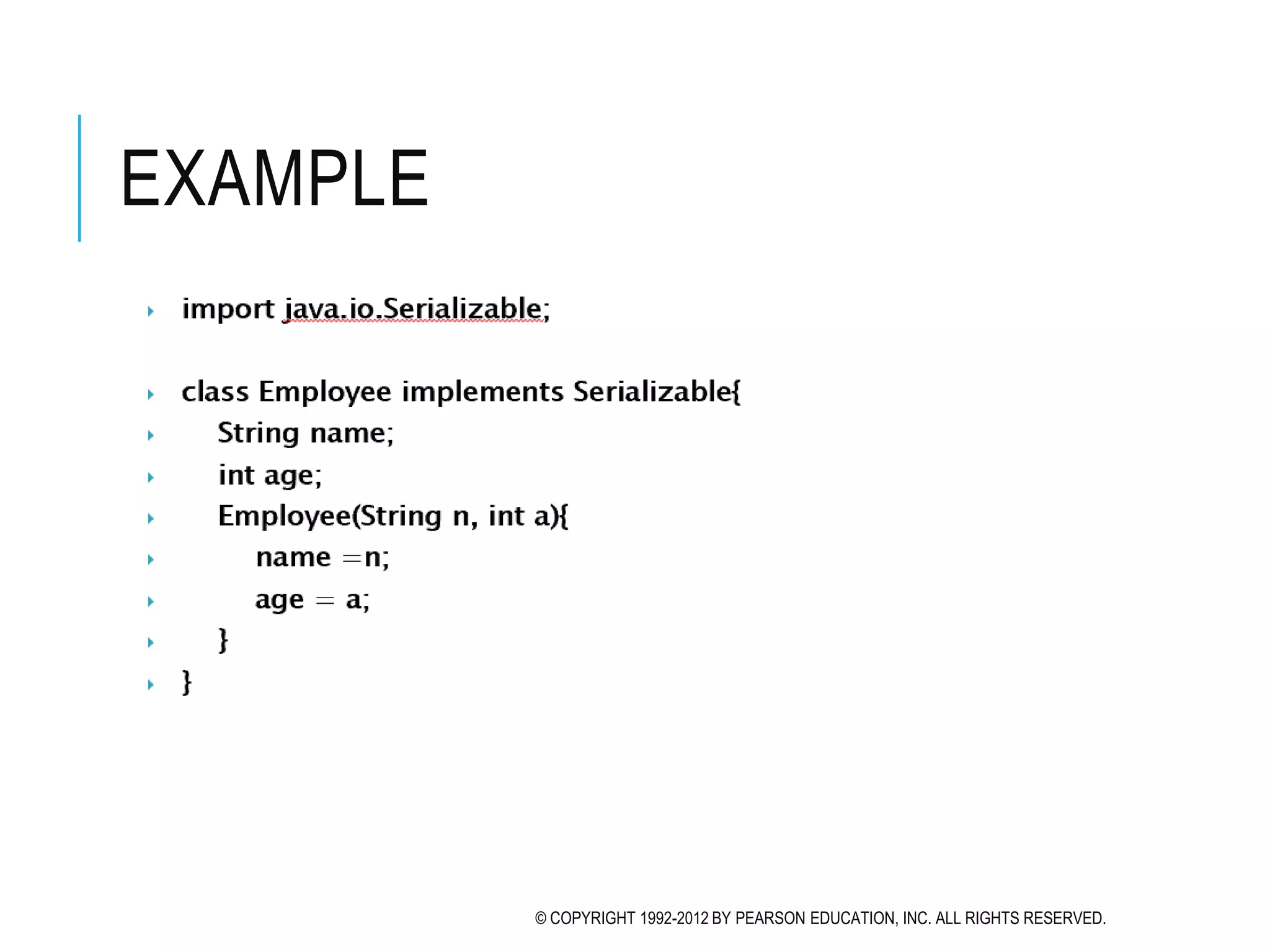
EXAMPLE
© COPYRIGHT 1992-2012 BY PEARSON EDUCATION, INC. ALL RIGHTS RESERVED.
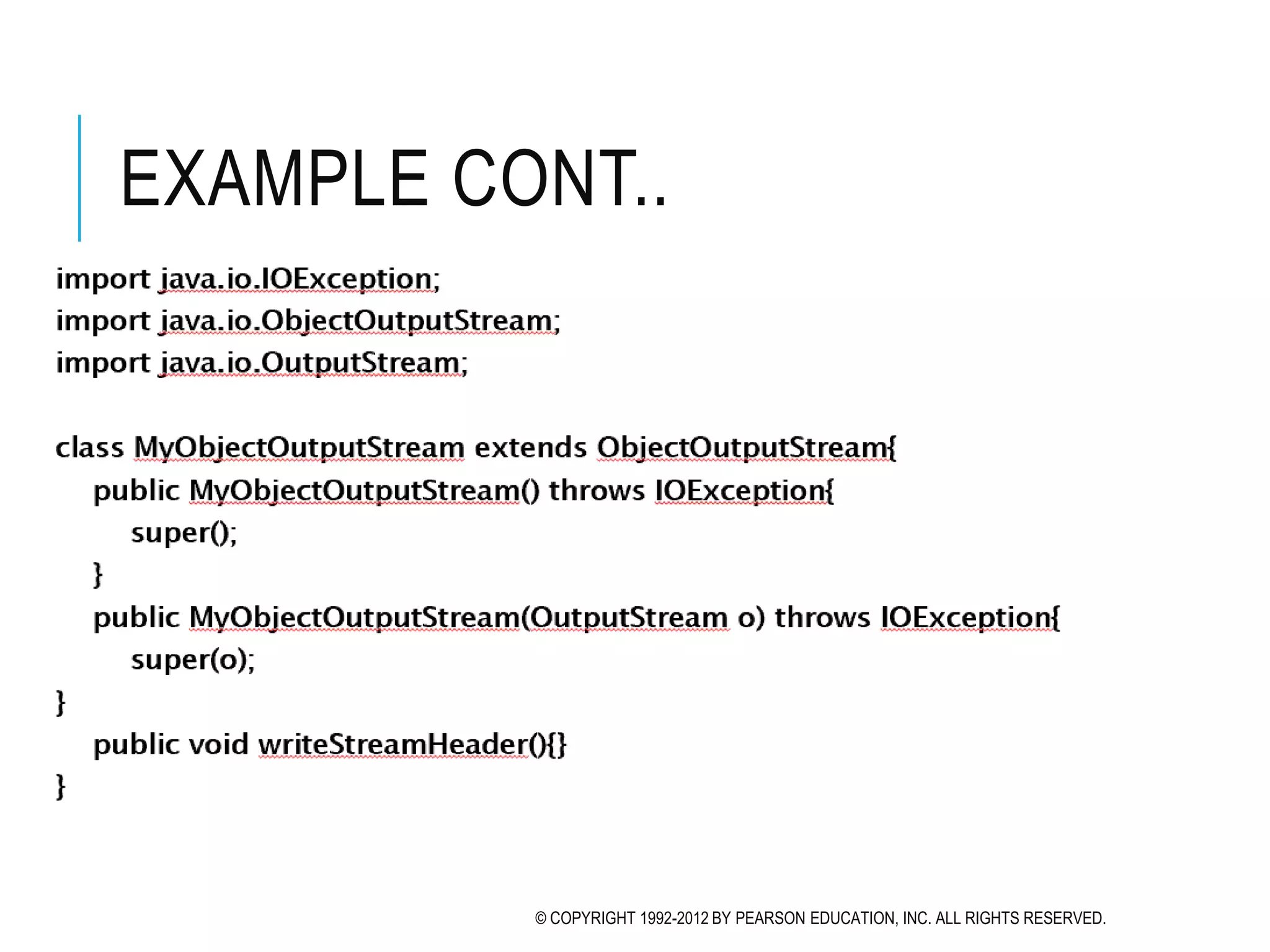
EXAMPLE CONT..
© COPYRIGHT 1992-2012 BY PEARSON EDUCATION, INC. ALL RIGHTS RESERVED.
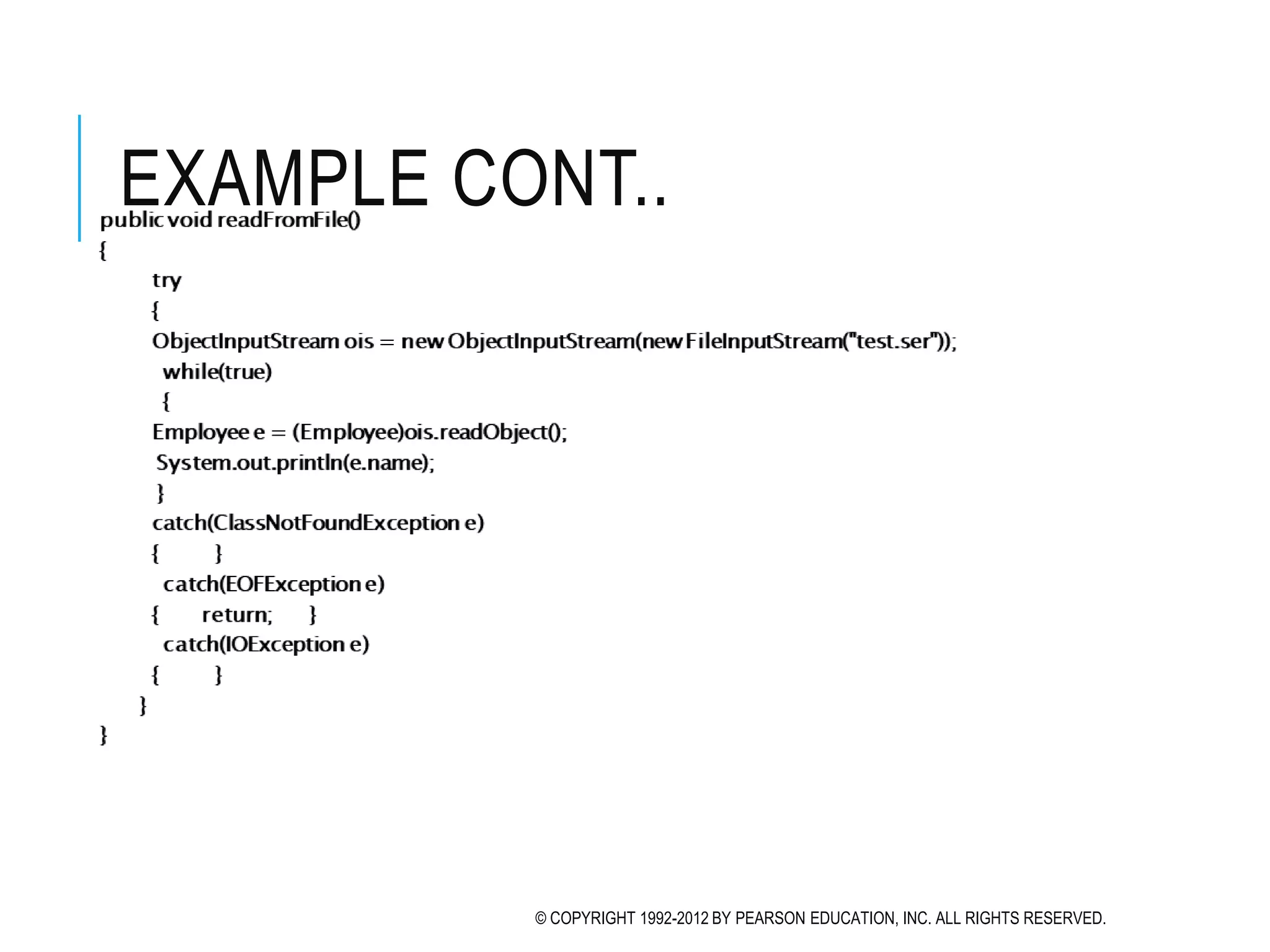
EXAMPLE CONT..
© COPYRIGHT 1992-2012 BY PEARSON EDUCATION, INC. ALL RIGHTS RESERVED.
EXAMPLE CONT..
© COPYRIGHT 1992-2012 BY PEARSON EDUCATION, INC. ALL RIGHTS RESERVED.
END
© COPYRIGHT 1992-2012 BY PEARSON EDUCATION, INC. ALL RIGHTS RESERVED.

File Handling - Serialization.pptx

  • 1.
    SIMPLE JAVA I/OSerialization
  • 2.
    SERIALIZATION You can alsoread and write objects to files Object I/O goes by the name of serialization Serialization in other languages can be very difficult, because objects may contain references to other objects Java makes serialization (almost) easy
  • 3.
    CONDITIONS FOR SERIALIZABILITY If anobject is to be serialized:  The class must be declared as public  The class must implement Serializable  The class must have a no-argument constructor  All fields of the class must be serializable: either primitive types or serializable objects
  • 4.
    IMPLEMENTING THE SERIALIZABLE INTERFACE To“implement” an interface means to define all the methods declared by that interface, but... The Serializable interface does not define any methods!  Question: What possible use is there for an interface that does not declare any methods?  Answer: Serializable is used as flag to tell Java it needs to do extra work with this class
  • 5.
    OBJECT SERIALIZATION To readan entire object from or write an entire object to a file, Java provides object serialization. A serialized object is represented as a sequence of bytes that includes the object’s data and its type information. After a serialized object has been written into a file, it can be read from the file and deserialized to recreate the object in memory.
  • 6.
    OBJECT SERIALIZATION (CONT.) ClassesObjectInputStream and ObjectOutputStream, which respectively implement the ObjectInput and ObjectOutput interfaces, enable entire objects to be read from or written to a stream. To use serialization with files, initialize ObjectInputStream and ObjectOutputStream objects with FileInputStream and FileOutputStream objects.
  • 7.
    OBJECT SERIALIZATION (CONT.) ObjectOutputinterface method writeObject takes an Object as an argument and writes its information to an OutputStream. A class that implements ObjectOuput (such as ObjectOutputStream) declares this method and ensures that the object being output implements Serializable. ObjectInput interface method readObject reads and returns a reference to an Object from an InputStream. After an object has been read, its reference can be cast to the object’s actual type.
  • 8.
    CREATING A SEQUENTIAL- ACCESSFILE USING OBJECT SERIALIZATION Objects of classes that implement interface Serializable can be serialized and deserialized with ObjectOutputStreams and ObjectInputStreams. . A class that implements Serializable is tagged as being a Serializable object. An ObjectOutputStream will not output an object unless it is a Serializable object.
  • 9.
    WRITING OBJECTS TOA FILE ObjectOutputStream objectOut = new ObjectOutputStream( new FileOutputStream(fileName,true)); objectOut.writeObject(serializableObject); objectOut.close( );
  • 10.
    READING OBJECTS FROMA FILE ObjectInputStream objectIn = new ObjectInputStream( new FileInputStream(fileName))); myObject = (itsType)objectIn.readObject( ); objectIn.close( );
  • 11.
    READING OBJECTS FROMA FILE Reading objects back is almost as easy. The one catch is that at runtime, you can never be completely sure what type of data to expect. A data stream containing serialized objects may contain a mixture of different object classes, so you need to explicitly cast an object to a particular class. If you've never cast an object before, the procedure is relatively straightforward. First check the object's class, using the instanceof operator. Then cast to the correct class. © COPYRIGHT 1992-2012 BY PEARSON EDUCATION, INC. ALL RIGHTS RESERVED.
  • 12.
    // Read fromdisk using FileInputStream FileInputStream f_in = new FileInputStream("myobject.data"); // Read object using ObjectInputStream ObjectInputStream obj_in = new ObjectInputStream (f_in); // Read an object Object obj = obj_in.readObject(); if (obj instanceof Vector) { // Cast object to a Vector Vector vec = (Vector) obj; } © COPYRIGHT 1992-2012 BY PEARSON EDUCATION, INC. ALL RIGHTS RESERVED.
  • 13.
    EXAMPLE © COPYRIGHT 1992-2012BY PEARSON EDUCATION, INC. ALL RIGHTS RESERVED.
  • 14.
    EXAMPLE CONT.. © COPYRIGHT1992-2012 BY PEARSON EDUCATION, INC. ALL RIGHTS RESERVED.
  • 15.
    EXAMPLE CONT.. © COPYRIGHT1992-2012 BY PEARSON EDUCATION, INC. ALL RIGHTS RESERVED.
  • 16.
    EXAMPLE CONT.. © COPYRIGHT1992-2012 BY PEARSON EDUCATION, INC. ALL RIGHTS RESERVED.
  • 17.
    END © COPYRIGHT 1992-2012BY PEARSON EDUCATION, INC. ALL RIGHTS RESERVED.