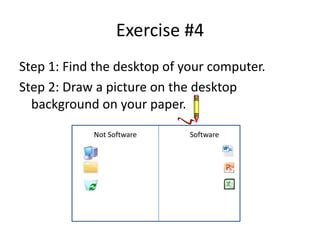
This document provides instructions for 4 exercises to help students explore and become familiar with common computer icons and areas. The exercises have students arrange software icons on the right side of the screen, draw icons they see, locate and draw the start button, find and circle their folder icon, and draw a picture on the desktop background. Completing the exercises will result in a paper that resembles the computer screen layout with icons organized as directed.




![Learning The Computer[1]](https://cdn.slidesharecdn.com/ss_thumbnails/learningthecomputer1-1226614015009928-9-thumbnail.jpg?width=640&height=640&fit=bounds)


