   Google - for information on research and image searches. ( I
    found this useful as it helped me gather information rapidly to
    do my work efficiently faster)
   Wikipedia - for confirming dates and faces found about artists
    we searched for. (convenient for double checking!)
   Blogger - for hosting our coursework portfolio.
    PowerPoint - for making work look more interesting on the
    blog, splitting up walls of text and to add more of an
    interactive interface to the portfolio.
   Through this section of planning, an issue
    I came across was the reliability of
    sources used; but this was only the case
    of Wikipedia, but following citations at
    the bottom, it quickly resolved that issue
    to more reliable websites (e.g. Official
    homepages)
    Also; magazines are based on only
    opinions, though those subjective
    interpretations of things are useful in our
    work.
   Youtube - to find the inspirational videos and to use the
    embed codes to use on our blogs.
   Powerpoint - for making work look more interesting on the
    blog, splitting up walls of text and to add more of an
    interactive interface to the portfolio.


   Sources - e.g Music magazines, artist websites etc.
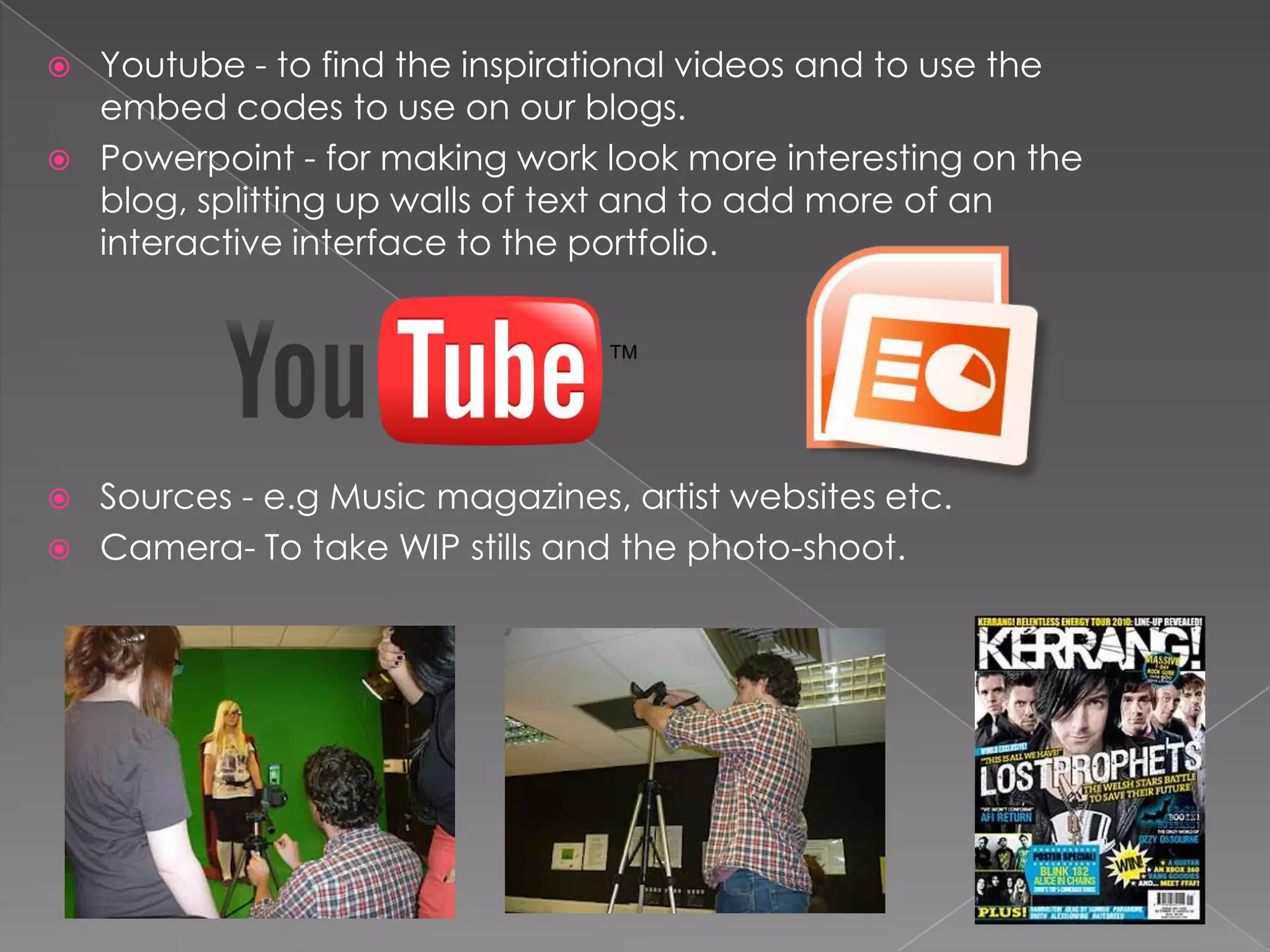
   Camera- To take WIP stills and the photo-shoot.
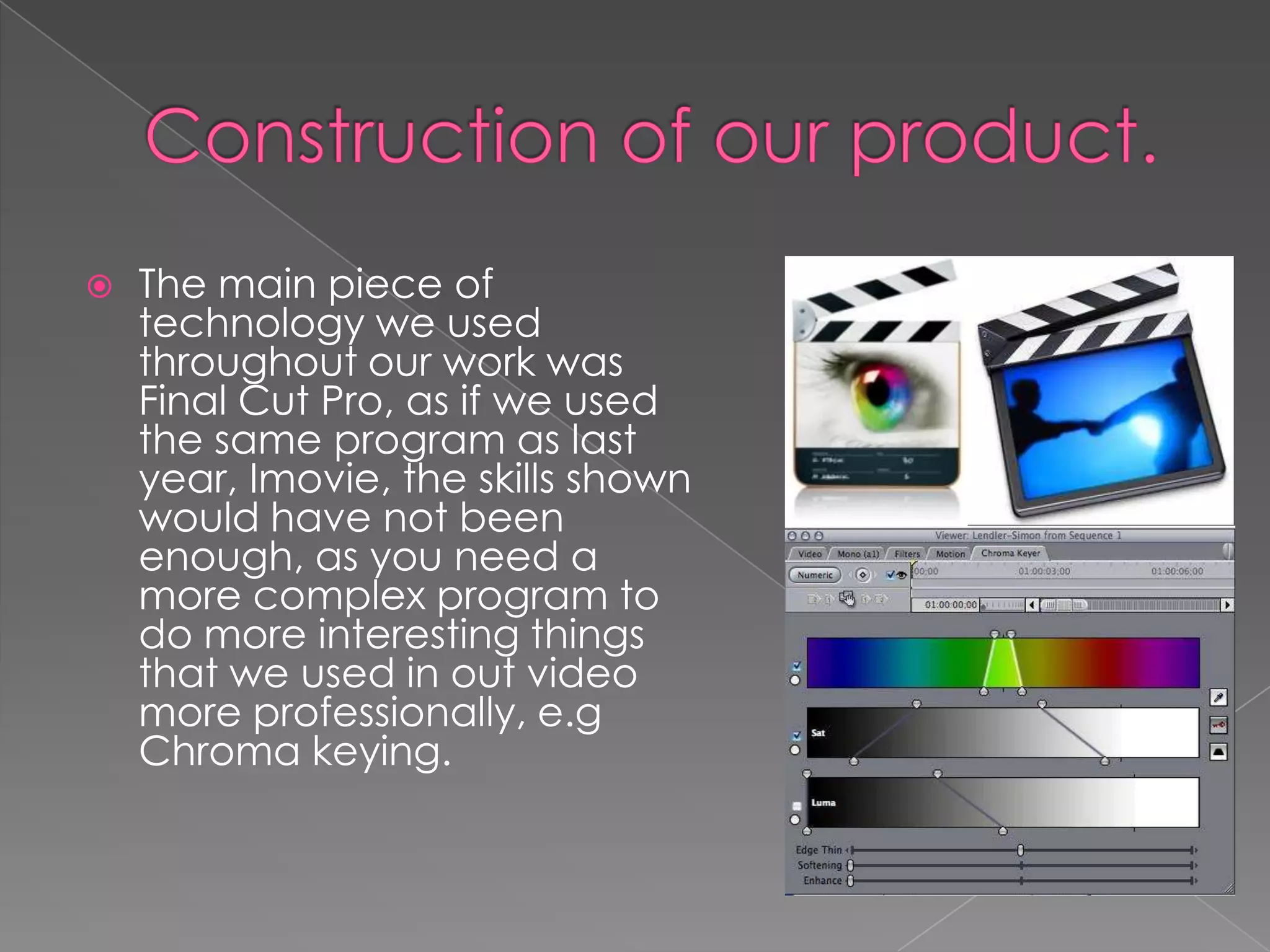
   The main piece of
    technology we used
    throughout our work was
    Final Cut Pro, as if we used
    the same program as last
    year, Imovie, the skills shown
    would have not been
    enough, as you need a
    more complex program to
    do more interesting things
    that we used in out video
    more professionally, e.g
    Chroma keying.
   To use Final Cut pro to its full potential, we
    used the college's HD camera for our
    filming. This got the most crisp images and
    easy to work with shots to use with editing,
    green screens and image manipulation.
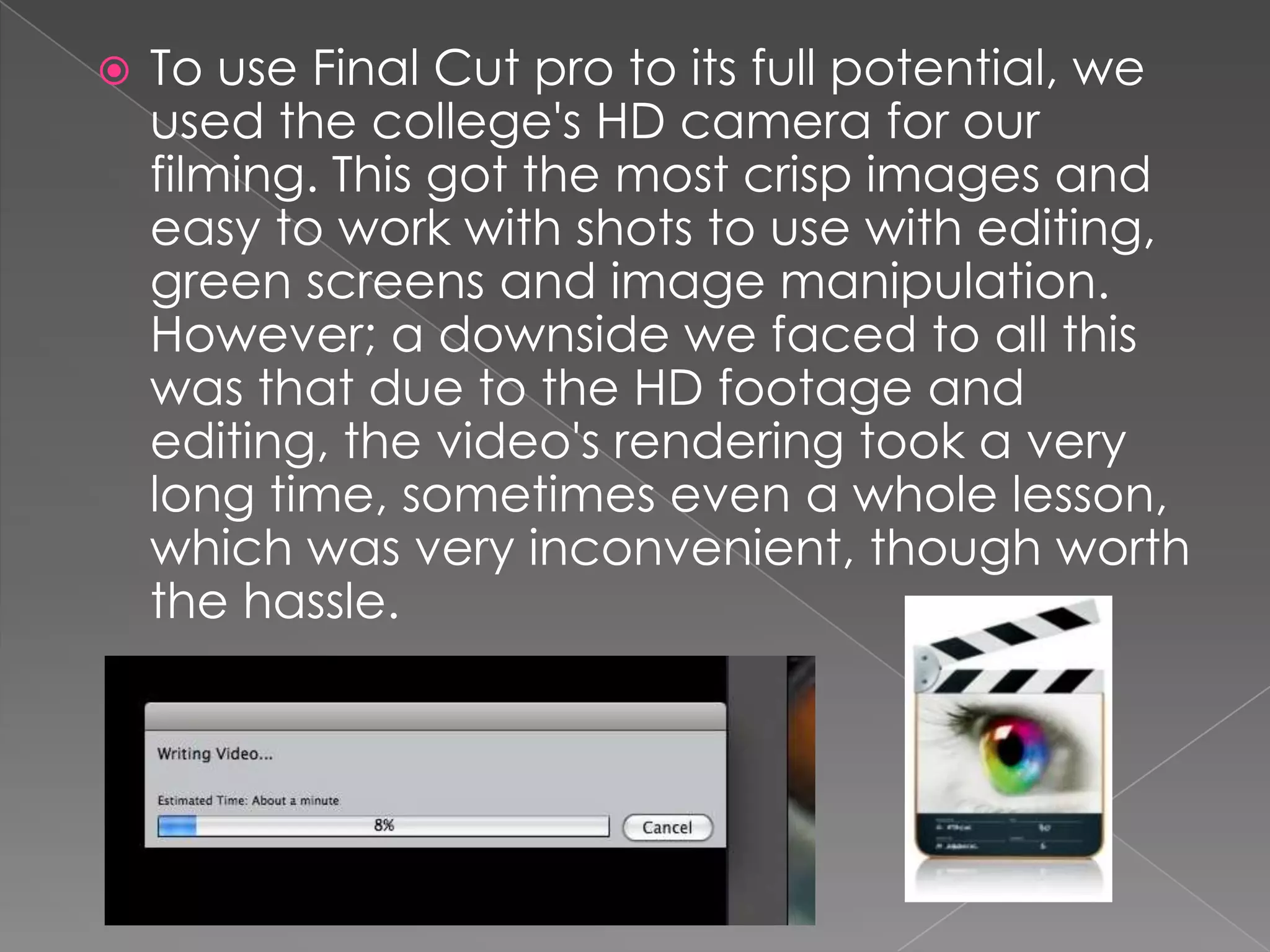
    However; a downside we faced to all this
    was that due to the HD footage and
    editing, the video's rendering took a very
    long time, sometimes even a whole lesson,
    which was very inconvenient, though worth
    the hassle.
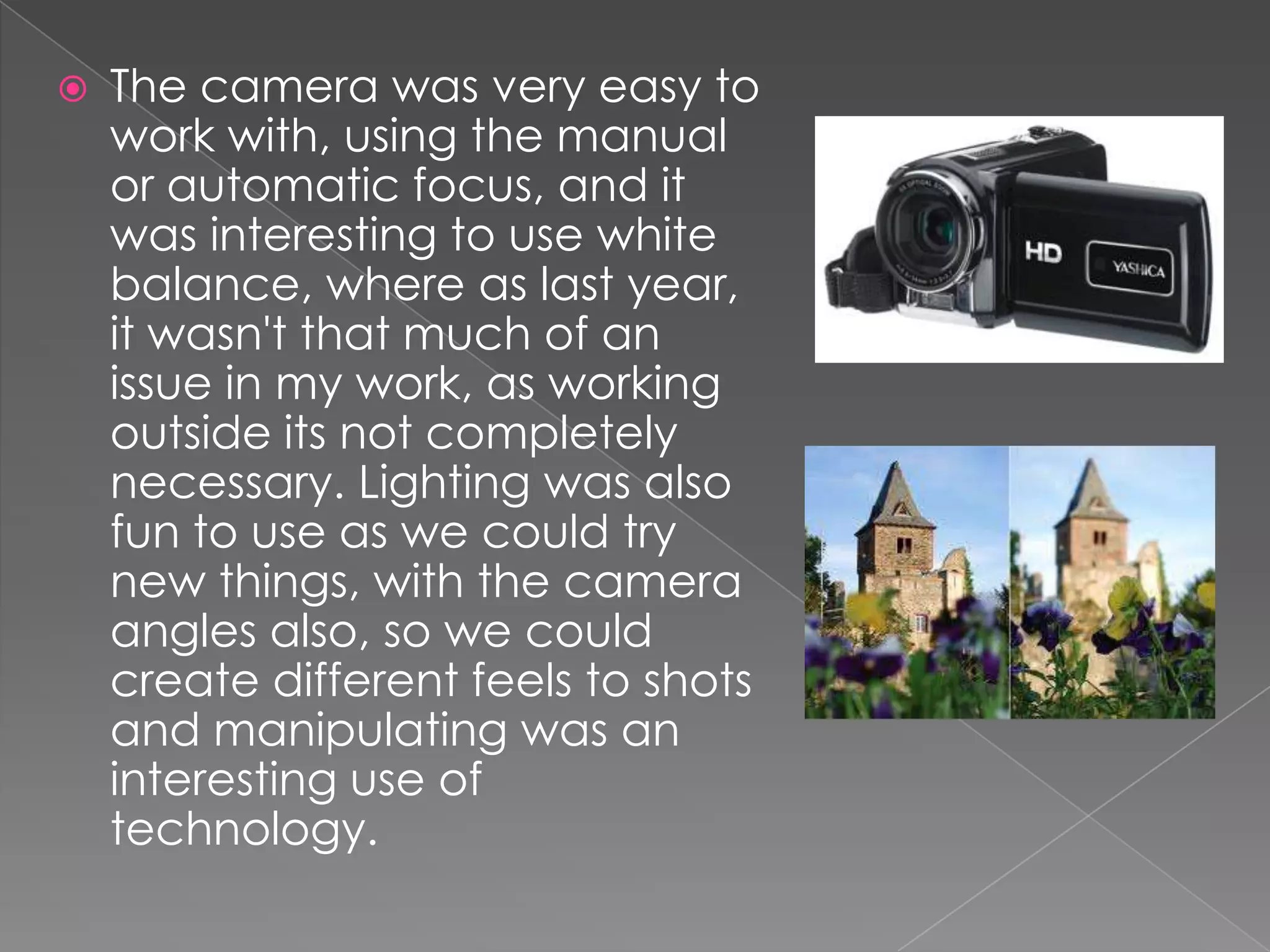
   The camera was very easy to
    work with, using the manual
    or automatic focus, and it
    was interesting to use white
    balance, where as last year,
    it wasn't that much of an
    issue in my work, as working
    outside its not completely
    necessary. Lighting was also
    fun to use as we could try
    new things, with the camera
    angles also, so we could
    create different feels to shots
    and manipulating was an
    interesting use of
    technology.
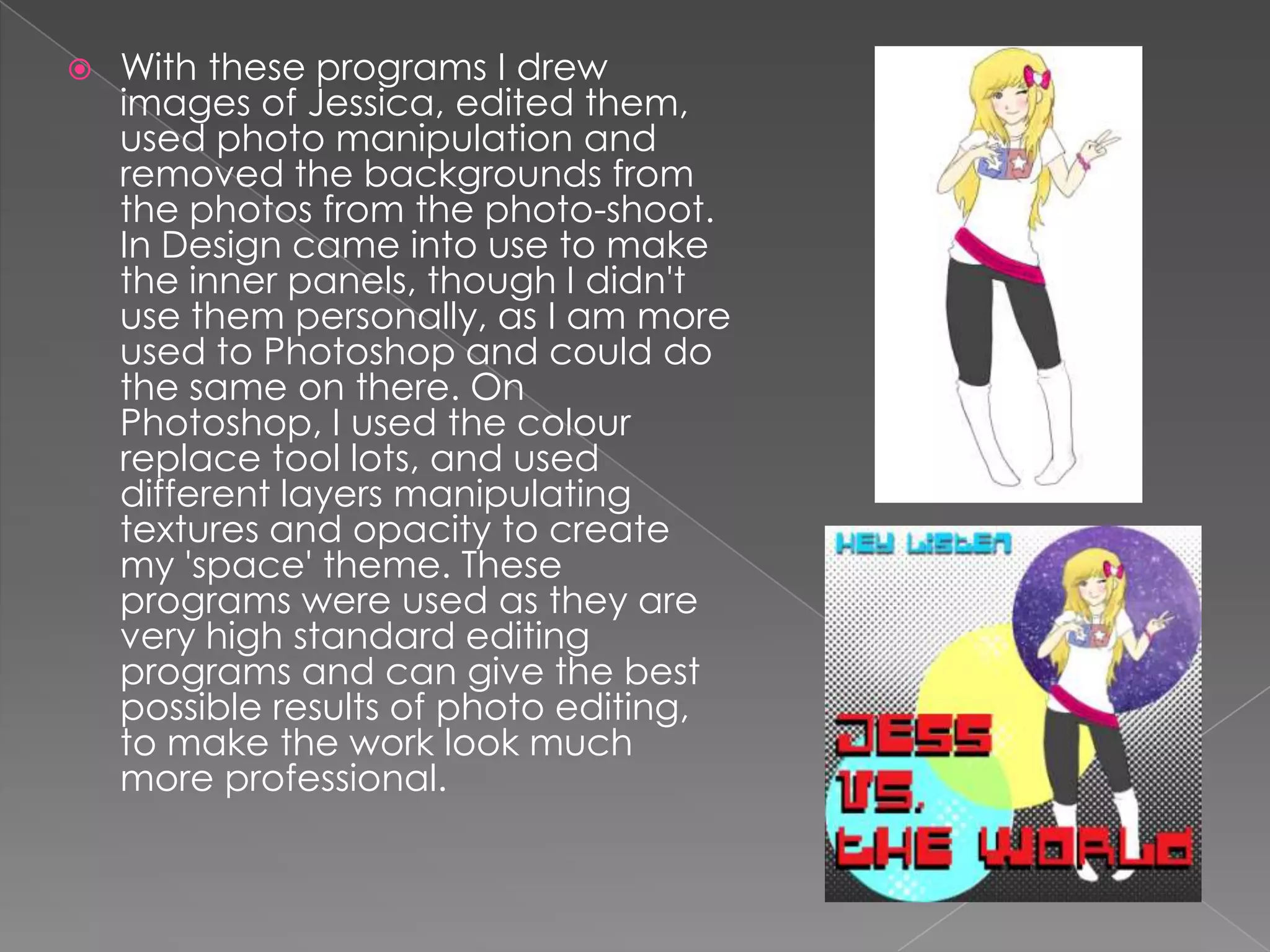
   In the Ancillary tasks, the main technologies used
    were Adobe Photoshop and InDesign. I also used
    my graphics tablet; The Wacom bamboo pen and
    touch.
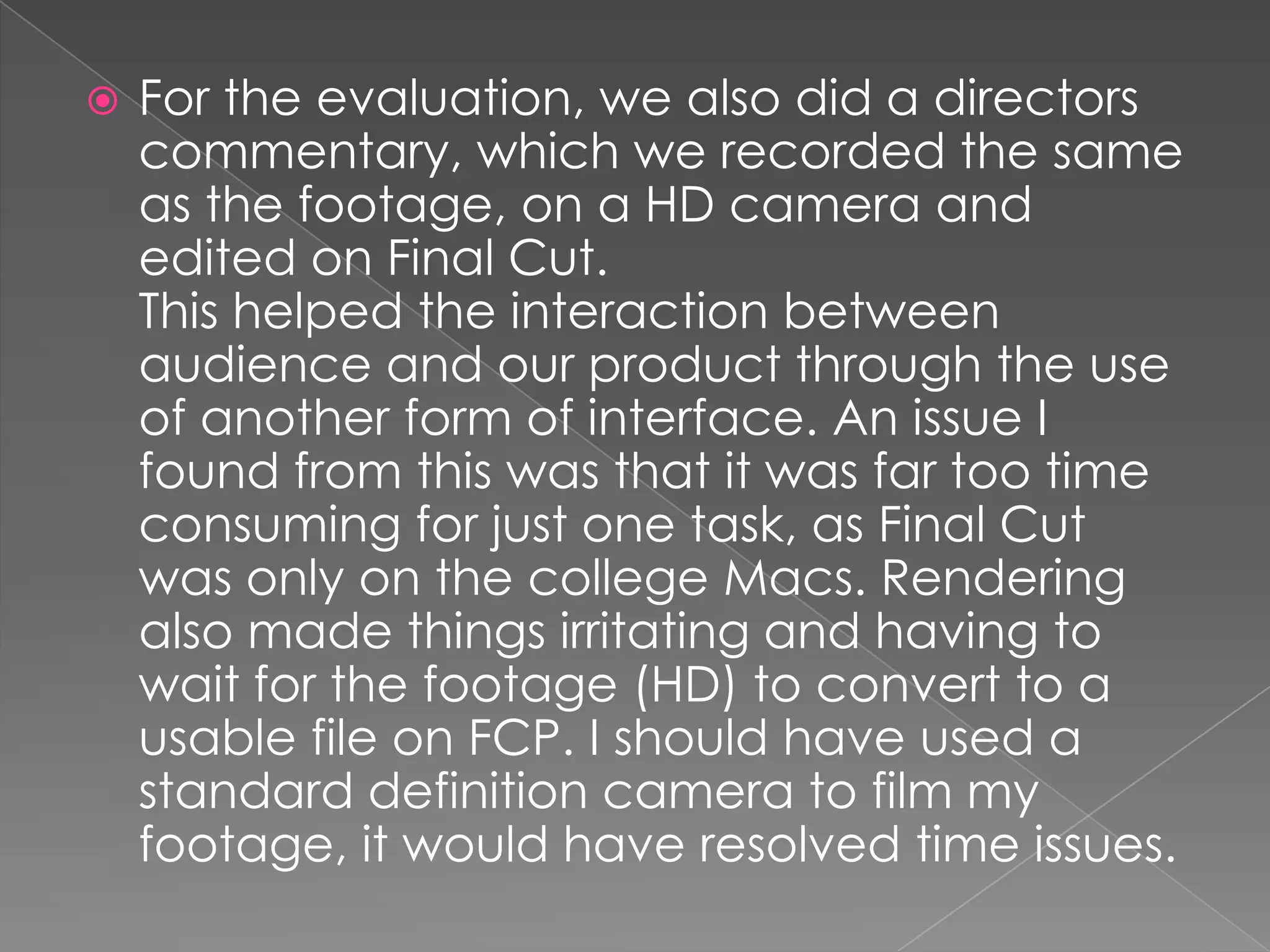
   With these programs I drew
    images of Jessica, edited them,
    used photo manipulation and
    removed the backgrounds from
    the photos from the photo-shoot.
    In Design came into use to make
    the inner panels, though I didn't
    use them personally, as I am more
    used to Photoshop and could do
    the same on there. On
    Photoshop, I used the colour
    replace tool lots, and used
    different layers manipulating
    textures and opacity to create
    my 'space' theme. These
    programs were used as they are
    very high standard editing
    programs and can give the best
    possible results of photo editing,
    to make the work look much
    more professional.
   Powerpoint, Youtube and Blogger
    where the main things used here in
    the evaluation, blogger to host all the
    evaluation, Youtube for having video
    embed codes to show other videos
    as comparison in the 'how does our
    media product conform/break
    conventions' part. Powerpoint was
    used for making work look more
    interesting on the blog, splitting up
    walls of text of our evaluation and to
    add more of an interactive interface
    to the portfolio. Also, using different
    media types for our product allows for
    easier information processing, as its
    not all boring to look at.
   For the evaluation, we also did a directors
    commentary, which we recorded the same
    as the footage, on a HD camera and
    edited on Final Cut.
    This helped the interaction between
    audience and our product through the use
    of another form of interface. An issue I
    found from this was that it was far too time
    consuming for just one task, as Final Cut
    was only on the college Macs. Rendering
    also made things irritating and having to
    wait for the footage (HD) to convert to a
    usable file on FCP. I should have used a
    standard definition camera to film my
    footage, it would have resolved time issues.
Evaluation 1

Evaluation 1

  • 3.
    Google - for information on research and image searches. ( I found this useful as it helped me gather information rapidly to do my work efficiently faster)  Wikipedia - for confirming dates and faces found about artists we searched for. (convenient for double checking!)  Blogger - for hosting our coursework portfolio. PowerPoint - for making work look more interesting on the blog, splitting up walls of text and to add more of an interactive interface to the portfolio.
  • 4.
    Through this section of planning, an issue I came across was the reliability of sources used; but this was only the case of Wikipedia, but following citations at the bottom, it quickly resolved that issue to more reliable websites (e.g. Official homepages) Also; magazines are based on only opinions, though those subjective interpretations of things are useful in our work.
  • 5.
    Youtube - to find the inspirational videos and to use the embed codes to use on our blogs.  Powerpoint - for making work look more interesting on the blog, splitting up walls of text and to add more of an interactive interface to the portfolio.  Sources - e.g Music magazines, artist websites etc.  Camera- To take WIP stills and the photo-shoot.
  • 6.
    The main piece of technology we used throughout our work was Final Cut Pro, as if we used the same program as last year, Imovie, the skills shown would have not been enough, as you need a more complex program to do more interesting things that we used in out video more professionally, e.g Chroma keying.
  • 7.
    To use Final Cut pro to its full potential, we used the college's HD camera for our filming. This got the most crisp images and easy to work with shots to use with editing, green screens and image manipulation. However; a downside we faced to all this was that due to the HD footage and editing, the video's rendering took a very long time, sometimes even a whole lesson, which was very inconvenient, though worth the hassle.
  • 8.
    The camera was very easy to work with, using the manual or automatic focus, and it was interesting to use white balance, where as last year, it wasn't that much of an issue in my work, as working outside its not completely necessary. Lighting was also fun to use as we could try new things, with the camera angles also, so we could create different feels to shots and manipulating was an interesting use of technology.
  • 9.
    In the Ancillary tasks, the main technologies used were Adobe Photoshop and InDesign. I also used my graphics tablet; The Wacom bamboo pen and touch.
  • 10.
    With these programs I drew images of Jessica, edited them, used photo manipulation and removed the backgrounds from the photos from the photo-shoot. In Design came into use to make the inner panels, though I didn't use them personally, as I am more used to Photoshop and could do the same on there. On Photoshop, I used the colour replace tool lots, and used different layers manipulating textures and opacity to create my 'space' theme. These programs were used as they are very high standard editing programs and can give the best possible results of photo editing, to make the work look much more professional.
  • 11.
    Powerpoint, Youtube and Blogger where the main things used here in the evaluation, blogger to host all the evaluation, Youtube for having video embed codes to show other videos as comparison in the 'how does our media product conform/break conventions' part. Powerpoint was used for making work look more interesting on the blog, splitting up walls of text of our evaluation and to add more of an interactive interface to the portfolio. Also, using different media types for our product allows for easier information processing, as its not all boring to look at.
  • 12.
    For the evaluation, we also did a directors commentary, which we recorded the same as the footage, on a HD camera and edited on Final Cut. This helped the interaction between audience and our product through the use of another form of interface. An issue I found from this was that it was far too time consuming for just one task, as Final Cut was only on the college Macs. Rendering also made things irritating and having to wait for the footage (HD) to convert to a usable file on FCP. I should have used a standard definition camera to film my footage, it would have resolved time issues.