Youtube: Eirial Photography
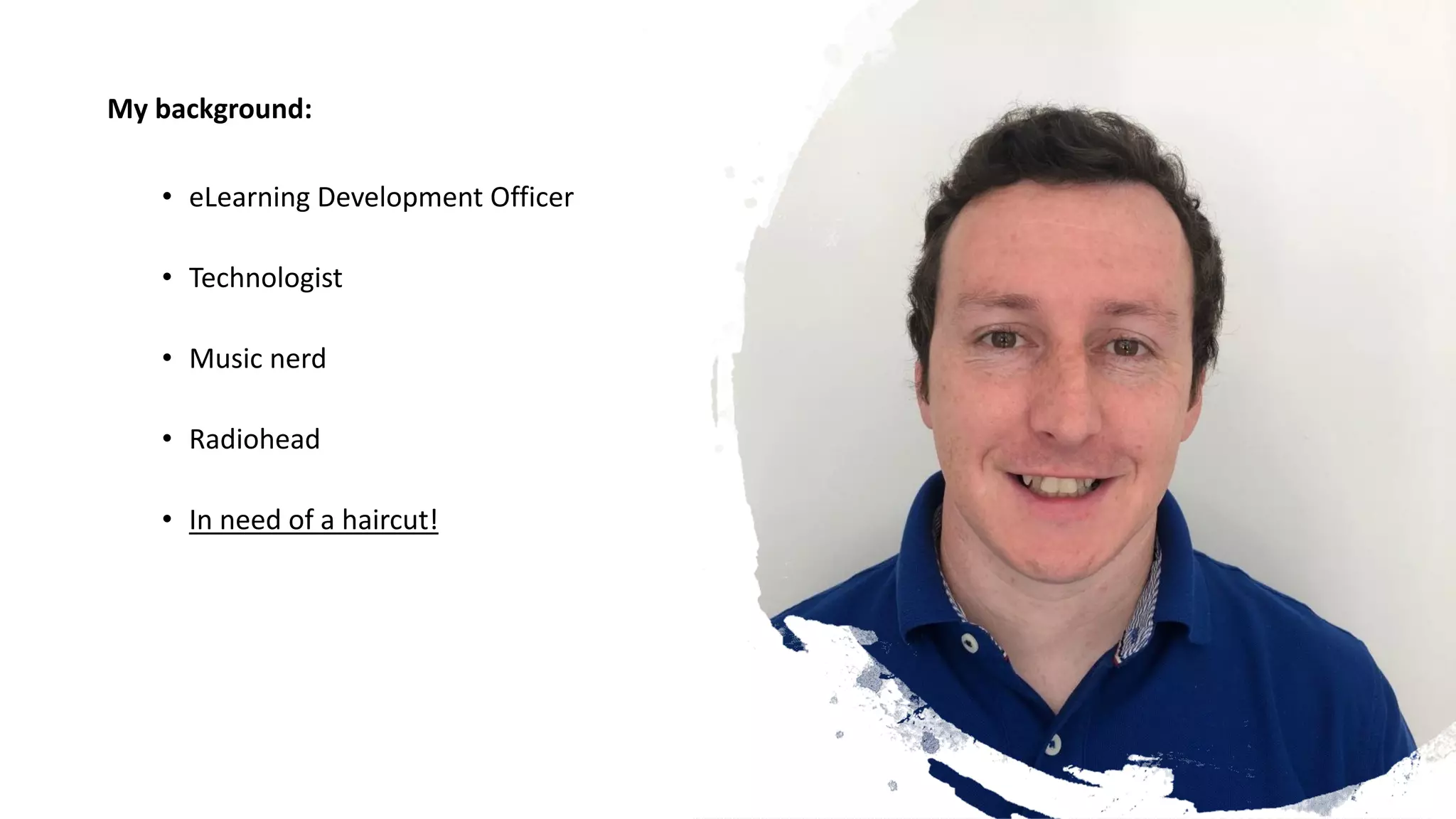
My background:
• eLearning Development Officer
• Technologist
• Music nerd
• Radiohead
• In need of a haircut!
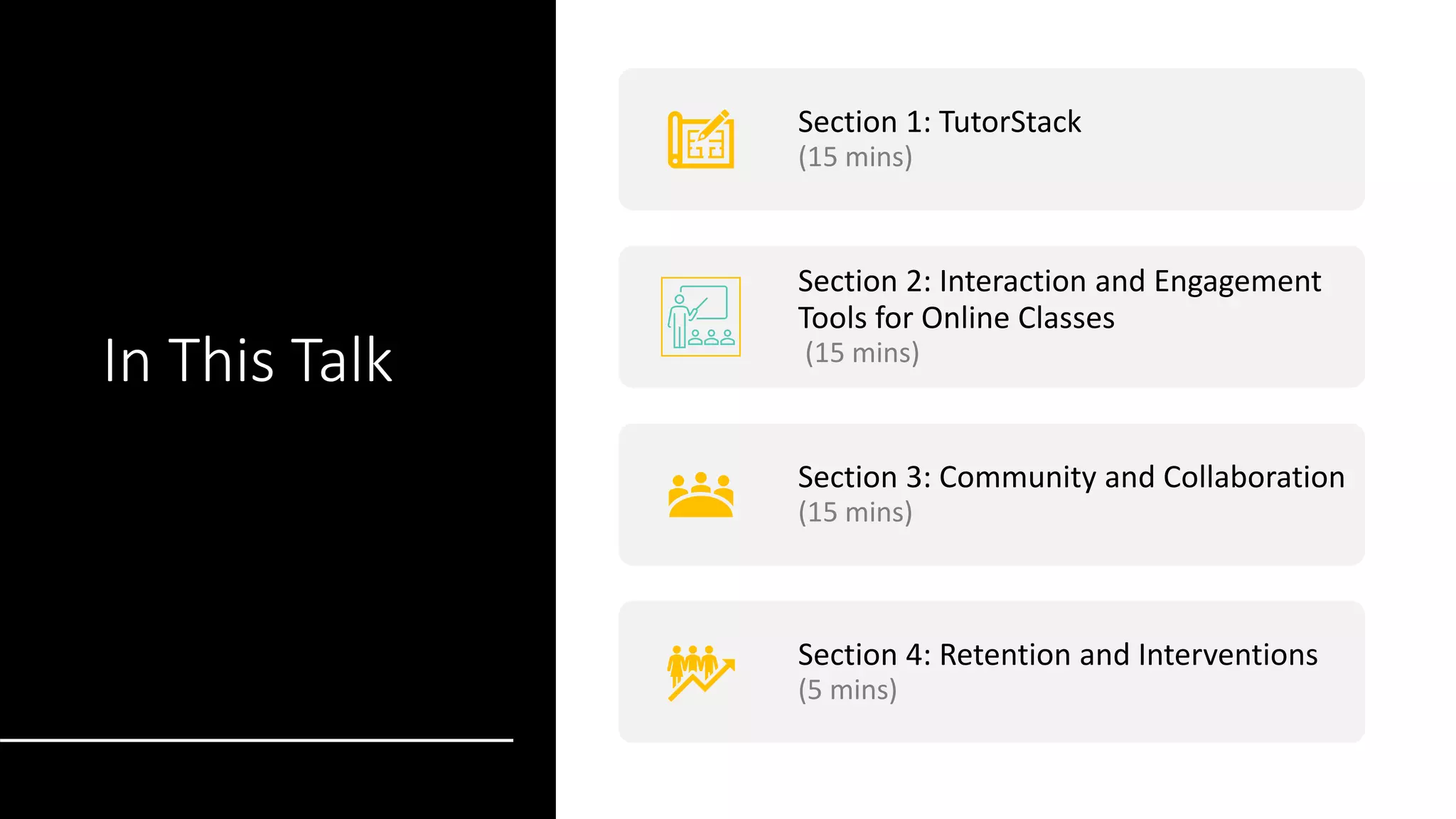
In This Talk
Section 1: TutorStack
(15 mins)
Section 2: Interaction and Engagement
Tools for Online Classes
(15 mins)
Section 3: Community and Collaboration
(15 mins)
Section 4: Retention and Interventions
(5 mins)
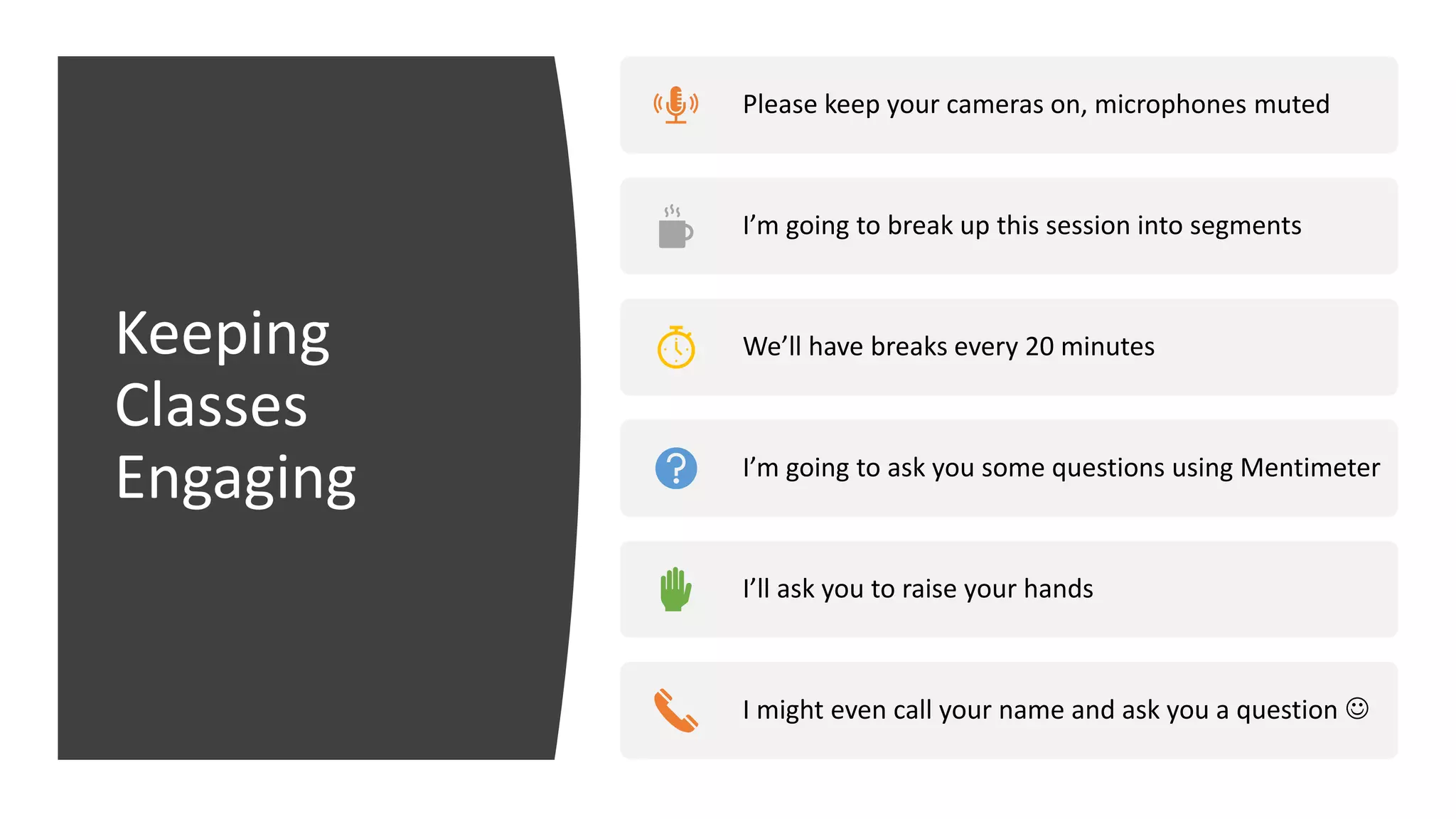
Keeping
Classes
Engaging
Please keep your cameras on, microphones muted
I’m going to break up this session into segments
We’ll have breaks every 20 minutes
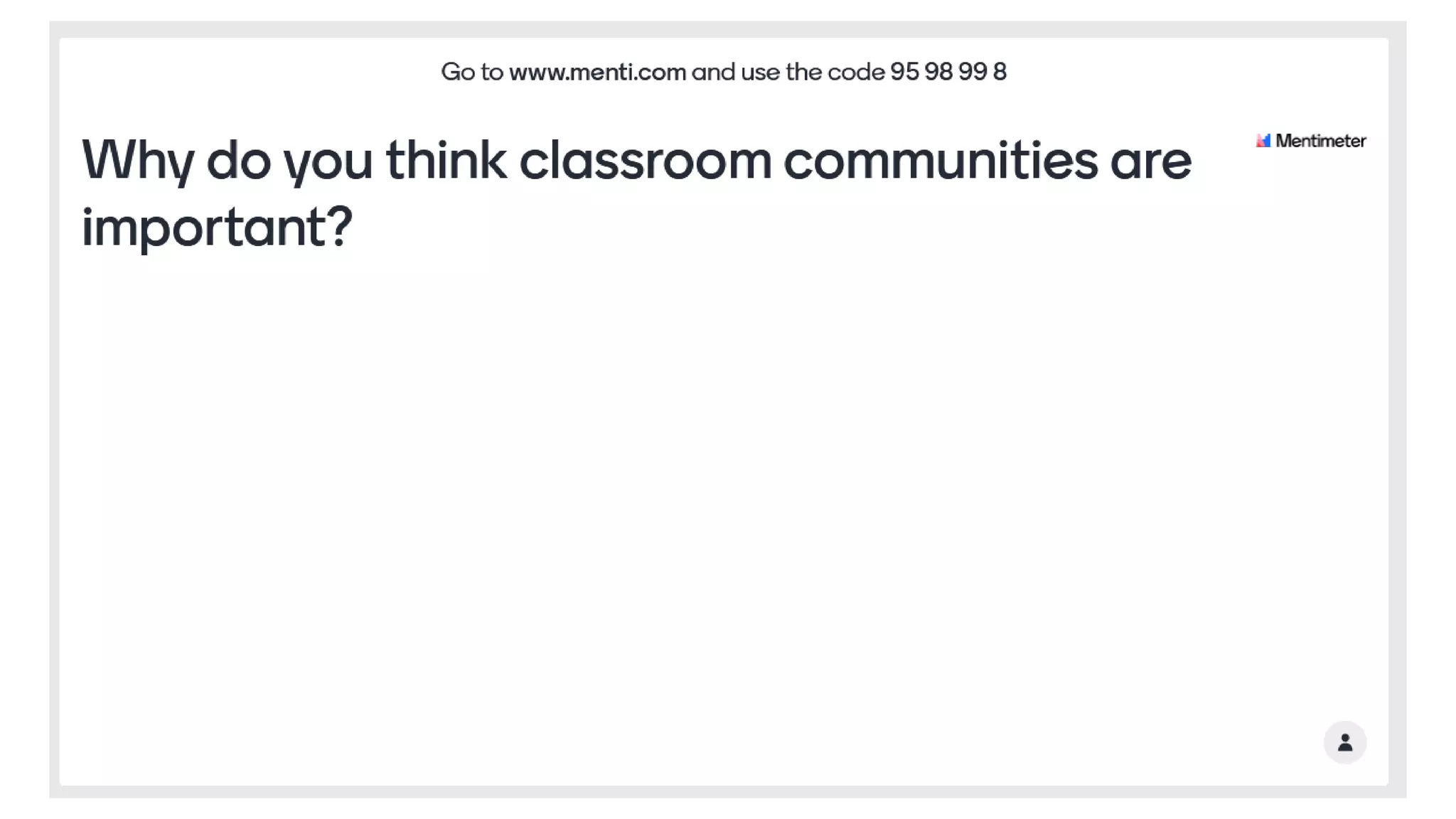
I’m going to ask you some questions using Mentimeter
I’ll ask you to raise your hands
I might even call your name and ask you a question ☺
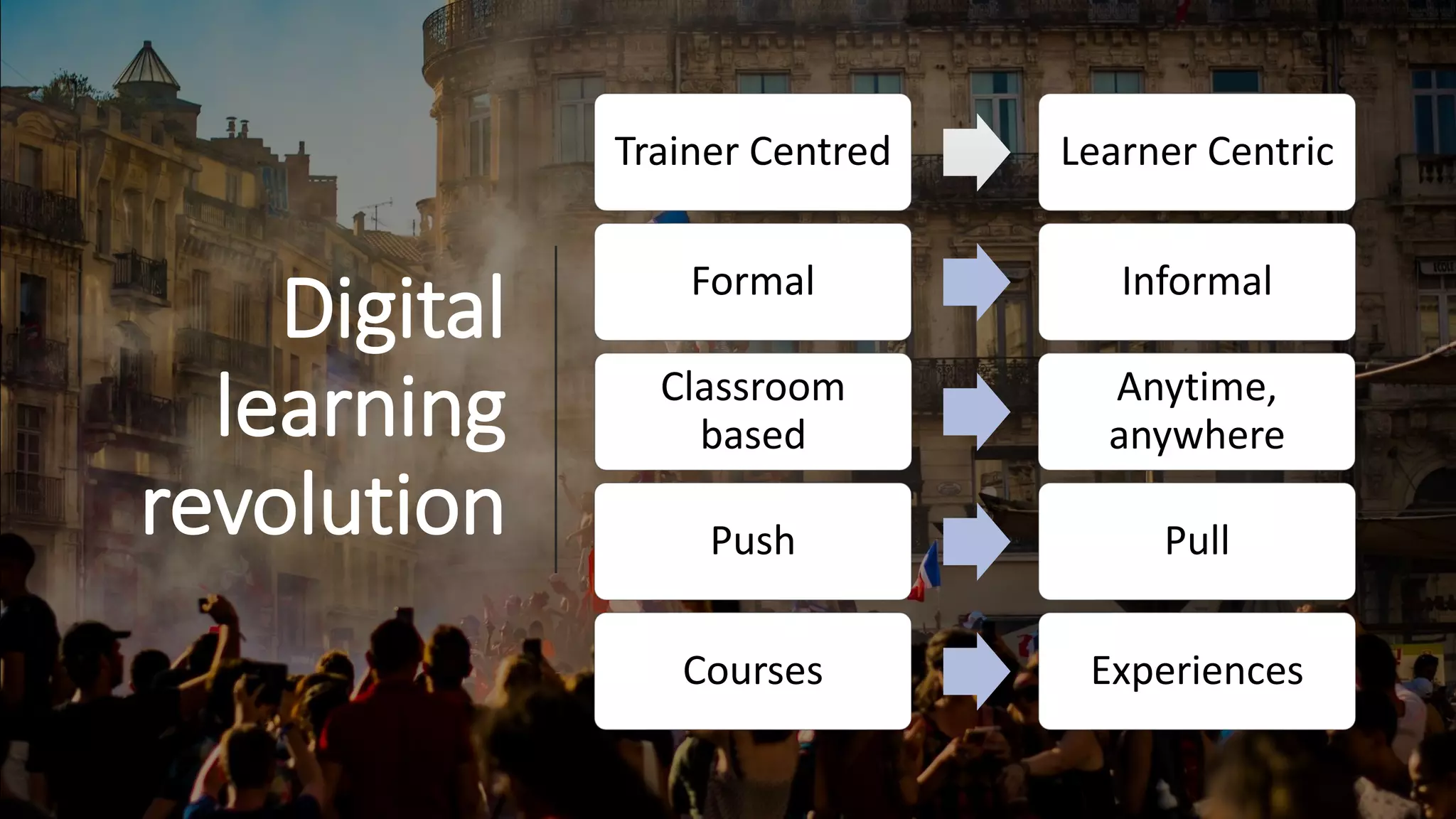
Digital
learning
revolution
Trainer Centred Learner Centric
Formal Informal
Classroom
based
Anytime,
anywhere
Push Pull
Courses Experiences
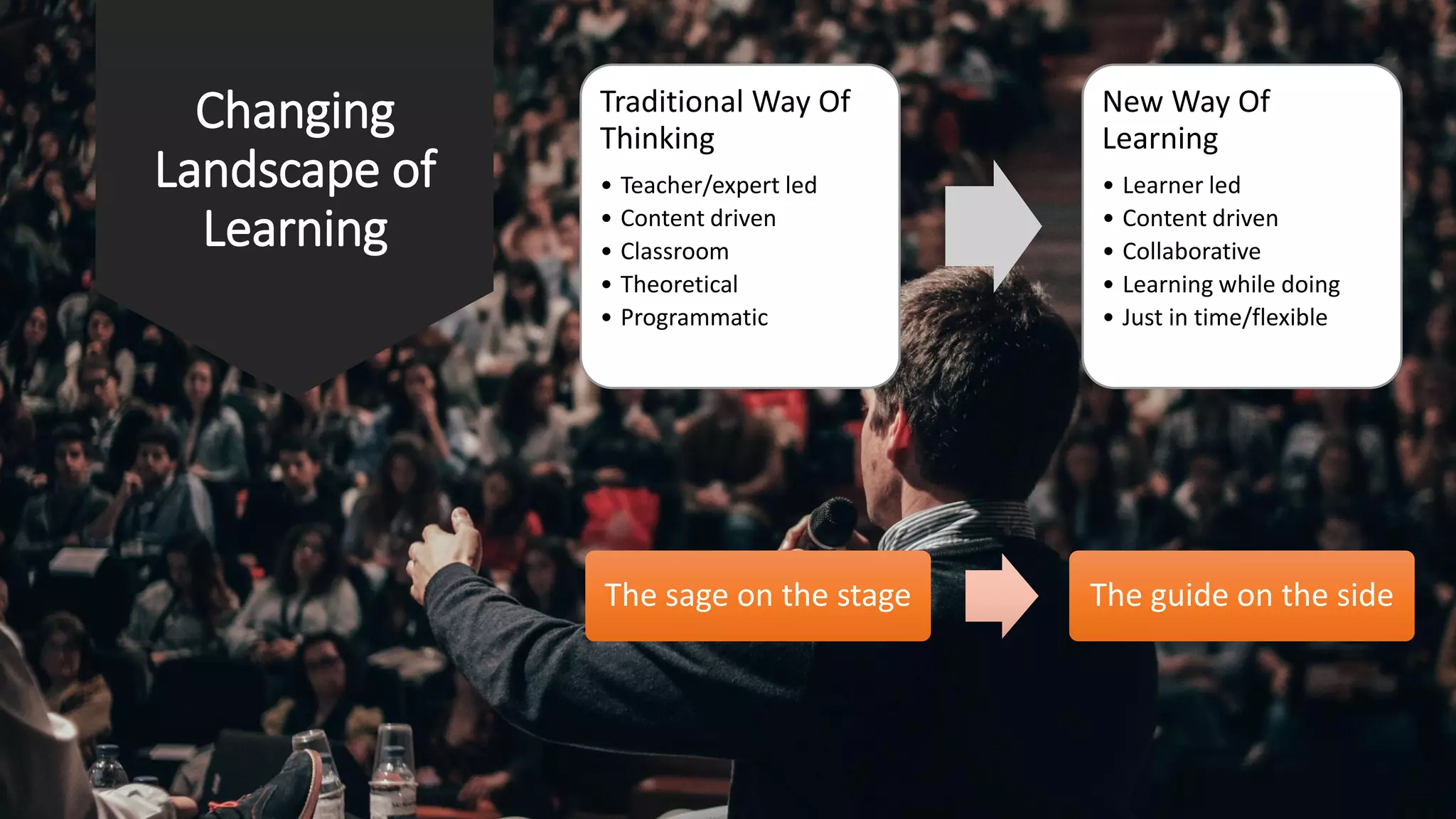
Changing
Landscape of
Learning
Traditional Way Of
Thinking
• Teacher/expert led
• Content driven
• Classroom
• Theoretical
• Programmatic
New Way Of
Learning
• Learner led
• Content driven
• Collaborative
• Learning while doing
• Just in time/flexible
The sage on the stage The guide on the side
TutorStack
Exploring The Learning Management System
Section 1:
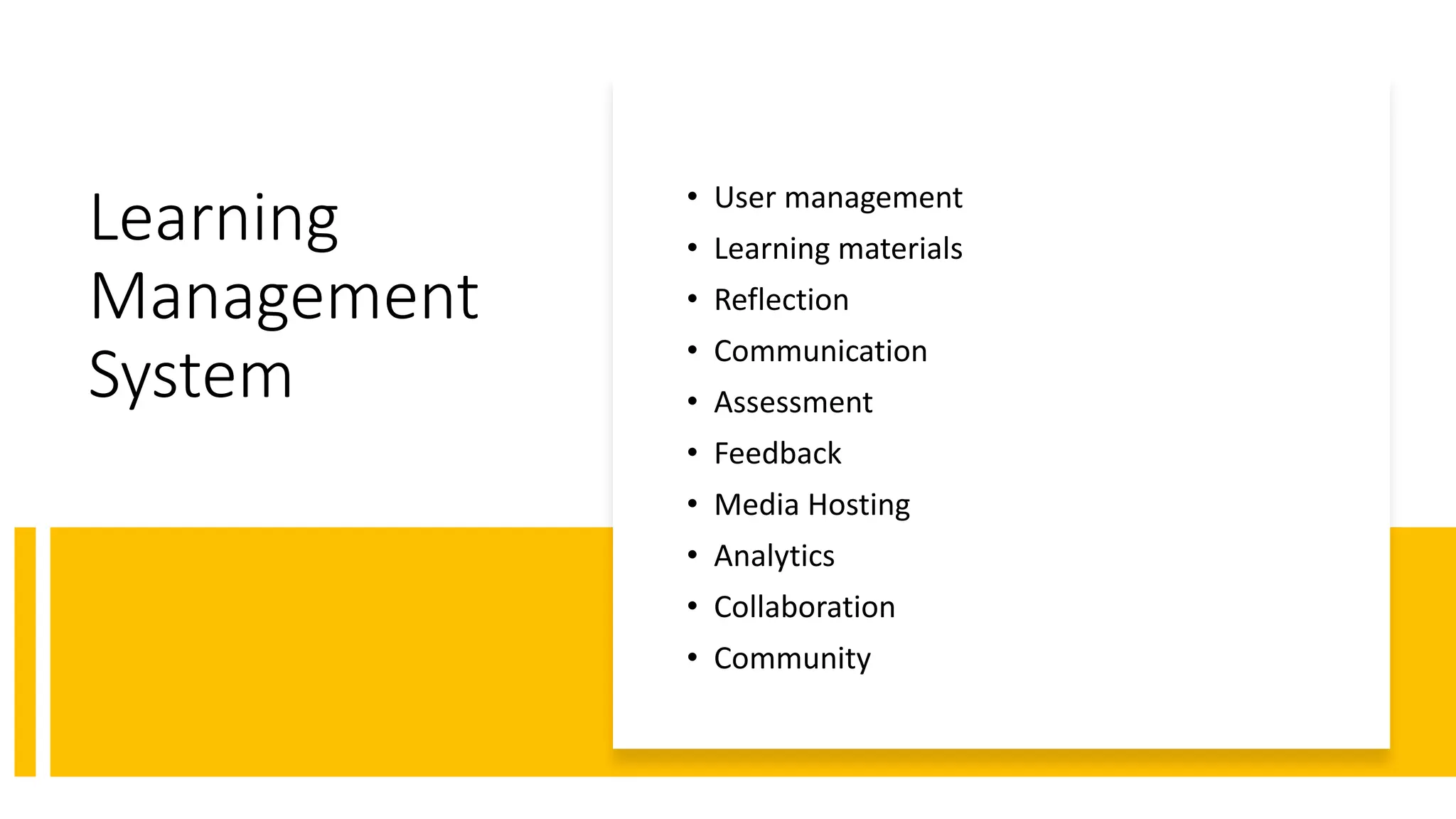
Learning
Management
System
• User management
• Learning materials
• Reflection
• Communication
• Assessment
• Feedback
• Media Hosting
• Analytics
• Collaboration
• Community
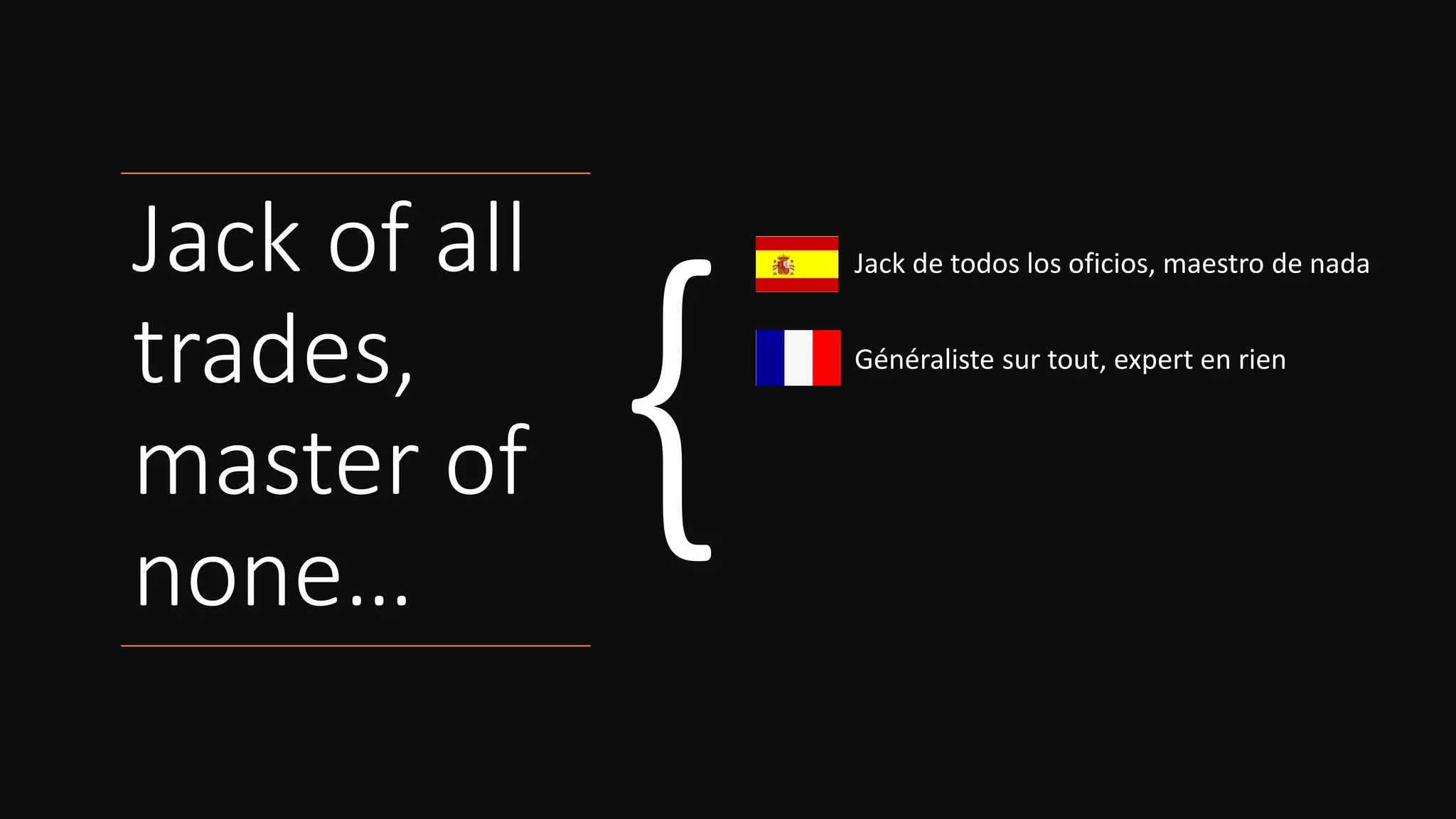
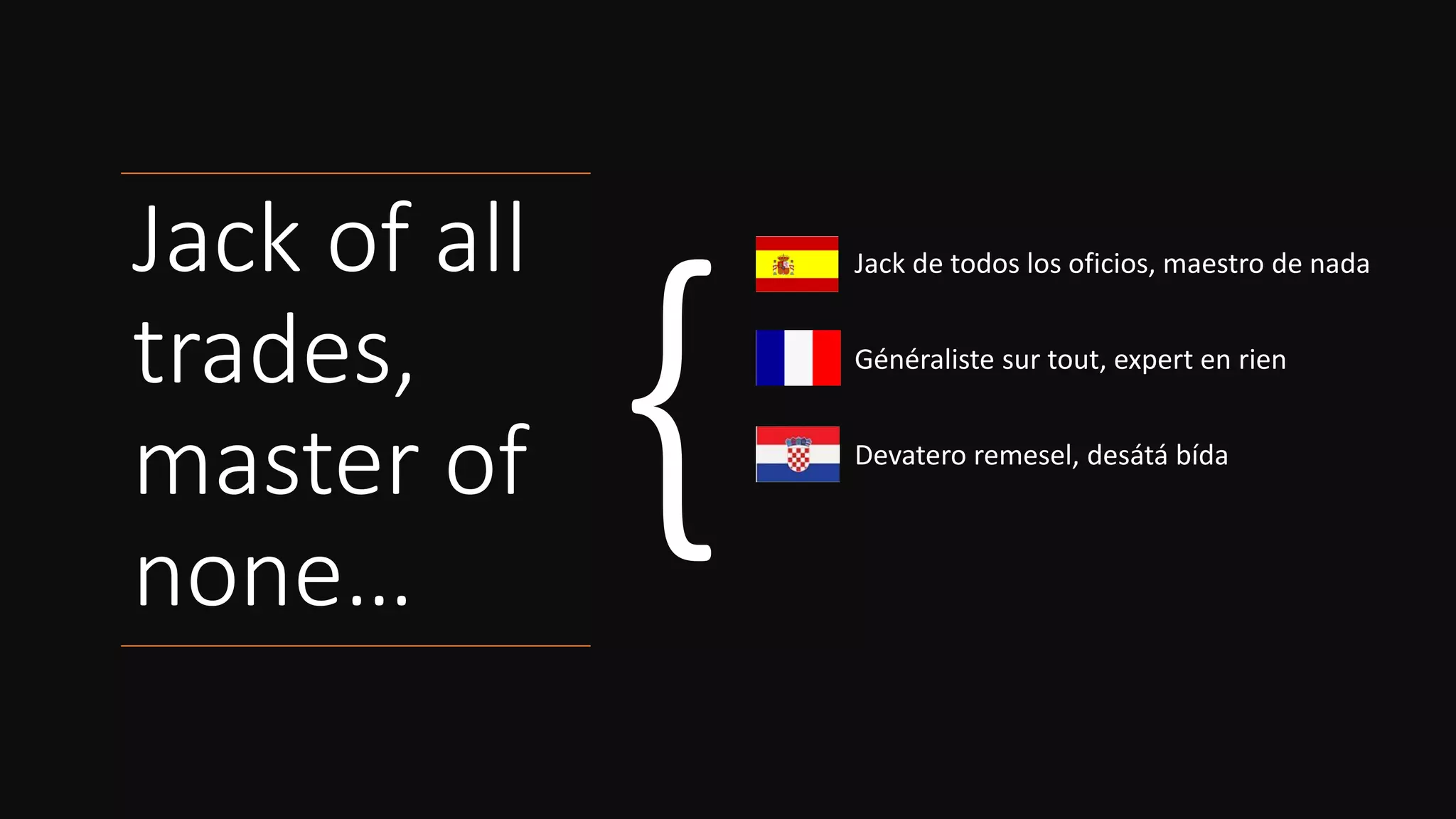
Jack of all
trades,
master of
none…
Jack de todos los oficios, maestro de nada
Généraliste sur tout, expert en rien
Vieles können, aber nichts gut
Tuttofare, maestro di nessuno
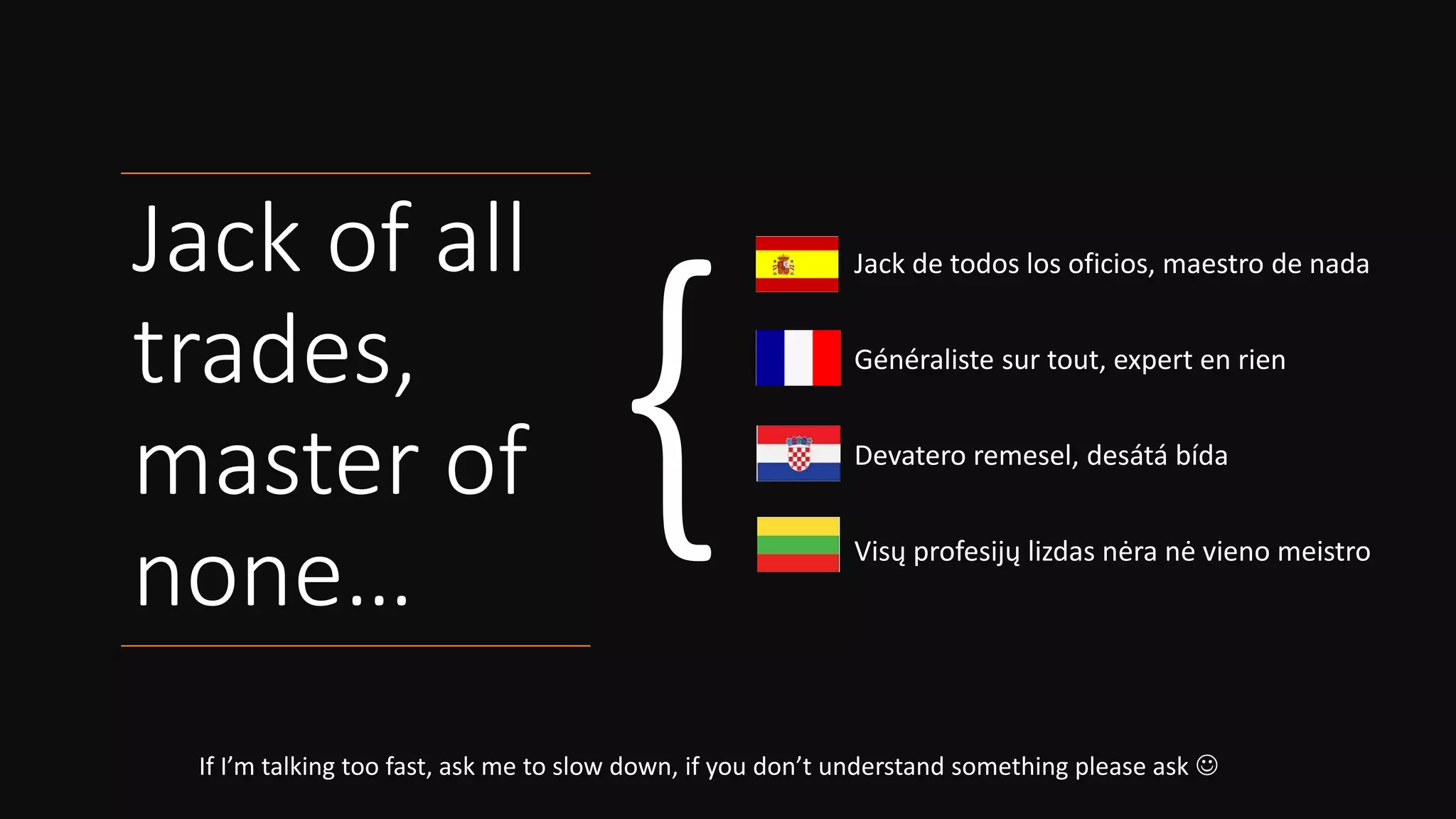
Jack of all
trades,
master of
none…
Jack de todos los oficios, maestro de nada
Généraliste sur tout, expert en rien
Vieles können, aber nichts gut
Tuttofare, maestro di nessuno
Jack of all
trades,
master of
none…
Jack de todos los oficios, maestro de nada
Généraliste sur tout, expert en rien
Vieles können, aber nichts gut
Tuttofare, maestro di nessuno
Jack of all
trades,
master of
none…
Jack de todos los oficios, maestro de nada
Généraliste sur tout, expert en rien
Devatero remesel, desátá bída
Tuttofare, maestro di nessuno
Jack of all
trades,
master of
none…
If I’m talking too fast, ask me to slow down, if you don’t understand something please ask ☺
Jack de todos los oficios, maestro de nada
Généraliste sur tout, expert en rien
Devatero remesel, desátá bída
Visų profesijų lizdas nėra nė vieno meistro
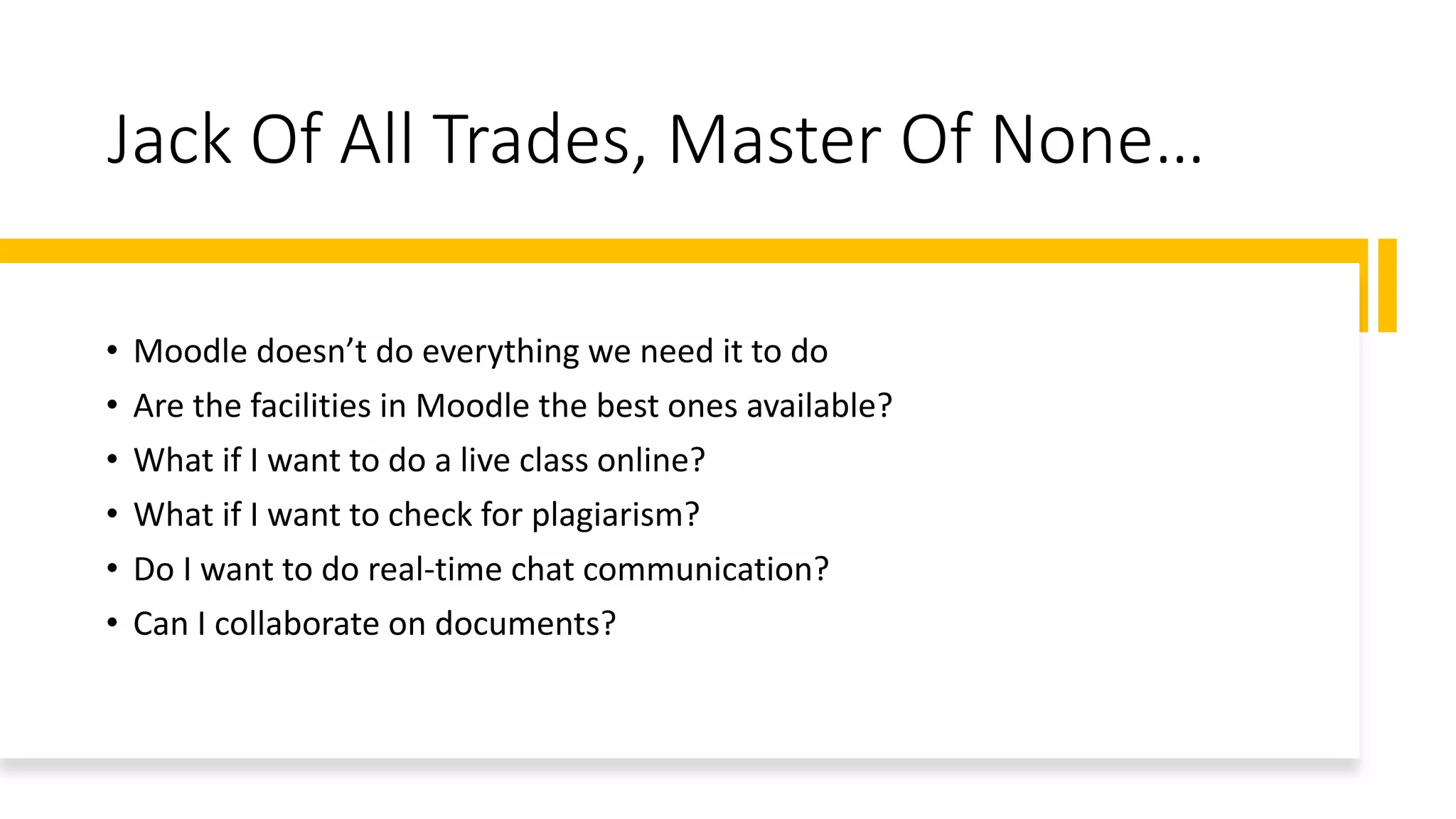
Jack Of All Trades, Master Of None…
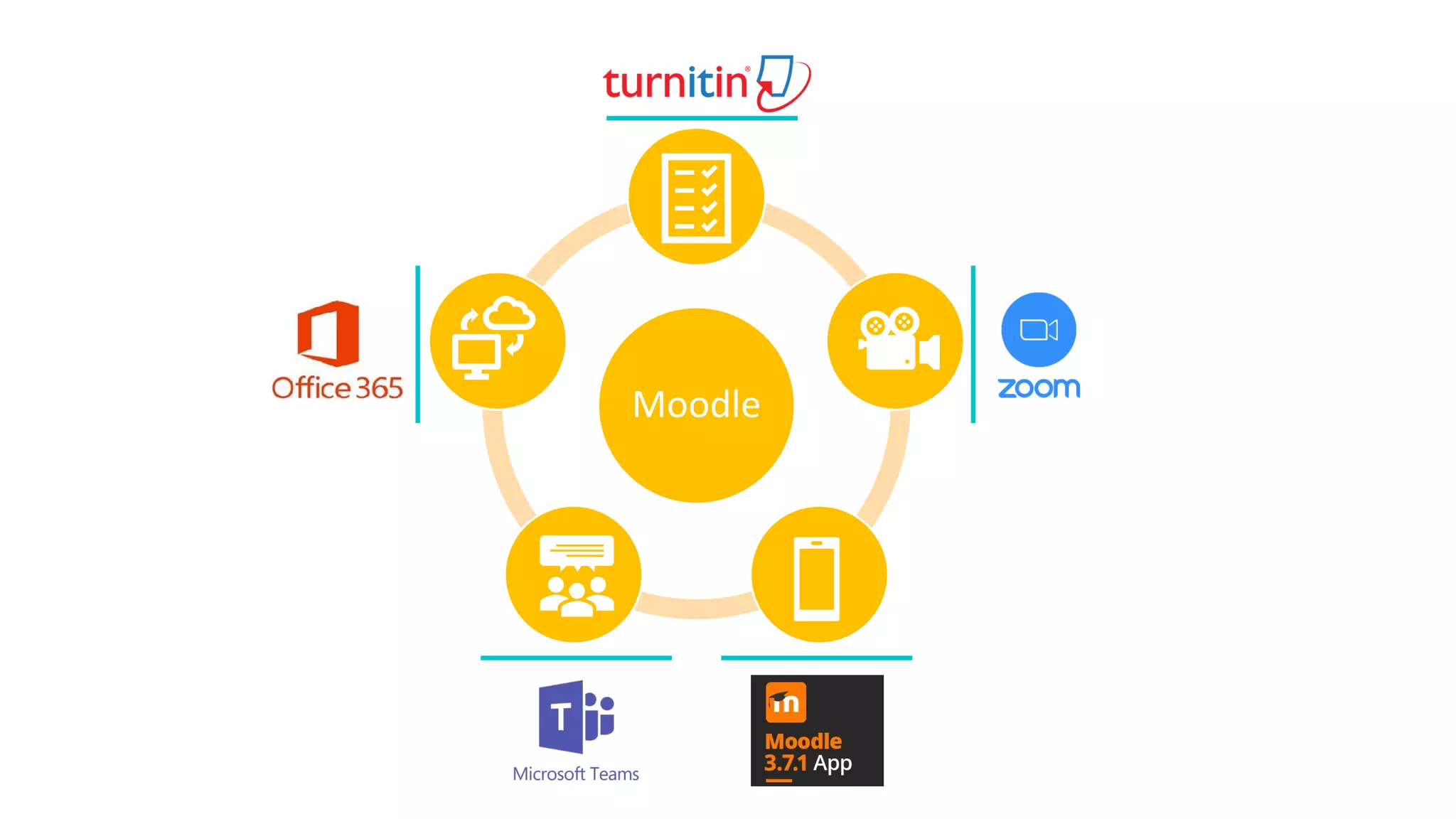
• Moodle doesn’t do everything we need it to do
• Are the facilities in Moodle the best ones available?
• What if I want to do a live class online?
• What if I want to check for plagiarism?
• Do I want to do real-time chat communication?
• Can I collaborate on documents?
Unbundle the
LMS
• Learning Management Systems
• Seen as end points
• One size fits all solution
• Aesthetics
• Vendor/product lock-in
• We want to swap-in better
alternatives as they become
available
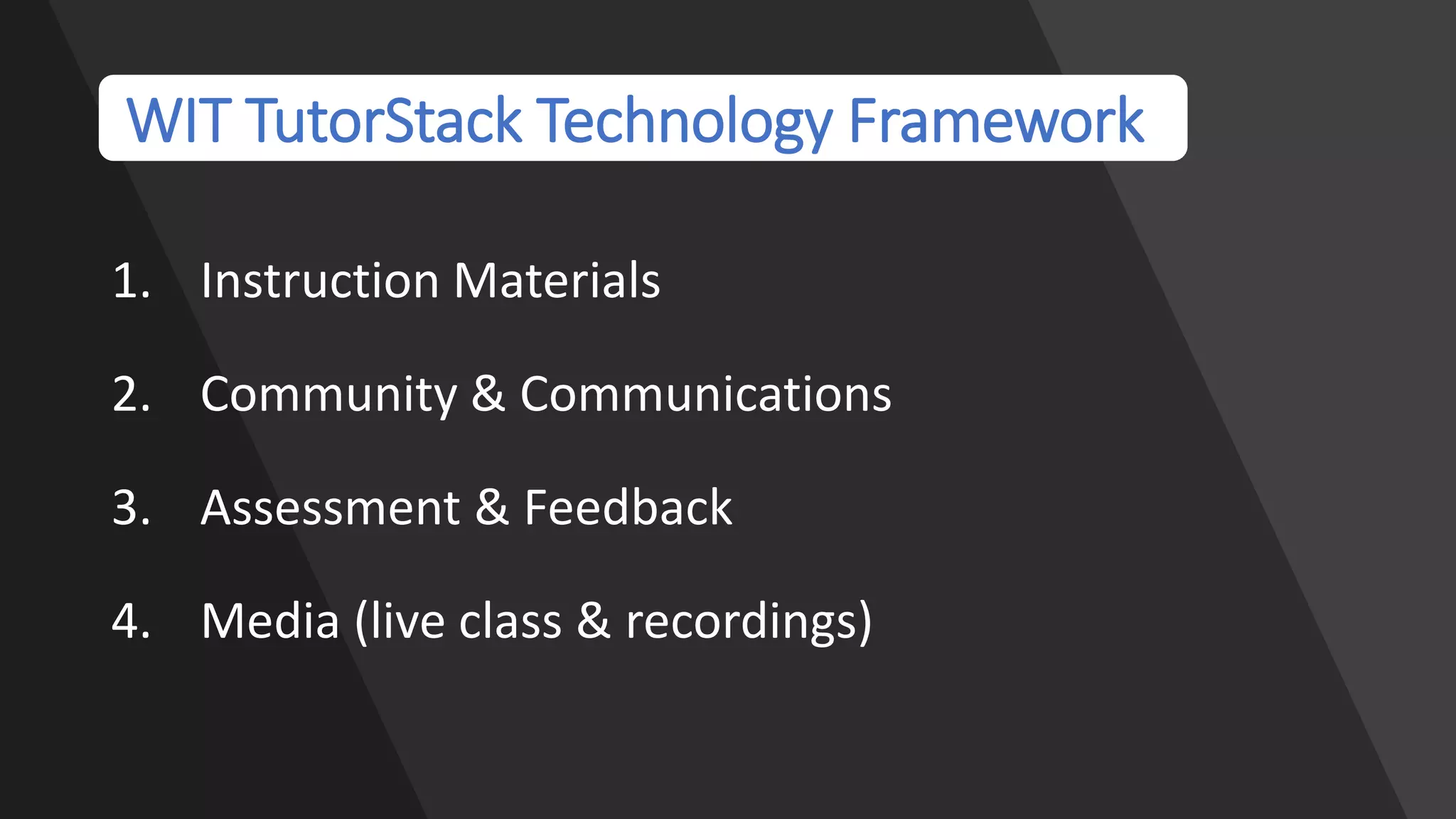
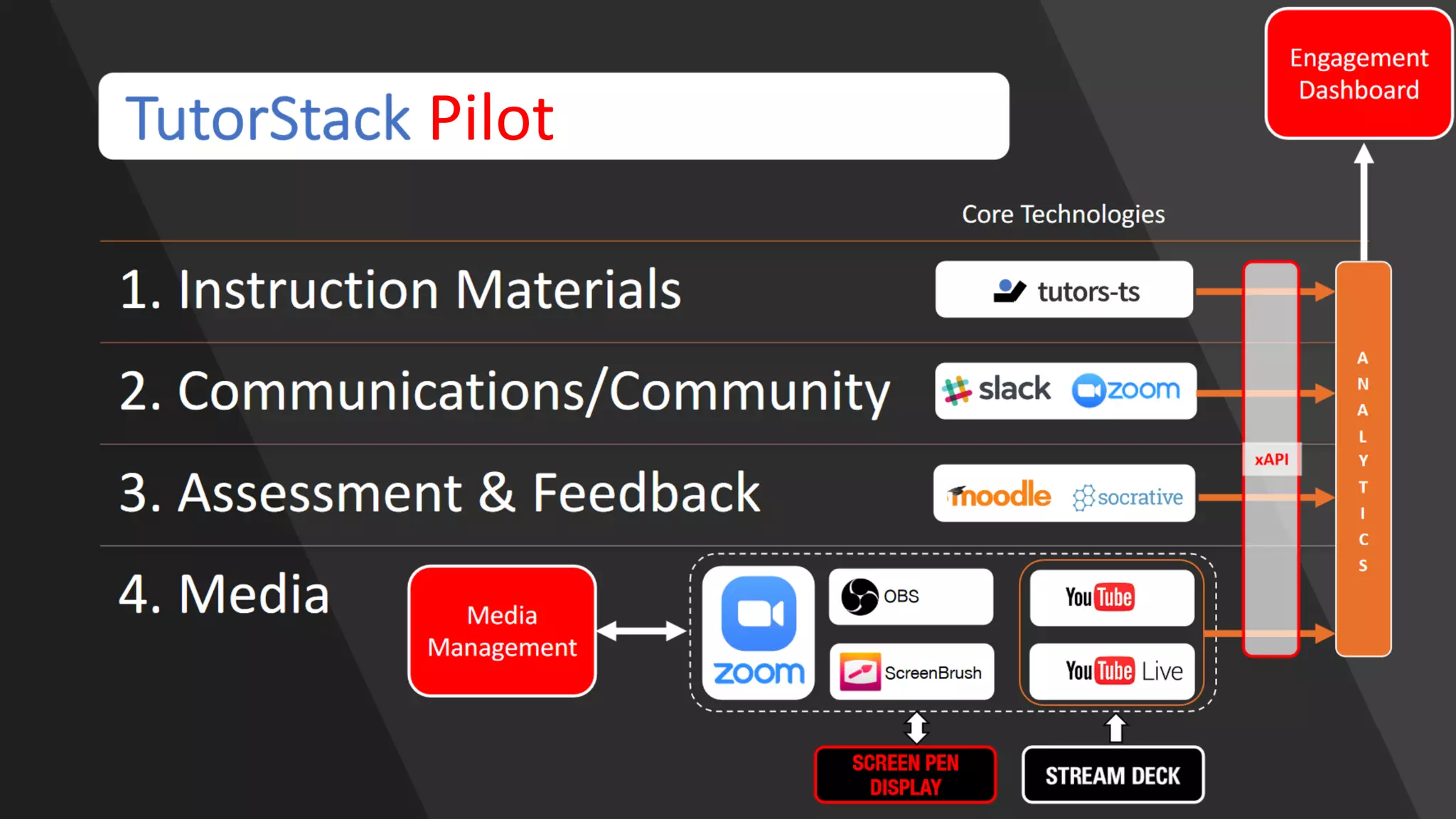
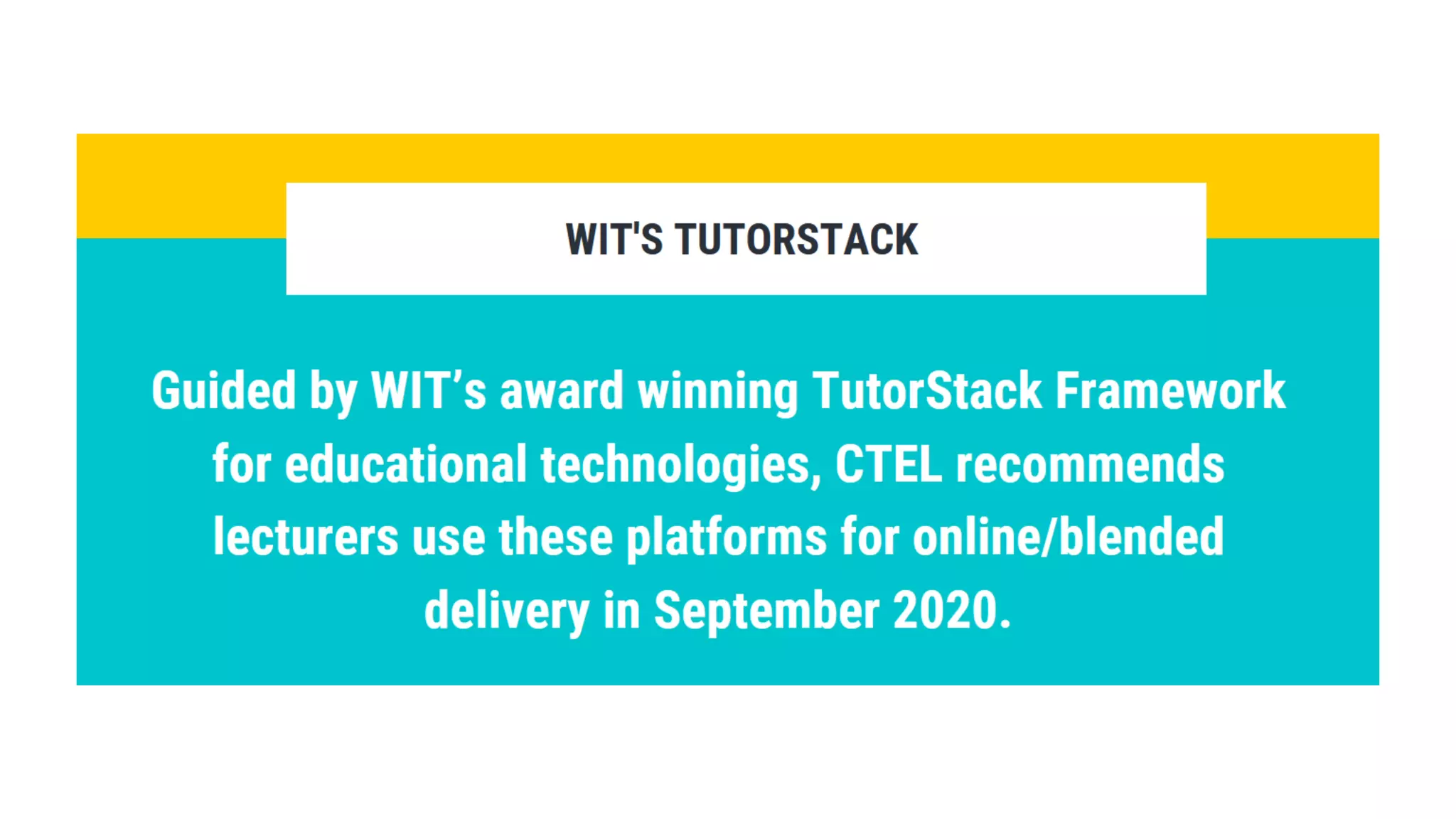
WIT TutorStack Technology Framework
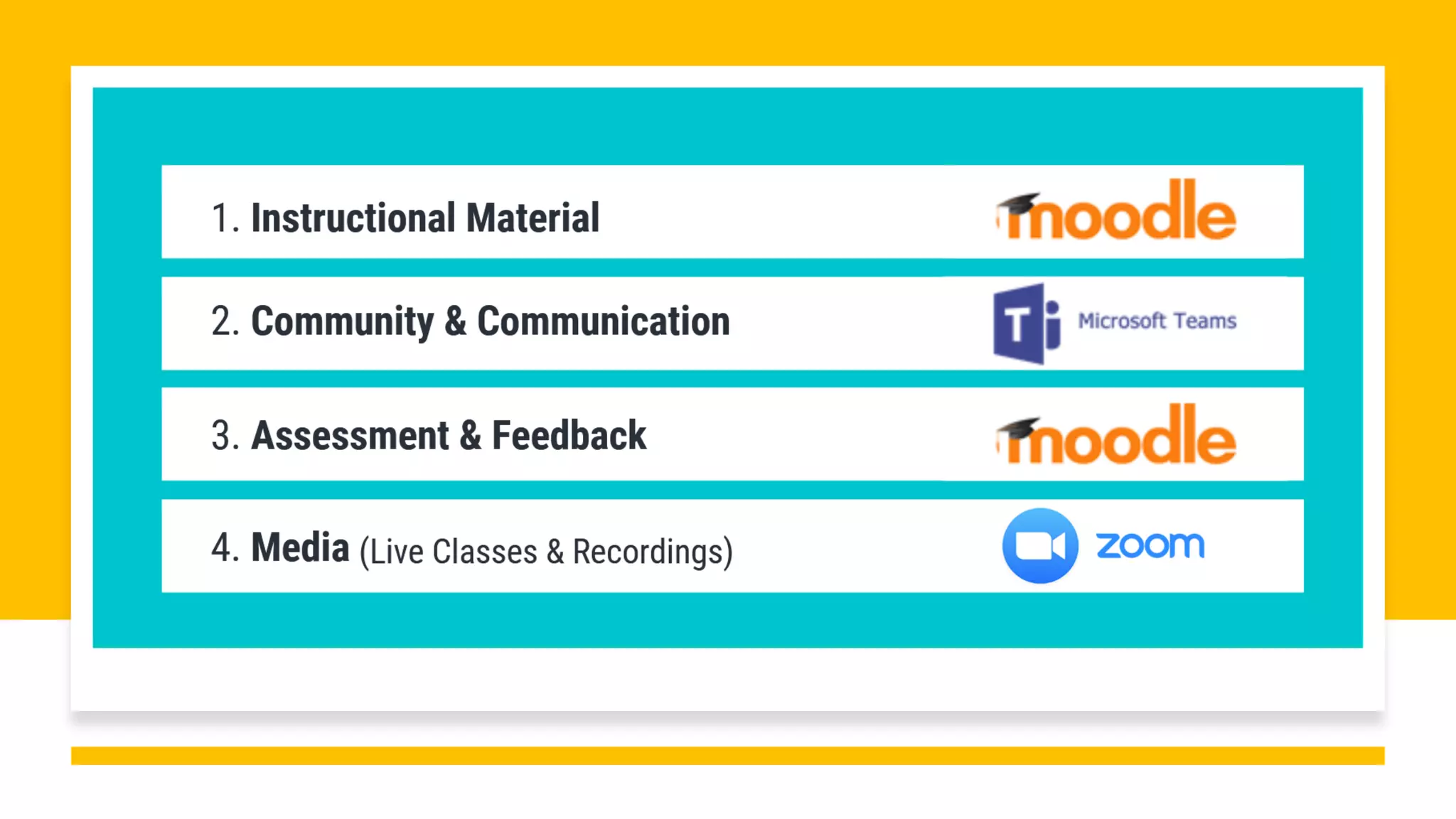
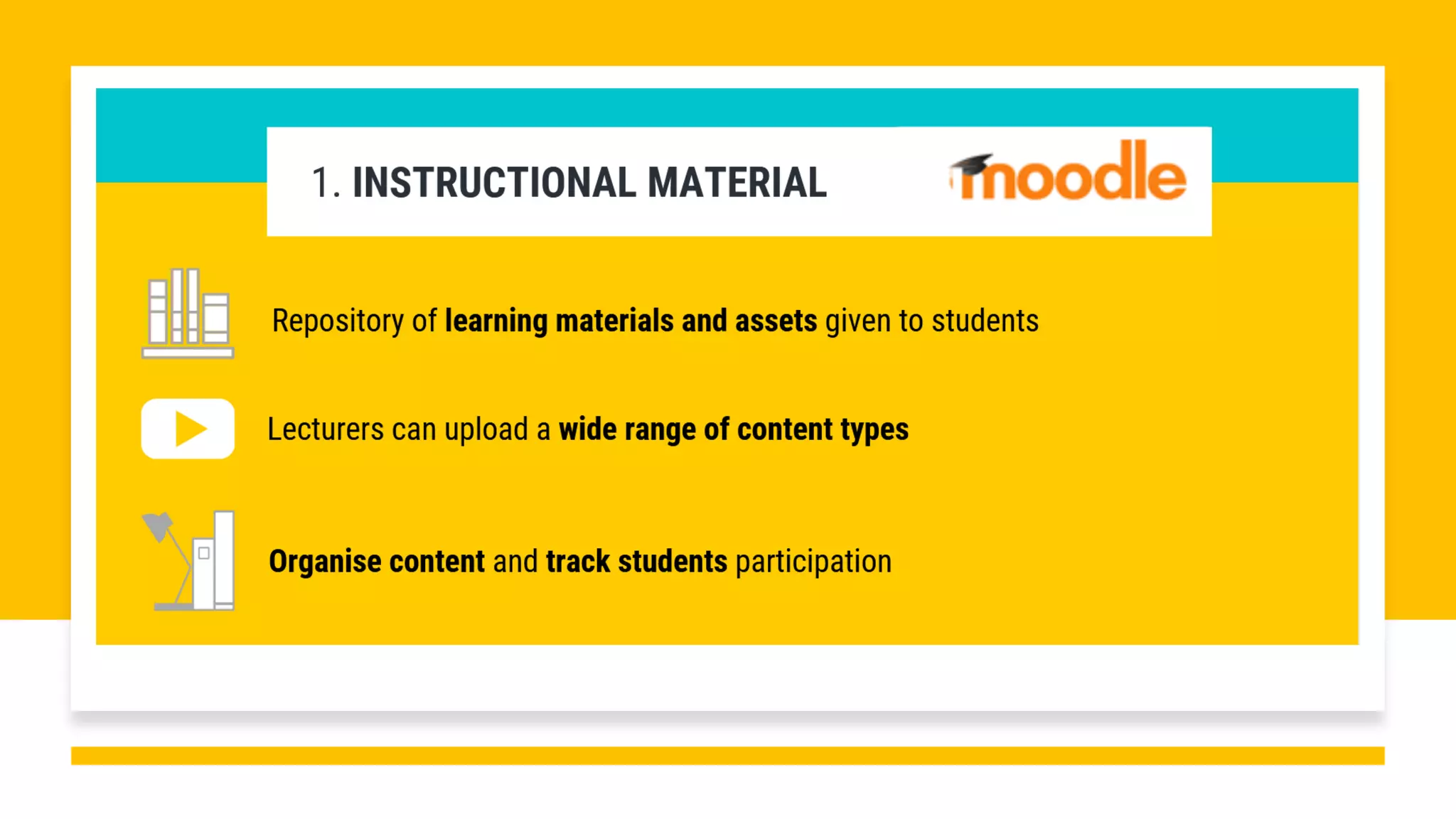
1. Instruction Materials
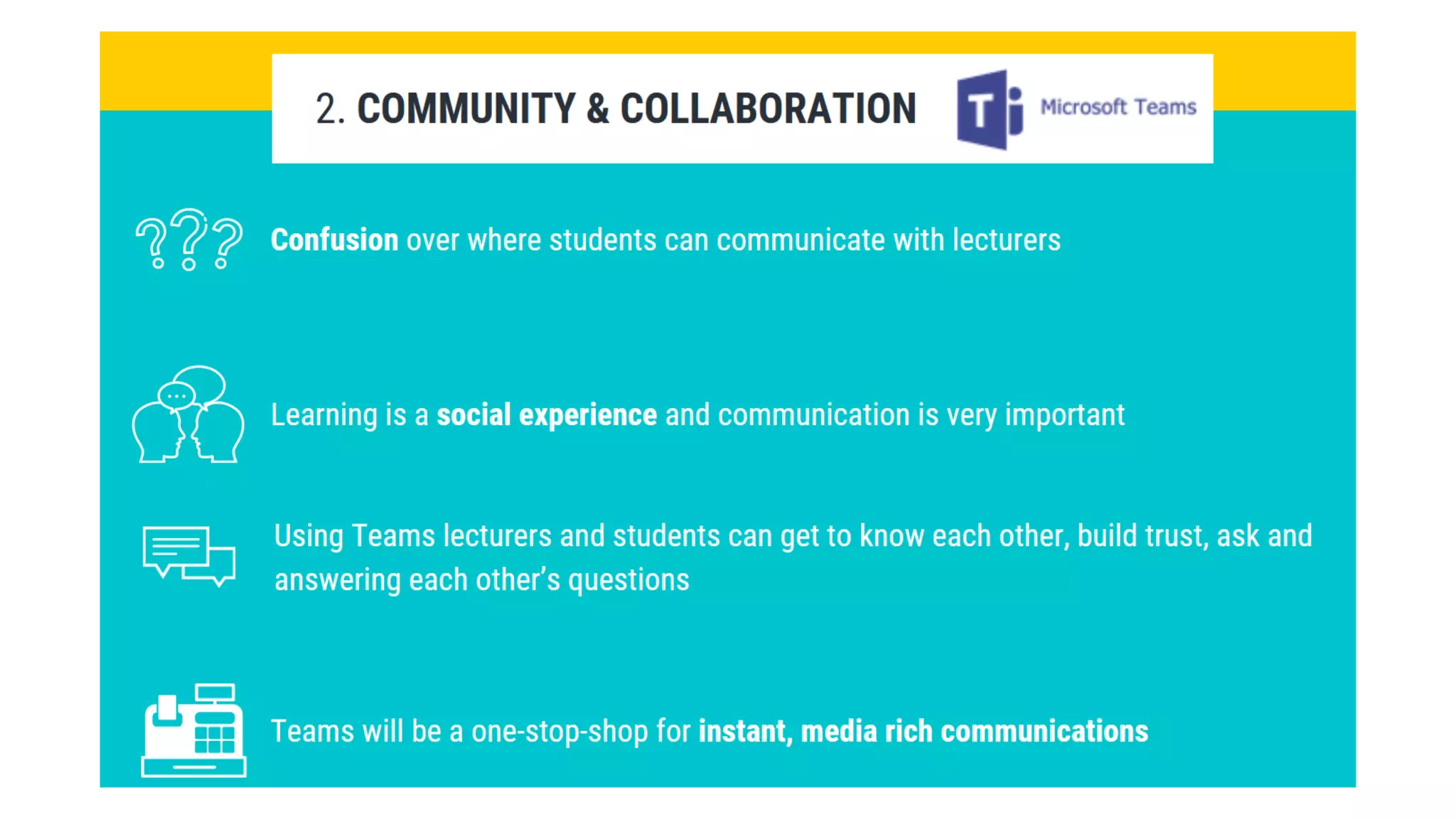
2. Community & Communications
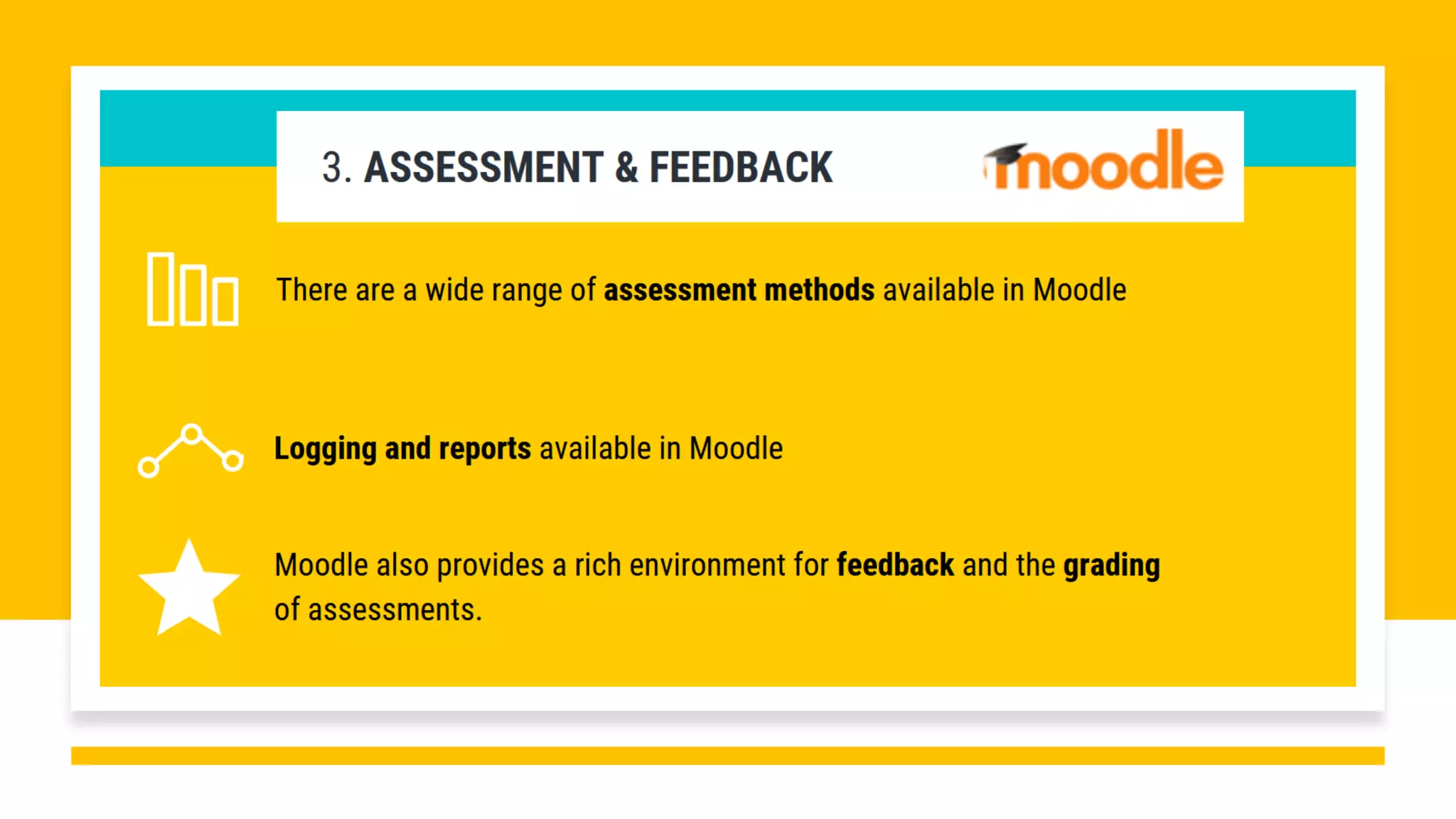
3. Assessment & Feedback
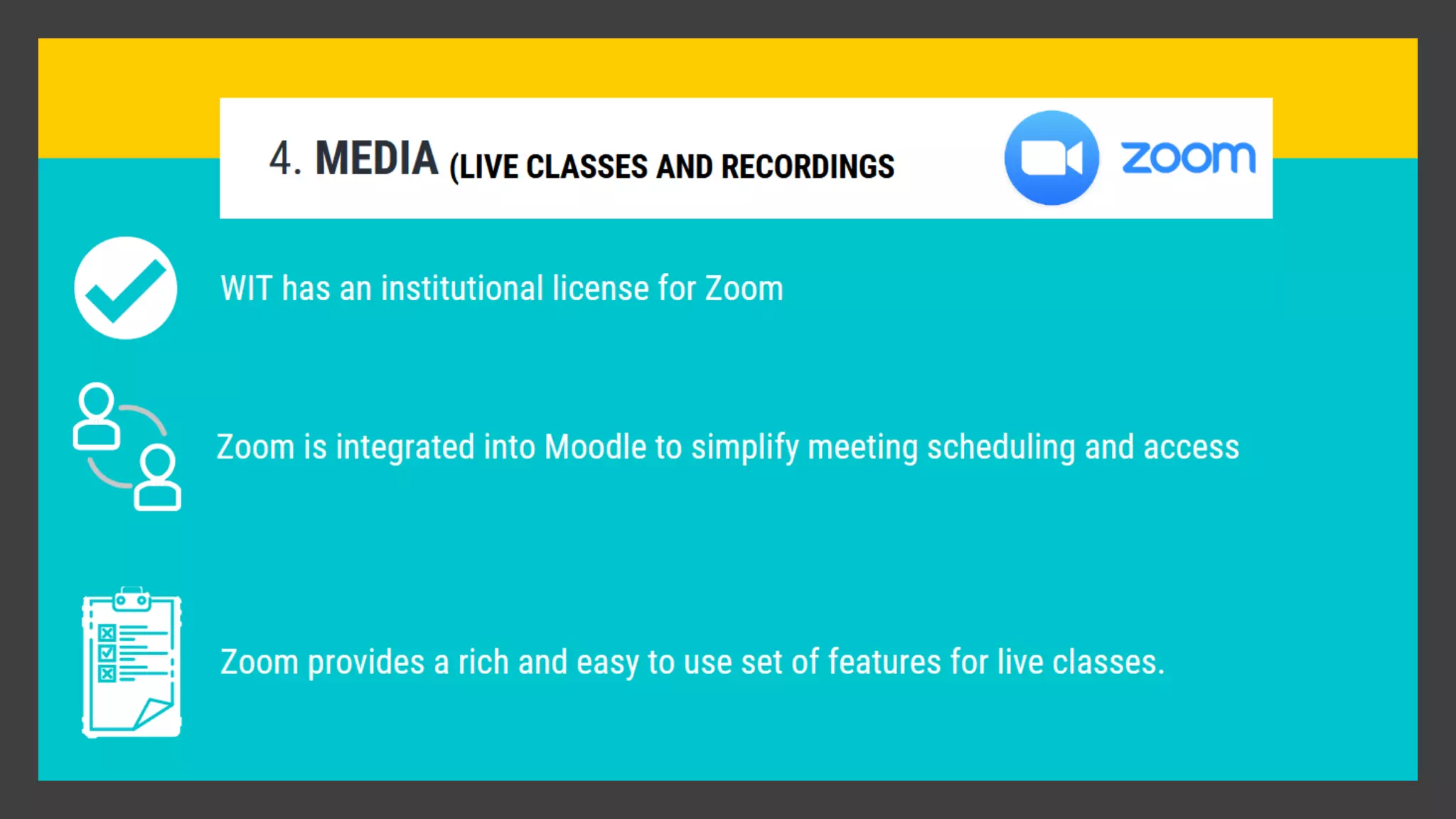
4. Media (live class & recordings)
Pilot
Pilot Programme
vs
10,000 Students
How do you scale to the entire institute?
Moodle
Questions
See you in 5
minutes
Interaction and Engagement
Tools for Online Classes
Section 2:
Interaction
Tools
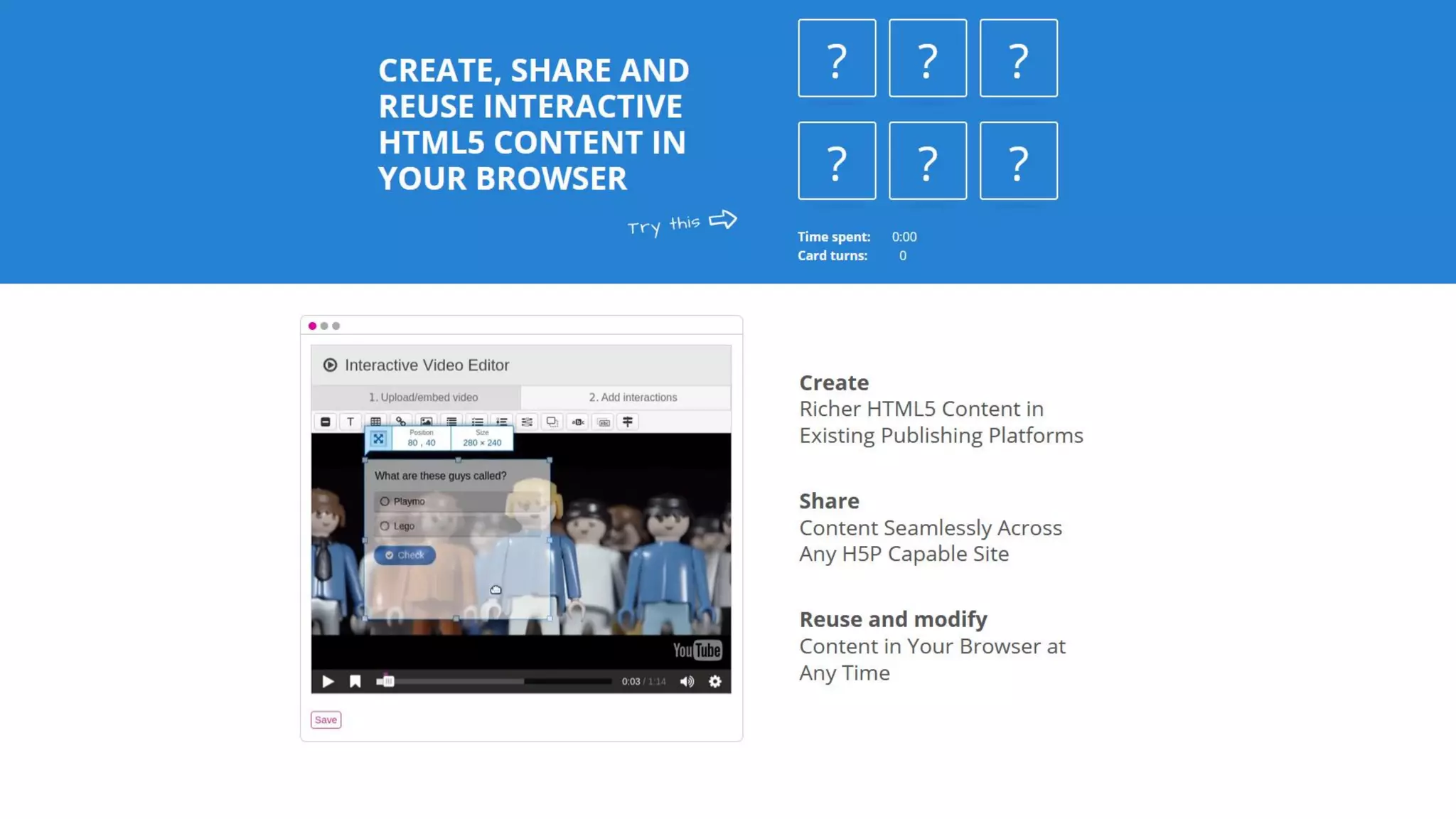
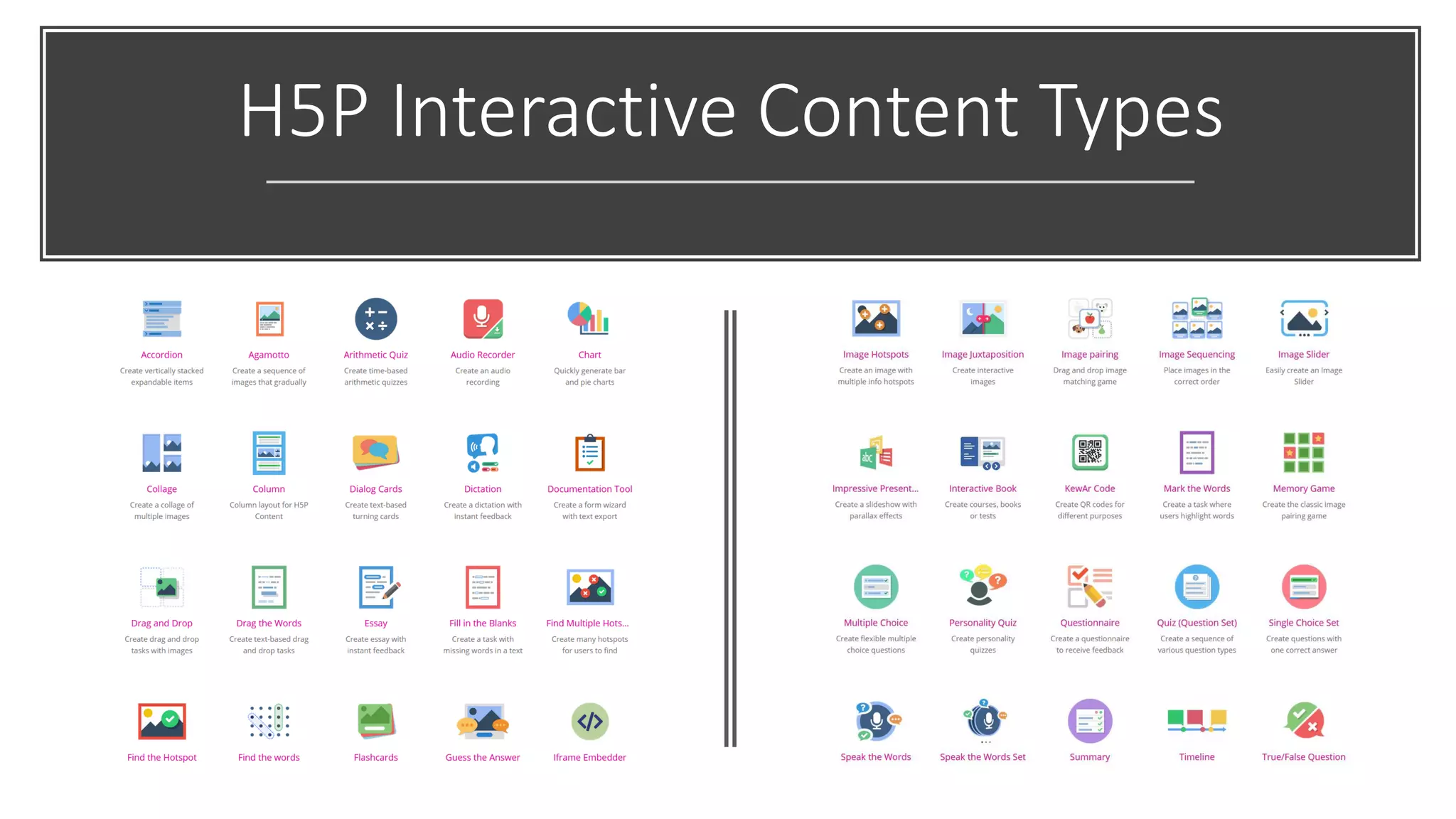
• Moodle H5P
• Turnitin
• Teams for Chat
• Zoom for Video
• Mentimeter
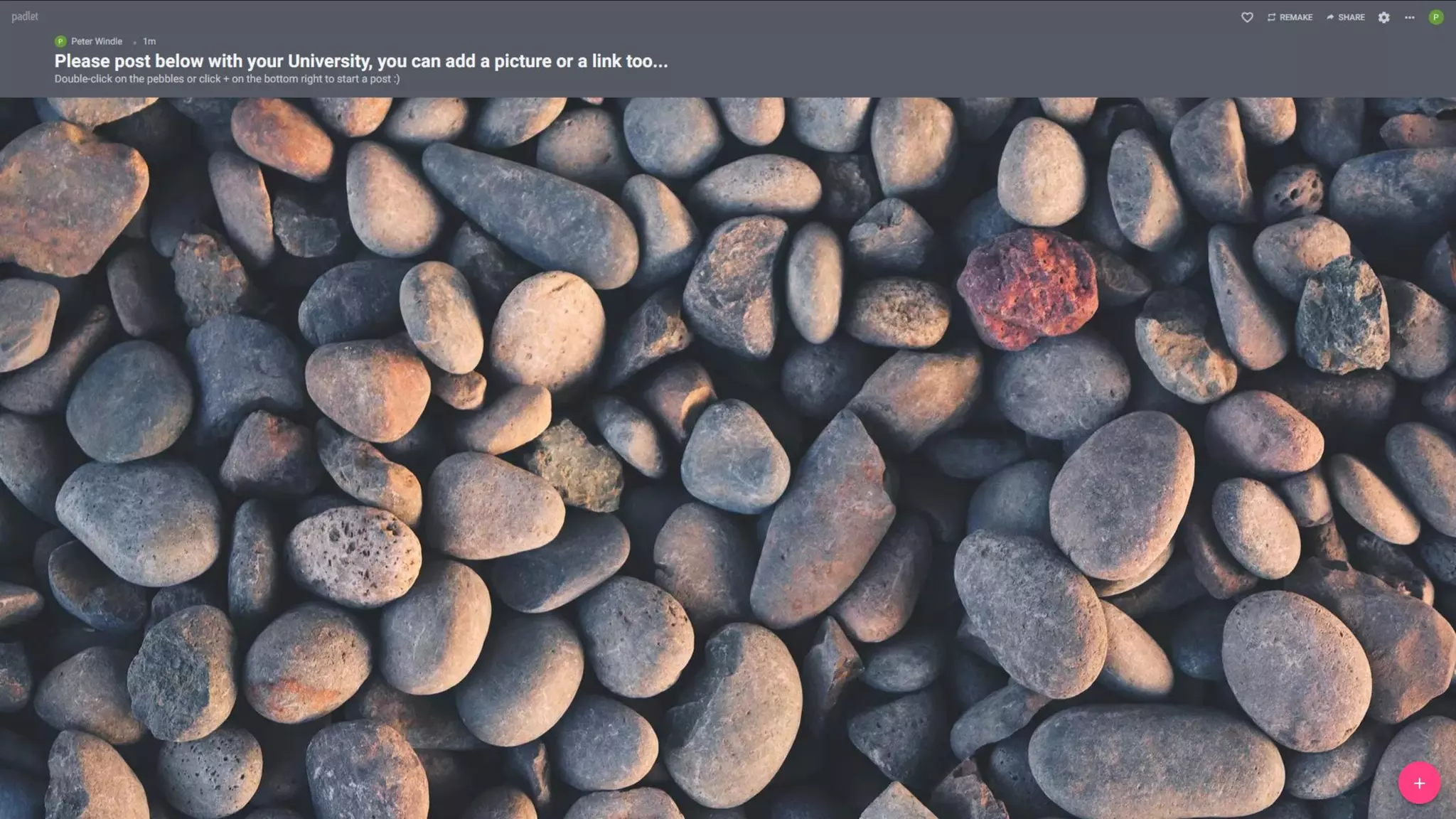
• Padlet
H5P Interactive Content Types
What Is Turnitin?
Turnitin is a tool to help you lay the foundation for original thinking,
authentic writing, and academic integrity practices that will last
a lifetime.
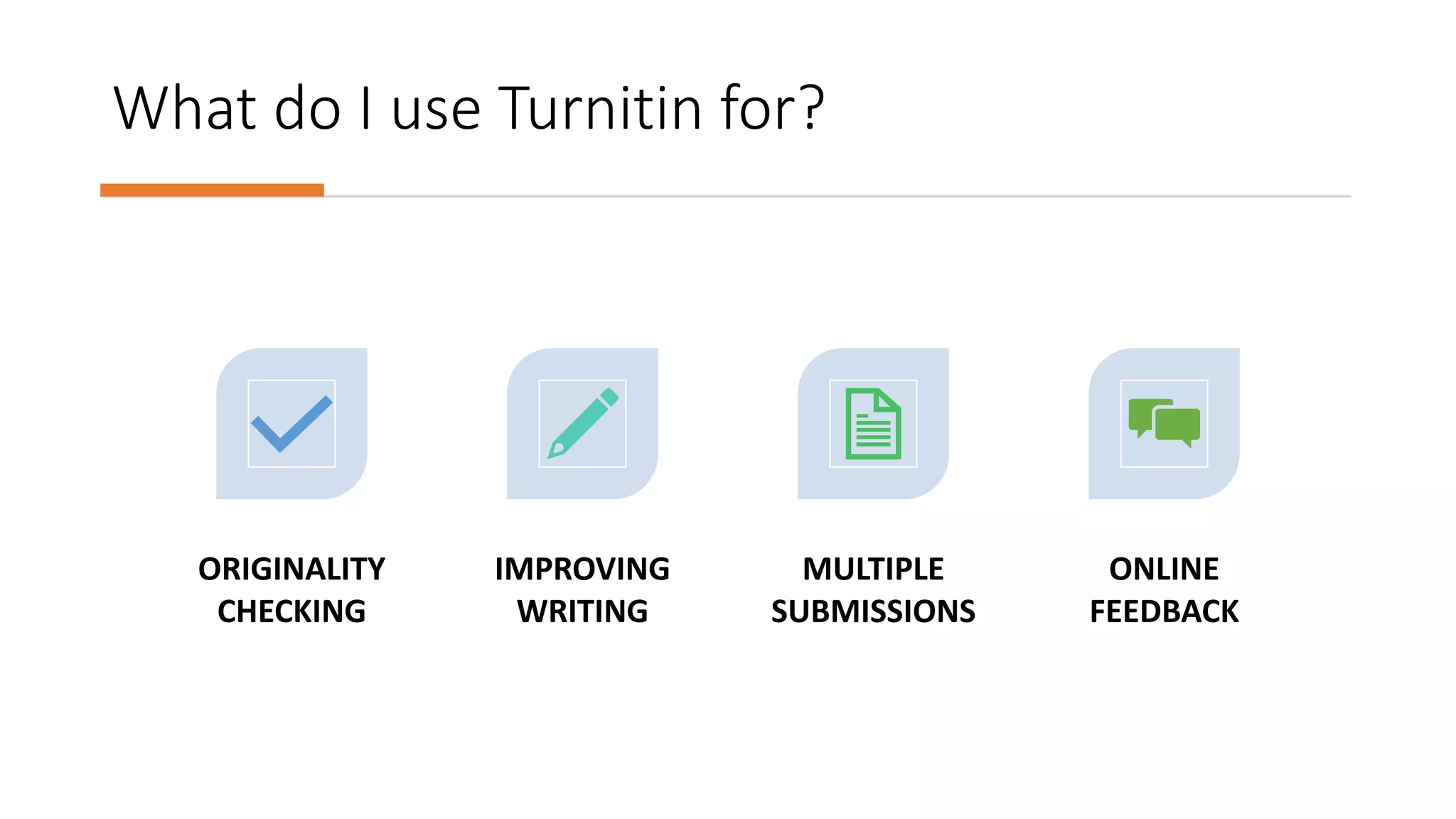
What do I use Turnitin for?
ORIGINALITY
CHECKING
IMPROVING
WRITING
MULTIPLE
SUBMISSIONS
ONLINE
FEEDBACK
What’s in the
Turnitin Database?
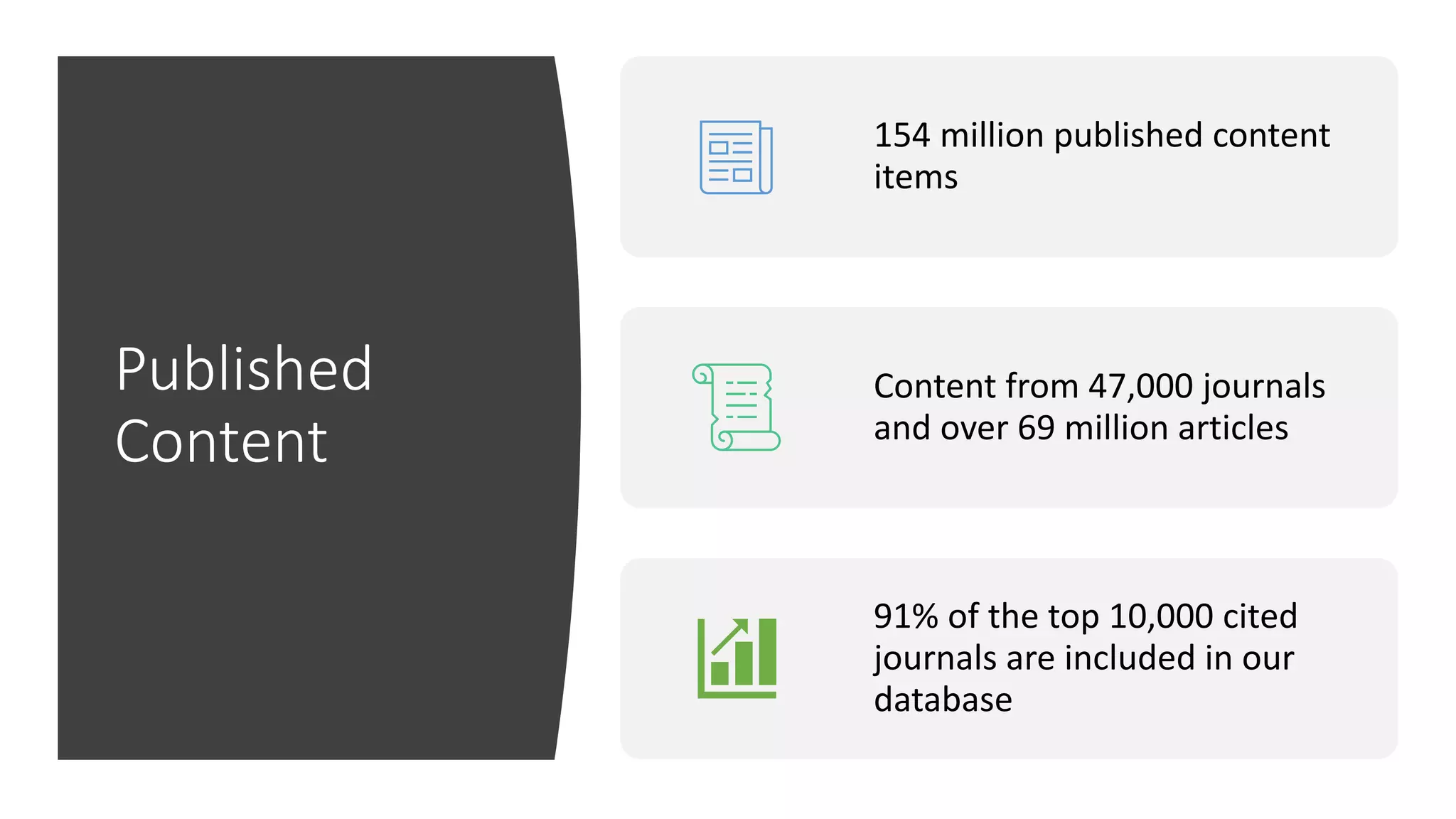
Published
Content
154 million published content
items
Content from 47,000 journals
and over 69 million articles
91% of the top 10,000 cited
journals are included in our
database
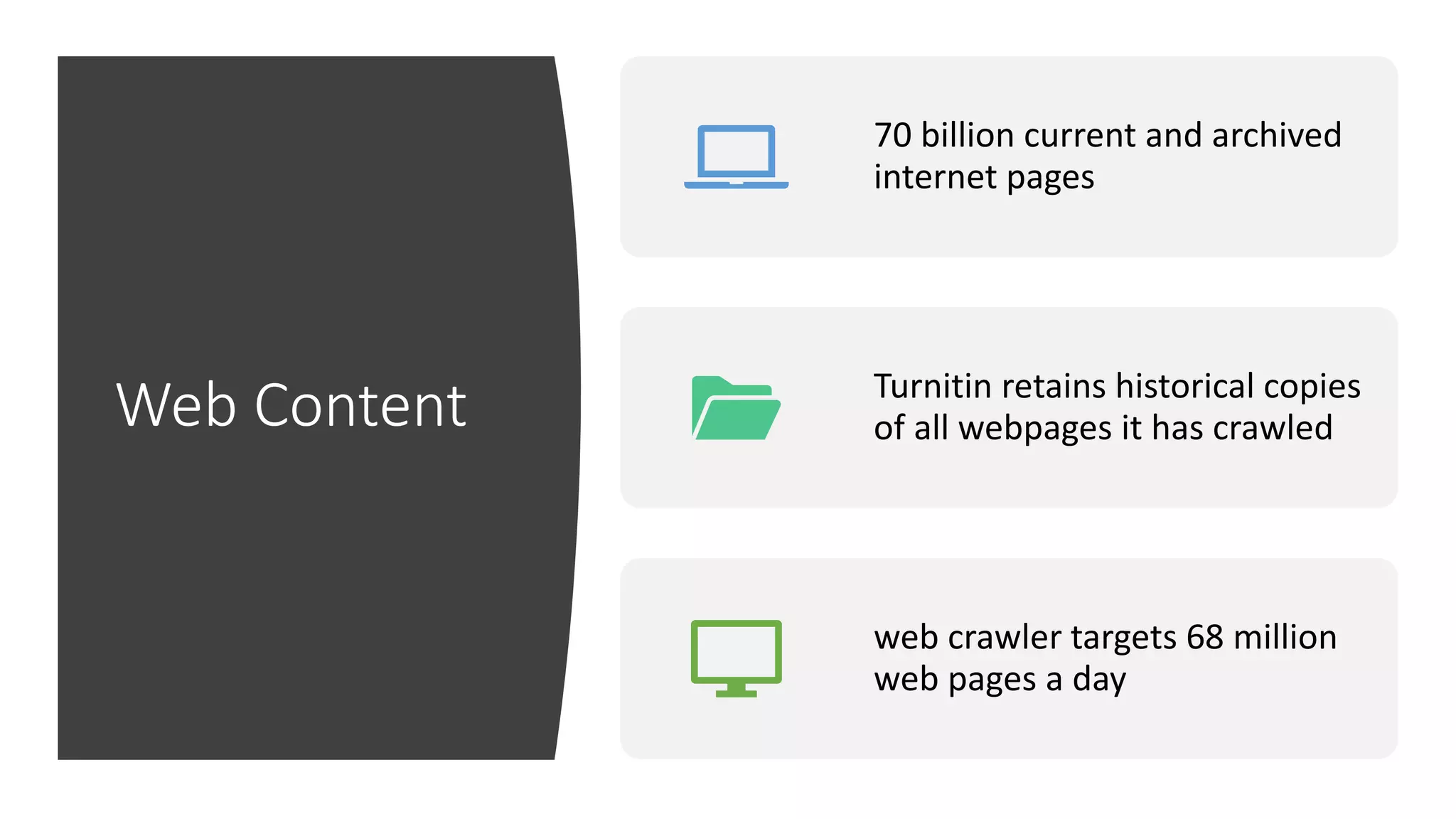
Web Content
70 billion current and archived
internet pages
Turnitin retains historical copies
of all webpages it has crawled
web crawler targets 68 million
web pages a day
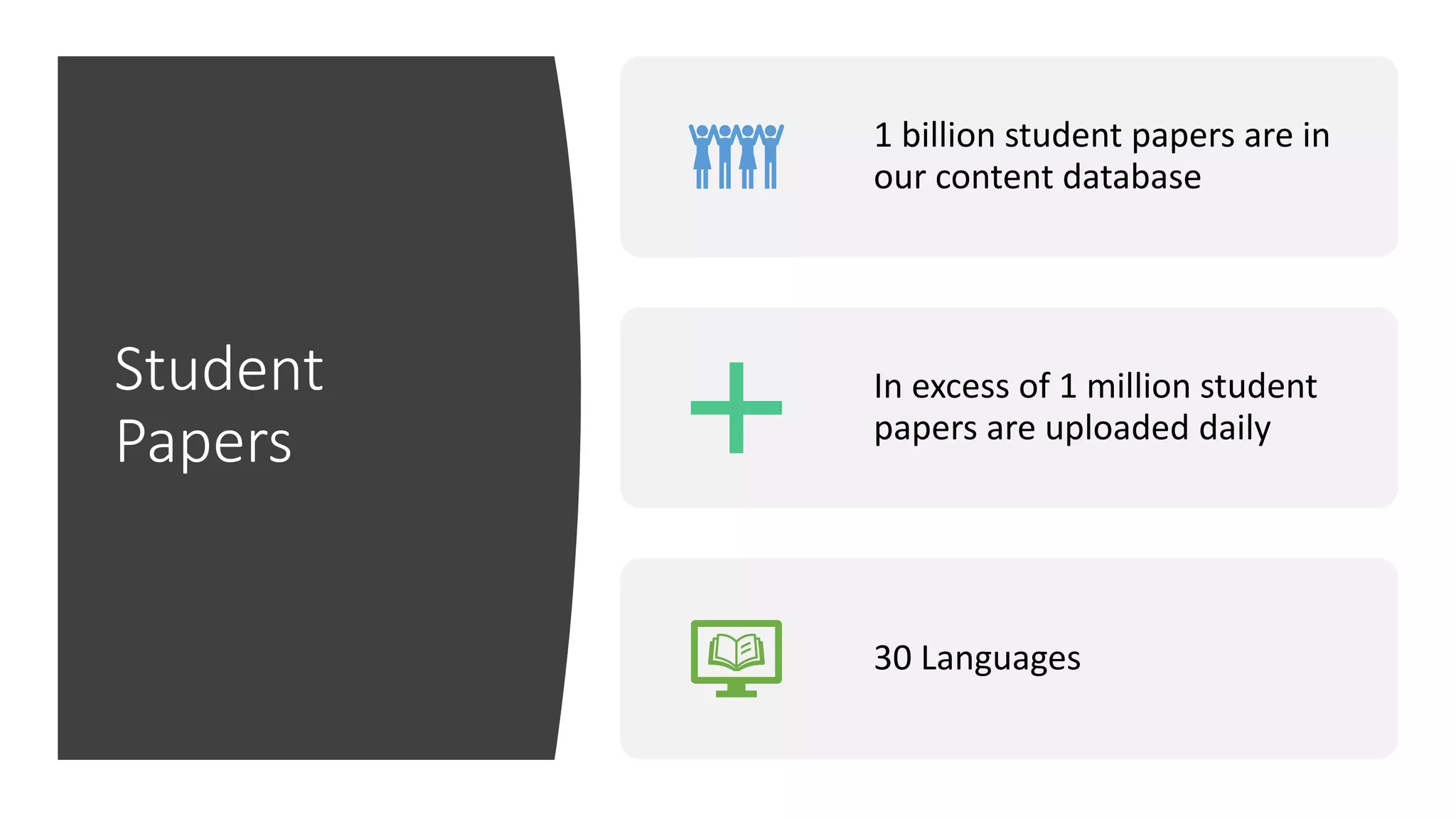
Student
Papers
1 billion student papers are in
our content database
In excess of 1 million student
papers are uploaded daily
30 Languages
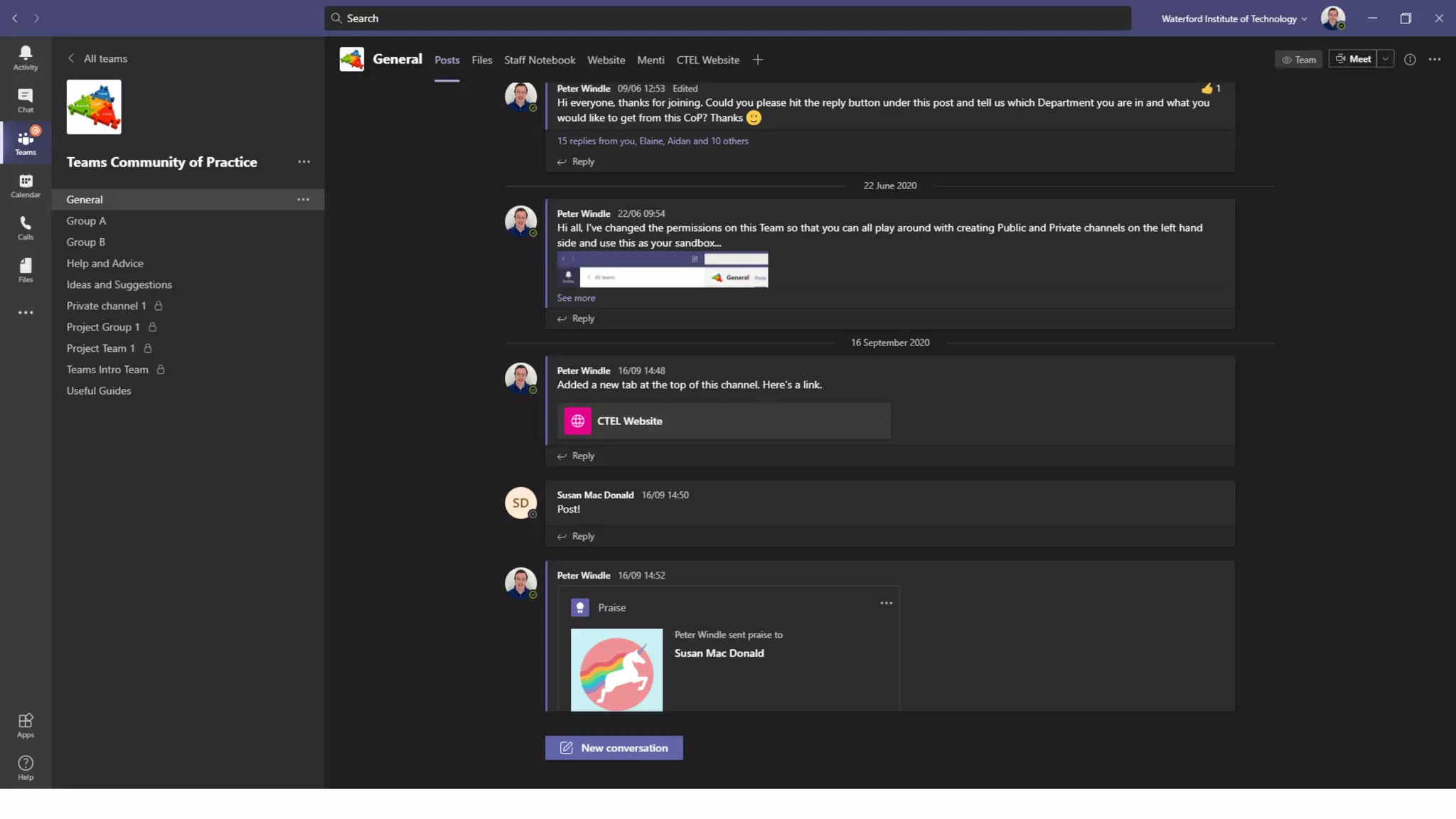
Microsoft Teams
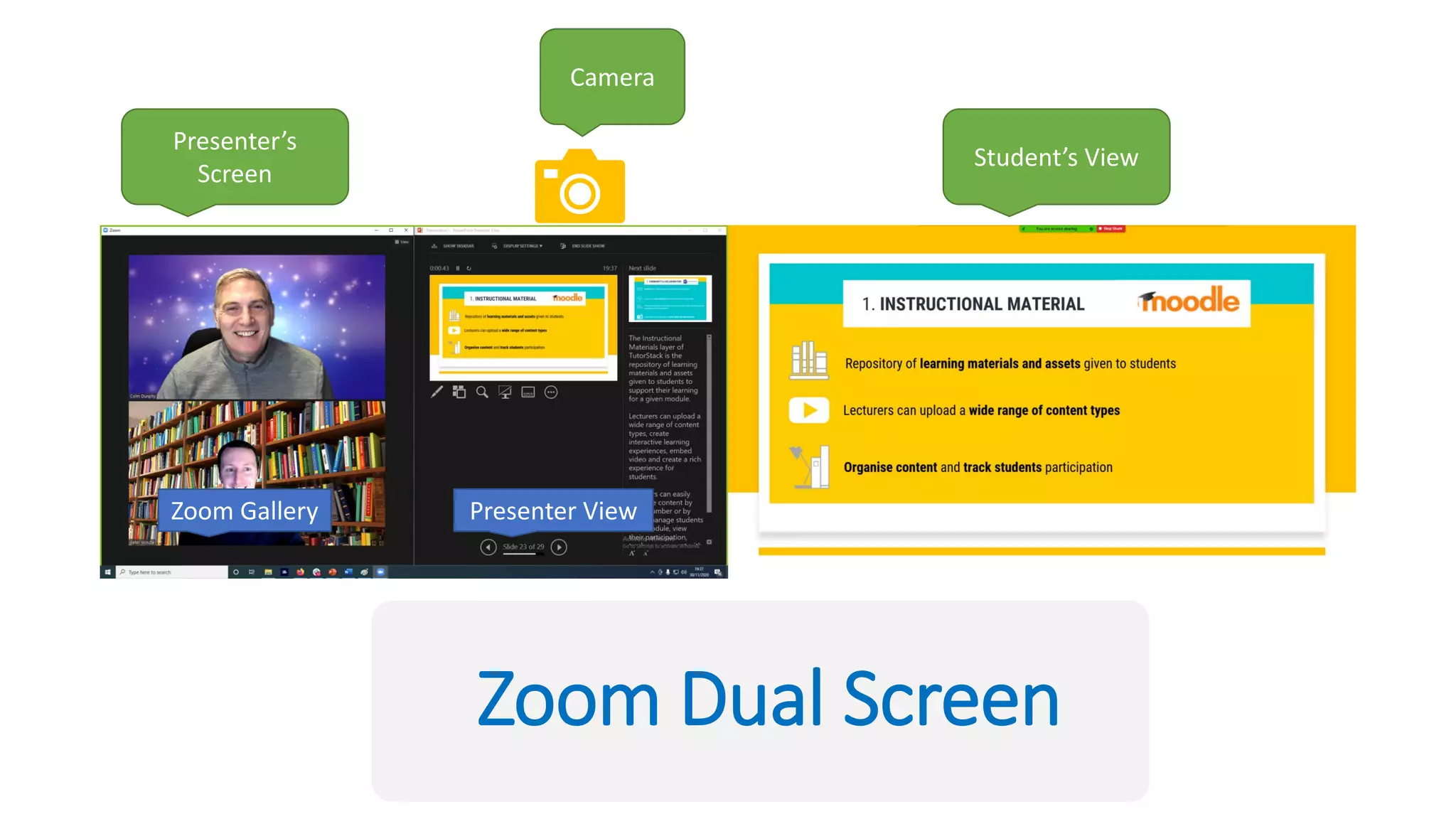
Zoom Dual Screen
Presenter’s
Screen
Student’s View
Camera
Zoom Gallery Presenter View
Questions
See you in 5 minutes
Community
and
Collaboration
Section 3:
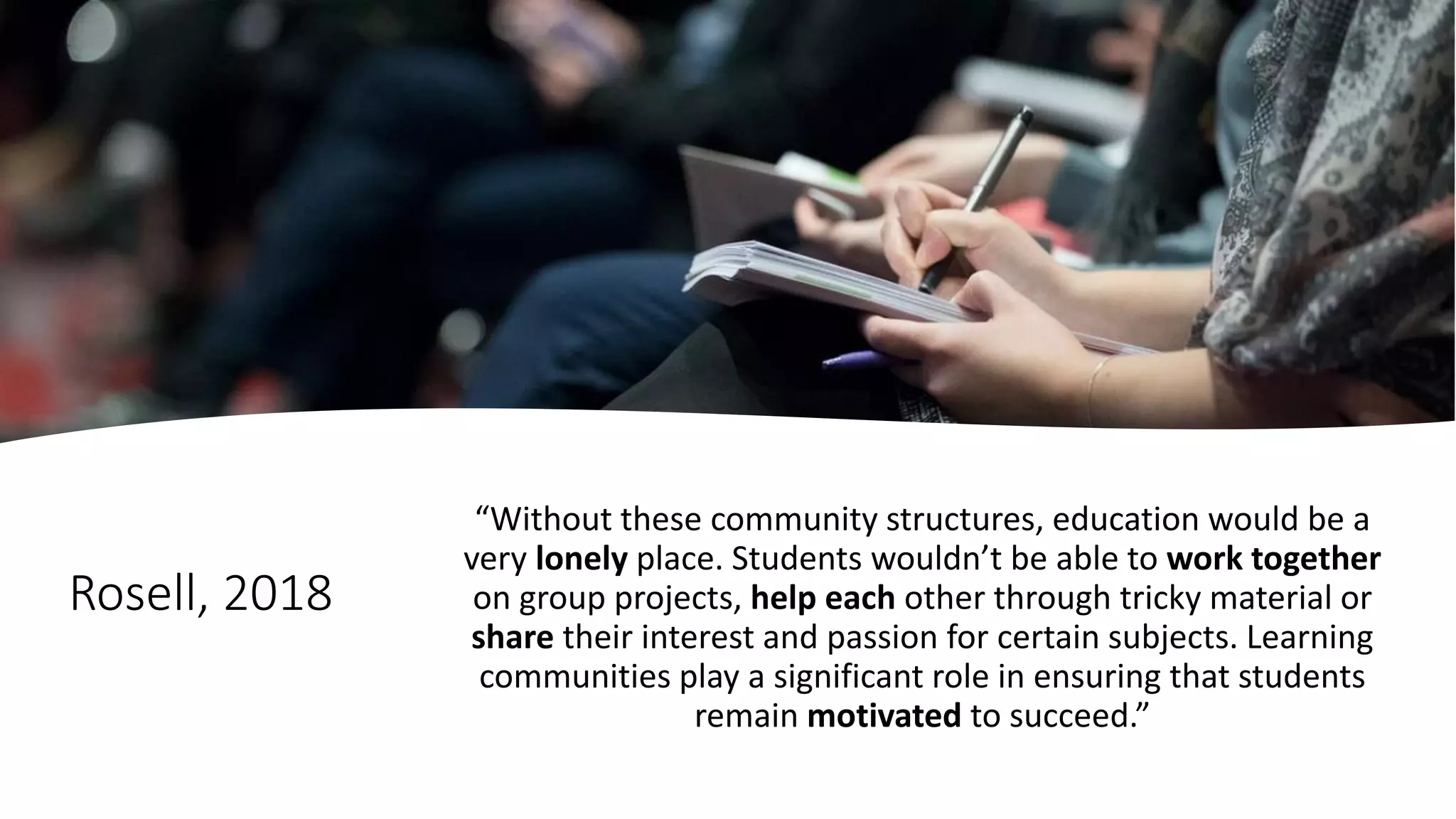
Rosell, 2018
“Without these community structures, education would be a
very lonely place. Students wouldn’t be able to work together
on group projects, help each other through tricky material or
share their interest and passion for certain subjects. Learning
communities play a significant role in ensuring that students
remain motivated to succeed.”
Osterman, 2000
A community exists when its members
experience a sense of belonging or personal
relatedness...the community has a shared
and emotional sense of connection
Rovai & Wighting (2005)
Community “provides a place in which individuals are
free to express their identities, and helps them deal
with changes and difficulties in society at large.
Students who feel lonely or isolated will invest more
energy in seeking a sense of community and support
than in learning.”
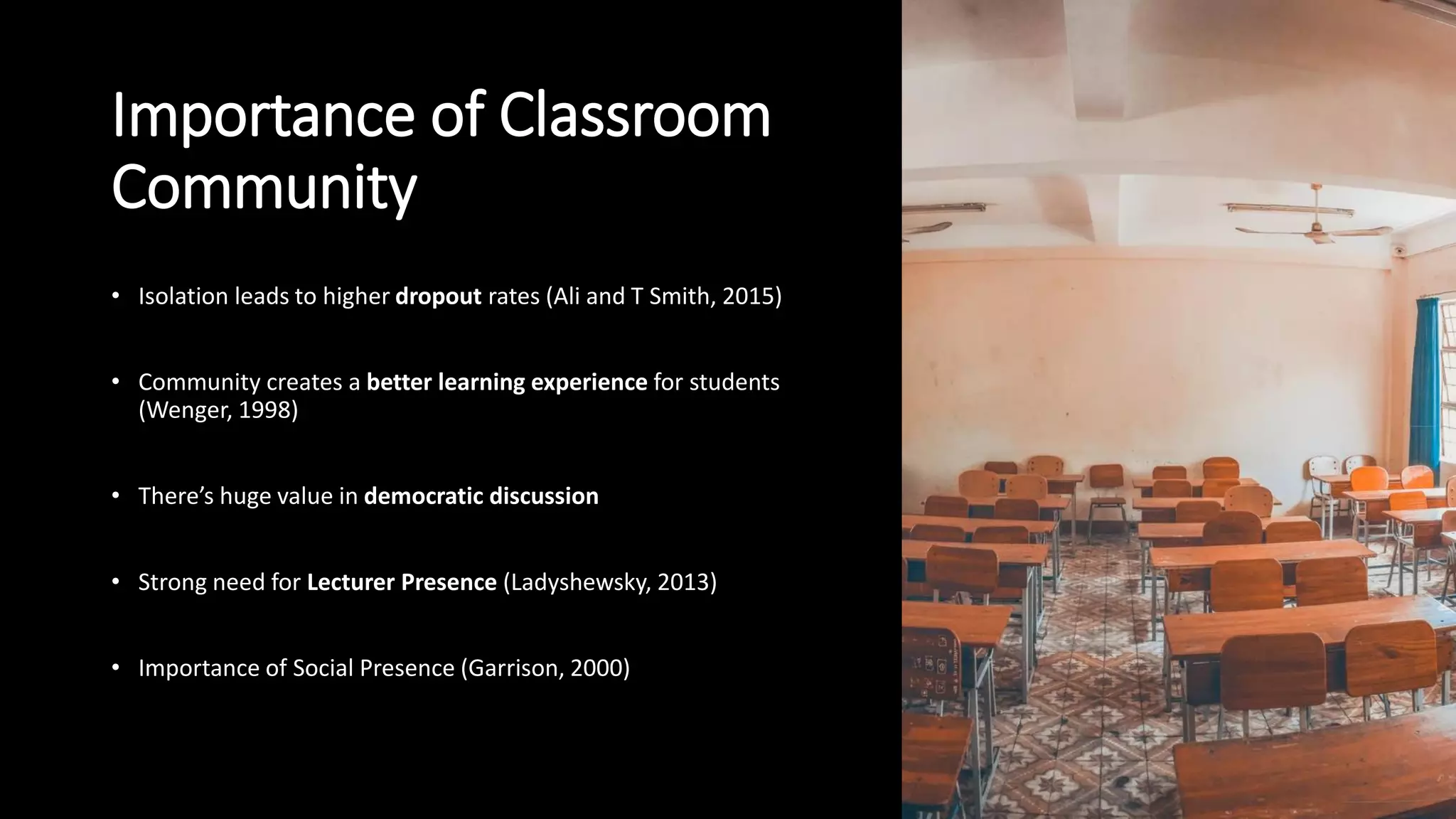
Importance of Classroom
Community
• Isolation leads to higher dropout rates (Ali and T Smith, 2015)
• Community creates a better learning experience for students
(Wenger, 1998)
• There’s huge value in democratic discussion
• Strong need for Lecturer Presence (Ladyshewsky, 2013)
• Importance of Social Presence (Garrison, 2000)
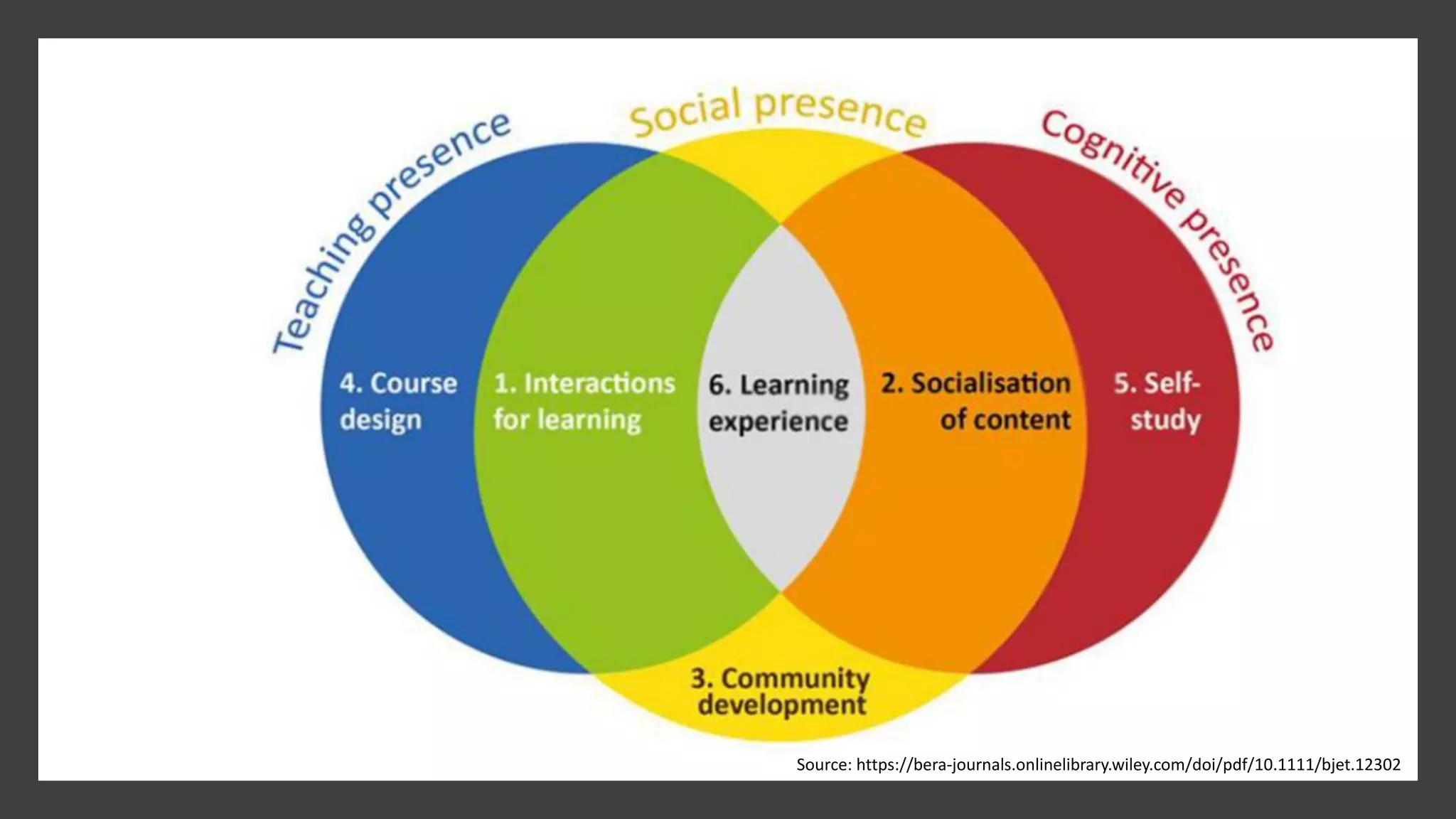
Garrison, Anderson and Archer’s
Community of Inquiry
Matbury [CC BY-SA 3.0 (http://creativecommons.org/licenses/by-sa/3.0)], via Wikimedia Commons
Source: https://bera-journals.onlinelibrary.wiley.com/doi/pdf/10.1111/bjet.12302
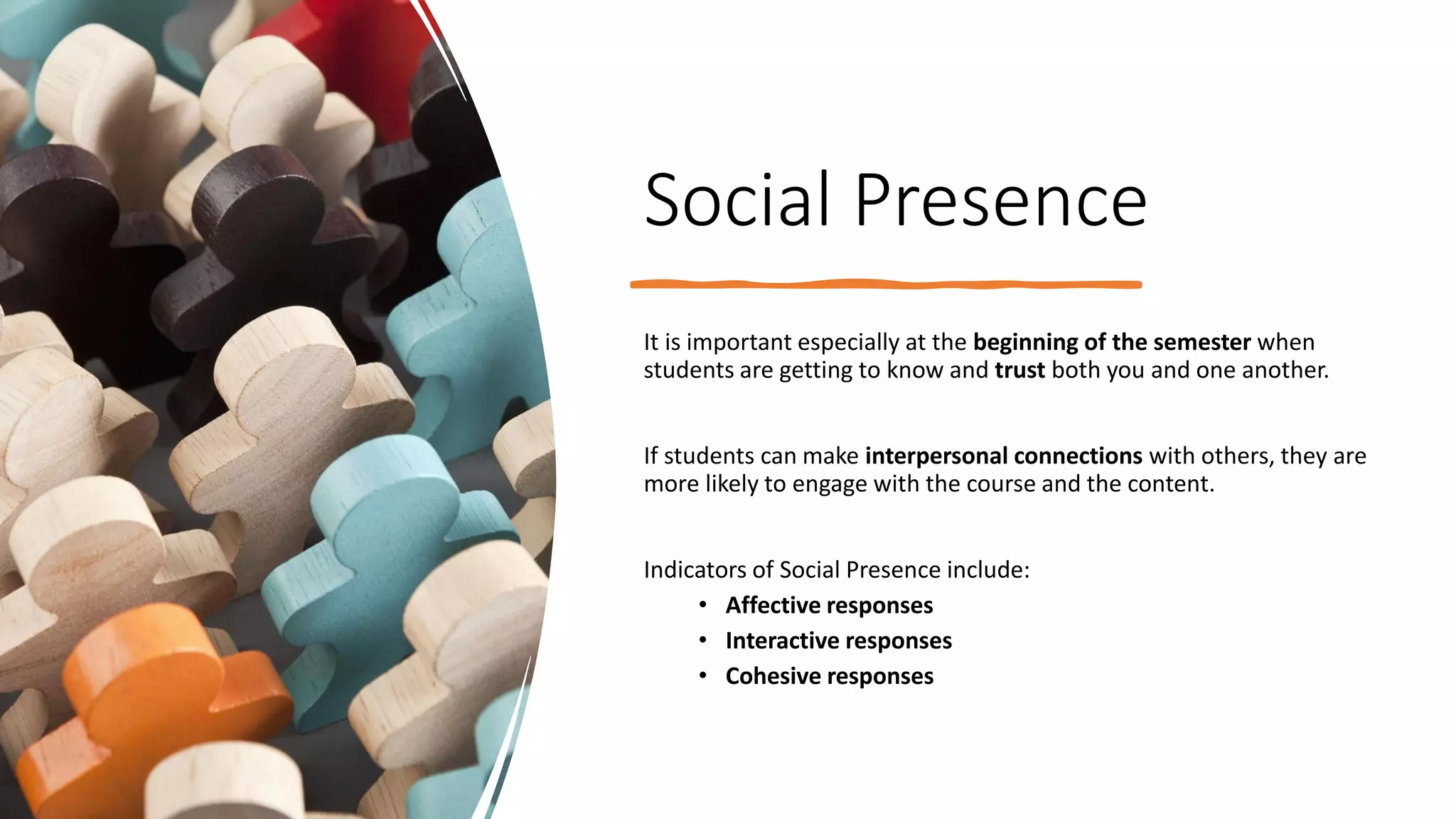
Social Presence
It is important especially at the beginning of the semester when
students are getting to know and trust both you and one another.
If students can make interpersonal connections with others, they are
more likely to engage with the course and the content.
Indicators of Social Presence include:
• Affective responses
• Interactive responses
• Cohesive responses
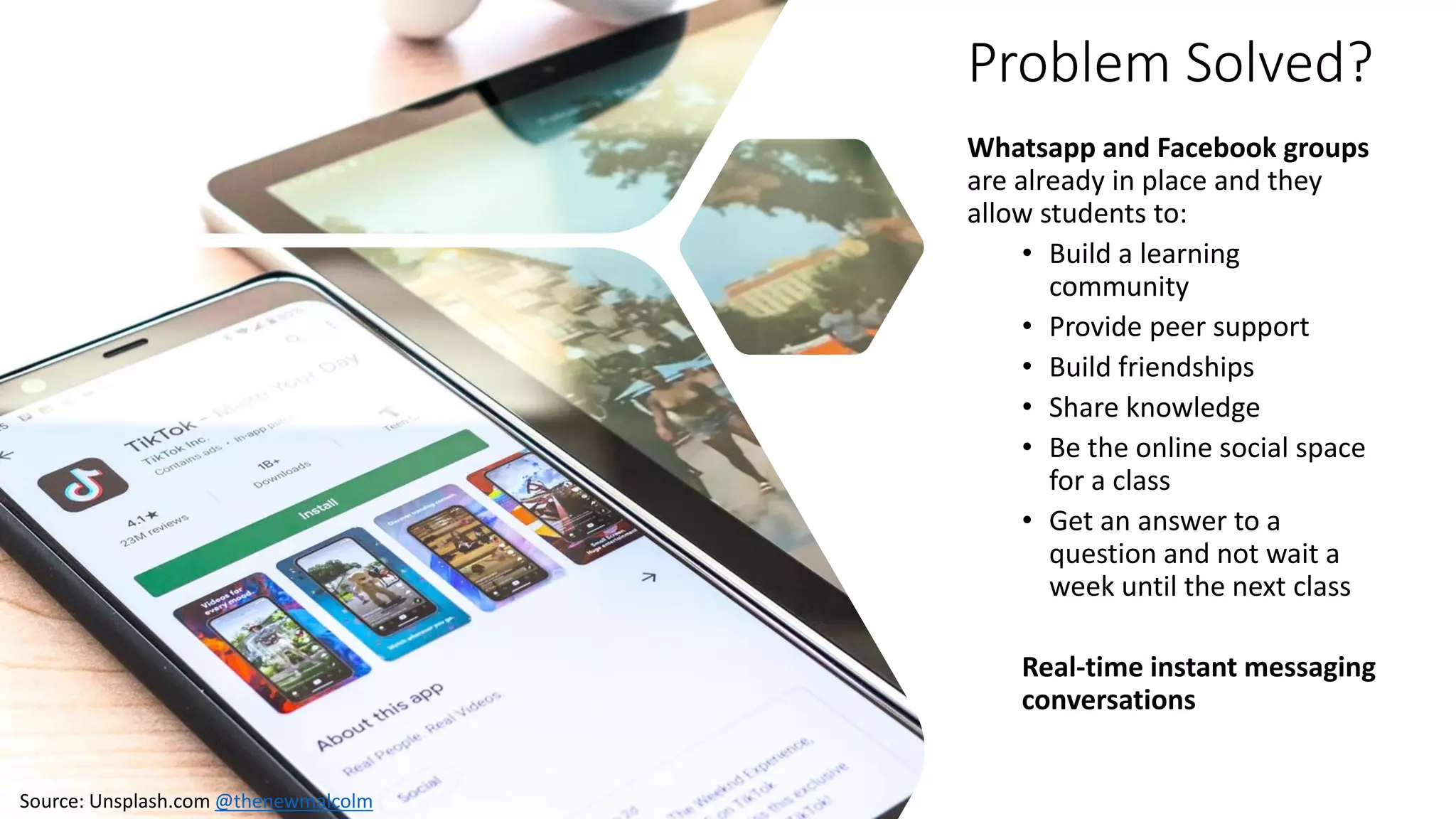
Problem Solved?
Whatsapp and Facebook groups
are already in place and they
allow students to:
• Build a learning
community
• Provide peer support
• Build friendships
• Share knowledge
• Be the online social space
for a class
• Get an answer to a
question and not wait a
week until the next class
Real-time instant messaging
conversations
Source: Unsplash.com @thenewmalcolm
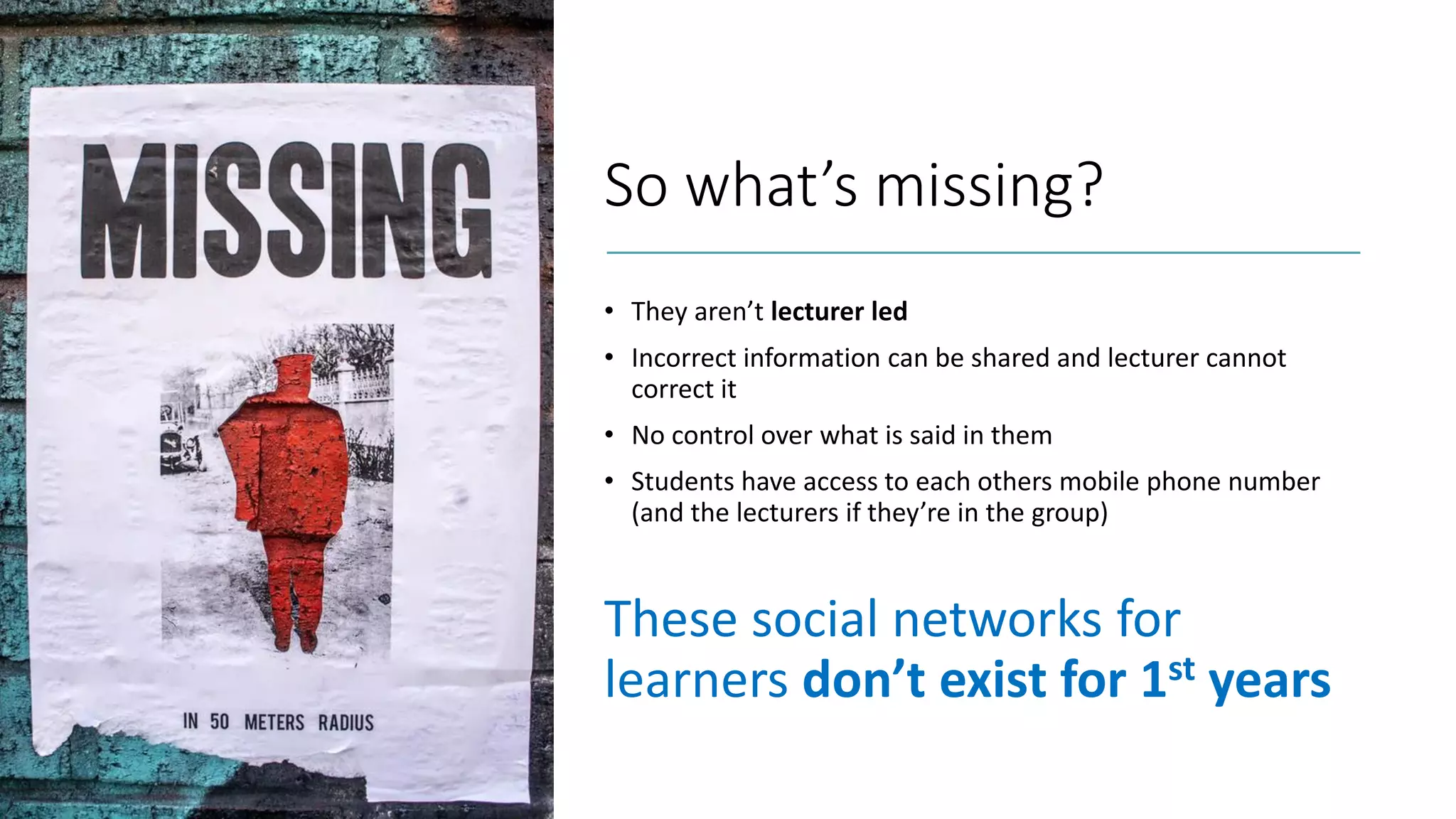
So what’s missing?
• They aren’t lecturer led
• Incorrect information can be shared and lecturer cannot
correct it
• No control over what is said in them
• Students have access to each others mobile phone number
(and the lecturers if they’re in the group)
These social networks for
learners don’t exist for 1st years
Here’s the pitch…
Source: https://unsplash.com/@campaign_creators
We propose the creation of a formal
Community Platform for learners
that is lecturer led and is ubiquitous
across your institute.
Why?
• One place for all communications
with a class
• Lecturer led
• Organised channels for each module
(e.g. classes, labs, assignments and
watercooler)
• Real-time messaging
• Desktop and mobile apps
• Works in their web browsers
• Notifications on their mobile app
• Can be used for synchronous and
asynchronous classes
• Share and collaborate on documents
• Teacher & Social presence
A single Community Platform for all students and lecturers
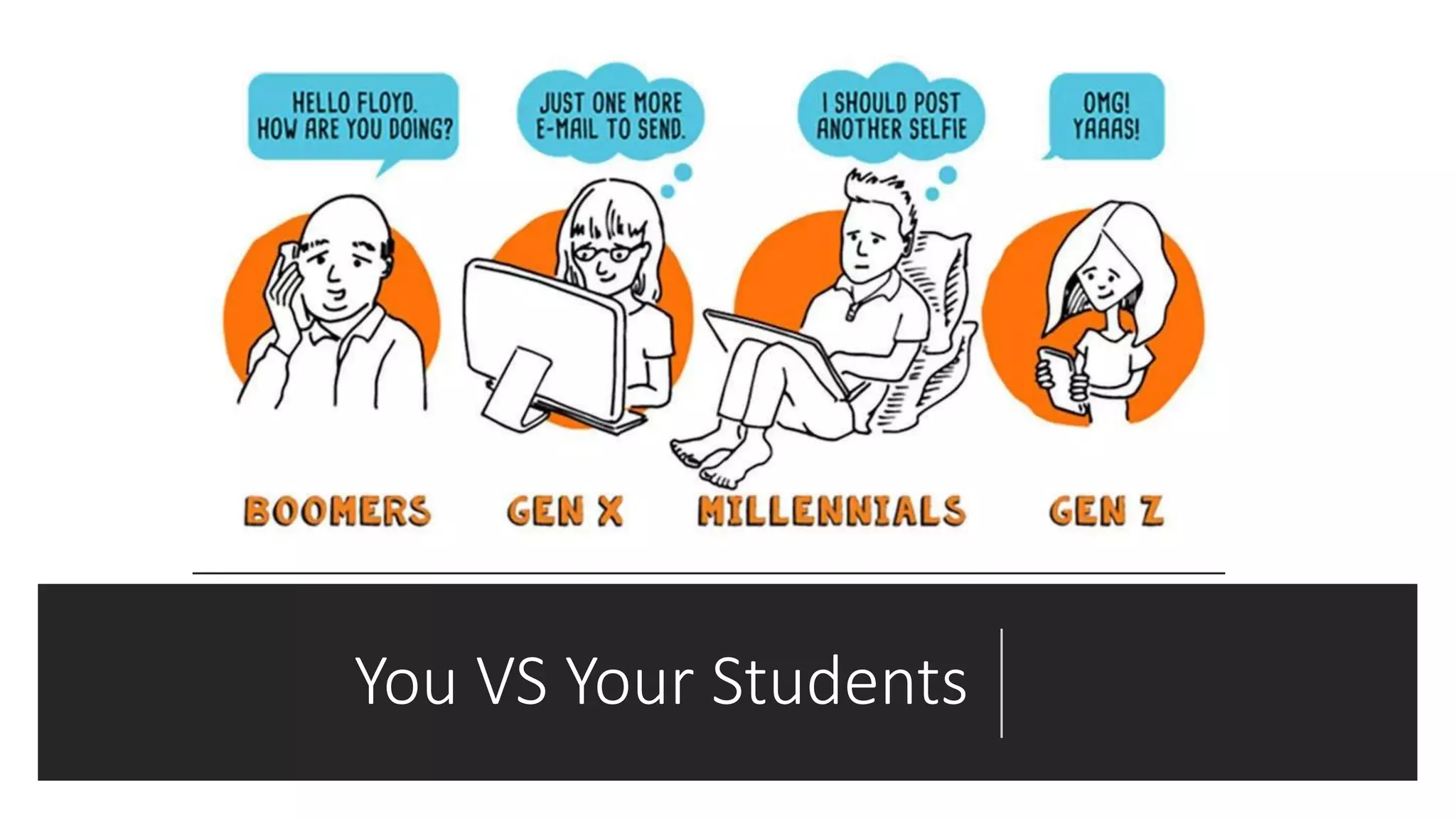
You VS Your Students
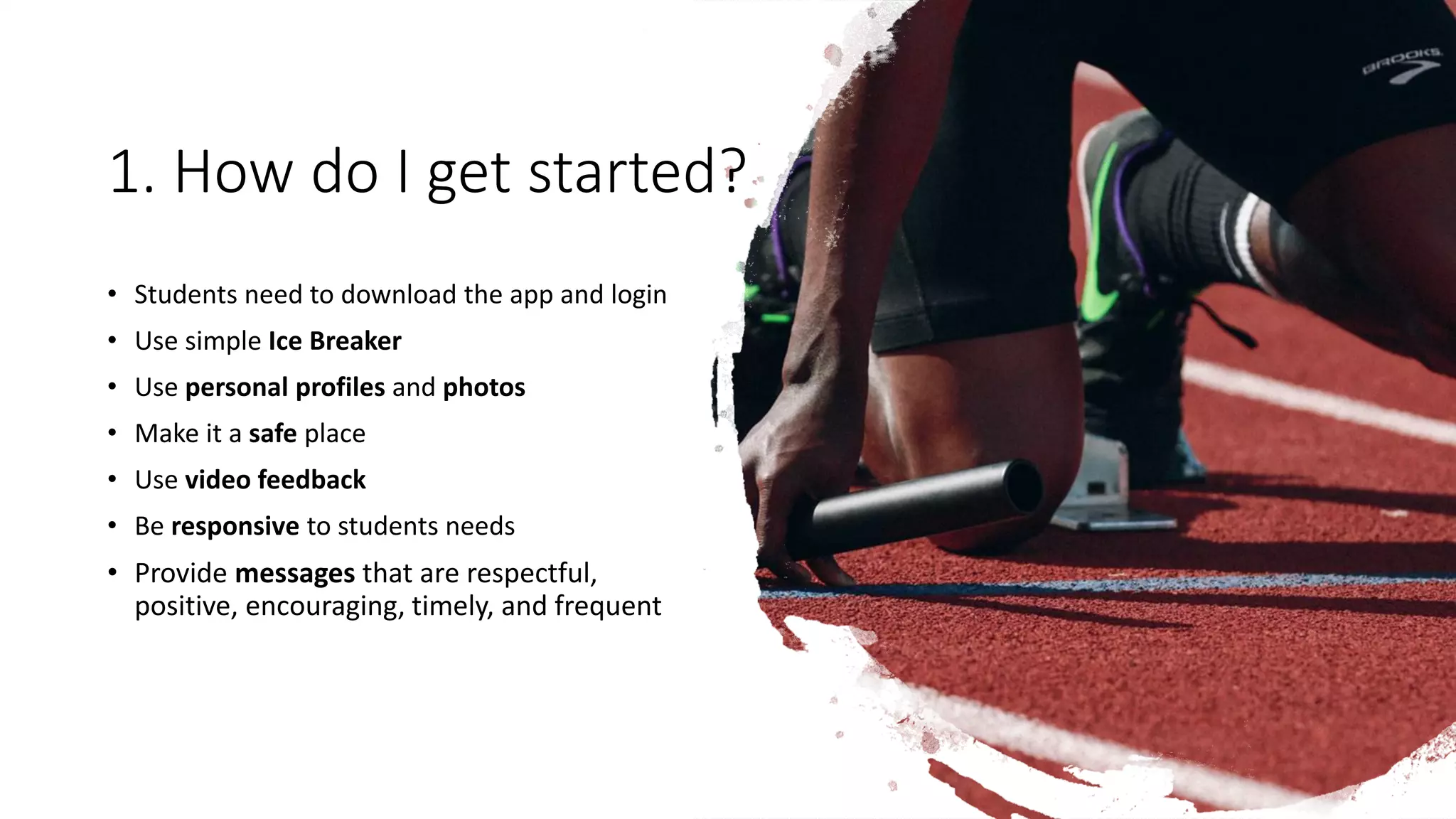
1. How do I get started?
• Students need to download the app and login
• Use simple Ice Breaker
• Use personal profiles and photos
• Make it a safe place
• Use video feedback
• Be responsive to students needs
• Provide messages that are respectful,
positive, encouraging, timely, and frequent
The Practical Guide
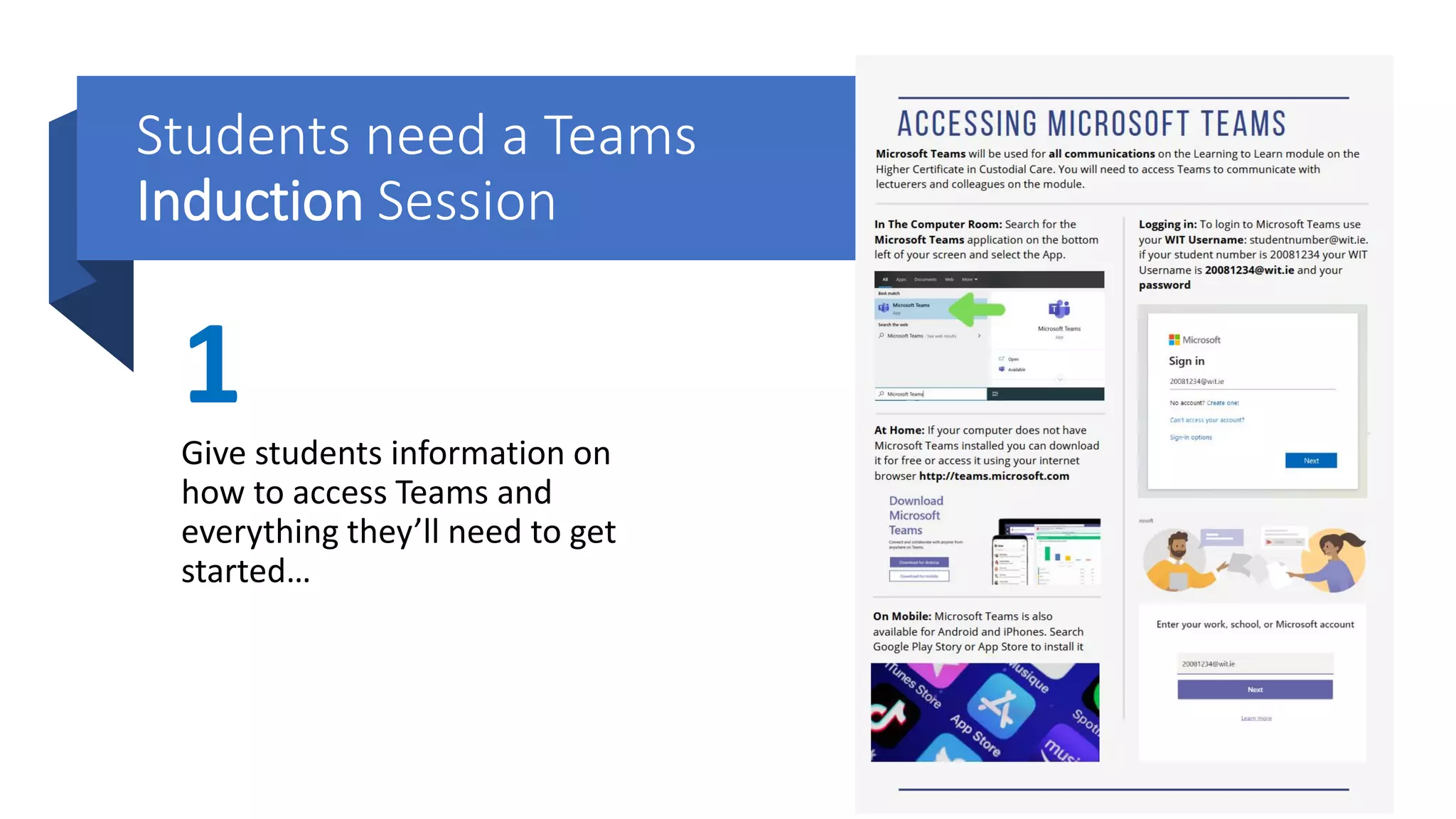
Students need a Teams
Induction Session
1
Give students information on
how to access Teams and
everything they’ll need to get
started…
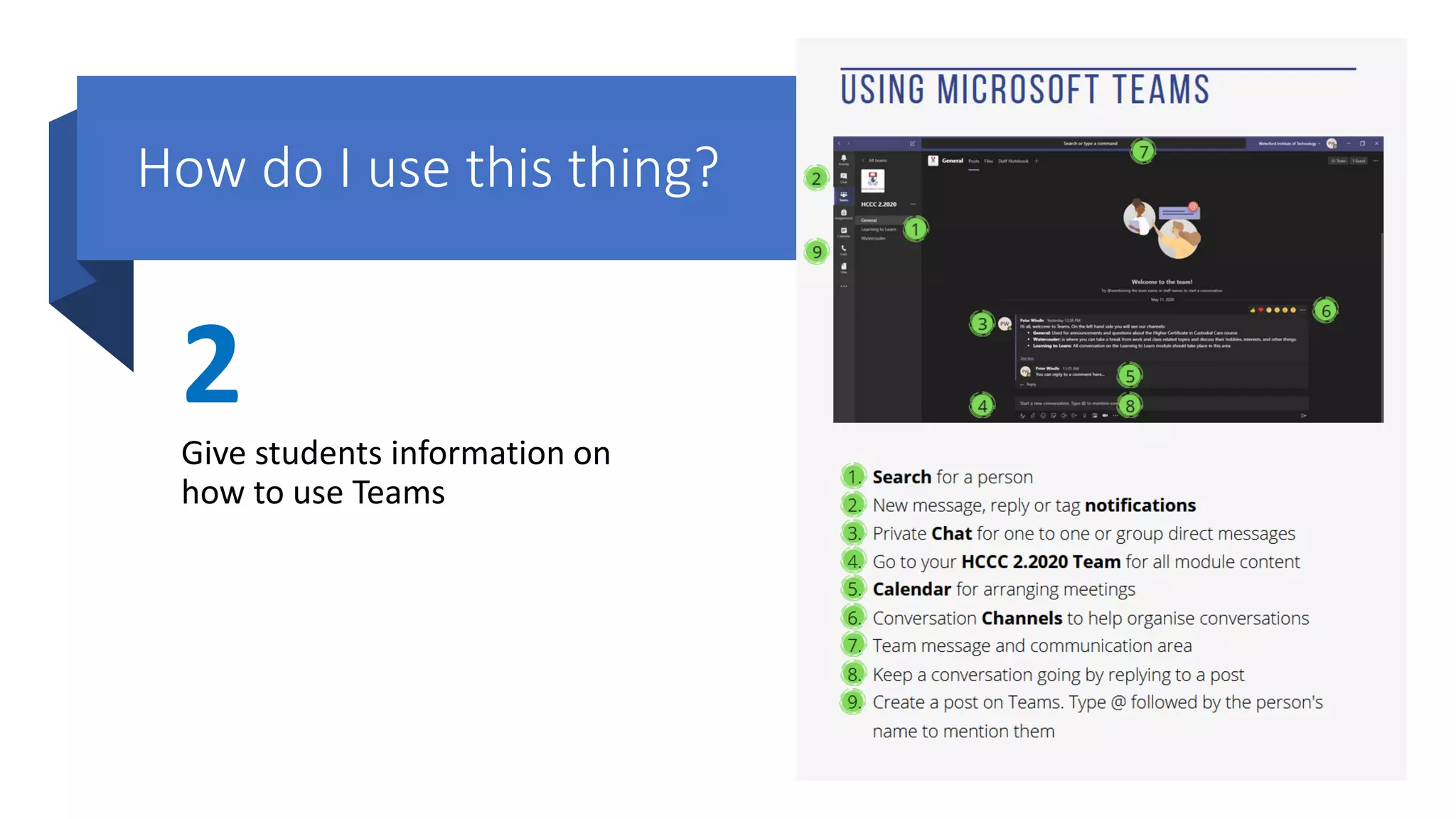
How do I use this thing?
2
Give students information on
how to use Teams
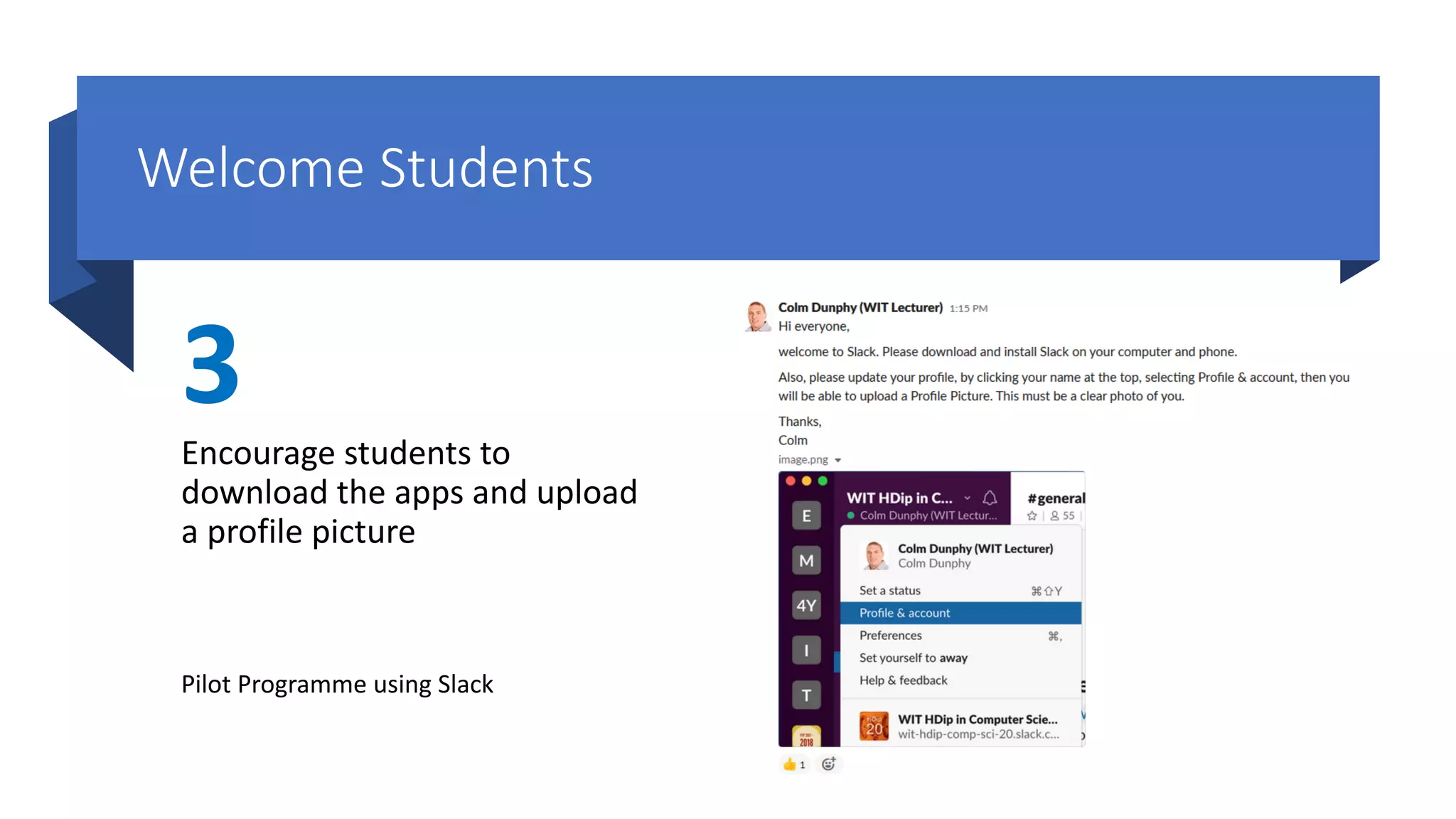
Welcome Students
3
Encourage students to
download the apps and upload
a profile picture
Pilot Programme using Slack
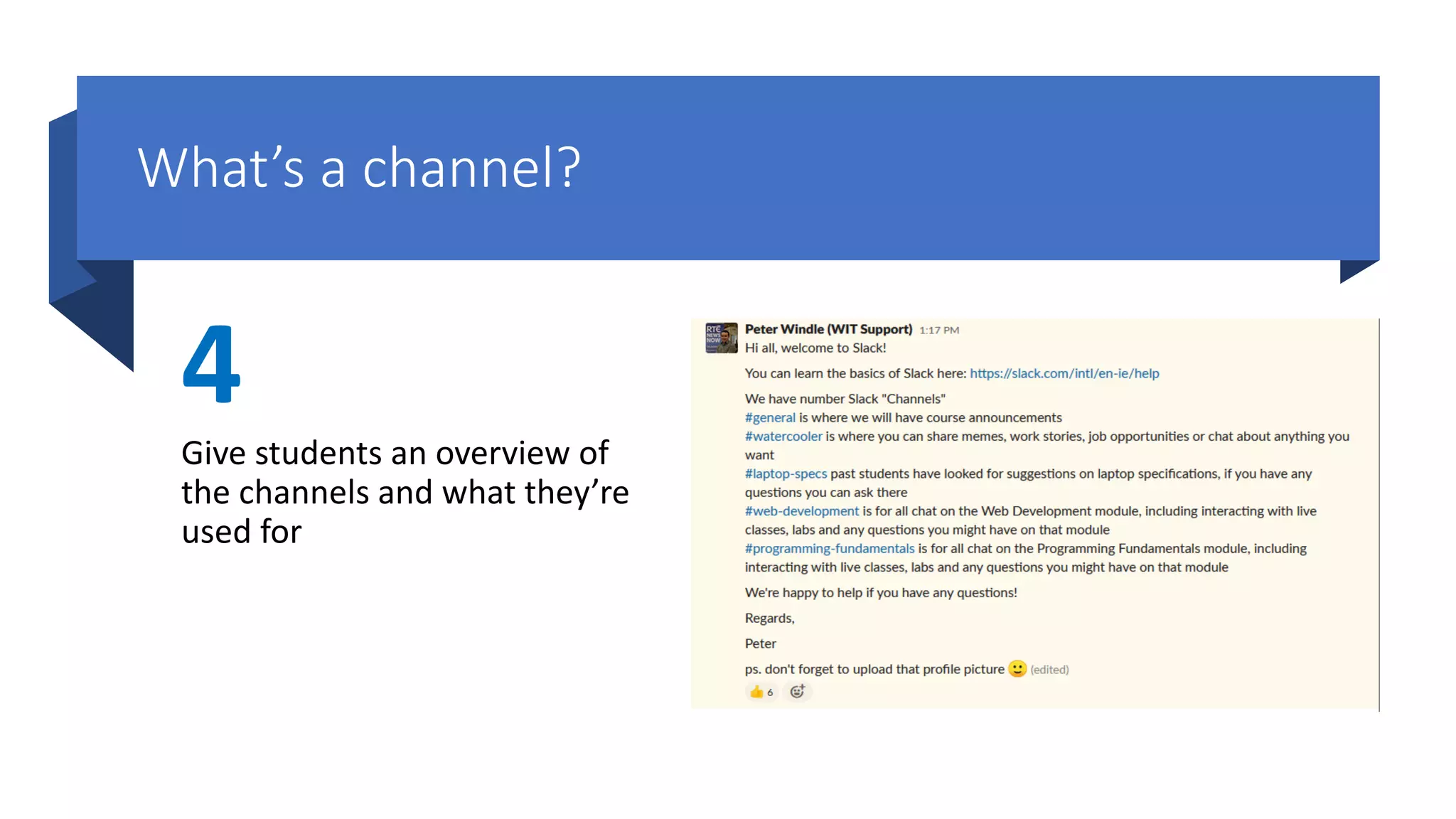
What’s a channel?
4
Give students an overview of
the channels and what they’re
used for
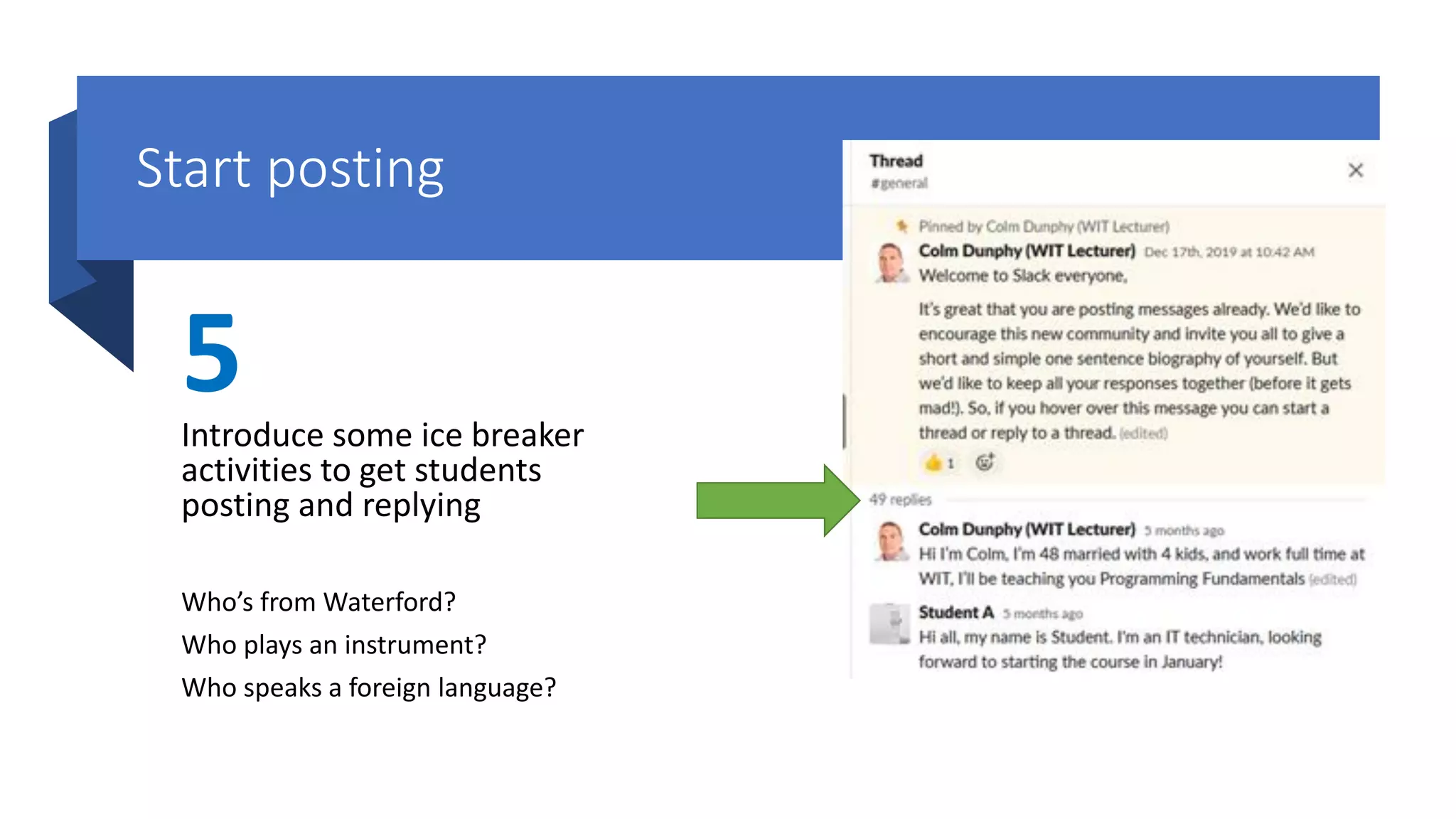
Start posting
5Introduce some ice breaker
activities to get students
posting and replying
Who’s from Waterford?
Who plays an instrument?
Who speaks a foreign language?
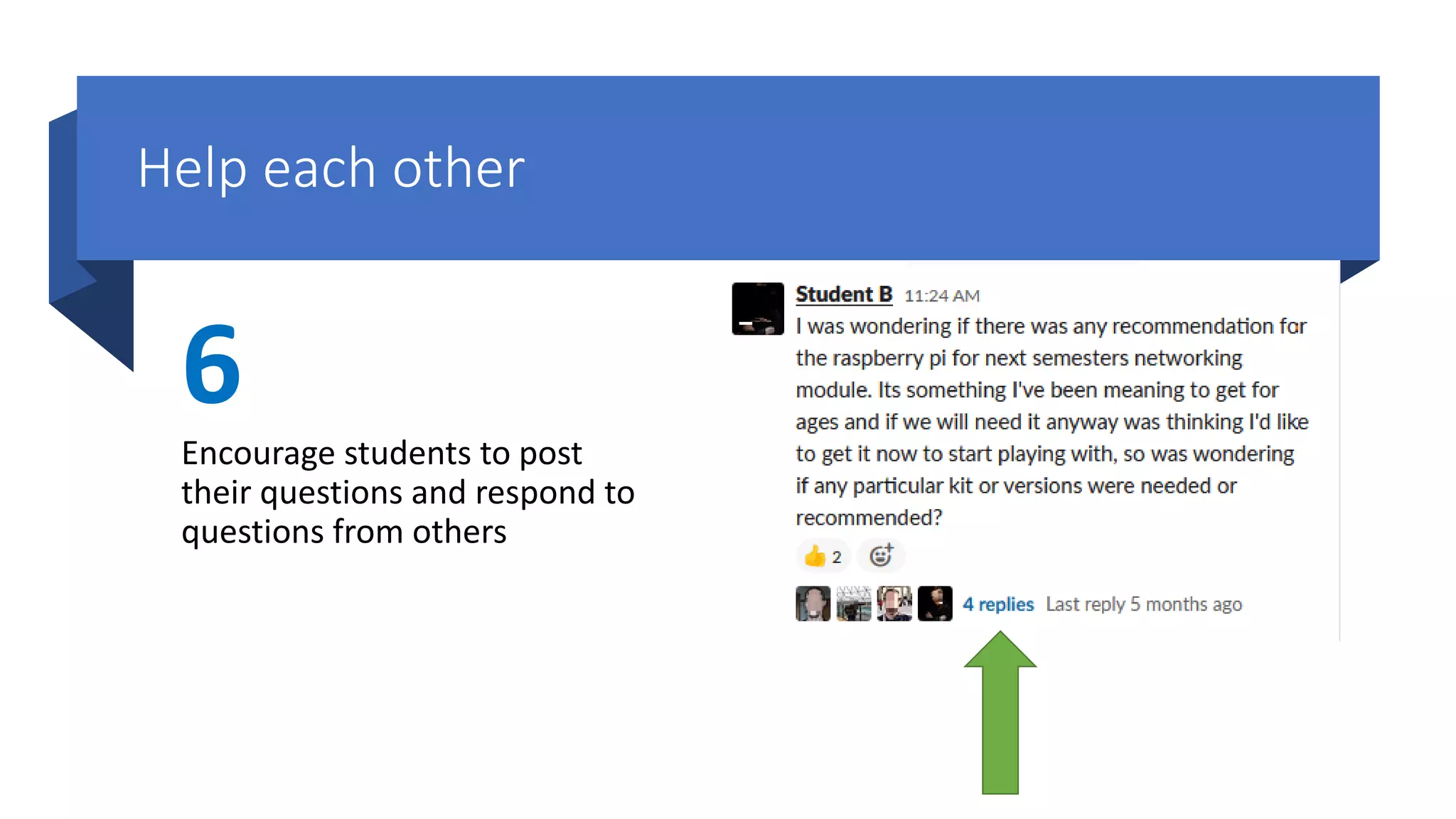
Help each other
6
Encourage students to post
their questions and respond to
questions from others
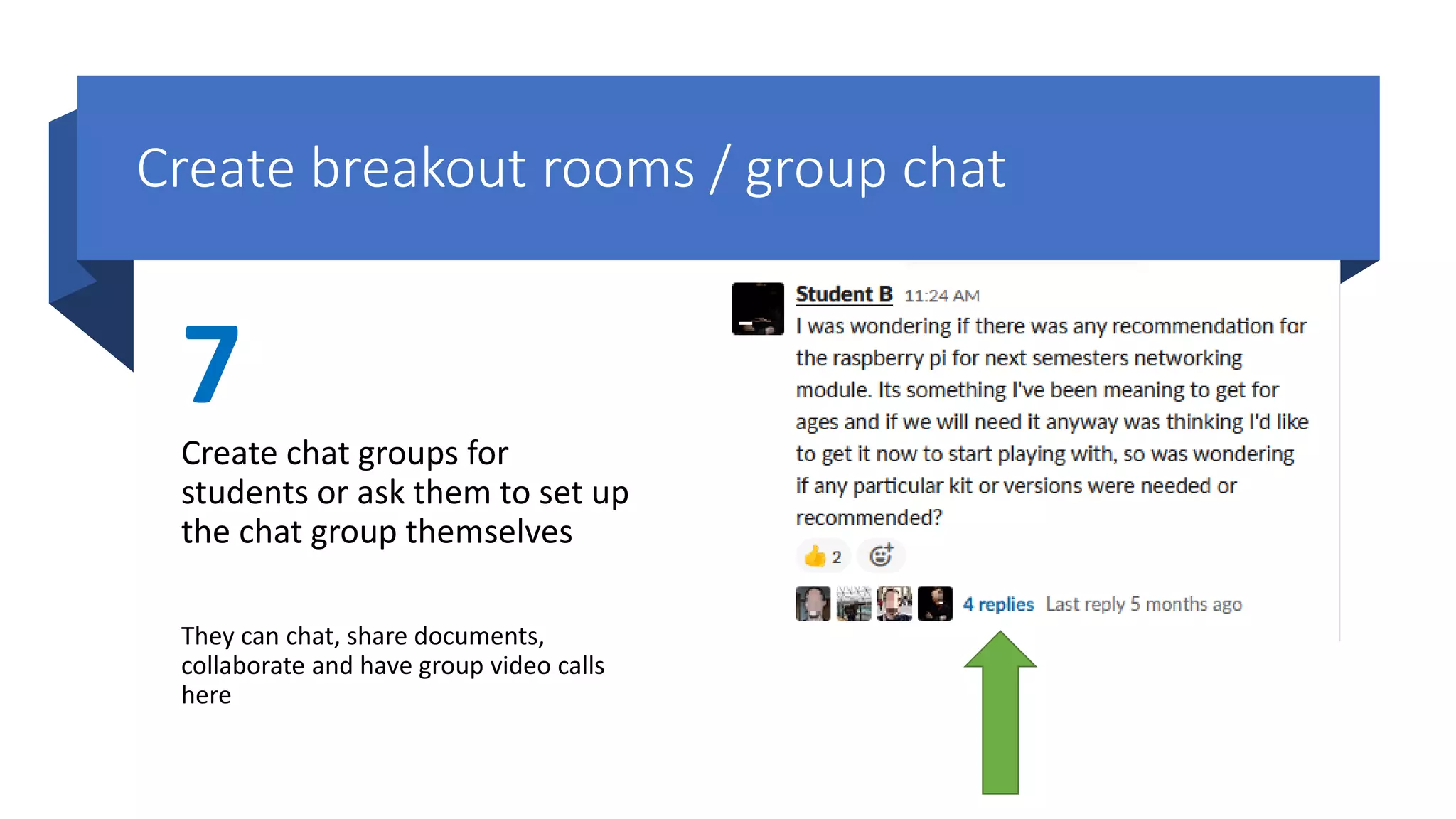
Create breakout rooms / group chat
7
Create chat groups for
students or ask them to set up
the chat group themselves
They can chat, share documents,
collaborate and have group video calls
here
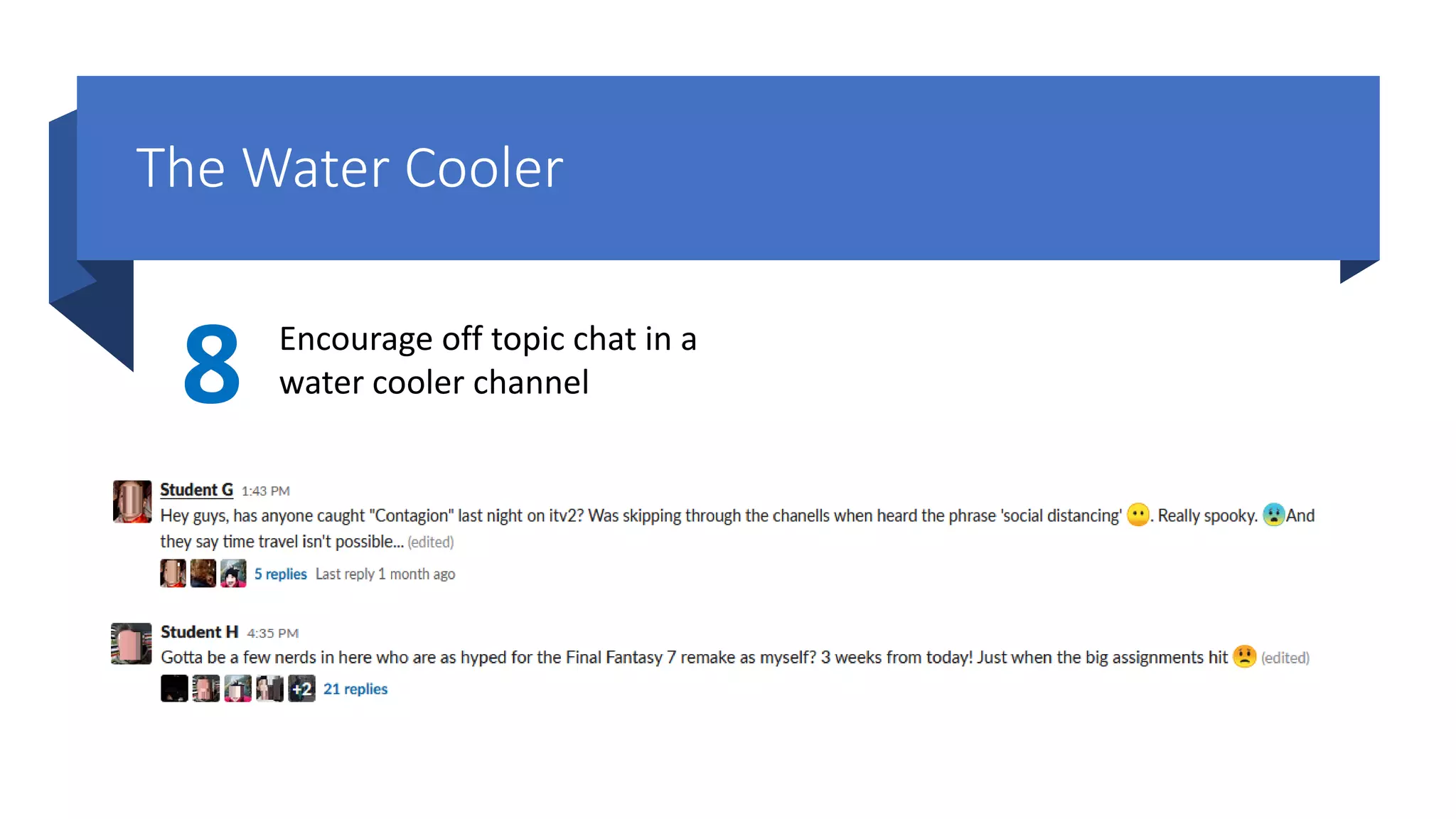
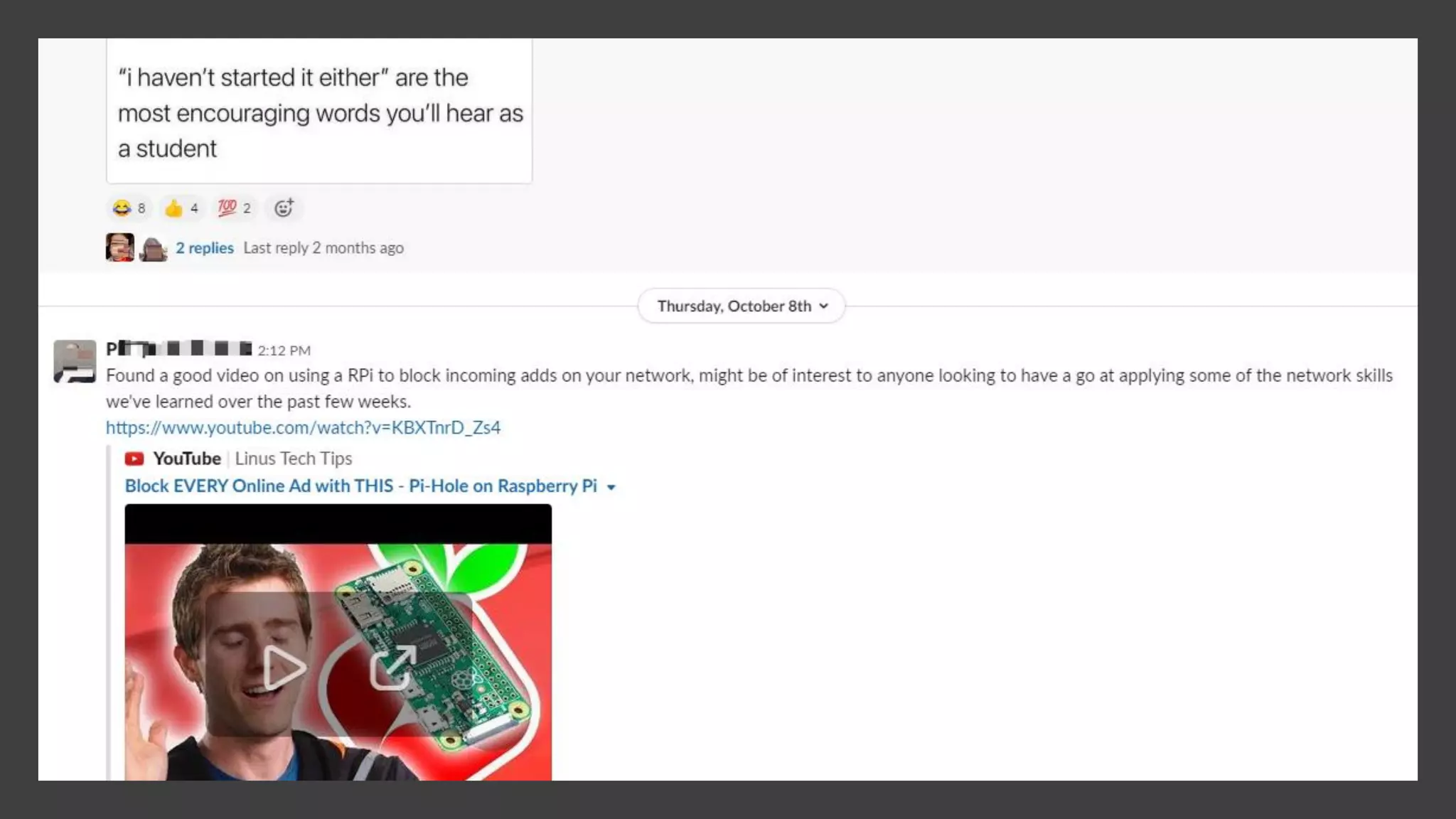
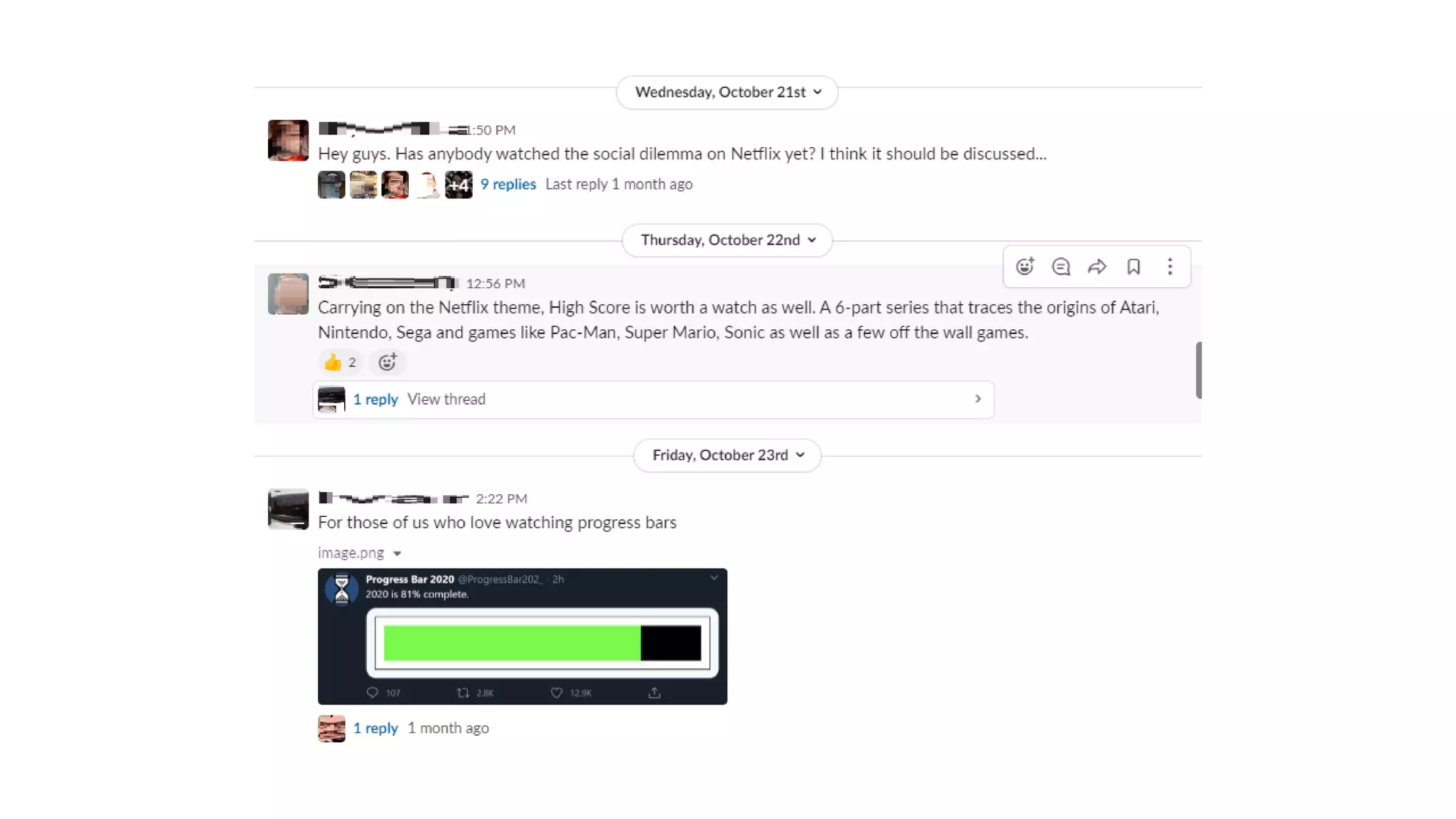
The Water Cooler
8 Encourage off topic chat in a
water cooler channel
Questions
See you in 5 minutes ☺
Retention & Interventions
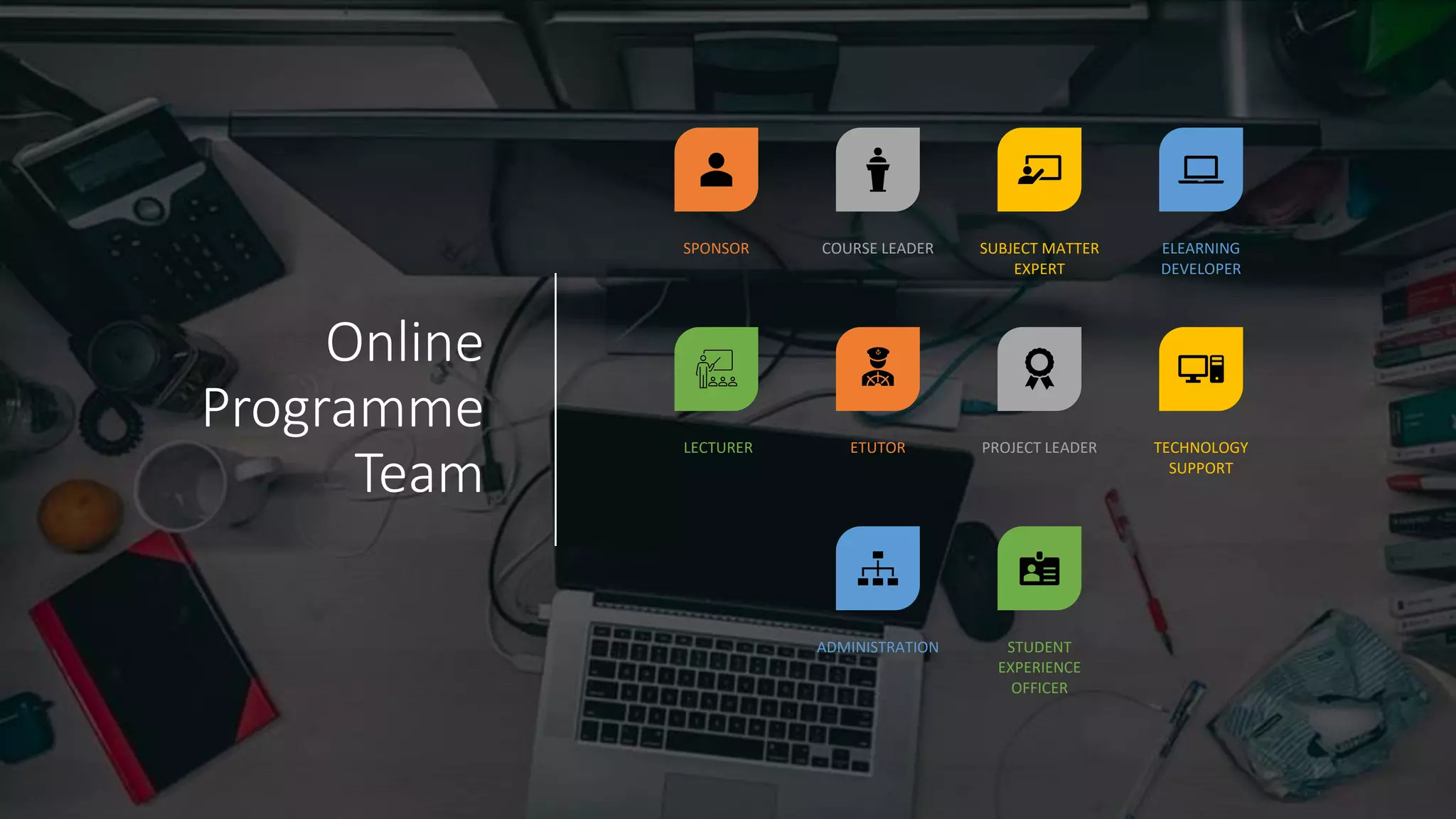
Online
Programme
Team
SPONSOR COURSE LEADER SUBJECT MATTER
EXPERT
ELEARNING
DEVELOPER
LECTURER ETUTOR PROJECT LEADER TECHNOLOGY
SUPPORT
ADMINISTRATION STUDENT
EXPERIENCE
OFFICER
Datapoints
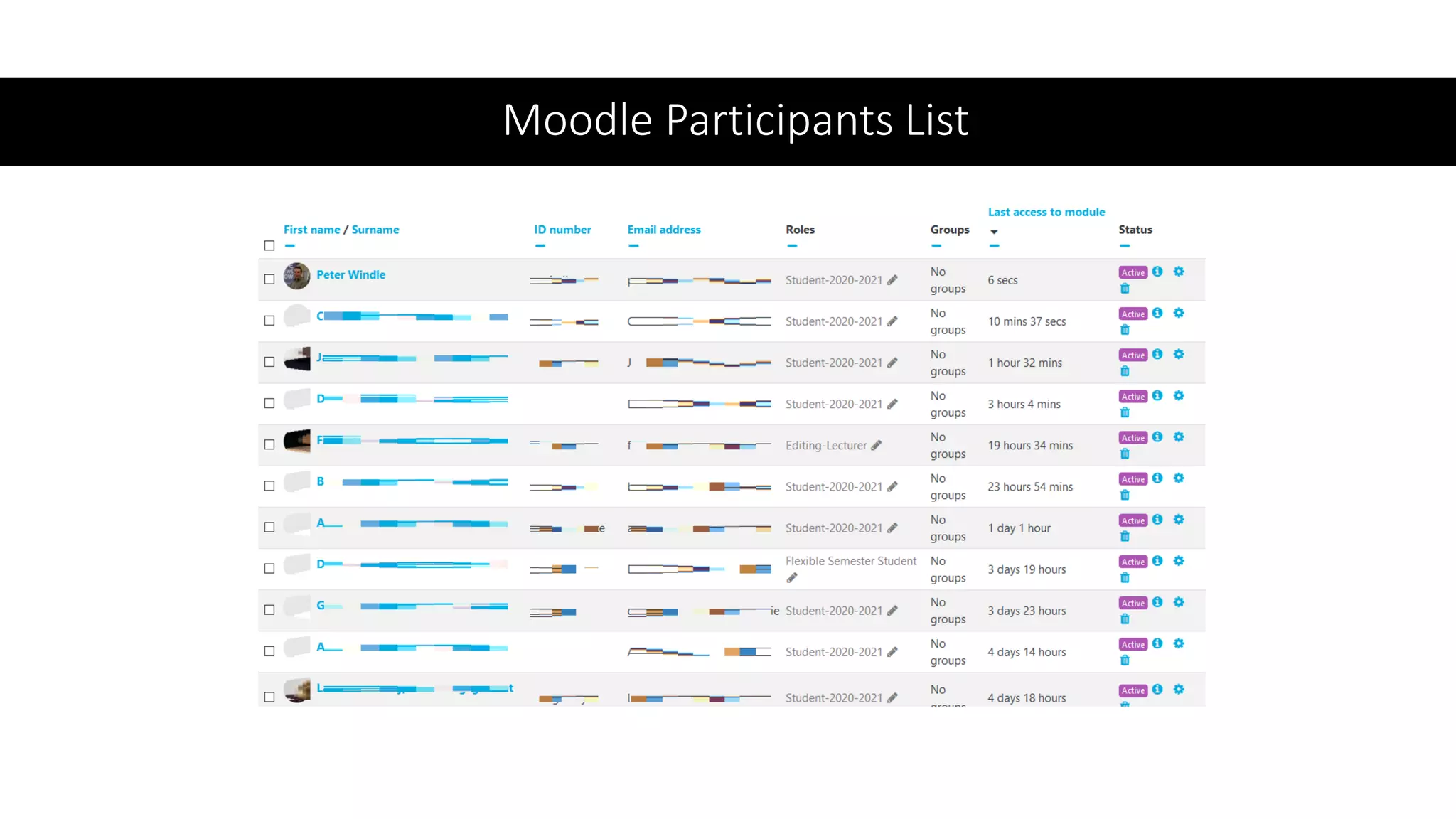
• Moodle Report for Activity
• Slack analytics
• TutorTime
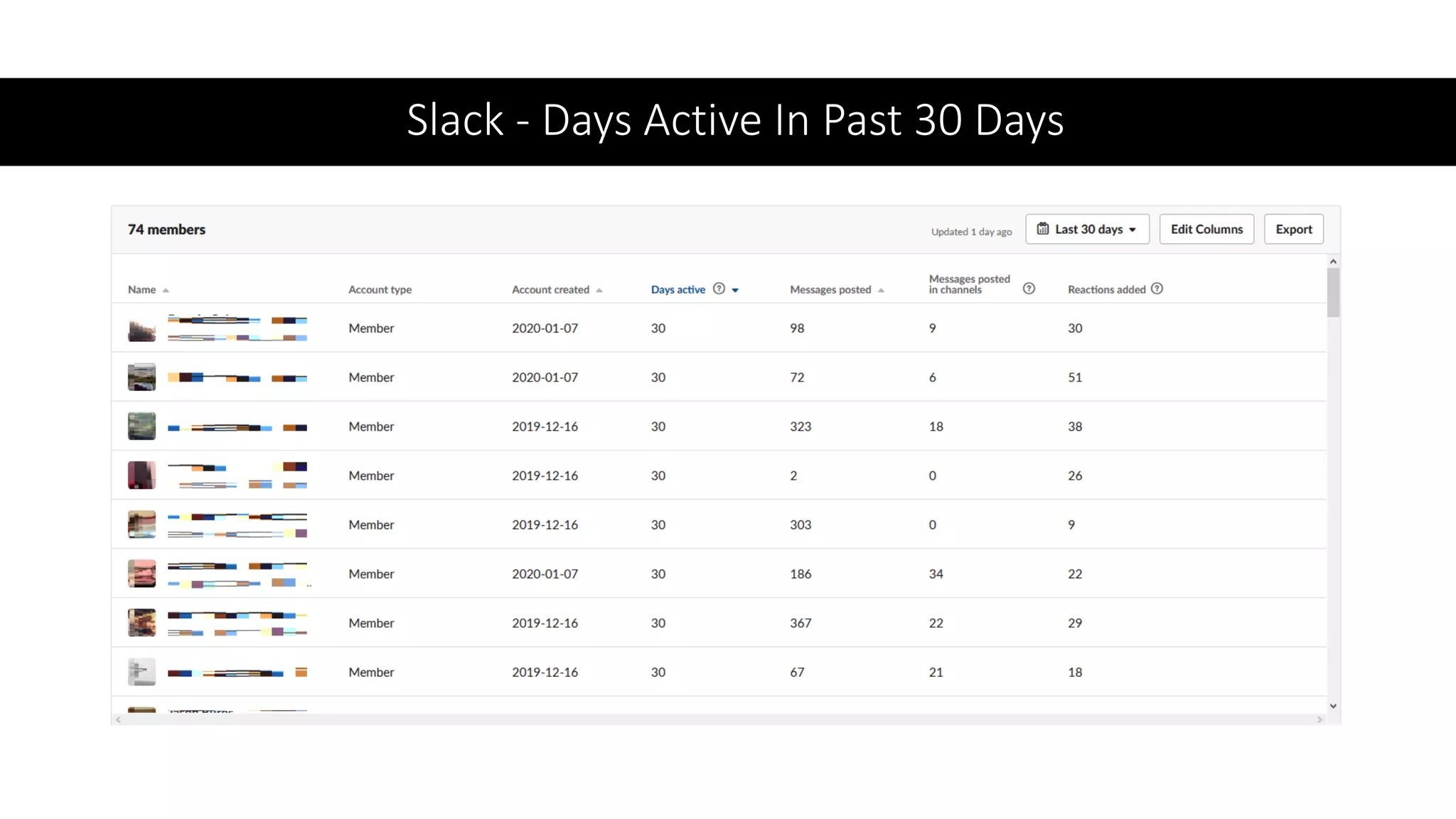
Slack - Days Active In Past 30 Days
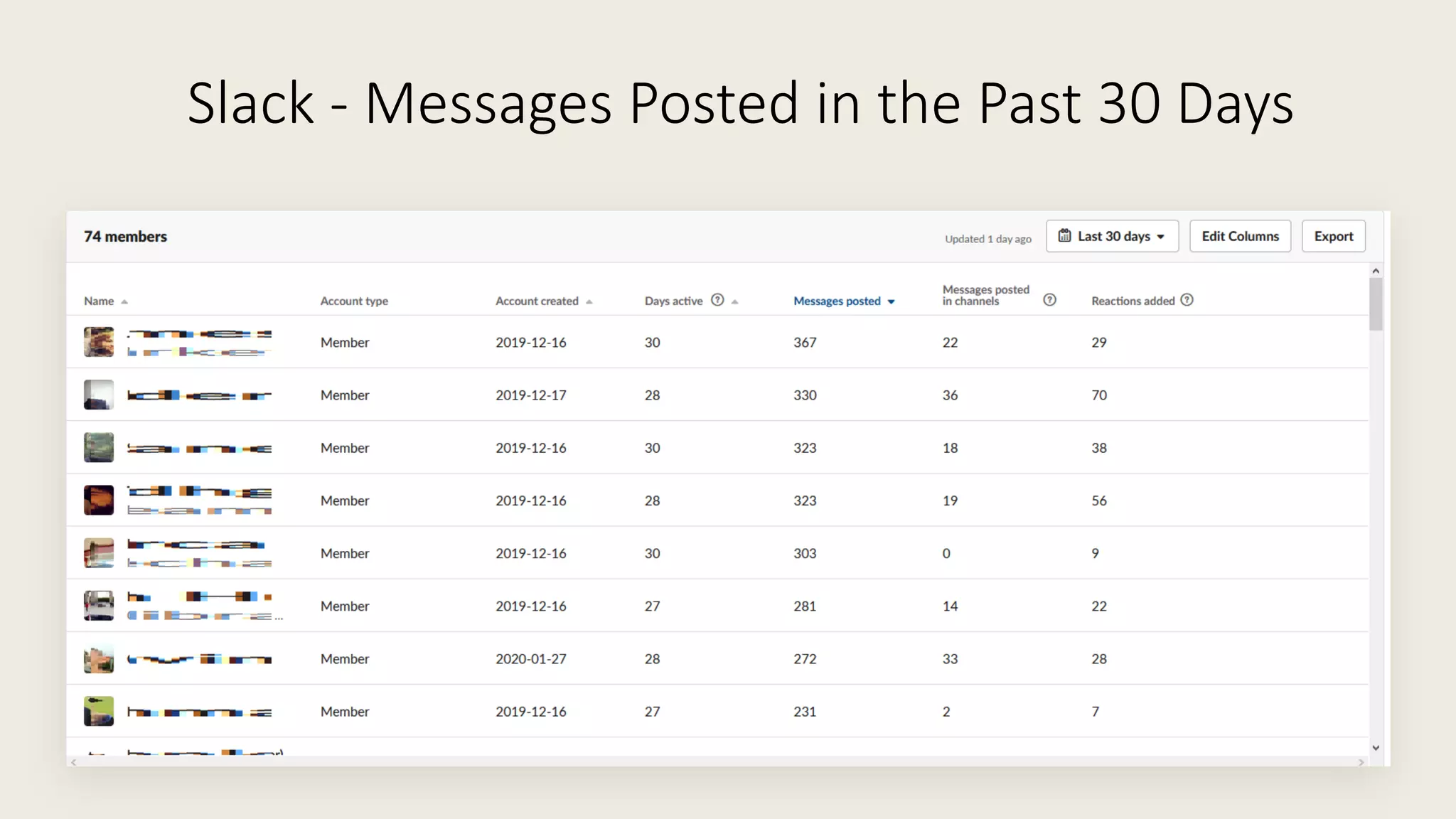
Slack - Messages Posted in the Past 30 Days
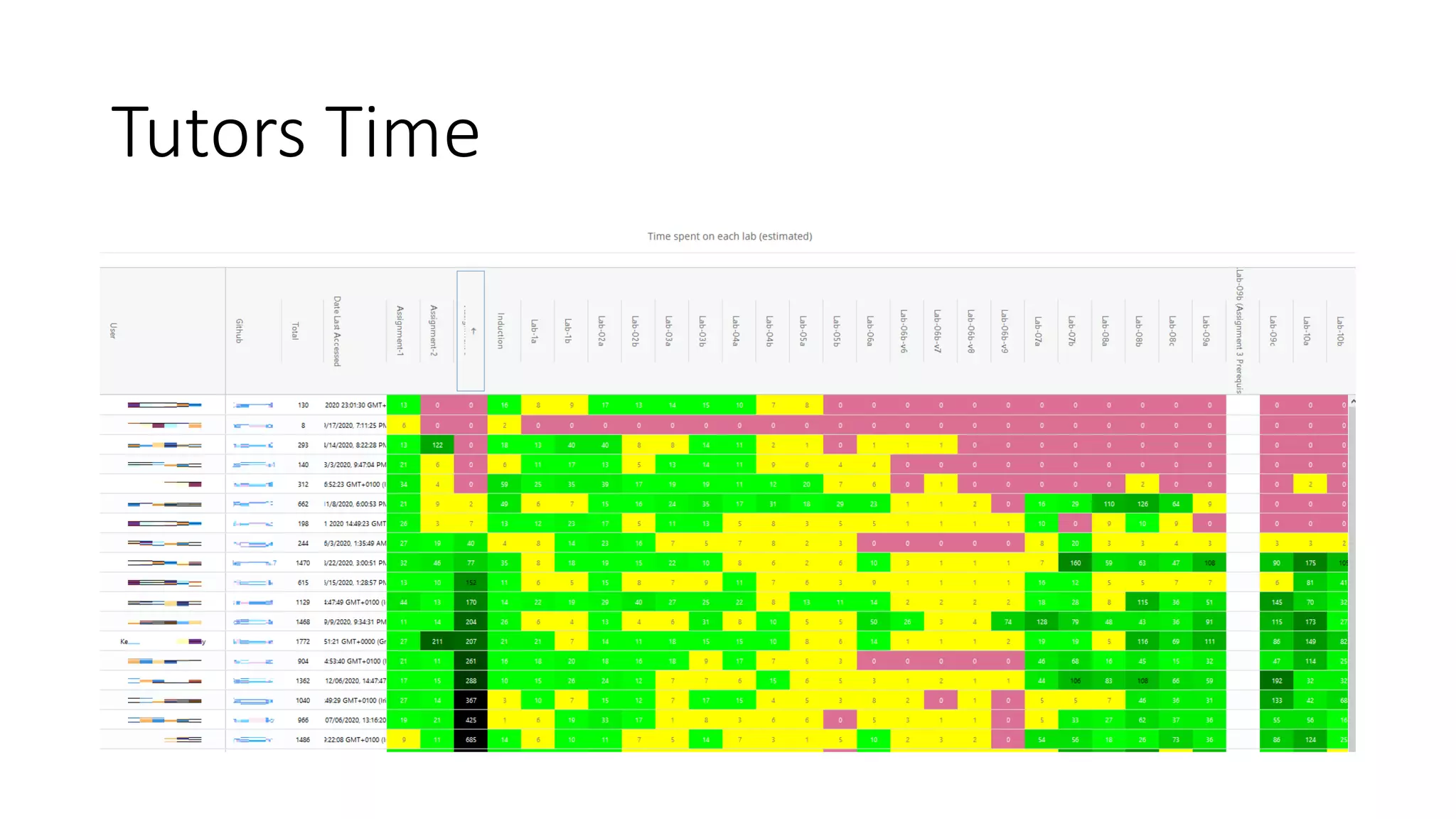
Tutors Time
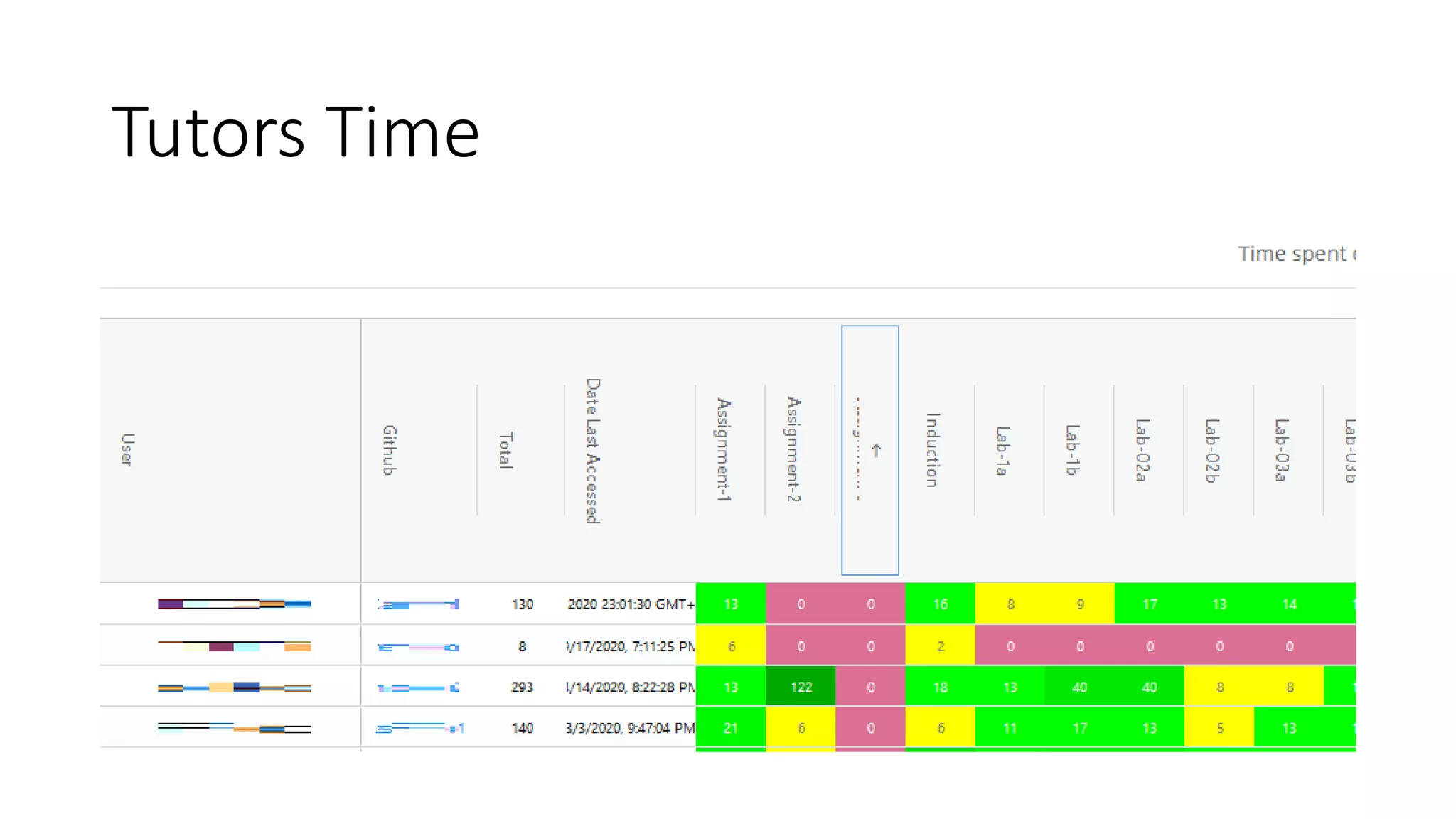
Tutors Time
Moodle Participants List
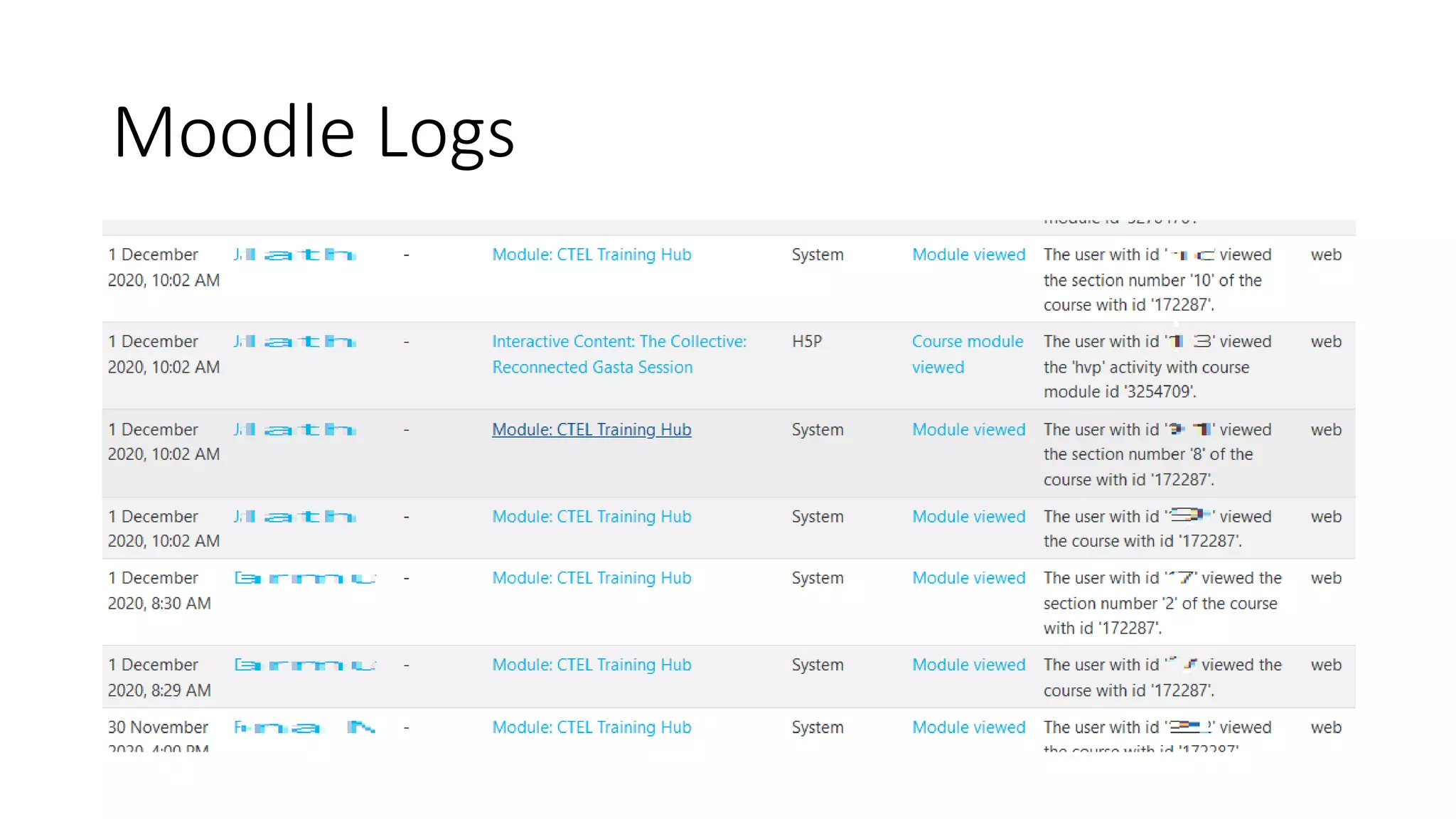
Moodle Logs
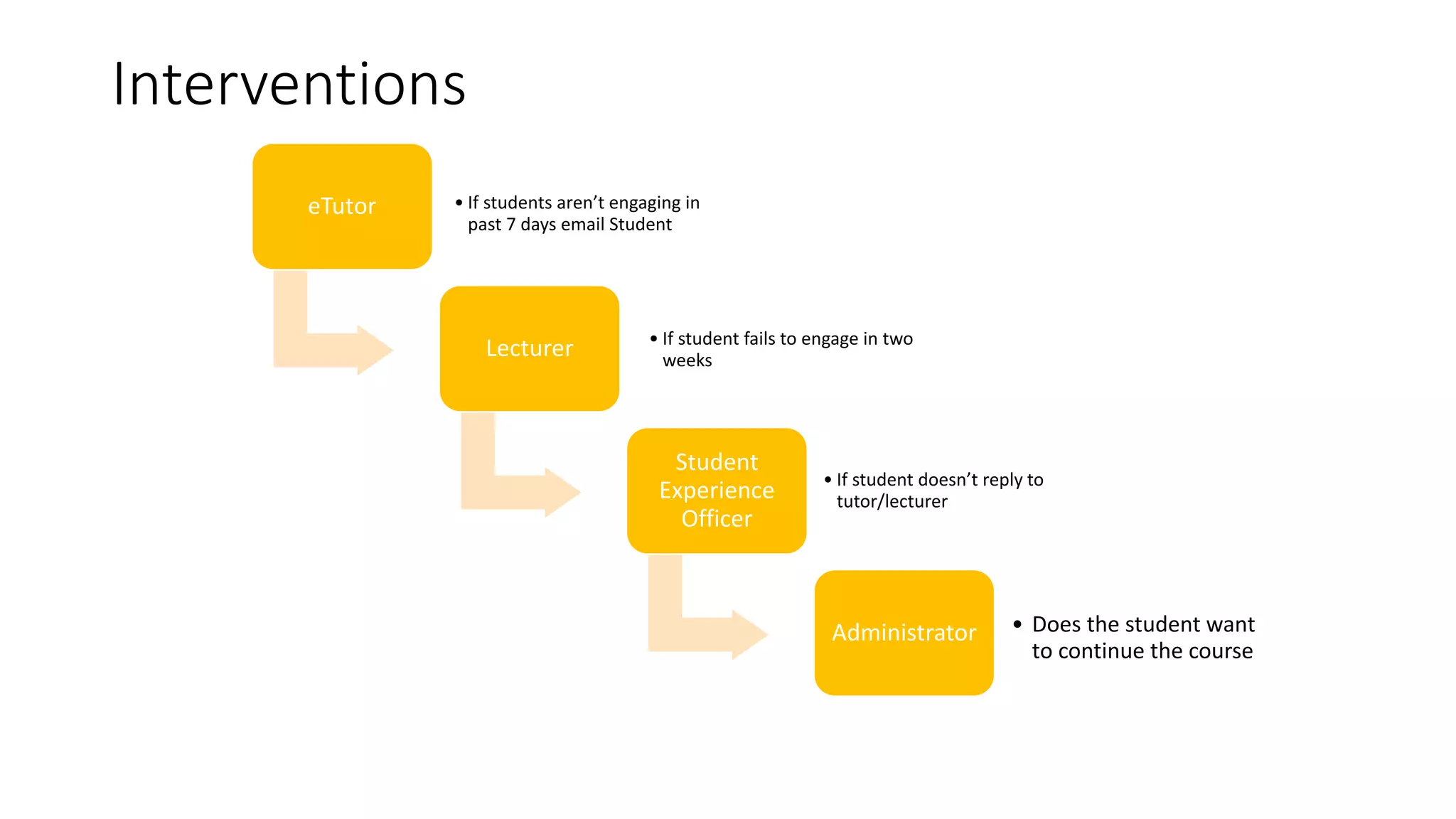
Interventions
eTutor • If students aren’t engaging in
past 7 days email Student
Lecturer • If student fails to engage in two
weeks
Student
Experience
Officer
• If student doesn’t reply to
tutor/lecturer
Administrator • Does the student want
to continue the course
It is important to note that technology
should not be used without sound
pedagogical reasoning and relevance to
learning outcomes
(Beggs, 2018)
“
“
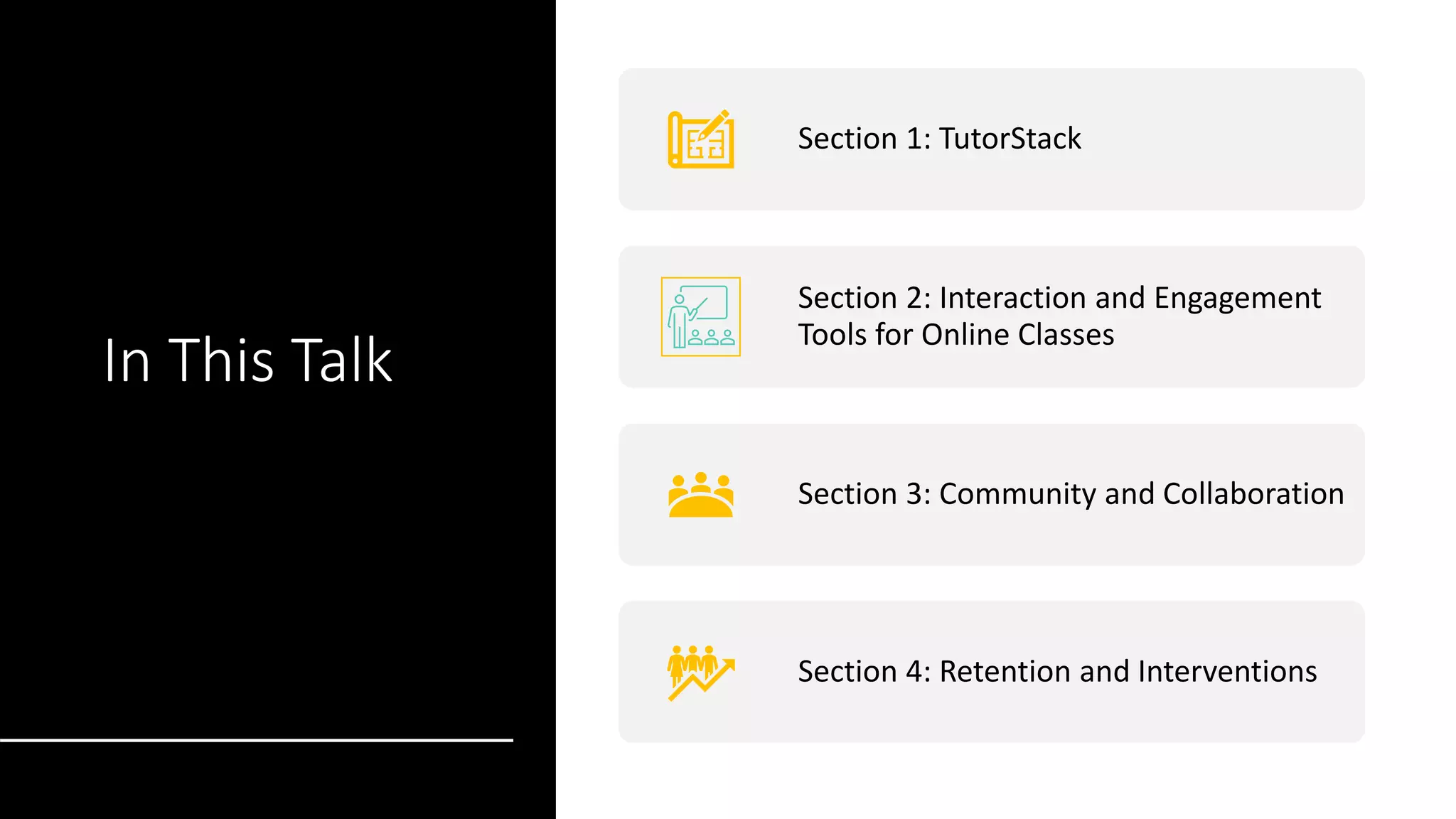
In This Talk
Section 1: TutorStack
Section 2: Interaction and Engagement
Tools for Online Classes
Section 3: Community and Collaboration
Section 4: Retention and Interventions
Keeping
Classes
Engaging
We kept cameras on, microphones muted
We broke this session into segments
We took breaks every 20 minutes
I asked you some questions using Mentimeter
I asked you to raise your hands
I might have called your name and ask you a question
Questions

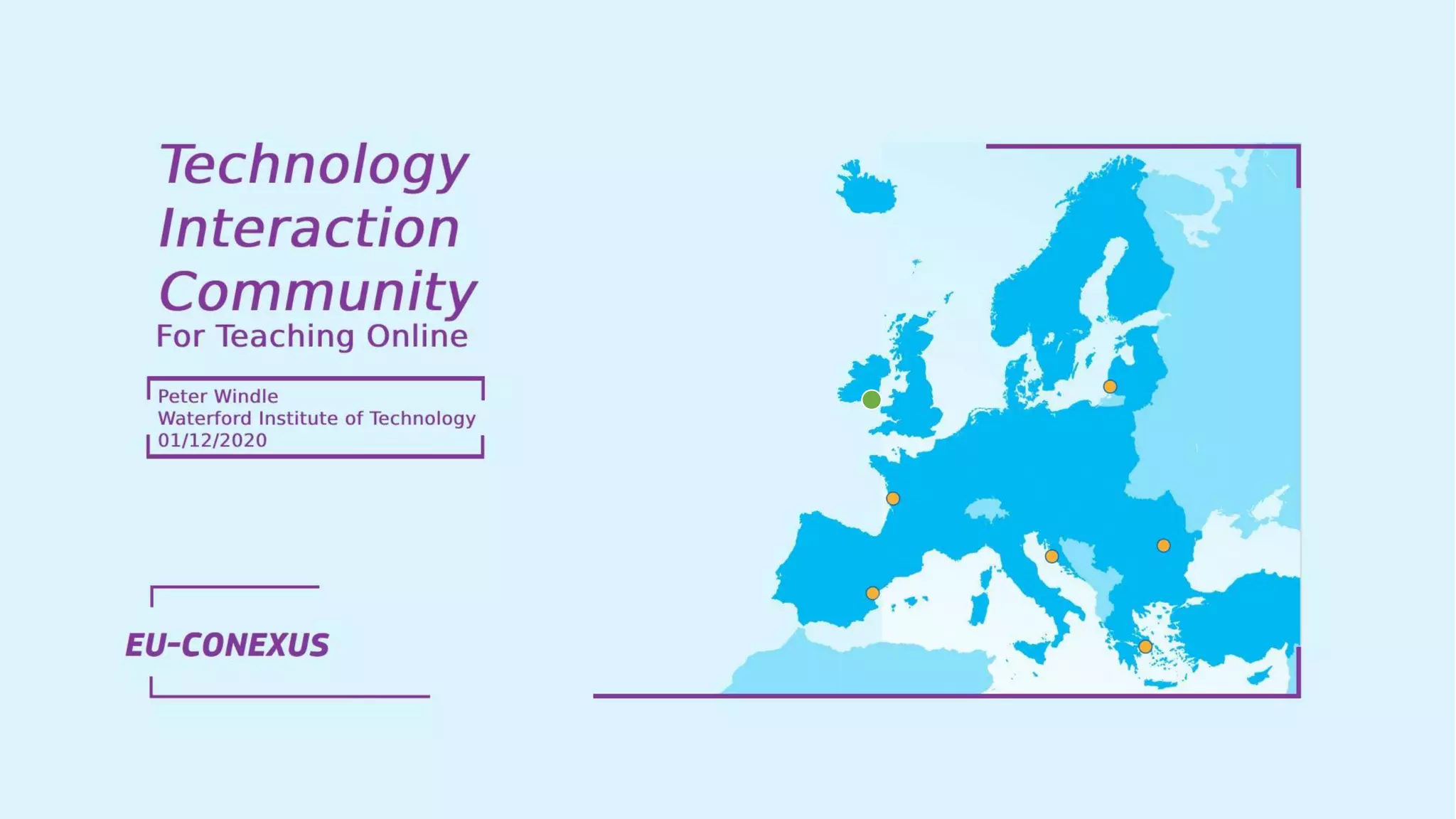
EU-CONEXUS: Technology, Interaction and Community for online teaching and learning

  • 2.
  • 3.
    My background: • eLearningDevelopment Officer • Technologist • Music nerd • Radiohead • In need of a haircut!
  • 6.
    In This Talk Section1: TutorStack (15 mins) Section 2: Interaction and Engagement Tools for Online Classes (15 mins) Section 3: Community and Collaboration (15 mins) Section 4: Retention and Interventions (5 mins)
  • 7.
    Keeping Classes Engaging Please keep yourcameras on, microphones muted I’m going to break up this session into segments We’ll have breaks every 20 minutes I’m going to ask you some questions using Mentimeter I’ll ask you to raise your hands I might even call your name and ask you a question ☺
  • 10.
    Digital learning revolution Trainer Centred LearnerCentric Formal Informal Classroom based Anytime, anywhere Push Pull Courses Experiences
  • 11.
    Changing Landscape of Learning Traditional WayOf Thinking • Teacher/expert led • Content driven • Classroom • Theoretical • Programmatic New Way Of Learning • Learner led • Content driven • Collaborative • Learning while doing • Just in time/flexible The sage on the stage The guide on the side
  • 13.
    TutorStack Exploring The LearningManagement System Section 1:
  • 14.
    Learning Management System • User management •Learning materials • Reflection • Communication • Assessment • Feedback • Media Hosting • Analytics • Collaboration • Community
  • 16.
    Jack of all trades, masterof none… Jack de todos los oficios, maestro de nada Généraliste sur tout, expert en rien Vieles können, aber nichts gut Tuttofare, maestro di nessuno
  • 17.
    Jack of all trades, masterof none… Jack de todos los oficios, maestro de nada Généraliste sur tout, expert en rien Vieles können, aber nichts gut Tuttofare, maestro di nessuno
  • 18.
    Jack of all trades, masterof none… Jack de todos los oficios, maestro de nada Généraliste sur tout, expert en rien Vieles können, aber nichts gut Tuttofare, maestro di nessuno
  • 19.
    Jack of all trades, masterof none… Jack de todos los oficios, maestro de nada Généraliste sur tout, expert en rien Devatero remesel, desátá bída Tuttofare, maestro di nessuno
  • 20.
    Jack of all trades, masterof none… If I’m talking too fast, ask me to slow down, if you don’t understand something please ask ☺ Jack de todos los oficios, maestro de nada Généraliste sur tout, expert en rien Devatero remesel, desátá bída Visų profesijų lizdas nėra nė vieno meistro
  • 21.
    Jack Of AllTrades, Master Of None… • Moodle doesn’t do everything we need it to do • Are the facilities in Moodle the best ones available? • What if I want to do a live class online? • What if I want to check for plagiarism? • Do I want to do real-time chat communication? • Can I collaborate on documents?
  • 22.
    Unbundle the LMS • LearningManagement Systems • Seen as end points • One size fits all solution • Aesthetics • Vendor/product lock-in • We want to swap-in better alternatives as they become available
  • 23.
    WIT TutorStack TechnologyFramework 1. Instruction Materials 2. Community & Communications 3. Assessment & Feedback 4. Media (live class & recordings)
  • 24.
  • 25.
    Pilot Programme vs 10,000 Students Howdo you scale to the entire institute?
  • 28.
  • 36.
  • 37.
    See you in5 minutes
  • 38.
    Interaction and Engagement Toolsfor Online Classes Section 2:
  • 39.
    Interaction Tools • Moodle H5P •Turnitin • Teams for Chat • Zoom for Video • Mentimeter • Padlet
  • 41.
  • 42.
    What Is Turnitin? Turnitinis a tool to help you lay the foundation for original thinking, authentic writing, and academic integrity practices that will last a lifetime.
  • 43.
    What do Iuse Turnitin for? ORIGINALITY CHECKING IMPROVING WRITING MULTIPLE SUBMISSIONS ONLINE FEEDBACK
  • 44.
  • 45.
    Published Content 154 million publishedcontent items Content from 47,000 journals and over 69 million articles 91% of the top 10,000 cited journals are included in our database
  • 46.
    Web Content 70 billioncurrent and archived internet pages Turnitin retains historical copies of all webpages it has crawled web crawler targets 68 million web pages a day
  • 47.
    Student Papers 1 billion studentpapers are in our content database In excess of 1 million student papers are uploaded daily 30 Languages
  • 48.
  • 51.
    Zoom Dual Screen Presenter’s Screen Student’sView Camera Zoom Gallery Presenter View
  • 53.
  • 54.
    See you in5 minutes
  • 55.
  • 56.
    Rosell, 2018 “Without thesecommunity structures, education would be a very lonely place. Students wouldn’t be able to work together on group projects, help each other through tricky material or share their interest and passion for certain subjects. Learning communities play a significant role in ensuring that students remain motivated to succeed.”
  • 57.
    Osterman, 2000 A communityexists when its members experience a sense of belonging or personal relatedness...the community has a shared and emotional sense of connection
  • 58.
    Rovai & Wighting(2005) Community “provides a place in which individuals are free to express their identities, and helps them deal with changes and difficulties in society at large. Students who feel lonely or isolated will invest more energy in seeking a sense of community and support than in learning.”
  • 59.
    Importance of Classroom Community •Isolation leads to higher dropout rates (Ali and T Smith, 2015) • Community creates a better learning experience for students (Wenger, 1998) • There’s huge value in democratic discussion • Strong need for Lecturer Presence (Ladyshewsky, 2013) • Importance of Social Presence (Garrison, 2000)
  • 60.
    Garrison, Anderson andArcher’s Community of Inquiry Matbury [CC BY-SA 3.0 (http://creativecommons.org/licenses/by-sa/3.0)], via Wikimedia Commons
  • 61.
  • 62.
    Social Presence It isimportant especially at the beginning of the semester when students are getting to know and trust both you and one another. If students can make interpersonal connections with others, they are more likely to engage with the course and the content. Indicators of Social Presence include: • Affective responses • Interactive responses • Cohesive responses
  • 64.
    Problem Solved? Whatsapp andFacebook groups are already in place and they allow students to: • Build a learning community • Provide peer support • Build friendships • Share knowledge • Be the online social space for a class • Get an answer to a question and not wait a week until the next class Real-time instant messaging conversations Source: Unsplash.com @thenewmalcolm
  • 65.
    So what’s missing? •They aren’t lecturer led • Incorrect information can be shared and lecturer cannot correct it • No control over what is said in them • Students have access to each others mobile phone number (and the lecturers if they’re in the group) These social networks for learners don’t exist for 1st years
  • 66.
    Here’s the pitch… Source:https://unsplash.com/@campaign_creators
  • 67.
    We propose thecreation of a formal Community Platform for learners that is lecturer led and is ubiquitous across your institute.
  • 68.
    Why? • One placefor all communications with a class • Lecturer led • Organised channels for each module (e.g. classes, labs, assignments and watercooler) • Real-time messaging • Desktop and mobile apps • Works in their web browsers • Notifications on their mobile app • Can be used for synchronous and asynchronous classes • Share and collaborate on documents • Teacher & Social presence A single Community Platform for all students and lecturers
  • 69.
    You VS YourStudents
  • 70.
    1. How doI get started? • Students need to download the app and login • Use simple Ice Breaker • Use personal profiles and photos • Make it a safe place • Use video feedback • Be responsive to students needs • Provide messages that are respectful, positive, encouraging, timely, and frequent
  • 72.
  • 73.
    Students need aTeams Induction Session 1 Give students information on how to access Teams and everything they’ll need to get started…
  • 74.
    How do Iuse this thing? 2 Give students information on how to use Teams
  • 75.
    Welcome Students 3 Encourage studentsto download the apps and upload a profile picture Pilot Programme using Slack
  • 76.
    What’s a channel? 4 Givestudents an overview of the channels and what they’re used for
  • 77.
    Start posting 5Introduce someice breaker activities to get students posting and replying Who’s from Waterford? Who plays an instrument? Who speaks a foreign language?
  • 78.
    Help each other 6 Encouragestudents to post their questions and respond to questions from others
  • 79.
    Create breakout rooms/ group chat 7 Create chat groups for students or ask them to set up the chat group themselves They can chat, share documents, collaborate and have group video calls here
  • 80.
    The Water Cooler 8Encourage off topic chat in a water cooler channel
  • 83.
  • 84.
    See you in5 minutes ☺
  • 85.
  • 86.
    Online Programme Team SPONSOR COURSE LEADERSUBJECT MATTER EXPERT ELEARNING DEVELOPER LECTURER ETUTOR PROJECT LEADER TECHNOLOGY SUPPORT ADMINISTRATION STUDENT EXPERIENCE OFFICER
  • 87.
    Datapoints • Moodle Reportfor Activity • Slack analytics • TutorTime
  • 88.
    Slack - DaysActive In Past 30 Days
  • 89.
    Slack - MessagesPosted in the Past 30 Days
  • 90.
  • 91.
  • 92.
  • 93.
  • 94.
    Interventions eTutor • Ifstudents aren’t engaging in past 7 days email Student Lecturer • If student fails to engage in two weeks Student Experience Officer • If student doesn’t reply to tutor/lecturer Administrator • Does the student want to continue the course
  • 95.
    It is importantto note that technology should not be used without sound pedagogical reasoning and relevance to learning outcomes (Beggs, 2018) “ “
  • 96.
    In This Talk Section1: TutorStack Section 2: Interaction and Engagement Tools for Online Classes Section 3: Community and Collaboration Section 4: Retention and Interventions
  • 97.
    Keeping Classes Engaging We kept camerason, microphones muted We broke this session into segments We took breaks every 20 minutes I asked you some questions using Mentimeter I asked you to raise your hands I might have called your name and ask you a question
  • 98.