1
ERPNext
Integrated Enterprise System
▹ Prepared by:
Shahad Bodoky 216006370
Maryam Alhumam 216017386
Iram Al-Rushaid 216012190
Lama AlBanyan 216009780
▹ Instructor: Dr. Abdelnasser Abdelaal
▹ Summer - 2019
King Faisal University
School of Business
Management Information
Systems Department
2
What is ERPNext?
o ERPNext is an open-source integrated Enterprise
Resource Planning (ERP) software that uses Python
based server-side framework.
o It was first released in 2008.
o It can be used by manufacturers, retail and service
business owners.
o It has many modules like accounting, buying, assets,
CRM, human resources, selling, stock, supply and
quality.
o ERPNext’s source code is
on GitHub.
o And is available for free.
o It has three types:
manufacturers, retail and
service.
o We will be using retail
version.
What is ERPNext?
“
4
How to use it?
▹ Open erpnext.com
▹ Sign in with your personal
information.
▹ When the you are singed
in open your interface to
show the taps of the
modules.
Place your screenshot here
5
TO add an item
▹ Tap on item.
Place your screenshot here
6
TO add an item
▹ Choose New
to add a new
item.
Place your screenshot here
7
TO add an item
▹ Fill information
about the item
that you need
to add.
▹ If this is all the
information
you want to
add press
save.
Place your screenshot here
8
TO add an item
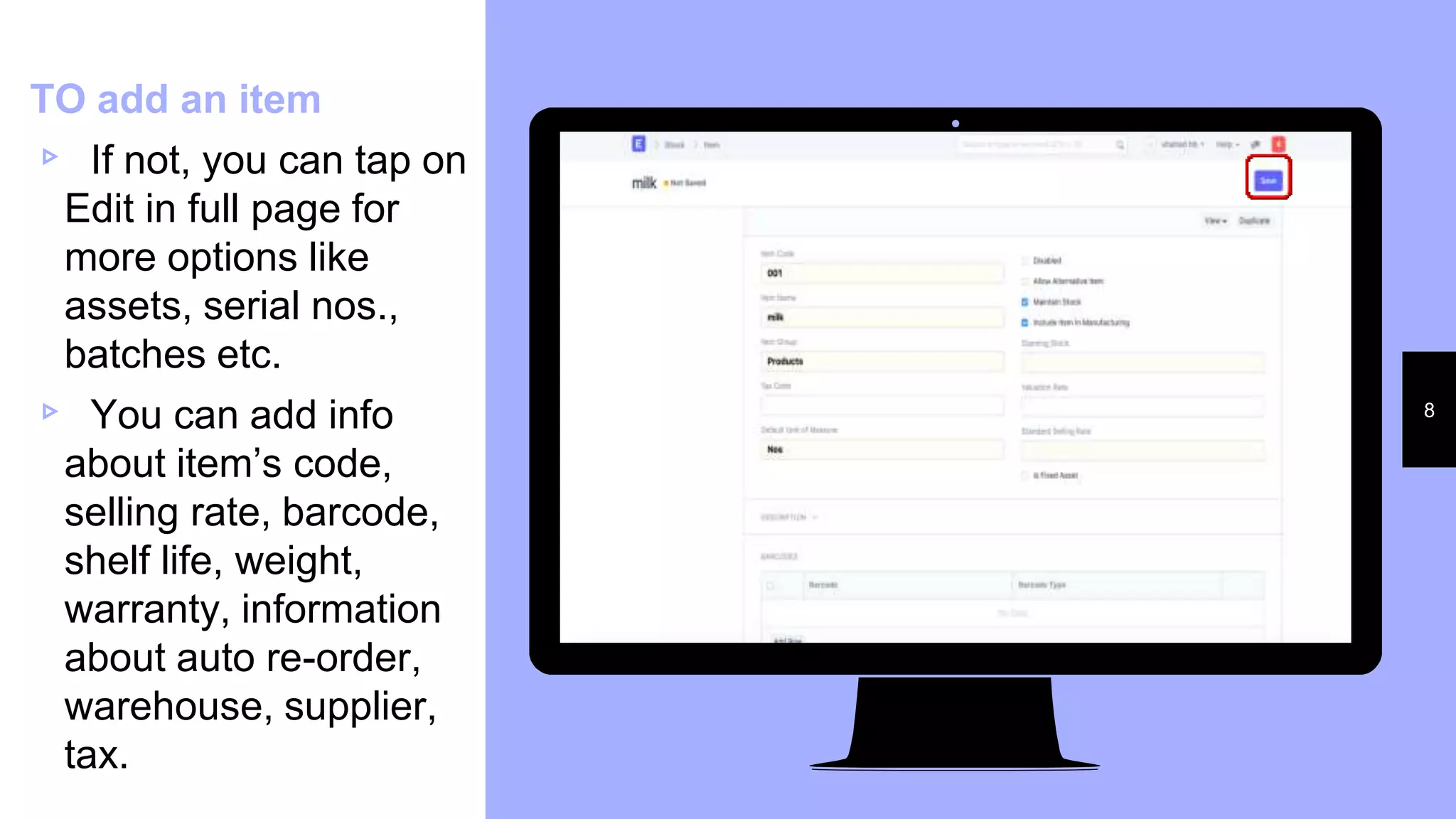
▹ If not, you can tap on
Edit in full page for
more options like
assets, serial nos.,
batches etc.
▹ You can add info
about item’s code,
selling rate, barcode,
shelf life, weight,
warranty, information
about auto re-order,
warehouse, supplier,
tax.
Place your screenshot here
9
TO add an item
▹ After you save
the first
information,
you can add a
picture to the
item, price,
notes,
invoices,
receipt, serial
No, stock entry
Place your screenshot here
10
TO add an item
▹ After you
save the
information,
the item will
be displayed.
Place your screenshot here
11
TO add a task
▹ Task: is a matter
the business
wants to
accomplish within
a specified time
frame. It could be
a new campaign,
changing the
packaging and
starting a season
discount
▹ Tap on Task
Place your screenshot here
12
TO add a task
▹ Tap on new.
▹ Fill information
about the
customers that
you need to
add. add press
save.
Place your screenshot here
13
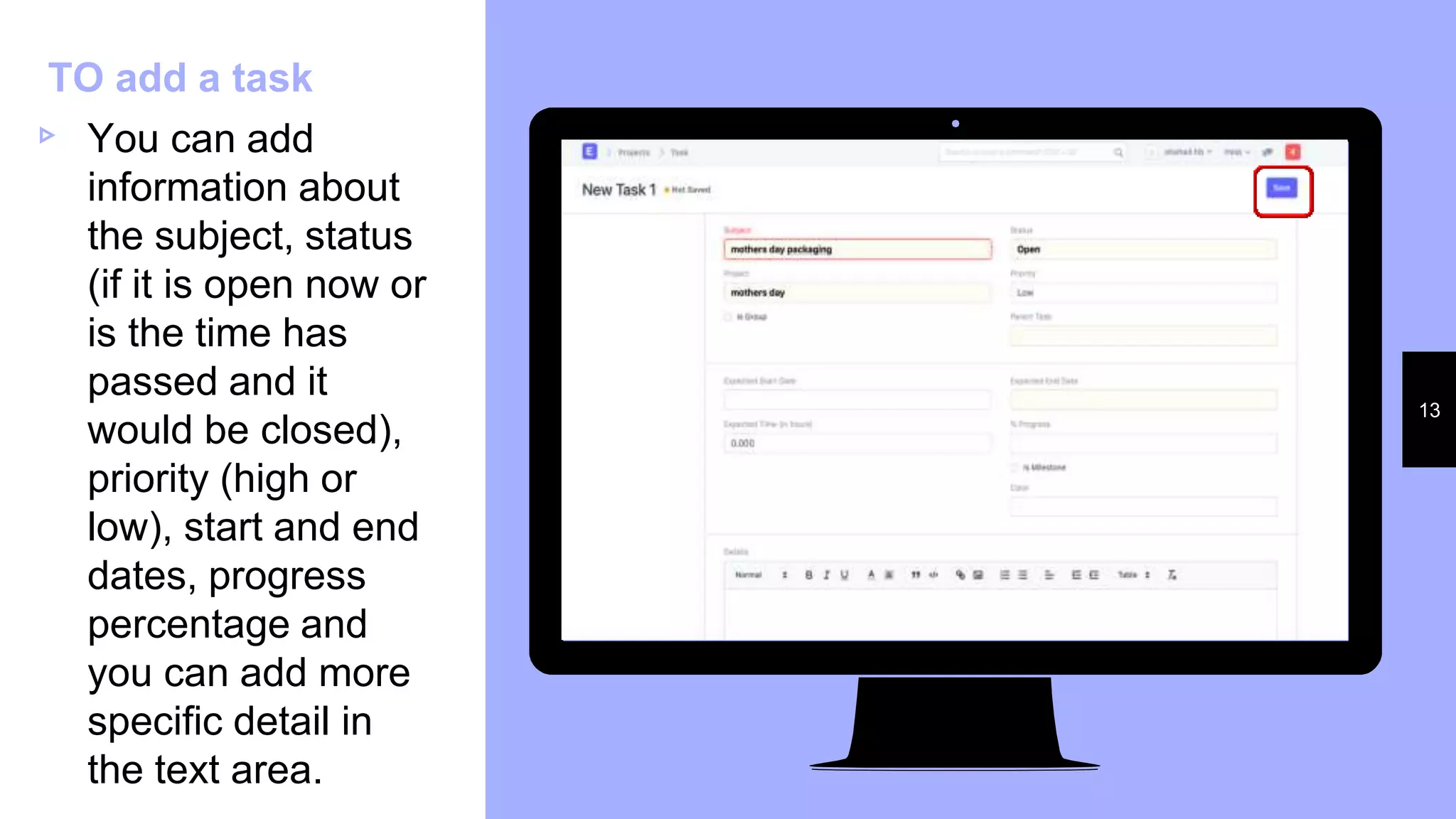
TO add a task
▹ You can add
information about
the subject, status
(if it is open now or
is the time has
passed and it
would be closed),
priority (high or
low), start and end
dates, progress
percentage and
you can add more
specific detail in
the text area.
Place your screenshot here
14
TO add a task
▹ You can view
the task in the
Calendar.
Place your screenshot here
15
Add a point of
sales (POS)
▹ POS: is a
store or any
place where
our product
make
revenue.
▹ Tap on POS
Place your screenshot here
16
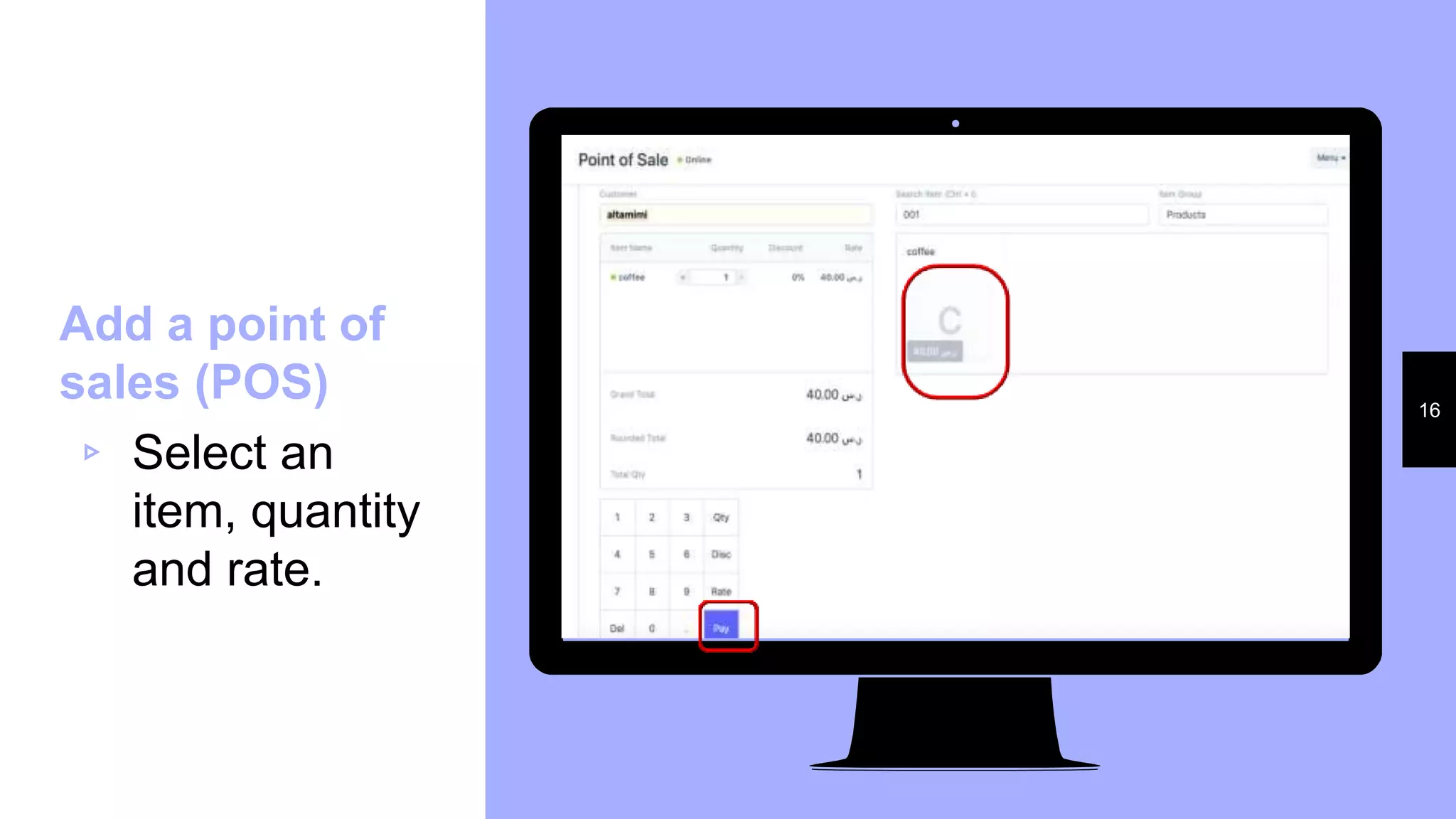
Add a point of
sales (POS)
▹ Select an
item, quantity
and rate.
Place your screenshot here
17
Add a point of
sales (POS)
▹ That will lead
you to an
invoice.
Place your screenshot here
18
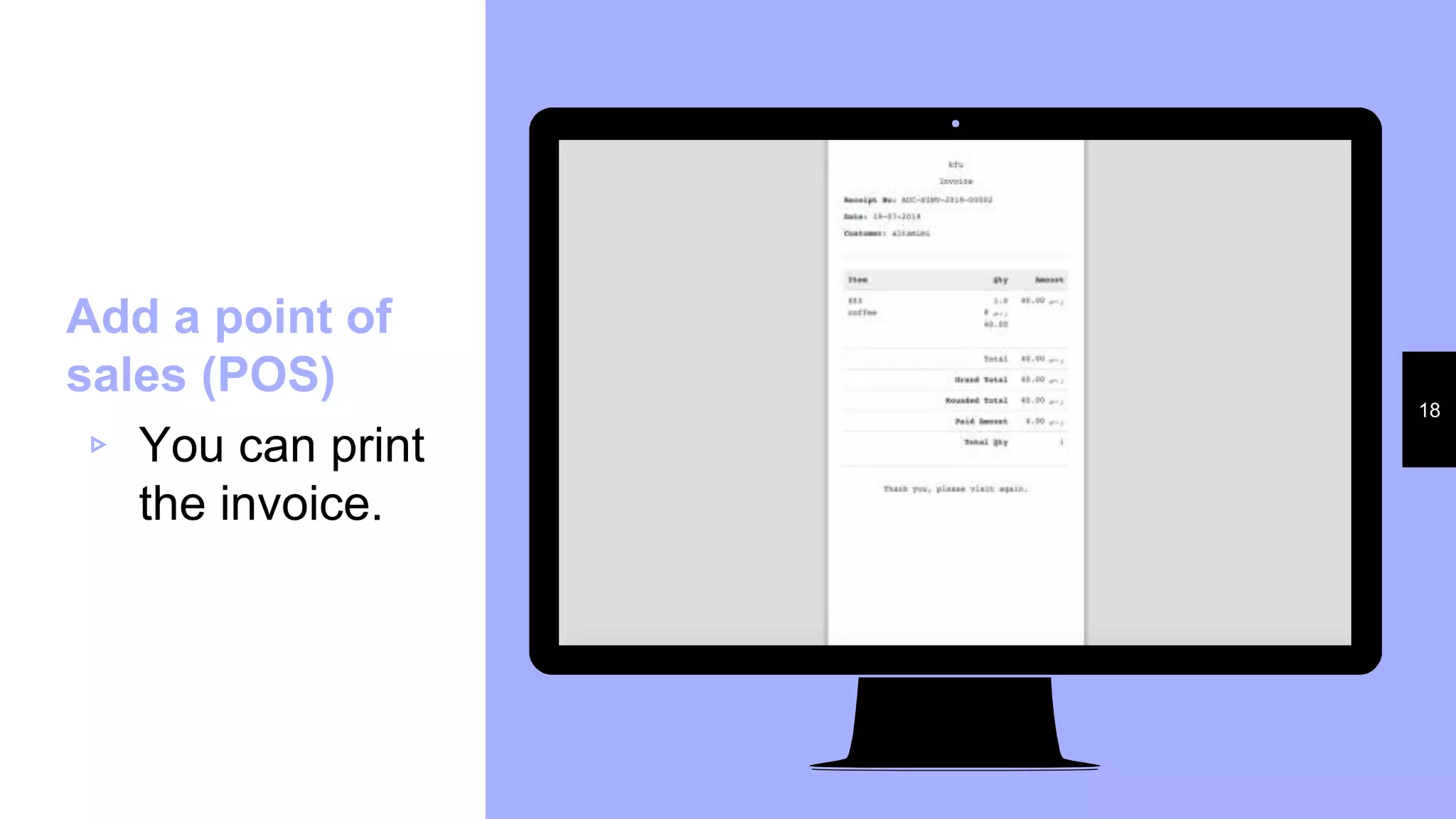
Add a point of
sales (POS)
▹ You can print
the invoice.
Comparing ERPNext software
with Odoo software
ERPNext Odoo
Customer
Satisfaction
100% 96%
Pricing start from 125$ start from 20€
Language
supported
English English
Company
size
•small business
•large enterprises
•small business
•large enterprises
•medium business
•freelancers
19
Comparing ERPNext software
with Odoo software(cont.)
ERPNext Odoo
Some of the
features
• Comprehensive
user interface
•Built-in to-do lists
•Multi-currency
support
•Accounting with tax
calculations
•Flexibility
• Website Edition
•eSignature
•Automated Stock
Update
•Automated
Invoicing
•E-Commerce
Available
devices
•Web-based
•Windows
• Linux
• Mac
•Web-based
• Windows
• Mac
•Android
• iPad/iPhone
20
Pros of ERPNext.
21
o Cross-compatibility
o Social network and messaging service
o Production planning tool
o Leave and attendance management
o Expense claim submission
o Employee appraisal
o Embedded reporting system
o Calendar
o Flexibility
o Easy to use-interface
o Self-implementation capability
o Multi-currency support
o Instant messaging
o Usable on different devices
o Deployed on-premise or in the cloud
o Built-in to-do lists and projects
o Time log entries
o Ability to comment or send invoices
and transaction using email
o Sales, quotations
o Support requests
o Communication reporting
o Inventory warehouse management
o Website creation and design
o Accounting with tax calculations
For the cons we collected users comment on
ERPNext software.
▹ Some stated that it’s not user-friendly, doesn’t
have many features.
▹ Hard to trace back minor bugs and takes time to
understand the cause of it as support does not
really cater for these small issues.
▹ Software slows down most of the time; offline
synchronization is slow.
▹ The upgrades are a bit difficult for nontechnical
people and you have to learn from time to time to
adapt to the upgrade.
Cons of ERPNext
22
Some issues with ERPNext
o All company’s data will
be stored in ERPnext’s
server.
o Overload design that
contains many fields you
will probably not use.
o Complex and a little bit
complicated system.
Thank you

ERPNext

  • 1.
    1 ERPNext Integrated Enterprise System ▹Prepared by: Shahad Bodoky 216006370 Maryam Alhumam 216017386 Iram Al-Rushaid 216012190 Lama AlBanyan 216009780 ▹ Instructor: Dr. Abdelnasser Abdelaal ▹ Summer - 2019 King Faisal University School of Business Management Information Systems Department
  • 2.
    2 What is ERPNext? oERPNext is an open-source integrated Enterprise Resource Planning (ERP) software that uses Python based server-side framework. o It was first released in 2008. o It can be used by manufacturers, retail and service business owners. o It has many modules like accounting, buying, assets, CRM, human resources, selling, stock, supply and quality.
  • 3.
    o ERPNext’s sourcecode is on GitHub. o And is available for free. o It has three types: manufacturers, retail and service. o We will be using retail version. What is ERPNext?
  • 4.
    “ 4 How to useit? ▹ Open erpnext.com ▹ Sign in with your personal information. ▹ When the you are singed in open your interface to show the taps of the modules.
  • 5.
    Place your screenshothere 5 TO add an item ▹ Tap on item.
  • 6.
    Place your screenshothere 6 TO add an item ▹ Choose New to add a new item.
  • 7.
    Place your screenshothere 7 TO add an item ▹ Fill information about the item that you need to add. ▹ If this is all the information you want to add press save.
  • 8.
    Place your screenshothere 8 TO add an item ▹ If not, you can tap on Edit in full page for more options like assets, serial nos., batches etc. ▹ You can add info about item’s code, selling rate, barcode, shelf life, weight, warranty, information about auto re-order, warehouse, supplier, tax.
  • 9.
    Place your screenshothere 9 TO add an item ▹ After you save the first information, you can add a picture to the item, price, notes, invoices, receipt, serial No, stock entry
  • 10.
    Place your screenshothere 10 TO add an item ▹ After you save the information, the item will be displayed.
  • 11.
    Place your screenshothere 11 TO add a task ▹ Task: is a matter the business wants to accomplish within a specified time frame. It could be a new campaign, changing the packaging and starting a season discount ▹ Tap on Task
  • 12.
    Place your screenshothere 12 TO add a task ▹ Tap on new. ▹ Fill information about the customers that you need to add. add press save.
  • 13.
    Place your screenshothere 13 TO add a task ▹ You can add information about the subject, status (if it is open now or is the time has passed and it would be closed), priority (high or low), start and end dates, progress percentage and you can add more specific detail in the text area.
  • 14.
    Place your screenshothere 14 TO add a task ▹ You can view the task in the Calendar.
  • 15.
    Place your screenshothere 15 Add a point of sales (POS) ▹ POS: is a store or any place where our product make revenue. ▹ Tap on POS
  • 16.
    Place your screenshothere 16 Add a point of sales (POS) ▹ Select an item, quantity and rate.
  • 17.
    Place your screenshothere 17 Add a point of sales (POS) ▹ That will lead you to an invoice.
  • 18.
    Place your screenshothere 18 Add a point of sales (POS) ▹ You can print the invoice.
  • 19.
    Comparing ERPNext software withOdoo software ERPNext Odoo Customer Satisfaction 100% 96% Pricing start from 125$ start from 20€ Language supported English English Company size •small business •large enterprises •small business •large enterprises •medium business •freelancers 19
  • 20.
    Comparing ERPNext software withOdoo software(cont.) ERPNext Odoo Some of the features • Comprehensive user interface •Built-in to-do lists •Multi-currency support •Accounting with tax calculations •Flexibility • Website Edition •eSignature •Automated Stock Update •Automated Invoicing •E-Commerce Available devices •Web-based •Windows • Linux • Mac •Web-based • Windows • Mac •Android • iPad/iPhone 20
  • 21.
    Pros of ERPNext. 21 oCross-compatibility o Social network and messaging service o Production planning tool o Leave and attendance management o Expense claim submission o Employee appraisal o Embedded reporting system o Calendar o Flexibility o Easy to use-interface o Self-implementation capability o Multi-currency support o Instant messaging o Usable on different devices o Deployed on-premise or in the cloud o Built-in to-do lists and projects o Time log entries o Ability to comment or send invoices and transaction using email o Sales, quotations o Support requests o Communication reporting o Inventory warehouse management o Website creation and design o Accounting with tax calculations
  • 22.
    For the conswe collected users comment on ERPNext software. ▹ Some stated that it’s not user-friendly, doesn’t have many features. ▹ Hard to trace back minor bugs and takes time to understand the cause of it as support does not really cater for these small issues. ▹ Software slows down most of the time; offline synchronization is slow. ▹ The upgrades are a bit difficult for nontechnical people and you have to learn from time to time to adapt to the upgrade. Cons of ERPNext 22
  • 23.
    Some issues withERPNext o All company’s data will be stored in ERPnext’s server. o Overload design that contains many fields you will probably not use. o Complex and a little bit complicated system.
  • 24.