How to Create the Screencast to Justify
Your PSA Design Choices
About Screencasts 3
How to Create Your Screencast 4
Subject, Audience, and Purpose of Your Screencast 5-6
Writing the Script: Introduction 6
Writing the Script: Body 7-11
Writing the Script: Conclusion 12
How to use the screen capture tool 13
Table of Contents
2
Screencasts capture all or a portion of a computer
screen while the author narrates what the viewer is
seeing in a voice-over audio.
Screencasts are used by businesses and
organizations for a wide variety of purposes and
viewed by both internal and external audiences.
About Screencasts
3
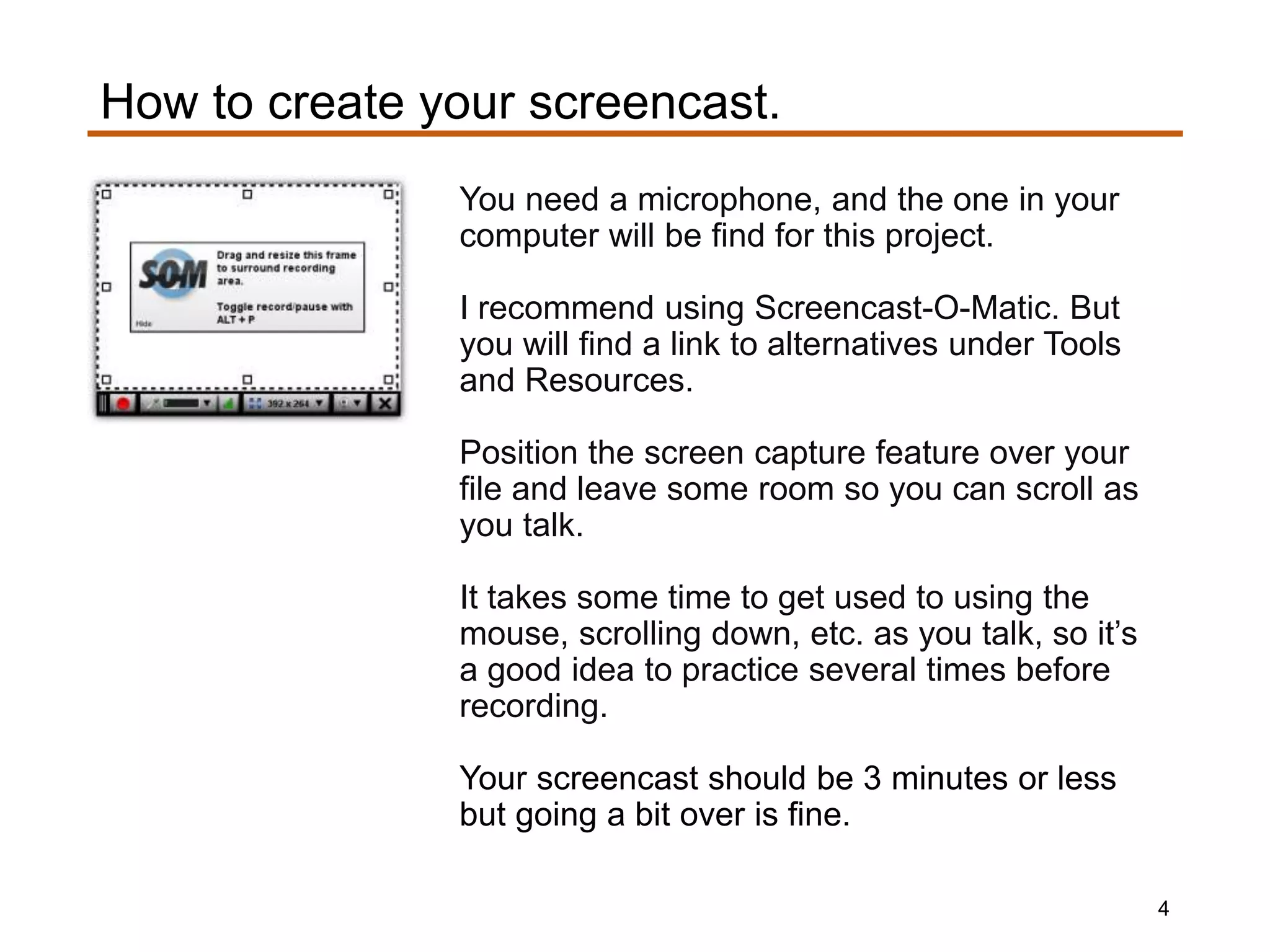
You need a microphone, and the one in your
computer will be find for this project.
I recommend using Screencast-O-Matic. But
you will find a link to alternatives under Tools
and Resources.
Position the screen capture feature over your
file and leave some room so you can scroll as
you talk.
It takes some time to get used to using the
mouse, scrolling down, etc. as you talk, so it’s
a good idea to practice several times before
recording.
Your screencast should be 3 minutes or less
but going a bit over is fine.
How to create your screencast.
4
The subject of your screencast will be justifying the design choices
you made when creating the PSA poster or billboard.
The audience will be a hypothetical client.
Your purpose will be to clearly connect your design choices to
principles of graphic design.
Subject, audience, and purpose of your screencast.
5
You are practicing how to articulate design
choices using the language of graphic
design.
Even should you never create another PSA
poster or billboard, you will have gained
practice in being able to communicate in
professional environments where visual
design needs are being discussed/planned.
Why you have been given this context.
6
Your screencast is justifying design
choices to a client who would be
expecting to receive this information.
The client would know the topic and target
audience, so you only need a very brief
introduction such as:
• Here is my justification for the design
choices I made when creating the PSA
for your target audience.
What the client would not know are the
principles of visual design.
Writing the Script: Introduction
7
Justify your design choices in the body of
your screencast.
You will need to briefly define each design
principle you have applied and then
explain how you applied it. And be certain
to define the principles as the course
materials do.
Here’s why it’s important to define the
design principles to your client. A client may
disagree with a design choice you made, so
connecting design choices to a solid
foundation will be more persuasive than just
resting these as a matter of personal taste.
Writing the Script: Body
8
The principle of proximity means
grouping related elements together, so
the viewer perceives them as one
visual unit.
I applied proximity in this section of my
PSA poster where these icons are
aligned as a group.
As you speak move your mouse to show
viewers what you are referring to in your
PSA.
Example
9
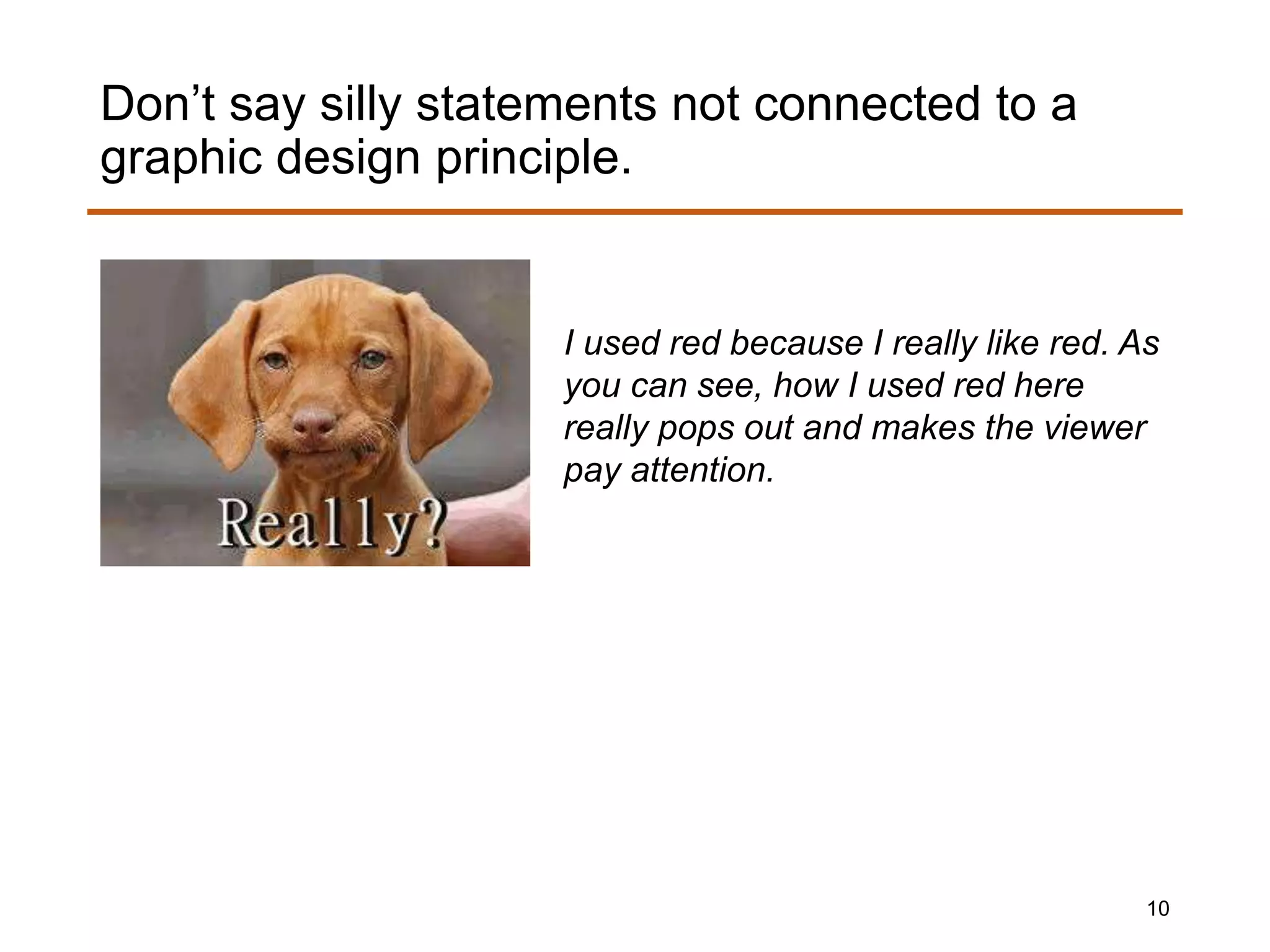
I used red because I really like red. As
you can see, how I used red here
really pops out and makes the viewer
pay attention.
Don’t say silly statements not connected to a
graphic design principle.
10
what PSAs are or how they differ from
advertising,
what tool(s) you used to create yours,
why you chose a specific size,
the PSA target audience,
or anything else that is not related to
connecting your design choices to design
principles.
Don’t waste your client’s time by talking about
11
The conclusion should be brief as in the
following example:
• Let me know if you have any questions
about my design choices.
Writing the Script: Conclusion
12
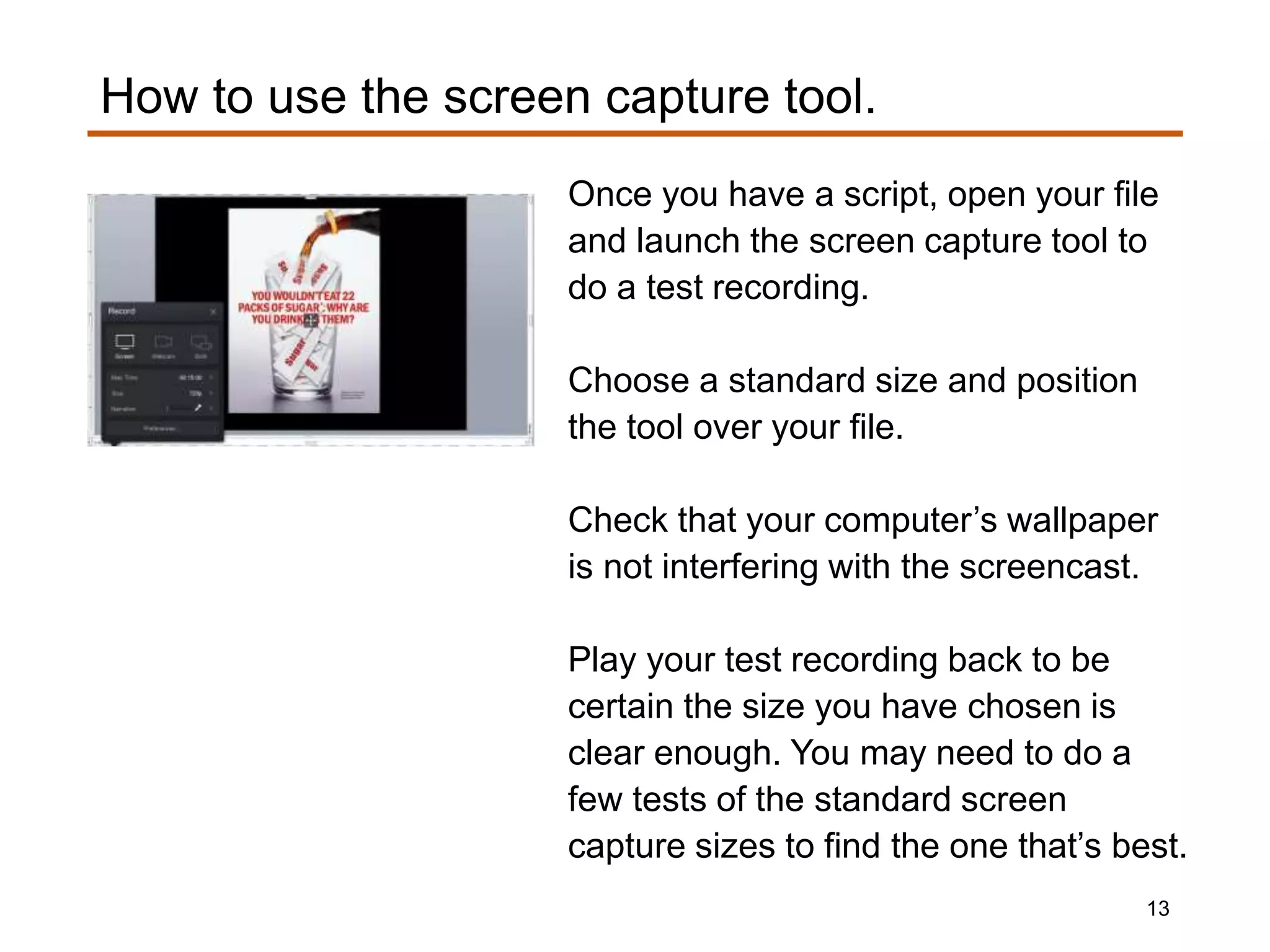
Once you have a script, open your file
and launch the screen capture tool to
do a test recording.
Choose a standard size and position
the tool over your file.
Check that your computer’s wallpaper
is not interfering with the screencast.
Play your test recording back to be
certain the size you have chosen is
clear enough. You may need to do a
few tests of the standard screen
capture sizes to find the one that’s best.
How to use the screen capture tool.
13

Engl313 ada project2_slidedoc3

  • 1.
    How to Createthe Screencast to Justify Your PSA Design Choices
  • 2.
    About Screencasts 3 Howto Create Your Screencast 4 Subject, Audience, and Purpose of Your Screencast 5-6 Writing the Script: Introduction 6 Writing the Script: Body 7-11 Writing the Script: Conclusion 12 How to use the screen capture tool 13 Table of Contents 2
  • 3.
    Screencasts capture allor a portion of a computer screen while the author narrates what the viewer is seeing in a voice-over audio. Screencasts are used by businesses and organizations for a wide variety of purposes and viewed by both internal and external audiences. About Screencasts 3
  • 4.
    You need amicrophone, and the one in your computer will be find for this project. I recommend using Screencast-O-Matic. But you will find a link to alternatives under Tools and Resources. Position the screen capture feature over your file and leave some room so you can scroll as you talk. It takes some time to get used to using the mouse, scrolling down, etc. as you talk, so it’s a good idea to practice several times before recording. Your screencast should be 3 minutes or less but going a bit over is fine. How to create your screencast. 4
  • 5.
    The subject ofyour screencast will be justifying the design choices you made when creating the PSA poster or billboard. The audience will be a hypothetical client. Your purpose will be to clearly connect your design choices to principles of graphic design. Subject, audience, and purpose of your screencast. 5
  • 6.
    You are practicinghow to articulate design choices using the language of graphic design. Even should you never create another PSA poster or billboard, you will have gained practice in being able to communicate in professional environments where visual design needs are being discussed/planned. Why you have been given this context. 6
  • 7.
    Your screencast isjustifying design choices to a client who would be expecting to receive this information. The client would know the topic and target audience, so you only need a very brief introduction such as: • Here is my justification for the design choices I made when creating the PSA for your target audience. What the client would not know are the principles of visual design. Writing the Script: Introduction 7
  • 8.
    Justify your designchoices in the body of your screencast. You will need to briefly define each design principle you have applied and then explain how you applied it. And be certain to define the principles as the course materials do. Here’s why it’s important to define the design principles to your client. A client may disagree with a design choice you made, so connecting design choices to a solid foundation will be more persuasive than just resting these as a matter of personal taste. Writing the Script: Body 8
  • 9.
    The principle ofproximity means grouping related elements together, so the viewer perceives them as one visual unit. I applied proximity in this section of my PSA poster where these icons are aligned as a group. As you speak move your mouse to show viewers what you are referring to in your PSA. Example 9
  • 10.
    I used redbecause I really like red. As you can see, how I used red here really pops out and makes the viewer pay attention. Don’t say silly statements not connected to a graphic design principle. 10
  • 11.
    what PSAs areor how they differ from advertising, what tool(s) you used to create yours, why you chose a specific size, the PSA target audience, or anything else that is not related to connecting your design choices to design principles. Don’t waste your client’s time by talking about 11
  • 12.
    The conclusion shouldbe brief as in the following example: • Let me know if you have any questions about my design choices. Writing the Script: Conclusion 12
  • 13.
    Once you havea script, open your file and launch the screen capture tool to do a test recording. Choose a standard size and position the tool over your file. Check that your computer’s wallpaper is not interfering with the screencast. Play your test recording back to be certain the size you have chosen is clear enough. You may need to do a few tests of the standard screen capture sizes to find the one that’s best. How to use the screen capture tool. 13