Getting things done
with Emacs
An editor for Jedis :-)
❖ Not going to evangelize, no
comparisons; things I find
useful, nothing more
❖ “Show and Tell”
❖ My own history …
❖ What editors do you all use?
Background
Outline
❖ Dive into features
❖ Present workflows
❖ Day-to-day development, nothing more
❖ I’ll keep the “why Emacs” and “setup tips” for the end
❖ Demo stuff along with the slides
❖ Please do interrupt with questions!
Basic stuff
❖ Essential fact: Emacs is (mostly) non-modal. M-x is your
friend.
❖ helm-M-x (also, Helm is your friend)
❖ Save your keystrokes!
❖ Another example: M-x helm-swoop (just bind it to
search)
Development Tools
❖ Rtags integration
❖ M-x rtags-find-all-references-at-point
❖ M-x rtags-find-symbol
❖ (... and much more)
❖ Compilation buffer
❖ M-x compile
❖ Flycheck
❖ Get error descriptions as you type!
Development Tools (2)
❖ Helm-projectile
❖ M-x helm-projectile-find-file-dwim
❖ Searching
❖ M-x helm-swoop
❖ M-x helm-projectile-ag
❖ Imenu/Semantic
❖ Lightweight/heavyweight
❖ M-x helm-semantic-or-imenu
Development Tools (3)
❖ Splitting and moving windows
❖ Aside: “Frames” and “windows”
❖ M-x windmove-{left,right,up,down} (bind to useful keyboard shortcuts!)
❖ Formatting
❖ M-x clang-format{-region}
❖ (Why wait to run make clang-format-patch-stack!)
❖ Diffing
❖ M-x smerge-{…}
❖ (Show colorized diff in place, hotkeys for keeping “mine”/“other”/“base”)
❖ Undo-ing
❖ M-x undo …. meh … M-x undo-tree-visualize … whoa!
❖ Copy-pasting
❖ M-x helm-show-kill-ring
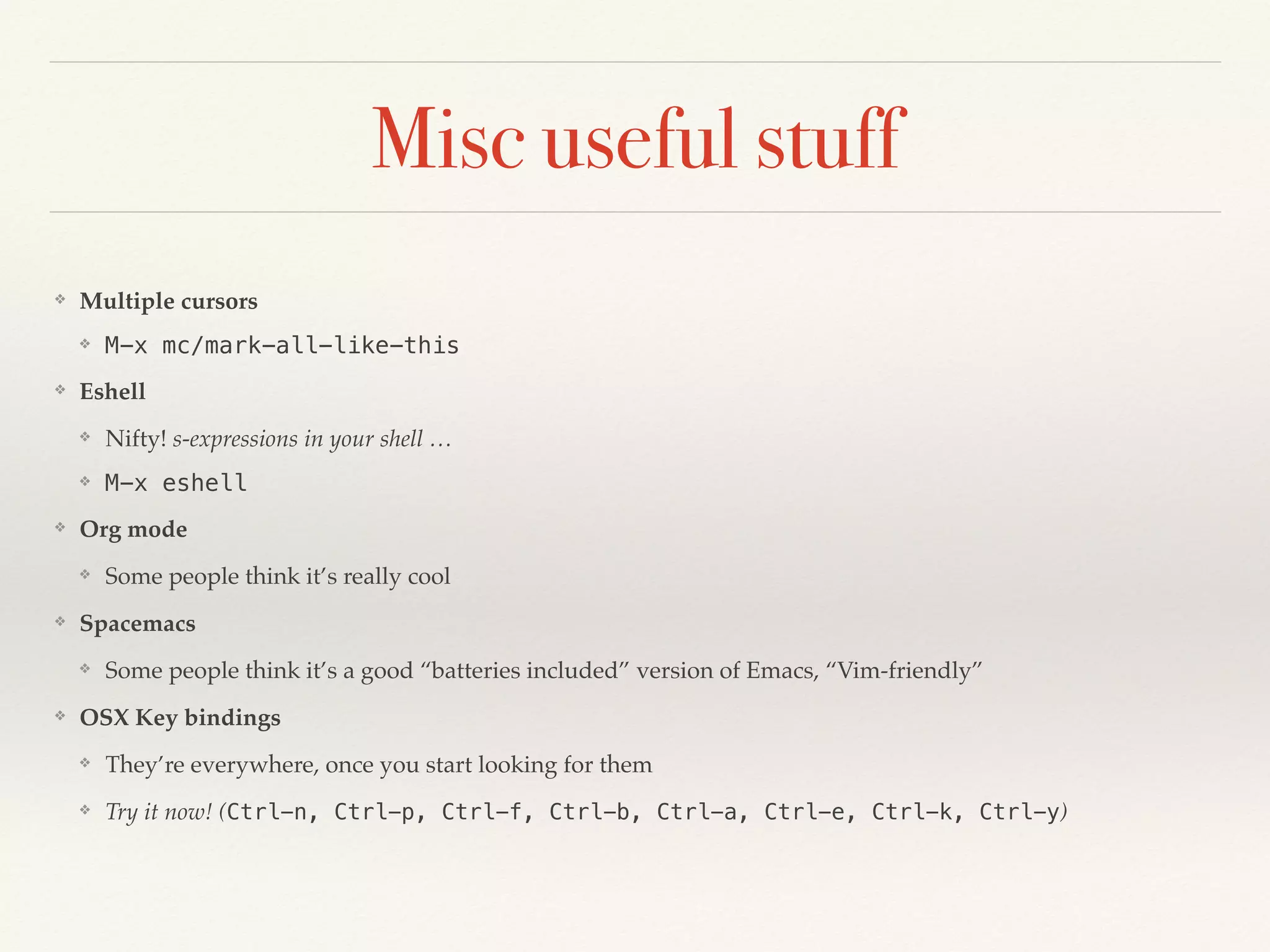
Misc useful stuff
❖ Multiple cursors
❖ M-x mc/mark-all-like-this
❖ Eshell
❖ Nifty! s-expressions in your shell …
❖ M-x eshell
❖ Org mode
❖ Some people think it’s really cool
❖ Spacemacs
❖ Some people think it’s a good “batteries included” version of Emacs, “Vim-friendly”
❖ OSX Key bindings
❖ They’re everywhere, once you start looking for them
❖ Try it now! (Ctrl-n, Ctrl-p, Ctrl-f, Ctrl-b, Ctrl-a, Ctrl-e, Ctrl-k, Ctrl-y)
(Ma)Git
❖ “Magit” autocorrects to “Magic”
❖ M-x magit-status
❖ The best git porcelain, ever. Ever.
Sample dev flow
❖ (tying it all together)
❖ Checkout branch / Make some changes / commit /
search-replace-make-changes / Rebase (interactive!
reorder!) / Push
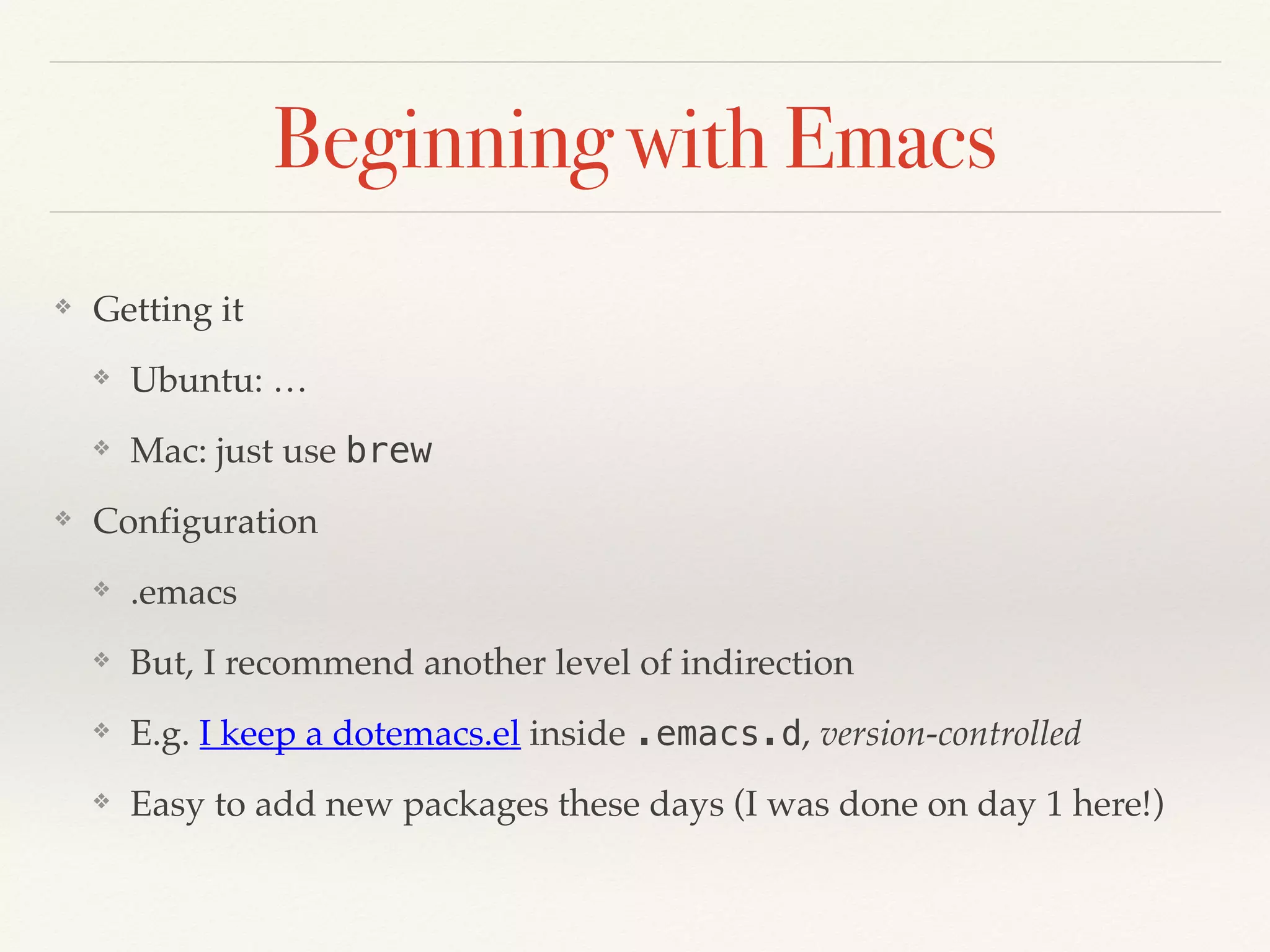
Beginning with Emacs
❖ Getting it
❖ Ubuntu: …
❖ Mac: just use brew
❖ Configuration
❖ .emacs
❖ But, I recommend another level of indirection
❖ E.g. I keep a dotemacs.el inside .emacs.d, version-controlled
❖ Easy to add new packages these days (I was done on day 1 here!)
Beginning with Emacs (2)
❖ Remap keys (save your fingers!)
❖ “Ctrl”: Get rid of Caps Lock
❖ Seriously, you don’t need that
❖ “Alt”: I replace M-x with C-x C-m
❖ Add the Elpa/Melpa/Marmalade repos
❖ Tons of packages, especially in the era of Github
❖ M-x list-packages
Beginning Emacs (3)
❖ Some resources
❖ Internal: Slack channel #emacs
❖ External: Stack exchange, LMGTFY
❖ Book: Mastering Emacs
❖ So, if you were waiting to try it out, go for it!
❖ But, yeah, it can take time (months? years?)
Tl;dr:
❖ There are lots of practical optimizations possible in the
day-to-day workflow
❖ It’s good to keep trying to find different/better ways to
do something
❖ You don’t have to use Emacs (obviously) — but, make
sure you find some equivalent of each plugin/function
mentioned here.
(finally) Why Emacs?
❖ Limitless customization
❖ Custom-built for you
❖ The usual pros and cons
❖ Limitless integration
❖ (I’m not that hardcore, but …) mail client, browser, IRC client,
therapist?
❖ Future proof
❖ It’s been around for a while
❖ It will outlive everything else (except, perhaps, Vim)
Questions?

Emacs talk

  • 1.
    Getting things done withEmacs An editor for Jedis :-)
  • 2.
    ❖ Not goingto evangelize, no comparisons; things I find useful, nothing more ❖ “Show and Tell” ❖ My own history … ❖ What editors do you all use? Background
  • 3.
    Outline ❖ Dive intofeatures ❖ Present workflows ❖ Day-to-day development, nothing more ❖ I’ll keep the “why Emacs” and “setup tips” for the end ❖ Demo stuff along with the slides ❖ Please do interrupt with questions!
  • 4.
    Basic stuff ❖ Essentialfact: Emacs is (mostly) non-modal. M-x is your friend. ❖ helm-M-x (also, Helm is your friend) ❖ Save your keystrokes! ❖ Another example: M-x helm-swoop (just bind it to search)
  • 5.
    Development Tools ❖ Rtagsintegration ❖ M-x rtags-find-all-references-at-point ❖ M-x rtags-find-symbol ❖ (... and much more) ❖ Compilation buffer ❖ M-x compile ❖ Flycheck ❖ Get error descriptions as you type!
  • 6.
    Development Tools (2) ❖Helm-projectile ❖ M-x helm-projectile-find-file-dwim ❖ Searching ❖ M-x helm-swoop ❖ M-x helm-projectile-ag ❖ Imenu/Semantic ❖ Lightweight/heavyweight ❖ M-x helm-semantic-or-imenu
  • 7.
    Development Tools (3) ❖Splitting and moving windows ❖ Aside: “Frames” and “windows” ❖ M-x windmove-{left,right,up,down} (bind to useful keyboard shortcuts!) ❖ Formatting ❖ M-x clang-format{-region} ❖ (Why wait to run make clang-format-patch-stack!) ❖ Diffing ❖ M-x smerge-{…} ❖ (Show colorized diff in place, hotkeys for keeping “mine”/“other”/“base”) ❖ Undo-ing ❖ M-x undo …. meh … M-x undo-tree-visualize … whoa! ❖ Copy-pasting ❖ M-x helm-show-kill-ring
  • 8.
    Misc useful stuff ❖Multiple cursors ❖ M-x mc/mark-all-like-this ❖ Eshell ❖ Nifty! s-expressions in your shell … ❖ M-x eshell ❖ Org mode ❖ Some people think it’s really cool ❖ Spacemacs ❖ Some people think it’s a good “batteries included” version of Emacs, “Vim-friendly” ❖ OSX Key bindings ❖ They’re everywhere, once you start looking for them ❖ Try it now! (Ctrl-n, Ctrl-p, Ctrl-f, Ctrl-b, Ctrl-a, Ctrl-e, Ctrl-k, Ctrl-y)
  • 9.
    (Ma)Git ❖ “Magit” autocorrectsto “Magic” ❖ M-x magit-status ❖ The best git porcelain, ever. Ever.
  • 10.
    Sample dev flow ❖(tying it all together) ❖ Checkout branch / Make some changes / commit / search-replace-make-changes / Rebase (interactive! reorder!) / Push
  • 11.
    Beginning with Emacs ❖Getting it ❖ Ubuntu: … ❖ Mac: just use brew ❖ Configuration ❖ .emacs ❖ But, I recommend another level of indirection ❖ E.g. I keep a dotemacs.el inside .emacs.d, version-controlled ❖ Easy to add new packages these days (I was done on day 1 here!)
  • 12.
    Beginning with Emacs(2) ❖ Remap keys (save your fingers!) ❖ “Ctrl”: Get rid of Caps Lock ❖ Seriously, you don’t need that ❖ “Alt”: I replace M-x with C-x C-m ❖ Add the Elpa/Melpa/Marmalade repos ❖ Tons of packages, especially in the era of Github ❖ M-x list-packages
  • 13.
    Beginning Emacs (3) ❖Some resources ❖ Internal: Slack channel #emacs ❖ External: Stack exchange, LMGTFY ❖ Book: Mastering Emacs ❖ So, if you were waiting to try it out, go for it! ❖ But, yeah, it can take time (months? years?)
  • 14.
    Tl;dr: ❖ There arelots of practical optimizations possible in the day-to-day workflow ❖ It’s good to keep trying to find different/better ways to do something ❖ You don’t have to use Emacs (obviously) — but, make sure you find some equivalent of each plugin/function mentioned here.
  • 15.
    (finally) Why Emacs? ❖Limitless customization ❖ Custom-built for you ❖ The usual pros and cons ❖ Limitless integration ❖ (I’m not that hardcore, but …) mail client, browser, IRC client, therapist? ❖ Future proof ❖ It’s been around for a while ❖ It will outlive everything else (except, perhaps, Vim)
  • 16.