Download to read offline

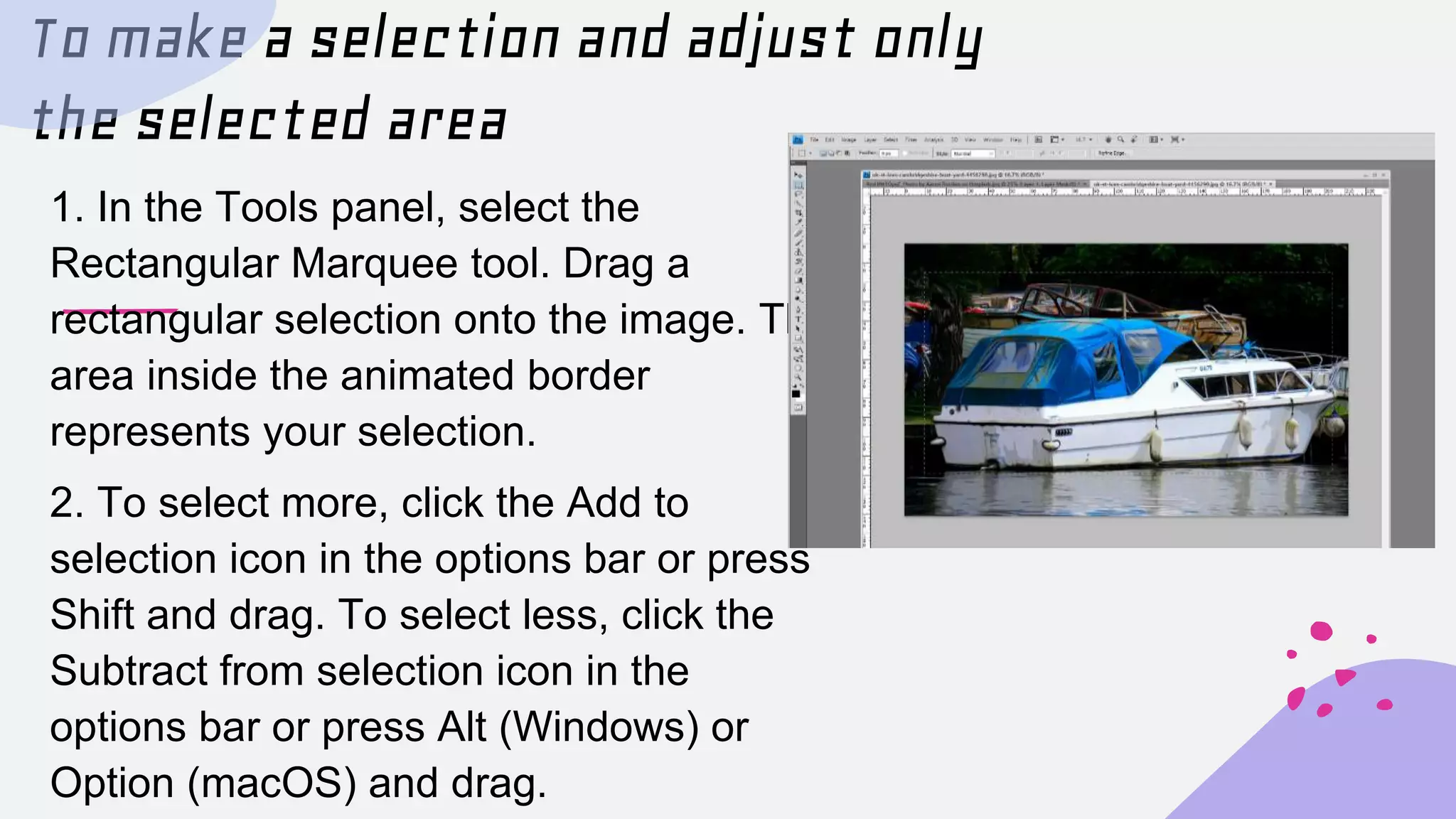
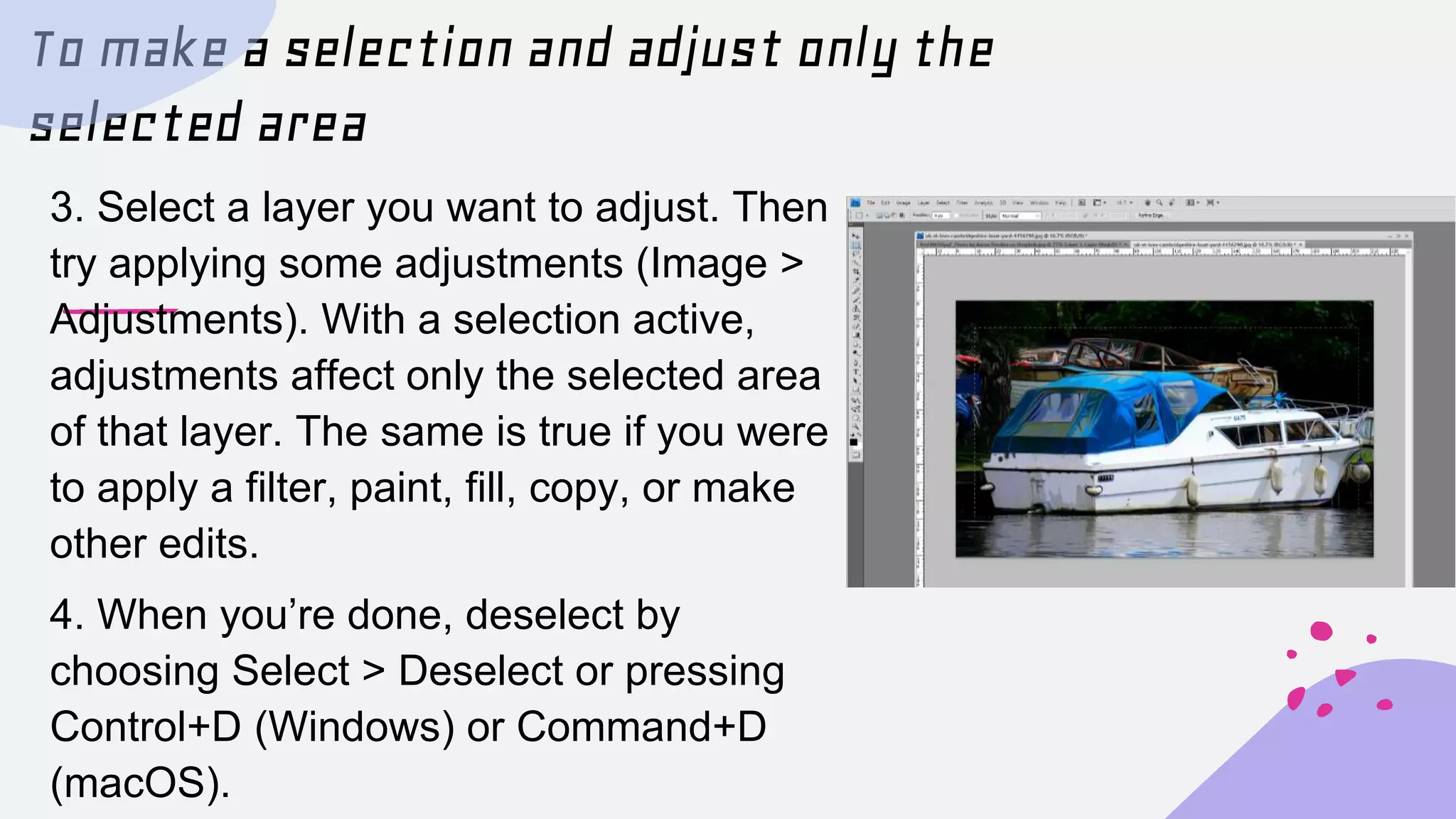
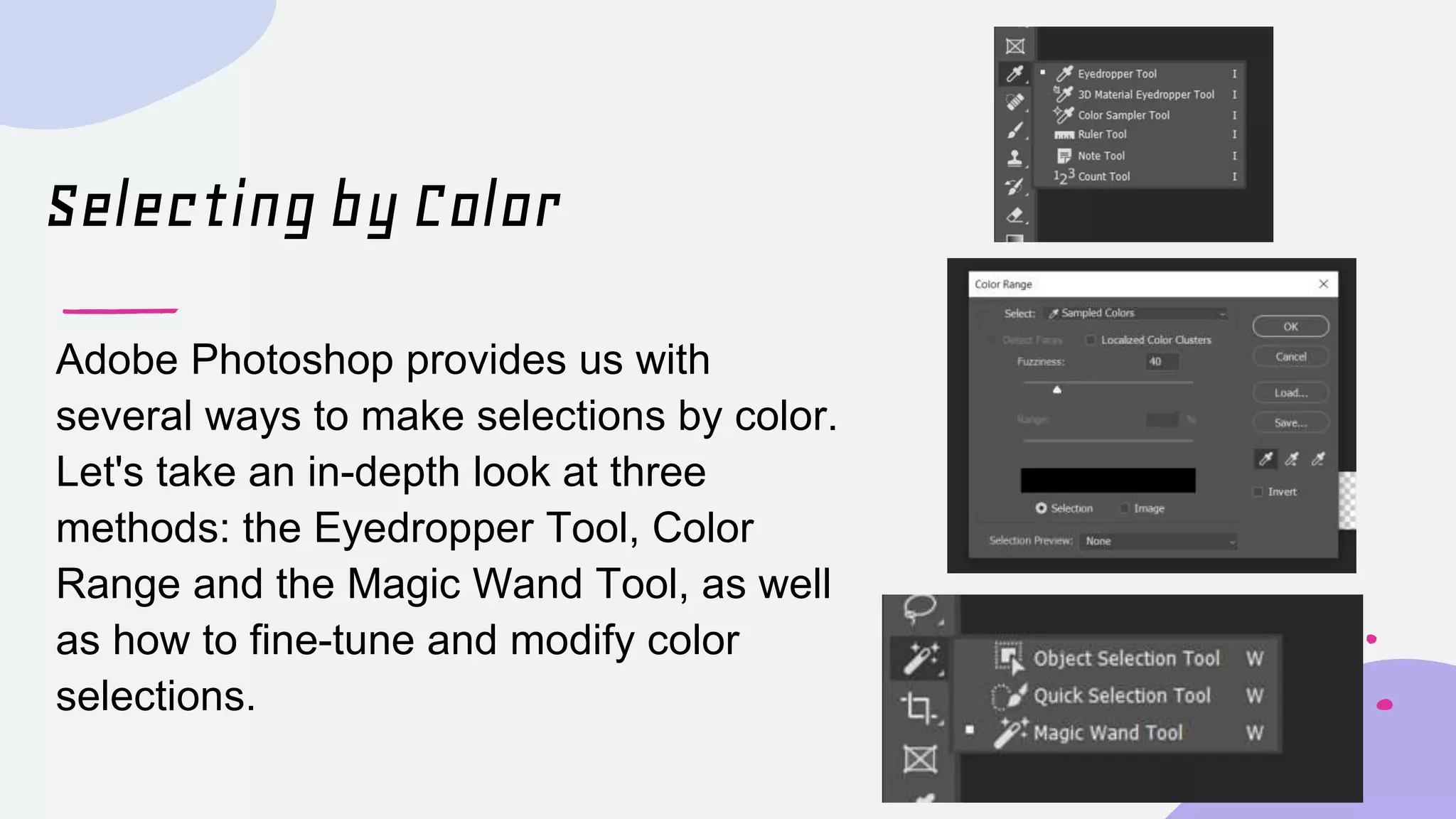
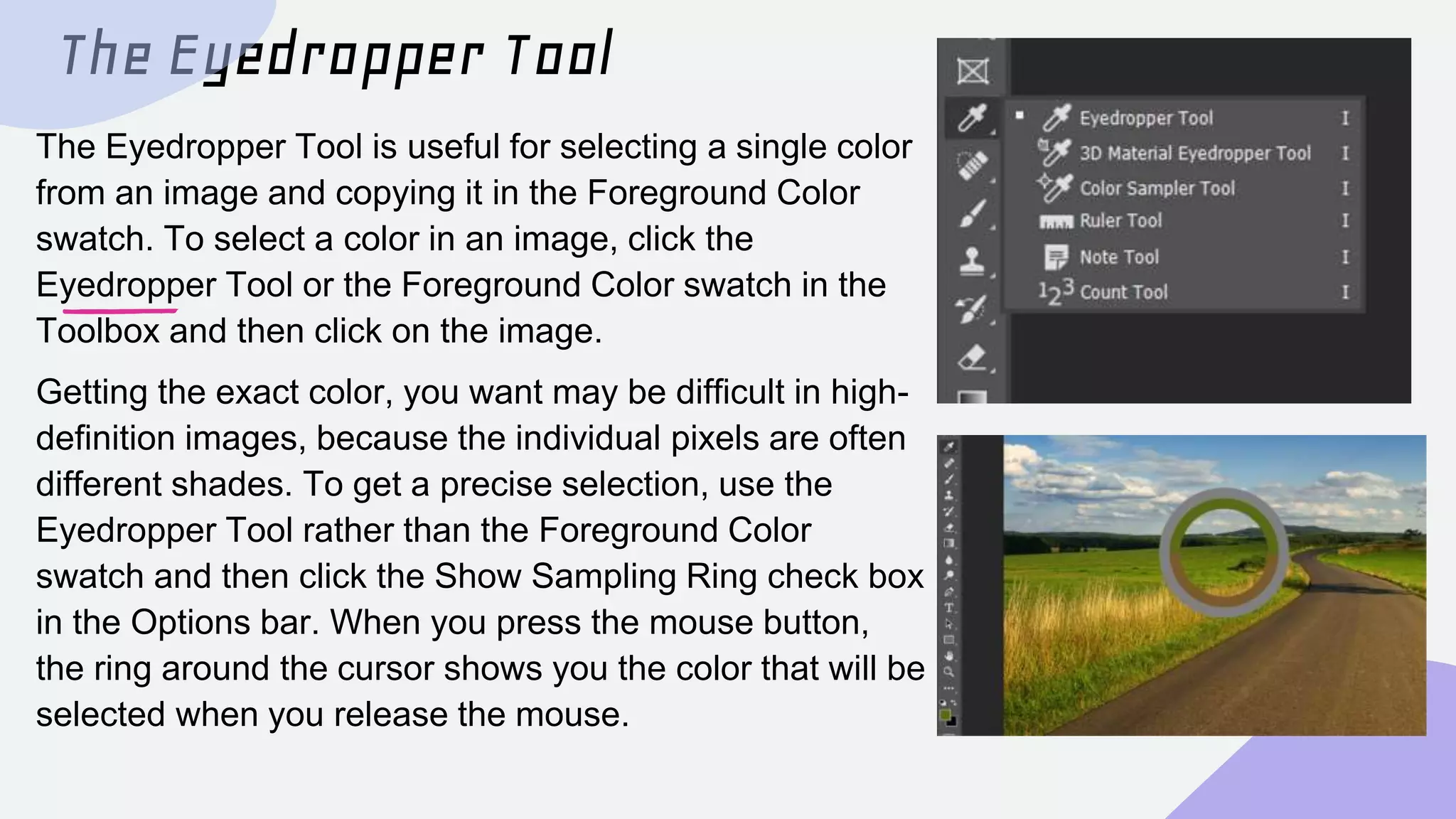
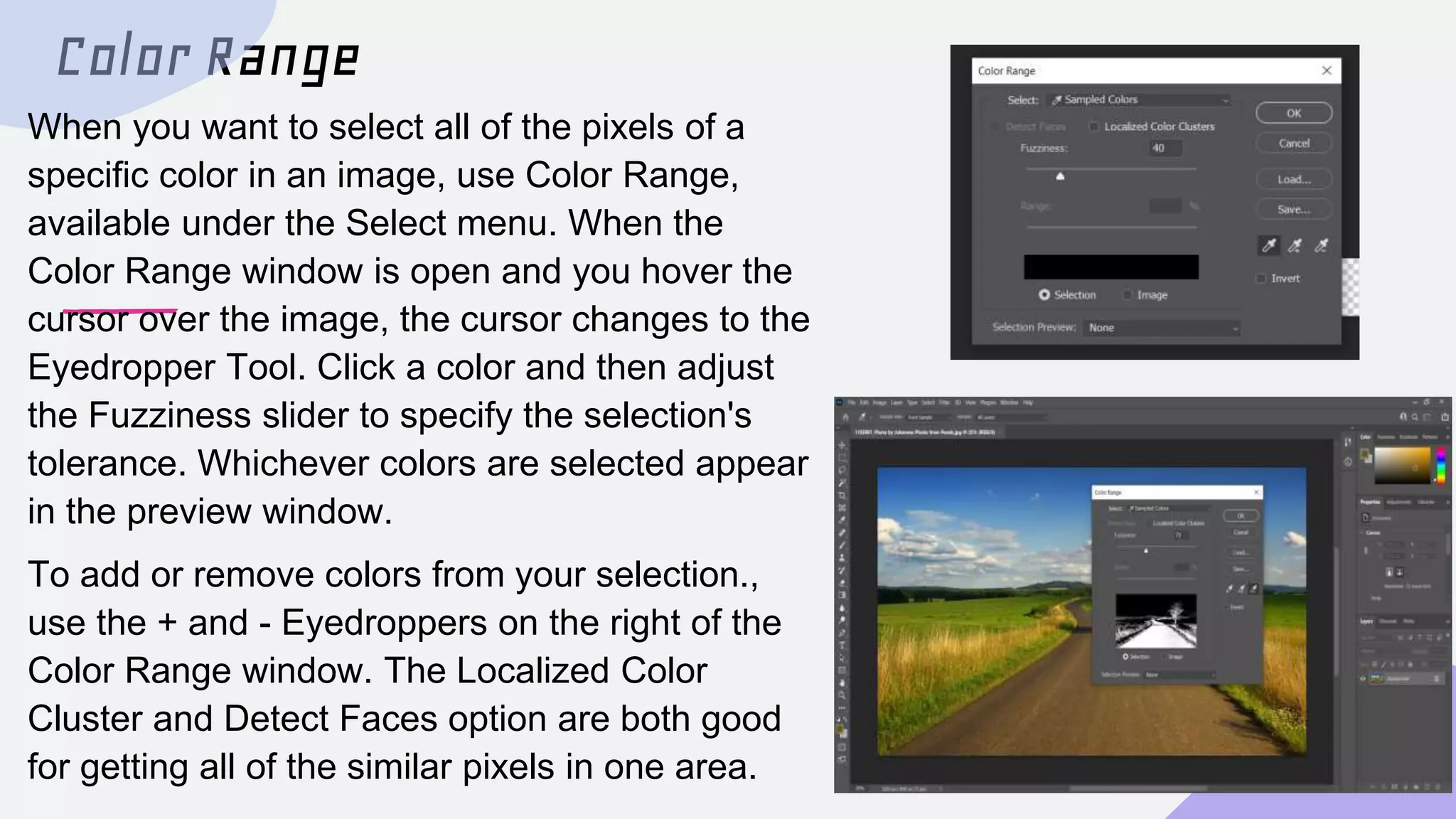
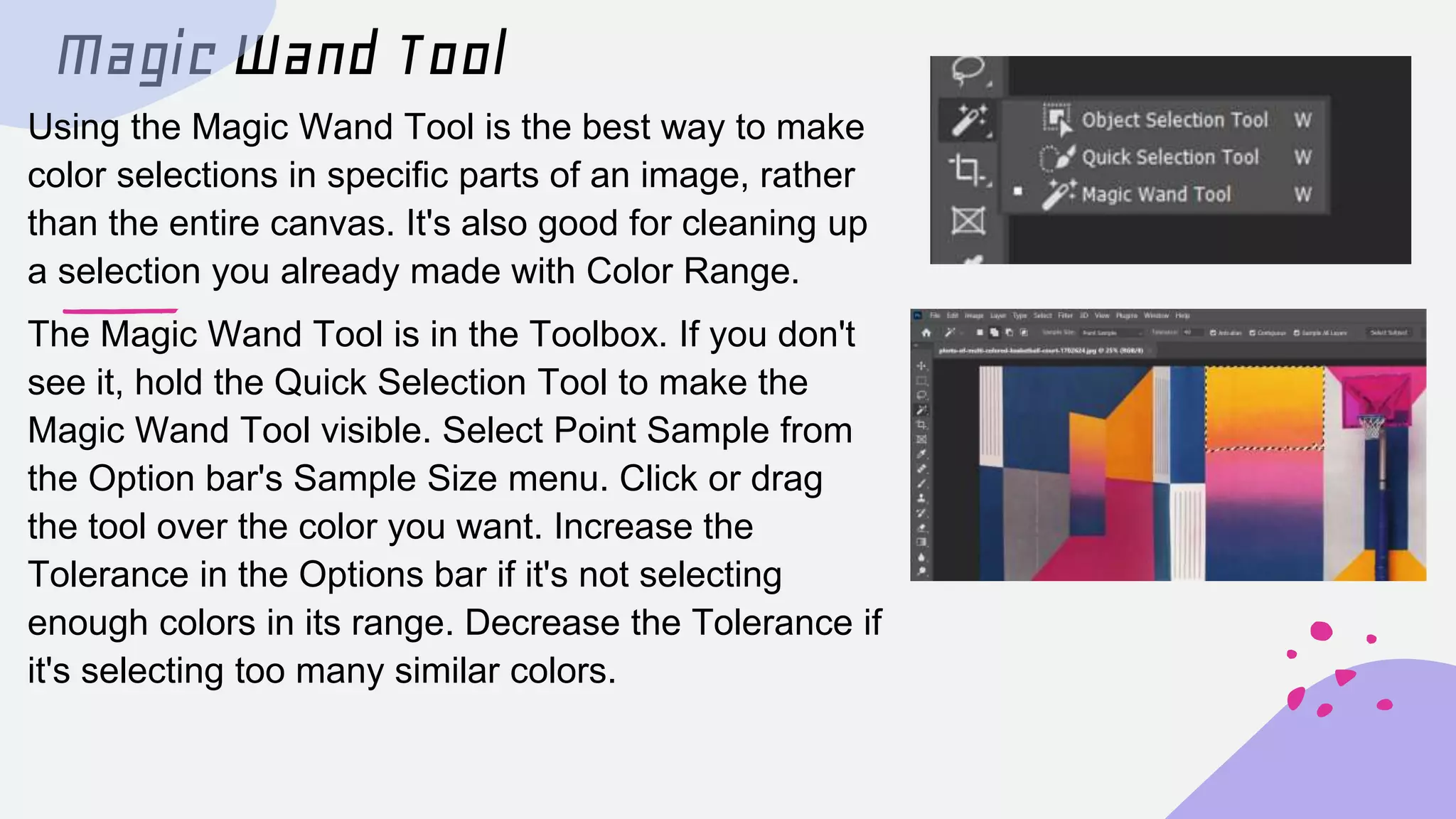
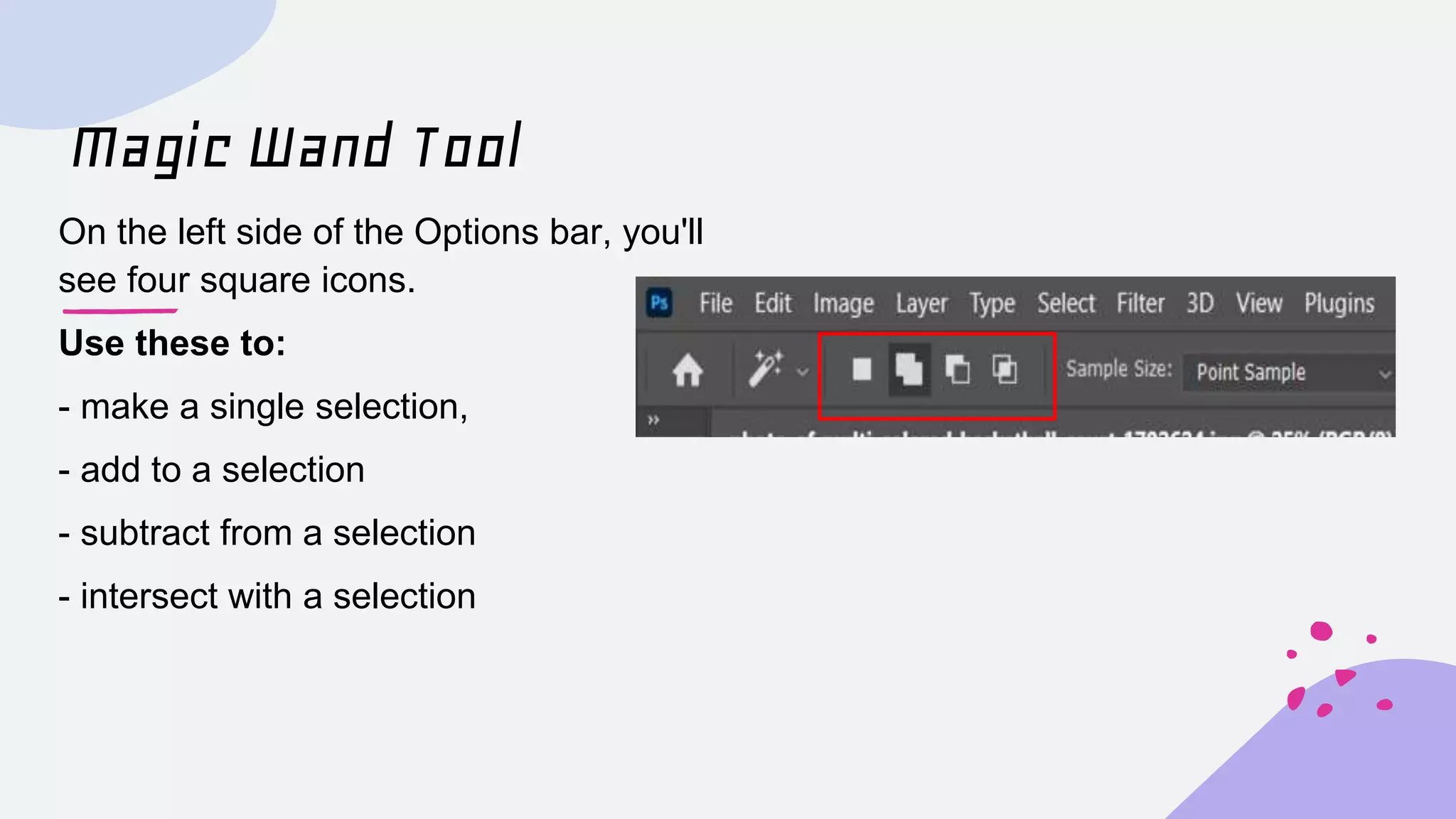
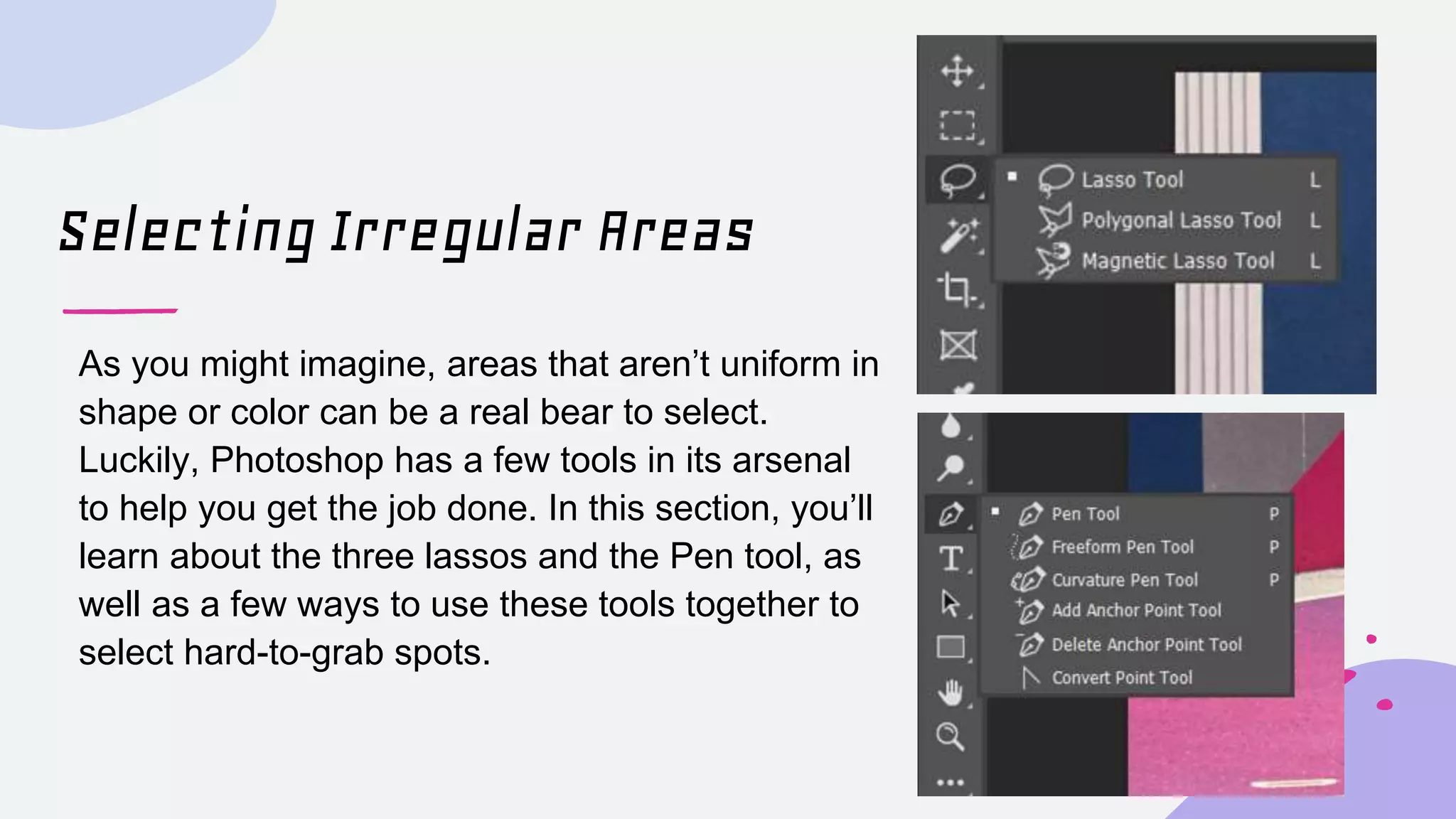
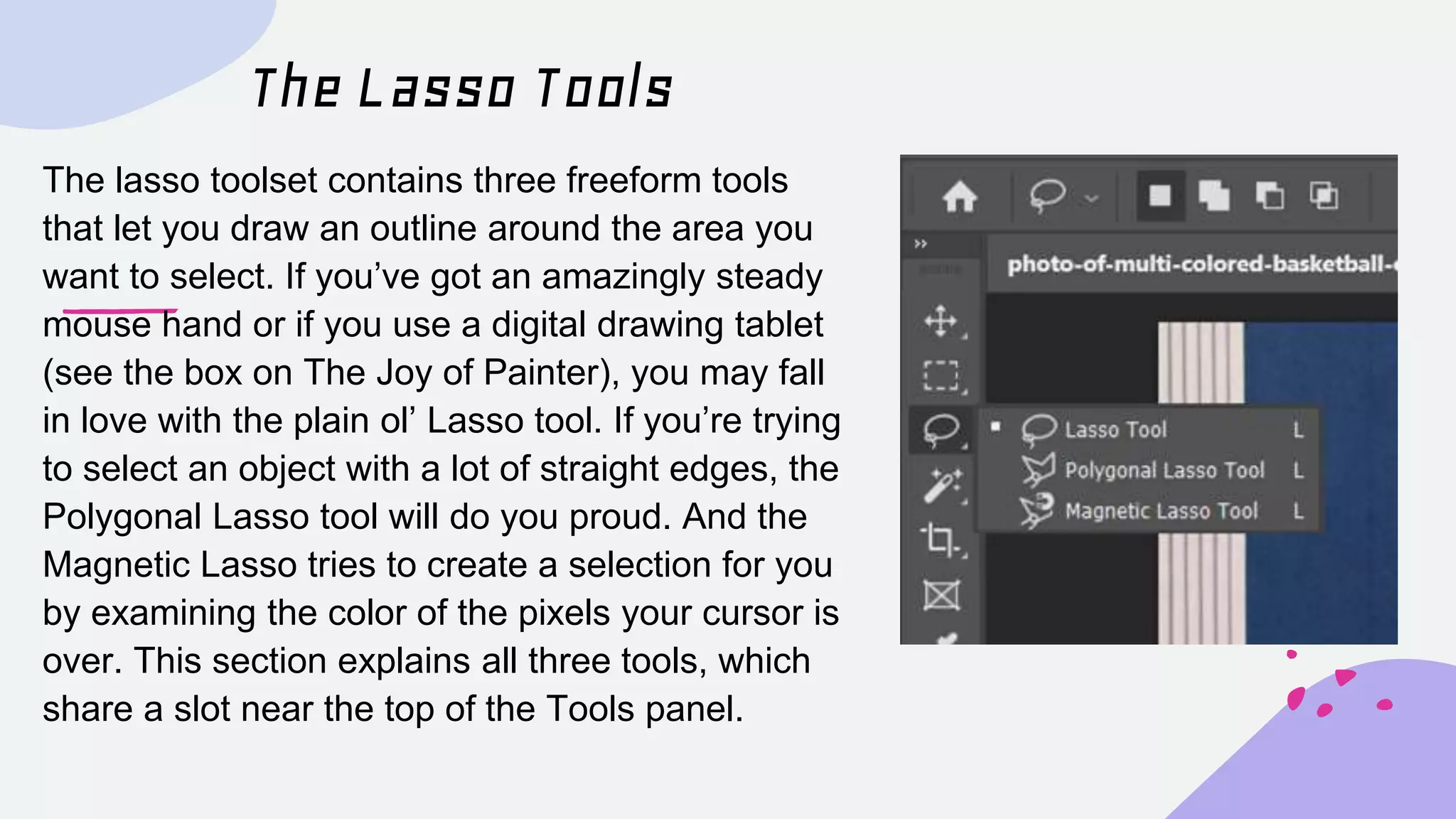
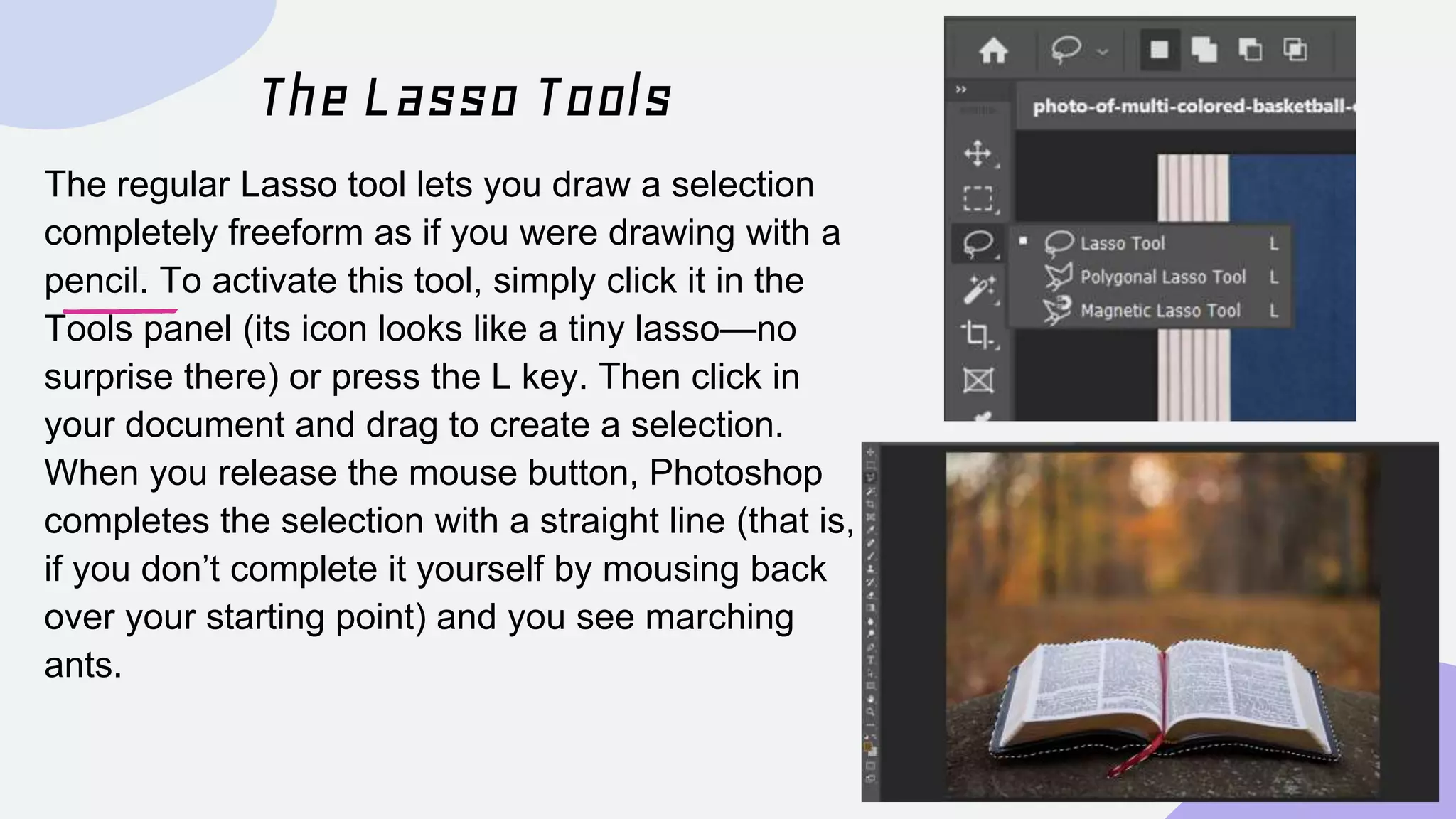
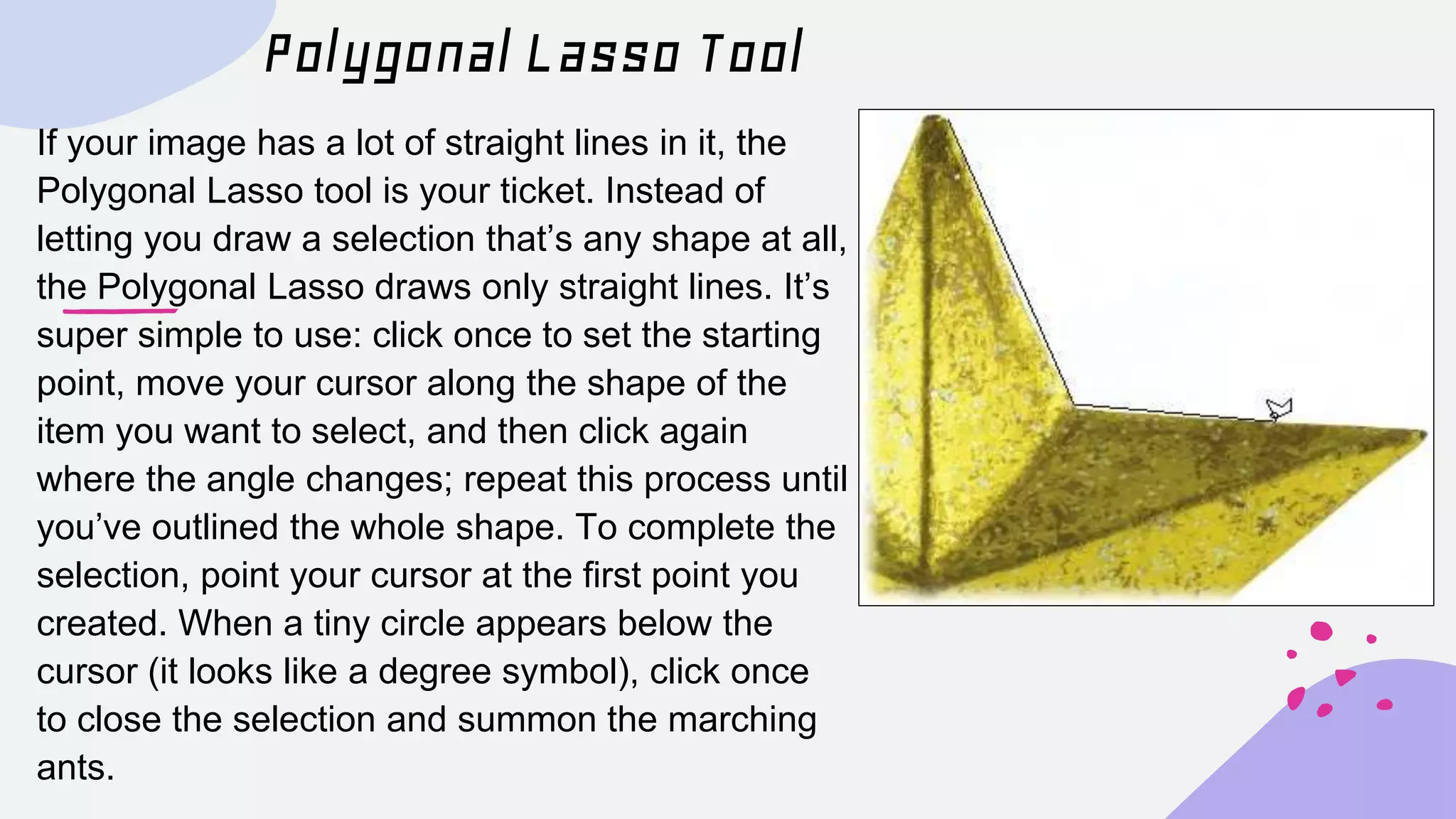
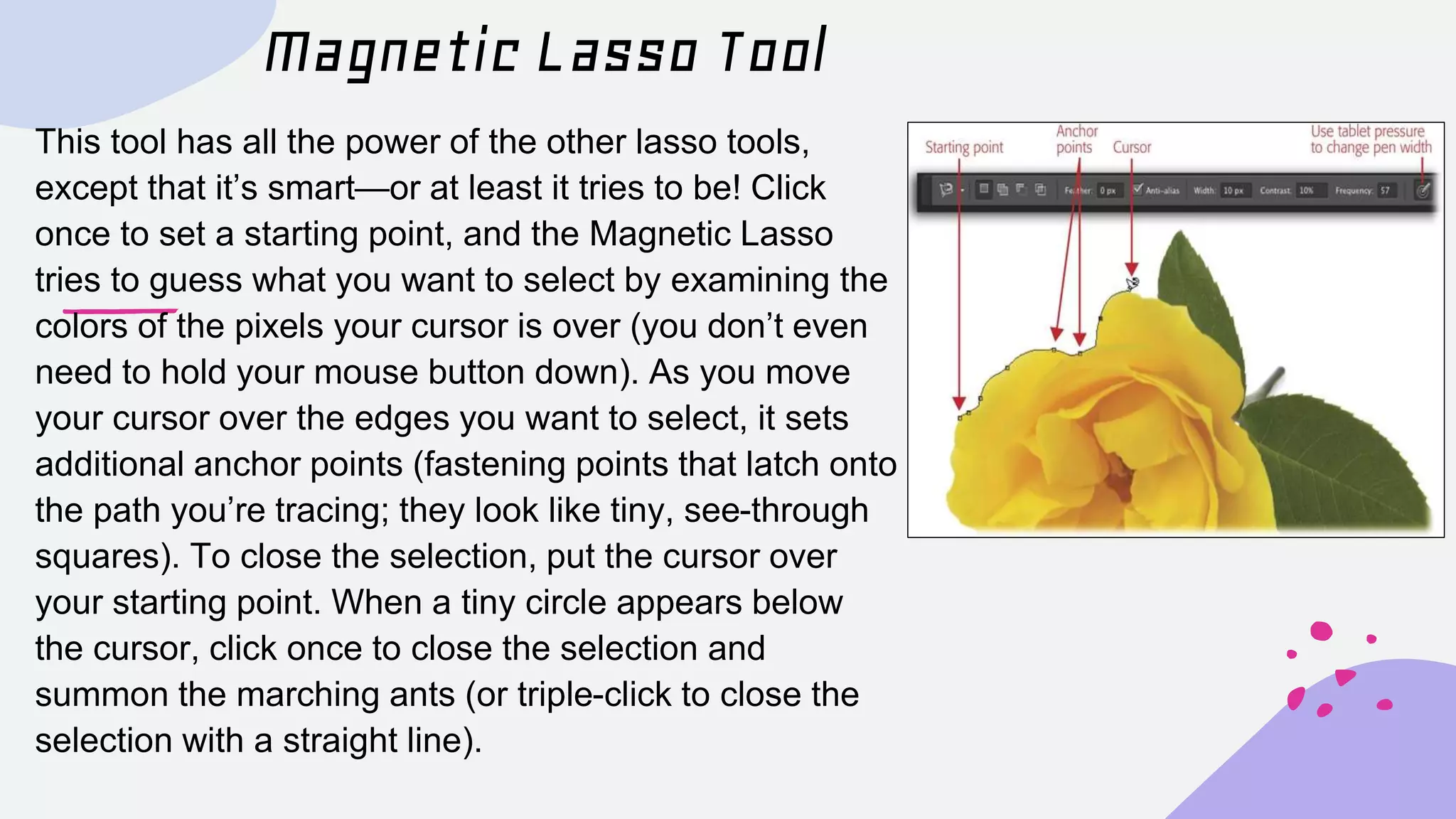
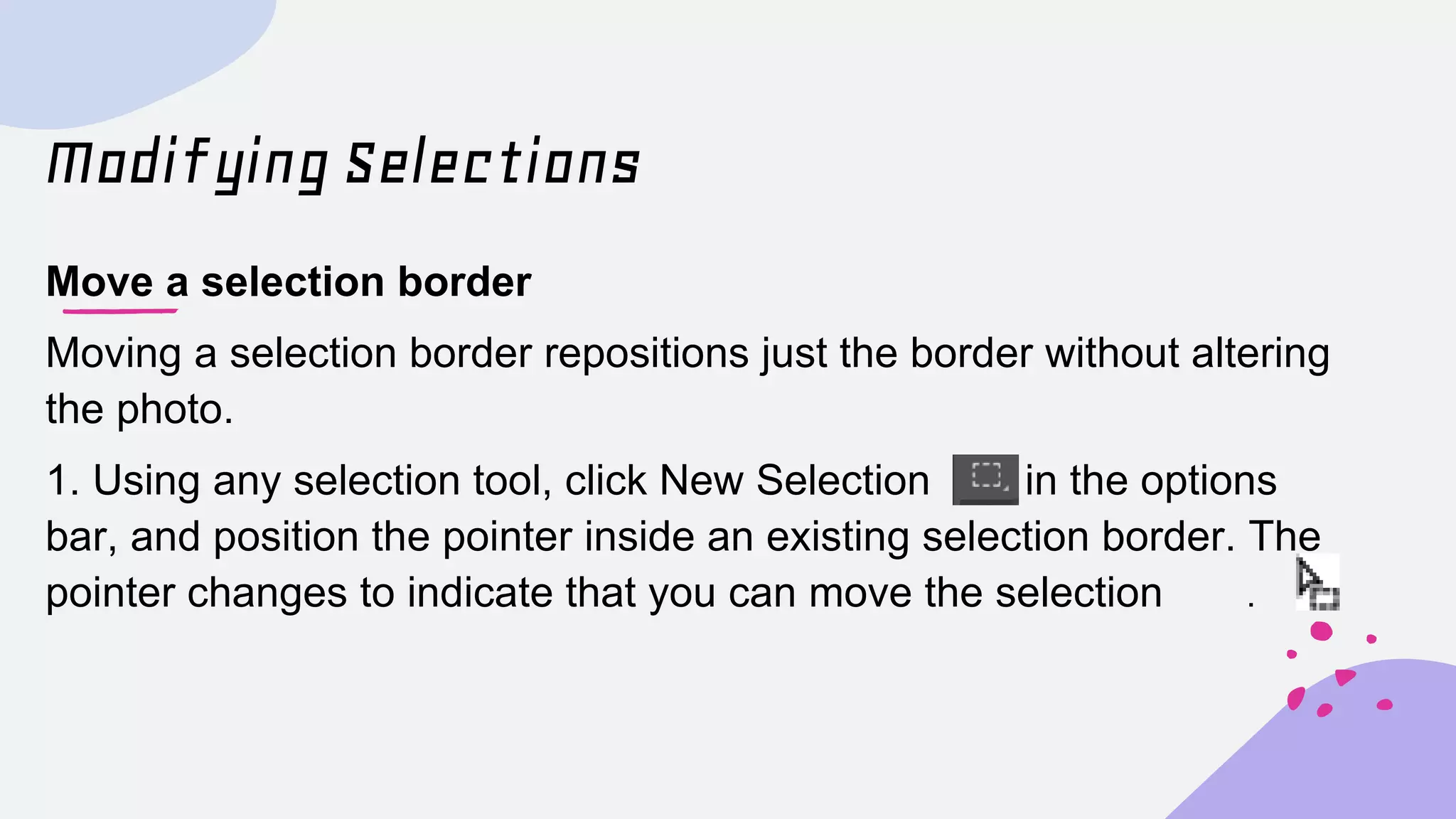
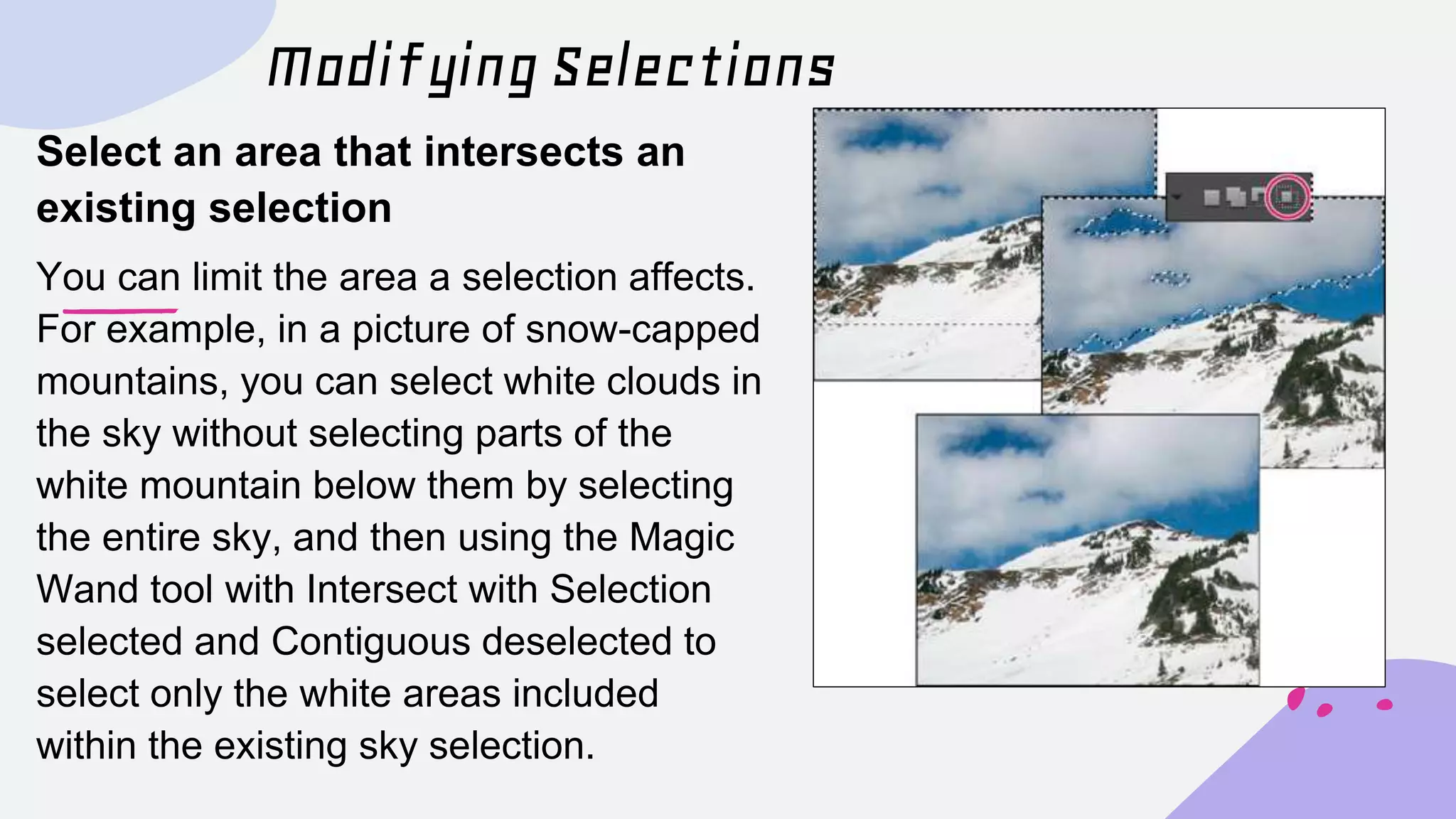
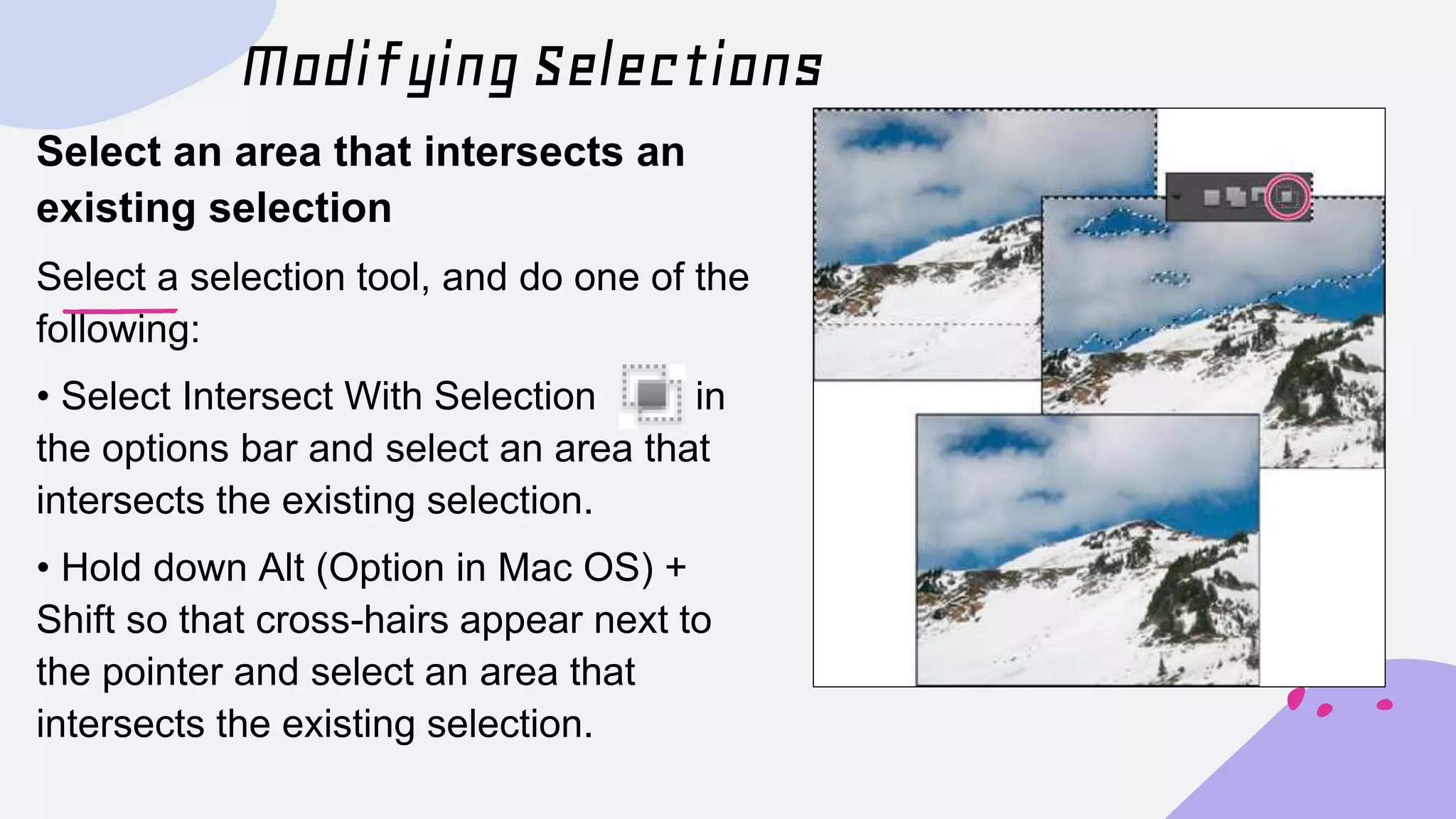


This document provides instructions for selecting areas in images using Photoshop. It discusses the basics of making selections with tools like the rectangular marquee and lasso tools. It also covers selecting by color using the eyedropper, color range, and magic wand tools. The document describes how to select irregular areas using the lasso and pen tools and how to modify selections by moving, inverting, adding to, subtracting from, or intersecting with existing selections.


