Download to read offline


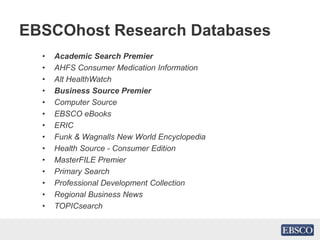


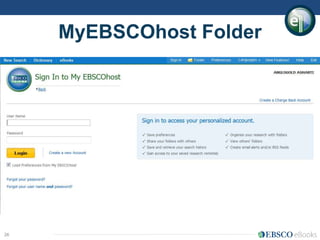


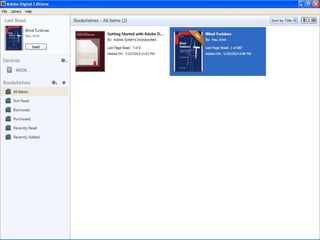




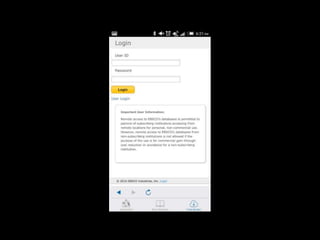


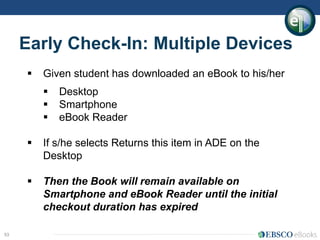


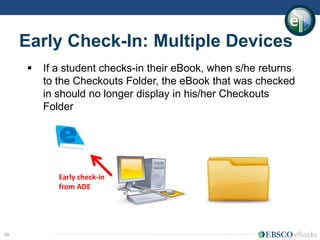


This document provides instructions for accessing and using the EBSCO database through the u-Pustaka portal. It explains how to log in to the portal, navigate to the EBSCO link, and introduces the main features and search functions available on the EBSCO platform, including searching for articles, companies, and ebooks. Screenshots illustrate steps like selecting databases, performing searches using Boolean operators, viewing search results, and downloading materials. Mobile access and use of the MyEBSCOhost folder are also outlined.


