Author: Hector Iribarne @hectoriribarne
Introduction to Drupal Commerce
October 20, 2012
http://www.drupalcommerce.org/
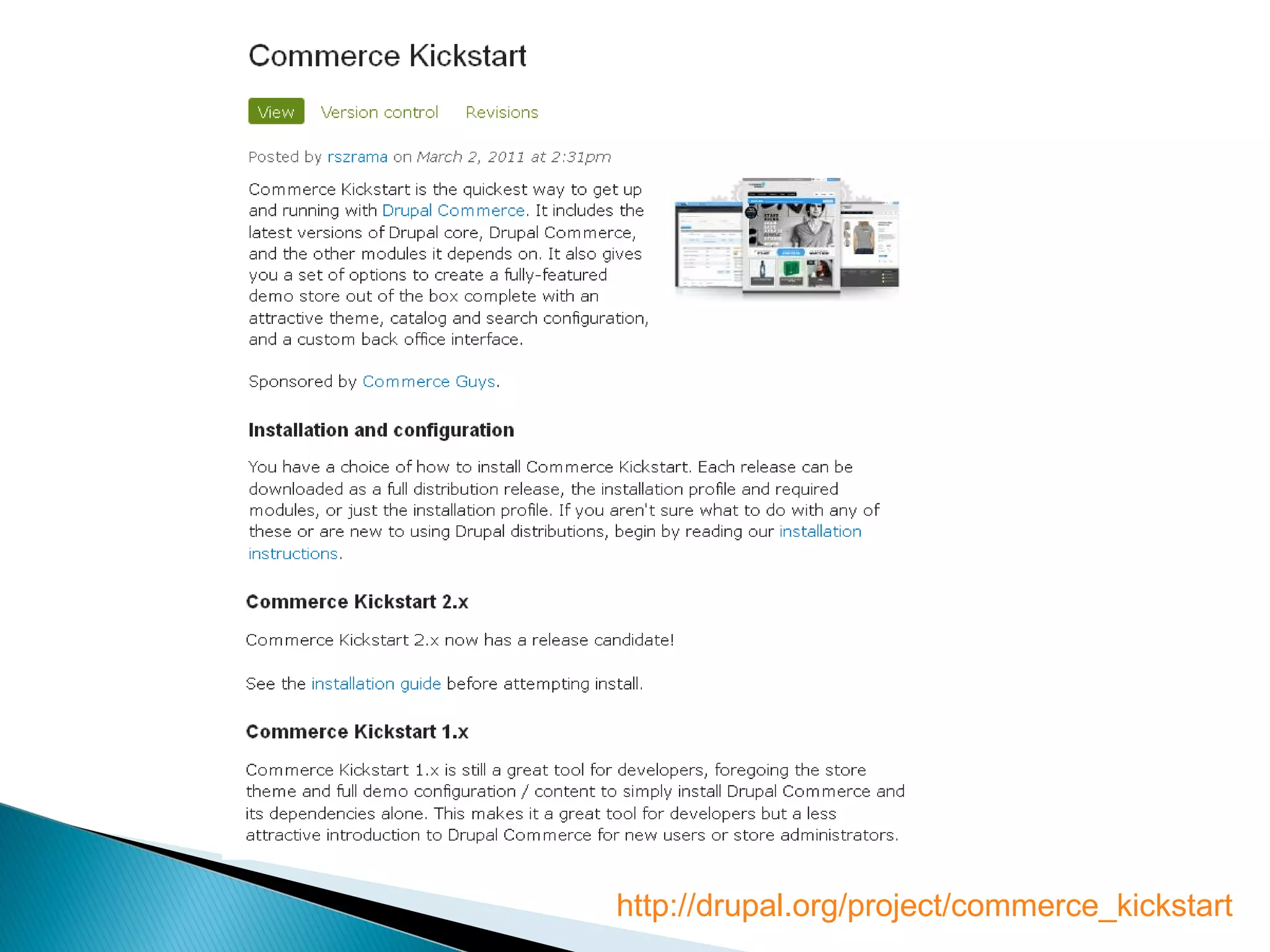
http://drupal.org/project/commerce_kickstart
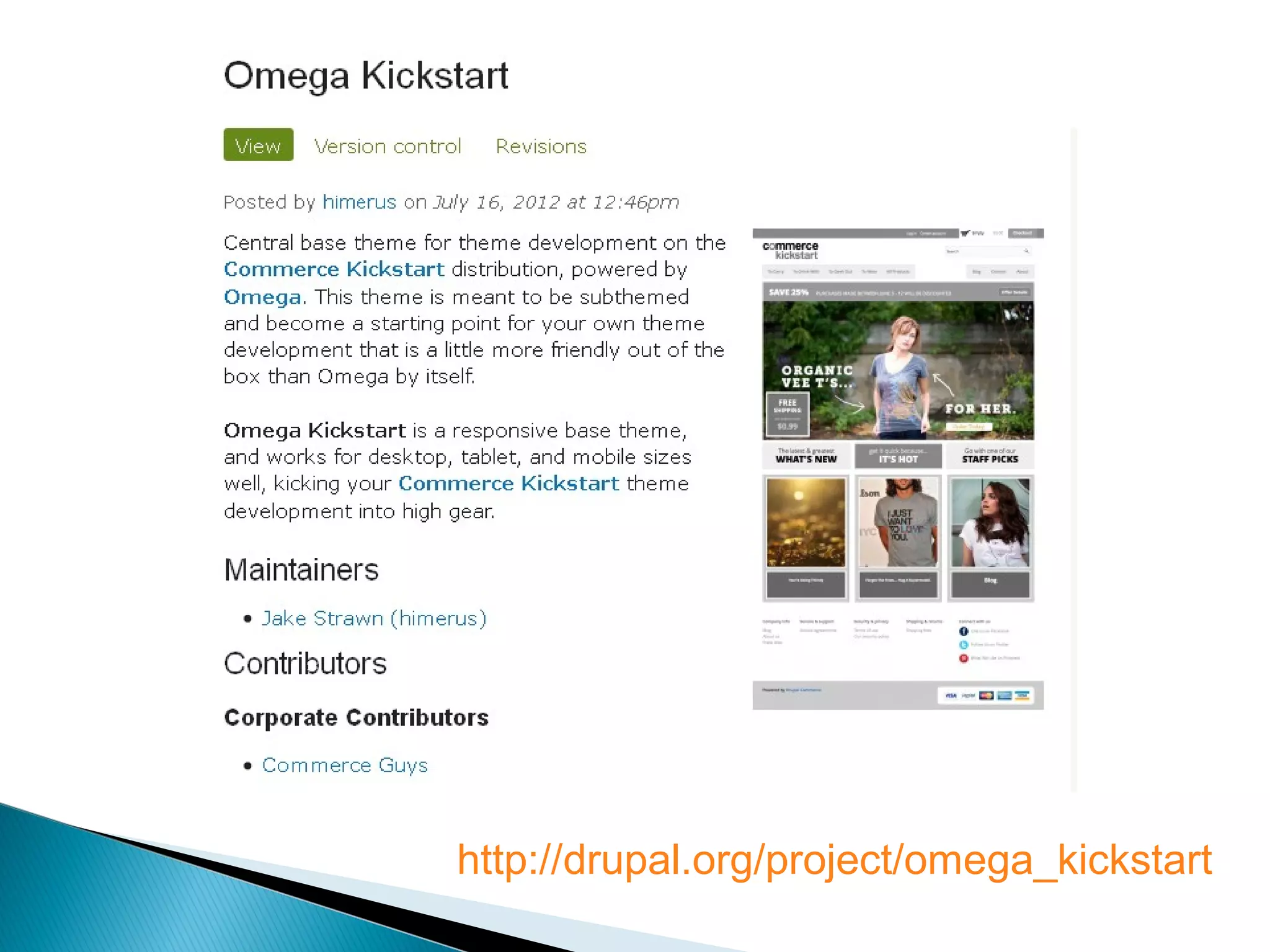
http://drupal.org/project/omega_kickstart
Get familiar with Views 3. Here are some excellent videos (~30) from NodeOne:
http://dev.nodeone.se/en/taming-the-beast-learn-views-with-nodeone
Get familiar with Rules. Here are some more great videos (~17) from NodeOne:
http://dev.nodeone.se/en/learn-rules-with-nodeone-part-1-overview
@hectoriribarne
Before you begin with Drupal Commerce . . .
Drupal Commerce is based on Drupal 7, so you cannot install it on previous
versions of Drupal (i.e. Drupal 6, Drupal 5, etc.).
Drupal Commerce is heavily based on Entities and Rules, which are both new in
Drupal 7.
If you have a Drupal 6 site with Ubercart there are ways to migrate to a Drupal
Commerce site on Drupal 7, but that discussion is outside the scope of this
introduction.
Drupal Commerce project page: http://drupal.org/project/commerce
Drupal Commerce Kickstart Installation Profile: http://
drupal.org/project/commerce_kickstart
@hectoriribarne
Getting started with Drupal Commerce
Address Field (http://drupal.org/project/addressfield)
Chaos Tools (http://drupal.org/project/ctools)
Entity CRUD API and Entity Metadata (http://drupal.org/project/entity)
Rules and Rules UI (http://drupal.org/project/rules)
Views and Views UI (http://drupal.org/project/views)
@hectoriribarne
Drupal Commerce Dependencies
Commerce Kickstart ( http://drupal.org/project/commerce_kickstart ) is an
installation profile that includes the following:
Basic Drupal Commerce with all its dependencies
Drupal Commerce configuration with example store content
Details on installing Commerce Kickstart: http://drupal.org/node/1291122
For more information on Drupal installation profiles: http://mostrey.be/howto-
install-drupal-installation-profile
Installing Commerce Kickstart on share hosting:
http://browarddrupal.org/PastMeetings/april-2012
@hectoriribarne
Commerce Kickstart – Installation Profile
Install Demo
Using BOA (Barracuda, Octopus, Aegir)
For more details on installing BOA, go to:
http://browarddrupal.org/PastMeetings/july-2012
@hectoriribarne
Commerce Kickstart – Installation on Virtul Private Server
(VPS)
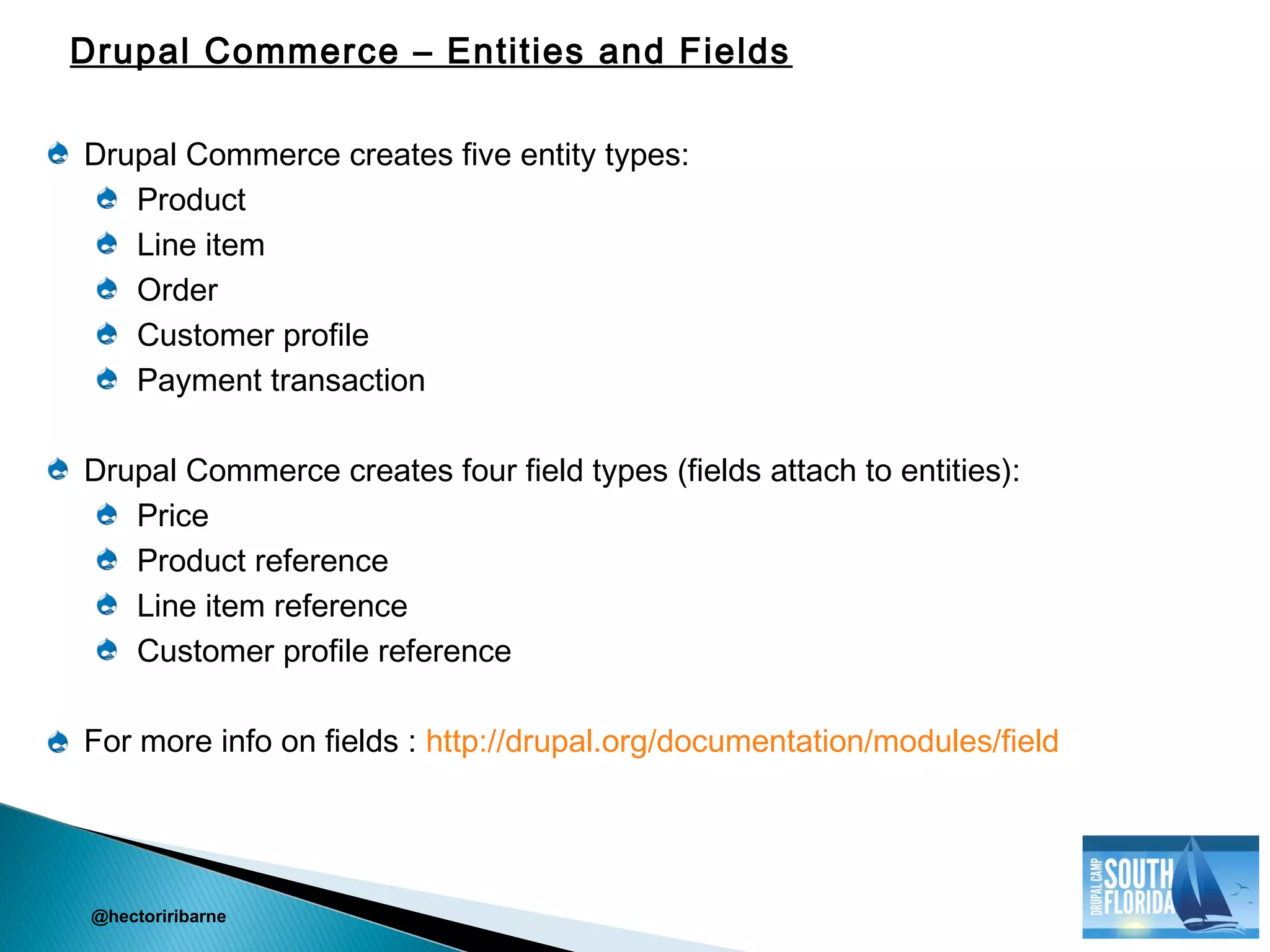
Drupal Commerce creates five entity types:
Product
Line item
Order
Customer profile
Payment transaction
Drupal Commerce creates four field types (fields attach to entities):
Price
Product reference
Line item reference
Customer profile reference
For more info on fields : http://drupal.org/documentation/modules/field
@hectoriribarne
Drupal Commerce – Entities and Fields
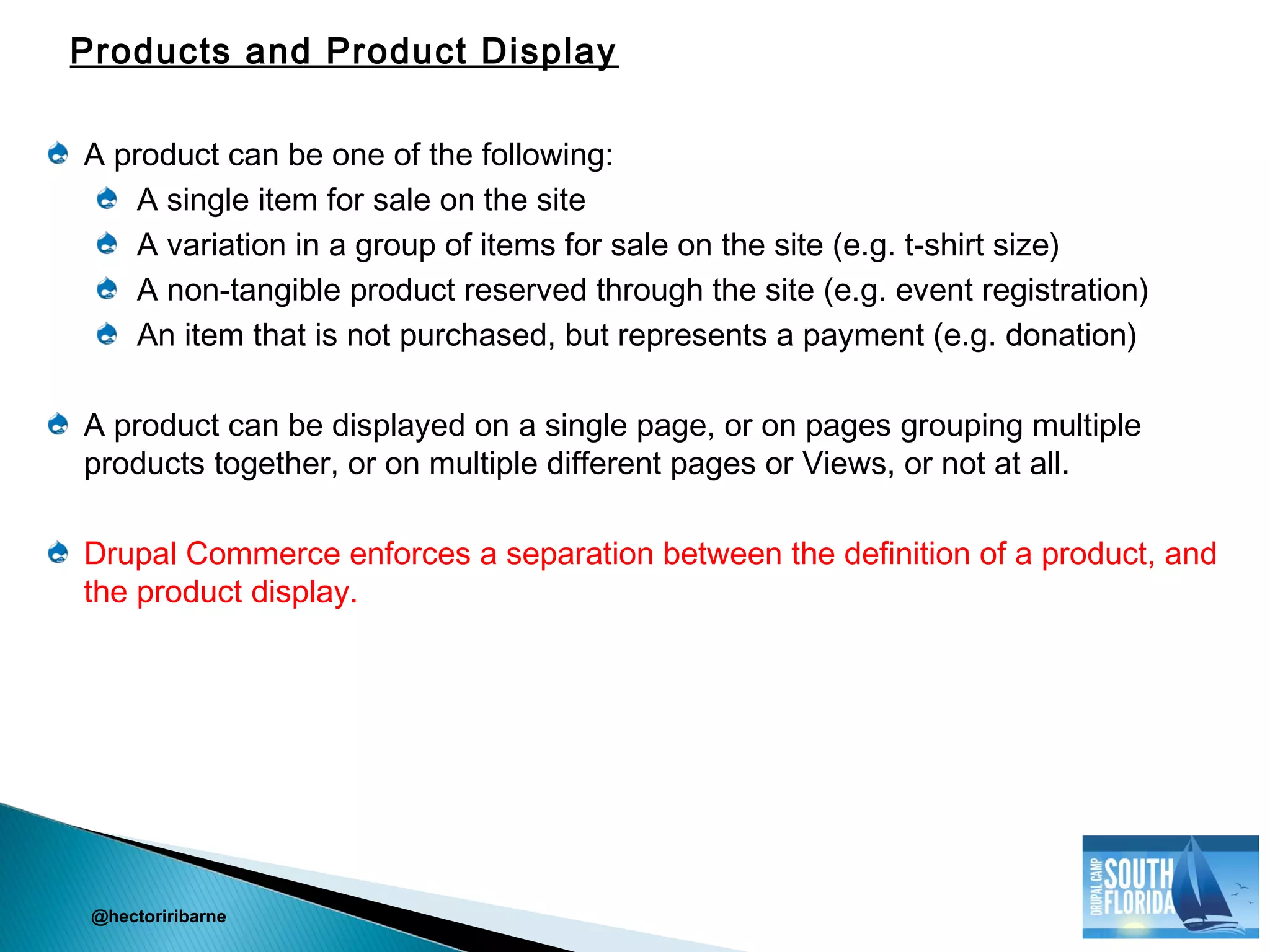
A product can be one of the following:
A single item for sale on the site
A variation in a group of items for sale on the site (e.g. t-shirt size)
A non-tangible product reserved through the site (e.g. event registration)
An item that is not purchased, but represents a payment (e.g. donation)
A product can be displayed on a single page, or on pages grouping multiple
products together, or on multiple different pages or Views, or not at all.
Drupal Commerce enforces a separation between the definition of a product, and
the product display.
@hectoriribarne
Products and Product Display
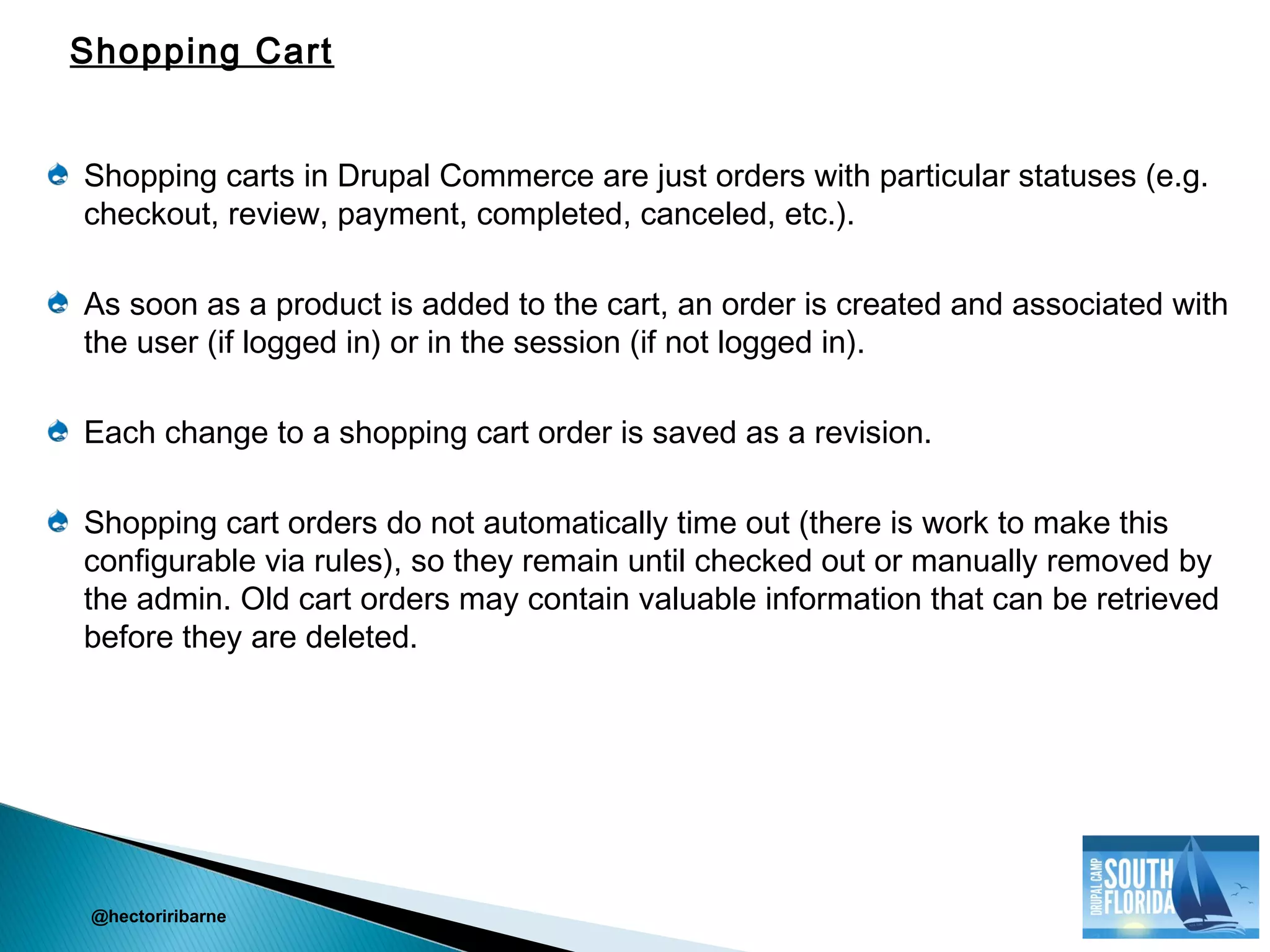
Shopping carts in Drupal Commerce are just orders with particular statuses (e.g.
checkout, review, payment, completed, canceled, etc.).
As soon as a product is added to the cart, an order is created and associated with
the user (if logged in) or in the session (if not logged in).
Each change to a shopping cart order is saved as a revision.
Shopping cart orders do not automatically time out (there is work to make this
configurable via rules), so they remain until checked out or manually removed by
the admin. Old cart orders may contain valuable information that can be retrieved
before they are deleted.
@hectoriribarne
Shopping Cart
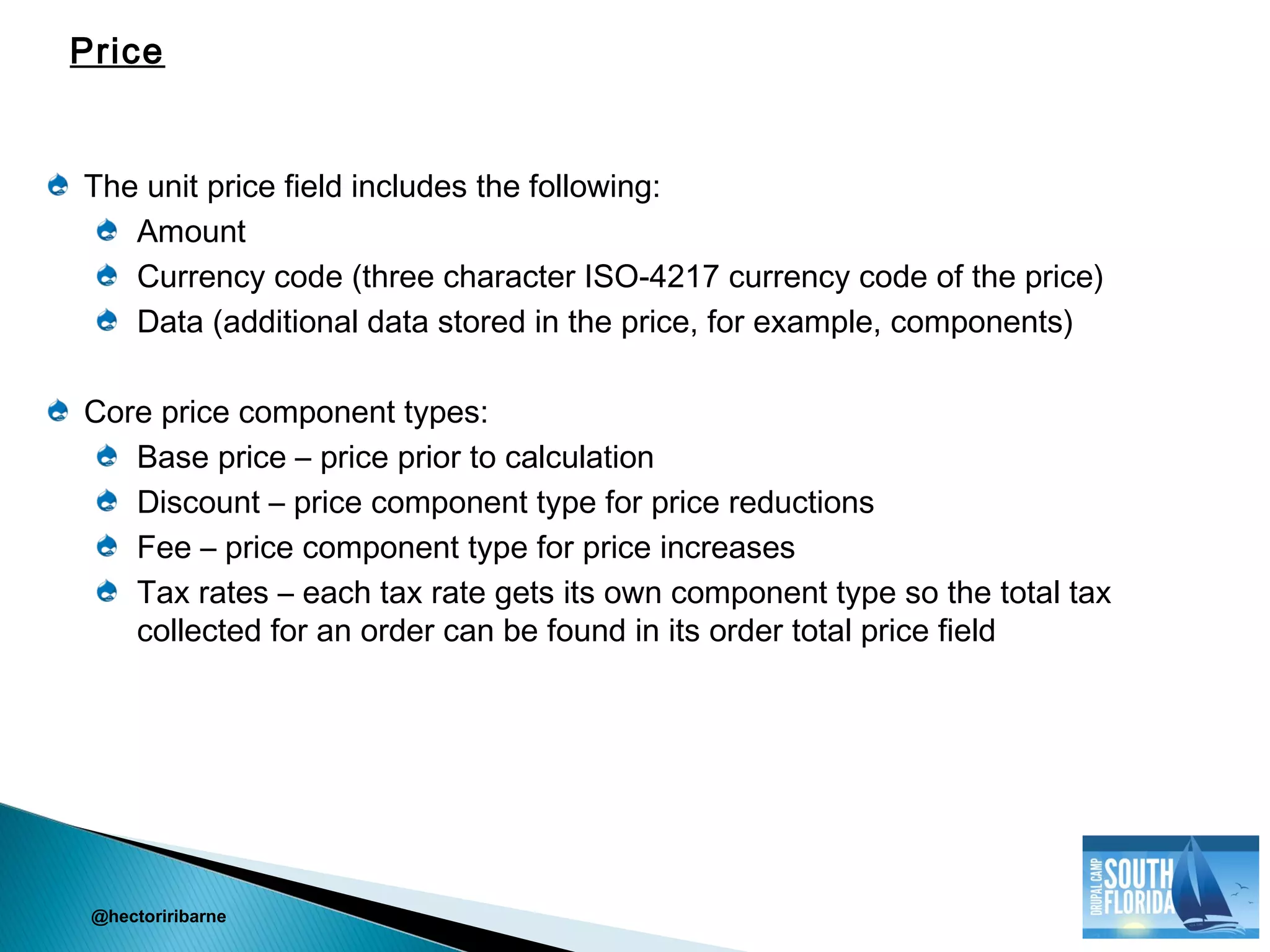
The unit price field includes the following:
Amount
Currency code (three character ISO-4217 currency code of the price)
Data (additional data stored in the price, for example, components)
Core price component types:
Base price – price prior to calculation
Discount – price component type for price reductions
Fee – price component type for price increases
Tax rates – each tax rate gets its own component type so the total tax
collected for an order can be found in its order total price field
@hectoriribarne
Price
• Rules is a great module/API written by Wolfgang Ziegler (@the_real_fago ) that
lets you define conditionally executed actions based on occurring events. In other
words, Rules lets you take specific actions based on events that occur on your
site. For Rules paid development and consulting services:
http://wolfgangziegler.net/contact
• More videos on Rules can be found on the NodeOne site: http://dev.nodeone.se
/en/learn-the-rules-framework
• This presentation will focus on Rules used in Drupal Commerce, so if you want to
learn more about this subject, contact the @CommerceGuys or checkout their
channel: http://vimeo.com/channels/commerceguys
@hectoriribarne
Let’s talk Rules for a moment . . .
Drupal Rules are a mechanism for adding business logic to your site.
Drupal Rules lets you define actions that your site can take when a variety of
events occur.
Drupal Rules lets you add one or more conditions when an event occurs and only
perform an action when an event occurs and certain conditions apply.
For example, an email can be sent (action) when a specific user role
(condition) posts content (event)
A basic rule is made up of an event and an action, but a condition is optional
@hectoriribarne
What are Drupal Rules?
A Rule has three parts:
Event – thing listening for/subscribed to
Condition – should I keep going?
Action – what we will do
@hectoriribarne
Drupal Rules Components
An event has to occur for condition and action to take effect
The data you have available depends on the event that is occurring
You can export Rules to a text file, or create a feature so they can be source
controlled
Drupal Commerce Rules are contained in the rule.inc file
@hectoriribarne
General Rules Guidelines
Product sell prices are determined via a Rules based calculation process.
A new line item is created representing the product
The unit price of the line item is initialized to the base price
The line item is then passed through the Rules via the Calculating the sell
price of a product event where its unit price may be manipulated as necessary
The final unit price of the line item becomes the sell price of the product
displayed
Sell price calculations can include discounts, taxes, currency conversion, etc.
@hectoriribarne
Drupal Commerce Product Sell Price Rule
After a customer’s order progresses through checkout, the final step is checkout
completion
Drupal Commerce executes the following checkout completion rules by default:
Updates the order status to Pending
Creates a new user account for anonymous orders or assigns an anonymous
order to an existing user account based on the e-mail address
Sends a checkout notification to the customer
@hectoriribarne
Checkout Completion Rules
The checkout form is made up of checkout pages called checkout panes (i.e.
container divs).
The default progression through the checkout form goes from one non-empty
checkout page to the next until the completion page is reached. The default
behavior can be modified via the drag and drop checkout form builder.
As the customer progresses through checkout, their cart order is continually being
updated (the checkout form acts as a multi-step order edit form with the end result
being a fully formed order ready for fulfillment.
The payment page is meant to be used for the off-site payment redirect checkout
pane. It is purely a point of departure and return for off-site payment methods
(e.g. PayPal) and should not be used to hold any other checkout panes.
@hectoriribarne
Checkout and Payment
Commerce Guys:
http://www.commerceguys.com/
http://vimeo.com/channels/commerceguys
NodeOne:
http://dev.nodeone.se/en/learn-the-rules-framework
Wolfgang Ziegler (@the_real_fago )
http://wolfgangziegler.net/
@hectoriribarne
Questions?
@hectoriribarne
Local Meetup Groups
http://BrowardDrupal.org (second Wednesday of the month)
http://www.meetup.com/broward-drupal/
http://PalmBeachDrupal.org (third Tuesday of the month)
http://www.meetup.com/Palm-Beach-Drupal/
http://DrupalofMiami.org (fourth Wednesday of the month)
http://www.meetup.com/Drupal-of-Miami/
Hector Iribarne
http://BrowardDrupal.org
Twitter: @hectoriribarne

Drupalcamp South Florida 2012 - Introduction to Drupal Commerce

  • 1.
    Author: Hector Iribarne@hectoriribarne Introduction to Drupal Commerce October 20, 2012
  • 2.
  • 3.
  • 4.
  • 5.
    Get familiar withViews 3. Here are some excellent videos (~30) from NodeOne: http://dev.nodeone.se/en/taming-the-beast-learn-views-with-nodeone Get familiar with Rules. Here are some more great videos (~17) from NodeOne: http://dev.nodeone.se/en/learn-rules-with-nodeone-part-1-overview @hectoriribarne Before you begin with Drupal Commerce . . .
  • 6.
    Drupal Commerce isbased on Drupal 7, so you cannot install it on previous versions of Drupal (i.e. Drupal 6, Drupal 5, etc.). Drupal Commerce is heavily based on Entities and Rules, which are both new in Drupal 7. If you have a Drupal 6 site with Ubercart there are ways to migrate to a Drupal Commerce site on Drupal 7, but that discussion is outside the scope of this introduction. Drupal Commerce project page: http://drupal.org/project/commerce Drupal Commerce Kickstart Installation Profile: http:// drupal.org/project/commerce_kickstart @hectoriribarne Getting started with Drupal Commerce
  • 7.
    Address Field (http://drupal.org/project/addressfield) ChaosTools (http://drupal.org/project/ctools) Entity CRUD API and Entity Metadata (http://drupal.org/project/entity) Rules and Rules UI (http://drupal.org/project/rules) Views and Views UI (http://drupal.org/project/views) @hectoriribarne Drupal Commerce Dependencies
  • 8.
    Commerce Kickstart (http://drupal.org/project/commerce_kickstart ) is an installation profile that includes the following: Basic Drupal Commerce with all its dependencies Drupal Commerce configuration with example store content Details on installing Commerce Kickstart: http://drupal.org/node/1291122 For more information on Drupal installation profiles: http://mostrey.be/howto- install-drupal-installation-profile Installing Commerce Kickstart on share hosting: http://browarddrupal.org/PastMeetings/april-2012 @hectoriribarne Commerce Kickstart – Installation Profile
  • 9.
    Install Demo Using BOA(Barracuda, Octopus, Aegir) For more details on installing BOA, go to: http://browarddrupal.org/PastMeetings/july-2012 @hectoriribarne Commerce Kickstart – Installation on Virtul Private Server (VPS)
  • 10.
    Drupal Commerce createsfive entity types: Product Line item Order Customer profile Payment transaction Drupal Commerce creates four field types (fields attach to entities): Price Product reference Line item reference Customer profile reference For more info on fields : http://drupal.org/documentation/modules/field @hectoriribarne Drupal Commerce – Entities and Fields
  • 11.
    A product canbe one of the following: A single item for sale on the site A variation in a group of items for sale on the site (e.g. t-shirt size) A non-tangible product reserved through the site (e.g. event registration) An item that is not purchased, but represents a payment (e.g. donation) A product can be displayed on a single page, or on pages grouping multiple products together, or on multiple different pages or Views, or not at all. Drupal Commerce enforces a separation between the definition of a product, and the product display. @hectoriribarne Products and Product Display
  • 12.
    Shopping carts inDrupal Commerce are just orders with particular statuses (e.g. checkout, review, payment, completed, canceled, etc.). As soon as a product is added to the cart, an order is created and associated with the user (if logged in) or in the session (if not logged in). Each change to a shopping cart order is saved as a revision. Shopping cart orders do not automatically time out (there is work to make this configurable via rules), so they remain until checked out or manually removed by the admin. Old cart orders may contain valuable information that can be retrieved before they are deleted. @hectoriribarne Shopping Cart
  • 13.
    The unit pricefield includes the following: Amount Currency code (three character ISO-4217 currency code of the price) Data (additional data stored in the price, for example, components) Core price component types: Base price – price prior to calculation Discount – price component type for price reductions Fee – price component type for price increases Tax rates – each tax rate gets its own component type so the total tax collected for an order can be found in its order total price field @hectoriribarne Price
  • 14.
    • Rules isa great module/API written by Wolfgang Ziegler (@the_real_fago ) that lets you define conditionally executed actions based on occurring events. In other words, Rules lets you take specific actions based on events that occur on your site. For Rules paid development and consulting services: http://wolfgangziegler.net/contact • More videos on Rules can be found on the NodeOne site: http://dev.nodeone.se /en/learn-the-rules-framework • This presentation will focus on Rules used in Drupal Commerce, so if you want to learn more about this subject, contact the @CommerceGuys or checkout their channel: http://vimeo.com/channels/commerceguys @hectoriribarne Let’s talk Rules for a moment . . .
  • 15.
    Drupal Rules area mechanism for adding business logic to your site. Drupal Rules lets you define actions that your site can take when a variety of events occur. Drupal Rules lets you add one or more conditions when an event occurs and only perform an action when an event occurs and certain conditions apply. For example, an email can be sent (action) when a specific user role (condition) posts content (event) A basic rule is made up of an event and an action, but a condition is optional @hectoriribarne What are Drupal Rules?
  • 16.
    A Rule hasthree parts: Event – thing listening for/subscribed to Condition – should I keep going? Action – what we will do @hectoriribarne Drupal Rules Components
  • 17.
    An event hasto occur for condition and action to take effect The data you have available depends on the event that is occurring You can export Rules to a text file, or create a feature so they can be source controlled Drupal Commerce Rules are contained in the rule.inc file @hectoriribarne General Rules Guidelines
  • 18.
    Product sell pricesare determined via a Rules based calculation process. A new line item is created representing the product The unit price of the line item is initialized to the base price The line item is then passed through the Rules via the Calculating the sell price of a product event where its unit price may be manipulated as necessary The final unit price of the line item becomes the sell price of the product displayed Sell price calculations can include discounts, taxes, currency conversion, etc. @hectoriribarne Drupal Commerce Product Sell Price Rule
  • 19.
    After a customer’sorder progresses through checkout, the final step is checkout completion Drupal Commerce executes the following checkout completion rules by default: Updates the order status to Pending Creates a new user account for anonymous orders or assigns an anonymous order to an existing user account based on the e-mail address Sends a checkout notification to the customer @hectoriribarne Checkout Completion Rules
  • 20.
    The checkout formis made up of checkout pages called checkout panes (i.e. container divs). The default progression through the checkout form goes from one non-empty checkout page to the next until the completion page is reached. The default behavior can be modified via the drag and drop checkout form builder. As the customer progresses through checkout, their cart order is continually being updated (the checkout form acts as a multi-step order edit form with the end result being a fully formed order ready for fulfillment. The payment page is meant to be used for the off-site payment redirect checkout pane. It is purely a point of departure and return for off-site payment methods (e.g. PayPal) and should not be used to hold any other checkout panes. @hectoriribarne Checkout and Payment
  • 21.
  • 22.
  • 23.
    Local Meetup Groups http://BrowardDrupal.org(second Wednesday of the month) http://www.meetup.com/broward-drupal/ http://PalmBeachDrupal.org (third Tuesday of the month) http://www.meetup.com/Palm-Beach-Drupal/ http://DrupalofMiami.org (fourth Wednesday of the month) http://www.meetup.com/Drupal-of-Miami/
  • 24.

Editor's Notes

  • #3 This is another option for an Overview slide.
  • #4 This is another option for an Overview slide.
  • #5 This is another option for an Overview slide.