


















Click to go back to the previous page
Click to proceed to the next page
Click to go back to the previous page
Click to proceed to the next page
Click to go back to the previous page
Click to proceed to the next page
Click to go back to the previous page
Click to proceed to the next page
Click to go back to the previous page
Click to proceed to the next page
Click to go back to the previous page
Click to proceed to the next page
Click to go back to the previous page
Click to proceed to the next page
Downloading:
- is the transmission of a file from one
computer system to another, usually
smaller computer system. From the Internet
user's point-of-view, to download a file is to
request it from another computer (or from
a Web page on another computer) and to
receive it.
Files to Download:
1. Pictures
2.Documents
3.Videos
4.LRMDS IM’s
1. Pictures
A. jpg, jpeg
-JPG is a file extension for a
lossy graphics file. The JPEG file
extension is used interchangeably with
JPG. JPEG stands for Joint
Photographic Experts Group who
created the standard.
How to download:
Mozilla Firefox:
- go to search bar, use google as search engine.
- type the item you want to d-load w/ extension.jpg
- wait for the result (have patience)
- click the image that you prefer
- click “view image”
- go to the “popped tab” that appeared
- right click and hit “saves as”
- make a folder on the desktop and save it there for a
quick look or use.
1. Pictures
B. PNG /ˈpɪŋ/- Portable Network Graphics
- is a raster graphics file format that
supports lossless data compression. PNG was
created as an improved, non-patented
replacement for Graphics Interchange Format
(GIF), and is the most widely used lossless
image compression format on the Internet.
How to download:
Mozilla Firefox:
- go to search bar, use google as search engine.
- type the item you want to d-load w/ the extension .png
- wait for the result (have patience)
- click the image that you prefer
- click “view image”
- go to the “popped tab” that appeared
- right click and hit “saves as”
- make a folder on the desktop and save it there for a
quick look or use.
1. Pictures
C. GIF -The Graphics Interchange Format
-(better known by its acronym GIF /ˈdʒɪf/ JIF or
/ˈɡɪf/ GHIF) is a bitmap image format that was
developed by US-based software writer Steve Wilhite
while working at the internet service provider
CompuServe in 1987 and has since come into
widespread usage on the World Wide Web due to its
wide support and portability.
How to download:
Mozilla Firefox:
- go to search bar, use google as search engine.
- type the item you want to d-load w/ the extension .gif
- wait for the result (have patience)
- click the image that you prefer
- click “view image”
- go to the “popped tab” that appeared
- right click and hit “saves as”
- make a folder on the desktop and save it there for a
quick look or use.
1. Pictures
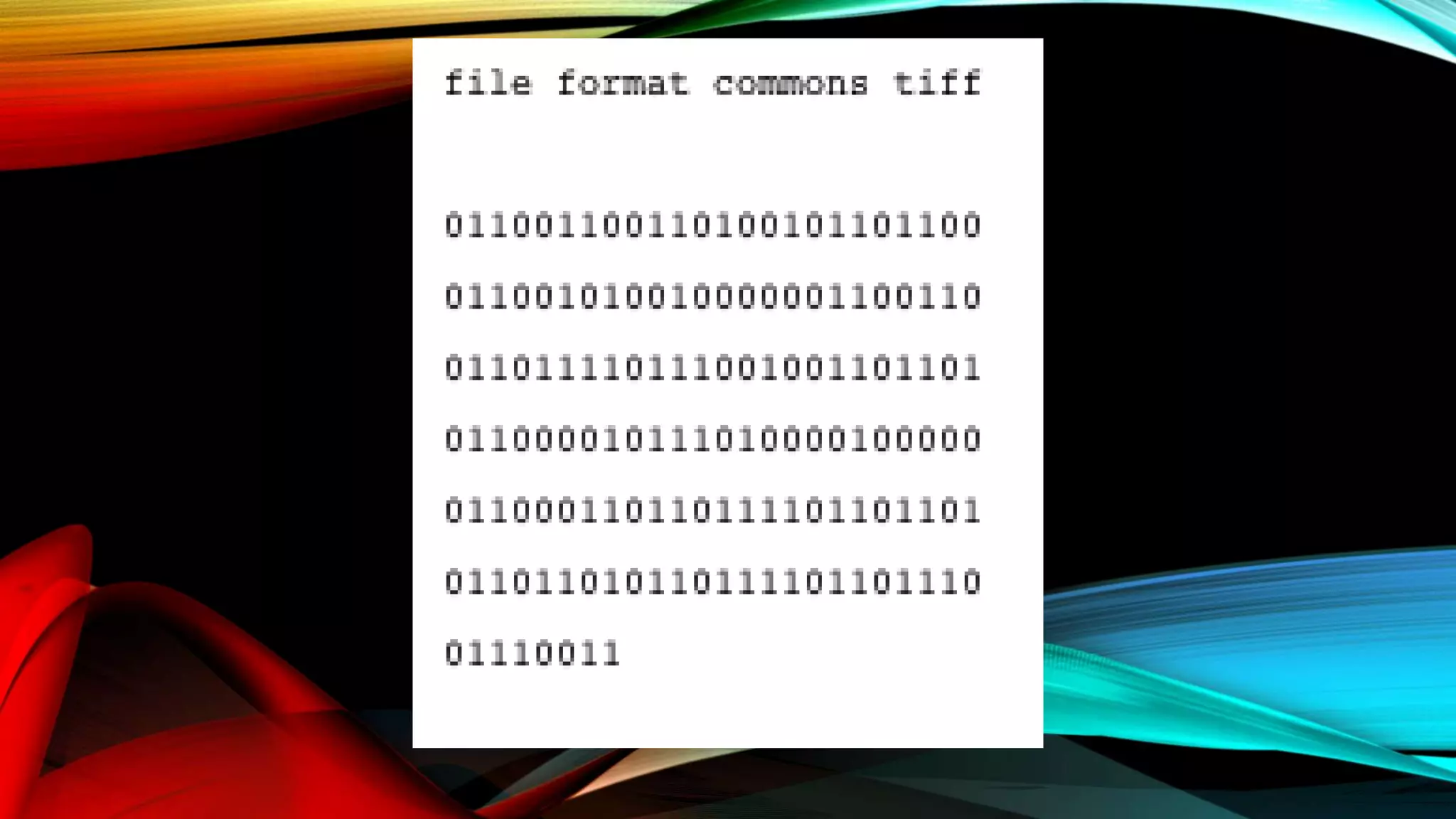
D. TIFF or TIF - Tagged Image File Format
- is a computer file format for storing raster
graphics images, popular among graphic artists,
the publishing industry, and photographers. The
TIFF format is widely supported by image-
manipulation applications, by publishing and page
layout applications, and by scanning, faxing, word
processing, optical character recognition and other
applications.
How to download:
Mozilla Firefox:
- go to search bar, use google as search engine.
- type the item you want to d-load w/ the extension .tiff
- wait for the result (have patience)
- click the image that you prefer
- click “view image”
- go to the “popped tab” that appeared
- right click and hit “saves as”
- make a folder on the desktop and save it there for a
quick look or use.
2. Documents:
A. DOC or doc (an abbreviation of 'document')
- is a filename extension for word processing
documents, most commonly in the proprietary Microsoft
Word Binary File Format. Historically, the extension was
used for documentation in plain text, particularly of
programs or computer hardware on a wide range of
operating systems. During the 1980s, WordPerfect used
DOC as the extension of their proprietary format. Later, in
1983, Microsoft chose to use the DOC extension for their
proprietary Microsoft Word format.
How to download:
Mozilla Firefox:
- go to search bar, use “google” as search engine.
- type the item you want to d-load with the extension
.doc
- wait for the result (have patience)
- click the file that you prefer
- option box will pop and select what to do with the file
(open or save)
- make a folder on the desktop and save it there for a
quick look or use.
2. Documents:
B. .XLS or excel
- Microsoft Excel is a spreadsheet developed
by Microsoft for Windows, macOS, Android and iOS. It
features calculation, graphing tools, pivot tables, and a
macro programming language called Visual Basic for
Applications. It has been a very widely applied
spreadsheet for these platforms, especially since version
5 in 1993, and it has replaced Lotus 1-2-3 as the industry
standard for spreadsheets. Excel forms part of Microsoft
Office.
How to download:
Mozilla Firefox:
- go to search bar, use “google” as search engine.
- type the item you want to d-load with the extension
.xls
- wait for the result (have patience)
- click the file that you prefer
- option box will pop and select what to do with the file
(open or save)
- make a folder on the desktop and save it there for a
quick look or use.
2. Documents
C. .PPt or Powerpoint
- Microsoft PowerPoint is a slide show
presentation program currently developed by Microsoft, for
use on both Microsoft and Apple Macintosh operating
systems. PowerPoint, initially named "Presenter", was created
by Forethought Inc.. Microsoft's version of PowerPoint was
officially launched on May 22, 1990, as a part of the
Microsoft Office suite. PowerPoint is useful for helping
develop the slide-based presentation format and is currently
one of the most commonly used slide-based presentation
programs available.
How to download:
Mozilla Firefox:
- go to search bar, use “google” as search engine.
- type the item you want to d-load with the extension
.ppt
- wait for the result (have patience)
- click the file that you prefer
- option box will pop and select what to do with the file
(open or save)
- make a folder on the desktop and save it there for a
quick look or use.
2. Documents
D. .PDF -The Portable Document Format
- is a file format used to present
documents in a manner independent of
application software, hardware, and operating
systems. Each PDF file summarizes a complete
description of a fixed-layout flat document,
including the text, fonts, graphics, and other
information needed to display it.
How to download:
Mozilla Firefox:
- go to search bar, use “google” as search engine.
- type the item you want to d-load with the extension
.pdf
- wait for the result (have patience)
- click the file that you prefer
- option box will pop and select what to do with the file
(open or save)
- make a folder on the desktop and save it there for a
quick look or use.
Downloading Steps

Downloading Steps

  • 4.
    Click to goback to the previous page
  • 5.
    Click to proceedto the next page
  • 7.
    Click to goback to the previous page
  • 8.
    Click to proceedto the next page
  • 10.
    Click to goback to the previous page
  • 11.
    Click to proceedto the next page
  • 13.
    Click to goback to the previous page
  • 14.
    Click to proceedto the next page
  • 16.
    Click to goback to the previous page
  • 17.
    Click to proceedto the next page
  • 19.
    Click to goback to the previous page
  • 20.
    Click to proceedto the next page
  • 22.
    Click to goback to the previous page
  • 23.
    Click to proceedto the next page
  • 25.
    Downloading: - is thetransmission of a file from one computer system to another, usually smaller computer system. From the Internet user's point-of-view, to download a file is to request it from another computer (or from a Web page on another computer) and to receive it.
  • 26.
    Files to Download: 1.Pictures 2.Documents 3.Videos 4.LRMDS IM’s
  • 27.
    1. Pictures A. jpg,jpeg -JPG is a file extension for a lossy graphics file. The JPEG file extension is used interchangeably with JPG. JPEG stands for Joint Photographic Experts Group who created the standard.
  • 29.
    How to download: MozillaFirefox: - go to search bar, use google as search engine. - type the item you want to d-load w/ extension.jpg - wait for the result (have patience) - click the image that you prefer - click “view image” - go to the “popped tab” that appeared - right click and hit “saves as” - make a folder on the desktop and save it there for a quick look or use.
  • 30.
    1. Pictures B. PNG/ˈpɪŋ/- Portable Network Graphics - is a raster graphics file format that supports lossless data compression. PNG was created as an improved, non-patented replacement for Graphics Interchange Format (GIF), and is the most widely used lossless image compression format on the Internet.
  • 32.
    How to download: MozillaFirefox: - go to search bar, use google as search engine. - type the item you want to d-load w/ the extension .png - wait for the result (have patience) - click the image that you prefer - click “view image” - go to the “popped tab” that appeared - right click and hit “saves as” - make a folder on the desktop and save it there for a quick look or use.
  • 33.
    1. Pictures C. GIF-The Graphics Interchange Format -(better known by its acronym GIF /ˈdʒɪf/ JIF or /ˈɡɪf/ GHIF) is a bitmap image format that was developed by US-based software writer Steve Wilhite while working at the internet service provider CompuServe in 1987 and has since come into widespread usage on the World Wide Web due to its wide support and portability.
  • 35.
    How to download: MozillaFirefox: - go to search bar, use google as search engine. - type the item you want to d-load w/ the extension .gif - wait for the result (have patience) - click the image that you prefer - click “view image” - go to the “popped tab” that appeared - right click and hit “saves as” - make a folder on the desktop and save it there for a quick look or use.
  • 36.
    1. Pictures D. TIFFor TIF - Tagged Image File Format - is a computer file format for storing raster graphics images, popular among graphic artists, the publishing industry, and photographers. The TIFF format is widely supported by image- manipulation applications, by publishing and page layout applications, and by scanning, faxing, word processing, optical character recognition and other applications.
  • 38.
    How to download: MozillaFirefox: - go to search bar, use google as search engine. - type the item you want to d-load w/ the extension .tiff - wait for the result (have patience) - click the image that you prefer - click “view image” - go to the “popped tab” that appeared - right click and hit “saves as” - make a folder on the desktop and save it there for a quick look or use.
  • 39.
    2. Documents: A. DOCor doc (an abbreviation of 'document') - is a filename extension for word processing documents, most commonly in the proprietary Microsoft Word Binary File Format. Historically, the extension was used for documentation in plain text, particularly of programs or computer hardware on a wide range of operating systems. During the 1980s, WordPerfect used DOC as the extension of their proprietary format. Later, in 1983, Microsoft chose to use the DOC extension for their proprietary Microsoft Word format.
  • 40.
    How to download: MozillaFirefox: - go to search bar, use “google” as search engine. - type the item you want to d-load with the extension .doc - wait for the result (have patience) - click the file that you prefer - option box will pop and select what to do with the file (open or save) - make a folder on the desktop and save it there for a quick look or use.
  • 41.
    2. Documents: B. .XLSor excel - Microsoft Excel is a spreadsheet developed by Microsoft for Windows, macOS, Android and iOS. It features calculation, graphing tools, pivot tables, and a macro programming language called Visual Basic for Applications. It has been a very widely applied spreadsheet for these platforms, especially since version 5 in 1993, and it has replaced Lotus 1-2-3 as the industry standard for spreadsheets. Excel forms part of Microsoft Office.
  • 42.
    How to download: MozillaFirefox: - go to search bar, use “google” as search engine. - type the item you want to d-load with the extension .xls - wait for the result (have patience) - click the file that you prefer - option box will pop and select what to do with the file (open or save) - make a folder on the desktop and save it there for a quick look or use.
  • 43.
    2. Documents C. .PPtor Powerpoint - Microsoft PowerPoint is a slide show presentation program currently developed by Microsoft, for use on both Microsoft and Apple Macintosh operating systems. PowerPoint, initially named "Presenter", was created by Forethought Inc.. Microsoft's version of PowerPoint was officially launched on May 22, 1990, as a part of the Microsoft Office suite. PowerPoint is useful for helping develop the slide-based presentation format and is currently one of the most commonly used slide-based presentation programs available.
  • 44.
    How to download: MozillaFirefox: - go to search bar, use “google” as search engine. - type the item you want to d-load with the extension .ppt - wait for the result (have patience) - click the file that you prefer - option box will pop and select what to do with the file (open or save) - make a folder on the desktop and save it there for a quick look or use.
  • 45.
    2. Documents D. .PDF-The Portable Document Format - is a file format used to present documents in a manner independent of application software, hardware, and operating systems. Each PDF file summarizes a complete description of a fixed-layout flat document, including the text, fonts, graphics, and other information needed to display it.
  • 46.
    How to download: MozillaFirefox: - go to search bar, use “google” as search engine. - type the item you want to d-load with the extension .pdf - wait for the result (have patience) - click the file that you prefer - option box will pop and select what to do with the file (open or save) - make a folder on the desktop and save it there for a quick look or use.